This is the full developer documentation for DOCS
# What is Aembit?
> An overview of Aembit, its core principles, and key capabilities
Aembit is a cloud-native Identity and Access Management (IAM) platform. It’s derived from the word ‘ambit’ (meaning boundary or scope). Unlike traditional *User IAM* that focuses on human access to applications, Aembit facilitates secure interactions between automated systems or workloads. Aembit is specifically designed for managing access between workloads, or *Workload IAM*.
A workload is any application or program that utilizes computing resources to perform tasks. This definition includes CI/CD jobs, databases, third-party APIs, serverless functions, and custom applications. Workloads run in different environments like Kubernetes or virtual machines. Aembit primarily focuses on securing communication between these workloads over TCP/IP networks.
Traditional approaches to workload authentication rely on static credentials that are embedded in code, configuration files, or environment variables. These credentials must be manually created, rotated, and protected. This creates significant security and operational challenges.

Aembit takes a fundamentally different approach by shifting from managing static secrets to managing access based on verified workload identity and policy. This Workload IAM approach provides just-in-time, ephemeral credentials while enforcing dynamic access policies.

Unlike traditional approaches that focus on storing and managing secrets, Aembit facilitates secure interactions between automated systems by verifying workload identity and applying policy-based access controls. These include applications, services, and APIs across diverse environments using different identity types (non-human, machine, service account, and others).

[How Aembit works ](/get-started/how-aembit-works)A deeper look at how Aembit works and its architecture
→
## Aembit’s core principles
[Section titled “Aembit’s core principles”](#aembits-core-principles)
* **Manage Access, Not Secrets** - The foundational principle of Aembit is to shift the security focus from *managing static credentials* to *managing access* based on verified workload identity and policy. Instead of relying on long-lived secrets that you must store, protect, and rotate, Aembit employs mechanisms to authenticate workloads based on their intrinsic properties and environment.
> Aembit grants access based on defined Access Policies**Access Policy**: Access Policies define, enforce, and audit access between Client and Server Workloads by cryptographically verifying workload identity and contextual factors rather than relying on static secrets.[Learn more](/get-started/concepts/access-policies) and real-time context.
* **Zero Trust Architecture** - Aembit’s identity-centric approach aligns with the *principles of Zero Trust* architecture, extending concepts traditionally applied to human users into the domain of non-human workloads.
> Aembit never implicitly trusts access.
* **Least Privilege** - Aembit verifies every access request based on a Client Workload**Client Workload**: Client Workloads represent software applications, scripts, or automated processes that initiate access requests to Server Workloads, operating autonomously without direct user interaction.[Learn more](/get-started/concepts/client-workloads)‘s identity, the specific resource its requesting (Server Workload**Server Workload**: Server Workloads represent target services, APIs, databases, or applications that receive and respond to access requests from Client Workloads.[Learn more](/get-started/concepts/server-workloads)), and applicable contextual constraints defined in the Access Policy. This confirms adherence to the *principle of Least Privilege*.
> Aembit grants only the necessary permissions required for a specific task at a specific time.
## What Aembit can do for you
[Section titled “What Aembit can do for you”](#what-aembit-can-do-for-you)
Aembit’s value proposition centers on enhancing security and operational efficiency in managing non-human identities.
This offers specific benefits for different roles:
### Build applications with secretless access
[Section titled “Build applications with secretless access”](#build-applications-with-secretless-access)
If you’re building and deploying applications, managing secrets is a common challenge. Aembit solves this by enabling a “secretless” approach for workload-to-workload access. Aembit allows your applications to dynamically obtain credentials based on their verified identity and policy, simplifying your development process by:
* Removing the need to embed credentials in application code, configuration files, or environment variables.
* Authenticating applications using their runtime attributes (like container signatures), removing the need for initial secrets (“secret zero” problem).
* Handling authentication via network interception, so you can focus on business logic instead of auth code.

[Aembit quickstart ](/get-started/quickstart/quickstart-core/)Start building with Aembit by checking out the quickstart guide
→
### Advance security maturity and risk reduction
[Section titled “Advance security maturity and risk reduction”](#advance-security-maturity-and-risk-reduction)
From a strategic perspective focused on risk and security maturity, Aembit provides a dedicated platform to secure non-human identities, a significant source of enterprise risk. By replacing insecure static credentials with an identity-first, secretless approach, Aembit drastically reduces the attack surface and the risk of breaches.
Aembit supports implementing a Zero Trust architecture for workloads, simplifies compliance and auditing, and offers centralized visibility and governance to advance your organization’s security maturity by:
* Reducing credential exposure risk through ephemeral, Just-In-Time (JIT) access grants.
* Implementing Zero Trust principles for machine-to-machine communication.
* Centralizing access logs for simplified compliance reporting and incident investigation.
* Providing consistent access patterns across cloud, SaaS, and on-premises resources.
* Addressing the security gap in non-human workload interactions without adding developer overhead.
### Enhance security posture and enforce access control
[Section titled “Enhance security posture and enforce access control”](#enhance-security-posture-and-enforce-access-control)
As a security engineer responsible for defining and enforcing controls, Aembit enhances your security posture by focusing on securing non-human identity access. Aembit provides centralized policy management and conditional access capabilities, enabling you to enforce granular controls based on verifiable workload identity and real-time context like security posture.
This helps implement Zero Trust principles for workloads and reduces risk by:
* Verifying workload identity using concrete attributes like container signatures or cloud metadata.
* Implementing fine-grained access controls based on workload context and runtime conditions.
* Reducing attack surface by eliminating long-lived static credentials.
* Providing standardized logging of all access attempts for troubleshooting and audit trails.
* Enabling identity-based security without requiring deep security expertise from application developers.
### Streamline secure deployments and operations
[Section titled “Streamline secure deployments and operations”](#streamline-secure-deployments-and-operations)
For those focused on automating and managing infrastructure, Aembit integrates workload identity and access management directly into your operational workflows. Aembit enables you to focus on building and deploying applications through the following benefits:
* Automating credential management tasks, reducing time spent on access provisioning and rotation.
* Eliminating manual secret rotation workflows that distract from core development work.
* Integrating with existing workloads without requiring application code changes.
* Providing a Terraform provider for managing configurations and infrastructure as code.
* Centralizing access management across multiple environments from a single interface.

[Scaling Aembit with Terraform ](/get-started/concepts/scaling-terraform)See how Aembit integrates with Terraform to manage your infrastructure
→
## Key capabilities
[Section titled “Key capabilities”](#key-capabilities)
The tables in the following sections detail Aembit’s primary capabilities, along with example use cases and what benefit Aembit provides for each:
### Secretless workload authentication
[Section titled “Secretless workload authentication”](#secretless-workload-authentication)
| | |
| -------------------- | --------------------------------------------------------------------------------------------------------------------------------------------------------------------------------------------------------------------------------------------------------------------------------------------- |
| **Capability** | Aembit authenticates workloads (like applications or scripts) based on their verifiable environment attributes (workload attestation) rather than relying on stored secrets like API keys or passwords. |
| **Example Use Case** | In a multicloud setup, an automated script running in an AWS EC2 instance needs to access a database hosted in Google Cloud. Instead of embedding database credentials within the script or its configuration, Aembit verifies the script’s identity based on its AWS environment attributes. |
| **Benefit** | Aembit eliminates the risk of the database credentials being exposed if the script’s code or configuration files are compromised. It also removes the operational overhead of rotating and managing those static secrets. |
### Conditional Access Policies
[Section titled “Conditional Access Policies”](#conditional-access-policies)
| | |
| -------------------- | -------------------------------------------------------------------------------------------------------------------------------------------------------------------------------------------------------------------------------------------------------------------------------------------------------------------------------------------------------------------------------------------- |
| **Capability** | Aembit enables Multi-Factor Authentication (MFA)-like controls for workloads by defining access policies that consider not just the workload’s identity but also real-time contextual factors like security posture (results from a vulnerability scan), geographical location, or time of day. |
| **Example Use Case** | A microservice responsible for processing payments is only allowed to access the production billing API if **all** the following are true: 1) its identity is verified, 2) a recent security scan (for example, via Snyk integration) shows no critical vulnerabilities, 3) the request originates from the expected cloud region, 4) the request originates during specific business hours. |
| **Benefit** | Aembit provides a higher level of assurance than identity alone, mimicking for non-human interactions. Aembit enables fine-grained, risk-adaptive control, reducing the likelihood of unauthorized access even if a workload’s basic identity is somehow spoofed. |
### Identity brokering across heterogeneous environments
[Section titled “Identity brokering across heterogeneous environments”](#identity-brokering-across-heterogeneous-environments)
| | |
| -------------------- | -------------------------------------------------------------------------------------------------------------------------------------------------------------------------------------------------------------------------------------------------------------------------------------------- |
| **Capability** | Aembit acts as a central intermediary, managing access requests between workloads that might reside in different environments (multiple public clouds, on-premises data centers, SaaS applications, third-party APIs). |
| **Example Use Case** | A legacy application running in an on-premises data center needs to fetch customer data from Salesforce (SaaS) and store processed results in an AWS S3 bucket (public cloud). Aembit manages the authentication and authorization for both interactions through a unified policy framework. |
| **Benefit** | It simplifies security management in complex, hybrid/multi-cloud setups by providing a single point of control and visibility, eliminating the need to configure and manage disparate access control mechanisms for each environment. |
### Centralized Access Policy management & auditing
[Section titled “Centralized Access Policy management & auditing”](#centralized-access-policy-management--auditing)
| | |
| -------------------- | ------------------------------------------------------------------------------------------------------------------------------------------------------------------------------------------------------------------------------------------------------------------------------------------------------ |
| **Capability** | Aembit provides a global system to define, enforce, and monitor access rules between all managed non-human identities. It also offers centralized logging and auditing of all access events. |
| **Example Use Case** | A security team needs to define a policy stating that only specific, approved data analytics services running in Kubernetes can access a sensitive data warehouse (like Snowflake ). They also need a consolidated audit trail of all access attempts to this data warehouse for compliance reporting. |
| **Benefit** | Centralization simplifies administration, makes sure policy enforcement is consistent across the board, and makes auditing and compliance reporting much easier compared to managing policies and logs scattered across different systems. |
### Automation and “No-Code Auth”
[Section titled “Automation and “No-Code Auth””](#automation-and-no-code-auth)
| | |
| -------------------- | ----------------------------------------------------------------------------------------------------------------------------------------------------------------------------------------------------------------------------------------------------------------------------------------------------------------------------------------------------------------------------------------------------------------------------------------------------------------------------------------------------------------------------------------------------------- |
| **Capability** | Aembit automates the process of authenticating workloads and providing them with necessary credentials just-in-time. Its interception mechanism (via Aembit Edge**Aembit Edge**: Aembit Edge represents components deployed within your operational environments that enforce Access Policies by intercepting traffic, verifying identities, and injecting credentials just-in-time.[Learn more](/get-started/concepts/aembit-edge)) aims to secure workload communication without requiring you to modify application code to handle authentication logic. |
| **Example Use Case** | A development team deploys a new microservice. Instead of writing code to handle API key retrieval and injection for accessing downstream services, they deploy Aembit Edge Components alongside their service. Aembit then: 1) automatically intercepts outgoing calls, 2) handles authentication/authorization via a central Access Policy, 3) injects credentials as needed. |
| **Benefit** | Aembit reduces developer friction, speeds up deployment cycles, and makes sure the security implementation is consistent without placing the burden of complex authentication coding on application developers. It also improves operational efficiency by automating credential lifecycle management. |
## Additional resources
[Section titled “Additional resources”](#additional-resources)
* [How Aembit Works](/get-started/how-aembit-works)
* [Aembit User Guide](/user-guide)
# Conceptual overview
> This page provides a high-level conceptual overview of Aembit and its components
This topic explains how Aembit operates behind the scenes (at a high level) to provide secure, seamless access between workloads. Use the links in each section to dive deeper into specific topics related to how Aembit works or start configuring and using those features.
## Aembit as an identity broker
[Section titled “Aembit as an identity broker”](#aembit-as-an-identity-broker)
Aembit operates conceptually as an identity broker. It acts as an intermediary, facilitating secure access requests initiated by a Client Workload**Client Workload**: Client Workloads represent software applications, scripts, or automated processes that initiate access requests to Server Workloads, operating autonomously without direct user interaction.[Learn more](/get-started/concepts/client-workloads) (like an application or script) attempting to connect to a target Server Workload**Server Workload**: Server Workloads represent target services, APIs, databases, or applications that receive and respond to access requests from Client Workloads.[Learn more](/get-started/concepts/server-workloads) (like an API or database).
These workloads may operate across security boundaries or reside in different compute environments. For example, a Client Workload in AWS accessing a Server Workload in Azure. By centralizing the brokering function, Aembit helps you simplify the management of trust relationships and Access Policies across your disparate security boundaries and environments.
## Workloads
[Section titled “Workloads”](#workloads)
Workloads are the fundamental entities in Aembit’s access control model. They represent software applications, services, or processes that either request access to resources ([Client Workloads](#client-workloads)) or provide resources that others access ([Server Workloads](#server-workloads)).
Aembit establishes secure communication channels between these workloads by verifying their identities, evaluating access policies, and providing Just-In-Time (JIT) credentials without requiring code changes to your applications.
### Client Workloads
[Section titled “Client Workloads”](#client-workloads)
Client Workloads are the initiators of access requests in Aembit’s security model. They represent any non-human entity that needs to consume services or resources provided by Server Workloads. Examples include:
* Web applications requesting data from APIs
* Microservices communicating with other services
* Background jobs accessing databases
* CI/CD pipelines deploying to cloud environments
* Scheduled tasks retrieving configuration information
When a Client Workload attempts to access a Server Workload, [Aembit Edge](#aembit-edge) intercepts the request and works with [Aembit Cloud](#aembit-cloud) to verify the Client Workload’s identity through an [Access Policy](#access-policies). This verification happens without the Client Workload storing or managing long-lived credentials, eliminating credential sprawl, and reducing security risks.

[More on Client Workloads ](/get-started/concepts/client-workloads)See Core Concepts
→

[Configure Client Workloads ](/user-guide/access-policies/client-workloads/)See the Aembit User Guide
→
### Server Workloads
[Section titled “Server Workloads”](#server-workloads)
Server Workloads are the targets of access requests in Aembit’s security model. They represent services or resources that Client Workloads need to access. Examples include:
* REST APIs and web services
* Databases and data warehouses
* Third-party SaaS applications
* Cloud provider services
* Legacy applications and internal systems
Server Workloads can exist in multiple environments, like public cloud, private cloud, on-premises, or SaaS, and Aembit provides consistent access controls regardless of their location. For each Server Workload, you can define authentication requirements, network locations, and specific access restrictions.
Aembit helps you manage credentials for Server Workloads through Credential Providers, which generate or retrieve the appropriate authentication material for each Server Workload once Aembit grants access.

[More on Server Workloads ](/get-started/concepts/server-workloads)See Core Concepts
→

[Configure Server Workloads ](/user-guide/access-policies/server-workloads/)See the Aembit User Guide
→
***
## Access Policies
[Section titled “Access Policies”](#access-policies)
Aembit uses Access Policies**Access Policy**: Access Policies define, enforce, and audit access between Client and Server Workloads by cryptographically verifying workload identity and contextual factors rather than relying on static secrets.[Learn more](/get-started/concepts/access-policies) to control which Client Workloads can access which Server Workloads and under what conditions.
Access Policies evaluate the following components when making access decisions:
* **Client Workloads** - Any non-human entity that initiates an access request to consume a service or resource provided by a Server Workload.
* Trust Providers**Trust Provider**: Trust Providers validate Client Workload identities through workload attestation, verifying identity claims from the workload's runtime environment rather than relying on pre-shared secrets.[Learn more](/get-started/concepts/trust-providers) - Attest to workload identities and provide information about the environment in which they operate with high reliability and trustworthiness.
* Access Conditions**Access Condition**: Access Conditions add dynamic, context-aware constraints to authorization by evaluating circumstances like time, location, or security posture to determine whether to grant access.[Learn more](/get-started/concepts/access-conditions) - Criteria Aembit checks when evaluating an Access Policy to determine whether to grant a Client Workload access to a target Server Workload.
* Credential Providers**Credential Provider**: Credential Providers obtain the specific access credentials—such as API keys, OAuth tokens, or temporary cloud credentials—that Client Workloads need to authenticate to Server Workloads.[Learn more](/get-started/concepts/credential-providers) - Systems that provide access credentials, such as OAuth tokens, service account tokens, API keys, or username-and-password pairs.
* **Server Workloads** - Software applications that serve requests from Client Workloads such as third-party SaaS APIs, API gateways, databases, and data warehouses.
For a simplified illustration of the Access Policy evaluation flow, see \[Evaluation flow: how Aembit grants access]\(/get-started/how-aembit-works#access-policy-flow-putting-it-all together).
If a request meets all requirements, Aembit allows the connection and injects the credential. If any step fails, Aembit denies the request and logs the reason.

[More on Access Policies ](/get-started/concepts/access-policies)See Core Concepts
→

[Configure Access Policies ](/user-guide/access-policies/)See the Aembit User Guide
→
***
### Trust Providers
[Section titled “Trust Providers”](#trust-providers)
Instead of Client Workloads managing and presenting a long-lived secret for authentication, Aembit uses [Trust Providers](/get-started/concepts/trust-providers) to cryptographically verify the identity of Client Workloads attempting to access target Server Workloads. Trust Providers verify a Client Workload’s identity using evidence obtained directly from its runtime environment—also known as workload attestation**Workload Attestation**: Workload attestation cryptographically verifies a workload's identity using evidence from its runtime environment, such as platform identity documents or tokens, rather than using static credentials.[Learn more](/get-started/concepts/trust-providers).
Aembit integrates with many Trust Providers to support attestation across different environments:
* AWS
* Azure
* Kubernetes
* CI/CD platforms
* Aembit Agent Controller in Kerberos environments
Trust Providers supply cryptographically signed evidence, such as platform identity documents or tokens, about the Client Workload to Aembit Cloud. Aembit Cloud then validates this evidence to confirm the workload’s identity before proceeding with access policy evaluation. Upon successful attestation, Aembit Cloud gains high confidence in the Client Workload’s identity without relying on a shared secret.

[More on Trust Providers ](/get-started/concepts/trust-providers)See Core Concepts
→

[Set up Trust Providers ](/user-guide/access-policies/trust-providers/)See the Aembit User Guide
→
***
### Access Conditions
[Section titled “Access Conditions”](#access-conditions)
Aembit uses [Access Conditions](/get-started/concepts/access-conditions) to provide a mechanism for adding dynamic, context-aware constraints to Access Policies—similar to Multi-Factor Authentication (MFA) for human identities.
Access Conditions allow Access Policies to incorporate rapid environmental or operational factors into the access decision. For example:
* **Time** - restrictions based on the time of day or day of the week
* **GeoIP** - geographic location of the requesting workload
During \[Access Policy evaluation]\(/get-started/how-aembit-works#access-policy-flow-putting-it-all together), after Aembit Cloud matches the Client and Server Workloads to an Access Policy *and* it verifies the Client Workload’s identity, Aembit Cloud explicitly evaluates all associated Access Conditions. Only if all Access Conditions pass, along with the Client Workload’s identity check, does the Access Policy grant access and trigger the Credential Provider.
Aembit also integrates with external security posture management tools, such as Wiz or CrowdStrike. This allows Access Policies to enforce conditions such as “Aembit only grants access if Wiz reports a healthy security posture for that Client Workload.

[More on Access Conditions ](/get-started/concepts/access-conditions)See Core Concepts
→

[Set up Access Conditions ](/user-guide/access-policies/access-conditions/)See the Aembit User Guide
→
***
### Credential Providers
[Section titled “Credential Providers”](#credential-providers)
Aembit uses [Credential Providers](/get-started/concepts/credential-providers) to facilitate secure authentication between workloads. Credential Providers generate and manage the credentials needed for a Client Workload to authenticate to a Server Workload when an Access Policy determines to grant a Client Workload access. Credential Providers abstract away the complexity of different authentication mechanisms and credential types, providing a consistent interface for workload-to-workload authentication regardless of the underlying systems.
When an Access Policy evaluation succeeds, Aembit Cloud triggers the Credential Provider to generate the appropriate credentials for the specific authentication mechanism that the target Server Workload requires. This interaction is what allows a Client Workload to authenticate to a Server Workload without storing or managing long-lived credentials. This design limits exposure and prevents credential sprawl.
Aembit supports many types of Credential Providers to accommodate different authentication requirements:
* **Basic Authentication** - For systems requiring username/password authentication
* **OAuth 2.0** - For modern API authentication flows
* **API Key** - For services using API key-based authentication
* **Certificate-Based** - For systems requiring mutual TLS authentication
* **Cloud Provider Credentials** - For accessing cloud services (AWS, Azure, GCP) through Workload Identity Federation (WIF)
* **SAML** - For enterprise federated authentication scenarios
* **Kubernetes Tokens** - For Kubernetes-based workloads
You can also set up Credential Providers for external secrets management systems like HashiCorp Vault, AWS Secrets Manager, or Azure Key Vault to retrieve sensitive authentication material when needed.
To provide **credential lifecycle management** capabilities, Aembit offers [Credential Provider integrations](/user-guide/access-policies/credential-providers/integrations/) with services like GitLab to create, rotate, and delete access credentials on your behalf.

[More on Credential Providers ](/get-started/concepts/credential-providers)See Core Concepts
→

[Set up Credential Providers ](/user-guide/access-policies/credential-providers/)See the Aembit User Guide
→
***
## Observability
[Section titled “Observability”](#observability)
Aembit logs every access request (Access Authorization Events) and administrative change. These logs help you understand what’s happening, troubleshoot problems, and meet compliance goals and requirements.
Key event types include:
* **Audit Logs:** Track administrative changes to the platform.
* **Workload Events:** Provide high-level visibility into workload interactions.
* **Access Authorization Events:** Offer **detailed, step-by-step visibility** into policy evaluation for each access request. These logs show Client/Server identification, the outcome of **Trust Provider attestation** (identity verification), **Access Conditions verification** (contextual checks), **Credential Provider retrieval**, and the final **Allow/Deny verdict**. This granularity is essential for **troubleshooting access issues**.
Aembit logs the following:
* Each request’s source, destination, and decision.
* The specific policy that allowed or blocked access.
* Details about which Trust Provider verified an identity.
* What credential Aembit delivered (or why it didn’t).
You can view this information in your Aembit Tenant UI or export it to external log systems for long-term storage and analysis by setting up a [Log Stream](/user-guide/administration/log-streams/).
See [Audit and report](/get-started/concepts/audit-report)

[More on Auditing ](/get-started/concepts/audit-report)See Core Concepts
→

[Audit Aembit logs ](/user-guide/audit-report/)See the Aembit User Guide
→
***
## Aembit’s architecture
[Section titled “Aembit’s architecture”](#aembits-architecture)
Aembit consists of two cooperating systems: [Aembit Edge](#aembit-edge) and [Aembit Cloud](#aembit-cloud).
Aembit Edge communicates with Aembit Cloud to handle authentication and authorization of access between your workloads.
Separating the control plane and the data plane enables you to centralize policy management in the cloud while keeping the enforcement mechanism close to the workloads in your environments. The interception model employed by Aembit Edge is key to enabling the “No-Code Auth” capability.
### Aembit Edge
[Section titled “Aembit Edge”](#aembit-edge)
Aembit Edge**Aembit Edge**: Aembit Edge represents components deployed within your operational environments that enforce Access Policies by intercepting traffic, verifying identities, and injecting credentials just-in-time.[Learn more](/get-started/concepts/aembit-edge) acts as the **data plane** or interception point and runs alongside Client Workloads in your infrastructure (such as a Kubernetes cluster).
The primary function of Aembit Edge is to intercept outbound network requests from Client Workloads destined for target Server Workloads.
Upon interception, Aembit Edge sends requests from Client Workloads to Aembit Cloud which handles the authentication and authorization of that request. If Aembit Cloud approves access, then Aembit Edge does the following:
1. Receives a credential from Aembit Cloud.
2. Injects the credential into the original request “just-in-time.”
3. Forwards the modified request to the intended target Server Workload.
Aembit Edge also sends detailed access event logs to Aembit Cloud for auditing purposes.

[More on Aembit Edge ](/get-started/concepts/aembit-edge)See Core Concepts
→

[Configure Aembit Edge ](/user-guide/deploy-install/)See the Aembit User Guide
→
***
### Aembit Cloud
[Section titled “Aembit Cloud”](#aembit-cloud)
Aembit Cloud**Aembit Cloud**: Aembit Cloud serves as both the central control plane and management plane, making authorization decisions, evaluating policies, coordinating credential issuance, and providing administrative interfaces for configuration.[Learn more](/get-started/concepts/aembit-cloud) acts as the **control plane** and receives requests intercepted by Aembit Edge.
Aembit Cloud determines whether to authorize Client Workload requests and what credential to deliver.
The primary functions of Aembit Cloud are to:
1. Evaluate access requests.
2. Authenticate Client Workloads and attest their identities through a [Trust Provider](/get-started/concepts/trust-providers).
3. Enforce [Access Policies](/get-started/concepts/access-policies) (including [Access Conditions](/get-started/concepts/access-conditions) such as GeoIP or time).
4. Interact with external [Credential Providers](/get-started/concepts/credential-providers) to obtain and issue necessary credentials.
5. Communicate access decisions to Aembit Edge.
You can [administer Aembit Cloud](/get-started/concepts/administration) through your unique, and isolated Aembit Tenant**Aembit Tenant**: Aembit Tenants serve as isolated, dedicated environments within Aembit that provide complete separation of administrative domains and security configurations.[Learn more](/get-started/concepts/administration) to define access rules, configure trust and credential sources, and monitor access events.
Aembit Cloud logs all Access Authorization Events so you can [audit and report](/get-started/concepts/audit-report) metadata related to access control.
Aembit only logs metadata
Crucially, Aembit functions purely as a control plane; it doesn’t process or log any actual data from your workloads, only metadata related to access control.

[More on Aembit Cloud ](/get-started/concepts/aembit-cloud)See Core Concepts
→

[Configure Aembit Cloud ](/user-guide/access-policies/)See the Aembit User Guide
→
***
## Administration
[Section titled “Administration”](#administration)
Administration in Aembit provides a comprehensive framework for managing security policies, credentials, and access controls across your organization to control and monitor how your users access and use Aembit. To administer Aembit, you can do so through your unique, dedicated environment—your [Aembit Tenant](#about-aembit-tenants).
Aembit’s Administration UI provides centralized management of all Aembit’s primary components, including Access Policies. Additionally, you can configure and manage advanced Aembit Edge Component features such as TLS Decrypt, PKI-based TLS, proxy steering methods, and more.
Aembit’s administration system follows a Role-Based Access Control (RBAC) model, allowing you to delegate specific administrative responsibilities while maintaining the principle of least privilege.
Aembit’s administration capabilities include:
* **Admin Dashboard** - A central interface providing visibility into system status, recent activities, and security alerts.
* **Users** - Management of human users who interact with the Aembit administrative interface.
* **Roles** - Predefined and custom sets of responsibilities that you can assign to your users to control their administrative access.
* **Permissions** - Granular controls that define what actions your users can perform within your Aembit Tenant.
* **Discovery** - Tools for identifying and cataloging workloads across your infrastructure.
* **Resource Sets** - Logical groupings of resources that help organize and manage access at scale across your environment.
* **Log Streams** - Configuration for sending security and audit logs to external monitoring systems.
* **Identity Providers** - Integration with external identity systems for authenticating administrators.
* **Sign-On Policies** - Rules governing how administrators authenticate to the Aembit system.
### About Aembit Tenants
[Section titled “About Aembit Tenants”](#about-aembit-tenants)
Aembit Tenants serve as isolated, dedicated environments within Aembit that provide complete separation of administrative domains and security configurations.
Each tenant operates independently with its own set of:
* **Administrative Users** - Users who manage the tenant have no access to other tenants.
* **Resources** - All workloads, policies, and configurations are tenant-specific.
* **Security Boundaries** - Complete isolation makes sure configurations in one tenant can’t affect others.

[More on Administration ](/get-started/concepts/administration)See Core Concepts
→

[Configure Admin settings ](/user-guide/administration/)See the Aembit User Guide
→
***
## Aembit Terraform Provider
[Section titled “Aembit Terraform Provider”](#aembit-terraform-provider)
Aembit supports scalable, repeatable infrastructure-as-code (IaC) workflows through the [Aembit Terraform Provider](https://registry.terraform.io/providers/Aembit/aembit/latest).
Terraform gives you the ability to:
* Codify access policies and workload identity configuration.
* Version control changes to your identity and access infrastructure.
* Apply changes consistently across staging, production, and multicloud environments.
* Automate onboarding for new workloads, trust providers, and credential integrations.
This helps reduce manual steps, eliminate configuration drift, and ensure your access policies are reproducible and reviewable.
The Aembit Terraform Provider supports all core Aembit resources:
| Resource Type | Terraform Support |
| -------------------- | ---------------------------- |
| Trust Providers | ✅ Create and configure |
| Client Workloads | ✅ Manage identity matching |
| Server Workloads | ✅ Define endpoints, auth |
| Credential Providers | ✅ Integrate secrets/tokens |
| Access Policies | ✅ Authorize workload access |
| Access Conditions | ✅ Enforce dynamic controls |
| Resource Sets | ✅ Segment environments |
| Roles & Permissions | ✅ Assign fine-grained access |
This full coverage enables you to declare your Aembit configuration as code, just like cloud resources or Kubernetes objects.

[More on Aembit & Terraform ](/get-started/concepts/scaling-terraform)See Core Concepts
→

[Scale with Terraform ](/user-guide/access-policies/advanced-options/terraform/)See the Aembit User Guide
→
***
## Additional resources
[Section titled “Additional resources”](#additional-resources)
* [Access Policies](/get-started/concepts/access-policies)
* [Audit and report](/get-started/concepts/audit-report)
* [Administering Aembit](/get-started/concepts/administration)
* [Scaling with Terraform](/get-started/concepts/scaling-terraform)
# About Access Conditions
> Understanding Access Conditions and their role in context-aware authorization
Access Conditions**Access Condition**: Access Conditions add dynamic, context-aware constraints to authorization by evaluating circumstances like time, location, or security posture to determine whether to grant access.[Learn more](/get-started/concepts/access-conditions) add dynamic, context-aware constraints to the authorization process in Aembit Access Policies.
They evaluate the circumstances surrounding each access request—such as time, location, or security posture—to determine whether to grant access.
While Trust Providers**Trust Provider**: Trust Providers validate Client Workload identities through workload attestation, verifying identity claims from the workload's runtime environment rather than relying on pre-shared secrets.[Learn more](/get-started/concepts/trust-providers) verify “who” is making the request, Access Conditions evaluate “when,” “where,” and “under what security conditions” to allow the request. This provides Multi-Factor Authentication (MFA)-like security for workload interactions by requiring both verified identity and verified context.
Aembit evaluates Access Conditions after confirming workload identity but before issuing any credentials. This placement ensures that sensitive access tokens are only generated when both the workload’s identity and its operational context meet policy requirements.

[Start configuring Access Conditions ](/user-guide/access-policies/access-conditions/)See Access Conditions in the User Guide
→
## How Access Conditions work
[Section titled “How Access Conditions work”](#how-access-conditions-work)
The following steps outline how Aembit evaluates Access Conditions during the authorization process:
1. **Request Initiation** - A Client Workload**Client Workload**: Client Workloads represent software applications, scripts, or automated processes that initiate access requests to Server Workloads, operating autonomously without direct user interaction.[Learn more](/get-started/concepts/client-workloads) attempts to access a Server Workload**Server Workload**: Server Workloads represent target services, APIs, databases, or applications that receive and respond to access requests from Client Workloads.[Learn more](/get-started/concepts/server-workloads).
2. **Identity Verification** - Aembit Edge**Aembit Edge**: Aembit Edge represents components deployed within your operational environments that enforce Access Policies by intercepting traffic, verifying identities, and injecting credentials just-in-time.[Learn more](/get-started/concepts/aembit-edge) sends identity evidence to Aembit Cloud**Aembit Cloud**: Aembit Cloud serves as both the central control plane and management plane, making authorization decisions, evaluating policies, coordinating credential issuance, and providing administrative interfaces for configuration.[Learn more](/get-started/concepts/aembit-cloud), where [Trust Providers](/get-started/concepts/trust-providers) verify the Client Workload’s identity through workload attestation.
3. **Context Gathering** - Access Conditions gather contextual information from multiple sources (time, location, security tools). Aembit caches context data it collects from thrid-party security tools in Aembit Cloud to avoid latency and unnecessary API calls on every access request.
4. **Context Evaluation** - Access Conditions evaluate the gathered context against configured rules to determine if the request meets policy requirements.
5. **Authorization Decision** - If all Access Conditions pass, Aembit proceeds to credential issuance. If any condition fails, Aembit immediately denies access.
6. **Credential Issuance** - Only after successful context verification does Aembit invoke the Credential Provider**Credential Provider**: Credential Providers obtain the specific access credentials—such as API keys, OAuth tokens, or temporary cloud credentials—that Client Workloads need to authenticate to Server Workloads.[Learn more](/get-started/concepts/credential-providers) to issue access credentials.
The following diagram illustrates this process:

## Supported condition types
[Section titled “Supported condition types”](#supported-condition-types)
Aembit supports multiple types of Access Conditions that allow you to control access based on different contextual factors:
### Time-based conditions
[Section titled “Time-based conditions”](#time-based-conditions)
[Time conditions](/user-guide/access-policies/access-conditions/aembit-time-condition/) restrict access to specific schedules, such as business hours or maintenance windows. These conditions compare the current time (in a specified timezone) against configured allowed time ranges.
**Common use cases:**
* Limiting development tool access to production systems during business hours only
* Restricting automated batch jobs to specific maintenance windows
* Enforcing “follow the sun” access patterns for global teams
### Geographic GeoIP conditions
[Section titled “Geographic GeoIP conditions”](#geographic-geoip-conditions)
[GeoIP conditions](/user-guide/access-policies/access-conditions/aembit-geoip/) restrict access based on the geographic location of the request’s source IP address. Aembit determines location using integrated GeoIP databases and compares it against allowed countries and subdivisions.
**Common use cases:**
* Ensuring data sovereignty compliance (EU data accessed only from EU locations)
* Blocking access from high-risk geographic regions
* Enforcing regional access boundaries for compliance requirements
### Security posture conditions
[Section titled “Security posture conditions”](#security-posture-conditions)
Security posture conditions evaluate the rapid security health of the Client Workload’s environment by integrating with third-party security tools. These conditions make API calls to security platforms and evaluate their responses against configured requirements.
**Supported integrations:**
* **[Wiz](/user-guide/access-policies/access-conditions/wiz/)** - Verifies cloud security posture, including cluster connectivity and monitoring status
* **[CrowdStrike](/user-guide/access-policies/access-conditions/crowdstrike/)** - Confirms endpoint protection status, agent health, and host attributes
**Common use cases:**
* Blocking access from hosts with outdated security agents
* Preventing compromised or non-compliant systems from accessing sensitive resources
* Enforcing Zero Trust policies that require continuous security verification
## Benefits of using Access Conditions
[Section titled “Benefits of using Access Conditions”](#benefits-of-using-access-conditions)
* **Enhanced Security** - Provides MFA-like protection for workloads by requiring both identity and context verification before granting access.
* **Zero Trust Implementation** - Enables continuous verification of context on every access request, moving beyond static identity-based authorization.
* **Compliance Support** - Helps meet regulatory requirements for data sovereignty, access timing, and security posture verification.
* **Risk Reduction** - Prevents access from compromised or non-compliant environments, reducing the risk of lateral movement in security incidents.
* **Operational Flexibility** - Allows fine-grained control over when, where, and under what conditions workloads can access resources without modifying application code.
* **Audit Trail** - Provides detailed logging of context evaluation results for security monitoring and compliance reporting.
# About Access Policies
> Description of Access Policies, their components, and how the evaluation flow works
Access Policies**Access Policy**: Access Policies define, enforce, and audit access between Client and Server Workloads by cryptographically verifying workload identity and contextual factors rather than relying on static secrets.[Learn more](/get-started/concepts/access-policies) are the central mechanism within Aembit. Access Policies define, enforce, and audit access between Non-Human Identities (NHI), such as applications, scripts, services, and infrastructure components.
The fundamental purpose of Access Policies is to govern workload-to-workload interactions. They do by cryptographically verifying workload identity and contextual factors, rather than relying on the distribution and management of static secrets. This approach aims to deliver granular, dynamic, and continuously verifiable control over NHI access, enhancing security posture and simplifying operations in complex, distributed environments.
This topic provides high-level details of Aembit Access Policies, focusing on their core components and the intricate interplay between the components during Access Policy evaluation.
## Access Policy components
[Section titled “Access Policy components”](#access-policy-components)
Click each link card to learn more details about each Access Policy component:

[Client Workloads ](/user-guide/access-policies/client-workloads/)are any non-human entity that initiates an access request to consume a service or resource provided by a Server Workload.
→

[Server Workloads ](/user-guide/access-policies/server-workloads/)are software applications that serve requests from Client Workloads such as third-party SaaS APIs, API gateways, databases, and data warehouses.
→

[Trust Providers ](/user-guide/access-policies/trust-providers/)attest to workload identities and provide information about the environment in which they operate with high reliability and trustworthiness.
→

[Access Conditions ](/user-guide/access-policies/access-conditions/)are criteria Aembit checks when evaluating an Access Policy to determine whether to grant a Client Workload access to a target Server Workload.
→

[Credential Providers ](/user-guide/access-policies/credential-providers/)are systems that provide access credentials, such as OAuth tokens, service account tokens, API keys, or username-and-password pairs.
→
Aembit’s multi-component structure provides many advantages and separates concerns:
* Trust Providers handle identity verification
* Access Conditions handle context
* Credential Providers handle target authentication
* Access Policies orchestrate everything
This modularity allows Aembit to adapt to diverse environments and authentication protocols. See how Aembit evaluates Access Policies in the next section.
## The Access Policy evaluation flow
[Section titled “The Access Policy evaluation flow”](#the-access-policy-evaluation-flow)
The power of Aembit Access Policies lies in the coordinated interaction of its distinct components during an access attempt.
The following Access Policy evaluation flow diagram illustrates this process:

The following explains the Access Policy evaluation flow in detail:
1. **Request Initiation & Interception** - A Client Workload attempts to connect to a Server Workload. When you deploy Aembit Edge**Aembit Edge**: Aembit Edge represents components deployed within your operational environments that enforce Access Policies by intercepting traffic, verifying identities, and injecting credentials just-in-time.[Learn more](/get-started/concepts/aembit-edge) alongside your Client Workloads, it transparently intercepts this outgoing network request.
2. **Identity Evidence Retrieval** - Aembit Edge interacts with the local environment to retrieve identity evidence suitable for the configured Trust Provider by fetching a cached cloud metadata token or platform OIDC token. Aembit caches identity evidence to prevent Access Policies from failing if the external system goes down for a brief time.
Upon successful identification, Aembit Cloud**Aembit Cloud**: Aembit Cloud serves as both the central control plane and management plane, making authorization decisions, evaluating policies, coordinating credential issuance, and providing administrative interfaces for configuration.[Learn more](/get-started/concepts/aembit-cloud) identifies the specific Access Policy that governs the interaction between the now-verified Client Workload and the intended Server Workload.
3. **Match request to an Access Policy** - Aembit Edge sends the identity evidence to Aembit Cloud to match the requesting Client Workload and the Server Workload its requesting to access with an Access Policy. If no policy matches both workloads, Aembit denies the request.
4. **Authentication via Trust Provider** - If you’ve configured a Trust Provider, Aembit Cloud uses the appropriate Trust Provider associated with the identified Client Workload to perform cryptographic attestation, verifying the workload’s identity based on its environment. Aembit also caches the identity evidence from the Trust Provider it uses for attestation.
Aembit logs attestation events to its Authorization Log, which you can view in your Aembit Tenant UI.
5. **Access Condition Check** - If you’ve configured Access Conditions, Aembit Cloud evaluates any Access Conditions associated with the matched Access Policy. This may involve checking time constraints, geographic rules, or querying external systems (like Wiz) for security posture data. If using external systems, Aembit caches their security posture data for the same reasons as for Trust Provider identity evidence.
The Client Workload must meet all conditions for authorization to proceed.
6. **Credential Provisioning Request** - If Aembit verifies the Client Workload’s identity and it satisfies all Access Conditions, Aembit Cloud logs the Access Policy Authorization Event and then interacts with the Credential Provider.
Aembit requests an appropriate access credential required by the target Server Workload (like an OAuth token, a temporary AWS key via STS, or an Azure token via WIF).
7. **Credential Injection & Request Forwarding** - Aembit Cloud returns the policy decision (allow) and the freshly obtained access credential to Aembit Edge.
Finally, Aembit Edge injects the credential into the original Client Workload’s request (like adding an `Authorization: Bearer ` header) and forwards the modified request to the actual Server Workload endpoint.
## Additional resources
[Section titled “Additional resources”](#additional-resources)
* [Aembit Edge: The data plane](/get-started/concepts/aembit-edge)
* [Aembit Cloud: The control plane](/get-started/concepts/aembit-cloud)
* [Aembit administration](/get-started/concepts/administration)
* [Scaling with Terraform](/get-started/concepts/scaling-terraform)
# About Administering Aembit
> Discover Aembit's administration capabilities
This page provides an of all administrative capabilities available in your Aembit Tenant**Aembit Tenant**: Aembit Tenants serve as isolated, dedicated environments within Aembit that provide complete separation of administrative domains and security configurations.[Learn more](/get-started/concepts/administration).
## Admin dashboard
[Section titled “Admin dashboard”](#admin-dashboard)
The Admin dashboard serves as your command center for monitoring the health and activity of your Aembit deployment. It provides real-time visibility into workload connections, credential usage, and potential security issues. This visibility allows you to identify and address operational concerns.
The [Admin dashboard](/user-guide/administration/admin-dashboard/) provides:
* Summary metrics for configured workloads and entities
* Workload event history with severity indicators
* Client and Server Workloads connection metrics
* Credential usage analytics
* Application protocol distribution
* Access condition failure monitoring
## User management
[Section titled “User management”](#user-management)
User management in Aembit allows you to control who can access your Aembit Tenant and what actions they can perform. This capability is essential for implementing the principle of least privilege and making sure you have proper separation of duties within your organization.
[User management](/user-guide/administration/users/) features include:
* [Add users](/user-guide/administration/users/add-user) with specific roles and contact information
* Configure external authentication options
* Manage user credentials and access rights
## Roles and permissions
[Section titled “Roles and permissions”](#roles-and-permissions)
Aembit’s role-based access control system allows you to create customized roles with precise permissions. This enables you to delegate administrative responsibilities without granting excessive privileges. This granular approach to access control helps maintain security while supporting collaborative administration.
[Role-based access control](/user-guide/administration/roles/) provides:
* [Create specialized roles](/user-guide/administration/roles/add-roles) beyond default SuperAdmin and Auditor
* Configure granular permissions for each role
* Integrate with Resource Sets for multi-tenancy
## Workload Discovery
[Section titled “Workload Discovery”](#workload-discovery)
Workload Discovery automates the identification and management of workloads within your Aembit environment. It simplifies the process of adding new workloads by automatically detecting them to provide a streamlined workflow for onboarding.
Workload Discovery allows you to:
* [Manage Workload Discovery](/user-guide/administration/discovery/) in your environment.
* Integrate security tools like [Wiz](/user-guide/administration/discovery/integrations/wiz) to discover workloads.
## Identity providers
[Section titled “Identity providers”](#identity-providers)
Identity provider integration allows you to leverage your existing identity infrastructure with Aembit. By connecting your corporate identity provider, you can make sure consistent authentication policies across your organization. This integration simplifies user management through automatic provisioning and role mapping.
[Identity provider integration](/user-guide/administration/identity-providers/) enables:
* Connect with [SAML 2.0 providers](/user-guide/administration/identity-providers/create-idp-saml) (Okta, Google, Microsoft Entra ID)
* Enable Single Sign-On (SSO) authentication
* Configure [SSO automatic user creation](/user-guide/administration/identity-providers/automatic-user-creation) for new users
## Resource Sets
[Section titled “Resource Sets”](#resource-sets)
Resource Sets provide powerful multi-tenancy capabilities, allowing you to segment your Aembit environment for different teams, applications, or business units. This isolation makes sure administrators can only manage resources within their assigned domains. It supports organizational boundaries while maintaining centralized oversight.
[Resource Sets](/user-guide/administration/resource-sets/) allow you to:
* [Create isolated resource groups](/user-guide/administration/resource-sets/create-resource-set)
* [Add workloads and resources](/user-guide/administration/resource-sets/adding-resources-to-resource-set) to specific sets
* [Assign roles](/user-guide/administration/resource-sets/assign-roles) for managing each Resource Set
* [Deploy Resource Sets](/user-guide/administration/resource-sets/deploy-resource-set) using specific methods
## Global Policy Compliance
[Section titled “Global Policy Compliance”](#global-policy-compliance)
Aembit’s Global Policy Compliance is a security enforcement feature that allows you to establish organization-wide security standards for Access Policies and Agent Controllers. Global Policy Compliance ensures consistent security practices across your Aembit environment and prevents the creation of policies that might inadvertently expose resources.
See [Global Policy Compliance](/user-guide/administration/global-policy/) for more information and configuration details, and see [Global Policy Compliance report dashboard](/user-guide/audit-report/global-policy) to review the compliance status of your Aembit Tenant’s global policies.
## Log streams
[Section titled “Log streams”](#log-streams)
Log streams extend Aembit’s audit and monitoring capabilities by forwarding logs to external systems. This enables long-term storage, analysis, and compliance reporting. The integration with your existing security monitoring infrastructure allows Aembit activity to become part of your organization’s overall security operations.
[Log streams](/user-guide/administration/log-streams/) allow you to:
* Forward logs to [AWS S3 buckets](/user-guide/administration/log-streams/aws-s3)
* Export logs to [Google Cloud Storage](/user-guide/administration/log-streams/gcs-bucket)
* Configure multiple stream types for different log categories
## Sign-on policy
[Section titled “Sign-on policy”](#sign-on-policy)
Sign-on policy controls how administrators authenticate to the Aembit platform. This central configuration point allows you to enforce strong authentication requirements. It makes sure that access to this privileged system follows your organization’s security standards.
The [Sign-on policy](/user-guide/administration/sign-on-policy/) page allows you to:
* Configure SSO enforcement requirements
* Set up multi-factor authentication policies
* Manage authentication grace periods
# About Aembit Cloud
> Understanding Aembit Cloud and its role as the central control plane and management plane for workload identity and access management
Aembit Cloud**Aembit Cloud**: Aembit Cloud serves as both the central control plane and management plane, making authorization decisions, evaluating policies, coordinating credential issuance, and providing administrative interfaces for configuration.[Learn more](/get-started/concepts/aembit-cloud) serves as both the central control plane and management plane for the Aembit Workload Identity and Access Management platform. Operating as a Software-as-a-Service (SaaS) offering, Aembit provides the intelligence, decision-making, configuration, and management capabilities that govern secure interactions between non-human identities across diverse IT environments.
As the **control plane**, Aembit Cloud makes authorization decisions, evaluates policies, and coordinates credential issuance.
As the **management plane**, it provides the administrative interfaces, configuration management, and operational oversight needed to define policies, manage workloads, and monitor system behavior.
Aembit Cloud functions as the authoritative source for defining and evaluating access policies, managing workload identities, brokering credentials, and providing comprehensive visibility into workload-to-workload communications. It centralizes fragmented access management approaches scattered across multiple clouds, on-premises systems, and SaaS applications.
The platform enables organizations to shift from managing static, long-lived secrets to managing access based on verified workload identities. By acting as an identity broker and policy enforcement coordinator, Aembit Cloud facilitates Zero Trust security principles for non-human interactions. This ensures that Aembit verifies every access request regardless of network location.

[Start using Aembit Cloud ](/user-guide/administration/)See Administration in the User Guide
→
## How Aembit Cloud works
[Section titled “How Aembit Cloud works”](#how-aembit-cloud-works)
The following steps outline how Aembit Cloud operates as both the control plane and management plane for workload access management:
1. **Policy Configuration** - Administrators use Aembit Cloud’s management plane capabilities to define access policies through web UI or API, specifying which Client Workloads**Client Workload**: Client Workloads represent software applications, scripts, or automated processes that initiate access requests to Server Workloads, operating autonomously without direct user interaction.[Learn more](/get-started/concepts/client-workloads) can access which Server Workloads**Server Workload**: Server Workloads represent target services, APIs, databases, or applications that receive and respond to access requests from Client Workloads.[Learn more](/get-started/concepts/server-workloads) under what conditions.
2. **Identity Verification** - When a workload requests access, Aembit Cloud’s control plane receives attestation data from Aembit Edge**Aembit Edge**: Aembit Edge represents components deployed within your operational environments that enforce Access Policies by intercepting traffic, verifying identities, and injecting credentials just-in-time.[Learn more](/get-started/concepts/aembit-edge) components and validates the workload’s identity using configured Trust Providers**Trust Provider**: Trust Providers validate Client Workload identities through workload attestation, verifying identity claims from the workload's runtime environment rather than relying on pre-shared secrets.[Learn more](/get-started/concepts/trust-providers).
3. **Policy Evaluation** - The control plane’s policy engine evaluates the verified identity against defined access policies, including any Access Conditions**Access Condition**: Access Conditions add dynamic, context-aware constraints to authorization by evaluating circumstances like time, location, or security posture to determine whether to grant access.[Learn more](/get-started/concepts/access-conditions) such as time constraints, geographic location, or security posture requirements.
4. **Context Assessment** - For conditional access policies, the control plane gathers additional context from integrated security tools or environmental factors to make informed authorization decisions.
5. **Credential Brokering** - If Aembit authorizes access, the control plane invokes the appropriate Credential Provider**Credential Provider**: Credential Providers obtain the specific access credentials—such as API keys, OAuth tokens, or temporary cloud credentials—that Client Workloads need to authenticate to Server Workloads.[Learn more](/get-started/concepts/credential-providers) to obtain or generate the necessary access credentials for the target service.
6. **Decision Transmission** - Aembit Cloud sends the authorization decision and credentials (if approved) back to the requesting Aembit Edge component for enforcement and credential injection.
The following diagram illustrates this control plane and management plane architecture:

## Core capabilities
[Section titled “Core capabilities”](#core-capabilities)
Aembit Cloud integrates multiple key capabilities across both control plane and management plane functions:
### Control plane capabilities
[Section titled “Control plane capabilities”](#control-plane-capabilities)
**Access Policy Engine** - The core decision-making component that evaluates access policies during workload access requests.
**Identity Federation Hub** - Verifies workload identities through attestation and brokers trust between different identity domains.
**Credential Brokering** - Interacts with external credential providers to obtain or generate access credentials just-in-time for authorized workloads.
### Management plane capabilities
[Section titled “Management plane capabilities”](#management-plane-capabilities)
**Administrative Interfaces** - Provides web UI, API, and Terraform provider for configuring, monitoring, and managing the entire platform.
**Configuration Management** - Handles the definition, storage, and distribution of policies, workload definitions, and system configurations.
**Workload Directory** - Maintains comprehensive inventory and discovery of Client and Server Workloads across the environment.
**Auditing and Logging** - Captures, stores, and analyzes detailed records of access events, policy evaluations, and administrative changes.
### Integrated capabilities spanning both planes
[Section titled “Integrated capabilities spanning both planes”](#integrated-capabilities-spanning-both-planes)
**Security Integrations** - Connects with external security tools (CrowdStrike, Wiz, etc.) for posture assessment and policy enforcement.
**Identity Provider Management** - Configures and maintains trust relationships with multiple identity providers across cloud and on-premises environments.
**Compliance and Reporting** - Generates compliance reports and provides security monitoring capabilities across both operational and administrative activities.
## Deployment and operational model
[Section titled “Deployment and operational model”](#deployment-and-operational-model)
### SaaS delivery
[Section titled “SaaS delivery”](#saas-delivery)
Aembit Cloud operates as a **multi-tenant SaaS platform**, providing both control plane and management plane capabilities as a managed service:
* **High availability** through multi-region deployment with automatic failover
* **Scalability** with auto-scaling capabilities to handle millions of workload identities
* **Operational simplicity** by consolidating both control and management functions
* **Continuous updates** and security patches without customer intervention
### Three-plane architecture separation
[Section titled “Three-plane architecture separation”](#three-plane-architecture-separation)
The architecture separates responsibilities across three distinct planes:
* **Management plane** (Aembit Cloud): Configuration, administration, auditing, monitoring
* **Control plane** (Aembit Cloud): Real-time policy evaluation, identity verification, credential brokering
* **Data plane** (Aembit Edge): Request interception, credential injection, local enforcement
This separation enables **static stability**, where Edge components can continue operating with buffered credentials during temporary Cloud outages, while administrative functions remain centralized for consistency and control.
## Benefits of using Aembit Cloud
[Section titled “Benefits of using Aembit Cloud”](#benefits-of-using-aembit-cloud)
* **Unified Control and Management** - Combines access control with comprehensive administrative capabilities in a single platform.
* **Zero Trust Implementation** - Enables continuous verification of workload identities and context for every access request, regardless of network location.
* **Centralized Operations** - Provides single-pane-of-glass management for policies, identities, and access across diverse environments.
* **Secretless Architecture** - Facilitates the shift away from static, long-lived secrets to dynamic, identity-based access management.
* **Comprehensive Visibility** - Delivers integrated auditing and monitoring of both operational access events and administrative changes.
* **Scalable SaaS Delivery** - Leverages cloud-native architecture to handle enterprise-scale workload access management with high availability.
* **Identity Federation Abstraction** - Transforms complex, application-specific identity federation into reusable platform capabilities.
* **Policy Consistency** - Ensures uniform application of access policies across multi-cloud, SaaS, and on-premises environments through centralized management.
* **Operational Resilience** - Maintains service availability through architectural separation and local credential buffering capabilities.
* **Administrative Efficiency** - Streamlines policy management, workload discovery, and compliance reporting through integrated management plane functions.
# About Aembit Edge
> Understanding Aembit Edge and its role as the distributed enforcement layer within your environments
Aembit Edge**Aembit Edge**: Aembit Edge represents components deployed within your operational environments that enforce Access Policies by intercepting traffic, verifying identities, and injecting credentials just-in-time.[Learn more](/get-started/concepts/aembit-edge) represents the collection of components deployed directly within your operational environments to enforce Access Policies**Access Policy**: Access Policies define, enforce, and audit access between Client and Server Workloads by cryptographically verifying workload identity and contextual factors rather than relying on static secrets.[Learn more](/get-started/concepts/access-policies) and enable secretless workload communication. It functions as a distributed enforcement and interaction layer, positioned within your compute environments alongside your workloads—spanning Kubernetes clusters, virtual machines, and serverless platforms.
The Edge architecture separates the control plane (Aembit Cloud) from the data plane (where workload traffic flows). While Aembit Cloud**Aembit Cloud**: Aembit Cloud serves as both the central control plane and management plane, making authorization decisions, evaluating policies, coordinating credential issuance, and providing administrative interfaces for configuration.[Learn more](/get-started/concepts/aembit-cloud) makes authorization decisions and manages credential lifecycles, Aembit Edge components handle traffic interception, credential injection, and forwarding locally within your environment. This design ensures that your sensitive workload data remains within your network boundaries and never passes through Aembit’s infrastructure.
Aembit Edge is essential for translating centralized policies into concrete access control actions at the point where your workloads interact. It eliminates the need for applications to store or manage long-lived secrets by intercepting requests, verifying identities, and injecting short-lived credentials just-in-time.

[Start deploying Aembit Edge ](/user-guide/deploy-install/)See Aembit Edge deployment in the User Guide
→
### Edge Component registration
[Section titled “Edge Component registration”](#edge-component-registration)
Before Aembit Edge can enforce access control, first you must deploy it within your operational environments. This involves installing the necessary components that intercept workload traffic, gather identity evidence, and inject credentials as needed.
Upon deployment, Aembit Edge components must register with Aembit Cloud to establish trust and enable policy synchronization. This registration process typically involves the following steps:
1. **Controller Registration** - Agent Controller registers with Aembit Cloud to establish trust. Agent Controller has two registration options: using a Device Code flow or by providing a Controller ID and configured Trust Providers**Trust Provider**: Trust Providers validate Client Workload identities through workload attestation, verifying identity claims from the workload's runtime environment rather than relying on pre-shared secrets.[Learn more](/get-started/concepts/trust-providers).
2. **Proxy Retrieves Token** - Agent Proxy registers with Agent Controller to obtain a token for authenticating with Aembit Cloud. This is typically done via an HTTP/S call to the Agent Controller API endpoint `/api/token`.
3. **Aembit Cloud Grants Token** - Aembit Cloud verifies grants Agent Proxy a token. This token is used to authenticate the Agent Proxy with Aembit Cloud.
4. **Proxy Registration with Aembit Cloud** - The Agent Proxy uses the obtained token to register with Aembit Cloud, allowing it to receive Access Policies and interact with the Aembit Cloud services.
From there, Agent Proxy can start intercepting outbound requests from Client Workloads, gathering identity evidence, and [injecting credentials](#credential-injection) as needed based on the Access Policies defined in Aembit Cloud.

## Credential injection
[Section titled “Credential injection”](#credential-injection)
Once Aembit Edge registers with Aembit Cloud and is operational, it can perform **credential injection** to enable secure workload communication. This process allows Client Workloads to access Server Workloads without needing to store or manage long-lived credentials. Aembit Edge intercepts outbound requests from Client Workloads, gathers identity evidence, and injects short-lived credentials just-in-time based on the evaluated Access Policy.
The credential injection process typically follows these steps:
1. **Request Interception** - Agent Proxy intercepts outbound requests from the Client Workload**Client Workload**: Client Workloads represent software applications, scripts, or automated processes that initiate access requests to Server Workloads, operating autonomously without direct user interaction.[Learn more](/get-started/concepts/client-workloads). This interception allows Aembit to gather identity evidence and contextual information about the Client Workload and its runtime environment.
2. **Identity Attestation** - Agent Proxy collects identity attributes and contextual information about the Client Workload, such as Kubernetes service account tokens, cloud provider metadata, or process information.
3. **Credential Request** - Agent Proxy directly requests the necessary short-lived access credentials from Aembit Cloud for the target Server Workload**Server Workload**: Server Workloads represent target services, APIs, databases, or applications that receive and respond to access requests from Client Workloads.[Learn more](/get-started/concepts/server-workloads) based on the evaluated Access Policy.
4. **Credential Retrieval** - Aembit Cloud interacts with the configured Credential Provider**Credential Provider**: Credential Providers obtain the specific access credentials—such as API keys, OAuth tokens, or temporary cloud credentials—that Client Workloads need to authenticate to Server Workloads.[Learn more](/get-started/concepts/credential-providers) to obtain the necessary short-lived access credentials and returns them to the Agent Proxy.
5. **Credential Injection** - Agent Proxy receives the credentials and injects them just-in-time into the original client request, modifying headers, connection parameters, or authentication fields as required.
6. **Request Forwarding** - Agent Proxy forwards the modified request to the target Server Workload, which can now authenticate the Client Workload using the injected credentials.
The following diagram illustrates this process:

## Supported deployment environments
[Section titled “Supported deployment environments”](#supported-deployment-environments)
Aembit designed Edge components for deployment across diverse modern computing environments:
**Container Orchestration**
* [Kubernetes deployment](/user-guide/deploy-install/kubernetes/) - Agent Controller and Agent Injector deployed via Helm chart, with Agent Proxy automatically injected as a sidecar container
* [Amazon ECS deployment](/user-guide/deploy-install/serverless/aws-ecs-fargate) - Components deployed as ECS tasks and services using Terraform modules
**Virtual Machines**
* [Linux deployment](/user-guide/deploy-install/virtual-machine/) - Downloadable installers for Ubuntu 20.04/22.04 LTS and Red Hat Enterprise Linux 8/9 with SELinux support
* [Windows deployment](/user-guide/deploy-install/virtual-machine/) - MSI packages for Windows Server 2019/2022 environments
**CI/CD Platforms**
* [GitHub Actions](/user-guide/deploy-install/ci-cd/github/) - Agent Proxy deployed as a GitHub Action for workflow-based access control
* [GitLab CI/CD](/user-guide/deploy-install/ci-cd/gitlab/) - Agent Proxy deployed as a GitLab Runner for pipeline-based access control
* [Jenkins Pipelines](/user-guide/deploy-install/ci-cd/jenkins-pipelines) - Agent Proxy deployed as a Jenkins Pipeline step for job-based access control
**Serverless Platforms**
* [AWS Lambda containers](/user-guide/deploy-install/serverless) - Agent Proxy deployed as a Lambda Extension layer for containerized functions
* [AWS Lambda functions](/user-guide/deploy-install/) - Agent Proxy deployed as a Lambda layer for standard Lambda functions
**Specialized Deployments**
* [Virtual appliance](/user-guide/deploy-install/) - Pre-packaged `.ova` format bundling Agent Controller and Agent Proxy for virtualized environments
* [High availability configurations](/user-guide/deploy-install/advanced-options/agent-controller/agent-controller-high-availability/) - Multiple Agent Controller instances with load balancing
## Benefits of using Aembit Edge
[Section titled “Benefits of using Aembit Edge”](#benefits-of-using-aembit-edge)
* **Local Traffic Control** - Intercepts and processes workload traffic within your environment, ensuring sensitive data never leaves your network boundaries while Aembit enforces Access Policies.
* **Secretless Architecture** - Eliminates the need for workloads to store or manage long-lived credentials by handling credential injection transparently at the network layer.
* **Environment Integration** - Deploys natively within your existing infrastructure using standard tools like Helm, installers, and container images without requiring application code changes.
* **Distributed Enforcement** - Provides consistent policy enforcement across heterogeneous environments while maintaining centralized policy management through Aembit Cloud.
* **Performance Optimization** - Processes requests locally to minimize latency and includes credential caching to maintain availability during temporary network disruptions.
# About Auditing and reporting
> Understanding Aembit's auditing and reporting capabilities for workload access monitoring and compliance
**Auditing and reporting** in Aembit provides comprehensive visibility into workload access patterns, administrative changes, and policy evaluation decisions through centralized, identity-centric logging. Unlike traditional logging methods that focus on network artifacts or secrets management events, Aembit’s approach centers on verified workload identities to create clear audit trails.
The platform captures three distinct types of events: administrative changes through Audit Logs, high-level workload interactions through Workload Events, and detailed policy evaluation steps through Access Authorization Events. This tiered logging structure enables organizations to monitor both operational workload behavior and administrative governance activities across their distributed environments.
Aembit’s auditing capabilities serve multiple critical functions: operational monitoring and troubleshooting, security incident response and forensics, and compliance with frameworks like NIST SP 800-171. The identity-first logging philosophy simplifies attribution and correlation in dynamic environments with ephemeral workloads, providing a single source of intelligence for workload access reviews.

[Start exploring audit and reporting ](/user-guide/audit-report/)See Audit & Report in the User Guide
→
## How auditing and reporting works
[Section titled “How auditing and reporting works”](#how-auditing-and-reporting-works)
The following steps outline how Aembit captures and processes audit information throughout the access control lifecycle:
1. **Access Attempt** - As workloads attempt access and administrators make changes, Aembit generates structured log events capturing the verified identity of participants, actions performed, and contextual information.
2. **Identity Attribution** - Aembit anchors each workload event to a cryptographically verified workload or rather than relying solely on network addresses or temporary tokens, providing clear attribution in dynamic environments.
3. **Tiered Categorization** - Aembit categorizes events into three distinct types: Audit Logs for administrative changes, Workload Events for high-level interactions, and Access Authorization Events for detailed policy evaluation steps.
4. **Contextual Enrichment** - Events include rich contextual metadata such as security posture checks, geographical information, time-based conditions, and environmental attributes to support comprehensive analysis.
5. **Authorization Events** - Access Authorization Events provide granular visibility into each step of policy evaluation, including Trust Provider attestation, Access Condition verification, and Credential Provider results.
6. **Internal Analysis** - Aembit makes events available through the Admin Dashboard for at-a-glance monitoring and dedicated reporting interfaces for detailed investigation with filtering and search capabilities.
7. **Centralized Collection** - Aembit collects all events centrally within Aembit Cloud, providing a unified view across heterogeneous environments and deployment models.
8. **External Export** - Log Streams enable continuous export of events to external systems like AWS S3 and Google Cloud Storage for integration with Security Information and Event Management (SIEM) and Security Orchestration, Automation, and Response (SOAR) platforms and long-term retention.
The following diagram illustrates this process:

## Supported event types and analysis tools
[Section titled “Supported event types and analysis tools”](#supported-event-types-and-analysis-tools)
Aembit provides multiple event types and analysis interfaces tailored for different monitoring and investigation needs:
**Event Types**
* [Audit Logs](/user-guide/audit-report/audit-logs/) - Track administrative changes including policy modifications, user management, and configuration updates with administrator identity, timestamps, and affected resources
* Workload Events - Monitor high-level workload interactions with severity levels (Info, Warning, Error) while excluding sensitive payload data for privacy
* [Access Authorization Events](/user-guide/audit-report/access-authorization-events/) - Provide granular visibility into each step of policy evaluation including Trust Provider attestation, Access Condition verification, and Credential Provider results
**Internal Analysis Tools**
* [Admin Dashboard](/user-guide/administration/admin-dashboard/) - At-a-glance visibility through summary panels, recent activity widgets, and trend analysis for quick operational awareness
* [Dedicated reporting interfaces](/user-guide/audit-report/) - Detailed event exploration with filtering by time range, severity, workload identity, and Resource Set for focused investigation
**External Integration**
* [Log Streams to AWS S3](/user-guide/administration/log-streams/aws-s3/) - Continuous export of events to Amazon S3 buckets for SIEM integration and long-term storage
* [Log Streams to Google Cloud Storage](/user-guide/administration/log-streams/gcs-bucket/) - Export events to Google Cloud Storage (GCS) buckets for analysis in Google Cloud-based security tools
* [SIEM integrations](/user-guide/administration/log-streams/) - Configuration guidance for Splunk, Microsoft Sentinel, and other security platforms
## Benefits of using auditing and reporting
[Section titled “Benefits of using auditing and reporting”](#benefits-of-using-auditing-and-reporting)
* **Identity-Centric Attribution** - Links all events to verified workload or administrator identities rather than network artifacts, providing clear accountability in dynamic environments with ephemeral workloads.
* **Comprehensive Visibility** - Captures both operational workload interactions and administrative governance activities through a unified logging framework across heterogeneous environments.
* **Compliance Support** - Provides detailed audit trails meeting requirements for frameworks like NIST SP 800-171 with structured records supporting accountability and access enforcement verification.
* **Troubleshooting Efficiency** - Enables rapid identification of policy evaluation failures through granular Access Authorization Events that pinpoint exact failure points in complex policy logic.
* **Security Investigation** - Delivers rich contextual information including security posture checks, geographical data, and environmental attributes essential for incident response and forensic analysis.
# About Client Workloads
> Understanding Client Workloads and their role as access requesters in Aembit
Client Workloads**Client Workload**: Client Workloads represent software applications, scripts, or automated processes that initiate access requests to Server Workloads, operating autonomously without direct user interaction.[Learn more](/get-started/concepts/client-workloads) represent the software applications, scripts, or automated processes that initiate access requests to Server Workloads**Server Workload**: Server Workloads represent target services, APIs, databases, or applications that receive and respond to access requests from Client Workloads.[Learn more](/get-started/concepts/server-workloads). They’re the “clients” in Aembit’s client-server access model, acting as the requesting party that needs to consume services, APIs, or data from other workloads.
Unlike human users, Client Workloads operate autonomously without direct user interaction. They include applications like microservices, CI/CD pipeline jobs, serverless functions, background scripts, and AI agents that need to access databases, APIs, or other services as part of their automated workflows.
The core challenge Client Workloads solve is **secretless authentication**—eliminating the need to store and manage long-lived credentials like API keys or passwords within the workload itself. Instead, Aembit identifies and authenticates Client Workloads based on verifiable evidence from their runtime environment.

[Start configuring Client Workloads ](/user-guide/access-policies/client-workloads/)See Client Workloads in the User Guide
→
## How Client Workloads work
[Section titled “How Client Workloads work”](#how-client-workloads-work)
The following steps outline how Client Workloads function within Aembit’s access control flow:
1. **Access Request** - A Client Workload (for example, a microservice, CI/CD job, or Lambda function) attempts to access a Server Workload (for example, a database or API).
2. **Send Identity Evidence** - Aembit Edge**Aembit Edge**: Aembit Edge represents components deployed within your operational environments that enforce Access Policies by intercepting traffic, verifying identities, and injecting credentials just-in-time.[Learn more](/get-started/concepts/aembit-edge) intercepts the request and collects identity evidence from the Client Workload’s runtime environment. This evidence varies by platform—for example, Kubernetes service account tokens, AWS instance metadata, or GitHub Actions OIDC tokens. Aembit Edge then sends this evidence to Aembit Cloud for processing.
3. **Identity Matching** - Aembit Cloud**Aembit Cloud**: Aembit Cloud serves as both the central control plane and management plane, making authorization decisions, evaluating policies, coordinating credential issuance, and providing administrative interfaces for configuration.[Learn more](/get-started/concepts/aembit-cloud) compares the collected evidence against configured Client Workload definitions to identify which specific workload is making the request.
4. **Policy Evaluation** - Once identified, Aembit Cloud locates the appropriate Access Policy**Access Policy**: Access Policies define, enforce, and audit access between Client and Server Workloads by cryptographically verifying workload identity and contextual factors rather than relying on static secrets.[Learn more](/get-started/concepts/access-policies) that links the identified Client Workload to the target Server Workload.
5. **Authentication and Authorization** - The Access Policy’s Trust Providers**Trust Provider**: Trust Providers validate Client Workload identities through workload attestation, verifying identity claims from the workload's runtime environment rather than relying on pre-shared secrets.[Learn more](/get-started/concepts/trust-providers) cryptographically verify the Client Workload’s identity, and any Access Conditions**Access Condition**: Access Conditions add dynamic, context-aware constraints to authorization by evaluating circumstances like time, location, or security posture to determine whether to grant access.[Learn more](/get-started/concepts/access-conditions) are evaluated.
6. **Credential Retrieval** - If access passes authorization, Aembit obtains the necessary credentials from the configured Credential Provider**Credential Provider**: Credential Providers obtain the specific access credentials—such as API keys, OAuth tokens, or temporary cloud credentials—that Client Workloads need to authenticate to Server Workloads.[Learn more](/get-started/concepts/credential-providers).
The Credential Provider is specifically associated with the target Server Workload and knows how to generate or retrieve the appropriate authentication credentials (such as API keys, OAuth tokens, or database passwords) that the Server Workload expects.
7. **Credential Injection** - Aembit Edge injects the obtained credentials into the Client Workload’s original request and forwards the modified request to the Server Workload.
The following diagram illustrates this process:

## Supported identification methods
[Section titled “Supported identification methods”](#supported-identification-methods)
Aembit offers multiple identification methods tailored to different deployment environments, called [Client Workload Identifiers](/user-guide/access-policies/client-workloads/identification/). These enable you to accurately recognize Client Workloads based on their runtime context and platform-specific attributes.
**Cloud Platforms**
* [AWS identifiers](/user-guide/access-policies/client-workloads/identification/#aws-client-workload-identifiers) - EC2 Instance ID, ECS Task Family, Lambda ARN, IAM Role ARN, Account ID, and Region
* [Azure identifiers](/user-guide/access-policies/client-workloads/identification/#azure-client-workload-identifiers) - Subscription ID and VM ID
* [Google Cloud identifiers](/user-guide/access-policies/client-workloads/identification/#gcp-client-workload-identifiers) - Identity Token claims
**Container Orchestration**
* [Kubernetes identifiers](/user-guide/access-policies/client-workloads/identification/#kubernetes-client-workload-identifiers) - Pod Name, Pod Name Prefix, Service Account Name, and Namespace
**CI/CD Platforms**
* [GitHub Actions identifiers](/user-guide/access-policies/client-workloads/identification/#github-client-workload-identifiers) - Repository and Subject claims from OIDC tokens
* [GitLab Jobs identifiers](/user-guide/access-policies/client-workloads/identification/#gitlab-client-workload-identifiers) - Namespace Path, Project Path, Ref Path, and Subject claims from OIDC tokens
* [Terraform Cloud identifiers](/user-guide/access-policies/client-workloads/identification/#terraform-cloud) - Organization ID, Project ID, and Workspace ID from OIDC tokens
**Virtual Machines and Generic**
* [Hostname and Process identifiers](/user-guide/access-policies/client-workloads/identification/#generic-client-workload-identifiers) - System hostname, process name, process user, and source IP
* [Aembit Client ID](/user-guide/access-policies/client-workloads/identification/#generic-client-workload-identifiers) - Native Aembit identifier for edge cases
Aembit supports [configuring multiple identifiers](/user-guide/access-policies/client-workloads/identification/client-workload-multiple-ids) for a single Client Workload definition to increase specificity and prevent misidentification.
## Benefits of using Client Workloads
[Section titled “Benefits of using Client Workloads”](#benefits-of-using-client-workloads)
* **Secretless Authentication** - Eliminates the need for Client Workloads to store or manage long-lived identity secrets like API keys or passwords.
* **Environment-Native Identity** - Leverages existing platform identity mechanisms (Kubernetes service accounts, cloud metadata, OIDC tokens) rather than introducing new credential management overhead.
* **Precise Access Control** - Enables granular policies that specify exactly which workloads can access which resources, supporting the principle of least privilege.
* **Automated Credential Management** - Handles the entire credential lifecycle automatically, from identity verification to credential injection, reducing operational burden.
* **Audit and Compliance** - Provides detailed logging of which workloads accessed what resources and when, supporting security monitoring and compliance requirements.
# About Credential Providers
> Understanding Credential Providers and their role in secure access credential management
Credential Providers**Credential Provider**: Credential Providers obtain the specific access credentials—such as API keys, OAuth tokens, or temporary cloud credentials—that Client Workloads need to authenticate to Server Workloads.[Learn more](/get-started/concepts/credential-providers) bridge the gap between authorized Client Workloads**Client Workload**: Client Workloads represent software applications, scripts, or automated processes that initiate access requests to Server Workloads, operating autonomously without direct user interaction.[Learn more](/get-started/concepts/client-workloads) and the authentication requirements of target Server Workloads**Server Workload**: Server Workloads represent target services, APIs, databases, or applications that receive and respond to access requests from Client Workloads.[Learn more](/get-started/concepts/server-workloads). They obtain the specific access credentials—such as API keys, OAuth tokens, temporary cloud credentials, or signed tokens—that Client Workloads need to authenticate successfully to Server Workloads.
Credential Providers function as an abstraction layer, decoupling Client Workloads from the complex authentication mechanisms required by diverse Server Workloads. Whether a target service requires AWS federation, OAuth 2.0 flows, JWT validation, or basic API keys, the Client Workload doesn’t need to implement the corresponding protocol logic.
Aembit invokes Credential Providers only after rigorous security checks: first, Trust Providers**Trust Provider**: Trust Providers validate Client Workload identities through workload attestation, verifying identity claims from the workload's runtime environment rather than relying on pre-shared secrets.[Learn more](/get-started/concepts/trust-providers) verify the Client Workload’s identity through attestation, and second, all Access Conditions**Access Condition**: Access Conditions add dynamic, context-aware constraints to authorization by evaluating circumstances like time, location, or security posture to determine whether to grant access.[Learn more](/get-started/concepts/access-conditions) must pass. This ensures that credentials are only dispensed to trusted and authorized requesters.

[Start configuring Credential Providers ](/user-guide/access-policies/credential-providers/)See Credential Providers in the User Guide
→
## How Credential Providers work
[Section titled “How Credential Providers work”](#how-credential-providers-work)
The following steps outline how Aembit uses Credential Providers during the authorization process:
1. **Request Access** - A Client Workload**Client Workload**: Client Workloads represent software applications, scripts, or automated processes that initiate access requests to Server Workloads, operating autonomously without direct user interaction.[Learn more](/get-started/concepts/client-workloads) initiates a request to access a Server Workload, which Aembit Edge**Aembit Edge**: Aembit Edge represents components deployed within your operational environments that enforce Access Policies by intercepting traffic, verifying identities, and injecting credentials just-in-time.[Learn more](/get-started/concepts/aembit-edge) intercepts.
2. **Identity and Context Verification** - Aembit first verifies the workload’s identity through Trust Providers and evaluates all Access Conditions.
3. **Credential Provider**Credential Provider**: Credential Providers obtain the specific access credentials—such as API keys, OAuth tokens, or temporary cloud credentials—that Client Workloads need to authenticate to Server Workloads.[Learn more](/get-started/concepts/credential-providers) Selection** - Once all security checks pass, Aembit selects the appropriate Credential Provider based on the matched Access Policy configuration.
4. **Backend Interaction** - The Credential Provider interacts with the relevant backend system (AWS Security Token Service (STS), OAuth server, internal vault, etc.) to obtain the required access credential.
5. **Credential Acquisition** - The provider generates, retrieves, or manages the specific credential format needed by the target Server Workload.
6. **Secure Transmission** - Aembit Cloud**Aembit Cloud**: Aembit Cloud serves as both the central control plane and management plane, making authorization decisions, evaluating policies, coordinating credential issuance, and providing administrative interfaces for configuration.[Learn more](/get-started/concepts/aembit-cloud) securely transmits the obtained credential back to the Aembit Edge component that intercepted the original request.
7. **Credential Injection** - Aembit Edge modifies the original client request by injecting the credential (typically into HTTP headers) before forwarding it to the Server Workload.
The following diagram illustrates this process:

## Supported provider types
[Section titled “Supported provider types”](#supported-provider-types)
Aembit offers multiple types of Credential Providers to accommodate the varied authentication mechanisms used by modern and legacy Server Workloads:
### Local providers
[Section titled “Local providers”](#local-providers)
**Local Credential Providers** store and manage credential values within the Aembit platform itself. When invoked, Aembit retrieves the pre-configured secret from its internal secure storage.
**Supported local types:**
* **[API Key](/user-guide/access-policies/credential-providers/api-key/)** - For services authenticating via static API keys.
* **[Username & Password](/user-guide/access-policies/credential-providers/username-password/)** - For services using traditional username/password authentication.
**Common use cases:**
* Legacy systems that don’t support modern authentication methods
* Basic APIs requiring static key-based authentication
* Bridging authentication for systems during modernization transitions
### Remote providers
[Section titled “Remote providers”](#remote-providers)
**Remote Credential Providers** interact with external systems to dynamically generate or retrieve access credentials on behalf of Client Workloads. Aembit acts as a broker to these external credential authorities.
**Cloud provider federations:**
* **[AWS Security Token Service Federation](/user-guide/access-policies/credential-providers/aws-security-token-service-federation/)** - Uses AWS Workload Identity Federation via OIDC to obtain temporary AWS credentials
* **[Azure Entra Workload Identity Federation](/user-guide/access-policies/credential-providers/azure-entra-workload-identity-federation/)** - Leverages OIDC federation to authenticate with Azure Entra ID
* **[Google Cloud Platform Workload Identity Federation](/user-guide/access-policies/credential-providers/google-workload-identity-federation/)** - Integrates with GCP WIF via OIDC for short-lived tokens
**Standards-based authentication:**
* **[JSON Web Token (JWT)](/user-guide/access-policies/credential-providers/json-web-token/)** - Generates and signs JWTs according to specified configurations
* **[OAuth 2.0 Authorization Code](/user-guide/access-policies/credential-providers/oauth-authorization-code/)** - Implements the full OAuth Authorization Code flow with user consent
* **[OAuth 2.0 Client Credentials](/user-guide/access-policies/credential-providers/oauth-client-credentials/)** - Uses Client Credentials flow for machine-to-machine authentication
**Platform-specific providers:**
* **[Aembit Access Token](/user-guide/access-policies/credential-providers/aembit-access-token/)** - Generates OIDC ID tokens for authenticating to the Aembit API itself
* **[Vault Client Token](/user-guide/access-policies/credential-providers/vault-client-token/)** - Authenticates to HashiCorp Vault via OIDC to retrieve Vault tokens
* **[Managed GitLab Account](/user-guide/access-policies/credential-providers/managed-gitlab-account/)** - Manages the credential lifecycle for GitLab service accounts
**Common use cases:**
* Accessing cloud services with temporary, scoped credentials
* Integrating with modern SaaS applications using OAuth 2.0
* Connecting to enterprise secrets management systems
* Authenticating to CI/CD platforms and development tools
### Advanced configurations
[Section titled “Advanced configurations”](#advanced-configurations)
Aembit supports sophisticated configurations for complex scenarios:
* **[Multiple Credential Providers](/user-guide/access-policies/credential-providers/multiple-credential-providers/)** - Associate multiple providers with a single Access Policy for different authentication paths.
* **[OIDC Dynamic Claims](/user-guide/access-policies/credential-providers/advanced-options/dynamic-claims-oidc)** - Customize token claims based on workload context.
* **[Vault Dynamic Claims](/user-guide/access-policies/credential-providers/advanced-options/dynamic-claims-vault)** - Use dynamic claims to configure HashiCorp Vault roles based on workload attributes.
* **[Integration Options](/user-guide/access-policies/credential-providers/integrations/)** - Extended integration capabilities for specialized platforms.
## Benefits of using Credential Providers
[Section titled “Benefits of using Credential Providers”](#benefits-of-using-credential-providers)
* **Security Abstraction** - Shields Client Workloads from complex authentication protocols, reducing the risk of implementation errors and credential exposure.
* **Dynamic Credential Management** - Facilitates the use of short-lived, ephemeral credentials wherever possible, reducing the risk of credential compromise.
* **Simplified Development** - Eliminates the need for developers to implement and maintain diverse authentication mechanisms in their applications.
* **Centralized Control** - Provides a single point of configuration and management for access credentials across heterogeneous environments.
* **Zero-Touch Authentication** - Enables “secretless” architectures where Client Workloads don’t need to handle credentials directly.
* **Policy-Driven Access** - Ensures credentials are only issued after identity verification and policy compliance, enforcing least privilege access.
* **Operational Flexibility** - Allows authentication method changes without modifying Client Workload code, supporting system modernization efforts.
* **Comprehensive Coverage** - Supports both modern federated authentication and legacy systems, enabling unified access management across diverse infrastructures.
# Scaling Aembit with Terraform
> Description of how to scale with the Aembit Terraform provider
Aembit supports scalable, repeatable infrastructure-as-code workflows through its [official **Terraform provider**](https://registry.terraform.io/providers/Aembit/aembit/latest). By managing Aembit resources declaratively in code, you can automate onboarding, ensure consistent policies across environments, and scale access controls alongside your infrastructure.
This guide explains how the Aembit Terraform Provider works and how to use it to scale Aembit in production environments.
## Why Use Terraform with Aembit?
[Section titled “Why Use Terraform with Aembit?”](#why-use-terraform-with-aembit)
Terraform gives you the ability to:
* **Codify access policies and workload identity configuration**
* **Version control changes** to your identity and access infrastructure
* **Apply changes consistently** across staging, production, and multicloud environments
* **Automate onboarding** for new workloads, trust providers, and credential integrations
This helps reduce manual steps, eliminate configuration drift, and ensure your access policies are reproducible and reviewable.
## What Can You Manage?
[Section titled “What Can You Manage?”](#what-can-you-manage)
The Aembit Terraform Provider supports all core Aembit resources:
| Resource Type | Terraform Support |
| -------------------- | ---------------------------- |
| Trust Providers | ✅ Create and configure |
| Client Workloads | ✅ Manage identity matching |
| Server Workloads | ✅ Define endpoints, auth |
| Credential Providers | ✅ Integrate secrets/tokens |
| Access Policies | ✅ Authorize workload access |
| Access Conditions | ✅ Enforce dynamic controls |
| Resource Sets | ✅ Segment environments |
| Roles & Permissions | ✅ Assign fine-grained access |
This full coverage enables you to declare your Aembit configuration as code, just like cloud resources or Kubernetes objects.
## How the Terraform Provider Works
[Section titled “How the Terraform Provider Works”](#how-the-terraform-provider-works)
1. **Authenticate** with your Aembit Tenant by providing an access token.
2. **Declare resources** like workloads, policies, and credential providers in `.tf` files.
3. **Run `terraform apply`** to push the desired state to Aembit.
4. Aembit **provisions or updates** the corresponding resources in your tenant.
Example provider block:
```hcl
provider "aembit" {
token = var.aembit_api_token
tenant_id = var.aembit_tenant_id
}
```
# About Server Workloads
> Understanding Server Workloads and their role as access targets in Aembit
Server Workloads**Server Workload**: Server Workloads represent target services, APIs, databases, or applications that receive and respond to access requests from Client Workloads.[Learn more](/get-started/concepts/server-workloads) represent the target services, APIs, databases, or applications that receive and respond to access requests from Client Workloads**Client Workload**: Client Workloads represent software applications, scripts, or automated processes that initiate access requests to Server Workloads, operating autonomously without direct user interaction.[Learn more](/get-started/concepts/client-workloads). They’re the “servers” in Aembit’s client-server access model, acting as the resource providers that Client Workloads need to consume services, data, or functionality from.
Server Workloads can be virtually any service that provides functionality to other systems—from modern cloud-native APIs and microservices to legacy on-premises databases, from third-party SaaS platforms like Snowflake and Stripe to AI services like OpenAI and Claude. The key characteristic is that they receive incoming requests and provide responses, making them the targets of access control policies.
The core challenge Server Workloads address is **centralized access management**—providing a unified way to define, configure, and manage access to diverse services regardless of their location, protocol, or authentication requirements. Instead of managing separate authentication configurations for each service, Aembit creates a logical abstraction that standardizes how [Client Workloads](/get-started/concepts/client-workloads) access any target service.

[Start configuring Server Workloads ](/user-guide/access-policies/server-workloads/)See Server Workloads in the User Guide
→
## How Server Workloads work
[Section titled “How Server Workloads work”](#how-server-workloads-work)
The following steps outline how Server Workloads function within Aembit’s access control flow:
1. **Access Request** - A [Client Workload](/get-started/concepts/client-workloads) attempts to access a target service (the Server Workload), such as making an API call to a database or third-party service.
2. **Server Workload Identification and Policy Lookup** - Aembit Edge**Aembit Edge**: Aembit Edge represents components deployed within your operational environments that enforce Access Policies by intercepting traffic, verifying identities, and injecting credentials just-in-time.[Learn more](/get-started/concepts/aembit-edge) intercepts the outbound request and matches the destination (host and port) against configured Server Workload definitions. Aembit Cloud**Aembit Cloud**: Aembit Cloud serves as both the central control plane and management plane, making authorization decisions, evaluating policies, coordinating credential issuance, and providing administrative interfaces for configuration.[Learn more](/get-started/concepts/aembit-cloud) then locates the appropriate Access Policy that links the identified Client Workload to the target Server Workload, along with any required Trust Providers**Trust Provider**: Trust Providers validate Client Workload identities through workload attestation, verifying identity claims from the workload's runtime environment rather than relying on pre-shared secrets.[Learn more](/get-started/concepts/trust-providers) and Access Conditions**Access Condition**: Access Conditions add dynamic, context-aware constraints to authorization by evaluating circumstances like time, location, or security posture to determine whether to grant access.[Learn more](/get-started/concepts/access-conditions).
3. **Authentication Requirements** - The Server Workload definition specifies what type of authentication the target service expects (such as Bearer tokens, API keys, or database credentials).
4. **Credential Provisioning** - Aembit obtains the required credentials from the configured Credential Provider**Credential Provider**: Credential Providers obtain the specific access credentials—such as API keys, OAuth tokens, or temporary cloud credentials—that Client Workloads need to authenticate to Server Workloads.[Learn more](/get-started/concepts/credential-providers), which knows how to generate or retrieve the specific authentication credentials that the target service expects.
5. **Request Forwarding** - Aembit Edge injects the obtained credentials into the Client Workload’s original request (such as adding HTTP headers or modifying connection parameters) and forwards the authenticated request to the actual target service.
6. **Response Handling** - The target service processes the authenticated request and returns its response, which Aembit Edge forwards back to the Client Workload transparently.
The following diagram illustrates this process:

## Supported environments
[Section titled “Supported environments”](#supported-environments)
Aembit supports virtually any service as a Server Workload, regardless of location, protocol, or authentication method. Aembit’s flexibility allows organizations to centralize access control across their entire technology stack.
The [Server Workload guides](/user-guide/access-policies/server-workloads/guides/) provide configuration examples for many common services, but this list isn’t exhaustive. You can configure Aembit to work with any service that accepts network requests.
**Cloud Platforms and APIs**
* [AWS services](/user-guide/access-policies/server-workloads/guides/aws-cloud) - S3, Lambda, and other AWS APIs
* [Microsoft Graph](/user-guide/access-policies/server-workloads/guides/microsoft-graph) - Office 365 and Azure services
* [Google Cloud services](/user-guide/access-policies/server-workloads/guides/gcp-bigquery) - BigQuery and other GCP APIs
**Databases and Data Platforms**
* [Local databases](/user-guide/access-policies/server-workloads/guides/local-mysql) - MySQL, PostgreSQL, Redis on-premises
* [AWS databases](/user-guide/access-policies/server-workloads/guides/aws-redshift) - RDS, Redshift, and other managed databases
* [Snowflake](/user-guide/access-policies/server-workloads/guides/snowflake) - Cloud data warehouse platform
* [Databricks](/user-guide/access-policies/server-workloads/guides/databricks) - Analytics and machine learning platform
**Third-Party SaaS and APIs**
* [Financial services](/user-guide/access-policies/server-workloads/guides/stripe) - Stripe, PayPal payment processing
* [AI and ML platforms](/user-guide/access-policies/server-workloads/guides/openai) - OpenAI, Claude, Gemini APIs
* [Developer tools](/user-guide/access-policies/server-workloads/guides/github-rest) - GitHub, GitLab, Slack APIs
* [Security platforms](/user-guide/access-policies/server-workloads/guides/okta) - Okta, Beyond Identity, GitGuardian
**CI/CD and DevOps**
* [Version control](/user-guide/access-policies/server-workloads/guides/gitlab-rest) - Git repositories and CI/CD platforms
* [Infrastructure tools](/user-guide/access-policies/server-workloads/guides/hashicorp-vault) - HashiCorp Vault, Key Management Service (KMS) services
* [Monitoring platforms](/user-guide/access-policies/server-workloads/guides/pagerduty) - PagerDuty, SauceLabs
**Legacy and On-Premises Systems**
* Any HTTP/HTTPS-based service or API
* Database servers using standard protocols (SQL, NoSQL)
* Custom applications and microservices
* Legacy systems accessible over TCP
## Benefits of using Server Workloads
[Section titled “Benefits of using Server Workloads”](#benefits-of-using-server-workloads)
* **Centralized Access Management** - Provides a single point of control for managing access to diverse services across hybrid and multi-cloud environments.
* **Abstraction from Implementation Details** - Decouples access policies from specific service locations, authentication methods, or infrastructure changes.
* **Standardized Authentication** - Enables consistent authentication patterns regardless of the target service’s native authentication requirements.
* **Simplified Credential Management** - Eliminates the need for Client Workloads to store or manage service-specific credentials.
* **Policy Resilience** - Access policies remain stable even when services change locations, ports, or authentication methods.
* **Audit and Compliance** - Provides comprehensive logging of which workloads accessed which services and when, supporting security monitoring and compliance requirements.
# About Trust Providers
> Understanding Trust Providers and their role in verifying workload identities in Aembit
Trust Providers**Trust Provider**: Trust Providers validate Client Workload identities through workload attestation, verifying identity claims from the workload's runtime environment rather than relying on pre-shared secrets.[Learn more](/get-started/concepts/trust-providers) validate the identity of [Client Workloads](/get-started/concepts/client-workloads) through a process called workload attestation**Workload Attestation**: Workload attestation cryptographically verifies a workload's identity using evidence from its runtime environment, such as platform identity documents or tokens, rather than using static credentials.[Learn more](/get-started/concepts/trust-providers). Instead of relying on pre-shared secrets like API keys, passwords, or certificates Trust Providers verify identity by consulting trusted systems in the workload’s runtime environment.
The core idea is simple but powerful: rather than asking, “What secret do you know?”, Trust Providers ask, “Can your environment vouch for who you are?” It’s similar to checking someone’s government-issued ID rather than taking their word for it.
You can think of Trust Providers as a kind of certificate authority for workloads—but instead of issuing certificates, they produce cryptographically verifiable claims about a workload’s environment. Aembit uses these claims to establish trust before granting access, reducing the risk of unauthorized workloads posing as trusted ones.

[Start configuring Trust Providers ](/user-guide/access-policies/trust-providers/)See Trust Providers in the User Guide
→
## How Trust Providers work
[Section titled “How Trust Providers work”](#how-trust-providers-work)
The following steps outline the process of how Trust Providers work in Aembit:
1. **Client Workload Request** - A Client Workload**Client Workload**: Client Workloads represent software applications, scripts, or automated processes that initiate access requests to Server Workloads, operating autonomously without direct user interaction.[Learn more](/get-started/concepts/client-workloads) (for example, a microservice or application) attempts to access a Server Workload**Server Workload**: Server Workloads represent target services, APIs, databases, or applications that receive and respond to access requests from Client Workloads.[Learn more](/get-started/concepts/server-workloads) (for example, a database or API).
2. **Workload Attestation** - When a Client Workload attempts to access a Server Workload, Aembit Edge**Aembit Edge**: Aembit Edge represents components deployed within your operational environments that enforce Access Policies by intercepting traffic, verifying identities, and injecting credentials just-in-time.[Learn more](/get-started/concepts/aembit-edge) gathers identity evidence from the Client Workload’s runtime environment.
3. **Evidence Submission** - Aembit Edge submits this identity evidence to Aembit Cloud**Aembit Cloud**: Aembit Cloud serves as both the central control plane and management plane, making authorization decisions, evaluating policies, coordinating credential issuance, and providing administrative interfaces for configuration.[Learn more](/get-started/concepts/aembit-cloud).
4. **Trust Provider Validation** - Aembit Cloud uses a configured Trust Provider to validate the submitted evidence. The Trust Provider checks the evidence against its own records and policies to confirm the workload’s identity.
Trust Providers vs. Attestation Sources
When configuring a Trust Provider in Aembit, you aren’t configuring the external attestation source itself (like AWS, Azure, Kubernetes, or GitHub). Instead, you’re telling Aembit how to validate the identity evidence coming from that attestation source and what criteria to use when determining if Aembit should trust a workload.
5. **Identity Confirmation** - If the Trust Provider validates the evidence, Aembit Cloud confirms the Client Workload’s identity.
6. **Access Policy**Access Policy**: Access Policies define, enforce, and audit access between Client and Server Workloads by cryptographically verifying workload identity and contextual factors rather than relying on static secrets.[Learn more](/get-started/concepts/access-policies) Evaluation** - With the workload’s identity established, Aembit Cloud proceeds with evaluating the remaining components of the Access Policy.
At this point in the process, Aembit continues to evaluate the Access Policy, which may include additional Access Conditions**Access Condition**: Access Conditions add dynamic, context-aware constraints to authorization by evaluating circumstances like time, location, or security posture to determine whether to grant access.[Learn more](/get-started/concepts/access-conditions), such as checking the workload’s attributes, permissions, or other contextual information.
The following diagram illustrates this process:

## Supported environments
[Section titled “Supported environments”](#supported-environments)
Aembit integrates with a variety of Trust Providers to support workload attestation across different environments, including:
**Cloud Providers**
* [AWS Role](/user-guide/access-policies/trust-providers/aws-role-trust-provider) and [AWS Metadata Service](/user-guide/access-policies/trust-providers/aws-metadata-service-trust-provider)
* [Azure Metadata Service](/user-guide/access-policies/trust-providers/azure-metadata-service-trust-provider)
* [Google Cloud Platform Identity Token](/user-guide/access-policies/trust-providers/gcp-identity-token-trust-provider)
**Container Orchestration**
* [Kubernetes Service Account](/user-guide/access-policies/trust-providers/kubernetes-service-account-trust-provider)
**CI/CD Platforms**
* [GitHub Actions](/user-guide/access-policies/trust-providers/github-trust-provider)
* [GitLab Jobs](/user-guide/access-policies/trust-providers/gitlab-trust-provider)
* [Terraform Cloud Identity Token](/user-guide/access-policies/trust-providers/terraform-cloud-identity-token-trust-provider)
**On-Premises**
* [Kerberos](/user-guide/access-policies/trust-providers/kerberos-trust-provider)
## Benefits of using trust providers
[Section titled “Benefits of using trust providers”](#benefits-of-using-trust-providers)
* **Enhanced Security** - Eliminates reliance on static, long-lived secrets, reducing the attack surface.
* **Simplified Management** - Centralizes identity verification, simplifying access control across diverse environments.
* **Improved Auditability** - Provides a clear audit trail of workload identities and access attempts.
* **Zero-Trust Architecture** - This approach verifies every workload access request before granting access, enabling a zero-trust model.
# Proof of Concept
> This page provides customers with the steps needed to evaluate Aembit's platform and product
import Definition from “/src/components/Definition.astro”;
## Introduction
[Section titled “Introduction”](#introduction)
This page describes the steps for a customer to evaluate Aembit’s Workload Credential Management, which includes the following configuration steps:
* Configure Aembit Cloud
* Create an
* Configure and test Components
## Aembit Cloud Configuration Steps
[Section titled “Aembit Cloud Configuration Steps”](#aembit-cloud-configuration-steps)
To configure your , you need to log into your tenant and then perform the following steps:
* create a
* create a
* create a
* create a
* create an
### Create a Trust Provider
[Section titled “Create a Trust Provider”](#create-a-trust-provider)
To create a **Trust Provider**, you need to specify the type of Trust Provider. In this example, you will set the Trust Provider type to *GCP Identity Token* by following the steps listed below.
1. Click on the **Trust Provider** link in the left sidebar.
2. Click on the **New** button to create a new Trust Provider. You should see the Trust Provider page appear.
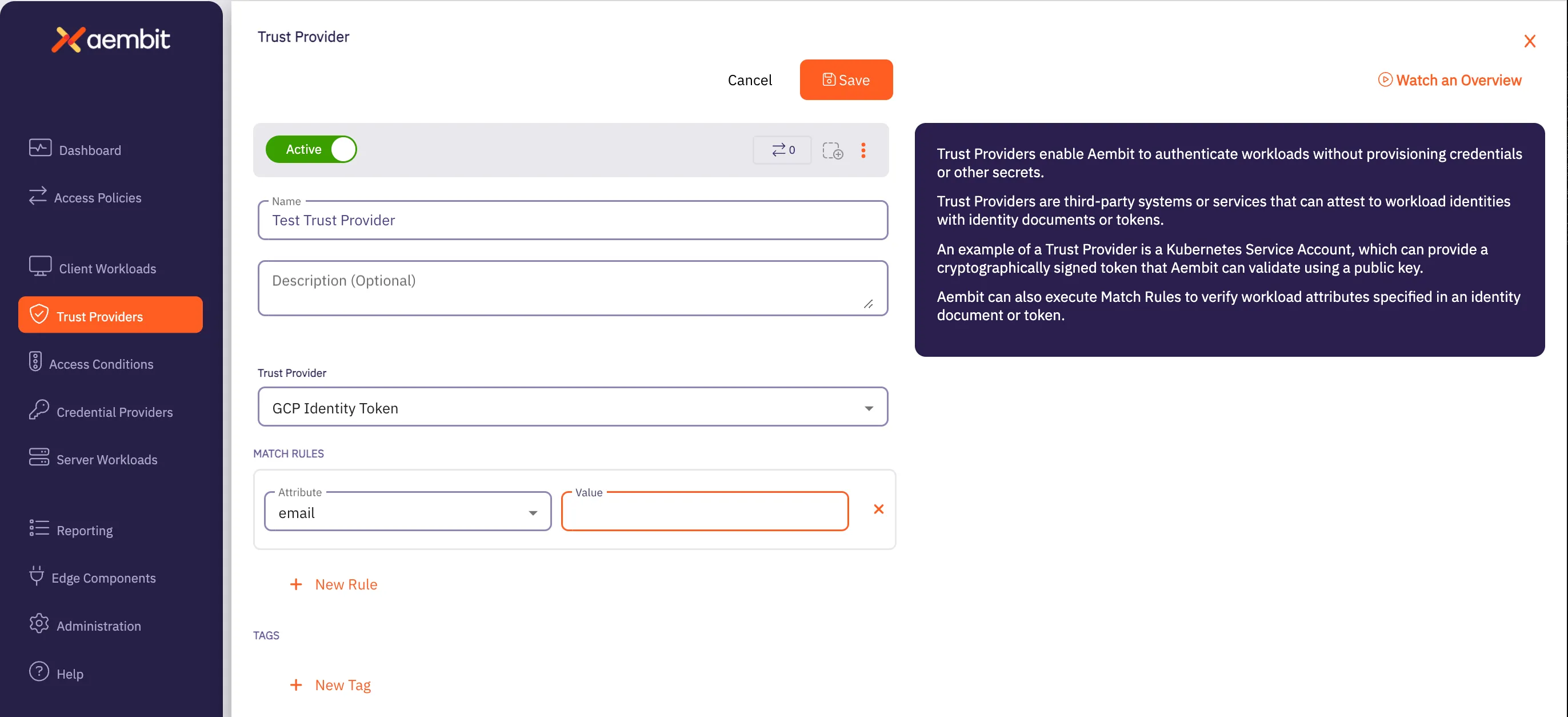
3. Enter information in the following fields:
* **Name** - Name of the Trust Provider.
* **Description** - Optional text description of the Trust Provider.
* **Trust Provider** - Select **GCP Identity Token** from the drop-down menu for this field.
4. In the Match Rules section, click on **New Rule**. Two new fields appear: **Attribute** and **Value**.
* In the **Attribute** dropdown menu, select **email**.
* In the **Value** field, enter the email address of the GCP Cloud Run Job Service Account.
5. Copy the `Client ID`, which is available after you click **Save**. This value needs to be placed into the `{aembit-tp-ClientId}` variable below.
### Create a Client Workload
[Section titled “Create a Client Workload”](#create-a-client-workload)
Once you have created a Trust Provider, you need to now create a Client Workload. Perform the steps listed below.
1. Click on the **Client Workloads** link in the left sidebar.
2. Click on the **New** button to create a new Client Workload. You should see a Client Workload page appear.
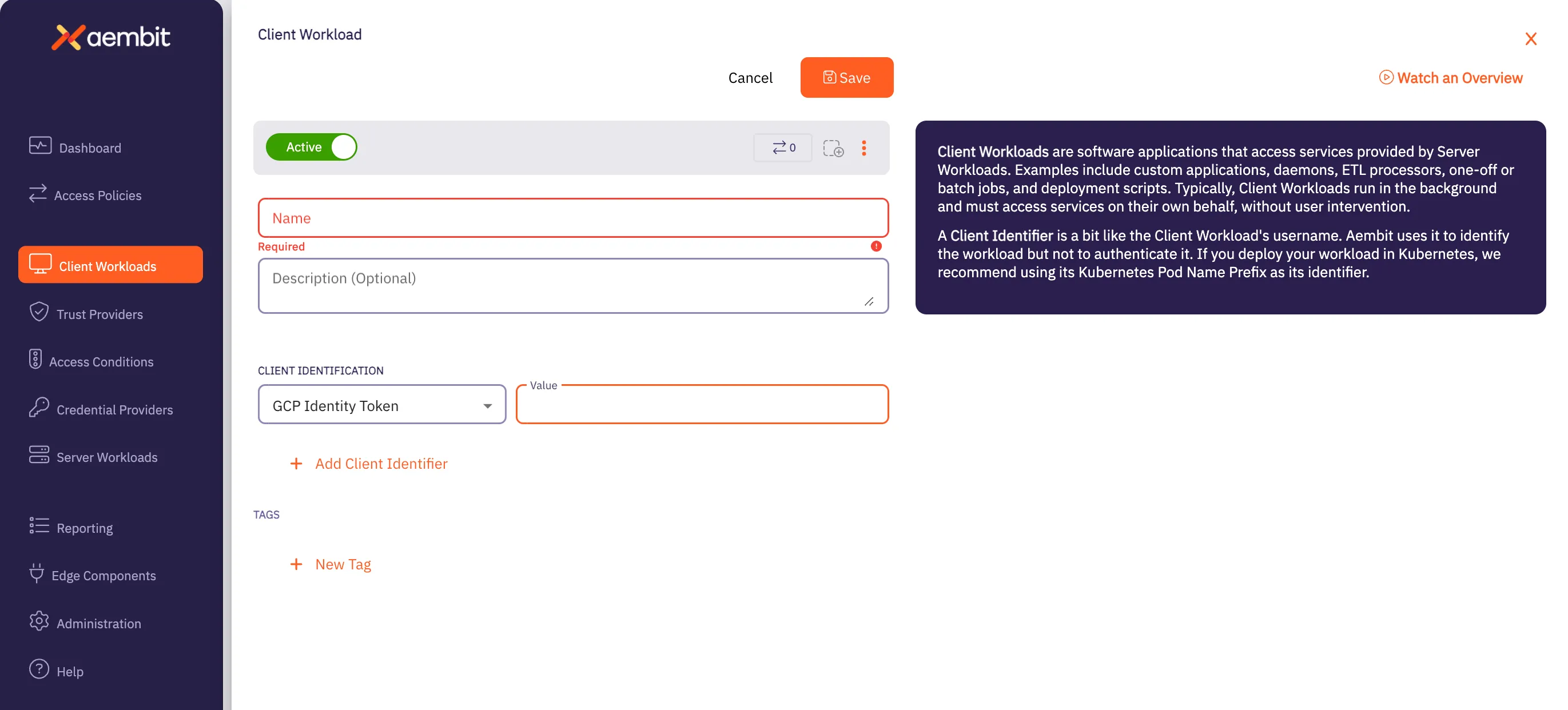
3. Enter information in the following fields:
* **Name** - Name of the Client Workload.
* **Description** - Optional text description of the Client Workload.
* **Client Identification** - Enter the following values:
* In the **Client Identification** drop-down menu, select **GCP Identity Token**.
* In the **Value** fields, enter the email address of the GCP Cloud Run Job Service Account.
### Create a Server Workload
[Section titled “Create a Server Workload”](#create-a-server-workload)
Next, you need to create a Server Workload. Perform the steps listed below.
1. Click on the **Server Workloads** link in the left sidebar.
2. Click on the **New** button to create a new Server Workload. You should see a Server Workload page appear.
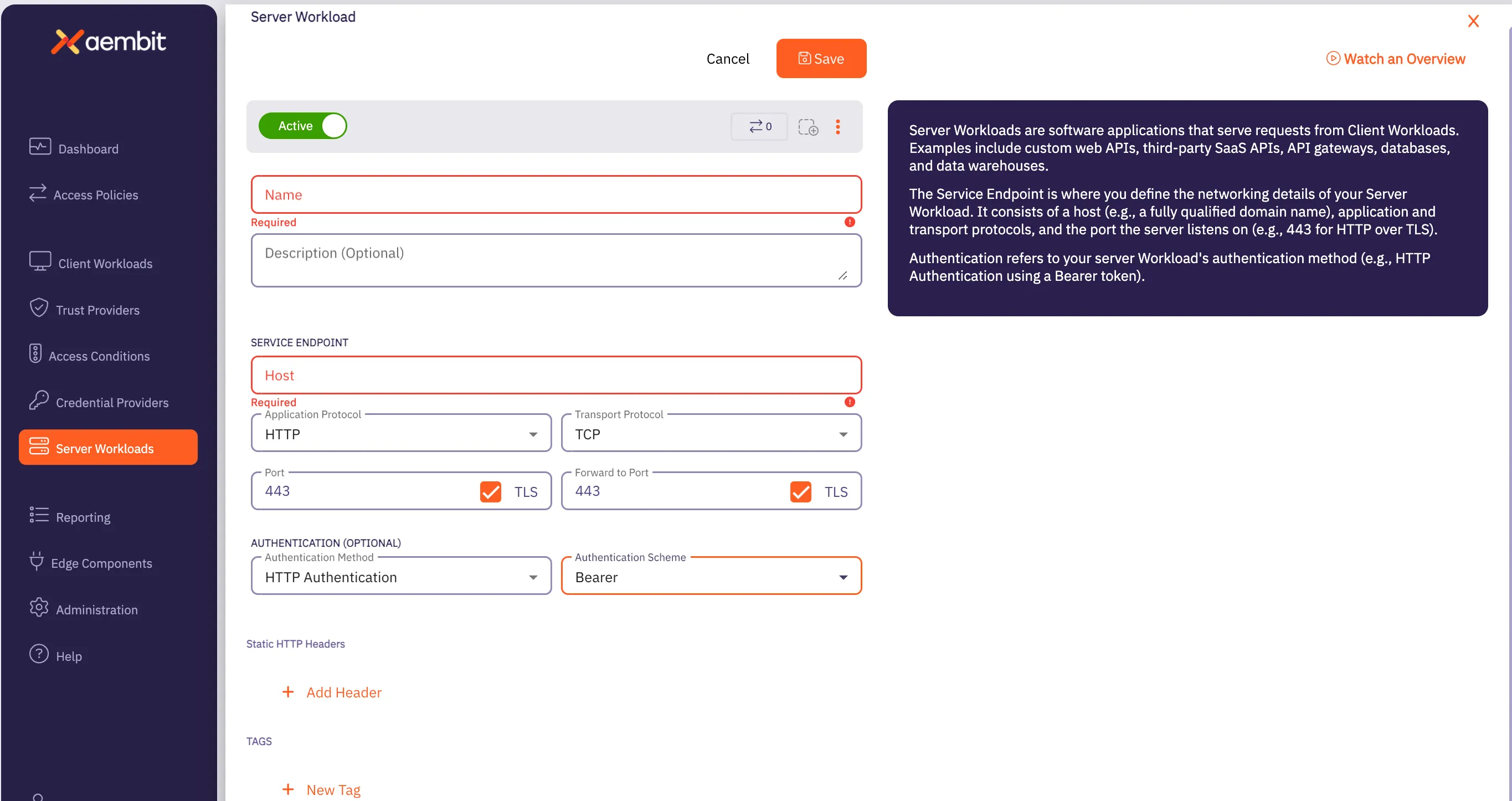
3. Enter information in the following fields:
* **Name** - Name of the Client Workload.
* **Description** - Optional text description of the Client Workload.
* **Service Endpoint Information** - Enter the following values:
* Set the **Host** value to `secretmanager.googleapis.com`.
* Select `HTTP` from the Application Protocol drop-down menu.
* Check the **Port** and **Port Forward** TLS checkboxes. Ensure that both ports are set to `443`.
* For Authentication, select `HTTP Authentication` with the `Bearer` Authentication Scheme
### Create a Credential Provider
[Section titled “Create a Credential Provider”](#create-a-credential-provider)
After creating the Server Workload, you must now create a Credential Provider by performing the steps listed below.
1. Click on the **Credential Providers** link in the left sidebar.
2. Click on the **New** button to create a new Credential Provider. You should see a Credential Provider page appear.
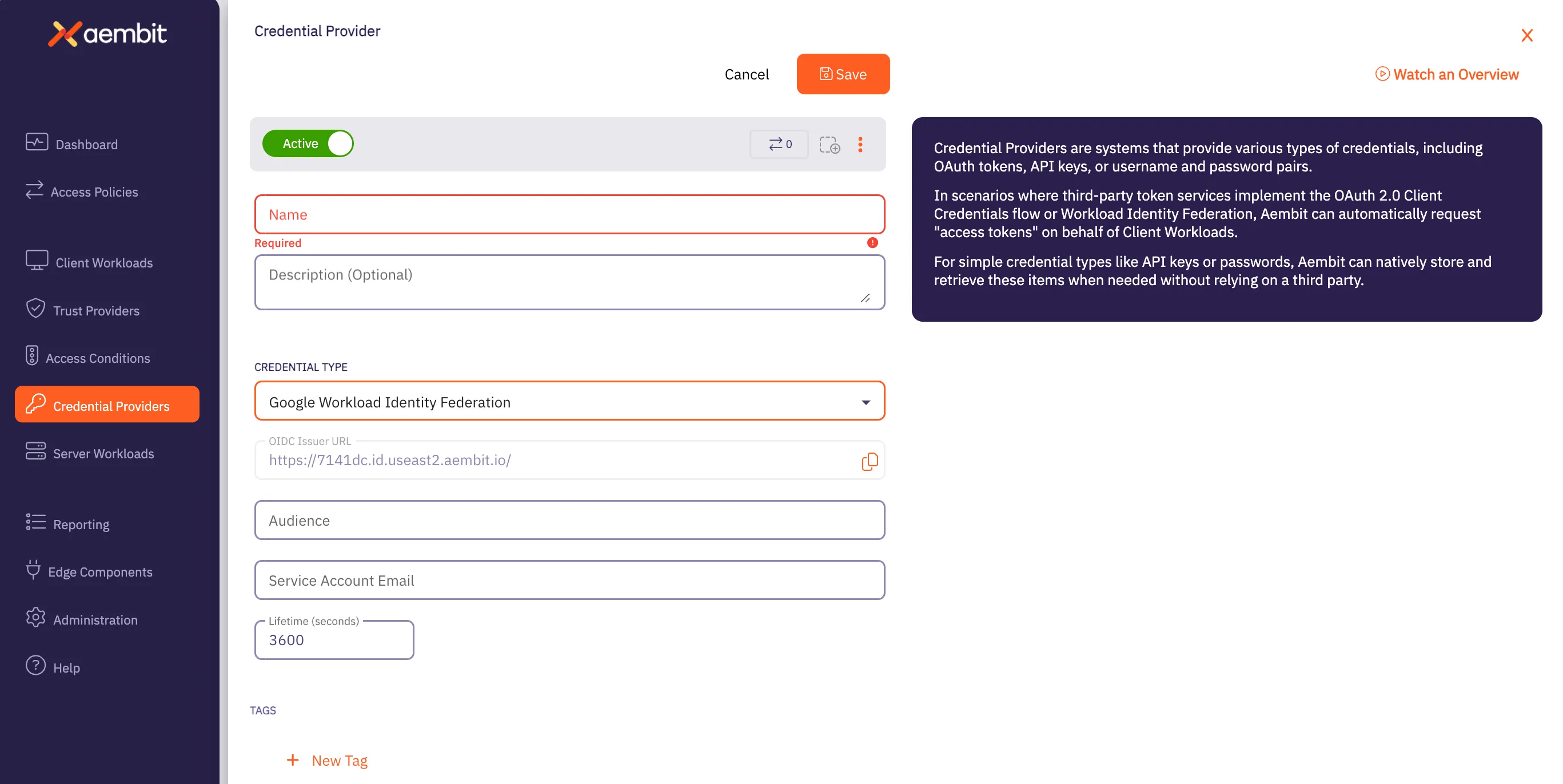
3. Enter information in the following fields:
* **Name** - Name of the Credential Provider.
* **Description** - Optional text description of the Credential Provider.
* **Credential Type** - This needs to be *Google Workload Identity Federation*.
* In the **OIDC Issuer URL** field, copy the OIDC Issuer URL and enter it into a GCP Workload Identity Federation Pool Provider (of type *OpenID Connect (OIDC)*)
* In the **Audience** field, copy the default audience of the GCP Workload Identity Pool Provider into the Aembit Credential Provider **Audience** field (without `https`, so it should start with `//iam.googleapis.com/projects`)
* Within the GCP Workload Identity Pool Provider, set the **Attribute Mapping** ***OIDC 1*** value to `assertion.tenant`
* Configure your GCP Workload Identity Pool with a Connected Service Account and set the Aembit Credential Provider **Service Account Email** to the email address of the Connected Service Account.
**Notes**
* The GCP Cloud Run Job Service Account and Workload Identity Federation Pool Connected Service Account do not need to be the same Service Account.
* Use the **Verify** button to ensure the Credential Provider is working properly before proceeding.
### Create an Access Policy
[Section titled “Create an Access Policy”](#create-an-access-policy)
Next, you need to create an Access Policy. Because you have already created a Trust Provider, Client Workload, Server Workload, and Credential Provider, you simply need to perform the following step:
1. Create an **Access Policy** for all of the above Aembit elements.
* When adding the element of each type, use the **Existing** button and select the previously created element.
* When all elements have been added, click \***Save & Activate** to finalize the Access Policy.
### Create an Access Condition (Optional)
[Section titled “Create an Access Condition (Optional)”](#create-an-access-condition-optional)
The final step you may choose to perform is to create an Access Condition that restricts the time a credential may be retrieved. Perform the steps listed below. If you choose to create an Access Condition, this Access Condition is added to the Access Policy.
1. Click on the **Access Conditions** link in the left sidebar.
2. Click on the **New Access Condition** button to create a new Access Condition. You should see an Access Condition page appear.
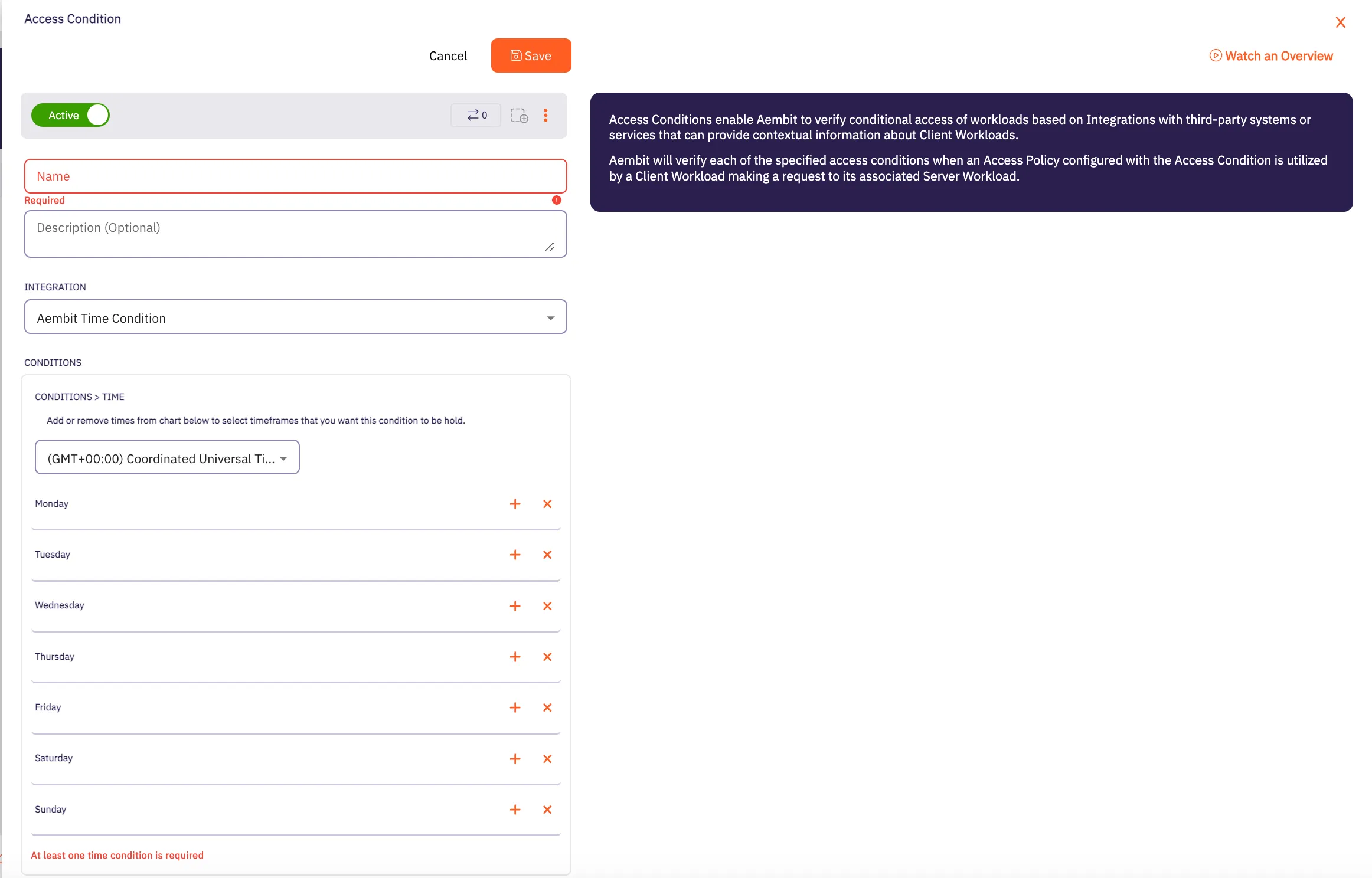
3. Enter information in the following fields:
* **Name** - Name of the Access Condition.
* **Description** - Optional text description of the Access Condition.
* **Integration** - The type of integration for the Access Condition. For now, select *Aembit Time Condition*.
* Select the Time Zone that should be used for the Time Condition (the values and specific days and times for which access will be allowed).
Note
If the credential request occurs outside of these defined periods, the request is rejected as Unauthorized.
## Aembit Edge Configuration and Testing
[Section titled “Aembit Edge Configuration and Testing”](#aembit-edge-configuration-and-testing)
Note
The following steps are based on using GCP Cloud Shell and should be adjusted to your development environment.
1. Go to the folder which has your GCP Cloud Run Job source code.
2. To build and deploy to GCP Cloud Run, execute the following command (adjusting configuration values as needed):
```shell
gcloud run jobs deploy {job-name} \
--source . \
--tasks {tasks} \
--max-retries {retries} \
--region {region} \
--set-env-vars "AEMBIT_CLIENT_ID={aembit-tp-ClientId}"
```
Note
This step relates to the previous step (Step #1).
3. To execute the GCP Cloud Run Job, the following command can be used, or you can go into the GCP Console and click **Execute** within the specific GCP Cloud Run Job.
```shell
gcloud run jobs execute {job-name} --region {region}
```
4. Review Authorization Events
Now that the Cloud Run Job has executed, you can go into your Aembit Tenant and the Reporting section, and select **Access Authorization Events**.
Note
It can take from 1-3 minutes for events to show up in this view.
# How Aembit works
> A simplified description of how Aembit works, including its architecture and components
In modern technical environments, applications, services, scripts, and APIs frequently need to communicate with each other and access shared resources like databases, SaaS platforms, or other internal services. These automated systems operating without direct human interaction are **Non-Human Identities (NHI)** or just **workloads**.
Use the links in each section to dive deeper into specific topics related to how Aembit works or start configuring and using those features.
## The core problem Aembit solves
[Section titled “The core problem Aembit solves”](#the-core-problem-aembit-solves)
Most organizations secure workload access using static, long-lived secrets (API keys, passwords, tokens) that are:
* Difficult to securely distribute and store
* Prone to leakage and theft
* Hard to rotate regularly
* A significant security risk when compromised
## Introducing Workload IAM
[Section titled “Introducing Workload IAM”](#introducing-workload-iam)
Aembit solves these challenges by providing its Workload Identity and Access Management (Workload IAM) platform.
At their core, workload-to-workload interactions involve one workload (Client Workload**Client Workload**: Client Workloads represent software applications, scripts, or automated processes that initiate access requests to Server Workloads, operating autonomously without direct user interaction.[Learn more](/get-started/concepts/client-workloads)) initiating a request to access another workload or service (Server Workload**Server Workload**: Server Workloads represent target services, APIs, databases, or applications that receive and respond to access requests from Client Workloads.[Learn more](/get-started/concepts/server-workloads)). Examples include a microservice calling an API, a script accessing a database, or a CI/CD job deploying to a cloud provider.
Aembit shifts authentication away from what a workload knows (static secrets) to who a workload verifiably is based on its environment and context. Instead of using a traditional password or API key, Aembit verifies a workload’s identity cryptographically using evidence from its runtime environment, such as:
* Where the workload running
* What platform issued the workload’s identity
* Cloud instance metadata
* Kubernetes service account tokens
* SPIFFE Verifiable Identity Documents (SVID)

### Client Workloads
[Section titled “Client Workloads”](#client-workloads)
Client Workloads are the initiators of requests to access Server Workloads. Client Workloads can be any service, API, or resource that needs to access another service, API, or resource.

[More on Client Workloads ](/get-started/concepts/client-workloads)See Core Concepts
→

[Configure Client Workloads ](/user-guide/access-policies/client-workloads/)See the Aembit User Guide
→
### Server Workloads
[Section titled “Server Workloads”](#server-workloads)
Server Workloads are the target of Client Workload requests. Server Workloads can be any service, API, or resource that a Client Workload needs to access.

[More on Server Workloads ](/get-started/concepts/server-workloads)See Core Concepts
→

[Configure Server Workloads ](/user-guide/access-policies/server-workloads/)See the Aembit User Guide
→
## Secure workloads with Access Policies
[Section titled “Secure workloads with Access Policies”](#secure-workloads-with-access-policies)
Aembit manages workload-to-workload access through Access Policies**Access Policy**: Access Policies define, enforce, and audit access between Client and Server Workloads by cryptographically verifying workload identity and contextual factors rather than relying on static secrets.[Learn more](/get-started/concepts/access-policies). Access Policies serve as the central control mechanism to define **who** (which Client Workload) **can access what** (which Server Workload) **under what conditions**. This policy-driven approach replaces the need for Client Workloads to possess static secrets for every service they need to access.
Instead of relying on secrets embedded in the client, Access Policies work by leveraging the inherent identity of the workload. Aembit verifies a Client Workload’s identity from its runtime environment and orchestrates the secure provisioning of necessary credentials Just-In-Time (JIT) to the Server Workload its trying to access.

Access Policies link a specific Client Workload to a specific Server Workload and define the security checks required for access.

[More on Access Policies ](/get-started/concepts/access-policies)See Core Concepts
→

[Configure Access Policies ](/user-guide/access-policies/)See the Aembit User Guide
→
The components of an Access Policy include:
* A Client Workload (who wants access)
* A Server Workload (what they want to access)
* A Trust Provider**Trust Provider**: Trust Providers validate Client Workload identities through workload attestation, verifying identity claims from the workload's runtime environment rather than relying on pre-shared secrets.[Learn more](/get-started/concepts/trust-providers) (how to verify the client’s identity)
* Access Conditions**Access Condition**: Access Conditions add dynamic, context-aware constraints to authorization by evaluating circumstances like time, location, or security posture to determine whether to grant access.[Learn more](/get-started/concepts/access-conditions) (when/where/under what circumstances to allow access)
* A Credential Provider**Credential Provider**: Credential Providers obtain the specific access credentials—such as API keys, OAuth tokens, or temporary cloud credentials—that Client Workloads need to authenticate to Server Workloads.[Learn more](/get-started/concepts/credential-providers) (what credentials to issue)
The following sections describe these key components of an Access Policy:
### Trust Providers
[Section titled “Trust Providers”](#trust-providers)
Trust Providers are fundamental to Aembit’s “secretless” approach. Trust Providers **cryptographically verify the identity** of Client Workloads *without* clients needing a pre-shared secret to authenticate itself to Aembit.
Trust Providers authenticate the workload’s identity by examining verifiable evidence from its environment, such as cloud instance metadata, Kubernetes service account tokens, or OIDC tokens from CI/CD platforms.

Aembit calls this Workload Attestation**Workload Attestation**: Workload attestation cryptographically verifies a workload's identity using evidence from its runtime environment, such as platform identity documents or tokens, rather than using static credentials.[Learn more](/get-started/concepts/trust-providers). If the Trust Provider can’t verify the workload’s identity, Aembit denies access to the Server Workload.

[More on Trust Providers ](/get-started/concepts/trust-providers)See Core Concepts
→

[Set up Trust Providers ](/user-guide/access-policies/trust-providers/)See the Aembit User Guide
→
Once Aembit successfully verifies the identity of a Client Workload through a Trust Provider it goes to the next step in the Access Policy Evaluation flow: Access Conditions.
### Access Conditions
[Section titled “Access Conditions”](#access-conditions)
Once a Client Workload’s identity is successfully verified by a Trust Provider, Aembit evaluates any Access Conditions you may have defined in the Access Policy. Access Conditions add **contextual checks** to the access decision. You can enforce rules based on factors like the time of day, geographic location (GeoIP), or even the security posture of the workload’s host derived from integrations with tools like Wiz or CrowdStrike.

All Access Conditions you configure must evaluate successfully for authorization to proceed. This provides a level of dynamic, risk-adaptive security, providing a Multi-Factor Authentication (MFA)-like strength for non-human access.

[More on Access Conditions ](/get-started/concepts/access-conditions)See Core Concepts
→

[Set up Access Conditions ](/user-guide/access-policies/access-conditions/)See the Aembit User Guide
→
Once Aembit successfully verifies the context of a Client Workload through Access Conditions it goes to the next step in the Access Policy Evaluation flow: Credential Provider.
### Credential Providers
[Section titled “Credential Providers”](#credential-providers)
If Aembit verifies a Client Workload’s identity by using a Trust Provider and the Client Workload meets all Access Conditions, Aembit then invokes the necessary **Credential Provider**. The role of the Credential Provider is to **obtain the specific access credential** required by the target Server Workload.
This could involve interacting with systems like cloud Security Token Services (like AWS STS, Azure WIF, Google WIF), OAuth servers, or internal credential stores to get a short-lived token, API key, or other required secret.

Credential Providers abstract away the complexity of how the target Server Workload expects to authenticate Client Workloads.

[More on Credential Providers ](/get-started/concepts/credential-providers)See Core Concepts
→

[Set up Credential Providers ](/user-guide/access-policies/credential-providers/)See the Aembit User Guide
→
## Aembit’s architecture
[Section titled “Aembit’s architecture”](#aembits-architecture)
Aembit’s ability to execute its identity-first, policy-driven access flow is enabled by its two main architectural components working together: Aembit Cloud and Aembit Edge.
### Aembit Cloud
[Section titled “Aembit Cloud”](#aembit-cloud)
Aembit Cloud**Aembit Cloud**: Aembit Cloud serves as both the central control plane and management plane, making authorization decisions, evaluating policies, coordinating credential issuance, and providing administrative interfaces for configuration.[Learn more](/get-started/concepts/aembit-cloud) is Aembit’s **centralized control plane**, where all the configuration and policy management occurs. Aembit Cloud is where you define and manage your Client Workloads, Server Workloads, Access Policies, Trust Providers, Access Conditions, and Credential Providers.
Aembit Cloud receives requests from Aembit Edge (more on that in the next section), and performs Access Policy decision-making logic and administrative tasks such as:
* authenticating Client Workloads using Trust Providers
* evaluating Access Conditions
* interacting with Credential Providers to obtain necessary credentials
* centralizes all access event logs for auditing and visibility
It then sends the authorization decision and any credentials back to Aembit Edge.

Aembit Cloud is explicitly designed *not* to process or log the actual application data exchanged between workloads; it only handles metadata related to the access control decision.

[More on Aembit Cloud ](/get-started/concepts/aembit-cloud)See Core Concepts
→

[Configure Aembit Cloud ](/user-guide/access-policies/)See the Aembit User Guide
→
### Aembit Edge
[Section titled “Aembit Edge”](#aembit-edge)
Aembit Edge**Aembit Edge**: Aembit Edge represents components deployed within your operational environments that enforce Access Policies by intercepting traffic, verifying identities, and injecting credentials just-in-time.[Learn more](/get-started/concepts/aembit-edge) is Aembit’s **distributed data plane** and **enforcement point**, deployed directly within your environments, close to your workloads. Aembit Edge’s primary job is to transparently intercept outbound network requests from Client Workloads destined for Server Workloads.
Upon interception, Aembit Edge gathers identity evidence from its local runtime environment, communicates with Aembit Cloud for authentication, policy evaluation, and credential retrieval. Once Aembit authenticates a Client Workload’s identity, Aembit Edge **injects the credential just-in-time (JIT)** into Client Workload’s original request before forwarding it to the target Server Workload.

If Aembit Cloud denies a request, Aembit Edge blocks it. This interception and injection capability allows Aembit to secure access for many existing applications without requiring code changes (“no-code auth”). Aembit Edge also sends detailed access event logs back to the Cloud.

[More on Aembit Edge ](/get-started/concepts/aembit-edge)See Core Concepts
→

[Deploy Aembit Edge ](/user-guide/deploy-install/)See the Aembit User Guide
→
## Logging and auditing
[Section titled “Logging and auditing”](#logging-and-auditing)
Aembit provides **comprehensive, centralized logging and auditing** critical for security and visibility. Its logging is identity-centric, linking events to verified workload or administrator identities. Aembit’s logging capabilities include recording workload access attempts or Access Authorization Events and administrative actions.
You can export logs using **Log Streams** to external destinations like **AWS S3** and **Google Cloud Storage** for retention and integration with SIEM platforms.

Aembit’s logging directly supports **compliance requirements**, by generating detailed, identity-based audit records. It also aids **security incident response and forensic analysis** by providing clear context and attribution for workload activities.

[More on Auditing ](/get-started/concepts/audit-report)See Core Concepts
→

[Audit Aembit logs ](/user-guide/audit-report/)See the Aembit User Guide
→
## Access Policy flow: Putting it all together
[Section titled “Access Policy flow: Putting it all together”](#access-policy-flow-putting-it-all-together)
Putting all these components together, Aembit provides a powerful and flexible solution for managing workload access without the need for static secrets.
The following simplified Access Policy evaluation flow illustrates how all Aembit’s components work together to provide secure workload access:
1. **Request Initiation and Interception** - A Client Workload attempts to connect to a Server Workload.
2. **Identify the Workloads** - Aembit Edge observes the Client Workload’s identity using metadata from your environment—such as Kubernetes service account names, VM identity tokens, or cloud-specific signals.
3. **Match request to an Access Policy** - Aembit Cloud compares the request to existing Access Policies. If no policy matches both workloads, Aembit denies the request.
4. **Verify Identity with Trust Providers** (optional) - Aembit checks with a Trust Provider (like AWS, Azure, or Kubernetes) to verify the Client Workload’s identity. This process removes the need for long-lived secrets by leveraging native cloud or orchestration signals.
5. **Evaluate Access Conditions** (optional) - If the request matches a policy, Aembit checks whether it satisfies any extra conditions. For example, it might require the workload to run in a specific region or during certain hours.
6. **Retrieve Credentials from a Credential Provider** - When the request passes all checks, Aembit contacts the Credential Provider to retrieve the appropriate credential—such as an API key or OAuth token.
7. **Inject the Credential** - Aembit Edge injects the credential directly into the request, typically using an HTTP header. The Client Workload never sees or stores the credential.
The following diagram is a simplified illustration of the Access Policy evaluation flow:

## Additional resources
[Section titled “Additional resources”](#additional-resources)
* [Conceptual overview](/get-started/concepts/)
* [Access Policies](/get-started/concepts/access-policies)
* [Audit and report](/get-started/concepts/audit-report)
* [Administering Aembit](/get-started/concepts/administration)
* [Scaling with Terraform](/get-started/concepts/scaling-terraform)
# Aembit quickstart overview
> Get direct experience with Aembit by following linear quickstart guides.
This section provides Aembit’s quickstart guides of how to quickly set up Aembit. These quickstart guides help you get started quickly, so you can get direct experience with and start using Aembit in your projects.
## How to use Aembit’s quickstart guides
[Section titled “How to use Aembit’s quickstart guides”](#how-to-use-aembits-quickstart-guides)
The quickstart guides are linear, meaning you should follow them in the order. Each guide builds on the previous one, so it’s important to follow them to get the most out of Aembit.
You can find the quickstart guides in the sidebar on the left, or you can use the following links to get started:
1. [Quickstart: Core setup](/get-started/quickstart/quickstart-core) - Get the core Aembit setup running.
2. [Quickstart: Add Access Policy](/get-started/quickstart/quickstart-access-policy) - Add access policy to your core Aembit setup.
# Quickstart: Add an Access Policy to the core setup
> Enhancing the Aembit quickstart guide to set up a Trust Provider, Access Conditions, and reporting
After completing the [Quickstart guide](/get-started/quickstart/quickstart-core) and setting up your sandbox environment, it’s time to enhance your Access Policies**Access Policy**: Access Policies define, enforce, and audit access between Client and Server Workloads by cryptographically verifying workload identity and contextual factors rather than relying on static secrets.[Learn more](/get-started/concepts/access-policies) by integrating Trust Providers, Access Conditions, and reporting. These features enhance your workload security giving you finer control over how you grant access within your sandbox environment and provide you with insights about those interactions.
To build upon your quickstart foundation, you’ll complete practical steps to implement the following features:
* Trust Provider**Trust Provider**: Trust Providers validate Client Workload identities through workload attestation, verifying identity claims from the workload's runtime environment rather than relying on pre-shared secrets.[Learn more](/get-started/concepts/trust-providers) - This verifies workload identities, making sure only authenticated workloads can securely interact with your resources.
* Access Conditions**Access Condition**: Access Conditions add dynamic, context-aware constraints to authorization by evaluating circumstances like time, location, or security posture to determine whether to grant access.[Learn more](/get-started/concepts/access-conditions) - Enforce detailed rules such as time-based or geo-based restrictions, to tailor access policies to your needs.
* [Reporting](#reporting) - Tools to help you monitor and analyze workload interactions in your sandbox environment, providing insights into policy effectiveness and system health.
With these enhancements, Aembit empowers you to make the most of your sandbox setup and prepare for more advanced scenarios.
## Before you begin
[Section titled “Before you begin”](#before-you-begin)
You must have completed the following *before* starting this guide:
* [Aembit quickstart guide](/get-started/quickstart/quickstart-core) and it’s prerequisites.
## Configure a Trust Provider
[Section titled “Configure a Trust Provider”](#configure-a-trust-provider)
Trust Providers allow Aembit to verify workload identities without relying on traditional credentials or secrets. By using third-party systems for authentication, Trust Providers make sure that only verified workloads can securely interact with your resources. These steps use Docker Desktop Kubernetes deployments.
Returning to the Access Policy Builder
If you’re continuing directly from the core quickstart, your Access Policy should still be open in the builder.
If you’re returning later, navigate to **Access Policies** and select the policy you created.
1. From your Aembit Tenant, go to **Access Policies** and select the Access Policy you created in the quickstart guide.
2. Click the **Trust Providers** card in the left panel.
3. Configure the Trust Provider:
* **Name** - `QuickStart Kubernetes Trust Provider` (or another user-friendly name)
* **Trust Provider** - `Kubernetes Service Account`
4. In the **Match Rules** section, click **+ New Rule**, then enter the following values:
* **Attribute** - `kubernetes.io { namespace }`.
* **Value** - `aembit-quickstart`.
5. Select **Upload Public Key**.
6. Browse for the `.pub` file or copy its contents and paste them into the **Public Key** field:
Obtain the public key specific to your environment.
Use the following locations for your operating system:
* **Windows** - `%USERPROFILE%\AppData\Local\Docker\pki\sa.pub`
* **macOS** - `~/Library/Containers/com.docker.docker/pki/sa.pub`
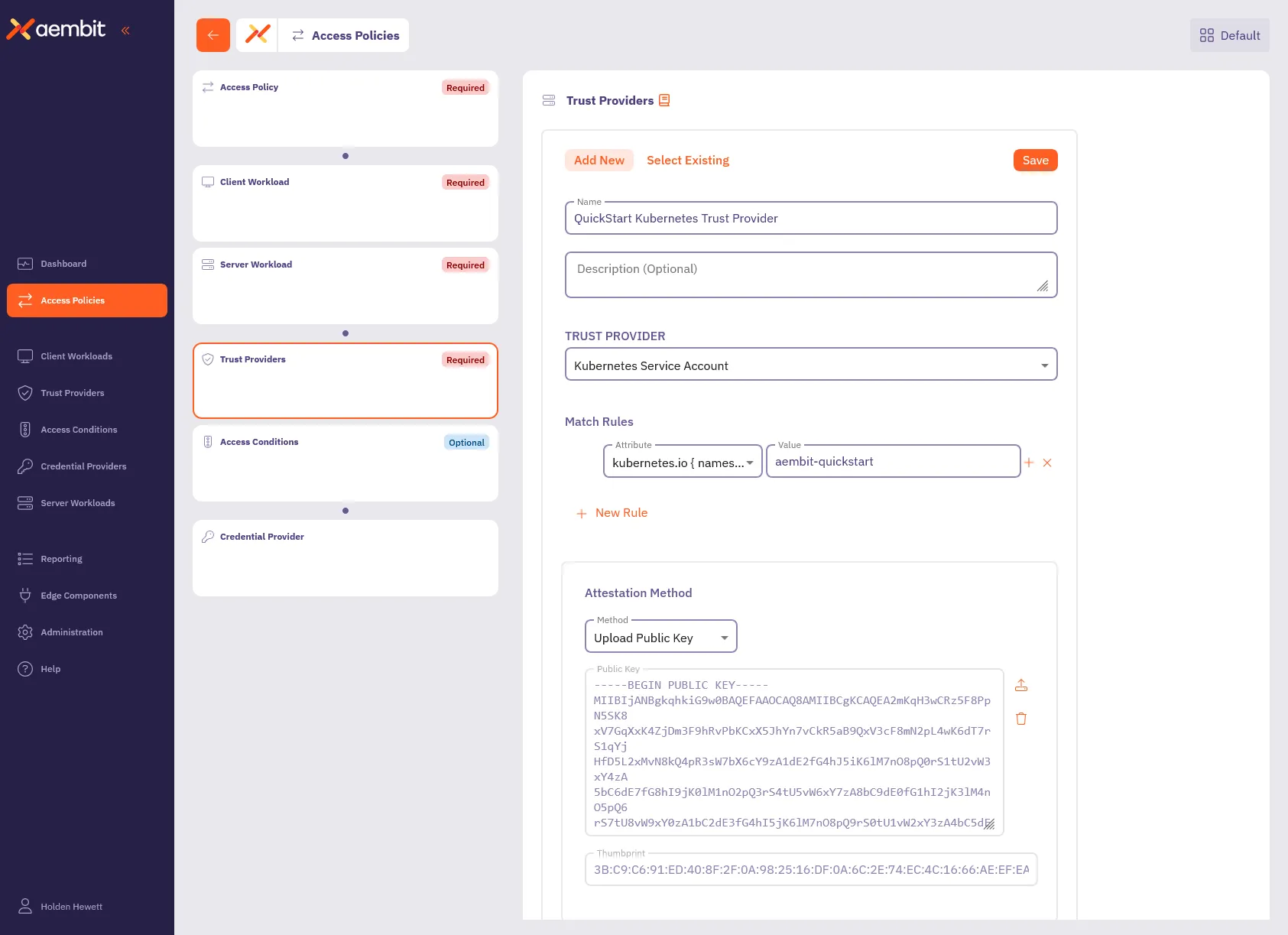
7. Click **Save** to add the Trust Provider to the policy.
By associating this Trust Provider with an Access Policy, Aembit validates workload identities based on the rules you defined.
For example, Aembit automatically authenticates Kubernetes service accounts running in the `aembit-quickstart` namespace and denies accounts from all other namespaces. This makes sure that only workloads within that namespace can access your sensitive resources.
Aembit supports a wide variety of Trust Providers tailored for different environments:
* [Kubernetes Service Account](/user-guide/access-policies/trust-providers/kubernetes-service-account-trust-provider)
* [AWS roles](/user-guide/access-policies/trust-providers/aws-role-trust-provider)
* [Azure Metadata Service](/user-guide/access-policies/trust-providers/azure-metadata-service-trust-provider)
This flexibility allows you to seamlessly integrate Trust Providers that align with your existing infrastructure. For more details on Trust Providers, including advanced configurations and other types, see [Trust Provider Overview](/user-guide/access-policies/trust-providers/add-trust-provider) and related sub-pages.
## Configure Access Conditions
[Section titled “Configure Access Conditions”](#configure-access-conditions)
Access Conditions allow you to define specific rules to control when and how Aembit issues credentials to Server Workloads. Access Conditions strengthen security by making sure Aembit grants access only when the Access Conditions aligns with your organization’s policies.
Paid feature
Access Conditions are a paid feature. To enable this feature, contact [Aembit Support](https://aembit.io/support/).
1. Click the **Access Conditions** card in the left panel.
2. Configure the Access Condition:
* **Display Name** - `QuickStart Time Condition` (or another user-friendly name)
* **Integration** - `Aembit Time Condition`
3. In the **Conditions** section, select the appropriate timezone for your condition.
4. Click the **+** icon next to each day you want to include in your Time Condition configuration, such as Monday from 8 AM to 5 PM.
Include your current time
Make sure your current time falls within the period you set so the condition remains in effect while following this guide.
5. Click **Save** to add the Access Condition to the policy.
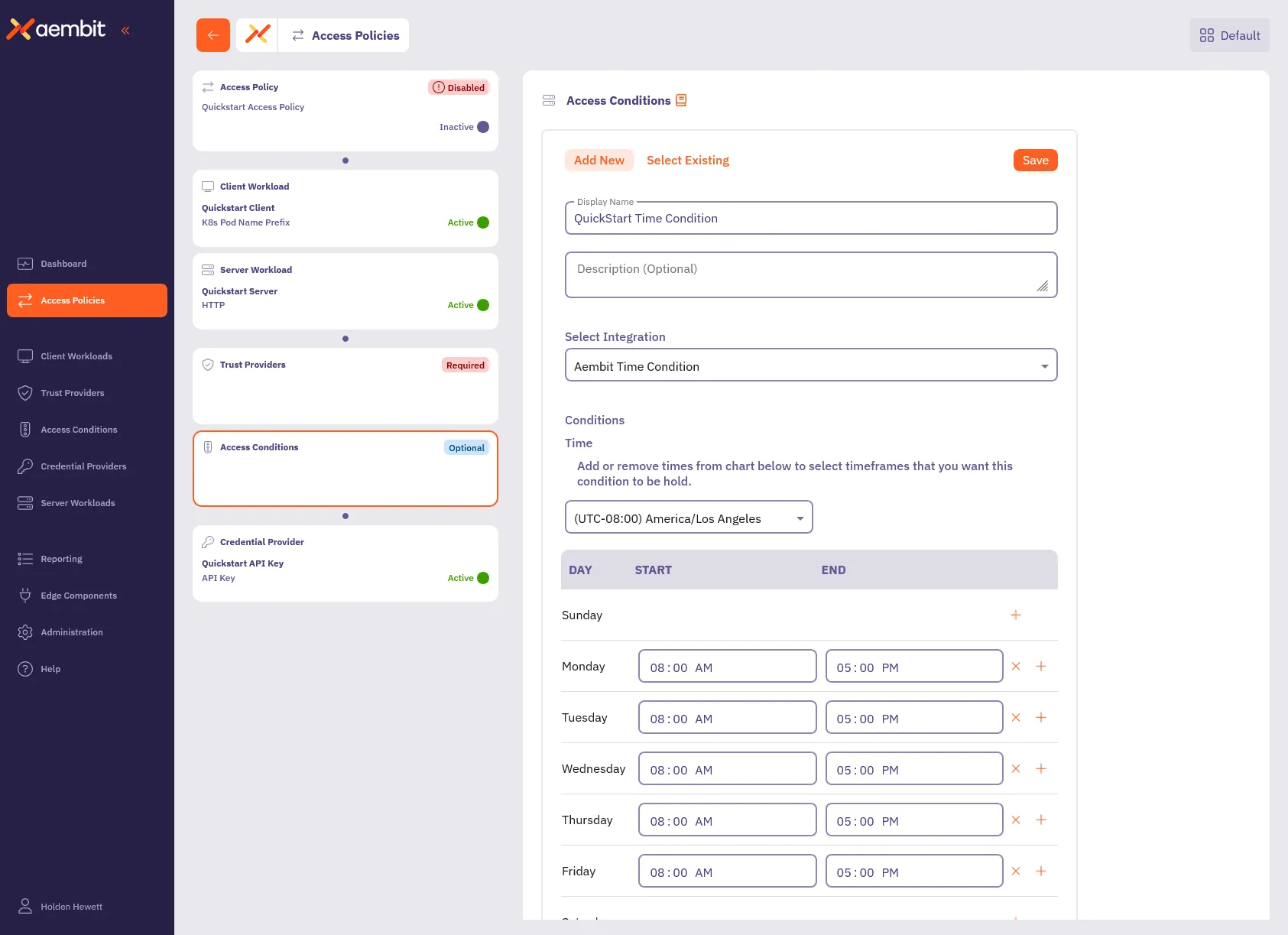
6. Click **Save Policy** in the header bar to save all changes.
With this configuration, Aembit grants access to the workloads you specified only during the days and timeframes you defined. If the conditional access check fails, Aembit denies access, and an displays an error message on the client workload. Aembit logs this action and detailed information about the failure, including the `accessConditions` field with an `Unauthorized` result, which you can find in the associated logs.
In the next section, [Reporting](#reporting), you’ll see how to review these logs.
Aembit also supports other types of Conditional Access configurations, such as [GeoIP restrictions](/user-guide/access-policies/access-conditions/aembit-geoip) and integrations with third-party vendors such as [CrowdStrike](/user-guide/access-policies/access-conditions/crowdstrike). These options allow you to build comprehensive and flexible access policies suited to your organization’s needs. For more details on Access Conditions, see [Access Conditions Overview](/user-guide/access-policies/access-conditions/) and explore related sub-pages to configure additional types.
## Reporting
[Section titled “Reporting”](#reporting)
Reporting is crucial for maintaining security and operational efficiency. It provides a clear view of access attempts, policy evaluations, and credential usage, enabling you to identify potential issues and maintain compliance.
To access the Reporting Dashboard, in your Aembit Tenant, select **Reporting** from the left sidebar menu. By default, you’ll see the **Access Authorization Events** page, where you can review event details related to workload access attempts.
In the top ribbon menu, there are three key reporting categories:
* **Access Authorization Events** - View event logs for all access attempts. Each event details its evaluation stages, showing which Access Policies Aembit applied, whether they succeeded, and the reason for any failures.
* **Audit Logs** - Track system changes, such as user actions, configuration updates, or policy changes.
* **Workload Events** - Monitor events generated from the traffic between Client Workloads and Server Workloads. These events provide detailed information about all requests and responses, helping you analyze workload interactions comprehensively.
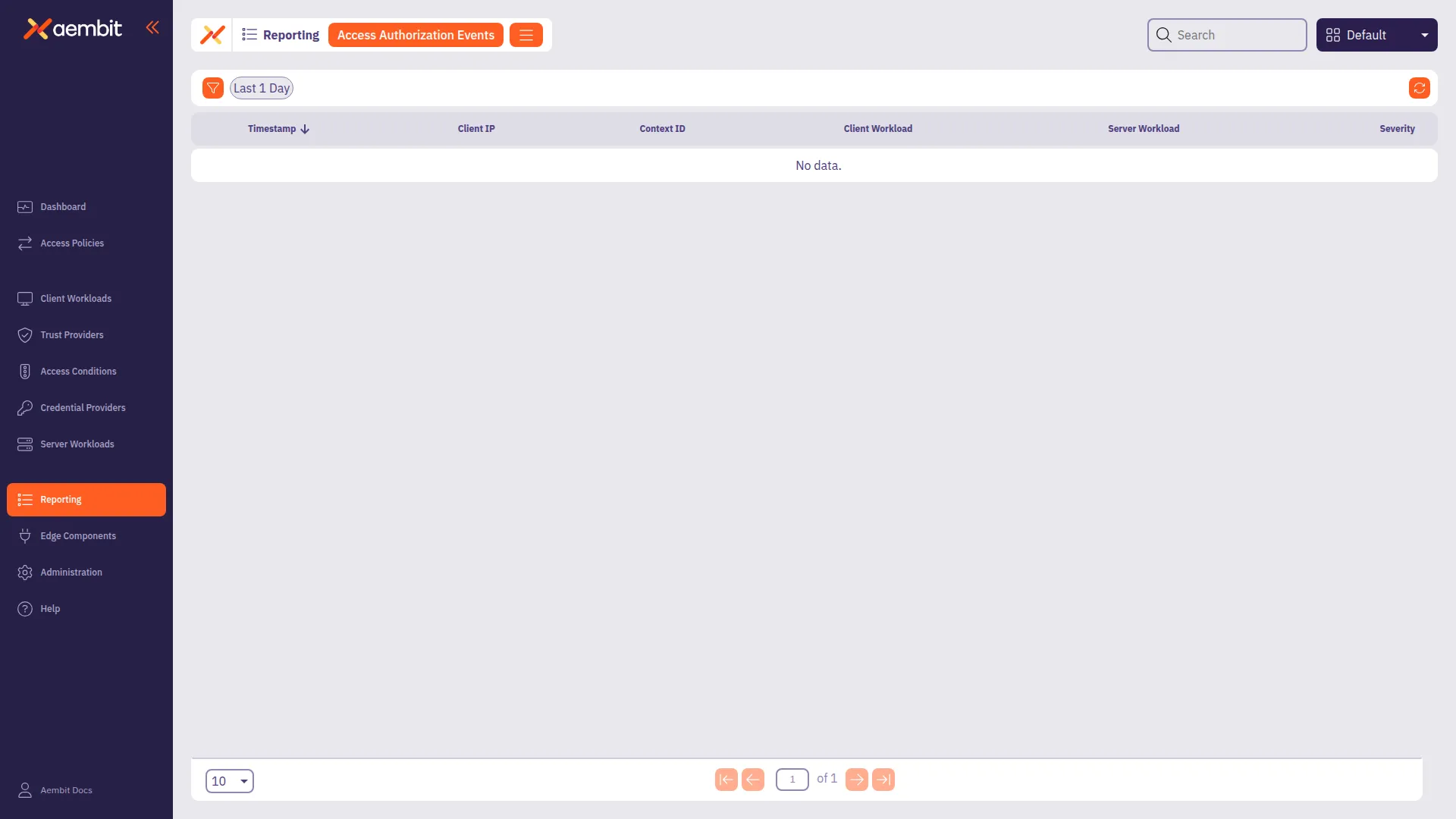
You also have filters available to you to narrow down your view by **Timespan**, **Severity**, and **Event Type**. These filters help you analyze events more efficiently, focusing on specific time periods or issues that require your attention.
For now, you’ll look at **Access Authorization Events**. As they provide essential insight into how Aembit evaluates access requests.
### Access Authorization Events
[Section titled “Access Authorization Events”](#access-authorization-events)
Whenever a Client Workload**Client Workload**: Client Workloads represent software applications, scripts, or automated processes that initiate access requests to Server Workloads, operating autonomously without direct user interaction.[Learn more](/get-started/concepts/client-workloads) attempts to access a Server Workload**Server Workload**: Server Workloads represent target services, APIs, databases, or applications that receive and respond to access requests from Client Workloads.[Learn more](/get-started/concepts/server-workloads), Aembit generates Access Authorization Events. These events capture access attempts, log how Aembit evaluated access, and display the outcome (granted or denied). The process has three stages:
* **Access Request** - Captures initial request details, including source, target, and transport protocol.
* **Access Authorization** - Evaluates the request against Access Policies, detailing results from Trust Providers, Access Conditions, and Credential Providers**Credential Provider**: Credential Providers obtain the specific access credentials—such as API keys, OAuth tokens, or temporary cloud credentials—that Client Workloads need to authenticate to Server Workloads.[Learn more](/get-started/concepts/credential-providers).
* **Access Credential** - Shows how Aembit retrieved and injected credentials, or explains any failure reasons.
To review these stages, follow these steps:
1. **Filter by Request** - In the filtering options, locate the **Event Type** and select **Request**. Then, click an event in the list to inspect it.
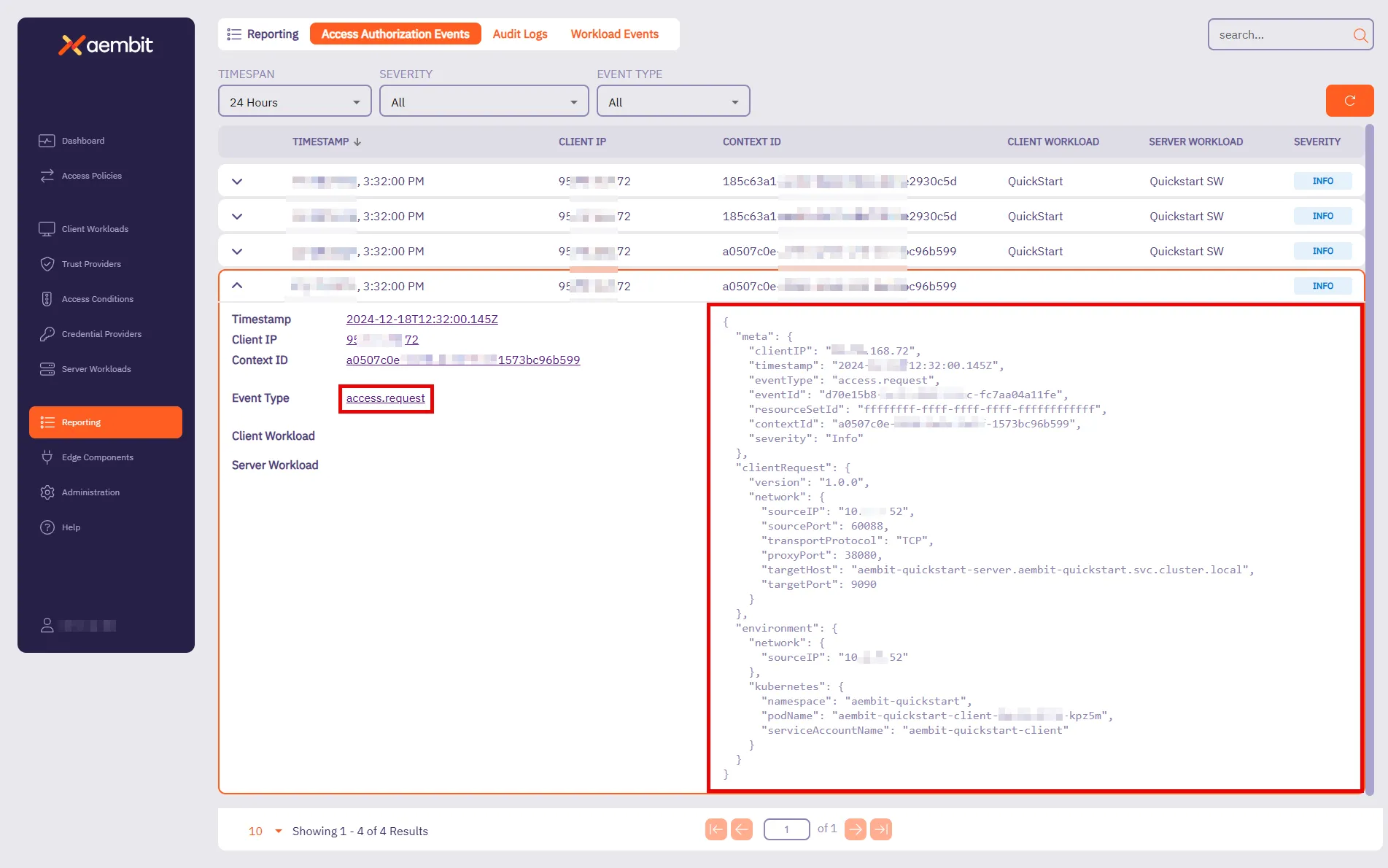
This event provides key details about the connection attempt. It shows when the request happened, where it’s coming from, and which workload made the request. For the quickstart, you should see:
* **Target Host** - `aembit-quickstart-server.aembit-quickstart.svc.cluster.local`
* **Service Account** - `aembit-quickstart-client`
Both should match what you configured in the Access Policy.
2. Filter by **Authorization** - Change the **Event Type** filter to **Authorization** and select an event from the list.
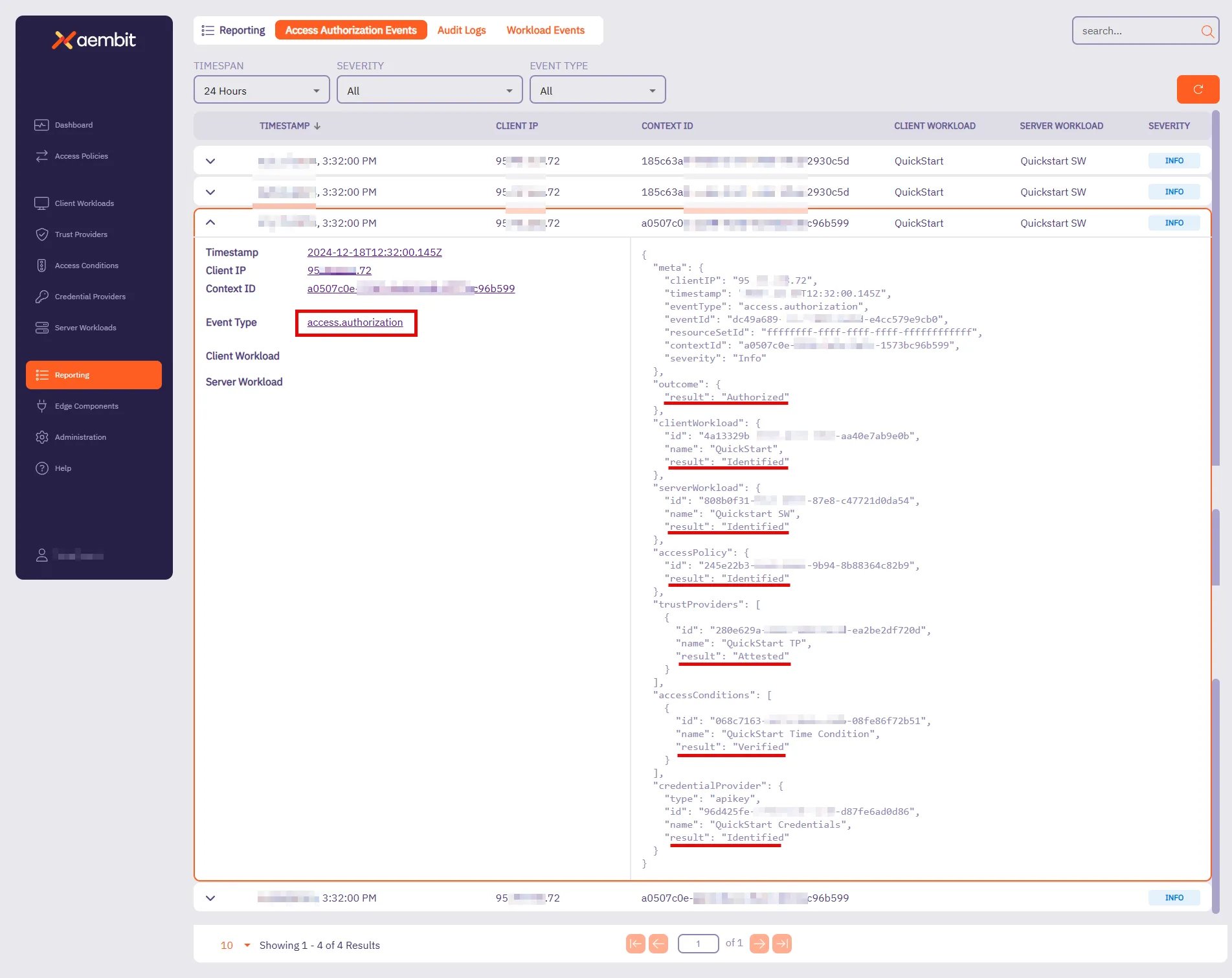
This event shows how Aembit evaluated access against the Access Policy. It displays the result (**Authorized** or **Unauthorized**) and highlights key components that Aembit checked. For the quickstart sandbox environment, you’ll see that Aembit successfully:
* Identified the Client Workload, Server Workload, and Access Policy.
* Attested the Trust Provider.
* Verified the Access Condition.
* Identified the Credential Provider.
When Aembit successfully identifies and verifies these components, Aembit grants access to that Client Workload.
3. **Filter by Credential** - Change the **Event Type** filter to **Credential** and select an event from the list.
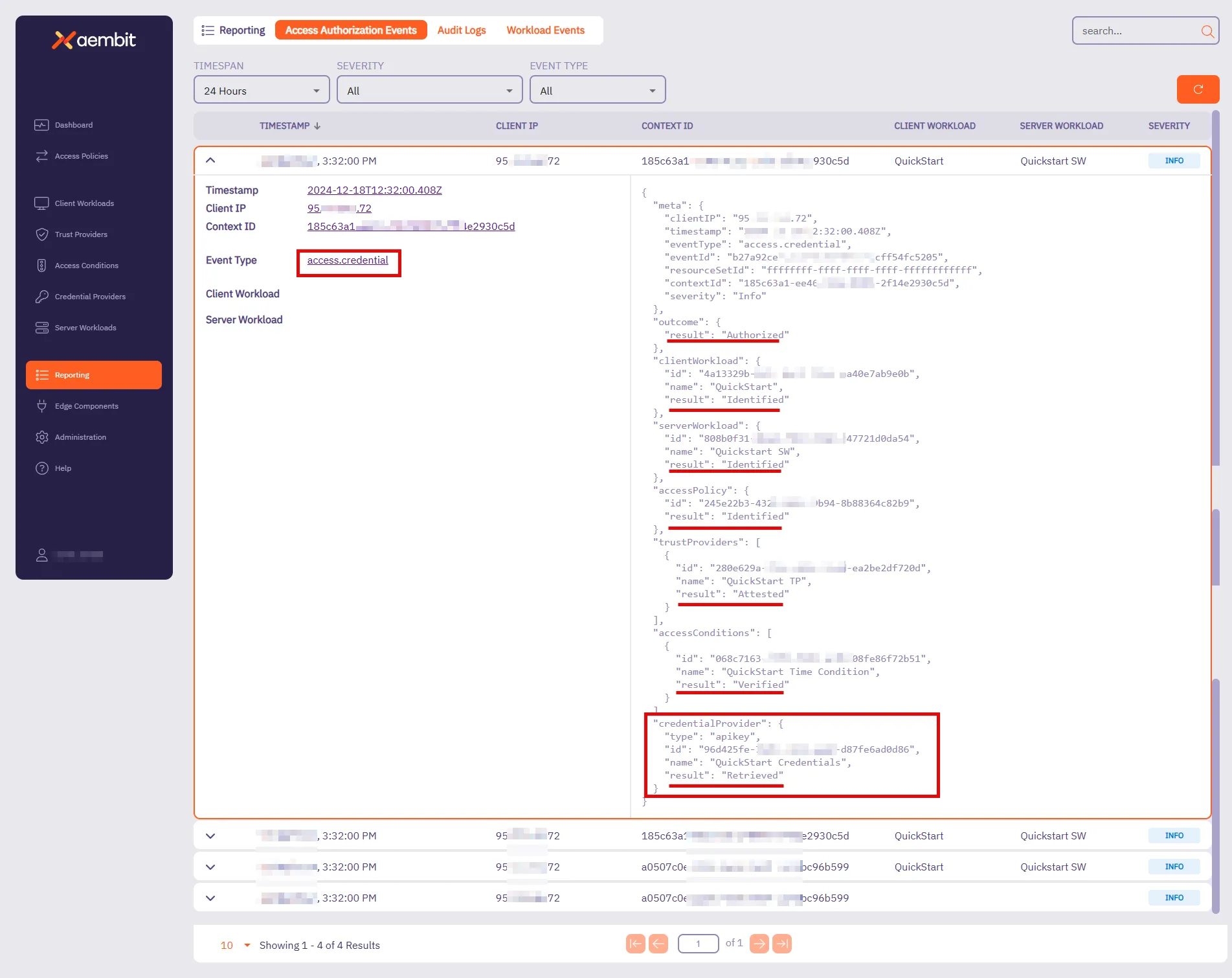
This event tracks how Aembit retrieves credentials to enable access. It shows whether Aembit was successful in retrieving the credential and which Credential Provider Aembit used.
For the quickstart sandbox environment, you’ll see that Aembit successfully:
* Identified the Client Workload, Server Workload, and Access Policy.
* Retrieved the Credential Provider, verifying that the Client Workload had the required credentials for secure access.
At this stage, everything is in place—the request was successfully authorized, credentials were securely retrieved, and the Client Workload can now access the Server Workload.
For more detailed insights into Access Credential Events and other reports, visit the [Reporting](/user-guide/audit-report/) page. These pages provide further guidance on using filters, understanding event data, and troubleshooting potential issues.
Quickstart completed!
Congratulations on completing the quickstart! You now have a solid foundation in Aembit’s key capabilities. This is just the beginning—Aembit has much more to offer! Aembit’s full documentation provides in-depth guides and advanced techniques to help you expand your access policies and strengthen workload identity management.
For your next steps, you can either try configuring Aembit with your real client workloads or explore additional possibilities to tailor it to your needs. In both cases, see the following resources:
* **Server Workload Cookbook** - Offers ready-to-use recipes for popular APIs and services. Explore guides such as [Salesforce REST](/user-guide/access-policies/server-workloads/guides/salesforce-rest) and [GitHub REST](/user-guide/access-policies/server-workloads/guides/github-rest) to learn how to authorize secure access to these resources.
* **Exploring Deployment Models** - Aembit supports diverse deployment environments beyond Kubernetes. For detailed examples and guidance, visit the [Support Matrix](/reference/support-matrix) and explore related sub-pages to learn about configuring deployments for specific environments like [Virtual Machines](/user-guide/deploy-install/virtual-machine/), [AWS Lambda Containers](/user-guide/deploy-install/serverless/aws-lambda-container), and more.
Check out these guides and more to optimize your workloads with confidence!
## Next steps
[Section titled “Next steps”](#next-steps)
* [Core concepts](/get-started/concepts/) - Understand Aembit’s core concepts and how they work together.
* [Aembit User Guide](/user-guide/) - Dive deeper into Aembit’s features and capabilities.
* [Aembit API Guide](/api-guide/) - Access detailed technical documentation.
# Quickstart: Aembit core setup
> Aembit's quickstart core guide - practical experience automating and securing access between workloads
Aembit is a cloud-native, non-human identity and access management platform that provides secure, seamless access management for workloads across diverse environments. It simplifies how organizations control and authorize access between client and Server Workloads**Server Workload**: Server Workloads represent target services, APIs, databases, or applications that receive and respond to access requests from Client Workloads.[Learn more](/get-started/concepts/server-workloads), ensuring that only the right workloads can access critical resources at the right time.
Aembit shifts the focus away from long-term credential management by enabling automated, secure access management for workloads connecting to services. By concentrating on managing access rather than secrets, Aembit provides a flexible and security-first approach to non-human identity across a wide range of infrastructures.
## In this guide
[Section titled “In this guide”](#in-this-guide)
This quickstart guide provides a practical introduction to Aembit’s capabilities. Here’s what you’ll do:
1. Set up a sandbox environment with pre-configured client and Server Workloads using Docker Desktop with Kubernetes.
2. Deploy workloads and configure a secure Access Policy between the client and server.
3. Gain practical experience managing automated, secure access between workloads.
**Estimated Time to Complete** - \~15 minutes (if prerequisites are already installed).
By completing this quickstart guide, you’ll have practical experience creating an example of Aembit’s capabilities—ensuring quick results as you implement access management in a real-world environment. Once you are comfortable with these foundational steps, Aembit offers the flexibility to manage access for more complex and scalable workloads across a range of infrastructure setups.
## Before you begin
[Section titled “Before you begin”](#before-you-begin)
Before starting Aembit’s quickstart guide, you must complete the following prerequisites:
1. [Sign up with Aembit](#sign-up-with-aembit) and you can access your Aembit Tenant**Aembit Tenant**: Aembit Tenants serve as isolated, dedicated environments within Aembit that provide complete separation of administrative domains and security configurations.[Learn more](/get-started/concepts/administration) at `https://.aembit.io`.
2. [Install Docker Desktop and enable Kubernetes](#install-docker-desktop-and-enable-kubernetes).
3. [Install Helm](#install-helm).
Note
The Aembit quickstart guide doesn’t require complex network configurations, such as a static external IP, outbound connection adjustments, or firewall rule changes. Aembit has designed these prerequisites to work securely and seamlessly within your local environment.
### Sign up with Aembit
[Section titled “Sign up with Aembit”](#sign-up-with-aembit)
Visit the [Sign Up page](https://useast2.aembit.io/signup) to create an account and set up your tenant for accessing the platform.
A Tenant in Aembit is your organization’s dedicated workspace within the platform. It isolates your workloads, Access Policies**Access Policy**: Access Policies define, enforce, and audit access between Client and Server Workloads by cryptographically verifying workload identity and contextual factors rather than relying on static secrets.[Learn more](/get-started/concepts/access-policies), and configurations, enabling you to manage your environment securely and efficiently.
Your Aembit Tenant ID is a unique identifier for your workspace, which you must use to access your Aembit Tenant at `https://.aembit.io`.
Look for a welcome email from Aembit. It may take a few minutes; check your Junk or Spam folders if you don’t see it.
### Install Docker Desktop and enable Kubernetes
[Section titled “Install Docker Desktop and enable Kubernetes”](#install-docker-desktop-and-enable-kubernetes)
Docker Desktop includes Docker Engine and Kubernetes, making it easier to manage your containerized applications.
1. Download and install Docker Desktop from the [official Docker website](https://docs.docker.com/get-started/get-docker/) for your operating system.
Once installed, open Docker Desktop.
2. Enable Kubernetes by going to **Settings -> Kubernetes** in Docker Desktop and toggling the **Enable Kubernetes** switch to the **On** position.
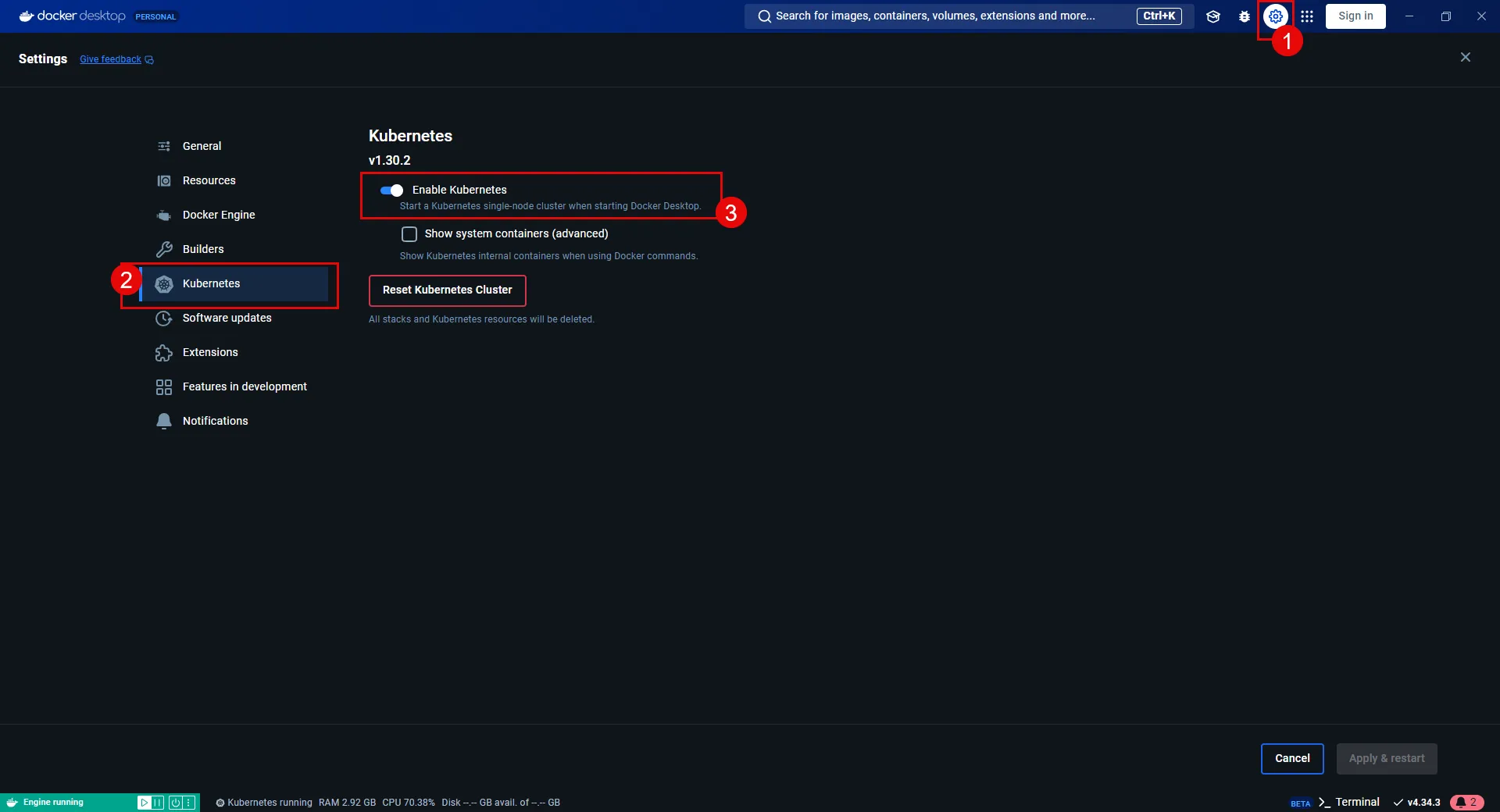
Security best practice
If you get errors or warnings about permissions on your `~/.kube/config` file being too permissive, tighten up the file’s permissions by running the following command:
```shell
chmod 600 ~/.kube/config
```
Locking down permissions on your `~/.kube/config` file is a security best practice since the config file contains sensitive credentials for accessing Kubernetes clusters.
### Install Helm
[Section titled “Install Helm”](#install-helm)
Helm deploys the pre-configured sandbox client and Server Workloads for this quickstart guide. A basic understanding of [Helm commands](https://helm.sh/docs/helm/) is helpful for deploying the sandbox workloads.
Select one of the following tabs for your operating system to install Helm:
* Windows
1. Download the [latest Helm version](https://github.com/helm/helm/releases) for Windows.
2. Run the installer and follow the on-screen instructions.
3. Once installed, open a Command Prompt or PowerShell terminal and verify the installation by running:
```cmd
helm version
```
**Expected Output:**
```cmd
version.BuildInfo{Version:"v3.x.x", GitCommit:"xxxxxxxxxxxxxxxxxxxxxxxxxxxxxxx", GitTreeState:"clean", GoVersion:"go1.x.x"}
```
* macOS
1. Use Homebrew to install Helm:
```shell
brew install helm
```
2. Verify the installation:
```shell
helm version
```
**Expected Output:**
```shell
version.BuildInfo{Version:"v3.x.x", GitCommit:"xxxxxxxxxxxxxxxxxxxxxxxxxxxxxxx", GitTreeState:"clean", GoVersion:"go1.x.x"}
```
* Linux
1. Download and install the latest Helm binary:
```shell
curl -fsSL -o get_helm.sh "https://raw.githubusercontent.com/helm/helm/main/scripts/get-helm-3"
chmod 700 get_helm.sh
./get_helm.sh
```
2. Verify the installation:
```shell
helm version
```
**Expected Output:**
```shell
version.BuildInfo{Version:"v3.x.x", GitCommit:"xxxxxxxxxxxxxxxxxxxxxxxxxxxxxxx", GitTreeState:"clean", GoVersion:"go1.x.x"}
```
With these prerequisites complete, you are ready to deploy the sandbox workloads and configure secure access between workloads.
## Deploying workloads
[Section titled “Deploying workloads”](#deploying-workloads)
Make sure that your environment is ready for deployment by verifying the following:
* [Docker Desktop installed and Kubernetes enabled](#install-docker-desktop-and-enable-kubernetes).
* [Helm installed and configured correctly](#install-helm).
With these steps in place, you are ready to deploy the workloads.
### Install applications
[Section titled “Install applications”](#install-applications)
1. From your terminal, add the Aembit Helm chart repo by running:
```shell
helm repo add aembit https://helm.aembit.io
```
2. Deploy both the client and Server Workloads:
```shell
helm install aembit-quickstart aembit/quickstart \
-n aembit-quickstart \
--create-namespace
```
### Verify deployments
[Section titled “Verify deployments”](#verify-deployments)
After deploying the applications, verify that everything is running correctly using the following commands:
1. Check the Helm release status:
```shell
helm status aembit-quickstart -n aembit-quickstart
```
**Expected Output:**
```shell
NAME: aembit-quickstart
LAST DEPLOYED: Wed Jan 01 10:00:00 2025
NAMESPACE: aembit-quickstart
STATUS: deployed
REVISION: 1
TEST SUITE: None
```
2. List all resources in the namespace:
```shell
kubectl get all -n aembit-quickstart
```
**Expected Output:**
```shell
NAME READY STATUS RESTARTS AGE
pod/aembit-quickstart-client-abcdef 1/1 Running 0 1m
pod/aembit-quickstart-server-abcdef 1/1 Running 0 1m
NAME TYPE CLUSTER-IP EXTERNAL-IP PORT(S) AGE
service/aembit-quickstart-client NodePort 10.109.109.55 8080:30080/TCP 1m
service/aembit-quickstart-server NodePort 10.109.104.236 9090:30090/TCP 1m
```
These outputs help you confirm that you’ve deployed the workloads and services correctly and are functioning as expected.
### Interacting with the applications
[Section titled “Interacting with the applications”](#interacting-with-the-applications)
In this section, you are going to interact with the pre-configured applications. This interaction demonstrates that the Client Workload can connect to the Server Workload but lacks the credentials to authenticate to it.
1. With the client and Server Workloads running, open the [**Client Workload**](http://localhost:30080)
2. Click **Get Data**.
**you’ll receive a failure response** since you haven’t deployed Aembit Edge, nor has Aembit injected the necessary credentials for the Client Workload to access the Server Workload yet.
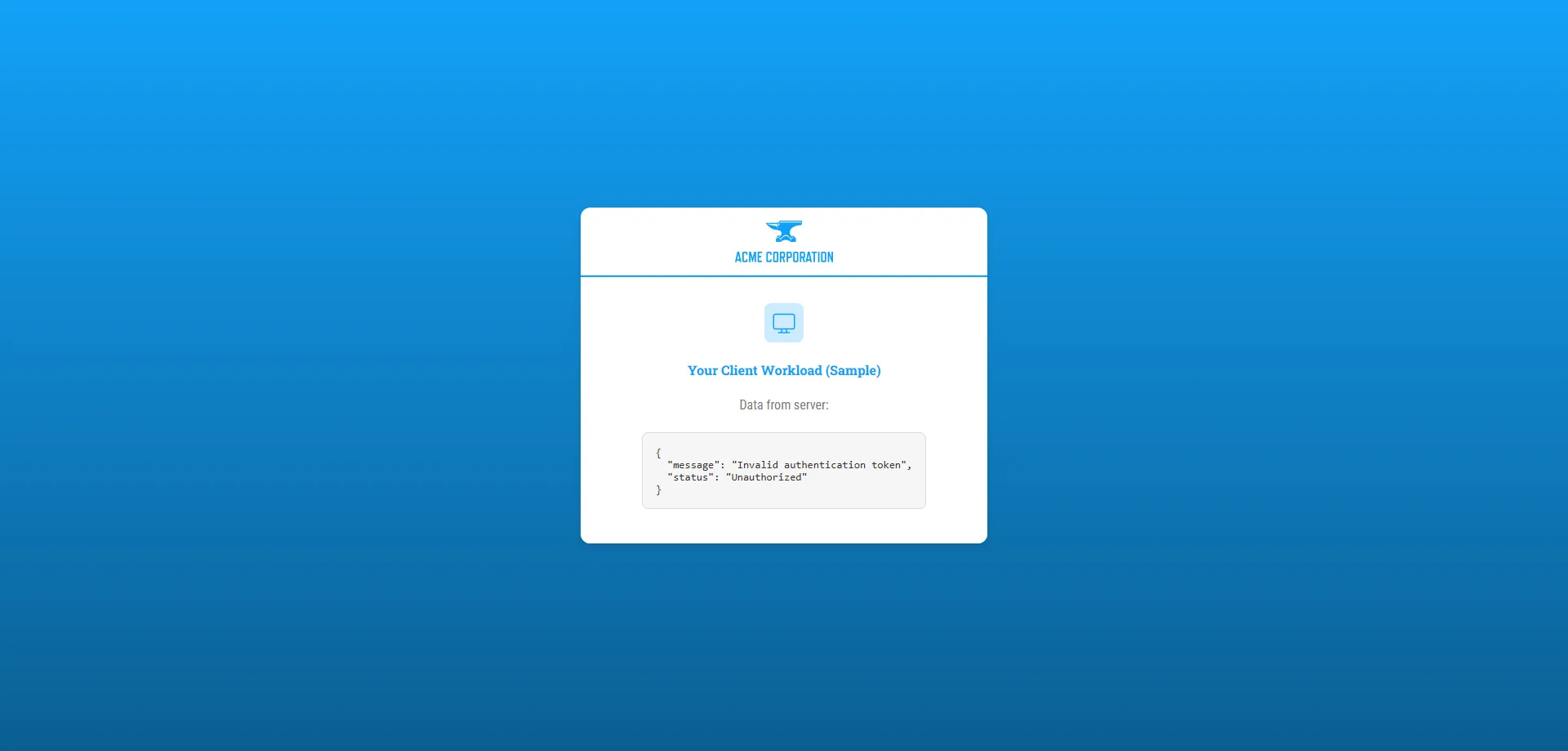
In the next sections, you’ll deploy Aembit Edge. Making it so that Aembit automatically acquires and injects the credential on behalf of the Client Workload so it can then access the Server Workload.
## Deploying Aembit Edge
[Section titled “Deploying Aembit Edge”](#deploying-aembit-edge)
With your workloads deployed, it’s time to integrate Aembit Edge into your system.
Aembit Edge**Aembit Edge**: Aembit Edge represents components deployed within your operational environments that enforce Access Policies by intercepting traffic, verifying identities, and injecting credentials just-in-time.[Learn more](/get-started/concepts/aembit-edge) consists of components that customers install within their environment. These components form the core of Aembit’s Workload IAM functionality.
Proceed with deploying Aembit Edge into your environment.
### Create a new Agent Controller
[Section titled “Create a new Agent Controller”](#create-a-new-agent-controller)
The Agent Controller is a helper component that facilitates the registration of other Aembit Edge Components.
1. In your Aembit Tenant, go to **Edge Components** from the left sidebar menu.
2. From the top ribbon menu, select **Deploy Aembit Edge**.
3. Select **Kubernetes** from the list of **Environments**.
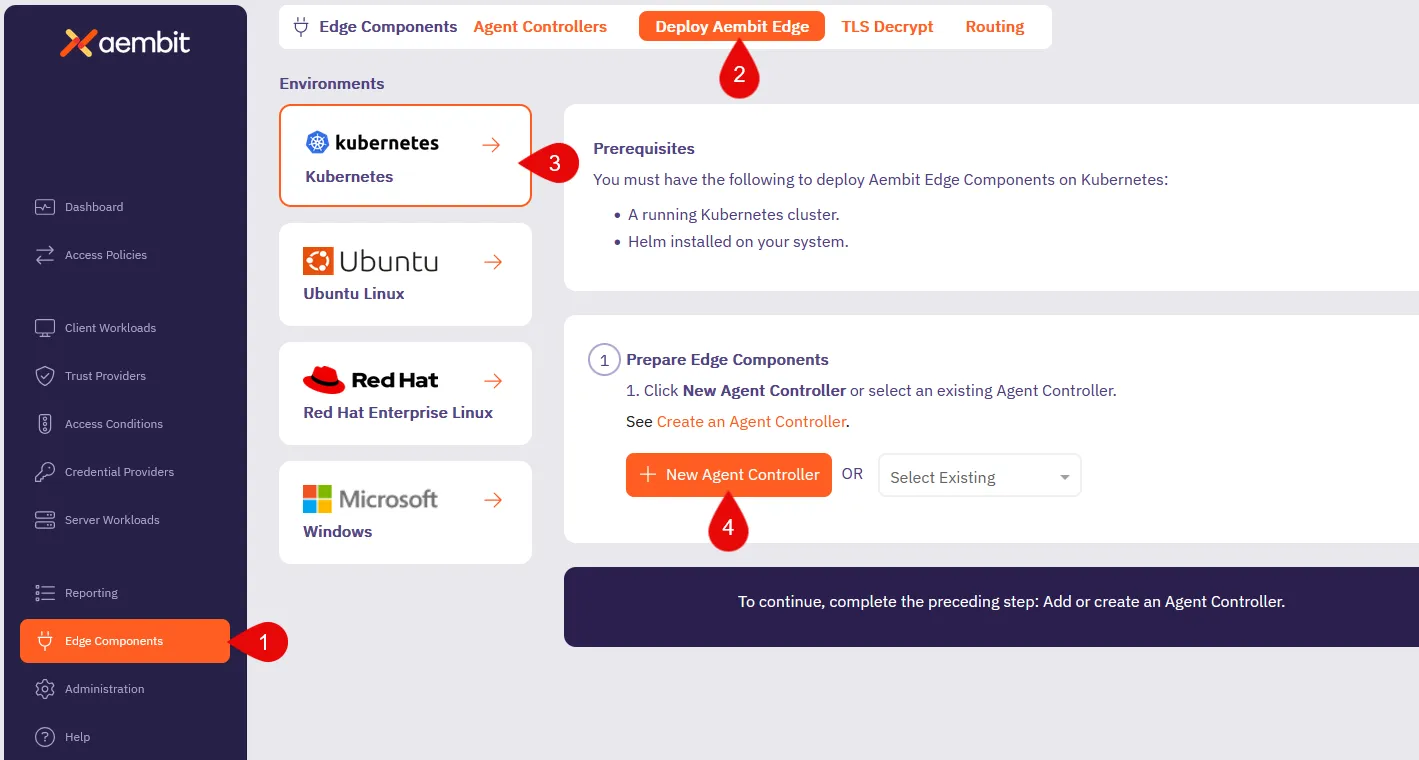
4. In the **Prepare Edge Components** section, click to **New Agent Controller**. you’ll see the Agent Controller setup page displayed.
5. Enter a name, such as `Quickstart Agent Controller` (or another user-friendly name).
6. Add an optional description for the controller.
7. For now, ignore the Trust Provider**Trust Provider**: Trust Providers validate Client Workload identities through workload attestation, verifying identity claims from the workload's runtime environment rather than relying on pre-shared secrets.[Learn more](/get-started/concepts/trust-providers) section, as you don’t need it for this quickstart guide.
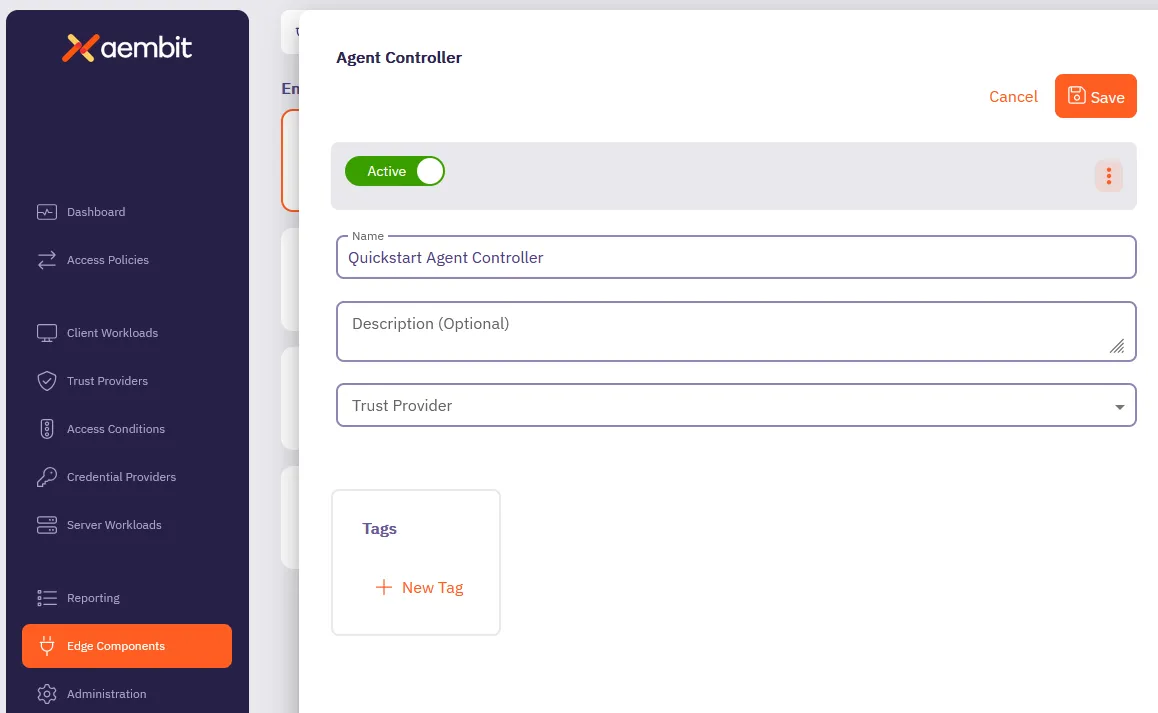
8. Click **Save**.
Once saved, your newly created Agent Controller auto-selects from the list of available Agent Controllers.
This reveals the **Install Aembit Edge Helm Chart** section.
### Deploy the Aembit Edge
[Section titled “Deploy the Aembit Edge”](#deploy-the-aembit-edge)
As part of Aembit Edge, the Agent Proxy is automatically injected within the Client Workload pod. It manages workload identity and securely injects credentials for communication with Server Workloads.
1. In the **Install Aembit Edge Helm Chart** section, make sure that you select the Agent Controller you just created in the dropdown menu.
2. In the **New Agent Controller** section, click **Generate Code** to generate a Device Code.
The Device Code is a temporary one-time-use code, valid for 15 minutes, that you use during installation to authenticate the Agent Controller with your Tenant.
Make sure you complete the next steps quickly before the code expires.
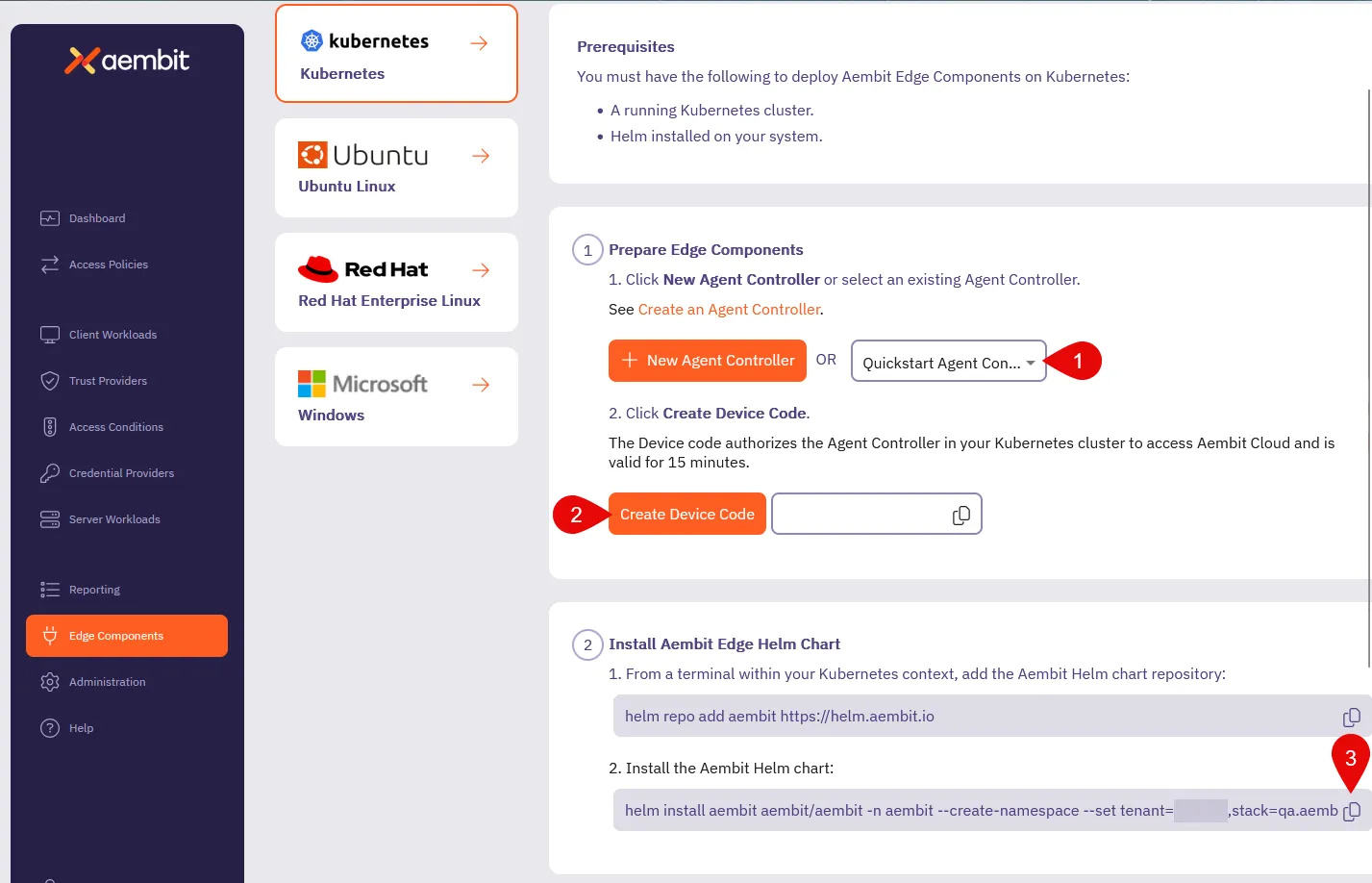
3. Since you already [installed the Aembit Helm repo](#install-applications), go ahead and install the Aembit Helm chart.
*From your terminal*, run the following command, making sure to replace:
* `` with your tenant ID (Find this in the Aembit website URL: `.aembit.io`)
* `` with the code you generated in the Aembit web UI
```shell
helm install aembit aembit/aembit \
--create-namespace \
-n aembit \
--set tenant=,agentController.deviceCode=
```
Tip
To reduce errors, copy the command from the Aembit Web UI for this step, as it populates your `` and `` for you.
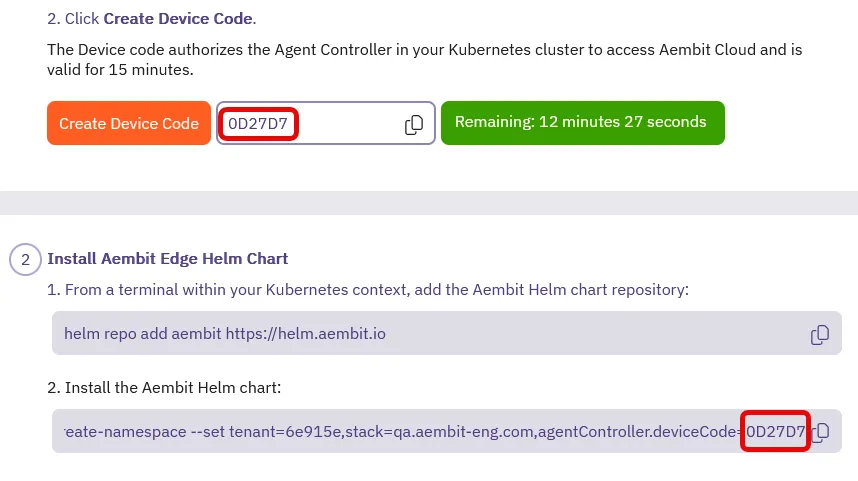
Aembit Edge is now deployed in your Kubernetes cluster!
4. Check the current state of quickstart Client pod to confirm it is running without the Agent Proxy container.
The **`READY`** column for the `pod/aembit-quickstart-client-abcdef` should display **`1/1`**, indicating only the Client Workload container is running.
```shell
kubectl get all -n aembit-quickstart
```
**Expected Output:**
```shell
NAME READY STATUS RESTARTS AGE
pod/aembit-quickstart-client-abcdef 1/1 Running 0 1m
pod/aembit-quickstart-server-abcdef 1/1 Running 0 1m
```
5. Restart the quickstart Client pod to include the Agent Proxy in the deployment:
```shell
kubectl delete pods -l app=aembit-quickstart-client -n aembit-quickstart --grace-period=0 --force
```
6. After the pod restarts, verify that the `aembit-quickstart-client` pod now includes two containers: the Client Workload container and the Agent Proxy container.
After the pod restarts, check its state again. **`READY`** column for the `aembit-quickstart-client` pod should now display **`2/2`**, indicating that both the Client Workload container and the Agent Proxy container are running successfully.
```shell
kubectl get all -n aembit-quickstart
```
**Expected Output:**
```shell
NAME READY STATUS RESTARTS AGE
pod/aembit-quickstart-client-abcdef 2/2 Running 0 1m
pod/aembit-quickstart-server-abcdef 1/1 Running 0 1m
```
This step confirms that Aembit has injected Agent Proxy within the Client pod, enabling Aembit to securely manage credentials for communication between Client and Server Workloads.
## Configuring an Access Policy**Access Policy**: Access Policies define, enforce, and audit access between Client and Server Workloads by cryptographically verifying workload identity and contextual factors rather than relying on static secrets.[Learn more](/get-started/concepts/access-policies)
[Section titled “Configuring an ”](#configuring-an)
Access Policies define the conditions for granting Client Workloads access to Server Workloads. Aembit evaluates access by:
1. Verifying if the Client and Server Workloads match the Access Policy.
2. A Trust Provider authenticates the Client Workload’s identity.
3. The Access Policy meets all Access Conditions.
In this quickstart guide, you have omitted configuring a Trust Provider to simplify your first walkthrough. However, Trust Providers are a critical component in securing all production deployments.
They enable Aembit to authenticate workloads without provisioning long-lived credentials or secrets, making sure that Aembit authenticates and authorizes only workloads it trusts.
Once authorized, Aembit delivers the necessary credentials to Agent Proxy, which it then uses to authenticate the Client workload to the Server Workload.
About Client Workload credentials
Aembit never releases credentials directly to Client Workloads. Instead, Aembit inject credentials into the traffic destined for the target Server Workload, providing secure communication.
1. From your Aembit Tenant, click **Access Policies** in the left sidebar menu.
2. Click **+ New** to open the Access Policy Builder.
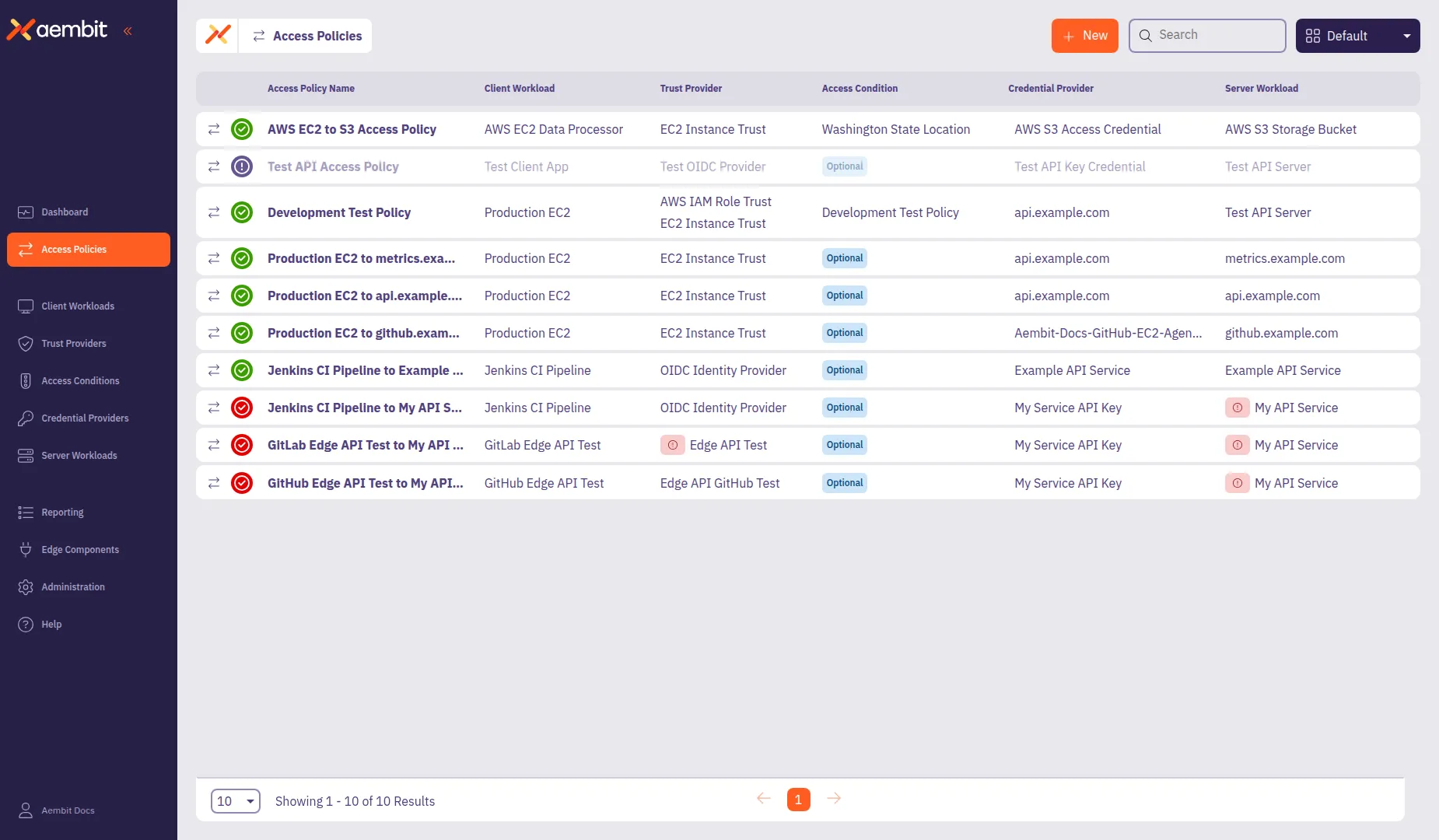
The Access Policy Builder displays component cards in the left panel. The **Access Policy** card is selected by default.
### Name the Access Policy
[Section titled “Name the Access Policy”](#name-the-access-policy)
Before configuring the policy components, name your Access Policy. You must provide a name before you can save the policy.
1. In the **Access Policy Name** field, enter `Quickstart Policy` (or another descriptive name).
2. (Optional) Add a description to help identify the policy’s purpose.
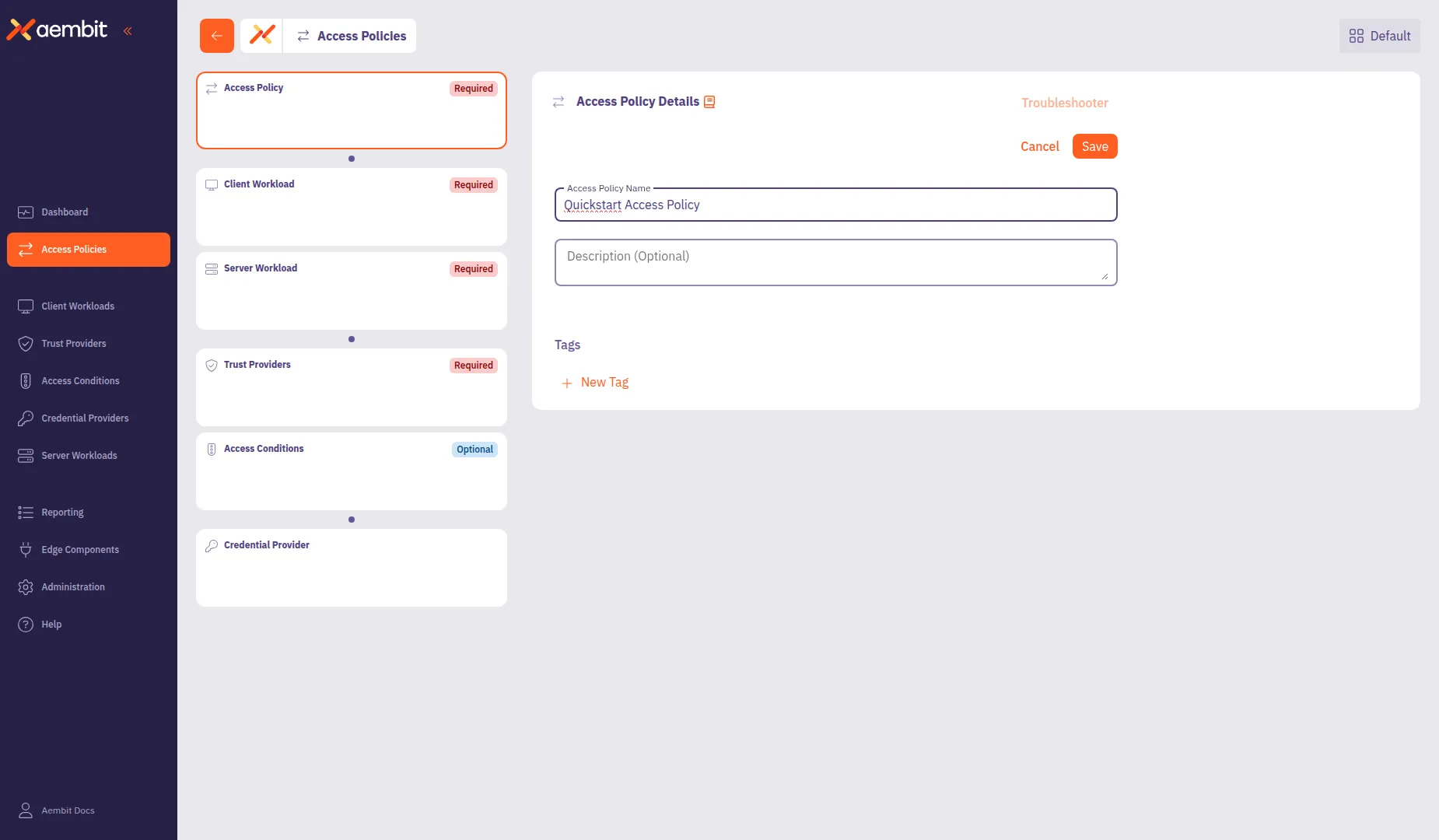
3. Click **Save** to add these details to the policy.
### Configure a Client Workload
[Section titled “Configure a Client Workload”](#configure-a-client-workload)
Client Workloads**Client Workload**: Client Workloads represent software applications, scripts, or automated processes that initiate access requests to Server Workloads, operating autonomously without direct user interaction.[Learn more](/get-started/concepts/client-workloads) are software applications that access services provided by Server Workloads. These could be custom apps, CI/CD pipelines, or scripts running without user intervention.
1. Click the **Client Workload** card in the left panel.
2. Configure the Client Workload:
* **Name** - `Quickstart Client` (or another user-friendly name)
* **Client Identification** - `Kubernetes Pod Name Prefix`
* **Value** - `aembit-quickstart-client`
3. Click **Save** to add the Client Workload to the policy.
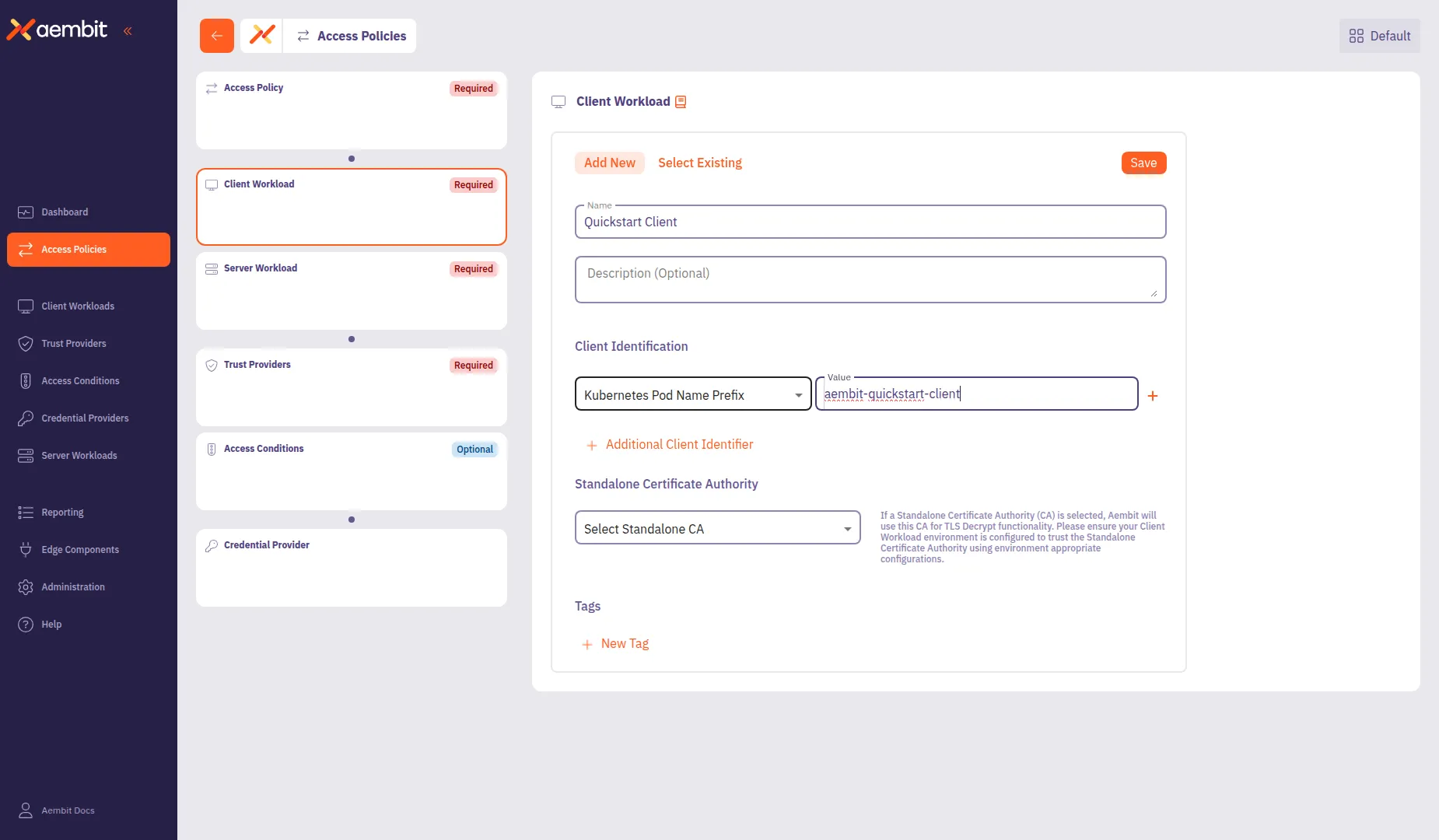
### Configure a Server Workload
[Section titled “Configure a Server Workload”](#configure-a-server-workload)
[Server Workloads](/user-guide/access-policies/server-workloads/guides/) serve requests from Client Workloads and can include APIs, gateways, databases, and more. The configuration settings define the Service Endpoint and Authentication methods, specifying the networking details and Aembit authenticates requests.
1. Click the **Server Workload** card in the left panel.
2. Configure the Server Workload:
* **Name** - `Quickstart Server` (or another user-friendly name)
* **Host** - `aembit-quickstart-server.aembit-quickstart.svc.cluster.local`
* **Application Protocol** - `HTTP`
* **Transport Protocol** - `TCP`
* **Port** - `9090`
* **Forward to Port** - `9090`
* **Authentication Method** - `HTTP Authentication`
* **Authentication Scheme** - `Bearer`
3. Click **Save** to add the Server Workload to the policy.
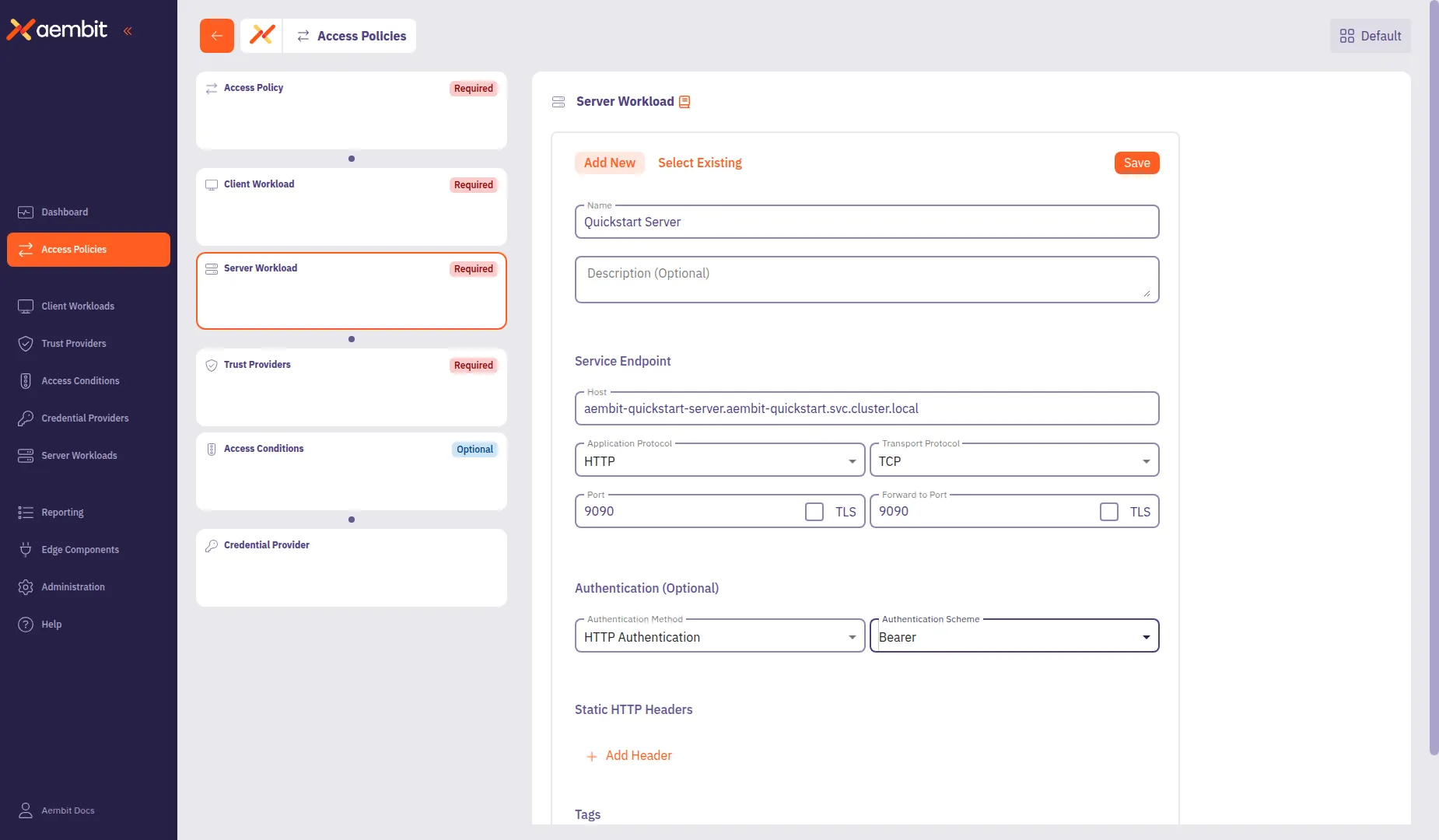
### Configuring a Credential Provider
[Section titled “Configuring a Credential Provider”](#configuring-a-credential-provider)
Credential Providers**Credential Provider**: Credential Providers obtain the specific access credentials—such as API keys, OAuth tokens, or temporary cloud credentials—that Client Workloads need to authenticate to Server Workloads.[Learn more](/get-started/concepts/credential-providers) supply the access credentials, such as OAuth tokens or API keys, that allow Client Workloads to authenticate with Server Workloads. Aembit can also request and manage tokens from third-party services.
Security Best Practice
In this QuickStart, you are using the API Key option for simplicity. However, Aembit recommends using short-lived credentials whenever possible to enhance security and reduce exposure to risks associated with long-lived credentials.
1. From your web browser, go to the [sandbox Server Workload](http://localhost:30090).
2. Click **Generate API Key**.
This generates a unique API key you’ll use in later in this section.
Generating more than one key
Avoid clicking the button multiple times, as only one API key (the last generated) remains active at a time. Copy the API key immediately after creating it, as you need it in the next step.
3. Copy the API key.
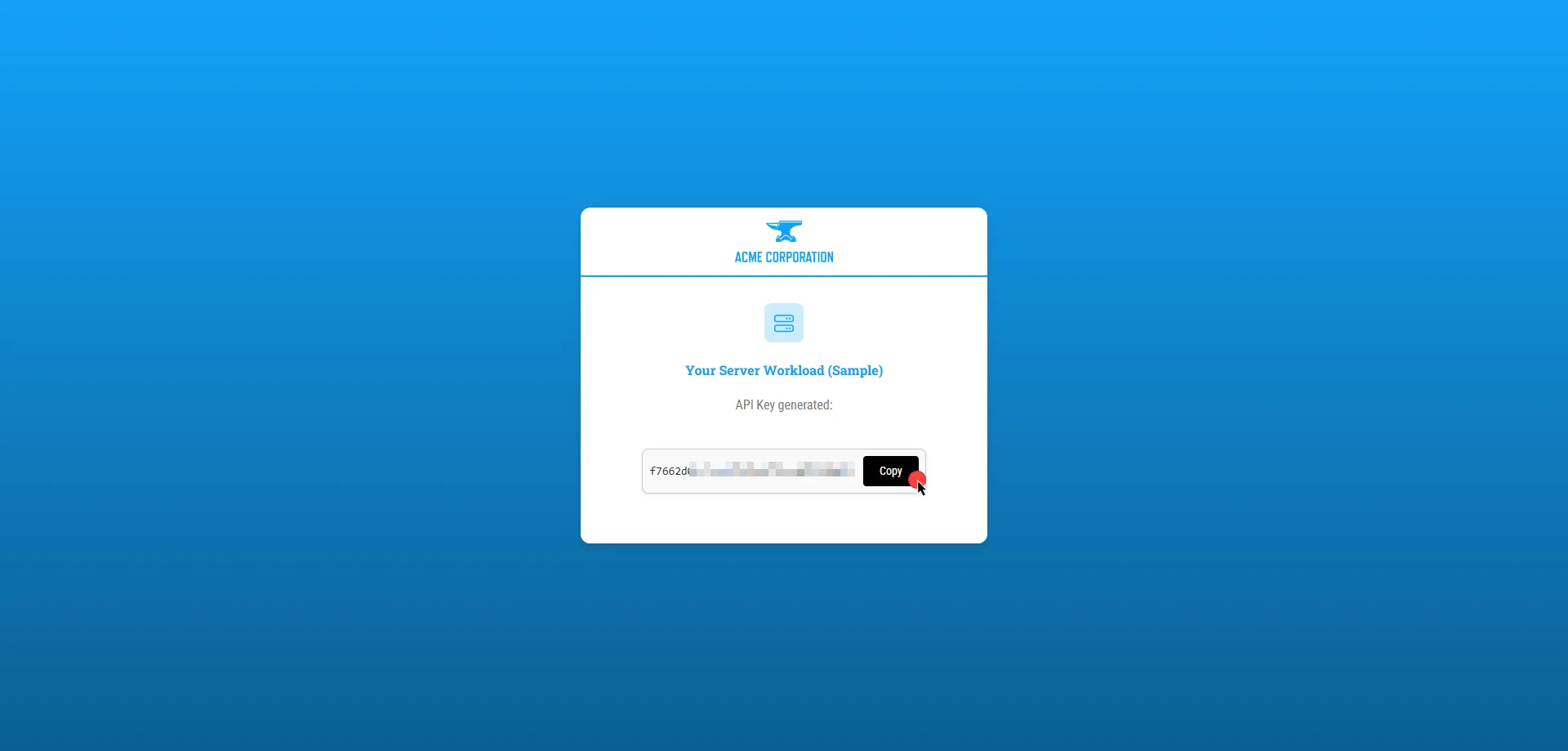
4. Click the **Credential Provider** card in the left panel.
5. Configure the Credential Provider:
* **Name** - `Quickstart API Key` (or another user-friendly name)
* **Credential Type** - `API Key`
* **API Key** - Paste the API key you generated from the Server Workload
6. Click **Save** to add the Credential Provider to the policy.
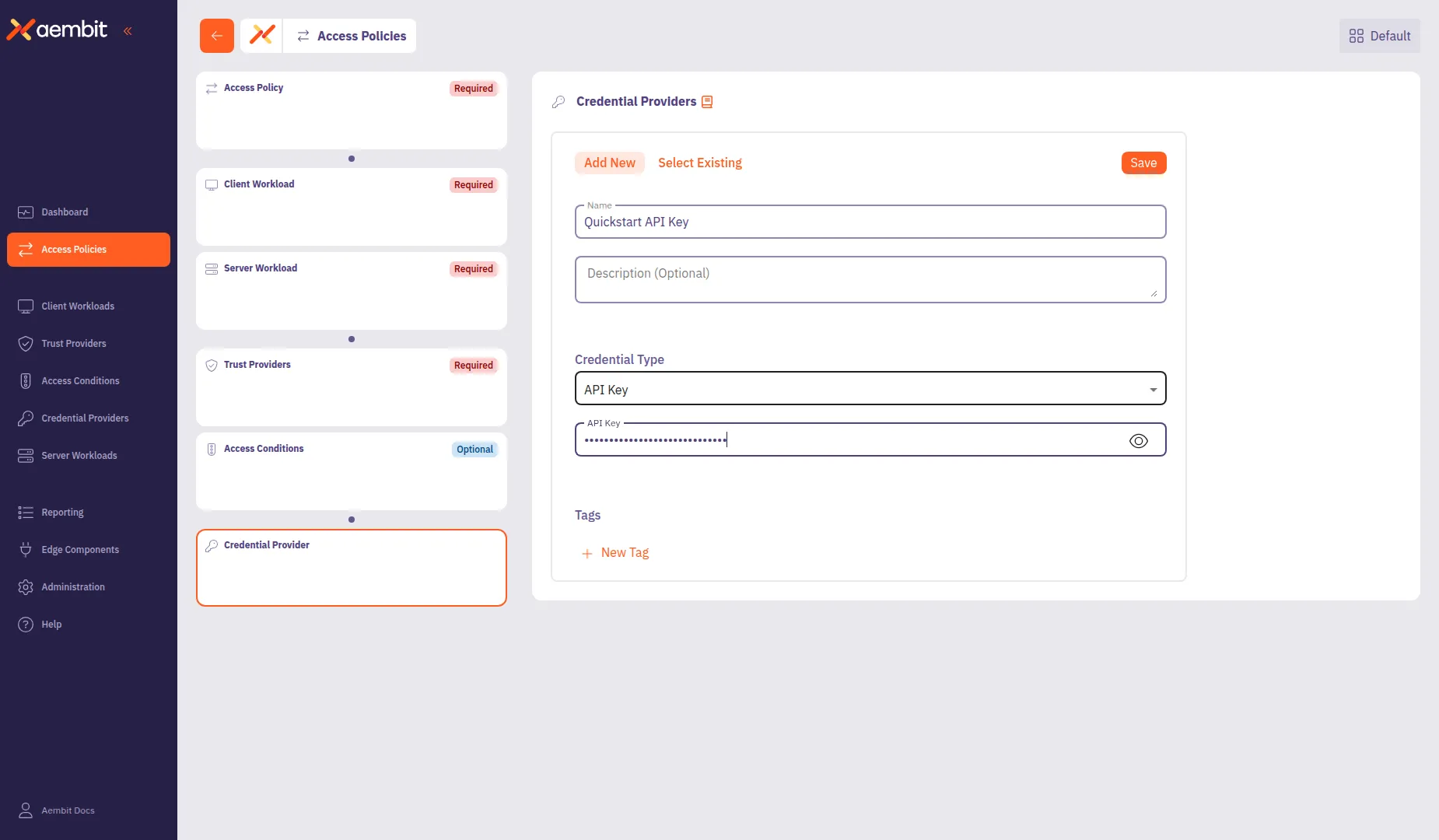
### Finalizing the Access Policy
[Section titled “Finalizing the Access Policy”](#finalizing-the-access-policy)
Once you have configured all components, click **Save Policy** in the header bar. To activate the policy, enable the **Active** toggle.
## Testing the Access Policy
[Section titled “Testing the Access Policy”](#testing-the-access-policy)
To test your newly configured Access Policy, go to the [sandbox Client Workload](http://localhost:30080) and click **Get Data**. Since you activated the Access Policy and Aembit Edge installed the necessary credential into the request, you should see a successful response.
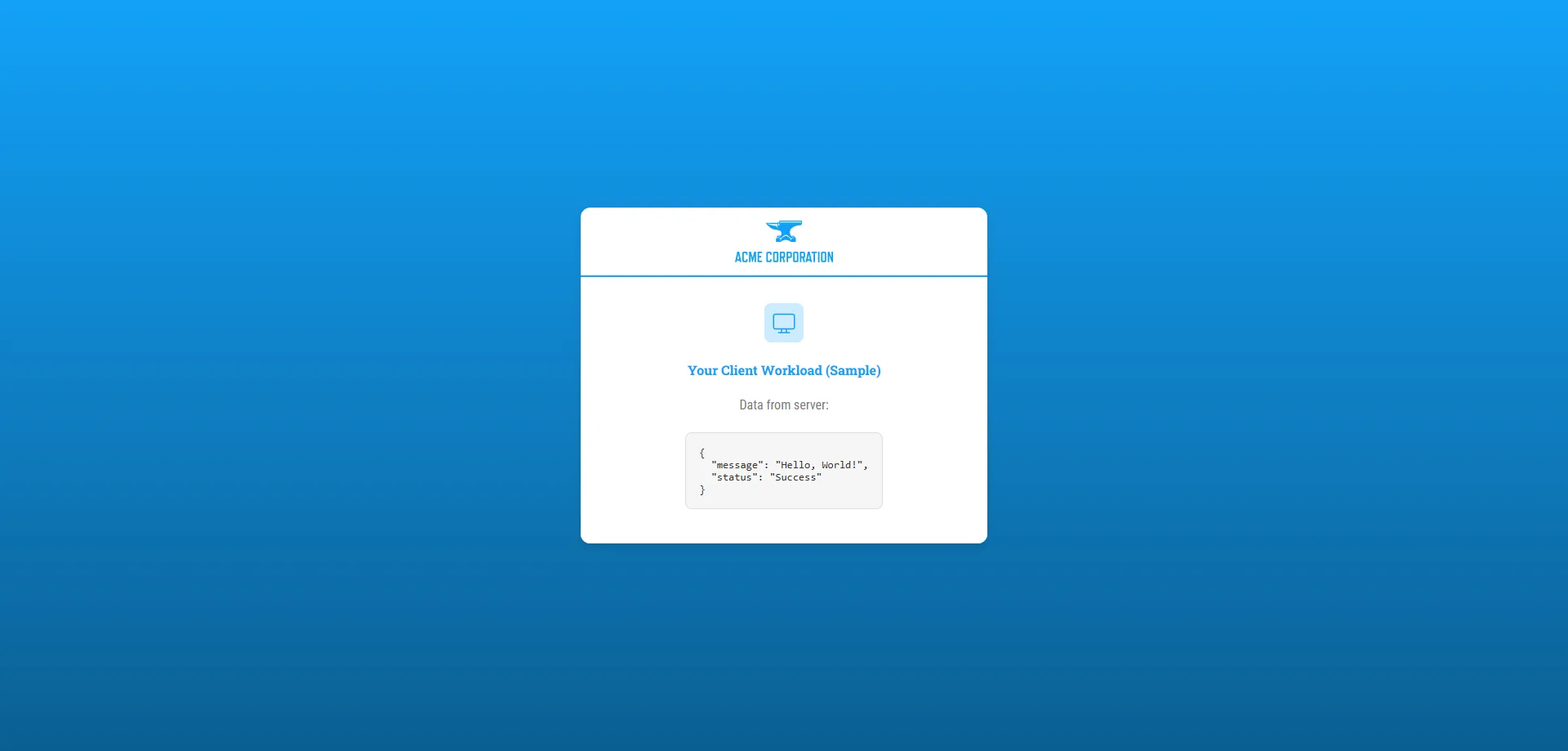
Congratulations! You’ve created a Access Policy that’s securing access between workloads!
With just a few steps, you have deployed workloads, configured an Access Policy, and successfully authenticated requests—all without the complexity of manual credential management.
This quickstart guide is just the foundation of all the features that Aembit has to offer. It supports powerful capabilities for scaling, securing, and managing workload identity across many environments, providing security and efficiency as your needs grow.
#### Troubleshoot
[Section titled “Troubleshoot”](#troubleshoot)
If you encounter any issues or don’t see a successful response, the Aembit Web UI has a useful **Troubleshooter** that can help you identify potential problems:
1. Go to **Access Policies** and select the Access Policy you created for this quickstart guide.
2. In the left sidebar, select the **Access Policy** card to view the policy details.
3. Click **Troubleshoot** in the top corner.
The **Troubleshoot** link is only visible when you have the Access Policy card selected in the left sidebar.
This brings up the Troubleshooter with your Access Policy’s Client and Server Workloads already populated.
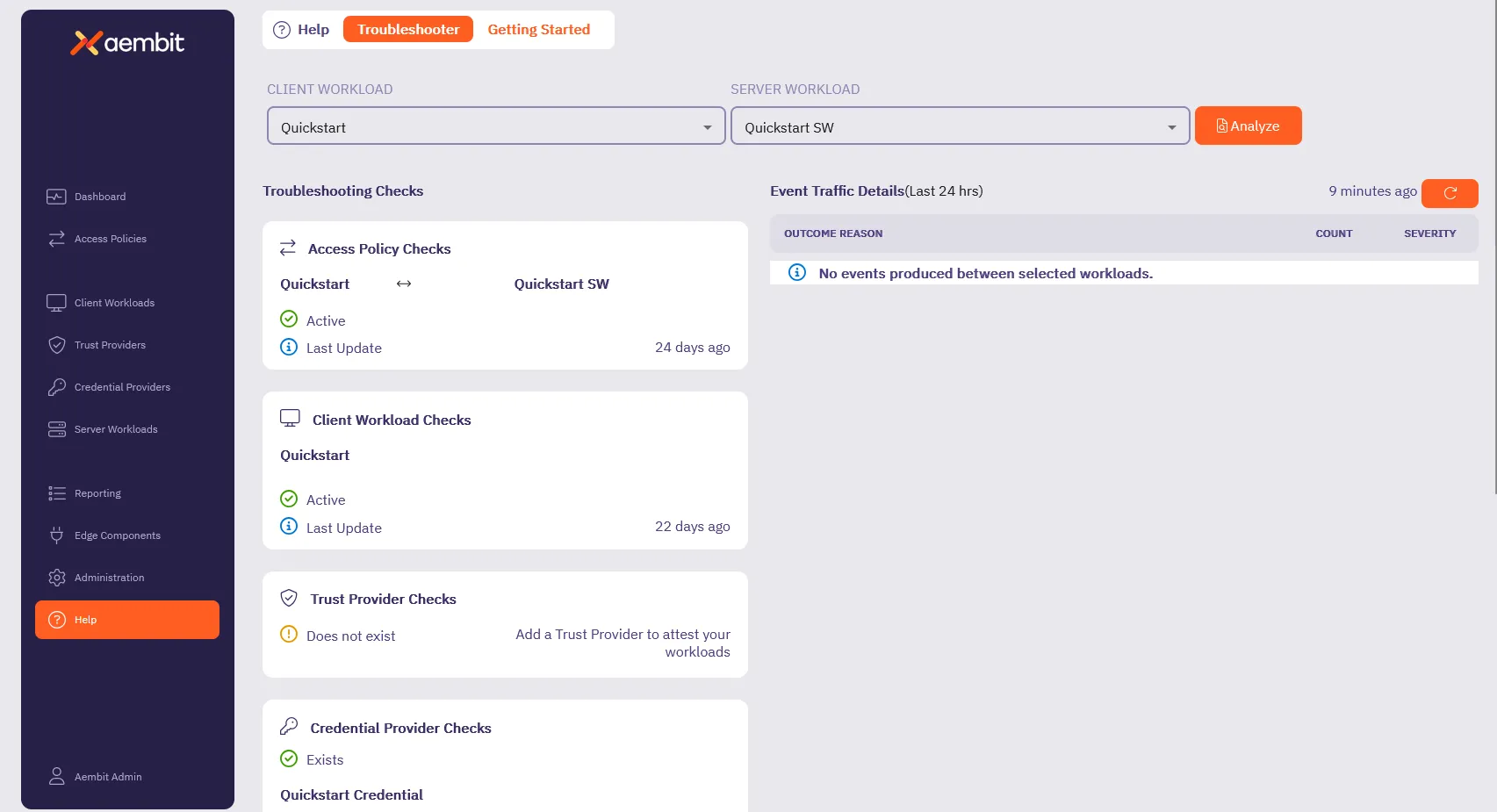
4. Inspect and make sure that the **Access Policy Checks**, **Client Workload Checks**, **Credential Provider Checks** and **Server Workload Checks** are **Active** (they have green checks).
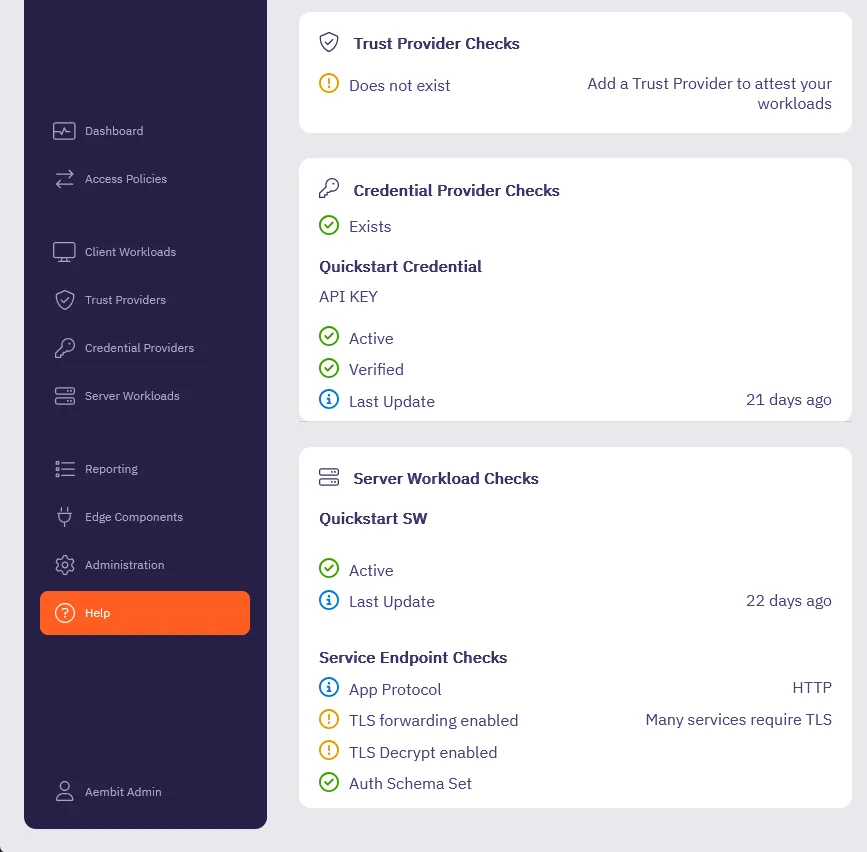
5. For any sections that aren’t Active, go back to the respective section in the quickstart guide and double check your configurations.
Also, make sure all the [Prerequisites](#before-you-begin) are complete.
The Troubleshooter helps diagnose potential issues with your configuration. For more details, visit the [Troubleshooter Tool](/user-guide/troubleshooting/tenant-configuration) page.
Still need help? Please [submit a support request](https://aembit.io/support/) to Aembit’s support team.
## What’s next?
[Section titled “What’s next?”](#whats-next)
Now that you’ve completed the basics, it’s time to explore additional features and capabilities to get the most out of Aembit.
See [Quickstart: Add an Access Policy to the core setup](/get-started/quickstart/quickstart-access-policy) to learn how to:
* **Configure Trust Providers** to enhance workload identity verification and strengthen access control.
* **Set Up Access Conditions** to enforce time-based, geo-based, or custom rules for workload access.
* **Navigate Reporting Tools** to review access events, track policy usage, and analyze workload behavior.
Following the *Quickstart: Access Policy enhancements* page helps you expand beyond the core Aembit setup, guiding you toward features that enhance security, visibility, and scalability.
# Aembit security posture
> Description of ow Aembit approaches, implements, and maintains security
This section covers Aembit’s approach to security, providing information about the security architecture, compliance, and threat modeling.
# Aembit software architecture
> Explanation and illustration of Aembit's software architecture
Work in progress
This page is a work in progress. It may contain incomplete or unverified information.
Please check back later for updates.
If you have feedback or suggestions, please fill out the [Aembit New Docs Feedback Survey](https://forms.gle/mfjhV2TtXP1pXAym8).
Thanks for your patience!
# Security compliance
> Overview of Aembit's security posture and compliance
Work in progress
This page is a work in progress. It may contain incomplete or unverified information.
Please check back later for updates.
If you have feedback or suggestions, please fill out the [Aembit New Docs Feedback Survey](https://forms.gle/mfjhV2TtXP1pXAym8).
Thanks for your patience!
# Aembit in your threat model
> How and where Aembit fits into your threat model
Work in progress
This page is a work in progress. It may contain incomplete or unverified information.
Please check back later for updates.
If you have feedback or suggestions, please fill out the [Aembit New Docs Feedback Survey](https://forms.gle/mfjhV2TtXP1pXAym8).
Thanks for your patience!
# Sign up for an Aembit Tenant
> How to sign up for an Aembit Tenant directly through Aembit or cloud providers
## Signup options
[Section titled “Signup options”](#signup-options)
Aembit provides multiple ways for you to sign up for your own Aembit Tenant**Aembit Tenant**: Aembit Tenants serve as isolated, dedicated environments within Aembit that provide complete separation of administrative domains and security configurations.[Learn more](/get-started/concepts/administration) to start securing your workloads with Aembit. Aembit Tenants are where you manage your Access Policies**Access Policy**: Access Policies define, enforce, and audit access between Client and Server Workloads by cryptographically verifying workload identity and contextual factors rather than relying on static secrets.[Learn more](/get-started/concepts/access-policies),
### Direct
[Section titled “Direct”](#direct)

[Aembit Client ID ](https://useast2.aembit.io/signup)Sign up directly with Aembit
→
### Cloud providers
[Section titled “Cloud providers”](#cloud-providers)

[AWS Marketplace ](https://aws.amazon.com/marketplace/pp/prodview-uubndvyt7slgu)Sign up through AWS Marketplace
→

[Azure Marketplace ](https://azuremarketplace.microsoft.com/en-us/marketplace/apps/aembitinc1743804383861.aembit_starter)Sign up through Azure Marketplace
→
## Pricing plans
[Section titled “Pricing plans”](#pricing-plans)
Sign up or upgrade anytime. Use Aembit to manage access between your workloads and sensitive services on-prem, in the cloud, and SaaS.
The following table details the available plans and their pricing structure, what each plan includes, and guidance on when to upgrade your plan:
| Plan | What’s included | When to upgrade |
| ------------------- | ------------------------------------------------------------------------------------------------------------------------------------------------------------------------------------------------------------------------------------------------------------------------------------------------------------------------------------------ | -------------------------------------------------------------------------------------------------------------- |
| Starter (Free) | 10 Client Workloads**Client Workload**: Client Workloads represent software applications, scripts, or automated processes that initiate access requests to Server Workloads, operating autonomously without direct user interaction.[Learn more](/get-started/concepts/client-workloads) 24 hours of event log retention Community support | You need more workloads. You need multi-tenancy. You want live Aembit support. |
| Teams (monthly) | 10 Client Workloads included Grow to 500 Workloads 3 [Resource Sets](/get-started/concepts/administration#resource-sets) 24 hours of event log retention Live support during Business Hours | You need to support more than 500 workloads. You have custom event log retention needs. You need 24x7 support. |
| Enterprise (custom) | Unlimited Workloads Unlimited Access Policies Custom event log retention Conditional access 24x7 support | You can adjust resources when you need. You can add private networking. |
For details about pricing, see the [Aembit Pricing page](https://aembit.io/pricing/) on the official Aembit website.
# Aembit tutorials overview
> Learn about how to configure, deploy, and scale Aembit
This section provides tutorials to help you learn how to deploy, configure, and scale Aembit in different environments. These tutorials offer step-by-step guidance for common implementation scenarios.
The following tutorials are available:
* [Kubernetes Tutorial](/get-started/tutorials/tutorial-k8s) - Learn how to deploy and configure Aembit in Kubernetes environments
* [Terraform Tutorial](/get-started/tutorials/tutorial-terraform) - Learn how to automate Aembit configuration using Terraform
* [Virtual Machines Tutorial](/get-started/tutorials/tutorial-vms) - Learn how to deploy and configure Aembit on virtual machines
# Tutorial - Deploying on Kubernetes
> Tutorial explaining how to deploy Aembit Edge Components on Kubernetes
# Tutorial - Scaling with the Aembit Terraform provider
> Tutorial explaining how to scale Aembit with the Aembit Terraform provider
# Tutorial - Deploying on virtual machines
> Tutorial explaining how to deploy Aembit Edge Components on virtual machines
# Aembit use cases
> This page describes common use cases for Aembit
This section covers common use cases for Aembit, demonstrating how Workload Identity and Access Management can be applied in various scenarios.
# Using Aembit in CI/CD environments
> How Aembit secures NHI access in CI/CD environments
Work in progress
This page is a work in progress. It may contain incomplete or unverified information.
Please check back later for updates.
If you have feedback or suggestions, please fill out the [Aembit New Docs Feedback Survey](https://forms.gle/mfjhV2TtXP1pXAym8).
Thanks for your patience!
# Using Aembit to manage credentials
> How Aembit enables you to centrally manage and control credentials in your environments
Work in progress
This page is a work in progress. It may contain incomplete or unverified information.
Please check back later for updates.
If you have feedback or suggestions, please fill out the [Aembit New Docs Feedback Survey](https://forms.gle/mfjhV2TtXP1pXAym8).
Thanks for your patience!
# Using Aembit to secure your microservices
> How Aembit secures NHI access between microservices
Work in progress
This page is a work in progress. It may contain incomplete or unverified information.
Please check back later for updates.
If you have feedback or suggestions, please fill out the [Aembit New Docs Feedback Survey](https://forms.gle/mfjhV2TtXP1pXAym8).
Thanks for your patience!
# Using Aembit in multicloud environments
> How Aembit secures NHI access in multicloud environments
Work in progress
This page is a work in progress. It may contain incomplete or unverified information.
Please check back later for updates.
If you have feedback or suggestions, please fill out the [Aembit New Docs Feedback Survey](https://forms.gle/mfjhV2TtXP1pXAym8).
Thanks for your patience!
# Using Aembit to secure third-party access
> How Aembit secures third-party access to your environment
Work in progress
This page is a work in progress. It may contain incomplete or unverified information.
Please check back later for updates.
If you have feedback or suggestions, please fill out the [Aembit New Docs Feedback Survey](https://forms.gle/mfjhV2TtXP1pXAym8).
Thanks for your patience!
# AI Guide
> Aembit's AI and MCP ecosystem documentation
The AI Guide provides documentation for Aembit’s AI integrations, including the Model Context Protocol (MCP) ecosystem.
## MCP ecosystem
[Section titled “MCP ecosystem”](#mcp-ecosystem)
Aembit provides different components for securing AI agent communications using the Model Context Protocol:
* **[MCP Authorization Server](/ai-guide/mcp/authorization-server/)** - OAuth 2.1 authorization for MCP clients
* **MCP Identity Gateway** - (Coming soon)
* **MCP Server** - (Coming soon)
# MCP overview
> Overview of Aembit's Model Context Protocol (MCP) components
Aembit provides the following components for securing AI agent communications using the Model Context Protocol (MCP):
## Components
[Section titled “Components”](#components)
| Component | Description | Status |
| ----------------------------------------------------------- | ---------------------------------------------- | --------- |
| [Authorization Server](/ai-guide/mcp/authorization-server/) | OAuth 2.1 authorization server for MCP clients | Available |
# MCP Authorization Server
> Secure OAuth 2.1 authorization for Model Context Protocol (MCP) clients and servers using Aembit Access Policies.
Aembit’s MCP**Model Context Protocol**: A standard protocol for AI agent and server interactions that defines how AI assistants communicate with external tools and data sources.[Learn more(opens in new tab)](https://modelcontextprotocol.io/) Authorization Server secures MCP workloads using OAuth 2.1 authorization flows. It implements the authorization functionality defined in the [MCP specification](https://modelcontextprotocol.io/specification/2025-06-18/basic). AI agents and MCP clients authenticate and receive access tokens governed by Aembit Access Policies**Access Policy**: Access Policies define, enforce, and audit access between Client and Server Workloads by cryptographically verifying workload identity and contextual factors rather than relying on static secrets.[Learn more](/get-started/concepts/access-policies).
Note
Aembit’s MCP Authorization Server supports human/user authentication only. See [Current authentication support](#current-authentication-support).
## What it does
[Section titled “What it does”](#what-it-does)
* **Handles OAuth for MCP** - Implements the OAuth 2.1 authorization code flow from the MCP specification so you don’t have to build it yourself
* **Works with existing MCP clients** - Supports Dynamic Client Registration**Dynamic Client Registration**: An OAuth mechanism that allows MCP clients to register with the Authorization Server at runtime without pre-configuration, receiving unique credentials for subsequent authorization requests.[Learn more](/ai-guide/mcp/authorization-server/concepts-mcp-auth-server/#client-registration), so tools like Gemini CLI and Claude Desktop can connect without pre-configuration
* **Uses your existing identity provider** - Integrates with OIDC and SAML providers (Okta, Azure AD, Google) for user authentication
* **Adds access control** - Apply Aembit Access Policies**Access Policy**: Access Policies define, enforce, and audit access between Client and Server Workloads by cryptographically verifying workload identity and contextual factors rather than relying on static secrets.[Learn more](/get-started/concepts/access-policies) to restrict who can access which MCP servers, with optional time and location conditions
* **Runs in Aembit Cloud** - Available in v1.27+ with no additional agents to deploy
## When to use it
[Section titled “When to use it”](#when-to-use-it)
Use Aembit’s MCP Authorization Server when you need to:
* Secure MCP-compliant workloads or AI agents using OAuth 2.1 flows
* Apply fine-grained access control, including geo/time-based conditions and integration with OIDC identity providers
* Enable dynamic client registration and seamless integration with MCP clients like Claude Desktop and Gemini CLI, or use MCP Jam for testing and debugging your authorization flows
## How it works
[Section titled “How it works”](#how-it-works)
Aembit’s MCP Authorization Server processes requests through these steps:
1. **Client registration** - MCP clients register with the MCP Authorization Server using a redirect URI as their identifier, via dynamic client registration
2. **Authorization request** - Clients initiate OAuth 2.1 flows, redirecting users for authentication through their configured identity provider
3. **Policy evaluation** - Aembit evaluates Access Policies, including trust provider attestation and access conditions
4. **Token issuance** - On successful authorization, the server issues access tokens for use with MCP servers using the OIDC ID Token Credential Provider
5. **Token validation** - MCP servers validate tokens using standard [OIDC](https://openid.net/specs/openid-connect-core-1_0.html)/JWKS**JWKS**: JSON Web Key Set - A set of cryptographic keys published at a well-known endpoint, used to verify the signatures of JSON Web Tokens (JWTs) issued by an authorization server.[Learn more](/ai-guide/mcp/authorization-server/reference-mcp-auth-server/) mechanisms. Aembit lets you configure the audience, issuer, subject claims, and token lifetime
For an architecture diagram showing these components, see [MCP Authorization Server architecture](/ai-guide/mcp/authorization-server/concepts-mcp-auth-server/#mcp-authorization-server-architecture).
## Current authentication support
[Section titled “Current authentication support”](#current-authentication-support)
Aembit’s MCP Authorization Server supports **human/user authentication** through OIDC and SAML Identity Providers. Users authenticate through their browser using their identity provider (IdP) such as Azure AD, Okta, or Google.
| Authentication type | Description | Supported? |
| ------------------- | ------------------------------------------------------------------------------- | ---------- |
| Human/user | Users authenticate via OIDC or SAML Identity Providers (Azure AD, Okta, Google) | ✅ |
| Non-human workload | Service accounts, AWS IAM roles, Azure Managed Identity | ❌ |
### Choosing between OIDC and SAML
[Section titled “Choosing between OIDC and SAML”](#choosing-between-oidc-and-saml)
Aembit’s MCP Authorization Server supports both OIDC and SAML identity providers. Both require a Credential Provider to generate access tokens, but they differ in Trust Provider support:
| Protocol | Trust Provider | Credential Provider |
| -------- | ---------------------------- | ------------------- |
| OIDC | OIDC ID Token Trust Provider | Required |
| SAML | Not available | Required |
* **OIDC**: Use the OIDC ID Token Trust Provider in your Access Policy to validate identity tokens. A Credential Provider generates the access token.
* **SAML**: A Credential Provider generates the access token. Trust Provider validation isn’t available for SAML identity providers (a SAML Trust Provider doesn’t exist yet).
Both protocols require an identity provider configured in your Aembit tenant under **Administration > Identity Providers**.
If you configure multiple identity providers for your tenant, users select their IdP during the authentication flow.
## In this section
[Section titled “In this section”](#in-this-section)
* [MCP Authorization Server concepts](/ai-guide/mcp/authorization-server/concepts-mcp-auth-server/) - URL configuration, token handling, and Access Policy components
* [Set up the MCP Authorization Server](/ai-guide/mcp/authorization-server/setup-mcp-auth-server/) - Configure Access Policies and deploy the service
* [MCP Authorization Server reference](/ai-guide/mcp/authorization-server/reference-mcp-auth-server/) - Configuration options, endpoints, and error codes
* [Troubleshoot the MCP Authorization Server](/ai-guide/mcp/authorization-server/troubleshooting-mcp-auth-server/) - Common errors and solutions
# MCP Authorization Server concepts
> Conceptual deep-dive of Aembit's MCP Authorization Server including access control, client authentication, token handling, and URL configuration.
This page covers the key concepts you need to understand when working with the Aembit Model Context Protocol (MCP) Authorization Server. For setup instructions, see [Set up the MCP Authorization Server](/ai-guide/mcp/authorization-server/setup-mcp-auth-server/).
## Access control
[Section titled “Access control”](#access-control)
Aembit’s MCP Authorization Server uses Aembit Access Policies**Access Policy**: Access Policies define, enforce, and audit access between Client and Server Workloads by cryptographically verifying workload identity and contextual factors rather than relying on static secrets.[Learn more](/get-started/concepts/access-policies) to control access. An Access Policy connects these components to answer key questions during authorization:
* **Client Workload**Client Workload**: Client Workloads represent software applications, scripts, or automated processes that initiate access requests to Server Workloads, operating autonomously without direct user interaction.[Learn more](/get-started/concepts/client-workloads)** - Identifies which MCP client is requesting access. For MCP, the redirect URI from Dynamic Client Registration serves as the client identifier. This enables granular policies per client application (such as Gemini CLI or MCP Jam).
* **Server Workload**Server Workload**: Server Workloads represent target services, APIs, databases, or applications that receive and respond to access requests from Client Workloads.[Learn more](/get-started/concepts/server-workloads)** - Identifies which MCP server the client wants to access. The Server Workload configuration (host, port, path) must align with your MCP server’s URL and the `resource` parameter. See [URL configuration alignment](#url-configuration-alignment) for details.
* **Trust Provider**Trust Provider**: Trust Providers validate Client Workload identities through workload attestation, verifying identity claims from the workload's runtime environment rather than relying on pre-shared secrets.[Learn more](/get-started/concepts/trust-providers)** - Validates user identity during the authorization flow. For MCP with human authentication, the OIDC ID Token Trust Provider matches claims (issuer, audience, subject) from your identity provider to verify the user.
* **Access Conditions**Access Condition**: Access Conditions add dynamic, context-aware constraints to authorization by evaluating circumstances like time, location, or security posture to determine whether to grant access.[Learn more](/get-started/concepts/access-conditions)** - Adds context-based restrictions such as time-of-day or geolocation. For geolocation conditions, both the MCP client’s IP and the user’s browser IP must satisfy the restriction.
* **Credential Provider**Credential Provider**: Credential Providers obtain the specific access credentials—such as API keys, OAuth tokens, or temporary cloud credentials—that Client Workloads need to authenticate to Server Workloads.[Learn more](/get-started/concepts/credential-providers)** - Generates the access token that the MCP client uses to authenticate with the MCP server. The token includes an audience claim matching the Server Workload and uses the configured signing algorithm (ES256 (default) or RSA).
For step-by-step configuration, see [Set up the MCP Authorization Server](/ai-guide/mcp/authorization-server/setup-mcp-auth-server/).
## MCP Authorization Server architecture
[Section titled “MCP Authorization Server architecture”](#mcp-authorization-server-architecture)
This diagram shows how Aembit’s MCP Authorization Server fits into the MCP ecosystem. Aembit sits between MCP clients and MCP servers, applying Access Policy controls to human authentication flows.
The authorization flow differs depending on which identity provider protocol you use. Select your protocol:
* OIDC

### How OIDC authorization works
[Section titled “How OIDC authorization works”](#how-oidc-authorization-works)
1. **Initiate command** - The user runs a command in their MCP client (like Gemini CLI)
2. **Register and request auth** - The MCP client registers with Aembit and requests authorization
3. **Redirect to IdP** - Aembit redirects the user’s browser to the OIDC identity provider
4. **Authenticate** - The user signs in with their corporate credentials
5. **Return ID token** - The identity provider returns an OIDC ID token to Aembit’s Trust Provider
6. **Verify** - The Trust Provider validates the ID token claims (issuer, audience, subject)
7. **Check** - Access Conditions check contextual factors (time, location)
8. **Issue access token** - The Credential Provider generates a JWT access token
9. **Access with bearer token** - The MCP client uses the token to access the protected MCP server
* SAML

### How SAML authorization works
[Section titled “How SAML authorization works”](#how-saml-authorization-works)
1. **Initiate command** - The user runs a command in their MCP client (like Gemini CLI)
2. **Register and request auth** - The MCP client registers with Aembit and requests authorization
3. **Redirect to IdP** - Aembit redirects the user’s browser to the SAML identity provider
4. **Authenticate** - The user signs in with their corporate credentials
5. **Return SAML assertion** - The identity provider returns a SAML assertion to Aembit
6. **Check** - Access Conditions check contextual factors (time, location)
7. **Issue access token** - The Credential Provider generates a JWT access token
8. **Access with bearer token** - The MCP client uses the token to access the protected MCP server
No Trust Provider for SAML
When using a SAML identity provider, Aembit’s MCP Authorization Server doesn’t use a Trust Provider to validate user identity. Instead, it relies on the SAML assertion provided by your identity provider. The absence of a Trust Provider means that certain claim validations (like `issuer` and `audience` checks) aren’t performed as they’re they would be with OIDC.
For guidance on choosing between OIDC and SAML, see [MCP Authorization Server overview](/ai-guide/mcp/authorization-server/#choosing-between-oidc-and-saml).
## Client authentication
[Section titled “Client authentication”](#client-authentication)
Aembit’s MCP Authorization Server supports Dynamic Client Registration (DCR)**Dynamic Client Registration**: An OAuth mechanism that allows MCP clients to register with the Authorization Server at runtime without pre-configuration, receiving unique credentials for subsequent authorization requests.[Learn more](/ai-guide/mcp/authorization-server/concepts-mcp-auth-server/#client-registration) for MCP client registration. This section covers how clients register and how redirect URIs identify them.
### Client registration
[Section titled “Client registration”](#client-registration)
With Dynamic Client Registration (DCR), MCP clients register themselves at runtime by sending a registration request to the `/register` endpoint. The Authorization Server returns a unique `client_id` for subsequent authorization requests.
For detailed DCR mechanics, see the [MCP authorization specification](https://modelcontextprotocol.io/specification/2025-06-18/basic/authorization#2-3-2-dynamic-client-registration-dcr).
Client ID in Metadata Discovery (CIMD) support
Aembit’s MCP Authorization Server supports DCR only. Client ID in Metadata Discovery (CIMD), which provides a shared `client_id` in OAuth metadata, isn’t supported.
### Redirect URIs
[Section titled “Redirect URIs”](#redirect-uris)
In OAuth 2.1, a redirect URI is the callback URL where the Authorization Server sends users after they authenticate. When an MCP client registers through Dynamic Client Registration, it provides its redirect URI, which tells the Authorization Server where to send the authorization code after successful authentication.
For details on the OAuth 2.1 redirect flow, see [RFC 6749](https://datatracker.ietf.org/doc/html/rfc6749#section-3.1.2).
#### Redirect URIs as Client Workload identifiers
[Section titled “Redirect URIs as Client Workload identifiers”](#redirect-uris-as-client-workload-identifiers)
In Aembit Access Policies, the redirect URI serves a dual purpose. It’s both the OAuth callback URL and the identifier for your Client Workload. This enables granular access policies based on which MCP clients are requesting access.
For example, if Gemini CLI registers with `http://localhost:4747/auth/callback`, you would configure a Client Workload with the Redirect URI identifier type set to this value. This ensures only authorized MCP clients can obtain access tokens for your protected MCP servers.
#### Common redirect URI patterns
[Section titled “Common redirect URI patterns”](#common-redirect-uri-patterns)
Different MCP clients use different redirect URI formats depending on whether they run locally or remotely.
**Local development:**
| MCP client | Redirect URI |
| ---------- | -------------------------------------- |
| MCP Jam | `http://localhost:6274/oauth/callback` |
| Gemini CLI | `http://localhost:7777/oauth/callback` |
**Remote or cloud-hosted:**
| MCP client | Redirect URI |
| -------------- | --------------------------------------------- |
| Claude Desktop | `https://claude.ai/api/mcp/auth_callback` |
| Custom web app | `https://your-app.example.com/oauth/callback` |
Port numbers for loopback URIs
For loopback IP addresses (localhost and 127.0.0.1), Aembit ignores the port number during redirect URI matching. This means a Client Workload configured with `http://localhost:7777/oauth/callback` will match requests from any port like `http://localhost:8080/oauth/callback` or `http://localhost:3000/oauth/callback`. Wildcards aren’t supported in redirect URIs.
:::
## Token handling
[Section titled “Token handling”](#token-handling)
This section covers token issuance, validation, and refresh behavior in the MCP authorization flow.
### Token audience
[Section titled “Token audience”](#token-audience)
The `audience` claim is a standard [JWT claim](https://datatracker.ietf.org/doc/html/rfc7519#section-4.1.3) that identifies the intended recipient of a token - in this case, your MCP server.
In Aembit, you configure the audience value in your Credential Provider settings. This value must match exactly what your MCP server expects in its token verifier configuration. For example, `https://mcp.acme-corp.example.com` and `https://mcp.acme-corp.example.com/` (with trailing slash) are different values and cause validation to fail.
### Credential acquisition
[Section titled “Credential acquisition”](#credential-acquisition)
Aembit’s MCP Authorization Server supports acquiring credentials for downstream services through Aembit’s Credential Provider system.
#### Supported credential types
[Section titled “Supported credential types”](#supported-credential-types)
When an MCP client successfully authenticates, the Authorization Server provides OIDC ID Tokens (JWT tokens) for accessing protected MCP servers.
Configure the credential type in your Access Policy’s Credential Provider settings. See [Credential Providers](/user-guide/access-policies/credential-providers/) for available options.
## URL configuration alignment
[Section titled “URL configuration alignment”](#url-configuration-alignment)
Three URLs must align for the MCP authorization flow to succeed:
| Component | Configuration | Example value |
| ---------- | ---------------------------------- | --------------------------------------- |
| MCP Client | Target URL | `https://mcp.acme-corp.example.com/mcp` |
| MCP Server | `resource` | `https://mcp.acme-corp.example.com` |
| Aembit | Server Workload (host, port, path) | `mcp.acme-corp.example.com:443/mcp` |
The `resource` parameter omits the path (`/mcp`) because it identifies the server origin for token audience matching, not the specific endpoint. The MCP client and Aembit Server Workload include the full path to specify the MCP endpoint mount location. If these URLs don’t match, you encounter [URL mismatch errors](/ai-guide/mcp/authorization-server/troubleshooting-mcp-auth-server/#url-mismatch-errors).
### Why alignment matters
[Section titled “Why alignment matters”](#why-alignment-matters)
During the OAuth flow:
1. The MCP client connects to your MCP server using its target URL
2. The MCP client receives protected resource metadata (including the `resource` parameter) from your MCP server
3. Aembit verifies the `resource` parameter matches the Server Workload configuration in the Access Policy
4. The MCP client requests a token from the Aembit MCP Authorization Server
5. The Aembit MCP Authorization Server validates the request against your Server Workload configuration
A mismatch at any step causes the authorization flow to fail.

## Related resources
[Section titled “Related resources”](#related-resources)
* [MCP Authorization Server overview](/ai-guide/mcp/authorization-server/)
* [Set up the MCP Authorization Server](/ai-guide/mcp/authorization-server/setup-mcp-auth-server/)
* [MCP Authorization Server reference](/ai-guide/mcp/authorization-server/reference-mcp-auth-server/)
* [Troubleshooting](/ai-guide/mcp/authorization-server/troubleshooting-mcp-auth-server/)
# MCP server environment variables (for Aembit MCP Authorization Server)
> Reference for environment variables to configure MCP servers to use the Aembit MCP Authorization Server
These environment variables configure your MCP server (resource server), so it can use the Aembit MCP Authorization Server. Use these environment variables to configure your MCP server and **not** the Aembit-hosted MCP Authorization Server.
## MCP server environment variables
[Section titled “MCP server environment variables”](#mcp-server-environment-variables)
The following environment variables configure your MCP server to work with the Aembit MCP Authorization Server.
### `MCP_SERVER_HOST`
[Section titled “MCP\_SERVER\_HOST”](#mcp_server_host)
Default - `0.0.0.0`
The network interface address your MCP server binds to.
*Example*:\
`0.0.0.0`
***
### `MCP_SERVER_PORT`
[Section titled “MCP\_SERVER\_PORT”](#mcp_server_port)
Default - `8000`
The port your MCP server listens on.
*Example*:\
`8000`
***
### `MCP_SERVER_URL` Required
[Section titled “MCP\_SERVER\_URL ”](#mcp_server_url)
Default - not set
The public URL of your MCP server. OAuth callbacks and token audience validation use this URL. It must match the URL that MCP clients use to connect to your server and the Server Workload configuration in Aembit.
See [URL configuration alignment](/ai-guide/mcp/authorization-server/concepts-mcp-auth-server/#url-configuration-alignment) for details on ensuring your URLs match correctly.
*Example*:\
`http://localhost:8000`
***
### `AEMBIT_MCP_AUTH_SERVER` Required
[Section titled “AEMBIT\_MCP\_AUTH\_SERVER ”](#aembit_mcp_auth_server)
Default - not set
The URL of the Aembit MCP Authorization Server for your tenant. This URL uses the `.mcp.` subdomain.
You can find this URL in the **Aembit MCP Authorization Server URL** field when you configure a Server Workload with the MCP application protocol.
*Example*:\
`https://abc123.mcp.useast2.aembit.io`
***
### `AEMBIT_ISSUER` Required
[Section titled “AEMBIT\_ISSUER ”](#aembit_issuer)
Default - not set
The token issuer URL used during JWT verification. This URL uses the `.id.` subdomain, **not** the `.mcp.` subdomain.
Caution
The issuer URL must use the `.id.` subdomain (for example, `abc123.id.useast2.aembit.io`). Using the `.mcp.` subdomain causes token verification to fail.
See [Tenant URL patterns](/ai-guide/mcp/authorization-server/reference-mcp-auth-server/#tenant-url-patterns) for details on Aembit subdomain usage.
*Example*:\
`https://abc123.id.useast2.aembit.io`
***
### `AEMBIT_JWKS_URI` Required
[Section titled “AEMBIT\_JWKS\_URI ”](#aembit_jwks_uri)
Default - not set
The JSON Web Key Set (JWKS) endpoint for token signature verification. Your MCP server uses this endpoint to retrieve the public keys needed to validate access tokens issued by the Aembit MCP Authorization Server.
*Example*:\
`https://abc123.mcp.useast2.aembit.io/.well-known/openid-configuration/jwks`
## Related resources
[Section titled “Related resources”](#related-resources)
For an example of how to use these environment variables in a Python MCP server, see [Test with a demo MCP server](/ai-guide/mcp/authorization-server/setup-mcp-auth-server/#test-with-a-demo-mcp-server) in the setup guide.
* [MCP Authorization Server reference](/ai-guide/mcp/authorization-server/reference-mcp-auth-server/)
* [Set up the MCP Authorization Server](/ai-guide/mcp/authorization-server/setup-mcp-auth-server/)
* [Tenant URL patterns](/ai-guide/mcp/authorization-server/reference-mcp-auth-server/#tenant-url-patterns)
# MCP Authorization Server reference
> Configuration options, endpoints, and error codes for the Aembit MCP Authorization Server.
This reference documents the configuration options, endpoints, and error codes for the Aembit Model Context Protocol (MCP) Authorization Server.
## Configuration concepts
[Section titled “Configuration concepts”](#configuration-concepts)
MCP servers require specific configuration to work with Aembit’s MCP Authorization Server. Most settings are standard OAuth concepts from the MCP specification—the exact field names vary by MCP server implementation.
| Concept | Purpose | Aembit value | Required by |
| ---------------------------- | ------------------------------------------------------ | ------------------------------------------------------------------------------- | ----------- |
| **Authorization Server URL** | Where MCP clients discover OAuth endpoints | `https://[tenant].mcp.[region].aembit.io` | MCP spec |
| **Resource Server URL** | Identifies your MCP server for token audience matching | Your MCP server’s public URL | MCP spec |
| **JWKS Endpoint** | Public keys used for token signature verification | `https://[tenant].mcp.[region].aembit.io/.well-known/openid-configuration/jwks` | RFC 8414 |
| **Token Issuer** | OIDC issuer URL of token validation | `https://[tenant].id.[region].aembit.io` (note: `.id.` subdomain) | RFC 8414 |
| **Token Audience** | Expected audience claim in issued tokens | Must match your Credential Provider configuration | RFC 8707 |
| **Signing Algorithm** | Algorithm for token signatures | `ES256` (default) or RSA | Aembit |
### MCP server configuration
[Section titled “MCP server configuration”](#mcp-server-configuration)
MCP servers must specify their Authorization Server so unauthenticated clients know where to authenticate. The configuration method varies by implementation.
**Example (generic JSON configuration):**
```json
{
"authorization_servers": ["https://[tenant].mcp.[region].aembit.io"],
"resource_url": "http://localhost:8000",
"token_issuer": "https://[tenant].id.[region].aembit.io",
"token_audience": "http://localhost:8000"
}
```
Implementation-specific field names
The field names shown in the preceding table are examples. Your MCP server may use different names (for example, FastMCP uses `authorization_servers` and `resource_server_url`). Consult your MCP server’s documentation for the correct field names.
For environment variable-based configuration, see the [MCP server environment variables reference](/ai-guide/mcp/authorization-server/env-vars-mcp-auth-server/).
### MCP client configuration
[Section titled “MCP client configuration”](#mcp-client-configuration)
MCP clients like Gemini CLI discover authorization servers dynamically. Configure the MCP server endpoint in the client configuration:
```json
{
"mcpServers": {
"TestMCPServer": {
"httpUrl": "http://localhost:8000/mcp"
}
}
}
```
The client handles all discovery and registration steps automatically when it encounters a 401 response from the MCP server.
## Tenant URL patterns
[Section titled “Tenant URL patterns”](#tenant-url-patterns)
Aembit uses different subdomains for different services. When configuring your MCP server, use the correct subdomain for each service.
| Service | URL pattern | Example |
| --------------- | ------------------------------------------------------------------------------- | ---------------------------------------------------------------------------- |
| MCP Auth Server | `https://[tenant].mcp.[region].aembit.io` | `https://abc123.mcp.useast2.aembit.io` |
| Token Issuer | `https://[tenant].id.[region].aembit.io` | `https://abc123.id.useast2.aembit.io` |
| JWKS | `https://[tenant].mcp.[region].aembit.io/.well-known/openid-configuration/jwks` | `https://abc123.mcp.useast2.aembit.io/.well-known/openid-configuration/jwks` |
Replace `[tenant]` with your Aembit tenant ID and `[region]` with your deployment region (for example, `useast2`).
Token issuer subdomain
The token issuer uses the `.id.` subdomain, not `.mcp.`. Ensure your MCP server’s `issuer` configuration uses the correct subdomain.
## Endpoints
[Section titled “Endpoints”](#endpoints)
| Endpoint | Method | Description |
| ---------------------------------------------- | ------ | --------------------------------------------------------- |
| `/.well-known/openid-configuration` | GET | OIDC discovery metadata document |
| `` | GET | JWKS public keys, as advertised in the discovery document |
| `` | POST | Dynamic Client Registration (DCR) |
| `` (e.g. `/authorize`) | GET | OAuth 2.1 authorization endpoint |
| `` (e.g. `/token`) | POST | OAuth 2.1 token endpoint |
All endpoints except `/.well-known/openid-configuration` are discovered via the metadata document and must not be hard-coded; the preceding examples (`/authorize`, `/token`) illustrate typical paths only.
### Endpoint response examples
[Section titled “Endpoint response examples”](#endpoint-response-examples)
#### OAuth authorization server metadata
[Section titled “OAuth authorization server metadata”](#oauth-authorization-server-metadata)
```http
GET /.well-known/oauth-authorization-server
```
Response:
```json
{
"issuer": "https://[tenant].mcp.[region].aembit.io",
"authorization_endpoint": "https://[tenant].mcp.[region].aembit.io/connect/authorize",
"token_endpoint": "https://[tenant].mcp.[region].aembit.io/connect/token",
"jwks_uri": "https://[tenant].mcp.[region].aembit.io/.well-known/openid-configuration/jwks",
"registration_endpoint": "https://[tenant].mcp.[region].aembit.io/register",
"scopes_supported": ["openid", "profile", "email"],
"response_types_supported": ["code", "token", "id_token", "id_token token", "code id_token", "code token", "code id_token token"],
"response_modes_supported": ["form_post", "query", "fragment"],
"grant_types_supported": ["authorization_code"],
"code_challenge_methods_supported": ["plain", "S256"]
}
```
#### Protected resource metadata
[Section titled “Protected resource metadata”](#protected-resource-metadata)
```http
GET
```
Response:
```json
{
"resource": "http://your-mcp-server:8000/mcp",
"authorization_servers": ["https://[tenant].mcp.[region].aembit.io"]
}
```
## HTTP headers
[Section titled “HTTP headers”](#http-headers)
The MCP authorization flow uses these headers:
### Response headers
[Section titled “Response headers”](#response-headers)
| Header | Description |
| ------------------ | --------------------------------------------------------------------------------------------- |
| `WWW-Authenticate` | Returned with 401 responses, contains `resource_metadata_url` pointing to MCP server metadata |
Example 401 response header:
```text
WWW-Authenticate: Bearer resource_metadata_url="http://localhost:8000/mcp"
```
### Request headers
[Section titled “Request headers”](#request-headers)
| Header | Description |
| --------------- | ------------------------------------------------------ |
| `Authorization` | Bearer token for authenticated requests to MCP servers |
Example authenticated request:
```text
Authorization: Bearer
```
## Error codes
[Section titled “Error codes”](#error-codes)
The following table contains common HTTP status codes returned by the MCP Authorization Server (this isn’t an exhaustive list):
| Code | Description |
| ---- | ----------------------------------------------------------------- |
| 400 | Invalid request (malformed parameters or missing required fields) |
| 401 | Unauthorized (authentication failed) |
| 403 | Forbidden (Access Policy mismatch) |
| 404 | Not found (endpoint or resource doesn’t exist) |
| 429 | Too many requests (rate limit exceeded) |
| 500 | Internal server error |
## Supported identity providers
[Section titled “Supported identity providers”](#supported-identity-providers)
* OpenID Connect (OIDC) providers with multi-factor authentication support
* SAML 2.0 Identity Providers
For guidance on choosing between OIDC and SAML, see [MCP Authorization Server overview](/ai-guide/mcp/authorization-server/#choosing-between-oidc-and-saml).
## Supported workload types
[Section titled “Supported workload types”](#supported-workload-types)
### Client Workloads
[Section titled “Client Workloads”](#client-workloads)
Client Workloads**Client Workload**: Client Workloads represent software applications, scripts, or automated processes that initiate access requests to Server Workloads, operating autonomously without direct user interaction.[Learn more](/get-started/concepts/client-workloads) use the Redirect URI identifier type. Aembit’s MCP Authorization Server supports dynamic client registration, allowing clients to register at runtime.
### Server Workloads
[Section titled “Server Workloads”](#server-workloads)
Server Workloads**Server Workload**: Server Workloads represent target services, APIs, databases, or applications that receive and respond to access requests from Client Workloads.[Learn more](/get-started/concepts/server-workloads) use the MCP application protocol.
## Supported Trust Provider types
[Section titled “Supported Trust Provider types”](#supported-trust-provider-types)
* OIDC ID Token Trust Provider**Trust Provider**: Trust Providers validate Client Workload identities through workload attestation, verifying identity claims from the workload's runtime environment rather than relying on pre-shared secrets.[Learn more](/get-started/concepts/trust-providers)
SAML Trust Provider support isn’t available yet. When using a SAML identity provider, Aembit skips Trust Provider validation, but a Credential Provider is still required to generate access tokens.
## Dynamic client registration (DCR) support
[Section titled “Dynamic client registration (DCR) support”](#dynamic-client-registration-dcr-support)
Aembit’s MCP Authorization Server supports Dynamic Client Registration (DCR) as defined in RFC 7591, allowing MCP clients to register automatically without pre-configuration.
### Client registration requirements
[Section titled “Client registration requirements”](#client-registration-requirements)
When implementing DCR in your MCP client:
| Requirement | Value |
| -------------------------------------- | ------------------------------- |
| **Grant Type** | `authorization_code` (required) |
| **Response Type** | `code` (required) |
| **Authentication Method** | `private_key_jwt` (recommended) |
| **Proof Key for Code Exchange (PKCE)** | Required per MCP specification |
### Registration behavior
[Section titled “Registration behavior”](#registration-behavior)
* **Automatic registration**: Clients can self-register on first connection
* **Standards compliance**: Follows RFC 7591 Dynamic Client Registration specification
* **Unique credentials**: Each client receives a unique `client_id`
* **Redirect URI matching**: Exact match required (port ignored for localhost per MCP spec)
### Implementation notes
[Section titled “Implementation notes”](#implementation-notes)
Ensure your MCP client library supports DCR. The client must:
1. Discover the `registration_endpoint` from the OAuth/OIDC metadata document (exposed at `/.well-known/openid-configuration`)
2. Send a POST request with `redirect_uris`, `grant_types`, and `response_types`
3. Store the returned `client_id` for subsequent requests
4. Include PKCE (`code_challenge` and `code_challenge_method`) in authorization requests
## Access token information
[Section titled “Access token information”](#access-token-information)
Aembit’s MCP Authorization Server issues standard OAuth 2.1 JWT access tokens for use with MCP resource servers.
### Token validation for resource servers
[Section titled “Token validation for resource servers”](#token-validation-for-resource-servers)
MCP resource servers validate access tokens using standard OAuth practices:
| Validation Step | Description |
| -------------------------- | -------------------------------------------------------------------------- |
| **Signature verification** | Verify using the Authorization Server’s public key from JWKS endpoint |
| **Issuer (`iss`)** | Confirm matches your expected Authorization Server (uses `.id.` subdomain) |
| **Audience (`aud`)** | Confirm matches your resource server URL |
| **Expiration (`exp`)** | Confirm token hasn’t expired |
| **Scope** | Confirm token includes required scopes for the request |
### Standard claims
[Section titled “Standard claims”](#standard-claims)
Tokens issued by the MCP Authorization Server include these standard claims:
| Claim | Description |
| ------- | -------------------------------------------------------- |
| `iss` | Token issuer - your Aembit tenant’s `.id.` subdomain |
| `aud` | Intended audience - your MCP resource server URL |
| `sub` | Authenticated user identifier from the identity provider |
| `scope` | Authorized scopes for the request |
| `exp` | Token expiration timestamp |
| `iat` | Token issuance timestamp |
### JWKS endpoint
[Section titled “JWKS endpoint”](#jwks-endpoint)
Token validation keys are available at:
```text
https://[tenant].mcp.[region].aembit.io/.well-known/openid-configuration/jwks
```
Resource servers should cache JWKS responses and refresh periodically per standard OAuth practices. Resource servers should obtain this from the `jwks_uri` field in the discovery document.
## Token and policy behavior
[Section titled “Token and policy behavior”](#token-and-policy-behavior)
### Token validation
[Section titled “Token validation”](#token-validation)
MCP servers validate tokens using these configurable claims:
* `aud` (audience)
* `iss` (issuer)
* `sub` (subject)
Token lifetime is configurable on the MCP server side.
### Token algorithm
[Section titled “Token algorithm”](#token-algorithm)
Aembit supports two signing algorithms for access tokens:
* **ES256** - ECDSA with P-256 and SHA-256
* **RSA** - RSA signatures
Algorithm selection
Aembit typically uses ES256 by default and supports RSA-based algorithms, as configured in your Credential Provider.
Configure your MCP server’s JWT verifier to match the algorithm in your Credential Provider settings:
```python
token_verifier = JWTVerifier(
# ... other configuration
algorithm="ES256", # or "RS256" if using RSA
)
```
### Access Policy matching
[Section titled “Access Policy matching”](#access-policy-matching)
For local IP addresses (such as `localhost` or `127.0.0.1`) in redirect URIs, the MCP Authorization Server ignores the port during Access Policy**Access Policy**: Access Policies define, enforce, and audit access between Client and Server Workloads by cryptographically verifying workload identity and contextual factors rather than relying on static secrets.[Learn more](/get-started/concepts/access-policies) matching. This behavior follows the MCP specification.
### User experience
[Section titled “User experience”](#user-experience)
Typically, you’ll see an IdP selection screen (if you configure multiple IdPs) and, in error cases, an error screen. The rest of the flow is automatic from the MCP client’s perspective. All other steps occur automatically.
For details on the user experience and IdP selection with multiple identity providers, see [MCP Authorization Server overview](/ai-guide/mcp/authorization-server/#current-authentication-support).
### API protection
[Section titled “API protection”](#api-protection)
The access token issued by the MCP Authorization Server protects all API requests to the MCP server.
## Observability
[Section titled “Observability”](#observability)
Aembit’s MCP Authorization Server uses the same observability and audit pipeline as the rest of Aembit Cloud. It doesn’t expose a separate logging API or custom metrics surface.
MCP-related activity appears in existing Aembit observability features as:
* **Workload Events** - show authentication and authorization activity for MCP client and server workloads.
* **Access Policy evaluations** - including Access Condition failures that block MCP requests.
* **Credential Provider usage** - token issuance and validation behavior associated with MCP flows.
You can view and export this data using Aembit’s standard tools:
* **[Admin Dashboard](/user-guide/administration/admin-dashboard/)** - for interactive inspection and high-level trends.
* **[Log Streams](/user-guide/administration/log-streams/)** - for exporting detailed event and audit data to external systems (for example, SIEM or object storage).
Aembit records and surfaces MCP Authorization Server traffic like other Aembit workload activity.
## Related resources
[Section titled “Related resources”](#related-resources)
* [MCP specification (version 2025-06-18)](https://modelcontextprotocol.io/specification/2025-06-18/basic)
* [MCP Authorization Server overview](/ai-guide/mcp/authorization-server/)
* [Set up the MCP Authorization Server](/ai-guide/mcp/authorization-server/setup-mcp-auth-server/)
# Set up the MCP Authorization Server
> How to configure Access Policies and register MCP clients for the Aembit MCP Authorization Server.
Model Context Protocol (MCP), like many other AI-related technologies, is still novel when it comes to security best practices.
This page explains how to configure the Aembit MCP**Model Context Protocol**: A standard protocol for AI agent and server interactions that defines how AI assistants communicate with external tools and data sources.[Learn more(opens in new tab)](https://modelcontextprotocol.io/) Authorization Server.
Human/user authentication only
Aembit’s MCP Authorization Server supports human/user authentication only. See [Current authentication support](/ai-guide/mcp/authorization-server/#current-authentication-support).
## Prerequisites
[Section titled “Prerequisites”](#prerequisites)
Before you begin, ensure you have:
* An Aembit Tenant**Aembit Tenant**: Aembit Tenants serve as isolated, dedicated environments within Aembit that provide complete separation of administrative domains and security configurations.[Learn more](/get-started/concepts/administration) with admin access
* At least one identity provider configured in **Administration > Identity Providers**:
* [OIDC 1.0](/user-guide/administration/identity-providers/create-idp-oidc/) - Requires an [OIDC ID Token Trust Provider](/user-guide/access-policies/trust-providers/oidc-id-token-trust-provider) and a [Credential Provider](/user-guide/access-policies/credential-providers/)
* [SAML 2.0](/user-guide/administration/identity-providers/create-idp-saml/) - Requires a [Credential Provider](/user-guide/access-policies/credential-providers/) (Trust Provider validation not available)
* An MCP server**MCP Server**: A server that implements the Model Context Protocol to provide tools, resources, or data to AI agents and MCP clients.[Learn more](/user-guide/ai/mcp-auth-server/about-mcp-auth-server/) (cloud, on-premises, or local demo)
* An MCP client**MCP Client**: An application (such as Claude Desktop, Claude Code, or Gemini CLI) that connects to MCP servers to access tools and resources on behalf of users.[Learn more](/user-guide/ai/mcp-auth-server/setup-mcp-auth-server/) (for example, [MCP Jam](https://www.mcpjam.com/) or Gemini CLI)
For details on the differences between OIDC and SAML flows, see [Choosing between OIDC and SAML](/ai-guide/mcp/authorization-server/#choosing-between-oidc-and-saml).
## Configure an Access Policy
[Section titled “Configure an Access Policy”](#configure-an-access-policy)
Configure your Access Policy**Access Policy**: Access Policies define, enforce, and audit access between Client and Server Workloads by cryptographically verifying workload identity and contextual factors rather than relying on static secrets.[Learn more](/get-started/concepts/access-policies) with these components:
### Create a Client Workload
[Section titled “Create a Client Workload”](#create-a-client-workload)
Create a Client Workload**Client Workload**: Client Workloads represent software applications, scripts, or automated processes that initiate access requests to Server Workloads, operating autonomously without direct user interaction.[Learn more](/get-started/concepts/client-workloads) to represent the MCP clients that will request access to your MCP servers. For MCP, use the **Redirect URI** identifier type - this allows MCP clients to register dynamically at runtime through [Dynamic Client Registration](/ai-guide/mcp/authorization-server/reference-mcp-auth-server/#dynamic-client-registration-dcr-support). For details on how redirect URIs work in MCP, see [Redirect URIs](/ai-guide/mcp/authorization-server/concepts-mcp-auth-server/#redirect-uris).
For general Client Workload configuration guidance, see [Client Workloads](/user-guide/access-policies/client-workloads/).
1. Log into your Aembit Tenant.
2. Go to **Client Workloads** in the left sidebar.
3. Click **+ New** to open the Client Workload form.
4. Enter the **Name** and optional **Description** for your MCP client.
5. Under **Client Identification**, select **Redirect URI** from the dropdown.
6. In the **Value** field, enter the redirect URI that your MCP client uses for OAuth callbacks.
Each MCP client uses a specific redirect URI for OAuth callbacks. Enter the redirect URI for your client:
* Local host
**Local development:**
| MCP client | Redirect URI |
| ---------- | -------------------------------------- |
| MCP Jam | `http://localhost:6274/oauth/callback` |
| Gemini CLI | `http://localhost:7777/oauth/callback` |
Local development
For local development, you can use either `127.0.0.1` or `localhost`. The MCP specification allows ephemeral ports, so the Authorization Server ignores port numbers in redirect URIs when matching policies against local IP addresses. See [Access Policy matching](/ai-guide/mcp/authorization-server/reference-mcp-auth-server/#access-policy-matching).
* Remote/cloud
**Remote or cloud-hosted:**
| MCP client | Redirect URI |
| -------------- | --------------------------------------------- |
| Claude Desktop | `https://claude.ai/api/mcp/auth_callback` |
| Custom web app | `https://your-app.example.com/oauth/callback` |
7. Click **Save** to create the Client Workload.
### Create a Server Workload
[Section titled “Create a Server Workload”](#create-a-server-workload)
Create a Server Workload**Server Workload**: Server Workloads represent target services, APIs, databases, or applications that receive and respond to access requests from Client Workloads.[Learn more](/get-started/concepts/server-workloads) to represent the MCP server you want to protect. The configuration must match the URL that MCP clients connect to and your MCP server’s resource server URL. The specific configuration name varies by implementation (for example, FastMCP uses `resource_server_url`).
For general Server Workload configuration guidance, see [Server Workloads](/user-guide/access-policies/server-workloads/).
1. In Aembit, go to **Server Workloads** in the left sidebar.
2. Click **+ New** to open the Server Workload form.
3. Enter the **Name** and optional **Description** for your MCP server.
4. In the **Host** field, enter the hostname where your MCP server runs (for example, `mcp.acme-corp.example.com`).
5. From the **Application Protocol** dropdown, select **MCP**.
6. In the **Port** field, enter the port your MCP server listens on (for example, `443` for HTTPS).
7. (Optional) In the **URL Path** field, enter the path if your MCP server uses one (for example, `/mcp`).
When you select **MCP** as the application protocol, Aembit automatically configures HTTP Authentication with the Bearer scheme. The **Aembit MCP Authorization Server URL** field displays the auto-generated authorization server URL that MCP clients use for OAuth discovery.
URL alignment
The Host, Port, and URL Path must match exactly with:
* The URL your MCP clients connect to
* The resource server URL in your MCP server configuration (for example, `resource_server_url` in FastMCP)
See [URL configuration alignment](/ai-guide/mcp/authorization-server/concepts-mcp-auth-server/#url-configuration-alignment) for details.
8. Click **Save** to create the Server Workload.
### Create a Trust Provider
[Section titled “Create a Trust Provider”](#create-a-trust-provider)
Create a Trust Provider**Trust Provider**: Trust Providers validate Client Workload identities through workload attestation, verifying identity claims from the workload's runtime environment rather than relying on pre-shared secrets.[Learn more](/get-started/concepts/trust-providers) to validate user identity during the MCP authorization flow. The Trust Provider verifies that incoming identity tokens match your expected claims.
For detailed configuration including advanced claim matching, see [OIDC ID Token Trust Provider](/user-guide/access-policies/trust-providers/oidc-id-token-trust-provider).
1. In Aembit, go to **Trust Providers** in the left sidebar.
2. Click **+ New** to open the Trust Provider form.
3. Enter the **Name** and optional **Description** for your Trust Provider.
4. From the **Trust Provider** dropdown, select **OIDC ID Token**.
5. Configure the **Attestation Method**:
* **Method** - Select `OIDC Discovery` (recommended for standard OIDC providers).
* **OIDC Endpoint** - Enter your identity provider’s discovery URL, for example: `https://login.microsoftonline.com/{tenant}/v2.0`.
6. Configure **Match Rules** to validate identity token claims:
* **Audience (`aud`)** - The intended recipient of the token. Set this to your Aembit identity provider client ID. This ensures your MCP server only accepts tokens issued for your application.
* **Issuer (`iss`)** - (Optional) The identity provider URL that issued the token.
* **Subject (`sub`)** - (Optional) The user identifier pattern to match.
Avoid wildcards
You can use `*` as a wildcard to allow any value, but Aembit doesn’t recommend this approach. Wildcards weaken your security posture by allowing tokens from unintended sources. Always specify explicit values when possible, especially for the `aud` (audience) claim.
7. Click **Save**. Aembit displays your new Trust Provider in the list of Trust Providers.
### Configure Access Conditions (optional)
[Section titled “Configure Access Conditions (optional)”](#configure-access-conditions-optional)
Optionally configure Access Conditions**Access Condition**: Access Conditions add dynamic, context-aware constraints to authorization by evaluating circumstances like time, location, or security posture to determine whether to grant access.[Learn more](/get-started/concepts/access-conditions) to add additional security requirements such as time-based restrictions or geolocation-based access control. For details, see [Access Conditions](/user-guide/access-policies/access-conditions/).
### Create a Credential Provider
[Section titled “Create a Credential Provider”](#create-a-credential-provider)
For OIDC identity providers, create an OIDC ID Token Credential Provider**Credential Provider**: Credential Providers obtain the specific access credentials—such as API keys, OAuth tokens, or temporary cloud credentials—that Client Workloads need to authenticate to Server Workloads.[Learn more](/get-started/concepts/credential-providers). This configures how Aembit issues tokens that MCP servers use to authenticate requests.
SAML identity providers
If you’re using a SAML identity provider, you still need a Credential Provider to generate access tokens. The only difference is that Trust Provider validation isn’t available for SAML (a SAML Trust Provider doesn’t exist yet).
For detailed Credential Provider configuration guidance, see [Create an OIDC ID Token Credential Provider](/user-guide/access-policies/credential-providers/oidc-id-token).
1. In Aembit, go to **Credential Providers** in the left sidebar.
2. Click **+ New** to open the Credential Provider form.
3. Enter the **Name** and optional **Description** for your Credential Provider.
4. Under **Credential Type**, select **OIDC ID Token**.
5. Configure the following fields:
* **Subject** - Select `Dynamic` or `Literal`. Use Dynamic to extract the subject from the incoming identity token. For details, see [Dynamic Claims](/user-guide/access-policies/credential-providers/advanced-options/dynamic-claims-oidc).
* **Audience** - Your MCP server’s base URL (for example, `https://mcp.acme-corp.example.com`). Must match the [token audience](/ai-guide/mcp/authorization-server/concepts-mcp-auth-server/#token-audience) your server expects.
* **Lifetime** - Token validity in seconds, for example `3600` (1 hour). Adjust based on security requirements.
* **Signing Algorithm Type** - Select `ES256` (default) or RSA.
Aembit auto-generates the **Issuer** field based on your tenant configuration.
6. (Optional) Add **Custom Claims** if your MCP server requires additional token claims.
7. Click **Save** to create the Credential Provider.
## Use MCP clients
[Section titled “Use MCP clients”](#use-mcp-clients)
After configuring your Access Policy, connect an MCP client to your protected MCP server. The following clients support OAuth 2.1 with Dynamic Client Registration, which allows them to automatically discover and authenticate with the Aembit MCP Authorization Server.
Select your MCP client to see configuration instructions:
* MCP Jam
[MCPJam Inspector](https://www.mcpjam.com/) is an MCP client that provides visual testing and debugging for your MCP servers. It includes an OAuth debugger that displays each step of the authentication flow. This helps troubleshoot issues that are otherwise invisible due to redirects.
To start the MCPJam Inspector:
```shell
npx @mcpjam/inspector@latest
```
The inspector launches in your browser at `http://127.0.0.1:6274`.
**Local development configuration:**
| Field | Value |
| -------------- | ---------------------------- |
| **Transport** | Streamable HTTP |
| **Server URL** | `http://localhost:8000/mcp` |
| **Auth** | OAuth 2.1 with Dynamic (DCR) |
**Remote server configuration:**
| Field | Value |
| -------------- | ------------------------------------- |
| **Transport** | Streamable HTTP |
| **Server URL** | `https://your-server.example.com/mcp` |
| **Auth** | OAuth 2.1 with Dynamic (DCR) |
When running the inspector in Docker and connecting to a host machine server, use `http://host.docker.internal:PORT` instead of `http://localhost:PORT`.
The debugger displays each step of the authorization flow:
1. Initial MCP request (401 response)
2. Metadata retrieval
3. Dynamic client registration
4. Authorization request
5. Token exchange
6. Authenticated MCP request
MCPJam Inspector supports Standard Input/Output (STDIO), Server-Sent Events (SSE), and streamable HTTP connections, with OAuth 2.1 and bearer token authentication.
**Network considerations:** MCPJam uses a backend proxy server to fetch OAuth metadata. If your MCP server has restricted network access, you may need to allow MCPJam’s proxy IP ranges. See [MCPJam backend proxy error](/ai-guide/mcp/authorization-server/troubleshooting-mcp-auth-server/#mcpjam-backend-proxy-error) for details.
* Gemini CLI
Gemini CLI supports automatic discovery and registration with the MCP Authorization Server.
**Key details:**
* Supports OAuth 2.0 authentication for remote MCP servers
* Automatic OAuth discovery for servers that support it
* Manages tokens automatically after initial authentication
**Authentication commands:**
* `/mcp auth` - List servers requiring authentication
* `/mcp auth serverName` - Authenticate with a specific server
Add your MCP server to the Gemini CLI [settings.json](https://geminicli.com/docs/tools/mcp-server/) file:
| Scope | File path |
| ------------- | ------------------------- |
| User (global) | `~/.gemini/settings.json` |
| Project | `.gemini/settings.json` |
Add the `mcpServers` configuration:
```json
{
"mcpServers": {
"TestMCPServer": {
"httpUrl": "http://localhost:8000/mcp"
}
}
}
```
The CLI handles OAuth discovery and registration automatically when it encounters a 401 response from the MCP server.
* Claude Desktop
Claude Desktop supports MCP servers through **Settings > Connectors**.
Adding remote MCP servers
Add remote MCP servers through the Connectors UI, not via `claude_desktop_config.json`.
**Key details:**
* Supports OAuth 2.1 with Dynamic Client Registration (DCR)
* OAuth callback URL: `https://claude.ai/api/mcp/auth_callback`
* Available on Pro, Max, Team, and Enterprise plans
**Configuration:**
1. Navigate to **Settings > Connectors**
2. Add your MCP server URL (for example, `http://localhost:8000/mcp`)
3. Optionally configure OAuth `client_id` and `client_secret` in **Advanced settings**
4. Complete OAuth authentication when prompted
For more information, see [Building Custom Connectors via Remote MCP Servers](https://support.claude.com/en/articles/11503834-building-custom-connectors-via-remote-mcp-servers).
* Claude Code
Claude Code supports MCP servers through the CLI or configuration files.
**Key details:**
* Supports OAuth 2.0 for MCP servers
* Supports Dynamic Client Registration (DCR)
* Uses `/mcp` command to manage authentication
* Automatic token storage and refresh
**Add via CLI:**
```shell
claude mcp add --transport http test-mcp-server http://localhost:8000/mcp
```
**Add via `.mcp.json`:**
```json
{
"mcpServers": {
"TestMCPServer": {
"url": "http://localhost:8000/mcp"
}
}
}
```
| Scope | File path |
| --------------------- | --------------------------- |
| Project (team-shared) | `.mcp.json` at project root |
| User | `claude mcp add` command |
To authenticate, run `/mcp` within Claude Code and select **Authenticate**.
For more information, see [Claude Code MCP Documentation](https://code.claude.com/docs/en/mcp).
If you encounter authentication errors, see [Troubleshoot the MCP Authorization Server](/ai-guide/mcp/authorization-server/troubleshooting-mcp-auth-server/).
## MCP server requirements
[Section titled “MCP server requirements”](#mcp-server-requirements)
To work with Aembit’s MCP Authorization Server, your MCP server needs certain configuration settings. Most of these are standard OAuth concepts from the MCP specification—the exact field names vary by MCP server implementation.
| Concept | Purpose | Aembit value | Required by |
| ---------------------------- | ------------------------------------------------- | ------------------------------------------------------------------------------- | ----------- |
| **Authorization Server URL** | Where MCP clients discover OAuth endpoints | `https://[tenant].mcp.[region].aembit.io` | MCP spec |
| **Token Issuer** | OIDC issuer URL of token validation | `https://[tenant].id.[region].aembit.io` | RFC 8414 |
| **JWKS URI** | Public keys used for token signature verification | `https://[tenant].mcp.[region].aembit.io/.well-known/openid-configuration/jwks` | RFC 8414 |
| **Token Audience** | Must match your Credential Provider configuration | Your MCP server’s public URL | RFC 8707 |
| **Token Algorithm** | Signing algorithm for access tokens | `ES256` (default) or RSA | Aembit |
Token algorithm
The MCP specification doesn’t mandate a specific signing algorithm. Aembit supports ES256 (default) and RSA—configure your MCP server’s token verifier to match your Credential Provider settings.
Consult your MCP server’s documentation for how to configure these settings. For a complete reference, see [Configuration concepts](/ai-guide/mcp/authorization-server/reference-mcp-auth-server/#configuration-concepts).
Issuer subdomain
When configuring your MCP server’s token verification, the `issuer` must use the `.id.` subdomain (for example, `abc123.id.useast2.aembit.io`), **not** the `.mcp.` subdomain. See [Tenant URL patterns](/ai-guide/mcp/authorization-server/reference-mcp-auth-server/#tenant-url-patterns) for details.
## Test with a demo MCP server
[Section titled “Test with a demo MCP server”](#test-with-a-demo-mcp-server)
If you don’t have an existing MCP server, you can use this [FastMCP](https://gofastmcp.com/) demo server to test your Aembit configuration. This example shows one way to configure the settings from the preceding table—your production MCP server may use different field names or configuration methods.
Replace the placeholder values with your Aembit tenant details, then run with `python server.py`.
* server.py
```python
from fastmcp import FastMCP
from fastmcp.server.auth import RemoteAuthProvider
from fastmcp.server.auth.providers.jwt import JWTVerifier
from pydantic import AnyHttpUrl
import json
# Replace [your-tenant-id] and [region] with your Aembit tenant details.
# Find these values in the Server Workload form after selecting MCP protocol.
cfg = {
"host": "0.0.0.0",
"port": 8000,
"mcp_server_url": "http://localhost:8000",
# Authorization server uses .mcp. subdomain
"auth_server": "https://[your-tenant-id].mcp.[region].aembit.io",
# Token issuer uses .id. subdomain (NOT .mcp.)
"issuer": "https://[your-tenant-id].id.[region].aembit.io",
"jwks_uri": "https://[your-tenant-id].mcp.[region].aembit.io/.well-known/openid-configuration/jwks",
}
# Configure JWT verification against Aembit's JWKS endpoint
token_verifier = JWTVerifier(
jwks_uri=cfg["jwks_uri"],
issuer=cfg["issuer"],
audience=cfg["mcp_server_url"], # Audience must match server URL
algorithm="ES256", # Or "RS256" if using RSA in your Credential Provider
)
# Configure OAuth 2.1 discovery - returns 401 with auth server URL
auth = RemoteAuthProvider(
token_verifier=token_verifier,
authorization_servers=[AnyHttpUrl(cfg["auth_server"])],
base_url=cfg["mcp_server_url"],
)
# Initialize server with authentication
mcp = FastMCP(
"Aembit Test MCP Server",
host=cfg["host"],
port=cfg["port"],
auth=auth,
)
@mcp.tool()
def get_server_status() -> str:
"""Get server status - confirms authentication succeeded."""
return json.dumps({
"server": "Aembit Test MCP Server",
"status": "running",
"authenticated": True,
"message": "Successfully authenticated via Aembit!"
})
if __name__ == "__main__":
print(f"Starting server on {cfg['mcp_server_url']}/mcp")
mcp.run(transport="streamable-http")
```
* requirements.txt
```text
fastmcp>=2.11.0
httpx
uvicorn
pyjwt[crypto]
pydantic
```
**Key configuration notes:**
* The `issuer` uses the `.id.` subdomain (for example, `abc123.id.useast2.aembit.io`), not `.mcp.`
* The `algorithm` must match your Credential Provider setting—ES256 (default) or RSA (see [Token algorithm](/ai-guide/mcp/authorization-server/reference-mcp-auth-server/#token-algorithm))
* The `audience` must match your server’s public URL exactly
For URL configuration details, see [URL configuration alignment](/ai-guide/mcp/authorization-server/concepts-mcp-auth-server/#url-configuration-alignment).
## Troubleshooting
[Section titled “Troubleshooting”](#troubleshooting)
For common errors and solutions, see [Troubleshoot the MCP Authorization Server](/ai-guide/mcp/authorization-server/troubleshooting-mcp-auth-server/).
## Next steps
[Section titled “Next steps”](#next-steps)
* Review the [MCP Authorization Server reference](/ai-guide/mcp/authorization-server/reference-mcp-auth-server/) for configuration options and endpoints
* Learn more about [Access Policies](/user-guide/access-policies/)
# Troubleshoot the MCP Authorization Server
> Common errors and solutions when configuring the Aembit MCP Authorization Server.
This guide covers common errors you may encounter when setting up or using the Aembit Model Context Protocol (MCP) Authorization Server.
## Quick reference
[Section titled “Quick reference”](#quick-reference)
| Error | Jump to |
| ----------------------------------- | ----------------------------------------------------------------------------------- |
| `redirect_uri mismatch` | [Redirect URI mismatch](#redirect-uri-mismatch) |
| `Protected resource does not match` | [Resource URL mismatch](#resource-url-mismatch) |
| `No Identity Providers Available` | [No identity providers available](#no-identity-providers-available) |
| `scope is required` | [Missing scope parameter](#missing-scope-parameter) |
| `Backend debug proxy error` | [MCPJam backend proxy error](#mcpjam-backend-proxy-error) |
| `invalid_client_metadata` | [Client registration failures](#client-registration-failures) |
| `code_verifier doesn't match` | [Proof Key for Code Exchange (PKCE) validation failures](#pkce-validation-failures) |
| `No matching Access Policy found` | [Access Policy not found](#access-policy-not-found) |
| `Token exchange failed` | [Token exchange failures](#token-exchange-failures) |
| `JWT signature verification failed` | [Key authentication failures](#key-authentication-failures) |
| `Required SAML attribute not found` | [SAML attribute mapping errors](#saml-attribute-mapping-errors) |
| `Failed to parse SAML metadata` | [SAML metadata errors](#saml-metadata-errors) |
## URL mismatch errors
[Section titled “URL mismatch errors”](#url-mismatch-errors)
URL mismatches are among the most common configuration issues. Three URLs must align for the MCP authorization flow to succeed.
### Redirect URI mismatch
[Section titled “Redirect URI mismatch”](#redirect-uri-mismatch)
**Error:**
```text
Error: redirect_uri mismatch
```
**Cause:** The redirect URI registered in your Aembit Client Workload**Client Workload**: Client Workloads represent software applications, scripts, or automated processes that initiate access requests to Server Workloads, operating autonomously without direct user interaction.[Learn more](/get-started/concepts/client-workloads) doesn’t match the callback URL your MCP client uses.
**Resolution:**
1. Check your Client Workload configuration in Aembit
2. Verify the redirect URI matches your MCP client’s callback URL exactly
3. For local development, ensure you’re consistent with `localhost` vs `127.0.0.1`
### Resource URL mismatch
[Section titled “Resource URL mismatch”](#resource-url-mismatch)
**Error:**
```text
Error: Protected resource http://server-a:8080/mcp does not match expected http://server-b:8080/mcp (or origin)
```
**Cause:** The URL your MCP client connects to doesn’t match the resource server URL configured in your MCP server.
**Resolution:**
1. Check your MCP server’s resource server URL configuration
2. Ensure your MCP client connects to the exact same URL
3. See [URL configuration alignment](/ai-guide/mcp/authorization-server/concepts-mcp-auth-server/#url-configuration-alignment) for details
## No identity providers available
[Section titled “No identity providers available”](#no-identity-providers-available)
**Error:**
```text
No Identity Providers Available
```
**Cause:** The Access Policy's**Access Policy**: Access Policies define, enforce, and audit access between Client and Server Workloads by cryptographically verifying workload identity and contextual factors rather than relying on static secrets.[Learn more](/get-started/concepts/access-policies) Trust Provider**Trust Provider**: Trust Providers validate Client Workload identities through workload attestation, verifying identity claims from the workload's runtime environment rather than relying on pre-shared secrets.[Learn more](/get-started/concepts/trust-providers) doesn’t have an associated identity provider configured.
**Resolution:**
1. Verify your Access Policy includes a Trust Provider
2. Ensure the Trust Provider is an OIDC ID Token Trust Provider
3. Confirm the Trust Provider has an identity provider (IdP) linked to it
4. Check that the IdP is correctly configured with your OIDC provider (Azure AD, Okta, Google, etc.)
## Missing scope parameter
[Section titled “Missing scope parameter”](#missing-scope-parameter)
**Error:**
```json
{"StatusCode":400,"Error":"scope is required","Custom":{}}
```
**Cause:** The MCP client didn’t send a `scope` parameter during the OAuth flow. This typically indicates a Trust Provider configuration issue.
**Resolution:**
1. Verify you configured a Trust Provider and added it to your Access Policy
2. Check that you correctly configured the Trust Provider for OIDC ID Token authentication
3. Ensure the Trust Provider’s IdP settings match your identity provider
Active development
This is an area of active development. Contact Aembit support if the issue persists after verifying Trust Provider configuration.
## MCPJam backend proxy error
[Section titled “MCPJam backend proxy error”](#mcpjam-backend-proxy-error)
**Error:**
```text
Backend debug proxy error: 500 Internal Server Error
```
**Cause:** MCPJam uses a backend proxy server to fetch OAuth metadata. If your MCP server’s firewall only allows specific IP addresses, your firewall blocks MCPJam’s proxy servers.
**Resolution:**
1. Open your firewall to allow MCPJam’s proxy IP ranges
2. Or use a different MCP client that performs OAuth entirely in the browser
MCPJam limitation
This limitation only affects MCPJam when connecting to remote MCP servers with restricted network access. Local development typically doesn’t encounter this issue.
## Dynamic client registration issues
[Section titled “Dynamic client registration issues”](#dynamic-client-registration-issues)
### Client registration failures
[Section titled “Client registration failures”](#client-registration-failures)
**Error:**
```text
Error: invalid_client_metadata
```
**Cause:** The MCP client’s registration request is missing required fields or contains invalid values.
**Resolution:**
1. Verify your Dynamic Client Registration (DCR) request includes `authorization_code` in `grant_types`
2. Verify your DCR request includes `code` in `response_types`
3. Check that `redirect_uris` contains valid, correctly formatted URLs
4. Ensure redirect URIs match exactly with your Client Workload configuration
### PKCE validation failures
[Section titled “PKCE validation failures”](#pkce-validation-failures)
**Error:**
```text
Error: invalid_grant - code_verifier doesn't match code_challenge
```
**Cause:** The PKCE code verifier doesn’t match the code challenge sent during authorization.
**Resolution:**
1. Verify your client generates a proper `code_challenge` from the `code_verifier`
2. Ensure `code_challenge_method` is set to `S256`
3. Check for URL encoding issues in code values
4. Confirm the same `code_verifier` is used throughout the flow
## Policy evaluation errors
[Section titled “Policy evaluation errors”](#policy-evaluation-errors)
### Access Policy not found
[Section titled “Access Policy not found”](#access-policy-not-found)
**Error:**
```text
Error: No matching Access Policy found
```
**Cause:** No Access Policy matches the combination of Client Workload (redirect URI) and Server Workload for this request.
**Resolution:**
1. Verify you have an Access Policy that connects your Client Workload to your Server Workload
2. Check that the redirect URI in your Client Workload matches the MCP client’s registered redirect URI
3. Confirm the Server Workload’s host, port, and path match your MCP server configuration
4. Ensure the Access Policy is active (not turned off)
### Token exchange failures
[Section titled “Token exchange failures”](#token-exchange-failures)
**Error:**
```text
Error: Token exchange failed
```
**Cause:** The client failed to exchange the authorization code for an access token.
**Resolution:**
1. Verify the authorization code hasn’t expired (codes are short-lived)
2. Check that the `code_verifier` matches the `code_challenge` from the authorization request
3. Confirm the redirect URI in the token request matches the one used in authorization
4. Review the Credential Provider configuration for your Access Policy
## Identity provider issues
[Section titled “Identity provider issues”](#identity-provider-issues)
### Key authentication failures
[Section titled “Key authentication failures”](#key-authentication-failures)
**Error:**
```text
Error: invalid_client - JWT signature verification failed
```
**Cause:** Public/private key mismatch between your identity provider and Aembit configuration.
**Resolution:**
1. Verify the public key uploaded to your IdP matches the private key configured in Aembit
2. Check the key format (PEM or JWKS)
3. Ensure the key ID (`kid`) matches between systems
4. Test the key pair independently using a JWT library
### SAML attribute mapping errors
[Section titled “SAML attribute mapping errors”](#saml-attribute-mapping-errors)
**Error:**
```text
Error: Required SAML attribute not found
```
**Cause:** Your SAML Identity Provider isn’t returning the required user attributes in the SAML assertion.
**Resolution:**
1. Verify your SAML Trust Provider configuration includes the correct attribute mappings
2. Check your IdP’s attribute release policy to ensure it sends required attributes
3. Confirm the attribute names match between your IdP configuration and Aembit Trust Provider
4. Test the SAML assertion using your IdP’s testing tools to verify attribute contents
### SAML metadata errors
[Section titled “SAML metadata errors”](#saml-metadata-errors)
**Error:**
```text
Error: Failed to parse SAML metadata
```
**Cause:** The SAML metadata URL is inaccessible or the metadata format is invalid.
**Resolution:**
1. Verify the metadata URL is accessible from Aembit’s servers
2. Check that the metadata XML is valid and well-formed
3. If using a metadata file, ensure you exported it correctly from your IdP
4. Verify your IdP’s signing certificate hasn’t expired
## Related resources
[Section titled “Related resources”](#related-resources)
* [MCP Authorization Server overview](/ai-guide/mcp/authorization-server/)
* [Set up the MCP Authorization Server](/ai-guide/mcp/authorization-server/setup-mcp-auth-server/)
* [MCP Authorization Server reference](/ai-guide/mcp/authorization-server/reference-mcp-auth-server/)
# MCP Identity Gateway
> Identity federation for MCP clients
Documentation for the Model Context Protocol (MCP) Identity Gateway is coming soon.
# Aembit MCP Server
> Aembit's MCP server implementation
Documentation for the Aembit Model Context Protocol (MCP) Server is coming soon.
# Prompt Library
> Curated prompts for Aembit MCP integrations
The Prompt Library provides curated prompts for working with Aembit’s Model Context Protocol (MCP) integrations.
Coming soon.
# Aembit APIs
> Overview Aembit's APIs
Aembit has two RESTful APIs for interacting with Aembit and its components:
* [Aembit Cloud API](/api-guide/cloud/) - enables you to manage your Aembit resources such as Client and Server Workloads, Credential and Trust Providers, Access Conditions, Access Policies, and all administration capabilities programmatically.
* [Aembit Edge API](/api-guide/edge/) - enables your cloud-native applications to retrieve credentials dynamically without deploying additional infrastructure.
# Get started with Aembit Cloud API
> Overview of how to get started learning about and using Aembit Cloud API
The Aembit API is a lightweight, RESTful API that enables clients to make calls to various API endpoints using standard HTTP URL syntax to perform Create, Read, Update and Delete (CRUD) tasks, and access different types of resources and information. Requests are made using URL and JSON request format, and responses are returned in easy-to-read JSON format.
Create, Read, Update and Delete operations are performed using the following REST verbs:
* **Create** - `POST`
* **Read** - `GET`
* **Update** - `PUT` or `PATCH`
* **Delete** - `DELETE`
Adhering to REST standards and best practices, the Aembit API was designed to be easy-to-use, with minimal complexity or sophistication.
Note
The Aembit API documentation assumes you already have a base level understanding of REST API concepts, terminology, and syntax. If you are not familiar with REST, or simply need a refresher, please see the [RESTful API Tutorial](https://restfulapi.net/) for comprehensive information about REST APIs and how to use them.
## Authentication
[Section titled “Authentication”](#authentication)
To ensure only authorized users have access to the Aembit REST API, Aembit enforces authentication to validate and verify whether a developer should be allowed to make requests. To provide flexibility to users, several types of authentication methods are supported, depending on the type of API client you want to implement.
The sections below describe the available authentication methods.
### Using the Session Access Token
[Section titled “Using the Session Access Token”](#using-the-session-access-token)
One way you may authenticate to the Aembit API is to use a session specific access token in your API requests. When you sign into your tenant, you will be assigned an access token for this session.
To locate the access token, follow the steps below.
1. Log into your tenant. The Dashboard page appears.
2. In the bottom-left corner of the Dashboard page, hover over your name. Notice that a **Profile** link appears. 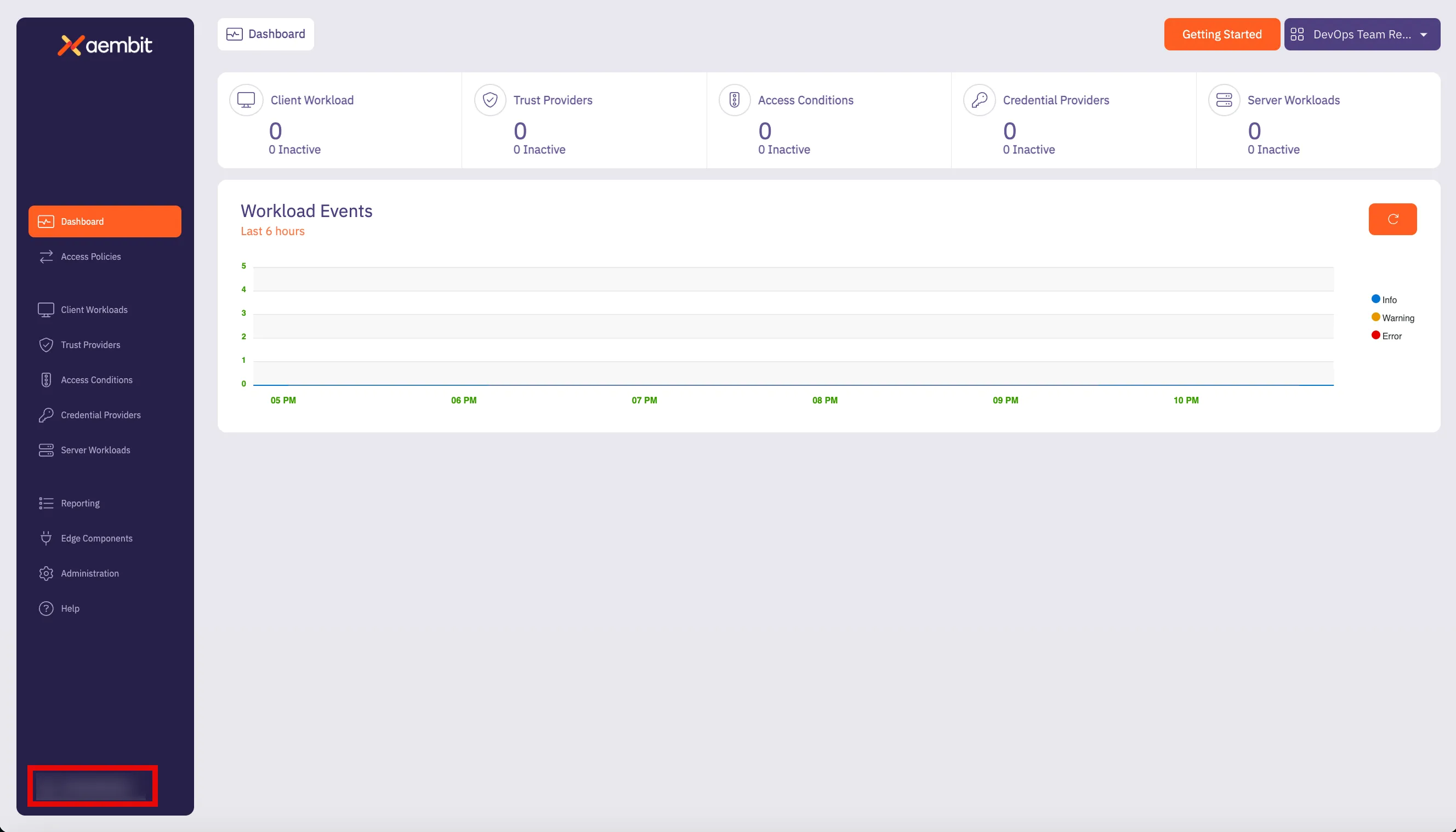
3. Click on the **Profile** link. The User Profile dialog window appears.
4. In the API Access section of the dialog window, copy the values in the **Access Token** and **API Base Url** fields. 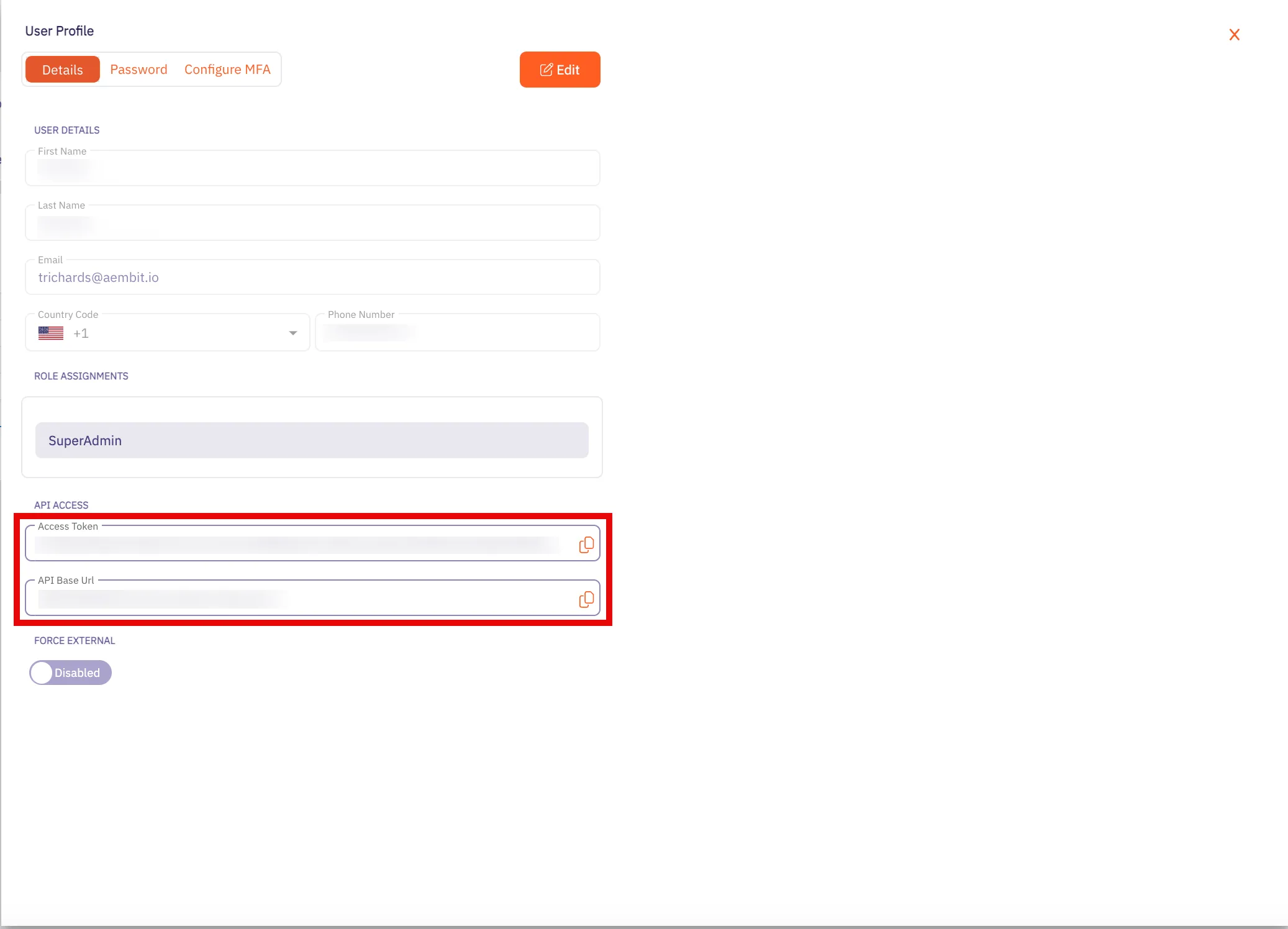
You may use the **Access Token** and **API Base Url** values in your API requests, as shown below in the [REST API Request Structure](#rest-api-request-structure) section.
### Using Aembit Native Authentication
[Section titled “Using Aembit Native Authentication”](#using-aembit-native-authentication)
Aembit also supports authentication to the Aembit API using a native authentication capability which utilizes OIDC (Open ID Connect tokens) ID Tokens. This capability requires configuring your Aembit Tenant with the appropriate components as follows:
* Client Workload
* For the source of your API requests (e.g. GitHub Actions, GitLab Jobs, etc.)
* Trust Provider
* To authenticate using cryptographic verification
* Credential Provider
* Using the Aembit Access Token type and a Role with permissions to the appropriate entities
* Server Workload
* Referencing the tenant-specific Aembit API hostname
* Access Policy
* Using the access entities above enables the configured Client Workload access to the Aembit API
## REST API Request Structure
[Section titled “REST API Request Structure”](#rest-api-request-structure)
Making a REST API call to a server requires adhering to strict syntax and formatting guidelines for the server to process the request correctly. REST APIs rely on clients and users following prescribed URL structures and HTTP methods to ensure proper request handling and response generation. While there’s flexibility in data formats, the core structure of a REST API request remains consistent to perform specific actions and tasks in a single request.
The structure of a REST API call typically consists of the following elements:
* HTTP Method (REST Verb)
* REST API Url
* Base Url
* Version
* Resource
* HTTP Authorization Header Access Token
### HTTP Method (REST Verb)
[Section titled “HTTP Method (REST Verb)”](#http-method-rest-verb)
When you want to make an API request, there are several types of requests (verbs) you can use, depending on what task you are trying to perform.
REST uses the following verbs:
* **GET** - retrieves information from one more resources
* **POST** - creates a new resource
* **PUT** - updates an existing resource
* **PATCH** - partially updates an existing resource
* **DELETE** - deletes a resource
### Base URL
[Section titled “Base URL”](#base-url)
The Base Url value is the standard HTTP address where requests are sent to the API server.
For the Aembit API, this will be the **API Base Url** from your Aembit Tenant and can be retrieved using the steps below:
1. Log into your Aembit Tenant.
2. On the main Dashboard page, hover over your name in the bottom-left corner and click on **Profile**. A User Profile dialog window appears. 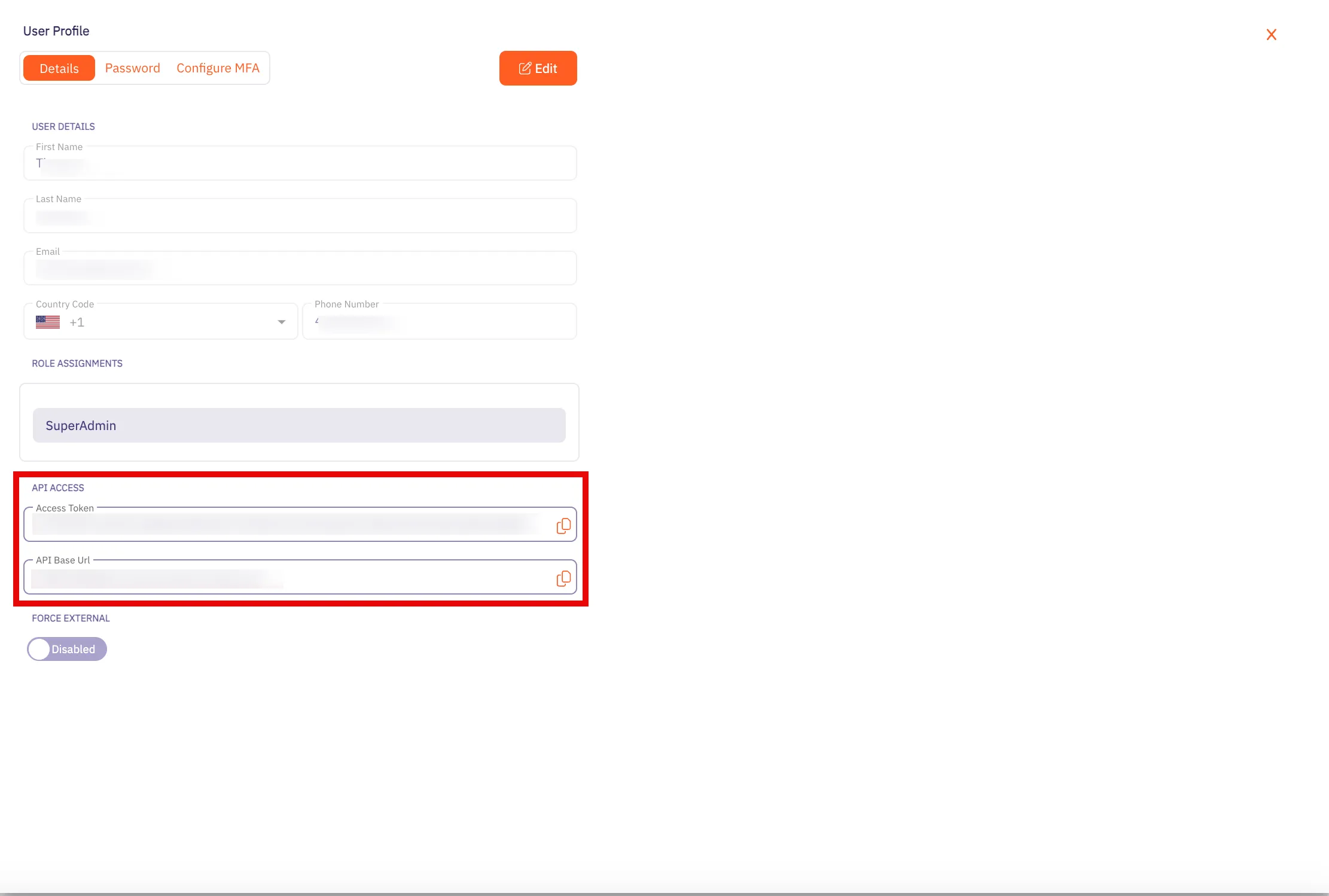
3. In the **API Access** section, copy the values in the **API Token** and **API Base Url** fields. You will need these values in your API client to make requests to the server.
### Versioning
[Section titled “Versioning”](#versioning)
Every public API, including the Aembit API, includes a **Version** that distinguishes it from other API versions. If an organization manages multiple versions of an API (e.g. v1, v2, v3, etc.), each version often includes different features and functions. Depending on the API version used in the request, you may have access to different features.
To make it easier for users to make calls to the correct API version, the version number is included the API request. So, for example, in the Aembit API, a request with the version number looks like the following example:
`/api/v1/users`
The `v1` in the URL specifies that the request is for the `v1` version of the Aembit API. By adding the version number in the URL, this tells the server that you want to access resources for that specific version of the API.
### Resource
[Section titled “Resource”](#resource)
The `resource` value is the specific resource being called. For example, `server-workloads` and `client-workloads` are resources.
### Access Token
[Section titled “Access Token”](#access-token)
The Access Token value is a unique identifier that can be included in the API request, enabling Aembit APIs to identify the requestor and verify the enabled API permissions.
Note
Aembit requires Authorization Header Bearer (access) tokens to be used when making API calls and does not support long lived credentials.
### Resource Set (optional)
[Section titled “Resource Set (optional)”](#resource-set-optional)
Aembit supports an optional feature where customers can segment their tenant into multiple isolated Resource Sets that do not interact. To manage access entities in custom Resource Sets, an additional HTTP Header value is required, `X-Aembit-ResourceSet`.
Note
If the `X-Aembit-ResourceSet` HTTP header is not specified, then the Aembit API will operate against the Default Resource Set (identified as `ffffffff-ffff-ffff-ffff-ffffffffffff`).
### REST API Request Example
[Section titled “REST API Request Example”](#rest-api-request-example)
A typical Aembit API request should look similar to the `curl` examples shown below:
```bash
curl -X GET -L 'https://tenant.aembit.io/api/v1/server-workloads' -H 'Authorization: Bearer '
curl -X GET -L 'https://tenant.aembit.io/api/v1/server-workloads' -H 'Authorization: Bearer ' -H 'X-Aembit-ResourceSet: ffffffff-ffff-ffff-ffff-ffffffffffff'
```
Where:
* `GET` is the type of request being made
* `https://tenant.aembit.io/api` is the Base URL
* `v1` is the API version
* `server-workloads` is the resource being called
## REST API Response
[Section titled “REST API Response”](#rest-api-response)
Every REST API response includes a HTTP Status Code and a response body. Successful responses will typically include a response body with the `Content-Type: application/json` and associated, structured data.
### Status Codes
[Section titled “Status Codes”](#status-codes)
Whenever you use the Aembit REST API, you will receive a HTTP status code when your request has been processed. The type of status code you receive depends on whether your request was successful or not.
The Aembit API uses standard HTTP Status Codes to denote whether a request has been successfully processed. Generally, you will see three types of status codes returned after you make a request.
* **2XX Codes** - If you request is successful, you will receive a 2XX error response code (e.g. 200, 201, etc).
* **4xx Codes** - If your request is not successful, and there is an client error in your request, you will receive a 4XX error response code (e.g. 401, 403, 404, etc).
* **5xx Codes** - If you request is not successful, and there is a server error, you will receive a 5XX error response code (e.g. 500, 502, 503, etc).
Note
For a full list of HTTP Status Codes, please see the [REST API Tutorial Status Codes](https://www.restapitutorial.com/httpstatuscodes) page.
## OpenAPI YAML
[Section titled “OpenAPI YAML”](#openapi-yaml)
Specific details about the Aembit API are available in the sections on the left and grouped based on the associated Aembit entities or features. However, in some cases, you may want the original OpenAPI document for importing into a code generator which can be downloaded with the link below.
[Download Aembit API OpenAPI Document](/cloud.yaml)
# API Reference
> Aembit Cloud API Reference
# Get started with Aembit Edge API
> Learn how to integrate Aembit Edge API into your cloud-native applications for secure credential retrieval
The Aembit Edge API enables your cloud-native applications to retrieve credentials dynamically without deploying additional infrastructure. Perfect for serverless functions, containers, and CI/CD pipelines that need secure access to third-party services.
## What you can do with Edge API
[Section titled “What you can do with Edge API”](#what-you-can-do-with-edge-api)
* **Retrieve credentials on-demand** for any configured service from your CI/CD pipelines.
* **Authenticate workloads** using platform-native identity tokens (GitHub Actions, GitLab CI, AWS Lambda, etc.).
* **Eliminate hardcoded secrets** by fetching credentials just-in-time.
* **Support multiple credential types** including API keys, username/password, and cloud provider tokens.
## Understanding the authentication flow
[Section titled “Understanding the authentication flow”](#understanding-the-authentication-flow)
Aembit Edge API uses a two-step authentication flow:
1. **Authenticate** your workload using the `/auth` endpoint to get an access token Your application proves its identity using platform-native tokens
2. **Use** that access token to call the `/credentials` endpoint Aembit provides credentials based on your configured policies
### Supported workload types
[Section titled “Supported workload types”](#supported-workload-types)
The Edge API supports identity attestation from:
* **GitLab CI/CD**: Uses `$GITLAB_OIDC_TOKEN` identity tokens with custom audience
* **GitHub Actions**: Uses OIDC identity tokens
* **AWS Lambda**: Uses instance identity documents
* **Azure Functions**: Uses managed identity tokens
* **Kubernetes**: Uses service account tokens
* **And more**: GCP, traditional hosts, and containerized environments
### Token expiration and caching
[Section titled “Token expiration and caching”](#token-expiration-and-caching)
* **Access tokens** expire in 1 hour by default
* **Credentials** have expiration times set by your Credential Provider
* **Best practice**: Cache tokens until near expiration, then refresh
## Visual tree diagram
[Section titled “Visual tree diagram”](#visual-tree-diagram)
The following is a visual representation of the Edge API endpoints and their structure in a tree format. This provides you with an at-a-glance view to understand the its organization and the relationships between different endpoints.
```bash
Aembit Edge API {}
├─/edge/v1/auth (POST) {}
│ ├─Headers {}
│ │ └─X-Aembit-ResourceSet (string, uuid)
│ ├─Request: AuthRequest {}
│ │ ├─clientId (string, nullable)
│ │ └─client: ClientWorkloadDetails {}
│ │ ├─sourceIP (string, nullable)
│ │ ├─aws: AwsDTO {}
│ │ │ ├─instanceIdentityDocument (string, nullable)
│ │ │ ├─instanceIdentityDocumentSignature (string, nullable)
│ │ │ ├─lambda: LambdaDTO {}
│ │ │ │ └─arn (string, nullable)
│ │ │ ├─ecs: AwsEcsDTO {}
│ │ │ │ ├─containerMetadata (string, nullable)
│ │ │ │ └─taskMetadata (string, nullable)
│ │ │ └─stsGetCallerIdentity: StsGetCallerIdentityDTO {}
│ │ │ ├─headers {}
│ │ │ │ └─[key] (string, nullable)
│ │ │ └─region (string, nullable)
│ │ ├─azure: AzureAttestationDTO {}
│ │ │ └─attestedDocument: AzureAttestedDocumentDTO {}
│ │ │ ├─encoding (string, nullable)
│ │ │ ├─signature (string, nullable)
│ │ │ └─nonce (string, nullable)
│ │ ├─gcp: GcpAttestationDTO {}
│ │ │ ├─identityToken (string, nullable)
│ │ │ └─instanceDocument (string, nullable)
│ │ ├─os: OsDTO {}
│ │ │ └─environment: EnvironmentDTO {}
│ │ │ ├─K8S_POD_NAME (string, nullable)
│ │ │ ├─CLIENT_WORKLOAD_ID (string, nullable)
│ │ │ ├─KUBERNETES_PROVIDER_ID (string, nullable)
│ │ │ └─AEMBIT_RESOURCE_SET_ID (string, nullable)
│ │ ├─k8s: K8sDTO {}
│ │ │ └─serviceAccountToken (string, nullable)
│ │ ├─host: HostDTO {}
│ │ │ ├─hostname (string, nullable)
│ │ │ ├─domainName (string, nullable)
│ │ │ ├─process: ProcessDTO {}
│ │ │ │ ├─name (string, nullable)
│ │ │ │ ├─pid (number)
│ │ │ │ ├─userId (number)
│ │ │ │ ├─userName (string, nullable)
│ │ │ │ └─exePath (string, nullable)
│ │ │ ├─sensors: SensorsDTO {}
│ │ │ │ └─crowdStrike: CrowdStrikeDTO {}
│ │ │ │ └─agentId (string, nullable)
│ │ │ └─systemSerialNumber (string, nullable)
│ │ ├─github: IdentityTokenAttestationDTO {}
│ │ │ └─identityToken (string, nullable)
│ │ ├─terraform: IdentityTokenAttestationDTO {}
│ │ │ └─identityToken (string, nullable)
│ │ └─gitlab: IdentityTokenAttestationDTO {}
│ │ └─identityToken (string, nullable)
│ └─Response: TokenDTO {}
│ ├─accessToken (string, nullable)
│ ├─tokenType (string, nullable)
│ └─expiresIn (number)
└─/edge/v1/credentials (POST) {}
├─Headers {}
│ └─X-Aembit-ResourceSet (string, uuid)
├─Request: ApiCredentialsRequest {}
│ ├─client: ClientWorkloadDetails {}
│ │ ├─sourceIP (string, nullable)
│ │ ├─aws: AwsDTO {}
│ │ │ ├─instanceIdentityDocument (string, nullable)
│ │ │ ├─instanceIdentityDocumentSignature (string, nullable)
│ │ │ ├─lambda: LambdaDTO {}
│ │ │ │ └─arn (string, nullable)
│ │ │ ├─ecs: AwsEcsDTO {}
│ │ │ │ ├─containerMetadata (string, nullable)
│ │ │ │ └─taskMetadata (string, nullable)
│ │ │ └─stsGetCallerIdentity: StsGetCallerIdentityDTO {}
│ │ │ ├─headers {}
│ │ │ │ └─[key] (string, nullable)
│ │ │ └─region (string, nullable)
│ │ ├─azure: AzureAttestationDTO {}
│ │ │ └─attestedDocument: AzureAttestedDocumentDTO {}
│ │ │ ├─encoding (string, nullable)
│ │ │ ├─signature (string, nullable)
│ │ │ └─nonce (string, nullable)
│ │ ├─gcp: GcpAttestationDTO {}
│ │ │ ├─identityToken (string, nullable)
│ │ │ └─instanceDocument (string, nullable)
│ │ ├─os: OsDTO {}
│ │ │ └─environment: EnvironmentDTO {}
│ │ │ ├─K8S_POD_NAME (string, nullable)
│ │ │ ├─CLIENT_WORKLOAD_ID (string, nullable)
│ │ │ ├─KUBERNETES_PROVIDER_ID (string, nullable)
│ │ │ └─AEMBIT_RESOURCE_SET_ID (string, nullable)
│ │ ├─k8s: K8sDTO {}
│ │ │ └─serviceAccountToken (string, nullable)
│ │ ├─host: HostDTO {}
│ │ │ ├─hostname (string, nullable)
│ │ │ ├─domainName (string, nullable)
│ │ │ ├─process: ProcessDTO {}
│ │ │ │ ├─name (string, nullable)
│ │ │ │ ├─pid (number)
│ │ │ │ ├─userId (number)
│ │ │ │ ├─userName (string, nullable)
│ │ │ │ └─exePath (string, nullable)
│ │ │ ├─sensors: SensorsDTO {}
│ │ │ │ └─crowdStrike: CrowdStrikeDTO {}
│ │ │ │ └─agentId (string, nullable)
│ │ │ └─systemSerialNumber (string, nullable)
│ │ ├─github: IdentityTokenAttestationDTO {}
│ │ │ └─identityToken (string, nullable)
│ │ ├─terraform: IdentityTokenAttestationDTO {}
│ │ │ └─identityToken (string, nullable)
│ │ └─gitlab: IdentityTokenAttestationDTO {}
│ │ └─identityToken (string, nullable)
│ ├─server: ServerWorkloadDetails {}
│ │ ├─transportProtocol (enum: TCP)
│ │ ├─host (string, nullable)
│ │ └─port (number)
│ └─credentialType (enum)
│ └─[Unknown|ApiKey|UsernamePassword|GoogleWorkloadIdentityFederation|OAuthToken|AwsStsFederation]
└─Response: ApiCredentialsResponse {}
├─credentialType (enum)
│ └─[Unknown|ApiKey|UsernamePassword|GoogleWorkloadIdentityFederation|OAuthToken|AwsStsFederation]
├─expiresAt (string, date-time, nullable)
└─data: EdgeCredentials {}
├─apiKey (string, nullable)
├─token (string, nullable)
├─username (string, nullable)
├─password (string, nullable)
├─awsAccessKeyId (string, nullable)
├─awsSecretAccessKey (string, nullable)
└─awsSessionToken (string, nullable)
```
# API Reference
> Aembit Edge API Reference
# Edge API authentication methods
> Authenticating with Aembit Edge API using different methods
Aembit Edge API supports multiple authentication methods to accommodate different environments and workloads, including cloud providers, CI/CD systems, and container orchestration platforms. The authentication process involves attesting the identity of Client Workloads and validating them against your configured Trust Providers. Edge API then issues an access token for subsequent API calls.
## List of authentication methods
[Section titled “List of authentication methods”](#list-of-authentication-methods)
* [AWS Metadata Service](/api-guide/edge/auth/aws-metadata-service)
* [AWS IAM Role](/api-guide/edge/auth/aws-iam-role)
# Edge API authentication with AWS IAM Role
> Authenticating with Aembit Edge API using AWS IAM Role
To authenticate with the Aembit Edge API using AWS IAM Role, you need to provide a signed AWS Security Token Service (STS) [GetCallerIdentity request](https://docs.aws.amazon.com/STS/latest/APIReference/API_GetCallerIdentity.html). This authentication method uses [AWS Signature Version 4 (SigV4)](/user-guide/access-policies/credential-providers/aws-sigv4) to sign the request, proving your identity through the IAM role attached to your EC2 instance.
## Prerequisites
[Section titled “Prerequisites”](#prerequisites)
To authenticate using an AWS IAM Role, you must have the following:
* Your Trust Provider’s [Edge SDK Client ID](#how-to-find-your-edge-sdk-client-id)
* EC2 instance with an attached IAM role that has `sts:GetCallerIdentity` permission
* SSH access to the instance or terminal access
* Python 3.x with the `requests` library installed (for the Python method)
* AWS credentials accessible from the instance (automatically available via instance metadata)
The IAM role attached to your EC2 instance must have at minimum the following permission:
```json
{
"Version": "2012-10-17",
"Statement": [
{
"Effect": "Allow",
"Action": "sts:GetCallerIdentity",
"Resource": "*"
}
]
}
```
## Authenticate with AWS IAM Role
[Section titled “Authenticate with AWS IAM Role”](#authenticate-with-aws-iam-role)
To authenticate with the Aembit Edge API using AWS IAM Role, follow these steps:
1. Open your terminal and SSH into your EC2 instance.
2. Retrieve AWS credentials from AWS’s Instance Metadata Service (IMDS) version2 with the following command. These credentials are automatically provided by AWS for instances with attached IAM roles:
* Linux
```shell
# Get the AWS credentials from instance metadata
TOKEN=`curl -X PUT "http://169.254.169.254/latest/api/token" -H "X-aws-ec2-metadata-token-ttl-seconds: 21600"` \
&& ROLE_NAME=`curl -H "X-aws-ec2-metadata-token: $TOKEN" http://169.254.169.254/latest/meta-data/iam/security-credentials/` \
&& curl -H "X-aws-ec2-metadata-token: $TOKEN" http://169.254.169.254/latest/meta-data/iam/security-credentials/$ROLE_NAME
```
* Windows
First, get the session token:
```powershell
[string]$token = (Invoke-WebRequest -Headers @{'X-aws-ec2-metadata-token-ttl-seconds' = '21600'} `
-Method PUT -Uri 'http://169.254.169.254/latest/api/token' -UseBasicParsing).Content
```
Then get the role name:
```powershell
[string]$roleName = (Invoke-WebRequest -Headers @{'X-aws-ec2-metadata-token' = $token} `
-Uri 'http://169.254.169.254/latest/meta-data/iam/security-credentials/' -UseBasicParsing).Content
```
Finally, get the credentials:
```powershell
(Invoke-WebRequest -Headers @{'X-aws-ec2-metadata-token' = $token} `
-Uri "http://169.254.169.254/latest/meta-data/iam/security-credentials/$roleName" -UseBasicParsing).Content
```
You should get output similar to:
```json
...
{
"Code": "Success",
"LastUpdated": "2025-01-15T10:30:45Z",
"Type": "AWS-HMAC",
"AccessKeyId": "ASIA42HLLFVDQQZD2PSX",
"SecretAccessKey": "iMapV1Wn6fKCanxLwsE1RGgzUy2H7BR95zMbmKuR",
"Token": "IQoJb3JpZ2luX2VjEO///////////wEaCXVzLWVhc3QtMSJI...",
"Expiration": "2025-01-15T16:30:45Z"
}
```
3. Generate the signed STS GetCallerIdentity request headers using one of the following methods:
* Python Script
Using this method, you’ll create a standalone Python script that manually implements AWS SigV4 signing.
Create a file named `generate_sts_headers.py` with the following content. Replace the placeholder values with your actual AWS credentials obtained in the previous step:
```python
import datetime, hashlib, hmac, json, sys
# Replace these with your actual AWS credentials from step 2
ACCESS_KEY = "ACCESS_KEY_PLACEHOLDER"
SECRET_KEY = "SECRET_KEY_PLACEHOLDER"
SESSION_TOKEN = "SESSION_TOKEN_PLACEHOLDER..." # Your full session token
REGION = "REGION_PLACEHOLDER" # Your AWS region
def sign(key, msg):
return hmac.new(key, msg.encode("utf-8"), hashlib.sha256).digest()
def getSignatureKey(key, date_stamp, regionName, serviceName):
kDate = sign(('AWS4' + key).encode('utf-8'), date_stamp)
kRegion = sign(kDate, regionName)
kService = sign(kRegion, serviceName)
kSigning = sign(kService, 'aws4_request')
return kSigning
# Request details
method = 'POST'
service = 'sts'
host = f'{service}.{REGION}.amazonaws.com'
endpoint = f'https://{host}/'
content_type = 'application/x-www-form-urlencoded; charset=utf-8'
request_parameters = "Action=GetCallerIdentity&Version=2011-06-15"
# Create timestamp
t = datetime.datetime.utcnow()
amz_date = t.strftime('%Y%m%dT%H%M%SZ')
date_stamp = t.strftime('%Y%m%d')
# Create canonical request
canonical_uri = '/'
canonical_querystring = ''
canonical_headers = f'content-type:{content_type}\nhost:{host}\nx-amz-date:{amz_date}\nx-amz-security-token:{SESSION_TOKEN}\n'
signed_headers = 'content-type;host;x-amz-date;x-amz-security-token'
payload_hash = hashlib.sha256(request_parameters.encode('utf-8')).hexdigest()
canonical_request = f'{method}\n{canonical_uri}\n{canonical_querystring}\n{canonical_headers}\n{signed_headers}\n{payload_hash}'
# Create string to sign
algorithm = 'AWS4-HMAC-SHA256'
credential_scope = f'{date_stamp}/{REGION}/{service}/aws4_request'
string_to_sign = f'{algorithm}\n{amz_date}\n{credential_scope}\n{hashlib.sha256(canonical_request.encode()).hexdigest()}'
# Calculate signature
signing_key = getSignatureKey(SECRET_KEY, date_stamp, REGION, service)
signature = hmac.new(signing_key, string_to_sign.encode('utf-8'), hashlib.sha256).hexdigest()
# Create authorization header
authorization_header = f'{algorithm} Credential={ACCESS_KEY}/{credential_scope}, SignedHeaders={signed_headers}, Signature={signature}'
# Output the headers needed for Aembit authentication
headers_for_aembit = {
"Content-Type": content_type,
"X-Amz-Date": amz_date,
"X-Amz-Security-Token": SESSION_TOKEN,
"Authorization": authorization_header
}
print("Headers for Aembit stsGetCallerIdentity:")
print(json.dumps(headers_for_aembit, indent=2))
print(f"\nRegion: {REGION}")
```
Run the script and note the output headers and region:
```shell
python3 generate_sts_headers.py
```
* Boto3 (AWS SDK)
Using this method, you’ll use the [AWS SDK for Python (Boto3)](https://aws.amazon.com/sdk-for-python/), enabling automatic credential handling and leverages AWS SDK signing logic.
To use the to handle signing automatically:
1. Install Boto3 if not already available:
```shell
# pip
pip3 install boto3
# apt
apt install python3-boto3
```
2. Create a Python script named `generate_sts_headers_boto3.py` that uses Boto3’s internal signing mechanisms:
```python
import boto3
import json
from botocore.auth import SigV4Auth
from botocore.awsrequest import AWSRequest
# Boto3 will automatically use instance credentials
session = boto3.Session()
credentials = session.get_credentials()
# Set your region
region = 'REGION_PLACEHOLDER' # Change to your AWS region
# Create the STS GetCallerIdentity request
request = AWSRequest(
method='POST',
url=f'https://sts.{region}.amazonaws.com/',
data='Action=GetCallerIdentity&Version=2011-06-15',
headers={
'Content-Type': 'application/x-www-form-urlencoded; charset=utf-8'
}
)
# Sign the request using SigV4
SigV4Auth(credentials, "sts", region).add_auth(request)
# Extract headers for Aembit authentication
headers_for_aembit = {
'Content-Type': request.headers.get('Content-Type'),
'X-Amz-Date': request.headers.get('X-Amz-Date'),
'X-Amz-Security-Token': request.headers.get('X-Amz-Security-Token'),
'Authorization': request.headers.get('Authorization')
}
print("Headers for Aembit stsGetCallerIdentity:")
print(json.dumps(headers_for_aembit, indent=2))
print(f"\nRegion: {region}")
```
3. Run the script:
```shell
python3 generate_sts_headers_boto3.py
```
4. Construct the authentication request payload using the `clientId`, headers, and region from the previous steps:
```json
{
"clientId": "",
"client": {
"aws": {
"stsGetCallerIdentity": {
"headers": {
"Content-Type": "application/x-www-form-urlencoded; charset=utf-8",
"X-Amz-Date": "20250115T103045Z",
"X-Amz-Security-Token": "IQoJb3JpZ2luX2VjEO...",
"Authorization": "AWS4-HMAC-SHA256 Credential=ASIA42HLLFVDQQZD2PSX/20250115/us-east-1/sts/aws4_request, SignedHeaders=content-type;host;x-amz-date;x-amz-security-token, Signature=abc123..."
},
"region": ""
}
}
}
}
```
5. Send the authentication request to your Aembit Edge API endpoint:
```shell
curl --location 'https:///edge/v1/auth' \
--header 'Content-Type: application/json' \
--data '{
"clientId": "your-edge-sdk-client-id",
"client": {
"aws": {
"stsGetCallerIdentity": {
"headers": {
"Content-Type": "application/x-www-form-urlencoded; charset=utf-8",
"X-Amz-Date": "20250115T103045Z",
"X-Amz-Security-Token": "IQoJb3JpZ2luX2VjEO...",
"Authorization": "AWS4-HMAC-SHA256 Credential=ASIA42HLLFVDQQZD2PSX/20250115/us-east-1/sts/aws4_request, SignedHeaders=content-type;host;x-amz-date;x-amz-security-token, Signature=abc123..."
},
"region": "us-east-1"
}
}
}
}'
```
When successful, you’ll receive output similar to:
```json
{
"accessToken": "eyJhbGciOiJSUzI1NiIsImtpZCI6IkpyR3JLQ0x6RVFN...",
"tokenType": "Bearer",
"expiresIn": 3600
}
```
6. Use the `accessToken` as the `bearerToken` in subsequent API calls to authenticate your requests. This token is valid for the duration specified in `expiresIn` (in seconds).
## How to find your Edge SDK Client ID
[Section titled “How to find your Edge SDK Client ID”](#how-to-find-your-edge-sdk-client-id)
1. Log in to your Aembit Tenant.
2. Go to the **Trust Providers** section in the left sidebar.
3. Select the Trust Provider you want to use for Edge API authentication.
4. In the **TRUST PROVIDER** section, find the **Edge SDK Client ID** field.
5. Copy the Edge SDK Client ID to use in your authentication requests.
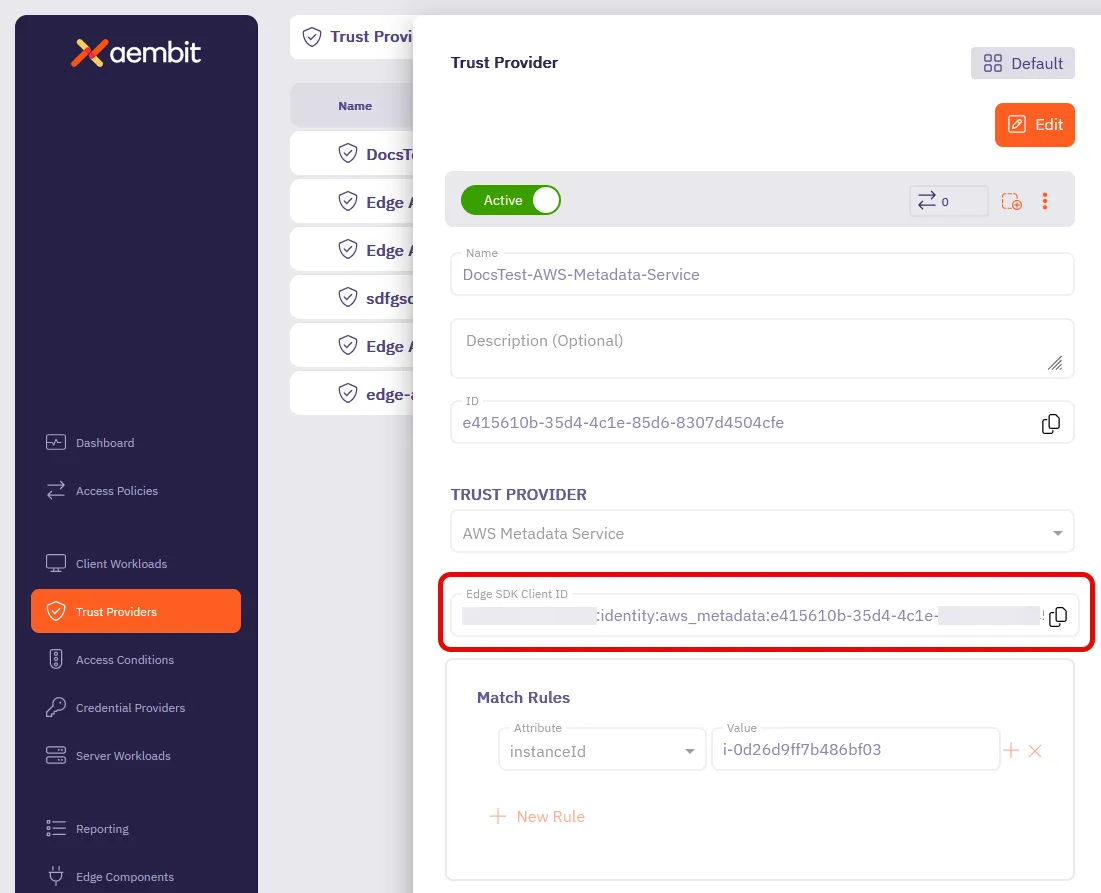
# Edge API authentication with AWS Metadata Service
> Authenticating with Aembit Edge API using AWS metadata service
To authenticate with the Aembit Edge API using AWS Metadata Service, you need to provide the instance identity document and its signature. This is typically done by querying the AWS Metadata Service from within an EC2 instance.
## Prerequisites
[Section titled “Prerequisites”](#prerequisites)
To authenticate using the AWS Metadata Service, you must have the following:
* Your Trust Provider’s [Edge SDK Client ID](#how-to-find-your-edge-sdk-client-id)
* EC2 instance or Kubernetes pod (or any machine with terminal access) on AWS.
* SSH access to the instance or pod.
* Both an `instanceIdentityDocument` and `instanceIdentityDocumentSignature`.
* The `instanceIdentityDocument` is a JSON document that contains metadata about the instance or pod.\
*You must base64-encode this document in standard BASE64 format with padding*.
* The `instanceIdentityDocumentSignature` is a signature of the document, which is what verifies the identity document’s authenticity.
The instance identity document contains useful metadata like instance ID, region, availability zone, instance type, and more, which are all securely accessible only from within the instance itself.
## Authenticate with AWS Metadata Service
[Section titled “Authenticate with AWS Metadata Service”](#authenticate-with-aws-metadata-service)
To authenticate with the Aembit Edge API using the AWS Metadata Service, follow these steps:
1. Open your terminal and SSH into your EC2 instance or Kubernetes pod.
2. Generate the instance or pod `instanceIdentityDocument` using AWS’s Instance Metadata Service (IMDS) version2 with the following command:
* Linux
```shell
TOKEN=`curl -X PUT "http://169.254.169.254/latest/api/token" -H "X-aws-ec2-metadata-token-ttl-seconds: 21600"` \
&& curl -H "X-aws-ec2-metadata-token: $TOKEN" http://169.254.169.254/latest/dynamic/instance-identity/document
```
* Windows
First, run:
```powershell
[string]$token = (Invoke-WebRequest -Headers @{'X-aws-ec2-metadata-token-ttl-seconds' = '21600'} `
-Method PUT -Uri 'http://169.254.169.254/latest/api/token' -UseBasicParsing).Content
```
Then, run:
```powershell
(Invoke-WebRequest -Headers @{'X-aws-ec2-metadata-token' = $token} `
-Uri 'http://169.254.169.254/latest/dynamic/instance-identity/document' -UseBasicParsing).Content
```
*See [Retrieve the instance identity document for an EC2 instance](https://docs.aws.amazon.com/AWSEC2/latest/UserGuide/retrieve-iid.html) in the AWS docs for more details*.
The link-local IP address `169.254.169.254` is the IMDS endpoint. The first request gets a session token with a 6-hour TTL. The second request uses that session token to retrieve the instance identity document.
You should get output similar to the following:
```json
{
"accountId" : "123456789012",
"architecture" : "x86_64",
"availabilityZone" : "us-east-1a",
"billingProducts" : null,
"devpayProductCodes" : null,
"marketplaceProductCodes" : null,
"imageId" : "ami-0123456789abcdef0",
"instanceId" : "i-0123456789abcdef0",
"instanceType" : "t2.micro",
"kernelId" : null,
"pendingTime" : "2025-06-12T11:38:17Z",
"privateIp" : "172.31.88.56",
"ramdiskId" : null,
"region" : "us-east-1",
"version" : "2017-09-30"
}
```
3. Base64-encode the `instanceIdentityDocument` using standard BASE64 encoding with padding. Aembit suggests using a tool like [Base64 Encode and Decode](https://www.base64encode.org/).
4. Get the `instanceIdentityDocumentSignature` using the following command:
* Linux
```shell
TOKEN=`curl -X PUT "http://169.254.169.254/latest/api/token" -H "X-aws-ec2-metadata-token-ttl-seconds: 21600"` \
&& curl -H "X-aws-ec2-metadata-token: $TOKEN" http://169.254.169.254/latest/dynamic/instance-identity/signature
TOKEN=`curl -X PUT "http://169.254.169.254/latest/api/token" -H "X-aws-ec2-metadata-token-ttl-seconds: 21600"` \
&& curl -H "X-aws-ec2-metadata-token: $TOKEN" http://169.254.169.254/latest/dynamic/instance-identity/signature | base64 -d >> signature
```
* Windows
First, run:
```powershell
[string]$token = (Invoke-WebRequest -Method Put -Headers @{'X-aws-ec2-metadata-token-ttl-seconds' = '21600'} http://169.254.169.254/latest/api/token).Content
```
Then, run:
```powershell
$Signature = [Convert]::FromBase64String((Invoke-WebRequest -Headers @{'X-aws-ec2-metadata-token' = $Token} http://169.254.169.254/latest/dynamic/instance-identity/signature).Content)
```
*See [Verify the instance identity document for an Amazon EC2 instance](https://docs.aws.amazon.com/AWSEC2/latest/UserGuide/verify-iid.html) in the AWS docs for more details*.
You should get output similar to the following:
```shell
% Total % Received % Xferd Average Speed Time Time Time Current
Dload Upload Total Spent Left Speed
100 56 100 56 0 0 25327 0 --:--:-- --:--:-- --:--:-- 28000
VO7la7Q7cDGw1v/3vpoPwaJaBLh9r+KX5cm15KfH7K9YaCILlNJ8UbCjph0991BSSZh3h+wrtlYy
tdjTx0NW274MrkpUWuYOwnI3WSKIpc3ue+HkS13iL6rwaPODfh83gA5xvEvvxgtCrESPoKRcc1xy
QB3AhLthSIsx0aN+V1Q=
```
The output signature is already formatted correctly for you to use in the `auth` API request.
The signature must be a single line without any extra spaces or newlines. Use a text editor or IDE to make sure.
5. Construct the authentication request payload using the `clientId`, `instanceIdentityDocument`, and `instanceIdentityDocumentSignature` you generated in the previous steps.
It should look something like this:
```shell
{
"clientId": "",
"client": {
"aws": {
"instanceIdentityDocument":
"",
"instanceIdentityDocumentSignature":
""
}
}
}
```
When successful, you’ll receive output similar to the following:
```shell
{
"accessToken": "eyJhbGciOiJSUzI1NiIsImtpZCI6IkpyR3JLQ0x6RVFN...",
"tokenType": "Bearer",
"expiresIn": 3600
}
```
6. Use the `accessToken` as the `bearerToken` in subsequent API calls to authenticate your requests. This token is valid for the duration specified in `expiresIn` (in seconds).
Example of an AWS attestation request to an EC2 instance
```shell
curl --location 'https://a12b3c4.aembit.io/edge/v1/credentials' \
--header 'Content-Type: application/json' \
--header 'Authorization: Bearer eyJhbGciOiJSUzI1NiIsImtpZCI6IkpyR3JLQ0x6RVFN...' \
--data '{
"client": {
"aws": {
"instanceIdentityDocument":
"ewogICJhY2NvdW50SWQiIDogIjEyMzQ1Njc4OTAxMiIsCiAgImFyY2hpdGVjdHVyZSIgOiAieDg2XzY0IiwKICAiYXZhaWxhYmlsaXR5Wm9uZSIgOiAidXMtZWFzdC0yIiwKICAiYmlsbGluZ1Byb2R1Y3RzIiA6IG51bGwsCiAgImRldnBheVByb2R1Y3RDb2RlcyIgOiBudWxsLAogICJtYXJrZXRwbGFjZVByb2R1Y3RDb2RlcyIgOiBudWxsLAogICJpbWFnZUlkIiA6ICJhbWktMDEyMzQ1Njc4OWFiY2RlZjAiLAogICJpbnN0YW5jZUlkIiA6ICJpLTAxMjM0NTY3ODlhYmNkZWYwIiwKICAiaW5zdGFuY2VUeXBlIiA6ICJ0Mi5taWNybyIsCiAgImtlcm5lbElkIiA6IG51bGwsCiAgInBlbmRpbmdUaW1lIiA6ICIyMDI1LTA2LTMwVDE3OjE4OjQ3WiIsCiAgInByaXZhdGVJcCIgOiAiMTcyLjMxLjcuMjAwIiwKICAicmFtZGlza0lkIiA6IG51bGwsCiAgInJlZ2lvbiIgOiAidXMtZWFzdC0yIiwKICAidmVyc2lvbiIgOiAiMjAxNy0wOS0zMCIKfQ==",
"instanceIdentityDocumentSignature":
"aBcDeFgHiJkLmNoPqRsTuVwXyZ0123456789+/aBcDeFgHiJkLmNoPqRsTuVwXyZ0123456789+/aBcDeFgHiJkLmNoPqRsTuVwXyZ0123456789+/aBcDeFgHiJkLmNoPqRsTuVwXyZ0123456789+/aBcDeFgH="
}
}
}'
```
## How to find your Edge SDK Client ID
[Section titled “How to find your Edge SDK Client ID”](#how-to-find-your-edge-sdk-client-id)
1. Log in to your Aembit Tenant.
2. Go to the **Trust Providers** section in the left sidebar.
3. Select the Trust Provider you want to use for Edge API authentication.
4. In the **TRUST PROVIDER** section, find the **Edge SDK Client ID** field.
5. Copy the Edge SDK Client ID to use in your authentication requests.

# Aembit Edge API endpoints
> Overview of Aembit Edge API endpoints and their structure
This section covers topics on the following Aembit Edge API endpoints:
* [`auth`](/api-guide/edge/endpoints/auth) POST - Authenticates Client Workloads
* [`credentials`](/api-guide/edge/endpoints/credentials) POST - Retrieves a credential to access a Server Workload
# Edge API - /edge/v1/auth
> Overview of Aembit Edge API auth endpoint and its structure
The authentication endpoint is the entry point for Client Workloads to establish trust with Aembit Edge. It validates Client Workload identity, with many attestation methods available, and returns an access token for subsequent API calls.
## How the `auth` endpoint works
[Section titled “How the auth endpoint works”](#how-the-auth-endpoint-works)
The Aembit Edge API `auth` endpoint provides a secure way for Client Workloads to authenticate and obtain an access token. The authentication flow consists of the following steps:
1. **Identity attestation** - Client workloads provide attestation data specific to their environment (AWS, Azure, GCP, Kubernetes, etc.)
2. **Trust validation** - Aembit Edge validates the attestation against configured Trust Providers
3. **Access Policy evaluation** - Aembit evaluates Access Policies to match the correct Client Workload and determine which credentials it can access for which Server Workloads
4. (Optional) **Resource Set validation** - If you specify a Resource Set, Aembit makes sure the Client Workload only accesses resources within the same Resource Set through the `X-Aembit-ResourceSet` header
5. **Token issuance** - Upon successful validation, Aembit Edge API returns an OAuth 2.0-style bearer token
The authentication flow supports multiple attestation methods simultaneously, allowing workloads running in hybrid or multi-cloud environments to provide multiple forms of identity proof.
No `bearerToken` in Authorization header
This authentication endpoint doesn’t pass a `bearerToken` in the `Authorization` header like most other API endpoints.
This means you **must** call the `/auth` endpoint first to get a valid access token before calling the `/credentials` endpoint. If you get any unexpected 401 errors, double-check that you aren’t setting the `Authorization` header with a `Bearer` token.
## Base structure
[Section titled “Base structure”](#base-structure)
The following is the base structure of the authentication endpoint, including headers, request, and response formats:
```shell
/edge/v1/auth (POST) {}
├─Headers {}
│ └─X-Aembit-ResourceSet (string, uuid) [optional]
├─Request: AuthRequest {}
│ ├─clientId (string) [Edge Client SDK ID from Trust Provider]
│ └─client: ClientWorkloadDetails {} [Workload attestation data]
└─Response: TokenDTO {}
├─accessToken (string, nullable) [Bearer token for API calls]
├─tokenType (string, nullable) [Typically "Bearer"]
└─expiresIn (number) [Token lifetime in seconds]
```
## Client Workload attestation types
[Section titled “Client Workload attestation types”](#client-workload-attestation-types)
The `client` field supports multiple attestation methods that you can use individually or in combination. Each attestation type provides different identity proof mechanisms based on where your Client Workload is running:
### AWS attestation
[Section titled “AWS attestation”](#aws-attestation)
For workloads running on Amazon Web Services, including EC2 instances, Lambda functions, and ECS containers:
```shell
aws: AwsDTO {} [AWS workload attestation]
├─instanceIdentityDocument (string, nullable) [Base64-encoded EC2 instance identity document]
├─instanceIdentityDocumentSignature (string, nullable) [Base64-encoded signature for EC2 verification]
├─lambda: LambdaDTO {} [AWS Lambda specific attestation]
│ └─arn (string, nullable) [Lambda function ARN for identity verification]
├─ecs: AwsEcsDTO {} [AWS ECS container attestation]
│ ├─containerMetadata (string, nullable) [JSON string containing ECS container metadata]
│ └─taskMetadata (string, nullable) [JSON string containing ECS task metadata]
└─stsGetCallerIdentity: StsGetCallerIdentityDTO {} [AWS STS identity verification]
├─headers {} [HTTP headers for STS GetCallerIdentity request]
│ └─[key] (string, nullable) [Header name/value pairs]
└─region (string, nullable) [AWS region for STS GetCallerIdentity request]
```
Example of an AWS attestation request to an EC2 instance:
```json
{
"clientId": "",
"client": {
"aws": {
"instanceIdentityDocument":
"",
"instanceIdentityDocumentSignature":
"",
}
}
}
```
**200 OK response**:
```json
{
"accessToken": "eyJhbGciOiJSUzI1NiIsImtpZCI6IkpyR3JLQ0x6RVFN...",
"tokenType": "Bearer",
"expiresIn": 3600
}
```
### Kubernetes attestation
[Section titled “Kubernetes attestation”](#kubernetes-attestation)
For workloads running in Kubernetes clusters, using service account tokens:
```shell
k8s: K8sDTO {} [Kubernetes workload attestation]
└─serviceAccountToken (string, nullable) [Kubernetes service account JWT token]
```
### CI/CD platform attestation
[Section titled “CI/CD platform attestation”](#cicd-platform-attestation)
For workloads running in continuous integration and deployment platforms using OpenID Connect (OIDC) identity tokens:
#### GitHub Actions attestation
[Section titled “GitHub Actions attestation”](#github-actions-attestation)
```shell
github: IdentityTokenAttestationDTO {} [GitHub Actions workflow attestation]
└─identityToken (string, nullable) [GitHub OIDC identity token for workflow verification]
```
#### Terraform Cloud attestation
[Section titled “Terraform Cloud attestation”](#terraform-cloud-attestation)
```shell
terraform: IdentityTokenAttestationDTO {} [Terraform Cloud workspace attestation]
└─identityToken (string, nullable) [Terraform Cloud OIDC identity token]
```
#### GitLab Jobs attestation
[Section titled “GitLab Jobs attestation”](#gitlab-jobs-attestation)
```shell
gitlab: IdentityTokenAttestationDTO {} [GitLab CI/CD pipeline attestation]
└─identityToken (string, nullable) [GitLab OIDC identity token for pipeline verification]
```
### Additional context
[Section titled “Additional context”](#additional-context)
```shell
sourceIP (string, nullable) [IP address of the requesting Client Workload]
```
Note
You do not have to include the `sourceIP` in `auth` requests.
# Edge API - /edge/v1/credentials
> Overview of Aembit Edge API credentials endpoint and its structure
The credentials endpoint provides just-in-time credential provisioning for authenticated Client Workloads. It returns the specific credentials needed to access target Server Workloads based on your configured Access Policies and Credential Providers.
## How the `credentials` endpoint works
[Section titled “How the credentials endpoint works”](#how-the-credentials-endpoint-works)
1. **Authentication**: Client Workloads must first authenticate via the `/auth` endpoint to obtain a bearer token
2. **Authorization**: Aembit validates the bearer token and authorizes the request
3. **Access Policy Evaluation**: Access Policies determine which credentials the Client Workload can access
4. (Optional) **Resource Set validation** - If you specify a Resource Set, Aembit makes sure the Client Workload only accesses resources within the same Resource Set through the `X-Aembit-ResourceSet` header
5. **Credential Retrieval**: Aembit fetches credentials from the configured Credential Provider
6. **Secure Delivery**: Aembit returns credentials with appropriate expiration information
The `credentials` endpoint supports multiple credential types and can integrate with many credential stores and identity providers.
## Base structure
[Section titled “Base structure”](#base-structure)
The following is the base structure of the credentials endpoint, including headers, request, and response formats:
```shell
/edge/v1/credentials (POST) {}
├─Headers {}
│ ├─Authorization: Bearer {token} [Required - from /auth endpoint]
│ └─X-Aembit-ResourceSet (string, uuid) [optional]
├─Request: ApiCredentialsRequest {}
│ ├─client: ClientWorkloadDetails {} [Requesting workload identity]
│ ├─server: ServerWorkloadDetails {} [Target server information]
│ └─credentialType (enum) [Type of credential requested]
└─Response: ApiCredentialsResponse {}
├─credentialType (enum) [Type of credential returned]
├─expiresAt (string, date-time, nullable) [When credentials expire]
└─data: EdgeCredentials {} [Actual credential data]
```
## Client Workload structure (requesting side)
[Section titled “Client Workload structure (requesting side)”](#client-workload-structure-requesting-side)
The `client` field identifies and provides attestation for the workload requesting credentials. This uses the same comprehensive attestation structure as the authentication endpoint, allowing Client Workloads to prove their identity through multiple methods:
```shell
client: ClientWorkloadDetails {} [Requesting workload identity]
├─sourceIP (string, nullable) [IP address of requesting workload]
├─aws: AwsDTO {} [AWS attestation methods]
│ ├─instanceIdentityDocument (string, nullable) [EC2 instance identity]
│ ├─instanceIdentityDocumentSignature (string, nullable) [EC2 signature]
│ ├─lambda: LambdaDTO {} [Lambda-specific attestation]
│ │ └─arn (string, nullable) [Lambda function ARN]
│ ├─ecs: AwsEcsDTO {} [ECS container attestation]
│ │ ├─containerMetadata (string, nullable) [ECS container metadata JSON]
│ │ └─taskMetadata (string, nullable) [ECS task metadata JSON]
│ └─stsGetCallerIdentity: StsGetCallerIdentityDTO {} [STS identity proof]
│ ├─headers {} [STS request headers]
│ │ └─[key] (string, nullable)
│ └─region (string, nullable) [AWS region for STS call]
├─azure: AzureAttestationDTO {} [Azure attestation methods]
│ └─attestedDocument: AzureAttestedDocumentDTO {}
│ ├─encoding (string, nullable) [Document encoding format]
│ ├─signature (string, nullable) [Azure attestation signature]
│ └─nonce (string, nullable) [Cryptographic nonce]
├─gcp: GcpAttestationDTO {} [Google Cloud attestation]
│ ├─identityToken (string, nullable) [GCP identity token]
│ └─instanceDocument (string, nullable) [GCE instance document]
├─os: OsDTO {} [Operating system context]
│ └─environment: EnvironmentDTO {} [Environment variables]
│ ├─K8S_POD_NAME (string, nullable)
│ ├─CLIENT_WORKLOAD_ID (string, nullable)
│ ├─KUBERNETES_PROVIDER_ID (string, nullable)
│ └─AEMBIT_RESOURCE_SET_ID (string, nullable)
├─k8s: K8sDTO {} [Kubernetes attestation]
│ └─serviceAccountToken (string, nullable) [K8s service account JWT]
├─host: HostDTO {} [Host system information]
│ ├─hostname (string, nullable) [System hostname]
│ ├─domainName (string, nullable) [Domain name]
│ ├─process: ProcessDTO {} [Process information]
│ │ ├─name (string, nullable) [Process name]
│ │ ├─pid (number) [Process ID]
│ │ ├─userId (number) [User ID]
│ │ ├─userName (string, nullable) [Username]
│ │ └─exePath (string, nullable) [Executable path]
│ ├─sensors: SensorsDTO {} [Security sensors]
│ │ └─crowdStrike: CrowdStrikeDTO {} [CrowdStrike agent data]
│ │ └─agentId (string, nullable) [Agent identifier]
│ └─systemSerialNumber (string, nullable) [Hardware serial number]
├─github: IdentityTokenAttestationDTO {} [GitHub Actions attestation]
│ └─identityToken (string, nullable) [GitHub OIDC token]
├─terraform: IdentityTokenAttestationDTO {} [Terraform Cloud attestation]
│ └─identityToken (string, nullable) [Terraform OIDC token]
└─gitlab: IdentityTokenAttestationDTO {} [GitLab CI/CD attestation]
└─identityToken (string, nullable) [GitLab OIDC token]
```
## Server Workload structure (target side)
[Section titled “Server Workload structure (target side)”](#server-workload-structure-target-side)
The `server` field specifies the target Server Workload that the client wants to access. This defines where you should use the credentials that Aembit returns:
```shell
server: ServerWorkloadDetails {} [Target server information]
├─transportProtocol (enum: TCP) [Network protocol for connection]
├─host (string, nullable) [Target server hostname or IP address]
└─port (number) [Target server port number]
```
## Credential type specific responses
[Section titled “Credential type specific responses”](#credential-type-specific-responses)
The `credentialType` field in both the request and response specifies what type of credentials the Client Workload is requesting and what Aembit returns. The `data` field structure varies based on this type:
### API key credentials
[Section titled “API key credentials”](#api-key-credentials)
```shell
credentialType: ApiKey
└─data: EdgeCredentials {}
└─apiKey (string) [API key for target service authentication]
```
### Username/password credentials
[Section titled “Username/password credentials”](#usernamepassword-credentials)
```shell
credentialType: UsernamePassword
└─data: EdgeCredentials {}
├─username (string) [Username for basic authentication]
└─password (string) [Password for basic authentication]
```
### OAuth token credentials
[Section titled “OAuth token credentials”](#oauth-token-credentials)
```shell
credentialType: OAuthToken
└─data: EdgeCredentials {}
└─token (string) [Bearer token for target service]
```
About Access Policy mismatches
When making a `credentials` request and any part of the request doesn’t match any of the values that Aembit Edge API expects for a specific Access Policy, you’ll get the following in the `200 OK` response:
```shell
{
"credentialType": "Unknown",
"data": {}
}
```
This indicates that there may be a typo or other misconfiguration in the request. Review your request and make sure that all of the parameters in the request match what Aembit Edge API expects.
## Key considerations
[Section titled “Key considerations”](#key-considerations)
**Security** - Aembit handles all credential responses securely and doesn’t log or cache them beyond their expiration time.
**Expiration** - Always check the `expiresAt` field and refresh credentials before they expire to avoid service interruptions.
**Error Handling** - Implement proper retry logic for credential requests, as temporary failures in credential providers can occur.
**Resource Sets** - Use the `X-Aembit-ResourceSet` header to scope credential requests to specific Access Policies when your workload operates in multiple contexts.
## Typical workflow
[Section titled “Typical workflow”](#typical-workflow)
1. **Authenticate**: Call `/edge/v1/auth` with workload attestation data
2. **Store Token**: Securely store the returned access token
3. **Request credentials**: Call `/edge/v1/credentials` with the bearer token when accessing target services
4. **Use credentials**: Use the returned credentials to authenticate with the target service
5. **Refresh**: Monitor expiration and refresh credentials as needed
# Get started with Aembit Edge API
> Learn how to integrate Aembit Edge API into your cloud-native applications for secure credential retrieval
In this quickstart, you’ll learn how to set up Aembit Edge API with either GitHub or GitLab CI/CD to securely retrieve credentials for your cloud-native application.
This guide walks you through the following primary steps:
1. [Connect Aembit to GitHub or GitLab](#step-1-connect-aembit-to-github-or-gitlab)
2. [Configure your Aembit Tenant](#step-2-complete-aembit-config)
3. [Make your first API calls to retrieve credentials](#step-3-make-your-first-api-calls)
## Before you begin
[Section titled “Before you begin”](#before-you-begin)
This quickstart assumes you have a basic understanding of [how Aembit works](/get-started/how-aembit-works) and GitHub or GitLab basic concepts.
Enterprise support
Aembit supports GitHub Cloud and GitLab Cloud but doesn’t support self-hosted GitHub Enterprise Server or GitLab instances.
To follow this quickstart, you must have the following:
* The `tenantId` from your Aembit Tenant (`https://.aembit.io`).\
*[Create a free Aembit Tenant](https://useast2.aembit.io/signup) if you don’t have one.*
* Either a:
* GitHub account with:
* Access to create repositories
* A email verified GitHub account
* GitLab account with:
* Access to create projects/repositories
* A email verified GitLab account
* SSH keys configured for GitLab (see [Use SSH keys to communicate with GitLab](https://docs.gitlab.com/user/ssh/) for more info)
* (Optional) Postman installed to use the [Aembit Edge API Postman Collection](/aembit-edge-api.postman_collection.json)
## Step 1: Connect Aembit to GitHub or GitLab
[Section titled “Step 1: Connect Aembit to GitHub or GitLab”](#step-1-connect-aembit-to-github-or-gitlab)
For the initial setup of Aembit Edge API, you’ll:
1. create a GitHub or GitLab repository
2. create a Trust Provider in your Aembit Tenant to authenticate your CI/CD job’s identity
3. configure a CI configuration file that generates a JSON Web Token (JWT) in your CI/CD pipeline
### Create a git repository
[Section titled “Create a git repository”](#create-a-git-repository)
Select the appropriate tab and follow the steps within it to create a new repository in GitHub or GitLab where your CI/CD configuration file resides.
* GitHub
1. Go to , login, and create a **New repository**.
2. Select **Create a new repository**, and give it a descriptive **Repository name**. For this quickstart, name it `edge-api-test`.
3. For **Visibility**, choose **Private**.
4. Click **Create repository**.
Notice the URL of your new repository, which should look like this:
```shell
https://github.com//edge-api-test
```
Where `` is your GitHub username and `edge-api-test` is your repository name.
Keep note of the repository name (`/edge-api-test`). This repository name is important because it will be used to match your GitHub Action with the Aembit Trust Provider you create later.
* GitLab
1. Go to , login, and create a **New project/repository**.
2. Select **Create blank project**, and give it a descriptive **Project name**. For this quickstart, name it `edge-api-test`.
3. For **Visibility Level**, choose **Private**.
4. Click **Create project**.
Notice the URL of your new project, which should look like this:
```shell
https://gitlab.com//edge-api-test
```
Where `` is your GitLab username or group name and `edge-api-test` is your project name.
Keep note of the project path (`/edge-api-test`). This project path is important because it will be used to match your GitLab CI job with the Aembit Trust Provider you create later.
### Create an Aembit Trust Provider
[Section titled “Create an Aembit Trust Provider”](#create-an-aembit-trust-provider)
For Aembit to verify the identity of your CI/CD job, you need to create a Trust Provider that uses the either a GitHub Action or GitLab Job ID Token. The Trust Provider you create automatically generates two important values:
* An **Edge SDK Client ID** that you’ll use in your API calls.
* An **Edge SDK Audience** that you’ll use in the CI/CD configuration file.
Select the appropriate tab to follow the steps for creating a Trust Provider for either GitHub or GitLab:
* GitHub
1. **Open a new browser tab or window**.\
This is helpful as you’ll be switching between your GitHub repository and your Aembit Tenant.
2. **Log into your Aembit Tenant** at `https://.aembit.io`.
Go to **Trust Providers** in the left sidebar menu.
Click **+ New**.
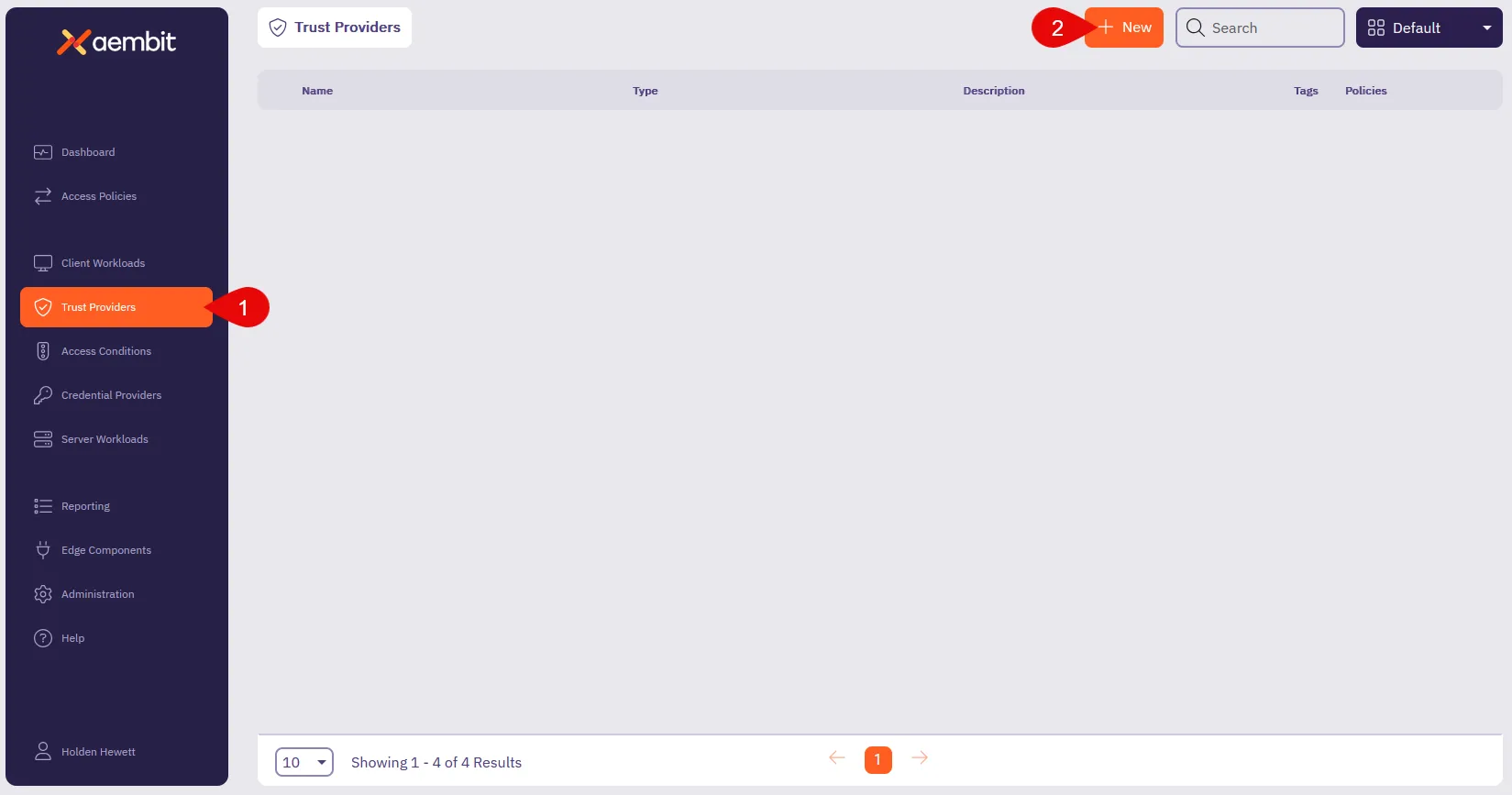
3. Fill out the **Trust Provider** form:
* **Name** - Enter a descriptive name like `Edge API GitHub Test`.
* **TRUST PROVIDER** - Select **GitHub Action ID Token**, which reveals its configuration options.
* **Edge SDK Audience** - You’ll use this auto-generated value in your CI/CD config file.
* **Match Rules** - Select **repository** and enter the repository name as the **Value**.\
Use the repository name you created in the previous step (like `/edge-api-test`).
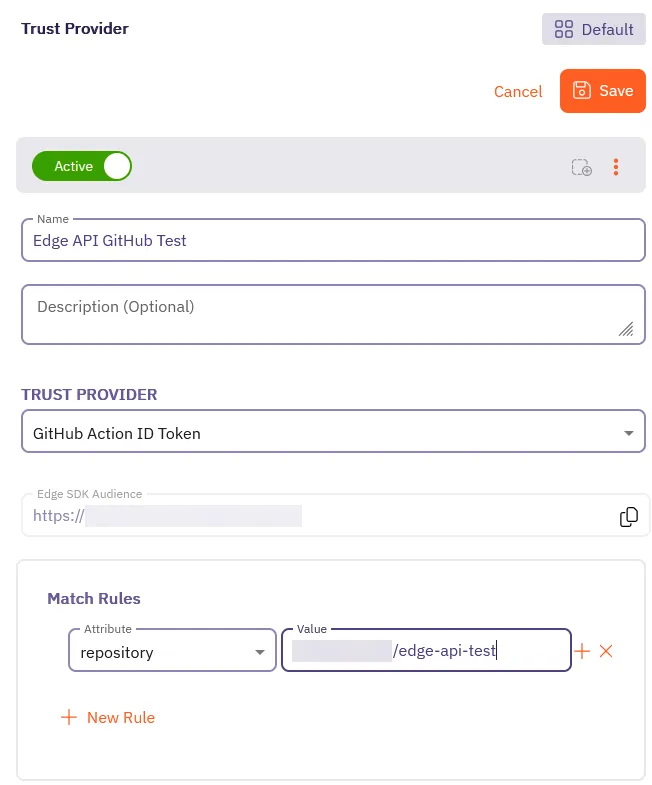
4. Click **Save**.
Aembit displays your new Trust Provider in the list of Trust Providers.
5. Click on your newly created Trust Provider to view its details.
You’ll see **Edge SDK Client ID** and **Edge SDK Audience** that Aembit automatically generated for your Trust Provider.

Keep this tab or window open, as you’ll need these values in the next steps.
* GitLab
1. **Open a new browser tab or window**.\
This is helpful as you’ll be switching between your GitLab project and your Aembit Tenant.
2. **Log into your Aembit Tenant** at `https://.aembit.io`.
Go to **Trust Providers** in the left sidebar menu.
Click **+ New**.
3. Fill out the **Trust Provider** form:
* **Name** - Enter a descriptive name like `Edge API GitLab Test`.
* **TRUST PROVIDER** - Select **GitLab Job ID Token**, which reveals its configuration options.
* **OIDC Endpoint** - Enter `https://gitlab.com`.
* **Edge SDK Audience** - You’ll use this auto-generated value in your CI/CD config file.
* **Match Rules** - Select **project\_path** and enter project path as the **Value**.\
Use the project path you created in the previous step (like `/edge-api-test`).
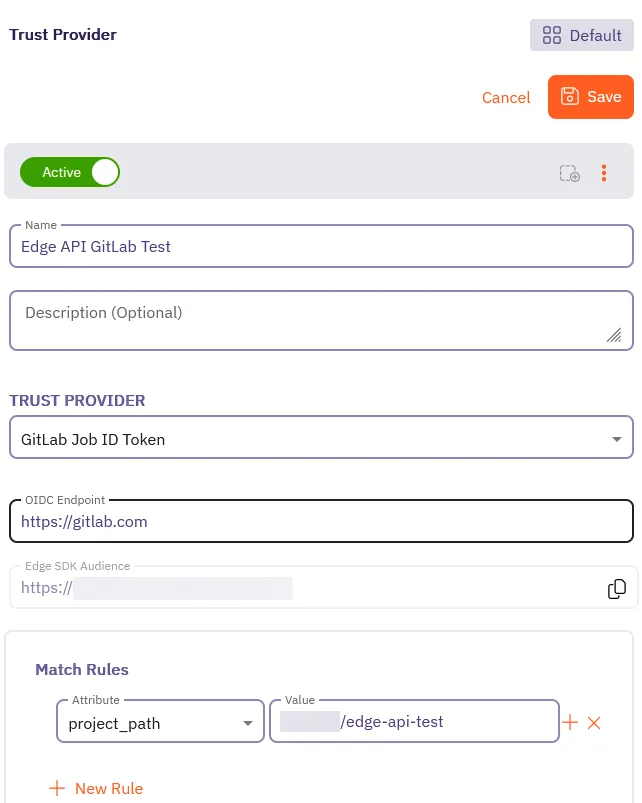
4. Click **Save**.
Aembit displays your new Trust Provider in the list of Trust Providers.
5. Click on your newly created Trust Provider to view its details.
You’ll see **Edge SDK Client ID** and **Edge SDK Audience** that Aembit automatically generated for your Trust Provider.
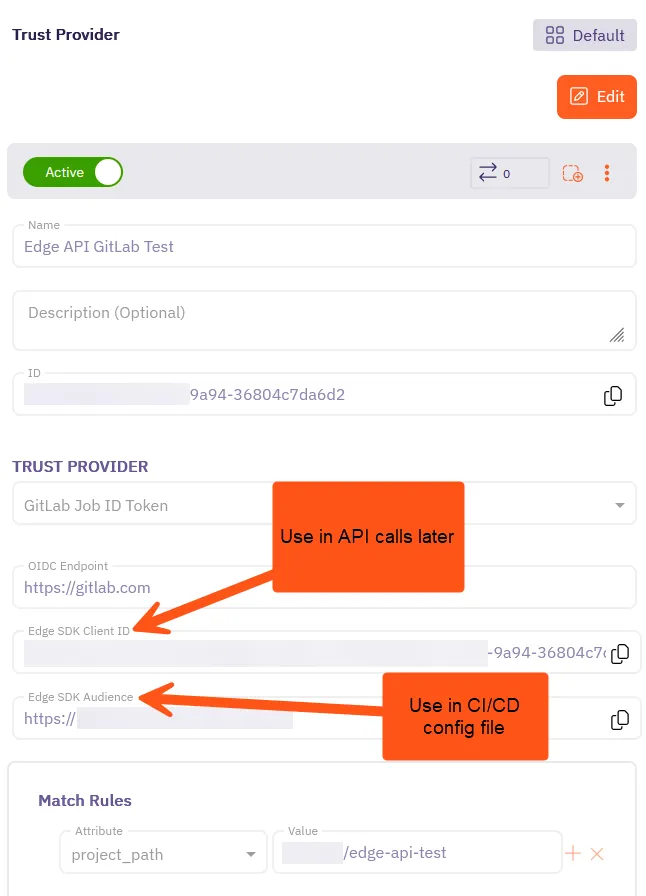
Keep this tab or window open, as you’ll need these values in the next steps.
### Create a CI/CD configuration file
[Section titled “Create a CI/CD configuration file”](#create-a-cicd-configuration-file)
Now you’ll create the CI/CD configuration file that runs in your GitHub or GitLab repository. This file uses the Trust Provider you created to authenticate your CI/CD job with Aembit Edge API. The CI/CD job generates an OpenID Connect (OIDC) token that Aembit Edge API uses to verify the identity of your CI/CD job.
The CI configuration file also prints the Base64-encoded OIDC token, which you’ll decode later to retrieve your identity token. The OIDC token is a JWT that contains information about the identity of your CI/CD job.
The CI configuration file is different for GitHub and GitLab, so be sure to follow the steps for your chosen provider:
* GitHub
1. Go back to your GitHub repository in the browser tab or window you opened earlier.
In your new repository, click **Add file** and select **Create new file**.
2. Create a new file called `.github/workflows/aembit-edge-api.yml`.\
Paste the entire filepath into the **Name your file…** field and GitHub automatically creates the directories.
Add the following content to the file:
.github/workflows/aembit-edge-api.yml
```yaml
# Generate an OIDC token for Aembit Edge API with GitHub
name: Generate OIDC Token
on:
workflow_dispatch:
push:
branches: [main]
jobs:
demo:
runs-on: ubuntu-latest
permissions:
id-token: write
contents: read
steps:
- name: Get OIDC Token
uses: actions/github-script@v7
with:
script: |
const token = await core.getIDToken('');
const encoded = Buffer.from(token).toString('base64');
console.log('Token (split to avoid masking):');
console.log(encoded.substring(0, 50));
console.log(encoded.substring(50, 100));
console.log(encoded.substring(100));
```
3. Replace `` with the **Edge SDK Audience** value you copied from your Trust Provider configuration in the previous step. This value is crucial as it tells GitHub to generate an OIDC token with the correct audience for Aembit Edge API.
The value should look something like this:
```shell
https://.id.useast2.aembit.io
```
This value is crucial as it tells GitHub to generate an OIDC token with the correct audience for Aembit Edge API.
* GitLab
1. Go back to your GitLab project in the browser tab or window you opened earlier.
In your new project, click **Edit** and select **Web IDE**, which opens the web-based integrated development environment.
2. Create a new file called `.gitlab-ci.yml` in the root of your project with the following content:
.gitlab-ci.yml
```yaml
# Generate an OIDC token for Aembit Edge API with GitLab
demo:
image: alpine
id_tokens:
GITLAB_OIDC_TOKEN:
aud:
script:
- echo "Token:"
- echo -n $GITLAB_OIDC_TOKEN | base64
```
3. Replace `` with the **Edge SDK Audience** value you copied from your Trust Provider configuration in the previous step. This value is crucial as it tells GitLab to generate an OIDC token with the correct audience for Aembit Edge API.
The value should look something like this:
```shell
https://.id.useast2.aembit.io
```
This value is crucial as it tells GitLab to generate an OIDC token with the correct audience for Aembit Edge API.
4. Click **Source Control** in the left side menu.
Click **Commit and push to ‘main’** to save the file to your repository.
### Generate an OIDC token
[Section titled “Generate an OIDC token”](#generate-an-oidc-token)
Now that you have your CI configuration file set up, it’s time to run it and generate the OIDC token.
* GitHub
1. While still in your GitHub repository, click on the **Actions** tab at the top of the page.
2. In the left sidebar menu, you should see your workflow named **Generate OIDC Token**.
Click on it to view the workflow runs.
3. Click on the latest run to view its details.
Click on the “Demo” run.
Then, expand the **Get OIDC Token** section to reveal the full logs.
4. You should see the output containing the `Token:` value which is standard Base64-encoded and should look something like this (*the output is split so that GitHub won’t mask the token in the log output*.):
GitHub Action Output
```shell
...
Token (split to avoid masking):
ZXlKaGJHY2lPaUpTVXpJMU5pSXNJbXRwWkNJNklqTTRPREkyWW
pFM0xUWmhNekF0TldZNVlpMWlNVFk1TFRoaVpXSTRNakF5Wmpj
eU15SXNJblI1Y0NJNklrcFhWQ0lzSW5nMWRDSTZJbmxyVG1GWk5IRk5YM1JoTkdzeVZHZGFUME5G
... omitted for brevity ...
ZHZjbXRtYkc5M1gyUnBjM0JoZEdOb0lpd2laWGh3SWpveE56VXdNVE0xTlRZeUxDSm9aV0ZrWDNK
bFppSTZJaUlzSW1saGRDSTZNVGMxTURFeE16azJNaXdpYVhOeklqb2
```
5. Copy the Base64-encoded token from the job output.
6. Decode the token using a Base64 decoder like [BASE64 Decode and Encode](https://www.base64decode.org/).\
The decoded token should start with `ey` and should look something like this:
Decoded GitHub OIDC Token
```shell
eyJraWQiOiI0aTNzRkU3c3hxTlBPVDdGZHZjR0ExWlZHR0lfci10c0RYbkV1WVQ0WnFFI
iwidHlwIjoianNvbiIsImFsZyI6IlJTMjU2In0.e3JuYW1lc3BhY2VfaWQiOiIxMDgzOT
... omitted for brevity ...
1TCmnNp0ubYcDFn5lfpiJyhTCMzKpABlyaqq03CZFSJGkgVMVfHUWKkbBvl-gt1IJFnUq
gdwZ3QxSUpGblVxUEhzRkFnNm90ZVVrZTlLa2JaRkM0clc1RUZTUEFqSmFWV2lhUlj59D
```
This is your GitHub identity token! Hold onto it, as you’ll need it to authenticate with Aembit.
Now that you have your GitHub identity token, you must finish configuring Aembit to complete this quickstart guide.
* GitLab
1. While still in your GitLab project, click on the **CI/CD** tab in the left sidebar menu.
Click on **Pipelines** to view the list of pipelines.
2. You should see your pipeline named **Generate OIDC Token**.
Click on it to view the pipeline runs.
3. Click on the latest run to view its details.
4. In the **Jobs** section, click on the job that corresponds to your pipeline (something like `#10346670123: demo`).
5. The output contains the `Token:` value which is standard Base64-encoded with padding and should look something like this:
GitLab Job Output
```shell
...
Token:
ZXlKcmFXUWlPaUkwYVROelJrVTNjM2h4VGxCUFZEZEdaSFpqUjBFeFdsWkhSMGxmY2kxMGMwUlli
a1YxV1ZRMFduRkZJaXdpZEhsd0lqb2lTbGRVSWl3aVlXeG5Jam9pVWxNeU5UWWlmUS5leUp1WVcx
... omitted for brevity ...
dmwtZ3QxSUpGblVxUEhzRkFnNm90ZVVrZTlLa2JaRkM0clc1RUZTUEFqSmFWV2lhUkg0cUF6ckZP
anJ3R3Bva1dQTW9pTlczVU0yNjBRZkVCVWluZTZFeHc=
```
6. Copy the Base64-encoded token from the job output.
7. Decode the token using a Base64 decoder like [BASE64 Decode and Encode](https://www.base64decode.org/).\
The decoded token should start with `ey` and should look something like this:
Decoded GitLab OIDC Token
```shell
eyJraWQiOiI0aTNzRkU3c3hxTlBPVDdGZHZjR0ExWlZHR0lfci10c0RYbkV1WVQ0WnFFI
iwidHlwIjoianNvbiIsImFsZyI6IlJTMjU2In0.e3JuYW1lc3BhY2VfaWQiOiIxMDgzOT
... omitted for brevity ...
1TCmnNp0ubYcDFn5lfpiJyhTCMzKpABlyaqq03CZFSJGkgVMVfHUWKkbBvl-gt1IJFnUq
gdwZ3QxSUpGblVxUEhzRkFnNm90ZVVrZTlLa2JaRkM0clc1RUZTUEFqSmFWV2lhUlj59D
```
This is your GitLab identity token! Hold onto it, as you’ll need it to authenticate with Aembit.
Now that you have your GitLab identity token, you must finish configuring Aembit to complete this quickstart guide.
Token expiration
The OIDC token you generate in your CI/CD job is only valid for 1 hour, so if you do everything correctly and you’re getting 401 Unauthorized errors later when you’re making API calls, run your CI/CD job again to generate a fresh token and try again.
## Step 2: Complete Aembit config
[Section titled “Step 2: Complete Aembit config”](#step-2-complete-aembit-config)
Now that you have your identity token from your CI/CD job, it’s time to finish configuring the rest of the Aembit components you need to complete this quickstart guide.
In this section, you’ll create:
* a Client Workload that represents your CI/CD job
* a Credential Provider that defines the credentials for your target service
* a Server Workload that represents the target service you want to retrieve credentials for
* an Access Policy that ties everything together
### Create a Client Workload
[Section titled “Create a Client Workload”](#create-a-client-workload)
Create a Client Workload that represents your CI/CD job. This Client Workload is what authenticates with Aembit using the identity token you just generated. You must create this Client Workload so you can retrieve credentials for your target service later using the Aembit Edge API.
* GitHub
This Client Workload represents your GitHub CI job that authenticates with Aembit using the identity token.
1. Switch back to the tab or window with your Aembit Tenant, go to **Client Workloads** in the left sidebar menu.
Click **+ New**.
2. Fill out the **Client Workload** form:
* **Name** - Enter a descriptive name like `GitHub Edge API Test`.
* **Client Identification** - Select **GitHub ID Token Repository** and enter the repository name (`/edge-api-test`) you created earlier as the **Value**.
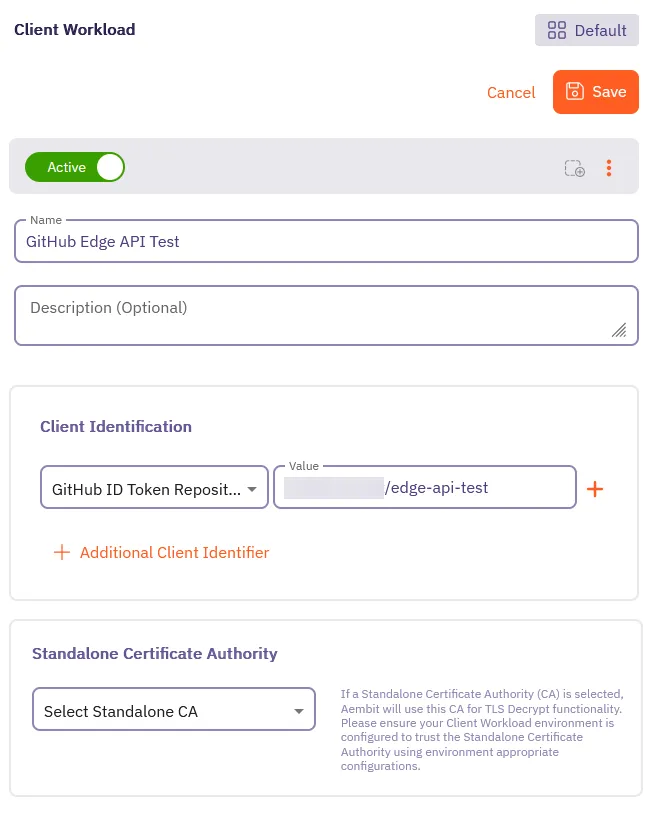
3. Click **Save**.
Aembit displays your new Client Workload in the list of Client Workloads.
* GitLab
This Client Workload represents your GitLab CI job that authenticates with Aembit using the identity token.
1. Switch back to the tab or window with your Aembit Tenant, go to **Client Workloads** in the left sidebar menu.
Click **+ New**.
2. Fill out the **Client Workload** form:
* **Name** - Enter a descriptive name like `GitLab Edge API Test`.
* **Client Identification** - Select **GitLab ID Token Project Path** and enter the project path (`/edge-api-test`) you created earlier as the **Value**.

3. Click **Save**.
Aembit displays your new Client Workload in the list of Client Workloads.
### Create a Credential Provider
[Section titled “Create a Credential Provider”](#create-a-credential-provider)
Next, you must create a Credential Provider. Credential Providers define the credential (like an API key or database password) for your target service that you’ll retrieve using Aembit Edge API calls later.
Follow these steps to create a Credential Provider in your Aembit Tenant:
Note
Regardless of which git provider you’re using, follow these steps to create a Credential Provider, as it applies to either use case.
1. While still in your Aembit Tenant, go to **Credential Providers** in the left sidebar menu.
Click **+ New**.
2. Fill out the **Credential Provider** form:
3. Enter a **Name** for your Credential Provider, like `My Service API Key`.
4. Select `API Key` as the **Credential Type**.
5. Enter an **API Key** for your target service, like `my_secure_api_key_abc123xyz789`.

6. Click **Save**.
Aembit displays your new Credential Provider in the list of Credential Providers.
### Create a Server Workload
[Section titled “Create a Server Workload”](#create-a-server-workload)
Now, you’ll create a Server Workload that represents the target service you want to retrieve credentials for. For the purposes of this quickstart guide, this won’t be a real service, but rather a placeholder to showcase how to authenticate and retrieve credentials using Aembit Edge API. Typically, this would be a database, API, or other service that your application needs to authenticate with. This Server Workload’s credential is what you’ll be retrieving later in this quickstart.
Follow these steps to create a Server Workload in your Aembit Tenant:
Note
Regardless of which git provider you’re using, follow these steps to create a Server Workload, as it applies to either use case.
1. While still in your Aembit Tenant, go to **Server Workloads** in the left sidebar menu.
Click **+ New**.
2. Fill out the **Server Workload** form:
3. Enter a **Name** for your Server Workload, like `My API Service`.
4. In the **Service Endpoint** section, fill out the following fields:
* **Host** - Enter the hostname of your target service, like `api.myservice.com`.
* **Application Protocol** - Select `HTTP`.
Record these values, as you’ll use them later when making API calls to retrieve credentials.
Leave the remaining fields at their default values.
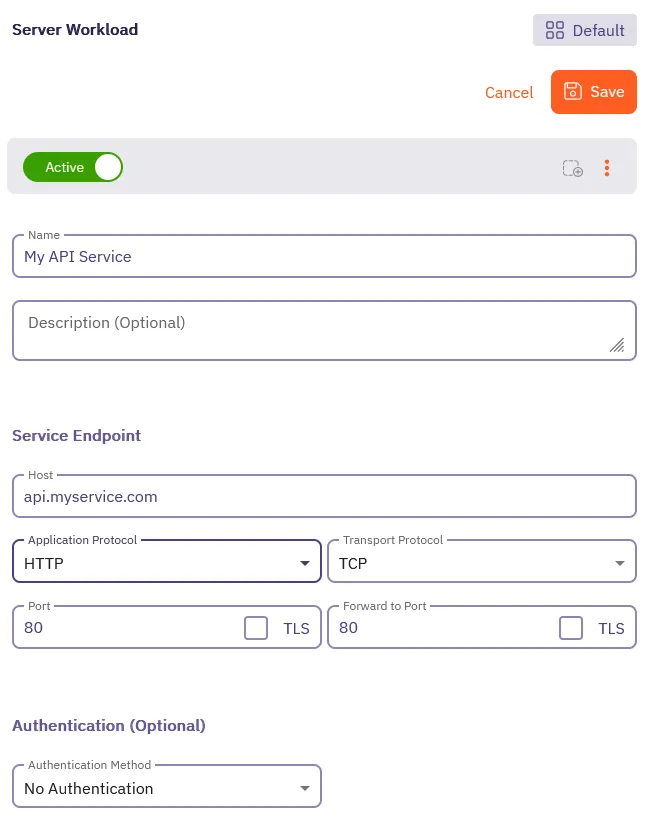
5. Click **Save**.
Aembit displays your new Server Workload in the list of Server Workloads.
### Create an Access Policy
[Section titled “Create an Access Policy”](#create-an-access-policy)
It’s time to put everything together into an Access Policy.
Access Policies define:
* the identity of your Client Workload through the Trust Provider
* which Client Workload (your CI/CD job) can access which Server Workload (your target service)
* the credential to retrieve for the Server Workload from the Credential Provider
You must create an Access Policy that defines these relationships, otherwise, Aembit won’t permit you to retrieve credentials.
Select the appropriate tab to follow the steps for creating an Access Policy for either GitHub or GitLab:
* GitHub
1. While still in your Aembit Tenant, go to **Access Policies** in the left sidebar menu.
2. Click **+ New** to open the Access Policy Builder.
3. **Select a Client Workload**:
1. Click the **Client Workload** card in the left panel, then select the **Select Existing** tab.
2. Select the *GitHub Client Workload* you created earlier from the list.
3. Click **Use Selected** to add the Client Workload to the policy.
4. **Select a Server Workload**:
1. Click the **Server Workload** card in the left panel, then select the **Select Existing** tab.
2. Select the Server Workload you created earlier from the list.
3. Click **Use Selected** to add the Server Workload to the policy.
5. **Select a Trust Provider**:
1. Click the **Trust Providers** card in the left panel, then select the **Select Existing** tab.
2. Select the *GitHub ID Token Trust Provider* you created earlier from the list.
3. Click **Use Selected** to add the Trust Provider to the policy.
6. **Select a Credential Provider**:
1. Click the **Credential Provider** card in the left panel, then select the **Select Existing** tab.
2. Select the Credential Provider you created earlier from the list.
3. Click **Use Selected** to add the Credential Provider to the policy.
7. In the **Access Policy Name** field, enter a name for your policy.
8. Click **Save Policy** in the header bar. Enable the **Active** toggle to activate.
After saving, Aembit displays the Access Policy in the list of Access Policies.
Click on the Access Policy, the detailed view should look similar to the following screenshot:
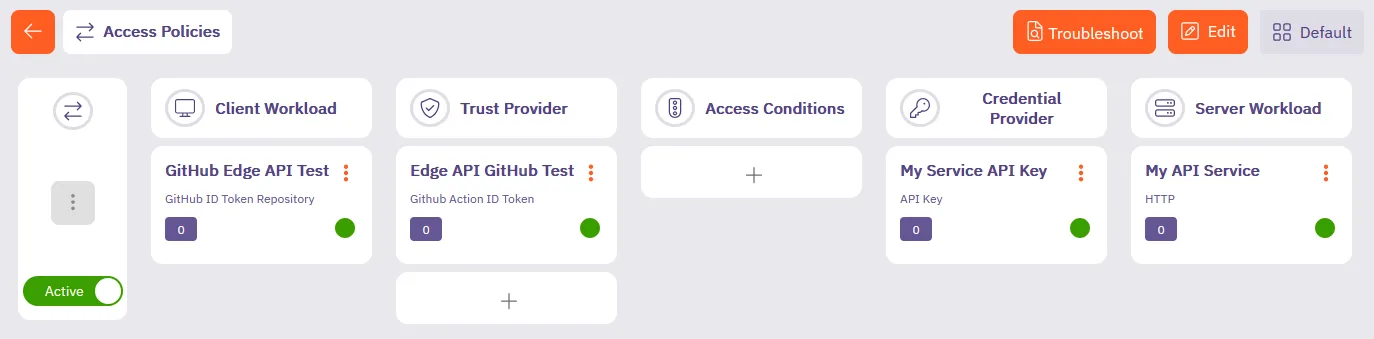
You’ve successfully created an Access Policy that permits your GitHub ID Token-based Client Workload to retrieve credentials for your target service using Aembit Edge API.
* GitLab
1. While still in your Aembit Tenant, go to **Access Policies** in the left sidebar menu.
2. Click **+ New** to open the Access Policy Builder.
3. **Select a Client Workload**:
1. Click the **Client Workload** card in the left panel, then select the **Select Existing** tab.
2. Select the *GitLab Client Workload* you created earlier from the list.
3. Click **Use Selected** to add the Client Workload to the policy.
4. **Select a Server Workload**:
1. Click the **Server Workload** card in the left panel, then select the **Select Existing** tab.
2. Select the Server Workload you created earlier from the list.
3. Click **Use Selected** to add the Server Workload to the policy.
5. **Select a Trust Provider**:
1. Click the **Trust Providers** card in the left panel, then select the **Select Existing** tab.
2. Select the *GitLab ID Token Trust Provider* you created earlier from the list.
3. Click **Use Selected** to add the Trust Provider to the policy.
6. **Select a Credential Provider**:
1. Click the **Credential Provider** card in the left panel, then select the **Select Existing** tab.
2. Select the Credential Provider you created earlier from the list.
3. Click **Use Selected** to add the Credential Provider to the policy.
7. In the **Access Policy Name** field, enter a name for your policy.
8. Click **Save Policy** in the header bar. Enable the **Active** toggle to activate.
After saving, Aembit displays the Access Policy in the list of Access Policies.
Click on the Access Policy, the detailed view should look similar to the following screenshot:
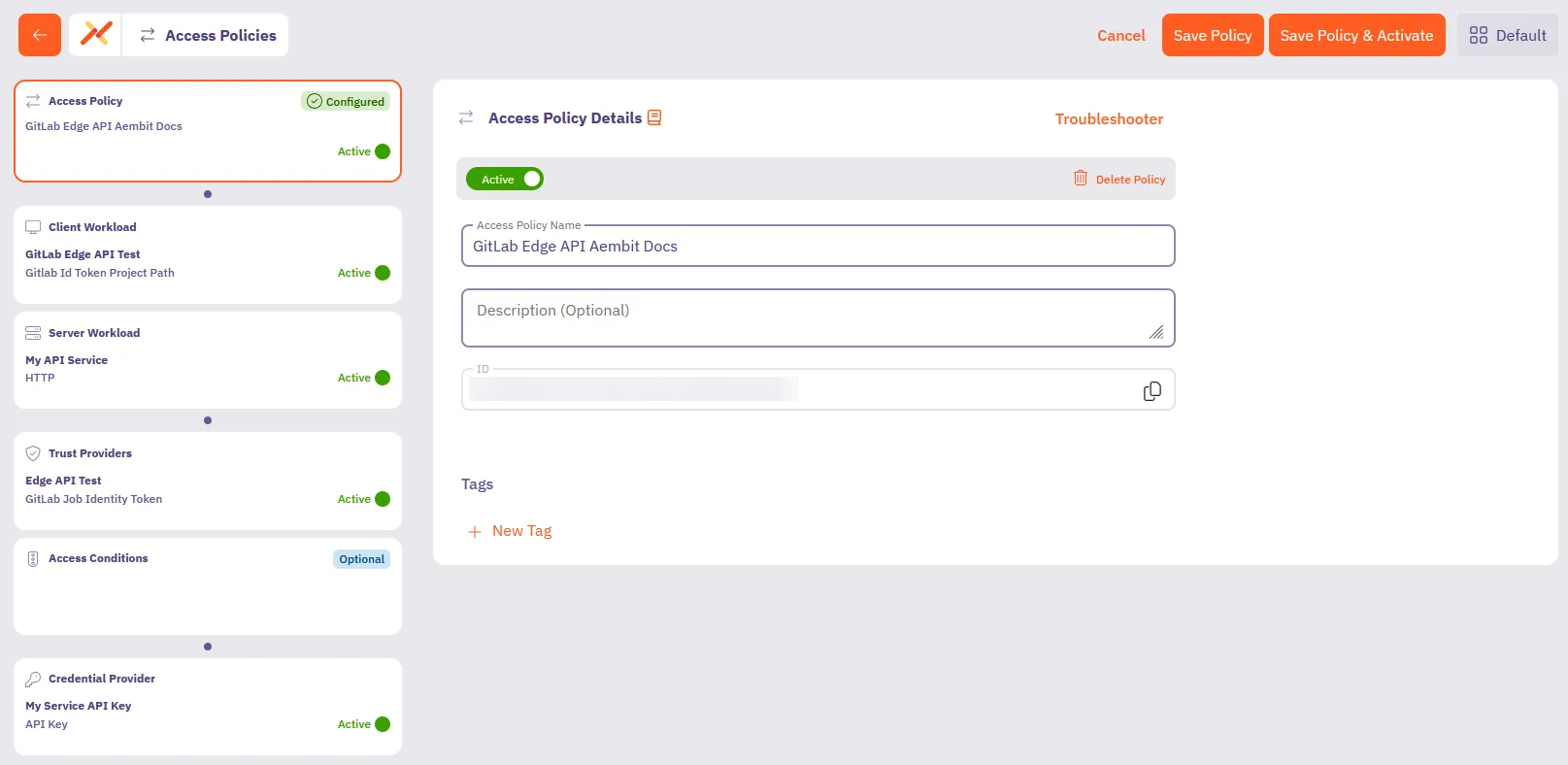
You’ve successfully created an Access Policy that permits your GitLab ID Token-based Client Workload to retrieve credentials for your target service using Aembit Edge API.
You’re doing great and almost there! 💪
You’ve successfully:
* Connected Aembit to your chosen git provider (GitHub or GitLab)
* Created Aembit components and an Access Policy that ties them together
Continue to make your first API calls with the Aembit Edge API.
## Step 3: Make your first API calls
[Section titled “Step 3: Make your first API calls”](#step-3-make-your-first-api-calls)
Now that you have your CI/CD job, Client Workload, and the rest of the Aembit components set up, you’re ready to make your first API calls to retrieve credentials for your target service.
Postman Collection
You can also use the [Aembit Edge API Postman Collection](/aembit-edge-api.postman_collection.json) to follow along if you prefer using Postman.
### Get your Aembit Edge API base URL
[Section titled “Get your Aembit Edge API base URL”](#get-your-aembit-edge-api-base-url)
To make API calls to Aembit Edge API, you must have your Edge API base URL. Follow these steps to find it in your Aembit Tenant:
1. Hover over your username in the bottom left corner of your Aembit Tenant.
2. Select **Profile**.
3. Click the **Edge API Base URL** field to copy it. It should look something like this:
```shell
https://.ec.useast2.aembit.io
```
Where `` is your Aembit Tenant ID.
Note
When using Postman, make sure to remove the trailing slash (`/`) from the Edge API base URL.
### Authenticate your workload
[Section titled “Authenticate your workload”](#authenticate-your-workload)
Before retrieving credentials, you must authenticate your workload with Aembit Edge API, you’ll use the decoded identity token from the CI job you obtained earlier in [Step 1](#step-1-connect-aembit-to-github-or-gitlab).
First, authenticate your GitLab CI job with Aembit using your identity token:
* curl
```shell
curl /edge/v1/auth \
--request POST \
--header 'Content-Type: application/json' \
--data '{
"clientId": ,
"client": {
"": {
"identityToken": ""
}
}
}'
```
* Python
```python
import http.client
conn = http.client.HTTPSConnection(".aembit.io")
payload = "{\n \"clientId\": ,\n \"client\": {\n : {\n \"identityToken\": \n }\n }\n}"
headers = {
'Content-Type': "application/json",
}
conn.request("POST", "/edge/v1/auth", payload, headers)
res = conn.getresponse()
data = res.read()
print(data.decode("utf-8"))
```
* JavaScript
```javascript
fetch('/edge/v1/auth', {
method: 'POST',
headers: {
'Content-Type': 'application/json',
},
body: JSON.stringify({
clientId: ,
client: {
: {
identityToken:
}
}
})
})
```
**Replace the values that apply:**
* `` with your Aembit Tenant ID
* `` with the Edge API base URL you copied earlier
* `` with either `github` or `gitlab` depending on your CI/CD job
* `` with the Client ID from your Trust Provider
* `` with your decoded GitHub or GitLab identity token (starts with `ey`)
Caution
As you may notice, this is different from most API calls where you would pass a `bearerToken` in the `Authorization` header. This is because Aembit Edge API uses the `identityToken` or JWT to verify the identity of your CI/CD job.
If you get any unexpected 401 errors, double-check that you are not setting the `Authorization` header with a `Bearer` token. Instead, ensure you are passing the `identityToken` in the request body as the preceding examples show.
You’ll receive an access token response:
```json
{
"accessToken": "eyJhbGciOiJIUzI1NiIsInR5cCI6IkpXVCJ9...",
"tokenType": "Bearer",
"expiresIn": 3600
}
```
The `expiresIn` value is in seconds, so your access token is valid for 3600 seconds, or 1 hour.
Great! You’ve successfully authenticated with Aembit. 🔑
Use the value of `accessToken` as the `` in the next step to get the credential for your target service.
### Get your credential
[Section titled “Get your credential”](#get-your-credential)
Now use the access token you just received to retrieve credentials for your target service. Select the appropriate tab to follow the steps for retrieving credentials for either GitHub or GitLab using the language of your choice:
* curl
```shell
curl --location '/edge/v1/credentials' \
--header 'Content-Type: application/json' \
--header 'Authorization: Bearer ' \
--data '{
"client": {
"": {
"identityToken": ""
}
},
"server": {
"host": "",
"port": "80"
},
"credentialType": "ApiKey"
}'
```
* Python
```python
import http.client
import json
conn = http.client.HTTPSConnection("")
payload = json.dumps({
"client": {
"": {
"identityToken": ""
}
},
"server": {
"host": "",
"port": "80"
},
"credentialType": "ApiKey"
})
headers = {
'Content-Type': 'application/json',
'Authorization': 'Bearer '
}
conn.request("POST", "/edge/v1/credentials", payload, headers)
res = conn.getresponse()
data = res.read()
print(data.decode("utf-8"))
```
* JavaScript
```javascript
const myHeaders = new Headers();
myHeaders.append("Content-Type", "application/json");
myHeaders.append("Authorization", "Bearer ");
const raw = JSON.stringify({
"client": {
"": {
"identityToken": ""
}
},
"server": {
"host": "",
"port": "80"
},
"credentialType": "ApiKey"
});
const requestOptions = {
method: "POST",
headers: myHeaders,
body: raw,
redirect: "follow"
};
fetch("/edge/v1/credentials", requestOptions)
.then((response) => response.text())
.then((result) => console.log(result))
.catch((error) => console.error(error));
```
**Replace these values:**
* `` with the token from the authentication response
* `` with the Edge API base URL you copied earlier
* `` with either `github` or `gitlab` depending on your CI/CD job
* `` with the decoded identity token you obtained earlier (starts with `ey`)
* `` with the hostname of your target service
You’ll receive credentials for your configured service:
```json
{
"credentialType": "ApiKey",
"expiresAt": "2024-01-15T10:30:00Z",
"data": {
"apiKey": "someapikeythatsgreat!123"
}
}
```
That’s it, you did it! 🎉🎉
You now have a valid API key to authenticate with your target service.
## Summary
[Section titled “Summary”](#summary)
In this quickstart guide, you learned how to:
* Connect Aembit to your GitHub or GitLab repository
* Create a Trust Provider to authenticate your CI/CD job
* Set up a CI/CD configuration file to generate an OIDC token
* Create Aembit components like Client Workload, Credential Provider, Server Workload, and Access Policy
* Authenticate your workload with Aembit Edge API
* Retrieve credentials for your target service using Aembit Edge API
Congratulations on completing your first Aembit Edge API integration! 🚀
## Common errors and solutions
[Section titled “Common errors and solutions”](#common-errors-and-solutions)
### 401 Unauthorized
[Section titled “401 Unauthorized”](#401-unauthorized)
```json
{
"success": false,
"message": "Authentication failed",
"id": 12345
}
```
**Common causes**:
* Trust Provider not configured for your workload type
* *Invalid or expired* identity token
* Client Workload not matching configured patterns
* Incorrect EdgeSDK Client ID
* OIDC audience mismatch in GitLab CI configuration
**Solution**: Verify your Trust Provider configuration matches your workload environment and check that your EdgeSDK Client ID is correct.
### 400 Bad Request
[Section titled “400 Bad Request”](#400-bad-request)
```json
{
"success": false,
"message": "Invalid request or missing parameters",
"id": 12346
}
```
**Common causes**:
* Missing required attestation data in the `client` object
* Invalid JSON structure
* Unsupported `credentialType`
**Solution**: Check that your request includes all required workload attestation data.
### 500 Internal Server Error
[Section titled “500 Internal Server Error”](#500-internal-server-error)
```json
{
"success": false,
"message": "Internal server error",
"id": 12347
}
```
**Common causes**:
* Credential Provider configuration issues
* Target service connectivity problems
* Temporary service unavailability
**Solution**: Check your Credential Provider configuration and try again after a brief delay.
What’s next?
Now that you’ve made your first successful API call:
* **Explore the [API Reference](/api-guide/edge/api-reference-edge)** for complete endpoint documentation
* **See more about each endpoint** in the [Endpoints section](/api-guide/edge/endpoints/)
* **Set up additional workload types** like AWS Lambda or Kubernetes pods
* **Configure different credential types** for other target services
* **Use dynamic claims** in your OIDC tokens with [OIDC Dynamic Claims](/user-guide/access-policies/credential-providers/advanced-options/dynamic-claims-oidc)
* **Implement error handling and retry logic** for production deployments
* **Review the API reference** for detailed parameter specifications
# Aembit Cloud API - API Endpoints
> API endpoints reference for Aembit Cloud API
# Aembit Cloud API - API Endpoints
[Section titled “Aembit Cloud API - API Endpoints”](#aembit-cloud-api---api-endpoints)
**Version:** v1
**Base URL:** https\://{tenant}.aembit-eng.com
## Access Condition
[Section titled “Access Condition”](#access-condition)
### GET /api/v1/access-conditions
[Section titled “GET /api/v1/access-conditions”](#get-apiv1access-conditions)
**Summary:** Get a page of Access Conditions
**Description:** Retrieve a page of Aembit Access Conditions.
**Operation ID:** get-access-conditions
**Parameters:**
* **X-Aembit-ResourceSet** (undefined) *(optional)*: any
* **page** (undefined) *(optional)*: any
* **per-page** (undefined) *(optional)*: any
* **filter** (undefined) *(optional)*: any
* **order** (undefined) *(optional)*: any
* **group-by** (undefined) *(optional)*: any
**Responses:**
* **‘200’**: Page of Access Conditions
* Content-Type: application/json
* Schema: any
* **‘400’**: Bad Request
* **‘401’**: Not Authenticated
* **‘500’**: Internal Server Error
* Content-Type: application/json
* Schema: any
**cURL Example:**
```bash
curl -X GET \
"https://your-tenant.aembit-eng.com/api/v1/access-conditions"
```
### POST /api/v1/access-conditions
[Section titled “POST /api/v1/access-conditions”](#post-apiv1access-conditions)
**Summary:** Create an Access Condition
**Description:** Create an Aembit Access Condition which can then be associated with an Access Policy.
**Operation ID:** post-access-condition
**Parameters:**
* **X-Aembit-ResourceSet** (undefined) *(optional)*: any
**Request Body:** AccessConditionDTO
* Content-Type: application/json
* Schema: any
**Responses:**
* **‘201’**: Successfully created Access Condition
* Content-Type: application/json
* Schema: any
* **‘400’**: Bad Request
* **‘401’**: Not Authenticated
* **‘500’**: Internal Server Error
* Content-Type: application/json
* Schema: any
**cURL Example:**
```bash
curl -X POST \
-H "Content-Type: application/json" \
-d '{"example": "data"}' \
"https://your-tenant.aembit-eng.com/api/v1/access-conditions"
```
### PUT /api/v1/access-conditions
[Section titled “PUT /api/v1/access-conditions”](#put-apiv1access-conditions)
**Summary:** Update a single Access Condition
**Description:** Update a specific Access Condition identified by its ID.
**Operation ID:** put-access-condition
**Parameters:**
* **X-Aembit-ResourceSet** (undefined) *(optional)*: any
**Request Body:** AccessConditionDTO
* Content-Type: application/json
* Schema: any
**Responses:**
* **‘200’**: Successfully updated Access Condition
* Content-Type: application/json
* Schema: any
* **‘400’**: Bad Request
* **‘401’**: Not Authenticated
* **‘500’**: Internal Server Error
* Content-Type: application/json
* Schema: any
**cURL Example:**
```bash
curl -X PUT \
-H "Content-Type: application/json" \
-d '{"example": "data"}' \
"https://your-tenant.aembit-eng.com/api/v1/access-conditions"
```
### GET ‘/api/v1/access-conditions/{id}’
[Section titled “GET ‘/api/v1/access-conditions/{id}’”](#get-apiv1access-conditionsid)
**Summary:** Get the identified Access Condition
**Description:** Get the Access Condition identified by its ID.
**Operation ID:** get-access-condition
**Parameters:**
* **id** (undefined) *(optional)*: any
* **X-Aembit-ResourceSet** (undefined) *(optional)*: any
**Responses:**
* **‘200’**: Access Condition
* Content-Type: application/json
* Schema: any
* **‘204’**: Access Condition Not Found
* **‘400’**: Bad Request
* **‘401’**: Not Authenticated
* **‘500’**: Internal Server Error
* Content-Type: application/json
* Schema: any
**cURL Example:**
```bash
curl -X GET \
"https://your-tenant.aembit-eng.com'/api/v1/access-conditions/{id}'"
```
### DELETE ‘/api/v1/access-conditions/{id}’
[Section titled “DELETE ‘/api/v1/access-conditions/{id}’”](#delete-apiv1access-conditionsid)
**Summary:** Delete a single Access Condition
**Description:** Delete a specific Access Condition identified by its ID.
**Operation ID:** delete-access-condition
**Parameters:**
* **id** (undefined) *(optional)*: any
* **X-Aembit-ResourceSet** (undefined) *(optional)*: any
**Responses:**
* **‘204’**: Deleted the Access Condition
* **‘400’**: Bad Request
* **‘401’**: Not Authenticated
* **‘404’**: Not Found
* **‘500’**: Internal Server Error
* Content-Type: application/json
* Schema: any
**cURL Example:**
```bash
curl -X DELETE \
"https://your-tenant.aembit-eng.com'/api/v1/access-conditions/{id}'"
```
### PATCH ‘/api/v1/access-conditions/{id}’
[Section titled “PATCH ‘/api/v1/access-conditions/{id}’”](#patch-apiv1access-conditionsid)
**Summary:** Patch a single Access Condition
**Description:** Patch a specific Access Condition identified by its ID.
**Operation ID:** patch-access-condition
**Parameters:**
* **id** (undefined) *(optional)*: any
* **X-Aembit-ResourceSet** (undefined) *(optional)*: any
**Request Body:** AccessConditionPatchDTO
* Content-Type: application/json
* Schema: any
**Responses:**
* **‘200’**: Successfully updated Access Condition
* Content-Type: application/json
* Schema: any
* **‘400’**: Bad Request
* **‘401’**: Not Authenticated
* **‘500’**: Internal Server Error
* Content-Type: application/json
* Schema: any
**cURL Example:**
```bash
curl -X PATCH \
-H "Content-Type: application/json" \
-d '{"example": "data"}' \
"https://your-tenant.aembit-eng.com'/api/v1/access-conditions/{id}'"
```
## Access Policy (Deprecated)
[Section titled “Access Policy (Deprecated)”](#access-policy-deprecated)
### GET ‘/api/v1/access-policies/{id}’
[Section titled “GET ‘/api/v1/access-policies/{id}’”](#get-apiv1access-policiesid)
**Summary:** Get the identified Access Policy
**Description:** Get the Access Policy identified by its ID.
**Operation ID:** get-access-policy
**Parameters:**
* **id** (undefined) *(optional)*: any
* **X-Aembit-ResourceSet** (undefined) *(optional)*: any
**Responses:**
* **‘200’**: Access Policy
* Content-Type: application/json
* Schema: any
* **‘204’**: Access Policy Not Found
* **‘400’**: Bad Request
* **‘401’**: Not Authenticated
* **‘500’**: Internal Server Error
* Content-Type: application/json
* Schema: any
**cURL Example:**
```bash
curl -X GET \
"https://your-tenant.aembit-eng.com'/api/v1/access-policies/{id}'"
```
### DELETE ‘/api/v1/access-policies/{id}’
[Section titled “DELETE ‘/api/v1/access-policies/{id}’”](#delete-apiv1access-policiesid)
**Summary:** Delete an Access Policy
**Description:** Delete an Access Policy.
**Operation ID:** delete-access-policy
**Parameters:**
* **id** (undefined) *(optional)*: any
* **X-Aembit-ResourceSet** (undefined) *(optional)*: any
**Responses:**
* **‘204’**: Deleted the Access Policy
* **‘400’**: Bad Request
* **‘401’**: Not Authenticated
* **‘500’**: Internal Server Error
* Content-Type: application/json
* Schema: any
**cURL Example:**
```bash
curl -X DELETE \
"https://your-tenant.aembit-eng.com'/api/v1/access-policies/{id}'"
```
### PATCH ‘/api/v1/access-policies/{id}’
[Section titled “PATCH ‘/api/v1/access-policies/{id}’”](#patch-apiv1access-policiesid)
**Summary:** Patch an Access Policy
**Description:** Patch an Access Policy.
**Operation ID:** patch-access-policy
**Parameters:**
* **id** (undefined) *(optional)*: any
* **X-Aembit-ResourceSet** (undefined) *(optional)*: any
**Request Body:** PolicyPatchDTO
* Content-Type: application/json
* Schema: any
**Responses:**
* **‘200’**: Patched Access Policy
* Content-Type: application/json
* Schema: any
* **‘400’**: Bad Request
* **‘401’**: Not Authenticated
* **‘500’**: Internal Server Error
* Content-Type: application/json
* Schema: any
**cURL Example:**
```bash
curl -X PATCH \
-H "Content-Type: application/json" \
-d '{"example": "data"}' \
"https://your-tenant.aembit-eng.com'/api/v1/access-policies/{id}'"
```
### GET ‘/api/v1/access-policies/getByWorkloadIds/{clientWorkloadId}/{serverWorkloadId}’
[Section titled “GET ‘/api/v1/access-policies/getByWorkloadIds/{clientWorkloadId}/{serverWorkloadId}’”](#get-apiv1access-policiesgetbyworkloadidsclientworkloadidserverworkloadid)
**Summary:** Get the identified Access Policy
**Description:** Get the Access Policy identified by a Client and Server Workload.
**Operation ID:** get-access-policy-by-workloads
**Parameters:**
* **clientWorkloadId** (undefined) *(optional)*: any
* **serverWorkloadId** (undefined) *(optional)*: any
* **X-Aembit-ResourceSet** (undefined) *(optional)*: any
**Responses:**
* **‘200’**: Access Policy
* Content-Type: application/json
* Schema: any
* **‘400’**: Bad Request
* **‘401’**: Not Authenticated
* **‘500’**: Internal Server Error
* Content-Type: application/json
* Schema: any
**cURL Example:**
```bash
curl -X GET \
"https://your-tenant.aembit-eng.com'/api/v1/access-policies/getByWorkloadIds/{clientWorkloadId}/{serverWorkloadId}'"
```
### GET /api/v1/access-policies
[Section titled “GET /api/v1/access-policies”](#get-apiv1access-policies)
**Summary:** Get a page of Access Policies
**Description:** Retrieve a page of Access Policies.
**Operation ID:** get-access-policies
**Parameters:**
* **X-Aembit-ResourceSet** (undefined) *(optional)*: any
* **page** (undefined) *(optional)*: any
* **per-page** (undefined) *(optional)*: any
* **filter** (undefined) *(optional)*: any
* **order** (undefined) *(optional)*: any
* **group-by** (undefined) *(optional)*: any
**Responses:**
* **‘200’**: Page of Access Policies
* Content-Type: application/json
* Schema: any
* **‘400’**: Bad Request
* **‘401’**: Not Authenticated
* **‘500’**: Internal Server Error
* Content-Type: application/json
* Schema: any
**cURL Example:**
```bash
curl -X GET \
"https://your-tenant.aembit-eng.com/api/v1/access-policies"
```
### POST /api/v1/access-policies
[Section titled “POST /api/v1/access-policies”](#post-apiv1access-policies)
**Summary:** Create an Access Policy
**Description:** Create an Access Policy.
**Operation ID:** post-access-policy
**Parameters:**
* **X-Aembit-ResourceSet** (undefined) *(optional)*: any
**Request Body:** PolicyDTO
* Content-Type: application/json
* Schema: any
**Responses:**
* **‘200’**: Created Access Policy
* Content-Type: application/json
* Schema: any
* **‘400’**: Bad Request
* **‘401’**: Not Authenticated
* **‘500’**: Internal Server Error
* Content-Type: application/json
* Schema: any
**cURL Example:**
```bash
curl -X POST \
-H "Content-Type: application/json" \
-d '{"example": "data"}' \
"https://your-tenant.aembit-eng.com/api/v1/access-policies"
```
### PUT /api/v1/access-policies
[Section titled “PUT /api/v1/access-policies”](#put-apiv1access-policies)
**Summary:** Update an Access Policy
**Description:** Update an Access Policy.
**Operation ID:** put-access-policy
**Parameters:**
* **X-Aembit-ResourceSet** (undefined) *(optional)*: any
**Request Body:** PolicyDTO
* Content-Type: application/json
* Schema: any
**Responses:**
* **‘200’**: Updated Access Policy
* Content-Type: application/json
* Schema: any
* **‘400’**: Bad Request
* **‘401’**: Not Authenticated
* **‘500’**: Internal Server Error
* Content-Type: application/json
* Schema: any
**cURL Example:**
```bash
curl -X PUT \
-H "Content-Type: application/json" \
-d '{"example": "data"}' \
"https://your-tenant.aembit-eng.com/api/v1/access-policies"
```
### POST ‘/api/v1/access-policies/{id}/notes’
[Section titled “POST ‘/api/v1/access-policies/{id}/notes’”](#post-apiv1access-policiesidnotes)
**Summary:** Add a note to an Access Policy
**Description:** Add a note to an Access Policy.
**Operation ID:** post-access-policy-note
**Parameters:**
* **id** (undefined) *(optional)*: any
* **X-Aembit-ResourceSet** (undefined) *(optional)*: any
**Request Body:** PolicyNoteDTO
* Content-Type: application/json
* Schema: any
**Responses:**
* **‘201’**: Note added to an Access Policy
* **‘400’**: Bad Request
* **‘401’**: Not Authenticated
* **‘500’**: Internal Server Error
* Content-Type: application/json
* Schema: any
**cURL Example:**
```bash
curl -X POST \
-H "Content-Type: application/json" \
-d '{"example": "data"}' \
"https://your-tenant.aembit-eng.com'/api/v1/access-policies/{id}/notes'"
```
## Access Policy v2
[Section titled “Access Policy v2”](#access-policy-v2)
### GET ‘/api/v2/access-policies/{id}’
[Section titled “GET ‘/api/v2/access-policies/{id}’”](#get-apiv2access-policiesid)
**Summary:** Get the identified Access Policy
**Description:** Get the Access Policy identified by its ID.
**Operation ID:** get-access-policy-v2
**Parameters:**
* **id** (undefined) *(optional)*: any
**Responses:**
* **‘200’**: Access Policy
* Content-Type: application/json
* Schema: any
* **‘204’**: Access Policy Not Found
* **‘400’**: Bad Request
* **‘401’**: Not Authenticated
* **‘500’**: Internal Server Error
* Content-Type: application/json
* Schema: any
**cURL Example:**
```bash
curl -X GET \
"https://your-tenant.aembit-eng.com'/api/v2/access-policies/{id}'"
```
### DELETE ‘/api/v2/access-policies/{id}’
[Section titled “DELETE ‘/api/v2/access-policies/{id}’”](#delete-apiv2access-policiesid)
**Summary:** Delete an Access Policy
**Description:** Delete an Access Policy.
**Operation ID:** delete-access-policy-v2
**Parameters:**
* **id** (undefined) *(optional)*: any
**Responses:**
* **‘204’**: Deleted the Access Policy
* **‘400’**: Bad Request
* **‘401’**: Not Authenticated
* **‘404’**: Not Found
* **‘500’**: Internal Server Error
* Content-Type: application/json
* Schema: any
**cURL Example:**
```bash
curl -X DELETE \
"https://your-tenant.aembit-eng.com'/api/v2/access-policies/{id}'"
```
### PATCH ‘/api/v2/access-policies/{id}’
[Section titled “PATCH ‘/api/v2/access-policies/{id}’”](#patch-apiv2access-policiesid)
**Summary:** Patch an Access Policy
**Description:** Patch an Access Policy.
**Operation ID:** patch-access-policy-v2
**Parameters:**
* **id** (undefined) *(optional)*: any
**Request Body:** PatchPolicyV2DTO
* Content-Type: application/json
* Schema: any
**Responses:**
* **‘200’**: Patched Access Policy
* Content-Type: application/json
* Schema: any
* **‘400’**: Bad Request
* **‘401’**: Not Authenticated
* **‘500’**: Internal Server Error
* Content-Type: application/json
* Schema: any
**cURL Example:**
```bash
curl -X PATCH \
-H "Content-Type: application/json" \
-d '{"example": "data"}' \
"https://your-tenant.aembit-eng.com'/api/v2/access-policies/{id}'"
```
### GET ‘/api/v2/access-policies/getByWorkloadIds/{clientWorkloadId}/{serverWorkloadId}’
[Section titled “GET ‘/api/v2/access-policies/getByWorkloadIds/{clientWorkloadId}/{serverWorkloadId}’”](#get-apiv2access-policiesgetbyworkloadidsclientworkloadidserverworkloadid)
**Summary:** Get the identified Access Policy
**Description:** Get the Access Policy identified by a Client and Server Workload.
**Operation ID:** get-access-policy-by-workloads-v2
**Parameters:**
* **clientWorkloadId** (undefined) *(optional)*: any
* **serverWorkloadId** (undefined) *(optional)*: any
**Responses:**
* **‘200’**: Access Policy
* Content-Type: application/json
* Schema: any
* **‘400’**: Bad Request
* **‘401’**: Not Authenticated
* **‘500’**: Internal Server Error
* Content-Type: application/json
* Schema: any
**cURL Example:**
```bash
curl -X GET \
"https://your-tenant.aembit-eng.com'/api/v2/access-policies/getByWorkloadIds/{clientWorkloadId}/{serverWorkloadId}'"
```
### GET /api/v2/access-policies
[Section titled “GET /api/v2/access-policies”](#get-apiv2access-policies)
**Summary:** Get a page of Access Policies
**Description:** Retrieve a page of Access Policies.
**Operation ID:** get-access-policies-v2
**Parameters:**
* **page** (undefined) *(optional)*: any
* **per-page** (undefined) *(optional)*: any
* **filter** (undefined) *(optional)*: any
* **order** (undefined) *(optional)*: any
* **group-by** (undefined) *(optional)*: any
* **query** (undefined) *(optional)*: any
**Responses:**
* **‘200’**: Page of Access Policies
* Content-Type: application/json
* Schema: any
* **‘400’**: Bad Request
* **‘401’**: Not Authenticated
* **‘500’**: Internal Server Error
* Content-Type: application/json
* Schema: any
**cURL Example:**
```bash
curl -X GET \
"https://your-tenant.aembit-eng.com/api/v2/access-policies"
```
### POST /api/v2/access-policies
[Section titled “POST /api/v2/access-policies”](#post-apiv2access-policies)
**Summary:** Create an Access Policy
**Description:** Create an Access Policy.
**Operation ID:** post-access-policy-v2
**Request Body:** CreatePolicyDTO
* Content-Type: application/json
* Schema: any
**Responses:**
* **‘200’**: Created Access Policy
* Content-Type: application/json
* Schema: any
* **‘400’**: Bad Request
* **‘401’**: Not Authenticated
* **‘500’**: Internal Server Error
* Content-Type: application/json
* Schema: any
**cURL Example:**
```bash
curl -X POST \
-H "Content-Type: application/json" \
-d '{"example": "data"}' \
"https://your-tenant.aembit-eng.com/api/v2/access-policies"
```
### PUT /api/v2/access-policies
[Section titled “PUT /api/v2/access-policies”](#put-apiv2access-policies)
**Summary:** Update an Access Policy
**Description:** Update an Access Policy.
**Operation ID:** put-access-policy-v2
**Request Body:** CreatePolicyDTO
* Content-Type: application/json
* Schema: any
**Responses:**
* **‘200’**: Updated Access Policy
* Content-Type: application/json
* Schema: any
* **‘400’**: Bad Request
* **‘401’**: Not Authenticated
* **‘500’**: Internal Server Error
* Content-Type: application/json
* Schema: any
**cURL Example:**
```bash
curl -X PUT \
-H "Content-Type: application/json" \
-d '{"example": "data"}' \
"https://your-tenant.aembit-eng.com/api/v2/access-policies"
```
### POST ‘/api/v2/access-policies/{id}/notes’
[Section titled “POST ‘/api/v2/access-policies/{id}/notes’”](#post-apiv2access-policiesidnotes)
**Summary:** Add a note to an Access Policy
**Description:** Add a note to an Access Policy.
**Operation ID:** post-access-policy-note-v2
**Parameters:**
* **id** (undefined) *(optional)*: any
**Request Body:** PolicyNoteDTO
* Content-Type: application/json
* Schema: any
**Responses:**
* **‘201’**: Note added to an Access Policy
* **‘400’**: Bad Request
* **‘401’**: Not Authenticated
* **‘500’**: Internal Server Error
* Content-Type: application/json
* Schema: any
**cURL Example:**
```bash
curl -X POST \
-H "Content-Type: application/json" \
-d '{"example": "data"}' \
"https://your-tenant.aembit-eng.com'/api/v2/access-policies/{id}/notes'"
```
### GET ‘/api/v2/access-policies/{id}/notes’
[Section titled “GET ‘/api/v2/access-policies/{id}/notes’”](#get-apiv2access-policiesidnotes)
**Summary:** Gets notes for an Access Policy
**Description:** Retrieves note information for an Access Policy.
**Operation ID:** get-access-policy-notes-v2
**Parameters:**
* **id** (undefined) *(optional)*: any
**Responses:**
* **‘200’**: Page of Access Policy Notes
* Content-Type: application/json
* Schema: any
* **‘400’**: Bad Request
* **‘401’**: Not Authenticated
* **‘500’**: Internal Server Error
* Content-Type: application/json
* Schema: any
**cURL Example:**
```bash
curl -X GET \
"https://your-tenant.aembit-eng.com'/api/v2/access-policies/{id}/notes'"
```
### GET ‘/api/v2/access-policies/{id}/credential-mappings’
[Section titled “GET ‘/api/v2/access-policies/{id}/credential-mappings’”](#get-apiv2access-policiesidcredential-mappings)
**Summary:** Gets a credential mappings of Access Policy
**Description:** Retrieves credential mappings of Access Policy.
**Operation ID:** get-access-policy-credential-mappings-v2
**Parameters:**
* **id** (undefined) *(optional)*: any
**Responses:**
* **‘200’**: Page of Credential Mappings
* Content-Type: application/json
* Schema: any
* **‘400’**: Bad Request
* **‘401’**: Not Authenticated
* **‘500’**: Internal Server Error
* Content-Type: application/json
* Schema: any
**cURL Example:**
```bash
curl -X GET \
"https://your-tenant.aembit-eng.com'/api/v2/access-policies/{id}/credential-mappings'"
```
## Agent Controller
[Section titled “Agent Controller”](#agent-controller)
### GET /api/v1/agent-controllers
[Section titled “GET /api/v1/agent-controllers”](#get-apiv1agent-controllers)
**Summary:** Get a page of Agent Controllers
**Description:** Get a page of Agent Controllers.
**Operation ID:** get-agent-controllers
**Parameters:**
* **page** (undefined) *(optional)*: any
* **per-page** (undefined) *(optional)*: any
* **filter** (undefined) *(optional)*: any
* **order** (undefined) *(optional)*: any
* **group-by** (undefined) *(optional)*: any
* **check-tls-type** (undefined) *(optional)*: any
**Responses:**
* **‘200’**: Page of Agent Controllers
* Content-Type: application/json
* Schema: any
* **‘400’**: Bad Request
* **‘401’**: Not Authenticated
* **‘500’**: Internal Server Error
* Content-Type: application/json
* Schema: any
**cURL Example:**
```bash
curl -X GET \
"https://your-tenant.aembit-eng.com/api/v1/agent-controllers"
```
### POST /api/v1/agent-controllers
[Section titled “POST /api/v1/agent-controllers”](#post-apiv1agent-controllers)
**Summary:** Create an Agent Controller
**Description:** Create an Agent Controller.
**Operation ID:** post-agent-controller
**Request Body:** AgentControllerDTO
* Content-Type: application/json
* Schema: any
**Responses:**
* **‘201’**: Created Agent Controller
* Content-Type: application/json
* Schema: any
* **‘400’**: Bad Request
* **‘401’**: Not Authenticated
* **‘500’**: Internal Server Error
* Content-Type: application/json
* Schema: any
**cURL Example:**
```bash
curl -X POST \
-H "Content-Type: application/json" \
-d '{"example": "data"}' \
"https://your-tenant.aembit-eng.com/api/v1/agent-controllers"
```
### PUT /api/v1/agent-controllers
[Section titled “PUT /api/v1/agent-controllers”](#put-apiv1agent-controllers)
**Summary:** Update an Agent Controller
**Description:** Update an Agent Controller.
**Operation ID:** put-agent-controller
**Request Body:** AgentControllerDTO
* Content-Type: application/json
* Schema: any
**Responses:**
* **‘200’**: Updated Agent Controller
* Content-Type: application/json
* Schema: any
* **‘400’**: Bad Request
* **‘401’**: Not Authenticated
* **‘500’**: Internal Server Error
* Content-Type: application/json
* Schema: any
**cURL Example:**
```bash
curl -X PUT \
-H "Content-Type: application/json" \
-d '{"example": "data"}' \
"https://your-tenant.aembit-eng.com/api/v1/agent-controllers"
```
### GET ‘/api/v1/agent-controllers/{id}’
[Section titled “GET ‘/api/v1/agent-controllers/{id}’”](#get-apiv1agent-controllersid)
**Summary:** Get an Agent Controller
**Description:** Get an Agent Controller identified by its ID.
**Operation ID:** get-agent-controller
**Parameters:**
* **id** (undefined) *(optional)*: any
**Responses:**
* **‘200’**: Agent Controller
* Content-Type: application/json
* Schema: any
* **‘204’**: Agent Controller Not Found
* **‘400’**: Bad Request
* **‘401’**: Not Authenticated
* **‘500’**: Internal Server Error
* Content-Type: application/json
* Schema: any
**cURL Example:**
```bash
curl -X GET \
"https://your-tenant.aembit-eng.com'/api/v1/agent-controllers/{id}'"
```
### PATCH ‘/api/v1/agent-controllers/{id}’
[Section titled “PATCH ‘/api/v1/agent-controllers/{id}’”](#patch-apiv1agent-controllersid)
**Summary:** Patch an Agent Controller
**Description:** Patch an Agent Controller identified by its ID.
**Operation ID:** patch-agent-controller
**Parameters:**
* **id** (undefined) *(optional)*: any
**Request Body:** AgentControllerPatchDTO
* Content-Type: application/json
* Schema: any
**Responses:**
* **‘200’**: Patched Agent Controller
* Content-Type: application/json
* Schema: any
* **‘400’**: Bad Request
* **‘401’**: Not Authenticated
* **‘500’**: Internal Server Error
* Content-Type: application/json
* Schema: any
**cURL Example:**
```bash
curl -X PATCH \
-H "Content-Type: application/json" \
-d '{"example": "data"}' \
"https://your-tenant.aembit-eng.com'/api/v1/agent-controllers/{id}'"
```
### DELETE ‘/api/v1/agent-controllers/{id}’
[Section titled “DELETE ‘/api/v1/agent-controllers/{id}’”](#delete-apiv1agent-controllersid)
**Summary:** Delete an Agent Controller
**Description:** Delete an Agent Controller identified by its ID.
**Operation ID:** delete-agent-controller
**Parameters:**
* **id** (undefined) *(optional)*: any
**Responses:**
* **‘201’**: Successfully deleted Agent Controller
* **‘400’**: Bad Request
* **‘401’**: Not Authenticated
* **‘500’**: Internal Server Error
* Content-Type: application/json
* Schema: any
**cURL Example:**
```bash
curl -X DELETE \
"https://your-tenant.aembit-eng.com'/api/v1/agent-controllers/{id}'"
```
### POST ‘/api/v1/agent-controllers/{agentControllerExternalId}/device-code’
[Section titled “POST ‘/api/v1/agent-controllers/{agentControllerExternalId}/device-code’”](#post-apiv1agent-controllersagentcontrollerexternaliddevice-code)
**Summary:** Generate a Device Code for an Agent Controller
**Description:** Generate a Device Code for an Agent Controller.
**Operation ID:** post-agent-controller-device-code
**Parameters:**
* **agentControllerExternalId** (undefined) *(optional)*: any
**Responses:**
* **‘201’**: Agent Controller Device Code
* Content-Type: application/json
* Schema: any
* **‘400’**: Bad Request
* **‘401’**: Not Authenticated
* **‘500’**: Internal Server Error
* Content-Type: application/json
* Schema: any
**cURL Example:**
```bash
curl -X POST \
"https://your-tenant.aembit-eng.com'/api/v1/agent-controllers/{agentControllerExternalId}/device-code'"
```
## Audit Log
[Section titled “Audit Log”](#audit-log)
### GET /api/v1/audit-logs
[Section titled “GET /api/v1/audit-logs”](#get-apiv1audit-logs)
**Summary:** Get a page of Audit Log events
**Description:** Get a page of Audit Log events.
**Operation ID:** get-audit-logs
**Parameters:**
* **X-Aembit-ResourceSet** (undefined) *(optional)*: any
* **page** (undefined) *(optional)*: any
* **per-page** (undefined) *(optional)*: any
* **order** (undefined) *(optional)*: any
* **search** (undefined) *(optional)*: any
* **span-last-days** (undefined) *(optional)*: any
* **category** (undefined) *(optional)*: any
* **severity** (undefined) *(optional)*: any
**Responses:**
* **‘200’**: Page of Audit Logs
* Content-Type: application/json
* Schema: any
* **‘400’**: Bad Request
* **‘401’**: Not Authenticated
* **‘500’**: Internal Server Error
* Content-Type: application/json
* Schema: any
**cURL Example:**
```bash
curl -X GET \
"https://your-tenant.aembit-eng.com/api/v1/audit-logs"
```
### GET ‘/api/v1/audit-logs/{id}’
[Section titled “GET ‘/api/v1/audit-logs/{id}’”](#get-apiv1audit-logsid)
**Summary:** Get an Audit Log event
**Description:** Get an Audit Log event identified by its ID.
**Operation ID:** get-audit-log
**Parameters:**
* **id** (undefined) *(optional)*: any
* **X-Aembit-ResourceSet** (undefined) *(optional)*: any
**Responses:**
* **‘200’**: Audit Log
* Content-Type: application/json
* Schema: any
* **‘400’**: Bad Request
* **‘401’**: Not Authenticated
* **‘500’**: Internal Server Error
* Content-Type: application/json
* Schema: any
**cURL Example:**
```bash
curl -X GET \
"https://your-tenant.aembit-eng.com'/api/v1/audit-logs/{id}'"
```
## Access Authorization Event
[Section titled “Access Authorization Event”](#access-authorization-event)
### GET /api/v1/authorization-events
[Section titled “GET /api/v1/authorization-events”](#get-apiv1authorization-events)
**Summary:** Get a page of Access Authorization Events
**Description:** Get a page of Access Authorization Events.
**Operation ID:** get-access-authorization-events
**Parameters:**
* **X-Aembit-ResourceSet** (undefined) *(optional)*: any
* **page** (undefined) *(optional)*: any
* **per-page** (undefined) *(optional)*: any
* **order** (undefined) *(optional)*: any
* **search** (undefined) *(optional)*: any
* **span-last-hours** (undefined) *(optional)*: any
* **severity** (undefined) *(optional)*: any
* **event-type** (undefined) *(optional)*: any
**Responses:**
* **‘200’**: Page of Access Authorization Events
* Content-Type: application/json
* Schema: any
* **‘400’**: Bad Request
* **‘401’**: Not Authenticated
* **‘500’**: Internal Server Error
* Content-Type: application/json
* Schema: any
**cURL Example:**
```bash
curl -X GET \
"https://your-tenant.aembit-eng.com/api/v1/authorization-events"
```
### GET ‘/api/v1/authorization-events/{id}’
[Section titled “GET ‘/api/v1/authorization-events/{id}’”](#get-apiv1authorization-eventsid)
**Summary:** Get an Access Authorization Event
**Description:** Get an Access Authorization Event identified by its ID.
**Operation ID:** get-access-authorization-event
**Parameters:**
* **id** (undefined) *(optional)*: any
* **X-Aembit-ResourceSet** (undefined) *(optional)*: any
**Responses:**
* **‘200’**: Access Authorization Event
* Content-Type: application/json
* Schema: any
* **‘400’**: Bad Request
* **‘401’**: Not Authenticated
* **‘500’**: Internal Server Error
* Content-Type: application/json
* Schema: any
**cURL Example:**
```bash
curl -X GET \
"https://your-tenant.aembit-eng.com'/api/v1/authorization-events/{id}'"
```
## Compliance
[Section titled “Compliance”](#compliance)
### GET /api/v1/compliance-settings
[Section titled “GET /api/v1/compliance-settings”](#get-apiv1compliance-settings)
**Summary:** Gets global compliance settings
**Description:** Gets global compliance settings which control the rules for creating access policy and other entities
**Operation ID:** get-compliance-settings
**Responses:**
* **‘200’**: A list of compliance settings
* Content-Type: application/json
* Schema: Array
* **‘401’**: Not Authenticated
* **‘500’**: Internal Server Error
* Content-Type: application/json
* Schema: any
**cURL Example:**
```bash
curl -X GET \
"https://your-tenant.aembit-eng.com/api/v1/compliance-settings"
```
### PUT /api/v1/compliance-settings
[Section titled “PUT /api/v1/compliance-settings”](#put-apiv1compliance-settings)
**Summary:** Updates a global compliance setting
**Description:** Updates a global compliance setting
**Operation ID:** update-compliance-setting
**Request Body:** SettingDTO
* Content-Type: application/json
* Schema: any
**Responses:**
* **‘200’**: Successfully updated a compliance setting
* Content-Type: application/json
* Schema: any
* **‘400’**: Bad Request
* **‘401’**: Not Authenticated
* **‘500’**: Internal Server Error
* Content-Type: application/json
* Schema: any
**cURL Example:**
```bash
curl -X PUT \
-H "Content-Type: application/json" \
-d '{"example": "data"}' \
"https://your-tenant.aembit-eng.com/api/v1/compliance-settings"
```
## Credential Provider (Deprecated)
[Section titled “Credential Provider (Deprecated)”](#credential-provider-deprecated)
### GET ‘/api/v1/credential-providers/{id}’
[Section titled “GET ‘/api/v1/credential-providers/{id}’”](#get-apiv1credential-providersid)
**Summary:** Get a Credential Provider
**Description:** Get a Credential Provider identified by its ID.
**Operation ID:** get-credential-provider
**Parameters:**
* **id** (undefined) *(optional)*: any
* **X-Aembit-ResourceSet** (undefined) *(optional)*: any
**Responses:**
* **‘200’**: Credential Provider
* Content-Type: application/json
* Schema: any
* **‘204’**: Credential Provider Not Found
* **‘400’**: Bad Request
* **‘401’**: Not Authenticated
* **‘500’**: Internal Server Error
* Content-Type: application/json
* Schema: any
**cURL Example:**
```bash
curl -X GET \
"https://your-tenant.aembit-eng.com'/api/v1/credential-providers/{id}'"
```
### DELETE ‘/api/v1/credential-providers/{id}’
[Section titled “DELETE ‘/api/v1/credential-providers/{id}’”](#delete-apiv1credential-providersid)
**Summary:** Delete a Credential Provider
**Description:** Delete a Credential Provider identified by its ID.
**Operation ID:** delete-credential-provider
**Parameters:**
* **id** (undefined) *(optional)*: any
* **X-Aembit-ResourceSet** (undefined) *(optional)*: any
**Responses:**
* **‘204’**: Deleted Credential Provider
* **‘400’**: Bad Request
* **‘401’**: Not Authenticated
* **‘500’**: Internal Server Error
* Content-Type: application/json
* Schema: any
**cURL Example:**
```bash
curl -X DELETE \
"https://your-tenant.aembit-eng.com'/api/v1/credential-providers/{id}'"
```
### PATCH ‘/api/v1/credential-providers/{id}’
[Section titled “PATCH ‘/api/v1/credential-providers/{id}’”](#patch-apiv1credential-providersid)
**Summary:** Patch a Credential Provider
**Description:** Patch a Credential Provider.
**Operation ID:** patch-credential-provider
**Parameters:**
* **id** (undefined) *(optional)*: any
* **X-Aembit-ResourceSet** (undefined) *(optional)*: any
**Request Body:** CredentialProviderPatchDTO
* Content-Type: application/json
* Schema: any
**Responses:**
* **‘201’**: Patched Credential Provider
* Content-Type: application/json
* Schema: any
* **‘400’**: Bad Request
* **‘401’**: Not Authenticated
* **‘500’**: Internal Server Error
* Content-Type: application/json
* Schema: any
**cURL Example:**
```bash
curl -X PATCH \
-H "Content-Type: application/json" \
-d '{"example": "data"}' \
"https://your-tenant.aembit-eng.com'/api/v1/credential-providers/{id}'"
```
### GET ‘/api/v1/credential-providers/{id}/authorize’
[Section titled “GET ‘/api/v1/credential-providers/{id}/authorize’”](#get-apiv1credential-providersidauthorize)
**Summary:** Get a Credential Provider Authorization URL
**Description:** Get a Credential Provider Authorization URL identified by the Credential Provider ID.
**Operation ID:** get-credential-provider-authorization
**Parameters:**
* **id** (undefined) *(optional)*: any
* **X-Aembit-ResourceSet** (undefined) *(optional)*: any
**Responses:**
* **‘302’**: Redirects to the Credential Provider Authorization URL
* **‘400’**: Bad Request
* **‘401’**: Not Authenticated
* **‘500’**: Internal Server Error
* Content-Type: application/json
* Schema: any
**cURL Example:**
```bash
curl -X GET \
"https://your-tenant.aembit-eng.com'/api/v1/credential-providers/{id}/authorize'"
```
### GET /api/v1/credential-providers
[Section titled “GET /api/v1/credential-providers”](#get-apiv1credential-providers)
**Summary:** Get a page of Credential Providers
**Description:** Get a page of Credential Providers.
**Operation ID:** get-credential-providers
**Parameters:**
* **X-Aembit-ResourceSet** (undefined) *(optional)*: any
* **page** (undefined) *(optional)*: any
* **per-page** (undefined) *(optional)*: any
* **filter** (undefined) *(optional)*: any
* **order** (undefined) *(optional)*: any
* **group-by** (undefined) *(optional)*: any
**Responses:**
* **‘200’**: Page of Credential Providers
* Content-Type: application/json
* Schema: any
* **‘400’**: Bad Request
* **‘401’**: Not Authenticated
* **‘500’**: Internal Server Error
* Content-Type: application/json
* Schema: any
**cURL Example:**
```bash
curl -X GET \
"https://your-tenant.aembit-eng.com/api/v1/credential-providers"
```
### POST /api/v1/credential-providers
[Section titled “POST /api/v1/credential-providers”](#post-apiv1credential-providers)
**Summary:** Create a Credential Provider
**Description:** Create a Credential Provider.
**Operation ID:** post-credential-provider
**Parameters:**
* **X-Aembit-ResourceSet** (undefined) *(optional)*: any
**Request Body:** CredentialProviderDTO
* Content-Type: application/json
* Schema: any
**Responses:**
* **‘201’**: Created Credential Provider
* Content-Type: application/json
* Schema: any
* **‘400’**: Bad Request
* **‘401’**: Not Authenticated
* **‘500’**: Internal Server Error
* Content-Type: application/json
* Schema: any
**cURL Example:**
```bash
curl -X POST \
-H "Content-Type: application/json" \
-d '{"example": "data"}' \
"https://your-tenant.aembit-eng.com/api/v1/credential-providers"
```
### PUT /api/v1/credential-providers
[Section titled “PUT /api/v1/credential-providers”](#put-apiv1credential-providers)
**Summary:** Update a Credential Provider
**Description:** Update a Credential Provider.
**Operation ID:** put-credential-provider
**Parameters:**
* **X-Aembit-ResourceSet** (undefined) *(optional)*: any
**Request Body:** CredentialProviderDTO
* Content-Type: application/json
* Schema: any
**Responses:**
* **‘201’**: Updated Credential Provider
* Content-Type: application/json
* Schema: any
* **‘400’**: Bad Request
* **‘401’**: Not Authenticated
* **‘500’**: Internal Server Error
* Content-Type: application/json
* Schema: any
**cURL Example:**
```bash
curl -X PUT \
-H "Content-Type: application/json" \
-d '{"example": "data"}' \
"https://your-tenant.aembit-eng.com/api/v1/credential-providers"
```
### GET ‘/api/v1/credential-providers/{id}/verification’
[Section titled “GET ‘/api/v1/credential-providers/{id}/verification’”](#get-apiv1credential-providersidverification)
**Summary:** Verify the Credential Provider
**Description:** Verify the Credential Provider will successfully return a credential.
**Operation ID:** get-credential-provider-verification
**Parameters:**
* **id** (undefined) *(optional)*: any
* **X-Aembit-ResourceSet** (undefined) *(optional)*: any
**Responses:**
* **‘200’**: Details on the verification of a Credential Provider
* Content-Type: application/json
* Schema: any
* **‘400’**: Bad Request
* **‘401’**: Not Authenticated
* **‘500’**: Internal Server Error
* Content-Type: application/json
* Schema: any
**cURL Example:**
```bash
curl -X GET \
"https://your-tenant.aembit-eng.com'/api/v1/credential-providers/{id}/verification'"
```
## Credential Provider Integration
[Section titled “Credential Provider Integration”](#credential-provider-integration)
### GET ‘/api/v1/credential-integrations/{id}’
[Section titled “GET ‘/api/v1/credential-integrations/{id}’”](#get-apiv1credential-integrationsid)
**Summary:** Get a Credential Provider Integration
**Description:** Get a Credential Provider Integration identified by its ID.
**Operation ID:** get-credential-provider-integration
**Parameters:**
* **id** (undefined) *(optional)*: any
**Responses:**
* **‘200’**: Credential Provider Integration
* Content-Type: application/json
* Schema: any
* **‘400’**: Bad Request
* **‘401’**: Not Authenticated
* **‘500’**: Internal Server Error
* Content-Type: application/json
* Schema: any
**cURL Example:**
```bash
curl -X GET \
"https://your-tenant.aembit-eng.com'/api/v1/credential-integrations/{id}'"
```
### DELETE ‘/api/v1/credential-integrations/{id}’
[Section titled “DELETE ‘/api/v1/credential-integrations/{id}’”](#delete-apiv1credential-integrationsid)
**Summary:** Delete a Credential Provider Integration
**Description:** Delete a Credential Provider Integration identified by its ID.
**Operation ID:** delete-credential-provider-integration
**Parameters:**
* **id** (undefined) *(optional)*: any
**Responses:**
* **‘204’**: Successfully deleted Credential Provider Integration
* **‘400’**: Bad Request
* **‘401’**: Not Authenticated
* **‘404’**: Not Found
* **‘500’**: Internal Server Error
* Content-Type: application/json
* Schema: any
**cURL Example:**
```bash
curl -X DELETE \
"https://your-tenant.aembit-eng.com'/api/v1/credential-integrations/{id}'"
```
### PATCH ‘/api/v1/credential-integrations/{id}’
[Section titled “PATCH ‘/api/v1/credential-integrations/{id}’”](#patch-apiv1credential-integrationsid)
**Summary:** Patch a Credential Provider Integration
**Description:** Patch a Credential Provider Integration identified by its ID.
**Operation ID:** patch-credential-provider-integration
**Parameters:**
* **id** (undefined) *(optional)*: any
**Request Body:** CredentialProviderIntegrationPatchDTO
* Content-Type: application/json
* Schema: any
**Responses:**
* **‘200’**: Patched Credential Provider Integration
* Content-Type: application/json
* Schema: any
* **‘400’**: Bad Request
* **‘401’**: Not Authenticated
* **‘500’**: Internal Server Error
* Content-Type: application/json
* Schema: any
**cURL Example:**
```bash
curl -X PATCH \
-H "Content-Type: application/json" \
-d '{"example": "data"}' \
"https://your-tenant.aembit-eng.com'/api/v1/credential-integrations/{id}'"
```
### GET /api/v1/credential-integrations
[Section titled “GET /api/v1/credential-integrations”](#get-apiv1credential-integrations)
**Summary:** Get a page of Credential Provider Integrations
**Description:** Get a page of Credential Provider Integrations.
**Operation ID:** get-credential-provider-integrations
**Parameters:**
* **page** (undefined) *(optional)*: any
* **per-page** (undefined) *(optional)*: any
* **filter** (undefined) *(optional)*: any
* **order** (undefined) *(optional)*: any
* **group-by** (undefined) *(optional)*: any
**Responses:**
* **‘200’**: Page of Credential Provider Integrations
* Content-Type: application/json
* Schema: any
* **‘400’**: Bad Request
* **‘401’**: Not Authenticated
* **‘500’**: Internal Server Error
* Content-Type: application/json
* Schema: any
**cURL Example:**
```bash
curl -X GET \
"https://your-tenant.aembit-eng.com/api/v1/credential-integrations"
```
### POST /api/v1/credential-integrations
[Section titled “POST /api/v1/credential-integrations”](#post-apiv1credential-integrations)
**Summary:** Create a Credential Provider Integration
**Description:** Create a Credential Provider Integration.
**Operation ID:** post-credential-provider-integration
**Request Body:** CredentialProviderIntegrationDTO
* Content-Type: application/json
* Schema: any
**Responses:**
* **‘201’**: Created Credential Provider Integration
* Content-Type: application/json
* Schema: any
* **‘400’**: Bad Request
* **‘401’**: Not Authenticated
* **‘500’**: Internal Server Error
* Content-Type: application/json
* Schema: any
**cURL Example:**
```bash
curl -X POST \
-H "Content-Type: application/json" \
-d '{"example": "data"}' \
"https://your-tenant.aembit-eng.com/api/v1/credential-integrations"
```
### PUT /api/v1/credential-integrations
[Section titled “PUT /api/v1/credential-integrations”](#put-apiv1credential-integrations)
**Summary:** Update a Credential Provider Integration
**Description:** Update a Credential Provider Integration.
**Operation ID:** put-credential-provider-integration
**Request Body:** CredentialProviderIntegrationDTO
* Content-Type: application/json
* Schema: any
**Responses:**
* **‘200’**: Updated Credential Provider Integration
* Content-Type: application/json
* Schema: any
* **‘400’**: Bad Request
* **‘401’**: Not Authenticated
* **‘404’**: Not Found
* **‘500’**: Internal Server Error
* Content-Type: application/json
* Schema: any
**cURL Example:**
```bash
curl -X PUT \
-H "Content-Type: application/json" \
-d '{"example": "data"}' \
"https://your-tenant.aembit-eng.com/api/v1/credential-integrations"
```
### GET ‘/api/v1/credential-integrations/list/{type}’
[Section titled “GET ‘/api/v1/credential-integrations/list/{type}’”](#get-apiv1credential-integrationslisttype)
**Summary:** Get a list of Credential Provider Integrations by type
**Description:** Get a list of Credential Provider Integrations by type. The most common usage is to populate a dropdown or selection list in the UI.
**Operation ID:** get-credential-provider-integration-list
**Parameters:**
* **type** (undefined) *(optional)*: any
**Responses:**
* **‘200’**: List of Credential Provider Integrations
* Content-Type: application/json
* Schema: Array
* **‘400’**: Bad Request
* **‘401’**: Not Authenticated
* **‘500’**: Internal Server Error
* Content-Type: application/json
* Schema: any
**cURL Example:**
```bash
curl -X GET \
"https://your-tenant.aembit-eng.com'/api/v1/credential-integrations/list/{type}'"
```
## Credential Provider v2
[Section titled “Credential Provider v2”](#credential-provider-v2)
### POST /api/v2/credential-providers
[Section titled “POST /api/v2/credential-providers”](#post-apiv2credential-providers)
**Summary:** Create a Credential Provider
**Description:** Create a Credential Provider.
**Operation ID:** post-credential-provider2
**Parameters:**
* **X-Aembit-ResourceSet** (undefined) *(optional)*: any
**Request Body:** CredentialProviderV2DTO
* Content-Type: application/json
* Schema: any
**Responses:**
* **‘201’**: Created Credential Provider
* Content-Type: application/json
* Schema: any
* **‘400’**: Bad Request
* **‘401’**: Not Authenticated
* **‘500’**: Internal Server Error
* Content-Type: application/json
* Schema: any
**cURL Example:**
```bash
curl -X POST \
-H "Content-Type: application/json" \
-d '{"example": "data"}' \
"https://your-tenant.aembit-eng.com/api/v2/credential-providers"
```
### PUT /api/v2/credential-providers
[Section titled “PUT /api/v2/credential-providers”](#put-apiv2credential-providers)
**Summary:** Update a Credential Provider
**Description:** Update a Credential Provider.
**Operation ID:** put-credential-provider2
**Parameters:**
* **X-Aembit-ResourceSet** (undefined) *(optional)*: any
**Request Body:** CredentialProviderV2DTO
* Content-Type: application/json
* Schema: any
**Responses:**
* **‘200’**: Updated Credential Provider
* Content-Type: application/json
* Schema: any
* **‘400’**: Bad Request
* **‘401’**: Not Authenticated
* **‘500’**: Internal Server Error
* Content-Type: application/json
* Schema: any
**cURL Example:**
```bash
curl -X PUT \
-H "Content-Type: application/json" \
-d '{"example": "data"}' \
"https://your-tenant.aembit-eng.com/api/v2/credential-providers"
```
### GET /api/v2/credential-providers
[Section titled “GET /api/v2/credential-providers”](#get-apiv2credential-providers)
**Summary:** Get a page of Credential Providers
**Description:** Get a page of Credential Providers.
**Operation ID:** get-credential-providers-v2
**Parameters:**
* **X-Aembit-ResourceSet** (undefined) *(optional)*: any
* **page** (undefined) *(optional)*: any
* **per-page** (undefined) *(optional)*: any
* **filter** (undefined) *(optional)*: any
* **order** (undefined) *(optional)*: any
* **group-by** (undefined) *(optional)*: any
**Responses:**
* **‘200’**: Page of Credential Providers
* Content-Type: application/json
* Schema: any
* **‘400’**: Bad Request
* **‘401’**: Not Authenticated
* **‘500’**: Internal Server Error
* Content-Type: application/json
* Schema: any
**cURL Example:**
```bash
curl -X GET \
"https://your-tenant.aembit-eng.com/api/v2/credential-providers"
```
### GET ‘/api/v2/credential-providers/{id}’
[Section titled “GET ‘/api/v2/credential-providers/{id}’”](#get-apiv2credential-providersid)
**Summary:** Get a Credential Provider
**Description:** Get a Credential Provider identified by its ID.
**Operation ID:** get-credential-provider2
**Parameters:**
* **id** (undefined) *(optional)*: any
* **X-Aembit-ResourceSet** (undefined) *(optional)*: any
**Responses:**
* **‘200’**: Credential Provider
* Content-Type: application/json
* Schema: any
* **‘204’**: Credential Provider Not Found
* **‘400’**: Bad Request
* **‘401’**: Not Authenticated
* **‘500’**: Internal Server Error
* Content-Type: application/json
* Schema: any
**cURL Example:**
```bash
curl -X GET \
"https://your-tenant.aembit-eng.com'/api/v2/credential-providers/{id}'"
```
### DELETE ‘/api/v2/credential-providers/{id}’
[Section titled “DELETE ‘/api/v2/credential-providers/{id}’”](#delete-apiv2credential-providersid)
**Summary:** Delete a Credential Provider
**Description:** Delete a Credential Provider identified by its ID.
**Operation ID:** delete-credential-provider2
**Parameters:**
* **id** (undefined) *(optional)*: any
* **X-Aembit-ResourceSet** (undefined) *(optional)*: any
**Responses:**
* **‘204’**: Deleted Credential Provider
* **‘400’**: Bad Request
* **‘401’**: Not Authenticated
* **‘404’**: Not Found
* **‘500’**: Internal Server Error
* Content-Type: application/json
* Schema: any
**cURL Example:**
```bash
curl -X DELETE \
"https://your-tenant.aembit-eng.com'/api/v2/credential-providers/{id}'"
```
### PATCH ‘/api/v2/credential-providers/{id}’
[Section titled “PATCH ‘/api/v2/credential-providers/{id}’”](#patch-apiv2credential-providersid)
**Summary:** Patch a Credential Provider
**Description:** Patch a Credential Provider.
**Operation ID:** patch-credential-provider-v2
**Parameters:**
* **id** (undefined) *(optional)*: any
* **X-Aembit-ResourceSet** (undefined) *(optional)*: any
**Request Body:** CredentialProviderPatchDTO
* Content-Type: application/json
* Schema: any
**Responses:**
* **‘200’**: Patched Credential Provider
* Content-Type: application/json
* Schema: any
* **‘400’**: Bad Request
* **‘401’**: Not Authenticated
* **‘500’**: Internal Server Error
* Content-Type: application/json
* Schema: any
**cURL Example:**
```bash
curl -X PATCH \
-H "Content-Type: application/json" \
-d '{"example": "data"}' \
"https://your-tenant.aembit-eng.com'/api/v2/credential-providers/{id}'"
```
### GET ‘/api/v2/credential-providers/{id}/verification’
[Section titled “GET ‘/api/v2/credential-providers/{id}/verification’”](#get-apiv2credential-providersidverification)
**Summary:** Verify the Credential Provider
**Description:** Verify the Credential Provider will successfully return a credential.
**Operation ID:** get-credential-provider-verification-v2
**Parameters:**
* **id** (undefined) *(optional)*: any
* **X-Aembit-ResourceSet** (undefined) *(optional)*: any
**Responses:**
* **‘200’**: Details on the verification of a Credential Provider
* Content-Type: application/json
* Schema: any
* **‘400’**: Bad Request
* **‘401’**: Not Authenticated
* **‘500’**: Internal Server Error
* Content-Type: application/json
* Schema: any
**cURL Example:**
```bash
curl -X GET \
"https://your-tenant.aembit-eng.com'/api/v2/credential-providers/{id}/verification'"
```
### GET ‘/api/v2/credential-providers/{id}/authorize’
[Section titled “GET ‘/api/v2/credential-providers/{id}/authorize’”](#get-apiv2credential-providersidauthorize)
**Summary:** Get a Credential Provider Authorization URL
**Description:** Get a Credential Provider Authorization URL identified by the Credential Provider ID.
**Operation ID:** get-credential-provider-authorization-v2
**Parameters:**
* **id** (undefined) *(optional)*: any
* **X-Aembit-ResourceSet** (undefined) *(optional)*: any
**Responses:**
* **‘302’**: Redirects to the Credential Provider Authorization URL
* **‘400’**: Bad Request
* **‘401’**: Not Authenticated
* **‘500’**: Internal Server Error
* Content-Type: application/json
* Schema: any
**cURL Example:**
```bash
curl -X GET \
"https://your-tenant.aembit-eng.com'/api/v2/credential-providers/{id}/authorize'"
```
## DiscoveryIntegration
[Section titled “DiscoveryIntegration”](#discoveryintegration)
### GET /api/v1/discovery-integrations
[Section titled “GET /api/v1/discovery-integrations”](#get-apiv1discovery-integrations)
**Summary:** Get a page of Integrations
**Description:** Get a page of Integrations.
**Operation ID:** get-discovery-integrations
**Parameters:**
* **page** (undefined) *(optional)*: any
* **per-page** (undefined) *(optional)*: any
* **filter** (undefined) *(optional)*: any
* **order** (undefined) *(optional)*: any
**Responses:**
* **‘200’**: Page of Integrations
* Content-Type: application/json
* Schema: any
* **‘400’**: Bad Request
* **‘401’**: Not Authenticated
* **‘500’**: Internal Server Error
* Content-Type: application/json
* Schema: any
**cURL Example:**
```bash
curl -X GET \
"https://your-tenant.aembit-eng.com/api/v1/discovery-integrations"
```
### POST /api/v1/discovery-integrations
[Section titled “POST /api/v1/discovery-integrations”](#post-apiv1discovery-integrations)
**Summary:** Create an Integration
**Description:** Create an Integration.
**Operation ID:** post-discovery-integration
**Request Body:** DiscoveryIntegrationDTO
* Content-Type: application/json
* Schema: any
**Responses:**
* **‘201’**: Created Integration
* Content-Type: application/json
* Schema: any
* **‘400’**: Bad Request
* **‘401’**: Not Authenticated
* **‘500’**: Internal Server Error
* Content-Type: application/json
* Schema: any
**cURL Example:**
```bash
curl -X POST \
-H "Content-Type: application/json" \
-d '{"example": "data"}' \
"https://your-tenant.aembit-eng.com/api/v1/discovery-integrations"
```
### PUT /api/v1/discovery-integrations
[Section titled “PUT /api/v1/discovery-integrations”](#put-apiv1discovery-integrations)
**Summary:** Update an Integration
**Description:** Update an Integration.
**Operation ID:** put-discovery-integration
**Request Body:** DiscoveryIntegrationDTO
* Content-Type: application/json
* Schema: any
**Responses:**
* **‘200’**: Updated Integration
* Content-Type: application/json
* Schema: any
* **‘400’**: Bad Request
* **‘401’**: Not Authenticated
* **‘500’**: Internal Server Error
* Content-Type: application/json
* Schema: any
**cURL Example:**
```bash
curl -X PUT \
-H "Content-Type: application/json" \
-d '{"example": "data"}' \
"https://your-tenant.aembit-eng.com/api/v1/discovery-integrations"
```
### GET ‘/api/v1/discovery-integrations/{id}’
[Section titled “GET ‘/api/v1/discovery-integrations/{id}’”](#get-apiv1discovery-integrationsid)
**Summary:** Get an Integration
**Description:** Get an Integration.
**Operation ID:** get-discovery-integration
**Parameters:**
* **id** (undefined) *(optional)*: any
**Responses:**
* **‘200’**: Integration
* Content-Type: application/json
* Schema: any
* **‘204’**: Integration Not Found
* **‘400’**: Bad Request
* **‘401’**: Not Authenticated
* **‘500’**: Internal Server Error
* Content-Type: application/json
* Schema: any
**cURL Example:**
```bash
curl -X GET \
"https://your-tenant.aembit-eng.com'/api/v1/discovery-integrations/{id}'"
```
### DELETE ‘/api/v1/discovery-integrations/{id}’
[Section titled “DELETE ‘/api/v1/discovery-integrations/{id}’”](#delete-apiv1discovery-integrationsid)
**Summary:** Delete an Integration
**Description:** Delete an Integration as identified by its ID.
**Operation ID:** delete-discovery-integration
**Parameters:**
* **id** (undefined) *(optional)*: any
**Responses:**
* **‘200’**: Successfully deleted Integration
* **‘400’**: Bad Request
* **‘401’**: Not Authenticated
* **‘500’**: Internal Server Error
* Content-Type: application/json
* Schema: any
**cURL Example:**
```bash
curl -X DELETE \
"https://your-tenant.aembit-eng.com'/api/v1/discovery-integrations/{id}'"
```
### PATCH ‘/api/v1/discovery-integrations/{id}’
[Section titled “PATCH ‘/api/v1/discovery-integrations/{id}’”](#patch-apiv1discovery-integrationsid)
**Summary:** Patch an Integration
**Description:** Patch an Integration as identified by its ID.
**Operation ID:** patch-discovery-integration
**Parameters:**
* **id** (undefined) *(optional)*: any
**Request Body:** DiscoveryIntegrationPatchDTO
* Content-Type: application/json
* Schema: any
**Responses:**
* **‘200’**: Patched Integration
* Content-Type: application/json
* Schema: any
* **‘400’**: Bad Request
* **‘401’**: Not Authenticated
* **‘500’**: Internal Server Error
* Content-Type: application/json
* Schema: any
**cURL Example:**
```bash
curl -X PATCH \
-H "Content-Type: application/json" \
-d '{"example": "data"}' \
"https://your-tenant.aembit-eng.com'/api/v1/discovery-integrations/{id}'"
```
## DiscoveryServerWorkloadDraft
[Section titled “DiscoveryServerWorkloadDraft”](#discoveryserverworkloaddraft)
### GET ‘/api/alpha/server-workload-drafts/{id}’
[Section titled “GET ‘/api/alpha/server-workload-drafts/{id}’”](#get-apialphaserver-workload-draftsid)
**Parameters:**
* **id** (undefined) *(optional)*: any
**Responses:**
* **‘200’**: OK
**cURL Example:**
```bash
curl -X GET \
"https://your-tenant.aembit-eng.com'/api/alpha/server-workload-drafts/{id}'"
```
## Workload Event
[Section titled “Workload Event”](#workload-event)
### GET /api/v1/workload-events
[Section titled “GET /api/v1/workload-events”](#get-apiv1workload-events)
**Summary:** Get a page of Workload Events
**Description:** Get a page of Workload Events.
**Operation ID:** get-workload-events
**Parameters:**
* **X-Aembit-ResourceSet** (undefined) *(optional)*: any
* **page** (undefined) *(optional)*: any
* **per-page** (undefined) *(optional)*: any
* **order** (undefined) *(optional)*: any
* **search** (undefined) *(optional)*: any
* **span-last-hours** (undefined) *(optional)*: any
* **application-protocol** (undefined) *(optional)*: any
* **severity** (undefined) *(optional)*: any
* **source-workload** (undefined) *(optional)*: any
* **target-workload** (undefined) *(optional)*: any
**Responses:**
* **‘200’**: Page of Workload Events
* Content-Type: application/json
* Schema: any
* **‘400’**: Bad Request
* **‘401’**: Not Authenticated
* **‘500’**: Internal Server Error
* Content-Type: application/json
* Schema: any
**cURL Example:**
```bash
curl -X GET \
"https://your-tenant.aembit-eng.com/api/v1/workload-events"
```
### GET ‘/api/v1/workload-events/{id}’
[Section titled “GET ‘/api/v1/workload-events/{id}’”](#get-apiv1workload-eventsid)
**Summary:** Get a Workload Event
**Description:** Get a Workload Event.
**Operation ID:** get-workload-event
**Parameters:**
* **id** (undefined) *(optional)*: any
* **X-Aembit-ResourceSet** (undefined) *(optional)*: any
**Responses:**
* **‘200’**: Workload Event
* Content-Type: application/json
* Schema: any
* **‘400’**: Bad Request
* **‘401’**: Not Authenticated
* **‘500’**: Internal Server Error
* Content-Type: application/json
* Schema: any
**cURL Example:**
```bash
curl -X GET \
"https://your-tenant.aembit-eng.com'/api/v1/workload-events/{id}'"
```
## Health
[Section titled “Health”](#health)
### GET /api/v1/health
[Section titled “GET /api/v1/health”](#get-apiv1health)
**Summary:** Aembit Cloud API Health
**Description:** Get the health of the Aembit Cloud API.
**Operation ID:** get-health
**Responses:**
* **‘200’**: API Health
* Content-Type: application/json
* Schema: any
**cURL Example:**
```bash
curl -X GET \
"https://your-tenant.aembit-eng.com/api/v1/health"
```
## Integration
[Section titled “Integration”](#integration)
### GET /api/v1/integrations
[Section titled “GET /api/v1/integrations”](#get-apiv1integrations)
**Summary:** Get a page of Integrations
**Description:** Get a page of Integrations.
**Operation ID:** get-integrations
**Parameters:**
* **X-Aembit-ResourceSet** (undefined) *(optional)*: any
* **page** (undefined) *(optional)*: any
* **per-page** (undefined) *(optional)*: any
* **filter** (undefined) *(optional)*: any
* **order** (undefined) *(optional)*: any
**Responses:**
* **‘200’**: Page of Integrations
* Content-Type: application/json
* Schema: any
* **‘400’**: Bad Request
* **‘401’**: Not Authenticated
* **‘500’**: Internal Server Error
* Content-Type: application/json
* Schema: any
**cURL Example:**
```bash
curl -X GET \
"https://your-tenant.aembit-eng.com/api/v1/integrations"
```
### POST /api/v1/integrations
[Section titled “POST /api/v1/integrations”](#post-apiv1integrations)
**Summary:** Create an Integration
**Description:** Create an Integration.
**Operation ID:** post-integration
**Parameters:**
* **X-Aembit-ResourceSet** (undefined) *(optional)*: any
**Request Body:** IntegrationDTO
* Content-Type: application/json
* Schema: any
**Responses:**
* **‘201’**: Created Integration
* Content-Type: application/json
* Schema: any
* **‘400’**: Bad Request
* **‘401’**: Not Authenticated
* **‘500’**: Internal Server Error
* Content-Type: application/json
* Schema: any
**cURL Example:**
```bash
curl -X POST \
-H "Content-Type: application/json" \
-d '{"example": "data"}' \
"https://your-tenant.aembit-eng.com/api/v1/integrations"
```
### PUT /api/v1/integrations
[Section titled “PUT /api/v1/integrations”](#put-apiv1integrations)
**Summary:** Update an Integration
**Description:** Update an Integration.
**Operation ID:** put-integration
**Parameters:**
* **X-Aembit-ResourceSet** (undefined) *(optional)*: any
**Request Body:** IntegrationDTO
* Content-Type: application/json
* Schema: any
**Responses:**
* **‘200’**: Updated Integration
* Content-Type: application/json
* Schema: any
* **‘400’**: Bad Request
* **‘401’**: Not Authenticated
* **‘500’**: Internal Server Error
* Content-Type: application/json
* Schema: any
**cURL Example:**
```bash
curl -X PUT \
-H "Content-Type: application/json" \
-d '{"example": "data"}' \
"https://your-tenant.aembit-eng.com/api/v1/integrations"
```
### GET ‘/api/v1/integrations/{id}’
[Section titled “GET ‘/api/v1/integrations/{id}’”](#get-apiv1integrationsid)
**Summary:** Get an Integration
**Description:** Get an Integration.
**Operation ID:** get-integration
**Parameters:**
* **id** (undefined) *(optional)*: any
* **X-Aembit-ResourceSet** (undefined) *(optional)*: any
**Responses:**
* **‘200’**: Integration
* Content-Type: application/json
* Schema: any
* **‘204’**: Integration Not Found
* **‘400’**: Bad Request
* **‘401’**: Not Authenticated
* **‘500’**: Internal Server Error
* Content-Type: application/json
* Schema: any
**cURL Example:**
```bash
curl -X GET \
"https://your-tenant.aembit-eng.com'/api/v1/integrations/{id}'"
```
### DELETE ‘/api/v1/integrations/{id}’
[Section titled “DELETE ‘/api/v1/integrations/{id}’”](#delete-apiv1integrationsid)
**Summary:** Delete an Integration
**Description:** Delete an Integration as identified by its ID.
**Operation ID:** delete-integration
**Parameters:**
* **id** (undefined) *(optional)*: any
* **X-Aembit-ResourceSet** (undefined) *(optional)*: any
**Responses:**
* **‘200’**: Successfully deleted Integration
* **‘400’**: Bad Request
* **‘401’**: Not Authenticated
* **‘500’**: Internal Server Error
* Content-Type: application/json
* Schema: any
**cURL Example:**
```bash
curl -X DELETE \
"https://your-tenant.aembit-eng.com'/api/v1/integrations/{id}'"
```
### PATCH ‘/api/v1/integrations/{id}’
[Section titled “PATCH ‘/api/v1/integrations/{id}’”](#patch-apiv1integrationsid)
**Summary:** Patch an Integration
**Description:** Patch an Integration as identified by its ID.
**Operation ID:** patch-integration
**Parameters:**
* **id** (undefined) *(optional)*: any
* **X-Aembit-ResourceSet** (undefined) *(optional)*: any
**Request Body:** IntegrationPatchDTO
* Content-Type: application/json
* Schema: any
**Responses:**
* **‘200’**: Patched Integration
* Content-Type: application/json
* Schema: any
* **‘400’**: Bad Request
* **‘401’**: Not Authenticated
* **‘500’**: Internal Server Error
* Content-Type: application/json
* Schema: any
**cURL Example:**
```bash
curl -X PATCH \
-H "Content-Type: application/json" \
-d '{"example": "data"}' \
"https://your-tenant.aembit-eng.com'/api/v1/integrations/{id}'"
```
## Log Stream
[Section titled “Log Stream”](#log-stream)
### GET /api/v1/log-streams
[Section titled “GET /api/v1/log-streams”](#get-apiv1log-streams)
**Summary:** Get a page of Log Streams
**Description:** Get a page of Log Streams.
**Operation ID:** get-log-streams
**Parameters:**
* **page** (undefined) *(optional)*: any
* **per-page** (undefined) *(optional)*: any
* **filter** (undefined) *(optional)*: any
* **order** (undefined) *(optional)*: any
**Responses:**
* **‘200’**: Page of Log Streams
* Content-Type: application/json
* Schema: any
* **‘400’**: Bad Request
* **‘401’**: Not Authenticated
* **‘500’**: Internal Server Error
* Content-Type: application/json
* Schema: any
**cURL Example:**
```bash
curl -X GET \
"https://your-tenant.aembit-eng.com/api/v1/log-streams"
```
### POST /api/v1/log-streams
[Section titled “POST /api/v1/log-streams”](#post-apiv1log-streams)
**Summary:** Create a Log Stream
**Description:** Create a Log Stream.
**Operation ID:** post-log-stream
**Request Body:** LogStreamDTO
* Content-Type: application/json
* Schema: any
**Responses:**
* **‘201’**: Created Log Stream
* Content-Type: application/json
* Schema: any
* **‘400’**: Bad Request
* **‘401’**: Not Authenticated
* **‘500’**: Internal Server Error
* Content-Type: application/json
* Schema: any
**cURL Example:**
```bash
curl -X POST \
-H "Content-Type: application/json" \
-d '{"example": "data"}' \
"https://your-tenant.aembit-eng.com/api/v1/log-streams"
```
### PUT /api/v1/log-streams
[Section titled “PUT /api/v1/log-streams”](#put-apiv1log-streams)
**Summary:** Update a Log Stream
**Description:** Update a Log Stream.
**Operation ID:** put-log-stream
**Request Body:** LogStreamDTO
* Content-Type: application/json
* Schema: any
**Responses:**
* **‘200’**: Updated Log Stream
* Content-Type: application/json
* Schema: any
* **‘400’**: Bad Request
* **‘401’**: Not Authenticated
* **‘500’**: Internal Server Error
* Content-Type: application/json
* Schema: any
**cURL Example:**
```bash
curl -X PUT \
-H "Content-Type: application/json" \
-d '{"example": "data"}' \
"https://your-tenant.aembit-eng.com/api/v1/log-streams"
```
### GET ‘/api/v1/log-streams/{id}’
[Section titled “GET ‘/api/v1/log-streams/{id}’”](#get-apiv1log-streamsid)
**Summary:** Get a Log Stream
**Description:** Get a Log Stream identified by its ID.
**Operation ID:** get-log-stream
**Parameters:**
* **id** (undefined) *(optional)*: any
**Responses:**
* **‘200’**: Log Stream
* Content-Type: application/json
* Schema: any
* **‘204’**: Log Stream Not Found
* **‘400’**: Bad Request
* **‘401’**: Not Authenticated
* **‘500’**: Internal Server Error
* Content-Type: application/json
* Schema: any
**cURL Example:**
```bash
curl -X GET \
"https://your-tenant.aembit-eng.com'/api/v1/log-streams/{id}'"
```
### DELETE ‘/api/v1/log-streams/{id}’
[Section titled “DELETE ‘/api/v1/log-streams/{id}’”](#delete-apiv1log-streamsid)
**Summary:** Delete a Log Stream
**Description:** Delete a Log Stream identified by its ID.
**Operation ID:** delete-log-stream
**Parameters:**
* **id** (undefined) *(optional)*: any
**Responses:**
* **‘204’**: Successfully deleted Log Stream
* **‘400’**: Bad Request
* **‘401’**: Not Authenticated
* **‘500’**: Internal Server Error
* Content-Type: application/json
* Schema: any
**cURL Example:**
```bash
curl -X DELETE \
"https://your-tenant.aembit-eng.com'/api/v1/log-streams/{id}'"
```
### PATCH ‘/api/v1/log-streams/{id}’
[Section titled “PATCH ‘/api/v1/log-streams/{id}’”](#patch-apiv1log-streamsid)
**Summary:** Patch a Log Stream
**Description:** Patch a Log Stream identified by its ID.
**Operation ID:** patch-log-stream
**Parameters:**
* **id** (undefined) *(optional)*: any
**Request Body:** LogStreamPatchDTO
* Content-Type: application/json
* Schema: any
**Responses:**
* **‘200’**: Patched Log Stream
* Content-Type: application/json
* Schema: any
* **‘400’**: Bad Request
* **‘401’**: Not Authenticated
* **‘500’**: Internal Server Error
* Content-Type: application/json
* Schema: any
**cURL Example:**
```bash
curl -X PATCH \
-H "Content-Type: application/json" \
-d '{"example": "data"}' \
"https://your-tenant.aembit-eng.com'/api/v1/log-streams/{id}'"
```
## Resource Set
[Section titled “Resource Set”](#resource-set)
### GET ‘/api/v1/resource-sets/{id}’
[Section titled “GET ‘/api/v1/resource-sets/{id}’”](#get-apiv1resource-setsid)
**Summary:** Get a Resource Set
**Description:** Get a Resource Set identified by its ID.
**Operation ID:** get-resource-set
**Parameters:**
* **id** (undefined) *(optional)*: any
**Responses:**
* **‘200’**: Resource Set
* Content-Type: application/json
* Schema: any
* **‘400’**: Bad Request
* **‘401’**: Not Authenticated
* **‘500’**: Internal Server Error
* Content-Type: application/json
* Schema: any
**cURL Example:**
```bash
curl -X GET \
"https://your-tenant.aembit-eng.com'/api/v1/resource-sets/{id}'"
```
### PATCH ‘/api/v1/resource-sets/{id}’
[Section titled “PATCH ‘/api/v1/resource-sets/{id}’”](#patch-apiv1resource-setsid)
**Summary:** Patch a Resource Set
**Description:** Patch a Resource Set identified by its ID.
**Operation ID:** patch-resource-set
**Parameters:**
* **id** (undefined) *(optional)*: any
**Request Body:** ResourceSetPatchDTO
* Content-Type: application/json
* Schema: any
**Responses:**
* **‘200’**: Patched Resource Set
* Content-Type: application/json
* Schema: any
* **‘400’**: Bad Request
* **‘401’**: Not Authenticated
* **‘500’**: Internal Server Error
* Content-Type: application/json
* Schema: any
**cURL Example:**
```bash
curl -X PATCH \
-H "Content-Type: application/json" \
-d '{"example": "data"}' \
"https://your-tenant.aembit-eng.com'/api/v1/resource-sets/{id}'"
```
### GET /api/v1/resource-sets
[Section titled “GET /api/v1/resource-sets”](#get-apiv1resource-sets)
**Summary:** Get a page of Resource Sets
**Description:** Get a page of Resource Sets.
**Operation ID:** get-resource-sets
**Parameters:**
* **page** (undefined) *(optional)*: any
* **per-page** (undefined) *(optional)*: any
* **filter** (undefined) *(optional)*: any
* **order** (undefined) *(optional)*: any
* **group-by** (undefined) *(optional)*: any
**Responses:**
* **‘200’**: Page of Resource Sets
* Content-Type: application/json
* Schema: any
* **‘400’**: Bad Request
* **‘401’**: Not Authenticated
* **‘500’**: Internal Server Error
* Content-Type: application/json
* Schema: any
**cURL Example:**
```bash
curl -X GET \
"https://your-tenant.aembit-eng.com/api/v1/resource-sets"
```
### POST /api/v1/resource-sets
[Section titled “POST /api/v1/resource-sets”](#post-apiv1resource-sets)
**Summary:** Create a Resource Set
**Description:** Create a Resource Set.
**Operation ID:** post-resource-set
**Request Body:** ResourceSetDTO
* Content-Type: application/json
* Schema: any
**Responses:**
* **‘201’**: Created Resource Set
* Content-Type: application/json
* Schema: any
* **‘400’**: Bad Request
* **‘401’**: Not Authenticated
* **‘500’**: Internal Server Error
* Content-Type: application/json
* Schema: any
**cURL Example:**
```bash
curl -X POST \
-H "Content-Type: application/json" \
-d '{"example": "data"}' \
"https://your-tenant.aembit-eng.com/api/v1/resource-sets"
```
### PUT /api/v1/resource-sets
[Section titled “PUT /api/v1/resource-sets”](#put-apiv1resource-sets)
**Summary:** Update a Resource Set
**Description:** Update a Resource Set.
**Operation ID:** put-resource-set
**Request Body:** ResourceSetDTO
* Content-Type: application/json
* Schema: any
**Responses:**
* **‘200’**: Updated Resource Set
* Content-Type: application/json
* Schema: any
* **‘400’**: Bad Request
* **‘401’**: Not Authenticated
* **‘500’**: Internal Server Error
* Content-Type: application/json
* Schema: any
**cURL Example:**
```bash
curl -X PUT \
-H "Content-Type: application/json" \
-d '{"example": "data"}' \
"https://your-tenant.aembit-eng.com/api/v1/resource-sets"
```
## Role
[Section titled “Role”](#role)
### GET /api/v1/roles
[Section titled “GET /api/v1/roles”](#get-apiv1roles)
**Summary:** Get a page of Roles
**Description:** Get a page of Roles.
**Operation ID:** get-roles
**Parameters:**
* **page** (undefined) *(optional)*: any
* **per-page** (undefined) *(optional)*: any
* **filter** (undefined) *(optional)*: any
* **order** (undefined) *(optional)*: any
* **group-by** (undefined) *(optional)*: any
**Responses:**
* **‘200’**: Page of Roles
* Content-Type: application/json
* Schema: any
* **‘400’**: Bad Request
* **‘401’**: Not Authenticated
* **‘500’**: Internal Server Error
* Content-Type: application/json
* Schema: any
**cURL Example:**
```bash
curl -X GET \
"https://your-tenant.aembit-eng.com/api/v1/roles"
```
### POST /api/v1/roles
[Section titled “POST /api/v1/roles”](#post-apiv1roles)
**Summary:** Create a new Role
**Description:** Create a new Role.
**Operation ID:** post-role
**Request Body:** RoleDTO
* Content-Type: application/json
* Schema: any
**Responses:**
* **‘201’**: Created Role
* Content-Type: application/json
* Schema: any
* **‘400’**: Bad Request
* **‘401’**: Not Authenticated
* **‘500’**: Internal Server Error
* Content-Type: application/json
* Schema: any
**cURL Example:**
```bash
curl -X POST \
-H "Content-Type: application/json" \
-d '{"example": "data"}' \
"https://your-tenant.aembit-eng.com/api/v1/roles"
```
### PUT /api/v1/roles
[Section titled “PUT /api/v1/roles”](#put-apiv1roles)
**Summary:** Update a Role
**Description:** Update a Role.
**Operation ID:** put-role
**Request Body:** RoleDTO
* Content-Type: application/json
* Schema: any
**Responses:**
* **‘200’**: Updated Role
* Content-Type: application/json
* Schema: any
* **‘400’**: Bad Request
* **‘401’**: Not Authenticated
* **‘500’**: Internal Server Error
* Content-Type: application/json
* Schema: any
**cURL Example:**
```bash
curl -X PUT \
-H "Content-Type: application/json" \
-d '{"example": "data"}' \
"https://your-tenant.aembit-eng.com/api/v1/roles"
```
### GET ‘/api/v1/roles/{id}’
[Section titled “GET ‘/api/v1/roles/{id}’”](#get-apiv1rolesid)
**Summary:** Get a Role
**Description:** Get a Role identified by its ID.
**Operation ID:** get-role
**Parameters:**
* **id** (undefined) *(optional)*: any
**Responses:**
* **‘200’**: Role
* Content-Type: application/json
* Schema: any
* **‘204’**: Role Not Found
* **‘400’**: Bad Request
* **‘401’**: Not Authenticated
* **‘500’**: Internal Server Error
* Content-Type: application/json
* Schema: any
**cURL Example:**
```bash
curl -X GET \
"https://your-tenant.aembit-eng.com'/api/v1/roles/{id}'"
```
### DELETE ‘/api/v1/roles/{id}’
[Section titled “DELETE ‘/api/v1/roles/{id}’”](#delete-apiv1rolesid)
**Summary:** Delete a Role
**Description:** Delete a Role identified by its ID.
**Operation ID:** delete-role
**Parameters:**
* **id** (undefined) *(optional)*: any
**Responses:**
* **‘204’**: Successfully deleted Role
* **‘400’**: Bad Request
* **‘401’**: Not Authenticated
* **‘500’**: Internal Server Error
* Content-Type: application/json
* Schema: any
**cURL Example:**
```bash
curl -X DELETE \
"https://your-tenant.aembit-eng.com'/api/v1/roles/{id}'"
```
### PATCH ‘/api/v1/roles/{id}’
[Section titled “PATCH ‘/api/v1/roles/{id}’”](#patch-apiv1rolesid)
**Summary:** Patch a Role
**Description:** Patch a Role identified by its ID.
**Operation ID:** patch-role
**Parameters:**
* **id** (undefined) *(optional)*: any
**Request Body:** RolePatchDTO
* Content-Type: application/json
* Schema: any
**Responses:**
* **‘200’**: Patch Role
* **‘400’**: Bad Request
* **‘401’**: Not Authenticated
* **‘500’**: Internal Server Error
* Content-Type: application/json
* Schema: any
**cURL Example:**
```bash
curl -X PATCH \
-H "Content-Type: application/json" \
-d '{"example": "data"}' \
"https://your-tenant.aembit-eng.com'/api/v1/roles/{id}'"
```
## Routing
[Section titled “Routing”](#routing)
### GET ‘/api/v1/routings/{id}’
[Section titled “GET ‘/api/v1/routings/{id}’”](#get-apiv1routingsid)
**Summary:** Get a Routing
**Description:** Get a Routing identified by its ID.
**Operation ID:** get-routing
**Parameters:**
* **id** (undefined) *(optional)*: any
**Responses:**
* **‘200’**: Routing
* Content-Type: application/json
* Schema: any
* **‘400’**: Bad Request
* **‘401’**: Not Authenticated
* **‘403’**: Forbidden
* **‘404’**: Not Found
* **‘500’**: Internal Server Error
* Content-Type: application/json
* Schema: any
**cURL Example:**
```bash
curl -X GET \
"https://your-tenant.aembit-eng.com'/api/v1/routings/{id}'"
```
### PATCH ‘/api/v1/routings/{id}’
[Section titled “PATCH ‘/api/v1/routings/{id}’”](#patch-apiv1routingsid)
**Summary:** Patch a Routing
**Description:** Patch a Routing identified by its ID.
**Operation ID:** patch-routing
**Parameters:**
* **id** (undefined) *(optional)*: any
**Request Body:** RoutingPatchDTO
* Content-Type: application/json
* Schema: any
**Responses:**
* **‘200’**: Patched Routing
* Content-Type: application/json
* Schema: any
* **‘400’**: Bad Request
* **‘401’**: Not Authenticated
* **‘500’**: Internal Server Error
* Content-Type: application/json
* Schema: any
**cURL Example:**
```bash
curl -X PATCH \
-H "Content-Type: application/json" \
-d '{"example": "data"}' \
"https://your-tenant.aembit-eng.com'/api/v1/routings/{id}'"
```
### GET /api/v1/routings
[Section titled “GET /api/v1/routings”](#get-apiv1routings)
**Summary:** Get a page of Routings
**Description:** Get a page of Routings.
**Operation ID:** get-routings
**Parameters:**
* **page** (undefined) *(optional)*: any
* **per-page** (undefined) *(optional)*: any
* **filter** (undefined) *(optional)*: any
* **order** (undefined) *(optional)*: any
* **group-by** (undefined) *(optional)*: any
**Responses:**
* **‘200’**: Page of Routings
* Content-Type: application/json
* Schema: any
* **‘400’**: Bad Request
* **‘401’**: Not Authenticated
* **‘500’**: Internal Server Error
* Content-Type: application/json
* Schema: any
**cURL Example:**
```bash
curl -X GET \
"https://your-tenant.aembit-eng.com/api/v1/routings"
```
### POST /api/v1/routings
[Section titled “POST /api/v1/routings”](#post-apiv1routings)
**Summary:** Create a Routing
**Description:** Create a Routing.
**Operation ID:** post-routing
**Request Body:** RoutingDTO
* Content-Type: application/json
* Schema: any
**Responses:**
* **‘201’**: Created Routing
* Content-Type: application/json
* Schema: any
* **‘400’**: Bad Request
* **‘401’**: Not Authenticated
* **‘403’**: Forbidden
* **‘500’**: Internal Server Error
* Content-Type: application/json
* Schema: any
**cURL Example:**
```bash
curl -X POST \
-H "Content-Type: application/json" \
-d '{"example": "data"}' \
"https://your-tenant.aembit-eng.com/api/v1/routings"
```
### PUT /api/v1/routings
[Section titled “PUT /api/v1/routings”](#put-apiv1routings)
**Summary:** Update a Routing
**Description:** Update a Routing.
**Operation ID:** put-routing
**Request Body:** RoutingDTO
* Content-Type: application/json
* Schema: any
**Responses:**
* **‘200’**: Updated Routing
* Content-Type: application/json
* Schema: any
* **‘400’**: Bad Request
* **‘401’**: Not Authenticated
* **‘500’**: Internal Server Error
* Content-Type: application/json
* Schema: any
**cURL Example:**
```bash
curl -X PUT \
-H "Content-Type: application/json" \
-d '{"example": "data"}' \
"https://your-tenant.aembit-eng.com/api/v1/routings"
```
## SignOn Policy
[Section titled “SignOn Policy”](#signon-policy)
### GET /api/v1/signin-policies
[Section titled “GET /api/v1/signin-policies”](#get-apiv1signin-policies)
**Summary:** Get a SignOn Policy
**Description:** Get a SignOn Policy by its name.
**Operation ID:** get-signon-policy
**Responses:**
* **‘200’**: SignOn Policy
* Content-Type: application/json
* Schema: any
* **‘204’**: SignOn Policy Not Found
* **‘400’**: Bad Request
* **‘401’**: Not Authenticated
* **‘500’**: Internal Server Error
* Content-Type: application/json
* Schema: any
**cURL Example:**
```bash
curl -X GET \
"https://your-tenant.aembit-eng.com/api/v1/signin-policies"
```
## MFA SignOn Policy
[Section titled “MFA SignOn Policy”](#mfa-signon-policy)
### PUT /api/v1/signin-policies/mfa
[Section titled “PUT /api/v1/signin-policies/mfa”](#put-apiv1signin-policiesmfa)
**Summary:** Update a MFA SignOn Policy
**Description:** Update a MFA SignOn Policy.
**Operation ID:** put-mfa-signon Policy
**Request Body:** MFASignInPolicyDTO
* Content-Type: application/json
* Schema: any
**Responses:**
* **‘200’**: Updated MFA SignOn Policy
* Content-Type: application/json
* Schema: any
* **‘400’**: Bad Request
* **‘401’**: Not Authenticated
* **‘403’**: Forbidden
* Content-Type: application/json
* Schema: any
* **‘500’**: Internal Server Error
* Content-Type: application/json
* Schema: any
**cURL Example:**
```bash
curl -X PUT \
-H "Content-Type: application/json" \
-d '{"example": "data"}' \
"https://your-tenant.aembit-eng.com/api/v1/signin-policies/mfa"
```
## SSO SignOn Policy
[Section titled “SSO SignOn Policy”](#sso-signon-policy)
### PUT /api/v1/signin-policies/sso
[Section titled “PUT /api/v1/signin-policies/sso”](#put-apiv1signin-policiessso)
**Summary:** Update a SSO SignOn Policy
**Description:** Update a SSO SignOn Policy.
**Operation ID:** put-SSO-signon Policy
**Request Body:** SSOSignInPolicyDTO
* Content-Type: application/json
* Schema: any
**Responses:**
* **‘200’**: Updated SSO SignOn Policy
* Content-Type: application/json
* Schema: any
* **‘400’**: Bad Request
* **‘401’**: Not Authenticated
* **‘500’**: Internal Server Error
* Content-Type: application/json
* Schema: any
**cURL Example:**
```bash
curl -X PUT \
-H "Content-Type: application/json" \
-d '{"example": "data"}' \
"https://your-tenant.aembit-eng.com/api/v1/signin-policies/sso"
```
## SSO Identity Provider
[Section titled “SSO Identity Provider”](#sso-identity-provider)
### GET ‘/api/v1/sso-idps/{id}/verification’
[Section titled “GET ‘/api/v1/sso-idps/{id}/verification’”](#get-apiv1sso-idpsidverification)
**Summary:** Verify the SSO Identity Provider
**Description:** Verify the SSO Identity Provider has all necessary configuration data.
**Operation ID:** get-identity-provider-verification
**Parameters:**
* **id** (undefined) *(optional)*: any
**Responses:**
* **‘200’**: SSO Identity Provider verification
* Content-Type: application/json
* Schema: any
* **‘400’**: Bad Request
* **‘401’**: Not Authenticated
* **‘500’**: Internal Server Error
* Content-Type: application/json
* Schema: any
**cURL Example:**
```bash
curl -X GET \
"https://your-tenant.aembit-eng.com'/api/v1/sso-idps/{id}/verification'"
```
### GET ‘/api/v1/sso-idps/{id}’
[Section titled “GET ‘/api/v1/sso-idps/{id}’”](#get-apiv1sso-idpsid)
**Summary:** Get a SSO Identity Provider
**Description:** Get a SSO Identity Provider identified by its ID.
**Operation ID:** get-identity-provider
**Parameters:**
* **id** (undefined) *(optional)*: any
**Responses:**
* **‘200’**: SSO Identity Provider
* Content-Type: application/json
* Schema: any
* **‘400’**: Bad Request
* **‘401’**: Not Authenticated
* **‘500’**: Internal Server Error
* Content-Type: application/json
* Schema: any
**cURL Example:**
```bash
curl -X GET \
"https://your-tenant.aembit-eng.com'/api/v1/sso-idps/{id}'"
```
### DELETE ‘/api/v1/sso-idps/{id}’
[Section titled “DELETE ‘/api/v1/sso-idps/{id}’”](#delete-apiv1sso-idpsid)
**Summary:** Delete a SSO Identity Provider
**Description:** Delete a SSO Identity Provider identified by its ID.
**Operation ID:** delete-identity-provider
**Parameters:**
* **id** (undefined) *(optional)*: any
**Responses:**
* **‘204’**: Successfully deleted SSO Identity Provider
* **‘400’**: Bad Request
* **‘401’**: Not Authenticated
* **‘500’**: Internal Server Error
* Content-Type: application/json
* Schema: any
**cURL Example:**
```bash
curl -X DELETE \
"https://your-tenant.aembit-eng.com'/api/v1/sso-idps/{id}'"
```
### PATCH ‘/api/v1/sso-idps/{id}’
[Section titled “PATCH ‘/api/v1/sso-idps/{id}’”](#patch-apiv1sso-idpsid)
**Summary:** Patch a SSO Identity Provider
**Description:** Patch a SSO Identity Provider identified by its ID.
**Operation ID:** patch-identity-provider
**Parameters:**
* **id** (undefined) *(optional)*: any
**Request Body:** SSOIdentityProviderPatchDTO
* Content-Type: application/json
* Schema: any
**Responses:**
* **‘200’**: Patched SSO Identity Provider
* Content-Type: application/json
* Schema: any
* **‘400’**: Bad Request
* **‘401’**: Not Authenticated
* **‘500’**: Internal Server Error
* Content-Type: application/json
* Schema: any
**cURL Example:**
```bash
curl -X PATCH \
-H "Content-Type: application/json" \
-d '{"example": "data"}' \
"https://your-tenant.aembit-eng.com'/api/v1/sso-idps/{id}'"
```
### GET /api/v1/sso-idps
[Section titled “GET /api/v1/sso-idps”](#get-apiv1sso-idps)
**Summary:** Get a page of SSO Identity Providers
**Description:** Get a page of SSO Identity Providers.
**Operation ID:** get-identity-providers
**Parameters:**
* **page** (undefined) *(optional)*: any
* **per-page** (undefined) *(optional)*: any
* **filter** (undefined) *(optional)*: any
* **order** (undefined) *(optional)*: any
* **group-by** (undefined) *(optional)*: any
**Responses:**
* **‘200’**: Page of SSO Identity Providers
* Content-Type: application/json
* Schema: any
* **‘400’**: Bad Request
* **‘401’**: Not Authenticated
* **‘500’**: Internal Server Error
* Content-Type: application/json
* Schema: any
**cURL Example:**
```bash
curl -X GET \
"https://your-tenant.aembit-eng.com/api/v1/sso-idps"
```
### POST /api/v1/sso-idps
[Section titled “POST /api/v1/sso-idps”](#post-apiv1sso-idps)
**Summary:** Create a SSO Identity Provider
**Description:** Create a SSO Identity Provider.
**Operation ID:** post-identity-provider
**Request Body:** SSOIdentityProviderDTO
* Content-Type: application/json
* Schema: any
**Responses:**
* **‘201’**: Created SSO Identity Provider
* Content-Type: application/json
* Schema: any
* **‘400’**: Bad Request
* **‘401’**: Not Authenticated
* **‘500’**: Internal Server Error
* Content-Type: application/json
* Schema: any
**cURL Example:**
```bash
curl -X POST \
-H "Content-Type: application/json" \
-d '{"example": "data"}' \
"https://your-tenant.aembit-eng.com/api/v1/sso-idps"
```
### PUT /api/v1/sso-idps
[Section titled “PUT /api/v1/sso-idps”](#put-apiv1sso-idps)
**Summary:** Update a SSO Identity Provider
**Description:** Update a SSO Identity Provider.
**Operation ID:** put-identity-provider
**Request Body:** SSOIdentityProviderDTO
* Content-Type: application/json
* Schema: any
**Responses:**
* **‘200’**: Updated SSO Identity Provider
* Content-Type: application/json
* Schema: any
* **‘400’**: Bad Request
* **‘401’**: Not Authenticated
* **‘500’**: Internal Server Error
* Content-Type: application/json
* Schema: any
**cURL Example:**
```bash
curl -X PUT \
-H "Content-Type: application/json" \
-d '{"example": "data"}' \
"https://your-tenant.aembit-eng.com/api/v1/sso-idps"
```
## Standalone Certificate Authority
[Section titled “Standalone Certificate Authority”](#standalone-certificate-authority)
### DELETE ‘/api/v1/certificate-authorities/{id}’
[Section titled “DELETE ‘/api/v1/certificate-authorities/{id}’”](#delete-apiv1certificate-authoritiesid)
**Summary:** Delete a Standalone Certificate Authority
**Description:** Delete a Standalone Certificate Authority identified by its ID.
**Operation ID:** delete-standalone-certificate-authority
**Parameters:**
* **id** (undefined) *(optional)*: any
**Responses:**
* **‘204’**: Successfully deleted Standalone Certificate Authority
* **‘400’**: Bad Request
* **‘401’**: Not Authenticated
* **‘500’**: Internal Server Error
* Content-Type: application/json
* Schema: any
**cURL Example:**
```bash
curl -X DELETE \
"https://your-tenant.aembit-eng.com'/api/v1/certificate-authorities/{id}'"
```
### GET ‘/api/v1/certificate-authorities/{id}’
[Section titled “GET ‘/api/v1/certificate-authorities/{id}’”](#get-apiv1certificate-authoritiesid)
**Summary:** Get a Standalone Certificate Authority
**Description:** Get a Standalone Certificate Authority identified by its ID.
**Operation ID:** get-standalone-certificate-authority
**Parameters:**
* **id** (undefined) *(optional)*: any
**Responses:**
* **‘200’**: Standalone Certificate Authority
* Content-Type: application/json
* Schema: any
* **‘400’**: Bad Request
* **‘401’**: Not Authenticated
* **‘500’**: Internal Server Error
* Content-Type: application/json
* Schema: any
**cURL Example:**
```bash
curl -X GET \
"https://your-tenant.aembit-eng.com'/api/v1/certificate-authorities/{id}'"
```
### PATCH ‘/api/v1/certificate-authorities/{id}’
[Section titled “PATCH ‘/api/v1/certificate-authorities/{id}’”](#patch-apiv1certificate-authoritiesid)
**Summary:** Patch a Standalone Certificate Authority
**Description:** Patch a Standalone Certificate Authority identified by its ID.
**Operation ID:** patch-standalone-certificate-authority
**Parameters:**
* **id** (undefined) *(optional)*: any
**Request Body:** StandaloneCertificatePatchDTO
* Content-Type: application/json
* Schema: any
**Responses:**
* **‘200’**: Patched Standalone Certificate Authority
* Content-Type: application/json
* Schema: any
* **‘400’**: Bad Request
* **‘401’**: Not Authenticated
* **‘500’**: Internal Server Error
* Content-Type: application/json
* Schema: any
**cURL Example:**
```bash
curl -X PATCH \
-H "Content-Type: application/json" \
-d '{"example": "data"}' \
"https://your-tenant.aembit-eng.com'/api/v1/certificate-authorities/{id}'"
```
### GET /api/v1/certificate-authorities
[Section titled “GET /api/v1/certificate-authorities”](#get-apiv1certificate-authorities)
**Summary:** Get a page of Standalone Certificate Authorities
**Description:** Get a page of Standalone Certificate Authorities.
**Operation ID:** get-standalone-certificate-authorities
**Parameters:**
* **page** (undefined) *(optional)*: any
* **per-page** (undefined) *(optional)*: any
* **filter** (undefined) *(optional)*: any
* **order** (undefined) *(optional)*: any
* **group-by** (undefined) *(optional)*: any
**Responses:**
* **‘200’**: Page of Standalone Certificate Authorities
* Content-Type: application/json
* Schema: any
* **‘400’**: Bad Request
* **‘401’**: Not Authenticated
* **‘500’**: Internal Server Error
* Content-Type: application/json
* Schema: any
**cURL Example:**
```bash
curl -X GET \
"https://your-tenant.aembit-eng.com/api/v1/certificate-authorities"
```
### POST /api/v1/certificate-authorities
[Section titled “POST /api/v1/certificate-authorities”](#post-apiv1certificate-authorities)
**Summary:** Create a Standalone Certificate Authority
**Description:** Create a Standalone Certificate Authority.
**Operation ID:** post-standalone-certificate-authority
**Request Body:** StandaloneCertificateDTO
* Content-Type: application/json
* Schema: any
**Responses:**
* **‘201’**: Created Standalone Certificate Authority
* Content-Type: application/json
* Schema: any
* **‘400’**: Bad Request
* **‘401’**: Not Authenticated
* **‘500’**: Internal Server Error
* Content-Type: application/json
* Schema: any
**cURL Example:**
```bash
curl -X POST \
-H "Content-Type: application/json" \
-d '{"example": "data"}' \
"https://your-tenant.aembit-eng.com/api/v1/certificate-authorities"
```
### PUT /api/v1/certificate-authorities
[Section titled “PUT /api/v1/certificate-authorities”](#put-apiv1certificate-authorities)
**Summary:** Update a Standalone Certificate Authority
**Description:** Update a Standalone Certificate Authority.
**Operation ID:** put-standalone-certificate-authority
**Request Body:** StandaloneCertificateDTO
* Content-Type: application/json
* Schema: any
**Responses:**
* **‘200’**: Updated Standalone Certificate Authority
* Content-Type: application/json
* Schema: any
* **‘400’**: Bad Request
* **‘401’**: Not Authenticated
* **‘500’**: Internal Server Error
* Content-Type: application/json
* Schema: any
**cURL Example:**
```bash
curl -X PUT \
-H "Content-Type: application/json" \
-d '{"example": "data"}' \
"https://your-tenant.aembit-eng.com/api/v1/certificate-authorities"
```
## Standalone TLS Decrypt
[Section titled “Standalone TLS Decrypt”](#standalone-tls-decrypt)
### GET ‘/api/v1/certificate-authorities/{id}/root-ca’
[Section titled “GET ‘/api/v1/certificate-authorities/{id}/root-ca’”](#get-apiv1certificate-authoritiesidroot-ca)
**Summary:** Download Standalone Root CA Certificate
**Description:** Download the Standalone Root CA Certificate. This CA Certificate can be used for TLS verification when utilizing the Aembit TLS Decrypt feature.
**Operation ID:** standalone-root-ca
**Parameters:**
* **id** (undefined) *(optional)*: any
**Responses:**
* **‘200’**: OK
* Content-Type: application/x-pem-file
* Schema: string (binary)
**cURL Example:**
```bash
curl -X GET \
"https://your-tenant.aembit-eng.com'/api/v1/certificate-authorities/{id}/root-ca'"
```
## TLS Decrypt
[Section titled “TLS Decrypt”](#tls-decrypt)
### GET /api/v1/root-ca
[Section titled “GET /api/v1/root-ca”](#get-apiv1root-ca)
**Summary:** Download Tenant Root CA Certificate
**Description:** Download the Tenant Root CA Certificate. This CA Certificate can be used for TLS verification when utilizing the Aembit TLS Decrypt feature.
**Operation ID:** root-ca
**Responses:**
* **‘200’**: OK
* Content-Type: application/x-pem-file
* Schema: string (binary)
**cURL Example:**
```bash
curl -X GET \
"https://your-tenant.aembit-eng.com/api/v1/root-ca"
```
## Trust Provider
[Section titled “Trust Provider”](#trust-provider)
### GET /api/v1/trust-providers
[Section titled “GET /api/v1/trust-providers”](#get-apiv1trust-providers)
**Summary:** Get a page of Trust Providers
**Description:** Get a page of Trust Providers.
**Operation ID:** get-trust-providers
**Parameters:**
* **X-Aembit-ResourceSet** (undefined) *(optional)*: any
* **page** (undefined) *(optional)*: any
* **per-page** (undefined) *(optional)*: any
* **filter** (undefined) *(optional)*: any
* **order** (undefined) *(optional)*: any
* **group-by** (undefined) *(optional)*: any
* **active** (undefined) *(optional)*: any
**Responses:**
* **‘200’**: Page of Trust Providers
* Content-Type: application/json
* Schema: any
* **‘400’**: Bad Request
* **‘401’**: Not Authenticated
* **‘500’**: Internal Server Error
* Content-Type: application/json
* Schema: any
**cURL Example:**
```bash
curl -X GET \
"https://your-tenant.aembit-eng.com/api/v1/trust-providers"
```
### POST /api/v1/trust-providers
[Section titled “POST /api/v1/trust-providers”](#post-apiv1trust-providers)
**Summary:** Create a Trust Provider
**Description:** Create a Trust Provider.
**Operation ID:** post-trust-provider
**Parameters:**
* **X-Aembit-ResourceSet** (undefined) *(optional)*: any
**Request Body:** TrustProviderDTO
* Content-Type: application/json
* Schema: any
**Responses:**
* **‘200’**: Created Trust Provider
* Content-Type: application/json
* Schema: any
* **‘400’**: Bad Request
* **‘401’**: Not Authenticated
* **‘500’**: Internal Server Error
* Content-Type: application/json
* Schema: any
**cURL Example:**
```bash
curl -X POST \
-H "Content-Type: application/json" \
-d '{"example": "data"}' \
"https://your-tenant.aembit-eng.com/api/v1/trust-providers"
```
### PUT /api/v1/trust-providers
[Section titled “PUT /api/v1/trust-providers”](#put-apiv1trust-providers)
**Summary:** Update a Trust Provider
**Description:** Update a Trust Provider.
**Operation ID:** put-trust-provider
**Parameters:**
* **X-Aembit-ResourceSet** (undefined) *(optional)*: any
**Request Body:** TrustProviderDTO
* Content-Type: application/json
* Schema: any
**Responses:**
* **‘200’**: Updated Trust Provider
* Content-Type: application/json
* Schema: any
* **‘400’**: Bad Request
* **‘401’**: Not Authenticated
* **‘500’**: Internal Server Error
* Content-Type: application/json
* Schema: any
**cURL Example:**
```bash
curl -X PUT \
-H "Content-Type: application/json" \
-d '{"example": "data"}' \
"https://your-tenant.aembit-eng.com/api/v1/trust-providers"
```
### GET ‘/api/v1/trust-providers/{id}’
[Section titled “GET ‘/api/v1/trust-providers/{id}’”](#get-apiv1trust-providersid)
**Summary:** Get a Trust Provider
**Description:** Get a Trust Provider identified by its ID.
**Operation ID:** get-trust-provider
**Parameters:**
* **id** (undefined) *(optional)*: any
* **X-Aembit-ResourceSet** (undefined) *(optional)*: any
**Responses:**
* **‘200’**: Trust Provider
* Content-Type: application/json
* Schema: any
* **‘204’**: Trust Provider Not Found
* **‘400’**: Bad Request
* **‘401’**: Not Authenticated
* **‘500’**: Internal Server Error
* Content-Type: application/json
* Schema: any
**cURL Example:**
```bash
curl -X GET \
"https://your-tenant.aembit-eng.com'/api/v1/trust-providers/{id}'"
```
### DELETE ‘/api/v1/trust-providers/{id}’
[Section titled “DELETE ‘/api/v1/trust-providers/{id}’”](#delete-apiv1trust-providersid)
**Summary:** Delete a Trust Provider
**Description:** Delete a Trust Provider identified by its ID.
**Operation ID:** delete-trust-provider
**Parameters:**
* **id** (undefined) *(optional)*: any
* **X-Aembit-ResourceSet** (undefined) *(optional)*: any
**Responses:**
* **‘204’**: Successfully deleted Trust Provider
* **‘400’**: Bad Request
* **‘401’**: Not Authenticated
* **‘404’**: Not Found
* **‘500’**: Internal Server Error
* Content-Type: application/json
* Schema: any
**cURL Example:**
```bash
curl -X DELETE \
"https://your-tenant.aembit-eng.com'/api/v1/trust-providers/{id}'"
```
### PATCH ‘/api/v1/trust-providers/{id}’
[Section titled “PATCH ‘/api/v1/trust-providers/{id}’”](#patch-apiv1trust-providersid)
**Summary:** Patch a Trust Provider
**Description:** Patch a Trust Provider.
**Operation ID:** patch-trust-provider
**Parameters:**
* **id** (undefined) *(optional)*: any
* **X-Aembit-ResourceSet** (undefined) *(optional)*: any
**Request Body:** TrustProviderPatchDTO
* Content-Type: application/json
* Schema: any
**Responses:**
* **‘200’**: Patched Trust Provider
* Content-Type: application/json
* Schema: any
* **‘400’**: Bad Request
* **‘401’**: Not Authenticated
* **‘500’**: Internal Server Error
* Content-Type: application/json
* Schema: any
**cURL Example:**
```bash
curl -X PATCH \
-H "Content-Type: application/json" \
-d '{"example": "data"}' \
"https://your-tenant.aembit-eng.com'/api/v1/trust-providers/{id}'"
```
## User
[Section titled “User”](#user)
### GET /api/v1/users
[Section titled “GET /api/v1/users”](#get-apiv1users)
**Summary:** Get a page of Users
**Description:** Get a page of Users.
**Operation ID:** get-users
**Parameters:**
* **page** (undefined) *(optional)*: any
* **per-page** (undefined) *(optional)*: any
* **filter** (undefined) *(optional)*: any
* **order** (undefined) *(optional)*: any
* **group-by** (undefined) *(optional)*: any
**Responses:**
* **‘200’**: Page of Users
* Content-Type: application/json
* Schema: any
* **‘400’**: Bad Request
* **‘401’**: Not Authenticated
* **‘500’**: Internal Server Error
* Content-Type: application/json
* Schema: any
**cURL Example:**
```bash
curl -X GET \
"https://your-tenant.aembit-eng.com/api/v1/users"
```
### POST /api/v1/users
[Section titled “POST /api/v1/users”](#post-apiv1users)
**Summary:** Create a User
**Description:** Create a User.
**Operation ID:** post-user
**Request Body:** UserDTO
* Content-Type: application/json
* Schema: any
**Responses:**
* **‘201’**: Created User
* Content-Type: application/json
* Schema: any
* **‘400’**: Bad Request
* **‘401’**: Not Authenticated
* **‘500’**: Internal Server Error
* Content-Type: application/json
* Schema: any
**cURL Example:**
```bash
curl -X POST \
-H "Content-Type: application/json" \
-d '{"example": "data"}' \
"https://your-tenant.aembit-eng.com/api/v1/users"
```
### PATCH ‘/api/v1/users/{id}’
[Section titled “PATCH ‘/api/v1/users/{id}’”](#patch-apiv1usersid)
**Summary:** Patch a User
**Description:** Patch a User identified by its ID.
**Operation ID:** patch-user
**Parameters:**
* **id** (undefined) *(optional)*: any
**Request Body:** UserPatchDTO
* Content-Type: application/json
* Schema: any
**Responses:**
* **‘200’**: Patched User
* Content-Type: application/json
* Schema: any
* **‘400’**: Bad Request
* **‘401’**: Not Authenticated
* **‘500’**: Internal Server Error
* Content-Type: application/json
* Schema: any
**cURL Example:**
```bash
curl -X PATCH \
-H "Content-Type: application/json" \
-d '{"example": "data"}' \
"https://your-tenant.aembit-eng.com'/api/v1/users/{id}'"
```
### GET ‘/api/v1/users/{id}’
[Section titled “GET ‘/api/v1/users/{id}’”](#get-apiv1usersid)
**Summary:** Get a User
**Description:** Get a User identified by its ID.
**Operation ID:** get-user
**Parameters:**
* **id** (undefined) *(optional)*: any
**Responses:**
* **‘201’**: User
* Content-Type: application/json
* Schema: any
* **‘204’**: User Not Found
* **‘400’**: Bad Request
* **‘401’**: Not Authenticated
* **‘500’**: Internal Server Error
* Content-Type: application/json
* Schema: any
**cURL Example:**
```bash
curl -X GET \
"https://your-tenant.aembit-eng.com'/api/v1/users/{id}'"
```
### PUT ‘/api/v1/users/{id}’
[Section titled “PUT ‘/api/v1/users/{id}’”](#put-apiv1usersid)
**Summary:** Update a User
**Description:** Update a User.
**Operation ID:** put-user
**Parameters:**
* **id** (undefined) *(optional)*: any
**Request Body:** UserDTO
* Content-Type: application/json
* Schema: any
**Responses:**
* **‘200’**: User
* Content-Type: application/json
* Schema: any
* **‘400’**: Bad Request
* **‘401’**: Not Authenticated
* **‘500’**: Internal Server Error
* Content-Type: application/json
* Schema: any
**cURL Example:**
```bash
curl -X PUT \
-H "Content-Type: application/json" \
-d '{"example": "data"}' \
"https://your-tenant.aembit-eng.com'/api/v1/users/{id}'"
```
### DELETE ‘/api/v1/users/{id}’
[Section titled “DELETE ‘/api/v1/users/{id}’”](#delete-apiv1usersid)
**Summary:** Delete a User
**Description:** Delete a User identified by its ID.
**Operation ID:** delete-user
**Parameters:**
* **id** (undefined) *(optional)*: any
**Responses:**
* **‘204’**: Successfully deleted User
* **‘400’**: Bad Request
* **‘401’**: Not Authenticated
* **‘500’**: Internal Server Error
* Content-Type: application/json
* Schema: any
**cURL Example:**
```bash
curl -X DELETE \
"https://your-tenant.aembit-eng.com'/api/v1/users/{id}'"
```
### POST ‘/api/v1/users/{id}/unlock’
[Section titled “POST ‘/api/v1/users/{id}/unlock’”](#post-apiv1usersidunlock)
**Summary:** Unlock a User
**Description:** Unlock a User identified by its ID.
**Operation ID:** post-user-unlock
**Parameters:**
* **id** (undefined) *(optional)*: any
**Responses:**
* **‘200’**: Successfully unlocked User
* Content-Type: application/json
* Schema: any
* **‘400’**: Bad Request
* **‘401’**: Not Authenticated
* **‘500’**: Internal Server Error
* Content-Type: application/json
* Schema: any
**cURL Example:**
```bash
curl -X POST \
"https://your-tenant.aembit-eng.com'/api/v1/users/{id}/unlock'"
```
## Server Workload
[Section titled “Server Workload”](#server-workload)
### POST /api/v1/server-workloads
[Section titled “POST /api/v1/server-workloads”](#post-apiv1server-workloads)
**Summary:** Create a Server Workload
**Description:** Create a Server Workload.
**Operation ID:** post-server-workload
**Parameters:**
* **X-Aembit-ResourceSet** (undefined) *(optional)*: any
**Request Body:** ServerWorkloadExternalDTO
* Content-Type: application/json
* Schema: any
**Responses:**
* **‘204’**: Created Server Workload
* Content-Type: application/json
* Schema: any
* **‘400’**: Bad Request
* **‘401’**: Not Authenticated
* **‘500’**: Internal Server Error
* Content-Type: application/json
* Schema: any
**cURL Example:**
```bash
curl -X POST \
-H "Content-Type: application/json" \
-d '{"example": "data"}' \
"https://your-tenant.aembit-eng.com/api/v1/server-workloads"
```
### PUT /api/v1/server-workloads
[Section titled “PUT /api/v1/server-workloads”](#put-apiv1server-workloads)
**Summary:** Update a Server Workload
**Description:** Update a Server Workload.
**Operation ID:** put-server-workload
**Parameters:**
* **X-Aembit-ResourceSet** (undefined) *(optional)*: any
**Request Body:** ServerWorkloadExternalDTO
* Content-Type: application/json
* Schema: any
**Responses:**
* **‘200’**: Updated Server Workload
* Content-Type: application/json
* Schema: any
* **‘400’**: Bad Request
* **‘401’**: Not Authenticated
* **‘500’**: Internal Server Error
* Content-Type: application/json
* Schema: any
**cURL Example:**
```bash
curl -X PUT \
-H "Content-Type: application/json" \
-d '{"example": "data"}' \
"https://your-tenant.aembit-eng.com/api/v1/server-workloads"
```
### GET /api/v1/server-workloads
[Section titled “GET /api/v1/server-workloads”](#get-apiv1server-workloads)
**Summary:** Get a page of Server Workloads
**Description:** Get a page of Server Workloads.
**Operation ID:** get-server-workloads
**Parameters:**
* **X-Aembit-ResourceSet** (undefined) *(optional)*: any
* **page** (undefined) *(optional)*: any
* **per-page** (undefined) *(optional)*: any
* **filter** (undefined) *(optional)*: any
* **order** (undefined) *(optional)*: any
* **group-by** (undefined) *(optional)*: any
**Responses:**
* **‘200’**: Page of Server Workloads
* Content-Type: application/json
* Schema: any
* **‘400’**: Bad Request
* **‘401’**: Not Authenticated
* **‘500’**: Internal Server Error
* Content-Type: application/json
* Schema: any
**cURL Example:**
```bash
curl -X GET \
"https://your-tenant.aembit-eng.com/api/v1/server-workloads"
```
### PATCH ‘/api/v1/server-workloads/{id}’
[Section titled “PATCH ‘/api/v1/server-workloads/{id}’”](#patch-apiv1server-workloadsid)
**Summary:** Patch a Server Workload
**Description:** Patch a Server Workload.
**Operation ID:** patch-server-workload
**Parameters:**
* **id** (undefined) *(optional)*: any
* **X-Aembit-ResourceSet** (undefined) *(optional)*: any
**Request Body:** EntityPatchDTO
* Content-Type: application/json
* Schema: any
**Responses:**
* **‘200’**: Patched Server Workload
* Content-Type: application/json
* Schema: any
* **‘400’**: Bad Request
* **‘401’**: Not Authenticated
* **‘500’**: Internal Server Error
* Content-Type: application/json
* Schema: any
**cURL Example:**
```bash
curl -X PATCH \
-H "Content-Type: application/json" \
-d '{"example": "data"}' \
"https://your-tenant.aembit-eng.com'/api/v1/server-workloads/{id}'"
```
### GET ‘/api/v1/server-workloads/{id}’
[Section titled “GET ‘/api/v1/server-workloads/{id}’”](#get-apiv1server-workloadsid)
**Summary:** Get a Server Workload
**Description:** Get a Server Workload identified by its ID.
**Operation ID:** get-server-workload
**Parameters:**
* **id** (undefined) *(optional)*: any
* **X-Aembit-ResourceSet** (undefined) *(optional)*: any
**Responses:**
* **‘200’**: Server Workload
* Content-Type: application/json
* Schema: any
* **‘204’**: Server Workload Not Found
* **‘400’**: Bad Request
* **‘401’**: Not Authenticated
* **‘500’**: Internal Server Error
* Content-Type: application/json
* Schema: any
**cURL Example:**
```bash
curl -X GET \
"https://your-tenant.aembit-eng.com'/api/v1/server-workloads/{id}'"
```
### DELETE ‘/api/v1/server-workloads/{id}’
[Section titled “DELETE ‘/api/v1/server-workloads/{id}’”](#delete-apiv1server-workloadsid)
**Summary:** Delete a Server Workload
**Description:** Delete a Server Workload identified by its ID.
**Operation ID:** delete-server-workload
**Parameters:**
* **id** (undefined) *(optional)*: any
* **X-Aembit-ResourceSet** (undefined) *(optional)*: any
**Responses:**
* **‘204’**: Successfully deleted Server Workload
* **‘400’**: Bad Request
* **‘401’**: Not Authenticated
* **‘500’**: Internal Server Error
* Content-Type: application/json
* Schema: any
**cURL Example:**
```bash
curl -X DELETE \
"https://your-tenant.aembit-eng.com'/api/v1/server-workloads/{id}'"
```
## Client Workload
[Section titled “Client Workload”](#client-workload)
### POST /api/v1/client-workloads
[Section titled “POST /api/v1/client-workloads”](#post-apiv1client-workloads)
**Summary:** Create a Client Workload
**Description:** Create a Client Workload.
**Operation ID:** post-client-workload
**Parameters:**
* **X-Aembit-ResourceSet** (undefined) *(optional)*: any
**Request Body:** ClientWorkloadExternalDTO
* Content-Type: application/json
* Schema: any
**Responses:**
* **‘204’**: Created Client Workload
* Content-Type: application/json
* Schema: any
* **‘400’**: Bad Request
* **‘401’**: Not Authenticated
* **‘500’**: Internal Server Error
* Content-Type: application/json
* Schema: any
**cURL Example:**
```bash
curl -X POST \
-H "Content-Type: application/json" \
-d '{"example": "data"}' \
"https://your-tenant.aembit-eng.com/api/v1/client-workloads"
```
### PUT /api/v1/client-workloads
[Section titled “PUT /api/v1/client-workloads”](#put-apiv1client-workloads)
**Summary:** Update a Client Workload
**Description:** Update a Client Workload.
**Operation ID:** put-client-workload
**Parameters:**
* **X-Aembit-ResourceSet** (undefined) *(optional)*: any
**Request Body:** ClientWorkloadExternalDTO
* Content-Type: application/json
* Schema: any
**Responses:**
* **‘200’**: Updated Client Workload
* Content-Type: application/json
* Schema: any
* **‘400’**: Bad Request
* **‘401’**: Not Authenticated
* **‘500’**: Internal Server Error
* Content-Type: application/json
* Schema: any
**cURL Example:**
```bash
curl -X PUT \
-H "Content-Type: application/json" \
-d '{"example": "data"}' \
"https://your-tenant.aembit-eng.com/api/v1/client-workloads"
```
### GET /api/v1/client-workloads
[Section titled “GET /api/v1/client-workloads”](#get-apiv1client-workloads)
**Summary:** Get a page of Client Workloads
**Description:** Get a page of Client Workloads.
**Operation ID:** get-client-workloads
**Parameters:**
* **X-Aembit-ResourceSet** (undefined) *(optional)*: any
* **page** (undefined) *(optional)*: any
* **per-page** (undefined) *(optional)*: any
* **filter** (undefined) *(optional)*: any
* **order** (undefined) *(optional)*: any
* **group-by** (undefined) *(optional)*: any
**Responses:**
* **‘200’**: Page of Client Workloads
* Content-Type: application/json
* Schema: any
* **‘400’**: Bad Request
* **‘401’**: Not Authenticated
* **‘500’**: Internal Server Error
* Content-Type: application/json
* Schema: any
**cURL Example:**
```bash
curl -X GET \
"https://your-tenant.aembit-eng.com/api/v1/client-workloads"
```
### PATCH ‘/api/v1/client-workloads/{id}’
[Section titled “PATCH ‘/api/v1/client-workloads/{id}’”](#patch-apiv1client-workloadsid)
**Summary:** Patch a Client Workload
**Description:** Patch a Client Workload.
**Operation ID:** patch-client-workload
**Parameters:**
* **id** (undefined) *(optional)*: any
* **X-Aembit-ResourceSet** (undefined) *(optional)*: any
**Request Body:** ClientWorkloadPatchDTO
* Content-Type: application/json
* Schema: any
**Responses:**
* **‘200’**: Patched Client Workload
* Content-Type: application/json
* Schema: any
* **‘400’**: Bad Request
* **‘401’**: Not Authenticated
* **‘500’**: Internal Server Error
* Content-Type: application/json
* Schema: any
**cURL Example:**
```bash
curl -X PATCH \
-H "Content-Type: application/json" \
-d '{"example": "data"}' \
"https://your-tenant.aembit-eng.com'/api/v1/client-workloads/{id}'"
```
### GET ‘/api/v1/client-workloads/{id}’
[Section titled “GET ‘/api/v1/client-workloads/{id}’”](#get-apiv1client-workloadsid)
**Summary:** Get a Client Workload
**Description:** Get a Client Workload identified by its ID.
**Operation ID:** get-client-workload
**Parameters:**
* **id** (undefined) *(optional)*: any
* **X-Aembit-ResourceSet** (undefined) *(optional)*: any
**Responses:**
* **‘200’**: Client Workload
* Content-Type: application/json
* Schema: any
* **‘204’**: Client Workload Not Found
* **‘400’**: Bad Request
* **‘401’**: Not Authenticated
* **‘500’**: Internal Server Error
* Content-Type: application/json
* Schema: any
**cURL Example:**
```bash
curl -X GET \
"https://your-tenant.aembit-eng.com'/api/v1/client-workloads/{id}'"
```
### DELETE ‘/api/v1/client-workloads/{id}’
[Section titled “DELETE ‘/api/v1/client-workloads/{id}’”](#delete-apiv1client-workloadsid)
**Summary:** Delete a Client Workload
**Description:** Delete a Client Workload identified by its ID.
**Operation ID:** delete-client-workload
**Parameters:**
* **id** (undefined) *(optional)*: any
* **X-Aembit-ResourceSet** (undefined) *(optional)*: any
**Responses:**
* **‘204’**: Successfully deleted Client Workload
* **‘400’**: Bad Request
* **‘401’**: Not Authenticated
* **‘404’**: Not Found
* **‘500’**: Internal Server Error
* Content-Type: application/json
* Schema: any
**cURL Example:**
```bash
curl -X DELETE \
"https://your-tenant.aembit-eng.com'/api/v1/client-workloads/{id}'"
```
### GET /api/v1/client-workloads/identifiers
[Section titled “GET /api/v1/client-workloads/identifiers”](#get-apiv1client-workloadsidentifiers)
**Summary:** Get Client Identifier List
**Description:** Get list of client identifier objects
**Operation ID:** get-client-identifiers
**Responses:**
* **‘200’**: Client Identifiers
* Content-Type: application/json
* Schema: Array
* **‘204’**: Client Identifiers Not Found
* **‘400’**: Bad Request
* **‘401’**: Not Authenticated
**cURL Example:**
```bash
curl -X GET \
"https://your-tenant.aembit-eng.com/api/v1/client-workloads/identifiers"
```
# Aembit Cloud API - Full Reference
> Complete API reference including endpoints and schemas for Aembit Cloud API
# Aembit Cloud API
[Section titled “Aembit Cloud API”](#aembit-cloud-api)
**Version:** v1
## Base URL
[Section titled “Base URL”](#base-url)
https\://{tenant}.aembit-eng.com
***
# Aembit Cloud API - API Endpoints
[Section titled “Aembit Cloud API - API Endpoints”](#aembit-cloud-api---api-endpoints)
**Version:** v1
**Base URL:** https\://{tenant}.aembit-eng.com
## Access Condition
[Section titled “Access Condition”](#access-condition)
### GET /api/v1/access-conditions
[Section titled “GET /api/v1/access-conditions”](#get-apiv1access-conditions)
**Summary:** Get a page of Access Conditions
**Description:** Retrieve a page of Aembit Access Conditions.
**Operation ID:** get-access-conditions
**Parameters:**
* **X-Aembit-ResourceSet** (undefined) *(optional)*: any
* **page** (undefined) *(optional)*: any
* **per-page** (undefined) *(optional)*: any
* **filter** (undefined) *(optional)*: any
* **order** (undefined) *(optional)*: any
* **group-by** (undefined) *(optional)*: any
**Responses:**
* **‘200’**: Page of Access Conditions
* Content-Type: application/json
* Schema: any
* **‘400’**: Bad Request
* **‘401’**: Not Authenticated
* **‘500’**: Internal Server Error
* Content-Type: application/json
* Schema: any
**cURL Example:**
```bash
curl -X GET \
"https://your-tenant.aembit-eng.com/api/v1/access-conditions"
```
### POST /api/v1/access-conditions
[Section titled “POST /api/v1/access-conditions”](#post-apiv1access-conditions)
**Summary:** Create an Access Condition
**Description:** Create an Aembit Access Condition which can then be associated with an Access Policy.
**Operation ID:** post-access-condition
**Parameters:**
* **X-Aembit-ResourceSet** (undefined) *(optional)*: any
**Request Body:** AccessConditionDTO
* Content-Type: application/json
* Schema: any
**Responses:**
* **‘201’**: Successfully created Access Condition
* Content-Type: application/json
* Schema: any
* **‘400’**: Bad Request
* **‘401’**: Not Authenticated
* **‘500’**: Internal Server Error
* Content-Type: application/json
* Schema: any
**cURL Example:**
```bash
curl -X POST \
-H "Content-Type: application/json" \
-d '{"example": "data"}' \
"https://your-tenant.aembit-eng.com/api/v1/access-conditions"
```
### PUT /api/v1/access-conditions
[Section titled “PUT /api/v1/access-conditions”](#put-apiv1access-conditions)
**Summary:** Update a single Access Condition
**Description:** Update a specific Access Condition identified by its ID.
**Operation ID:** put-access-condition
**Parameters:**
* **X-Aembit-ResourceSet** (undefined) *(optional)*: any
**Request Body:** AccessConditionDTO
* Content-Type: application/json
* Schema: any
**Responses:**
* **‘200’**: Successfully updated Access Condition
* Content-Type: application/json
* Schema: any
* **‘400’**: Bad Request
* **‘401’**: Not Authenticated
* **‘500’**: Internal Server Error
* Content-Type: application/json
* Schema: any
**cURL Example:**
```bash
curl -X PUT \
-H "Content-Type: application/json" \
-d '{"example": "data"}' \
"https://your-tenant.aembit-eng.com/api/v1/access-conditions"
```
### GET ‘/api/v1/access-conditions/{id}’
[Section titled “GET ‘/api/v1/access-conditions/{id}’”](#get-apiv1access-conditionsid)
**Summary:** Get the identified Access Condition
**Description:** Get the Access Condition identified by its ID.
**Operation ID:** get-access-condition
**Parameters:**
* **id** (undefined) *(optional)*: any
* **X-Aembit-ResourceSet** (undefined) *(optional)*: any
**Responses:**
* **‘200’**: Access Condition
* Content-Type: application/json
* Schema: any
* **‘204’**: Access Condition Not Found
* **‘400’**: Bad Request
* **‘401’**: Not Authenticated
* **‘500’**: Internal Server Error
* Content-Type: application/json
* Schema: any
**cURL Example:**
```bash
curl -X GET \
"https://your-tenant.aembit-eng.com'/api/v1/access-conditions/{id}'"
```
### DELETE ‘/api/v1/access-conditions/{id}’
[Section titled “DELETE ‘/api/v1/access-conditions/{id}’”](#delete-apiv1access-conditionsid)
**Summary:** Delete a single Access Condition
**Description:** Delete a specific Access Condition identified by its ID.
**Operation ID:** delete-access-condition
**Parameters:**
* **id** (undefined) *(optional)*: any
* **X-Aembit-ResourceSet** (undefined) *(optional)*: any
**Responses:**
* **‘204’**: Deleted the Access Condition
* **‘400’**: Bad Request
* **‘401’**: Not Authenticated
* **‘404’**: Not Found
* **‘500’**: Internal Server Error
* Content-Type: application/json
* Schema: any
**cURL Example:**
```bash
curl -X DELETE \
"https://your-tenant.aembit-eng.com'/api/v1/access-conditions/{id}'"
```
### PATCH ‘/api/v1/access-conditions/{id}’
[Section titled “PATCH ‘/api/v1/access-conditions/{id}’”](#patch-apiv1access-conditionsid)
**Summary:** Patch a single Access Condition
**Description:** Patch a specific Access Condition identified by its ID.
**Operation ID:** patch-access-condition
**Parameters:**
* **id** (undefined) *(optional)*: any
* **X-Aembit-ResourceSet** (undefined) *(optional)*: any
**Request Body:** AccessConditionPatchDTO
* Content-Type: application/json
* Schema: any
**Responses:**
* **‘200’**: Successfully updated Access Condition
* Content-Type: application/json
* Schema: any
* **‘400’**: Bad Request
* **‘401’**: Not Authenticated
* **‘500’**: Internal Server Error
* Content-Type: application/json
* Schema: any
**cURL Example:**
```bash
curl -X PATCH \
-H "Content-Type: application/json" \
-d '{"example": "data"}' \
"https://your-tenant.aembit-eng.com'/api/v1/access-conditions/{id}'"
```
## Access Policy (Deprecated)
[Section titled “Access Policy (Deprecated)”](#access-policy-deprecated)
### GET ‘/api/v1/access-policies/{id}’
[Section titled “GET ‘/api/v1/access-policies/{id}’”](#get-apiv1access-policiesid)
**Summary:** Get the identified Access Policy
**Description:** Get the Access Policy identified by its ID.
**Operation ID:** get-access-policy
**Parameters:**
* **id** (undefined) *(optional)*: any
* **X-Aembit-ResourceSet** (undefined) *(optional)*: any
**Responses:**
* **‘200’**: Access Policy
* Content-Type: application/json
* Schema: any
* **‘204’**: Access Policy Not Found
* **‘400’**: Bad Request
* **‘401’**: Not Authenticated
* **‘500’**: Internal Server Error
* Content-Type: application/json
* Schema: any
**cURL Example:**
```bash
curl -X GET \
"https://your-tenant.aembit-eng.com'/api/v1/access-policies/{id}'"
```
### DELETE ‘/api/v1/access-policies/{id}’
[Section titled “DELETE ‘/api/v1/access-policies/{id}’”](#delete-apiv1access-policiesid)
**Summary:** Delete an Access Policy
**Description:** Delete an Access Policy.
**Operation ID:** delete-access-policy
**Parameters:**
* **id** (undefined) *(optional)*: any
* **X-Aembit-ResourceSet** (undefined) *(optional)*: any
**Responses:**
* **‘204’**: Deleted the Access Policy
* **‘400’**: Bad Request
* **‘401’**: Not Authenticated
* **‘500’**: Internal Server Error
* Content-Type: application/json
* Schema: any
**cURL Example:**
```bash
curl -X DELETE \
"https://your-tenant.aembit-eng.com'/api/v1/access-policies/{id}'"
```
### PATCH ‘/api/v1/access-policies/{id}’
[Section titled “PATCH ‘/api/v1/access-policies/{id}’”](#patch-apiv1access-policiesid)
**Summary:** Patch an Access Policy
**Description:** Patch an Access Policy.
**Operation ID:** patch-access-policy
**Parameters:**
* **id** (undefined) *(optional)*: any
* **X-Aembit-ResourceSet** (undefined) *(optional)*: any
**Request Body:** PolicyPatchDTO
* Content-Type: application/json
* Schema: any
**Responses:**
* **‘200’**: Patched Access Policy
* Content-Type: application/json
* Schema: any
* **‘400’**: Bad Request
* **‘401’**: Not Authenticated
* **‘500’**: Internal Server Error
* Content-Type: application/json
* Schema: any
**cURL Example:**
```bash
curl -X PATCH \
-H "Content-Type: application/json" \
-d '{"example": "data"}' \
"https://your-tenant.aembit-eng.com'/api/v1/access-policies/{id}'"
```
### GET ‘/api/v1/access-policies/getByWorkloadIds/{clientWorkloadId}/{serverWorkloadId}’
[Section titled “GET ‘/api/v1/access-policies/getByWorkloadIds/{clientWorkloadId}/{serverWorkloadId}’”](#get-apiv1access-policiesgetbyworkloadidsclientworkloadidserverworkloadid)
**Summary:** Get the identified Access Policy
**Description:** Get the Access Policy identified by a Client and Server Workload.
**Operation ID:** get-access-policy-by-workloads
**Parameters:**
* **clientWorkloadId** (undefined) *(optional)*: any
* **serverWorkloadId** (undefined) *(optional)*: any
* **X-Aembit-ResourceSet** (undefined) *(optional)*: any
**Responses:**
* **‘200’**: Access Policy
* Content-Type: application/json
* Schema: any
* **‘400’**: Bad Request
* **‘401’**: Not Authenticated
* **‘500’**: Internal Server Error
* Content-Type: application/json
* Schema: any
**cURL Example:**
```bash
curl -X GET \
"https://your-tenant.aembit-eng.com'/api/v1/access-policies/getByWorkloadIds/{clientWorkloadId}/{serverWorkloadId}'"
```
### GET /api/v1/access-policies
[Section titled “GET /api/v1/access-policies”](#get-apiv1access-policies)
**Summary:** Get a page of Access Policies
**Description:** Retrieve a page of Access Policies.
**Operation ID:** get-access-policies
**Parameters:**
* **X-Aembit-ResourceSet** (undefined) *(optional)*: any
* **page** (undefined) *(optional)*: any
* **per-page** (undefined) *(optional)*: any
* **filter** (undefined) *(optional)*: any
* **order** (undefined) *(optional)*: any
* **group-by** (undefined) *(optional)*: any
**Responses:**
* **‘200’**: Page of Access Policies
* Content-Type: application/json
* Schema: any
* **‘400’**: Bad Request
* **‘401’**: Not Authenticated
* **‘500’**: Internal Server Error
* Content-Type: application/json
* Schema: any
**cURL Example:**
```bash
curl -X GET \
"https://your-tenant.aembit-eng.com/api/v1/access-policies"
```
### POST /api/v1/access-policies
[Section titled “POST /api/v1/access-policies”](#post-apiv1access-policies)
**Summary:** Create an Access Policy
**Description:** Create an Access Policy.
**Operation ID:** post-access-policy
**Parameters:**
* **X-Aembit-ResourceSet** (undefined) *(optional)*: any
**Request Body:** PolicyDTO
* Content-Type: application/json
* Schema: any
**Responses:**
* **‘200’**: Created Access Policy
* Content-Type: application/json
* Schema: any
* **‘400’**: Bad Request
* **‘401’**: Not Authenticated
* **‘500’**: Internal Server Error
* Content-Type: application/json
* Schema: any
**cURL Example:**
```bash
curl -X POST \
-H "Content-Type: application/json" \
-d '{"example": "data"}' \
"https://your-tenant.aembit-eng.com/api/v1/access-policies"
```
### PUT /api/v1/access-policies
[Section titled “PUT /api/v1/access-policies”](#put-apiv1access-policies)
**Summary:** Update an Access Policy
**Description:** Update an Access Policy.
**Operation ID:** put-access-policy
**Parameters:**
* **X-Aembit-ResourceSet** (undefined) *(optional)*: any
**Request Body:** PolicyDTO
* Content-Type: application/json
* Schema: any
**Responses:**
* **‘200’**: Updated Access Policy
* Content-Type: application/json
* Schema: any
* **‘400’**: Bad Request
* **‘401’**: Not Authenticated
* **‘500’**: Internal Server Error
* Content-Type: application/json
* Schema: any
**cURL Example:**
```bash
curl -X PUT \
-H "Content-Type: application/json" \
-d '{"example": "data"}' \
"https://your-tenant.aembit-eng.com/api/v1/access-policies"
```
### POST ‘/api/v1/access-policies/{id}/notes’
[Section titled “POST ‘/api/v1/access-policies/{id}/notes’”](#post-apiv1access-policiesidnotes)
**Summary:** Add a note to an Access Policy
**Description:** Add a note to an Access Policy.
**Operation ID:** post-access-policy-note
**Parameters:**
* **id** (undefined) *(optional)*: any
* **X-Aembit-ResourceSet** (undefined) *(optional)*: any
**Request Body:** PolicyNoteDTO
* Content-Type: application/json
* Schema: any
**Responses:**
* **‘201’**: Note added to an Access Policy
* **‘400’**: Bad Request
* **‘401’**: Not Authenticated
* **‘500’**: Internal Server Error
* Content-Type: application/json
* Schema: any
**cURL Example:**
```bash
curl -X POST \
-H "Content-Type: application/json" \
-d '{"example": "data"}' \
"https://your-tenant.aembit-eng.com'/api/v1/access-policies/{id}/notes'"
```
## Access Policy v2
[Section titled “Access Policy v2”](#access-policy-v2)
### GET ‘/api/v2/access-policies/{id}’
[Section titled “GET ‘/api/v2/access-policies/{id}’”](#get-apiv2access-policiesid)
**Summary:** Get the identified Access Policy
**Description:** Get the Access Policy identified by its ID.
**Operation ID:** get-access-policy-v2
**Parameters:**
* **id** (undefined) *(optional)*: any
**Responses:**
* **‘200’**: Access Policy
* Content-Type: application/json
* Schema: any
* **‘204’**: Access Policy Not Found
* **‘400’**: Bad Request
* **‘401’**: Not Authenticated
* **‘500’**: Internal Server Error
* Content-Type: application/json
* Schema: any
**cURL Example:**
```bash
curl -X GET \
"https://your-tenant.aembit-eng.com'/api/v2/access-policies/{id}'"
```
### DELETE ‘/api/v2/access-policies/{id}’
[Section titled “DELETE ‘/api/v2/access-policies/{id}’”](#delete-apiv2access-policiesid)
**Summary:** Delete an Access Policy
**Description:** Delete an Access Policy.
**Operation ID:** delete-access-policy-v2
**Parameters:**
* **id** (undefined) *(optional)*: any
**Responses:**
* **‘204’**: Deleted the Access Policy
* **‘400’**: Bad Request
* **‘401’**: Not Authenticated
* **‘404’**: Not Found
* **‘500’**: Internal Server Error
* Content-Type: application/json
* Schema: any
**cURL Example:**
```bash
curl -X DELETE \
"https://your-tenant.aembit-eng.com'/api/v2/access-policies/{id}'"
```
### PATCH ‘/api/v2/access-policies/{id}’
[Section titled “PATCH ‘/api/v2/access-policies/{id}’”](#patch-apiv2access-policiesid)
**Summary:** Patch an Access Policy
**Description:** Patch an Access Policy.
**Operation ID:** patch-access-policy-v2
**Parameters:**
* **id** (undefined) *(optional)*: any
**Request Body:** PatchPolicyV2DTO
* Content-Type: application/json
* Schema: any
**Responses:**
* **‘200’**: Patched Access Policy
* Content-Type: application/json
* Schema: any
* **‘400’**: Bad Request
* **‘401’**: Not Authenticated
* **‘500’**: Internal Server Error
* Content-Type: application/json
* Schema: any
**cURL Example:**
```bash
curl -X PATCH \
-H "Content-Type: application/json" \
-d '{"example": "data"}' \
"https://your-tenant.aembit-eng.com'/api/v2/access-policies/{id}'"
```
### GET ‘/api/v2/access-policies/getByWorkloadIds/{clientWorkloadId}/{serverWorkloadId}’
[Section titled “GET ‘/api/v2/access-policies/getByWorkloadIds/{clientWorkloadId}/{serverWorkloadId}’”](#get-apiv2access-policiesgetbyworkloadidsclientworkloadidserverworkloadid)
**Summary:** Get the identified Access Policy
**Description:** Get the Access Policy identified by a Client and Server Workload.
**Operation ID:** get-access-policy-by-workloads-v2
**Parameters:**
* **clientWorkloadId** (undefined) *(optional)*: any
* **serverWorkloadId** (undefined) *(optional)*: any
**Responses:**
* **‘200’**: Access Policy
* Content-Type: application/json
* Schema: any
* **‘400’**: Bad Request
* **‘401’**: Not Authenticated
* **‘500’**: Internal Server Error
* Content-Type: application/json
* Schema: any
**cURL Example:**
```bash
curl -X GET \
"https://your-tenant.aembit-eng.com'/api/v2/access-policies/getByWorkloadIds/{clientWorkloadId}/{serverWorkloadId}'"
```
### GET /api/v2/access-policies
[Section titled “GET /api/v2/access-policies”](#get-apiv2access-policies)
**Summary:** Get a page of Access Policies
**Description:** Retrieve a page of Access Policies.
**Operation ID:** get-access-policies-v2
**Parameters:**
* **page** (undefined) *(optional)*: any
* **per-page** (undefined) *(optional)*: any
* **filter** (undefined) *(optional)*: any
* **order** (undefined) *(optional)*: any
* **group-by** (undefined) *(optional)*: any
* **query** (undefined) *(optional)*: any
**Responses:**
* **‘200’**: Page of Access Policies
* Content-Type: application/json
* Schema: any
* **‘400’**: Bad Request
* **‘401’**: Not Authenticated
* **‘500’**: Internal Server Error
* Content-Type: application/json
* Schema: any
**cURL Example:**
```bash
curl -X GET \
"https://your-tenant.aembit-eng.com/api/v2/access-policies"
```
### POST /api/v2/access-policies
[Section titled “POST /api/v2/access-policies”](#post-apiv2access-policies)
**Summary:** Create an Access Policy
**Description:** Create an Access Policy.
**Operation ID:** post-access-policy-v2
**Request Body:** CreatePolicyDTO
* Content-Type: application/json
* Schema: any
**Responses:**
* **‘200’**: Created Access Policy
* Content-Type: application/json
* Schema: any
* **‘400’**: Bad Request
* **‘401’**: Not Authenticated
* **‘500’**: Internal Server Error
* Content-Type: application/json
* Schema: any
**cURL Example:**
```bash
curl -X POST \
-H "Content-Type: application/json" \
-d '{"example": "data"}' \
"https://your-tenant.aembit-eng.com/api/v2/access-policies"
```
### PUT /api/v2/access-policies
[Section titled “PUT /api/v2/access-policies”](#put-apiv2access-policies)
**Summary:** Update an Access Policy
**Description:** Update an Access Policy.
**Operation ID:** put-access-policy-v2
**Request Body:** CreatePolicyDTO
* Content-Type: application/json
* Schema: any
**Responses:**
* **‘200’**: Updated Access Policy
* Content-Type: application/json
* Schema: any
* **‘400’**: Bad Request
* **‘401’**: Not Authenticated
* **‘500’**: Internal Server Error
* Content-Type: application/json
* Schema: any
**cURL Example:**
```bash
curl -X PUT \
-H "Content-Type: application/json" \
-d '{"example": "data"}' \
"https://your-tenant.aembit-eng.com/api/v2/access-policies"
```
### POST ‘/api/v2/access-policies/{id}/notes’
[Section titled “POST ‘/api/v2/access-policies/{id}/notes’”](#post-apiv2access-policiesidnotes)
**Summary:** Add a note to an Access Policy
**Description:** Add a note to an Access Policy.
**Operation ID:** post-access-policy-note-v2
**Parameters:**
* **id** (undefined) *(optional)*: any
**Request Body:** PolicyNoteDTO
* Content-Type: application/json
* Schema: any
**Responses:**
* **‘201’**: Note added to an Access Policy
* **‘400’**: Bad Request
* **‘401’**: Not Authenticated
* **‘500’**: Internal Server Error
* Content-Type: application/json
* Schema: any
**cURL Example:**
```bash
curl -X POST \
-H "Content-Type: application/json" \
-d '{"example": "data"}' \
"https://your-tenant.aembit-eng.com'/api/v2/access-policies/{id}/notes'"
```
### GET ‘/api/v2/access-policies/{id}/notes’
[Section titled “GET ‘/api/v2/access-policies/{id}/notes’”](#get-apiv2access-policiesidnotes)
**Summary:** Gets notes for an Access Policy
**Description:** Retrieves note information for an Access Policy.
**Operation ID:** get-access-policy-notes-v2
**Parameters:**
* **id** (undefined) *(optional)*: any
**Responses:**
* **‘200’**: Page of Access Policy Notes
* Content-Type: application/json
* Schema: any
* **‘400’**: Bad Request
* **‘401’**: Not Authenticated
* **‘500’**: Internal Server Error
* Content-Type: application/json
* Schema: any
**cURL Example:**
```bash
curl -X GET \
"https://your-tenant.aembit-eng.com'/api/v2/access-policies/{id}/notes'"
```
### GET ‘/api/v2/access-policies/{id}/credential-mappings’
[Section titled “GET ‘/api/v2/access-policies/{id}/credential-mappings’”](#get-apiv2access-policiesidcredential-mappings)
**Summary:** Gets a credential mappings of Access Policy
**Description:** Retrieves credential mappings of Access Policy.
**Operation ID:** get-access-policy-credential-mappings-v2
**Parameters:**
* **id** (undefined) *(optional)*: any
**Responses:**
* **‘200’**: Page of Credential Mappings
* Content-Type: application/json
* Schema: any
* **‘400’**: Bad Request
* **‘401’**: Not Authenticated
* **‘500’**: Internal Server Error
* Content-Type: application/json
* Schema: any
**cURL Example:**
```bash
curl -X GET \
"https://your-tenant.aembit-eng.com'/api/v2/access-policies/{id}/credential-mappings'"
```
## Agent Controller
[Section titled “Agent Controller”](#agent-controller)
### GET /api/v1/agent-controllers
[Section titled “GET /api/v1/agent-controllers”](#get-apiv1agent-controllers)
**Summary:** Get a page of Agent Controllers
**Description:** Get a page of Agent Controllers.
**Operation ID:** get-agent-controllers
**Parameters:**
* **page** (undefined) *(optional)*: any
* **per-page** (undefined) *(optional)*: any
* **filter** (undefined) *(optional)*: any
* **order** (undefined) *(optional)*: any
* **group-by** (undefined) *(optional)*: any
* **check-tls-type** (undefined) *(optional)*: any
**Responses:**
* **‘200’**: Page of Agent Controllers
* Content-Type: application/json
* Schema: any
* **‘400’**: Bad Request
* **‘401’**: Not Authenticated
* **‘500’**: Internal Server Error
* Content-Type: application/json
* Schema: any
**cURL Example:**
```bash
curl -X GET \
"https://your-tenant.aembit-eng.com/api/v1/agent-controllers"
```
### POST /api/v1/agent-controllers
[Section titled “POST /api/v1/agent-controllers”](#post-apiv1agent-controllers)
**Summary:** Create an Agent Controller
**Description:** Create an Agent Controller.
**Operation ID:** post-agent-controller
**Request Body:** AgentControllerDTO
* Content-Type: application/json
* Schema: any
**Responses:**
* **‘201’**: Created Agent Controller
* Content-Type: application/json
* Schema: any
* **‘400’**: Bad Request
* **‘401’**: Not Authenticated
* **‘500’**: Internal Server Error
* Content-Type: application/json
* Schema: any
**cURL Example:**
```bash
curl -X POST \
-H "Content-Type: application/json" \
-d '{"example": "data"}' \
"https://your-tenant.aembit-eng.com/api/v1/agent-controllers"
```
### PUT /api/v1/agent-controllers
[Section titled “PUT /api/v1/agent-controllers”](#put-apiv1agent-controllers)
**Summary:** Update an Agent Controller
**Description:** Update an Agent Controller.
**Operation ID:** put-agent-controller
**Request Body:** AgentControllerDTO
* Content-Type: application/json
* Schema: any
**Responses:**
* **‘200’**: Updated Agent Controller
* Content-Type: application/json
* Schema: any
* **‘400’**: Bad Request
* **‘401’**: Not Authenticated
* **‘500’**: Internal Server Error
* Content-Type: application/json
* Schema: any
**cURL Example:**
```bash
curl -X PUT \
-H "Content-Type: application/json" \
-d '{"example": "data"}' \
"https://your-tenant.aembit-eng.com/api/v1/agent-controllers"
```
### GET ‘/api/v1/agent-controllers/{id}’
[Section titled “GET ‘/api/v1/agent-controllers/{id}’”](#get-apiv1agent-controllersid)
**Summary:** Get an Agent Controller
**Description:** Get an Agent Controller identified by its ID.
**Operation ID:** get-agent-controller
**Parameters:**
* **id** (undefined) *(optional)*: any
**Responses:**
* **‘200’**: Agent Controller
* Content-Type: application/json
* Schema: any
* **‘204’**: Agent Controller Not Found
* **‘400’**: Bad Request
* **‘401’**: Not Authenticated
* **‘500’**: Internal Server Error
* Content-Type: application/json
* Schema: any
**cURL Example:**
```bash
curl -X GET \
"https://your-tenant.aembit-eng.com'/api/v1/agent-controllers/{id}'"
```
### PATCH ‘/api/v1/agent-controllers/{id}’
[Section titled “PATCH ‘/api/v1/agent-controllers/{id}’”](#patch-apiv1agent-controllersid)
**Summary:** Patch an Agent Controller
**Description:** Patch an Agent Controller identified by its ID.
**Operation ID:** patch-agent-controller
**Parameters:**
* **id** (undefined) *(optional)*: any
**Request Body:** AgentControllerPatchDTO
* Content-Type: application/json
* Schema: any
**Responses:**
* **‘200’**: Patched Agent Controller
* Content-Type: application/json
* Schema: any
* **‘400’**: Bad Request
* **‘401’**: Not Authenticated
* **‘500’**: Internal Server Error
* Content-Type: application/json
* Schema: any
**cURL Example:**
```bash
curl -X PATCH \
-H "Content-Type: application/json" \
-d '{"example": "data"}' \
"https://your-tenant.aembit-eng.com'/api/v1/agent-controllers/{id}'"
```
### DELETE ‘/api/v1/agent-controllers/{id}’
[Section titled “DELETE ‘/api/v1/agent-controllers/{id}’”](#delete-apiv1agent-controllersid)
**Summary:** Delete an Agent Controller
**Description:** Delete an Agent Controller identified by its ID.
**Operation ID:** delete-agent-controller
**Parameters:**
* **id** (undefined) *(optional)*: any
**Responses:**
* **‘201’**: Successfully deleted Agent Controller
* **‘400’**: Bad Request
* **‘401’**: Not Authenticated
* **‘500’**: Internal Server Error
* Content-Type: application/json
* Schema: any
**cURL Example:**
```bash
curl -X DELETE \
"https://your-tenant.aembit-eng.com'/api/v1/agent-controllers/{id}'"
```
### POST ‘/api/v1/agent-controllers/{agentControllerExternalId}/device-code’
[Section titled “POST ‘/api/v1/agent-controllers/{agentControllerExternalId}/device-code’”](#post-apiv1agent-controllersagentcontrollerexternaliddevice-code)
**Summary:** Generate a Device Code for an Agent Controller
**Description:** Generate a Device Code for an Agent Controller.
**Operation ID:** post-agent-controller-device-code
**Parameters:**
* **agentControllerExternalId** (undefined) *(optional)*: any
**Responses:**
* **‘201’**: Agent Controller Device Code
* Content-Type: application/json
* Schema: any
* **‘400’**: Bad Request
* **‘401’**: Not Authenticated
* **‘500’**: Internal Server Error
* Content-Type: application/json
* Schema: any
**cURL Example:**
```bash
curl -X POST \
"https://your-tenant.aembit-eng.com'/api/v1/agent-controllers/{agentControllerExternalId}/device-code'"
```
## Audit Log
[Section titled “Audit Log”](#audit-log)
### GET /api/v1/audit-logs
[Section titled “GET /api/v1/audit-logs”](#get-apiv1audit-logs)
**Summary:** Get a page of Audit Log events
**Description:** Get a page of Audit Log events.
**Operation ID:** get-audit-logs
**Parameters:**
* **X-Aembit-ResourceSet** (undefined) *(optional)*: any
* **page** (undefined) *(optional)*: any
* **per-page** (undefined) *(optional)*: any
* **order** (undefined) *(optional)*: any
* **search** (undefined) *(optional)*: any
* **span-last-days** (undefined) *(optional)*: any
* **category** (undefined) *(optional)*: any
* **severity** (undefined) *(optional)*: any
**Responses:**
* **‘200’**: Page of Audit Logs
* Content-Type: application/json
* Schema: any
* **‘400’**: Bad Request
* **‘401’**: Not Authenticated
* **‘500’**: Internal Server Error
* Content-Type: application/json
* Schema: any
**cURL Example:**
```bash
curl -X GET \
"https://your-tenant.aembit-eng.com/api/v1/audit-logs"
```
### GET ‘/api/v1/audit-logs/{id}’
[Section titled “GET ‘/api/v1/audit-logs/{id}’”](#get-apiv1audit-logsid)
**Summary:** Get an Audit Log event
**Description:** Get an Audit Log event identified by its ID.
**Operation ID:** get-audit-log
**Parameters:**
* **id** (undefined) *(optional)*: any
* **X-Aembit-ResourceSet** (undefined) *(optional)*: any
**Responses:**
* **‘200’**: Audit Log
* Content-Type: application/json
* Schema: any
* **‘400’**: Bad Request
* **‘401’**: Not Authenticated
* **‘500’**: Internal Server Error
* Content-Type: application/json
* Schema: any
**cURL Example:**
```bash
curl -X GET \
"https://your-tenant.aembit-eng.com'/api/v1/audit-logs/{id}'"
```
## Access Authorization Event
[Section titled “Access Authorization Event”](#access-authorization-event)
### GET /api/v1/authorization-events
[Section titled “GET /api/v1/authorization-events”](#get-apiv1authorization-events)
**Summary:** Get a page of Access Authorization Events
**Description:** Get a page of Access Authorization Events.
**Operation ID:** get-access-authorization-events
**Parameters:**
* **X-Aembit-ResourceSet** (undefined) *(optional)*: any
* **page** (undefined) *(optional)*: any
* **per-page** (undefined) *(optional)*: any
* **order** (undefined) *(optional)*: any
* **search** (undefined) *(optional)*: any
* **span-last-hours** (undefined) *(optional)*: any
* **severity** (undefined) *(optional)*: any
* **event-type** (undefined) *(optional)*: any
**Responses:**
* **‘200’**: Page of Access Authorization Events
* Content-Type: application/json
* Schema: any
* **‘400’**: Bad Request
* **‘401’**: Not Authenticated
* **‘500’**: Internal Server Error
* Content-Type: application/json
* Schema: any
**cURL Example:**
```bash
curl -X GET \
"https://your-tenant.aembit-eng.com/api/v1/authorization-events"
```
### GET ‘/api/v1/authorization-events/{id}’
[Section titled “GET ‘/api/v1/authorization-events/{id}’”](#get-apiv1authorization-eventsid)
**Summary:** Get an Access Authorization Event
**Description:** Get an Access Authorization Event identified by its ID.
**Operation ID:** get-access-authorization-event
**Parameters:**
* **id** (undefined) *(optional)*: any
* **X-Aembit-ResourceSet** (undefined) *(optional)*: any
**Responses:**
* **‘200’**: Access Authorization Event
* Content-Type: application/json
* Schema: any
* **‘400’**: Bad Request
* **‘401’**: Not Authenticated
* **‘500’**: Internal Server Error
* Content-Type: application/json
* Schema: any
**cURL Example:**
```bash
curl -X GET \
"https://your-tenant.aembit-eng.com'/api/v1/authorization-events/{id}'"
```
## Compliance
[Section titled “Compliance”](#compliance)
### GET /api/v1/compliance-settings
[Section titled “GET /api/v1/compliance-settings”](#get-apiv1compliance-settings)
**Summary:** Gets global compliance settings
**Description:** Gets global compliance settings which control the rules for creating access policy and other entities
**Operation ID:** get-compliance-settings
**Responses:**
* **‘200’**: A list of compliance settings
* Content-Type: application/json
* Schema: Array
* **‘401’**: Not Authenticated
* **‘500’**: Internal Server Error
* Content-Type: application/json
* Schema: any
**cURL Example:**
```bash
curl -X GET \
"https://your-tenant.aembit-eng.com/api/v1/compliance-settings"
```
### PUT /api/v1/compliance-settings
[Section titled “PUT /api/v1/compliance-settings”](#put-apiv1compliance-settings)
**Summary:** Updates a global compliance setting
**Description:** Updates a global compliance setting
**Operation ID:** update-compliance-setting
**Request Body:** SettingDTO
* Content-Type: application/json
* Schema: any
**Responses:**
* **‘200’**: Successfully updated a compliance setting
* Content-Type: application/json
* Schema: any
* **‘400’**: Bad Request
* **‘401’**: Not Authenticated
* **‘500’**: Internal Server Error
* Content-Type: application/json
* Schema: any
**cURL Example:**
```bash
curl -X PUT \
-H "Content-Type: application/json" \
-d '{"example": "data"}' \
"https://your-tenant.aembit-eng.com/api/v1/compliance-settings"
```
## Credential Provider (Deprecated)
[Section titled “Credential Provider (Deprecated)”](#credential-provider-deprecated)
### GET ‘/api/v1/credential-providers/{id}’
[Section titled “GET ‘/api/v1/credential-providers/{id}’”](#get-apiv1credential-providersid)
**Summary:** Get a Credential Provider
**Description:** Get a Credential Provider identified by its ID.
**Operation ID:** get-credential-provider
**Parameters:**
* **id** (undefined) *(optional)*: any
* **X-Aembit-ResourceSet** (undefined) *(optional)*: any
**Responses:**
* **‘200’**: Credential Provider
* Content-Type: application/json
* Schema: any
* **‘204’**: Credential Provider Not Found
* **‘400’**: Bad Request
* **‘401’**: Not Authenticated
* **‘500’**: Internal Server Error
* Content-Type: application/json
* Schema: any
**cURL Example:**
```bash
curl -X GET \
"https://your-tenant.aembit-eng.com'/api/v1/credential-providers/{id}'"
```
### DELETE ‘/api/v1/credential-providers/{id}’
[Section titled “DELETE ‘/api/v1/credential-providers/{id}’”](#delete-apiv1credential-providersid)
**Summary:** Delete a Credential Provider
**Description:** Delete a Credential Provider identified by its ID.
**Operation ID:** delete-credential-provider
**Parameters:**
* **id** (undefined) *(optional)*: any
* **X-Aembit-ResourceSet** (undefined) *(optional)*: any
**Responses:**
* **‘204’**: Deleted Credential Provider
* **‘400’**: Bad Request
* **‘401’**: Not Authenticated
* **‘500’**: Internal Server Error
* Content-Type: application/json
* Schema: any
**cURL Example:**
```bash
curl -X DELETE \
"https://your-tenant.aembit-eng.com'/api/v1/credential-providers/{id}'"
```
### PATCH ‘/api/v1/credential-providers/{id}’
[Section titled “PATCH ‘/api/v1/credential-providers/{id}’”](#patch-apiv1credential-providersid)
**Summary:** Patch a Credential Provider
**Description:** Patch a Credential Provider.
**Operation ID:** patch-credential-provider
**Parameters:**
* **id** (undefined) *(optional)*: any
* **X-Aembit-ResourceSet** (undefined) *(optional)*: any
**Request Body:** CredentialProviderPatchDTO
* Content-Type: application/json
* Schema: any
**Responses:**
* **‘201’**: Patched Credential Provider
* Content-Type: application/json
* Schema: any
* **‘400’**: Bad Request
* **‘401’**: Not Authenticated
* **‘500’**: Internal Server Error
* Content-Type: application/json
* Schema: any
**cURL Example:**
```bash
curl -X PATCH \
-H "Content-Type: application/json" \
-d '{"example": "data"}' \
"https://your-tenant.aembit-eng.com'/api/v1/credential-providers/{id}'"
```
### GET ‘/api/v1/credential-providers/{id}/authorize’
[Section titled “GET ‘/api/v1/credential-providers/{id}/authorize’”](#get-apiv1credential-providersidauthorize)
**Summary:** Get a Credential Provider Authorization URL
**Description:** Get a Credential Provider Authorization URL identified by the Credential Provider ID.
**Operation ID:** get-credential-provider-authorization
**Parameters:**
* **id** (undefined) *(optional)*: any
* **X-Aembit-ResourceSet** (undefined) *(optional)*: any
**Responses:**
* **‘302’**: Redirects to the Credential Provider Authorization URL
* **‘400’**: Bad Request
* **‘401’**: Not Authenticated
* **‘500’**: Internal Server Error
* Content-Type: application/json
* Schema: any
**cURL Example:**
```bash
curl -X GET \
"https://your-tenant.aembit-eng.com'/api/v1/credential-providers/{id}/authorize'"
```
### GET /api/v1/credential-providers
[Section titled “GET /api/v1/credential-providers”](#get-apiv1credential-providers)
**Summary:** Get a page of Credential Providers
**Description:** Get a page of Credential Providers.
**Operation ID:** get-credential-providers
**Parameters:**
* **X-Aembit-ResourceSet** (undefined) *(optional)*: any
* **page** (undefined) *(optional)*: any
* **per-page** (undefined) *(optional)*: any
* **filter** (undefined) *(optional)*: any
* **order** (undefined) *(optional)*: any
* **group-by** (undefined) *(optional)*: any
**Responses:**
* **‘200’**: Page of Credential Providers
* Content-Type: application/json
* Schema: any
* **‘400’**: Bad Request
* **‘401’**: Not Authenticated
* **‘500’**: Internal Server Error
* Content-Type: application/json
* Schema: any
**cURL Example:**
```bash
curl -X GET \
"https://your-tenant.aembit-eng.com/api/v1/credential-providers"
```
### POST /api/v1/credential-providers
[Section titled “POST /api/v1/credential-providers”](#post-apiv1credential-providers)
**Summary:** Create a Credential Provider
**Description:** Create a Credential Provider.
**Operation ID:** post-credential-provider
**Parameters:**
* **X-Aembit-ResourceSet** (undefined) *(optional)*: any
**Request Body:** CredentialProviderDTO
* Content-Type: application/json
* Schema: any
**Responses:**
* **‘201’**: Created Credential Provider
* Content-Type: application/json
* Schema: any
* **‘400’**: Bad Request
* **‘401’**: Not Authenticated
* **‘500’**: Internal Server Error
* Content-Type: application/json
* Schema: any
**cURL Example:**
```bash
curl -X POST \
-H "Content-Type: application/json" \
-d '{"example": "data"}' \
"https://your-tenant.aembit-eng.com/api/v1/credential-providers"
```
### PUT /api/v1/credential-providers
[Section titled “PUT /api/v1/credential-providers”](#put-apiv1credential-providers)
**Summary:** Update a Credential Provider
**Description:** Update a Credential Provider.
**Operation ID:** put-credential-provider
**Parameters:**
* **X-Aembit-ResourceSet** (undefined) *(optional)*: any
**Request Body:** CredentialProviderDTO
* Content-Type: application/json
* Schema: any
**Responses:**
* **‘201’**: Updated Credential Provider
* Content-Type: application/json
* Schema: any
* **‘400’**: Bad Request
* **‘401’**: Not Authenticated
* **‘500’**: Internal Server Error
* Content-Type: application/json
* Schema: any
**cURL Example:**
```bash
curl -X PUT \
-H "Content-Type: application/json" \
-d '{"example": "data"}' \
"https://your-tenant.aembit-eng.com/api/v1/credential-providers"
```
### GET ‘/api/v1/credential-providers/{id}/verification’
[Section titled “GET ‘/api/v1/credential-providers/{id}/verification’”](#get-apiv1credential-providersidverification)
**Summary:** Verify the Credential Provider
**Description:** Verify the Credential Provider will successfully return a credential.
**Operation ID:** get-credential-provider-verification
**Parameters:**
* **id** (undefined) *(optional)*: any
* **X-Aembit-ResourceSet** (undefined) *(optional)*: any
**Responses:**
* **‘200’**: Details on the verification of a Credential Provider
* Content-Type: application/json
* Schema: any
* **‘400’**: Bad Request
* **‘401’**: Not Authenticated
* **‘500’**: Internal Server Error
* Content-Type: application/json
* Schema: any
**cURL Example:**
```bash
curl -X GET \
"https://your-tenant.aembit-eng.com'/api/v1/credential-providers/{id}/verification'"
```
## Credential Provider Integration
[Section titled “Credential Provider Integration”](#credential-provider-integration)
### GET ‘/api/v1/credential-integrations/{id}’
[Section titled “GET ‘/api/v1/credential-integrations/{id}’”](#get-apiv1credential-integrationsid)
**Summary:** Get a Credential Provider Integration
**Description:** Get a Credential Provider Integration identified by its ID.
**Operation ID:** get-credential-provider-integration
**Parameters:**
* **id** (undefined) *(optional)*: any
**Responses:**
* **‘200’**: Credential Provider Integration
* Content-Type: application/json
* Schema: any
* **‘400’**: Bad Request
* **‘401’**: Not Authenticated
* **‘500’**: Internal Server Error
* Content-Type: application/json
* Schema: any
**cURL Example:**
```bash
curl -X GET \
"https://your-tenant.aembit-eng.com'/api/v1/credential-integrations/{id}'"
```
### DELETE ‘/api/v1/credential-integrations/{id}’
[Section titled “DELETE ‘/api/v1/credential-integrations/{id}’”](#delete-apiv1credential-integrationsid)
**Summary:** Delete a Credential Provider Integration
**Description:** Delete a Credential Provider Integration identified by its ID.
**Operation ID:** delete-credential-provider-integration
**Parameters:**
* **id** (undefined) *(optional)*: any
**Responses:**
* **‘204’**: Successfully deleted Credential Provider Integration
* **‘400’**: Bad Request
* **‘401’**: Not Authenticated
* **‘404’**: Not Found
* **‘500’**: Internal Server Error
* Content-Type: application/json
* Schema: any
**cURL Example:**
```bash
curl -X DELETE \
"https://your-tenant.aembit-eng.com'/api/v1/credential-integrations/{id}'"
```
### PATCH ‘/api/v1/credential-integrations/{id}’
[Section titled “PATCH ‘/api/v1/credential-integrations/{id}’”](#patch-apiv1credential-integrationsid)
**Summary:** Patch a Credential Provider Integration
**Description:** Patch a Credential Provider Integration identified by its ID.
**Operation ID:** patch-credential-provider-integration
**Parameters:**
* **id** (undefined) *(optional)*: any
**Request Body:** CredentialProviderIntegrationPatchDTO
* Content-Type: application/json
* Schema: any
**Responses:**
* **‘200’**: Patched Credential Provider Integration
* Content-Type: application/json
* Schema: any
* **‘400’**: Bad Request
* **‘401’**: Not Authenticated
* **‘500’**: Internal Server Error
* Content-Type: application/json
* Schema: any
**cURL Example:**
```bash
curl -X PATCH \
-H "Content-Type: application/json" \
-d '{"example": "data"}' \
"https://your-tenant.aembit-eng.com'/api/v1/credential-integrations/{id}'"
```
### GET /api/v1/credential-integrations
[Section titled “GET /api/v1/credential-integrations”](#get-apiv1credential-integrations)
**Summary:** Get a page of Credential Provider Integrations
**Description:** Get a page of Credential Provider Integrations.
**Operation ID:** get-credential-provider-integrations
**Parameters:**
* **page** (undefined) *(optional)*: any
* **per-page** (undefined) *(optional)*: any
* **filter** (undefined) *(optional)*: any
* **order** (undefined) *(optional)*: any
* **group-by** (undefined) *(optional)*: any
**Responses:**
* **‘200’**: Page of Credential Provider Integrations
* Content-Type: application/json
* Schema: any
* **‘400’**: Bad Request
* **‘401’**: Not Authenticated
* **‘500’**: Internal Server Error
* Content-Type: application/json
* Schema: any
**cURL Example:**
```bash
curl -X GET \
"https://your-tenant.aembit-eng.com/api/v1/credential-integrations"
```
### POST /api/v1/credential-integrations
[Section titled “POST /api/v1/credential-integrations”](#post-apiv1credential-integrations)
**Summary:** Create a Credential Provider Integration
**Description:** Create a Credential Provider Integration.
**Operation ID:** post-credential-provider-integration
**Request Body:** CredentialProviderIntegrationDTO
* Content-Type: application/json
* Schema: any
**Responses:**
* **‘201’**: Created Credential Provider Integration
* Content-Type: application/json
* Schema: any
* **‘400’**: Bad Request
* **‘401’**: Not Authenticated
* **‘500’**: Internal Server Error
* Content-Type: application/json
* Schema: any
**cURL Example:**
```bash
curl -X POST \
-H "Content-Type: application/json" \
-d '{"example": "data"}' \
"https://your-tenant.aembit-eng.com/api/v1/credential-integrations"
```
### PUT /api/v1/credential-integrations
[Section titled “PUT /api/v1/credential-integrations”](#put-apiv1credential-integrations)
**Summary:** Update a Credential Provider Integration
**Description:** Update a Credential Provider Integration.
**Operation ID:** put-credential-provider-integration
**Request Body:** CredentialProviderIntegrationDTO
* Content-Type: application/json
* Schema: any
**Responses:**
* **‘200’**: Updated Credential Provider Integration
* Content-Type: application/json
* Schema: any
* **‘400’**: Bad Request
* **‘401’**: Not Authenticated
* **‘404’**: Not Found
* **‘500’**: Internal Server Error
* Content-Type: application/json
* Schema: any
**cURL Example:**
```bash
curl -X PUT \
-H "Content-Type: application/json" \
-d '{"example": "data"}' \
"https://your-tenant.aembit-eng.com/api/v1/credential-integrations"
```
### GET ‘/api/v1/credential-integrations/list/{type}’
[Section titled “GET ‘/api/v1/credential-integrations/list/{type}’”](#get-apiv1credential-integrationslisttype)
**Summary:** Get a list of Credential Provider Integrations by type
**Description:** Get a list of Credential Provider Integrations by type. The most common usage is to populate a dropdown or selection list in the UI.
**Operation ID:** get-credential-provider-integration-list
**Parameters:**
* **type** (undefined) *(optional)*: any
**Responses:**
* **‘200’**: List of Credential Provider Integrations
* Content-Type: application/json
* Schema: Array
* **‘400’**: Bad Request
* **‘401’**: Not Authenticated
* **‘500’**: Internal Server Error
* Content-Type: application/json
* Schema: any
**cURL Example:**
```bash
curl -X GET \
"https://your-tenant.aembit-eng.com'/api/v1/credential-integrations/list/{type}'"
```
## Credential Provider v2
[Section titled “Credential Provider v2”](#credential-provider-v2)
### POST /api/v2/credential-providers
[Section titled “POST /api/v2/credential-providers”](#post-apiv2credential-providers)
**Summary:** Create a Credential Provider
**Description:** Create a Credential Provider.
**Operation ID:** post-credential-provider2
**Parameters:**
* **X-Aembit-ResourceSet** (undefined) *(optional)*: any
**Request Body:** CredentialProviderV2DTO
* Content-Type: application/json
* Schema: any
**Responses:**
* **‘201’**: Created Credential Provider
* Content-Type: application/json
* Schema: any
* **‘400’**: Bad Request
* **‘401’**: Not Authenticated
* **‘500’**: Internal Server Error
* Content-Type: application/json
* Schema: any
**cURL Example:**
```bash
curl -X POST \
-H "Content-Type: application/json" \
-d '{"example": "data"}' \
"https://your-tenant.aembit-eng.com/api/v2/credential-providers"
```
### PUT /api/v2/credential-providers
[Section titled “PUT /api/v2/credential-providers”](#put-apiv2credential-providers)
**Summary:** Update a Credential Provider
**Description:** Update a Credential Provider.
**Operation ID:** put-credential-provider2
**Parameters:**
* **X-Aembit-ResourceSet** (undefined) *(optional)*: any
**Request Body:** CredentialProviderV2DTO
* Content-Type: application/json
* Schema: any
**Responses:**
* **‘200’**: Updated Credential Provider
* Content-Type: application/json
* Schema: any
* **‘400’**: Bad Request
* **‘401’**: Not Authenticated
* **‘500’**: Internal Server Error
* Content-Type: application/json
* Schema: any
**cURL Example:**
```bash
curl -X PUT \
-H "Content-Type: application/json" \
-d '{"example": "data"}' \
"https://your-tenant.aembit-eng.com/api/v2/credential-providers"
```
### GET /api/v2/credential-providers
[Section titled “GET /api/v2/credential-providers”](#get-apiv2credential-providers)
**Summary:** Get a page of Credential Providers
**Description:** Get a page of Credential Providers.
**Operation ID:** get-credential-providers-v2
**Parameters:**
* **X-Aembit-ResourceSet** (undefined) *(optional)*: any
* **page** (undefined) *(optional)*: any
* **per-page** (undefined) *(optional)*: any
* **filter** (undefined) *(optional)*: any
* **order** (undefined) *(optional)*: any
* **group-by** (undefined) *(optional)*: any
**Responses:**
* **‘200’**: Page of Credential Providers
* Content-Type: application/json
* Schema: any
* **‘400’**: Bad Request
* **‘401’**: Not Authenticated
* **‘500’**: Internal Server Error
* Content-Type: application/json
* Schema: any
**cURL Example:**
```bash
curl -X GET \
"https://your-tenant.aembit-eng.com/api/v2/credential-providers"
```
### GET ‘/api/v2/credential-providers/{id}’
[Section titled “GET ‘/api/v2/credential-providers/{id}’”](#get-apiv2credential-providersid)
**Summary:** Get a Credential Provider
**Description:** Get a Credential Provider identified by its ID.
**Operation ID:** get-credential-provider2
**Parameters:**
* **id** (undefined) *(optional)*: any
* **X-Aembit-ResourceSet** (undefined) *(optional)*: any
**Responses:**
* **‘200’**: Credential Provider
* Content-Type: application/json
* Schema: any
* **‘204’**: Credential Provider Not Found
* **‘400’**: Bad Request
* **‘401’**: Not Authenticated
* **‘500’**: Internal Server Error
* Content-Type: application/json
* Schema: any
**cURL Example:**
```bash
curl -X GET \
"https://your-tenant.aembit-eng.com'/api/v2/credential-providers/{id}'"
```
### DELETE ‘/api/v2/credential-providers/{id}’
[Section titled “DELETE ‘/api/v2/credential-providers/{id}’”](#delete-apiv2credential-providersid)
**Summary:** Delete a Credential Provider
**Description:** Delete a Credential Provider identified by its ID.
**Operation ID:** delete-credential-provider2
**Parameters:**
* **id** (undefined) *(optional)*: any
* **X-Aembit-ResourceSet** (undefined) *(optional)*: any
**Responses:**
* **‘204’**: Deleted Credential Provider
* **‘400’**: Bad Request
* **‘401’**: Not Authenticated
* **‘404’**: Not Found
* **‘500’**: Internal Server Error
* Content-Type: application/json
* Schema: any
**cURL Example:**
```bash
curl -X DELETE \
"https://your-tenant.aembit-eng.com'/api/v2/credential-providers/{id}'"
```
### PATCH ‘/api/v2/credential-providers/{id}’
[Section titled “PATCH ‘/api/v2/credential-providers/{id}’”](#patch-apiv2credential-providersid)
**Summary:** Patch a Credential Provider
**Description:** Patch a Credential Provider.
**Operation ID:** patch-credential-provider-v2
**Parameters:**
* **id** (undefined) *(optional)*: any
* **X-Aembit-ResourceSet** (undefined) *(optional)*: any
**Request Body:** CredentialProviderPatchDTO
* Content-Type: application/json
* Schema: any
**Responses:**
* **‘200’**: Patched Credential Provider
* Content-Type: application/json
* Schema: any
* **‘400’**: Bad Request
* **‘401’**: Not Authenticated
* **‘500’**: Internal Server Error
* Content-Type: application/json
* Schema: any
**cURL Example:**
```bash
curl -X PATCH \
-H "Content-Type: application/json" \
-d '{"example": "data"}' \
"https://your-tenant.aembit-eng.com'/api/v2/credential-providers/{id}'"
```
### GET ‘/api/v2/credential-providers/{id}/verification’
[Section titled “GET ‘/api/v2/credential-providers/{id}/verification’”](#get-apiv2credential-providersidverification)
**Summary:** Verify the Credential Provider
**Description:** Verify the Credential Provider will successfully return a credential.
**Operation ID:** get-credential-provider-verification-v2
**Parameters:**
* **id** (undefined) *(optional)*: any
* **X-Aembit-ResourceSet** (undefined) *(optional)*: any
**Responses:**
* **‘200’**: Details on the verification of a Credential Provider
* Content-Type: application/json
* Schema: any
* **‘400’**: Bad Request
* **‘401’**: Not Authenticated
* **‘500’**: Internal Server Error
* Content-Type: application/json
* Schema: any
**cURL Example:**
```bash
curl -X GET \
"https://your-tenant.aembit-eng.com'/api/v2/credential-providers/{id}/verification'"
```
### GET ‘/api/v2/credential-providers/{id}/authorize’
[Section titled “GET ‘/api/v2/credential-providers/{id}/authorize’”](#get-apiv2credential-providersidauthorize)
**Summary:** Get a Credential Provider Authorization URL
**Description:** Get a Credential Provider Authorization URL identified by the Credential Provider ID.
**Operation ID:** get-credential-provider-authorization-v2
**Parameters:**
* **id** (undefined) *(optional)*: any
* **X-Aembit-ResourceSet** (undefined) *(optional)*: any
**Responses:**
* **‘302’**: Redirects to the Credential Provider Authorization URL
* **‘400’**: Bad Request
* **‘401’**: Not Authenticated
* **‘500’**: Internal Server Error
* Content-Type: application/json
* Schema: any
**cURL Example:**
```bash
curl -X GET \
"https://your-tenant.aembit-eng.com'/api/v2/credential-providers/{id}/authorize'"
```
## DiscoveryIntegration
[Section titled “DiscoveryIntegration”](#discoveryintegration)
### GET /api/v1/discovery-integrations
[Section titled “GET /api/v1/discovery-integrations”](#get-apiv1discovery-integrations)
**Summary:** Get a page of Integrations
**Description:** Get a page of Integrations.
**Operation ID:** get-discovery-integrations
**Parameters:**
* **page** (undefined) *(optional)*: any
* **per-page** (undefined) *(optional)*: any
* **filter** (undefined) *(optional)*: any
* **order** (undefined) *(optional)*: any
**Responses:**
* **‘200’**: Page of Integrations
* Content-Type: application/json
* Schema: any
* **‘400’**: Bad Request
* **‘401’**: Not Authenticated
* **‘500’**: Internal Server Error
* Content-Type: application/json
* Schema: any
**cURL Example:**
```bash
curl -X GET \
"https://your-tenant.aembit-eng.com/api/v1/discovery-integrations"
```
### POST /api/v1/discovery-integrations
[Section titled “POST /api/v1/discovery-integrations”](#post-apiv1discovery-integrations)
**Summary:** Create an Integration
**Description:** Create an Integration.
**Operation ID:** post-discovery-integration
**Request Body:** DiscoveryIntegrationDTO
* Content-Type: application/json
* Schema: any
**Responses:**
* **‘201’**: Created Integration
* Content-Type: application/json
* Schema: any
* **‘400’**: Bad Request
* **‘401’**: Not Authenticated
* **‘500’**: Internal Server Error
* Content-Type: application/json
* Schema: any
**cURL Example:**
```bash
curl -X POST \
-H "Content-Type: application/json" \
-d '{"example": "data"}' \
"https://your-tenant.aembit-eng.com/api/v1/discovery-integrations"
```
### PUT /api/v1/discovery-integrations
[Section titled “PUT /api/v1/discovery-integrations”](#put-apiv1discovery-integrations)
**Summary:** Update an Integration
**Description:** Update an Integration.
**Operation ID:** put-discovery-integration
**Request Body:** DiscoveryIntegrationDTO
* Content-Type: application/json
* Schema: any
**Responses:**
* **‘200’**: Updated Integration
* Content-Type: application/json
* Schema: any
* **‘400’**: Bad Request
* **‘401’**: Not Authenticated
* **‘500’**: Internal Server Error
* Content-Type: application/json
* Schema: any
**cURL Example:**
```bash
curl -X PUT \
-H "Content-Type: application/json" \
-d '{"example": "data"}' \
"https://your-tenant.aembit-eng.com/api/v1/discovery-integrations"
```
### GET ‘/api/v1/discovery-integrations/{id}’
[Section titled “GET ‘/api/v1/discovery-integrations/{id}’”](#get-apiv1discovery-integrationsid)
**Summary:** Get an Integration
**Description:** Get an Integration.
**Operation ID:** get-discovery-integration
**Parameters:**
* **id** (undefined) *(optional)*: any
**Responses:**
* **‘200’**: Integration
* Content-Type: application/json
* Schema: any
* **‘204’**: Integration Not Found
* **‘400’**: Bad Request
* **‘401’**: Not Authenticated
* **‘500’**: Internal Server Error
* Content-Type: application/json
* Schema: any
**cURL Example:**
```bash
curl -X GET \
"https://your-tenant.aembit-eng.com'/api/v1/discovery-integrations/{id}'"
```
### DELETE ‘/api/v1/discovery-integrations/{id}’
[Section titled “DELETE ‘/api/v1/discovery-integrations/{id}’”](#delete-apiv1discovery-integrationsid)
**Summary:** Delete an Integration
**Description:** Delete an Integration as identified by its ID.
**Operation ID:** delete-discovery-integration
**Parameters:**
* **id** (undefined) *(optional)*: any
**Responses:**
* **‘200’**: Successfully deleted Integration
* **‘400’**: Bad Request
* **‘401’**: Not Authenticated
* **‘500’**: Internal Server Error
* Content-Type: application/json
* Schema: any
**cURL Example:**
```bash
curl -X DELETE \
"https://your-tenant.aembit-eng.com'/api/v1/discovery-integrations/{id}'"
```
### PATCH ‘/api/v1/discovery-integrations/{id}’
[Section titled “PATCH ‘/api/v1/discovery-integrations/{id}’”](#patch-apiv1discovery-integrationsid)
**Summary:** Patch an Integration
**Description:** Patch an Integration as identified by its ID.
**Operation ID:** patch-discovery-integration
**Parameters:**
* **id** (undefined) *(optional)*: any
**Request Body:** DiscoveryIntegrationPatchDTO
* Content-Type: application/json
* Schema: any
**Responses:**
* **‘200’**: Patched Integration
* Content-Type: application/json
* Schema: any
* **‘400’**: Bad Request
* **‘401’**: Not Authenticated
* **‘500’**: Internal Server Error
* Content-Type: application/json
* Schema: any
**cURL Example:**
```bash
curl -X PATCH \
-H "Content-Type: application/json" \
-d '{"example": "data"}' \
"https://your-tenant.aembit-eng.com'/api/v1/discovery-integrations/{id}'"
```
## DiscoveryServerWorkloadDraft
[Section titled “DiscoveryServerWorkloadDraft”](#discoveryserverworkloaddraft)
### GET ‘/api/alpha/server-workload-drafts/{id}’
[Section titled “GET ‘/api/alpha/server-workload-drafts/{id}’”](#get-apialphaserver-workload-draftsid)
**Parameters:**
* **id** (undefined) *(optional)*: any
**Responses:**
* **‘200’**: OK
**cURL Example:**
```bash
curl -X GET \
"https://your-tenant.aembit-eng.com'/api/alpha/server-workload-drafts/{id}'"
```
## Workload Event
[Section titled “Workload Event”](#workload-event)
### GET /api/v1/workload-events
[Section titled “GET /api/v1/workload-events”](#get-apiv1workload-events)
**Summary:** Get a page of Workload Events
**Description:** Get a page of Workload Events.
**Operation ID:** get-workload-events
**Parameters:**
* **X-Aembit-ResourceSet** (undefined) *(optional)*: any
* **page** (undefined) *(optional)*: any
* **per-page** (undefined) *(optional)*: any
* **order** (undefined) *(optional)*: any
* **search** (undefined) *(optional)*: any
* **span-last-hours** (undefined) *(optional)*: any
* **application-protocol** (undefined) *(optional)*: any
* **severity** (undefined) *(optional)*: any
* **source-workload** (undefined) *(optional)*: any
* **target-workload** (undefined) *(optional)*: any
**Responses:**
* **‘200’**: Page of Workload Events
* Content-Type: application/json
* Schema: any
* **‘400’**: Bad Request
* **‘401’**: Not Authenticated
* **‘500’**: Internal Server Error
* Content-Type: application/json
* Schema: any
**cURL Example:**
```bash
curl -X GET \
"https://your-tenant.aembit-eng.com/api/v1/workload-events"
```
### GET ‘/api/v1/workload-events/{id}’
[Section titled “GET ‘/api/v1/workload-events/{id}’”](#get-apiv1workload-eventsid)
**Summary:** Get a Workload Event
**Description:** Get a Workload Event.
**Operation ID:** get-workload-event
**Parameters:**
* **id** (undefined) *(optional)*: any
* **X-Aembit-ResourceSet** (undefined) *(optional)*: any
**Responses:**
* **‘200’**: Workload Event
* Content-Type: application/json
* Schema: any
* **‘400’**: Bad Request
* **‘401’**: Not Authenticated
* **‘500’**: Internal Server Error
* Content-Type: application/json
* Schema: any
**cURL Example:**
```bash
curl -X GET \
"https://your-tenant.aembit-eng.com'/api/v1/workload-events/{id}'"
```
## Health
[Section titled “Health”](#health)
### GET /api/v1/health
[Section titled “GET /api/v1/health”](#get-apiv1health)
**Summary:** Aembit Cloud API Health
**Description:** Get the health of the Aembit Cloud API.
**Operation ID:** get-health
**Responses:**
* **‘200’**: API Health
* Content-Type: application/json
* Schema: any
**cURL Example:**
```bash
curl -X GET \
"https://your-tenant.aembit-eng.com/api/v1/health"
```
## Integration
[Section titled “Integration”](#integration)
### GET /api/v1/integrations
[Section titled “GET /api/v1/integrations”](#get-apiv1integrations)
**Summary:** Get a page of Integrations
**Description:** Get a page of Integrations.
**Operation ID:** get-integrations
**Parameters:**
* **X-Aembit-ResourceSet** (undefined) *(optional)*: any
* **page** (undefined) *(optional)*: any
* **per-page** (undefined) *(optional)*: any
* **filter** (undefined) *(optional)*: any
* **order** (undefined) *(optional)*: any
**Responses:**
* **‘200’**: Page of Integrations
* Content-Type: application/json
* Schema: any
* **‘400’**: Bad Request
* **‘401’**: Not Authenticated
* **‘500’**: Internal Server Error
* Content-Type: application/json
* Schema: any
**cURL Example:**
```bash
curl -X GET \
"https://your-tenant.aembit-eng.com/api/v1/integrations"
```
### POST /api/v1/integrations
[Section titled “POST /api/v1/integrations”](#post-apiv1integrations)
**Summary:** Create an Integration
**Description:** Create an Integration.
**Operation ID:** post-integration
**Parameters:**
* **X-Aembit-ResourceSet** (undefined) *(optional)*: any
**Request Body:** IntegrationDTO
* Content-Type: application/json
* Schema: any
**Responses:**
* **‘201’**: Created Integration
* Content-Type: application/json
* Schema: any
* **‘400’**: Bad Request
* **‘401’**: Not Authenticated
* **‘500’**: Internal Server Error
* Content-Type: application/json
* Schema: any
**cURL Example:**
```bash
curl -X POST \
-H "Content-Type: application/json" \
-d '{"example": "data"}' \
"https://your-tenant.aembit-eng.com/api/v1/integrations"
```
### PUT /api/v1/integrations
[Section titled “PUT /api/v1/integrations”](#put-apiv1integrations)
**Summary:** Update an Integration
**Description:** Update an Integration.
**Operation ID:** put-integration
**Parameters:**
* **X-Aembit-ResourceSet** (undefined) *(optional)*: any
**Request Body:** IntegrationDTO
* Content-Type: application/json
* Schema: any
**Responses:**
* **‘200’**: Updated Integration
* Content-Type: application/json
* Schema: any
* **‘400’**: Bad Request
* **‘401’**: Not Authenticated
* **‘500’**: Internal Server Error
* Content-Type: application/json
* Schema: any
**cURL Example:**
```bash
curl -X PUT \
-H "Content-Type: application/json" \
-d '{"example": "data"}' \
"https://your-tenant.aembit-eng.com/api/v1/integrations"
```
### GET ‘/api/v1/integrations/{id}’
[Section titled “GET ‘/api/v1/integrations/{id}’”](#get-apiv1integrationsid)
**Summary:** Get an Integration
**Description:** Get an Integration.
**Operation ID:** get-integration
**Parameters:**
* **id** (undefined) *(optional)*: any
* **X-Aembit-ResourceSet** (undefined) *(optional)*: any
**Responses:**
* **‘200’**: Integration
* Content-Type: application/json
* Schema: any
* **‘204’**: Integration Not Found
* **‘400’**: Bad Request
* **‘401’**: Not Authenticated
* **‘500’**: Internal Server Error
* Content-Type: application/json
* Schema: any
**cURL Example:**
```bash
curl -X GET \
"https://your-tenant.aembit-eng.com'/api/v1/integrations/{id}'"
```
### DELETE ‘/api/v1/integrations/{id}’
[Section titled “DELETE ‘/api/v1/integrations/{id}’”](#delete-apiv1integrationsid)
**Summary:** Delete an Integration
**Description:** Delete an Integration as identified by its ID.
**Operation ID:** delete-integration
**Parameters:**
* **id** (undefined) *(optional)*: any
* **X-Aembit-ResourceSet** (undefined) *(optional)*: any
**Responses:**
* **‘200’**: Successfully deleted Integration
* **‘400’**: Bad Request
* **‘401’**: Not Authenticated
* **‘500’**: Internal Server Error
* Content-Type: application/json
* Schema: any
**cURL Example:**
```bash
curl -X DELETE \
"https://your-tenant.aembit-eng.com'/api/v1/integrations/{id}'"
```
### PATCH ‘/api/v1/integrations/{id}’
[Section titled “PATCH ‘/api/v1/integrations/{id}’”](#patch-apiv1integrationsid)
**Summary:** Patch an Integration
**Description:** Patch an Integration as identified by its ID.
**Operation ID:** patch-integration
**Parameters:**
* **id** (undefined) *(optional)*: any
* **X-Aembit-ResourceSet** (undefined) *(optional)*: any
**Request Body:** IntegrationPatchDTO
* Content-Type: application/json
* Schema: any
**Responses:**
* **‘200’**: Patched Integration
* Content-Type: application/json
* Schema: any
* **‘400’**: Bad Request
* **‘401’**: Not Authenticated
* **‘500’**: Internal Server Error
* Content-Type: application/json
* Schema: any
**cURL Example:**
```bash
curl -X PATCH \
-H "Content-Type: application/json" \
-d '{"example": "data"}' \
"https://your-tenant.aembit-eng.com'/api/v1/integrations/{id}'"
```
## Log Stream
[Section titled “Log Stream”](#log-stream)
### GET /api/v1/log-streams
[Section titled “GET /api/v1/log-streams”](#get-apiv1log-streams)
**Summary:** Get a page of Log Streams
**Description:** Get a page of Log Streams.
**Operation ID:** get-log-streams
**Parameters:**
* **page** (undefined) *(optional)*: any
* **per-page** (undefined) *(optional)*: any
* **filter** (undefined) *(optional)*: any
* **order** (undefined) *(optional)*: any
**Responses:**
* **‘200’**: Page of Log Streams
* Content-Type: application/json
* Schema: any
* **‘400’**: Bad Request
* **‘401’**: Not Authenticated
* **‘500’**: Internal Server Error
* Content-Type: application/json
* Schema: any
**cURL Example:**
```bash
curl -X GET \
"https://your-tenant.aembit-eng.com/api/v1/log-streams"
```
### POST /api/v1/log-streams
[Section titled “POST /api/v1/log-streams”](#post-apiv1log-streams)
**Summary:** Create a Log Stream
**Description:** Create a Log Stream.
**Operation ID:** post-log-stream
**Request Body:** LogStreamDTO
* Content-Type: application/json
* Schema: any
**Responses:**
* **‘201’**: Created Log Stream
* Content-Type: application/json
* Schema: any
* **‘400’**: Bad Request
* **‘401’**: Not Authenticated
* **‘500’**: Internal Server Error
* Content-Type: application/json
* Schema: any
**cURL Example:**
```bash
curl -X POST \
-H "Content-Type: application/json" \
-d '{"example": "data"}' \
"https://your-tenant.aembit-eng.com/api/v1/log-streams"
```
### PUT /api/v1/log-streams
[Section titled “PUT /api/v1/log-streams”](#put-apiv1log-streams)
**Summary:** Update a Log Stream
**Description:** Update a Log Stream.
**Operation ID:** put-log-stream
**Request Body:** LogStreamDTO
* Content-Type: application/json
* Schema: any
**Responses:**
* **‘200’**: Updated Log Stream
* Content-Type: application/json
* Schema: any
* **‘400’**: Bad Request
* **‘401’**: Not Authenticated
* **‘500’**: Internal Server Error
* Content-Type: application/json
* Schema: any
**cURL Example:**
```bash
curl -X PUT \
-H "Content-Type: application/json" \
-d '{"example": "data"}' \
"https://your-tenant.aembit-eng.com/api/v1/log-streams"
```
### GET ‘/api/v1/log-streams/{id}’
[Section titled “GET ‘/api/v1/log-streams/{id}’”](#get-apiv1log-streamsid)
**Summary:** Get a Log Stream
**Description:** Get a Log Stream identified by its ID.
**Operation ID:** get-log-stream
**Parameters:**
* **id** (undefined) *(optional)*: any
**Responses:**
* **‘200’**: Log Stream
* Content-Type: application/json
* Schema: any
* **‘204’**: Log Stream Not Found
* **‘400’**: Bad Request
* **‘401’**: Not Authenticated
* **‘500’**: Internal Server Error
* Content-Type: application/json
* Schema: any
**cURL Example:**
```bash
curl -X GET \
"https://your-tenant.aembit-eng.com'/api/v1/log-streams/{id}'"
```
### DELETE ‘/api/v1/log-streams/{id}’
[Section titled “DELETE ‘/api/v1/log-streams/{id}’”](#delete-apiv1log-streamsid)
**Summary:** Delete a Log Stream
**Description:** Delete a Log Stream identified by its ID.
**Operation ID:** delete-log-stream
**Parameters:**
* **id** (undefined) *(optional)*: any
**Responses:**
* **‘204’**: Successfully deleted Log Stream
* **‘400’**: Bad Request
* **‘401’**: Not Authenticated
* **‘500’**: Internal Server Error
* Content-Type: application/json
* Schema: any
**cURL Example:**
```bash
curl -X DELETE \
"https://your-tenant.aembit-eng.com'/api/v1/log-streams/{id}'"
```
### PATCH ‘/api/v1/log-streams/{id}’
[Section titled “PATCH ‘/api/v1/log-streams/{id}’”](#patch-apiv1log-streamsid)
**Summary:** Patch a Log Stream
**Description:** Patch a Log Stream identified by its ID.
**Operation ID:** patch-log-stream
**Parameters:**
* **id** (undefined) *(optional)*: any
**Request Body:** LogStreamPatchDTO
* Content-Type: application/json
* Schema: any
**Responses:**
* **‘200’**: Patched Log Stream
* Content-Type: application/json
* Schema: any
* **‘400’**: Bad Request
* **‘401’**: Not Authenticated
* **‘500’**: Internal Server Error
* Content-Type: application/json
* Schema: any
**cURL Example:**
```bash
curl -X PATCH \
-H "Content-Type: application/json" \
-d '{"example": "data"}' \
"https://your-tenant.aembit-eng.com'/api/v1/log-streams/{id}'"
```
## Resource Set
[Section titled “Resource Set”](#resource-set)
### GET ‘/api/v1/resource-sets/{id}’
[Section titled “GET ‘/api/v1/resource-sets/{id}’”](#get-apiv1resource-setsid)
**Summary:** Get a Resource Set
**Description:** Get a Resource Set identified by its ID.
**Operation ID:** get-resource-set
**Parameters:**
* **id** (undefined) *(optional)*: any
**Responses:**
* **‘200’**: Resource Set
* Content-Type: application/json
* Schema: any
* **‘400’**: Bad Request
* **‘401’**: Not Authenticated
* **‘500’**: Internal Server Error
* Content-Type: application/json
* Schema: any
**cURL Example:**
```bash
curl -X GET \
"https://your-tenant.aembit-eng.com'/api/v1/resource-sets/{id}'"
```
### PATCH ‘/api/v1/resource-sets/{id}’
[Section titled “PATCH ‘/api/v1/resource-sets/{id}’”](#patch-apiv1resource-setsid)
**Summary:** Patch a Resource Set
**Description:** Patch a Resource Set identified by its ID.
**Operation ID:** patch-resource-set
**Parameters:**
* **id** (undefined) *(optional)*: any
**Request Body:** ResourceSetPatchDTO
* Content-Type: application/json
* Schema: any
**Responses:**
* **‘200’**: Patched Resource Set
* Content-Type: application/json
* Schema: any
* **‘400’**: Bad Request
* **‘401’**: Not Authenticated
* **‘500’**: Internal Server Error
* Content-Type: application/json
* Schema: any
**cURL Example:**
```bash
curl -X PATCH \
-H "Content-Type: application/json" \
-d '{"example": "data"}' \
"https://your-tenant.aembit-eng.com'/api/v1/resource-sets/{id}'"
```
### GET /api/v1/resource-sets
[Section titled “GET /api/v1/resource-sets”](#get-apiv1resource-sets)
**Summary:** Get a page of Resource Sets
**Description:** Get a page of Resource Sets.
**Operation ID:** get-resource-sets
**Parameters:**
* **page** (undefined) *(optional)*: any
* **per-page** (undefined) *(optional)*: any
* **filter** (undefined) *(optional)*: any
* **order** (undefined) *(optional)*: any
* **group-by** (undefined) *(optional)*: any
**Responses:**
* **‘200’**: Page of Resource Sets
* Content-Type: application/json
* Schema: any
* **‘400’**: Bad Request
* **‘401’**: Not Authenticated
* **‘500’**: Internal Server Error
* Content-Type: application/json
* Schema: any
**cURL Example:**
```bash
curl -X GET \
"https://your-tenant.aembit-eng.com/api/v1/resource-sets"
```
### POST /api/v1/resource-sets
[Section titled “POST /api/v1/resource-sets”](#post-apiv1resource-sets)
**Summary:** Create a Resource Set
**Description:** Create a Resource Set.
**Operation ID:** post-resource-set
**Request Body:** ResourceSetDTO
* Content-Type: application/json
* Schema: any
**Responses:**
* **‘201’**: Created Resource Set
* Content-Type: application/json
* Schema: any
* **‘400’**: Bad Request
* **‘401’**: Not Authenticated
* **‘500’**: Internal Server Error
* Content-Type: application/json
* Schema: any
**cURL Example:**
```bash
curl -X POST \
-H "Content-Type: application/json" \
-d '{"example": "data"}' \
"https://your-tenant.aembit-eng.com/api/v1/resource-sets"
```
### PUT /api/v1/resource-sets
[Section titled “PUT /api/v1/resource-sets”](#put-apiv1resource-sets)
**Summary:** Update a Resource Set
**Description:** Update a Resource Set.
**Operation ID:** put-resource-set
**Request Body:** ResourceSetDTO
* Content-Type: application/json
* Schema: any
**Responses:**
* **‘200’**: Updated Resource Set
* Content-Type: application/json
* Schema: any
* **‘400’**: Bad Request
* **‘401’**: Not Authenticated
* **‘500’**: Internal Server Error
* Content-Type: application/json
* Schema: any
**cURL Example:**
```bash
curl -X PUT \
-H "Content-Type: application/json" \
-d '{"example": "data"}' \
"https://your-tenant.aembit-eng.com/api/v1/resource-sets"
```
## Role
[Section titled “Role”](#role)
### GET /api/v1/roles
[Section titled “GET /api/v1/roles”](#get-apiv1roles)
**Summary:** Get a page of Roles
**Description:** Get a page of Roles.
**Operation ID:** get-roles
**Parameters:**
* **page** (undefined) *(optional)*: any
* **per-page** (undefined) *(optional)*: any
* **filter** (undefined) *(optional)*: any
* **order** (undefined) *(optional)*: any
* **group-by** (undefined) *(optional)*: any
**Responses:**
* **‘200’**: Page of Roles
* Content-Type: application/json
* Schema: any
* **‘400’**: Bad Request
* **‘401’**: Not Authenticated
* **‘500’**: Internal Server Error
* Content-Type: application/json
* Schema: any
**cURL Example:**
```bash
curl -X GET \
"https://your-tenant.aembit-eng.com/api/v1/roles"
```
### POST /api/v1/roles
[Section titled “POST /api/v1/roles”](#post-apiv1roles)
**Summary:** Create a new Role
**Description:** Create a new Role.
**Operation ID:** post-role
**Request Body:** RoleDTO
* Content-Type: application/json
* Schema: any
**Responses:**
* **‘201’**: Created Role
* Content-Type: application/json
* Schema: any
* **‘400’**: Bad Request
* **‘401’**: Not Authenticated
* **‘500’**: Internal Server Error
* Content-Type: application/json
* Schema: any
**cURL Example:**
```bash
curl -X POST \
-H "Content-Type: application/json" \
-d '{"example": "data"}' \
"https://your-tenant.aembit-eng.com/api/v1/roles"
```
### PUT /api/v1/roles
[Section titled “PUT /api/v1/roles”](#put-apiv1roles)
**Summary:** Update a Role
**Description:** Update a Role.
**Operation ID:** put-role
**Request Body:** RoleDTO
* Content-Type: application/json
* Schema: any
**Responses:**
* **‘200’**: Updated Role
* Content-Type: application/json
* Schema: any
* **‘400’**: Bad Request
* **‘401’**: Not Authenticated
* **‘500’**: Internal Server Error
* Content-Type: application/json
* Schema: any
**cURL Example:**
```bash
curl -X PUT \
-H "Content-Type: application/json" \
-d '{"example": "data"}' \
"https://your-tenant.aembit-eng.com/api/v1/roles"
```
### GET ‘/api/v1/roles/{id}’
[Section titled “GET ‘/api/v1/roles/{id}’”](#get-apiv1rolesid)
**Summary:** Get a Role
**Description:** Get a Role identified by its ID.
**Operation ID:** get-role
**Parameters:**
* **id** (undefined) *(optional)*: any
**Responses:**
* **‘200’**: Role
* Content-Type: application/json
* Schema: any
* **‘204’**: Role Not Found
* **‘400’**: Bad Request
* **‘401’**: Not Authenticated
* **‘500’**: Internal Server Error
* Content-Type: application/json
* Schema: any
**cURL Example:**
```bash
curl -X GET \
"https://your-tenant.aembit-eng.com'/api/v1/roles/{id}'"
```
### DELETE ‘/api/v1/roles/{id}’
[Section titled “DELETE ‘/api/v1/roles/{id}’”](#delete-apiv1rolesid)
**Summary:** Delete a Role
**Description:** Delete a Role identified by its ID.
**Operation ID:** delete-role
**Parameters:**
* **id** (undefined) *(optional)*: any
**Responses:**
* **‘204’**: Successfully deleted Role
* **‘400’**: Bad Request
* **‘401’**: Not Authenticated
* **‘500’**: Internal Server Error
* Content-Type: application/json
* Schema: any
**cURL Example:**
```bash
curl -X DELETE \
"https://your-tenant.aembit-eng.com'/api/v1/roles/{id}'"
```
### PATCH ‘/api/v1/roles/{id}’
[Section titled “PATCH ‘/api/v1/roles/{id}’”](#patch-apiv1rolesid)
**Summary:** Patch a Role
**Description:** Patch a Role identified by its ID.
**Operation ID:** patch-role
**Parameters:**
* **id** (undefined) *(optional)*: any
**Request Body:** RolePatchDTO
* Content-Type: application/json
* Schema: any
**Responses:**
* **‘200’**: Patch Role
* **‘400’**: Bad Request
* **‘401’**: Not Authenticated
* **‘500’**: Internal Server Error
* Content-Type: application/json
* Schema: any
**cURL Example:**
```bash
curl -X PATCH \
-H "Content-Type: application/json" \
-d '{"example": "data"}' \
"https://your-tenant.aembit-eng.com'/api/v1/roles/{id}'"
```
## Routing
[Section titled “Routing”](#routing)
### GET ‘/api/v1/routings/{id}’
[Section titled “GET ‘/api/v1/routings/{id}’”](#get-apiv1routingsid)
**Summary:** Get a Routing
**Description:** Get a Routing identified by its ID.
**Operation ID:** get-routing
**Parameters:**
* **id** (undefined) *(optional)*: any
**Responses:**
* **‘200’**: Routing
* Content-Type: application/json
* Schema: any
* **‘400’**: Bad Request
* **‘401’**: Not Authenticated
* **‘403’**: Forbidden
* **‘404’**: Not Found
* **‘500’**: Internal Server Error
* Content-Type: application/json
* Schema: any
**cURL Example:**
```bash
curl -X GET \
"https://your-tenant.aembit-eng.com'/api/v1/routings/{id}'"
```
### PATCH ‘/api/v1/routings/{id}’
[Section titled “PATCH ‘/api/v1/routings/{id}’”](#patch-apiv1routingsid)
**Summary:** Patch a Routing
**Description:** Patch a Routing identified by its ID.
**Operation ID:** patch-routing
**Parameters:**
* **id** (undefined) *(optional)*: any
**Request Body:** RoutingPatchDTO
* Content-Type: application/json
* Schema: any
**Responses:**
* **‘200’**: Patched Routing
* Content-Type: application/json
* Schema: any
* **‘400’**: Bad Request
* **‘401’**: Not Authenticated
* **‘500’**: Internal Server Error
* Content-Type: application/json
* Schema: any
**cURL Example:**
```bash
curl -X PATCH \
-H "Content-Type: application/json" \
-d '{"example": "data"}' \
"https://your-tenant.aembit-eng.com'/api/v1/routings/{id}'"
```
### GET /api/v1/routings
[Section titled “GET /api/v1/routings”](#get-apiv1routings)
**Summary:** Get a page of Routings
**Description:** Get a page of Routings.
**Operation ID:** get-routings
**Parameters:**
* **page** (undefined) *(optional)*: any
* **per-page** (undefined) *(optional)*: any
* **filter** (undefined) *(optional)*: any
* **order** (undefined) *(optional)*: any
* **group-by** (undefined) *(optional)*: any
**Responses:**
* **‘200’**: Page of Routings
* Content-Type: application/json
* Schema: any
* **‘400’**: Bad Request
* **‘401’**: Not Authenticated
* **‘500’**: Internal Server Error
* Content-Type: application/json
* Schema: any
**cURL Example:**
```bash
curl -X GET \
"https://your-tenant.aembit-eng.com/api/v1/routings"
```
### POST /api/v1/routings
[Section titled “POST /api/v1/routings”](#post-apiv1routings)
**Summary:** Create a Routing
**Description:** Create a Routing.
**Operation ID:** post-routing
**Request Body:** RoutingDTO
* Content-Type: application/json
* Schema: any
**Responses:**
* **‘201’**: Created Routing
* Content-Type: application/json
* Schema: any
* **‘400’**: Bad Request
* **‘401’**: Not Authenticated
* **‘403’**: Forbidden
* **‘500’**: Internal Server Error
* Content-Type: application/json
* Schema: any
**cURL Example:**
```bash
curl -X POST \
-H "Content-Type: application/json" \
-d '{"example": "data"}' \
"https://your-tenant.aembit-eng.com/api/v1/routings"
```
### PUT /api/v1/routings
[Section titled “PUT /api/v1/routings”](#put-apiv1routings)
**Summary:** Update a Routing
**Description:** Update a Routing.
**Operation ID:** put-routing
**Request Body:** RoutingDTO
* Content-Type: application/json
* Schema: any
**Responses:**
* **‘200’**: Updated Routing
* Content-Type: application/json
* Schema: any
* **‘400’**: Bad Request
* **‘401’**: Not Authenticated
* **‘500’**: Internal Server Error
* Content-Type: application/json
* Schema: any
**cURL Example:**
```bash
curl -X PUT \
-H "Content-Type: application/json" \
-d '{"example": "data"}' \
"https://your-tenant.aembit-eng.com/api/v1/routings"
```
## SignOn Policy
[Section titled “SignOn Policy”](#signon-policy)
### GET /api/v1/signin-policies
[Section titled “GET /api/v1/signin-policies”](#get-apiv1signin-policies)
**Summary:** Get a SignOn Policy
**Description:** Get a SignOn Policy by its name.
**Operation ID:** get-signon-policy
**Responses:**
* **‘200’**: SignOn Policy
* Content-Type: application/json
* Schema: any
* **‘204’**: SignOn Policy Not Found
* **‘400’**: Bad Request
* **‘401’**: Not Authenticated
* **‘500’**: Internal Server Error
* Content-Type: application/json
* Schema: any
**cURL Example:**
```bash
curl -X GET \
"https://your-tenant.aembit-eng.com/api/v1/signin-policies"
```
## MFA SignOn Policy
[Section titled “MFA SignOn Policy”](#mfa-signon-policy)
### PUT /api/v1/signin-policies/mfa
[Section titled “PUT /api/v1/signin-policies/mfa”](#put-apiv1signin-policiesmfa)
**Summary:** Update a MFA SignOn Policy
**Description:** Update a MFA SignOn Policy.
**Operation ID:** put-mfa-signon Policy
**Request Body:** MFASignInPolicyDTO
* Content-Type: application/json
* Schema: any
**Responses:**
* **‘200’**: Updated MFA SignOn Policy
* Content-Type: application/json
* Schema: any
* **‘400’**: Bad Request
* **‘401’**: Not Authenticated
* **‘403’**: Forbidden
* Content-Type: application/json
* Schema: any
* **‘500’**: Internal Server Error
* Content-Type: application/json
* Schema: any
**cURL Example:**
```bash
curl -X PUT \
-H "Content-Type: application/json" \
-d '{"example": "data"}' \
"https://your-tenant.aembit-eng.com/api/v1/signin-policies/mfa"
```
## SSO SignOn Policy
[Section titled “SSO SignOn Policy”](#sso-signon-policy)
### PUT /api/v1/signin-policies/sso
[Section titled “PUT /api/v1/signin-policies/sso”](#put-apiv1signin-policiessso)
**Summary:** Update a SSO SignOn Policy
**Description:** Update a SSO SignOn Policy.
**Operation ID:** put-SSO-signon Policy
**Request Body:** SSOSignInPolicyDTO
* Content-Type: application/json
* Schema: any
**Responses:**
* **‘200’**: Updated SSO SignOn Policy
* Content-Type: application/json
* Schema: any
* **‘400’**: Bad Request
* **‘401’**: Not Authenticated
* **‘500’**: Internal Server Error
* Content-Type: application/json
* Schema: any
**cURL Example:**
```bash
curl -X PUT \
-H "Content-Type: application/json" \
-d '{"example": "data"}' \
"https://your-tenant.aembit-eng.com/api/v1/signin-policies/sso"
```
## SSO Identity Provider
[Section titled “SSO Identity Provider”](#sso-identity-provider)
### GET ‘/api/v1/sso-idps/{id}/verification’
[Section titled “GET ‘/api/v1/sso-idps/{id}/verification’”](#get-apiv1sso-idpsidverification)
**Summary:** Verify the SSO Identity Provider
**Description:** Verify the SSO Identity Provider has all necessary configuration data.
**Operation ID:** get-identity-provider-verification
**Parameters:**
* **id** (undefined) *(optional)*: any
**Responses:**
* **‘200’**: SSO Identity Provider verification
* Content-Type: application/json
* Schema: any
* **‘400’**: Bad Request
* **‘401’**: Not Authenticated
* **‘500’**: Internal Server Error
* Content-Type: application/json
* Schema: any
**cURL Example:**
```bash
curl -X GET \
"https://your-tenant.aembit-eng.com'/api/v1/sso-idps/{id}/verification'"
```
### GET ‘/api/v1/sso-idps/{id}’
[Section titled “GET ‘/api/v1/sso-idps/{id}’”](#get-apiv1sso-idpsid)
**Summary:** Get a SSO Identity Provider
**Description:** Get a SSO Identity Provider identified by its ID.
**Operation ID:** get-identity-provider
**Parameters:**
* **id** (undefined) *(optional)*: any
**Responses:**
* **‘200’**: SSO Identity Provider
* Content-Type: application/json
* Schema: any
* **‘400’**: Bad Request
* **‘401’**: Not Authenticated
* **‘500’**: Internal Server Error
* Content-Type: application/json
* Schema: any
**cURL Example:**
```bash
curl -X GET \
"https://your-tenant.aembit-eng.com'/api/v1/sso-idps/{id}'"
```
### DELETE ‘/api/v1/sso-idps/{id}’
[Section titled “DELETE ‘/api/v1/sso-idps/{id}’”](#delete-apiv1sso-idpsid)
**Summary:** Delete a SSO Identity Provider
**Description:** Delete a SSO Identity Provider identified by its ID.
**Operation ID:** delete-identity-provider
**Parameters:**
* **id** (undefined) *(optional)*: any
**Responses:**
* **‘204’**: Successfully deleted SSO Identity Provider
* **‘400’**: Bad Request
* **‘401’**: Not Authenticated
* **‘500’**: Internal Server Error
* Content-Type: application/json
* Schema: any
**cURL Example:**
```bash
curl -X DELETE \
"https://your-tenant.aembit-eng.com'/api/v1/sso-idps/{id}'"
```
### PATCH ‘/api/v1/sso-idps/{id}’
[Section titled “PATCH ‘/api/v1/sso-idps/{id}’”](#patch-apiv1sso-idpsid)
**Summary:** Patch a SSO Identity Provider
**Description:** Patch a SSO Identity Provider identified by its ID.
**Operation ID:** patch-identity-provider
**Parameters:**
* **id** (undefined) *(optional)*: any
**Request Body:** SSOIdentityProviderPatchDTO
* Content-Type: application/json
* Schema: any
**Responses:**
* **‘200’**: Patched SSO Identity Provider
* Content-Type: application/json
* Schema: any
* **‘400’**: Bad Request
* **‘401’**: Not Authenticated
* **‘500’**: Internal Server Error
* Content-Type: application/json
* Schema: any
**cURL Example:**
```bash
curl -X PATCH \
-H "Content-Type: application/json" \
-d '{"example": "data"}' \
"https://your-tenant.aembit-eng.com'/api/v1/sso-idps/{id}'"
```
### GET /api/v1/sso-idps
[Section titled “GET /api/v1/sso-idps”](#get-apiv1sso-idps)
**Summary:** Get a page of SSO Identity Providers
**Description:** Get a page of SSO Identity Providers.
**Operation ID:** get-identity-providers
**Parameters:**
* **page** (undefined) *(optional)*: any
* **per-page** (undefined) *(optional)*: any
* **filter** (undefined) *(optional)*: any
* **order** (undefined) *(optional)*: any
* **group-by** (undefined) *(optional)*: any
**Responses:**
* **‘200’**: Page of SSO Identity Providers
* Content-Type: application/json
* Schema: any
* **‘400’**: Bad Request
* **‘401’**: Not Authenticated
* **‘500’**: Internal Server Error
* Content-Type: application/json
* Schema: any
**cURL Example:**
```bash
curl -X GET \
"https://your-tenant.aembit-eng.com/api/v1/sso-idps"
```
### POST /api/v1/sso-idps
[Section titled “POST /api/v1/sso-idps”](#post-apiv1sso-idps)
**Summary:** Create a SSO Identity Provider
**Description:** Create a SSO Identity Provider.
**Operation ID:** post-identity-provider
**Request Body:** SSOIdentityProviderDTO
* Content-Type: application/json
* Schema: any
**Responses:**
* **‘201’**: Created SSO Identity Provider
* Content-Type: application/json
* Schema: any
* **‘400’**: Bad Request
* **‘401’**: Not Authenticated
* **‘500’**: Internal Server Error
* Content-Type: application/json
* Schema: any
**cURL Example:**
```bash
curl -X POST \
-H "Content-Type: application/json" \
-d '{"example": "data"}' \
"https://your-tenant.aembit-eng.com/api/v1/sso-idps"
```
### PUT /api/v1/sso-idps
[Section titled “PUT /api/v1/sso-idps”](#put-apiv1sso-idps)
**Summary:** Update a SSO Identity Provider
**Description:** Update a SSO Identity Provider.
**Operation ID:** put-identity-provider
**Request Body:** SSOIdentityProviderDTO
* Content-Type: application/json
* Schema: any
**Responses:**
* **‘200’**: Updated SSO Identity Provider
* Content-Type: application/json
* Schema: any
* **‘400’**: Bad Request
* **‘401’**: Not Authenticated
* **‘500’**: Internal Server Error
* Content-Type: application/json
* Schema: any
**cURL Example:**
```bash
curl -X PUT \
-H "Content-Type: application/json" \
-d '{"example": "data"}' \
"https://your-tenant.aembit-eng.com/api/v1/sso-idps"
```
## Standalone Certificate Authority
[Section titled “Standalone Certificate Authority”](#standalone-certificate-authority)
### DELETE ‘/api/v1/certificate-authorities/{id}’
[Section titled “DELETE ‘/api/v1/certificate-authorities/{id}’”](#delete-apiv1certificate-authoritiesid)
**Summary:** Delete a Standalone Certificate Authority
**Description:** Delete a Standalone Certificate Authority identified by its ID.
**Operation ID:** delete-standalone-certificate-authority
**Parameters:**
* **id** (undefined) *(optional)*: any
**Responses:**
* **‘204’**: Successfully deleted Standalone Certificate Authority
* **‘400’**: Bad Request
* **‘401’**: Not Authenticated
* **‘500’**: Internal Server Error
* Content-Type: application/json
* Schema: any
**cURL Example:**
```bash
curl -X DELETE \
"https://your-tenant.aembit-eng.com'/api/v1/certificate-authorities/{id}'"
```
### GET ‘/api/v1/certificate-authorities/{id}’
[Section titled “GET ‘/api/v1/certificate-authorities/{id}’”](#get-apiv1certificate-authoritiesid)
**Summary:** Get a Standalone Certificate Authority
**Description:** Get a Standalone Certificate Authority identified by its ID.
**Operation ID:** get-standalone-certificate-authority
**Parameters:**
* **id** (undefined) *(optional)*: any
**Responses:**
* **‘200’**: Standalone Certificate Authority
* Content-Type: application/json
* Schema: any
* **‘400’**: Bad Request
* **‘401’**: Not Authenticated
* **‘500’**: Internal Server Error
* Content-Type: application/json
* Schema: any
**cURL Example:**
```bash
curl -X GET \
"https://your-tenant.aembit-eng.com'/api/v1/certificate-authorities/{id}'"
```
### PATCH ‘/api/v1/certificate-authorities/{id}’
[Section titled “PATCH ‘/api/v1/certificate-authorities/{id}’”](#patch-apiv1certificate-authoritiesid)
**Summary:** Patch a Standalone Certificate Authority
**Description:** Patch a Standalone Certificate Authority identified by its ID.
**Operation ID:** patch-standalone-certificate-authority
**Parameters:**
* **id** (undefined) *(optional)*: any
**Request Body:** StandaloneCertificatePatchDTO
* Content-Type: application/json
* Schema: any
**Responses:**
* **‘200’**: Patched Standalone Certificate Authority
* Content-Type: application/json
* Schema: any
* **‘400’**: Bad Request
* **‘401’**: Not Authenticated
* **‘500’**: Internal Server Error
* Content-Type: application/json
* Schema: any
**cURL Example:**
```bash
curl -X PATCH \
-H "Content-Type: application/json" \
-d '{"example": "data"}' \
"https://your-tenant.aembit-eng.com'/api/v1/certificate-authorities/{id}'"
```
### GET /api/v1/certificate-authorities
[Section titled “GET /api/v1/certificate-authorities”](#get-apiv1certificate-authorities)
**Summary:** Get a page of Standalone Certificate Authorities
**Description:** Get a page of Standalone Certificate Authorities.
**Operation ID:** get-standalone-certificate-authorities
**Parameters:**
* **page** (undefined) *(optional)*: any
* **per-page** (undefined) *(optional)*: any
* **filter** (undefined) *(optional)*: any
* **order** (undefined) *(optional)*: any
* **group-by** (undefined) *(optional)*: any
**Responses:**
* **‘200’**: Page of Standalone Certificate Authorities
* Content-Type: application/json
* Schema: any
* **‘400’**: Bad Request
* **‘401’**: Not Authenticated
* **‘500’**: Internal Server Error
* Content-Type: application/json
* Schema: any
**cURL Example:**
```bash
curl -X GET \
"https://your-tenant.aembit-eng.com/api/v1/certificate-authorities"
```
### POST /api/v1/certificate-authorities
[Section titled “POST /api/v1/certificate-authorities”](#post-apiv1certificate-authorities)
**Summary:** Create a Standalone Certificate Authority
**Description:** Create a Standalone Certificate Authority.
**Operation ID:** post-standalone-certificate-authority
**Request Body:** StandaloneCertificateDTO
* Content-Type: application/json
* Schema: any
**Responses:**
* **‘201’**: Created Standalone Certificate Authority
* Content-Type: application/json
* Schema: any
* **‘400’**: Bad Request
* **‘401’**: Not Authenticated
* **‘500’**: Internal Server Error
* Content-Type: application/json
* Schema: any
**cURL Example:**
```bash
curl -X POST \
-H "Content-Type: application/json" \
-d '{"example": "data"}' \
"https://your-tenant.aembit-eng.com/api/v1/certificate-authorities"
```
### PUT /api/v1/certificate-authorities
[Section titled “PUT /api/v1/certificate-authorities”](#put-apiv1certificate-authorities)
**Summary:** Update a Standalone Certificate Authority
**Description:** Update a Standalone Certificate Authority.
**Operation ID:** put-standalone-certificate-authority
**Request Body:** StandaloneCertificateDTO
* Content-Type: application/json
* Schema: any
**Responses:**
* **‘200’**: Updated Standalone Certificate Authority
* Content-Type: application/json
* Schema: any
* **‘400’**: Bad Request
* **‘401’**: Not Authenticated
* **‘500’**: Internal Server Error
* Content-Type: application/json
* Schema: any
**cURL Example:**
```bash
curl -X PUT \
-H "Content-Type: application/json" \
-d '{"example": "data"}' \
"https://your-tenant.aembit-eng.com/api/v1/certificate-authorities"
```
## Standalone TLS Decrypt
[Section titled “Standalone TLS Decrypt”](#standalone-tls-decrypt)
### GET ‘/api/v1/certificate-authorities/{id}/root-ca’
[Section titled “GET ‘/api/v1/certificate-authorities/{id}/root-ca’”](#get-apiv1certificate-authoritiesidroot-ca)
**Summary:** Download Standalone Root CA Certificate
**Description:** Download the Standalone Root CA Certificate. This CA Certificate can be used for TLS verification when utilizing the Aembit TLS Decrypt feature.
**Operation ID:** standalone-root-ca
**Parameters:**
* **id** (undefined) *(optional)*: any
**Responses:**
* **‘200’**: OK
* Content-Type: application/x-pem-file
* Schema: string (binary)
**cURL Example:**
```bash
curl -X GET \
"https://your-tenant.aembit-eng.com'/api/v1/certificate-authorities/{id}/root-ca'"
```
## TLS Decrypt
[Section titled “TLS Decrypt”](#tls-decrypt)
### GET /api/v1/root-ca
[Section titled “GET /api/v1/root-ca”](#get-apiv1root-ca)
**Summary:** Download Tenant Root CA Certificate
**Description:** Download the Tenant Root CA Certificate. This CA Certificate can be used for TLS verification when utilizing the Aembit TLS Decrypt feature.
**Operation ID:** root-ca
**Responses:**
* **‘200’**: OK
* Content-Type: application/x-pem-file
* Schema: string (binary)
**cURL Example:**
```bash
curl -X GET \
"https://your-tenant.aembit-eng.com/api/v1/root-ca"
```
## Trust Provider
[Section titled “Trust Provider”](#trust-provider)
### GET /api/v1/trust-providers
[Section titled “GET /api/v1/trust-providers”](#get-apiv1trust-providers)
**Summary:** Get a page of Trust Providers
**Description:** Get a page of Trust Providers.
**Operation ID:** get-trust-providers
**Parameters:**
* **X-Aembit-ResourceSet** (undefined) *(optional)*: any
* **page** (undefined) *(optional)*: any
* **per-page** (undefined) *(optional)*: any
* **filter** (undefined) *(optional)*: any
* **order** (undefined) *(optional)*: any
* **group-by** (undefined) *(optional)*: any
* **active** (undefined) *(optional)*: any
**Responses:**
* **‘200’**: Page of Trust Providers
* Content-Type: application/json
* Schema: any
* **‘400’**: Bad Request
* **‘401’**: Not Authenticated
* **‘500’**: Internal Server Error
* Content-Type: application/json
* Schema: any
**cURL Example:**
```bash
curl -X GET \
"https://your-tenant.aembit-eng.com/api/v1/trust-providers"
```
### POST /api/v1/trust-providers
[Section titled “POST /api/v1/trust-providers”](#post-apiv1trust-providers)
**Summary:** Create a Trust Provider
**Description:** Create a Trust Provider.
**Operation ID:** post-trust-provider
**Parameters:**
* **X-Aembit-ResourceSet** (undefined) *(optional)*: any
**Request Body:** TrustProviderDTO
* Content-Type: application/json
* Schema: any
**Responses:**
* **‘200’**: Created Trust Provider
* Content-Type: application/json
* Schema: any
* **‘400’**: Bad Request
* **‘401’**: Not Authenticated
* **‘500’**: Internal Server Error
* Content-Type: application/json
* Schema: any
**cURL Example:**
```bash
curl -X POST \
-H "Content-Type: application/json" \
-d '{"example": "data"}' \
"https://your-tenant.aembit-eng.com/api/v1/trust-providers"
```
### PUT /api/v1/trust-providers
[Section titled “PUT /api/v1/trust-providers”](#put-apiv1trust-providers)
**Summary:** Update a Trust Provider
**Description:** Update a Trust Provider.
**Operation ID:** put-trust-provider
**Parameters:**
* **X-Aembit-ResourceSet** (undefined) *(optional)*: any
**Request Body:** TrustProviderDTO
* Content-Type: application/json
* Schema: any
**Responses:**
* **‘200’**: Updated Trust Provider
* Content-Type: application/json
* Schema: any
* **‘400’**: Bad Request
* **‘401’**: Not Authenticated
* **‘500’**: Internal Server Error
* Content-Type: application/json
* Schema: any
**cURL Example:**
```bash
curl -X PUT \
-H "Content-Type: application/json" \
-d '{"example": "data"}' \
"https://your-tenant.aembit-eng.com/api/v1/trust-providers"
```
### GET ‘/api/v1/trust-providers/{id}’
[Section titled “GET ‘/api/v1/trust-providers/{id}’”](#get-apiv1trust-providersid)
**Summary:** Get a Trust Provider
**Description:** Get a Trust Provider identified by its ID.
**Operation ID:** get-trust-provider
**Parameters:**
* **id** (undefined) *(optional)*: any
* **X-Aembit-ResourceSet** (undefined) *(optional)*: any
**Responses:**
* **‘200’**: Trust Provider
* Content-Type: application/json
* Schema: any
* **‘204’**: Trust Provider Not Found
* **‘400’**: Bad Request
* **‘401’**: Not Authenticated
* **‘500’**: Internal Server Error
* Content-Type: application/json
* Schema: any
**cURL Example:**
```bash
curl -X GET \
"https://your-tenant.aembit-eng.com'/api/v1/trust-providers/{id}'"
```
### DELETE ‘/api/v1/trust-providers/{id}’
[Section titled “DELETE ‘/api/v1/trust-providers/{id}’”](#delete-apiv1trust-providersid)
**Summary:** Delete a Trust Provider
**Description:** Delete a Trust Provider identified by its ID.
**Operation ID:** delete-trust-provider
**Parameters:**
* **id** (undefined) *(optional)*: any
* **X-Aembit-ResourceSet** (undefined) *(optional)*: any
**Responses:**
* **‘204’**: Successfully deleted Trust Provider
* **‘400’**: Bad Request
* **‘401’**: Not Authenticated
* **‘404’**: Not Found
* **‘500’**: Internal Server Error
* Content-Type: application/json
* Schema: any
**cURL Example:**
```bash
curl -X DELETE \
"https://your-tenant.aembit-eng.com'/api/v1/trust-providers/{id}'"
```
### PATCH ‘/api/v1/trust-providers/{id}’
[Section titled “PATCH ‘/api/v1/trust-providers/{id}’”](#patch-apiv1trust-providersid)
**Summary:** Patch a Trust Provider
**Description:** Patch a Trust Provider.
**Operation ID:** patch-trust-provider
**Parameters:**
* **id** (undefined) *(optional)*: any
* **X-Aembit-ResourceSet** (undefined) *(optional)*: any
**Request Body:** TrustProviderPatchDTO
* Content-Type: application/json
* Schema: any
**Responses:**
* **‘200’**: Patched Trust Provider
* Content-Type: application/json
* Schema: any
* **‘400’**: Bad Request
* **‘401’**: Not Authenticated
* **‘500’**: Internal Server Error
* Content-Type: application/json
* Schema: any
**cURL Example:**
```bash
curl -X PATCH \
-H "Content-Type: application/json" \
-d '{"example": "data"}' \
"https://your-tenant.aembit-eng.com'/api/v1/trust-providers/{id}'"
```
## User
[Section titled “User”](#user)
### GET /api/v1/users
[Section titled “GET /api/v1/users”](#get-apiv1users)
**Summary:** Get a page of Users
**Description:** Get a page of Users.
**Operation ID:** get-users
**Parameters:**
* **page** (undefined) *(optional)*: any
* **per-page** (undefined) *(optional)*: any
* **filter** (undefined) *(optional)*: any
* **order** (undefined) *(optional)*: any
* **group-by** (undefined) *(optional)*: any
**Responses:**
* **‘200’**: Page of Users
* Content-Type: application/json
* Schema: any
* **‘400’**: Bad Request
* **‘401’**: Not Authenticated
* **‘500’**: Internal Server Error
* Content-Type: application/json
* Schema: any
**cURL Example:**
```bash
curl -X GET \
"https://your-tenant.aembit-eng.com/api/v1/users"
```
### POST /api/v1/users
[Section titled “POST /api/v1/users”](#post-apiv1users)
**Summary:** Create a User
**Description:** Create a User.
**Operation ID:** post-user
**Request Body:** UserDTO
* Content-Type: application/json
* Schema: any
**Responses:**
* **‘201’**: Created User
* Content-Type: application/json
* Schema: any
* **‘400’**: Bad Request
* **‘401’**: Not Authenticated
* **‘500’**: Internal Server Error
* Content-Type: application/json
* Schema: any
**cURL Example:**
```bash
curl -X POST \
-H "Content-Type: application/json" \
-d '{"example": "data"}' \
"https://your-tenant.aembit-eng.com/api/v1/users"
```
### PATCH ‘/api/v1/users/{id}’
[Section titled “PATCH ‘/api/v1/users/{id}’”](#patch-apiv1usersid)
**Summary:** Patch a User
**Description:** Patch a User identified by its ID.
**Operation ID:** patch-user
**Parameters:**
* **id** (undefined) *(optional)*: any
**Request Body:** UserPatchDTO
* Content-Type: application/json
* Schema: any
**Responses:**
* **‘200’**: Patched User
* Content-Type: application/json
* Schema: any
* **‘400’**: Bad Request
* **‘401’**: Not Authenticated
* **‘500’**: Internal Server Error
* Content-Type: application/json
* Schema: any
**cURL Example:**
```bash
curl -X PATCH \
-H "Content-Type: application/json" \
-d '{"example": "data"}' \
"https://your-tenant.aembit-eng.com'/api/v1/users/{id}'"
```
### GET ‘/api/v1/users/{id}’
[Section titled “GET ‘/api/v1/users/{id}’”](#get-apiv1usersid)
**Summary:** Get a User
**Description:** Get a User identified by its ID.
**Operation ID:** get-user
**Parameters:**
* **id** (undefined) *(optional)*: any
**Responses:**
* **‘201’**: User
* Content-Type: application/json
* Schema: any
* **‘204’**: User Not Found
* **‘400’**: Bad Request
* **‘401’**: Not Authenticated
* **‘500’**: Internal Server Error
* Content-Type: application/json
* Schema: any
**cURL Example:**
```bash
curl -X GET \
"https://your-tenant.aembit-eng.com'/api/v1/users/{id}'"
```
### PUT ‘/api/v1/users/{id}’
[Section titled “PUT ‘/api/v1/users/{id}’”](#put-apiv1usersid)
**Summary:** Update a User
**Description:** Update a User.
**Operation ID:** put-user
**Parameters:**
* **id** (undefined) *(optional)*: any
**Request Body:** UserDTO
* Content-Type: application/json
* Schema: any
**Responses:**
* **‘200’**: User
* Content-Type: application/json
* Schema: any
* **‘400’**: Bad Request
* **‘401’**: Not Authenticated
* **‘500’**: Internal Server Error
* Content-Type: application/json
* Schema: any
**cURL Example:**
```bash
curl -X PUT \
-H "Content-Type: application/json" \
-d '{"example": "data"}' \
"https://your-tenant.aembit-eng.com'/api/v1/users/{id}'"
```
### DELETE ‘/api/v1/users/{id}’
[Section titled “DELETE ‘/api/v1/users/{id}’”](#delete-apiv1usersid)
**Summary:** Delete a User
**Description:** Delete a User identified by its ID.
**Operation ID:** delete-user
**Parameters:**
* **id** (undefined) *(optional)*: any
**Responses:**
* **‘204’**: Successfully deleted User
* **‘400’**: Bad Request
* **‘401’**: Not Authenticated
* **‘500’**: Internal Server Error
* Content-Type: application/json
* Schema: any
**cURL Example:**
```bash
curl -X DELETE \
"https://your-tenant.aembit-eng.com'/api/v1/users/{id}'"
```
### POST ‘/api/v1/users/{id}/unlock’
[Section titled “POST ‘/api/v1/users/{id}/unlock’”](#post-apiv1usersidunlock)
**Summary:** Unlock a User
**Description:** Unlock a User identified by its ID.
**Operation ID:** post-user-unlock
**Parameters:**
* **id** (undefined) *(optional)*: any
**Responses:**
* **‘200’**: Successfully unlocked User
* Content-Type: application/json
* Schema: any
* **‘400’**: Bad Request
* **‘401’**: Not Authenticated
* **‘500’**: Internal Server Error
* Content-Type: application/json
* Schema: any
**cURL Example:**
```bash
curl -X POST \
"https://your-tenant.aembit-eng.com'/api/v1/users/{id}/unlock'"
```
## Server Workload
[Section titled “Server Workload”](#server-workload)
### POST /api/v1/server-workloads
[Section titled “POST /api/v1/server-workloads”](#post-apiv1server-workloads)
**Summary:** Create a Server Workload
**Description:** Create a Server Workload.
**Operation ID:** post-server-workload
**Parameters:**
* **X-Aembit-ResourceSet** (undefined) *(optional)*: any
**Request Body:** ServerWorkloadExternalDTO
* Content-Type: application/json
* Schema: any
**Responses:**
* **‘204’**: Created Server Workload
* Content-Type: application/json
* Schema: any
* **‘400’**: Bad Request
* **‘401’**: Not Authenticated
* **‘500’**: Internal Server Error
* Content-Type: application/json
* Schema: any
**cURL Example:**
```bash
curl -X POST \
-H "Content-Type: application/json" \
-d '{"example": "data"}' \
"https://your-tenant.aembit-eng.com/api/v1/server-workloads"
```
### PUT /api/v1/server-workloads
[Section titled “PUT /api/v1/server-workloads”](#put-apiv1server-workloads)
**Summary:** Update a Server Workload
**Description:** Update a Server Workload.
**Operation ID:** put-server-workload
**Parameters:**
* **X-Aembit-ResourceSet** (undefined) *(optional)*: any
**Request Body:** ServerWorkloadExternalDTO
* Content-Type: application/json
* Schema: any
**Responses:**
* **‘200’**: Updated Server Workload
* Content-Type: application/json
* Schema: any
* **‘400’**: Bad Request
* **‘401’**: Not Authenticated
* **‘500’**: Internal Server Error
* Content-Type: application/json
* Schema: any
**cURL Example:**
```bash
curl -X PUT \
-H "Content-Type: application/json" \
-d '{"example": "data"}' \
"https://your-tenant.aembit-eng.com/api/v1/server-workloads"
```
### GET /api/v1/server-workloads
[Section titled “GET /api/v1/server-workloads”](#get-apiv1server-workloads)
**Summary:** Get a page of Server Workloads
**Description:** Get a page of Server Workloads.
**Operation ID:** get-server-workloads
**Parameters:**
* **X-Aembit-ResourceSet** (undefined) *(optional)*: any
* **page** (undefined) *(optional)*: any
* **per-page** (undefined) *(optional)*: any
* **filter** (undefined) *(optional)*: any
* **order** (undefined) *(optional)*: any
* **group-by** (undefined) *(optional)*: any
**Responses:**
* **‘200’**: Page of Server Workloads
* Content-Type: application/json
* Schema: any
* **‘400’**: Bad Request
* **‘401’**: Not Authenticated
* **‘500’**: Internal Server Error
* Content-Type: application/json
* Schema: any
**cURL Example:**
```bash
curl -X GET \
"https://your-tenant.aembit-eng.com/api/v1/server-workloads"
```
### PATCH ‘/api/v1/server-workloads/{id}’
[Section titled “PATCH ‘/api/v1/server-workloads/{id}’”](#patch-apiv1server-workloadsid)
**Summary:** Patch a Server Workload
**Description:** Patch a Server Workload.
**Operation ID:** patch-server-workload
**Parameters:**
* **id** (undefined) *(optional)*: any
* **X-Aembit-ResourceSet** (undefined) *(optional)*: any
**Request Body:** EntityPatchDTO
* Content-Type: application/json
* Schema: any
**Responses:**
* **‘200’**: Patched Server Workload
* Content-Type: application/json
* Schema: any
* **‘400’**: Bad Request
* **‘401’**: Not Authenticated
* **‘500’**: Internal Server Error
* Content-Type: application/json
* Schema: any
**cURL Example:**
```bash
curl -X PATCH \
-H "Content-Type: application/json" \
-d '{"example": "data"}' \
"https://your-tenant.aembit-eng.com'/api/v1/server-workloads/{id}'"
```
### GET ‘/api/v1/server-workloads/{id}’
[Section titled “GET ‘/api/v1/server-workloads/{id}’”](#get-apiv1server-workloadsid)
**Summary:** Get a Server Workload
**Description:** Get a Server Workload identified by its ID.
**Operation ID:** get-server-workload
**Parameters:**
* **id** (undefined) *(optional)*: any
* **X-Aembit-ResourceSet** (undefined) *(optional)*: any
**Responses:**
* **‘200’**: Server Workload
* Content-Type: application/json
* Schema: any
* **‘204’**: Server Workload Not Found
* **‘400’**: Bad Request
* **‘401’**: Not Authenticated
* **‘500’**: Internal Server Error
* Content-Type: application/json
* Schema: any
**cURL Example:**
```bash
curl -X GET \
"https://your-tenant.aembit-eng.com'/api/v1/server-workloads/{id}'"
```
### DELETE ‘/api/v1/server-workloads/{id}’
[Section titled “DELETE ‘/api/v1/server-workloads/{id}’”](#delete-apiv1server-workloadsid)
**Summary:** Delete a Server Workload
**Description:** Delete a Server Workload identified by its ID.
**Operation ID:** delete-server-workload
**Parameters:**
* **id** (undefined) *(optional)*: any
* **X-Aembit-ResourceSet** (undefined) *(optional)*: any
**Responses:**
* **‘204’**: Successfully deleted Server Workload
* **‘400’**: Bad Request
* **‘401’**: Not Authenticated
* **‘500’**: Internal Server Error
* Content-Type: application/json
* Schema: any
**cURL Example:**
```bash
curl -X DELETE \
"https://your-tenant.aembit-eng.com'/api/v1/server-workloads/{id}'"
```
## Client Workload
[Section titled “Client Workload”](#client-workload)
### POST /api/v1/client-workloads
[Section titled “POST /api/v1/client-workloads”](#post-apiv1client-workloads)
**Summary:** Create a Client Workload
**Description:** Create a Client Workload.
**Operation ID:** post-client-workload
**Parameters:**
* **X-Aembit-ResourceSet** (undefined) *(optional)*: any
**Request Body:** ClientWorkloadExternalDTO
* Content-Type: application/json
* Schema: any
**Responses:**
* **‘204’**: Created Client Workload
* Content-Type: application/json
* Schema: any
* **‘400’**: Bad Request
* **‘401’**: Not Authenticated
* **‘500’**: Internal Server Error
* Content-Type: application/json
* Schema: any
**cURL Example:**
```bash
curl -X POST \
-H "Content-Type: application/json" \
-d '{"example": "data"}' \
"https://your-tenant.aembit-eng.com/api/v1/client-workloads"
```
### PUT /api/v1/client-workloads
[Section titled “PUT /api/v1/client-workloads”](#put-apiv1client-workloads)
**Summary:** Update a Client Workload
**Description:** Update a Client Workload.
**Operation ID:** put-client-workload
**Parameters:**
* **X-Aembit-ResourceSet** (undefined) *(optional)*: any
**Request Body:** ClientWorkloadExternalDTO
* Content-Type: application/json
* Schema: any
**Responses:**
* **‘200’**: Updated Client Workload
* Content-Type: application/json
* Schema: any
* **‘400’**: Bad Request
* **‘401’**: Not Authenticated
* **‘500’**: Internal Server Error
* Content-Type: application/json
* Schema: any
**cURL Example:**
```bash
curl -X PUT \
-H "Content-Type: application/json" \
-d '{"example": "data"}' \
"https://your-tenant.aembit-eng.com/api/v1/client-workloads"
```
### GET /api/v1/client-workloads
[Section titled “GET /api/v1/client-workloads”](#get-apiv1client-workloads)
**Summary:** Get a page of Client Workloads
**Description:** Get a page of Client Workloads.
**Operation ID:** get-client-workloads
**Parameters:**
* **X-Aembit-ResourceSet** (undefined) *(optional)*: any
* **page** (undefined) *(optional)*: any
* **per-page** (undefined) *(optional)*: any
* **filter** (undefined) *(optional)*: any
* **order** (undefined) *(optional)*: any
* **group-by** (undefined) *(optional)*: any
**Responses:**
* **‘200’**: Page of Client Workloads
* Content-Type: application/json
* Schema: any
* **‘400’**: Bad Request
* **‘401’**: Not Authenticated
* **‘500’**: Internal Server Error
* Content-Type: application/json
* Schema: any
**cURL Example:**
```bash
curl -X GET \
"https://your-tenant.aembit-eng.com/api/v1/client-workloads"
```
### PATCH ‘/api/v1/client-workloads/{id}’
[Section titled “PATCH ‘/api/v1/client-workloads/{id}’”](#patch-apiv1client-workloadsid)
**Summary:** Patch a Client Workload
**Description:** Patch a Client Workload.
**Operation ID:** patch-client-workload
**Parameters:**
* **id** (undefined) *(optional)*: any
* **X-Aembit-ResourceSet** (undefined) *(optional)*: any
**Request Body:** ClientWorkloadPatchDTO
* Content-Type: application/json
* Schema: any
**Responses:**
* **‘200’**: Patched Client Workload
* Content-Type: application/json
* Schema: any
* **‘400’**: Bad Request
* **‘401’**: Not Authenticated
* **‘500’**: Internal Server Error
* Content-Type: application/json
* Schema: any
**cURL Example:**
```bash
curl -X PATCH \
-H "Content-Type: application/json" \
-d '{"example": "data"}' \
"https://your-tenant.aembit-eng.com'/api/v1/client-workloads/{id}'"
```
### GET ‘/api/v1/client-workloads/{id}’
[Section titled “GET ‘/api/v1/client-workloads/{id}’”](#get-apiv1client-workloadsid)
**Summary:** Get a Client Workload
**Description:** Get a Client Workload identified by its ID.
**Operation ID:** get-client-workload
**Parameters:**
* **id** (undefined) *(optional)*: any
* **X-Aembit-ResourceSet** (undefined) *(optional)*: any
**Responses:**
* **‘200’**: Client Workload
* Content-Type: application/json
* Schema: any
* **‘204’**: Client Workload Not Found
* **‘400’**: Bad Request
* **‘401’**: Not Authenticated
* **‘500’**: Internal Server Error
* Content-Type: application/json
* Schema: any
**cURL Example:**
```bash
curl -X GET \
"https://your-tenant.aembit-eng.com'/api/v1/client-workloads/{id}'"
```
### DELETE ‘/api/v1/client-workloads/{id}’
[Section titled “DELETE ‘/api/v1/client-workloads/{id}’”](#delete-apiv1client-workloadsid)
**Summary:** Delete a Client Workload
**Description:** Delete a Client Workload identified by its ID.
**Operation ID:** delete-client-workload
**Parameters:**
* **id** (undefined) *(optional)*: any
* **X-Aembit-ResourceSet** (undefined) *(optional)*: any
**Responses:**
* **‘204’**: Successfully deleted Client Workload
* **‘400’**: Bad Request
* **‘401’**: Not Authenticated
* **‘404’**: Not Found
* **‘500’**: Internal Server Error
* Content-Type: application/json
* Schema: any
**cURL Example:**
```bash
curl -X DELETE \
"https://your-tenant.aembit-eng.com'/api/v1/client-workloads/{id}'"
```
### GET /api/v1/client-workloads/identifiers
[Section titled “GET /api/v1/client-workloads/identifiers”](#get-apiv1client-workloadsidentifiers)
**Summary:** Get Client Identifier List
**Description:** Get list of client identifier objects
**Operation ID:** get-client-identifiers
**Responses:**
* **‘200’**: Client Identifiers
* Content-Type: application/json
* Schema: Array
* **‘204’**: Client Identifiers Not Found
* **‘400’**: Bad Request
* **‘401’**: Not Authenticated
**cURL Example:**
```bash
curl -X GET \
"https://your-tenant.aembit-eng.com/api/v1/client-workloads/identifiers"
```
***
# Aembit Cloud API - Data Schemas
[Section titled “Aembit Cloud API - Data Schemas”](#aembit-cloud-api---data-schemas)
**Version:** v1
### AccessConditionDTO
[Section titled “AccessConditionDTO”](#accessconditiondto)
DTO of an individual Access Condition for enforcement during Access Policy evaluation
**Type:** object
**Properties:**
* **externalId** *(optional)*: string (uuid)
* **name** *(required)*: string - Name of the Entity
* **description** *(optional)*: string | null - Description of the Entity
* **isActive** *(required)*: boolean (boolean) - True/False value that determines if this entity is Active or Disabled
* **tags** *(optional)*: Array
* **createdAt** *(optional)*: string (date-time)
* **modifiedAt** *(optional)*: string (date-time) | null
* **createdBy** *(optional)*: string | null
* **modifiedBy** *(optional)*: string | null
* **resourceSet** *(required)*: string (uuid) - ID of the Resource Set in which this Access Entity exists
* **integrationID** *(optional)*: string (uuid) - ID of the Integration Entity used by this Access Condition
* **integration** *(optional)*: any
* **conditions** *(required)*: object - Rules which are enforced by the Access Condition
* **accessPolicyCount** *(optional)*: integer (int32) - Access Policies associated with this Access Condition
* **integrationType** *(optional)*: string | null
### AccessConditionListDTO
[Section titled “AccessConditionListDTO”](#accessconditionlistdto)
Page of Access Conditions
**Type:** object
**Properties:**
* **page** *(optional)*: integer (int32) - Page of entities
* **perPage** *(optional)*: integer (int32) - Number of entities requested for the current page
* **order** *(optional)*: string | null - Ordering criteria used for the current page
* **statusCode** *(optional)*: integer (int32)
* **recordsTotal** *(optional)*: integer (int32)
* **accessConditions** *(optional)*: Array
### AccessConditionPatchDTO
[Section titled “AccessConditionPatchDTO”](#accessconditionpatchdto)
Patch Request DTO for individual Access Condition
**Type:** object
**Properties:**
* **name** *(optional)*: string | null - New Name for the identified entity
* **description** *(optional)*: string | null - New Description for the identified entity
* **isActive** *(optional)*: boolean (boolean) | null - New Status for the identified entity
* **tags** *(optional)*: Array - New Tags for the identified entity
### AgentControllerDTO
[Section titled “AgentControllerDTO”](#agentcontrollerdto)
DTO of an individual Agent Controller for Agent Proxy management
**Type:** object
**Properties:**
* **id** *(optional)*: integer (int) - ID of the Agent Controller
* **externalId** *(optional)*: string (uuid) - ID of the Agent Controller
* **createdAt** *(optional)*: string (date) - Agent Controller creation Timestamp
* **version** *(optional)*: string | null - Last reported software version of the Agent Controller
* **isActive** *(optional)*: boolean (boolean) - Active status of the Agent Controller
* **name** *(required)*: string - Name of the Agent Controller
* **description** *(optional)*: string | null - Description of the Agent Controller
* **tags** *(optional)*: Array - Tags assigned to the Agent Controller
* **tlsCertificates** *(optional)*: Array - TLS Certificates associated with the Agent Controller
* **trustProviderId** *(optional)*: string (uuid) | null - Trust Provider ID of the Agent Controller used for attested authentication
* **trustProvider** *(optional)*: any
* **modifiedAt** *(optional)*: string (date) - Agent Controller modification Timestamp
* **isHealthy** *(optional)*: boolean (boolean) - Recently reported Agent Controller Health Status
* **lastReportedUptime** *(optional)*: integer (int64) - Last Reported Agent Controller Uptime (in seconds)
* **lastReportedHealthTime** *(optional)*: string (date) | null - Last Reported Agent Controller Health Time
* **allowedTlsHostname** *(optional)*: string | null - Allowed TLS Hostname for Aembit Managed TLS
### AgentControllerDeviceCodeDTO
[Section titled “AgentControllerDeviceCodeDTO”](#agentcontrollerdevicecodedto)
DTO of an individual Agent Controller Device Code
**Type:** object
**Properties:**
* **device\_code** *(optional)*: string | null - One time use OAuth 2 Device Code for use during AgentController deployment and registration
### AgentControllerListDTO
[Section titled “AgentControllerListDTO”](#agentcontrollerlistdto)
Page of Agent Controllers for Agent Proxy management
**Type:** object
**Properties:**
* **page** *(optional)*: integer (int32) - Page of entities
* **perPage** *(optional)*: integer (int32) - Number of entities requested for the current page
* **order** *(optional)*: string | null - Ordering criteria used for the current page
* **statusCode** *(optional)*: integer (int32) - HTTP StatusCode for the current result
* **recordsTotal** *(optional)*: integer (int32) - Total number of AgentControllers available
* **agentControllers** *(optional)*: Array - Page of AgentControllers for this request
### AgentControllerPatchDTO
[Section titled “AgentControllerPatchDTO”](#agentcontrollerpatchdto)
Patch Request DTO for individual Agent Controller
**Type:** object
**Properties:**
* **version** *(optional)*: string | null
* **isActive** *(optional)*: boolean (boolean) | null - New Status for the identified Agent Controller
* **trustProviderId** *(optional)*: string (uuid) | null - New Trust Provider to use for the identified Agent Controller
### AgentControllerTagDTO
[Section titled “AgentControllerTagDTO”](#agentcontrollertagdto)
Agent Controller Tag key and value
**Type:** object
**Properties:**
* **key** *(required)*: string - Key for the Agent Controller Tag
* **value** *(required)*: string - Value for the Agent Controller Tag
### AgentControllerTlsCertificateDTO
[Section titled “AgentControllerTlsCertificateDTO”](#agentcontrollertlscertificatedto)
Agent Controller TLS Certificate information
**Type:** object
**Properties:**
* **subject** *(required)*: string - Subject of the Certificate
* **serialNumber** *(required)*: string - Serial Number of the Certificate
* **thumbprint** *(required)*: string - Thumbprint of the Certificate
* **notBefore** *(required)*: string (date-time) - Creation Timestamp of the Certificate
* **notAfter** *(required)*: string (date-time) - Expiration Timestamp of the Certificate
* **hostName** *(required)*: string - Last reported Hostname for the Agent Controller
* **createdAt** *(required)*: string (date-time) - Creation Timestamp for this Agent Controller TLS Certificate
* **isManagedByAembit** *(optional)*: boolean (boolean) - True if the Agent Controller TLS Certificate is managed by Aembit
### AuditActorDTO
[Section titled “AuditActorDTO”](#auditactordto)
DTO for the Actor details of an Aembit Audit Log
**Type:** object
**Properties:**
* **type** *(optional)*: string | null - The type of Audit Log actor (e.g. User, System, or Role)
* **displayName** *(optional)*: string | null - Fully qualified Audit Log Actor name
* **userName** *(optional)*: string | null
* **email** *(optional)*: string | null
* **credentialProviderId** *(optional)*: string | null - Credential Provider ID that was used to generate the Role-based Access Token for this Audit Log action
* **accessPolicyId** *(optional)*: string | null - Access Policy ID that was used to generate the Role-based Access Token for this Audit Log action
### AuditClientDTO
[Section titled “AuditClientDTO”](#auditclientdto)
DTO for the Client details of an Aembit Audit Log
**Type:** object
**Properties:**
* **ipAddress** *(optional)*: string | null - IP Address of the remote client
* **userAgent** *(optional)*: any
### AuditLogDTO
[Section titled “AuditLogDTO”](#auditlogdto)
DTO for an individual Aembit Audit Log
**Type:** object
**Properties:**
* **externalId** *(optional)*: string (uuid) - ID of an Aembit Audit Log
* **resourceSetId** *(optional)*: string (uuid) - Resource Set ID of an Aembit Audit Log
* **category** *(optional)*: string | null - Category of an Aembit Audit Log (e.g. Users, AccessPolicies, Workloads, etc.)
* **actor** *(optional)*: any
* **activity** *(optional)*: string | null - Activity of an Aembit Audit Log
* **target** *(optional)*: string | null - Target of an Aembit Audit Log
* **client** *(optional)*: any
* **outcome** *(optional)*: any
* **trustProvider** *(optional)*: any
* **severity** *(optional)*: string | null - Severity of an Aembit Audit Log
* **createdAt** *(optional)*: string (date-time) - Timestamp of when this Aembit Audit Log was created
### AuditLogListDTO
[Section titled “AuditLogListDTO”](#auditloglistdto)
Page of Aembit Audit Logs
**Type:** object
**Properties:**
* **page** *(optional)*: integer (int32) - Page of entities
* **perPage** *(optional)*: integer (int32) - Number of entities requested for the current page
* **order** *(optional)*: string | null - Ordering criteria used for the current page
* **statusCode** *(optional)*: integer (int32) - HTTP Status Code of the response
* **recordsTotal** *(optional)*: integer (int32) - Total number of Aembit Audit Logs
* **auditLogs** *(optional)*: Array - Page of Aembit Audit Logs
### AuditOutcomeDTO
[Section titled “AuditOutcomeDTO”](#auditoutcomedto)
DTO for the Outcome of an individual Aembit Audit Log
**Type:** object
**Properties:**
* **reason** *(optional)*: string | null - Reason for the outcome of this Aembit Audit Log
* **result** *(optional)*: string | null - Outcome of the action associated with this Aembit Audit Log
### AuthorizationEventAtttestationResultDTO
[Section titled “AuthorizationEventAtttestationResultDTO”](#authorizationeventatttestationresultdto)
Individual Access Entity Attestation Result of an Aembit Access Authorization Event
**Type:** object
**Properties:**
* **id** *(optional)*: string (uuid) - Access Entity ID
* **name** *(optional)*: string | null - Access Entity Name
* **result** *(optional)*: string | null - Access Entity processing Result for this Access Authorization Event
* **matches** *(optional)*: Array - List of matched Access Entity Identifiers
* **reason** *(optional)*: string | null
* **attribute** *(optional)*: string | null
* **expectedValue** *(optional)*: string | null
* **actualValue** *(optional)*: string | null
### AuthorizationEventCPResultDTO
[Section titled “AuthorizationEventCPResultDTO”](#authorizationeventcpresultdto)
Individual Credential Provider Result of an Aembit Access Authorization Event
**Type:** object
**Properties:**
* **id** *(optional)*: string (uuid) - Access Entity ID
* **name** *(optional)*: string | null - Access Entity Name
* **result** *(optional)*: string | null - Access Entity processing Result for this Access Authorization Event
* **matches** *(optional)*: Array - List of matched Access Entity Identifiers
* **type** *(optional)*: string | null - Credential Provider Type
* **reason** *(optional)*: string | null - Credential Provider Failure Reason
### AuthorizationEventDTO
[Section titled “AuthorizationEventDTO”](#authorizationeventdto)
An individual Aembit Access Authorization Event
**Type:** object
**Properties:**
* **meta** *(optional)*: any
* **outcome** *(optional)*: any
* **clientRequest** *(optional)*: any
* **environment** *(optional)*: any
* **clientWorkload** *(optional)*: any
* **serverWorkload** *(optional)*: any
* **accessPolicy** *(optional)*: any
* **trustProviders** *(optional)*: Array - Trust Provider information for an individual Aembit Access Authorization Event
* **accessConditions** *(optional)*: Array - Access Condition information for an individual Aembit Access Authorization Event
* **credentialProvider** *(optional)*: any
### AuthorizationEventDataMetaDTO
[Section titled “AuthorizationEventDataMetaDTO”](#authorizationeventdatametadto)
Metadata DTO for an individual Aembit Access Authorization Event
**Type:** object
**Properties:**
* **clientIP** *(optional)*: string | null - Remote Client IP Address of the Access Authorization Request
* **timestamp** *(optional)*: string (date-time) - Timestamp of the Access Authorization Request
* **eventType** *(optional)*: string | null - Event Type of the Access Authorization Request
* **eventId** *(optional)*: string (uuid) - Unique ID of the Access Authorization Event
* **resourceSetId** *(optional)*: string (uuid) - Resource Set ID of the Access Authorization Event
* **contextId** *(optional)*: string (uuid) - Context ID of the Access Authorization Events for a single Access Authorization Request
* **directiveId** *(optional)*: string (uuid) - Directive ID of the Access Authorization Event (if available)
* **severity** *(optional)*: string | null - Severity of the Access Authorization Event (e.g. Info, Warning, Error)
### AuthorizationEventEntityResultDTO
[Section titled “AuthorizationEventEntityResultDTO”](#authorizationevententityresultdto)
Access Entity Result of an Aembit Access Authorization Event
**Type:** object
**Properties:**
* **id** *(optional)*: string (uuid) - Access Entity ID
* **name** *(optional)*: string | null - Access Entity Name
* **result** *(optional)*: string | null - Access Entity processing Result for this Access Authorization Event
* **matches** *(optional)*: Array - List of matched Access Entity Identifiers
### AuthorizationEventEnvironmentDataDTO
[Section titled “AuthorizationEventEnvironmentDataDTO”](#authorizationeventenvironmentdatadto)
**Type:** object
**Properties:**
* **network** *(optional)*: any
* **host** *(optional)*: any
* **process** *(optional)*: any
* **aembit** *(optional)*: any
* **aws** *(optional)*: any
* **gcp** *(optional)*: any
* **azure** *(optional)*: any
* **kubernetes** *(optional)*: any
* **gitlab** *(optional)*: any
* **github** *(optional)*: any
* **terraform** *(optional)*: any
### AuthorizationEventListDTO
[Section titled “AuthorizationEventListDTO”](#authorizationeventlistdto)
Page of Aembit Access Authorization Events
**Type:** object
**Properties:**
* **page** *(optional)*: integer (int32) - Page of entities
* **perPage** *(optional)*: integer (int32) - Number of entities requested for the current page
* **order** *(optional)*: string | null - Ordering criteria used for the current page
* **statusCode** *(optional)*: integer (int32) - HTTP Status Code of the response
* **recordsTotal** *(optional)*: integer (int32) - Total number of Aembit Audit Logs
* **authorizationEvents** *(optional)*: Array - Page of Aembit Access Authorization Events
### AuthorizationEventOutcomeDTO
[Section titled “AuthorizationEventOutcomeDTO”](#authorizationeventoutcomedto)
Outcome of an individual Aembit Access Authorization Event
**Type:** object
**Properties:**
* **result** *(optional)*: string | null - Result of an individual Aembit Access Authorization Event
* **reason** *(optional)*: string | null - Reason for the Result of an individual Aembit Access Authorization Event
### AwsIamRoleCpiDTO
[Section titled “AwsIamRoleCpiDTO”](#awsiamrolecpidto)
DTO for AWS IAM Role Credential Provider Integration
### CPAwsStsV2DTO
[Section titled “CPAwsStsV2DTO”](#cpawsstsv2dto)
### CPGitLabManagedAccountDTO
[Section titled “CPGitLabManagedAccountDTO”](#cpgitlabmanagedaccountdto)
### CPTypeAembitAccessTokenV2DTO
[Section titled “CPTypeAembitAccessTokenV2DTO”](#cptypeaembitaccesstokenv2dto)
### CPTypeApiKeyUIV2DTO
[Section titled “CPTypeApiKeyUIV2DTO”](#cptypeapikeyuiv2dto)
### CPTypeAzureEntraFederationV2DTO
[Section titled “CPTypeAzureEntraFederationV2DTO”](#cptypeazureentrafederationv2dto)
### CPTypeGoogleWorkflowIDFederationV2DTO
[Section titled “CPTypeGoogleWorkflowIDFederationV2DTO”](#cptypegoogleworkflowidfederationv2dto)
### CPTypeJWTTokenV2DTO
[Section titled “CPTypeJWTTokenV2DTO”](#cptypejwttokenv2dto)
### CPTypeOAuth2AuthorizationCodeUIV2DTO
[Section titled “CPTypeOAuth2AuthorizationCodeUIV2DTO”](#cptypeoauth2authorizationcodeuiv2dto)
### CPTypeOAuth2ClientCredentialsUIV2DTO
[Section titled “CPTypeOAuth2ClientCredentialsUIV2DTO”](#cptypeoauth2clientcredentialsuiv2dto)
### CPTypeOAuth2CustomParameters
[Section titled “CPTypeOAuth2CustomParameters”](#cptypeoauth2customparameters)
**Type:** object
**Properties:**
* **key** *(optional)*: string | null
* **value** *(optional)*: string | null
* **valueType** *(optional)*: string | null
### CPTypeUsernamePasswordUIV2DTO
[Section titled “CPTypeUsernamePasswordUIV2DTO”](#cptypeusernamepassworduiv2dto)
### CPTypeVaultClientTokenV2DTO
[Section titled “CPTypeVaultClientTokenV2DTO”](#cptypevaultclienttokenv2dto)
### ClientIdentifierExternalDTO
[Section titled “ClientIdentifierExternalDTO”](#clientidentifierexternaldto)
**Type:** object
**Properties:**
* **name** *(optional)*: string | null
* **displayName** *(optional)*: string | null
* **environmentPath** *(optional)*: string | null
* **isSupported** *(optional)*: boolean
### ClientRequestDTO
[Section titled “ClientRequestDTO”](#clientrequestdto)
**Type:** object
**Properties:**
* **version** *(required)*: string
* **network** *(required)*: any
### ClientWorkloadExternalDTO
[Section titled “ClientWorkloadExternalDTO”](#clientworkloadexternaldto)
**Type:** object
**Properties:**
* **externalId** *(optional)*: string (uuid)
* **name** *(required)*: string - Name of the Entity
* **description** *(optional)*: string | null - Description of the Entity
* **isActive** *(required)*: boolean (boolean) - True/False value that determines if this entity is Active or Disabled
* **tags** *(optional)*: Array
* **createdAt** *(optional)*: string (date-time)
* **modifiedAt** *(optional)*: string (date-time) | null
* **createdBy** *(optional)*: string | null
* **modifiedBy** *(optional)*: string | null
* **resourceSet** *(required)*: string (uuid) - ID of the Resource Set in which this Access Entity exists
* **identities** *(optional)*: Array
* **standaloneCertificateAuthority** *(optional)*: string (uuid) | null - Standalone Certificate Authority associated with this Client Workload
* **type** *(optional)*: string | null
* **accessPolicyCount** *(optional)*: integer (int32) - Access Policies associated with this Client Workload
### ClientWorkloadIdentityDTO
[Section titled “ClientWorkloadIdentityDTO”](#clientworkloadidentitydto)
**Type:** object
**Properties:**
* **type** *(optional)*: string | null
* **value** *(required)*: string
### ClientWorkloadListDTO
[Section titled “ClientWorkloadListDTO”](#clientworkloadlistdto)
Page of Client Workloads
**Type:** object
**Properties:**
* **page** *(optional)*: integer (int32) - Page of entities
* **perPage** *(optional)*: integer (int32) - Number of entities requested for the current page
* **order** *(optional)*: string | null - Ordering criteria used for the current page
* **statusCode** *(optional)*: integer (int32)
* **recordsTotal** *(optional)*: integer (int32)
* **clientWorkloads** *(optional)*: Array
### ClientWorkloadPatchDTO
[Section titled “ClientWorkloadPatchDTO”](#clientworkloadpatchdto)
**Type:** object
**Properties:**
* **name** *(optional)*: string | null - New Name for the identified entity
* **description** *(optional)*: string | null - New Description for the identified entity
* **isActive** *(optional)*: boolean (boolean) | null - New Status for the identified entity
* **tags** *(optional)*: Array - New Tags for the identified entity
* **identities** *(optional)*: Array
### CreatePolicyDTO
[Section titled “CreatePolicyDTO”](#createpolicydto)
Create/Update Access Policy
**Type:** object
**Properties:**
* **externalId** *(optional)*: string (uuid)
* **name** *(required)*: string - Name of the Entity
* **description** *(optional)*: string | null - Description of the Entity
* **isActive** *(required)*: boolean (boolean) - True/False value that determines if this entity is Active or Disabled
* **tags** *(optional)*: Array
* **createdAt** *(optional)*: string (date-time)
* **modifiedAt** *(optional)*: string (date-time) | null
* **createdBy** *(optional)*: string | null
* **modifiedBy** *(optional)*: string | null
* **resourceSet** *(required)*: string (uuid) - ID of the Resource Set in which this Access Entity exists
* **credentialProviders** *(optional)*: Array - Credential Providers associated with this Access Policy
* **trustProviders** *(optional)*: Array\ - Trust Providers associated with this Access Policy
* **accessConditions** *(optional)*: Array\ - Access Conditions associated with this Access Policy
* **clientWorkload** *(required)*: string (uuid) - Client Workload associated with this Access Policy
* **serverWorkload** *(required)*: string (uuid) - Server Workload associated with this Access Policy
### CredentialProviderDTO
[Section titled “CredentialProviderDTO”](#credentialproviderdto)
Individual Credential Provider
**Type:** object
**Properties:**
* **externalId** *(optional)*: string (uuid)
* **name** *(required)*: string - Name of the Entity
* **description** *(optional)*: string | null - Description of the Entity
* **isActive** *(required)*: boolean (boolean) - True/False value that determines if this entity is Active or Disabled
* **tags** *(optional)*: Array
* **createdAt** *(optional)*: string (date-time)
* **modifiedAt** *(optional)*: string (date-time) | null
* **createdBy** *(optional)*: string | null
* **modifiedBy** *(optional)*: string | null
* **resourceSet** *(required)*: string (uuid) - ID of the Resource Set in which this Access Entity exists
* **type** *(required)*: string - Credential Provider Type (e.g. oauth-client-credential, username-password, etc.)
* **roleId** *(optional)*: string (uuid) | null - Credential Provider Role for use with Aembit Access Token type Credential Providers
* **lifetimeTimeSpanSeconds** *(optional)*: integer (int32) - The Lifetime of a Credential Provider’s credential value
* **lifetimeExpiration** *(optional)*: string (date-time) | null - The expiration timestamp for a Credential Provider’s credential value
* **providerDetailJSON** *(optional)*: string | null - JSON representation of the Credential Provider configuration details
* **accessPolicyCount** *(optional)*: integer (int32) - Access Policies associated with this Credential Provider
### CredentialProviderIntegrationDTO
[Section titled “CredentialProviderIntegrationDTO”](#credentialproviderintegrationdto)
Individual Credential Provider Integration
**Type:** object
**Properties:**
* **type** *(required)*: any
* **externalId** *(optional)*: string (uuid)
* **name** *(required)*: string - Name of the Entity
* **description** *(optional)*: string | null - Description of the Entity
* **isActive** *(required)*: boolean (boolean) - True/False value that determines if this entity is Active or Disabled
* **tags** *(optional)*: Array
* **createdAt** *(optional)*: string (date-time)
* **modifiedAt** *(optional)*: string (date-time) | null
* **createdBy** *(optional)*: string | null
* **modifiedBy** *(optional)*: string | null
* **resourceSet** *(required)*: string (uuid) - ID of the Resource Set in which this Access Entity exists
* **tokenExpiration** *(optional)*: string (date-time) | null
* **lastOperationTimestamp** *(optional)*: string (date-time) | null
* **status** *(optional)*: string | null
* **errorMessage** *(optional)*: string | null
### CredentialProviderIntegrationPatchDTO
[Section titled “CredentialProviderIntegrationPatchDTO”](#credentialproviderintegrationpatchdto)
Patch Request for an individual Credential Provider Integration
**Type:** object
**Properties:**
* **name** *(optional)*: string | null - New Name for the identified entity
* **description** *(optional)*: string | null - New Description for the identified entity
* **isActive** *(optional)*: boolean (boolean) | null - New Status for the identified entity
* **tags** *(optional)*: Array - New Tags for the identified entity
### CredentialProviderIntegrationType
[Section titled “CredentialProviderIntegrationType”](#credentialproviderintegrationtype)
**Type:** string
**Possible values:** `GitLab`, `AwsIamRole`
### CredentialProviderPatchDTO
[Section titled “CredentialProviderPatchDTO”](#credentialproviderpatchdto)
Patch request for an individual Credential Provider
**Type:** object
**Properties:**
* **name** *(optional)*: string | null - New Name for the identified entity
* **description** *(optional)*: string | null - New Description for the identified entity
* **isActive** *(optional)*: boolean (boolean) | null - New Status for the identified entity
* **tags** *(optional)*: Array - New Tags for the identified entity
* **providerDetailJSON** *(optional)*: string | null - JSON representation of the Credential Provider configuration details
* **type** *(optional)*: string | null - Credential Provider Type (e.g. oauth-client-credential, username-password, etc.)
### CredentialProviderUIDTO
[Section titled “CredentialProviderUIDTO”](#credentialprovideruidto)
Individual Credential Provider
**Type:** object
**Properties:**
* **externalId** *(optional)*: string (uuid)
* **name** *(required)*: string - Name of the Entity
* **description** *(optional)*: string | null - Description of the Entity
* **isActive** *(required)*: boolean (boolean) - True/False value that determines if this entity is Active or Disabled
* **tags** *(optional)*: Array
* **createdAt** *(optional)*: string (date-time)
* **modifiedAt** *(optional)*: string (date-time) | null
* **createdBy** *(optional)*: string | null
* **modifiedBy** *(optional)*: string | null
* **resourceSet** *(required)*: string (uuid) - ID of the Resource Set in which this Access Entity exists
* **type** *(required)*: string - Credential Provider Type (e.g. oauth-client-credential, username-password, etc.)
* **roleId** *(optional)*: string (uuid) | null - Credential Provider Role for use with Aembit Access Token type Credential Providers
* **lifetimeTimeSpanSeconds** *(optional)*: integer (int32) - The Lifetime of a Credential Provider’s credential value
* **lifetimeExpiration** *(optional)*: string (date-time) | null - The expiration timestamp for a Credential Provider’s credential value
* **providerDetailJSON** *(optional)*: string | null - JSON representation of the Credential Provider configuration details
* **accessPolicyCount** *(optional)*: integer (int32) - Access Policies associated with this Credential Provider
### CredentialProviderUIDTOCredentialProviderListDTO
[Section titled “CredentialProviderUIDTOCredentialProviderListDTO”](#credentialprovideruidtocredentialproviderlistdto)
Page of Credential Providers
**Type:** object
**Properties:**
* **page** *(optional)*: integer (int32) - Page of entities
* **perPage** *(optional)*: integer (int32) - Number of entities requested for the current page
* **order** *(optional)*: string | null - Ordering criteria used for the current page
* **statusCode** *(optional)*: integer (int32) - HTTP Status Code of the response
* **recordsTotal** *(optional)*: integer (int32) - Total number of Credential Providers
* **credentialProviders** *(optional)*: Array - Page of Credential Providers
### CredentialProviderV2DTO
[Section titled “CredentialProviderV2DTO”](#credentialproviderv2dto)
**Type:** object
**Properties:**
* **type** *(required)*: string
* **externalId** *(optional)*: string (uuid)
* **name** *(required)*: string - Name of the Entity
* **description** *(optional)*: string | null - Description of the Entity
* **isActive** *(required)*: boolean (boolean) - True/False value that determines if this entity is Active or Disabled
* **tags** *(optional)*: Array
* **createdAt** *(optional)*: string (date-time)
* **modifiedAt** *(optional)*: string (date-time) | null
* **createdBy** *(optional)*: string | null
* **modifiedBy** *(optional)*: string | null
* **resourceSet** *(required)*: string (uuid) - ID of the Resource Set in which this Access Entity exists
* **lifetimeTimeSpanSeconds** *(optional)*: integer (int32)
* **lifetimeExpiration** *(optional)*: string (date-time) | null
* **accessPolicyCount** *(optional)*: integer (int32) - Access Policies associated with this Credential Provider
### CredentialProviderV2DTOCredentialProviderListDTO
[Section titled “CredentialProviderV2DTOCredentialProviderListDTO”](#credentialproviderv2dtocredentialproviderlistdto)
Page of Credential Providers
**Type:** object
**Properties:**
* **page** *(optional)*: integer (int32) - Page of entities
* **perPage** *(optional)*: integer (int32) - Number of entities requested for the current page
* **order** *(optional)*: string | null - Ordering criteria used for the current page
* **statusCode** *(optional)*: integer (int32) - HTTP Status Code of the response
* **recordsTotal** *(optional)*: integer (int32) - Total number of Credential Providers
* **credentialProviders** *(optional)*: Array - Page of Credential Providers
### DiscoveryIntegrationDTO
[Section titled “DiscoveryIntegrationDTO”](#discoveryintegrationdto)
Integration details for 3rd party data used by Discovery
**Type:** object
**Properties:**
* **externalId** *(optional)*: string (uuid)
* **name** *(required)*: string - Name of the Entity
* **description** *(optional)*: string | null - Description of the Entity
* **isActive** *(required)*: boolean (boolean) - True/False value that determines if this entity is Active or Disabled
* **tags** *(optional)*: Array
* **createdAt** *(optional)*: string (date-time)
* **modifiedAt** *(optional)*: string (date-time) | null
* **createdBy** *(optional)*: string | null
* **modifiedBy** *(optional)*: string | null
* **resourceSet** *(required)*: string (uuid) - ID of the Resource Set in which this Access Entity exists
* **type** *(required)*: string
* **syncFrequencySeconds** *(required)*: integer (int32)
* **lastSync** *(optional)*: string (date-time) | null
* **lastSyncStatus** *(optional)*: string | null
* **endpoint** *(required)*: string
* **discoveryIntegrationJSON** *(required)*: string
### DiscoveryIntegrationListDTO
[Section titled “DiscoveryIntegrationListDTO”](#discoveryintegrationlistdto)
Page of Integrations
**Type:** object
**Properties:**
* **page** *(optional)*: integer (int32) - Page of entities
* **perPage** *(optional)*: integer (int32) - Number of entities requested for the current page
* **order** *(optional)*: string | null - Ordering criteria used for the current page
* **statusCode** *(optional)*: integer (int32) - HTTP Status Code of the response
* **recordsTotal** *(optional)*: integer (int32) - Total number of Integrations
* **integrations** *(optional)*: Array - Page of Integrations
### DiscoveryIntegrationPatchDTO
[Section titled “DiscoveryIntegrationPatchDTO”](#discoveryintegrationpatchdto)
Patch request for an individual Integration
**Type:** object
**Properties:**
* **name** *(optional)*: string | null - New Name for the identified entity
* **description** *(optional)*: string | null - New Description for the identified entity
* **isActive** *(optional)*: boolean (boolean) | null - New Status for the identified entity
* **tags** *(optional)*: Array - New Tags for the identified entity
### EntityMetaDTO
[Section titled “EntityMetaDTO”](#entitymetadto)
**Type:** object
**Properties:**
* **externalId** *(optional)*: string (uuid)
* **name** *(optional)*: string | null
* **isActive** *(optional)*: boolean
* **tags** *(optional)*: Array
### EntityPatchDTO
[Section titled “EntityPatchDTO”](#entitypatchdto)
**Type:** object
**Properties:**
* **name** *(optional)*: string | null - New Name for the identified entity
* **description** *(optional)*: string | null - New Description for the identified entity
* **isActive** *(optional)*: boolean (boolean) | null - New Status for the identified entity
* **tags** *(optional)*: Array - New Tags for the identified entity
### EventDTO
[Section titled “EventDTO”](#eventdto)
**Type:** object
**Properties:**
* **meta** *(optional)*: any
* **network** *(optional)*: any
* **outcome** *(optional)*: any
### EventListDTO
[Section titled “EventListDTO”](#eventlistdto)
**Type:** object
**Properties:**
* **page** *(optional)*: integer (int32) - Page of entities
* **perPage** *(optional)*: integer (int32) - Number of entities requested for the current page
* **order** *(optional)*: string | null - Ordering criteria used for the current page
* **statusCode** *(optional)*: integer (int32)
* **recordsTotal** *(optional)*: integer (int32)
* **workloadEvents** *(optional)*: Array
### EventMetaDTO
[Section titled “EventMetaDTO”](#eventmetadto)
**Type:** object
**Properties:**
* **timestamp** *(optional)*: string (date-time)
* **eventType** *(optional)*: string | null
* **eventId** *(optional)*: string | null
* **resourceSetId** *(optional)*: string (uuid)
* **policyId** *(optional)*: string | null
* **action** *(optional)*: string | null
* **connectionId** *(optional)*: string | null
* **severity** *(optional)*: string | null
### EventNetworkDTO
[Section titled “EventNetworkDTO”](#eventnetworkdto)
**Type:** object
**Properties:**
* **clientWorkloadIP** *(optional)*: string | null
* **clientWorkloadPort** *(optional)*: integer (int32)
* **serverWorkloadIP** *(optional)*: string | null
* **serverWorkloadPort** *(optional)*: integer (int32) | null
* **proxyPort** *(optional)*: integer (int32) | null
### EventOutcomeDTO
[Section titled “EventOutcomeDTO”](#eventoutcomedto)
**Type:** object
**Properties:**
* **result** *(optional)*: string | null
### EventResultDTO
[Section titled “EventResultDTO”](#eventresultdto)
**Type:** object
**Properties:**
* **reason** *(optional)*: string | null
* **attribute** *(optional)*: string | null
* **expectedValue** *(optional)*: string | null
* **actualValue** *(optional)*: string | null
### GenericResponseDTO
[Section titled “GenericResponseDTO”](#genericresponsedto)
DTO for a Generic API Response
**Type:** object
**Properties:**
* **success** *(optional)*: boolean - True if the API call was successful, False otherwise
* **message** *(optional)*: string | null - Message to indicate why the API call failed
* **id** *(optional)*: integer (int32) - Unique identifier of the API response
### GetPolicyDTO
[Section titled “GetPolicyDTO”](#getpolicydto)
Individual Access Policy
**Type:** object
**Properties:**
* **externalId** *(optional)*: string (uuid)
* **name** *(required)*: string - Name of the Entity
* **description** *(optional)*: string | null - Description of the Entity
* **isActive** *(required)*: boolean (boolean) - True/False value that determines if this entity is Active or Disabled
* **tags** *(optional)*: Array
* **createdAt** *(optional)*: string (date-time)
* **modifiedAt** *(optional)*: string (date-time) | null
* **createdBy** *(optional)*: string | null
* **modifiedBy** *(optional)*: string | null
* **resourceSet** *(required)*: string (uuid) - ID of the Resource Set in which this Access Entity exists
* **clientWorkload** *(optional)*: any
* **serverWorkload** *(optional)*: any
* **trustProviders** *(optional)*: Array - Trust Providers associated with this Access Policy
* **credentialProviders** *(optional)*: Array - Credential Providers associated with this Access Policy
* **accessConditions** *(optional)*: Array - Access Conditions associated with this Access Policy
### GetPolicyDTOListDTO
[Section titled “GetPolicyDTOListDTO”](#getpolicydtolistdto)
**Type:** object
**Properties:**
* **page** *(optional)*: integer (int32) - Current page number of entities
* **perPage** *(optional)*: integer (int32) - Number of entities requested for the current page
* **order** *(optional)*: string | null - Ordering criteria used for the current page
* **statusCode** *(optional)*: integer (int32) - HTTP StatusCode for the current result
* **recordsTotal** *(optional)*: integer (int32) - Total number of entities available
* **entities** *(optional)*: Array - Page of entities for this request
### GetSignInPolicyDTO
[Section titled “GetSignInPolicyDTO”](#getsigninpolicydto)
**Type:** object
**Properties:**
* **ssoRequired** *(optional)*: boolean
* **mfaRequired** *(optional)*: boolean
### GitLabCredentialProviderIntegrationDTO
[Section titled “GitLabCredentialProviderIntegrationDTO”](#gitlabcredentialproviderintegrationdto)
Individual Credential Provider Integration
### GuidStringKeyValuePairDto
[Section titled “GuidStringKeyValuePairDto”](#guidstringkeyvaluepairdto)
**Type:** object
**Properties:**
* **key** *(optional)*: string (uuid)
* **value** *(optional)*: string | null
### HealthDTO
[Section titled “HealthDTO”](#healthdto)
Aembit Health Status
**Type:** object
**Properties:**
* **status** *(optional)*: string | null - Aembit Health Status
* **version** *(optional)*: string | null - Aembit Cloud Version
* **gitSHA** *(optional)*: string | null - Aembit Cloud Version Git SHA
* **host** *(optional)*: string | null - Aembit Cloud Requested Hostname
* **user** *(optional)*: string | null - Aembit Cloud Authenticated User Email
* **userFullName** *(optional)*: string | null - Aembit Cloud Authenticated User Full Name
* **tenant** *(optional)*: string | null - Aembit Cloud Tenant ID
* **sessionExpiresAt** *(optional)*: string | null - Aembit Cloud Session Expiration
### IntegrationDTO
[Section titled “IntegrationDTO”](#integrationdto)
Integration details for 3rd party data used by Access Conditions
**Type:** object
**Properties:**
* **externalId** *(optional)*: string (uuid)
* **name** *(required)*: string - Name of the Entity
* **description** *(optional)*: string | null - Description of the Entity
* **isActive** *(required)*: boolean (boolean) - True/False value that determines if this entity is Active or Disabled
* **tags** *(optional)*: Array
* **createdAt** *(optional)*: string (date-time)
* **modifiedAt** *(optional)*: string (date-time) | null
* **createdBy** *(optional)*: string | null
* **modifiedBy** *(optional)*: string | null
* **resourceSet** *(required)*: string (uuid) - ID of the Resource Set in which this Access Entity exists
* **type** *(required)*: string
* **syncFrequencySeconds** *(required)*: integer (int32)
* **lastSync** *(optional)*: string (date-time) | null
* **lastSyncStatus** *(optional)*: string | null
* **endpoint** *(required)*: string
* **integrationJSON** *(required)*: object
* **accessConditionsCount** *(optional)*: integer (int32)
### IntegrationListDTO
[Section titled “IntegrationListDTO”](#integrationlistdto)
Page of Integrations
**Type:** object
**Properties:**
* **page** *(optional)*: integer (int32) - Page of entities
* **perPage** *(optional)*: integer (int32) - Number of entities requested for the current page
* **order** *(optional)*: string | null - Ordering criteria used for the current page
* **statusCode** *(optional)*: integer (int32) - HTTP Status Code of the response
* **recordsTotal** *(optional)*: integer (int32) - Total number of Integrations
* **integrations** *(optional)*: Array - Page of Integrations
### IntegrationPatchDTO
[Section titled “IntegrationPatchDTO”](#integrationpatchdto)
Patch request for an individual Integration
**Type:** object
**Properties:**
* **name** *(optional)*: string | null - New Name for the identified entity
* **description** *(optional)*: string | null - New Description for the identified entity
* **isActive** *(optional)*: boolean (boolean) | null - New Status for the identified entity
* **tags** *(optional)*: Array - New Tags for the identified entity
### JWTClaimDTO
[Section titled “JWTClaimDTO”](#jwtclaimdto)
**Type:** object
**Properties:**
* **key** *(optional)*: string | null
* **value** *(optional)*: string | null
* **valueType** *(optional)*: string | null
### JsonNode
[Section titled “JsonNode”](#jsonnode)
**Type:** object
**Properties:**
* **options** *(optional)*: any
* **parent** *(optional)*: any
* **root** *(optional)*: any
### JsonNodeOptions
[Section titled “JsonNodeOptions”](#jsonnodeoptions)
**Type:** object
**Properties:**
* **propertyNameCaseInsensitive** *(optional)*: boolean
### ListCredentialProviderIntegrationDTO
[Section titled “ListCredentialProviderIntegrationDTO”](#listcredentialproviderintegrationdto)
Page of Credential Provider Integrations
**Type:** object
**Properties:**
* **externalId** *(optional)*: string (uuid)
* **name** *(required)*: string - Name of the Entity
* **description** *(optional)*: string | null - Description of the Entity
* **isActive** *(required)*: boolean (boolean) - True/False value that determines if this entity is Active or Disabled
* **tags** *(optional)*: Array
* **createdAt** *(optional)*: string (date-time)
* **modifiedAt** *(optional)*: string (date-time) | null
* **createdBy** *(optional)*: string | null
* **modifiedBy** *(optional)*: string | null
* **url** *(optional)*: string | null
* **type** *(optional)*: any
* **status** *(optional)*: string | null
* **lastOperationTimestamp** *(optional)*: string (date-time) | null
### ListCredentialProviderIntegrationDTOListDTO
[Section titled “ListCredentialProviderIntegrationDTOListDTO”](#listcredentialproviderintegrationdtolistdto)
**Type:** object
**Properties:**
* **page** *(optional)*: integer (int32) - Current page number of entities
* **perPage** *(optional)*: integer (int32) - Number of entities requested for the current page
* **order** *(optional)*: string | null - Ordering criteria used for the current page
* **statusCode** *(optional)*: integer (int32) - HTTP StatusCode for the current result
* **recordsTotal** *(optional)*: integer (int32) - Total number of entities available
* **entities** *(optional)*: Array - Page of entities for this request
### LogStreamDTO
[Section titled “LogStreamDTO”](#logstreamdto)
Individual Log Stream
**Type:** object
**Properties:**
* **externalId** *(optional)*: string (uuid)
* **name** *(required)*: string - Name of the Entity
* **description** *(optional)*: string | null - Description of the Entity
* **isActive** *(required)*: boolean (boolean) - True/False value that determines if this entity is Active or Disabled
* **tags** *(optional)*: Array
* **createdAt** *(optional)*: string (date-time)
* **modifiedAt** *(optional)*: string (date-time) | null
* **createdBy** *(optional)*: string | null
* **modifiedBy** *(optional)*: string | null
* **id** *(optional)*: integer (int32)
* **dataType** *(required)*: string - Log Stream Data Type (e.g. AuditLogs, etc.)
* **type** *(required)*: any
* **inProgTransactionCount** *(optional)*: integer (int32) - Log Stream In Progress Transaction Count
* **completedTransactionCount** *(optional)*: integer (int32) - Log Stream Completed Transaction Count
* **erroredTransactionCount** *(optional)*: integer (int32) - Log Stream Errored Transaction Count
### LogStreamDestinationType
[Section titled “LogStreamDestinationType”](#logstreamdestinationtype)
**Type:** string
**Possible values:** `AwsS3Bucket`, `GcsBucket`, `SplunkHttpEventCollector`, `CrowdstrikeHttpEventCollector`
### LogStreamListDTO
[Section titled “LogStreamListDTO”](#logstreamlistdto)
Page of Log Streams
**Type:** object
**Properties:**
* **page** *(optional)*: integer (int32) - Page of entities
* **perPage** *(optional)*: integer (int32) - Number of entities requested for the current page
* **order** *(optional)*: string | null - Ordering criteria used for the current page
* **statusCode** *(optional)*: integer (int32) - HTTP Status Code of the response
* **recordsTotal** *(optional)*: integer (int32) - Total number of Log Streams
* **logStreams** *(optional)*: Array - Page of Log Streams
### LogStreamPatchDTO
[Section titled “LogStreamPatchDTO”](#logstreampatchdto)
Patch Request for an individual of Log Stream
**Type:** object
**Properties:**
* **name** *(optional)*: string | null - New Name for the identified entity
* **description** *(optional)*: string | null - New Description for the identified entity
* **isActive** *(optional)*: boolean (boolean) | null - New Status for the identified entity
* **tags** *(optional)*: Array - New Tags for the identified entity
### MFASignInPolicyDTO
[Section titled “MFASignInPolicyDTO”](#mfasigninpolicydto)
**Type:** object
**Properties:**
* **mfaRequired** *(optional)*: boolean
### NetworkDTO
[Section titled “NetworkDTO”](#networkdto)
**Type:** object
**Properties:**
* **sourceIP** *(required)*: string
* **sourcePort** *(required)*: integer (int32)
* **transportProtocol** *(required)*: string
* **proxyPort** *(required)*: integer (int32)
* **targetHost** *(optional)*: string | null
* **targetPort** *(optional)*: integer (int32)
### PatchPolicyV2DTO
[Section titled “PatchPolicyV2DTO”](#patchpolicyv2dto)
Patch request for an Access Policy
**Type:** object
**Properties:**
* **name** *(optional)*: string | null - New Name for the identified entity
* **description** *(optional)*: string | null - New Description for the identified entity
* **isActive** *(optional)*: boolean (boolean) | null - New Status for the identified entity
* **tags** *(optional)*: Array - New Tags for the identified entity
* **clientWorkload** *(optional)*: string (uuid) - Client Workload associated with this Access Policy
* **serverWorkload** *(optional)*: string (uuid) - Server Workload associated with this Access Policy
* **credentialProviders** *(optional)*: Array - Credential Providers associated with this Access Policy
* **trustProviders** *(optional)*: Array\ - Trust Providers associated with this Access Policy
* **accessConditions** *(optional)*: Array\ - Access Conditions associated with this Access Policy
### PermissionDTO
[Section titled “PermissionDTO”](#permissiondto)
Individual Permission details
**Type:** object
**Properties:**
* **name** *(optional)*: string | null - Name of the Permission Target
* **read** *(optional)*: boolean - True if this permission allows access to Read the Permission Target, False otherwise
* **write** *(optional)*: boolean - True if this permission allows access to Write the Permission Target, False otherwise
* **isWritable** *(optional)*: boolean - True if this permission allows access to Write the Permission Target, False otherwise
* **isReadable** *(optional)*: boolean - True if this permission allows access to Read the Permission Target, False otherwise
* **accessLevel** *(optional)*: string | null - Description of the Permission level
### PolicyCredentialMappingDTO
[Section titled “PolicyCredentialMappingDTO”](#policycredentialmappingdto)
Access Policy Credential Mappings
**Type:** object
**Properties:**
* **credentialProviderId** *(required)*: string (uuid) - CredentialProviderId
* **mappingType** *(required)*: any
* **accountName** *(optional)*: string | null - Snowflake Username
* **headerName** *(optional)*: string | null - Header Name
* **headerValue** *(optional)*: string | null - Header Value
* **httpbodyFieldPath** *(optional)*: string | null - HttpBody Field Path
* **httpbodyFieldValue** *(optional)*: string | null - HttpBody Field Value
### PolicyCredentialProviderMappingTypes
[Section titled “PolicyCredentialProviderMappingTypes”](#policycredentialprovidermappingtypes)
**Type:** string
**Possible values:** `None`, `AccountName`, `HttpHeader`, `HttpBody`
### PolicyDTO
[Section titled “PolicyDTO”](#policydto)
Individual Access Policy
**Type:** object
**Properties:**
* **externalId** *(optional)*: string (uuid)
* **name** *(required)*: string - Name of the Entity
* **description** *(optional)*: string | null - Description of the Entity
* **isActive** *(required)*: boolean (boolean) - True/False value that determines if this entity is Active or Disabled
* **tags** *(optional)*: Array
* **createdAt** *(optional)*: string (date-time)
* **modifiedAt** *(optional)*: string (date-time) | null
* **createdBy** *(optional)*: string | null
* **modifiedBy** *(optional)*: string | null
* **resourceSet** *(required)*: string (uuid) - ID of the Resource Set in which this Access Entity exists
* **credentialProvider** *(optional)*: string (uuid) | null - Credential Provider associated with this Access Policy
* **trustProviders** *(optional)*: Array\ - Trust Providers associated with this Access Policy
* **accessConditions** *(optional)*: Array\ - Access Conditions associated with this Access Policy
* **clientWorkload** *(required)*: string (uuid) - Client Workload associated with this Access Policy
* **serverWorkload** *(required)*: string (uuid) - Server Workload associated with this Access Policy
* **clientWorkloadDetails** *(optional)*: any
* **serverWorkloadDetails** *(optional)*: any
* **policyNotes** *(optional)*: Array - Policy Notes for this Access Policy
### PolicyExternalDTO
[Section titled “PolicyExternalDTO”](#policyexternaldto)
Individual Access Policy
**Type:** object
**Properties:**
* **externalId** *(optional)*: string (uuid)
* **name** *(required)*: string - Name of the Entity
* **description** *(optional)*: string | null - Description of the Entity
* **isActive** *(required)*: boolean (boolean) - True/False value that determines if this entity is Active or Disabled
* **tags** *(optional)*: Array
* **createdAt** *(optional)*: string (date-time)
* **modifiedAt** *(optional)*: string (date-time) | null
* **createdBy** *(optional)*: string | null
* **modifiedBy** *(optional)*: string | null
* **resourceSet** *(required)*: string (uuid) - ID of the Resource Set in which this Access Entity exists
* **clientWorkload** *(optional)*: any
* **trustProviders** *(optional)*: Array - Details of the Trust Providers associated with this Access Policy
* **accessConditions** *(optional)*: Array - Details of the Access Conditions associated with this Access Policy
* **credentialProvider** *(optional)*: any
* **serverWorkload** *(optional)*: any
* **policyNotes** *(optional)*: Array - Policy Notes for this Access Policy
### PolicyListDTO
[Section titled “PolicyListDTO”](#policylistdto)
Page of Access Policies
**Type:** object
**Properties:**
* **page** *(optional)*: integer (int32) - Page of entities
* **perPage** *(optional)*: integer (int32) - Number of entities requested for the current page
* **order** *(optional)*: string | null - Ordering criteria used for the current page
* **statusCode** *(optional)*: integer (int32) - HTTP Status Code of the response
* **recordsTotal** *(optional)*: integer (int32) - Total number of Access Policies
* **accessPolicies** *(optional)*: Array - Page of Access Policies
### PolicyNoteDTO
[Section titled “PolicyNoteDTO”](#policynotedto)
Individual Note created for an Access Policy
**Type:** object
**Properties:**
* **note** *(required)*: string - Note added to an Access Policy by a User
* **createdAt** *(optional)*: string (date-time) - Timestamp the Note was created
* **createdBy** *(optional)*: string | null - Email address of the User who created the Access Policy Note
### PolicyNoteDTOListDTO
[Section titled “PolicyNoteDTOListDTO”](#policynotedtolistdto)
**Type:** object
**Properties:**
* **page** *(optional)*: integer (int32) - Current page number of entities
* **perPage** *(optional)*: integer (int32) - Number of entities requested for the current page
* **order** *(optional)*: string | null - Ordering criteria used for the current page
* **statusCode** *(optional)*: integer (int32) - HTTP StatusCode for the current result
* **recordsTotal** *(optional)*: integer (int32) - Total number of entities available
* **entities** *(optional)*: Array - Page of entities for this request
### PolicyPatchDTO
[Section titled “PolicyPatchDTO”](#policypatchdto)
Patch request for an Access Policy
**Type:** object
**Properties:**
* **name** *(optional)*: string | null - New Name for the identified entity
* **description** *(optional)*: string | null - New Description for the identified entity
* **isActive** *(optional)*: boolean (boolean) | null - New Status for the identified entity
* **tags** *(optional)*: Array - New Tags for the identified entity
* **clientWorkload** *(optional)*: string (uuid) - Client Workload associated with this Access Policy
* **serverWorkload** *(optional)*: string (uuid) - Server Workload associated with this Access Policy
* **credentialProvider** *(optional)*: string (uuid) | null - Credential Provider associated with this Access Policy
* **trustProviders** *(optional)*: Array\ - Trust Providers associated with this Access Policy
* **accessConditions** *(optional)*: Array\ - Access Conditions associated with this Access Policy
### PublicKeyValidationDTO
[Section titled “PublicKeyValidationDTO”](#publickeyvalidationdto)
Response to a request for Public Key Validation
**Type:** object
**Properties:**
* **isValidContent** *(optional)*: boolean - True if the Public Key was valid, False otherwise
* **thumbprint** *(optional)*: string | null - Thumbprint of the Public Key
* **expirationDate** *(optional)*: string | null - Expiration of the Public Key Certificate
* **certificateSubject** *(optional)*: string | null - Subject of the Public Key Certificate
* **message** *(optional)*: string | null - Message describing why the Public Key was not valid if IsValidContent is False
### RequestMetadaAembitDTO
[Section titled “RequestMetadaAembitDTO”](#requestmetadaaembitdto)
**Type:** object
**Properties:**
* **clientId** *(optional)*: string | null
### RequestMetadaAwsDTO
[Section titled “RequestMetadaAwsDTO”](#requestmetadaawsdto)
**Type:** object
**Properties:**
* **accountId** *(optional)*: string | null
* **instanceId** *(optional)*: string | null
* **region** *(optional)*: string | null
* **ecs** *(optional)*: any
* **lambda** *(optional)*: any
### RequestMetadaAzureDTO
[Section titled “RequestMetadaAzureDTO”](#requestmetadaazuredto)
**Type:** object
**Properties:**
* **vmId** *(optional)*: string | null
* **subscriptionId** *(optional)*: string | null
### RequestMetadaEcsDTO
[Section titled “RequestMetadaEcsDTO”](#requestmetadaecsdto)
**Type:** object
**Properties:**
* **taskFamily** *(optional)*: string | null
* **serviceName** *(optional)*: string | null
### RequestMetadaGcpDTO
[Section titled “RequestMetadaGcpDTO”](#requestmetadagcpdto)
**Type:** object
**Properties:**
* **serviceAccount** *(optional)*: string | null
### RequestMetadaGithubDTO
[Section titled “RequestMetadaGithubDTO”](#requestmetadagithubdto)
**Type:** object
**Properties:**
* **repository** *(optional)*: string | null
* **subject** *(optional)*: string | null
### RequestMetadaGitlabDTO
[Section titled “RequestMetadaGitlabDTO”](#requestmetadagitlabdto)
**Type:** object
**Properties:**
* **namespacePath** *(optional)*: string | null
* **projectPath** *(optional)*: string | null
* **refPath** *(optional)*: string | null
* **subject** *(optional)*: string | null
### RequestMetadaHostDTO
[Section titled “RequestMetadaHostDTO”](#requestmetadahostdto)
**Type:** object
**Properties:**
* **hostname** *(optional)*: string | null
### RequestMetadaKubernetesDTO
[Section titled “RequestMetadaKubernetesDTO”](#requestmetadakubernetesdto)
**Type:** object
**Properties:**
* **namespace** *(optional)*: string | null
* **podName** *(optional)*: string | null
* **serviceAccountName** *(optional)*: string | null
* **serviceAccountUID** *(optional)*: string | null
### RequestMetadaLambdaDTO
[Section titled “RequestMetadaLambdaDTO”](#requestmetadalambdadto)
**Type:** object
**Properties:**
* **arn** *(optional)*: string | null
### RequestMetadaNetworkDTO
[Section titled “RequestMetadaNetworkDTO”](#requestmetadanetworkdto)
**Type:** object
**Properties:**
* **sourceIP** *(optional)*: string | null
### RequestMetadaProcessDTO
[Section titled “RequestMetadaProcessDTO”](#requestmetadaprocessdto)
**Type:** object
**Properties:**
* **name** *(optional)*: string | null
* **userName** *(optional)*: string | null
### RequestMetadaTerraformDTO
[Section titled “RequestMetadaTerraformDTO”](#requestmetadaterraformdto)
**Type:** object
**Properties:**
* **workspaceId** *(optional)*: string | null
* **organizationId** *(optional)*: string | null
* **projectId** *(optional)*: string | null
### ResourceSetDTO
[Section titled “ResourceSetDTO”](#resourcesetdto)
Individual Resource Set
**Type:** object
**Properties:**
* **externalId** *(optional)*: string (uuid)
* **name** *(required)*: string - Name of the Entity
* **description** *(optional)*: string | null - Description of the Entity
* **isActive** *(required)*: boolean (boolean) - True/False value that determines if this entity is Active or Disabled
* **tags** *(optional)*: Array
* **createdAt** *(optional)*: string (date-time)
* **modifiedAt** *(optional)*: string (date-time) | null
* **createdBy** *(optional)*: string | null
* **modifiedBy** *(optional)*: string | null
* **serverWorkloadCount** *(optional)*: integer (int32) | null - Server Workloads associated with this Resource Set
* **clientWorkloadCount** *(optional)*: integer (int32) | null - Client Workloads associated with this Resource Set
* **accessPolicyCount** *(optional)*: integer (int32) | null - Access Policies associated with this Resource Set
* **trustProviderCount** *(optional)*: integer (int32) | null - Trust Providers associated with this Resource Set
* **accessConditionCount** *(optional)*: integer (int32) | null - Access Conditions associated with this Resource Set
* **credentialProviderCount** *(optional)*: integer (int32) | null - Credential Providers associated with this Resource Set
* **roles** *(optional)*: Array\ - Roles associated with this Resource Set
* **rolesDetails** *(optional)*: Array - Details of the Roles associated with this Resource Set
* **users** *(optional)*: Array - Users associated with this Resource Set
* **standaloneCertificateAuthority** *(optional)*: string (uuid) | null - Standalone Certificate Authority associated with this Resource Set
### ResourceSetDTOListDTO
[Section titled “ResourceSetDTOListDTO”](#resourcesetdtolistdto)
**Type:** object
**Properties:**
* **page** *(optional)*: integer (int32) - Current page number of entities
* **perPage** *(optional)*: integer (int32) - Number of entities requested for the current page
* **order** *(optional)*: string | null - Ordering criteria used for the current page
* **statusCode** *(optional)*: integer (int32) - HTTP StatusCode for the current result
* **recordsTotal** *(optional)*: integer (int32) - Total number of entities available
* **entities** *(optional)*: Array - Page of entities for this request
### ResourceSetPatchDTO
[Section titled “ResourceSetPatchDTO”](#resourcesetpatchdto)
Patch Request for an Individual Resource Set
**Type:** object
**Properties:**
* **name** *(optional)*: string | null - New Name for the identified entity
* **description** *(optional)*: string | null - New Description for the identified entity
* **isActive** *(optional)*: boolean (boolean) | null - New Status for the identified entity
* **tags** *(optional)*: Array - New Tags for the identified entity
### RoleDTO
[Section titled “RoleDTO”](#roledto)
Individual Role
**Type:** object
**Properties:**
* **externalId** *(optional)*: string (uuid)
* **name** *(required)*: string - Name of the Entity
* **description** *(optional)*: string | null - Description of the Entity
* **isActive** *(required)*: boolean (boolean) - True/False value that determines if this entity is Active or Disabled
* **tags** *(optional)*: Array
* **createdAt** *(optional)*: string (date-time)
* **modifiedAt** *(optional)*: string (date-time) | null
* **createdBy** *(optional)*: string | null
* **modifiedBy** *(optional)*: string | null
* **usersCount** *(optional)*: integer (int32) - Number of Users associated with this Role
* **credentialProvidersCount** *(optional)*: integer (int32) - Number of Credential Providers associated with this Role
* **isSystem** *(optional)*: boolean - True if this is a system included Role (e.g. SuperAdmin or Auditor)
* **permissions** *(optional)*: Array - Permissions assigned to this Role
* **resourceSets** *(optional)*: Array - Resource Sets assigned to this Role
### RoleListDTO
[Section titled “RoleListDTO”](#rolelistdto)
Page of Roles
**Type:** object
**Properties:**
* **page** *(optional)*: integer (int32) - Page of entities
* **perPage** *(optional)*: integer (int32) - Number of entities requested for the current page
* **order** *(optional)*: string | null - Ordering criteria used for the current page
* **statusCode** *(optional)*: integer (int32) - HTTP Status Code of the response
* **recordsTotal** *(optional)*: integer (int32) - Total number of Roles
* **roles** *(optional)*: Array - Page of Roles
### RolePatchDTO
[Section titled “RolePatchDTO”](#rolepatchdto)
Patch request for an individual Role
**Type:** object
**Properties:**
* **name** *(optional)*: string | null - New Name for the identified entity
* **description** *(optional)*: string | null - New Description for the identified entity
* **isActive** *(optional)*: boolean (boolean) | null - New Status for the identified entity
* **tags** *(optional)*: Array - New Tags for the identified entity
### RoutingDTO
[Section titled “RoutingDTO”](#routingdto)
Individual Routing
**Type:** object
**Properties:**
* **externalId** *(optional)*: string (uuid)
* **name** *(required)*: string - Name of the Entity
* **description** *(optional)*: string | null - Description of the Entity
* **isActive** *(required)*: boolean (boolean) - True/False value that determines if this entity is Active or Disabled
* **tags** *(optional)*: Array
* **createdAt** *(optional)*: string (date-time)
* **modifiedAt** *(optional)*: string (date-time) | null
* **createdBy** *(optional)*: string | null
* **modifiedBy** *(optional)*: string | null
* **resourceSetId** *(required)*: string (uuid) - ID of the Resource Set related to routing
* **proxyUrl** *(required)*: string - URL of the proxy. The format is http(s)://server:port
### RoutingDTOListDTO
[Section titled “RoutingDTOListDTO”](#routingdtolistdto)
**Type:** object
**Properties:**
* **page** *(optional)*: integer (int32) - Current page number of entities
* **perPage** *(optional)*: integer (int32) - Number of entities requested for the current page
* **order** *(optional)*: string | null - Ordering criteria used for the current page
* **statusCode** *(optional)*: integer (int32) - HTTP StatusCode for the current result
* **recordsTotal** *(optional)*: integer (int32) - Total number of entities available
* **entities** *(optional)*: Array - Page of entities for this request
### RoutingPatchDTO
[Section titled “RoutingPatchDTO”](#routingpatchdto)
Patch request for an individual Routing
**Type:** object
**Properties:**
* **name** *(optional)*: string | null - New Name for the identified entity
* **description** *(optional)*: string | null - New Description for the identified entity
* **isActive** *(optional)*: boolean (boolean) | null - New Status for the identified entity
* **tags** *(optional)*: Array - New Tags for the identified entity
### SSOIdentityProviderDTO
[Section titled “SSOIdentityProviderDTO”](#ssoidentityproviderdto)
Individual SSO Identity Provider
**Type:** object
**Properties:**
* **externalId** *(optional)*: string (uuid)
* **name** *(required)*: string - Name of the Entity
* **description** *(optional)*: string | null - Description of the Entity
* **isActive** *(required)*: boolean (boolean) - True/False value that determines if this entity is Active or Disabled
* **tags** *(optional)*: Array
* **createdAt** *(optional)*: string (date-time)
* **modifiedAt** *(optional)*: string (date-time) | null
* **createdBy** *(optional)*: string | null
* **modifiedBy** *(optional)*: string | null
* **entityId** *(optional)*: string | null - SAML Entity ID of the remote SSO Identity Provider
* **metadataUrl** *(optional)*: string | null - Metadata URL of the remote SSO Identity Provider
* **metadataXml** *(optional)*: string | null - Metadata XML content of the remote SSO Identity Provider
* **samlStatementRoleMappings** *(optional)*: Array - Collection of mappings of SAML attributes to Aembit roles
### SSOIdentityProviderDTOListDTO
[Section titled “SSOIdentityProviderDTOListDTO”](#ssoidentityproviderdtolistdto)
**Type:** object
**Properties:**
* **page** *(optional)*: integer (int32) - Current page number of entities
* **perPage** *(optional)*: integer (int32) - Number of entities requested for the current page
* **order** *(optional)*: string | null - Ordering criteria used for the current page
* **statusCode** *(optional)*: integer (int32) - HTTP StatusCode for the current result
* **recordsTotal** *(optional)*: integer (int32) - Total number of entities available
* **entities** *(optional)*: Array - Page of entities for this request
### SSOIdentityProviderPatchDTO
[Section titled “SSOIdentityProviderPatchDTO”](#ssoidentityproviderpatchdto)
Patch request for an individual SSO Identity Provider
**Type:** object
**Properties:**
* **name** *(optional)*: string | null - New Name for the identified entity
* **description** *(optional)*: string | null - New Description for the identified entity
* **isActive** *(optional)*: boolean (boolean) | null - New Status for the identified entity
* **tags** *(optional)*: Array - New Tags for the identified entity
### SSOSignInPolicyDTO
[Section titled “SSOSignInPolicyDTO”](#ssosigninpolicydto)
**Type:** object
**Properties:**
* **ssoRequired** *(optional)*: boolean
### SamlStatementRoleMappingDTO
[Section titled “SamlStatementRoleMappingDTO”](#samlstatementrolemappingdto)
Represents a mapping of a SAML attribute to an Aembit role
**Type:** object
**Properties:**
* **attributeName** *(optional)*: string | null - SAML Attribute name
* **attributeValue** *(optional)*: string | null - SAML Attribute value
* **roleExternalId** *(optional)*: string (uuid) - Aembit Role ID
### ServerWorkloadExternalDTO
[Section titled “ServerWorkloadExternalDTO”](#serverworkloadexternaldto)
Individual Server Workload
**Type:** object
**Properties:**
* **externalId** *(optional)*: string (uuid)
* **name** *(required)*: string - Name of the Entity
* **description** *(optional)*: string | null - Description of the Entity
* **isActive** *(required)*: boolean (boolean) - True/False value that determines if this entity is Active or Disabled
* **tags** *(optional)*: Array
* **createdAt** *(optional)*: string (date-time)
* **modifiedAt** *(optional)*: string (date-time) | null
* **createdBy** *(optional)*: string | null
* **modifiedBy** *(optional)*: string | null
* **resourceSet** *(required)*: string (uuid) - ID of the Resource Set in which this Access Entity exists
* **serviceEndpoint** *(required)*: any
* **type** *(optional)*: string | null - Type of Server Workload
* **accessPolicyCount** *(optional)*: integer (int32) - Access Policies associated with this Server Workload
### ServerWorkloadListDTO
[Section titled “ServerWorkloadListDTO”](#serverworkloadlistdto)
Page of Server Workloads
**Type:** object
**Properties:**
* **page** *(optional)*: integer (int32) - Page of entities
* **perPage** *(optional)*: integer (int32) - Number of entities requested for the current page
* **order** *(optional)*: string | null - Ordering criteria used for the current page
* **statusCode** *(optional)*: integer (int32)
* **recordsTotal** *(optional)*: integer (int32)
* **serverWorkloads** *(optional)*: Array
### SettingDTO
[Section titled “SettingDTO”](#settingdto)
**Type:** object
**Properties:**
* **name** *(required)*: string
* **value** *(required)*: string
### StandaloneCertificatePatchDTO
[Section titled “StandaloneCertificatePatchDTO”](#standalonecertificatepatchdto)
Patch Request for an Individual Standalone Certificate Authority
**Type:** object
**Properties:**
* **name** *(optional)*: string | null - New Name for the identified entity
* **description** *(optional)*: string | null - New Description for the identified entity
* **isActive** *(optional)*: boolean (boolean) | null - New Status for the identified entity
* **tags** *(optional)*: Array - New Tags for the identified entity
* **leafLifetime** *(optional)*: integer (int32) | null
### StandaloneCertificateRequestDTO
[Section titled “StandaloneCertificateRequestDTO”](#standalonecertificaterequestdto)
Individual Standalone Certificate Authority
**Type:** object
**Properties:**
* **externalId** *(optional)*: string (uuid)
* **name** *(required)*: string - Name of the Entity
* **description** *(optional)*: string | null - Description of the Entity
* **isActive** *(required)*: boolean (boolean) - True/False value that determines if this entity is Active or Disabled
* **tags** *(optional)*: Array
* **createdAt** *(optional)*: string (date-time)
* **modifiedAt** *(optional)*: string (date-time) | null
* **createdBy** *(optional)*: string | null
* **modifiedBy** *(optional)*: string | null
* **leafLifetime** *(required)*: integer (int32) - Leaf certificate lifetime value for this Standalone Certificate Authority
### StandaloneCertificateResponseDTO
[Section titled “StandaloneCertificateResponseDTO”](#standalonecertificateresponsedto)
Individual Standalone Certificate Authority
**Type:** object
**Properties:**
* **externalId** *(optional)*: string (uuid)
* **name** *(required)*: string - Name of the Entity
* **description** *(optional)*: string | null - Description of the Entity
* **isActive** *(required)*: boolean (boolean) - True/False value that determines if this entity is Active or Disabled
* **tags** *(optional)*: Array
* **createdAt** *(optional)*: string (date-time)
* **modifiedAt** *(optional)*: string (date-time) | null
* **createdBy** *(optional)*: string | null
* **modifiedBy** *(optional)*: string | null
* **leafLifetime** *(required)*: integer (int32) - Leaf certificate lifetime value for this Standalone Certificate Authority
* **notBefore** *(optional)*: string (date-time) - Not before value of the Root CA for this Standalone Certificate Authority
* **notAfter** *(optional)*: string (date-time) - Not after value of the Root CA for this Standalone Certificate Authority
* **clientWorkloadCount** *(optional)*: integer (int32) | null - Client Workloads associated with this Standalone Certificate Authority
### StandaloneCertificateResponseDTOListDTO
[Section titled “StandaloneCertificateResponseDTOListDTO”](#standalonecertificateresponsedtolistdto)
**Type:** object
**Properties:**
* **page** *(optional)*: integer (int32) - Current page number of entities
* **perPage** *(optional)*: integer (int32) - Number of entities requested for the current page
* **order** *(optional)*: string | null - Ordering criteria used for the current page
* **statusCode** *(optional)*: integer (int32) - HTTP StatusCode for the current result
* **recordsTotal** *(optional)*: integer (int32) - Total number of entities available
* **entities** *(optional)*: Array - Page of entities for this request
### StringStringKeyValuePair
[Section titled “StringStringKeyValuePair”](#stringstringkeyvaluepair)
**Type:** object
**Properties:**
* **key** *(optional)*: string | null
* **value** *(optional)*: string | null
### TagDTO
[Section titled “TagDTO”](#tagdto)
Aembit Entity Tag Details
**Type:** object
**Properties:**
* **key** *(required)*: string - Tag Key
* **value** *(required)*: string - Tag Key Value
### TrustProviderDTO
[Section titled “TrustProviderDTO”](#trustproviderdto)
Individual Trust Provider
**Type:** object
**Properties:**
* **externalId** *(optional)*: string (uuid)
* **name** *(required)*: string - Name of the Entity
* **description** *(optional)*: string | null - Description of the Entity
* **isActive** *(required)*: boolean (boolean) - True/False value that determines if this entity is Active or Disabled
* **tags** *(optional)*: Array
* **createdAt** *(optional)*: string (date-time)
* **modifiedAt** *(optional)*: string (date-time) | null
* **createdBy** *(optional)*: string | null
* **modifiedBy** *(optional)*: string | null
* **resourceSet** *(required)*: string (uuid) - ID of the Resource Set in which this Access Entity exists
* **id** *(optional)*: integer (int32) - Trust Provider Id
* **provider** *(required)*: string - Trust Provider Type
* **matchRules** *(optional)*: Array - Trust Provider Match Rules
* **certificate** *(optional)*: string | null - Trust Provider Certificate or Public Key for cryptographic attestation
* **jwks** *(optional)*: string | null - Jwks Content for cryptographic attestation
* **publicKeyValidation** *(optional)*: any
* **oidcUrl** *(optional)*: string | null - OIDC URL to use for retrieving JWKS Public Keys
* **symmetricKey** *(optional)*: string | null - Symmetric Key
* **pemType** *(optional)*: string | null - PEM Input Type
* **accessPolicyCount** *(optional)*: integer (int32) - Access Policies associated with this Trust Provider
* **agentControllersCount** *(optional)*: integer (int32) - Agent Controllers associated with this Trust Provider
* **agentControllerIds** *(optional)*: Array\ - Agent Controller IDs associated with this Trust Provider
### TrustProviderItemDTO
[Section titled “TrustProviderItemDTO”](#trustprovideritemdto)
**Type:** object
**Properties:**
* **externalId** *(optional)*: string (uuid)
* **name** *(optional)*: string | null
### TrustProviderListDTO
[Section titled “TrustProviderListDTO”](#trustproviderlistdto)
Page of Trust Providers
**Type:** object
**Properties:**
* **page** *(optional)*: integer (int32) - Page of entities
* **perPage** *(optional)*: integer (int32) - Number of entities requested for the current page
* **order** *(optional)*: string | null - Ordering criteria used for the current page
* **statusCode** *(optional)*: integer (int32) - HTTP Status Code of the response
* **recordsTotal** *(optional)*: integer (int32) - Total number of Trust Providers
* **trustProviders** *(optional)*: Array - Page of Trust Providers
### TrustProviderMatchRuleDTO
[Section titled “TrustProviderMatchRuleDTO”](#trustprovidermatchruledto)
Individual Match Rule to enforce during Trust Provider attestation
**Type:** object
**Properties:**
* **attribute** *(required)*: string - Match Rule Attribute
* **value** *(required)*: string - Match Rule Attribute Value
### TrustProviderPatchDTO
[Section titled “TrustProviderPatchDTO”](#trustproviderpatchdto)
Patch request for an individual Trust Provider
**Type:** object
**Properties:**
* **name** *(optional)*: string | null - New Name for the identified entity
* **description** *(optional)*: string | null - New Description for the identified entity
* **isActive** *(optional)*: boolean (boolean) | null - New Status for the identified entity
* **tags** *(optional)*: Array - New Tags for the identified entity
* **provider** *(optional)*: string | null - Trust Provider Type
* **matchRules** *(optional)*: Array - Trust Provider Match Rules
* **oidcUrl** *(optional)*: string | null - OIDC URL to use for retrieving JWKS Public Keys
* **pemType** *(optional)*: string | null - PEM Input Type
* **certificate** *(optional)*: string | null - Trust Provider Certificate or Public Key for cryptographic attestation
* **jwks** *(optional)*: string | null - Jwks Content for cryptographic attestation
* **symmetricKey** *(optional)*: string | null - Symmetric Key
* **publicKeyValidation** *(optional)*: any
### UserAgentDTO
[Section titled “UserAgentDTO”](#useragentdto)
DTO for the HTTP User Agent of an individual Aembit Audit Log
**Type:** object
**Properties:**
* **browser** *(optional)*: string | null - The browser as determined from the HTTP User Agent
* **operatingSystem** *(optional)*: string | null - The operating system as determined from the HTTP User Agent
* **raw** *(optional)*: string | null - The raw HTTP User Agent
### UserDTO
[Section titled “UserDTO”](#userdto)
**Type:** object
**Properties:**
* **email** *(required)*: string (email)
* **externalId** *(optional)*: string (uuid)
* **roles** *(optional)*: Array\
* **rolesDetails** *(optional)*: Array
* **firstName** *(required)*: string
* **lastName** *(required)*: string
* **phoneNumber** *(optional)*: string | null
* **createdAt** *(optional)*: string (date-time)
* **isActive** *(optional)*: boolean
* **twoFactorEnabled** *(optional)*: boolean
* **isLocked** *(optional)*: boolean
* **tags** *(optional)*: Array
* **userTokens** *(optional)*: Array
### UserListDTO
[Section titled “UserListDTO”](#userlistdto)
**Type:** object
**Properties:**
* **page** *(optional)*: integer (int32) - Page of entities
* **perPage** *(optional)*: integer (int32) - Number of entities requested for the current page
* **order** *(optional)*: string | null - Ordering criteria used for the current page
* **statusCode** *(optional)*: integer (int32)
* **recordsTotal** *(optional)*: integer (int32)
* **users** *(optional)*: Array
### UserPatchDTO
[Section titled “UserPatchDTO”](#userpatchdto)
**Type:** object
**Properties:**
* **email** *(optional)*: string | null
* **firstName** *(optional)*: string | null
* **lastName** *(optional)*: string | null
* **phoneNumber** *(optional)*: string | null
* **isActive** *(optional)*: boolean | null
### UserTokensDTO
[Section titled “UserTokensDTO”](#usertokensdto)
**Type:** object
**Properties:**
* **id** *(optional)*: string (uuid)
* **name** *(optional)*: string | null
* **verified** *(optional)*: boolean
* **createdAt** *(optional)*: string (date-time)
### WorkloadExternalDTO
[Section titled “WorkloadExternalDTO”](#workloadexternaldto)
**Type:** object
**Properties:**
* **externalId** *(optional)*: string (uuid)
* **name** *(required)*: string - Name of the Entity
* **description** *(optional)*: string | null - Description of the Entity
* **isActive** *(required)*: boolean (boolean) - True/False value that determines if this entity is Active or Disabled
* **tags** *(optional)*: Array
* **createdAt** *(optional)*: string (date-time)
* **modifiedAt** *(optional)*: string (date-time) | null
* **createdBy** *(optional)*: string | null
* **modifiedBy** *(optional)*: string | null
* **resourceSet** *(required)*: string (uuid) - ID of the Resource Set in which this Access Entity exists
* **trustProviders** *(optional)*: Array
* **credentialProviderId** *(optional)*: string (uuid) | null
* **credentialProviderText** *(optional)*: string | null
* **workloadServiceEndpoints** *(optional)*: Array\
* **serviceEndpoint** *(optional)*: any
* **type** *(optional)*: string | null
### WorkloadServiceAuthenticationDTO
[Section titled “WorkloadServiceAuthenticationDTO”](#workloadserviceauthenticationdto)
Authentication configuration for a Server Workload
**Type:** object
**Properties:**
* **method** *(required)*: string - Authentication Method
* **scheme** *(required)*: string - Authentication Scheme
* **config** *(optional)*: string | null - Authentication Configuration
### WorkloadServiceEndpointDTO
[Section titled “WorkloadServiceEndpointDTO”](#workloadserviceendpointdto)
Service Endpoint for a Server Workload
**Type:** object
**Properties:**
* **externalId** *(optional)*: string | null - External ID of the Service Endpoint
* **id** *(optional)*: integer (int32) - ID of the Service Endpoint
* **host** *(required)*: string - Hostname or IP Address
* **appProtocol** *(required)*: string - Application Protocol
* **transportProtocol** *(required)*: string - Transport Protocol (e.g. TCP)
* **requestedPort** *(required)*: integer (int32) - The target port as specified by the Client Workload
* **requestedTls** *(required)*: boolean - The TLS encryption configuration of the Client Workload
* **port** *(required)*: integer (int32) - The target port to which the Agent/Proxy will communicate
* **tls** *(required)*: boolean - The TLS encryption configuration which will be used by the Agent/Proxy
* **workloadServiceAuthentication** *(optional)*: any
* **tlsVerification** *(required)*: string - TLS Verification configuration for the Agent/Proxy to Server Workload connection
* **httpHeaders** *(optional)*: Array - Static HTTP Headers to include for transmission to the Server Workload
# Aembit Cloud API - Data Schemas
> Data schemas and models for Aembit Cloud API
# Aembit Cloud API - Data Schemas
[Section titled “Aembit Cloud API - Data Schemas”](#aembit-cloud-api---data-schemas)
**Version:** v1
### AccessConditionDTO
[Section titled “AccessConditionDTO”](#accessconditiondto)
DTO of an individual Access Condition for enforcement during Access Policy evaluation
**Type:** object
**Properties:**
* **externalId** *(optional)*: string (uuid)
* **name** *(required)*: string - Name of the Entity
* **description** *(optional)*: string | null - Description of the Entity
* **isActive** *(required)*: boolean (boolean) - True/False value that determines if this entity is Active or Disabled
* **tags** *(optional)*: Array
* **createdAt** *(optional)*: string (date-time)
* **modifiedAt** *(optional)*: string (date-time) | null
* **createdBy** *(optional)*: string | null
* **modifiedBy** *(optional)*: string | null
* **resourceSet** *(required)*: string (uuid) - ID of the Resource Set in which this Access Entity exists
* **integrationID** *(optional)*: string (uuid) - ID of the Integration Entity used by this Access Condition
* **integration** *(optional)*: any
* **conditions** *(required)*: object - Rules which are enforced by the Access Condition
* **accessPolicyCount** *(optional)*: integer (int32) - Access Policies associated with this Access Condition
* **integrationType** *(optional)*: string | null
### AccessConditionListDTO
[Section titled “AccessConditionListDTO”](#accessconditionlistdto)
Page of Access Conditions
**Type:** object
**Properties:**
* **page** *(optional)*: integer (int32) - Page of entities
* **perPage** *(optional)*: integer (int32) - Number of entities requested for the current page
* **order** *(optional)*: string | null - Ordering criteria used for the current page
* **statusCode** *(optional)*: integer (int32)
* **recordsTotal** *(optional)*: integer (int32)
* **accessConditions** *(optional)*: Array
### AccessConditionPatchDTO
[Section titled “AccessConditionPatchDTO”](#accessconditionpatchdto)
Patch Request DTO for individual Access Condition
**Type:** object
**Properties:**
* **name** *(optional)*: string | null - New Name for the identified entity
* **description** *(optional)*: string | null - New Description for the identified entity
* **isActive** *(optional)*: boolean (boolean) | null - New Status for the identified entity
* **tags** *(optional)*: Array - New Tags for the identified entity
### AgentControllerDTO
[Section titled “AgentControllerDTO”](#agentcontrollerdto)
DTO of an individual Agent Controller for Agent Proxy management
**Type:** object
**Properties:**
* **id** *(optional)*: integer (int) - ID of the Agent Controller
* **externalId** *(optional)*: string (uuid) - ID of the Agent Controller
* **createdAt** *(optional)*: string (date) - Agent Controller creation Timestamp
* **version** *(optional)*: string | null - Last reported software version of the Agent Controller
* **isActive** *(optional)*: boolean (boolean) - Active status of the Agent Controller
* **name** *(required)*: string - Name of the Agent Controller
* **description** *(optional)*: string | null - Description of the Agent Controller
* **tags** *(optional)*: Array - Tags assigned to the Agent Controller
* **tlsCertificates** *(optional)*: Array - TLS Certificates associated with the Agent Controller
* **trustProviderId** *(optional)*: string (uuid) | null - Trust Provider ID of the Agent Controller used for attested authentication
* **trustProvider** *(optional)*: any
* **modifiedAt** *(optional)*: string (date) - Agent Controller modification Timestamp
* **isHealthy** *(optional)*: boolean (boolean) - Recently reported Agent Controller Health Status
* **lastReportedUptime** *(optional)*: integer (int64) - Last Reported Agent Controller Uptime (in seconds)
* **lastReportedHealthTime** *(optional)*: string (date) | null - Last Reported Agent Controller Health Time
* **allowedTlsHostname** *(optional)*: string | null - Allowed TLS Hostname for Aembit Managed TLS
### AgentControllerDeviceCodeDTO
[Section titled “AgentControllerDeviceCodeDTO”](#agentcontrollerdevicecodedto)
DTO of an individual Agent Controller Device Code
**Type:** object
**Properties:**
* **device\_code** *(optional)*: string | null - One time use OAuth 2 Device Code for use during AgentController deployment and registration
### AgentControllerListDTO
[Section titled “AgentControllerListDTO”](#agentcontrollerlistdto)
Page of Agent Controllers for Agent Proxy management
**Type:** object
**Properties:**
* **page** *(optional)*: integer (int32) - Page of entities
* **perPage** *(optional)*: integer (int32) - Number of entities requested for the current page
* **order** *(optional)*: string | null - Ordering criteria used for the current page
* **statusCode** *(optional)*: integer (int32) - HTTP StatusCode for the current result
* **recordsTotal** *(optional)*: integer (int32) - Total number of AgentControllers available
* **agentControllers** *(optional)*: Array - Page of AgentControllers for this request
### AgentControllerPatchDTO
[Section titled “AgentControllerPatchDTO”](#agentcontrollerpatchdto)
Patch Request DTO for individual Agent Controller
**Type:** object
**Properties:**
* **version** *(optional)*: string | null
* **isActive** *(optional)*: boolean (boolean) | null - New Status for the identified Agent Controller
* **trustProviderId** *(optional)*: string (uuid) | null - New Trust Provider to use for the identified Agent Controller
### AgentControllerTagDTO
[Section titled “AgentControllerTagDTO”](#agentcontrollertagdto)
Agent Controller Tag key and value
**Type:** object
**Properties:**
* **key** *(required)*: string - Key for the Agent Controller Tag
* **value** *(required)*: string - Value for the Agent Controller Tag
### AgentControllerTlsCertificateDTO
[Section titled “AgentControllerTlsCertificateDTO”](#agentcontrollertlscertificatedto)
Agent Controller TLS Certificate information
**Type:** object
**Properties:**
* **subject** *(required)*: string - Subject of the Certificate
* **serialNumber** *(required)*: string - Serial Number of the Certificate
* **thumbprint** *(required)*: string - Thumbprint of the Certificate
* **notBefore** *(required)*: string (date-time) - Creation Timestamp of the Certificate
* **notAfter** *(required)*: string (date-time) - Expiration Timestamp of the Certificate
* **hostName** *(required)*: string - Last reported Hostname for the Agent Controller
* **createdAt** *(required)*: string (date-time) - Creation Timestamp for this Agent Controller TLS Certificate
* **isManagedByAembit** *(optional)*: boolean (boolean) - True if the Agent Controller TLS Certificate is managed by Aembit
### AuditActorDTO
[Section titled “AuditActorDTO”](#auditactordto)
DTO for the Actor details of an Aembit Audit Log
**Type:** object
**Properties:**
* **type** *(optional)*: string | null - The type of Audit Log actor (e.g. User, System, or Role)
* **displayName** *(optional)*: string | null - Fully qualified Audit Log Actor name
* **userName** *(optional)*: string | null
* **email** *(optional)*: string | null
* **credentialProviderId** *(optional)*: string | null - Credential Provider ID that was used to generate the Role-based Access Token for this Audit Log action
* **accessPolicyId** *(optional)*: string | null - Access Policy ID that was used to generate the Role-based Access Token for this Audit Log action
### AuditClientDTO
[Section titled “AuditClientDTO”](#auditclientdto)
DTO for the Client details of an Aembit Audit Log
**Type:** object
**Properties:**
* **ipAddress** *(optional)*: string | null - IP Address of the remote client
* **userAgent** *(optional)*: any
### AuditLogDTO
[Section titled “AuditLogDTO”](#auditlogdto)
DTO for an individual Aembit Audit Log
**Type:** object
**Properties:**
* **externalId** *(optional)*: string (uuid) - ID of an Aembit Audit Log
* **resourceSetId** *(optional)*: string (uuid) - Resource Set ID of an Aembit Audit Log
* **category** *(optional)*: string | null - Category of an Aembit Audit Log (e.g. Users, AccessPolicies, Workloads, etc.)
* **actor** *(optional)*: any
* **activity** *(optional)*: string | null - Activity of an Aembit Audit Log
* **target** *(optional)*: string | null - Target of an Aembit Audit Log
* **client** *(optional)*: any
* **outcome** *(optional)*: any
* **trustProvider** *(optional)*: any
* **severity** *(optional)*: string | null - Severity of an Aembit Audit Log
* **createdAt** *(optional)*: string (date-time) - Timestamp of when this Aembit Audit Log was created
### AuditLogListDTO
[Section titled “AuditLogListDTO”](#auditloglistdto)
Page of Aembit Audit Logs
**Type:** object
**Properties:**
* **page** *(optional)*: integer (int32) - Page of entities
* **perPage** *(optional)*: integer (int32) - Number of entities requested for the current page
* **order** *(optional)*: string | null - Ordering criteria used for the current page
* **statusCode** *(optional)*: integer (int32) - HTTP Status Code of the response
* **recordsTotal** *(optional)*: integer (int32) - Total number of Aembit Audit Logs
* **auditLogs** *(optional)*: Array - Page of Aembit Audit Logs
### AuditOutcomeDTO
[Section titled “AuditOutcomeDTO”](#auditoutcomedto)
DTO for the Outcome of an individual Aembit Audit Log
**Type:** object
**Properties:**
* **reason** *(optional)*: string | null - Reason for the outcome of this Aembit Audit Log
* **result** *(optional)*: string | null - Outcome of the action associated with this Aembit Audit Log
### AuthorizationEventAtttestationResultDTO
[Section titled “AuthorizationEventAtttestationResultDTO”](#authorizationeventatttestationresultdto)
Individual Access Entity Attestation Result of an Aembit Access Authorization Event
**Type:** object
**Properties:**
* **id** *(optional)*: string (uuid) - Access Entity ID
* **name** *(optional)*: string | null - Access Entity Name
* **result** *(optional)*: string | null - Access Entity processing Result for this Access Authorization Event
* **matches** *(optional)*: Array - List of matched Access Entity Identifiers
* **reason** *(optional)*: string | null
* **attribute** *(optional)*: string | null
* **expectedValue** *(optional)*: string | null
* **actualValue** *(optional)*: string | null
### AuthorizationEventCPResultDTO
[Section titled “AuthorizationEventCPResultDTO”](#authorizationeventcpresultdto)
Individual Credential Provider Result of an Aembit Access Authorization Event
**Type:** object
**Properties:**
* **id** *(optional)*: string (uuid) - Access Entity ID
* **name** *(optional)*: string | null - Access Entity Name
* **result** *(optional)*: string | null - Access Entity processing Result for this Access Authorization Event
* **matches** *(optional)*: Array - List of matched Access Entity Identifiers
* **type** *(optional)*: string | null - Credential Provider Type
* **reason** *(optional)*: string | null - Credential Provider Failure Reason
### AuthorizationEventDTO
[Section titled “AuthorizationEventDTO”](#authorizationeventdto)
An individual Aembit Access Authorization Event
**Type:** object
**Properties:**
* **meta** *(optional)*: any
* **outcome** *(optional)*: any
* **clientRequest** *(optional)*: any
* **environment** *(optional)*: any
* **clientWorkload** *(optional)*: any
* **serverWorkload** *(optional)*: any
* **accessPolicy** *(optional)*: any
* **trustProviders** *(optional)*: Array - Trust Provider information for an individual Aembit Access Authorization Event
* **accessConditions** *(optional)*: Array - Access Condition information for an individual Aembit Access Authorization Event
* **credentialProvider** *(optional)*: any
### AuthorizationEventDataMetaDTO
[Section titled “AuthorizationEventDataMetaDTO”](#authorizationeventdatametadto)
Metadata DTO for an individual Aembit Access Authorization Event
**Type:** object
**Properties:**
* **clientIP** *(optional)*: string | null - Remote Client IP Address of the Access Authorization Request
* **timestamp** *(optional)*: string (date-time) - Timestamp of the Access Authorization Request
* **eventType** *(optional)*: string | null - Event Type of the Access Authorization Request
* **eventId** *(optional)*: string (uuid) - Unique ID of the Access Authorization Event
* **resourceSetId** *(optional)*: string (uuid) - Resource Set ID of the Access Authorization Event
* **contextId** *(optional)*: string (uuid) - Context ID of the Access Authorization Events for a single Access Authorization Request
* **directiveId** *(optional)*: string (uuid) - Directive ID of the Access Authorization Event (if available)
* **severity** *(optional)*: string | null - Severity of the Access Authorization Event (e.g. Info, Warning, Error)
### AuthorizationEventEntityResultDTO
[Section titled “AuthorizationEventEntityResultDTO”](#authorizationevententityresultdto)
Access Entity Result of an Aembit Access Authorization Event
**Type:** object
**Properties:**
* **id** *(optional)*: string (uuid) - Access Entity ID
* **name** *(optional)*: string | null - Access Entity Name
* **result** *(optional)*: string | null - Access Entity processing Result for this Access Authorization Event
* **matches** *(optional)*: Array - List of matched Access Entity Identifiers
### AuthorizationEventEnvironmentDataDTO
[Section titled “AuthorizationEventEnvironmentDataDTO”](#authorizationeventenvironmentdatadto)
**Type:** object
**Properties:**
* **network** *(optional)*: any
* **host** *(optional)*: any
* **process** *(optional)*: any
* **aembit** *(optional)*: any
* **aws** *(optional)*: any
* **gcp** *(optional)*: any
* **azure** *(optional)*: any
* **kubernetes** *(optional)*: any
* **gitlab** *(optional)*: any
* **github** *(optional)*: any
* **terraform** *(optional)*: any
### AuthorizationEventListDTO
[Section titled “AuthorizationEventListDTO”](#authorizationeventlistdto)
Page of Aembit Access Authorization Events
**Type:** object
**Properties:**
* **page** *(optional)*: integer (int32) - Page of entities
* **perPage** *(optional)*: integer (int32) - Number of entities requested for the current page
* **order** *(optional)*: string | null - Ordering criteria used for the current page
* **statusCode** *(optional)*: integer (int32) - HTTP Status Code of the response
* **recordsTotal** *(optional)*: integer (int32) - Total number of Aembit Audit Logs
* **authorizationEvents** *(optional)*: Array - Page of Aembit Access Authorization Events
### AuthorizationEventOutcomeDTO
[Section titled “AuthorizationEventOutcomeDTO”](#authorizationeventoutcomedto)
Outcome of an individual Aembit Access Authorization Event
**Type:** object
**Properties:**
* **result** *(optional)*: string | null - Result of an individual Aembit Access Authorization Event
* **reason** *(optional)*: string | null - Reason for the Result of an individual Aembit Access Authorization Event
### AwsIamRoleCpiDTO
[Section titled “AwsIamRoleCpiDTO”](#awsiamrolecpidto)
DTO for AWS IAM Role Credential Provider Integration
### CPAwsStsV2DTO
[Section titled “CPAwsStsV2DTO”](#cpawsstsv2dto)
### CPGitLabManagedAccountDTO
[Section titled “CPGitLabManagedAccountDTO”](#cpgitlabmanagedaccountdto)
### CPTypeAembitAccessTokenV2DTO
[Section titled “CPTypeAembitAccessTokenV2DTO”](#cptypeaembitaccesstokenv2dto)
### CPTypeApiKeyUIV2DTO
[Section titled “CPTypeApiKeyUIV2DTO”](#cptypeapikeyuiv2dto)
### CPTypeAzureEntraFederationV2DTO
[Section titled “CPTypeAzureEntraFederationV2DTO”](#cptypeazureentrafederationv2dto)
### CPTypeGoogleWorkflowIDFederationV2DTO
[Section titled “CPTypeGoogleWorkflowIDFederationV2DTO”](#cptypegoogleworkflowidfederationv2dto)
### CPTypeJWTTokenV2DTO
[Section titled “CPTypeJWTTokenV2DTO”](#cptypejwttokenv2dto)
### CPTypeOAuth2AuthorizationCodeUIV2DTO
[Section titled “CPTypeOAuth2AuthorizationCodeUIV2DTO”](#cptypeoauth2authorizationcodeuiv2dto)
### CPTypeOAuth2ClientCredentialsUIV2DTO
[Section titled “CPTypeOAuth2ClientCredentialsUIV2DTO”](#cptypeoauth2clientcredentialsuiv2dto)
### CPTypeOAuth2CustomParameters
[Section titled “CPTypeOAuth2CustomParameters”](#cptypeoauth2customparameters)
**Type:** object
**Properties:**
* **key** *(optional)*: string | null
* **value** *(optional)*: string | null
* **valueType** *(optional)*: string | null
### CPTypeUsernamePasswordUIV2DTO
[Section titled “CPTypeUsernamePasswordUIV2DTO”](#cptypeusernamepassworduiv2dto)
### CPTypeVaultClientTokenV2DTO
[Section titled “CPTypeVaultClientTokenV2DTO”](#cptypevaultclienttokenv2dto)
### ClientIdentifierExternalDTO
[Section titled “ClientIdentifierExternalDTO”](#clientidentifierexternaldto)
**Type:** object
**Properties:**
* **name** *(optional)*: string | null
* **displayName** *(optional)*: string | null
* **environmentPath** *(optional)*: string | null
* **isSupported** *(optional)*: boolean
### ClientRequestDTO
[Section titled “ClientRequestDTO”](#clientrequestdto)
**Type:** object
**Properties:**
* **version** *(required)*: string
* **network** *(required)*: any
### ClientWorkloadExternalDTO
[Section titled “ClientWorkloadExternalDTO”](#clientworkloadexternaldto)
**Type:** object
**Properties:**
* **externalId** *(optional)*: string (uuid)
* **name** *(required)*: string - Name of the Entity
* **description** *(optional)*: string | null - Description of the Entity
* **isActive** *(required)*: boolean (boolean) - True/False value that determines if this entity is Active or Disabled
* **tags** *(optional)*: Array
* **createdAt** *(optional)*: string (date-time)
* **modifiedAt** *(optional)*: string (date-time) | null
* **createdBy** *(optional)*: string | null
* **modifiedBy** *(optional)*: string | null
* **resourceSet** *(required)*: string (uuid) - ID of the Resource Set in which this Access Entity exists
* **identities** *(optional)*: Array
* **standaloneCertificateAuthority** *(optional)*: string (uuid) | null - Standalone Certificate Authority associated with this Client Workload
* **type** *(optional)*: string | null
* **accessPolicyCount** *(optional)*: integer (int32) - Access Policies associated with this Client Workload
### ClientWorkloadIdentityDTO
[Section titled “ClientWorkloadIdentityDTO”](#clientworkloadidentitydto)
**Type:** object
**Properties:**
* **type** *(optional)*: string | null
* **value** *(required)*: string
### ClientWorkloadListDTO
[Section titled “ClientWorkloadListDTO”](#clientworkloadlistdto)
Page of Client Workloads
**Type:** object
**Properties:**
* **page** *(optional)*: integer (int32) - Page of entities
* **perPage** *(optional)*: integer (int32) - Number of entities requested for the current page
* **order** *(optional)*: string | null - Ordering criteria used for the current page
* **statusCode** *(optional)*: integer (int32)
* **recordsTotal** *(optional)*: integer (int32)
* **clientWorkloads** *(optional)*: Array
### ClientWorkloadPatchDTO
[Section titled “ClientWorkloadPatchDTO”](#clientworkloadpatchdto)
**Type:** object
**Properties:**
* **name** *(optional)*: string | null - New Name for the identified entity
* **description** *(optional)*: string | null - New Description for the identified entity
* **isActive** *(optional)*: boolean (boolean) | null - New Status for the identified entity
* **tags** *(optional)*: Array - New Tags for the identified entity
* **identities** *(optional)*: Array
### CreatePolicyDTO
[Section titled “CreatePolicyDTO”](#createpolicydto)
Create/Update Access Policy
**Type:** object
**Properties:**
* **externalId** *(optional)*: string (uuid)
* **name** *(required)*: string - Name of the Entity
* **description** *(optional)*: string | null - Description of the Entity
* **isActive** *(required)*: boolean (boolean) - True/False value that determines if this entity is Active or Disabled
* **tags** *(optional)*: Array
* **createdAt** *(optional)*: string (date-time)
* **modifiedAt** *(optional)*: string (date-time) | null
* **createdBy** *(optional)*: string | null
* **modifiedBy** *(optional)*: string | null
* **resourceSet** *(required)*: string (uuid) - ID of the Resource Set in which this Access Entity exists
* **credentialProviders** *(optional)*: Array - Credential Providers associated with this Access Policy
* **trustProviders** *(optional)*: Array\ - Trust Providers associated with this Access Policy
* **accessConditions** *(optional)*: Array\ - Access Conditions associated with this Access Policy
* **clientWorkload** *(required)*: string (uuid) - Client Workload associated with this Access Policy
* **serverWorkload** *(required)*: string (uuid) - Server Workload associated with this Access Policy
### CredentialProviderDTO
[Section titled “CredentialProviderDTO”](#credentialproviderdto)
Individual Credential Provider
**Type:** object
**Properties:**
* **externalId** *(optional)*: string (uuid)
* **name** *(required)*: string - Name of the Entity
* **description** *(optional)*: string | null - Description of the Entity
* **isActive** *(required)*: boolean (boolean) - True/False value that determines if this entity is Active or Disabled
* **tags** *(optional)*: Array
* **createdAt** *(optional)*: string (date-time)
* **modifiedAt** *(optional)*: string (date-time) | null
* **createdBy** *(optional)*: string | null
* **modifiedBy** *(optional)*: string | null
* **resourceSet** *(required)*: string (uuid) - ID of the Resource Set in which this Access Entity exists
* **type** *(required)*: string - Credential Provider Type (e.g. oauth-client-credential, username-password, etc.)
* **roleId** *(optional)*: string (uuid) | null - Credential Provider Role for use with Aembit Access Token type Credential Providers
* **lifetimeTimeSpanSeconds** *(optional)*: integer (int32) - The Lifetime of a Credential Provider’s credential value
* **lifetimeExpiration** *(optional)*: string (date-time) | null - The expiration timestamp for a Credential Provider’s credential value
* **providerDetailJSON** *(optional)*: string | null - JSON representation of the Credential Provider configuration details
* **accessPolicyCount** *(optional)*: integer (int32) - Access Policies associated with this Credential Provider
### CredentialProviderIntegrationDTO
[Section titled “CredentialProviderIntegrationDTO”](#credentialproviderintegrationdto)
Individual Credential Provider Integration
**Type:** object
**Properties:**
* **type** *(required)*: any
* **externalId** *(optional)*: string (uuid)
* **name** *(required)*: string - Name of the Entity
* **description** *(optional)*: string | null - Description of the Entity
* **isActive** *(required)*: boolean (boolean) - True/False value that determines if this entity is Active or Disabled
* **tags** *(optional)*: Array
* **createdAt** *(optional)*: string (date-time)
* **modifiedAt** *(optional)*: string (date-time) | null
* **createdBy** *(optional)*: string | null
* **modifiedBy** *(optional)*: string | null
* **resourceSet** *(required)*: string (uuid) - ID of the Resource Set in which this Access Entity exists
* **tokenExpiration** *(optional)*: string (date-time) | null
* **lastOperationTimestamp** *(optional)*: string (date-time) | null
* **status** *(optional)*: string | null
* **errorMessage** *(optional)*: string | null
### CredentialProviderIntegrationPatchDTO
[Section titled “CredentialProviderIntegrationPatchDTO”](#credentialproviderintegrationpatchdto)
Patch Request for an individual Credential Provider Integration
**Type:** object
**Properties:**
* **name** *(optional)*: string | null - New Name for the identified entity
* **description** *(optional)*: string | null - New Description for the identified entity
* **isActive** *(optional)*: boolean (boolean) | null - New Status for the identified entity
* **tags** *(optional)*: Array - New Tags for the identified entity
### CredentialProviderIntegrationType
[Section titled “CredentialProviderIntegrationType”](#credentialproviderintegrationtype)
**Type:** string
**Possible values:** `GitLab`, `AwsIamRole`
### CredentialProviderPatchDTO
[Section titled “CredentialProviderPatchDTO”](#credentialproviderpatchdto)
Patch request for an individual Credential Provider
**Type:** object
**Properties:**
* **name** *(optional)*: string | null - New Name for the identified entity
* **description** *(optional)*: string | null - New Description for the identified entity
* **isActive** *(optional)*: boolean (boolean) | null - New Status for the identified entity
* **tags** *(optional)*: Array - New Tags for the identified entity
* **providerDetailJSON** *(optional)*: string | null - JSON representation of the Credential Provider configuration details
* **type** *(optional)*: string | null - Credential Provider Type (e.g. oauth-client-credential, username-password, etc.)
### CredentialProviderUIDTO
[Section titled “CredentialProviderUIDTO”](#credentialprovideruidto)
Individual Credential Provider
**Type:** object
**Properties:**
* **externalId** *(optional)*: string (uuid)
* **name** *(required)*: string - Name of the Entity
* **description** *(optional)*: string | null - Description of the Entity
* **isActive** *(required)*: boolean (boolean) - True/False value that determines if this entity is Active or Disabled
* **tags** *(optional)*: Array
* **createdAt** *(optional)*: string (date-time)
* **modifiedAt** *(optional)*: string (date-time) | null
* **createdBy** *(optional)*: string | null
* **modifiedBy** *(optional)*: string | null
* **resourceSet** *(required)*: string (uuid) - ID of the Resource Set in which this Access Entity exists
* **type** *(required)*: string - Credential Provider Type (e.g. oauth-client-credential, username-password, etc.)
* **roleId** *(optional)*: string (uuid) | null - Credential Provider Role for use with Aembit Access Token type Credential Providers
* **lifetimeTimeSpanSeconds** *(optional)*: integer (int32) - The Lifetime of a Credential Provider’s credential value
* **lifetimeExpiration** *(optional)*: string (date-time) | null - The expiration timestamp for a Credential Provider’s credential value
* **providerDetailJSON** *(optional)*: string | null - JSON representation of the Credential Provider configuration details
* **accessPolicyCount** *(optional)*: integer (int32) - Access Policies associated with this Credential Provider
### CredentialProviderUIDTOCredentialProviderListDTO
[Section titled “CredentialProviderUIDTOCredentialProviderListDTO”](#credentialprovideruidtocredentialproviderlistdto)
Page of Credential Providers
**Type:** object
**Properties:**
* **page** *(optional)*: integer (int32) - Page of entities
* **perPage** *(optional)*: integer (int32) - Number of entities requested for the current page
* **order** *(optional)*: string | null - Ordering criteria used for the current page
* **statusCode** *(optional)*: integer (int32) - HTTP Status Code of the response
* **recordsTotal** *(optional)*: integer (int32) - Total number of Credential Providers
* **credentialProviders** *(optional)*: Array - Page of Credential Providers
### CredentialProviderV2DTO
[Section titled “CredentialProviderV2DTO”](#credentialproviderv2dto)
**Type:** object
**Properties:**
* **type** *(required)*: string
* **externalId** *(optional)*: string (uuid)
* **name** *(required)*: string - Name of the Entity
* **description** *(optional)*: string | null - Description of the Entity
* **isActive** *(required)*: boolean (boolean) - True/False value that determines if this entity is Active or Disabled
* **tags** *(optional)*: Array
* **createdAt** *(optional)*: string (date-time)
* **modifiedAt** *(optional)*: string (date-time) | null
* **createdBy** *(optional)*: string | null
* **modifiedBy** *(optional)*: string | null
* **resourceSet** *(required)*: string (uuid) - ID of the Resource Set in which this Access Entity exists
* **lifetimeTimeSpanSeconds** *(optional)*: integer (int32)
* **lifetimeExpiration** *(optional)*: string (date-time) | null
* **accessPolicyCount** *(optional)*: integer (int32) - Access Policies associated with this Credential Provider
### CredentialProviderV2DTOCredentialProviderListDTO
[Section titled “CredentialProviderV2DTOCredentialProviderListDTO”](#credentialproviderv2dtocredentialproviderlistdto)
Page of Credential Providers
**Type:** object
**Properties:**
* **page** *(optional)*: integer (int32) - Page of entities
* **perPage** *(optional)*: integer (int32) - Number of entities requested for the current page
* **order** *(optional)*: string | null - Ordering criteria used for the current page
* **statusCode** *(optional)*: integer (int32) - HTTP Status Code of the response
* **recordsTotal** *(optional)*: integer (int32) - Total number of Credential Providers
* **credentialProviders** *(optional)*: Array - Page of Credential Providers
### DiscoveryIntegrationDTO
[Section titled “DiscoveryIntegrationDTO”](#discoveryintegrationdto)
Integration details for 3rd party data used by Discovery
**Type:** object
**Properties:**
* **externalId** *(optional)*: string (uuid)
* **name** *(required)*: string - Name of the Entity
* **description** *(optional)*: string | null - Description of the Entity
* **isActive** *(required)*: boolean (boolean) - True/False value that determines if this entity is Active or Disabled
* **tags** *(optional)*: Array
* **createdAt** *(optional)*: string (date-time)
* **modifiedAt** *(optional)*: string (date-time) | null
* **createdBy** *(optional)*: string | null
* **modifiedBy** *(optional)*: string | null
* **resourceSet** *(required)*: string (uuid) - ID of the Resource Set in which this Access Entity exists
* **type** *(required)*: string
* **syncFrequencySeconds** *(required)*: integer (int32)
* **lastSync** *(optional)*: string (date-time) | null
* **lastSyncStatus** *(optional)*: string | null
* **endpoint** *(required)*: string
* **discoveryIntegrationJSON** *(required)*: string
### DiscoveryIntegrationListDTO
[Section titled “DiscoveryIntegrationListDTO”](#discoveryintegrationlistdto)
Page of Integrations
**Type:** object
**Properties:**
* **page** *(optional)*: integer (int32) - Page of entities
* **perPage** *(optional)*: integer (int32) - Number of entities requested for the current page
* **order** *(optional)*: string | null - Ordering criteria used for the current page
* **statusCode** *(optional)*: integer (int32) - HTTP Status Code of the response
* **recordsTotal** *(optional)*: integer (int32) - Total number of Integrations
* **integrations** *(optional)*: Array - Page of Integrations
### DiscoveryIntegrationPatchDTO
[Section titled “DiscoveryIntegrationPatchDTO”](#discoveryintegrationpatchdto)
Patch request for an individual Integration
**Type:** object
**Properties:**
* **name** *(optional)*: string | null - New Name for the identified entity
* **description** *(optional)*: string | null - New Description for the identified entity
* **isActive** *(optional)*: boolean (boolean) | null - New Status for the identified entity
* **tags** *(optional)*: Array - New Tags for the identified entity
### EntityMetaDTO
[Section titled “EntityMetaDTO”](#entitymetadto)
**Type:** object
**Properties:**
* **externalId** *(optional)*: string (uuid)
* **name** *(optional)*: string | null
* **isActive** *(optional)*: boolean
* **tags** *(optional)*: Array
### EntityPatchDTO
[Section titled “EntityPatchDTO”](#entitypatchdto)
**Type:** object
**Properties:**
* **name** *(optional)*: string | null - New Name for the identified entity
* **description** *(optional)*: string | null - New Description for the identified entity
* **isActive** *(optional)*: boolean (boolean) | null - New Status for the identified entity
* **tags** *(optional)*: Array - New Tags for the identified entity
### EventDTO
[Section titled “EventDTO”](#eventdto)
**Type:** object
**Properties:**
* **meta** *(optional)*: any
* **network** *(optional)*: any
* **outcome** *(optional)*: any
### EventListDTO
[Section titled “EventListDTO”](#eventlistdto)
**Type:** object
**Properties:**
* **page** *(optional)*: integer (int32) - Page of entities
* **perPage** *(optional)*: integer (int32) - Number of entities requested for the current page
* **order** *(optional)*: string | null - Ordering criteria used for the current page
* **statusCode** *(optional)*: integer (int32)
* **recordsTotal** *(optional)*: integer (int32)
* **workloadEvents** *(optional)*: Array
### EventMetaDTO
[Section titled “EventMetaDTO”](#eventmetadto)
**Type:** object
**Properties:**
* **timestamp** *(optional)*: string (date-time)
* **eventType** *(optional)*: string | null
* **eventId** *(optional)*: string | null
* **resourceSetId** *(optional)*: string (uuid)
* **policyId** *(optional)*: string | null
* **action** *(optional)*: string | null
* **connectionId** *(optional)*: string | null
* **severity** *(optional)*: string | null
### EventNetworkDTO
[Section titled “EventNetworkDTO”](#eventnetworkdto)
**Type:** object
**Properties:**
* **clientWorkloadIP** *(optional)*: string | null
* **clientWorkloadPort** *(optional)*: integer (int32)
* **serverWorkloadIP** *(optional)*: string | null
* **serverWorkloadPort** *(optional)*: integer (int32) | null
* **proxyPort** *(optional)*: integer (int32) | null
### EventOutcomeDTO
[Section titled “EventOutcomeDTO”](#eventoutcomedto)
**Type:** object
**Properties:**
* **result** *(optional)*: string | null
### EventResultDTO
[Section titled “EventResultDTO”](#eventresultdto)
**Type:** object
**Properties:**
* **reason** *(optional)*: string | null
* **attribute** *(optional)*: string | null
* **expectedValue** *(optional)*: string | null
* **actualValue** *(optional)*: string | null
### GenericResponseDTO
[Section titled “GenericResponseDTO”](#genericresponsedto)
DTO for a Generic API Response
**Type:** object
**Properties:**
* **success** *(optional)*: boolean - True if the API call was successful, False otherwise
* **message** *(optional)*: string | null - Message to indicate why the API call failed
* **id** *(optional)*: integer (int32) - Unique identifier of the API response
### GetPolicyDTO
[Section titled “GetPolicyDTO”](#getpolicydto)
Individual Access Policy
**Type:** object
**Properties:**
* **externalId** *(optional)*: string (uuid)
* **name** *(required)*: string - Name of the Entity
* **description** *(optional)*: string | null - Description of the Entity
* **isActive** *(required)*: boolean (boolean) - True/False value that determines if this entity is Active or Disabled
* **tags** *(optional)*: Array
* **createdAt** *(optional)*: string (date-time)
* **modifiedAt** *(optional)*: string (date-time) | null
* **createdBy** *(optional)*: string | null
* **modifiedBy** *(optional)*: string | null
* **resourceSet** *(required)*: string (uuid) - ID of the Resource Set in which this Access Entity exists
* **clientWorkload** *(optional)*: any
* **serverWorkload** *(optional)*: any
* **trustProviders** *(optional)*: Array - Trust Providers associated with this Access Policy
* **credentialProviders** *(optional)*: Array - Credential Providers associated with this Access Policy
* **accessConditions** *(optional)*: Array - Access Conditions associated with this Access Policy
### GetPolicyDTOListDTO
[Section titled “GetPolicyDTOListDTO”](#getpolicydtolistdto)
**Type:** object
**Properties:**
* **page** *(optional)*: integer (int32) - Current page number of entities
* **perPage** *(optional)*: integer (int32) - Number of entities requested for the current page
* **order** *(optional)*: string | null - Ordering criteria used for the current page
* **statusCode** *(optional)*: integer (int32) - HTTP StatusCode for the current result
* **recordsTotal** *(optional)*: integer (int32) - Total number of entities available
* **entities** *(optional)*: Array - Page of entities for this request
### GetSignInPolicyDTO
[Section titled “GetSignInPolicyDTO”](#getsigninpolicydto)
**Type:** object
**Properties:**
* **ssoRequired** *(optional)*: boolean
* **mfaRequired** *(optional)*: boolean
### GitLabCredentialProviderIntegrationDTO
[Section titled “GitLabCredentialProviderIntegrationDTO”](#gitlabcredentialproviderintegrationdto)
Individual Credential Provider Integration
### GuidStringKeyValuePairDto
[Section titled “GuidStringKeyValuePairDto”](#guidstringkeyvaluepairdto)
**Type:** object
**Properties:**
* **key** *(optional)*: string (uuid)
* **value** *(optional)*: string | null
### HealthDTO
[Section titled “HealthDTO”](#healthdto)
Aembit Health Status
**Type:** object
**Properties:**
* **status** *(optional)*: string | null - Aembit Health Status
* **version** *(optional)*: string | null - Aembit Cloud Version
* **gitSHA** *(optional)*: string | null - Aembit Cloud Version Git SHA
* **host** *(optional)*: string | null - Aembit Cloud Requested Hostname
* **user** *(optional)*: string | null - Aembit Cloud Authenticated User Email
* **userFullName** *(optional)*: string | null - Aembit Cloud Authenticated User Full Name
* **tenant** *(optional)*: string | null - Aembit Cloud Tenant ID
* **sessionExpiresAt** *(optional)*: string | null - Aembit Cloud Session Expiration
### IntegrationDTO
[Section titled “IntegrationDTO”](#integrationdto)
Integration details for 3rd party data used by Access Conditions
**Type:** object
**Properties:**
* **externalId** *(optional)*: string (uuid)
* **name** *(required)*: string - Name of the Entity
* **description** *(optional)*: string | null - Description of the Entity
* **isActive** *(required)*: boolean (boolean) - True/False value that determines if this entity is Active or Disabled
* **tags** *(optional)*: Array
* **createdAt** *(optional)*: string (date-time)
* **modifiedAt** *(optional)*: string (date-time) | null
* **createdBy** *(optional)*: string | null
* **modifiedBy** *(optional)*: string | null
* **resourceSet** *(required)*: string (uuid) - ID of the Resource Set in which this Access Entity exists
* **type** *(required)*: string
* **syncFrequencySeconds** *(required)*: integer (int32)
* **lastSync** *(optional)*: string (date-time) | null
* **lastSyncStatus** *(optional)*: string | null
* **endpoint** *(required)*: string
* **integrationJSON** *(required)*: object
* **accessConditionsCount** *(optional)*: integer (int32)
### IntegrationListDTO
[Section titled “IntegrationListDTO”](#integrationlistdto)
Page of Integrations
**Type:** object
**Properties:**
* **page** *(optional)*: integer (int32) - Page of entities
* **perPage** *(optional)*: integer (int32) - Number of entities requested for the current page
* **order** *(optional)*: string | null - Ordering criteria used for the current page
* **statusCode** *(optional)*: integer (int32) - HTTP Status Code of the response
* **recordsTotal** *(optional)*: integer (int32) - Total number of Integrations
* **integrations** *(optional)*: Array - Page of Integrations
### IntegrationPatchDTO
[Section titled “IntegrationPatchDTO”](#integrationpatchdto)
Patch request for an individual Integration
**Type:** object
**Properties:**
* **name** *(optional)*: string | null - New Name for the identified entity
* **description** *(optional)*: string | null - New Description for the identified entity
* **isActive** *(optional)*: boolean (boolean) | null - New Status for the identified entity
* **tags** *(optional)*: Array - New Tags for the identified entity
### JWTClaimDTO
[Section titled “JWTClaimDTO”](#jwtclaimdto)
**Type:** object
**Properties:**
* **key** *(optional)*: string | null
* **value** *(optional)*: string | null
* **valueType** *(optional)*: string | null
### JsonNode
[Section titled “JsonNode”](#jsonnode)
**Type:** object
**Properties:**
* **options** *(optional)*: any
* **parent** *(optional)*: any
* **root** *(optional)*: any
### JsonNodeOptions
[Section titled “JsonNodeOptions”](#jsonnodeoptions)
**Type:** object
**Properties:**
* **propertyNameCaseInsensitive** *(optional)*: boolean
### ListCredentialProviderIntegrationDTO
[Section titled “ListCredentialProviderIntegrationDTO”](#listcredentialproviderintegrationdto)
Page of Credential Provider Integrations
**Type:** object
**Properties:**
* **externalId** *(optional)*: string (uuid)
* **name** *(required)*: string - Name of the Entity
* **description** *(optional)*: string | null - Description of the Entity
* **isActive** *(required)*: boolean (boolean) - True/False value that determines if this entity is Active or Disabled
* **tags** *(optional)*: Array
* **createdAt** *(optional)*: string (date-time)
* **modifiedAt** *(optional)*: string (date-time) | null
* **createdBy** *(optional)*: string | null
* **modifiedBy** *(optional)*: string | null
* **url** *(optional)*: string | null
* **type** *(optional)*: any
* **status** *(optional)*: string | null
* **lastOperationTimestamp** *(optional)*: string (date-time) | null
### ListCredentialProviderIntegrationDTOListDTO
[Section titled “ListCredentialProviderIntegrationDTOListDTO”](#listcredentialproviderintegrationdtolistdto)
**Type:** object
**Properties:**
* **page** *(optional)*: integer (int32) - Current page number of entities
* **perPage** *(optional)*: integer (int32) - Number of entities requested for the current page
* **order** *(optional)*: string | null - Ordering criteria used for the current page
* **statusCode** *(optional)*: integer (int32) - HTTP StatusCode for the current result
* **recordsTotal** *(optional)*: integer (int32) - Total number of entities available
* **entities** *(optional)*: Array - Page of entities for this request
### LogStreamDTO
[Section titled “LogStreamDTO”](#logstreamdto)
Individual Log Stream
**Type:** object
**Properties:**
* **externalId** *(optional)*: string (uuid)
* **name** *(required)*: string - Name of the Entity
* **description** *(optional)*: string | null - Description of the Entity
* **isActive** *(required)*: boolean (boolean) - True/False value that determines if this entity is Active or Disabled
* **tags** *(optional)*: Array
* **createdAt** *(optional)*: string (date-time)
* **modifiedAt** *(optional)*: string (date-time) | null
* **createdBy** *(optional)*: string | null
* **modifiedBy** *(optional)*: string | null
* **id** *(optional)*: integer (int32)
* **dataType** *(required)*: string - Log Stream Data Type (e.g. AuditLogs, etc.)
* **type** *(required)*: any
* **inProgTransactionCount** *(optional)*: integer (int32) - Log Stream In Progress Transaction Count
* **completedTransactionCount** *(optional)*: integer (int32) - Log Stream Completed Transaction Count
* **erroredTransactionCount** *(optional)*: integer (int32) - Log Stream Errored Transaction Count
### LogStreamDestinationType
[Section titled “LogStreamDestinationType”](#logstreamdestinationtype)
**Type:** string
**Possible values:** `AwsS3Bucket`, `GcsBucket`, `SplunkHttpEventCollector`, `CrowdstrikeHttpEventCollector`
### LogStreamListDTO
[Section titled “LogStreamListDTO”](#logstreamlistdto)
Page of Log Streams
**Type:** object
**Properties:**
* **page** *(optional)*: integer (int32) - Page of entities
* **perPage** *(optional)*: integer (int32) - Number of entities requested for the current page
* **order** *(optional)*: string | null - Ordering criteria used for the current page
* **statusCode** *(optional)*: integer (int32) - HTTP Status Code of the response
* **recordsTotal** *(optional)*: integer (int32) - Total number of Log Streams
* **logStreams** *(optional)*: Array - Page of Log Streams
### LogStreamPatchDTO
[Section titled “LogStreamPatchDTO”](#logstreampatchdto)
Patch Request for an individual of Log Stream
**Type:** object
**Properties:**
* **name** *(optional)*: string | null - New Name for the identified entity
* **description** *(optional)*: string | null - New Description for the identified entity
* **isActive** *(optional)*: boolean (boolean) | null - New Status for the identified entity
* **tags** *(optional)*: Array - New Tags for the identified entity
### MFASignInPolicyDTO
[Section titled “MFASignInPolicyDTO”](#mfasigninpolicydto)
**Type:** object
**Properties:**
* **mfaRequired** *(optional)*: boolean
### NetworkDTO
[Section titled “NetworkDTO”](#networkdto)
**Type:** object
**Properties:**
* **sourceIP** *(required)*: string
* **sourcePort** *(required)*: integer (int32)
* **transportProtocol** *(required)*: string
* **proxyPort** *(required)*: integer (int32)
* **targetHost** *(optional)*: string | null
* **targetPort** *(optional)*: integer (int32)
### PatchPolicyV2DTO
[Section titled “PatchPolicyV2DTO”](#patchpolicyv2dto)
Patch request for an Access Policy
**Type:** object
**Properties:**
* **name** *(optional)*: string | null - New Name for the identified entity
* **description** *(optional)*: string | null - New Description for the identified entity
* **isActive** *(optional)*: boolean (boolean) | null - New Status for the identified entity
* **tags** *(optional)*: Array - New Tags for the identified entity
* **clientWorkload** *(optional)*: string (uuid) - Client Workload associated with this Access Policy
* **serverWorkload** *(optional)*: string (uuid) - Server Workload associated with this Access Policy
* **credentialProviders** *(optional)*: Array - Credential Providers associated with this Access Policy
* **trustProviders** *(optional)*: Array\ - Trust Providers associated with this Access Policy
* **accessConditions** *(optional)*: Array\ - Access Conditions associated with this Access Policy
### PermissionDTO
[Section titled “PermissionDTO”](#permissiondto)
Individual Permission details
**Type:** object
**Properties:**
* **name** *(optional)*: string | null - Name of the Permission Target
* **read** *(optional)*: boolean - True if this permission allows access to Read the Permission Target, False otherwise
* **write** *(optional)*: boolean - True if this permission allows access to Write the Permission Target, False otherwise
* **isWritable** *(optional)*: boolean - True if this permission allows access to Write the Permission Target, False otherwise
* **isReadable** *(optional)*: boolean - True if this permission allows access to Read the Permission Target, False otherwise
* **accessLevel** *(optional)*: string | null - Description of the Permission level
### PolicyCredentialMappingDTO
[Section titled “PolicyCredentialMappingDTO”](#policycredentialmappingdto)
Access Policy Credential Mappings
**Type:** object
**Properties:**
* **credentialProviderId** *(required)*: string (uuid) - CredentialProviderId
* **mappingType** *(required)*: any
* **accountName** *(optional)*: string | null - Snowflake Username
* **headerName** *(optional)*: string | null - Header Name
* **headerValue** *(optional)*: string | null - Header Value
* **httpbodyFieldPath** *(optional)*: string | null - HttpBody Field Path
* **httpbodyFieldValue** *(optional)*: string | null - HttpBody Field Value
### PolicyCredentialProviderMappingTypes
[Section titled “PolicyCredentialProviderMappingTypes”](#policycredentialprovidermappingtypes)
**Type:** string
**Possible values:** `None`, `AccountName`, `HttpHeader`, `HttpBody`
### PolicyDTO
[Section titled “PolicyDTO”](#policydto)
Individual Access Policy
**Type:** object
**Properties:**
* **externalId** *(optional)*: string (uuid)
* **name** *(required)*: string - Name of the Entity
* **description** *(optional)*: string | null - Description of the Entity
* **isActive** *(required)*: boolean (boolean) - True/False value that determines if this entity is Active or Disabled
* **tags** *(optional)*: Array
* **createdAt** *(optional)*: string (date-time)
* **modifiedAt** *(optional)*: string (date-time) | null
* **createdBy** *(optional)*: string | null
* **modifiedBy** *(optional)*: string | null
* **resourceSet** *(required)*: string (uuid) - ID of the Resource Set in which this Access Entity exists
* **credentialProvider** *(optional)*: string (uuid) | null - Credential Provider associated with this Access Policy
* **trustProviders** *(optional)*: Array\ - Trust Providers associated with this Access Policy
* **accessConditions** *(optional)*: Array\ - Access Conditions associated with this Access Policy
* **clientWorkload** *(required)*: string (uuid) - Client Workload associated with this Access Policy
* **serverWorkload** *(required)*: string (uuid) - Server Workload associated with this Access Policy
* **clientWorkloadDetails** *(optional)*: any
* **serverWorkloadDetails** *(optional)*: any
* **policyNotes** *(optional)*: Array - Policy Notes for this Access Policy
### PolicyExternalDTO
[Section titled “PolicyExternalDTO”](#policyexternaldto)
Individual Access Policy
**Type:** object
**Properties:**
* **externalId** *(optional)*: string (uuid)
* **name** *(required)*: string - Name of the Entity
* **description** *(optional)*: string | null - Description of the Entity
* **isActive** *(required)*: boolean (boolean) - True/False value that determines if this entity is Active or Disabled
* **tags** *(optional)*: Array
* **createdAt** *(optional)*: string (date-time)
* **modifiedAt** *(optional)*: string (date-time) | null
* **createdBy** *(optional)*: string | null
* **modifiedBy** *(optional)*: string | null
* **resourceSet** *(required)*: string (uuid) - ID of the Resource Set in which this Access Entity exists
* **clientWorkload** *(optional)*: any
* **trustProviders** *(optional)*: Array - Details of the Trust Providers associated with this Access Policy
* **accessConditions** *(optional)*: Array - Details of the Access Conditions associated with this Access Policy
* **credentialProvider** *(optional)*: any
* **serverWorkload** *(optional)*: any
* **policyNotes** *(optional)*: Array - Policy Notes for this Access Policy
### PolicyListDTO
[Section titled “PolicyListDTO”](#policylistdto)
Page of Access Policies
**Type:** object
**Properties:**
* **page** *(optional)*: integer (int32) - Page of entities
* **perPage** *(optional)*: integer (int32) - Number of entities requested for the current page
* **order** *(optional)*: string | null - Ordering criteria used for the current page
* **statusCode** *(optional)*: integer (int32) - HTTP Status Code of the response
* **recordsTotal** *(optional)*: integer (int32) - Total number of Access Policies
* **accessPolicies** *(optional)*: Array - Page of Access Policies
### PolicyNoteDTO
[Section titled “PolicyNoteDTO”](#policynotedto)
Individual Note created for an Access Policy
**Type:** object
**Properties:**
* **note** *(required)*: string - Note added to an Access Policy by a User
* **createdAt** *(optional)*: string (date-time) - Timestamp the Note was created
* **createdBy** *(optional)*: string | null - Email address of the User who created the Access Policy Note
### PolicyNoteDTOListDTO
[Section titled “PolicyNoteDTOListDTO”](#policynotedtolistdto)
**Type:** object
**Properties:**
* **page** *(optional)*: integer (int32) - Current page number of entities
* **perPage** *(optional)*: integer (int32) - Number of entities requested for the current page
* **order** *(optional)*: string | null - Ordering criteria used for the current page
* **statusCode** *(optional)*: integer (int32) - HTTP StatusCode for the current result
* **recordsTotal** *(optional)*: integer (int32) - Total number of entities available
* **entities** *(optional)*: Array - Page of entities for this request
### PolicyPatchDTO
[Section titled “PolicyPatchDTO”](#policypatchdto)
Patch request for an Access Policy
**Type:** object
**Properties:**
* **name** *(optional)*: string | null - New Name for the identified entity
* **description** *(optional)*: string | null - New Description for the identified entity
* **isActive** *(optional)*: boolean (boolean) | null - New Status for the identified entity
* **tags** *(optional)*: Array - New Tags for the identified entity
* **clientWorkload** *(optional)*: string (uuid) - Client Workload associated with this Access Policy
* **serverWorkload** *(optional)*: string (uuid) - Server Workload associated with this Access Policy
* **credentialProvider** *(optional)*: string (uuid) | null - Credential Provider associated with this Access Policy
* **trustProviders** *(optional)*: Array\ - Trust Providers associated with this Access Policy
* **accessConditions** *(optional)*: Array\ - Access Conditions associated with this Access Policy
### PublicKeyValidationDTO
[Section titled “PublicKeyValidationDTO”](#publickeyvalidationdto)
Response to a request for Public Key Validation
**Type:** object
**Properties:**
* **isValidContent** *(optional)*: boolean - True if the Public Key was valid, False otherwise
* **thumbprint** *(optional)*: string | null - Thumbprint of the Public Key
* **expirationDate** *(optional)*: string | null - Expiration of the Public Key Certificate
* **certificateSubject** *(optional)*: string | null - Subject of the Public Key Certificate
* **message** *(optional)*: string | null - Message describing why the Public Key was not valid if IsValidContent is False
### RequestMetadaAembitDTO
[Section titled “RequestMetadaAembitDTO”](#requestmetadaaembitdto)
**Type:** object
**Properties:**
* **clientId** *(optional)*: string | null
### RequestMetadaAwsDTO
[Section titled “RequestMetadaAwsDTO”](#requestmetadaawsdto)
**Type:** object
**Properties:**
* **accountId** *(optional)*: string | null
* **instanceId** *(optional)*: string | null
* **region** *(optional)*: string | null
* **ecs** *(optional)*: any
* **lambda** *(optional)*: any
### RequestMetadaAzureDTO
[Section titled “RequestMetadaAzureDTO”](#requestmetadaazuredto)
**Type:** object
**Properties:**
* **vmId** *(optional)*: string | null
* **subscriptionId** *(optional)*: string | null
### RequestMetadaEcsDTO
[Section titled “RequestMetadaEcsDTO”](#requestmetadaecsdto)
**Type:** object
**Properties:**
* **taskFamily** *(optional)*: string | null
* **serviceName** *(optional)*: string | null
### RequestMetadaGcpDTO
[Section titled “RequestMetadaGcpDTO”](#requestmetadagcpdto)
**Type:** object
**Properties:**
* **serviceAccount** *(optional)*: string | null
### RequestMetadaGithubDTO
[Section titled “RequestMetadaGithubDTO”](#requestmetadagithubdto)
**Type:** object
**Properties:**
* **repository** *(optional)*: string | null
* **subject** *(optional)*: string | null
### RequestMetadaGitlabDTO
[Section titled “RequestMetadaGitlabDTO”](#requestmetadagitlabdto)
**Type:** object
**Properties:**
* **namespacePath** *(optional)*: string | null
* **projectPath** *(optional)*: string | null
* **refPath** *(optional)*: string | null
* **subject** *(optional)*: string | null
### RequestMetadaHostDTO
[Section titled “RequestMetadaHostDTO”](#requestmetadahostdto)
**Type:** object
**Properties:**
* **hostname** *(optional)*: string | null
### RequestMetadaKubernetesDTO
[Section titled “RequestMetadaKubernetesDTO”](#requestmetadakubernetesdto)
**Type:** object
**Properties:**
* **namespace** *(optional)*: string | null
* **podName** *(optional)*: string | null
* **serviceAccountName** *(optional)*: string | null
* **serviceAccountUID** *(optional)*: string | null
### RequestMetadaLambdaDTO
[Section titled “RequestMetadaLambdaDTO”](#requestmetadalambdadto)
**Type:** object
**Properties:**
* **arn** *(optional)*: string | null
### RequestMetadaNetworkDTO
[Section titled “RequestMetadaNetworkDTO”](#requestmetadanetworkdto)
**Type:** object
**Properties:**
* **sourceIP** *(optional)*: string | null
### RequestMetadaProcessDTO
[Section titled “RequestMetadaProcessDTO”](#requestmetadaprocessdto)
**Type:** object
**Properties:**
* **name** *(optional)*: string | null
* **userName** *(optional)*: string | null
### RequestMetadaTerraformDTO
[Section titled “RequestMetadaTerraformDTO”](#requestmetadaterraformdto)
**Type:** object
**Properties:**
* **workspaceId** *(optional)*: string | null
* **organizationId** *(optional)*: string | null
* **projectId** *(optional)*: string | null
### ResourceSetDTO
[Section titled “ResourceSetDTO”](#resourcesetdto)
Individual Resource Set
**Type:** object
**Properties:**
* **externalId** *(optional)*: string (uuid)
* **name** *(required)*: string - Name of the Entity
* **description** *(optional)*: string | null - Description of the Entity
* **isActive** *(required)*: boolean (boolean) - True/False value that determines if this entity is Active or Disabled
* **tags** *(optional)*: Array
* **createdAt** *(optional)*: string (date-time)
* **modifiedAt** *(optional)*: string (date-time) | null
* **createdBy** *(optional)*: string | null
* **modifiedBy** *(optional)*: string | null
* **serverWorkloadCount** *(optional)*: integer (int32) | null - Server Workloads associated with this Resource Set
* **clientWorkloadCount** *(optional)*: integer (int32) | null - Client Workloads associated with this Resource Set
* **accessPolicyCount** *(optional)*: integer (int32) | null - Access Policies associated with this Resource Set
* **trustProviderCount** *(optional)*: integer (int32) | null - Trust Providers associated with this Resource Set
* **accessConditionCount** *(optional)*: integer (int32) | null - Access Conditions associated with this Resource Set
* **credentialProviderCount** *(optional)*: integer (int32) | null - Credential Providers associated with this Resource Set
* **roles** *(optional)*: Array\ - Roles associated with this Resource Set
* **rolesDetails** *(optional)*: Array - Details of the Roles associated with this Resource Set
* **users** *(optional)*: Array - Users associated with this Resource Set
* **standaloneCertificateAuthority** *(optional)*: string (uuid) | null - Standalone Certificate Authority associated with this Resource Set
### ResourceSetDTOListDTO
[Section titled “ResourceSetDTOListDTO”](#resourcesetdtolistdto)
**Type:** object
**Properties:**
* **page** *(optional)*: integer (int32) - Current page number of entities
* **perPage** *(optional)*: integer (int32) - Number of entities requested for the current page
* **order** *(optional)*: string | null - Ordering criteria used for the current page
* **statusCode** *(optional)*: integer (int32) - HTTP StatusCode for the current result
* **recordsTotal** *(optional)*: integer (int32) - Total number of entities available
* **entities** *(optional)*: Array - Page of entities for this request
### ResourceSetPatchDTO
[Section titled “ResourceSetPatchDTO”](#resourcesetpatchdto)
Patch Request for an Individual Resource Set
**Type:** object
**Properties:**
* **name** *(optional)*: string | null - New Name for the identified entity
* **description** *(optional)*: string | null - New Description for the identified entity
* **isActive** *(optional)*: boolean (boolean) | null - New Status for the identified entity
* **tags** *(optional)*: Array - New Tags for the identified entity
### RoleDTO
[Section titled “RoleDTO”](#roledto)
Individual Role
**Type:** object
**Properties:**
* **externalId** *(optional)*: string (uuid)
* **name** *(required)*: string - Name of the Entity
* **description** *(optional)*: string | null - Description of the Entity
* **isActive** *(required)*: boolean (boolean) - True/False value that determines if this entity is Active or Disabled
* **tags** *(optional)*: Array
* **createdAt** *(optional)*: string (date-time)
* **modifiedAt** *(optional)*: string (date-time) | null
* **createdBy** *(optional)*: string | null
* **modifiedBy** *(optional)*: string | null
* **usersCount** *(optional)*: integer (int32) - Number of Users associated with this Role
* **credentialProvidersCount** *(optional)*: integer (int32) - Number of Credential Providers associated with this Role
* **isSystem** *(optional)*: boolean - True if this is a system included Role (e.g. SuperAdmin or Auditor)
* **permissions** *(optional)*: Array - Permissions assigned to this Role
* **resourceSets** *(optional)*: Array - Resource Sets assigned to this Role
### RoleListDTO
[Section titled “RoleListDTO”](#rolelistdto)
Page of Roles
**Type:** object
**Properties:**
* **page** *(optional)*: integer (int32) - Page of entities
* **perPage** *(optional)*: integer (int32) - Number of entities requested for the current page
* **order** *(optional)*: string | null - Ordering criteria used for the current page
* **statusCode** *(optional)*: integer (int32) - HTTP Status Code of the response
* **recordsTotal** *(optional)*: integer (int32) - Total number of Roles
* **roles** *(optional)*: Array - Page of Roles
### RolePatchDTO
[Section titled “RolePatchDTO”](#rolepatchdto)
Patch request for an individual Role
**Type:** object
**Properties:**
* **name** *(optional)*: string | null - New Name for the identified entity
* **description** *(optional)*: string | null - New Description for the identified entity
* **isActive** *(optional)*: boolean (boolean) | null - New Status for the identified entity
* **tags** *(optional)*: Array - New Tags for the identified entity
### RoutingDTO
[Section titled “RoutingDTO”](#routingdto)
Individual Routing
**Type:** object
**Properties:**
* **externalId** *(optional)*: string (uuid)
* **name** *(required)*: string - Name of the Entity
* **description** *(optional)*: string | null - Description of the Entity
* **isActive** *(required)*: boolean (boolean) - True/False value that determines if this entity is Active or Disabled
* **tags** *(optional)*: Array
* **createdAt** *(optional)*: string (date-time)
* **modifiedAt** *(optional)*: string (date-time) | null
* **createdBy** *(optional)*: string | null
* **modifiedBy** *(optional)*: string | null
* **resourceSetId** *(required)*: string (uuid) - ID of the Resource Set related to routing
* **proxyUrl** *(required)*: string - URL of the proxy. The format is http(s)://server:port
### RoutingDTOListDTO
[Section titled “RoutingDTOListDTO”](#routingdtolistdto)
**Type:** object
**Properties:**
* **page** *(optional)*: integer (int32) - Current page number of entities
* **perPage** *(optional)*: integer (int32) - Number of entities requested for the current page
* **order** *(optional)*: string | null - Ordering criteria used for the current page
* **statusCode** *(optional)*: integer (int32) - HTTP StatusCode for the current result
* **recordsTotal** *(optional)*: integer (int32) - Total number of entities available
* **entities** *(optional)*: Array - Page of entities for this request
### RoutingPatchDTO
[Section titled “RoutingPatchDTO”](#routingpatchdto)
Patch request for an individual Routing
**Type:** object
**Properties:**
* **name** *(optional)*: string | null - New Name for the identified entity
* **description** *(optional)*: string | null - New Description for the identified entity
* **isActive** *(optional)*: boolean (boolean) | null - New Status for the identified entity
* **tags** *(optional)*: Array - New Tags for the identified entity
### SSOIdentityProviderDTO
[Section titled “SSOIdentityProviderDTO”](#ssoidentityproviderdto)
Individual SSO Identity Provider
**Type:** object
**Properties:**
* **externalId** *(optional)*: string (uuid)
* **name** *(required)*: string - Name of the Entity
* **description** *(optional)*: string | null - Description of the Entity
* **isActive** *(required)*: boolean (boolean) - True/False value that determines if this entity is Active or Disabled
* **tags** *(optional)*: Array
* **createdAt** *(optional)*: string (date-time)
* **modifiedAt** *(optional)*: string (date-time) | null
* **createdBy** *(optional)*: string | null
* **modifiedBy** *(optional)*: string | null
* **entityId** *(optional)*: string | null - SAML Entity ID of the remote SSO Identity Provider
* **metadataUrl** *(optional)*: string | null - Metadata URL of the remote SSO Identity Provider
* **metadataXml** *(optional)*: string | null - Metadata XML content of the remote SSO Identity Provider
* **samlStatementRoleMappings** *(optional)*: Array - Collection of mappings of SAML attributes to Aembit roles
### SSOIdentityProviderDTOListDTO
[Section titled “SSOIdentityProviderDTOListDTO”](#ssoidentityproviderdtolistdto)
**Type:** object
**Properties:**
* **page** *(optional)*: integer (int32) - Current page number of entities
* **perPage** *(optional)*: integer (int32) - Number of entities requested for the current page
* **order** *(optional)*: string | null - Ordering criteria used for the current page
* **statusCode** *(optional)*: integer (int32) - HTTP StatusCode for the current result
* **recordsTotal** *(optional)*: integer (int32) - Total number of entities available
* **entities** *(optional)*: Array - Page of entities for this request
### SSOIdentityProviderPatchDTO
[Section titled “SSOIdentityProviderPatchDTO”](#ssoidentityproviderpatchdto)
Patch request for an individual SSO Identity Provider
**Type:** object
**Properties:**
* **name** *(optional)*: string | null - New Name for the identified entity
* **description** *(optional)*: string | null - New Description for the identified entity
* **isActive** *(optional)*: boolean (boolean) | null - New Status for the identified entity
* **tags** *(optional)*: Array - New Tags for the identified entity
### SSOSignInPolicyDTO
[Section titled “SSOSignInPolicyDTO”](#ssosigninpolicydto)
**Type:** object
**Properties:**
* **ssoRequired** *(optional)*: boolean
### SamlStatementRoleMappingDTO
[Section titled “SamlStatementRoleMappingDTO”](#samlstatementrolemappingdto)
Represents a mapping of a SAML attribute to an Aembit role
**Type:** object
**Properties:**
* **attributeName** *(optional)*: string | null - SAML Attribute name
* **attributeValue** *(optional)*: string | null - SAML Attribute value
* **roleExternalId** *(optional)*: string (uuid) - Aembit Role ID
### ServerWorkloadExternalDTO
[Section titled “ServerWorkloadExternalDTO”](#serverworkloadexternaldto)
Individual Server Workload
**Type:** object
**Properties:**
* **externalId** *(optional)*: string (uuid)
* **name** *(required)*: string - Name of the Entity
* **description** *(optional)*: string | null - Description of the Entity
* **isActive** *(required)*: boolean (boolean) - True/False value that determines if this entity is Active or Disabled
* **tags** *(optional)*: Array
* **createdAt** *(optional)*: string (date-time)
* **modifiedAt** *(optional)*: string (date-time) | null
* **createdBy** *(optional)*: string | null
* **modifiedBy** *(optional)*: string | null
* **resourceSet** *(required)*: string (uuid) - ID of the Resource Set in which this Access Entity exists
* **serviceEndpoint** *(required)*: any
* **type** *(optional)*: string | null - Type of Server Workload
* **accessPolicyCount** *(optional)*: integer (int32) - Access Policies associated with this Server Workload
### ServerWorkloadListDTO
[Section titled “ServerWorkloadListDTO”](#serverworkloadlistdto)
Page of Server Workloads
**Type:** object
**Properties:**
* **page** *(optional)*: integer (int32) - Page of entities
* **perPage** *(optional)*: integer (int32) - Number of entities requested for the current page
* **order** *(optional)*: string | null - Ordering criteria used for the current page
* **statusCode** *(optional)*: integer (int32)
* **recordsTotal** *(optional)*: integer (int32)
* **serverWorkloads** *(optional)*: Array
### SettingDTO
[Section titled “SettingDTO”](#settingdto)
**Type:** object
**Properties:**
* **name** *(required)*: string
* **value** *(required)*: string
### StandaloneCertificatePatchDTO
[Section titled “StandaloneCertificatePatchDTO”](#standalonecertificatepatchdto)
Patch Request for an Individual Standalone Certificate Authority
**Type:** object
**Properties:**
* **name** *(optional)*: string | null - New Name for the identified entity
* **description** *(optional)*: string | null - New Description for the identified entity
* **isActive** *(optional)*: boolean (boolean) | null - New Status for the identified entity
* **tags** *(optional)*: Array - New Tags for the identified entity
* **leafLifetime** *(optional)*: integer (int32) | null
### StandaloneCertificateRequestDTO
[Section titled “StandaloneCertificateRequestDTO”](#standalonecertificaterequestdto)
Individual Standalone Certificate Authority
**Type:** object
**Properties:**
* **externalId** *(optional)*: string (uuid)
* **name** *(required)*: string - Name of the Entity
* **description** *(optional)*: string | null - Description of the Entity
* **isActive** *(required)*: boolean (boolean) - True/False value that determines if this entity is Active or Disabled
* **tags** *(optional)*: Array
* **createdAt** *(optional)*: string (date-time)
* **modifiedAt** *(optional)*: string (date-time) | null
* **createdBy** *(optional)*: string | null
* **modifiedBy** *(optional)*: string | null
* **leafLifetime** *(required)*: integer (int32) - Leaf certificate lifetime value for this Standalone Certificate Authority
### StandaloneCertificateResponseDTO
[Section titled “StandaloneCertificateResponseDTO”](#standalonecertificateresponsedto)
Individual Standalone Certificate Authority
**Type:** object
**Properties:**
* **externalId** *(optional)*: string (uuid)
* **name** *(required)*: string - Name of the Entity
* **description** *(optional)*: string | null - Description of the Entity
* **isActive** *(required)*: boolean (boolean) - True/False value that determines if this entity is Active or Disabled
* **tags** *(optional)*: Array
* **createdAt** *(optional)*: string (date-time)
* **modifiedAt** *(optional)*: string (date-time) | null
* **createdBy** *(optional)*: string | null
* **modifiedBy** *(optional)*: string | null
* **leafLifetime** *(required)*: integer (int32) - Leaf certificate lifetime value for this Standalone Certificate Authority
* **notBefore** *(optional)*: string (date-time) - Not before value of the Root CA for this Standalone Certificate Authority
* **notAfter** *(optional)*: string (date-time) - Not after value of the Root CA for this Standalone Certificate Authority
* **clientWorkloadCount** *(optional)*: integer (int32) | null - Client Workloads associated with this Standalone Certificate Authority
### StandaloneCertificateResponseDTOListDTO
[Section titled “StandaloneCertificateResponseDTOListDTO”](#standalonecertificateresponsedtolistdto)
**Type:** object
**Properties:**
* **page** *(optional)*: integer (int32) - Current page number of entities
* **perPage** *(optional)*: integer (int32) - Number of entities requested for the current page
* **order** *(optional)*: string | null - Ordering criteria used for the current page
* **statusCode** *(optional)*: integer (int32) - HTTP StatusCode for the current result
* **recordsTotal** *(optional)*: integer (int32) - Total number of entities available
* **entities** *(optional)*: Array - Page of entities for this request
### StringStringKeyValuePair
[Section titled “StringStringKeyValuePair”](#stringstringkeyvaluepair)
**Type:** object
**Properties:**
* **key** *(optional)*: string | null
* **value** *(optional)*: string | null
### TagDTO
[Section titled “TagDTO”](#tagdto)
Aembit Entity Tag Details
**Type:** object
**Properties:**
* **key** *(required)*: string - Tag Key
* **value** *(required)*: string - Tag Key Value
### TrustProviderDTO
[Section titled “TrustProviderDTO”](#trustproviderdto)
Individual Trust Provider
**Type:** object
**Properties:**
* **externalId** *(optional)*: string (uuid)
* **name** *(required)*: string - Name of the Entity
* **description** *(optional)*: string | null - Description of the Entity
* **isActive** *(required)*: boolean (boolean) - True/False value that determines if this entity is Active or Disabled
* **tags** *(optional)*: Array
* **createdAt** *(optional)*: string (date-time)
* **modifiedAt** *(optional)*: string (date-time) | null
* **createdBy** *(optional)*: string | null
* **modifiedBy** *(optional)*: string | null
* **resourceSet** *(required)*: string (uuid) - ID of the Resource Set in which this Access Entity exists
* **id** *(optional)*: integer (int32) - Trust Provider Id
* **provider** *(required)*: string - Trust Provider Type
* **matchRules** *(optional)*: Array - Trust Provider Match Rules
* **certificate** *(optional)*: string | null - Trust Provider Certificate or Public Key for cryptographic attestation
* **jwks** *(optional)*: string | null - Jwks Content for cryptographic attestation
* **publicKeyValidation** *(optional)*: any
* **oidcUrl** *(optional)*: string | null - OIDC URL to use for retrieving JWKS Public Keys
* **symmetricKey** *(optional)*: string | null - Symmetric Key
* **pemType** *(optional)*: string | null - PEM Input Type
* **accessPolicyCount** *(optional)*: integer (int32) - Access Policies associated with this Trust Provider
* **agentControllersCount** *(optional)*: integer (int32) - Agent Controllers associated with this Trust Provider
* **agentControllerIds** *(optional)*: Array\ - Agent Controller IDs associated with this Trust Provider
### TrustProviderItemDTO
[Section titled “TrustProviderItemDTO”](#trustprovideritemdto)
**Type:** object
**Properties:**
* **externalId** *(optional)*: string (uuid)
* **name** *(optional)*: string | null
### TrustProviderListDTO
[Section titled “TrustProviderListDTO”](#trustproviderlistdto)
Page of Trust Providers
**Type:** object
**Properties:**
* **page** *(optional)*: integer (int32) - Page of entities
* **perPage** *(optional)*: integer (int32) - Number of entities requested for the current page
* **order** *(optional)*: string | null - Ordering criteria used for the current page
* **statusCode** *(optional)*: integer (int32) - HTTP Status Code of the response
* **recordsTotal** *(optional)*: integer (int32) - Total number of Trust Providers
* **trustProviders** *(optional)*: Array - Page of Trust Providers
### TrustProviderMatchRuleDTO
[Section titled “TrustProviderMatchRuleDTO”](#trustprovidermatchruledto)
Individual Match Rule to enforce during Trust Provider attestation
**Type:** object
**Properties:**
* **attribute** *(required)*: string - Match Rule Attribute
* **value** *(required)*: string - Match Rule Attribute Value
### TrustProviderPatchDTO
[Section titled “TrustProviderPatchDTO”](#trustproviderpatchdto)
Patch request for an individual Trust Provider
**Type:** object
**Properties:**
* **name** *(optional)*: string | null - New Name for the identified entity
* **description** *(optional)*: string | null - New Description for the identified entity
* **isActive** *(optional)*: boolean (boolean) | null - New Status for the identified entity
* **tags** *(optional)*: Array - New Tags for the identified entity
* **provider** *(optional)*: string | null - Trust Provider Type
* **matchRules** *(optional)*: Array - Trust Provider Match Rules
* **oidcUrl** *(optional)*: string | null - OIDC URL to use for retrieving JWKS Public Keys
* **pemType** *(optional)*: string | null - PEM Input Type
* **certificate** *(optional)*: string | null - Trust Provider Certificate or Public Key for cryptographic attestation
* **jwks** *(optional)*: string | null - Jwks Content for cryptographic attestation
* **symmetricKey** *(optional)*: string | null - Symmetric Key
* **publicKeyValidation** *(optional)*: any
### UserAgentDTO
[Section titled “UserAgentDTO”](#useragentdto)
DTO for the HTTP User Agent of an individual Aembit Audit Log
**Type:** object
**Properties:**
* **browser** *(optional)*: string | null - The browser as determined from the HTTP User Agent
* **operatingSystem** *(optional)*: string | null - The operating system as determined from the HTTP User Agent
* **raw** *(optional)*: string | null - The raw HTTP User Agent
### UserDTO
[Section titled “UserDTO”](#userdto)
**Type:** object
**Properties:**
* **email** *(required)*: string (email)
* **externalId** *(optional)*: string (uuid)
* **roles** *(optional)*: Array\
* **rolesDetails** *(optional)*: Array
* **firstName** *(required)*: string
* **lastName** *(required)*: string
* **phoneNumber** *(optional)*: string | null
* **createdAt** *(optional)*: string (date-time)
* **isActive** *(optional)*: boolean
* **twoFactorEnabled** *(optional)*: boolean
* **isLocked** *(optional)*: boolean
* **tags** *(optional)*: Array
* **userTokens** *(optional)*: Array
### UserListDTO
[Section titled “UserListDTO”](#userlistdto)
**Type:** object
**Properties:**
* **page** *(optional)*: integer (int32) - Page of entities
* **perPage** *(optional)*: integer (int32) - Number of entities requested for the current page
* **order** *(optional)*: string | null - Ordering criteria used for the current page
* **statusCode** *(optional)*: integer (int32)
* **recordsTotal** *(optional)*: integer (int32)
* **users** *(optional)*: Array
### UserPatchDTO
[Section titled “UserPatchDTO”](#userpatchdto)
**Type:** object
**Properties:**
* **email** *(optional)*: string | null
* **firstName** *(optional)*: string | null
* **lastName** *(optional)*: string | null
* **phoneNumber** *(optional)*: string | null
* **isActive** *(optional)*: boolean | null
### UserTokensDTO
[Section titled “UserTokensDTO”](#usertokensdto)
**Type:** object
**Properties:**
* **id** *(optional)*: string (uuid)
* **name** *(optional)*: string | null
* **verified** *(optional)*: boolean
* **createdAt** *(optional)*: string (date-time)
### WorkloadExternalDTO
[Section titled “WorkloadExternalDTO”](#workloadexternaldto)
**Type:** object
**Properties:**
* **externalId** *(optional)*: string (uuid)
* **name** *(required)*: string - Name of the Entity
* **description** *(optional)*: string | null - Description of the Entity
* **isActive** *(required)*: boolean (boolean) - True/False value that determines if this entity is Active or Disabled
* **tags** *(optional)*: Array
* **createdAt** *(optional)*: string (date-time)
* **modifiedAt** *(optional)*: string (date-time) | null
* **createdBy** *(optional)*: string | null
* **modifiedBy** *(optional)*: string | null
* **resourceSet** *(required)*: string (uuid) - ID of the Resource Set in which this Access Entity exists
* **trustProviders** *(optional)*: Array
* **credentialProviderId** *(optional)*: string (uuid) | null
* **credentialProviderText** *(optional)*: string | null
* **workloadServiceEndpoints** *(optional)*: Array\
* **serviceEndpoint** *(optional)*: any
* **type** *(optional)*: string | null
### WorkloadServiceAuthenticationDTO
[Section titled “WorkloadServiceAuthenticationDTO”](#workloadserviceauthenticationdto)
Authentication configuration for a Server Workload
**Type:** object
**Properties:**
* **method** *(required)*: string - Authentication Method
* **scheme** *(required)*: string - Authentication Scheme
* **config** *(optional)*: string | null - Authentication Configuration
### WorkloadServiceEndpointDTO
[Section titled “WorkloadServiceEndpointDTO”](#workloadserviceendpointdto)
Service Endpoint for a Server Workload
**Type:** object
**Properties:**
* **externalId** *(optional)*: string | null - External ID of the Service Endpoint
* **id** *(optional)*: integer (int32) - ID of the Service Endpoint
* **host** *(required)*: string - Hostname or IP Address
* **appProtocol** *(required)*: string - Application Protocol
* **transportProtocol** *(required)*: string - Transport Protocol (e.g. TCP)
* **requestedPort** *(required)*: integer (int32) - The target port as specified by the Client Workload
* **requestedTls** *(required)*: boolean - The TLS encryption configuration of the Client Workload
* **port** *(required)*: integer (int32) - The target port to which the Agent/Proxy will communicate
* **tls** *(required)*: boolean - The TLS encryption configuration which will be used by the Agent/Proxy
* **workloadServiceAuthentication** *(optional)*: any
* **tlsVerification** *(required)*: string - TLS Verification configuration for the Agent/Proxy to Server Workload connection
* **httpHeaders** *(optional)*: Array - Static HTTP Headers to include for transmission to the Server Workload
# Aembit Edge API - API Endpoints
> API endpoints reference for Aembit Edge API
# Aembit Edge API - API Endpoints
[Section titled “Aembit Edge API - API Endpoints”](#aembit-edge-api---api-endpoints)
**Version:** v1
**Base URL:** https\://{tenant}.aembit-eng.com
## Auth
[Section titled “Auth”](#auth)
### POST /edge/v1/auth
[Section titled “POST /edge/v1/auth”](#post-edgev1auth)
**Summary:** Authenticate to the Edge API
**Description:** Authenticates Client Workloads to Aembit Edge using a Trust Provider
**Operation ID:** edge-api-auth
**Parameters:**
* **X-Aembit-ResourceSet** (undefined) *(optional)*: any
**Request Body:**
* Content-Type: application/json
* Schema: any
**Responses:**
* **‘200’**: Successfully retrieved access token
* Content-Type: application/json
* Schema: any
* **‘400’**: Invalid request or missing parameters
* Content-Type: application/json
* Schema: any
* **‘401’**: Unauthorized
* Content-Type: application/json
* Schema: any
* **‘500’**: Internal server error
* Content-Type: application/json
* Schema: any
**cURL Example:**
```bash
curl -X POST \
-H "Content-Type: application/json" \
-d '{"example": "data"}' \
"https://your-tenant.aembit-eng.com/edge/v1/auth"
```
## Credentials
[Section titled “Credentials”](#credentials)
### POST /edge/v1/credentials
[Section titled “POST /edge/v1/credentials”](#post-edgev1credentials)
**Summary:** Get credentials for a Client Workload
**Description:** Retrieves credentials for a Client Workload based on your configured Access Policies
**Operation ID:** edge-api-get-credentials
**Parameters:**
* **X-Aembit-ResourceSet** (undefined) *(optional)*: any
**Request Body:**
* Content-Type: application/json
* Schema: any
**Responses:**
* **‘200’**: Credentials returned for specified Client Workload
* Content-Type: application/json
* Schema: any
* **‘400’**: Invalid request or missing parameters
* **‘500’**: Internal server error
* Content-Type: application/json
* Schema: any
**cURL Example:**
```bash
curl -X POST \
-H "Content-Type: application/json" \
-d '{"example": "data"}' \
"https://your-tenant.aembit-eng.com/edge/v1/credentials"
```
# Aembit Edge API - Full Reference
> Complete API reference including endpoints and schemas for Aembit Edge API
# Aembit Edge API
[Section titled “Aembit Edge API”](#aembit-edge-api)
**Version:** v1
## Base URL
[Section titled “Base URL”](#base-url)
https\://{tenant}.aembit-eng.com
***
# Aembit Edge API - API Endpoints
[Section titled “Aembit Edge API - API Endpoints”](#aembit-edge-api---api-endpoints)
**Version:** v1
**Base URL:** https\://{tenant}.aembit-eng.com
## Auth
[Section titled “Auth”](#auth)
### POST /edge/v1/auth
[Section titled “POST /edge/v1/auth”](#post-edgev1auth)
**Summary:** Authenticate to the Edge API
**Description:** Authenticates Client Workloads to Aembit Edge using a Trust Provider
**Operation ID:** edge-api-auth
**Parameters:**
* **X-Aembit-ResourceSet** (undefined) *(optional)*: any
**Request Body:**
* Content-Type: application/json
* Schema: any
**Responses:**
* **‘200’**: Successfully retrieved access token
* Content-Type: application/json
* Schema: any
* **‘400’**: Invalid request or missing parameters
* Content-Type: application/json
* Schema: any
* **‘401’**: Unauthorized
* Content-Type: application/json
* Schema: any
* **‘500’**: Internal server error
* Content-Type: application/json
* Schema: any
**cURL Example:**
```bash
curl -X POST \
-H "Content-Type: application/json" \
-d '{"example": "data"}' \
"https://your-tenant.aembit-eng.com/edge/v1/auth"
```
## Credentials
[Section titled “Credentials”](#credentials)
### POST /edge/v1/credentials
[Section titled “POST /edge/v1/credentials”](#post-edgev1credentials)
**Summary:** Get credentials for a Client Workload
**Description:** Retrieves credentials for a Client Workload based on your configured Access Policies
**Operation ID:** edge-api-get-credentials
**Parameters:**
* **X-Aembit-ResourceSet** (undefined) *(optional)*: any
**Request Body:**
* Content-Type: application/json
* Schema: any
**Responses:**
* **‘200’**: Credentials returned for specified Client Workload
* Content-Type: application/json
* Schema: any
* **‘400’**: Invalid request or missing parameters
* **‘500’**: Internal server error
* Content-Type: application/json
* Schema: any
**cURL Example:**
```bash
curl -X POST \
-H "Content-Type: application/json" \
-d '{"example": "data"}' \
"https://your-tenant.aembit-eng.com/edge/v1/credentials"
```
***
# Aembit Edge API - Data Schemas
[Section titled “Aembit Edge API - Data Schemas”](#aembit-edge-api---data-schemas)
**Version:** v1
### ApiCredentialsRequest
[Section titled “ApiCredentialsRequest”](#apicredentialsrequest)
Request payload for retrieving credentials for a Client Workload
**Type:** object
**Properties:**
* **client** *(optional)*: any
* **server** *(optional)*: any
* **credentialType** *(optional)*: any
### ApiCredentialsResponse
[Section titled “ApiCredentialsResponse”](#apicredentialsresponse)
Response containing credentials that a Client Workload requests with expiration details
**Type:** object
**Properties:**
* **credentialType** *(optional)*: any
* **expiresAt** *(optional)*: string (date-time) | null - Token expiration time in ISO 8601 format, null for non-expiring credentials
* **data** *(optional)*: any
### AuthRequest
[Section titled “AuthRequest”](#authrequest)
Identity and attestation information for Client Workload authentication
**Type:** object
**Properties:**
* **clientId** *(optional)*: string | null - Trust Provider Client Id for authentication
* **client** *(optional)*: any
### AwsDTO
[Section titled “AwsDTO”](#awsdto)
AWS-specific attestation data for Client Workload identification
**Type:** object
**Properties:**
* **instanceIdentityDocument** *(optional)*: string | null - Base64-encoded AWS instance identity document
* **instanceIdentityDocumentSignature** *(optional)*: string | null - Base64-encoded signature for AWS instance identity document verification
* **lambda** *(optional)*: any
* **ecs** *(optional)*: any
* **stsGetCallerIdentity** *(optional)*: any
### AwsEcsDTO
[Section titled “AwsEcsDTO”](#awsecsdto)
AWS ECS container and task metadata for workload attestation
**Type:** object
**Properties:**
* **containerMetadata** *(optional)*: string | null - JSON string containing AWS ECS container metadata
* **taskMetadata** *(optional)*: string | null - JSON string containing AWS ECS task metadata
### AzureAttestationDTO
[Section titled “AzureAttestationDTO”](#azureattestationdto)
Azure-specific attestation data for Client Workload identification
**Type:** object
**Properties:**
* **attestedDocument** *(optional)*: any
### AzureAttestedDocumentDTO
[Section titled “AzureAttestedDocumentDTO”](#azureattesteddocumentdto)
Azure attested document with signature and nonce for verification
**Type:** object
**Properties:**
* **encoding** *(optional)*: string | null - Encoding format of the Azure attestation document
* **signature** *(optional)*: string | null - Digital signature for Azure attestation document verification
* **nonce** *(optional)*: string | null - Cryptographic nonce for Azure attestation document freshness
### ClientWorkloadDetails
[Section titled “ClientWorkloadDetails”](#clientworkloaddetails)
Identity and attestation information for a Client Workload requesting credentials
**Type:** object
**Properties:**
* **sourceIP** *(optional)*: string | null - IP address of the requesting Client Workload
* **aws** *(optional)*: any
* **azure** *(optional)*: any
* **gcp** *(optional)*: any
* **os** *(optional)*: any
* **k8s** *(optional)*: any
* **host** *(optional)*: any
* **github** *(optional)*: any
* **terraform** *(optional)*: any
* **gitlab** *(optional)*: any
* **oidc** *(optional)*: any
### CredentialProviderTypes
[Section titled “CredentialProviderTypes”](#credentialprovidertypes)
Type of credential being requested from your configured Credential Provider
**Type:** string
**Possible values:** `Unknown`, `ApiKey`, `UsernamePassword`, `GoogleWorkloadIdentityFederation`, `OAuthToken`, `AwsStsFederation`
### CrowdStrikeDTO
[Section titled “CrowdStrikeDTO”](#crowdstrikedto)
CrowdStrike agent information for endpoint security attestation
**Type:** object
**Properties:**
* **agentId** *(optional)*: string | null - Unique identifier for the CrowdStrike agent
### EdgeCredentials
[Section titled “EdgeCredentials”](#edgecredentials)
Credential data returned to Client Workloads based on your configured Credential Providers
**Type:** object
**Properties:**
* **apiKey** *(optional)*: string | null - API key credential for authenticating to target services
* **token** *(optional)*: string | null - Bearer token credential for authenticating to target services
* **username** *(optional)*: string | null - Username for basic authentication credentials
* **password** *(optional)*: string | null - Password for basic authentication credentials
* **awsAccessKeyId** *(optional)*: string | null - AWS access key ID for programmatic access
* **awsSecretAccessKey** *(optional)*: string | null - AWS secret access key for programmatic access
* **awsSessionToken** *(optional)*: string | null - AWS session token for temporary credentials
### EnvironmentDTO
[Section titled “EnvironmentDTO”](#environmentdto)
Environment variables available to the Client Workload
**Type:** object
**Properties:**
* **K8S\_POD\_NAME** *(optional)*: string | null - Kubernetes pod name environment variable
* **CLIENT\_WORKLOAD\_ID** *(optional)*: string | null - Aembit Client Workload identifier environment variable
* **KUBERNETES\_PROVIDER\_ID** *(optional)*: string | null - Kubernetes Trust Provider identifier environment variable
* **AEMBIT\_RESOURCE\_SET\_ID** *(optional)*: string | null - Aembit Resource Set identifier environment variable
### GcpAttestationDTO
[Section titled “GcpAttestationDTO”](#gcpattestationdto)
GCP-specific attestation data for Client Workload identification
**Type:** object
**Properties:**
* **identityToken** *(optional)*: string | null - Identity token for workload attestation
* **instanceDocument** *(optional)*: string | null - Base64-encoded GCP instance identity document
### GenericResponseDTO
[Section titled “GenericResponseDTO”](#genericresponsedto)
DTO for a Generic API Response
**Type:** object
**Properties:**
* **success** *(optional)*: boolean - True if the API call was successful, False otherwise
* **message** *(optional)*: string | null - Message to indicate why the API call failed
* **id** *(optional)*: integer (int32) - Unique identifier of the API response
### HostDTO
[Section titled “HostDTO”](#hostdto)
Host system information for Client Workload attestation
**Type:** object
**Properties:**
* **hostname** *(optional)*: string | null - Client Workload hostname
* **domainName** *(optional)*: string | null - Domain name of the Client Workload host
* **process** *(optional)*: any
* **sensors** *(optional)*: any
* **systemSerialNumber** *(optional)*: string | null - Hardware serial number of the Client Workload system
* **networkInterfaces** *(optional)*: Array
### IdentityTokenAttestationDTO
[Section titled “IdentityTokenAttestationDTO”](#identitytokenattestationdto)
JWT-based identity token attestation for CI/CD platforms
**Type:** object
**Properties:**
* **identityToken** *(optional)*: string | null - Identity token for workload attestation
### K8sDTO
[Section titled “K8sDTO”](#k8sdto)
Kubernetes-specific attestation data for Kubernetes pod identification
**Type:** object
**Properties:**
* **serviceAccountToken** *(optional)*: string | null - Kubernetes service account JWT token
### LambdaDTO
[Section titled “LambdaDTO”](#lambdadto)
AWS Lambda function information for serverless workload attestation
**Type:** object
**Properties:**
* **arn** *(optional)*: string | null - AWS Lambda function ARN
### NetworkInterfacesDTO
[Section titled “NetworkInterfacesDTO”](#networkinterfacesdto)
**Type:** object
**Properties:**
* **name** *(optional)*: string | null
* **macAddress** *(optional)*: string | null
* **ipv4Addresses** *(optional)*: Array
* **ipv6Addresses** *(optional)*: Array
### OsDTO
[Section titled “OsDTO”](#osdto)
Operating system environment information for Client Workload attestation
**Type:** object
**Properties:**
* **environment** *(optional)*: any
### ProcessDTO
[Section titled “ProcessDTO”](#processdto)
Process information for Client Workload identification
**Type:** object
**Properties:**
* **name** *(optional)*: string | null - Process name
* **pid** *(optional)*: integer (int32) - Process identifier (PID)
* **userId** *(optional)*: integer (int32) - User identifier running the process
* **userName** *(optional)*: string | null - Username running the process
* **exePath** *(optional)*: string | null - Executable file path of the process
### SensorsDTO
[Section titled “SensorsDTO”](#sensorsdto)
Security sensor data for enhanced Client Workload attestation
**Type:** object
**Properties:**
* **crowdStrike** *(optional)*: any
### ServerWorkloadDetails
[Section titled “ServerWorkloadDetails”](#serverworkloaddetails)
Target server connection details for credential requests
**Type:** object
**Properties:**
* **transportProtocol** *(optional)*: any
* **host** *(optional)*: string | null - Target server hostname or IP address
* **port** *(optional)*: integer (int32) - Target server port number
### StsGetCallerIdentityDTO
[Section titled “StsGetCallerIdentityDTO”](#stsgetcalleridentitydto)
AWS STS GetCallerIdentity request data for identity verification
**Type:** object
**Properties:**
* **headers** *(optional)*: object | null - HTTP headers for AWS STS GetCallerIdentity request
* **region** *(optional)*: string | null - AWS region for STS GetCallerIdentity request
### TokenDTO
[Section titled “TokenDTO”](#tokendto)
OAuth2-style access token response with expiration details
**Type:** object
**Properties:**
* **accessToken** *(optional)*: string | null - Bearer token for authenticating subsequent API requests
* **tokenType** *(optional)*: string | null - Token type, typically ”Bearer” for OAuth2-style tokens
* **expiresIn** *(optional)*: integer (int32) - Token expiration time in seconds from issuance
### TransportProtocol
[Section titled “TransportProtocol”](#transportprotocol)
**Type:** string
**Possible values:** `TCP`
# Aembit Edge API - Data Schemas
> Data schemas and models for Aembit Edge API
# Aembit Edge API - Data Schemas
[Section titled “Aembit Edge API - Data Schemas”](#aembit-edge-api---data-schemas)
**Version:** v1
### ApiCredentialsRequest
[Section titled “ApiCredentialsRequest”](#apicredentialsrequest)
Request payload for retrieving credentials for a Client Workload
**Type:** object
**Properties:**
* **client** *(optional)*: any
* **server** *(optional)*: any
* **credentialType** *(optional)*: any
### ApiCredentialsResponse
[Section titled “ApiCredentialsResponse”](#apicredentialsresponse)
Response containing credentials that a Client Workload requests with expiration details
**Type:** object
**Properties:**
* **credentialType** *(optional)*: any
* **expiresAt** *(optional)*: string (date-time) | null - Token expiration time in ISO 8601 format, null for non-expiring credentials
* **data** *(optional)*: any
### AuthRequest
[Section titled “AuthRequest”](#authrequest)
Identity and attestation information for Client Workload authentication
**Type:** object
**Properties:**
* **clientId** *(optional)*: string | null - Trust Provider Client Id for authentication
* **client** *(optional)*: any
### AwsDTO
[Section titled “AwsDTO”](#awsdto)
AWS-specific attestation data for Client Workload identification
**Type:** object
**Properties:**
* **instanceIdentityDocument** *(optional)*: string | null - Base64-encoded AWS instance identity document
* **instanceIdentityDocumentSignature** *(optional)*: string | null - Base64-encoded signature for AWS instance identity document verification
* **lambda** *(optional)*: any
* **ecs** *(optional)*: any
* **stsGetCallerIdentity** *(optional)*: any
### AwsEcsDTO
[Section titled “AwsEcsDTO”](#awsecsdto)
AWS ECS container and task metadata for workload attestation
**Type:** object
**Properties:**
* **containerMetadata** *(optional)*: string | null - JSON string containing AWS ECS container metadata
* **taskMetadata** *(optional)*: string | null - JSON string containing AWS ECS task metadata
### AzureAttestationDTO
[Section titled “AzureAttestationDTO”](#azureattestationdto)
Azure-specific attestation data for Client Workload identification
**Type:** object
**Properties:**
* **attestedDocument** *(optional)*: any
### AzureAttestedDocumentDTO
[Section titled “AzureAttestedDocumentDTO”](#azureattesteddocumentdto)
Azure attested document with signature and nonce for verification
**Type:** object
**Properties:**
* **encoding** *(optional)*: string | null - Encoding format of the Azure attestation document
* **signature** *(optional)*: string | null - Digital signature for Azure attestation document verification
* **nonce** *(optional)*: string | null - Cryptographic nonce for Azure attestation document freshness
### ClientWorkloadDetails
[Section titled “ClientWorkloadDetails”](#clientworkloaddetails)
Identity and attestation information for a Client Workload requesting credentials
**Type:** object
**Properties:**
* **sourceIP** *(optional)*: string | null - IP address of the requesting Client Workload
* **aws** *(optional)*: any
* **azure** *(optional)*: any
* **gcp** *(optional)*: any
* **os** *(optional)*: any
* **k8s** *(optional)*: any
* **host** *(optional)*: any
* **github** *(optional)*: any
* **terraform** *(optional)*: any
* **gitlab** *(optional)*: any
* **oidc** *(optional)*: any
### CredentialProviderTypes
[Section titled “CredentialProviderTypes”](#credentialprovidertypes)
Type of credential being requested from your configured Credential Provider
**Type:** string
**Possible values:** `Unknown`, `ApiKey`, `UsernamePassword`, `GoogleWorkloadIdentityFederation`, `OAuthToken`, `AwsStsFederation`
### CrowdStrikeDTO
[Section titled “CrowdStrikeDTO”](#crowdstrikedto)
CrowdStrike agent information for endpoint security attestation
**Type:** object
**Properties:**
* **agentId** *(optional)*: string | null - Unique identifier for the CrowdStrike agent
### EdgeCredentials
[Section titled “EdgeCredentials”](#edgecredentials)
Credential data returned to Client Workloads based on your configured Credential Providers
**Type:** object
**Properties:**
* **apiKey** *(optional)*: string | null - API key credential for authenticating to target services
* **token** *(optional)*: string | null - Bearer token credential for authenticating to target services
* **username** *(optional)*: string | null - Username for basic authentication credentials
* **password** *(optional)*: string | null - Password for basic authentication credentials
* **awsAccessKeyId** *(optional)*: string | null - AWS access key ID for programmatic access
* **awsSecretAccessKey** *(optional)*: string | null - AWS secret access key for programmatic access
* **awsSessionToken** *(optional)*: string | null - AWS session token for temporary credentials
### EnvironmentDTO
[Section titled “EnvironmentDTO”](#environmentdto)
Environment variables available to the Client Workload
**Type:** object
**Properties:**
* **K8S\_POD\_NAME** *(optional)*: string | null - Kubernetes pod name environment variable
* **CLIENT\_WORKLOAD\_ID** *(optional)*: string | null - Aembit Client Workload identifier environment variable
* **KUBERNETES\_PROVIDER\_ID** *(optional)*: string | null - Kubernetes Trust Provider identifier environment variable
* **AEMBIT\_RESOURCE\_SET\_ID** *(optional)*: string | null - Aembit Resource Set identifier environment variable
### GcpAttestationDTO
[Section titled “GcpAttestationDTO”](#gcpattestationdto)
GCP-specific attestation data for Client Workload identification
**Type:** object
**Properties:**
* **identityToken** *(optional)*: string | null - Identity token for workload attestation
* **instanceDocument** *(optional)*: string | null - Base64-encoded GCP instance identity document
### GenericResponseDTO
[Section titled “GenericResponseDTO”](#genericresponsedto)
DTO for a Generic API Response
**Type:** object
**Properties:**
* **success** *(optional)*: boolean - True if the API call was successful, False otherwise
* **message** *(optional)*: string | null - Message to indicate why the API call failed
* **id** *(optional)*: integer (int32) - Unique identifier of the API response
### HostDTO
[Section titled “HostDTO”](#hostdto)
Host system information for Client Workload attestation
**Type:** object
**Properties:**
* **hostname** *(optional)*: string | null - Client Workload hostname
* **domainName** *(optional)*: string | null - Domain name of the Client Workload host
* **process** *(optional)*: any
* **sensors** *(optional)*: any
* **systemSerialNumber** *(optional)*: string | null - Hardware serial number of the Client Workload system
* **networkInterfaces** *(optional)*: Array
### IdentityTokenAttestationDTO
[Section titled “IdentityTokenAttestationDTO”](#identitytokenattestationdto)
JWT-based identity token attestation for CI/CD platforms
**Type:** object
**Properties:**
* **identityToken** *(optional)*: string | null - Identity token for workload attestation
### K8sDTO
[Section titled “K8sDTO”](#k8sdto)
Kubernetes-specific attestation data for Kubernetes pod identification
**Type:** object
**Properties:**
* **serviceAccountToken** *(optional)*: string | null - Kubernetes service account JWT token
### LambdaDTO
[Section titled “LambdaDTO”](#lambdadto)
AWS Lambda function information for serverless workload attestation
**Type:** object
**Properties:**
* **arn** *(optional)*: string | null - AWS Lambda function ARN
### NetworkInterfacesDTO
[Section titled “NetworkInterfacesDTO”](#networkinterfacesdto)
**Type:** object
**Properties:**
* **name** *(optional)*: string | null
* **macAddress** *(optional)*: string | null
* **ipv4Addresses** *(optional)*: Array
* **ipv6Addresses** *(optional)*: Array
### OsDTO
[Section titled “OsDTO”](#osdto)
Operating system environment information for Client Workload attestation
**Type:** object
**Properties:**
* **environment** *(optional)*: any
### ProcessDTO
[Section titled “ProcessDTO”](#processdto)
Process information for Client Workload identification
**Type:** object
**Properties:**
* **name** *(optional)*: string | null - Process name
* **pid** *(optional)*: integer (int32) - Process identifier (PID)
* **userId** *(optional)*: integer (int32) - User identifier running the process
* **userName** *(optional)*: string | null - Username running the process
* **exePath** *(optional)*: string | null - Executable file path of the process
### SensorsDTO
[Section titled “SensorsDTO”](#sensorsdto)
Security sensor data for enhanced Client Workload attestation
**Type:** object
**Properties:**
* **crowdStrike** *(optional)*: any
### ServerWorkloadDetails
[Section titled “ServerWorkloadDetails”](#serverworkloaddetails)
Target server connection details for credential requests
**Type:** object
**Properties:**
* **transportProtocol** *(optional)*: any
* **host** *(optional)*: string | null - Target server hostname or IP address
* **port** *(optional)*: integer (int32) - Target server port number
### StsGetCallerIdentityDTO
[Section titled “StsGetCallerIdentityDTO”](#stsgetcalleridentitydto)
AWS STS GetCallerIdentity request data for identity verification
**Type:** object
**Properties:**
* **headers** *(optional)*: object | null - HTTP headers for AWS STS GetCallerIdentity request
* **region** *(optional)*: string | null - AWS region for STS GetCallerIdentity request
### TokenDTO
[Section titled “TokenDTO”](#tokendto)
OAuth2-style access token response with expiration details
**Type:** object
**Properties:**
* **accessToken** *(optional)*: string | null - Bearer token for authenticating subsequent API requests
* **tokenType** *(optional)*: string | null - Token type, typically ”Bearer” for OAuth2-style tokens
* **expiresIn** *(optional)*: integer (int32) - Token expiration time in seconds from issuance
### TransportProtocol
[Section titled “TransportProtocol”](#transportprotocol)
**Type:** string
**Possible values:** `TCP`
# Aembit changelog
> New Aembit feature updates and changes
Aembit frequently releases new features and updates to improve overall usability and functionality. This page lists each update with a brief description of what changed and what you may need to do to use it. Each entry links to detailed technical documentation for the feature.
## January 16, 2026
[Section titled “January 16, 2026”](#january-16-2026)
Aembit has released new versions of the following components and packages:
* Helm Chart
* Terraform ECS module
* Agent Proxy
For the latest available versions of these components, see the [Edge Components Supported Versions](/reference/edge-components/edge-component-supported-versions) page.
Key Updates:
* Support Process Path client workload identification
* Improved AWS S3 upload streaming signature support
* AWS Secrets Manager Private Network Access username/password credential support (requires Agent Proxy 1.28)
***
Aembit’s Agent Proxy now supports **Process Path** as a Client Workload identifier. This allows you to identify client workloads based on the full filesystem path of the process making the request, providing more granular control over which applications can access your protected resources.
**Key capabilities:**
* Identify workloads by the exact path of the executable
* Combine with other identifiers like Process Name and Process User Name for precise matching
* Supports Linux virtual machine deployments
For configuration details, see [Client Workload Identification](/user-guide/access-policies/client-workloads/identification/).
***
Aembit has improved Agent Proxy’s AWS S3 upload support with enhanced streaming signature handling. Agent Proxy 1.28 addresses limitations from the 1.27 release related to streaming signed payloads.
**Key capabilities:**
* Improved handling of `aws-chunked` content encoding for streaming uploads
* Better compatibility with AWS SDK streaming operations
* Enhanced request signing for chunked transfer encoding
For complete documentation, see [How Aembit uses AWS SigV4 and SigV4a](/user-guide/access-policies/credential-providers/aws-sigv4).
***
The AWS Secrets Manager Credential Provider with Private Network Access now supports username/password credentials. This extends the PNA capability introduced in Agent Proxy 1.27 to include secrets stored as username/password pairs.
**Requirements:**
* Agent Proxy 1.28 or later
For configuration details, see [AWS Secrets Manager Credential Provider](/user-guide/access-policies/credential-providers/aws-secrets-manager).
* VM Agent Proxy package
* AWS Lambda Extension
* AWS Lambda Layer
* Agent Proxy
For the latest available versions of these components, please see the [Edge Components Supported Versions](/reference/edge-components/edge-component-supported-versions) page.
Key Updates:
* Added [private network access](/user-guide/access-policies/credential-providers/private-network-access/) support for HTTP Basic Auth Credential Providers using AWS Secrets Manager.
* Added [process name](/user-guide/access-policies/client-workloads/identification/process-name/) and [process username](/user-guide/access-policies/client-workloads/identification/process-user-name/) as Client Workload Identifiers.
* Extended AWS S3 support to include all [SigV4](/user-guide/access-policies/credential-providers/aws-sigv4/) headers, enabling required signing type specification.
## January 13, 2026
[Section titled “January 13, 2026”](#january-13-2026)
Aembit now provides an official [GitHub Action](https://github.com/marketplace/actions/aembit-get-credentials) for injecting credentials into your CI/CD workflows. The action retrieves credentials from Aembit and makes them available to subsequent steps in your workflow.
**Key capabilities:**
* Retrieve credentials using workload identity federation with GitHub’s OIDC tokens
* Support for AWS, Azure, database, and API key credential types
* Automatic credential masking in workflow logs
For setup instructions, see the [GitHub Actions tutorial](/user-guide/deploy-install/ci-cd/github/github-actions-tutorial/). For usage examples with different credential types, see the [how-to guide](/user-guide/deploy-install/ci-cd/github/github-actions-how-to/).
***
Aembit now supports Private Network Access (PNA) for the AWS Secrets Manager Credential Provider. This allows your Aembit Edge components (Aembit CLI or Agent Proxy) to retrieve secrets directly from AWS Secrets Manager instances in private networks, such as AWS VPCs with private endpoints.
**Key capabilities:**
* Retrieve secrets from AWS Secrets Manager without exposing your VPC to the public internet
* Works with both Aembit CLI and Agent Proxy deployments
* No changes required to your existing AWS IAM policies or VPC endpoint configuration
For configuration details, see [Private Network Access for Credential Providers](/user-guide/access-policies/credential-providers/private-network-access/) and [AWS Secrets Manager Credential Provider](/user-guide/access-policies/credential-providers/aws-secrets-manager/#accessing-aws-secrets-manager-on-private-networks).
***
Aembit has released the MCP Authorization Server (beta), which secures Model Context Protocol (MCP) workloads using OAuth 2.1 authorization flows. This enables you to apply Aembit Access Policies to AI agents and MCP clients, controlling which users can access which MCP servers.
Beta feature
The MCP Authorization Server is currently in beta. Contact your Aembit representative to request access.
**Key capabilities:**
* OAuth 2.1 authorization code flow implementation for MCP-compliant workloads
* Dynamic Client Registration support for tools like Claude Desktop and Gemini CLI
* Integration with OIDC and SAML identity providers for user authentication
* Access Policies with time and location-based conditions
***
Aembit has redesigned the Access Policy creation experience with the new Access Policy Builder. The builder provides a card-based interface that guides you through configuring each component of an Access Policy.
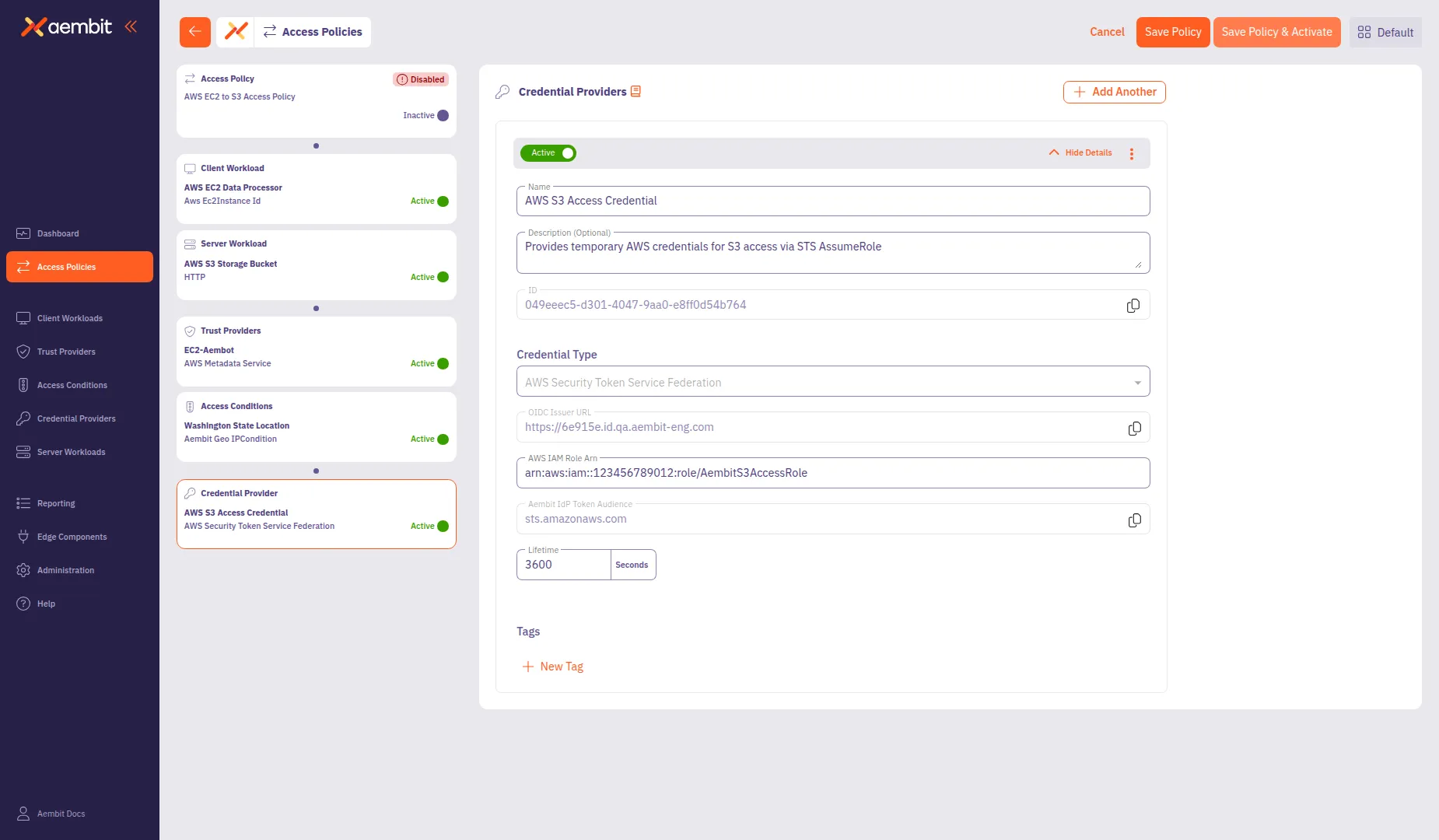
**Key capabilities:**
* Visual card-based navigation for policy components
* Inline creation of Client Workloads, Server Workloads, Trust Providers, and other components
* Clear indicators for required, recommended, and optional components based on Global Policy Compliance settings
To use the new builder, enable **Use new access policy** in your user profile preferences. For a walkthrough, see [Create an Access Policy](/user-guide/access-policies/create-access-policy/).
## December 4, 2025
[Section titled “December 4, 2025”](#december-4-2025)
Aembit has released new versions of the following components and packages:
* Helm Chart
* Terraform ECS module
* Agent Proxy
* AWS Lambda Extension
* AWS Lambda Layer
For the latest available versions of these components, see the [Edge Components Supported Versions](/reference/edge-components/edge-component-supported-versions) page.
Key Updates:
* Support AWS S3 upload request workloads
* Support multiple AWS STS Credential Providers in a single Access Policy via Access Key ID mapping
***
Aembit’s Agent Proxy now supports AWS S3 file uploads. Agent Proxy transparently handles S3’s complex signing requirements, including detecting client signatures, re-signing requests with injected credentials, and streaming large file uploads.
**Key capabilities:**
* Automatic detection of S3 signing methods using the `x-amz-content-sha256` header
* Support for unsigned payloads, streaming signatures, and standard SigV4 signing
* Transparent credential injection without client-side configuration changes
**Known limitations in this release:**
* Streaming signed payload uploads default to a 50 MiB limit (configurable via [`AEMBIT_AWS_MAX_BUFFERED_PAYLOAD_BYTES`](/reference/edge-components/edge-component-env-vars/#aembit_aws_max_buffered_payload_bytes))
* Request compression isn’t supported for S3 requests
For complete documentation and workarounds, see [How Aembit uses AWS SigV4 and SigV4a](/user-guide/access-policies/credential-providers/aws-sigv4).
***
Aembit now supports multiple AWS Security Token Service (STS) Credential Providers within a single Access Policy. This feature enables a single Client Workload to access multiple AWS resources, each requiring different IAM roles, without creating separate Access Policies.
**Key capabilities:**
* Access Key ID selectors for automatic Credential Provider matching
* Simplified policy management with multiple AWS STS Credential Providers per Access Policy
* Seamless credential injection for applications accessing different AWS services
**Minimum Edge Component versions required:**
* Agent Proxy 1.27.3865
* Agent Controller 1.27.2906
For complete documentation, see [Using multiple AWS STS Credential Providers](/user-guide/access-policies/credential-providers/aws-security-token-service-multiple).
***
Aembit has expanded the Server Workload documentation with new guides covering architecture patterns, credential lifecycle management, developer integration, and troubleshooting. These resources help you understand how Aembit manages credentials for your Server Workloads and provide guidance for integrating Aembit into your applications.
**New documentation:**
* [Architecture patterns](/user-guide/access-policies/server-workloads/architecture-patterns) - OAuth flows, trust boundaries, and deployment models
* [Credential lifecycle](/user-guide/access-policies/server-workloads/credential-lifecycle) - How Aembit manages credential rotation and security
* [Developer integration](/user-guide/access-policies/server-workloads/developer-integration) - SDK integration patterns and placeholder credentials for local development
* [Troubleshooting](/user-guide/access-policies/server-workloads/troubleshooting) - Diagnostic steps for common configuration issues
**New and updated Server Workload guides:**
* NEW [Microsoft Entra ID](/user-guide/access-policies/server-workloads/guides/entra-id) - Authenticate to Entra ID-protected resources using Azure Entra Workload Identity Federation or OAuth interception
* UPDATED [AWS services](/user-guide/access-policies/server-workloads/guides/aws-cloud) - Authenticate to AWS services using AWS Security Token Service (STS) Credential Providers and SigV4 signing
## November 25, 2025
[Section titled “November 25, 2025”](#november-25-2025)
Aembit has released new versions of the following components and packages:
* Helm Chart
* Terraform ECS module
* Agent Controller
For the latest available versions of these components, see the [Edge Components Supported Versions](/reference/edge-components/edge-component-supported-versions) page.
Key Updates:
* Enhancements to Agent Controller logging and error handling for improved observability
***
## October 21, 2025
[Section titled “October 21, 2025”](#october-21-2025)
Aembit has released new versions of the following components and packages:
* Helm Chart
* Terraform ECS module
* Agent Proxy
* AWS Lambda Extension
* AWS Lambda Layer
* Agent Injector
For the latest available versions of these components, see the [Edge Components Supported Versions](/reference/edge-components/edge-component-supported-versions) page.
Key Updates:
* **Azure Key Vault Private Network Access**: Added support for accessing Azure Key Vault instances configured with private network endpoints
* **Performance Improvements**: Enhanced performance for Secure Parameter Exchange (SPE) Postgres database operations
* **Dependency Updates**: Updated multiple project dependencies to their latest stable versions
* **Rust and Hyper Upgrade**: Upgraded to Rust 1.89.0 and introduced the hyper HTTP library for improved performance and security
* **Logging Enhancements**: Internal improvements to logging functionality for better observability and debugging
***
Aembit has released the new Azure Entra Federation Credential Provider Integration and Azure Key Vault Credential Provider.
Together, they enable you to retrieve secrets from Azure Key Vault directly through Aembit using Azure’s Workload Identity Federation.
The Azure Entra Federation integration leverages OpenID Connect (OIDC) standards to authenticate with Azure Entra without requiring long-lived secrets or static credentials. This allows Aembit to securely access your Azure Key Vault instances using short-lived, federated tokens.
The Azure Key Vault Credential Provider supports:
* Single value credentials (API keys, tokens)
* Username/Password credentials
* Both public and private network access scenarios
* Policy-driven access controls and centralized auditing
See [Azure Entra Federation Credential Provider Integration](/user-guide/access-policies/credential-providers/integrations/azure-entra-federation) and [Azure Key Vault Credential Provider](/user-guide/access-policies/credential-providers/azure-key-vault) to learn more.
***
You can now configure OIDC 1.0 Identity Providers for administrator Single Sign-On (SSO) authentication. This enables you to use OIDC-compliant identity providers such as Okta, Azure AD, and Auth0 to simplify the Aembit Tenant login process for your users. With OIDC support, you can leverage your existing identity infrastructure for secure, standardized authentication to the Aembit administrative console.
For more information, see [Create an OIDC Identity Provider](/user-guide/administration/identity-providers/create-idp-oidc).
## October 2, 2025
[Section titled “October 2, 2025”](#october-2-2025)
Aembit has released new versions of the following components and packages:
* Helm Chart
* Terraform ECS module
* AWS Lambda Extension
* AWS Lambda Layer
* Agent Proxy
* Agent Injector
* Sidecar Init
For the latest available versions of these components, see the [Edge Components Supported Versions](/reference/edge-components/edge-component-supported-versions) page.
Key Updates:
* Applied a security enhancement to container-base images
## September 9, 2025
[Section titled “September 9, 2025”](#september-9-2025)
Aembit has applied performance enhancements to Agent Controller in this release, including:
* improved cloud environment detection and attestation, making Agent Controller onboarding faster and more reliable across AWS and Azure
* improved logging around TLS-related errors
* deprecated the `AEMBIT_HTTP_DISABLED` environment variable (HTTP is now disabled when TLS is enabled)
For the latest available versions of these components, see the [Edge Components Supported Versions](/reference/edge-components/edge-component-supported-versions) page.
## September 2, 2025
[Section titled “September 2, 2025”](#september-2-2025)
Aembit has released new versions of the following components and packages:
* AWS Lambda layer
* AWS Lambda extension
For the latest available versions of these components, see the [Edge Components Supported Versions](/reference/edge-components/edge-component-supported-versions) page.
## August 26, 2025
[Section titled “August 26, 2025”](#august-26-2025)
Aembit has added the SPIFFE JWT-SVID Credential Provider. This Credential Provider enables you to generate JWT-SVID tokens for workloads that require SPIFFE-compliant authentication and authorization.
See [About the SPIFFE JWT-SVID Credential Provider](/user-guide/access-policies/credential-providers/about-spiffe-jwt-svid) and [JWT-SVID Token Credential Provider](/user-guide/access-policies/credential-providers/spiffe-jwt-svid) for more information and configuration details.
## August 22, 2025
[Section titled “August 22, 2025”](#august-22-2025)
Aembit has updated Aembit Edge Components to include the latest versions of Agent Proxy, Sidecar Init, and the Aembit Helm chart. These updates include support for:
* Official Red Hat OpenShift and OpenShift Service on AWS (ROSA) support for Agent Proxy and Sidecar Init, including `SecurityContextConstraint` configurations and deployment best practices. See [OpenShift deployment guide](/user-guide/deploy-install/kubernetes/openshift).
* AWS Secrets Manager private network access for Aembit CLI and Agent Proxy.
* Aembit CLI CrowdStrike support.
* Enhanced Helm chart with support for custom annotations on Kubernetes resources. See [Helm chart configuration options](/reference/edge-components/helm-chart-config-options).
* New guide for managing Agent Injector TLS certificates in Kubernetes deployments. See [Managing Agent Injector certificates](/user-guide/deploy-install/kubernetes/agent-injector-certificate).
* Support for volume-mounted certificates in Aembit Edge Components.
* Security and performance enhancements.
Updated Edge Components:
* Agent Proxy 1.25.3494
* Sidecar Init 1.25.127
* Helm Chart 1.25.494
See [Edge Components supported versions](/reference/edge-components/edge-component-supported-versions) for more details.
***
Aembit has added Private Network Access to the AWS Secrets Manager Credential Provider. This feature allows you to securely access AWS Secrets Manager secrets from Aembit Edge Components running in private networks, such as AWS VPCs, without exposing them to the public internet.
When you enable Private Network Access, the Aembit CLI or Agent Proxy retrieve secrets from AWS Secrets Manager directly, ensuring secure and private access to your secrets.
See [AWS Secrets Manager Credential Provider](/user-guide/access-policies/credential-providers/aws-secrets-manager/#accessing-aws-secrets-manager-on-private-networks) for more details on how to configure this feature.
***
## August 19, 2025
[Section titled “August 19, 2025”](#august-19-2025)
The Aembit Edge GitLab CI/CD Component is now available to simplify Aembit integration within your pipelines. Find the component in the [GitLab CI/CD Catalog](https://gitlab.com/explore/catalog/aembit/aembit-edge) and learn how to use it in the [component documentation](/user-guide/deploy-install/ci-cd/gitlab/gitlab-jobs-component).
***
The OIDC ID Token Credential Provider now supports dynamic claims, allowing you to extract and use values from OIDC tokens in the credential data. This feature creates personalized and context-aware credentials that reflect the workload’s identity and attributes from their original OIDC token.
See [OIDC ID Token Dynamic Claims](/user-guide/access-policies/credential-providers/advanced-options/dynamic-claims-oidc) for more information.
***
Aembit has added two new Access Conditions for CrowdStrike:
* **MAC Address** - Ensures the CrowdStrike Agent Host MAC Address matches the Host MAC Address that Agent Proxy retrieved.
* **Local IP Address** - Ensures the CrowdStrike Agent Host Local IP Address matches the Host Local IP Address that Agent Proxy retrieved.
See [Create Access Conditions for CrowdStrike](/user-guide/access-policies/access-conditions/crowdstrike) to learn how to create Access Conditions for CrowdStrike.
## July 29, 2025
[Section titled “July 29, 2025”](#july-29-2025)
Aembit has released the new AWS IAM Role Credential Provider Integration and Secrets Manager Credential Provider. Together, they enable you to retrieve secrets from AWS Secrets Manager directly through Aembit.
See [AWS IAM Role Credential Provider Integration](/user-guide/access-policies/credential-providers/integrations/aws-iam-role) and [AWS Secrets Manager Credential Provider](/user-guide/access-policies/credential-providers/aws-secrets-manager) to learn more.
***
Aembit has released the **Aembit CLI**, a command-line interface that allows you to inject credentials into your CI/CD pipelines. Compatible with GitLab, GitHub, and now Jenkins.
Check out the [Aembit CLI Guide](/cli-guide/) to get started with the Aembit CLI!\
Also, see [Aembit Edge on CI/CD services](/user-guide/deploy-install/ci-cd) for more information on how to use Aembit CLI with your CI/CD pipelines.
***
Aembit has released support for Jenkins Pipelines to help you integrate Aembit into your Jenkins CI/CD workflows. This integration allows you to securely retrieve and use Aembit-managed credentials directly in your Jenkins Pipelines, streamlining your CI/CD processes and enhancing security.
Check out [Jenkins Pipelines](/user-guide/deploy-install/ci-cd/jenkins-pipelines) to learn more about how to use Aembit with Jenkins Pipelines.
***
Aembit now supports Server Workloads with a [wildcard hostname](/user-guide/access-policies/server-workloads/#using-wildcard-domains).
This enables you to simplify your server workloads in a flexible and well defined manner.
***
As of Agent Controller version 1.24.xxxx, Aembit has enhanced Agent Controller to automatically close insecure HTTP ports when you enable TLS. This update streamlines security by ensuring only encrypted connections are active.
When you enable TLS, Agent Controller now automatically:
* Opens Secure Ports: 443 (or 5443 on VMs) and the secure Prometheus port 9091.
* Closes Insecure Ports: 80 (or 5000 on VMs) and the insecure Prometheus port 9090.
This automation removes the manual step of closing insecure, vulnerable ports, preventing potential misconfigurations and enforcing a more secure, “secure-by-default” posture.
***
Aembit has applied security enhancements to Agent Controller version `1.24.2485` in this release, including:
* Disabling insecure HTTP ports when you enable TLS.
Updated Edge Components:
* Agent Controller
Updated Edge Packages:
* Helm Chart
* Terraform ECS module
See [Edge Components supported versions](/reference/edge-components/edge-component-supported-versions) for more details.
## July 22, 2025
[Section titled “July 22, 2025”](#july-22-2025)
Aembit has added more advanced filtering options to the **Discovered** tab for Client and Server Workloads. This enables you to find specific discovered workloads based on the criteria you filter.
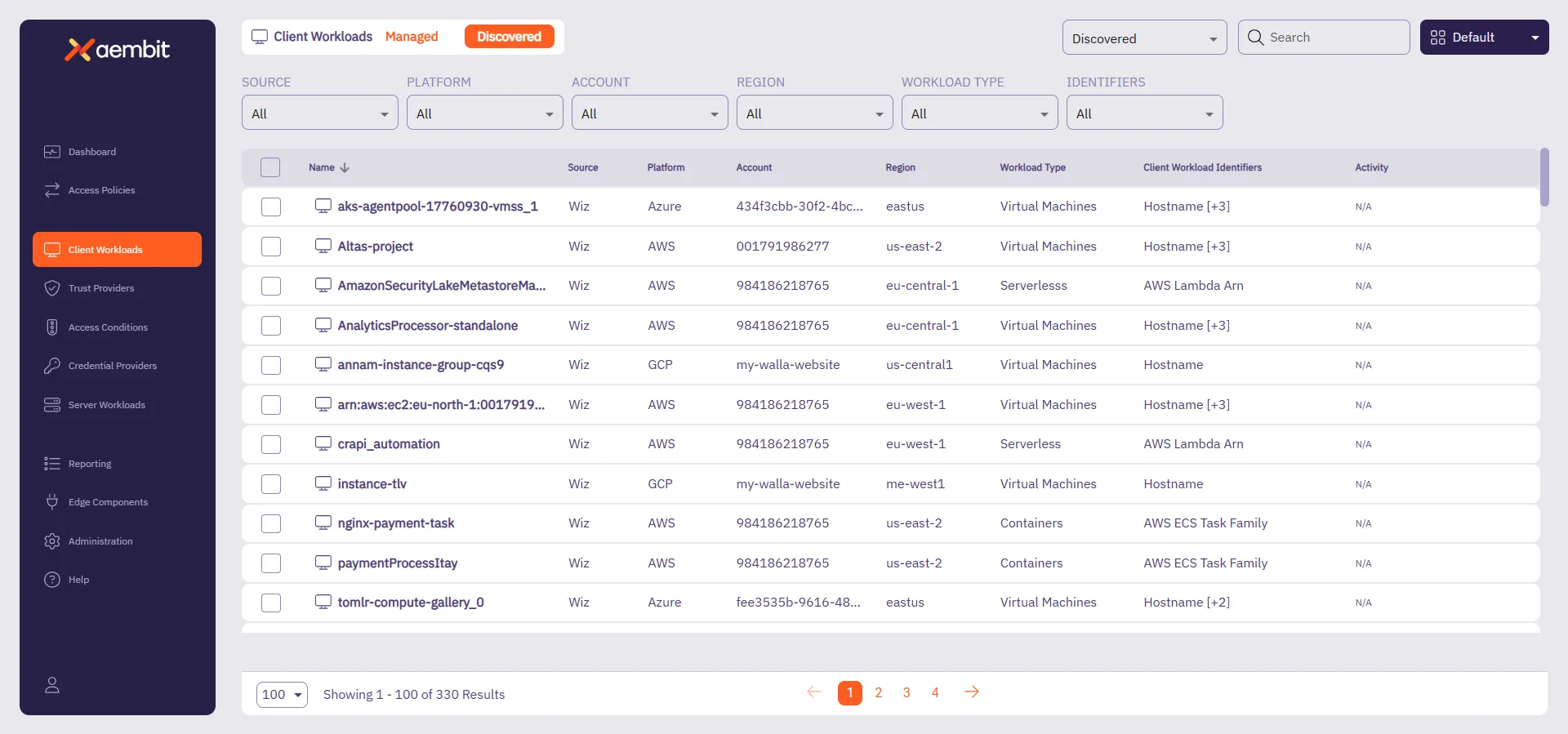
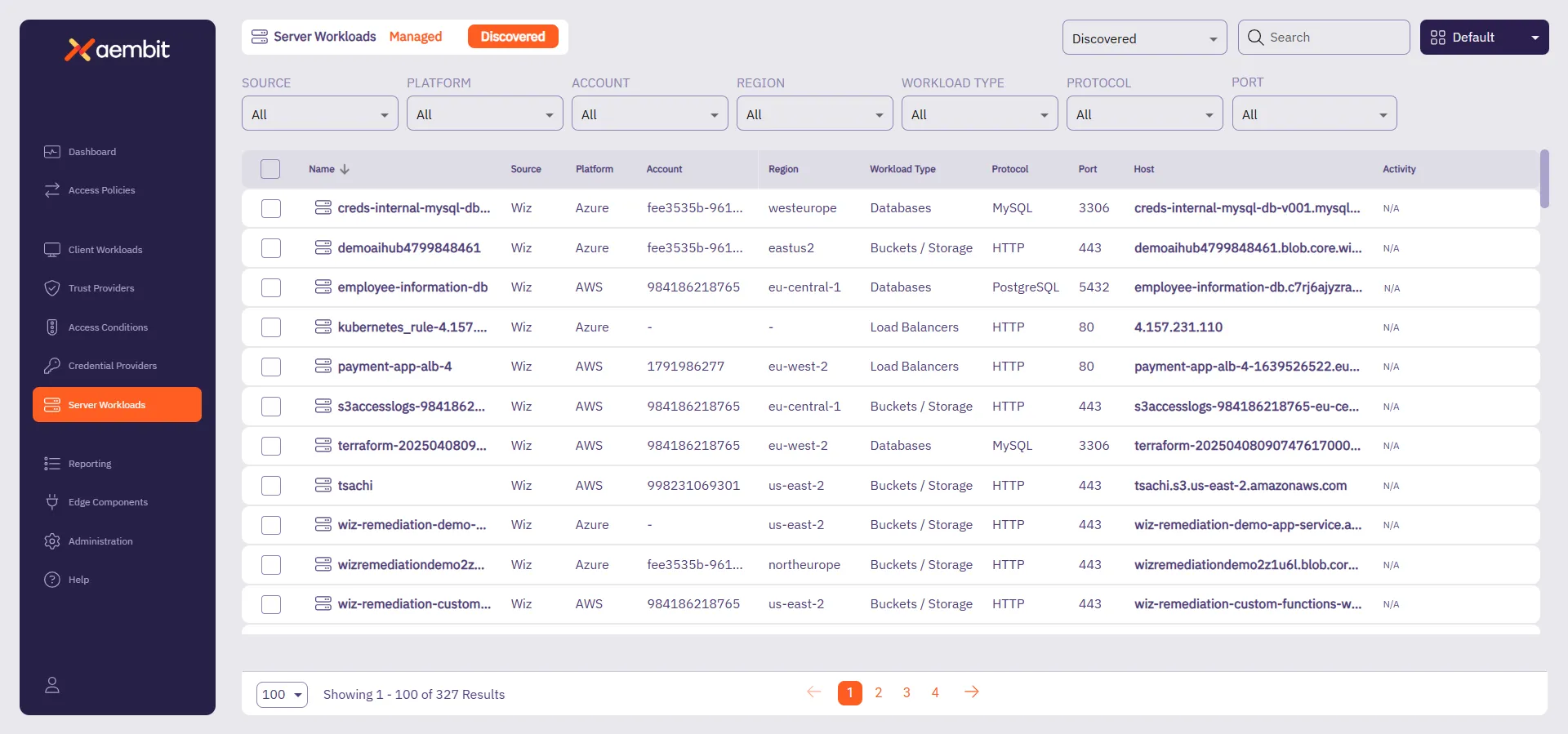
See [Filtering Discovered Workloads](/user-guide/discovery/managing-discovered-workloads#filtering-discovered-workloads) for more info.
***
Aembit has added the OIDC ID Token Trust Provider. This Trust Provider is Aembit’s solution for authenticating workloads using standard OIDC ID tokens. It validates incoming tokens against specific issuer, audience, and subject claims, giving you maximum flexibility to integrate with virtually any OIDC-compliant identity provider for secure, token-based workload access.
See [OIDC ID Token Trust Provider](/user-guide/access-policies/trust-providers/oidc-id-token-trust-provider) for more info.
***
Aembit has applied security and performance enhancements to Agent Proxy version `1.24.3324` in this release.
Updated Edge Components:
* Agent Proxy
Updated Edge Packages:
* Helm Chart
* Terraform ECS module
* AWS Lambda Extension
See [Edge Components supported versions](/reference/edge-components/edge-component-supported-versions) for more details.
## June 24, 2025
[Section titled “June 24, 2025”](#june-24-2025)
Aembit now cryptographically signs all container images in [Aembit’s Docker Hub repositories](https://hub.docker.com/u/aembit). See [Verifying Aembit container image signatures](/user-guide/deploy-install/verify-container-images) for more details and how to verify Aembit container images.
## June 17, 2025
[Section titled “June 17, 2025”](#june-17-2025)
Introducing Aembit Edge API, the new way your cloud-native applications can retrieve credentials dynamically without deploying additional infrastructure. Perfect for serverless functions, containers, and CI/CD pipelines that need secure access to third-party services.
With Aembit Edge API you can:
* **Retrieve credentials on-demand** for any configured service from your CI/CD pipelines.
* **Authenticate workloads** using platform-native identity tokens (GitHub Actions, GitLab CI, AWS Lambda, etc.).
* **Eliminate hardcoded secrets** by fetching credentials just-in-time.
* **Support multiple credential types** including API keys, username/password, and CI/CD provider tokens.
Check out the [Edge API get started page](/api-guide/edge/) to learn more or start using it right away with the [Aembit Edge quickstart guide](/api-guide/edge/quickstart-edge).
***
Aembit Discovery can now discover additional resources when you use Wiz as a Discovery Source.
Through the Wiz integration, Aembit now discovers Client Workload resources such as VMs, AWS- and Azure-specific Client Workload Identifies, and many others. As for Server Workload resources, Aembit now discovers Azure Blob Storage, GCP BigQuery, and many others.
For the full list, see [Wiz-discoverable resource types](/user-guide/discovery/sources/wiz#wiz-discoverable-resource-types).
## June 11, 2025
[Section titled “June 11, 2025”](#june-11-2025)
Aembit has released a new version of Agent Controller, version `1.23.2263`, with the following changes:
* Enhanced TLS certificate status reporting with improved retry and error handling.
* Added comprehensive logging for environment variable configuration with sensitive data masking for secure review.
Updated Edge Components:
* Agent Controller
Updated Edge Packages:
* Helm Chart
* VM Agent Controller package
* Terraform ECS module
See [Edge Components supported versions](/reference/edge-components/edge-component-supported-versions) for more details.
## June 3, 2025
[Section titled “June 3, 2025”](#june-3-2025)
Introducing **Workload Discovery Filtering** for improved workload management and visibility across your discovered infrastructure. This enhancement adds comprehensive filtering capabilities to both Client Workloads and Server Workloads discovery pages, enabling you to quickly locate and analyze specific workloads.
Filtering options include:
* **Client Workloads**: Filter by Client Workload Identifiers and Workload Discovery Source
* **Server Workloads**: Filter by Port, Protocol, and Workload Discovery Source
This feature streamlines workload management by enabling you to efficiently search through discovered workloads, making it easier to identify, analyze, and onboard relevant workloads into your Aembit environment.
To learn more about discovered workload filtering, see [Workload Discovery Filtering](/user-guide/discovery/managing-discovered-workloads#filtering-discovered-workloads).
***
You can now view the Global Policy Compliance status of your Access Policies using the new **Global Policy Compliance** page under **Reporting** in the left nav menu. Quickly get an overall view of the compliance status of your Access Policies and optionally filter for specific statuses.
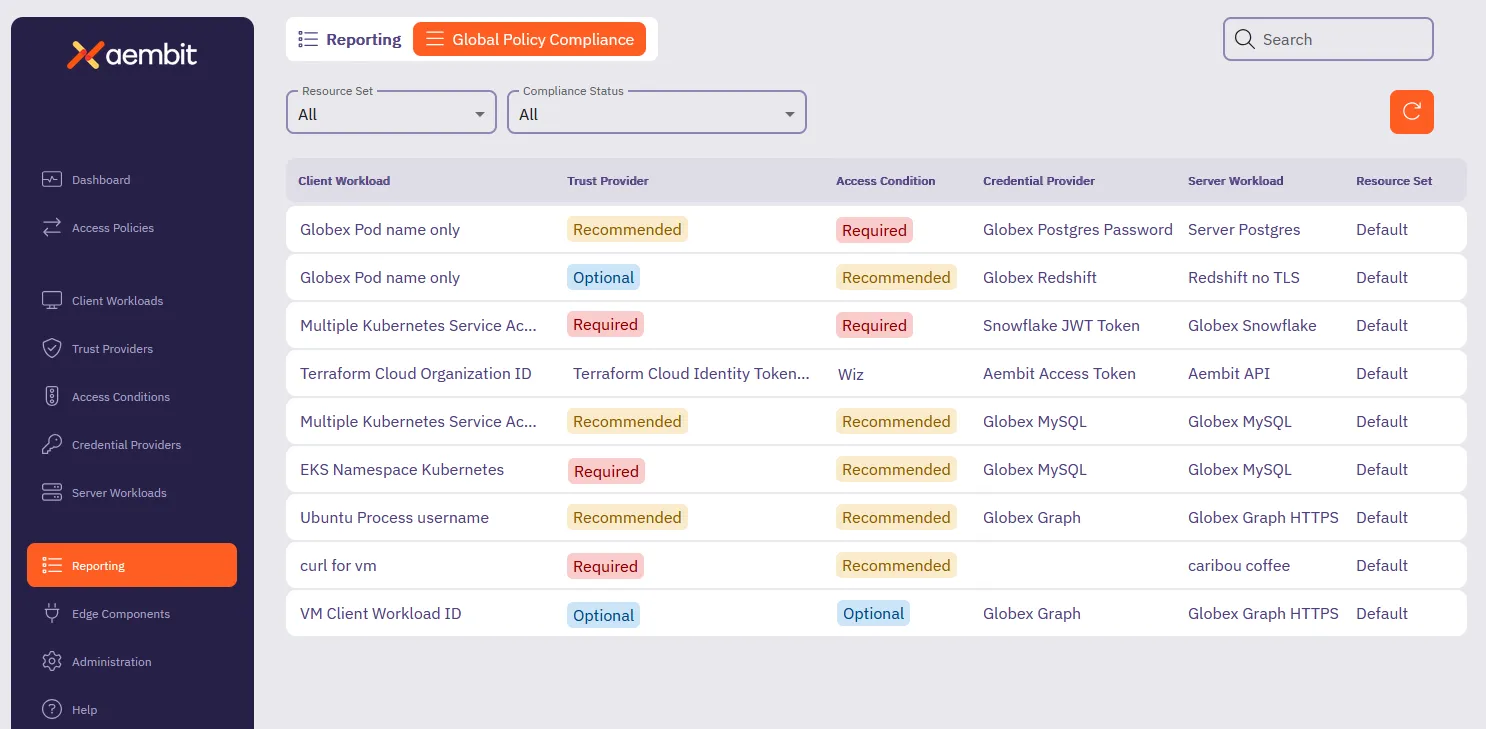
To learn more about reporting on Global Policy Compliance status, see [How to review Global Policy Compliance](/user-guide/audit-report/global-policy).
## June 2, 2025
[Section titled “June 2, 2025”](#june-2-2025)
Aembit has released a new version of Agent Controller, version `1.23.2160`, with the following changes:
* Security enhancements for Kerberos and Aembit-managed PKI.
* Added the `AEMBIT_HTTP_PORT_DISABLED` environment variable to enable you to disable Agent Controller’s HTTP port.
***
Updated Edge Components:
* Agent Proxy 1.23.2160
Updated Edge Packages:
* Helm Chart 1.23
* Terraform ECS module 1.23
See [Edge Components supported versions](/reference/edge-components/edge-component-supported-versions) for more details.
## May 30, 2025
[Section titled “May 30, 2025”](#may-30-2025)
Aembit has added enhancements to Agent Injector which include:
* Improved compatibility with pod-level `securityContext` settings for Kubernetes Client Workloads.
* TLS certificate security enhancements.
* Agent Injector now supports the [`AEMBIT_LOG_LEVEL`](/reference/edge-components/edge-component-env-vars) environment variable.
## May 26, 2025
[Section titled “May 26, 2025”](#may-26-2025)
Introducing **Log Streams for CrowdStrike Next-Gen SIEM** for real-time security event monitoring and enhanced threat detection. This integration enables rapid streaming of Aembit Edge event logs and audit logs directly to CrowdStrike’s Next-Gen Security Information and Event Management (SIEM) platform using the HTTP Event Collector (HEC) protocol.
By connecting Aembit with CrowdStrike Next-Gen SIEM, you can:
* Stream Access Authorization Events, Audit Logs, and Workload Events to CrowdStrike SIEM
* Configure TLS encryption and verification options
* Automatic failure notifications for Aembit admins
* Seamless integration with existing CrowdStrike HEC configurations
This feature enhances your organization’s security posture by improving threat detection capabilities, streamlining incident management, and supporting compliance monitoring requirements through centralized log analysis in CrowdStrike.
To learn more, see [Log Streams for CrowdStrike Next-Gen SIEM](/user-guide/administration/log-streams/crowdstrike-siem).
***
Aembit has applied security and performance enhancements to Agent Proxy in this release.
***
Aembit has added the `AEMBIT_CLIENT_WORKLOAD_PROCESS_IDENTIFICATION_ENABLED` Agent Proxy environment variable to Enable [Process Name](/user-guide/access-policies/client-workloads/identification/process-name) Client Workload identification.
***
Updated Edge Components:
* Agent Proxy
Updated Edge Packages:
* Helm Chart
* VM Agent Proxy package
* Terraform ECS module
* AWS Lambda Extension
* AWS Lambda Layer
See [Edge Components supported versions](/reference/edge-components/edge-component-supported-versions) for more details.
## May 22, 2025
[Section titled “May 22, 2025”](#may-22-2025)
The Aembit Edge Terraform ECS module now supports Terraform variables that allow you to set Agent Controller and Agent Proxy [environment variables](/reference/edge-components/edge-component-env-vars) directly.
You may now set logging levels for these Edge Components in AWS ECS Fargate environments, and leverage configuration options that the Edge Terraform ECS module doesn’t support directly as variables yet.
See [AWS ECS Fargate](/user-guide/deploy-install/serverless/aws-ecs-fargate#configuration-variables) documentation for more information..
## May 06, 2025
[Section titled “May 06, 2025”](#may-06-2025)
To increase the available deployment options for Amazon Web Services (AWS) Lambda users, Aembit now provides a Lambda Layer to support zip-based Lambda Functions. This joins our existing [AWS Lambda Container](/user-guide/deploy-install/serverless/aws-lambda-container) support.
For more detailed information on how to deploy Aembit Edge Components to AWS Lambda Functions using our Lambda Layer, please refer to the [AWS Lambda Functions](/user-guide/deploy-install/serverless/aws-lambda-function) documentation.
***
Introducing **Global Policy Compliance** for centralized security enforcement across your Aembit environment. This feature allows administrators to establish organization-wide security standards for Access Policies and Agent Controllers, ensuring consistent security practices and preventing the creation of policies that might inadvertently expose resources.
With Global Policy Compliance, you can enforce requirements for Trust Providers and Access Conditions across all Access Policies, as well as Trust Provider and TLS Hostname requirements for Agent Controllers. The three-tier enforcement model lets you set requirements as Required, Recommended (default), or Optional based on your organization’s security needs.
Global Policy Compliance visually identifies non-compliant components through color-coded status icons:
* Red indicators for required but missing elements
* Yellow indicators for recommended but missing elements
* Green indicators for compliant Access Policies
* Gray indicators for disabled or not active Access Policies
To learn more about Global Policy Compliance, see the [Global Policy Compliance Overview](/user-guide/administration/global-policy/).
***
Introducing **OIDC ID Token Credential Provider** for secure identity token generation and exchange with third-party services. By leveraging Aembit’s custom Identity Provider (IdP) capabilities, this Credential Provider generates JWT-formatted tokens that seamlessly integrate with various Workload Identity Federation (WIF) solutions.
The OIDC ID Token Credential Provider offers flexible configuration options including:
* Custom claims configuration with both dynamic and literal subject support
* Choice of signing algorithms (RS256 or ES256)
* Integration with identity brokers such as AWS STS, GCP WIF, Azure WIF, and HashiCorp Vault
This new Credential Provider is particularly valuable for:
* Secure access to cloud provider resources through their WIF solutions
* Authentication with HashiCorp Vault using OIDC tokens
* Integration with any service supporting OIDC/JWT authentication
To learn more about this feature, see [About the OIDC ID Token Credential Provider](/user-guide/access-policies/credential-providers/about-oidc-id-token).
***
Introducing **Log Stream for Splunk SIEM** to enhance your security monitoring capabilities. This integration enables rapid streaming of Aembit Edge event logs and audit logs directly to Splunk using Splunk’s HTTP Event Collector (HEC) protocol.
By connecting Aembit with Splunk SIEM, you can:
* Enhance threat detection with comprehensive security data
* Improve incident management through centralized logging
* Streamline compliance monitoring for your organization
The setup process is straightforward, requiring only a properly configured HTTP Event Collector in your Splunk environment and a few configuration steps in the Aembit Admin UI. Aembit will automatically send email notifications if Log Stream transactions consistently fail, ensuring you’re always aware of your logging status.
To learn more about setting up this integration, see [How to stream Aembit events to Splunk SIEM](/user-guide/administration/log-streams/splunk-siem).
## April 25, 2025
[Section titled “April 25, 2025”](#april-25-2025)
Aembit has released the new [Discovery](/user-guide/discovery/) feature, which automatically identifies workloads across your infrastructure, increasing the visibility, scalability, and access control over your workloads.
Discovery uses [Sources](/user-guide/discovery/sources/) to find workloads in your environments—natively through [Aembit Edge Discovery](/user-guide/discovery/sources/aembit-edge) and through integrations with services such as [Wiz](/user-guide/discovery/sources/wiz).
See [Discovery](/user-guide/discovery/) for full details.
## April 24, 2025
[Section titled “April 24, 2025”](#april-24-2025)
Aembit now supports deploying Edge Components on AWS Elastic Kubernetes Service (EKS) using Fargate compute profiles. For details on feature support in this environment, please refer to Aembit’s [AWS EKS Fargate deployment guide](/user-guide/deploy-install/kubernetes/aws-eks-fargate) and product [support matrix](/reference/support-matrix).
## April 22, 2025
[Section titled “April 22, 2025”](#april-22-2025)
For the [GitLab Managed Service Account](/user-guide/access-policies/credential-providers/managed-gitlab-account) Credential Provider, you can now specify the name of the service account that Aembit creates in GitLab for that Credential Provider.
Additionally, you can now create GitLab Service Account integrations for GitLab.com plans. See [Create a GitLab Service Account Integration for a GitLab.com plan](/user-guide/access-policies/credential-providers/integrations/gitlab)
## April 21, 2025
[Section titled “April 21, 2025”](#april-21-2025)
Aembit has added the `AEMBIT_PASS_THROUGH_TRAFFIC_BEFORE_REGISTRATION` Agent Proxy environment variable to enable you to delay the Client Workload Kubernetes pod startup until registration between Agent Proxy and Agent Controller completes. See [Delaying pod startup until Agent Proxy has registered](/user-guide/deploy-install/kubernetes/kubernetes#delaying-pod-startup-until-agent-proxy-has-registered) for details.
***
Aembit has applied security enhancements and hardening to Agent Proxy in this release.
***
Updated Edge Components:
* Agent Proxy
Updated Edge Packages:
* Helm Chart
* VM Agent Proxy package
* Terraform ECS module
* AWS Lambda Extension
See [Edge Components supported versions](/reference/edge-components/edge-component-supported-versions) for more details.
## April 15, 2025
[Section titled “April 15, 2025”](#april-15-2025)
Agent Controllers now support **Allowed TLS Hostname** as a configurable field in your Aembit Tenant:
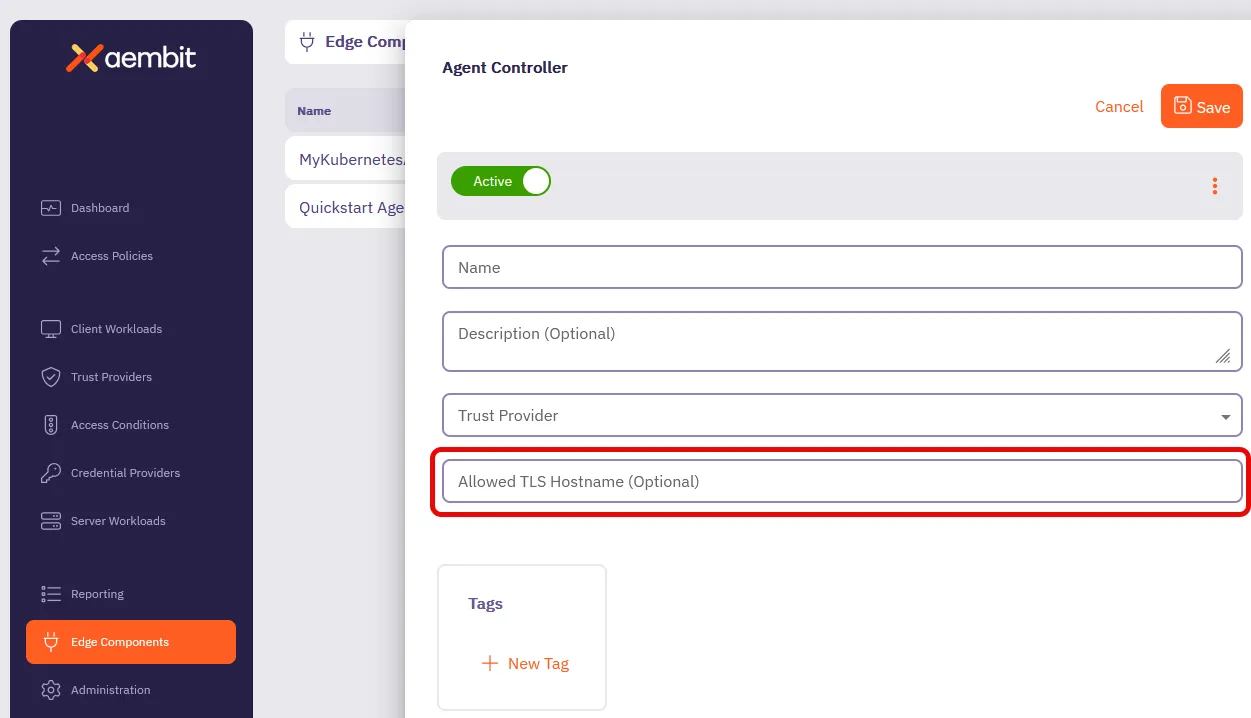
**Allowed TLS Hostname** serves the same purpose as the [`AEMBIT_MANAGED_TLS_HOSTNAME`](/reference/edge-components/edge-component-env-vars#agent-controller-environment-variables) Agent Controller environment variable.
Configuring an **Allowed TLS Hostname** allows you to specify which domain name Aembit Managed TLS includes in the TLS certificate. This makes sure secure connections from your Agent Proxies are only valid when using this exact domain name to reach your Agent Controller, enhancing security without restricting which Agent Proxies can communicate with it.
To configure your Agent Controller with an allowed TLS hostname, see [How to create and Agent Controller](/user-guide/deploy-install/advanced-options/agent-controller/create-agent-controller) or [Configure Agent Controller TLS with Aembit’s PKI](/user-guide/deploy-install/advanced-options/agent-controller/configure-aembit-pki-agent-controller-tls).
## April 03, 2025
[Section titled “April 03, 2025”](#april-03-2025)
The Kerberos Trust Provider now supports the attestation of Client Workloads running on Windows Server virtual machines (VMs) joined to Active Directory (AD). See [Kerberos Trust Provider](/user-guide/access-policies/trust-providers/kerberos-trust-provider) for details.
You can now install Agent Controller on Windows Server 2019 and Windows Server 2022 virtual machines. See [Agent Controller on Windows Server](/user-guide/deploy-install/virtual-machine/windows/agent-controller-install-windows) for details.
## March 25, 2025
[Section titled “March 25, 2025”](#march-25-2025)
Introducing **Standalone CAs** for more granular control over TLS Decrypt management. This feature allows you to create and manage dedicated Certificate Authorities (CAs) that function independently from Aembit’s default Tenant-level certificates.
With Standalone CAs, you can assign CAs directly to specific Client Workloads or Resource Sets, creating isolated trust boundaries and enabling precise management of TLS traffic across different environments. Aembit intelligently selects the appropriate CA using a clear hierarchy: Client Workload level -> Resource Set level -> Tenant level.
To learn more about Standalone CAs, see [About Standalone CA for TLS Decrypt](/user-guide/deploy-install/advanced-options/tls-decrypt/configure-tls-decrypt).
***
We’ve updated the **Deploy Edge Components** experience in the Aembit admin UI to streamline how you deploy Aembit Edge Components.
We’ve added deployment guides directly in the Aembit admin UI for each type of deployment such as Kubernetes, Ubuntu Linux, Red Hat Enterprise Linux, or Microsoft. Now when you’re deploying new Aembit Edge Components, you’ll have a guided experience to get you up and running faster.
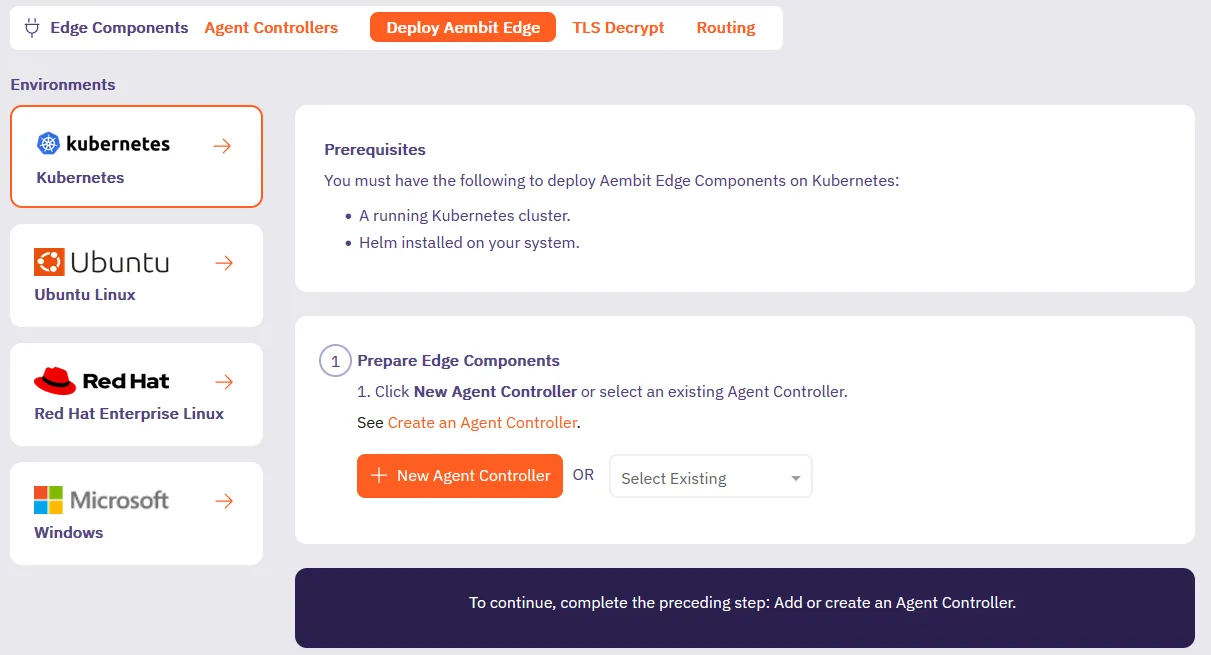
***
Introducing [Credential Provider Integrations](/user-guide/access-policies/credential-providers/), which automate credential lifecycle management for third-party systems. This feature makes sure your workloads always have valid credentials without manual management, enhancing both security and operational efficiency, eliminating manual credential management.
Our new Credential Provider Integrations feature makes this possible by connecting Aembit directly to third-party systems like with the [GitLab Service Account integration](/user-guide/access-policies/credential-providers/integrations/gitlab). The GitLab Service Account integration enables you to create a [Managed GitLab Account Credential Provider](/user-guide/access-policies/credential-providers/managed-gitlab-account), which allows you to manage the credential lifecycle of your GitLab service accounts.
This gives you fine-grained control while eliminating the overhead of manual credential management.
## March 5, 2025
[Section titled “March 5, 2025”](#march-5-2025)
The Aembit Credential Provider for AWS Security Token Service (STS) now supports the AWS SigV4 and SigV4a request signing protocols. Aembit automatically signs requests to AWS services using SigV4 for regional services or SigV4a for global/multi-region services.
See [How Aembit uses AWS SigV4 and SigV4a](/user-guide/access-policies/credential-providers/aws-sigv4) to learn more and [AWS Security Token Service (STS) Federation](/user-guide/access-policies/credential-providers/aws-security-token-service-federation) to configure an AWS STS Credential Provider.
Updated Edge Components:
* Agent Proxy
Updated Edge Packages:
* Helm Chart
* VM Agent Proxy package
* Terraform ECS module
* AWS Lambda Extension
See [Edge Components supported versions](/reference/edge-components/edge-component-supported-versions).
## March 3, 2025
[Section titled “March 3, 2025”](#march-3-2025)
Restored Agent Proxy termination behavior when you set `AEMBIT_SIGTERM_STRATEGY` to `immediate`.
Updated Edge Components:
* Agent Proxy
Updated Edge Packages:
* Helm Chart
* VM Agent Proxy package
* AWS Lambda Extension
See [Edge Components supported versions](/reference/edge-components/edge-component-supported-versions).
## February 27, 2025
[Section titled “February 27, 2025”](#february-27-2025)
Enhanced Agent Controllers to now serve the entire CA certificate chain instead of just the leaf certificate.
Updated Edge Components:
* Agent Controller
Updated Edge Packages:
* Helm Chart version
* Terraform ECS module version
* VM Agent Controller package
See [Edge Components supported versions](/reference/edge-components/edge-component-supported-versions).
## February 25, 2025
[Section titled “February 25, 2025”](#february-25-2025)
Aembit’s Access Condition integration with Wiz now supports Lambda Containers. See [Access Condition for Wiz](/user-guide/access-policies/access-conditions/wiz) to configure an Access Condition.
## February 20, 2025
[Section titled “February 20, 2025”](#february-20-2025)
Aembit now supports accessing HashiCorp Vault Credential Providers that reside on private networks. This allows your colocated Agent Proxy to handle authentication directly instead of Aembit Cloud. See [Accessing Vault on private networks](/user-guide/access-policies/credential-providers/vault-client-token#accessing-vault-on-private-networks) for more info.
Aembit now supports Conditional Access for CrowdStrike on Windows. To set up Conditional Access for CrowdStrike on Windows, follow the steps in [Access Condition for CrowdStrike](/user-guide/access-policies/access-conditions/crowdstrike).
Aembit now supports the AWS Role Trust Provider on Agent Proxy for ECS Fargate deployments.
Enhanced Vault token header behavior.
Enhanced Agent Proxy initialization on Kubernetes to prevent other processes from interfering and impacting its startup.
Updated Edge Components:
* Agent Proxy
Updated Edge Packages:
* Helm Chart
* Terraform ECS module
* VM Agent Proxy package
* AWS Lambda Extension
See [Edge Components supported versions](/reference/edge-components/edge-component-supported-versions).
## February 11, 2025
[Section titled “February 11, 2025”](#february-11-2025)
Aembit now supports[Azure Entra Workload Identity Federation as a Credential Provider](/user-guide/access-policies/credential-providers/azure-entra-workload-identity-federation). This enables you to automatically obtain credentials through Aembit as a third-party federated Identity Provider (IdP) to securely authenticate with Azure Entra to access your Azure Entra registered applications and managed identities.
Aembit now supports [Automatic User Creation](/user-guide/administration/identity-providers/automatic-user-creation) triggered by SSO login requests. Aembit has enhanced the Identity Provider configuration page with additional parameters, enabling you to map SAML attributes from your Identity Provider to the user roles defined in your Aembit Tenant.
You can now [change the leaf certificate lifetime](/user-guide/deploy-install/advanced-options/tls-decrypt/configure-tls-decrypt#change-your-leaf-certificate-lifetime) when using the TLS Decrypt feature.
## January 28, 2025
[Section titled “January 28, 2025”](#january-28-2025)
Aembit Agent Proxy supports virtual machine deployments for Windows Server 2019 and Windows Server 2022. See [Agent Proxy install](/user-guide/deploy-install/virtual-machine/linux/agent-proxy-install-linux) for details.
## December 26, 2024
[Section titled “December 26, 2024”](#december-26-2024)
Aembit Edge Components have been updated to include support for RedHat Enterprise Linux (RHEL) 8 and 9 with Security-Enhanced Linux (SELinux). With this improvement, administrators may now add additional layers of security to their system architecture.
For more information on integrating Aembit Edge Components with SELinux, please see the [SELinux support](/user-guide/deploy-install/virtual-machine/linux/agent-proxy-selinux-config) page.
## December 17, 2024
[Section titled “December 17, 2024”](#december-17-2024)
Aembit has added support for defining a SignOn Policy, enabling you to customize the login experience for your users.
For more information, please see the [SignOn Policy](/user-guide/administration/sign-on-policy/) page.
## November 22, 2024
[Section titled “November 22, 2024”](#november-22-2024)
Aembit has released an updated AWS Lambda Extension, enhancing support for Client Workload identification earlier in the Lambda container lifecycle.
For more information, please refer to the [AWS Lambda Container Supported Phases](/user-guide/deploy-install/serverless/aws-lambda-container#supported-phases).
## November 14, 2024
[Section titled “November 14, 2024”](#november-14-2024)
Aembit has released a new, pre-packaged deployment model that enables you to use a Virtual Appliance configuration and setup for deploying Aembit Edge Components in your environment. This virtual appliance image includes both Agent Controller and Agent Proxy bundled together in a single OVA file.
For more detailed information on how to deploy the Aembit Virtual Appliance, please see the [Virtual Appliance](/user-guide/deploy-install/virtual-appliances/virtual-appliance) technical documentation.
## October 29, 2024
[Section titled “October 29, 2024”](#october-29-2024)
Aembit Edge Components have been updated to newer versions to improve overall performance and functionality.
The following components and packages have been updated:
* Helm Chart
* Agent Proxy
For the latest available versions of these components, please see the [Edge Components Supported Versions](/reference/edge-components/edge-component-supported-versions) page.
## October 28, 2024
[Section titled “October 28, 2024”](#october-28-2024)
Agent Proxy has been updated to include a new environment variable that enables Agent Proxy to monitor network traffic so you can perform detailed debugging if you encounter network traffic errors.
For more detailed information on this feature, please see the [Agent Proxy Debug Network Tracing](/user-guide/troubleshooting/agent-proxy-debug-network-tracing) page.
## October 25, 2024
[Section titled “October 25, 2024”](#october-25-2024)
The Aembit Terraform Provider is regularly updated with new features and capabilities to give you additional configuration options.
You may now use multiple Trust Provider match rules of the same type (OR-based combinations) in your Terraform Provider configuration.
For more detailed technical information on how to use similar match rule types in GitLab using the Aembit Terraform Provider, please see the [Aembit Terraform Provider Registry](https://registry.terraform.io/providers/Aembit/aembit/latest/docs) technical documentation.
## October 23, 2024
[Section titled “October 23, 2024”](#october-23-2024)
Aembit regularly releases new enhancements and improvements to Aembit Edge and Aembit Cloud components to provide additional features and functionality for your Aembit environment.
The following new features and enhancements have been released:
* Enhanced Access Authorization Events
* Explicit Steering
* Updated Aembit Edge Component Versions
### Enhanced Access Authorization Events
[Section titled “Enhanced Access Authorization Events”](#enhanced-access-authorization-events)
Aembit automatically records and collects various types of workload metadata in access authorization events, enabling you to use this information to audit and analyze security events.
The information collected and recorded in these access authorization events has been enhanced to now capture and display additional workload metadata, including **VM hostname**, **IP address**, and **process name**.
For more information on access authorization events, please refer to the following technical documentation pages:
* [Access Authorization Events](/user-guide/audit-report/access-authorization-events)
### Explicit Steering
[Section titled “Explicit Steering”](#explicit-steering)
Aembit continues to look for ways to improve the overall user experience in an Aembit environment, while also providing additional functionality and features that enhance this experience. One of these ways is by enabling you to route only specific types of traffic through Aembit, via the explicit steering feature.
With explicit steering, you can now configure Client Workloads to direct only certain types of traffic to the Agent Proxy. This enables you to have more precise control of which traffic is managed by the Agent Proxy.
For more information on the explicit steering feature, please refer to the [Explicit Steering](/user-guide/deploy-install/advanced-options/agent-proxy/explicit-steering) page.
### Aembit Edge Components Update
[Section titled “Aembit Edge Components Update”](#aembit-edge-components-update)
Aembit Edge Components have been updated to newer versions to improve overall performance and functionality.
The following components and packages have been updated:
* Helm Chart
* Agent Controller
* Agent Proxy
For the latest available versions of these components, please see the [Edge Components Supported Versions](/reference/edge-components/edge-component-supported-versions) page.
## October 18, 2024
[Section titled “October 18, 2024”](#october-18-2024)
The Aembit Terraform Provider is regularly updated with new features and capabilities to give you additional configuration options.
Aembit now supports both GitLab Job Client Identifiers and GitLab Job Trust Provider types, enabling you to manage Client Workloads in Gitlab using the Aembit Terraform Provider.
For more detailed technical information on how to manage Client Workloads in GitLab using the Aembit Terraform Provider, please see the [Aembit Terraform Provider Registry](https://registry.terraform.io/providers/Aembit/aembit/latest/docs) technical documentation.
## October 8, 2024
[Section titled “October 8, 2024”](#october-8-2024)
Aembit regularly releases new enhancements and improvements to Aembit Edge and Aembit Cloud components to provide additional features and functionality for your Aembit environment.
The following four new major features have been released:
* Terraform Provider support for Access Policies with Multiple Credential Providers
* Admin Dashboard enhancements and improvements
* Exposure of Prometheus-compatible Aembit Edge metrics
* Updated Edge Component Versions
### Terraform Provider Support for Access Policies with Multiple Credential Providers
[Section titled “Terraform Provider Support for Access Policies with Multiple Credential Providers”](#terraform-provider-support-for-access-policies-with-multiple-credential-providers)
Aembit has released a Terraform Provider update that enables users to add multiple Credential Providers to an Access Policy.
Aembit now supports use cases where the Aembit Terraform Provider can manage Aembit Access Policies associated with individual or multiple Credential Providers.
For more information about this feature, please see the [Multiple Credential Providers - Terraform](/user-guide/access-policies/credential-providers/advanced-options/multiple-credential-providers-terraform) page.
### Admin Dashboard Enhancements and Improvements
[Section titled “Admin Dashboard Enhancements and Improvements”](#admin-dashboard-enhancements-and-improvements)
Aembit continually makes improvements and enhancements to the Admin Dashboard to provide greater visibility and insight into your Aembit environment.
The Admin Dashboard has been updated and enhanced with additional tiles and panels that provide detailed information on Client and Server Workloads, Credential Usage by Type, the number of Access Condition failures based on Access Policies over the past 24 hours, and several other visualizations.
For more information on the Admin Dashboard and these additional panels, please see the [Admin Dashboard Overview](/user-guide/administration/admin-dashboard/) page.
### Exposure of Prometheus-compatible Aembit Edge Metrics
[Section titled “Exposure of Prometheus-compatible Aembit Edge Metrics”](#exposure-of-prometheus-compatible-aembit-edge-metrics)
Aembit aims to provides users with the ability to view detailed Aembit Edge metrics and data.
Aembit now exposes Prometheus-compatible metrics which enables users to view, and troubleshoot Aembit Edge Components (Agent Proxy, Agent Controller, and Agent Injector), while supporting both Kubernetes and virtual machine deployment models.
For more detailed information on how Aembit exposes Prometheus-compatible metrics, please see the [Aembit Edge Prometheus-compatible Metrics](/user-guide/deploy-install/advanced-options/aembit-edge-prometheus-compatible-metrics) page.
### Aembit Edge Components Update
[Section titled “Aembit Edge Components Update”](#aembit-edge-components-update-1)
Aembit Edge Components have been updated to newer versions to improve overall performance and functionality.
The following components and packages have been updated:
* Helm Chart
* Terraform ECS Module
* AWS Lambda Extension
* VM Artifacts
* Agent Controller
* Agent Proxy
For the latest available versions of these components, please see the [Edge Components Supported Versions](/reference/edge-components/edge-component-supported-versions) page.
## October 1, 2024
[Section titled “October 1, 2024”](#october-1-2024)
Aembit has released improvements to its reporting and logging/auditing capabilities, giving you improved visibility into access authorization events and audit logs. With these enhancements, you can more easily diagnose issues and troubleshoot problems in your environment.
### Improved Access Authorization Events and Audit Logging
[Section titled “Improved Access Authorization Events and Audit Logging”](#improved-access-authorization-events-and-audit-logging)
Improvements have been made to the Aembit Tenant’s reporting capabilities and reporting documentation, enabling increased visibility into access authorization events and audit logs. The Aembit technical documentation has also been augmented to assist with using these capabilities.
For more information on these access authorization event and audit log improvements, please see the following pages:
* [Access Authorization Events](/user-guide/audit-report/access-authorization-events)
* [Audit Logs](/user-guide/audit-report/audit-logs/)
## September 30, 2024
[Section titled “September 30, 2024”](#september-30-2024)
Aembit has released two new updates and improvements to Aembit components:
* Agent Controller functionality has been enhanced to enable real-time monitoring and status of Agent Controllers in the Aembit Tenant.
* Aembit Edge Components and packages have been updated to the latest versions.
### Agent Controller Real-Time Health Status and Health Update
[Section titled “Agent Controller Real-Time Health Status and Health Update”](#agent-controller-real-time-health-status-and-health-update)
You may now view the real-time health status of Agent Controllers in the Aembit Tenant.
For more information on how to check the health status of Agent Controllers, please see the [Tenant Health Check](/user-guide/troubleshooting/tenant-health-check) page.
### Edge Components Update
[Section titled “Edge Components Update”](#edge-components-update)
Aembit Edge Components have been updated to newer versions to improve overall performance and functionality.
The following components and packages have been updated:
* Helm Chart
* Terraform ECS Module
* VM Artifacts
* Agent Controller
For the latest available versions of these components, please see the [Edge Components Supported Versions](/reference/edge-components/edge-component-supported-versions) page.
## September 20, 2024
[Section titled “September 20, 2024”](#september-20-2024)
Aembit Edge Components are regularly updated to newer versions to address specific bug fixes and optimize performance of these components.
We recently identified a known issue that was resolved with a new Helm Chart version.
For the latest available versions of these components, please see the [Edge Components Supported Versions](/reference/edge-components/edge-component-supported-versions) page.
## September 18, 2024
[Section titled “September 18, 2024”](#september-18-2024)
Aembit regularly provides feature and functionality updates to various components to extend capabilities and performance.
Aembit has released a feature improvement that enables you to work with Custom Resource Sets in GitHub Actions and GitLab Jobs CI/CD pipelines.
### Custom Resource Set Support for GitHub Actions and GitLab Jobs
[Section titled “Custom Resource Set Support for GitHub Actions and GitLab Jobs”](#custom-resource-set-support-for-github-actions-and-gitlab-jobs)
For users that would like to implement a CI/CD pipeline solution using Aembit with a custom Resource Set, separate from other workloads, Aembit has introduced Resource Set support for both GitHub Actions and GitLab Jobs.
Aembit supports Workload Identity and Access with GitHub Actions or GitLab Jobs, in your CI/CD workloads and encourages scoping these for appropriate access control. Adding support for Resource Sets in these solutions provides you with additional options and flexibility in best managing and protecting your CI/CD workloads.
For more information on how to configure Resource Sets in GitHub Actions and GitLab Jobs, please see the following pages:
* [GitHub Actions](/user-guide/deploy-install/ci-cd/github/)
* [GitLab Jobs](/user-guide/deploy-install/ci-cd/gitlab/)
## September 17, 2024
[Section titled “September 17, 2024”](#september-17-2024)
Aembit regularly releases updates to Aembit components and packages to improve overall performance of your environment.
The following updates have been released:
* Aembit Edge Component Updates
* Agent Controller PKI-Based TLS Support for Kubernetes and virtual machines
### Aembit Edge Component Updates
[Section titled “Aembit Edge Component Updates”](#aembit-edge-component-updates)
Aembit Edge Components have been updated to newer versions to improve overall performance and functionality.
The following components and packages have been updated:
* Helm Chart
* Terraform ECS Module
* VM Artifacts
* AWS Lambda Extension
For the latest available versions of these components, please see the [Edge Components Supported Versions](/reference/edge-components/edge-component-supported-versions) page.
### Agent Controller PKI-Based TLS Support for Kubernetes and virtual machine Deployments
[Section titled “Agent Controller PKI-Based TLS Support for Kubernetes and virtual machine Deployments”](#agent-controller-pki-based-tls-support-for-kubernetes-and-virtual-machine-deployments)
Aembit has extended the Aembit PKI-based Agent Controller TLS functionality beyond just ECS deployment models to include Kubernetes and virtual machine deployments.
* For Kubernetes deployments, if the Customer’s PKI-based Agent Controller is already configured, it will remain unchanged. Otherwise, Aembit’s PKI-based Agent Controller TLS is enabled by default.
* For virtual machine deployments, you need to configure Aembit’s PKI-based Agent Controller TLS manually.
## September 5, 2024
[Section titled “September 5, 2024”](#september-5-2024)
Aembit Edge Components are updated on a regular basis to include new features, functionality, and package improvements.
Aembit has released new versions of the following components and packages:
* Helm Chart
* Terraform ECS Module
* VM Artifacts
* AWS Lambda
* Agent Proxy
Note
Agent Proxy has been updated to address a specific issue related to idle timeouts for HTTP persistent connections (currently 1 hour). If no new request comes over a connection, the request will be closed by Agent Proxy.
For the latest available versions of these components, please see the [Edge Components Supported Versions](/reference/edge-components/edge-component-supported-versions) page.
## August 27, 2024
[Section titled “August 27, 2024”](#august-27-2024)
Aembit recently released the following two updates to improve the Aembit user experience:
* The Aembit Tenant UI has been updated with an expanded Admin Dashboard with additional metrics and data.
* Access Policies have been improved to enable users to add multiple Credential Providers to Access Policies.
### Updated Admin Dashboard
[Section titled “Updated Admin Dashboard”](#updated-admin-dashboard)
Aembit has released an updated Admin Dashboard with additional metrics and data you can review when logging into your tenant. You will now see the following metrics displayed from the last 24 hours:
* Client Workloads (Managed)
* Server Workloads (Managed)
* Credentials (Usage By Type)
* Workloads Connections (Managed)
### Multiple Service Accounts per Access Policy
[Section titled “Multiple Service Accounts per Access Policy”](#multiple-service-accounts-per-access-policy)
Aembit now supports the ability for you to have multiple Credential Providers associated with an Access Policy for specific use cases.
Adding and mapping multiple Credential Providers to an Access Policy can be very useful when you have a single Access Policy, but want to have different Credential Providers associated with that Access Policy.
For example, if you want to have the same Client Workload access the same Server Workload, but use different credentials for different functions, this feature enables you to specify the appropriate Credential Providers for each function on an Access Policy.
For more detailed information on how you can add multiple Credential Providers to an Access Policy, please see the [Multiple Credential Providers](/user-guide/access-policies/credential-providers/multiple-credential-providers) page.
## August 9, 2024
[Section titled “August 9, 2024”](#august-9-2024)
Kubernetes recently introduced support for native sidecar containers. Aembit now leverages this model for the Agent Proxy, where possible.
Aembit now automatically injects the Agent Proxy as a native sidecar, allowing init container Client Workloads.
Note
This change only applies to Kubernetes deployments of version 1.29 and above.
For more information on how you can use Agent Proxy as a sidecar to support init containers, please see the [Kubernetes Deployment](/user-guide/deploy-install/kubernetes/kubernetes#optional-configurations) page.
## August 1, 2024
[Section titled “August 1, 2024”](#august-1-2024)
Aembit has released comprehensive API technical documentation for the Aembit API.
With this documentation release, you now have access to a complete library technical content, usage information, and the latest version of the OpenAPI specification, which you can use to learn how to use the Aembit API.
For more detailed information on the Aembit API technical documentation, please see the page.
## July 29, 2024
[Section titled “July 29, 2024”](#july-29-2024)
Aembit has released two major enhancements to Aembit Edge Components: Aembit Edge Terraform Module for AWS ECS, and ECS TLS support.
### Aembit ECS Terraform Registry
[Section titled “Aembit ECS Terraform Registry”](#aembit-ecs-terraform-registry)
Aembit releases updates to the Aembit ECS Terraform Registry on a regular basis to provide users with additional features and functionality, including improvements to Agent Proxy and Agent Controller.
For more information on the latest ECS Terraform Registry release, please see the [Aembit Terraform Registry](https://registry.terraform.io/modules/Aembit/ecs/aembit/latest) page.
### ECS TLS Support
[Section titled “ECS TLS Support”](#ecs-tls-support)
Aembit has released an ECS deployment enhancement that enable Transport Layer Security (TLS) between the Agent Proxy and Agent Controller using Aembit-provided Private Key Infrastructure (PKI).
Note
There is no option to use your own PKI for ECS deployments.
## July 18, 2024
[Section titled “July 18, 2024”](#july-18-2024)
Aembit has released an Aembit Terraform Provider update to the Terraform Registry.
This update includes several improvements and enhancements, including:
* Support for Custom Resource Sets.
* Removal of the deprecated AWS ECS Role Trust Provider (replaced previously by the AWS Role Trust Provider).
* Support for Credential Providers of type OAuth2 Authorization Code.
For more information on these updates and changes, please see the [Aembit Terraform Registry](https://registry.terraform.io/providers/Aembit/aembit/1.15.0) page.
## July 3, 2024
[Section titled “July 3, 2024”](#july-3-2024)
Aembit now supports dynamically steering only specific traffic to the Agent Proxy.
The dynamic steering feature introduces the ability to restrict this proxied traffic to a specific list of hostnames. When this feature is enabled, only egress traffic to the user-specified hostnames will be proxied. This enables you to have more precise control over which destinations’ traffic is managed by the Agent Proxy.
## June 26, 2024
[Section titled “June 26, 2024”](#june-26-2024)
Aembit has released the following two new features that improve Credential Provider support, and additional options for identifying Client Workloads and Trust Provider Match Rules.
### OAuth 2.0 Authorization Code Credential Provider Support
[Section titled “OAuth 2.0 Authorization Code Credential Provider Support”](#oauth-20-authorization-code-credential-provider-support)
Aembit now supports 3-legged OAuth (3LO) workflows to enable applications to request permission from a user to access their account data and act on the user’s behalf via the OAuth 2.0 Authorization Code Credential Provider.
With 3LO support, an application may access services or other applications for which the user has been granted permission.
The following 3rd party services are now supported with OAuth 2.0 Authorization Code Credential Providers:
* [Atlassian](https://developer.atlassian.com/cloud/confluence/oauth-2-3lo-apps/)
* [GitLab](https://docs.gitlab.com/ee/api/oauth2.html)
* [Slack](https://api.slack.com/legacy/oauth)
* [GCP BigQuery](https://cloud.google.com/bigquery/docs/third-party-integration#authentication)
* [Apigee](https://docs.apigee.com/api-platform/security/oauth/oauth-introduction)
* [PagerDuty](https://www.pagerduty.com/blog/build-sophisticated-apps-for-your-pagerduty-environment-using-oauth-2-0-and-api-scopes/)
For more information on configuring OAuth 2.0 Authorization Credential Provider with these 3rd party services, please see the [OAuth 2.0 Authorization Code Credential](/user-guide/access-policies/credential-providers/oauth-authorization-code) technical documentation page.
### Client Workload and Trust Provider Match Rules Support
[Section titled “Client Workload and Trust Provider Match Rules Support”](#client-workload-and-trust-provider-match-rules-support)
Aembit now supports more options for identifying Client Workloads and specifying Trust Provider Match Rules, including multiple “or” condition matches and support for wildcards.
## June 10, 2024
[Section titled “June 10, 2024”](#june-10-2024)
Aembit has released beta support for the OAuth 2.0 Authorization Code Credential Provider.
Many organizations require Credential Provider support for various 3rd party SaaS services which only support short lived credentials with the OAuth 2.0 Authorization Code Flow. These services included:
* Atlassian
* GitLab
* Slack
* GCP BigQuery
* Apigee
* PagerDuty
This beta release enables users to use 3rd party SaaS services and have short-lived access tokens generated on demand for authentication to APIs that these 3rd party services provide.
For more information on how to configure the OAuth 2.0 Authorization Code Credential Provider to be used with any of these 3rd party services, please see the [OAUth 2.0 Authorization Code Credential Provider](/user-guide/access-policies/credential-providers/oauth-client-credentials) page.
## June 5, 2024
[Section titled “June 5, 2024”](#june-5-2024)
Aembit has released two new feature updates that enhance existing Aembit functionality.
### Aembit Containers
[Section titled “Aembit Containers”](#aembit-containers)
All injected Aembit containers are now run as non-root users.
### Agent Proxy File Descriptor Limits
[Section titled “Agent Proxy File Descriptor Limits”](#agent-proxy-file-descriptor-limits)
Users may configure limits for the number of file descriptors Agent Proxy is allowed to open on a VM. You may configure this number when Agent Proxy is installed (using the `AEMBIT_FD_LIMIT` flag).
*virtual machines*
* *Default Limit* - 65535, set by Agent Proxy installer
* *Configuration* - This limit is configurable via the `AEMBIT_FD_LIMIT` environment variable. This value is passed directly to `systemd` in Agent Proxy’s service file at the time of installation.
* *Example* - `AEMBIT_FD_LIMIT=200000 [...] ./install`
*Kubernetes*
* *Default Limit* - This limit is inherited from container runtime.
* *Configuration* - There is no official support without modifying the underlying runtime. For more information on configuring these limits, please see the [Kubernetes limits support](https://github.com/kubernetes/kubernetes/issues/3595) GitHub thread.
*AWS ECS*
* *Default Limit* - 1024
* *Configuration* - This limit is configurable via the ECS Task Definition API or ECS Dashboard. Please refer to the [AWS ECS Developer Guide](https://docs.aws.amazon.com/AmazonECS/latest/developerguide/fargate-tasks-services.html#fargate-resource-limits) for more detailed information on how to configure these limits.
*AWS Lambda*
* *Default Limit* - 1024
* *Configuration* - This limit is not configurable. For more information, please refer to the [AWS Lambda Developer Guide](https://docs.aws.amazon.com/lambda/latest/dg/gettingstarted-limits.html#function-configuration-deployment-and-execution).
## June 4, 2024
[Section titled “June 4, 2024”](#june-4-2024)
Aembit has released an update to support AWS Role-Based Trust Providers.
The ability to create and use different types of Trust Providers in your Aembit environment enables you to have flexibility in how resources are managed. With this enhancement, you now have an additional option when selecting a Trust Provider.
For more information on AWS Role-Based Trust Providers, please see the [AWS Role Trust Provider](/user-guide/access-policies/trust-providers/aws-role-trust-provider) page.
## May 30, 2024
[Section titled “May 30, 2024”](#may-30-2024)
Many organizations have certain security requirements that specify which resources should be managed by a group. To address these security needs, Aembit has released a new Resource Sets feature that enables you to determine which groups will have access to various resources.
You may find it necessary to segment management responsibilities for certain entities and resources in your Aembit environment between different individuals and groups for security reasons. To accommodate this requirement, Aembit has released the Resource Sets feature.
Resource Sets enable you to group entities and resources (e.g. Credential Providers, Trust Providers, Identity Providers, etc.) into a single collection and assign specific users to manage these resources.
For more detailed technical information on how to use create and manage Resource Sets, please refer to the [Resource Sets](/user-guide/administration/resource-sets/) technical documentation.
## May 15, 2024
[Section titled “May 15, 2024”](#may-15-2024)
In some cases, you may find it necessary to manually shut down Agent Proxy when the main container exits, but a sidecar is still running. Since you may not want to kill the whole job, since it will look like a cancelled job, Aembit now provides a solution that enables you to gracefully terminate the job while allowing the sidecar to still run.
For more detailed information on this feature, please refer to the Agent Proxy Shutdown page.
## April 30, 2024
[Section titled “April 30, 2024”](#april-30-2024)
There are many different deployment options you can currently use to deploy Aembit Edge Components in your environment, including GitHub Actions, GitLab Jobs, and Kubernetes.
To increase the available deployment options for our users, Aembit now provides support for users who wish to deploy Aembit Edge Components to an Amazon Web Services (AWS) Lambda Container.
For more detailed information on how to deploy Aembit Edge Components to AWS Lambda Containers, please refer to the [AWS Lambda Container](/user-guide/deploy-install/serverless/aws-lambda-container) technical documentation.
## April 23, 2024
[Section titled “April 23, 2024”](#april-23-2024)
Aembit has released two new features on Aembit Cloud:
* Access Condition support for Geographic IP (GeoIP) restrictions
* Log Stream support for streaming to Google Cloud Storage Buckets
### Aembit GeoIP Access Conditions
[Section titled “Aembit GeoIP Access Conditions”](#aembit-geoip-access-conditions)
You may now configure and add Aembit GeoIP conditions in your Aembit Tenant. This new Access Condition type enables you to explicitly designate which countries/regions will have access to Server Workloads from policy-enabled Client Workloads.
For more information on this feature, please refer to the [Access Conditions for GeoIP Restriction](/user-guide/access-policies/access-conditions/aembit-geoip) page.
### Google Cloud Storage Bucket Log Streams
[Section titled “Google Cloud Storage Bucket Log Streams”](#google-cloud-storage-bucket-log-streams)
Aembit now supports Log Streams that target Google Cloud Storage (GCS) Buckets. You may add or configure this new Log Stream destination type in the Administration tab of your Aembit Tenant.
For more information on this feature, please refer to the [Google Cloud Storage Bucket Log Streams](/user-guide/access-policies/access-conditions/aembit-geoip) page.
## April 8, 2024
[Section titled “April 8, 2024”](#april-8-2024)
Aembit Edge Components now support virtual machine deployments to virtual machines running Red Hat 8.9.
## April 4, 2024
[Section titled “April 4, 2024”](#april-4-2024)
Aembit now supports GitLab CI/CD Jobs as Client Workloads.
For more information on how to configure GitLabs Jobs with Aembit Client Workloads, please refer to the [Script-based Agent](/user-guide/deploy-install/ci-cd/gitlab/) page.
## March 19, 2024
[Section titled “March 19, 2024”](#march-19-2024)
An issue was identified in the Agent Controller component due to the non-rotation of the public/private key pair used for Kerberos attestation. This issue has been resolved by implementing a process by which these private/public key pairs will be automatically rotated when the certificate reaches 80% of its lifespan.
## March 12, 2024
[Section titled “March 12, 2024”](#march-12-2024)
Aembit has released a Kerberos Trust Provider that enables the attestation of Client Workloads running in virtual machine environments joined to Active Directory. This attestation method is specifically designed for on-premise deployments where alternative attestation methods, such as AWS or Azure metadata service trust providers, are not available.
For more detailed information on this Kerberos Trust Provider, please refer to the [Kerberos Trust Provider](/user-guide/access-policies/trust-providers/kerberos-trust-provider) technical documentation.
## March 11, 2024
[Section titled “March 11, 2024”](#march-11-2024)
Aembit now supports secure communication between Agent Proxy and Agent Controller using Transport Layer Security (TLS) for both Kubernetes and virtual machine deployments.
For more information on how to configure TLS for Agent Controller, please refer to the [Configuring TLS for Agent Controller](/user-guide/deploy-install/advanced-options/agent-controller/configure-customer-pki-agent-controller-tls) documentation.
## March 9, 2024
[Section titled “March 9, 2024”](#march-9-2024)
Aembit has officially released a Terraform Provider to the [Hashicorp Terraform Registry](https://registry.terraform.io/modules/Aembit/ecs/aembit/latest).
The Aembit Terraform Provider enables users to manage Aembit Cloud resources using terraform manually or via CI/CD workflows.
For more detailed information about the Aembit Terraform Provider, please see the [Aembit Terraform documentation](/user-guide/access-policies/advanced-options/terraform/terraform-configuration).
## February 27, 2024
[Section titled “February 27, 2024”](#february-27-2024)
Aembit now supports SAML/SSO authentication for administrators who wish to simplify the Aembit Tenant login process for their users. Instead of requiring a user to enter their username/password credentials every time a user tries to access the Aembit Tenant, users will now be able to use a 3rd party SAML SSO Provider (e.g. Google, Okta, Microsoft Entrata) to log into the tenant.
For more information on how to configure Identity Providers using SAML, please see the [Configuring Identity Providers](/user-guide/administration/identity-providers/create-idp-saml) technical documentation.
## January 31, 2024
[Section titled “January 31, 2024”](#january-31-2024)
Aembit now supports Wiz integration. Using the Wiz Integration API, you can work with both your Aembit Tenant and Wiz to identify customer assets and vulnerabilities.
For more detailed information about the Aembit -> Wiz integration, please refer to the [Wiz Integration page](/user-guide/access-policies/access-conditions/integrations/wiz) on the Aembit technical documentation site.
## January 16, 2024
[Section titled “January 16, 2024”](#january-16-2024)
### Support for Access Authorization Events
[Section titled “Support for Access Authorization Events”](#support-for-access-authorization-events)
Aembit has now enabled support for Access Authorization Events. Access Authorization Events enable customers to observe credential requests.
### Support for Google CloudRun Jobs as Client Workloads
[Section titled “Support for Google CloudRun Jobs as Client Workloads”](#support-for-google-cloudrun-jobs-as-client-workloads)
Aembit supports Google CloudRun Jobs as Client Workloads. With this support, you can now:
* authenticate to the Aembit IdP using Attestation with the GCP Cloud Run Job Identity
* request and retrieve a secret from GCP Secret Manager
## January 15, 2024
[Section titled “January 15, 2024”](#january-15-2024)
Aembit now supports integration with CrowdStrike. This integration allows you to leverage CrowdStrike’s service to prevent Server Workload access from Client Workloads that do not meet an expected state.
For more information about this integration, please refer to the [CrowdStrike Integration page](/user-guide/access-policies/access-conditions/integrations/crowdstrike) on the Aembit technical documentation site.
## January 4, 2024
[Section titled “January 4, 2024”](#january-4-2024)
The Aembit Agent Controller can now be installed in high availability configurations. Because the Agent Controller is a critical Aembit Edge Component that manages Agent Proxy registration and credential acquisition for Aembit Cloud access, HA support was necessary to ensure the continuous availability of the Agent Controller.
For information on installing and configuring Agent Controller in high availability environments, please see the [Agent Controller High Availability](/user-guide/deploy-install/advanced-options/agent-controller/agent-controller-high-availability) page.
## December 7, 2023
[Section titled “December 7, 2023”](#december-7-2023)
In an effort to ensure **only** Client Workloads that run in a secure environment can access Server Workloads, Aembit has enabled integrations with CrowdStrike and its CrowdStrike Falcon Sensor. CrowdStrike Falcon Sensor checks multiple items on the virtual machine (VM) to verify the VM is secure.
## November 14, 2023
[Section titled “November 14, 2023”](#november-14-2023)
Several new feature updates and additions have been made to improve Aembit user experience. These updates include:
* Admin console multi-factor authentication support
* Edge components VM deployment support
### Multi-factor authentication support
[Section titled “Multi-factor authentication support”](#multi-factor-authentication-support)
Aembit now supports Multi-Factor Authentication (MFA) so users can provide different authentication methods. Users can:
* scan a QR code to configure their compatible authentication application
* retrieve MFA Recovery Codes in case the device or application is unavailable
* view the users who have configured MFA within the Aembit Users view.
### Linux-based VM deployment support
[Section titled “Linux-based VM deployment support”](#linux-based-vm-deployment-support)
Users may now deploy Aembit Edge Components to VMs (non-Kubernetes). This feature enables users to have options on how they want to deploy these components.
For more detailed information about this feature, please see the [virtual machine Installation](/user-guide/deploy-install/virtual-machine) page.
## October 16, 2023
[Section titled “October 16, 2023”](#october-16-2023)
Aembit has released a new feature for Credential Providers called “Dynamic Claims.” This feature allows you to set the Subject claim and Custom claims with either literal strings or dynamic values when setting up Credential Providers in your Aembit client tenant.
For more detailed information about Dynamic Claims, please refer to [Dynamic Claims page](/user-guide/access-policies/credential-providers/advanced-options/dynamic-claims-vault)
Note
This feature is currently only supported for Vault integration.
# Aembit glossary
> Terms and phrases related to Aembit and NHI access and identities
### Access Control
[Section titled “Access Control”](#access-control)
Security concepts
The practice of regulating access to resources or systems based on permissions and authorization policies. Secrets managers implement access control mechanisms to restrict who can view, modify, or retrieve stored secrets, ensuring that only authorized users or applications have access
### API (Application Programming Interface)
[Section titled “API (Application Programming Interface)”](#api-application-programming-interface)
IT concepts
A set of rules and protocols that allows different software applications to communicate with each other. Secrets managers often provide APIs for programmatically accessing and managing secrets, enabling seamless integration with existing workflows and automation tools.
### API Gateway
[Section titled “API Gateway”](#api-gateway)
IT concepts
A server that acts as an intermediary between clients and backend services, providing features such as authentication, authorization, rate limiting, logging, and monitoring. API gateways help enforce security policies and simplify API management.
### API Key
[Section titled “API Key”](#api-key)
Identity types
A unique identifier used to authenticate and authorize access to an API. API keys are commonly issued to developers or applications and included in API requests as a parameter or header.
### Attestation
[Section titled “Attestation”](#attestation)
IAM concepts
The process of formally verifying or confirming the accuracy, authenticity, or compliance of a statement, document, or assertion. In the context of identity and access management (IAM) or cybersecurity, attestation typically involves validating the integrity and validity of various elements such as user identities, access permissions, configurations, or system states.
### Attribute Assertion
[Section titled “Attribute Assertion”](#attribute-assertion)
IAM concepts
Information about a user’s identity or attributes provided by an identity provider to a service provider during the authentication process. Attribute assertions include details such as user ID, email address, roles, or group memberships, which are used to make access control decisions.
### Authentication
[Section titled “Authentication”](#authentication)
IAM concepts
The process of verifying the identity of a user, machine, or application attempting to access a system or resource. Authentication mechanisms may include passwords, biometrics, cryptographic keys, or other factors.
### Authorization
[Section titled “Authorization”](#authorization)
IAM concepts
The process of determining whether a user, machine, or application has permission to access a resource or perform a specific action. Authorization mechanisms enforce access control policies based on predefined rules or roles.
### Backup and Recovery
[Section titled “Backup and Recovery”](#backup-and-recovery)
IT concepts
The process of creating and maintaining backups of password manager data to prevent data loss in case of device failure, accidental deletion, or other unforeseen events. Backup and recovery mechanisms help ensure data availability and integrity.
### Bearer Token
[Section titled “Bearer Token”](#bearer-token)
Identity types
An access token used by non-human clients to authenticate and access protected resources or APIs. Bearer tokens are typically included in API requests as a header and provide temporary authorization without requiring additional authentication mechanisms.
### Bot Identity
[Section titled “Bot Identity”](#bot-identity)
Identity types
An identity assigned to a software robot or bot, typically used to automate tasks or interactions with systems, applications, or APIs. Bot identities may have specific permissions and access rights tailored to their intended tasks.
### Browser Extension
[Section titled “Browser Extension”](#browser-extension)
IT concepts
A software component that extends the functionality of a web browser by adding features or capabilities. Password managers often provide browser extensions to automatically fill login forms, generate strong passwords, and facilitate secure authentication on websites.
### Client Credentials
[Section titled “Client Credentials”](#client-credentials)
Identity types
Credentials used by non-human clients, such as applications or services, to authenticate and access protected resources or APIs. Client credentials typically consist of a client ID and client secret or other authentication tokens.
### CORS (Cross-Origin Resource Sharing)
[Section titled “CORS (Cross-Origin Resource Sharing)”](#cors-cross-origin-resource-sharing)
NHI security threats
A security mechanism that allows web browsers to request resources from a different origin domain. CORS policies, defined by HTTP headers, control which cross-origin requests are allowed and prevent unauthorized access to sensitive data.
### Conditional Access
[Section titled “Conditional Access”](#conditional-access)
Security concepts
Conditional Access enables extra layers of security by allowing access to be granted based on specific conditions such as time of day, location, device type, or security posture. For example, access might be restricted based on the security posture of a device or workload, such as whether it meets certain criteria defined by an integration with security tools like CrowdStrike.
### Credential Harvesting
[Section titled “Credential Harvesting”](#credential-harvesting)
NHI security threats
A technique used by attackers to collect or steal credentials such as passwords, API keys, or access tokens. This can be done through phishing, malware, exposed secrets, or other attack vectors. In workload IAM, credential harvesting poses a major risk, as compromised non-human identities can be used for unauthorized access and lateral movement.
### Credential Provider
[Section titled “Credential Provider”](#credential-provider)
IAM concepts
A Credential Provider is responsible for securely issuing and managing short-lived credentials for workloads. This approach minimizes the risks associated with long-lived credentials and ensures that access to resources is granted only when needed, based on workload identity. Credential Provider can also store long-lived credentials such as API keys.
### Daemon Identity
[Section titled “Daemon Identity”](#daemon-identity)
Identity types
An identity associated with a background process or service running on a computer system, often used for system maintenance, monitoring, or other administrative tasks. Daemon identities may have limited access rights to ensure system security.
### Digital Certificate
[Section titled “Digital Certificate”](#digital-certificate)
Identity types
A digital document used to certify the authenticity of a machine or entity, typically issued by a trusted certificate authority (CA).
### Dynamic Secrets
[Section titled “Dynamic Secrets”](#dynamic-secrets)
IAM concepts
Temporary credentials or keys generated on-demand by secrets managers in response to authentication requests. Dynamic secrets have a limited lifespan and are automatically revoked or rotated after use, reducing the risk of exposure if compromised.
### Encryption
[Section titled “Encryption”](#encryption)
Security concepts
The process of encoding data in such a way that only authorized parties can access and decrypt it. Password managers and vaults use encryption to protect stored passwords and sensitive information, ensuring confidentiality and data security.
### Federated Identity
[Section titled “Federated Identity”](#federated-identity)
IAM concepts
A mechanism that enables users to access multiple systems or services using a single set of credentials, typically managed by an identity provider (IdP). Federated identity allows for seamless authentication and authorization across different domains or organizations.
### Governance
[Section titled “Governance”](#governance)
IAM concepts
In identity and access management, governance refers to the processes and policies used to manage identities, ensure compliance with regulations, and maintain control over user access and privileges. In workload management, it refers to the strategic oversight of system workloads and resources.
### Granularity
[Section titled “Granularity”](#granularity)
Security concepts
Refers to the level of detail in access control. Granular access control policies allow organizations to define fine-grained permissions for users and machines, such as who can access specific workloads or data sets.
### Group Policy
[Section titled “Group Policy”](#group-policy)
IAM concepts
A feature used in IAM systems, especially in Active Directory environments, to manage and configure the settings of user and machine identities across an organization.
### Hashing
[Section titled “Hashing”](#hashing)
Security concepts
In identity management, hashing is used to store and verify credentials like passwords by converting them into a fixed-size string of characters. Hashing algorithms also play a role in managing machine identities securely.
### High Availability (HA)
[Section titled “High Availability (HA)”](#high-availability-ha)
IT concepts
A system design approach and associated service implementation that ensures a certain degree of operational continuity during a given time period. In workload management, HA ensures that critical workloads have minimal downtime, while IAM systems ensure users or machines have continuous access to systems.
### Identity and Access Management (IAM)
[Section titled “Identity and Access Management (IAM)”](#identity-and-access-management-iam)
IAM concepts
A framework for managing and controlling access to resources, systems, and data based on the identities of users, machines, or services.
### Identity Broker
[Section titled “Identity Broker”](#identity-broker)
IAM concepts
An intermediary service or component that facilitates federated authentication and authorization between identity providers and service providers. Identity brokers translate authentication protocols, handle identity mapping, and enforce access control policies across federated systems.
### Identity Federation
[Section titled “Identity Federation”](#identity-federation)
Identity types
The process of establishing trust relationships between identity providers and service providers to enable federated identity management. Identity federation allows users to access resources across different domains or organizations using a single set of credentials.
### Identity Governance and Administration (IGA)
[Section titled “Identity Governance and Administration (IGA)”](#identity-governance-and-administration-iga)
IAM concepts
IGA is the framework and processes used to ensure that the right individuals and machines have the appropriate access to technology resources. It integrates identity lifecycle management (provisioning, deprovisioning) with governance processes (e.g., auditing, role management, policy enforcement) to ensure compliance, security, and efficiency in managing identities.
### Identity Mapping
[Section titled “Identity Mapping”](#identity-mapping)
IAM concepts
The process of correlating user identities across different identity domains or systems. Identity mapping ensures that users are consistently identified and authenticated, regardless of the authentication mechanism or system used.
### Identity Provider (IdP)
[Section titled “Identity Provider (IdP)”](#identity-provider-idp)
IT concepts
A trusted entity responsible for authenticating users and issuing identity tokens or assertions that can be used to access federated services. IdPs manage user identities and credentials, often through techniques like SAML, OAuth, or OpenID Connect.
### Integration
[Section titled “Integration”](#integration)
IT concepts
The process of connecting secrets managers with other systems, applications, or cloud services to automate the retrieval and use of secrets. Secrets managers often provide integrations with popular development frameworks, deployment tools, and cloud platforms to streamline secret management.
### JWT (JSON Web Token)
[Section titled “JWT (JSON Web Token)”](#jwt-json-web-token)
Identity types
A compact, URL-safe means of representing claims to be transferred between two parties, commonly used for secure authentication and authorization in distributed systems.
### Kerberoasting
[Section titled “Kerberoasting”](#kerberoasting)
NHI security threats
Kerberoasting is a post-compromise attack that exploits Kerberos authentication in Active Directory. Attackers use a low-privilege account to request service tickets for accounts with Service Principal Names (SPNs), extract the encrypted ticket data, and attempt to crack the hash offline to obtain plaintext credentials. This technique is commonly used to escalate privileges in Windows environments.
### Key Rotation
[Section titled “Key Rotation”](#key-rotation)
IAM concepts
The process of regularly changing cryptographic keys or credentials to mitigate the risk of unauthorized access and improve security. Secrets managers often automate key rotation to ensure that secrets are regularly updated without disrupting applications or services.
### Least Privilege
[Section titled “Least Privilege”](#least-privilege)
IAM concepts
The principle of providing users, machines, or services with only the minimum level of access necessary to perform their tasks, reducing the risk of unauthorized access and potential security breaches.
### Machine Identity
[Section titled “Machine Identity”](#machine-identity)
Identity types
A unique identifier assigned to a machine or device, typically consisting of cryptographic keys, certificates, or other credentials used for authentication and authorization.
### Machine Learning Identity
[Section titled “Machine Learning Identity”](#machine-learning-identity)
Identity types
An identity associated with a machine learning model or algorithm, used to authenticate and authorize access to data, resources, or computational resources. Machine learning identities enable secure and controlled access to sensitive information and computational resources.
### Machine-to-Machine (M2M) Communication
[Section titled “Machine-to-Machine (M2M) Communication”](#machine-to-machine-m2m-communication)
IAM concepts
Communication between non-human entities, such as machines, devices, or applications, without direct human intervention. M2M communication often relies on secure authentication and authorization mechanisms to ensure data privacy and integrity.
### Master Password
[Section titled “Master Password”](#master-password)
Identity types
A single, strong password used to encrypt and unlock the contents of a password manager or vault. The master password is typically the primary means of authentication and access control for the password manager, so it should be complex and carefully guarded.
### Multi-factor Authentication (MFA)
[Section titled “Multi-factor Authentication (MFA)”](#multi-factor-authentication-mfa)
Security concepts
An authentication method that requires users to provide multiple forms of verification, such as passwords, biometrics, or tokens, to access sensitive resources. Some secrets managers support MFA to enhance security when accessing stored secrets.
### No-code Auth
[Section titled “No-code Auth”](#no-code-auth)
IAM concepts
Ability to allow developers to implement authentication and access controls without needing to write any code for managing secrets or credentials. This simplifies secure access to services by eliminating manual secrets management and enabling centralized access management using identity-based policies.
### Non-human Identity
[Section titled “Non-human Identity”](#non-human-identity)
Identity types
A non-human identity refers to digital identities assigned to machines, applications, services, or other automated processes rather than individual users. These identities allow machines to authenticate and access resources securely, as in microservices or cloud applications.
### OAuth (Open Authorization)
[Section titled “OAuth (Open Authorization)”](#oauth-open-authorization)
IAM concepts
An open standard for authorization that allows third-party applications to access resources on behalf of a user or service, often used to manage workload identity and access to APIs.
### OAuth 2.0
[Section titled “OAuth 2.0”](#oauth-20)
IAM concepts
An authorization framework that enables secure access to resources over HTTP. OAuth 2.0 defines different authorization flows, including authorization code flow, implicit flow, client credentials flow, and resource owner password credentials flow, to accommodate various use cases.
### OpenID Connect
[Section titled “OpenID Connect”](#openid-connect)
IAM concepts
An identity layer built on top of OAuth 2.0 that provides authentication services for web and mobile applications. OpenID Connect allows clients to verify the identity of end-users based on the authentication performed by an authorization server, providing user information as JWTs. It also enables federated identity management by allowing clients to verify user identity based on tokens issued by an identity provider.
### Over-provisioned Account
[Section titled “Over-provisioned Account”](#over-provisioned-account)
NHI security threats
An over-provisioned account has more access privileges than necessary for its role or function. This creates a security risk, as the excess privileges could be exploited by attackers or lead to unintentional access to sensitive systems.
### Password Generator
[Section titled “Password Generator”](#password-generator)
IAM concepts
A tool provided by password managers to create strong, randomized passwords that are difficult to guess or crack. Password generators typically allow users to specify criteria such as length, character types, and special symbols to customize generated passwords.
### Password Manager
[Section titled “Password Manager”](#password-manager)
IAM concepts
A software tool or service designed to securely store, manage, and retrieve passwords and other sensitive information, such as usernames, credit card numbers, and notes. Password managers often encrypt data using strong cryptographic algorithms to protect against unauthorized access.
### Posture Assessment
[Section titled “Posture Assessment”](#posture-assessment)
Security concepts
A posture assessment evaluates the security status or “posture” of an organization’s IT environment. In IAM, it assesses how secure the current configuration of identities, access controls, and policies are, ensuring they adhere to best practices and regulatory requirements.
### Proxy
[Section titled “Proxy”](#proxy)
IT concepts
A proxy is an intermediary that routes requests between a client and a server, often used for security, logging, or anonymization. In IAM, proxies can be used to handle authentication, monitor access, or enforce security policies by intercepting requests before they reach the target service.
### Proxyless
[Section titled “Proxyless”](#proxyless)
IT concepts
In IAM, proxyless refers to an architecture where a client interacts directly with a service or resource without an intermediary (proxy). This can be mean access cloud services using an application programming interface (API).
### Quota
[Section titled “Quota”](#quota)
IT concepts
In IAM and workload management, a quota refers to the predefined limits set on resources that a user, machine, or application can access. For instance, quotas may restrict the number of API calls, storage usage, or the number of machines a user can provision within a cloud environment.
### RBAC (Role-Based Access Control)
[Section titled “RBAC (Role-Based Access Control)”](#rbac-role-based-access-control)
Security concepts
A method of access control where permissions are assigned to roles, and users or entities are assigned to those roles. Password managers may implement RBAC to enforce fine-grained access control and restrict access to sensitive features or data.
### Robotic Process Automation (RPA) Identity
[Section titled “Robotic Process Automation (RPA) Identity”](#robotic-process-automation-rpa-identity)
Identity types
An identity assigned to a software robot or bot used for automating repetitive tasks or workflows. RPA identities enable secure authentication and access control for robotic process automation solutions.
### Role-Based Access Control (RBAC)
[Section titled “Role-Based Access Control (RBAC)”](#role-based-access-control-rbac)
Identity types
A method of access control where permissions are assigned to roles, and users or entities are assigned to those roles, simplifying administration and ensuring consistent access management.
### Rogue Workload
[Section titled “Rogue Workload”](#rogue-workload)
NHI security threats
A rogue workload is an unauthorized or unmanaged workload that operates outside the governance or security policies of an organization. These workloads pose security risks, as they may lack proper identity, access controls, or monitoring, and could expose sensitive resources to threats.
### SAML (Security Assertion Markup Language)
[Section titled “SAML (Security Assertion Markup Language)”](#saml-security-assertion-markup-language)
IAM concepts
An XML-based standard for exchanging authentication and authorization data between identity providers and service providers. SAML enables single sign-on (SSO) and federated identity management across different systems or domains.
### Secret
[Section titled “Secret”](#secret)
Security concepts
Any sensitive piece of information that should be protected from unauthorized access, including passwords, cryptographic keys, tokens, and other credentials used to authenticate users or access resources.
### Secret Rotation
[Section titled “Secret Rotation”](#secret-rotation)
IAM concepts
The process of periodically updating secrets to mitigate the risk of unauthorized access or misuse. Secret rotation is essential for maintaining security hygiene and compliance with industry standards and regulations.
### Secrets Manager
[Section titled “Secrets Manager”](#secrets-manager)
IAM concepts
A centralized service or tool used to securely store, manage, and distribute sensitive information, such as passwords, API keys, cryptographic keys, and other credentials. Secrets managers help organizations improve security by reducing the risk of unauthorized access and data breaches.
### Secret Versioning
[Section titled “Secret Versioning”](#secret-versioning)
IAM concepts
The practice of maintaining multiple versions of secrets to facilitate rollback, auditing, and compliance requirements. Secrets managers often support versioning to track changes over time and ensure that previous versions of secrets remain accessible when needed.
### Service Account
[Section titled “Service Account”](#service-account)
Identity types
An identity used by applications or services to authenticate and authorize their interactions with other services, resources, or APIs. Service accounts are often used in automated processes and workflows.
### Service Identity
[Section titled “Service Identity”](#service-identity)
Identity types
A unique identifier assigned to a service or application workload, typically associated with access control policies and permissions within a computing environment. Service identities enable secure communication and interaction between different components of a system.
### Service Provider (SP)
[Section titled “Service Provider (SP)”](#service-provider-sp)
IAM concepts
A system, application, or service that relies on an identity provider for authentication and authorization. Service providers accept identity tokens or assertions from the IdP to grant access to their resources or functionalities.
### Service-to-Service Authentication
[Section titled “Service-to-Service Authentication”](#service-to-service-authentication)
Security concepts
Authentication mechanism used between services or applications to establish trust and securely exchange information without human involvement. Service-to-service authentication often relies on cryptographic protocols, such as OAuth 2.0, to authenticate and authorize interactions.
### SSH Key
[Section titled “SSH Key”](#ssh-key)
Identity types
Secure Shell (SSH) keys are cryptographic keys used for secure remote access to machines or systems, providing authentication and encryption for communication.
### Single Sign-On (SSO)
[Section titled “Single Sign-On (SSO)”](#single-sign-on-sso)
IAM concepts
A mechanism that allows users to authenticate once and gain access to multiple systems or services without needing to re-authenticate. SSO enhances user experience and productivity while reducing the burden of managing multiple sets of credentials.
### Syncing
[Section titled “Syncing”](#syncing)
IT concepts
The process of synchronizing data between multiple devices or platforms to ensure consistency and accessibility. Password managers often support syncing to enable users to access their passwords and sensitive information across different devices and environments.
### Secretless
[Section titled “Secretless”](#secretless)
IAM concepts
A secretless architecture refers to systems where applications and services authenticate and communicate without the need to manage secrets directly (e.g., passwords, tokens, or API keys). Instead, they rely on dynamically generated, just-in-time mechanisms for identity or access.
### Security Token Service (STS)
[Section titled “Security Token Service (STS)”](#security-token-service-sts)
IAM concepts
STS (such as AWS Security Token Service) is a cloud service that provides temporary, limited-privilege credentials for authenticated users or workloads. These tokens allow access to resources for a specific duration, reducing the need for long-term credentials and improving security.
### Service Account Token
[Section titled “Service Account Token”](#service-account-token)
Identity types
A service account token is a credential used by service accounts (non-human identities) to authenticate with systems and services. These tokens are often used by applications or services running in environments like Kubernetes to access resources without human interaction.
### Software Development Life Cycle (SDLC)
[Section titled “Software Development Life Cycle (SDLC)”](#software-development-life-cycle-sdlc)
IT concepts
SDLC is a structured process for developing software, consisting of phases such as planning, designing, coding, testing, deploying, and maintaining. In IAM, the SDLC is critical for ensuring that identity and access controls are built securely into software products throughout their development.
### Software Development Kit (SDK)
[Section titled “Software Development Kit (SDK)”](#software-development-kit-sdk)
IT concepts
An SDK is a set of tools, libraries, and documentation that enables developers to build software applications for specific platforms or services. In IAM, SDKs are often provided by IAM solutions or cloud providers to allow seamless integration of identity and access management functionality into applications.
### SPIFFE (Secure Production Identity Framework for Everyone)
[Section titled “SPIFFE (Secure Production Identity Framework for Everyone)”](#spiffe-secure-production-identity-framework-for-everyone)
IAM concepts
SPIFFE is an open-source framework for providing secure, cryptographic identities to services and workloads in dynamic, distributed systems like microservices. It defines standards for identity creation, verification, and lifecycle management across different cloud and infrastructure environments.
### SPIRE (SPIFFE Runtime Environment)
[Section titled “SPIRE (SPIFFE Runtime Environment)”](#spire-spiffe-runtime-environment)
IAM concepts
SPIRE is the production-grade implementation of the SPIFFE specification. It is a system that manages, issues, and verifies SPIFFE identities across distributed systems, ensuring workloads are properly authenticated within microservices environments.
### TLS (Transport Layer Security)
[Section titled “TLS (Transport Layer Security)”](#tls-transport-layer-security)
Security concepts
A cryptographic protocol that provides secure communication over a computer network. TLS is commonly used to encrypt API traffic and protect sensitive information from eavesdropping and tampering.
### TLS/SSL Certificate
[Section titled “TLS/SSL Certificate”](#tlsssl-certificate)
Identity types
Transport Layer Security (TLS) or Secure Sockets Layer (SSL) certificates provide secure communication over a network by encrypting data transmitted between machines, often used in web servers, APIs, and other network services.
### Token
[Section titled “Token”](#token)
Identity types
A piece of data used for authentication or authorization, typically issued by an identity provider or authentication service. Tokens may include access tokens, refresh tokens, session tokens, or JWTs, depending on the authentication mechanism and protocol used.
### Token Forging
[Section titled “Token Forging”](#token-forging)
NHI security threats
A technique where attackers create or manipulate authentication tokens to gain unauthorized access to systems or services. By forging tokens, attackers can impersonate legitimate non-human identities, bypass authentication controls, and escalate privileges within an environment. Proper validation, short token lifespans, and cryptographic integrity checks help mitigate this risk.
### Trust Relationship
[Section titled “Trust Relationship”](#trust-relationship)
Security concepts
A mutual agreement or configuration between identity providers and service providers that establishes trust and enables federated identity management. Trust relationships define the rules and protocols for exchanging identity tokens, assertions, and attributes securely.
### Two-Factor Authentication (2FA)
[Section titled “Two-Factor Authentication (2FA)”](#two-factor-authentication-2fa)
Security concepts
An authentication method that requires users to provide two forms of verification to access an account or system. Password managers and vaults often support 2FA to enhance security by requiring an additional factor, such as a code from a mobile app or a hardware token.
### Trust Provider
[Section titled “Trust Provider”](#trust-provider)
IAM concepts
A Trust Provider is a component that verifies the identity of workloads (applications, services) using cryptographically verifiable methods, such as certificates. Trust Providers are used to ensure that only verified and trusted workloads can access sensitive resources or other services.
### Universal Identity and Access Management (IAM)
[Section titled “Universal Identity and Access Management (IAM)”](#universal-identity-and-access-management-iam)
Identity types
Universal IAM refers to a unified approach to identity and access management that spans multiple environments, platforms, and services. This can also unify user and non-human identities. It enables organizations to manage identities and access controls consistently across on-premises, cloud, and hybrid environments, providing seamless identity lifecycle management and access governance.
### Vault
[Section titled “Vault”](#vault)
Identity types
A secure repository or container used to store and manage sensitive information, such as passwords, cryptographic keys, certificates, and API tokens. Vaults employ encryption and access control mechanisms to safeguard stored data from unauthorized access or disclosure.
### Workload
[Section titled “Workload”](#workload)
Identity types
A specific task, application, or process running on a machine or within a computing environment, often associated with cloud-based or distributed systems.
### Workload Identity Federation (WIF)
[Section titled “Workload Identity Federation (WIF)”](#workload-identity-federation-wif)
Identity types
Workload Identity Federation allows workloads running in one environment (e.g., on-premises or a third-party cloud) to authenticate and access resources in another environment (e.g., public cloud) without managing long-term credentials. It typically leverages federated trust models like OIDC (OpenID Connect) for secure authentication.
### X.509
[Section titled “X.509”](#x509)
Identity types
X.509 is a standard defining the format of public key certificates. These certificates are used in cryptographic systems (like SSL/TLS) to securely verify identities through a trusted certificate authority (CA), commonly used in IAM for machine and workload identity verification.
### X.509 Certificate
[Section titled “X.509 Certificate”](#x509-certificate)
Identity types
An X.509 certificate is a digital certificate that uses the X.509 standard to authenticate the identity of machines, applications, or users. It contains a public key, identity information, and is signed by a trusted certificate authority (CA), making it critical for secure communication in networks.
### YAML Ain’t Markup Language (YAML)
[Section titled “YAML Ain’t Markup Language (YAML)”](#yaml-aint-markup-language-yaml)
Identity types
YAML is a human-readable data serialization format used to define configuration data, often in DevOps and cloud environments. In IAM and workload management, YAML is frequently used in configuration files for systems like Kubernetes, where identity and access policies are defined for workloads. Formerly known as Yet Another Markup Language.
### Zero Trust
[Section titled “Zero Trust”](#zero-trust)
Security concepts
A security framework that assumes no entity, either inside or outside the network, should be automatically trusted. It mandates continuous verification of the security status of identities, devices, and network traffic before granting access to resources.
# Aembit LLM resources
> Resources for LLMs to learn about Aembit
Aembit supports the [llms.txt](https://llmstxt.org/) convention for Large Language Models (LLM) to learn about Aembit. This standard provides a way for LLMs to understand the capabilities and features of Aembit, as well as how to interact with it.
## Main documentation
[Section titled “Main documentation”](#main-documentation)
Core Aembit documentation including [Get Started Guide](/get-started/), [User Guide](/user-guide/), [CLI Guide](/cli-guide), and [support information](/support-overview).
* [llms.txt](/llms.txt) - List of available files and directories in the main Aembit docs.
* [llms-small.txt](/llms-small.txt) - Condensed main documentation, suitable for LLMs with limited context length.
* [llms-full.txt](/llms-full.txt) - Complete main documentation for Aembit.
## Aembit Cloud API
[Section titled “Aembit Cloud API”](#aembit-cloud-api)
Complete API reference for the Aembit Cloud API, separated into focused resources for efficient token usage.
* [api-cloud-full.txt](/_llms-txt/api-cloud-full.txt) - Complete Cloud API reference including endpoints and schemas.
* [api-cloud-endpoints.txt](/_llms-txt/api-cloud-endpoints.txt) - Cloud API endpoints reference only.
* [api-cloud-schemas.txt](/_llms-txt/api-cloud-schemas.txt) - Cloud API schemas reference only.
## Aembit Edge API
[Section titled “Aembit Edge API”](#aembit-edge-api)
Complete API reference for the Aembit Edge API, separated into focused resources for efficient token usage.
* [api-edge-full.txt](/_llms-txt/api-edge-full.txt) - Complete Edge API reference including endpoints and schemas.
* [api-edge-endpoints.txt](/_llms-txt/api-edge-endpoints.txt) - Edge API endpoints reference only.
* [api-edge-schemas.txt](/_llms-txt/api-edge-schemas.txt) - Edge API schemas reference only.
# Aembit reference documentation
> Reference documentation for Aembit features and functionality
This section provides technical reference documentation for Aembit, including supported versions, environment variables, and configuration options.
The following pages are available in the reference section:
* [Edge Component Supported Versions](/reference/edge-components/edge-component-supported-versions)
* [Support Matrix](/reference/support-matrix)
### Edge Components Reference
[Section titled “Edge Components Reference”](#edge-components-reference)
* [Agent Log Level Reference](/reference/edge-components/agent-log-level-reference)
* [Edge Component Environment Variables](/reference/edge-components/edge-component-env-vars)
* [Helm Chart Configuration Options](/reference/edge-components/helm-chart-config-options)
# Edge Component log levels
> A reference page of all available Edge Component AEMBIT_LOG_LEVEL log levels
Aembit’s Edge Component’s such as Agent Controller and Agent Proxy have multiple log levels that you can set using the `AEMBIT_LOG_LEVEL` environment variable. Keep in mind that Agent Controller and Agent Proxy have slightly different values.
See the tables in the following sections for the available log levels and their descriptions:
* [Agent Controller](#agent-controller-log-levels)
* [Agent Proxy](#agent-proxy-log-levels)
To change your Agent Controller’s and Agent Proxy’s log levels, see [Changing log levels](/user-guide/deploy-install/advanced-options/changing-agent-log-levels).
Tip
All log levels are **case-insensitive**, so Aembit treats `ERROR`, `Error`, and `error` the same.
## Agent Controller log levels
[Section titled “Agent Controller log levels”](#agent-controller-log-levels)
The following table contains the *Agent Controller* log levels and their descriptions for when setting the `AEMBIT_LOG_LEVEL` environment variable:
| Log level | Description |
| ---------------- | ---------------------------------------------------------------------------------------------------------------------------------------------------------------------------------------- |
| `fatal` | System is unusable. Critical failures requiring immediate attention, often leading to Agent Controller shutdown. |
| `error` | Function-level failures that impact operations but don’t crash Agent Controller. These indicate significant problems that need attention but allow Agent Controller to continue running. |
| `warning` **\*** | Potentially harmful situations that don’t disrupt core functionality. These highlight issues that could become problems but aren’t blocking operations. \*Default value |
| `information` | Normal operational messages highlighting key events. These track expected Agent Controller behavior and state changes. |
| `debug` | Detailed information useful during development. These messages expose internal Agent Controller state and control flow. |
| `verbose` | Most granular logging, showing all possible detail. These capture every minor operation and state change within Agent Controller. |
## Agent Proxy log levels
[Section titled “Agent Proxy log levels”](#agent-proxy-log-levels)
The following table contains the *Agent Proxy* log levels and their descriptions for when setting the `AEMBIT_LOG_LEVEL` environment variable:
| Log level | Description |
| ------------- | -------------------------------------------------------------------------------------------------------------------------------------------------------------------------------------- |
| `error` | Function-level failures that impact operations but don’t crash the Agent Proxy. These indicate significant problems that need attention but allow the Agent Proxy to continue running. |
| `warn` | Potentially harmful situations that don’t disrupt core functionality. These highlight issues that could become problems but aren’t blocking operations. |
| `info` **\*** | Normal operational messages highlighting significant events in the Agent Proxy’s lifecycle. These track expected Agent Proxy behavior and state changes. \*Default value |
| `debug` | Detailed information useful during development and troubleshooting. These messages expose internal Agent Proxy state and control flow. |
| `trace` | Most granular logging level showing step-by-step execution flow. These capture every minor operation and state change within the Agent Proxy. |
| `off` | Disables all logging output. Aembit records no messages regardless of their severity level. |
# Edge Component environment variables reference
> Reference for environment variables of Edge Components categorized by deployment type
The following sections list and describe the environment variables available for Edge Components:
* [Agent Controller](#agent-controller-environment-variables)
* [Agent Proxy](#agent-proxy-environment-variables)
* [Agent Injector](#agent-injector-environment-variables)
* [Aembit CLI](#aembit-cli-environment-variables)
## Agent Controller environment variables
[Section titled “Agent Controller environment variables”](#agent-controller-environment-variables)
Here is a list of all available environment variables for configuring the Agent Controller installer:
### `AEMBIT_AGENT_CONTROLLER_ID` Required
[Section titled “AEMBIT\_AGENT\_CONTROLLER\_ID ”](#aembit_agent_controller_id)
Default - not set
OS-All
Required if not using `AEMBIT_DEVICE_CODE`.
The Agent Controller ID, available in your tenant’s administrative console for each Agent Controller. This ID is utilized for Trust Provider**Trust Provider**: Trust Providers validate Client Workload identities through workload attestation, verifying identity claims from the workload's runtime environment rather than relying on pre-shared secrets.[Learn more](/get-started/concepts/trust-providers) registration. You must provide either this or the `AEMBIT_DEVICE_CODE` environment variable.
*Example*:\
`01234567-89ab-cdef-0123-456789abcdef`
***
### `AEMBIT_DEVICE_CODE` Required
[Section titled “AEMBIT\_DEVICE\_CODE ”](#aembit_device_code)
Default - not set
OS-All
Required if not using `AEMBIT_AGENT_CONTROLLER_ID`.
The device code for the Agent Controller, which can be generated in your tenant’s administrative console and is used for code-based registration. You must provide either this or the `AEMBIT_AGENT_CONTROLLER_ID` environment variable.
*Example*:\
`123456`
***
### `AEMBIT_TENANT_ID` Required
[Section titled “AEMBIT\_TENANT\_ID ”](#aembit_tenant_id)
Default - not set
OS-All
The Aembit Tenant**Aembit Tenant**: Aembit Tenants serve as isolated, dedicated environments within Aembit that provide complete separation of administrative domains and security configurations.[Learn more](/get-started/concepts/administration) ID that the Agent Controller will register with.
*Example*:\
`123abc`
***
### `AEMBIT_HTTP_PORT_DISABLED`
[Section titled “AEMBIT\_HTTP\_PORT\_DISABLED”](#aembit_http_port_disabled)
Default - `false`
OS-All
When `true`, disables HTTP support in Agent Controller, allowing communication exclusively over HTTPS. When `false`, HTTP is enabled. HTTP traffic uses port 5000 for virtual machine installations and port 80 for container-based deployments.
*Example*:\
`true`
***
### `AEMBIT_KERBEROS_ATTESTATION_ENABLED`
[Section titled “AEMBIT\_KERBEROS\_ATTESTATION\_ENABLED”](#aembit_kerberos_attestation_enabled)
Default - not set
OS-All
When `true`, enables Kerberos-based attestation.
**For Linux:** You must set `KRB5_KTNAME` with the Agent Controller keytab file path. If Kerberos is installed, `KRB5_KTNAME` defaults to `/etc/krb5.keytab`.
**For Windows:** Kerberos information is inherited from the user the Agent Controller runs as.
*Example*:\
`true`
***
### `AEMBIT_LOG_LEVEL`
[Section titled “AEMBIT\_LOG\_LEVEL”](#aembit_log_level)
Default - `information`
OS-All
Set the Agent Controller log level. The supported levels include `fatal`, `error`, `warning`, `information`, `debug`, `verbose`. The log level value is case insensitive. See [Log level reference](/reference/edge-components/agent-log-level-reference#agent-controller-log-levels) for details.
*Example*:\
`verbose`
***
### `AEMBIT_MANAGED_TLS_HOSTNAME`
[Section titled “AEMBIT\_MANAGED\_TLS\_HOSTNAME”](#aembit_managed_tls_hostname)
Default - not set
OS-All
The hostname Agent Proxy uses to connect to the Agent Controller. If set, Aembit uses its own PKI for [Agent Controller TLS](/user-guide/deploy-install/advanced-options/agent-controller/configure-aembit-pki-agent-controller-tls).
This is mutually exclusive with `TLS_PEM_PATH` and `TLS_KEY_PATH`.
*Example*:\
`aembit-agent-controller.example.com`
Note
As of Agent Controller version 1.24.xxxx, when you enable TLS, Agent Controller automatically:
* opens ports 443 (5443 on VM) and 9091 (Prometheus metrics)
* closes ports 80 (5000 for VM) and 9090 (Prometheus metrics)
***
### `AEMBIT_METRICS_ENABLED`
[Section titled “AEMBIT\_METRICS\_ENABLED”](#aembit_metrics_enabled)
Default - `true`
OS-All
Enable Prometheus metrics. This is enabled by default.
*Example*:\
`true`
***
### `AEMBIT_STACK_DOMAIN`
[Section titled “AEMBIT\_STACK\_DOMAIN”](#aembit_stack_domain)
Default - `useast2.aembit.io`
OS-All
The cloud stack to connect to. **Do not set this value unless directed by your Aembit representative.**
***
### `SERVICE_LOGON_ACCOUNT`
[Section titled “SERVICE\_LOGON\_ACCOUNT”](#service_logon_account)
Default - not set
OS-Windows
When set, this runs the Agent Controller as a different user which is useful for High Availability deployments. The name you provide must be the fully qualified sAMAccount name.
*Example*:\
`myDomain\MyServiceAccount$`
***
### `TLS_PEM_PATH`
[Section titled “TLS\_PEM\_PATH”](#tls_pem_path)
Default - not set
OS-All
The path to your TLS certificate file. Allows you to specify your own TLS key and certificate to use with [Agent Controller TLS](/user-guide/deploy-install/advanced-options/agent-controller/configure-aembit-pki-agent-controller-tls).
This must be used along side `TLS_KEY_PATH` and is mutually exclusive with `AEMBIT_MANAGED_TLS_HOSTNAME`.
*Example*:\
`C:\aembit.crt`, `/etc/ssl/certs/aembit.crt`
Note
As of Agent Controller version 1.24.xxxx, when you enable TLS, Agent Controller automatically:
* opens ports 443 (5443 on VM) and 9091 (Prometheus metrics)
* closes ports 80 (5000 for VM) and 9090 (Prometheus metrics)
***
### `TLS_KEY_PATH`
[Section titled “TLS\_KEY\_PATH”](#tls_key_path)
Default - not set
OS-All
The path to your TLS private key file. Allows you to specify your own TLS key and certificate to use with [Agent Controller TLS](/user-guide/deploy-install/advanced-options/agent-controller/configure-aembit-pki-agent-controller-tls).
This must be used along side `TLS_PEM_PATH` and is mutually exclusive with `AEMBIT_MANAGED_TLS_HOSTNAME`.
*Example*:\
`C:\aembit.key`, `/etc/ssl/private/.aembit.key`
Note
As of Agent Controller version 1.24.xxxx, when you enable TLS, Agent Controller automatically:
* opens ports 443 (5443 on VM) and 9091 (Prometheus metrics)
* closes ports 80 (5000 for VM) and 9090 (Prometheus metrics)
## Agent Proxy environment variables
[Section titled “Agent Proxy environment variables”](#agent-proxy-environment-variables)
Here is a list of all available environment variables for configuring the Agent Proxy installer:
### `AEMBIT_AGENT_CONTROLLER` Required
[Section titled “AEMBIT\_AGENT\_CONTROLLER ”](#aembit_agent_controller)
Default - not set
OS-All
The location (scheme, host, and port) of the Agent Controller that the Agent Proxy should use.
*Example*:\
`http://agentcontroller.local:5000`
***
### `AEMBIT_AWS_MAX_BUFFERED_PAYLOAD_BYTES`
[Section titled “AEMBIT\_AWS\_MAX\_BUFFERED\_PAYLOAD\_BYTES”](#aembit_aws_max_buffered_payload_bytes)
Default - `52428800` (50 MiB)
OS-All
The maximum size in bytes that Agent Proxy buffers when processing AWS S3 uploads with streaming signed payloads. Increase this value to allow larger file uploads, but be aware that higher values consume more memory per concurrent upload.
For details on this limitation, see [Streaming signature buffer limit](/user-guide/access-policies/credential-providers/aws-sigv4#streaming-signature-buffer-limit).
*Example*:\
`26214400` (25 MiB)
***
### `AEMBIT_CLIENT_WORKLOAD_PROCESS_IDENTIFICATION_ENABLED`
[Section titled “AEMBIT\_CLIENT\_WORKLOAD\_PROCESS\_IDENTIFICATION\_ENABLED”](#aembit_client_workload_process_identification_enabled)
Default - `false`
OS-Linux
Enable [Process Name](/user-guide/access-policies/client-workloads/identification/process-name) Client Workload**Client Workload**: Client Workloads represent software applications, scripts, or automated processes that initiate access requests to Server Workloads, operating autonomously without direct user interaction.[Learn more](/get-started/concepts/client-workloads) identification.
*Example*:\
`false`
***
### `AEMBIT_DEBUG_MAX_CAPTURED_PACKETS_PER_DEVICE`
[Section titled “AEMBIT\_DEBUG\_MAX\_CAPTURED\_PACKETS\_PER\_DEVICE”](#aembit_debug_max_captured_packets_per_device)
Default - not set
OS-Linux
The maximum number of network packets that Agent Proxy monitors per IPv4 network device.
*Example*:\
`2000`
***
### `AEMBIT_DOCKER_CONTAINER_CIDR`
[Section titled “AEMBIT\_DOCKER\_CONTAINER\_CIDR”](#aembit_docker_container_cidr)
Default - not set
OS-Linux
Supports Client Workloads running in Docker Compose on a Virtual Machine. This environment variable specifies the Docker Compose network CIDR that Agent Proxy handles.
*Example*:\
`100.64.0.0/10`
***
### `AEMBIT_HTTP_IDLE_TIMEOUT_SECS`
[Section titled “AEMBIT\_HTTP\_IDLE\_TIMEOUT\_SECS”](#aembit_http_idle_timeout_secs)
Default - `3600`
OS-All
Specifies the idle timeout, in seconds, for HTTP/1.1 connections handled by the Agent Proxy. The Agent Proxy closes the connection if it does not receive data within the duration set by the environment variable.
*Example*:\
`900`
***
### `AEMBIT_HTTP_SERVER_PORT`
[Section titled “AEMBIT\_HTTP\_SERVER\_PORT”](#aembit_http_server_port)
Default - `8000`
OS-All
Specifies the port the Agent Proxy uses to manage HTTP traffic directed to it via the `http_proxy` and `https_proxy` environment variables. If this port conflicts with any Client Workload ports, it can be overridden with this environment variable.
*Example*:\
`8080`
***
### `AEMBIT_KERBEROS_ATTESTATION_ENABLED`
[Section titled “AEMBIT\_KERBEROS\_ATTESTATION\_ENABLED”](#aembit_kerberos_attestation_enabled-1)
Default - not set
OS-Linux
Enable Kerberos-based attestation. This value isn’t set by default. To enable it, set this value to true.
*Example*:\
`true`
***
### `AEMBIT_LOG` (deprecated) / `AEMBIT_LOG_LEVEL`
[Section titled “AEMBIT\_LOG (deprecated) / AEMBIT\_LOG\_LEVEL”](#aembit_log-deprecated--aembit_log_level)
Default - `info`
OS-All
Set the Agent Proxy log level. The supported levels include `error`, `warn`, `info`, `debug`, `trace`, `off`. The log level value is case insensitive. See [Log level reference](/reference/edge-components/agent-log-level-reference#agent-proxy-log-levels) for details.
*Example*:\
`debug`
***
### `AEMBIT_METRICS_ENABLED`
[Section titled “AEMBIT\_METRICS\_ENABLED”](#aembit_metrics_enabled-1)
Default - `true`
OS-All
Enable Prometheus metrics. By default, this is set to `true`.
*Example*:\
`true`
***
### `AEMBIT_METRICS_PORT`
[Section titled “AEMBIT\_METRICS\_PORT”](#aembit_metrics_port)
Default - `9099`
OS-All
The port where Prometheus metrics are exposed.
*Example*:\
`9099`
***
### `AEMBIT_PASS_THROUGH_TRAFFIC_BEFORE_REGISTRATION`
[Section titled “AEMBIT\_PASS\_THROUGH\_TRAFFIC\_BEFORE\_REGISTRATION”](#aembit_pass_through_traffic_before_registration)
Default - `true`
OS-All
When set to true, Agent Proxy operates in Passthrough mode, allowing connections to proceed without credential injection until Aembit Cloud**Aembit Cloud**: Aembit Cloud serves as both the central control plane and management plane, making authorization decisions, evaluating policies, coordinating credential issuance, and providing administrative interfaces for configuration.[Learn more](/get-started/concepts/aembit-cloud) registration completes. When set to false, incoming Client Workloads will be unable to connect until after registration completes. On Kubernetes this has the effect of [delaying pod startup](/user-guide/deploy-install/kubernetes/kubernetes#delaying-pod-startup-until-agent-proxy-has-registered).
*Example*:\
`false`
***
### `AEMBIT_POST_START_MAX_WAIT_SEC` Kubernetes only
[Section titled “AEMBIT\_POST\_START\_MAX\_WAIT\_SEC ”](#aembit_post_start_max_wait_sec)
Default - `60`
OS-All
The maximum number of seconds you permit the Agent Proxy postStart lifecycle hook to run before failing Client Workload pod deployment.
See [Delaying pod startup until the Agent Proxy has registered](/user-guide/deploy-install/kubernetes/kubernetes#delaying-pod-startup-until-agent-proxy-has-registered).
*Example*:\
`100`
***
### `AEMBIT_PRIVILEGED_KEYTAB`
[Section titled “AEMBIT\_PRIVILEGED\_KEYTAB”](#aembit_privileged_keytab)
Default - `false`
OS-Linux
Set the configuration flag to enable the Agent Proxy to access a Kerberos principal located in a keytab file, which is restricted to root-only read permissions. Mandatory if `AEMBIT_KERBEROS_ATTESTATION_ENABLED` is enabled.
*Example*:\
`true`
***
### `AEMBIT_RESOURCE_SET_ID`
[Section titled “AEMBIT\_RESOURCE\_SET\_ID”](#aembit_resource_set_id)
Default - not set
OS-All
Associates Agent Proxy with a specific [Resource Set](/user-guide/administration/resource-sets/).
*Example*:\
`de48ebc2-3587-4cc6-823b-46434991e896`
***
### `AEMBIT_SIGTERM_STRATEGY`
[Section titled “AEMBIT\_SIGTERM\_STRATEGY”](#aembit_sigterm_strategy)
Default - `immediate`
OS-Linux
The strategy used by Agent Proxy to handle the `SIGTERM` signal. Supported values are `immediate`, which exits immediately, and `sigkill`, which ignores the `SIGTERM` signal and waits for a `SIGKILL`. For details on configuring the `AEMBIT_SIGTERM_STRATEGY` environment variable and termination strategies, see [Agent Proxy Termination Strategy](/user-guide/deploy-install/advanced-options/agent-proxy/agent-proxy-termination-strategy).
*Example*:\
`sigkill`
***
### `AEMBIT_STEERING_ALLOWED_HOSTS`
[Section titled “AEMBIT\_STEERING\_ALLOWED\_HOSTS”](#aembit_steering_allowed_hosts)
Default - not set
OS-Linux
A list of comma-separated hostnames for which Agent Proxy should proxy traffic.
*Example*:\
`graph.microsoft.com,google.com`
***
### `CLIENT_WORKLOAD_ID`
[Section titled “CLIENT\_WORKLOAD\_ID”](#client_workload_id)
Default - not set
OS-All
Associate Agent Proxy with the specified Client Workload Id. Aembit uses this in conjunction with [Aembit Client Id](/user-guide/access-policies/client-workloads/identification/aembit-client-id) configuration.
*Example*:\
`7e75e718-7634-480b-9f7b-a07bb5a4f11d`
## Agent Injector environment variables
[Section titled “Agent Injector environment variables”](#agent-injector-environment-variables)
### `AEMBIT_LOG` (deprecated) / `AEMBIT_LOG_LEVEL`
[Section titled “AEMBIT\_LOG (deprecated) / AEMBIT\_LOG\_LEVEL”](#aembit_log-deprecated--aembit_log_level-1)
Default - `info`
OS-All
Set the Agent Injector log level. The supported levels include `error`, `warn`, `info` (default value), `debug`, `trace`, and `off`. See [Log level reference](/reference/edge-components/agent-log-level-reference) for details.
*Example*:\
`warn`
## Aembit CLI environment variables
[Section titled “Aembit CLI environment variables”](#aembit-cli-environment-variables)
Here is a list of all available environment variables for configuring the [Aembit CLI](/cli-guide/):
Environment variable and command option priority
You can configure the Aembit CLI using both environment variables and command options. Command options take precedence, overriding any corresponding environment variables.
For example, if you’ve set a value with the `--client-id` option, Aembit CLI uses that over the `AEMBIT_CLIENT_ID` environment variable. This lets you establish a default configuration with environment variables and override specific settings for individual commands as needed.
### `AEMBIT_CLIENT_ID` Required
[Section titled “AEMBIT\_CLIENT\_ID ”](#aembit_client_id)
Default - not set
OS-All
This value represents the Edge SDK Client ID from your Aembit Trust Provider. Aembit automatically generates the Edge SDK Client ID when you configure a Trust Provider in your Aembit Tenant UI. To retrieve your Edge SDK Client ID, see [Find your Edge SDK Client ID](/user-guide/access-policies/trust-providers/get-edge-sdk-client-id).
*Example*:\
`aembit:useast2:a12bc3:identity:github_idtoken:63ab7be6-9785-4a14-be1c-2acf0253070b`
***
### `AEMBIT_LOG_LEVEL`
[Section titled “AEMBIT\_LOG\_LEVEL”](#aembit_log_level-1)
Default - `warn`
OS-All
The log level to use for the Aembit CLI. This controls the verbosity of the output from the CLI. The supported levels include `off`, `trace`, `debug`, `info`, `warn`, `error`.
*Example*:\
`debug`
***
### `AEMBIT_RESOURCE_SET_ID`
[Section titled “AEMBIT\_RESOURCE\_SET\_ID”](#aembit_resource_set_id-1)
Default - not set
OS-All
The [Resource Set](/user-guide/administration/resource-sets/) to authenticate against and within which the Access Policy**Access Policy**: Access Policies define, enforce, and audit access between Client and Server Workloads by cryptographically verifying workload identity and contextual factors rather than relying on static secrets.[Learn more](/get-started/concepts/access-policies) matching happens. This is useful for when you want to use a specific Resource Set for your credentials. You can find the Resource Set ID in your Aembit Tenant UI under the Resource Sets section.
*Example*:\
`78bg7be6-9301-hj14-d51c-2acf02530y67`
# Edge Component Supported Versions
> Supported versions and release dates for Aembit Edge Components and packages
Aembit Edge Components and packages are frequently updated with feature enhancements, bug fixes, and additional functionality.
The compatibility matrices shown on this page list the supported versions for:
[**Aembit Edge Components**](#supported-edge-components-versions)
* [Agent Proxy](#agent-proxy)
* [Agent Controller](#agent-controller)
* [Agent Injector](#agent-injector)
* [Init sidecar container](#init-sidecar-container)
[**Aembit packages**](#supported-package-versions)
* [ECS Terraform](#ecs-terraform)
* [Helm chart](#helm-chart)
* [Lambda Extension](#lambda-extension)
* [Lambda Layer](#lambda-layer)
* [Virtual appliance](#virtual-appliance)
## Supported Edge Components versions
[Section titled “Supported Edge Components versions”](#supported-edge-components-versions)
The following matrices list the Agent Proxy, Agent Controller, Agent Injector, and Init Sidecar Container Edge Component versions that Aembit supports along with their release dates.
### Agent Proxy
[Section titled “Agent Proxy”](#agent-proxy)
| Agent Proxy Version | Release Date | Platforms | Notes |
| ------------------- | ------------ | ----------------------------- | ------------------------------------------------------------------------------------------------- |
| 1.28.4063 | 1/16/2026 | Linux (amd64) Windows (amd64) | |
| 1.27.3865 | 12/4/2025 | Linux (amd64) Windows (amd64) | Support multiple AWS STS Credential Providers in a single Access Policy via Access Key ID mapping |
| 1.26.3639 | 10/21/2025 | Linux (amd64) Windows (amd64) | |
| 1.25.3600 | 10/2/2025 | Linux (amd64) Windows (amd64) | Apply a security fix to the container base-images |
| 1.25.3494 | 8/22/2025 | Linux (amd64) Windows (amd64) | |
Show 23 more versions
| | | | |
| --------- | ---------- | ----------------------------- | -------------- |
| 1.24.3324 | 7/22/2025 | Linux (amd64) Windows (amd64) | |
| 1.23.3002 | 5/26/2025 | Linux (amd64) Windows (amd64) | |
| 1.22.2905 | 4/21/2025 | Linux (amd64) Windows (amd64) | |
| 1.21.2789 | 4/3/2025 | Linux (amd64) Windows (amd64) | |
| 1.21.2714 | 3/5/2025 | Linux (amd64) | |
| 1.21.2696 | 3/3/2025 | Linux (amd64) Windows (amd64) | |
| 1.21.2670 | 2/20/2025 | Linux (amd64) Windows (amd64) | |
| 1.20.2559 | 1/28/2025 | Windows (amd64) | - Windows only |
| 1.19.2439 | 12/26/2024 | Linux (amd64) | |
| 1.18.2265 | 10/29/2024 | Linux (amd64) | |
| 1.18.2262 | 10/22/2024 | Linux (amd64) | |
| 1.17.2255 | 10/8/2024 | Linux (amd64) | |
| 1.17.2169 | 9/17/2024 | Linux (amd64) | |
| 1.17.2155 | 9/5/2024 | Linux (amd64) | |
| 1.16.2139 | 8/27/2024 | Linux (amd64) | |
| 1.14.1980 | 6/19/2024 | Linux (amd64) | |
| 1.14.1959 | 5/30/2024 | Linux (amd64) | |
| 1.14.1913 | 5/14/2024 | Linux (amd64) | |
| 1.13.1851 | 4/19/2024 | Linux (amd64) | |
| 1.13.1818 | 4/8/2024 | Linux (amd64) | |
| 1.12.1699 | 3/12/2024 | Linux (amd64) | |
| 1.12.1621 | 2/29/2024 | Linux (amd64) | |
| 1.11.1551 | 2/8/2024 | Linux (amd64) | |
### Agent Controller
[Section titled “Agent Controller”](#agent-controller)
| Agent Controller Version | Release Date | Platforms | Notes |
| ------------------------ | ------------ | ----------------------------- | ---------------------------------------- |
| 1.27.2906 | 11/25/2025 | Linux (amd64) Windows (amd64) | Apply bug fixes and logging improvements |
| 1.25.2622 | 9/9/2025 | Linux (amd64) Windows (amd64) | |
| 1.24.2485 | 7/29/2025 | Linux (amd64) Windows (amd64) | |
| 1.23.2263 | 6/11/2025 | Linux (amd64) Windows (amd64) | |
| 1.23.2160 | 6/2/2025 | Linux (amd64) Windows (amd64) | |
Show 12 more versions
| | | | |
| --------- | ---------- | --------------- | ------------ |
| 1.21.2101 | 4/4/2025 | Windows (amd64) | Windows only |
| 1.21.1914 | 2/27/2025 | Linux (amd64) | |
| 1.19.1752 | 12/26/2024 | Linux (amd64) | |
| 1.18.1602 | 10/22/2024 | Linux (amd64) | |
| 1.17.1579 | 10/8/2024 | Linux (amd64) | |
| 1.17.1533 | 9/30/2024 | Linux (amd64) | |
| 1.17.1518 | 9/17/2024 | Linux (amd64) | |
| 1.16.1341 | 7/29/2024 | Linux (amd64) | ECS Only |
| 1.14.1074 | 5/10/2024 | Linux (amd64) | |
| 1.12.974 | 3/20/2024 | Linux (amd64) | |
| 1.12.927 | 3/12/2024 | Linux (amd64) | |
| 1.12.878 | 2/29/2024 | Linux (amd64) | |
### Agent Injector
[Section titled “Agent Injector”](#agent-injector)
| Agent Injector Version | Release Date | Notes |
| ---------------------- | ------------ | ------------------------------------------------- |
| 1.26.353 | 10/21/2025 | |
| 1.25.329 | 10/2/2025 | Apply a security fix to the container base-images |
| 1.23.295 | 5/30/2025 | |
| 1.18.259 | 10/23/2024 | |
| 1.17.234 | 10/8/2024 | |
Show 5 more versions
| | | |
| -------- | ---------- | - |
| 1.17.198 | 9/20/2024 | |
| 1.14.190 | 5/30/2024 | |
| 1.14.182 | 4/30/2024 | |
| 1.9.142 | 10/16/2023 | |
| 1.8.137 | 9/27/2023 | |
### Init sidecar container
[Section titled “Init sidecar container”](#init-sidecar-container)
| Init sidecar container Version | Release Date | Notes |
| ------------------------------ | ------------ | ------------------------------------------------- |
| 1.25.130 | 10/2/2025 | Apply a security fix to the container base-images |
| 1.25.127 | 8/22/2025 | |
| 1.18.92 | 1/14/2025 | |
| 1.14.86 | 5/30/2024 | |
| 1.13.77 | 4/19/2024 | |
Show 3 more versions
| | | |
| ------ | --------- | - |
| 1.8.43 | 9/27/2023 | |
| 1.7.37 | 8/14/2023 | |
| 1.0.30 | 2/10/2023 | |
## Supported package versions
[Section titled “Supported package versions”](#supported-package-versions)
The following matrices list the ECS Terraform, Helm chart, Lambda Layer, Lambda Extension, and Virtual Appliance package versions that Aembit supports along with their release dates.
### ECS Terraform
[Section titled “ECS Terraform”](#ecs-terraform)
| ECS Terraform Version | Release Date | Notes |
| --------------------- | ------------ | ------------------------------------------------------------------------------------------------- |
| 1.28.0 | 1/16/2026 | |
| 1.27.1 | 12/4/2025 | Support multiple AWS STS Credential Providers in a single Access Policy via Access Key ID mapping |
| 1.27.0 | 11/25/2025 | Apply bug fixes and logging improvements |
| 1.26.1 | 10/21/2025 | |
| 1.26.0 | 10/2/2025 | Apply a security fix to the container base-images |
Show 30 more versions
| | | |
| ------ | ---------- | - |
| 1.25.2 | 9/9/2025 | |
| 1.25.1 | 8/22/2025 | |
| 1.24.2 | 7/29/2025 | |
| 1.24.1 | 7/22/2025 | |
| 1.23.4 | 6/11/2025 | |
| 1.23.3 | 6/2/2025 | |
| 1.23.1 | 5/26/2025 | |
| 1.23.0 | 5/21/2025 | |
| 1.22.1 | 4/21/2025 | |
| 1.21.4 | 4/3/2025 | |
| 1.21.3 | 3/5/2025 | |
| 1.21.1 | 2/27/2025 | |
| 1.21.0 | 2/20/2025 | |
| 1.20.0 | 12/26/2024 | |
| 1.17.4 | 10/08/2024 | |
| 1.17.3 | 9/30/2024 | |
| 1.17.1 | 9/17/2024 | |
| 1.17.0 | 9/5/2024 | |
| 1.16.2 | 8/27/2024 | |
| 1.16.0 | 8/11/2024 | |
| 1.15.0 | 6/19/2024 | |
| 1.14.3 | 5/30/2024 | |
| 1.14.2 | 5/14/2024 | |
| 1.14.1 | 5/10/2024 | |
| 1.13.2 | 4/19/2024 | |
| 1.13.1 | 4/8/2024 | |
| 1.13.0 | 3/20/2024 | |
| 1.12.2 | 3/12/2024 | |
| 1.12.1 | 2/29/2024 | |
| 1.12.0 | 2/8/2024 | |
### Helm chart
[Section titled “Helm chart”](#helm-chart)
| Helm chart Version | Release Date | Notes |
| ------------------ | ------------ | ------------------------------------------------------------------------------------------------- |
| 1.28.507 | 1/16/2026 | |
| 1.27.505 | 12/4/2025 | Support multiple AWS STS Credential Providers in a single Access Policy via Access Key ID mapping |
| 1.27.503 | 11/25/2025 | Apply bug fixes and logging improvements |
| 1.26.500 | 10/21/2025 | |
| 1.26.498 | 10/2/2025 | Apply a security fix to the container base-images |
Show 35 more versions
| | | |
| -------- | ---------- | - |
| 1.25.496 | 9/9/2025 | |
| 1.25.494 | 8/22/2025 | |
| 1.24.428 | 7/29/2025 | |
| 1.24.421 | 7/22/2025 | |
| 1.23.405 | 6/11/2025 | |
| 1.23.3 | 6/2/2025 | |
| 1.23.401 | 5/30/2025 | |
| 1.23.394 | 5/26/2025 | |
| 1.22.364 | 4/21/2025 | |
| 1.21.347 | 4/3/2025 | |
| 1.21.331 | 3/5/2025 | |
| 1.21.329 | 3/3/2025 | |
| 1.21.325 | 2/27/2025 | |
| 1.21.318 | 2/20/2025 | |
| 1.20.300 | 1/14/2025 | |
| 1.20.298 | 12/26/2024 | |
| 1.18.294 | 10/29/2024 | |
| 1.18.293 | 10/23/2024 | |
| 1.17.288 | 10/11/2024 | |
| 1.17.282 | 10/08/2024 | |
| 1.17.272 | 9/30/2024 | |
| 1.17.258 | 9/20/2024 | |
| 1.17.254 | 9/17/2024 | |
| 1.17.246 | 9/5/2024 | |
| 1.16.238 | 8/11/2024 | |
| 1.15.220 | 6/19/2024 | |
| 1.14.211 | 5/30/2024 | |
| 1.14.205 | 5/14/2024 | |
| 1.14.204 | 5/10/2024 | |
| 1.14.194 | 4/30/2024 | |
| 1.13.190 | 4/19/2024 | |
| 1.13.181 | 3/19/2024 | |
| 1.12.176 | 3/12/2024 | |
| 1.12.174 | 2/29/2024 | |
| 1.12.164 | 2/9/2024 | |
### Lambda Extension
[Section titled “Lambda Extension”](#lambda-extension)
| Lambda Extension Version | Release Date | Notes |
| ------------------------ | ------------ | ------------------------------------------------------------------------------------------------- |
| 1.28.151 | 1/16/2026 | |
| 1.27.147 | 12/4/2025 | Support multiple AWS STS Credential Providers in a single Access Policy via Access Key ID mapping |
| 1.26.143 | 10/21/2025 | |
| 1.26.139 | 10/2/2025 | Apply a security fix to the container base-images |
| 1.25.132 | 9/2/2025 | |
Show 16 more versions
| | | |
| -------- | ---------- | - |
| 1.24.128 | 7/22/2025 | |
| 1.23.112 | 5/26/2025 | |
| 1.22.74 | 4/21/2025 | |
| 1.21.66 | 4/3/2025 | |
| 1.21.65 | 3/5/2025 | |
| 1.21.64 | 3/3/2025 | |
| 1.21.62 | 2/20/2025 | |
| 1.19.56 | 12/26/2024 | |
| 1.18.53 | 11/22/2024 | |
| 1.17.48 | 10/08/2024 | |
| 1.17.46 | 9/17/2024 | |
| 1.17.45 | 9/5/2024 | |
| 1.16.43 | 6/19/2024 | |
| 1.14.38 | 6/19/2024 | |
| 1.14.37 | 5/31/2024 | |
| 1.14.29 | 4/22/2024 | |
### Lambda Layer
[Section titled “Lambda Layer”](#lambda-layer)
| Lambda Layer Version | Release Date | Notes |
| -------------------- | ------------ | ------------------------------------------------------------------------------------------------- |
| 1.28.151 | 1/16/2026 | |
| 1.27.147 | 12/4/2025 | Support multiple AWS STS Credential Providers in a single Access Policy via Access Key ID mapping |
| 1.26.143 | 10/21/2025 | |
| 1.26.139 | 10/2/2025 | Apply a security fix to the container base-images |
| 1.25.132 | 9/2/2025 | |
Show 2 more versions
| | | |
| -------- | --------- | - |
| 1.23.112 | 5/26/2025 | |
| 1.22.110 | 5/6/2025 | |
### Virtual appliance
[Section titled “Virtual appliance”](#virtual-appliance)
| Virtual appliance Version | Release Date |
| ------------------------- | ------------ |
| 1.18.64 | 11/14/2024 |
# Edge Component Helm chart configuration options reference
> Reference for Helm chart configuration options when deploying Aembit to Kubernetes
The Aembit Helm Chart includes configuration options that control the behavior of Aembit Edge Components (Agent Controller, Agent Proxy, and Agent Injector). In order to deploy those components, the chart deploys additional Kubernetes resources, such as a Service Account and a webhook. The chart also allows you to specify ad-hoc annotations to each of these resources.
* [Behavior configuration](#edge-component-behavior-configuration)
* [Resource annotations](#edge-component-resource-annotations)
## Edge component behavior configuration
[Section titled “Edge component behavior configuration”](#edge-component-behavior-configuration)
### `tenant` Required
[Section titled “tenant ”](#tenant)
Default - not set
The Aembit Tenant ID that Edge Components use.
*Example*:\
`123abc`
***
### `agentController.deviceCode` Required
[Section titled “agentController.deviceCode ”](#agentcontrollerdevicecode)
Default - not set
Required if not using `agentController.id`.
Aembit uses device codes for code-based registration of Agent Controllers, which you can generate in your tenant’s Aembit admin console. You must provide either this or the `agentController.id` value.
*Example*:\
`123456`
***
### `agentController.id` Required
[Section titled “agentController.id ”](#agentcontrollerid)
Default - not set
Required if not using `agentController.deviceCode`.
Aembit uses this unique ID for attestation-based registration of Agent Controllers, which you can find in the Aembit admin console. You must provide either this or the `agentController.deviceCode` value.
*Example*:\
`01234567-89ab-cdef-0123-456789abcdef`
***
### `agentController.tls.secretName`
[Section titled “agentController.tls.secretName”](#agentcontrollertlssecretname)
Default - not set
The name of a [Kubernetes TLS secret](https://kubernetes.io/docs/reference/kubectl/generated/kubectl_create/kubectl_create_secret_tls/) containing a private key and certificate used for Agent Controller TLS.
*Example*:\
`aembit_ac_tls`
***
### `agentInjector.filters.namespaces`
[Section titled “agentInjector.filters.namespaces”](#agentinjectorfiltersnamespaces)
Default - not set
This configuration specifies the Kubernetes namespaces where the Agent Project will be injected as a sidecar into Client Workloads.
*Example*:\
`{namespace1, namespace2}`
***
### `agentInjector.env`
[Section titled “agentInjector.env”](#agentinjectorenv)
Default - not set
This allows you to specify a list of environment variables for the Agent Injector. You can pass it to Helm using the `-f ` option (to pass a values file) or directly via `--set "agentInjector.env.AEMBIT_SOME_ENV=some_value"`.
*Example*:\
`AEMBIT_SOME_ENV=some_value`
***
### `agentProxy.trustedCertificates`
[Section titled “agentProxy.trustedCertificates”](#agentproxytrustedcertificates)
Default - not set
A base64 encoded list of PEM-encoded certificates that the Agent Proxy trusts. For more information, please refer to [Trusting Private CA](/user-guide/deploy-install/advanced-options/trusting-private-cas).
If you set the `agentProxy.trustedCertificatesVolumeName` parameter, it overrides this option.
*Example*:\
`L1S2L3S4L5C6R7U8D9F0I1C2A3T4E5`
***
### `agentProxy.trustedCertificatesVolumeName`
[Section titled “agentProxy.trustedCertificatesVolumeName”](#agentproxytrustedcertificatesvolumename)
Default - not set
Replaces the trusted CA certificates in the Agent Proxy container with the certificates from a volume. This is useful for deployments that don’t permit privilege escalation or that have a read-only filesystem. Since this replaces all existing trusted CA certificates in the container you must provide all certificates necessary to connect to your Server Workloads.
When defining a ConfigMap with your certificate bundle, your key name must be `ca-certificates.crt`.
Example ConfigMap
```yaml
ca-certificates.crt: |
-----BEGIN CERTIFICATE-----
MIIFmzCCBSGgAwIBAgIQCtiTuvposLf7ekBPBuyvmjAKBggqhkjOPQQDAzBZMQsw
...
```
This option overrides `agentProxy.trustedCertificates`.
*Example*:\
`my-volume`
***
### `agentProxy.env`
[Section titled “agentProxy.env”](#agentproxyenv)
Default - not set
This allows you to specify a list of environment variables for the Agent Proxy. You can pass it to Helm using the `-f ` option (to pass a values file) or directly via `--set "agentProxy.env.AEMBIT_SOME_ENV=some_value"`.
*Example*:\
`AEMBIT_SOME_ENV=some_value`
## Edge component resource annotations
[Section titled “Edge component resource annotations”](#edge-component-resource-annotations)
The following options accept any annotation names and values that Kubernetes accepts. The values specified with `--set` use the period (`.`) character to separate nested names. Most [Kubernetes annotations](https://kubernetes.io/docs/concepts/overview/working-with-objects/annotations/) use DNS namespace prefixes and thus also include period characters. Be sure to escape the periods in your annotation names using a backslash (`\`) character. Alternatively, specify these in a YAML file with the `-f ` option. No escaping is necessary in this file.
***
### `agentController.deploymentAnnotations`
[Section titled “agentController.deploymentAnnotations”](#agentcontrollerdeploymentannotations)
Default - not set
This affects the annotations applied to the `Deployment` resource for the Agent Controller.
*Example*:\
`--set "agentController.deploymentAnnotations.example\.com/custom-name=custom-value"`
***
### `agentController.podAnnotations`
[Section titled “agentController.podAnnotations”](#agentcontrollerpodannotations)
Default - not set
This affects the annotations applied to the `Pod` resource for the Agent Controller.
*Example*:\
`--set "agentController.podAnnotations.example\.com/custom-name=custom-value"`
***
### `agentController.serviceAnnotations`
[Section titled “agentController.serviceAnnotations”](#agentcontrollerserviceannotations)
Default - not set
This affects the annotations applied to the `Service` resource for the Agent Controller.
*Example*:\
`--set "agentController.serviceAnnotations.example\.com/custom-name=custom-value"`
***
### `agentInjector.deploymentAnnotations`
[Section titled “agentInjector.deploymentAnnotations”](#agentinjectordeploymentannotations)
Default - not set
This affects the annotations applied to the `Deployment` resource for the Agent Injector.
*Example*:\
`--set "agentInjector.deploymentAnnotations.example\.com/custom-name=custom-value"`
***
### `agentInjector.podAnnotations`
[Section titled “agentInjector.podAnnotations”](#agentinjectorpodannotations)
Default - not set
This affects the annotations applied to the `Pod` resource for the Agent Injector.
*Example*:\
`--set "agentInjector.podAnnotations.example\.com/custom-name=custom-value"`
***
### `agentInjector.serviceAnnotations`
[Section titled “agentInjector.serviceAnnotations”](#agentinjectorserviceannotations)
Default - not set
This affects the annotations applied to the `Service` resource for the Agent Injector.
*Example*:\
`--set "agentInjector.serviceAnnotations.example\.com/custom-name=custom-value"`
***
### `agentInjector.tlsSecretAnnotations`
[Section titled “agentInjector.tlsSecretAnnotations”](#agentinjectortlssecretannotations)
Default - not set
This affects the annotations applied to the `Secret` resource that stores the generated TLS certificate. The Agent Injector uses this certificate to secure communication with the admission control webhook.
*Example*:\
`--set "agentInjector.tlsSecretAnnotations.example\.com/custom-name=custom-value"`
***
### `agentInjector.webhookAnnotations`
[Section titled “agentInjector.webhookAnnotations”](#agentinjectorwebhookannotations)
Default - not set
This affects the annotations applied to the `MutatingWebhookConfiguration` resource for the Agent Injector. A common use is to set the [`cert-manager.io/inject-ca-from` annotation](https://cert-manager.io/docs/concepts/ca-injector/) to have cert-manager configure the `caBundle` property of this admission control webhook.
*Example*:\
`--set "agentInjector.webhookAnnotations.example\.com/custom-name=custom-value"`
***
### `agentProxy.runAsRestricted`
[Section titled “agentProxy.runAsRestricted”](#agentproxyrunasrestricted)
Default - not set
Set this to `true` to make the Agent Proxy container definition drop all its privileges, making it compatible with the OpenShift `restricted-v2` [`SecurityContextConstraint`](https://www.redhat.com/en/blog/managing-sccs-in-openshift) or the standard `restricted` [security standard](https://kubernetes.io/docs/concepts/security/pod-security-standards/).
***
### `serviceAccount.openshift.scc`
[Section titled “serviceAccount.openshift.scc”](#serviceaccountopenshiftscc)
Default - not set
The Helm chart deploys a `ServiceAccount`. The `Deployment` resources for both the Agent Controller and Agent Injector rely on this service account. Set this to the name of the `SecurityContextConstraint` (SCC) that you want this service account to use.
# Support matrix
> Supported features for each deployment type
The matrices on this page detail the compatible deployment types for [application protocols](#application-protocols) and Aembit features such as [Client Workload Identifiers](#client-workload-identifiers), [Agent Controller Trust Providers](#agent-controller-trust-providers), [Agent Proxy Trust Providers](#agent-proxy-trust-providers), [Conditional Access](#conditional-access) and the [operating systems for VMs](#supported-operating-systems-for-vms) that Aembit supports. Also, the [CLI Support](#cli-support) section includes what operating systems and Access Policy features that the Aembit CLI supports.
Aembit Edge supports multiple types of deployments:
* Kubernetes
* AWS Elastic Container Service (ECS) Fargate
* Virtual Machines (Linux, Windows, Docker-compose)
* AWS Lambda (function, container)
* Virtual Appliance (VMware)
For Linux Virtual Machines
Aembit supports Client Workloads running directly on the VM or within Docker-compose on the VM. Aembit collects different data from applications running in Docker-compose compared to those running directly on the VM.
## Key
[Section titled “Key”](#key)
| Icon | Meaning |
| ---- | -------------- |
| ✅ | Supported |
| ❌ | Not supported |
| ⚪️ | Not applicable |
## Application protocols
[Section titled “Application protocols”](#application-protocols)
| Application Protocols | Kubernetes | AWS EKS Fargate | AWS ECS Fargate | Virtual Machine (Linux) | Virtual Machine (Windows) | Virtual Appliance | Docker-compose on VMs | AWS Lambda |
| ------------------------------- | ---------- | --------------- | --------------- | ----------------------- | ------------------------- | ----------------- | --------------------- | ---------- |
| HTTP 1.1 | ✅ | ✅ | ✅ | ✅ | ✅ | ✅ | ✅ | ✅ |
| Postgres 3.0 | ✅ | ❌ | ❌ | ✅ | ❌ | ❌ | ✅ | ❌ |
| MySQL 10 | ✅ | ❌ | ❌ | ✅ | ❌ | ❌ | ✅ | ❌ |
| Redis RESP2 | ✅ | ❌ | ❌ | ✅ | ❌ | ❌ | ✅ | ❌ |
| Redis RESP3 | ✅ | ❌ | ❌ | ✅ | ❌ | ❌ | ✅ | ❌ |
| Snowflake SDK (HTTP-based) | ✅ | ✅ | ✅ | ✅ | ✅ | ✅ | ✅ | ✅ |
| Snowflake REST API (HTTP-based) | ✅ | ✅ | ✅ | ✅ | ✅ | ✅ | ✅ | ✅ |
| Amazon Redshift 3.0 | ✅ | ❌ | ❌ | ✅ | ❌ | ❌ | ✅ | ❌ |
## Client Workload Identifiers
[Section titled “Client Workload Identifiers”](#client-workload-identifiers)
| Client Workload Identifiers | Kubernetes | AWS EKS Fargate | AWS ECS Fargate | Virtual Machine (Linux) | Virtual Machine (Windows) | Virtual Appliance | Docker-compose on VMs | AWS Lambda |
| --------------------------- | ---------- | --------------- | --------------- | ----------------------- | ------------------------- | ----------------- | --------------------- | ---------- |
| Aembit Client ID | ✅ | ✅ | ✅ | ✅ | ✅ | ❌ | ✅ | ✅ |
| AWS Account ID | ❌ | ❌ | ❌ | ✅\* | ✅\* | ❌ | ✅\* | ❌ |
| AWS EC2 Instance ID | ❌ | ⚪️ | ⚪️ | ✅\* | ✅\* | ❌ | ✅\* | ❌ |
| AWS ECS Task Family | ⚪️ | ⚪️ | ✅ | ⚪️ | ⚪️ | ⚪️ | ⚪️ | ⚪️ |
| AWS Region | ❌ | ❌ | ❌ | ✅\* | ✅\* | ❌ | ✅\* | ❌ |
| AWS Subscription ID | ❌ | ❌ | ❌ | ✅\* | ✅\* | ❌ | ✅\* | ❌ |
| AWS VM ID | ❌ | ❌ | ❌ | ✅\* | ✅\* | ❌ | ✅\* | ⚪️ |
| Hostname | ❌ | ❌ | ❌ | ✅ | ✅ | ❌ | ✅ | ❌ |
| Kubernetes Pod name | ✅ | ✅ | ⚪️ | ⚪️ | ⚪️ | ⚪️ | ⚪️ | ⚪️ |
| Kubernetes Pod name prefix | ✅ | ✅ | ⚪️ | ⚪️ | ⚪️ | ⚪️ | ⚪️ | ⚪️ |
| Process Name \*\* | ❌ | ❌ | ❌ | ✅ | ❌ | ❌ | ❌ | ❌ |
| Process Path \*\* | ❌ | ❌ | ❌ | ✅ | ❌ | ❌ | ❌ | ❌ |
| Process User Name \*\* | ❌ | ❌ | ❌ | ✅ | ❌ | ❌ | ❌ | ❌ |
| Source IP | ✅ | ✅ | ✅ | ✅ | ✅ | ✅ | ✅ | ❌ |
| AWS Lambda ARN | ⚪️ | ⚪️ | ⚪️ | ⚪️ | ⚪️ | ⚪️ | ⚪️ | ✅ |
> \* *These Client Workload identifiers are available for their respective cloud platforms only*.\
> \*\* *Before using the Process Name, Process Path, and Process User Name identifiers, you must enable them in Agent Proxy first.* *See [Process name](/user-guide/access-policies/client-workloads/identification/process-name), [Process path](/user-guide/access-policies/client-workloads/identification/process-path), and [Process user name](/user-guide/access-policies/client-workloads/identification/process-user-name) for details*
## Agent Controller Trust Providers
[Section titled “Agent Controller Trust Providers”](#agent-controller-trust-providers)
| Trust Providers | Kubernetes | AWS EKS Fargate | AWS ECS Fargate | Virtual Machine | Virtual Appliance | Docker-compose on VMs | AWS Lambda |
| -------------------------- | ---------- | --------------- | --------------- | --------------- | ----------------- | --------------------- | ---------- |
| AWS Role | ❌ | ❌ | ✅ | ❌ | ❌ | ⚪️ | ⚪️ |
| AWS Metadata Service | ✅\* | ❌ | ❌ | ✅\* | ❌ | ⚪️ | ⚪️ |
| Azure Metadata Service | ✅\* | ⚪️ | ⚪️ | ✅\* | ❌ | ⚪️ | ⚪️ |
| GCP Identity Token | ✅\* | ⚪️ | ⚪️ | ✅\* | ❌ | ⚪️ | ⚪️ |
| Kubernetes Service Account | ✅ | ✅ | ⚪️ | ⚪️ | ⚪️ | ⚪️ | ⚪️ |
| Kerberos | ⚪️ | ⚪️ | ⚪️ | ⚪️ | ⚪️ | ⚪️ | ⚪️ |
> \* *Aembit tailors the Trust Providers available in Kubernetes and VM environments specifically for their respective cloud platforms*.
## Agent Proxy Trust Providers
[Section titled “Agent Proxy Trust Providers”](#agent-proxy-trust-providers)
| Trust Providers | Kubernetes | AWS EKS Fargate | AWS ECS Fargate | Virtual Machine (Linux) | Virtual Machine (Windows) | Virtual Appliance | Docker-compose on VMs | AWS Lambda |
| -------------------------- | ---------- | --------------- | --------------- | ----------------------- | ------------------------- | ----------------- | --------------------- | ---------- |
| AWS Role | ❌ | ❌ | ✅ | ✅\*\* | ✅\*\* | ❌ | ❌ | ✅ |
| AWS Metadata Service | ✅\* | ❌ | ❌ | ✅\* | ✅\* | ❌ | ✅\* | ❌ |
| Azure Metadata Service | ✅\* | ⚪️ | ⚪️ | ✅\* | ✅\* | ❌ | ✅\* | ⚪️ |
| GCP Identity Token | ⚪️ | ⚪️ | ⚪️ | ❌ | ❌ | ❌ | ❌ | ⚪️ |
| Kubernetes Service Account | ✅ | ✅ | ⚪️ | ⚪️ | ⚪️ | ⚪️ | ⚪️ | ⚪️ |
| Kerberos | ❌ | ❌ | ❌ | ✅ | ✅ | ❌ | ✅ | ⚪️ |
> \* *Aembit tailors the Trust Providers available in Kubernetes and VM environments specifically for their respective cloud platforms*.\
> \*\* *The AWS Role Trust Provider supports only EC2 instances with an attached IAM role*.
## Conditional Access
[Section titled “Conditional Access”](#conditional-access)
| Access Conditions | Kubernetes | AWS EKS Fargate | AWS ECS Fargate | Virtual Machine (Linux) | Virtual Machine (Windows) | Virtual Appliance | Docker-compose on VMs | AWS Lambda |
| ----------------- | ---------- | --------------- | --------------- | ----------------------- | ------------------------- | ----------------- | --------------------- | ---------- |
| CrowdStrike | ❌ | ❌ | ❌ | ✅ | ✅ | ❌ | ✅ | ❌ |
| Wiz | ✅ | ✅ | ❌ | ❌ | ❌ | ❌ | ❌ | ✅ |
| Time | ✅ | ✅ | ✅ | ✅ | ✅ | ✅ | ✅ | ✅ |
| GeoIP | ✅ | ✅ | ✅ | ✅ | ✅ | ✅ | ✅ | ✅ |
## Supported operating systems for VMs
[Section titled “Supported operating systems for VMs”](#supported-operating-systems-for-vms)
The following sections contain the operating system versions that Aembit Agent Proxy and Agent controller supports on VMs
### Linux distributions
[Section titled “Linux distributions”](#linux-distributions)
| Linux Distribution | Version |
| ------------------ | ------- |
| Ubuntu | 20.04 |
| Ubuntu | 22.04 |
| Red Hat | 8.6 |
| Red Hat | 8.9 |
| Red Hat | 9.3 |
### Windows editions
[Section titled “Windows editions”](#windows-editions)
| Windows Edition | Version |
| --------------- | ------- |
| Windows Server | 2019 |
| Windows Server | 2022 |
## CLI support
[Section titled “CLI support”](#cli-support)
### CLI operating system support
[Section titled “CLI operating system support”](#cli-operating-system-support)
You can use the Aembit CLI with the following operating system versions:
#### Linux distributions
[Section titled “Linux distributions”](#linux-distributions-1)
| Linux Distribution | Version |
| ------------------ | ------- |
| Ubuntu | 22.04 |
| Red Hat | 9.3 |
#### Windows editions
[Section titled “Windows editions”](#windows-editions-1)
| Windows Edition | Version |
| --------------- | ------- |
| Windows | 10 |
| Windows Server | 2019 |
| Windows Server | 2022 |
### CLI CI/CD runner support
[Section titled “CLI CI/CD runner support”](#cli-cicd-runner-support)
The Aembit CLI is compatible with the following CI/CD runners:
#### GitHub-hosted runners
[Section titled “GitHub-hosted runners”](#github-hosted-runners)
For more information, see [GitHub runners documentation](https://docs.github.com/en/actions/using-github-hosted-runners/about-github-hosted-runners).
| GitHub Runner |
| ---------------- |
| `ubuntu-latest` |
| `windows-latest` |
#### GitLab-hosted runners
[Section titled “GitLab-hosted runners”](#gitlab-hosted-runners)
For more information, see [GitLab runners documentation](https://docs.gitlab.com/runner/).
| GitLab Runner |
| --------------------------- |
| `saas-linux-small-amd64` |
| `saas-linux-medium-amd64` |
| `saas-linux-large-amd64` |
| `saas-linux-small-arm64` |
| `saas-linux-medium-arm64` |
| `saas-linux-large-arm64` |
| `saas-windows-medium-amd64` |
### CLI deployment model support
[Section titled “CLI deployment model support”](#cli-deployment-model-support)
The Aembit CLI supports the following deployment models:
* [GitHub Actions](/user-guide/deploy-install/ci-cd/github/github-edge-cli)
* [GitLab Jobs](/user-guide/deploy-install/ci-cd/gitlab/gitlab-jobs-cli)
* [Jenkins Pipelines](/user-guide/deploy-install/ci-cd/jenkins-pipelines)
* Environments that provide OIDC tokens. See [OIDC ID Token Trust Provider](/user-guide/access-policies/trust-providers/oidc-id-token-trust-provider) for more info.
### CLI Client Workload Identifiers
[Section titled “CLI Client Workload Identifiers”](#cli-client-workload-identifiers)
The Aembit CLI supports the following Client Workload Identifiers:
* [Aembit Client ID](/user-guide/access-policies/client-workloads/identification/aembit-client-id)
### CLI Trust Providers
[Section titled “CLI Trust Providers”](#cli-trust-providers)
The Aembit CLI supports the following Trust Providers:
* [GitHub Trust Provider](/user-guide/access-policies/trust-providers/github-trust-provider)
* [GitLab Trust Provider](/user-guide/access-policies/trust-providers/gitlab-trust-provider)
* [OIDC ID Token Trust Provider](/user-guide/access-policies/trust-providers/oidc-id-token-trust-provider)
### CLI Access Conditions
[Section titled “CLI Access Conditions”](#cli-access-conditions)
The Aembit CLI supports the following Access Conditions:
* [GeoIP](/user-guide/access-policies/access-conditions/aembit-geoip)
* [Time](/user-guide/access-policies/access-conditions/aembit-time-condition)
* [CrowdStrike](/user-guide/access-policies/access-conditions/crowdstrike)
# Getting support for Aembit
> Overview of Aembit's support process
Aembit is committed to providing you with the best possible support for Aembit. This page outlines the resources available to help you get the most out of Aembit’s platform.
## Service status
[Section titled “Service status”](#service-status)
You can check the current status of all Aembit services on the status page. This page provides information on system uptime and any ongoing incidents.
* [Aembit Status Page](https://status.aembit.io/)
## Knowledge base
[Section titled “Knowledge base”](#knowledge-base)
Aembit’s Knowledge Base is your first stop for help. It’s full of articles, guides, and answers to frequently asked questions.
* [Aembit Knowledge Base](https://support.aembit.io/hc/en-us)
## Submitting a support request
[Section titled “Submitting a support request”](#submitting-a-support-request)
If you can’t find what you’re looking for in the Knowledge Base, you can submit a support request to Aembit’s Support team.
* [Submit a Support Request](https://support.aembit.io/hc/en-us/articles/25007312326932-How-To-Submit-a-Support-Request)
## Support plans
[Section titled “Support plans”](#support-plans)
Aembit offer a range of support plans to meet the needs of Aembit’s diverse user community. You can find more details about what’s included in each plan on the pricing page.
* \*\* - Community support is available to all users on Aembit’s Free plan.
* \*\* - Enjoy live support during business hours with Aembit’s Teams plan.
* \*\* - For Aembit’s enterprise customers, Aembit offer 24x7 live support.
For more details on Aembit’s plans, please see [Pricing plans](/get-started/signup-options#pricing-plans).
# Aembit User Guide Overview
> How to set up and use Aembit
Welcome to the Aembit User Guide!
Use this guide to help you understand, deploy, and manage Aembit’s Workload Identity and Access Management Platform. This guide contains the following main sections, each focusing on different aspects of Aembit’s functionality and configuration.
## Deploy and install
[Section titled “Deploy and install”](#deploy-and-install)
This section covers how to deploy Aembit Edge Components in different environments and configurations. It provides detailed instructions for setting up Aembit in different infrastructure contexts.
This section includes topics covering:
* [Kubernetes Deployment](/user-guide/deploy-install/kubernetes/kubernetes/)
* [Virtual Machine Deployment](/user-guide/deploy-install/virtual-machine/)
* [Serverless Deployment](/user-guide/deploy-install/serverless/)
* [Virtual Appliance Deployment](/user-guide/deploy-install/virtual-appliances/)
## Access Policies
[Section titled “Access Policies”](#access-policies)
This section details how to configure and manage access policies, which are the core components that define and enforce workload access controls. You’ll learn how to create and manage the different elements that make up effective access policies.
This section includes topics covering:
* [Client Workloads](/user-guide/access-policies/client-workloads/)
* [Server Workloads](/user-guide/access-policies/server-workloads/guides/)
* [Trust Providers](/user-guide/access-policies/trust-providers/)
* [Credential Providers](/user-guide/access-policies/credential-providers/)
* [Access Conditions](/user-guide/access-policies/access-conditions/)
## Administration
[Section titled “Administration”](#administration)
This section focuses on managing your Aembit Tenant and its administration features. It covers tasks related to user management, roles, and other administrative functions to help you maintain your Aembit environment.
This section includes topics covering:
* [Admin Dashboard](/user-guide/administration/admin-dashboard/)
* [Users Management](/user-guide/administration/users/)
* [Roles](/user-guide/administration/roles/)
* [Resource Sets](/user-guide/administration/resource-sets/)
* [Sign-On Policy](/user-guide/administration/sign-on-policy/)
* [Identity Providers](/user-guide/administration/identity-providers/)
* [Log Streams](/user-guide/administration/log-streams/)
## Audit and report
[Section titled “Audit and report”](#audit-and-report)
This section covers the reporting and auditing capabilities of Aembit. It helps you understand how to monitor access events and activities within your Aembit environment for security and compliance purposes.
This section includes topics covering:
* [Access Authorization Events](/user-guide/audit-report/access-authorization-events/)
* [Audit Logs](/user-guide/audit-report/audit-logs/)
## Reference
[Section titled “Reference”](#reference)
This section provides technical reference materials such as environment variables, configuration options, and compatibility information. It serves as a quick reference guide for specific technical details about Aembit components.
This section includes topics covering:
* [Edge Component Supported Versions](/reference/edge-components/edge-component-supported-versions/)
* [Edge Component Log Level Reference](/reference/edge-components/agent-log-level-reference/)
* [Edge Component Environment Variables Reference](/reference/edge-components/edge-component-env-vars/)
* [Edge Component Helm Chart Configuration Options Reference](/reference/edge-components/helm-chart-config-options/)
* [Support Matrix](/reference/support-matrix/)
## Troubleshooting and support
[Section titled “Troubleshooting and support”](#troubleshooting-and-support)
The Troubleshooting and Support section provides practical guidance for resolving common issues and accessing help when needed because even well-designed systems occasionally encounter problems that require diagnosis and resolution. This section serves as your resource for maintaining operational continuity with Aembit.
This section includes topics covering:
* [Troubleshooting](/user-guide/troubleshooting/)
* [Agent Controller Health](/user-guide/troubleshooting/agent-controller-health)
* [Agent Proxy Debug Network Tracing](/user-guide/troubleshooting/agent-proxy-debug-network-tracing/)
* [Tenant Health Check](/user-guide/troubleshooting/tenant-health-check/)
# Access Policies
> What Aembit Access Policies are and how they work
This section covers Access Policies in Aembit, which are the central component that define which Client Workloads can access which Server Workloads under what conditions, and with what credentials.
The following pages provide information about Access Policies and their components:
* [Client Workloads](/user-guide/access-policies/client-workloads/)
* [Server Workloads](/user-guide/access-policies/server-workloads/)
* [Trust Providers](/user-guide/access-policies/trust-providers/)
* [Credential Providers](/user-guide/access-policies/credential-providers/)
* [Access Conditions](/user-guide/access-policies/access-conditions/)
* [Advanced Options](/user-guide/access-policies/advanced-options/)
# Access Conditions
> This document provides a high-level description of Access Conditions
Access Conditions are rules and conditions that evaluate an Access Policy and determine whether a Client Workload should receive access to a Server Workload. Whenever the system receives a request for access to an Access Policy and/or Credential, these Access Conditions validate and verify the request.
If validation passes, the system grants the request; however, if validation fails, the system denies the request. For an Access Condition to validate and verify a request, administrators must already establish an existing integration and create an Access Policy.
## Available Access Conditions
[Section titled “Available Access Conditions”](#available-access-conditions)
* [Geo-IP-based Conditions](/user-guide/access-policies/access-conditions/aembit-geoip) - Control access based on geographic location using IP address geolocation.
* [Time-based Conditions](/user-guide/access-policies/access-conditions/aembit-time-condition) - Enforce access restrictions based on time of day, day of week, or specific date ranges.
* [CrowdStrike Conditions](/user-guide/access-policies/access-conditions/crowdstrike) - Integrate with CrowdStrike to evaluate the security posture of Client Workloads and enforce access based on threat intelligence.
* [Wiz Conditions](/user-guide/access-policies/access-conditions/wiz) - Leverage Wiz security posture assessments to ensure Client Workloads meet compliance and security requirements.
## Available security tool integrations
[Section titled “Available security tool integrations”](#available-security-tool-integrations)
* [CrowdStrike](/user-guide/access-policies/access-conditions/integrations/crowdstrike/) - Integrates with CrowdStrike to evaluate endpoint security posture.
* [Wiz](/user-guide/access-policies/access-conditions/integrations/wiz/) - Integrates with Wiz to assess cloud security posture.
# Access Conditions for GeoIP Restriction
> This document provides a description on how to setup and configure an Access Condition for a GeoIP Restriction.
#
You may configure an Access Condition to enable GeoIP restrictions. This can be useful if you would like to only grant access to Client Workloads from specific locations. A GeoIP restriction ensures any request received from a locale that is not already specified will be blocked. For example, if you would like to allow requests from a specific country or region, you may simply add an Access Condition for that region or area.
## Creating a GeoIP Access Condition
[Section titled “Creating a GeoIP Access Condition”](#creating-a-geoip-access-condition)
To create a GeoIP Restriction Access Condition, perform the steps listed below.
1. Log into your Aembit Tenant using your login credentials.
2. When your credentials have been authenticated and you are logged into your tenant, you are directed to the main dashboard page. Click on **Access Conditions** in the left sidebar. You will see a list of existing Access Conditions.
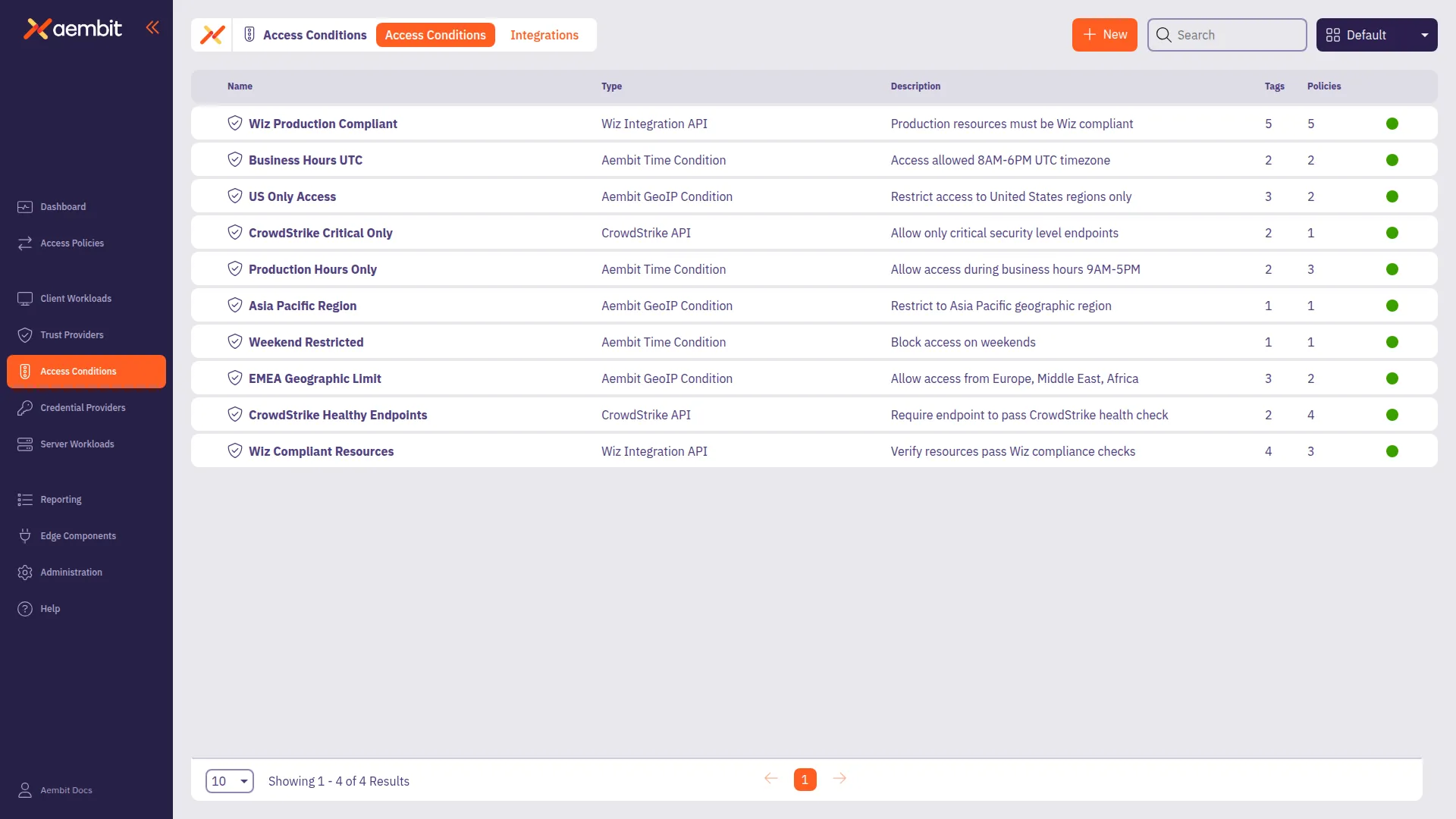
3. Click on the **New Access Condition** button. An Access Condition dialog window appears.
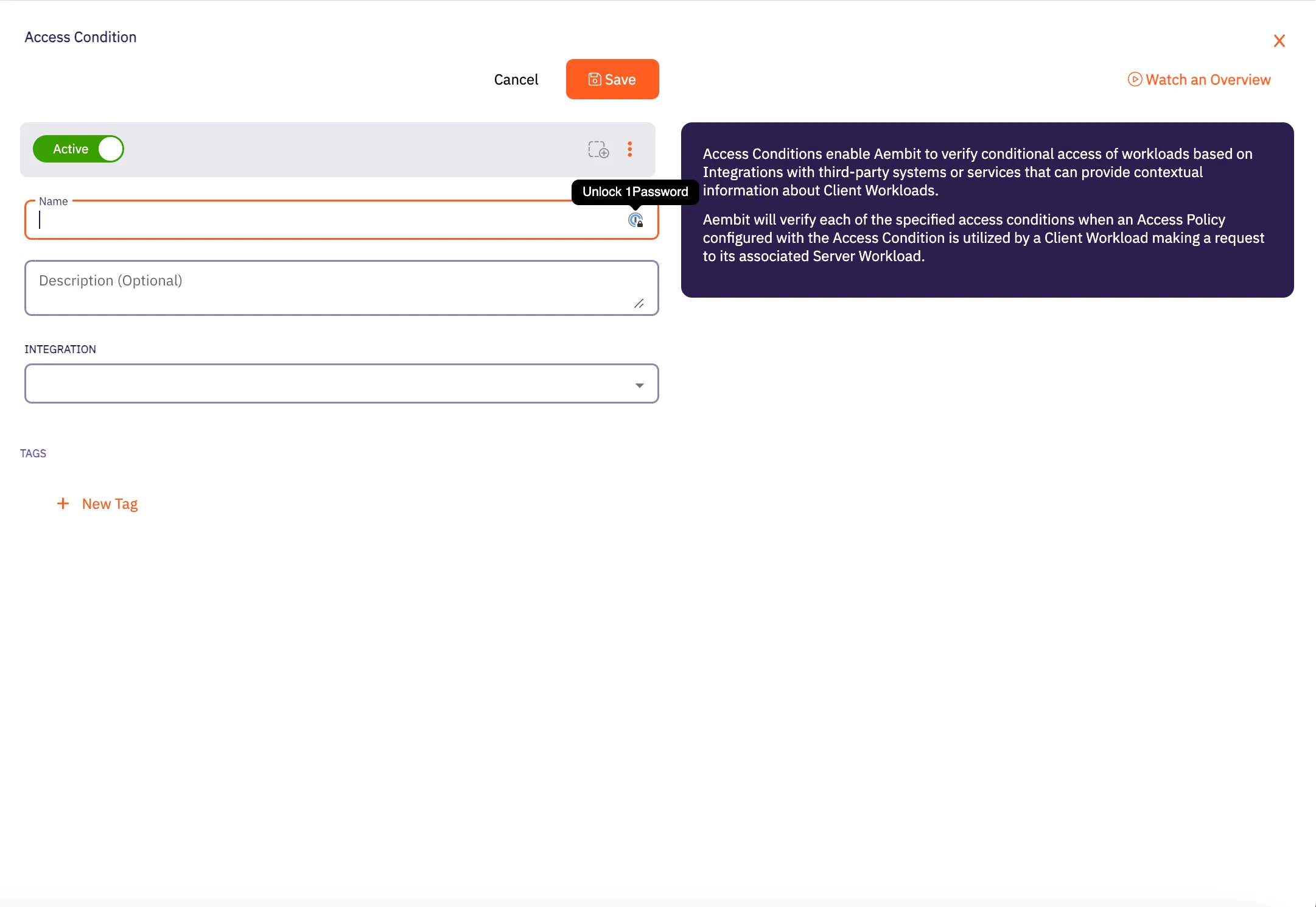
4. In the Access Condition dialog window, enter information in the following fields:
* **Name** - Name of the Access Condition.
* **Description** - An optional text description of the Access Condition.
* **Integration** - A drop-down menu that enables you to select the type of integration you would like to create. Select **Aembit GeoIP Condition** from the drop-down menu.
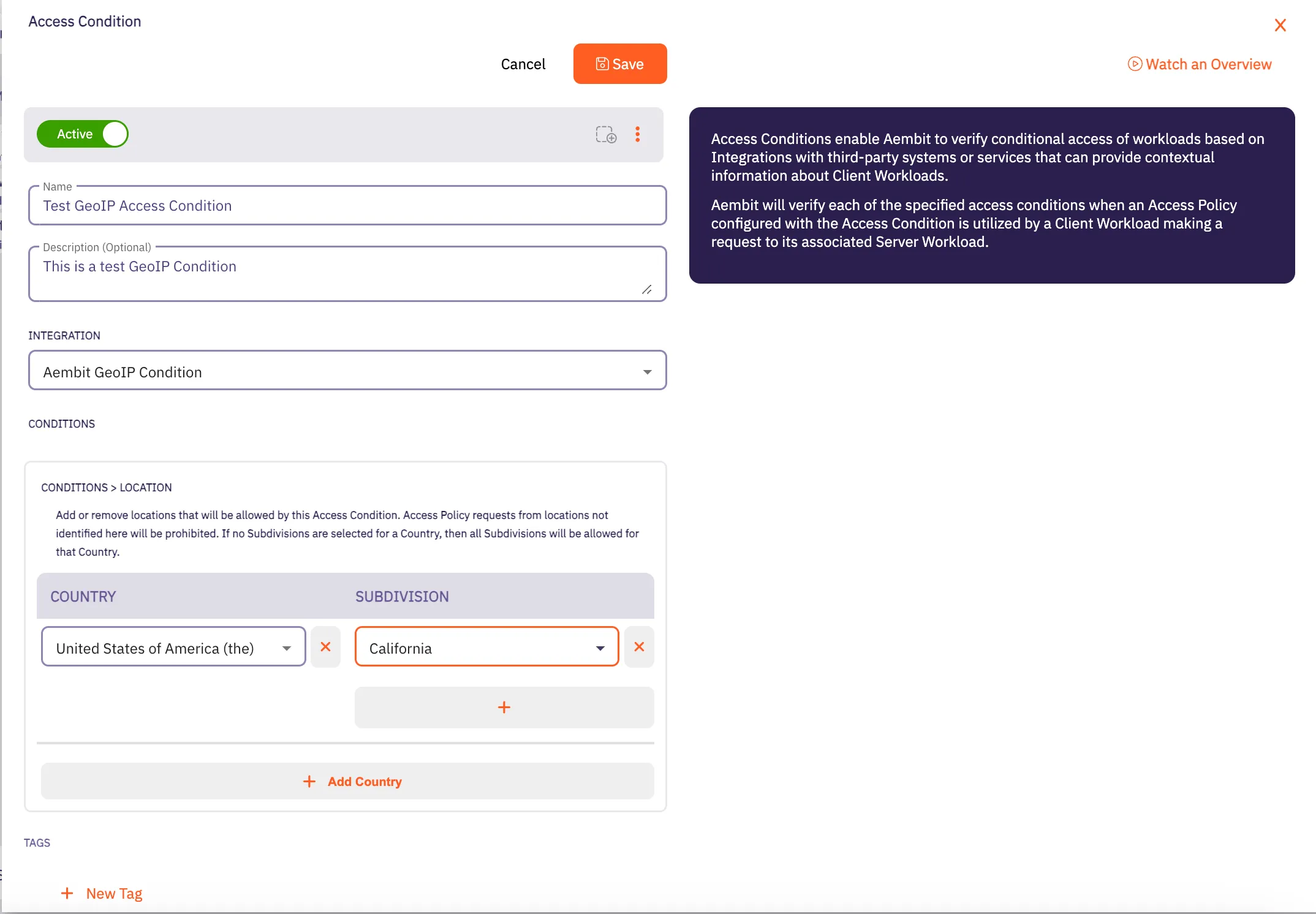
5. In the Conditions -> Location section, click on the **Country** drop-down menu to select the country you would like to use for your Access Condition.
6. After selecting a **Country** from the drop-down menu, you will see an expanded drop-down menu where you may select a **Subdivision** you want to use for that country. A Subdivision may be a region, state, province, or other territory that you would like to use for further Access Condition scoping.
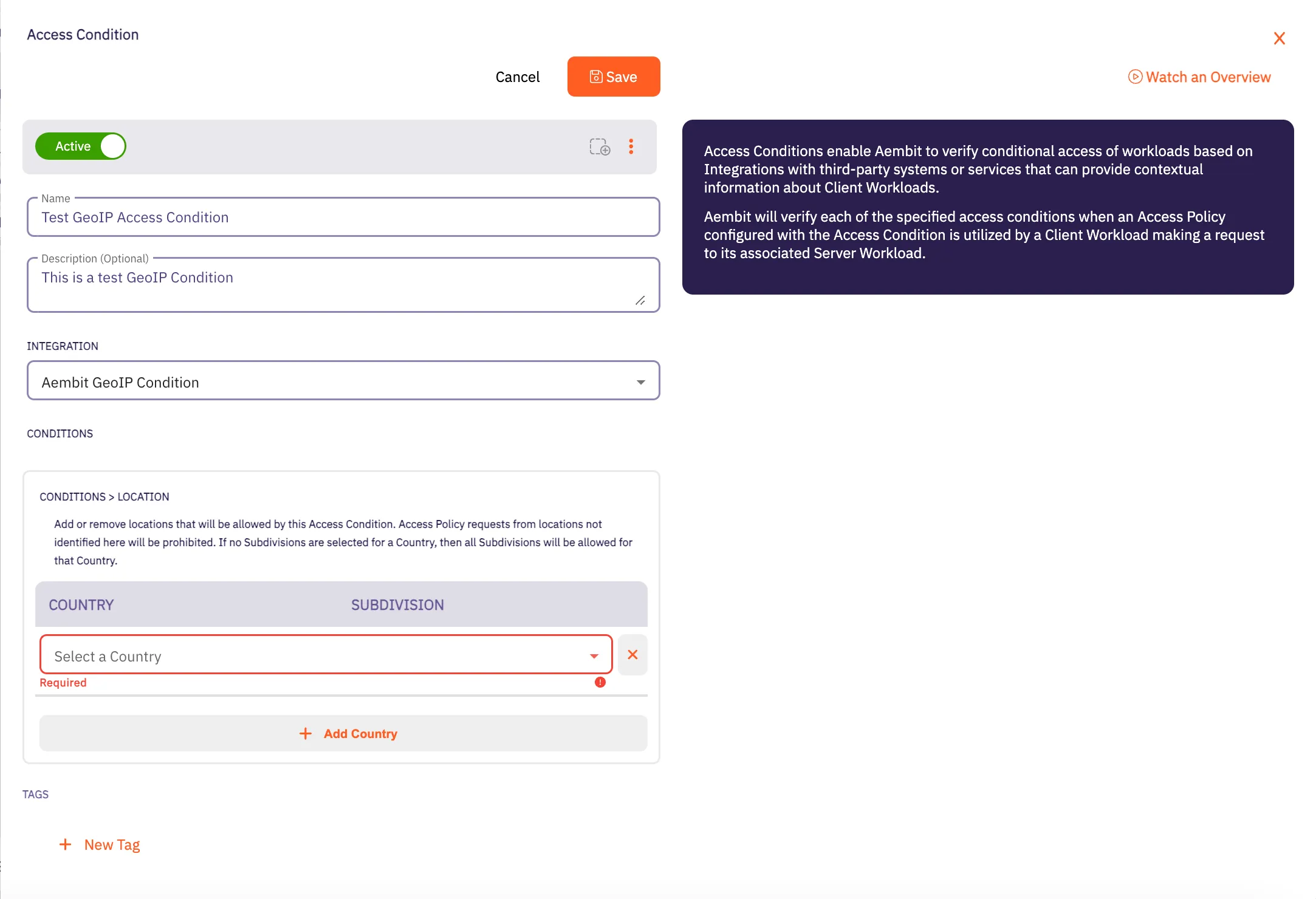
Note
You may select more than one Subdivision for a country by clicking on the **+** icon.
7. Click **Save**. Your new Aembit GeoIP Access Condition now appears on the main Access Conditions page.
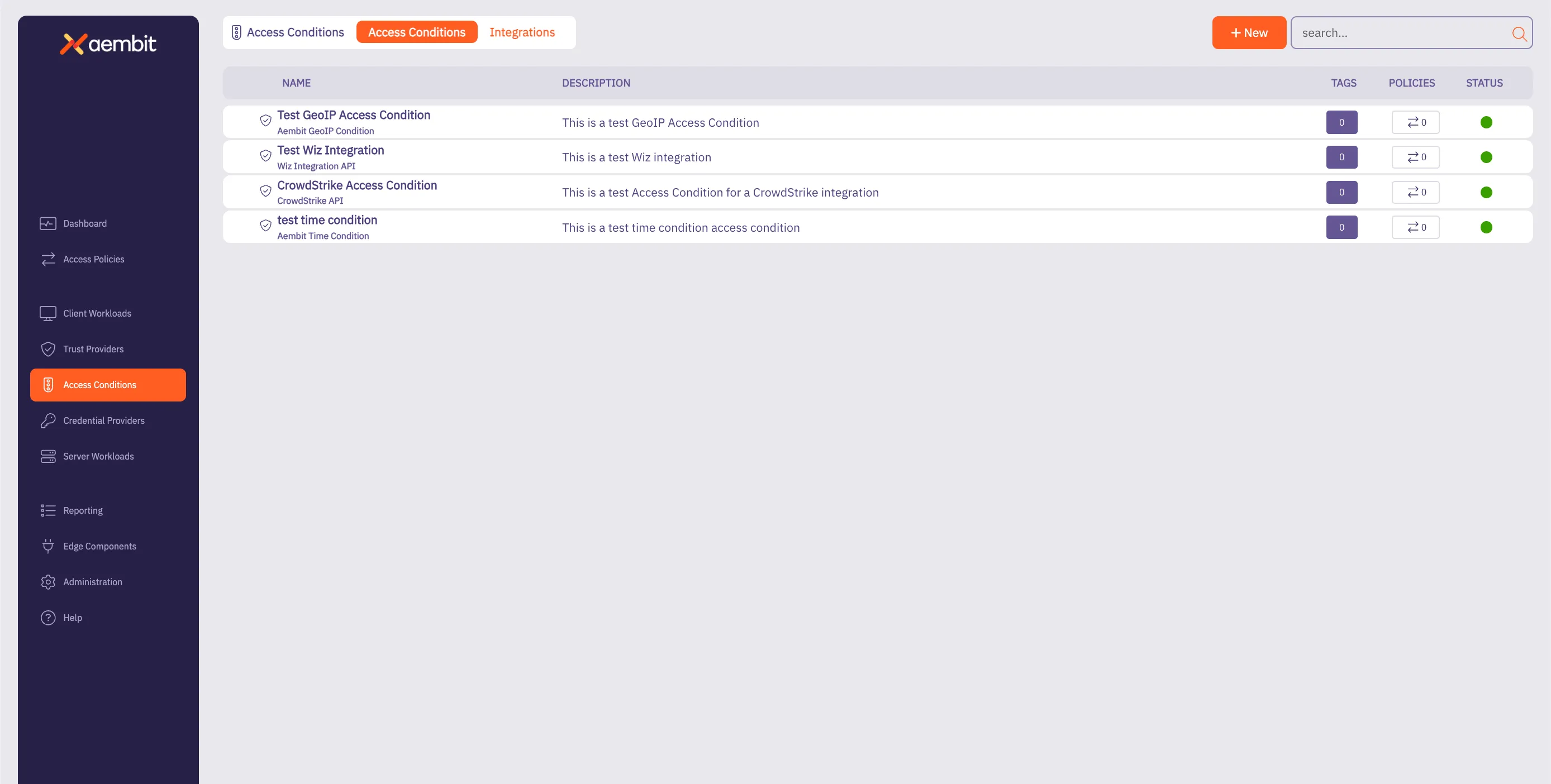
## GeoIP Accuracy Limitations and Best Practices for Cloud Data Centers
[Section titled “GeoIP Accuracy Limitations and Best Practices for Cloud Data Centers”](#geoip-accuracy-limitations-and-best-practices-for-cloud-data-centers)
When configuring GeoIP-based access conditions, it is important to know the limitations in geolocation accuracy, especially for workloads hosted in cloud data centers such as AWS, Azure, Google Cloud, and others. Due to the dynamic and shared nature of cloud infrastructure, geolocation services often provide lower confidence levels for specific subdivisions (e.g., states, provinces) or cities for cloud-based IP addresses.
As a result, Aembit recommends customers limit GeoIP conditions to the country level for workloads in cloud data centers. This approach ensures more reliable geolocation data while still providing geographic-based access control. Using subdivisions or cities for cloud-hosted workloads can result in access failures if the geolocation confidence falls below acceptable thresholds.
# Aembit Time Condition
> This page describes how to create an Access Condition for a specific Time Condition.
## Introduction
[Section titled “Introduction”](#introduction)
One type of Access Condition you may create in your Aembit Tenant is a Time Condition. This is especially useful if you would like to only grant access to Client Workloads during specific periods of time (days/hours).
The section below describes the required steps to setup and configure a Time Condition Access Condition.
## Creating a Time Condition Access Condition
[Section titled “Creating a Time Condition Access Condition”](#creating-a-time-condition-access-condition)
To create a Time Condition Access Condition, perform the steps below.
1. Log into your Aembit Tenant using your login credentials.
2. When your credentials have been authenticated and you are logged into your tenant, you are directed to the main dashboard page. Click on **Access Conditions** in the left sidebar. You will see a list of existing Access Conditions (in this example, no Access Conditions have been created)
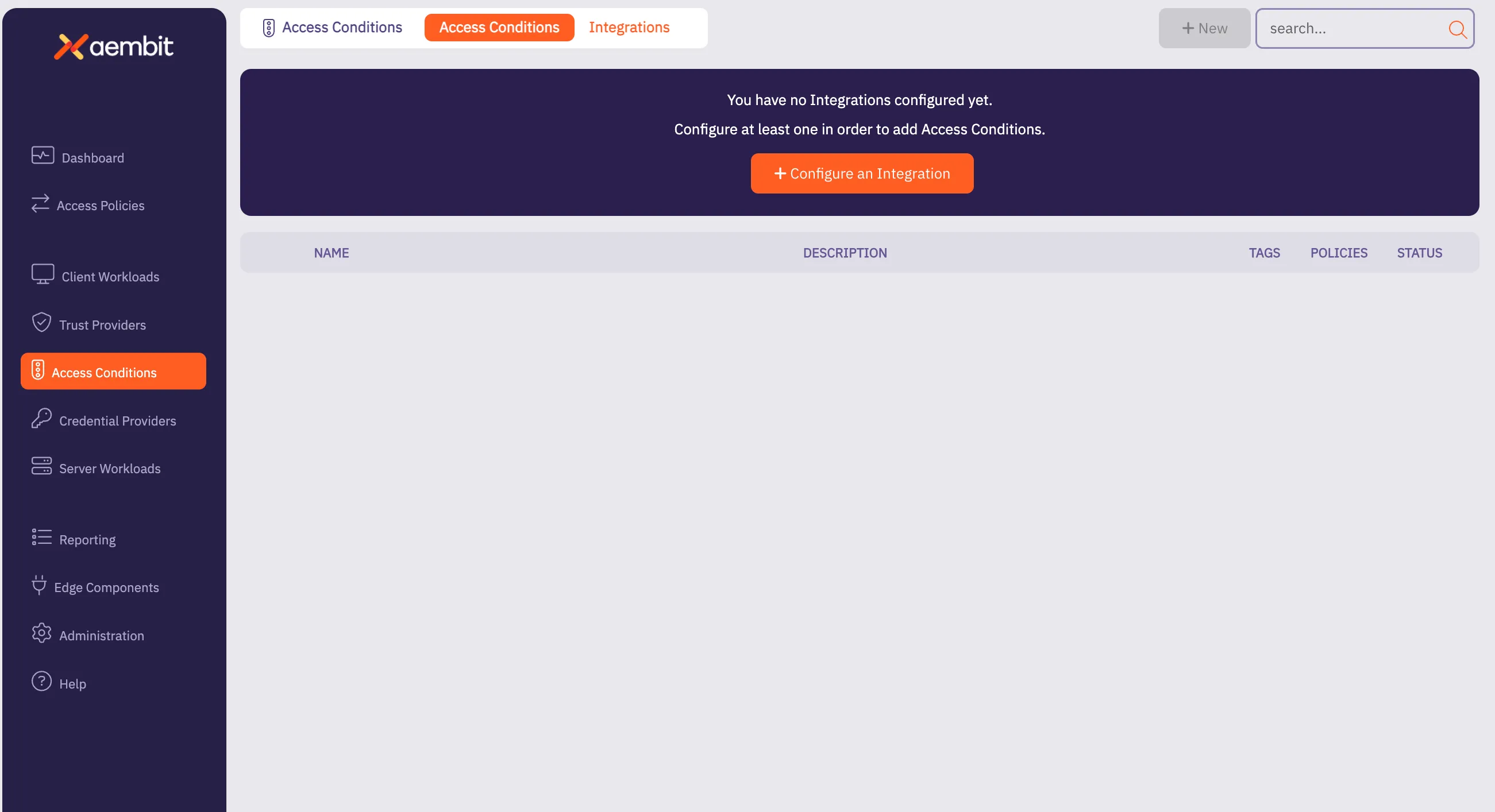
3. Click on the **New Access Condition** button. An Access Condition dialog window appears.
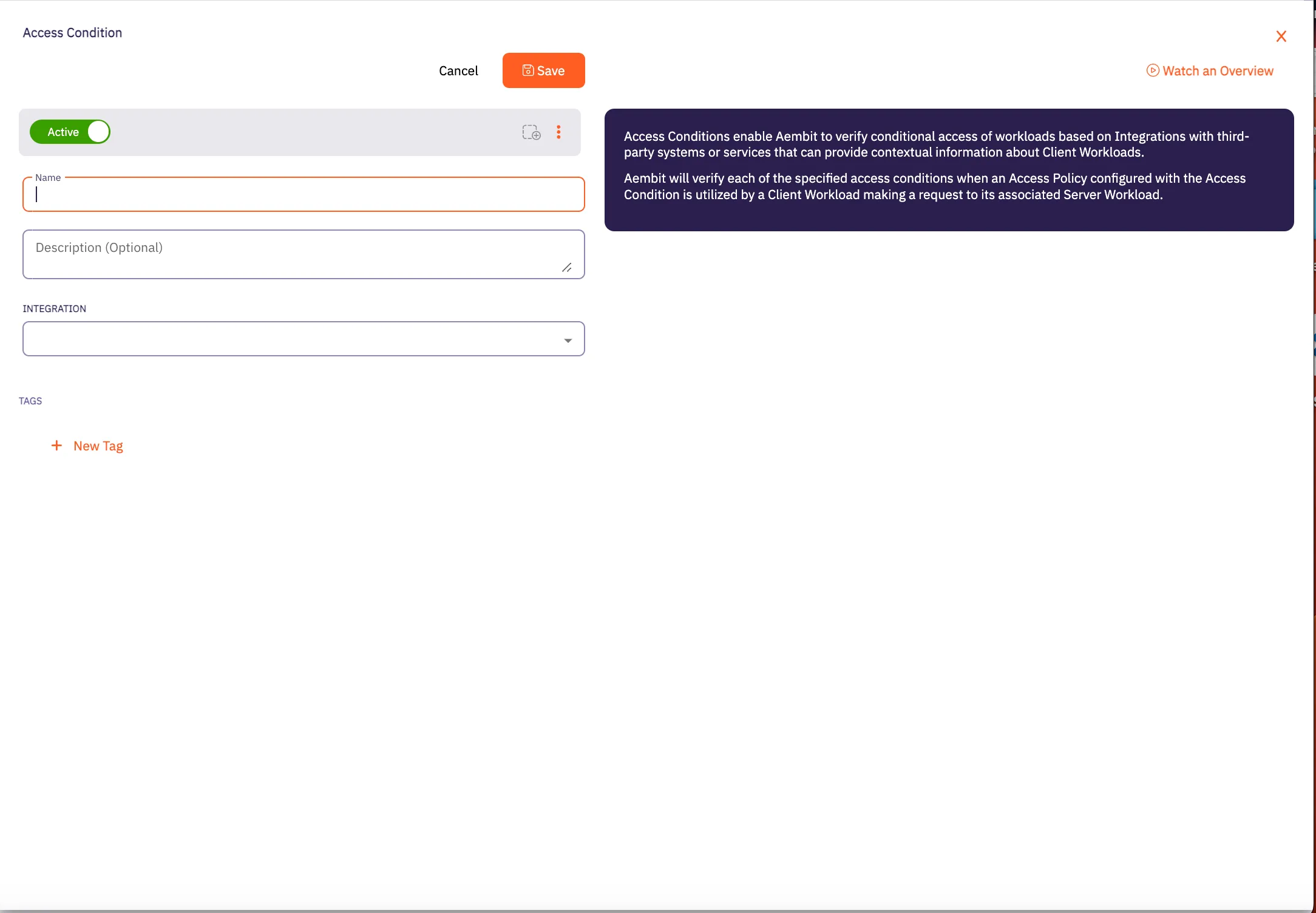
4. In the Access Condition dialog window, enter information in the following fields:
* **Name** - Name of the Access Condition.
* **Description** - An optional text description of the Access Condition.
* **Integration** - A drop-down menu that enables you to select the type of integration you would like to create. Select **Aembit Time Condition** from the drop-down menu.
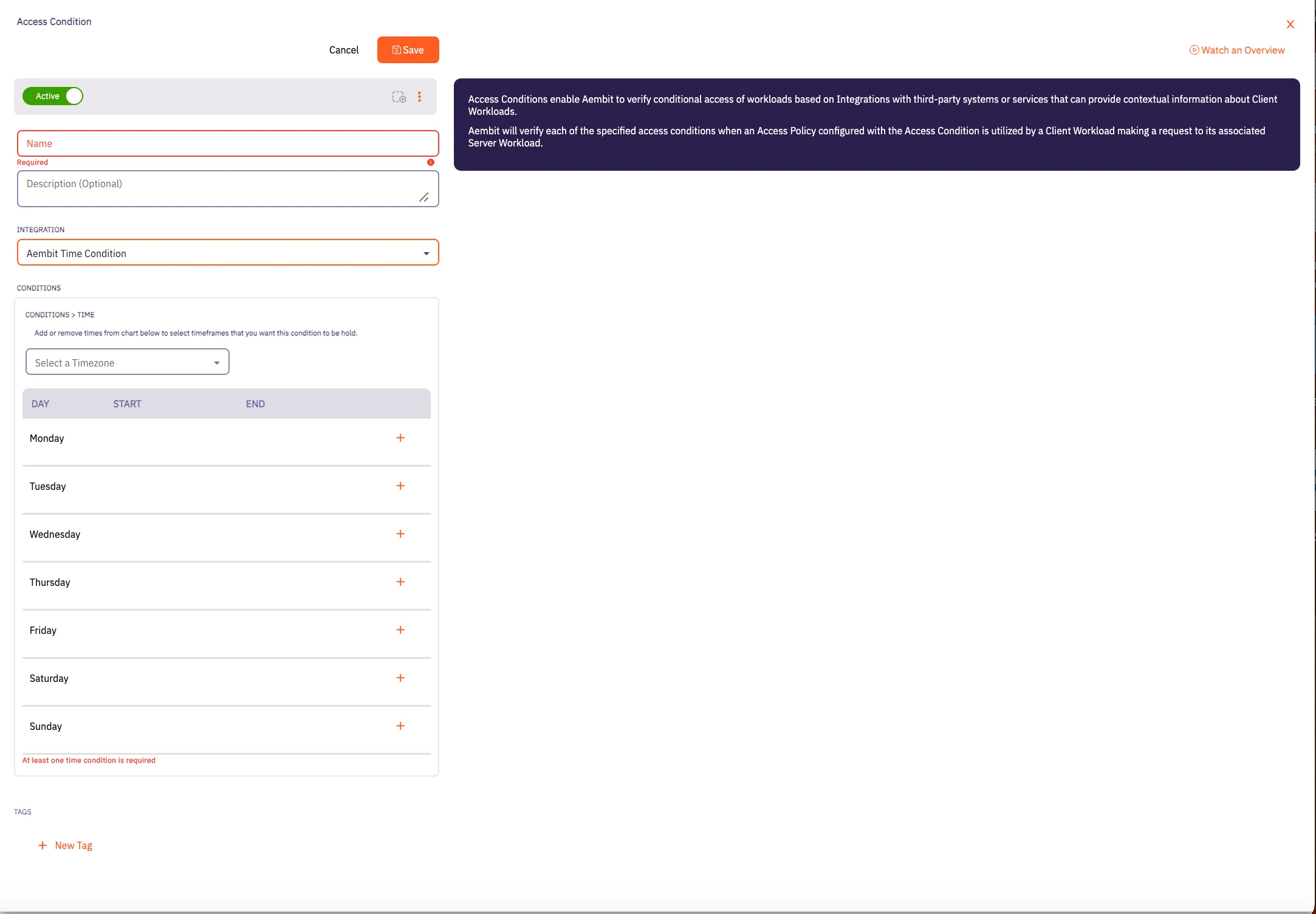
5. In the Conditions section, click on the **Timezone** drop-down menu to select the timezone you would like to use for your Access Condition.
6. Click on the **+** icon next to each day you would like to use in your Time Condition configuration.
Note
At least one time condition is required.
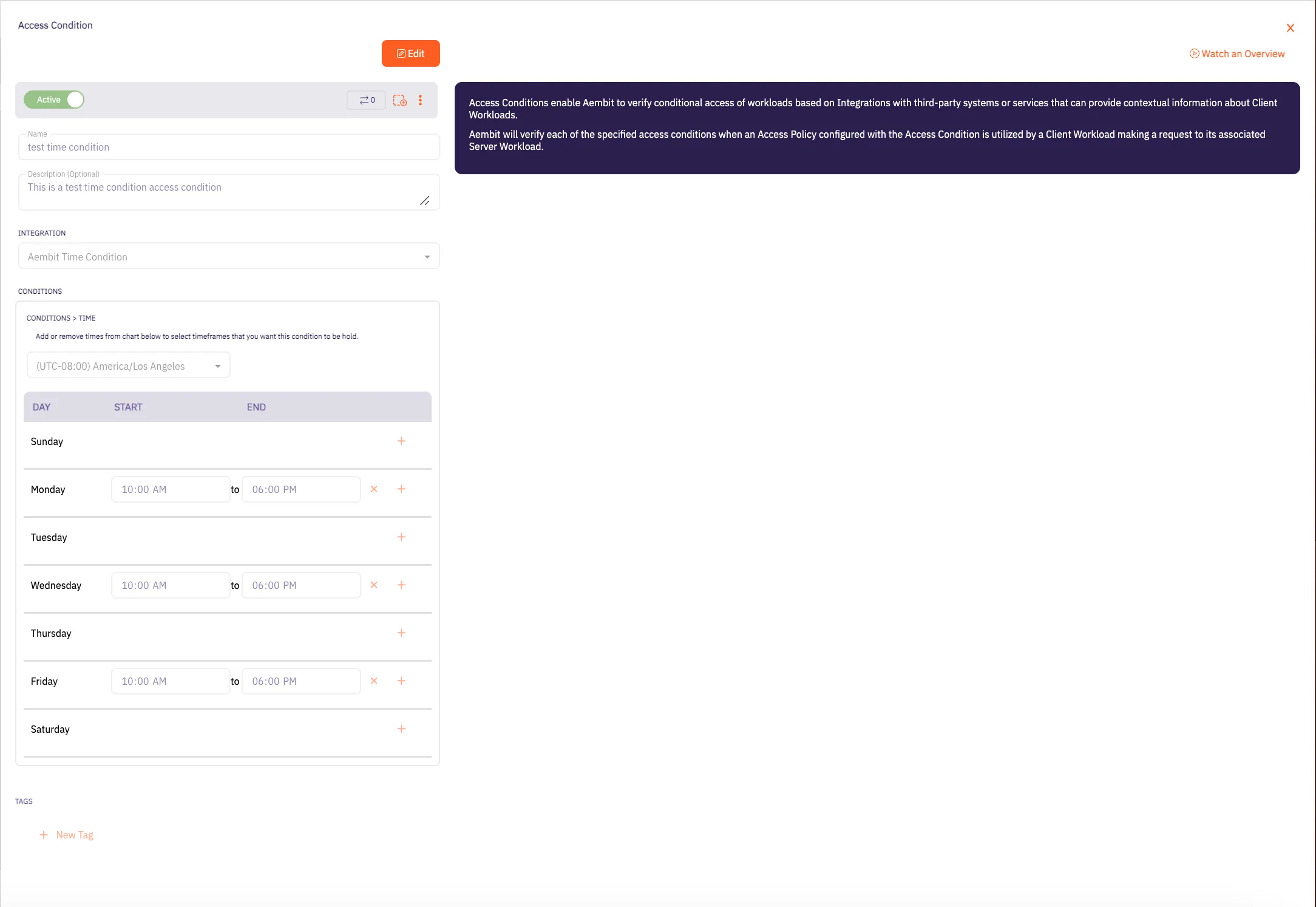
7. Click **Save**. Your new Aembit Time Condition Access Condition now appears on the main Access Conditions page.
# Create Access Conditions for CrowdStrike
> How to create an Access Condition for a CrowdStrike integration
CrowdStrike Access Conditions enable you to restrict access to Client Workloads based on the CrowdStrike Agent’s reported state. This includes conditions such as whether the Agent is in Reduced Functionality Mode, whether the Hostname matches the expected value, or whether the Serial Number matches the expected value.
You must have an existing [CrowdStrike Integration](/user-guide/access-policies/access-conditions/integrations/crowdstrike) to create an Access Condition for CrowdStrike.
To create an Access Condition for a CrowdStrike integration, follow these steps:
1. Log into your Aembit Tenant.
2. Go to **Access Conditions** in the left sidebar.
3. Click **+ New**, revealing the **Access Condition** pop out menu.
4. Enter a **Name** and optional **Description** for the Access Condition.
5. In the **Integration** section, select the CrowdStrike integration you want to use for this Access Condition.
If you don’t have an existing CrowdStrike integration, you must create one first. See [CrowdStrike Integration](/user-guide/access-policies/access-conditions/integrations/crowdstrike) for more info.
6. In the **Conditions** section, toggle the Access Conditions you would like Aembit to use to restrict access to Client Workloads in your CrowdStrike environment.
You can pick from the following options:
* **Restrict Reduced Functionality Mode** - This toggle ensures the CrowdStrike Agent reports if the Crowdstrike Agent on the Host isn’t in Reduced Functionality Mode.
* **Hostname** - This toggle ensures the CrowdStrike Agent reported HostName matches the Aembit Agent Proxy retrieved HostName.
* **Serial Number** - This toggle ensures the CrowdStrike Agent Host Serial Number matches the Aembit Agent Proxy retrieved Host Serial Number.
* **MAC Address** - This toggle ensures the CrowdStrike Agent Host MAC Address matches the Aembit Agent Proxy retrieved Host MAC Address.
* **Local IP Address** - This toggle ensures the CrowdStrike Agent Host Local IP Address matches the Aembit Agent Proxy retrieved Host Local IP Address.
7. In the **Time** section, enter the number of `hours`, `days`, or `weeks` that you would like to use to restrict Client Workloads that were **Last Seen** before the specified time span. For example, if you enter `2` `hours`, Aembit restricts access to Client Workloads that were last seen more than 2 hours ago.
Once complete, the form should look similar to the following:
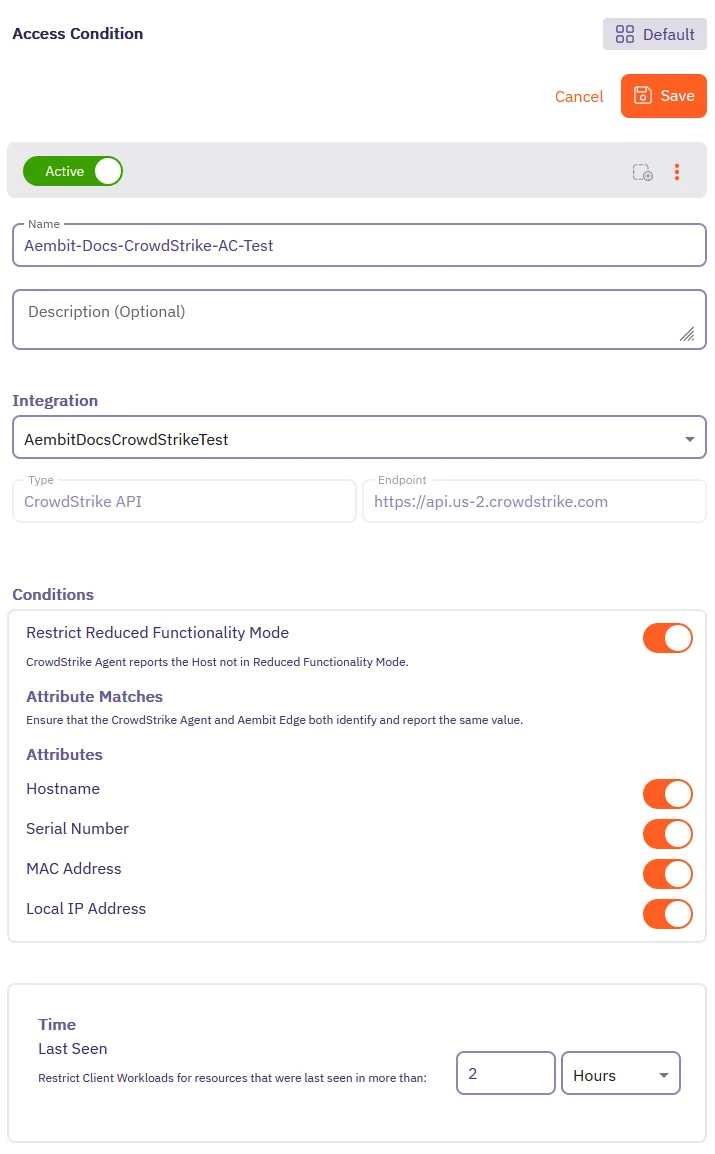
8. Click **Save**.
Aembit displays the new Access Condition for the CrowdStrike integration in the list of Access Conditions.
# Access Condition integrations overview
> Overview of Access Condition integrations and how they work
This section covers Access Condition integrations, which allow Aembit to leverage external security platforms to enhance access decisions based on security context.
Access Condition integrations allow you to use security information from third-party platforms when evaluating access requests. This enables you to make more informed access decisions based on security posture, compliance status, and other contextual factors.
The following Access Condition integrations are available:
* [CrowdStrike Integration](/user-guide/access-policies/access-conditions/integrations/crowdstrike) - Use security information from CrowdStrike to inform access decisions
* [Wiz Integration](/user-guide/access-policies/access-conditions/integrations/wiz) - Use security information from Wiz to inform access decisions
# CrowdStrike Integration
> This page describes how to integrate CrowdStrike with Aembit.
Note
The CrowdStrike Integration feature is a paid feature. To enable CrowdStrike integration, please contact Aembit by completing the [Contact Us form](https://aembit.io/contact/).
#
CrowdStrike is a cybersecurity platform that provides cloud workload and endpoint security, threat intelligence, and cyberattack response services to businesses and enterprises.
While Aembit provides workload identity and access management, integrating with a 3rd party service, such as CrowdStrike, enables businesses to prevent Server Workload access from Client Workloads that do not meet an expected state. If the Client Workload environment is not in this state, workload access will not be authorized.
Note
A specific expected state is defined as a configured set of conditions as defined in one or more Aembit access condition rules. For example, in CrowdStrike, this may be when an agent is operating in Reduced Functionality Mode.
## CrowdStrike Falcon Sensor
[Section titled “CrowdStrike Falcon Sensor”](#crowdstrike-falcon-sensor)
The CrowdStrike Falcon Sensor is a lightweight, real-time, threat intelligence application installed on client endpoints that reviews processes and programs to detect suspicious activity or anomalies.
To integrate CrowdStrike Falcon with Aembit Cloud, you will need to:
* create a new API key
* create a new CrowdStrike integration
### Create a new CrowdStrike OAuth2 API Client
[Section titled “Create a new CrowdStrike OAuth2 API Client”](#create-a-new-crowdstrike-oauth2-api-client)
To create a new CrowdStrike OAuth2 API Client:
1. Generate an API key from the CrowdStrike website (for example `https://falcon.us-2.crowdstrike.com/api-clients-and-keys/clients` ). Note that URLs may change over time, therefore, you should always use the latest URLs listed on the CrowdStrike site.
2. In the Create API Client dialog, enter the following information:
* Name
* Description (optional)
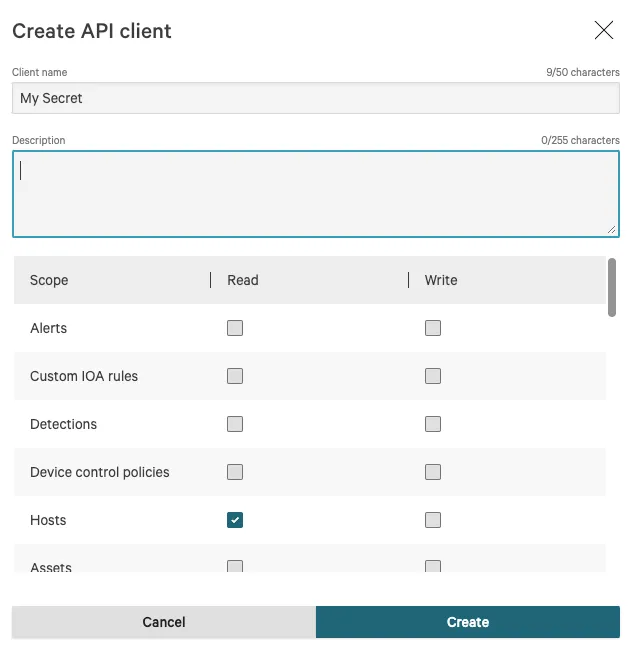
3. Click on the **Hosts** checkbox in the Read column to enable the Hosts -> Read permission.
4. Click the **Create** button to generate your new API client.
5. You will see a dialog appear with the following information:
* Client ID
* Secret
* Base URL
Note
It is important that you copy this information and store it in a safe location. You will need this information later when you configure your CrowdStrike integration in your Aembit Tenant.
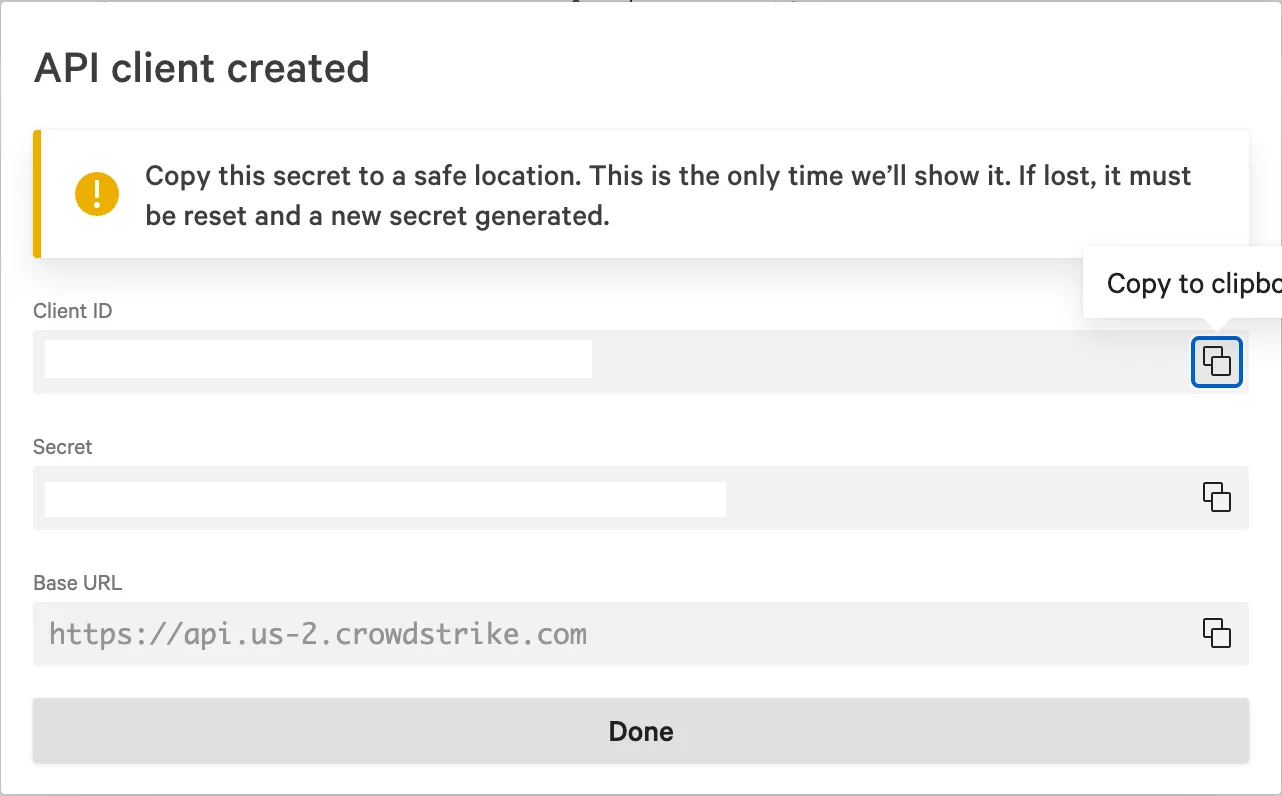
6. Once you have copied the API client information, click **Done** to close the dialog.
Now that you have created your new API client, you will need to add this information to your Aembit Tenant by following the steps described below.
### Create a new CrowdStrike -> Aembit integration
[Section titled “Create a new CrowdStrike -> Aembit integration”](#create-a-new-crowdstrike---aembit-integration)
To integrate CrowdStrike with your Aembit Tenant:
1. Sign into your Aembit Tenant.
2. Click on the **Access Conditions** page in the left sidebar. You should see a list of existing Access Conditions. In this example, there are no existing access conditions.

3. Click on the **Create an Integration** button. The main Integrations page is displayed.
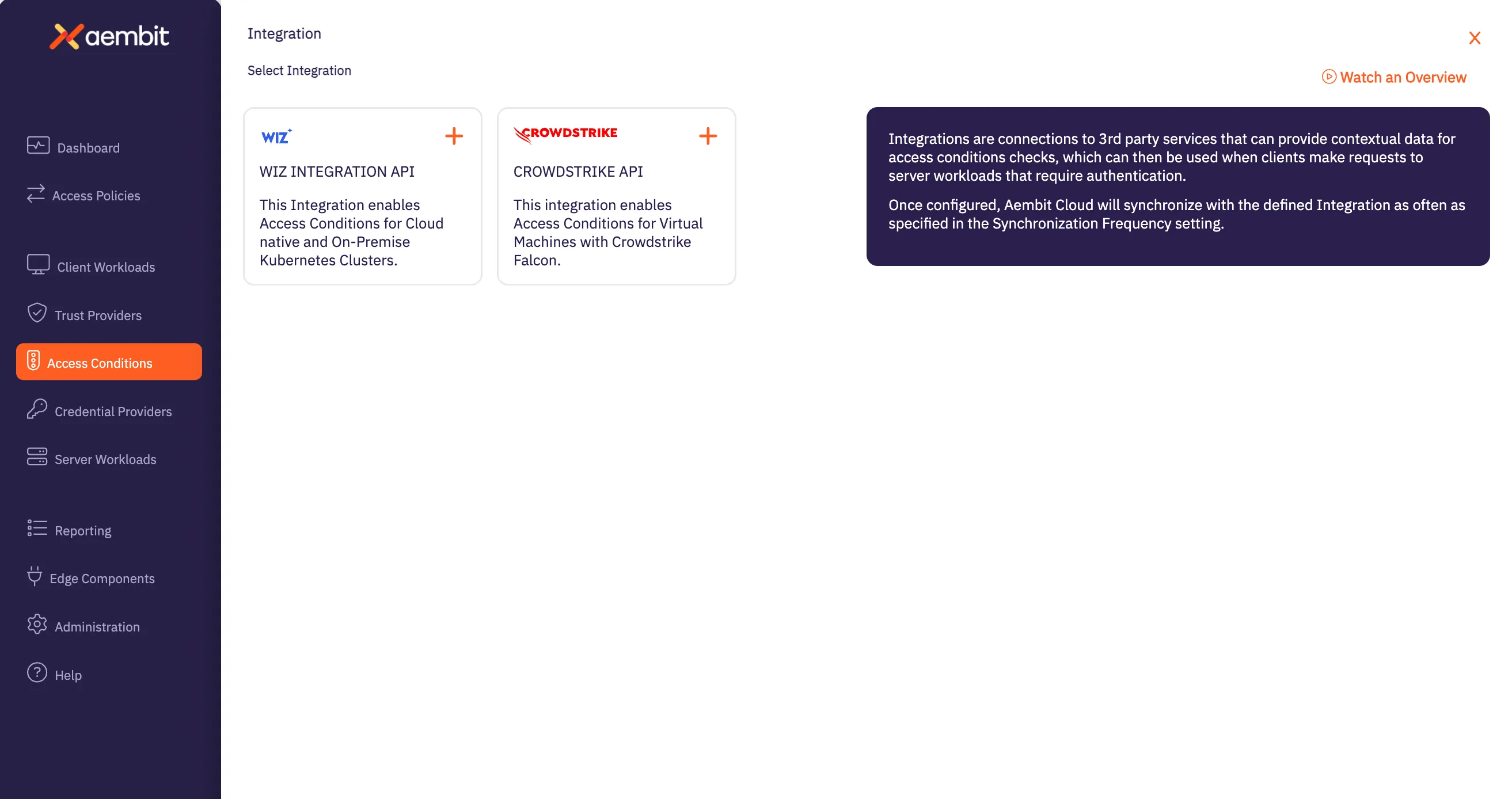
4. Select the **CrowdStrike** Integration tile.
5. On the Aembit Integrations page, configure your CrowdStrike Integration by entering the values you just copied in the fields below.
* **Name** - The name of the Integration you want to create.
* **Description (optional)** - An optional text description for the Integration.
* **Endpoint** - The *Base URL* value taken from the values you copied when generating your CrowdStrike API key.
* **Oauth Token Configuration information** -
* **Token Endpoint** - The endpoint for your token. The value entered should be: *BaseURL + “/oauth2/token”*
* **Client ID** - The *Client ID* value taken from the values you copied when generating your CrowdStrike API key.
* **Client Secret** - The *Client Secret* value taken from the values you copied when generating your CrowdStrike API key.
Note
You can retrieve the correct BaseURL by referring to your [API Client page](https://falcon.us-2.crowdstrike.com/api-clients-and-keys/clients), and additionally, in the [BaseURLs](https://falcon.us-2.crowdstrike.com/documentation/page/a2a7fc0e/crowdstrike-oauth2-based-apis#k9578c40) section of the CrowdStrike API documentation.
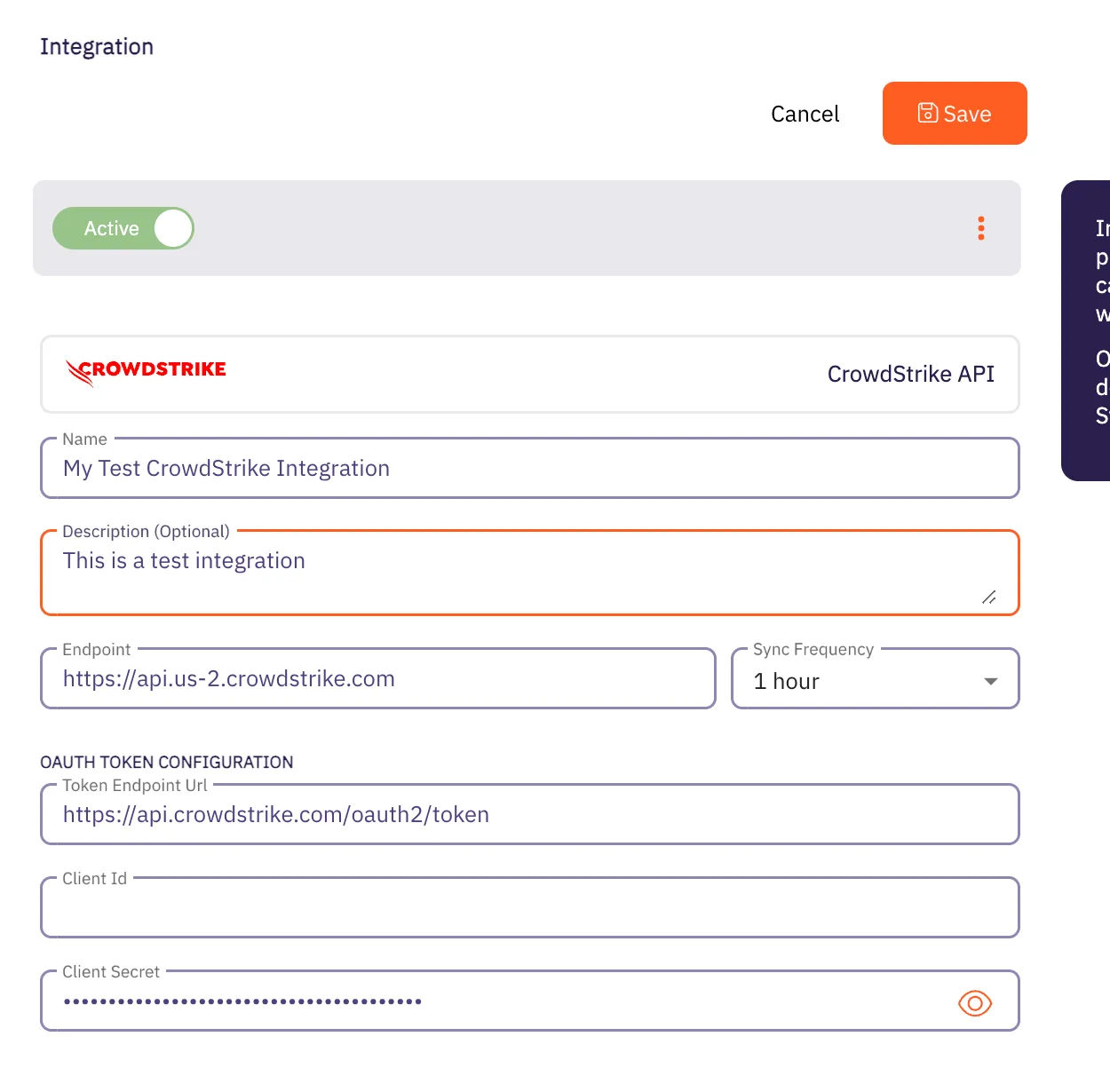
7. Click the **Save** button when finished. Your CrowdStrike Integration is saved and will then appear on the Integrations page.
# Wiz Integration
> This page describes how to integrate Wiz with Aembit.
Note
The Wiz Integration feature is a paid feature. To use the Wiz Integration feature, please contact Aembit by completing the [Contact Us form](https://aembit.io/contact/).
#
The Wiz Cloud Security Platform provides a security analysis service, including inventory enumeration and asset information for identification of customer assets and vulnerabilities. In particular, Wiz provides an Integration API which can be accessed via an OAuth2 Client Credentials Flow and can return an Inventory result set on demand, including Kubernetes Clusters, Deployments, and Vulnerabilities.
## Wiz Integration API
[Section titled “Wiz Integration API”](#wiz-integration-api)
To integrate Wiz with Aembit, you must already have a Wiz API client set up and configured. When setting up your Wiz API client, make sure you request the following information from your Wiz account representative (you will need this information later when integrating with Aembit):
* OAuth2 Endpoint URL
* Client ID
* Client secret
* Audience (this is required and the value is expected to be `wiz-api`)
## Kubernetes/Helm/Agent Proxy Configuration
[Section titled “Kubernetes/Helm/Agent Proxy Configuration”](#kuberneteshelmagent-proxy-configuration)
For the Wiz integration to work correctly, Aembit needs to receive a unique Provider ID that can be compared/matched against the Kubernetes Clusters returned by the Wiz Integration API.
For example, in an AWS EKS Cluster, the output should look similar to the example below:
`arn:aws:eks:region-code:111122223333:cluster/my-cluster`
To use this sample value, update your Aembit Edge Helm Chart deployment with the following parameter values:
* **name** - agentProxy.env.KUBERNETES\_PROVIDER\_ID
* **value** - arn:aws:eks:region-code:111122223333:cluster/my-cluster
These parameters instruct the Aembit Edge Components to configure the Agent Proxy containers with an environment variable named `KUBERNETES_PROVIDER_ID` with the value indicated.
Note
This Wiz integration supports Agent Proxy versions 1.8.1203 and higher.
### Create a new Wiz -> Aembit integration
[Section titled “Create a new Wiz -> Aembit integration”](#create-a-new-wiz---aembit-integration)
Once you have set up your Wiz API client and are ready to integrate Wiz with your Aembit Tenant, follow the steps listed below.
1. Sign into your Aembit Tenant.
2. Click on the **Access Conditions** page in the left sidebar. You should see a list of existing Access Conditions. In this example, there are no existing access conditions.

3. At the top of the page, in the *Access Conditions* tab, select **Integrations**, and then select **New**. An Integrations page appears showing the types of integrations you can create. Currently, there are two integration types available: Wiz or CrowdStrike.

4. Select the **Wiz Integration API** tile. You will see the *Wiz Integration* page.
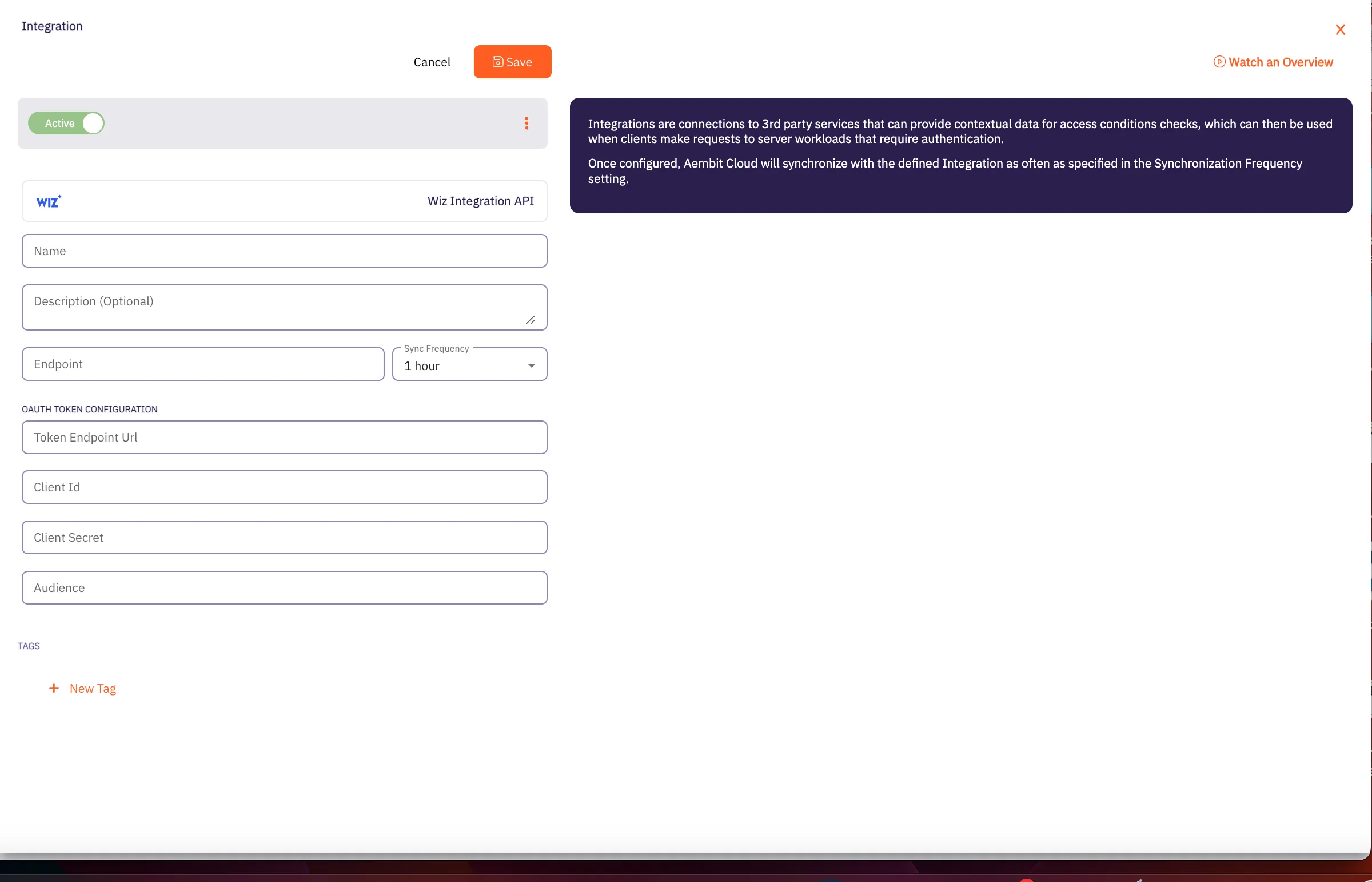
5. On this page, enter the following values from your Wiz API client (these are the values you saved earlier when creating your Wiz API client).
* **Name** - The name of the Integration you want to create.
* **Description (optional)** - An optional text description for the Integration.
* **Endpoint** - The *Base URL* value taken from the values you copied when creating your Wiz API key.
* **Sync Frequency** - The amount of time (interval) between synchronization attempts. This value can be between 5 minutes up to 1 hour.
* **Oauth Token Configuration information** -
* **Token Endpoint** - The endpoint for your token.
* **Client ID** - The *Client ID* value.
* **Client Secret** - The *Client Secret* value.
* **Audience** - This value should be set to `wiz-api` as recommended by the Wiz Integration API documentation.
7. Click the **Save** button when finished. Your Integration is saved and will then appear on the Integrations page.
Note
After the next sync attempt, the status will be updated to show success/failure details.
# Access Condition for Wiz
> This page describes how to create an Access Condition for a Wiz integration.
## Introduction
[Section titled “Introduction”](#introduction)
If you have an existing Wiz integration and would like to create an Access Condition for this integration, you may create this Access Condition using your Aembit Tenant.
The section below describes the required steps to set up and configure an Access Condition for a Wiz integration.
## Creating an Access Condition for a Wiz Integration
[Section titled “Creating an Access Condition for a Wiz Integration”](#creating-an-access-condition-for-a-wiz-integration)
To create an Access Condition for a Wiz integration, perform the steps listed below.
1. Log into your Aembit Tenant using your login credentials.
2. When your credentials have been authenticated and you are logged into your tenant, you are directed to the main dashboard page. Click on **Access Conditions** in the left sidebar. You will see a list of existing Access Conditions (in this example, no Access Conditions have been created)
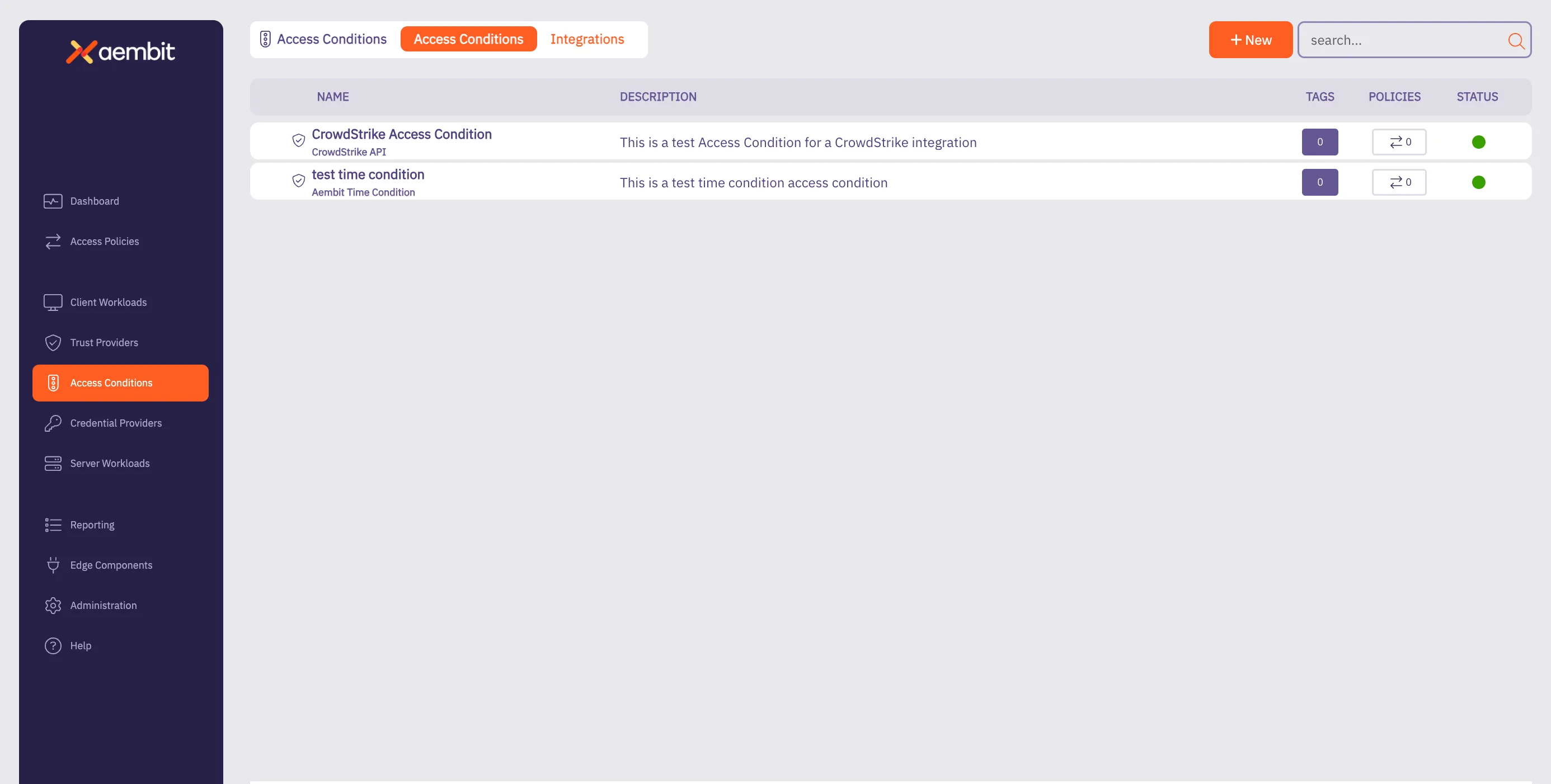
3. Click on the **New Access Condition** button. An Access Condition dialog window appears.
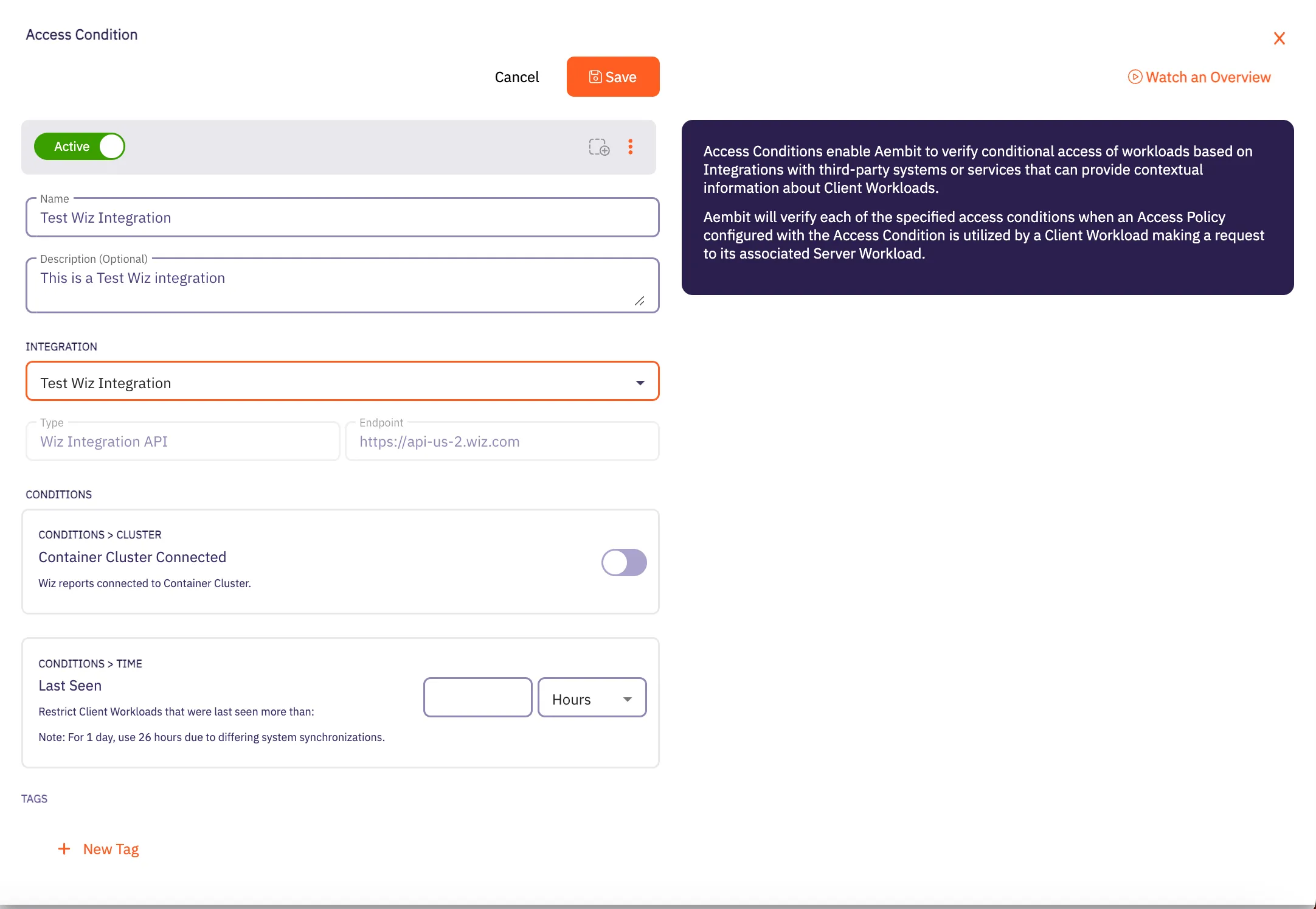
4. In the Access Condition dialog window, enter information in the following fields:
* **Name** - Name of the Access Condition.
* **Description** - An optional text description of the Access Condition.
* **Integration** - A drop-down menu that enables you to select the type of integration you would like to create. Select your existing Wiz integration from the drop-down menu.
5. In the **Conditions** section, click on the **Container Cluster Connected** toggle if you want to block Client Workloads that Wiz reports are not container cluster connected.
6. In the **Conditions - Time** section, enter the duration of time you would like to use for restricting Client Workloads in Kubernetes Clusters that have not been seen recently.
Note
If you would like to have a full day as the time duration, Aembit recommends using 26 hours to handle the different system synchronizations.
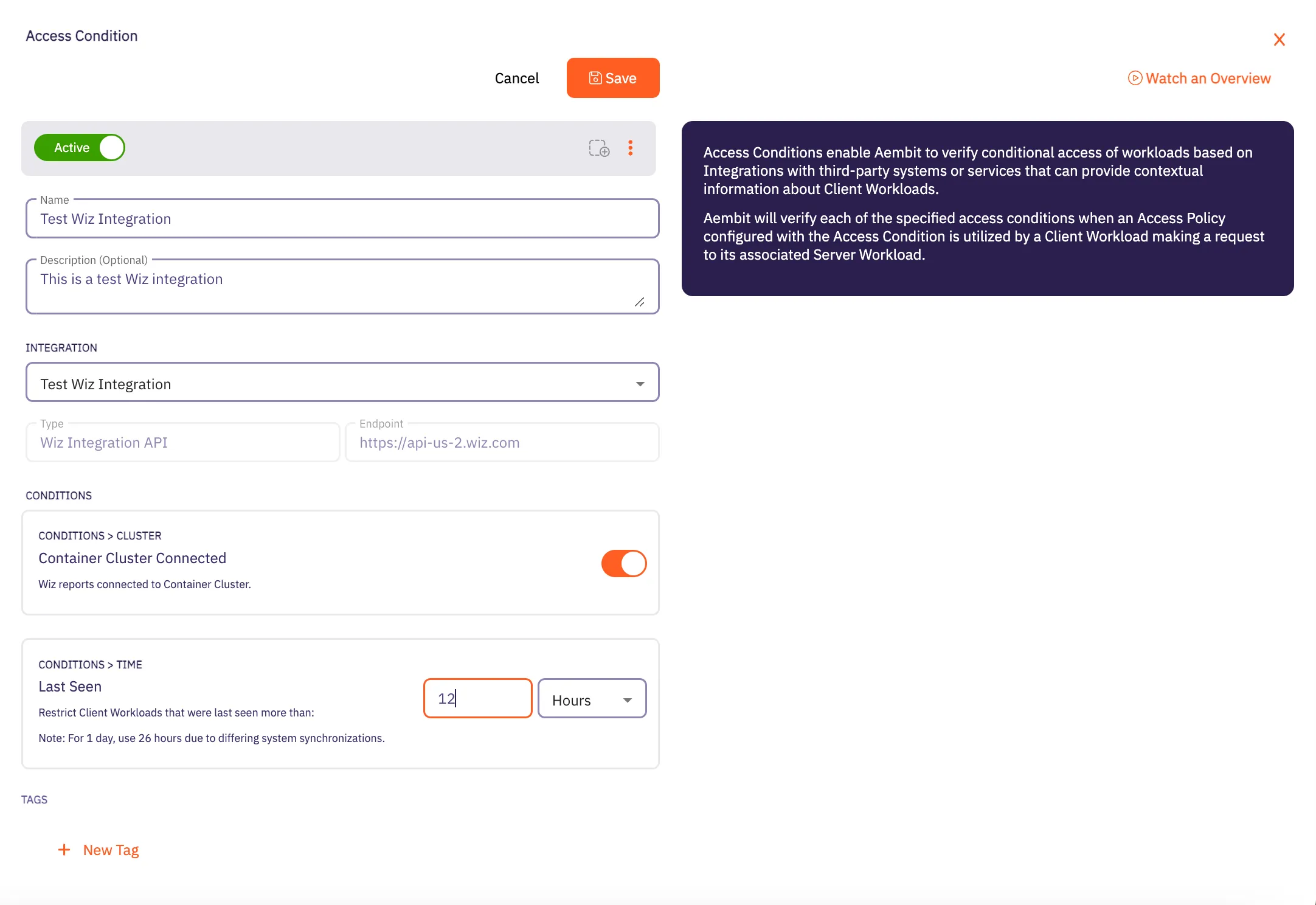
7. When finished, Click **Save**. Your new Access Condition for the Wiz integration will appear on the main Access Conditions page.
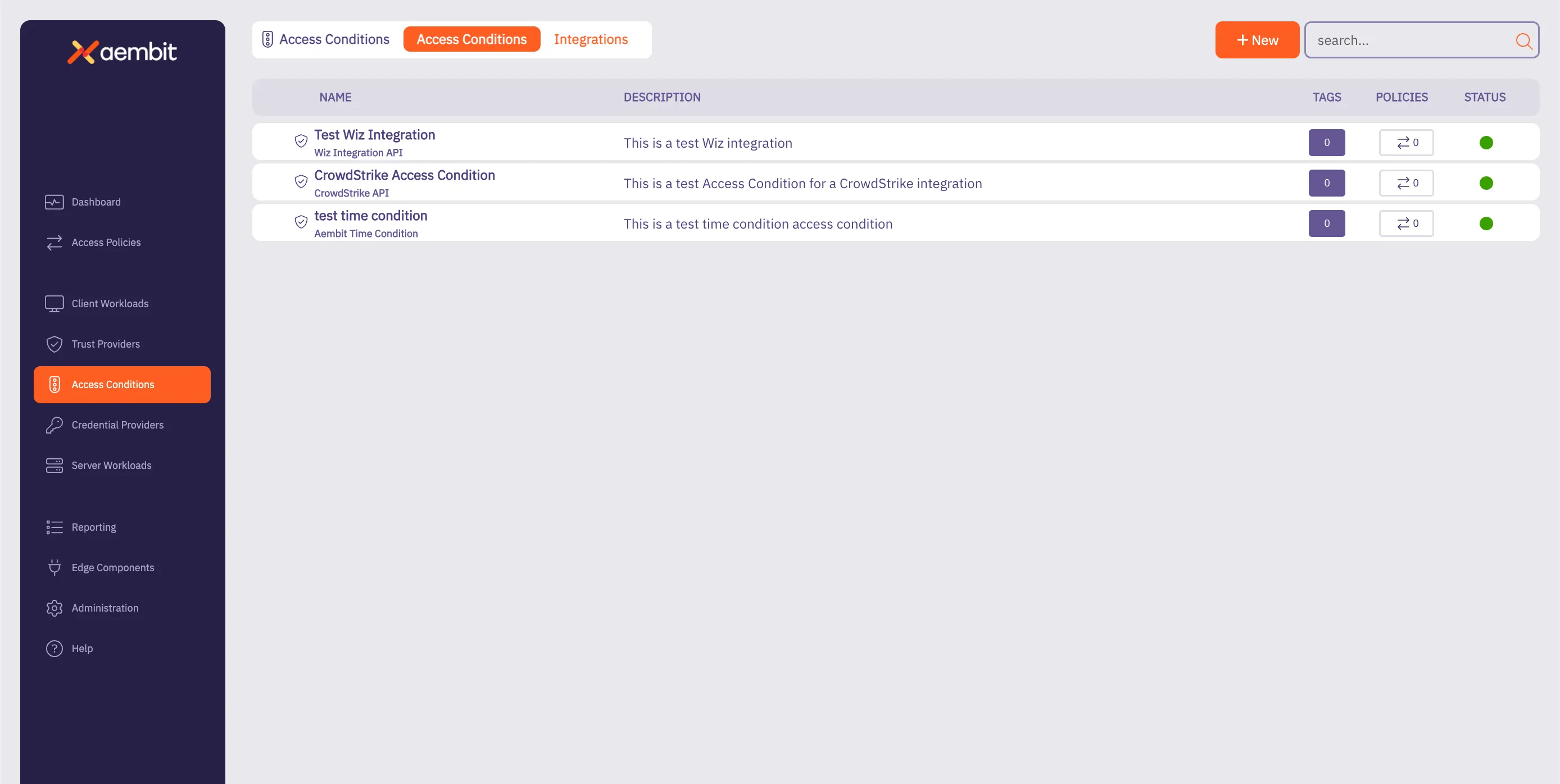
# Access Policy advanced options
> Advanced options for Aembit Access Policies
This section covers advanced options for Access Policies in Aembit, providing more sophisticated ways to configure and automate your access policies.
# Scaling Aembit with Terraform
> Information and guides about scaling Aembit with Terraform
Work in progress
This page is a work in progress. It may contain incomplete or unverified information.
Please check back later for updates.
If you have feedback or suggestions, please fill out the [Aembit New Docs Feedback Survey](https://forms.gle/mfjhV2TtXP1pXAym8).
Thanks for your patience!
# Configuration with Terraform
> How to use the Aembit Terraform Provider to configure Aembit Cloud resources
Aembit has released a Terraform Provider in the [Terraform Registry](https://registry.terraform.io/providers/Aembit/aembit/latest) that enables users to configure Aembit Cloud resources in an automated manner.
## Configuration
[Section titled “Configuration”](#configuration)
Configuring the Aembit Terraform provider requires two steps:
1. Create or update the Terraform configuration to include the Aembit provider.
2. Specify the Aembit provider authentication configuration.
a. Aembit recommends using Aembit integrated authentication for dynamic retrieval of the Aembit API Access Token. This can be done by specifying the Aembit Edge SDK Client ID from an appropriately configured Aembit Trust Provider.
b. For development and testing purposes, users can specify an Aembit Tenant ID and Token for short-term access.
Additional details for how to perform each of these steps can be found in the [Provider Documentation](https://registry.terraform.io/providers/Aembit/aembit/latest/docs) section of the Aembit Terraform provider page.
## Resources and Data Sources
[Section titled “Resources and Data Sources”](#resources-and-data-sources)
The Aembit [Terraform Provider](https://registry.terraform.io/providers/Aembit/aembit/latest) enables users to create, update, import, and delete Aembit Cloud resources using terraform manually or via CI/CD workflows. For example, users can configure GitHub Actions or Terraform Workspaces to utilize the Aembit Terraform provider and manage Aembit Cloud resources on demand to best serve their Workload purposes.
Detailed instructions for using the Aembit Terraform Provider can be found in the [Terraform Registry](https://registry.terraform.io/providers/Aembit/aembit/latest/docs).
# Client Workloads
> This document provides a high-level description of Client Workloads
This section covers Client Workloads in Aembit, which are the applications or services that need to access Server Workloads using credentials managed by Aembit.
The following pages provide information about Client Workload identification methods:
* [Aembit Client ID](/user-guide/access-policies/client-workloads/identification/aembit-client-id)
* [AWS Lambda ARN](/user-guide/access-policies/client-workloads/identification/aws-lambda-arn)
* [Multiple Client Workload IDs](/user-guide/access-policies/client-workloads/identification/client-workload-multiple-ids)
* [GitHub ID Token Repository](/user-guide/access-policies/client-workloads/identification/github-id-token-repository)
* [GitHub ID Token Subject](/user-guide/access-policies/client-workloads/identification/github-id-token-subject)
* [GitLab ID Token Namespace Path](/user-guide/access-policies/client-workloads/identification/gitlab-id-token-namespace-path)
* [GitLab ID Token Project Path](/user-guide/access-policies/client-workloads/identification/gitlab-id-token-project-path)
* [GitLab ID Token Ref Path](/user-guide/access-policies/client-workloads/identification/gitlab-id-token-ref-path)
* [GitLab ID Token Subject](/user-guide/access-policies/client-workloads/identification/gitlab-id-token-subject)
* [Hostname](/user-guide/access-policies/client-workloads/identification/hostname)
* [Kubernetes Pod Name Prefix](/user-guide/access-policies/client-workloads/identification/kubernetes-pod-name-prefix)
* [Kubernetes Pod Name](/user-guide/access-policies/client-workloads/identification/kubernetes-pod-name)
* [Process Name](/user-guide/access-policies/client-workloads/identification/process-name)
# Client Workload Identifiers overview
> This page provides a high-level description of Client Workload Identifiers in Aembit.
Client Workload identification is an initial step to recognize the specific software application, script, or automated process that initiates an access request to a Server Workload. This identification is critical because it’s a prerequisite for matching the request to the correct Access Policy and invoking the appropriate Trust Provider for identity attestation. Accurate identification is essential for enforcing the principle of least privilege and preventing misidentification which could lead to security vulnerabilities.
Aembit addresses the need for accurate identification across diverse and heterogeneous environments by offering a variety of methods tailored to different deployment contexts. These methods leverage native identity constructs and environmental evidence available in those platforms.
Examples of Aembit Client Workload identification methods include:
* **Kubernetes** - Using the Pod Name Prefix, the exact Pod Name, or the Kubernetes Service Account under which the container runs.
* **Cloud Platforms (AWS, Azure)** - Using Instance Metadata Attributes (like instance ID or tags), AWS IAM Role ARN, Azure Subscription ID, or Azure VM ID.
* **CI/CD Systems (GitHub Actions, GitLab Jobs)** - Inspecting claims within ephemeral OpenID Connect (OIDC) tokens, such as repository name, subject, namespace path, or project path.
* **Serverless Platforms (AWS Lambda)** - Using the unique AWS Lambda Function ARN.
* **Virtual Machines (VMs)** - Identifying by Hostname, Process Name, or both.
* **Aembit Native** - A unique Aembit Client ID that Aembit assigns for scenarios where other identifiers won’t work.
Aembit supports [configuring multiple identifiers](/user-guide/access-policies/client-workloads/identification/client-workload-multiple-ids) for a single Client Workload definition, to increase its uniqueness when identifying your Client Workloads.
## Available Client Workload identification methods
[Section titled “Available Client Workload identification methods”](#available-client-workload-identification-methods)
Aembit supports a variety of identification methods for Client Workloads, allowing you to choose the most suitable one based on your deployment environment and requirements. Each method provides a unique way to identify workloads, making sure that Aembit applies your Policies accurately.
These methods include identifiers based on cloud provider resources, Kubernetes configurations, and more. The choice of identifier can depend on the specific characteristics of your workloads and the environments in which they operate.
The following sections are the different identification methods available:
### Generic Client Workload Identifiers
[Section titled “Generic Client Workload Identifiers”](#generic-client-workload-identifiers)

[Aembit Client ID ](/user-guide/access-policies/client-workloads/identification/aembit-client-id)Identify workloads by their Aembit Client ID.
→

[Hostname ](/user-guide/access-policies/client-workloads/identification/hostname)Identify workloads by their hostname.
→

[Process Name ](/user-guide/access-policies/client-workloads/identification/process-name)Identify workloads by their process name.
→

[Process Path ](/user-guide/access-policies/client-workloads/identification/process-path)Identify workloads by their executable path.
→

[Process User Name ](/user-guide/access-policies/client-workloads/identification/process-user-name)Identify workloads by their process user name.
→

[Source IP Address ](/user-guide/access-policies/client-workloads/identification/source-ip)Identify workloads by their source IP address.
→
### AWS Client Workload Identifiers
[Section titled “AWS Client Workload Identifiers”](#aws-client-workload-identifiers)

[AWS Account ID ](/user-guide/access-policies/client-workloads/identification/aws-account-id)Identify workloads by their AWS Account ID.
→

[AWS EC2 Instance ID ](/user-guide/access-policies/client-workloads/identification/aws-ec2-instance-id)Identify workloads by their AWS EC2 Instance ID.
→

[AWS ECS Task Family ](/user-guide/access-policies/client-workloads/identification/aws-ecs-task-family)Identify workloads by their AWS ECS Task Family.
→

[AWS ECS Service Name ](/user-guide/access-policies/client-workloads/identification/aws-ecs-service-name)Identify workloads by their AWS ECS Service Name.
→

[AWS Lambda ARN ](/user-guide/access-policies/client-workloads/identification/aws-lambda-arn)Identify workloads by their AWS Lambda ARN.
→

[AWS Region ](/user-guide/access-policies/client-workloads/identification/aws-region)Identify workloads by their AWS Region.
→
### Azure Client Workload Identifiers
[Section titled “Azure Client Workload Identifiers”](#azure-client-workload-identifiers)

[Azure Subscription ID ](/user-guide/access-policies/client-workloads/identification/azure-subscription-id)Identify workloads by their Azure Subscription ID.
→

[Azure VM ID ](/user-guide/access-policies/client-workloads/identification/azure-vm-id)Identify workloads by their Azure VM ID.
→
### GCP Client Workload Identifiers
[Section titled “GCP Client Workload Identifiers”](#gcp-client-workload-identifiers)

[GCP Identity Token ](/user-guide/access-policies/client-workloads/identification/gcp-identity-token)Identify workloads by their GCP Identity Token email.
→
### GitHub Client Workload Identifiers
[Section titled “GitHub Client Workload Identifiers”](#github-client-workload-identifiers)

[GitHub ID Token Repository ](/user-guide/access-policies/client-workloads/identification/github-id-token-repository)Identify workloads by their GitHub ID Token Repository.
→

[GitHub ID Token Subject ](/user-guide/access-policies/client-workloads/identification/github-id-token-subject)Identify workloads by their GitHub ID Token Subject.
→
### GitLab Client Workload Identifiers
[Section titled “GitLab Client Workload Identifiers”](#gitlab-client-workload-identifiers)

[GitLab ID Token Namespace Path ](/user-guide/access-policies/client-workloads/identification/gitlab-id-token-namespace-path)Identify workloads by their GitLab ID Token Namespace Path.
→

[GitLab ID Token Project Path ](/user-guide/access-policies/client-workloads/identification/gitlab-id-token-project-path)Identify workloads by their GitLab ID Token Project Path.
→

[GitLab ID Token Ref Path ](/user-guide/access-policies/client-workloads/identification/gitlab-id-token-ref-path)Identify workloads by their GitLab ID Token Ref Path.
→

[GitLab ID Token Subject ](/user-guide/access-policies/client-workloads/identification/gitlab-id-token-subject)Identify workloads by their GitLab ID Token Subject.
→
### Kubernetes Client Workload Identifiers
[Section titled “Kubernetes Client Workload Identifiers”](#kubernetes-client-workload-identifiers)

[Kubernetes Namespace ](/user-guide/access-policies/client-workloads/identification/kubernetes-namespace)Identify workloads by their Kubernetes Namespace.
→

[Kubernetes Pod Name Prefix ](/user-guide/access-policies/client-workloads/identification/kubernetes-pod-name-prefix)Identify workloads by their Kubernetes Pod Name Prefix.
→

[Kubernetes Pod Name ](/user-guide/access-policies/client-workloads/identification/kubernetes-pod-name)Identify workloads by their Kubernetes Pod Name.
→

[Kubernetes Service Account Name ](/user-guide/access-policies/client-workloads/identification/kubernetes-service-account-name)Identify workloads by their Kubernetes Service Account Name.
→

[Kubernetes Service Account UID ](/user-guide/access-policies/client-workloads/identification/kubernetes-service-account-name)Identify workloads by their Kubernetes Service Account UID.
→
### Terraform Cloud
[Section titled “Terraform Cloud”](#terraform-cloud)

[Terraform Cloud ID Token Organization ID ](/user-guide/access-policies/client-workloads/identification/terraform-cloud-id-token-organization-id)Identify workloads by Terraform Cloud ID Token Organization ID.
→

[Terraform Cloud ID Token Project ID ](/user-guide/access-policies/client-workloads/identification/terraform-cloud-id-token-project-id)Identify workloads by Terraform Cloud ID Token Project ID.
→

[Terraform Cloud ID Token Workspace ID ](/user-guide/access-policies/client-workloads/identification/terraform-cloud-id-token-workspace-id)Identify workloads by Terraform Cloud ID Token Workspace ID.
→
# Aembit Client ID
> This document outlines the Aembit Client ID method for identifying Client Workloads.
#
The Aembit Client ID method serves as a fallback for Client Workload identification when other suitable methods are unavailable. This method entails generating a unique ID by the Aembit Cloud, which is then provisioned to the Client Workload.
## Applicable Deployment Type
[Section titled “Applicable Deployment Type”](#applicable-deployment-type)
This method is suitable for Aembit Edge-based deployments.
## Configuration
[Section titled “Configuration”](#configuration)
### Aembit Cloud
[Section titled “Aembit Cloud”](#aembit-cloud)
1. Create a new Client Workload.
2. Choose “Aembit Client ID” for client identification.
3. Complete the remaining fields.
4. Copy the newly generated ID.
5. Save the Client Workload.
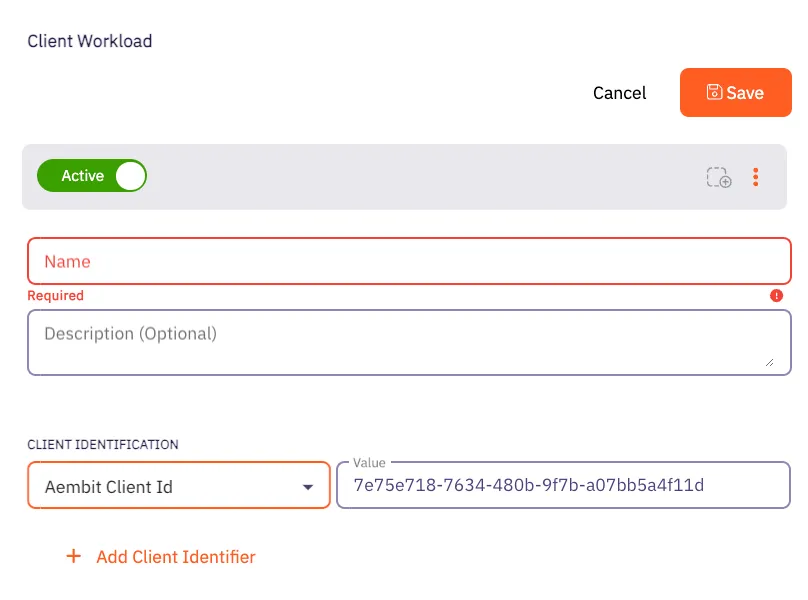
### Client Workload
[Section titled “Client Workload”](#client-workload)
#### Virtual Machine Deployment
[Section titled “Virtual Machine Deployment”](#virtual-machine-deployment)
During Agent Proxy installation, specify the `CLIENT_WORKLOAD_ID` environment variable.
```shell
CLIENT_WORKLOAD_ID= AEMBIT_TENANT_ID= AEMBIT_AGENT_CONTROLLER_ID= ./install
```
#### Kubernetes
[Section titled “Kubernetes”](#kubernetes)
Add the `aembit.io/agent-inject` annotation to your Client Workload.
See the example below:
```yaml
apiVersion: apps/v1
kind: Deployment
metadata:
name: example-app
spec:
replicas: 1
selector:
matchLabels:
app: example-app
template:
metadata:
labels:
app: example-app
annotations:
aembit.io/agent-inject: "enabled"
aembit.io/client-id: "7e75e718-7634-480b-9f7b-a07bb5a4f11d"
```
# AWS Account ID
> How to identify AWS workloads using the AWS Account ID within Aembit
This page explains how to use the **AWS Account ID** identifier to uniquely identify workloads deployed on **AWS**.
## Understanding the AWS Account ID identifier
[Section titled “Understanding the AWS Account ID identifier”](#understanding-the-aws-account-id-identifier)
When you deploy applications to AWS, you use the account ID to isolate and group resources by ownership or environment. Each AWS Account owns the resources associated with it. For more info, see [“View AWS account identifiers](https://docs.aws.amazon.com/accounts/latest/reference/manage-acct-identifiers.html) in the AWS docs.
## Applicable deployment type
[Section titled “Applicable deployment type”](#applicable-deployment-type)
Aembit supports the AWS Account ID identification method for Edge-based deployments on [Virtual Machines](/user-guide/deploy-install/virtual-machine/) deployed to AWS.
## Create a Client Workload with an AWS Account ID identifier
[Section titled “Create a Client Workload with an AWS Account ID identifier”](#create-a-client-workload-with-an-aws-account-id-identifier)
To configure a Client Workload with an AWS Account ID identifier, follow these steps:
1. Log into your Aembit Tenant.
2. Click **Client Workloads** in the left nav pane.
3. Click **New**, revealing the **Client Workload** pop out menu.
4. Enter the **Name** and optional **Description** for the Client Workload.
5. Under **Client Identification**, select **AWS Account ID**.
For **Value**, enter the 12-digit AWS Account ID *without spaces and dashes* where the workload is running.
For example, if your AWS account ID is `1234-5678-9012`, then enter `123456789012` in the **Value** field.
If you don’t know the AWS Account ID or how to find it, see [Find AWS Account ID](#find-aws-account-id).
6. Click **Save**.
Aembit displays the new Client Workload on the **Client Workloads** page.
Client Workload identifier uniqueness
When you identify a Client Workload using a single identifier such as this one in a complex environment, this identifier may not always provide sufficient uniqueness.
To avoid Aembit unintentionally matching something beyond what it’s intended to match, Aembit recommends that you set additional identifiers to compliment this one, creating a Client Workload identity that’s unique across your environment.
See [Using multiple Client Workload identifiers](/user-guide/access-policies/client-workloads/identification/client-workload-multiple-ids) for guidance on combining this identifier with more specific identifiers such as those on the [Client Workload Identifiers overview](/user-guide/access-policies/client-workloads/identification/) page, which includes vendor- and technology-specific identifiers.
## Find AWS account id
[Section titled “Find AWS account id”](#find-aws-account-id)
To find your AWS Account ID in the AWS Console, follow these steps:
Note
You can also find the AWS Account ID in billing settings, IAM dashboard, or by using the AWS CLI.
Be sure to enter the full 12-digit ID *without spaces and dashes*.
1. Open the [AWS Management Console](https://console.aws.amazon.com/).
2. Click the Account Menu that displays your AWS username in the top-right corner.
3. Click the **Copy Account ID** icon next to your 12-digit AWS Account ID.
Use this value in your Aembit configuration, *remembering to enter it without spaces or dashes*.
# AWS EC2 Instance ID
> How to identify AWS workloads using the AWS EC2 Instance ID within Aembit
This page explains how to use the **AWS EC2 Instance ID** identifier to uniquely identify workloads deployed on **AWS**.
## Understanding the AWS EC2 instance ID identifier
[Section titled “Understanding the AWS EC2 instance ID identifier”](#understanding-the-aws-ec2-instance-id-identifier)
When you deploy applications to AWS, you often refer to specific virtual machine instances using their EC2 Instance IDs. AWS assigns a unique identifier to each EC2 instance when it launches. For more info, see [“What is Amazon EC2?”](https://docs.aws.amazon.com/AWSEC2/latest/UserGuide/Using_InstanceStraightToIdentifiers.html) in the AWS docs.
## Applicable deployment type
[Section titled “Applicable deployment type”](#applicable-deployment-type)
Aembit supports the AWS EC2 Instance ID identification method for Edge-based deployments on [Virtual Machines](/user-guide/deploy-install/virtual-machine/) deployed to AWS.
## Create a Client Workload with an AWS EC2 Instance ID identifier
[Section titled “Create a Client Workload with an AWS EC2 Instance ID identifier”](#create-a-client-workload-with-an-aws-ec2-instance-id-identifier)
To configure a Client Workload with an AWS EC2 Instance ID identifier, follow these steps:
1. Log into your Aembit Tenant.
2. Click **Client Workloads** in the left nav pane.
3. Click **New**, revealing the **Client Workload** pop out menu.
4. Enter the **Name** and optional **Description** for the Client Workload.
5. Under **Client Identification**, select **AWS EC2 Instance ID**.
For **Value**, enter the EC2 Instance ID where the workload is running.
For example, if your EC2 Instance ID is `i-0123456789abcdef0`, enter that in the **Value** field.
If you don’t know the EC2 Instance ID or how to find it, see [Find EC2 Instance ID](#find-ec2-instance-id).
6. Click **Save**.
Aembit displays the new Client Workload on the **Client Workloads** page.
## Find EC2 instance ID
[Section titled “Find EC2 instance ID”](#find-ec2-instance-id)
To find your EC2 Instance ID in the AWS Console, follow these steps:
Note
You can also find the EC2 Instance ID using the EC2 dashboard or the AWS CLI.
Be sure to enter the full instance ID exactly as displayed by AWS.
1. **Open the AWS Console**
Go to the [AWS Management Console](https://console.aws.amazon.com/).
2. **Navigate to the EC2 Dashboard**
From the Services menu, choose **EC2**, then click **Instances**.
3. **Locate the Instance ID**
You can find the EC2 Instance ID in the **Instance ID** column for each running instance.
Use this value in your Aembit configuration.
# AWS ECS Service Name
> How to identify AWS ECS Fargate workloads using the ECS Service name within Aembit
This page explains how to use the **AWS ECS Service Name** to uniquely identify workloads deployed on **AWS ECS Fargate**. The service name is a key identifier for managing ECS workloads at the service level.
## Understanding the AWS ECS service name
[Section titled “Understanding the AWS ECS service name”](#understanding-the-aws-ecs-service-name)
When deploying applications to AWS ECS Fargate, the ECS Service Name provides a stable and descriptive identifier for running services. It represents a long-lived service managed by ECS and helps distinguish different applications or deployment environments. Refer to the [official AWS documentation](https://docs.aws.amazon.com/AmazonECS/latest/developerguide/what-is-amazon-ecs.html) for more information.
## Applicable deployment type
[Section titled “Applicable deployment type”](#applicable-deployment-type)
Aembit specifically supports ECS Service Name identification for Edge-based deployments on [AWS ECS Fargate](/user-guide/deploy-install/serverless/aws-ecs-fargate).
## Create a Client Workload with an AWS ECS service name
[Section titled “Create a Client Workload with an AWS ECS service name”](#create-a-client-workload-with-an-aws-ecs-service-name)
To configure a Client Workload using an ECS Service Name, follow these steps:
1. Log into your Aembit Tenant.
2. Click **Client Workloads** in the left nav pane.
3. Click **New**, revealing the **Client Workload** pop out menu.
4. Enter the **Name** and optional **Description** for the Client Workload.
5. Under **Client Identification**, select **AWS ECS Service Name**.
For **Value**, enter the name of the ECS service you’ve configured in AWS.
For example, if your service name is `prod-app-service`, enter `prod-app-service` in the **Value** field.
If you don’t know your ECS Service Name or how to find it, see [Find ECS Service Name in AWS](#find-ecs-service-name-in-aws).
6. Click **Save**.
Aembit displays the new Client Workload on the **Client Workloads** page.
Client Workload identifier uniqueness
When you identify a Client Workload using a single identifier such as this one in a complex environment, this identifier may not always provide sufficient uniqueness.
To avoid Aembit unintentionally matching something beyond what it’s intended to match, Aembit recommends that you set additional identifiers to compliment this one, creating a Client Workload identity that’s unique across your environment.
See [Using multiple Client Workload identifiers](/user-guide/access-policies/client-workloads/identification/client-workload-multiple-ids) for guidance on combining this identifier with more specific identifiers such as those on the [Client Workload Identifiers overview](/user-guide/access-policies/client-workloads/identification/) page, which includes vendor- and technology-specific identifiers.
## Find ECS service name in AWS
[Section titled “Find ECS service name in AWS”](#find-ecs-service-name-in-aws)
To find the ECS Service Name in the AWS Console, follow these steps:
Note
Each ECS Service Name must be unique within the ECS Cluster.
This is the name you’ll use when configuring your Client Workload in the Aembit Tenant.
1. **Open your AWS ECS Console**
Open the AWS Management Console and go to the Elastic Container Service (ECS).
2. **Select your Cluster**
In the ECS console, click **Clusters** and select the relevant ECS cluster.
3. **View Services**
In the selected cluster, go to the **Services** tab.
4. **Locate the Service Name**
The **Service Name** column under the Services tab lists the ECS Service Names.
This is the string you’ll use in your Aembit configuration.
# AWS ECS Task Family
> How to identify AWS ECS Fargate workloads using the task family identifier within Aembit
This page explains how to use the **AWS ECS task family** identifier to uniquely identify workloads deployed on **AWS ECS Fargate**. The task family is a key identifier for defining and managing your ECS tasks.
## Understanding the AWS ECS task family identifier
[Section titled “Understanding the AWS ECS task family identifier”](#understanding-the-aws-ecs-task-family-identifier)
When deploying applications to AWS ECS Fargate, the task family provides a logical grouping and versioning mechanism. Each ECS task definition belongs to a specific task family. Refer to the [official AWS documentation](https://docs.aws.amazon.com/AWSCloudFormation/latest/UserGuide/aws-resource-ecs-taskdefinition.html?utm_source=chatgpt.com) for additional details.
## Applicable deployment type
[Section titled “Applicable deployment type”](#applicable-deployment-type)
Aembit specifically designed the ECS Task Family identification method for Edge-based deployments on [AWS ECS Fargate](/user-guide/deploy-install/serverless/aws-ecs-fargate).
## Create a Client Workload with an AWS ECS task family identifier
[Section titled “Create a Client Workload with an AWS ECS task family identifier”](#create-a-client-workload-with-an-aws-ecs-task-family-identifier)
To configure a Client Workload with an AWS ECS task family identifier, follow these steps:
1. Log into your Aembit Tenant.
2. Click **Client Workloads** in the left nav pane.
3. Click **New**, revealing the **Client Workload** pop out menu.
4. Enter the **Name** and optional **Description** for the Client Workload.
5. Under **Client Identification**, select **AWS ECS Task Family**.
For **Value**, enter the task family name (without the revision) you have configured in AWS ECS.
For example, if the task definition is `my-fargate-app:1` in the AWS ECS Console, enter `my-fargate-app` in the **Value** field.
If you don’t know the task family name or how to find it, see [Find task family name in AWS ECS](#find-task-family-name-in-aws-ecs).
6. Click **Save**.
Aembit displays the new Client Workload on the **Client Workloads** page.
## Find task family name in AWS ECS
[Section titled “Find task family name in AWS ECS”](#find-task-family-name-in-aws-ecs)
To find the task family name in the AWS ECS Console, follow these steps:
Note
You may see the same task family in other locations within the AWS Console.
Keep in mind that a full task definition includes both the task family name and the task definition revision (for example, `my-fargate-app:1`). In your Client Workload configuration in your Aembit Tenant, use only the task family name (for example, `my-fargate-app`).
1. **Open your AWS ECS Console**
Open the AWS Management Console and go to the Elastic Container Service (ECS).
2. **Find your Task Definition**
In the ECS console, go to **Task Definitions** in the left menu.
3. **Locate the Task Family**
The **Task definition** column displays the task family name.
This is the string you’ll use in your Aembit configuration.
# AWS Lambda ARN
> How to identify Client Workloads using AWS Lambda ARN for AWS Lambda deployments
The AWS Lambda ARN Client Workload identification method is applicable only to AWS Lambda deployments. Aembit utilizes the native AWS identifier (Lambda ARN) to identify and distinguish Client Workloads.
## Applicable deployment type
[Section titled “Applicable deployment type”](#applicable-deployment-type)
This method is suitable for Aembit Edge-based deployments.
## Configuration
[Section titled “Configuration”](#configuration)
### Aembit Cloud
[Section titled “Aembit Cloud”](#aembit-cloud)
1. Create a new Client Workload.
2. Choose **AWS Lambda ARN** for client identification.
3. In the **Value** field, enter the AWS Lambda ARN. You must use the following format: `arn:aws:lambda:::function:`
### Using versions
[Section titled “Using versions”](#using-versions)
When working with AWS Lambda ARN, it’s crucial to understand the two types of ARNs: Qualified ARN and Unqualified ARN. Each serves a specific purpose, and understanding their differences is key. For detailed information, refer to the official [AWS Documentation](https://docs.aws.amazon.com/lambda/latest/dg/configuration-versions.html#versioning-versions-using).
**Unqualified ARN** - Used for the latest version of a Lambda function.
Example: `arn:aws:lambda:aws-region:acct-id:function:helloworld`
**Qualified ARN** - Used for a specific version of a Lambda function or [aliases](https://docs.aws.amazon.com/lambda/latest/dg/configuration-aliases.html).
Example:
`arn:aws:lambda:aws-region:acct-id:function:helloworld:42`
If you need to work with a Qualified ARN, you must create a Client Workload that uses a wildcard to handle multiple versions. For instance: `arn:aws:lambda:aws-region:acct-id:function:helloworld:*`.
### Finding the AWS Lambda ARN
[Section titled “Finding the AWS Lambda ARN”](#finding-the-aws-lambda-arn)
You can find the list of Lambda functions via the AWS CLI by executing: `aws lambda list-functions --region us-east-2`
This command will return all the Lambda-related information, including the Lambda ARN, which is available under the `FunctionArn` field.
# AWS Region
> How to identify AWS workloads using the AWS Region within Aembit
This page explains how to use the **AWS Region** identifier to uniquely identify workloads deployed on **AWS**.
## Understanding the AWS Region identifier
[Section titled “Understanding the AWS Region identifier”](#understanding-the-aws-region-identifier)
When you deploy applications to AWS, you use the region to isolate and group resources by geographic location. Each AWS Region contains multiple availability zones and is useful for controlling latency and data residency. For more info, see [“Regions and Availability Zones”](https://aws.amazon.com/about-aws/global-infrastructure/regions_az/) in the AWS docs.
## Applicable deployment type
[Section titled “Applicable deployment type”](#applicable-deployment-type)
Aembit supports the AWS Region identification method for Edge-based deployments on [Virtual Machines](/user-guide/deploy-install/virtual-machine/) deployed to AWS.
## Create a Client Workload with an AWS Region identifier
[Section titled “Create a Client Workload with an AWS Region identifier”](#create-a-client-workload-with-an-aws-region-identifier)
To configure a Client Workload with an AWS Region identifier, follow these steps:
1. Log into your Aembit Tenant.
2. Click **Client Workloads** in the left nav pane.
3. Click **New**, revealing the **Client Workload** pop out menu.
4. Enter the **Name** and optional **Description** for the Client Workload.
5. Under **Client Identification**, select **AWS Region**.
For **Value**, enter the AWS Region where the workload is running.
For example, if your AWS Region is `us-west-2`, enter that in the **Value** field.
If you don’t know the AWS Region or how to find it, see [Find AWS Region](#find-aws-region).
6. Click **Save**.
Aembit displays the new Client Workload on the **Client Workloads** page.
Client Workload identifier uniqueness
When you identify a Client Workload using a single identifier such as this one in a complex environment, this identifier may not always provide sufficient uniqueness.
To avoid Aembit unintentionally matching something beyond what it’s intended to match, Aembit recommends that you set additional identifiers to compliment this one, creating a Client Workload identity that’s unique across your environment.
See [Using multiple Client Workload identifiers](/user-guide/access-policies/client-workloads/identification/client-workload-multiple-ids) for guidance on combining this identifier with more specific identifiers such as those on the [Client Workload Identifiers overview](/user-guide/access-policies/client-workloads/identification/) page, which includes vendor- and technology-specific identifiers.
## Find AWS region
[Section titled “Find AWS region”](#find-aws-region)
To find your AWS Region in the AWS Console, follow these steps:
Note
You can also find the AWS Region in the resource metadata, EC2 dashboard, or by using the AWS CLI.
Be sure to enter the region in its standard format (for example `us-east-1`, `eu-central-1`).
1. Go to the [AWS Management Console](https://console.aws.amazon.com/).
2. Open the service (for example, EC2) that hosts your resource.
3. You’ll see the region in the top-right corner of the Console or in the resource’s details.
Use this value in your Aembit configuration.
# Azure Subscription ID
> How to identify Azure workloads using the Azure Subscription ID within Aembit
This page explains how to use the **Azure Subscription ID** identifier to uniquely identify workloads deployed on **Azure**.
## Understanding the Azure Subscription ID identifier
[Section titled “Understanding the Azure Subscription ID identifier”](#understanding-the-azure-subscription-id-identifier)
When you deploy applications to Azure, you use the Subscription ID to isolate and group resources by ownership or environment. Each Azure Subscription owns the resources associated with it. For more info, see [“Get subscription and tenant IDs in the Azure portal”](https://learn.microsoft.com/en-us/azure/azure-portal/get-subscription-tenant-id) in the Microsoft docs.
## Applicable deployment type
[Section titled “Applicable deployment type”](#applicable-deployment-type)
Aembit supports the Azure Subscription ID identification method for Edge-based deployments on [Virtual Machines](/user-guide/deploy-install/virtual-machine/) deployed to Azure.
## Create a Client Workload with an Azure Subscription ID identifier
[Section titled “Create a Client Workload with an Azure Subscription ID identifier”](#create-a-client-workload-with-an-azure-subscription-id-identifier)
To configure a Client Workload with an Azure Subscription ID identifier, follow these steps:
1. Log into your Aembit Tenant.
2. Click **Client Workloads** in the left nav pane.
3. Click **New**, revealing the **Client Workload** pop out menu.
4. Enter the **Name** and optional **Description** for the Client Workload.
5. Under **Client Identification**, select **Azure Subscription ID**.
For **Value**, enter the Azure Subscription ID where the workload is running.
For example, if your Azure Subscription ID is `11111111-2222-3333-4444-555555555555`, enter that in the **Value** field.
If you don’t know the Azure Subscription ID or how to find it, see [Find Azure Subscription ID](#find-azure-subscription-id).
6. Click **Save**.
Aembit displays the new Client Workload on the **Client Workloads** page.
Client Workload identifier uniqueness
When you identify a Client Workload using a single identifier such as this one in a complex environment, this identifier may not always provide sufficient uniqueness.
To avoid Aembit unintentionally matching something beyond what it’s intended to match, Aembit recommends that you set additional identifiers to compliment this one, creating a Client Workload identity that’s unique across your environment.
See [Using multiple Client Workload identifiers](/user-guide/access-policies/client-workloads/identification/client-workload-multiple-ids) for guidance on combining this identifier with more specific identifiers such as those on the [Client Workload Identifiers overview](/user-guide/access-policies/client-workloads/identification/) page, which includes vendor- and technology-specific identifiers.
## Find Azure Subscription ID
[Section titled “Find Azure Subscription ID”](#find-azure-subscription-id)
To find your Azure Subscription ID in the Azure Portal, follow these steps:
Note
You can also find the Azure Subscription ID in the Subscriptions blade or by using the Azure CLI.
Be sure to enter the full GUID format without spaces.
1. Go to the [Azure Portal](https://portal.azure.com/).
2. Use the search bar to search for **Subscriptions**.
3. You can find the **Subscription ID** listed in the **Subscriptions** table.
Use this value in your Aembit configuration.
# Azure VM ID
> How to identify Azure workloads using the Azure VM ID within Aembit
This page explains how to use the **Azure VM ID** identifier to uniquely identify workloads deployed on **Azure**.
## Understanding the Azure VM ID identifier
[Section titled “Understanding the Azure VM ID identifier”](#understanding-the-azure-vm-id-identifier)
When you deploy applications to Azure, you often identify specific virtual machine instances by their VM IDs. Azure assigns each virtual machine a unique identifier at creation. For more details, see the [“Understand names and instance IDs for Azure Virtual Machine Scale Set VMs](https://learn.microsoft.com/en-us/azure/virtual-machine-scale-sets/virtual-machine-scale-sets-instance-ids) in the Microsoft docs.
## Applicable deployment type
[Section titled “Applicable deployment type”](#applicable-deployment-type)
Aembit supports the Azure VM ID identification method for Edge-based deployments on [Virtual Machines](/user-guide/deploy-install/virtual-machine/) deployed to Azure.
## Create a Client Workload with an Azure VM ID identifier
[Section titled “Create a Client Workload with an Azure VM ID identifier”](#create-a-client-workload-with-an-azure-vm-id-identifier)
To configure a Client Workload with an Azure VM ID identifier, follow these steps:
1. Log into your Aembit Tenant.
2. Click **Client Workloads** in the left nav pane.
3. Click **New**, revealing the **Client Workload** pop out menu.
4. Enter the **Name** and optional **Description** for the Client Workload.
5. Under **Client Identification**, select **Azure VM ID**.
For **Value**, enter the VM ID where the workload is running.
For example, if your Azure VM ID is `12345678-1234-1234-1234-123456789abc`, enter that in the **Value** field.
If you don’t know the Azure VM ID or how to find it, see [Find Azure VM ID](#find-azure-vm-id).
6. Click **Save**.
Aembit displays the new Client Workload on the **Client Workloads** page.
## Find Azure VM ID
[Section titled “Find Azure VM ID”](#find-azure-vm-id)
Locate your Azure VM’s Resource group and VM name using either of the following methods:
### Azure Portal
[Section titled “Azure Portal”](#azure-portal)
1. Go to the [Azure Portal](https://portal.azure.com/).
2. From the left menu or search bar, choose or search for **Virtual Machines**, then select your VM.
3. Copy the **Computer name** and **Resource group** from the Properties tab of the VM details page.
Use these values in your Aembit configuration.
### Azure CLI
[Section titled “Azure CLI”](#azure-cli)
1. Open your terminal or command prompt.
2. Use the following command to get the VM ID:
```plaintext
az vm show --resource-group --name --query vmId --output tsv
```
Use these values in your Aembit configuration.
# Using multiple Client Workload identifiers
> How to use multiple Client Workload identifiers to increase uniqueness across Client Workloads
Aembit supports configuring multiple identifiers for a single Client Workload.
Identifying Client Workloads using multiple identifiers allows you to create highly specific and granular identification criteria for workloads that reside in complex environments that span multiple clouds, networks, and Kubernetes clusters.
By combining different identifiers, such as [Hostname](/user-guide/access-policies/client-workloads/identification/hostname) and [Process Name](/user-guide/access-policies/client-workloads/identification/process-name) on a Virtual Machine, you can uniquely pinpoint a specific application running on a particular machine. This enhanced uniqueness helps Aembit more accurately determine which workloads it must evaluate across complex environments where certain identifiers may be the same.
For example, more generic identifiers like [AWS Account ID](/user-guide/access-policies/client-workloads/identification/aws-account-id) or [Azure Subscription ID](/user-guide/access-policies/client-workloads/identification/azure-subscription-id) may be the same for some of your resources. Using just one of these identifiers would likely cause Aembit to misidentify workloads your environment.
Using multiple identifiers helps reduce the possibility of misidentification or overly permissive matching that might occur if you use only a single, non-unique identifier. This, in turn, strengthens your security posture.
Aembit highly recommends that you leverage multiple identifiers where a single method might be ambiguous, to make sure Aembit can uniquely identify workloads and prevent misidentification.
## How multiple identifiers work
[Section titled “How multiple identifiers work”](#how-multiple-identifiers-work)
When you configure multiple identifiers for a *single* Client Workload, Aembit uses the conditional operators `AND` and `OR`. You can use one or the other or both at the same time.
### The `OR` condition
[Section titled “The OR condition”](#the-or-condition)
When Aembit uses the `OR` condition, it requires only one of the identifiers, providing you extra flexibility. You can have multiple `OR` condition groups for a single Client Workload. This means that Aembit must match *only one* of the identification methods you’ve configured on your Client Workload to the evidence it collected from your runtime environment.
For example, combining a **AWS Account ID** identifier with a **Process Name** identifier for a Virtual Machine workload. In this scenario, Aembit would require *either* the AWS Account ID *or* the Process Name of the requesting Client Workload to match the values you’ve configured in the Client Workload definition for Aembit to consider that definition a match.
### The `AND` condition
[Section titled “The AND condition”](#the-and-condition)
When Aembit uses the `AND` condition, it requires both identifiers, providing you extra security. You can have multiple `AND` condition groups for a single Client Workload. This means that Aembit must match *all* the identification methods you’ve configured on your Client Workload to the evidence it collected from your runtime environment.
For example, combining a **Hostname** identifier with a **Process Name** identifier for a Virtual Machine workload. In this scenario, Aembit would require *both* the Hostname *and* the Process Name of the requesting Client Workload to match the values you’ve configured in the Client Workload definition for Aembit to consider that definition a match.
### Both conditions
[Section titled “Both conditions”](#both-conditions)
When Aembit uses both the `OR` and the `AND` conditions together, you can create sophisticated identification logic that provides both *security and flexibility* for your Client Workload definitions. You can combine multiple `OR` and `AND` condition groups within a single Client Workload configuration. This allows you to define complex matching criteria where some identifiers must all be present (`AND` groups) while providing alternative identification paths (`OR` groups).
You might use this when the same application runs in multiple environments, but you want both scenarios to access the same resources through a single Client Workload definition.
For example, you have two separate AWS Accounts that deploy the same application in one AWS Region on multiple hosts that need to connect to the same resource. You’d configure a Client Workload with the following logic:
(**AWS Account ID-1** `OR` **AWS Account ID-2**) `AND` (**AWS Region** `AND` **Hostname**)
Which would look like the following screenshot when you configure it in your Aembit Tenant:

In this scenario, Aembit would consider the Client Workload definition a match when both:
* Either **AWS Account ID-1** `OR` **AWS Account ID-2** match the configured values
* Both the **AWS Region** `AND` **Hostname** match the configured values
This approach enables you to accommodate different deployment scenarios while maintaining strong identity verification.
## Add additional identifiers to a Client Workload
[Section titled “Add additional identifiers to a Client Workload”](#add-additional-identifiers-to-a-client-workload)
To add additional identifiers to a Client Workload, follow these steps:
1. Create a new Client Workload or edit an existing one in your Aembit Tenant.
2. In the **Client Identification** section, click **+ Additional Client Identifier**.
3. Select the identifier type you want to add from the dropdown menu.
4. Enter the value for the identifier.
5. If you want to add another identifier, repeat steps 2-4.
6. Click **Save** to apply the changes to the Client Workload. Aembit displays the updated Client Workload with the new identifiers on the **Client Workloads** page.
# GCP Identity Token
> How to identify GCP workloads using the service account email from a GCP Identity Token in Aembit
This page explains how to use the **GCP Identity Token** identifier to uniquely identify workloads running on **Google Cloud Platform (GCP)** using a GCP Identity Token.
## Understanding the GCP identity token identifier
[Section titled “Understanding the GCP identity token identifier”](#understanding-the-gcp-identity-token-identifier)
When you run workloads as a GCP Function or Cloud Run job, the platform issues a [GCP Identity Token](https://cloud.google.com/docs/authentication/token-types#id) that includes an `email` claim. This email corresponds to the service account the workload runs under.
For example, a service account might look like: `123456789012-compute@developer.gserviceaccount.com`
Aembit identifies the workload using this email claim. Aembit supports this approach **only in the Edge CLI** at this time and isn’t available **for Edge Proxy**.
## Applicable deployment type
[Section titled “Applicable deployment type”](#applicable-deployment-type)
Aembit supports the GCP Identity Token identifier for Edge-based deployments running the Edge CLI on GCP Function or GCP Cloud Run job.
## Create a Client Workload with a GCP identity token identifier
[Section titled “Create a Client Workload with a GCP identity token identifier”](#create-a-client-workload-with-a-gcp-identity-token-identifier)
To configure a Client Workload using the GCP Identity Token identifier, follow these steps:
1. Log into your Aembit Tenant.
2. Click **Client Workloads** in the left nav pane.
3. Click **New**, revealing the **Client Workload** pop out menu.
4. Enter the **Name** and optional **Description** for the Client Workload.
5. Under **Client Identification**, select **GCP Identity Token**.
For **Value**, enter the email associated with the GCP service account under which the workload runs.
For example: `123456789012-compute@developer.gserviceaccount.com`
6. Click **Save**.
Aembit displays the new Client Workload on the **Client Workloads** page.
## Find the service account email
[Section titled “Find the service account email”](#find-the-service-account-email)
The service account email identifies your workload and its format depends on the specific GCP service you’re using. Common patterns include:
* **Cloud Functions (Gen 1):**\
`@appspot.gserviceaccount.com`
* **Cloud Functions (Gen 2):**\
`@developer.gserviceaccount.com`
* **Cloud Run Jobs:**\
`@developer.gserviceaccount.com`
You can find both the **project ID** and **project number** in the GCP Console by going to **Cloud Overview** > **Dashboard**. They appear in the project info card at the top of the page.
To view the actual service accounts and their associated emails, navigate to **IAM & Admin** > **Service Accounts** in the GCP Console.
# GitHub ID Token Repository
> This page describes how the GitHub ID Token Repository method identifies Client Workloads in Aembit.
This Client Workload identification method is specifically designed for [GitHub Action deployments](/user-guide/deploy-install/ci-cd/github/).
**The GitHub ID Token Repository** identification method allows you to identify GitHub workflows based on their repository origin. Aembit achieves this using the **repository** claim within the OIDC token issued by GitHub Actions.
## Applicable Deployment Type
[Section titled “Applicable Deployment Type”](#applicable-deployment-type)
This method is suitable for GitHub-based CI/CD Workflow deployments.
## Configuration
[Section titled “Configuration”](#configuration)
### Aembit Cloud
[Section titled “Aembit Cloud”](#aembit-cloud)
1. Create a new Client Workload.
2. Choose **GitHub ID Token Repository** for client identification.
3. Identify the repository where your workflow is located. Copy this full repository name and use it in the **Value** field according to the format below.
* **Format** - `{organization}/{repository}` for organization-owned repositories or `{account}/{repository}` for user-owned repositories.
* **Example** - user123/another-project
### Finding the GitHub ID Token Repository:
[Section titled “Finding the GitHub ID Token Repository:”](#finding-the-github-id-token-repository)
* Navigate to your project on GitHub.
* Locate the repository name displayed at the top left corner of the page, in the format mentioned above.
# GitHub ID Token Subject
> This page describes how the GitHub ID Token Subject method identifies Client Workloads in Aembit.
This Client Workload identification method is specifically designed for [GitHub Action deployments](/user-guide/deploy-install/ci-cd/github/).
**The GitHub ID Token Subject** identification method allows you to identify GitHub workflows based on their repository and triggering event. Aembit achieves this using the **subject** claim within the OIDC token issued by GitHub Actions.
## Applicable Deployment Type
[Section titled “Applicable Deployment Type”](#applicable-deployment-type)
This method is suitable for GitHub-based CI/CD Workflow deployments.
## Configuration
[Section titled “Configuration”](#configuration)
### Aembit Cloud
[Section titled “Aembit Cloud”](#aembit-cloud)
1. Create a new Client Workload.
2. Choose **GitHub ID Token Subject** for client identification.
3. Construct a subject manually using the format specified below and use it in the **Value** field.
The GitHub ID Token Subject method provides advanced workflow identification capabilities by allowing you to identify Client Workloads based on repository origin, triggering events (like pull requests), branches, and more. The following example is for a pull request triggered workflow:
* **Format** - repo:`{orgName}/{repoName}`:pull\_request
* **Example** - repo:my-org/my-repo:pull\_request
For more subject claims and examples, refer to the [GitHub OIDC Token Documentation](https://docs.github.com/en/actions/deployment/security-hardening-your-deployments/about-security-hardening-with-openid-connect#example-subject-claims).
### Finding the GitHub ID Token Subject:
[Section titled “Finding the GitHub ID Token Subject:”](#finding-the-github-id-token-subject)
You can reconstruct subject claim as follows:
1. Identify the repository: Navigate to your project on GitHub. Locate the repository name displayed at the top left corner of the page.
2. Determine filtering criteria: Choose the specific element you want to use for precise workflow selection: a deployment environment (e.g., “production”), a triggering event (e.g., “pull\_request” or “push”), or a specific branch or tag name.
3. Combine the information: Assemble the subject using the format: `repo:{organization}/{repository}:`.
Alternatively, you can inspect the GitHub OIDC token to extract the **subject** claim. For further details, please contact Aembit.
# GitLab ID Token Namespace Path
> This page describes how the GitLab ID Token Namespace Path method identifies Client Workloads in Aembit.
#
This Client Workload identification method is specifically designed for [GitLab Jobs deployments](/user-guide/deploy-install/ci-cd/gitlab/).
**The GitLab ID Token Namespace Path** identification method allows you to identify GitLab jobs based on their project owner. Aembit utilizes the **namespace\_path** claim within the OIDC token issued by GitLab.
## Applicable Deployment Type
[Section titled “Applicable Deployment Type”](#applicable-deployment-type)
This method is suitable for GitLab-based CI/CD Workflow deployments.
## Configuration
[Section titled “Configuration”](#configuration)
### Aembit Cloud
[Section titled “Aembit Cloud”](#aembit-cloud)
1. Create a new Client Workload.
2. Choose **GitLab ID Token Namespace Path** for client identification.
3. Determine whether your workflow resides under a GitLab group or your user account. Copy the group name or username and use it in the **Value** field.
* **Format** - The group or username
* **Example** - my-group
### Finding the GitLab ID Token Namespace Path:
[Section titled “Finding the GitLab ID Token Namespace Path:”](#finding-the-gitlab-id-token-namespace-path)
* Navigate to **Projects** on GitLab.
* If the project is group-owned, go to the **All** tab and locate your project. The Namespace Path is displayed before the slash (/) in the project name.
* If the project is user-based, enter your GitLab username in the **Value** field.
# GitLab ID Token Project Path
> This page describes how the GitLab ID Token Project Path method identifies Client Workloads in Aembit.
#
This Client Workload identification method is specifically designed for [GitLab Jobs deployments](/user-guide/deploy-install/ci-cd/gitlab/).
**The GitLab ID Token Project Path** identification method allows you to identify GitLab jobs based on their project location. Aembit utilizes the **project\_path** claim within the OIDC token issued by GitLab.
## Applicable Deployment Type
[Section titled “Applicable Deployment Type”](#applicable-deployment-type)
This method is suitable for GitLab-based CI/CD Workflow deployments.
## Configuration
[Section titled “Configuration”](#configuration)
### Aembit Cloud
[Section titled “Aembit Cloud”](#aembit-cloud)
1. Create a new Client Workload.
2. Choose **GitLab ID Token Project Path** for client identification.
3. Identify the project where your workflow is located. Copy the full project path and use it in the **Value** field according to the format below.
* **Format** - `{group}/{project}`
* **Example** - my-group/my-project
### Finding the GitLab ID Token Project Path:
[Section titled “Finding the GitLab ID Token Project Path:”](#finding-the-gitlab-id-token-project-path)
* Navigate to the **Projects** on GitLab and go to the **All** tab. Locate your project and copy the full displayed project path in the format specified above.

# GitLab ID Token Ref Path
> This page describes how the GitLab ID Token Ref Path method identifies Client Workloads in Aembit.
#
This Client Workload identification method is specifically designed for [GitLab Jobs deployments](/user-guide/deploy-install/ci-cd/gitlab/).
**The GitLab ID Token Ref Path** identification method allows you to identify GitLab jobs based on the triggering branch or tag name. Aembit utilizes the **ref\_path** claim within the OIDC token issued by GitLab.
Combine this method with additional Client Workload identification methods, such as project path for repository identification.
## Applicable Deployment Type
[Section titled “Applicable Deployment Type”](#applicable-deployment-type)
This method is suitable for GitLab-based CI/CD Workflow deployments.
## Configuration
[Section titled “Configuration”](#configuration)
### Aembit Cloud
[Section titled “Aembit Cloud”](#aembit-cloud)
1. Create a new Client Workload.
2. Choose **GitLab ID Token Ref Path** for client identification.
3. Construct a ref path manually using the format specified below and use it in the **Value** field.
* **Format** - `refs/{type}/{name}`, where `{type}` can be either `heads` for branches or `tags` for tags, and `{name}` is the branch name or tag name used in the reference.
* **Example** - refs/heads/feature-branch-1
### Finding the GitLab ID Token Ref Path:
[Section titled “Finding the GitLab ID Token Ref Path:”](#finding-the-gitlab-id-token-ref-path)
You can reconstruct ref path claim as follows:
1. Determine ref type: Identify whether the workflow was triggered by a branch (then ref\_type is heads) or a tag (ref\_type is tags).
2. Get the ref: Find the specific branch name (e.g., main) or tag name (e.g., v1.1.5).Check your workflow configuration or, if accessible, the GitLab UI for triggering event details.
3. Combine the information: Assemble the ref path using the format: `refs/{type}/{name}`.
Alternatively, you can inspect the GitLab OIDC token to extract the **ref\_path** claim. For further details, please contact Aembit.
# GitLab ID Token Subject
> This page describes how the GitLab ID Token Subject method identifies Client Workloads in Aembit.
#
This Client Workload identification method is specifically designed for [GitLab Jobs deployments](/user-guide/deploy-install/ci-cd/gitlab/).
**The GitLab ID Token Subject** identification method allows you to identify GitLab jobs based on their group, project, and triggering branch or tag. Aembit achieves this using the **subject** claim within the OIDC token issued by GitLab.
Combine this method with additional Client Workload identification techniques, for project path and reference identification.
## Applicable Deployment Type
[Section titled “Applicable Deployment Type”](#applicable-deployment-type)
This method is suitable for GitLab-based CI/CD Workflow deployments.
## Configuration
[Section titled “Configuration”](#configuration)
### Aembit Cloud
[Section titled “Aembit Cloud”](#aembit-cloud)
1. Create a new Client Workload.
2. Choose **GitLab ID Token Subject** for client identification.
3. Construct a subject manually using the format specified below and use it in the **Value** field.
* **Format** - `project_path:{group}/{project}:ref_type:{type}:ref:{branch_name}`, where `type` can be either `branch` (for a branch-triggered workflow) or `tag` (for a tag-triggered workflow).
* **Example** - project\_path:my-group/my-project:ref\_type:branch:ref:feature-branch-1
### Finding the GitLab ID Token Subject:
[Section titled “Finding the GitLab ID Token Subject:”](#finding-the-gitlab-id-token-subject)
You can reconstruct subject claim as follows:
1. Identify the project path: Navigate to the **Projects** on GitLab and go to the **All** tab. Locate your project and copy the full displayed project path (e.g., my-group/my-project).
2. Determine ref type: Identify whether the workflow was triggered by a branch (then ref\_type is branch) or a tag (ref\_type is tag).
3. Get the ref: Find the specific branch name (e.g., main) or tag name (e.g., v1.2.0). Check your workflow configuration or, if accessible, the GitLab UI for triggering event details.
4. Combine the information: Assemble the subject using the format: `project_path:{group}/{project}:ref_type:{type}:ref:{branch_name}`.
Alternatively, you can inspect the GitLab OIDC token to extract the **subject** claim. For further details, please contact Aembit.
# Hostname
> This document describes how the Hostname method identifies Client Workloads in Aembit for Virtual Machine deployments.
#
The Hostname Client Workload identification method is applicable to Virtual Machine deployments and utilizes the hostname of the machine (which can be retrieved by the hostname command) to identify and distinguish Client Workloads.
## Applicable Deployment Type
[Section titled “Applicable Deployment Type”](#applicable-deployment-type)
This method is suitable for Aembit Edge-based deployments.
## Configuration
[Section titled “Configuration”](#configuration)
### Aembit Cloud
[Section titled “Aembit Cloud”](#aembit-cloud)
1. Create a new Client Workload.
2. Choose **Hostname** for client identification.
3. In the **Value** field, enter the hostname of the virtual machine where the Client Workload is running.
### Finding the Hostname
[Section titled “Finding the Hostname”](#finding-the-hostname)
* Open a terminal on your Linux VM.
* Use the `hostname -f` command to retrieve its hostname.
Alternatively, you can often find the hostname in the Virtual Machine’s configuration settings or system information.
### Uniqueness
[Section titled “Uniqueness”](#uniqueness)
Ensure the hostname is unique within your organization to avoid unintentionally matching other Virtual Machines. If necessary, consider combining Hostname with other client identifiers. Please consult the [Client Workload multiple identifiers](/user-guide/access-policies/client-workloads/identification/client-workload-multiple-ids) documentation to enhance uniqueness.
# Kubernetes Namespace
> How to identify Kubernetes workloads using the Kubernetes Namespace within Aembit
This page explains how to use the **Kubernetes Namespace** identifier to uniquely identify workloads deployed on **Kubernetes**.
## Understanding the Kubernetes Namespace identifier
[Section titled “Understanding the Kubernetes Namespace identifier”](#understanding-the-kubernetes-namespace-identifier)
Namespaces in Kubernetes provide a way to divide cluster resources between multiple users or applications. They’re commonly used to group related workloads and manage resource allocation and access boundaries. Using a namespace as an identifier is useful when you want to manage Access Policies for all workloads within a specific namespace.
## Applicable deployment type
[Section titled “Applicable deployment type”](#applicable-deployment-type)
Aembit supports the Kubernetes Namespace identification method for Edge-based deployments on [Kubernetes](/user-guide/deploy-install/kubernetes/kubernetes/).
## Create a Client Workload with a Kubernetes Namespace identifier
[Section titled “Create a Client Workload with a Kubernetes Namespace identifier”](#create-a-client-workload-with-a-kubernetes-namespace-identifier)
To configure a Client Workload with a Kubernetes Namespace identifier, follow these steps:
1. Log into your Aembit Tenant.
2. Click **Client Workloads** in the left nav pane.
3. Click **New**, revealing the **Client Workload** pop out menu.
4. Enter the **Name** and optional **Description** for the Client Workload.
5. Under **Client Identification**, select **Kubernetes Namespace**.
For **Value**, enter the name of the Kubernetes Namespace where the workload is running.
For example, if your namespace is `backend-services`, enter that in the **Value** field.
If you don’t know the namespace or how to find it, see [Find Kubernetes Namespace](#find-kubernetes-namespace).
6. Click **Save**.
Aembit displays the new Client Workload on the **Client Workloads** page.
Client Workload identifier uniqueness
When you identify a Client Workload using a single identifier such as this one in a complex environment, this identifier may not always provide sufficient uniqueness.
To avoid Aembit unintentionally matching something beyond what it’s intended to match, Aembit recommends that you set additional identifiers to compliment this one, creating a Client Workload identity that’s unique across your environment.
See [Using multiple Client Workload identifiers](/user-guide/access-policies/client-workloads/identification/client-workload-multiple-ids) for guidance on combining this identifier with more specific identifiers such as those on the [Client Workload Identifiers overview](/user-guide/access-policies/client-workloads/identification/) page, which includes vendor- and technology-specific identifiers.
## Find Kubernetes namespace
[Section titled “Find Kubernetes namespace”](#find-kubernetes-namespace)
To find the Kubernetes Namespace of a workload, follow these steps:
Note
You can also find the namespace in the Kubernetes deployment YAML files, Helm chart values, or other IaC configurations that define where you deploy workloads.
Be sure to enter the namespace exactly as it appears in your Kubernetes cluster configuration.
1. Use the command: `kubectl get pods --all-namespaces`.
2. Locate the workload you want to identify in the output.
3. Note the value under the `NAMESPACE` column—this is the value to use in your Aembit configuration.
# Kubernetes Pod Name
> This document describes how the Kubernetes Pod Name Prefix method identifies Client Workloads in Aembit.
#
In Kubernetes environments, each pod is assigned a unique name within its namespace. The Kubernetes Pod Name identification method allows you to target a specific individual pod by specifying its exact name. This is particularly useful for managing access for standalone pods that are not part of a deployment or for pods with unique names that need to be individually managed.
## Applicable Deployment Type
[Section titled “Applicable Deployment Type”](#applicable-deployment-type)
This method is suitable for Edge-based deployments.
## Configuration
[Section titled “Configuration”](#configuration)
### Aembit Cloud
[Section titled “Aembit Cloud”](#aembit-cloud)
1. Create a new Client Workload.
2. Choose **Kubernetes Pod Name** for client identification.
3. In the **Value** field, enter the desired pod name.
#### Finding the Pod Name:
[Section titled “Finding the Pod Name:”](#finding-the-pod-name)
* Use the `kubectl get pods` command to list all pods in your cluster.
* Identify the specific pod you want to target and note its exact name.
* Use this exact name as the **Value** in the Client Workload configuration.
# Kubernetes Pod Name Prefix
> This document describes how the Kubernetes Pod Name Prefix method identifies Client Workloads in Aembit.
#
In Kubernetes environments, pods are often dynamically created and assigned unique names. The Kubernetes Pod Name Prefix identification method allows you to target a group of pods belonging to the same deployment by specifying the common prefix of their names. This is particularly useful for managing access for deployments with multiple replicas or deployments that are frequently scaled up or down.
## Applicable Deployment Type
[Section titled “Applicable Deployment Type”](#applicable-deployment-type)
This method is suitable for Edge-based deployments.
## Configuration
[Section titled “Configuration”](#configuration)
### Aembit Cloud
[Section titled “Aembit Cloud”](#aembit-cloud)
1. Create a new Client Workload.
2. Choose **Kubernetes Pod Name Prefix** for client identification.
3. In the **Value** field, enter the desired pod name prefix. This is typically the name of your deployment.
#### Finding the Pod Name Prefix:
[Section titled “Finding the Pod Name Prefix:”](#finding-the-pod-name-prefix)
* Use the `kubectl get pods` command to list all pods in your cluster.
* Identify the pods belonging to your target deployment. Their names will share a common prefix.
* Use this common prefix as the Value in the Client Workload configuration.
#### Uniqueness
[Section titled “Uniqueness”](#uniqueness)
Ensure that the chosen prefix is unique enough to avoid unintentionally matching pods from other deployments. Please consult the [Client Workload multiple identifiers](/user-guide/access-policies/client-workloads/identification/client-workload-multiple-ids) documentation to enhance uniqueness.
# Kubernetes Service Account Name
> How to identify Kubernetes workloads using the Kubernetes Service Account Name within Aembit
This page explains how to use the **Kubernetes Service Account Name** identifier to uniquely identify workloads deployed on **Kubernetes**.
## Understanding the Kubernetes service account name identifier
[Section titled “Understanding the Kubernetes service account name identifier”](#understanding-the-kubernetes-service-account-name-identifier)
In Kubernetes, service accounts provide an identity for processes that run in a pod. You can assign each pod a service account, and the pod uses this account when it interacts with the Kubernetes API or other services.
Using the **service account name** as an identifier is useful when you want to manage Access Policies tied to the identity of workloads, rather than their namespace or pod name.
## Applicable deployment type
[Section titled “Applicable deployment type”](#applicable-deployment-type)
Aembit supports the Kubernetes Service Account Name identification method for Edge-based deployments on [Kubernetes](/user-guide/deploy-install/kubernetes/kubernetes/).
## Create a Client Workload with a Kubernetes service account name identifier
[Section titled “Create a Client Workload with a Kubernetes service account name identifier”](#create-a-client-workload-with-a-kubernetes-service-account-name-identifier)
To configure a Client Workload with a Kubernetes Service Account Name identifier, follow these steps:
1. Log into your Aembit Tenant.
2. Click **Client Workloads** in the left nav pane.
3. Click **New**, revealing the **Client Workload** pop out menu.
4. Enter the **Name** and optional **Description** for the Client Workload.
5. Under **Client Identification**, select **Kubernetes Service Account Name**.
For **Value**, enter the name of the Kubernetes Service Account used by the workload.
For example, if your service account is `app-sa`, enter that in the **Value** field.
If you don’t know the service account name or how to find it, see [Find Kubernetes Service Account Name](#find-kubernetes-service-account-name).
6. Click **Save**.
Aembit displays the new Client Workload on the **Client Workloads** page.
Client Workload identifier uniqueness
When you identify a Client Workload using a single identifier such as this one in a complex environment, this identifier may not always provide sufficient uniqueness.
To avoid Aembit unintentionally matching something beyond what it’s intended to match, Aembit recommends that you set additional identifiers to compliment this one, creating a Client Workload identity that’s unique across your environment.
See [Using multiple Client Workload identifiers](/user-guide/access-policies/client-workloads/identification/client-workload-multiple-ids) for guidance on combining this identifier with more specific identifiers such as those on the [Client Workload Identifiers overview](/user-guide/access-policies/client-workloads/identification/) page, which includes vendor- and technology-specific identifiers.
## Find Kubernetes service account name
[Section titled “Find Kubernetes service account name”](#find-kubernetes-service-account-name)
To find the Kubernetes Service Account Name used by a workload, follow these steps:
Note
You can also find the service account name in the Kubernetes deployment YAML files, Helm chart values, or other IaC configurations.
Be sure to enter the service account name exactly as it appears in your Kubernetes cluster.
1. Use the command: `kubectl get serviceaccount -n `
2. Locate the service account associated with your workload in the output.
3. Use the value in the `NAME` column as the identifier in your Aembit configuration.
# Kubernetes Service Account UID
> How to identify Kubernetes workloads using the Kubernetes Service Account UID within Aembit
This page explains how to use the **Kubernetes Service Account UID** identifier to uniquely identify workloads deployed on **Kubernetes**.
## Understanding the Kubernetes service account UID identifier
[Section titled “Understanding the Kubernetes service account UID identifier”](#understanding-the-kubernetes-service-account-uid-identifier)
In Kubernetes, service accounts provide an identity for processes that run in a pod. You can assign each pod a service account, and the pod uses this account when it interacts with the Kubernetes API or other services.
Using the **service account UID** as an identifier is useful when you want to manage Access Policies tied to the unique identity of workloads, rather than their namespace, pod name.
## Applicable deployment type
[Section titled “Applicable deployment type”](#applicable-deployment-type)
Aembit supports the Kubernetes Service Account UID identification method for Edge-based deployments on [Kubernetes](/user-guide/deploy-install/kubernetes/kubernetes/).
## Create a Client Workload with a Kubernetes service account UID identifier
[Section titled “Create a Client Workload with a Kubernetes service account UID identifier”](#create-a-client-workload-with-a-kubernetes-service-account-uid-identifier)
To configure a Client Workload with a Kubernetes Service Account UID identifier, follow these steps:
1. Log into your Aembit Tenant.
2. Click **Client Workloads** in the left nav pane.
3. Click **New**, revealing the **Client Workload** pop out menu.
4. Enter the **Name** and optional **Description** for the Client Workload.
5. Under **Client Identification**, select **Kubernetes Service Account UID**.
For **Value**, enter the UID of the Kubernetes Service Account used by the workload.
For example, if the UID is `abc12345-6789-def0-1234-56789abcdef0`, enter that in the **Value** field.
If you don’t know the UID or how to find it, see [Find Kubernetes Service Account UID](#find-kubernetes-service-account-uid).
6. Click **Save**.
Aembit displays the new Client Workload on the **Client Workloads** page.
## Find Kubernetes service account UID
[Section titled “Find Kubernetes service account UID”](#find-kubernetes-service-account-uid)
To find the Kubernetes Service Account UID used by a workload, follow these steps:
1. Use the command: `kubectl get serviceaccount -n ` to find the service account name.
2. Then run: `kubectl get serviceaccount -n -o yaml`
3. Locate the `metadata.uid` field in the output. Use this value as the identifier in your Aembit configuration.
# Process Name
> This document describes how the Process Name method identifies Client Workloads in Aembit for Virtual Machine deployments.
The Process Name Client Workload identification method is applicable to Virtual Machine deployments and utilizes the name of the process associated with the Client Workload to identify and distinguish it from other workloads.
## Applicable deployment type
[Section titled “Applicable deployment type”](#applicable-deployment-type)
This method is suitable for Aembit Edge-based deployments.
## Configuration
[Section titled “Configuration”](#configuration)
As of **Agent Proxy** version 1.23.3002, to use this method of client workload identification, you must set the `AEMBIT_CLIENT_WORKLOAD_PROCESS_IDENTIFICATION_ENABLED` to `true`. By default, its value is `false`.
See [Edge Component environment variables reference](/reference/edge-components/edge-component-env-vars) for details.
### Aembit Cloud
[Section titled “Aembit Cloud”](#aembit-cloud)
1. Create a new Client Workload.
2. Choose **Process Name** for client identification.
3. In the **Value** field, enter the exact name of the process that represents the Client Workload.
### Finding the process name
[Section titled “Finding the process name”](#finding-the-process-name)
* Open a terminal on your Linux VM.
* Use system monitoring tools, or commands like `ps` or `top` on the virtual machine, to list running processes and identify the relevant process name.
Alternatively, you can often find the process name in the Client Workload’s configuration files or documentation.
### Uniqueness
[Section titled “Uniqueness”](#uniqueness)
Process name identification is inherently not unique, as processes with the same name could exist on multiple virtual machines. To enhance uniqueness, consider combining Process Name with other client identifiers, such as Hostname. For more information on using multiple identifiers effectively, see [Client Workload multiple identifiers](/user-guide/access-policies/client-workloads/identification/client-workload-multiple-ids) documentation to enhance uniqueness.
# Process Path
> How to identify workloads on Virtual Machines using the Process Path within Aembit
This page explains how to use the **Process Path** identifier to identify workloads deployed on **Virtual Machines**.
## Understanding the process path identifier
[Section titled “Understanding the process path identifier”](#understanding-the-process-path-identifier)
The Process Path is the full filesystem path to the executable binary of a Client Workload process running on a Virtual Machine. This identifier is useful when multiple applications share the same process name but exist in different directories.
For example, if you run multiple Java installations on the same machine, you can distinguish between them using their paths:
* `/usr/lib/jvm/java-17-openjdk/bin/java`
* `/usr/lib/jvm/java-11-openjdk/bin/java`
## Applicable deployment type
[Section titled “Applicable deployment type”](#applicable-deployment-type)
Aembit supports the Process Path identification method for Edge-based deployments on **Linux** [Virtual Machines](/user-guide/deploy-install/virtual-machine/).
To use this method of client workload identification, you must set the `AEMBIT_CLIENT_WORKLOAD_PROCESS_IDENTIFICATION_ENABLED` environment variable to `true`. By default, its value is `false`.
See [Edge Component environment variables reference](/reference/edge-components/edge-component-env-vars) for details.
## Create a Client Workload with a process path identifier
[Section titled “Create a Client Workload with a process path identifier”](#create-a-client-workload-with-a-process-path-identifier)
To configure a Client Workload with a Process Path identifier, follow these steps:
1. Log into your Aembit Tenant.
2. In the sidebar, click **Client Workloads**.
3. Click **+ New** to open the Client Workload editor panel.
4. Enter the **Name** and optional **Description** for the Client Workload.
5. Under **Client Identification**, select **Process Path**.
For **Value**, enter the full path to the executable binary that represents the Client Workload.
For example, if your application runs from `/opt/myapp/bin/myapp`, enter `/opt/myapp/bin/myapp` in the **Value** field.
If you’re unsure how to find the path, see [Find the process path](#find-the-process-path).
6. Click **Save**.
Aembit displays the new Client Workload on the **Client Workloads** page.
Client Workload identifier uniqueness
When you identify a Client Workload using a single identifier such as this one in a complex environment, this identifier may not always provide sufficient uniqueness.
To avoid Aembit unintentionally matching something beyond what it’s intended to match, Aembit recommends that you set additional identifiers to compliment this one, creating a Client Workload identity that’s unique across your environment.
See [Using multiple Client Workload identifiers](/user-guide/access-policies/client-workloads/identification/client-workload-multiple-ids) for guidance on combining this identifier with more specific identifiers such as those on the [Client Workload Identifiers overview](/user-guide/access-policies/client-workloads/identification/) page, which includes vendor- and technology-specific identifiers.
## Find the process path
[Section titled “Find the process path”](#find-the-process-path)
To find the executable path of a process on a Virtual Machine, follow these steps:
Note
You can also find the process path in service definitions, systemd unit files, or application deployment scripts.
1. Open a terminal on your Virtual Machine.
2. Find the Process Identifier (PID) of your application:
```shell
ps aux | grep
```
3. Use `readlink` to get the full executable path:
```shell
readlink -f /proc//exe
```
Replace `` with the actual process ID from the previous step.
This command returns the full path to the executable binary. Use this value as the Process Path in your Aembit Client Workload configuration.
# Process User Name
> How to identify workloads on Virtual Machines using the Process User Name within Aembit
This page explains how to use the **Process User Name** identifier to identify workloads deployed on **Virtual Machines**.
## Understanding the process user name identifier
[Section titled “Understanding the process user name identifier”](#understanding-the-process-user-name-identifier)
The Process User Name is the name of the system user under which the Client Workload process runs on a Virtual Machine.\
This can help distinguish workloads based on ownership or context when multiple processes are running on the same VM.
This method is especially useful when workloads run under unique system users or user accounts.
## Applicable deployment type
[Section titled “Applicable deployment type”](#applicable-deployment-type)
Aembit supports the Process User Name identification method for Edge-based deployments on **Linux** [Virtual Machines](/user-guide/deploy-install/virtual-machine/).
## Create a Client Workload with a process user name identifier
[Section titled “Create a Client Workload with a process user name identifier”](#create-a-client-workload-with-a-process-user-name-identifier)
To configure a Client Workload with a Process User Name identifier, follow these steps:
1. Log into your Aembit Tenant.
2. Click **Client Workloads** in the left nav pane.
3. Click **New**, revealing the **Client Workload** pop out menu.
4. Enter the **Name** and optional **Description** for the Client Workload.
5. Under **Client Identification**, select **Process User Name**.
For **Value**, enter the exact user name under which the workload process runs on the Virtual Machine.
For example, if your process runs under the user `service-user`, enter `service-user` in the **Value** field.
If you’re unsure how to find the user name, see [Find the process user name](#find-the-process-user-name).
6. Click **Save**.
Aembit displays the new Client Workload on the **Client Workloads** page.
Client Workload identifier uniqueness
When you identify a Client Workload using a single identifier such as this one in a complex environment, this identifier may not always provide sufficient uniqueness.
To avoid Aembit unintentionally matching something beyond what it’s intended to match, Aembit recommends that you set additional identifiers to compliment this one, creating a Client Workload identity that’s unique across your environment.
See [Using multiple Client Workload identifiers](/user-guide/access-policies/client-workloads/identification/client-workload-multiple-ids) for guidance on combining this identifier with more specific identifiers such as those on the [Client Workload Identifiers overview](/user-guide/access-policies/client-workloads/identification/) page, which includes vendor- and technology-specific identifiers.
## Find the process user name
[Section titled “Find the process user name”](#find-the-process-user-name)
To find the user name associated with a process on a Virtual Machine, follow these steps:
Note
You can also find the process user in service definitions, application launch scripts, or infrastructure configuration.
1. Open a terminal on your Virtual Machine.
2. Use a process monitoring command, such as:
```shell
ps aux | grep
```
3. Look at the `USER` column in the output to find the user running the process.
This is the value to use as the Process User Name in your Aembit Client Workload configuration.
# Source IP Address
> How to identify client workloads using Source IP address within Aembit
This page explains how to use the **Source IP Address** identifier to uniquely identify client workloads in Aembit.
## Understanding the source IP address identifier
[Section titled “Understanding the source IP address identifier”](#understanding-the-source-ip-address-identifier)
The Source IP Address refers to the IP address from which a client workload initiates a connection. This approach is only suitable in environments where workloads have stable private IP addresses. For example, administrators can assign static IPs or control dynamic assignment using mechanisms like DHCP reservations or IP pools. In such setups, the Source IP Address can serve as a reliable and straightforward identifier for client workloads.
This method is especially useful in environments where other identifiers (such as cloud metadata) are unavailable or hard to access.
Note that Source IP Address-based identification is only as consistent as the network topology and IP management practices.
## Applicable deployment types
[Section titled “Applicable deployment types”](#applicable-deployment-types)
Aembit supports Source IP Address-based identification for multiple deployment scenarios, including:
* Edge deployments in private data centers
* Virtual Machines or containers running on IaaS providers (AWS, Azure, GCP)
* Hybrid or on-premise workloads with stable internal IP addressing
## Create a client workload with a source IP address identifier
[Section titled “Create a client workload with a source IP address identifier”](#create-a-client-workload-with-a-source-ip-address-identifier)
To configure a Client Workload using the Source IP Address identifier, follow these steps:
1. Log into your Aembit Tenant.
2. Click **Client Workloads** in the left nav pane.
3. Click **New**, revealing the **Client Workload** pop out menu.
4. Enter the **Name** and optional **Description** for the Client Workload.
5. Under **Client Identification**, select **Source IP Address**.
For **Value**, enter the **private IP address** that the Client Workload uses to initiate outbound connections.
Example: `10.0.42.17`
6. Click **Save**.
Aembit displays the new Client Workload on the **Client Workloads** page.
Client Workload identifier uniqueness
When you identify a Client Workload using a single identifier such as this one in a complex environment, this identifier may not always provide sufficient uniqueness.
To avoid Aembit unintentionally matching something beyond what it’s intended to match, Aembit recommends that you set additional identifiers to compliment this one, creating a Client Workload identity that’s unique across your environment.
See [Using multiple Client Workload identifiers](/user-guide/access-policies/client-workloads/identification/client-workload-multiple-ids) for guidance on combining this identifier with more specific identifiers such as those on the [Client Workload Identifiers overview](/user-guide/access-policies/client-workloads/identification/) page, which includes vendor- and technology-specific identifiers.
## Finding the source IP address
[Section titled “Finding the source IP address”](#finding-the-source-ip-address)
To identify the Source IP Address of a workload, use the IP address assigned to its primary network interface. On virtual machines, this is typically the IP associated with `eth0`, `ensX`, or a similar interface.
This IP should match the one used by the workload when initiating outbound connections through the Aembit Edge Proxy.
# Terraform Cloud Organization ID
> How to identify Terraform Cloud Workloads using the organization ID from a Terraform Cloud Identity Token in Aembit
This page explains how to use the **Terraform Cloud ID Token Organization ID** identifier to uniquely identify Terraform workloads running on **Terraform Cloud (TFC)** using a Terraform Cloud ID Token.
## Understanding the Terraform Cloud ID token organization ID
[Section titled “Understanding the Terraform Cloud ID token organization ID”](#understanding-the-terraform-cloud-id-token-organization-id)
When Terraform Cloud executes runs, it can issue an [OIDC-compliant identity token](https://developer.hashicorp.com/terraform/enterprise/workspaces/dynamic-provider-credentials/workload-identity-tokens) that includes an `terraform_organization_id` claim. This value uniquely identifies the Terraform Cloud organization under which the workload runs. Aembit uses this value to associate a Terraform run with a specific Client Workload.
For example, an organization ID might look like: `org-GRNbCjYNpBB6NEH9`
## Applicable deployment type
[Section titled “Applicable deployment type”](#applicable-deployment-type)
Aembit supports this identifier only when you use the [Aembit Terraform provider](https://registry.terraform.io/providers/Aembit/aembit/latest).
## Create a Client Workload with a Terraform Cloud ID Token identifier
[Section titled “Create a Client Workload with a Terraform Cloud ID Token identifier”](#create-a-client-workload-with-a-terraform-cloud-id-token-identifier)
To configure a Client Workload using the Terraform Cloud ID Token identifier, follow these steps:
1. Log into your Aembit Tenant.
2. Click **Client Workloads** in the left nav pane.
3. Click **New**, revealing the **Client Workload** pop out menu.
4. Enter the **Name** and optional **Description** for the Client Workload.
5. Under **Client Identification**, select **Terraform Cloud ID Token Organization ID**.
For **Value**, enter the Terraform Cloud Organization ID associated with the workload.
For example: `org-GRNbCjYNpBB6NEH9`
6. Click **Save**.
Aembit displays the new Client Workload on the **Client Workloads** page.
Client Workload identifier uniqueness
When you identify a Client Workload using a single identifier such as this one in a complex environment, this identifier may not always provide sufficient uniqueness.
To avoid Aembit unintentionally matching something beyond what it’s intended to match, Aembit recommends that you set additional identifiers to compliment this one, creating a Client Workload identity that’s unique across your environment.
See [Using multiple Client Workload identifiers](/user-guide/access-policies/client-workloads/identification/client-workload-multiple-ids) for guidance on combining this identifier with more specific identifiers such as those on the [Client Workload Identifiers overview](/user-guide/access-policies/client-workloads/identification/) page, which includes vendor- and technology-specific identifiers.
## Find Terraform cloud organization ID
[Section titled “Find Terraform cloud organization ID”](#find-terraform-cloud-organization-id)
1. Log into [Terraform Cloud](https://app.terraform.io).
2. Choose your organization.
3. In the left navigation menu, click **Settings**.
4. Under **General Settings**, you’ll find the **Organization ID** at the top of the page.
# Terraform Cloud Project ID
> How to identify Terraform Cloud Workloads using the project ID from a Terraform Cloud Identity Token in Aembit
This page explains how to use the **Terraform Cloud ID Token Project ID** identifier to uniquely identify Terraform workloads running on **Terraform Cloud (TFC)** using a Terraform Cloud ID Token.
## Understanding the Terraform Cloud ID token project ID
[Section titled “Understanding the Terraform Cloud ID token project ID”](#understanding-the-terraform-cloud-id-token-project-id)
When Terraform Cloud executes runs, it can issue an [OIDC-compliant identity token](https://developer.hashicorp.com/terraform/enterprise/workspaces/dynamic-provider-credentials/workload-identity-tokens) that includes an `terraform_project_id` claim. This value uniquely identifies the Terraform Cloud project under which the workload runs. Aembit uses this value to associate a Terraform run with a specific Client Workload.
For example, an project ID might look like: `prj-vegSA59s1XPwMr2t`
## Applicable deployment type
[Section titled “Applicable deployment type”](#applicable-deployment-type)
Aembit supports this identifier only when you use the [Aembit Terraform provider](https://registry.terraform.io/providers/Aembit/aembit/latest).
## Create a Client Workload with a Terraform Cloud ID Token identifier
[Section titled “Create a Client Workload with a Terraform Cloud ID Token identifier”](#create-a-client-workload-with-a-terraform-cloud-id-token-identifier)
To configure a Client Workload using the Terraform Cloud ID Token identifier, follow these steps:
1. Log into your Aembit Tenant.
2. Click **Client Workloads** in the left nav pane.
3. Click **New**, revealing the **Client Workload** pop out menu.
4. Enter the **Name** and optional **Description** for the Client Workload.
5. Under **Client Identification**, select **Terraform Cloud ID Token Project ID**.
For **Value**, enter the Terraform Cloud Project ID associated with the workload.
For example: `prj-vegSA59s1XPwMr2t`
6. Click **Save**.
Aembit displays the new Client Workload on the **Client Workloads** page.
Client Workload identifier uniqueness
When you identify a Client Workload using a single identifier such as this one in a complex environment, this identifier may not always provide sufficient uniqueness.
To avoid Aembit unintentionally matching something beyond what it’s intended to match, Aembit recommends that you set additional identifiers to compliment this one, creating a Client Workload identity that’s unique across your environment.
See [Using multiple Client Workload identifiers](/user-guide/access-policies/client-workloads/identification/client-workload-multiple-ids) for guidance on combining this identifier with more specific identifiers such as those on the [Client Workload Identifiers overview](/user-guide/access-policies/client-workloads/identification/) page, which includes vendor- and technology-specific identifiers.
## Find Terraform cloud project ID
[Section titled “Find Terraform cloud project ID”](#find-terraform-cloud-project-id)
1. Log into [Terraform Cloud](https://app.terraform.io).
2. Choose your organization.
3. In the left navigation menu, click **Projects**.
4. Choose your project.
5. The top of the page displays the **Project ID**, labeled as **ID**.
# Terraform Cloud Workspace ID
> How to identify Terraform Cloud Workloads using the workspace ID from a Terraform Cloud Identity Token in Aembit
This page explains how to use the **Terraform Cloud ID Token Workspace ID** identifier to uniquely identify Terraform workloads running on **Terraform Cloud (TFC)** using a Terraform Cloud ID Token.
## Understanding the Terraform Cloud ID token workspace ID
[Section titled “Understanding the Terraform Cloud ID token workspace ID”](#understanding-the-terraform-cloud-id-token-workspace-id)
When Terraform Cloud executes runs, it can issue an [OIDC-compliant identity token](https://developer.hashicorp.com/terraform/enterprise/workspaces/dynamic-provider-credentials/workload-identity-tokens) that includes an `terraform_workspace_id` claim. This value uniquely identifies the Terraform Cloud workspace under which the workload runs. Aembit uses this value to associate a Terraform run with a specific Client Workload.
For example, an workspace ID might look like: `ws-mbsd5E3Ktt5Rg2Xm`
## Applicable deployment type
[Section titled “Applicable deployment type”](#applicable-deployment-type)
Aembit supports this identifier only when you use the [Aembit Terraform provider](https://registry.terraform.io/providers/Aembit/aembit/latest).
## Create a Client Workload with a Terraform Cloud ID Token identifier
[Section titled “Create a Client Workload with a Terraform Cloud ID Token identifier”](#create-a-client-workload-with-a-terraform-cloud-id-token-identifier)
To configure a Client Workload using the Terraform Cloud ID Token identifier, follow these steps:
1. Log into your Aembit Tenant.
2. Click **Client Workloads** in the left nav pane.
3. Click **New**, revealing the **Client Workload** pop out menu.
4. Enter the **Name** and optional **Description** for the Client Workload.
5. Under **Client Identification**, select **Terraform Cloud ID Token Workspace ID**.
For **Value**, enter the Terraform Cloud Workspace ID associated with the workload.
For example: `ws-mbsd5E3Ktt5Rg2Xm`
6. Click **Save**.
Aembit displays the new Client Workload on the **Client Workloads** page.
## Find Terraform cloud workspace ID
[Section titled “Find Terraform cloud workspace ID”](#find-terraform-cloud-workspace-id)
1. Log into [Terraform Cloud](https://app.terraform.io).
2. Choose your organization.
3. In the left navigation menu, click **Workspaces**.
4. Choose your workspace.
5. The top of the page displays the **Workspace ID**, labeled as **ID**.
# Create an Access Policy
> How to create an Access Policy using the Access Policy Builder interface
This guide walks you through creating an Access Policy**Access Policy**: Access Policies define, enforce, and audit access between Client and Server Workloads by cryptographically verifying workload identity and contextual factors rather than relying on static secrets.[Learn more](/get-started/concepts/access-policies) using the Access Policy Builder. The example creates an AWS cloud-native policy that allows EC2 instances in Washington State to access AWS S3 buckets.
## Prerequisites
[Section titled “Prerequisites”](#prerequisites)
* Access to the Aembit Admin UI
* Appropriate permissions to create Access Policies and their components
Feature flag
To use the Access Policy Builder described in this guide, enable **Use new access policy** in your user preferences.
How to enable the feature flag
1. In the Aembit Admin UI, click your username in the bottom of the left sidebar.
2. Select **Profile** from the dropdown menu.
3. Select **Preferences** section, toggle on **Use new access policy**.
4. Enable **Access Policy: Use new access policy** in the **User Interface** section.
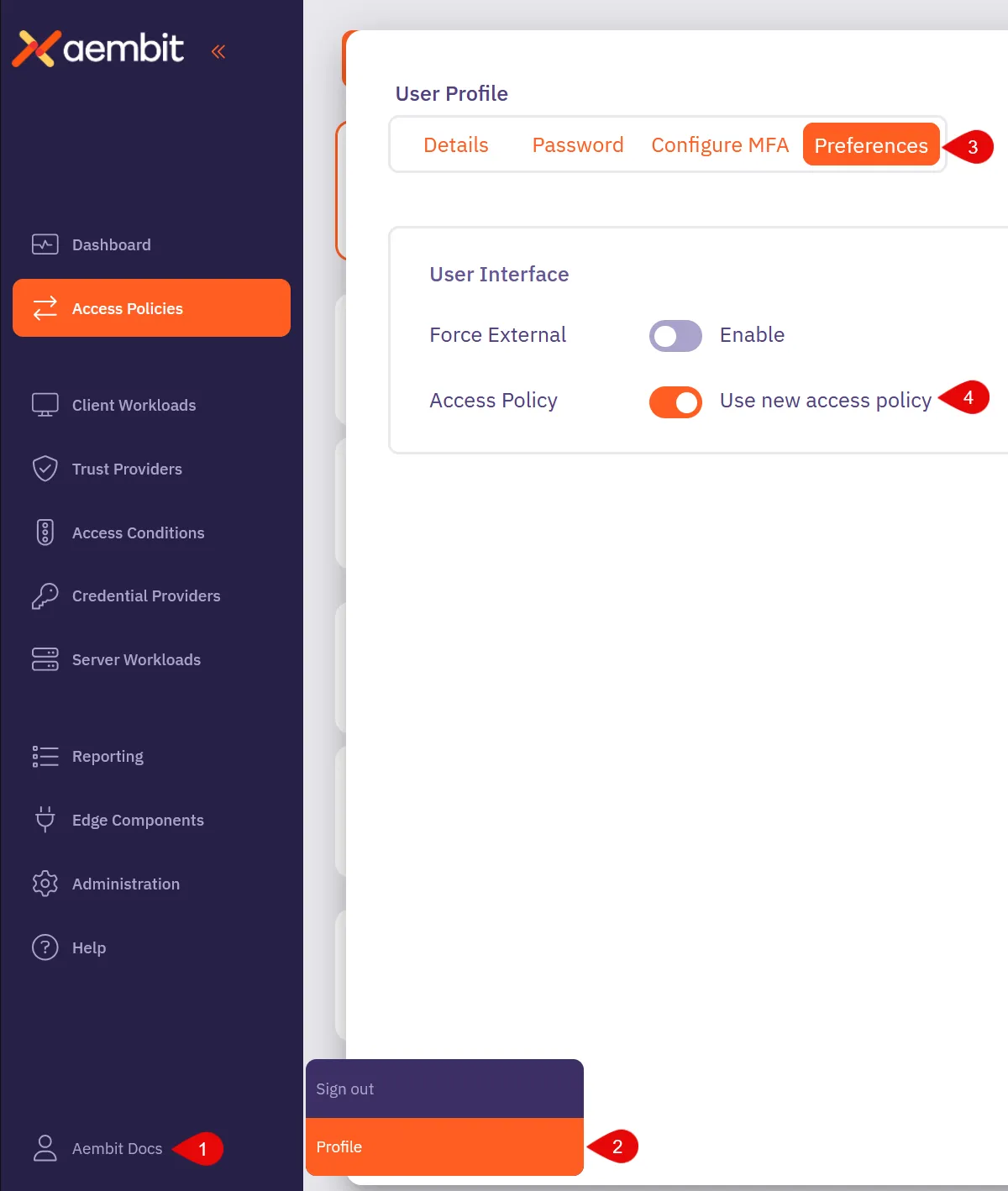
## Open the Access Policy Builder
[Section titled “Open the Access Policy Builder”](#open-the-access-policy-builder)
1. In the Aembit Admin UI, select **Access Policies** from the left sidebar.

2. Click **+ New** to open the Access Policy Builder.
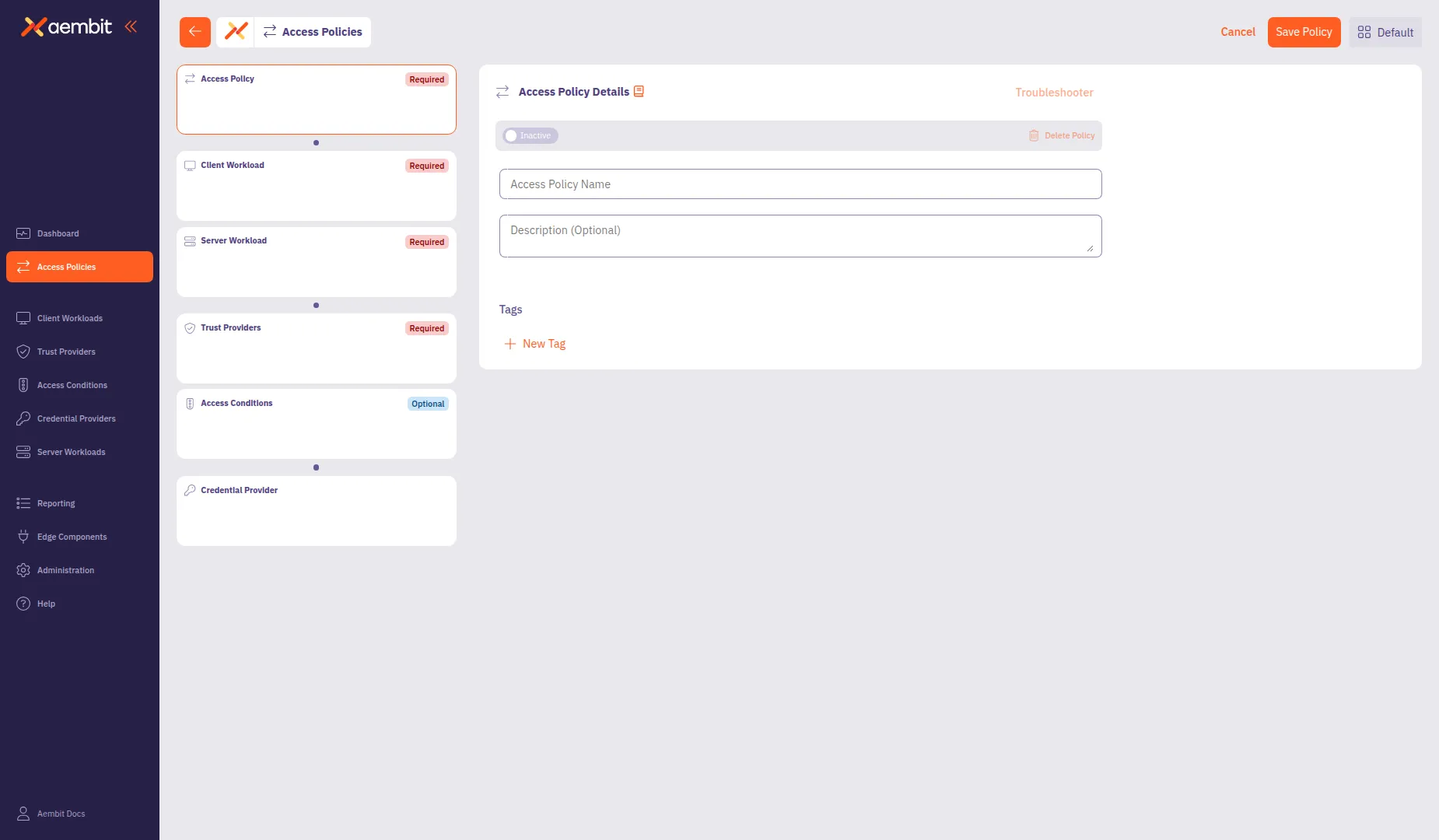
The Access Policy Builder displays a card-based navigation in the left panel with the following components:
* **Access Policy** (Required) - Policy name and metadata
* **Client Workload**Client Workload**: Client Workloads represent software applications, scripts, or automated processes that initiate access requests to Server Workloads, operating autonomously without direct user interaction.[Learn more](/get-started/concepts/client-workloads)** (Required) - The application requesting access
* **Server Workload**Server Workload**: Server Workloads represent target services, APIs, databases, or applications that receive and respond to access requests from Client Workloads.[Learn more](/get-started/concepts/server-workloads)** (Required) - The service being accessed
* **Trust Providers**Trust Provider**: Trust Providers validate Client Workload identities through workload attestation, verifying identity claims from the workload's runtime environment rather than relying on pre-shared secrets.[Learn more](/get-started/concepts/trust-providers)** (Recommended) - Identity verification method
* **Access Conditions**Access Condition**: Access Conditions add dynamic, context-aware constraints to authorization by evaluating circumstances like time, location, or security posture to determine whether to grant access.[Learn more](/get-started/concepts/access-conditions)** (Recommended) - Additional access constraints
* **Credential Provider**Credential Provider**: Credential Providers obtain the specific access credentials—such as API keys, OAuth tokens, or temporary cloud credentials—that Client Workloads need to authenticate to Server Workloads.[Learn more](/get-started/concepts/credential-providers)** (Optional) - How credentials are obtained
Change the requirement of each Access Policy component based on your organization’s compliance needs, using [Global Policy Compliance](/user-guide/administration/global-policy/).
## Configure the Access Policy details
[Section titled “Configure the Access Policy details”](#configure-the-access-policy-details)
The Access Policy Details panel displays by default when you open the builder.
1. In the **Access Policy Name** field, enter a name for your Access Policy.
2. (Optional) In the **Description** field, add a description to help identify the policy’s purpose.
3. (Optional) In the **Tags** section, click **+ New Tag** to add tags for organization.
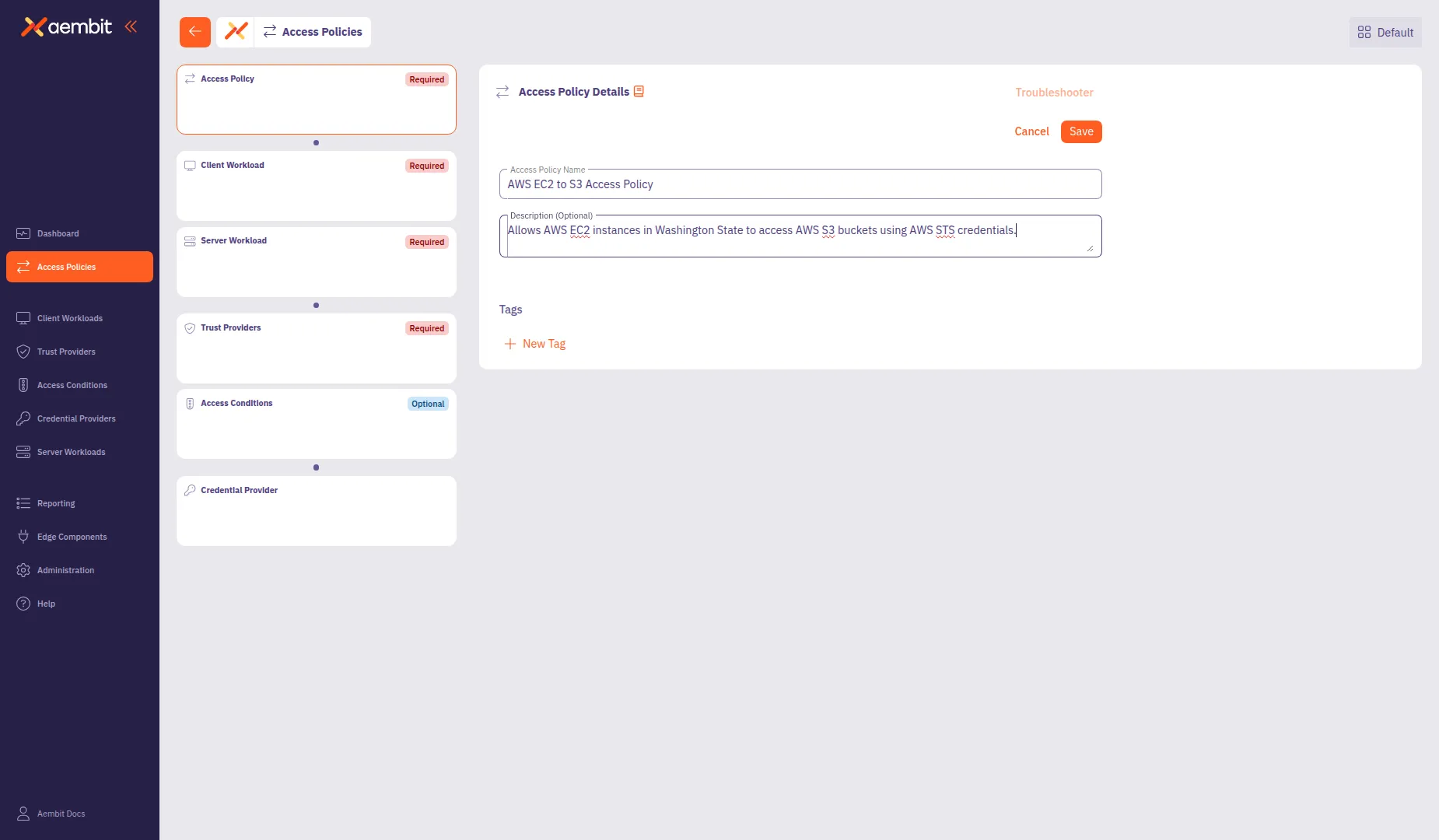
## Add a Client Workload
[Section titled “Add a Client Workload”](#add-a-client-workload)
Click the **Client Workload** card in the left panel to configure the client application.
Each component in the Access Policy Builder offers two options:
* **Add New** - Create a new component directly within the builder. The component saves to your tenant and associates with this policy.
* **Select Existing** - Choose from components you’ve already created. This lets you reuse components across multiple policies.
For detailed information about Client Workload configuration options and identification types, see [Client Workloads](/user-guide/access-policies/client-workloads/).
* Add New
To create a new Client Workload:
1. Select the **Add New** tab if not already selected.
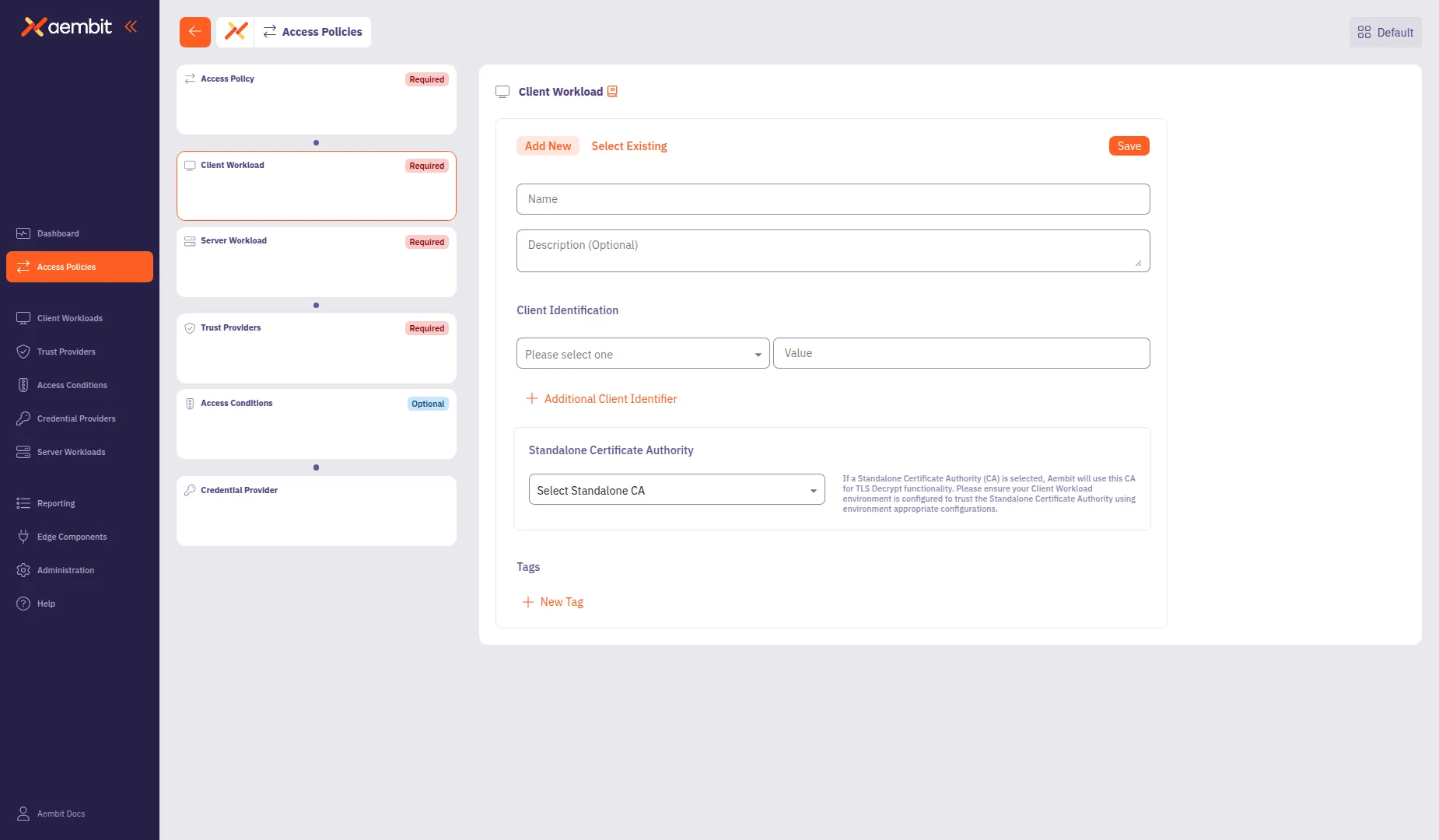
2. In the **Name** field, enter a name for the Client Workload.
3. (Optional) In the **Description** field, add context about the workload.
4. From the **Client Identification** dropdown, select an identification type. For AWS EC2 instances, select **AWS EC2 Instance Id**.
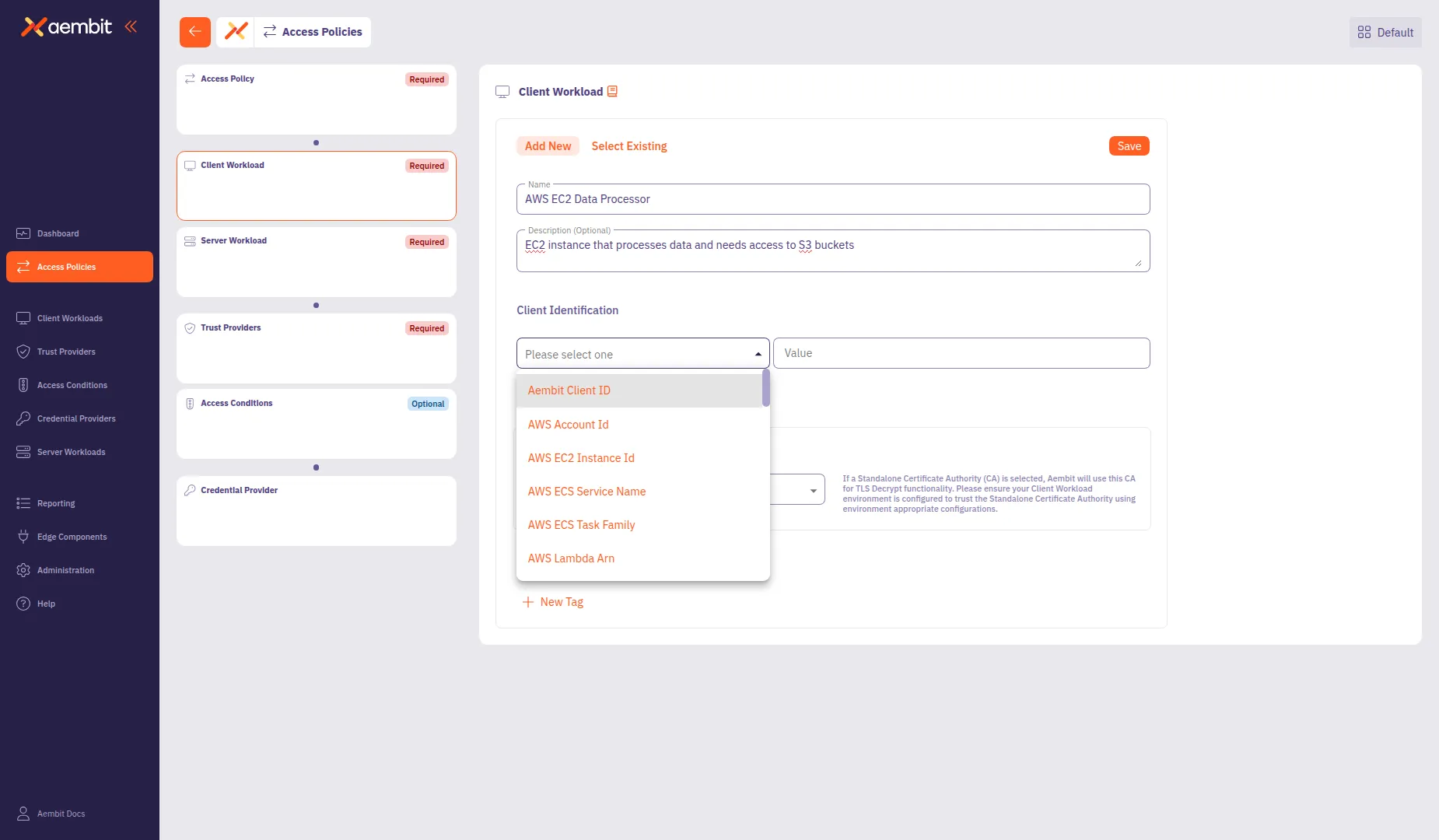
5. In the **Value** field, enter the identification value (for example, `i-0abc123def456789`).
6. (Optional) Click **+ Additional Client Identifier** to add more identifiers.
7. Click **Save** to add the Client Workload to the policy.
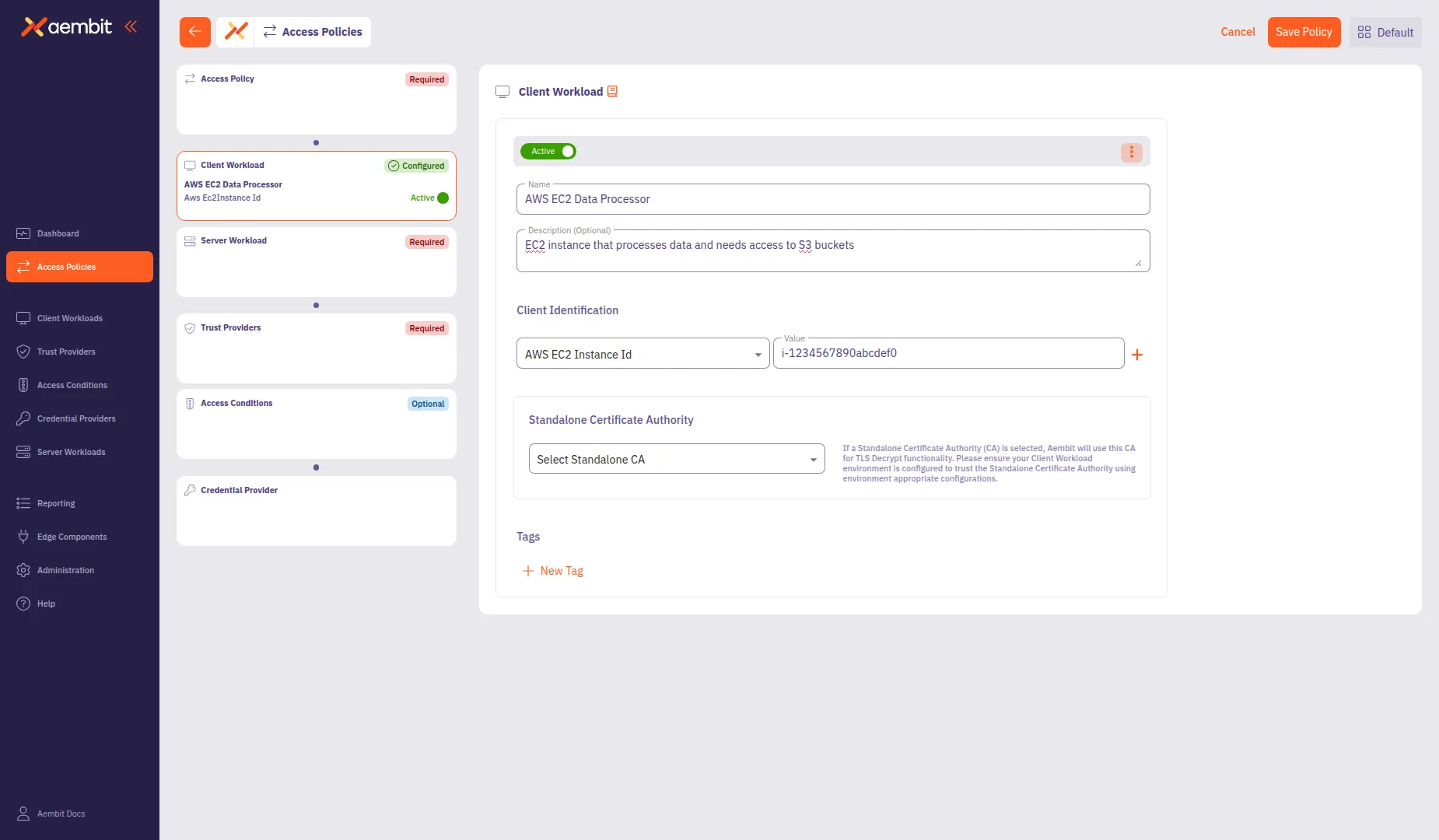
* Select Existing
To use an existing Client Workload:
1. Select the **Select Existing** tab.
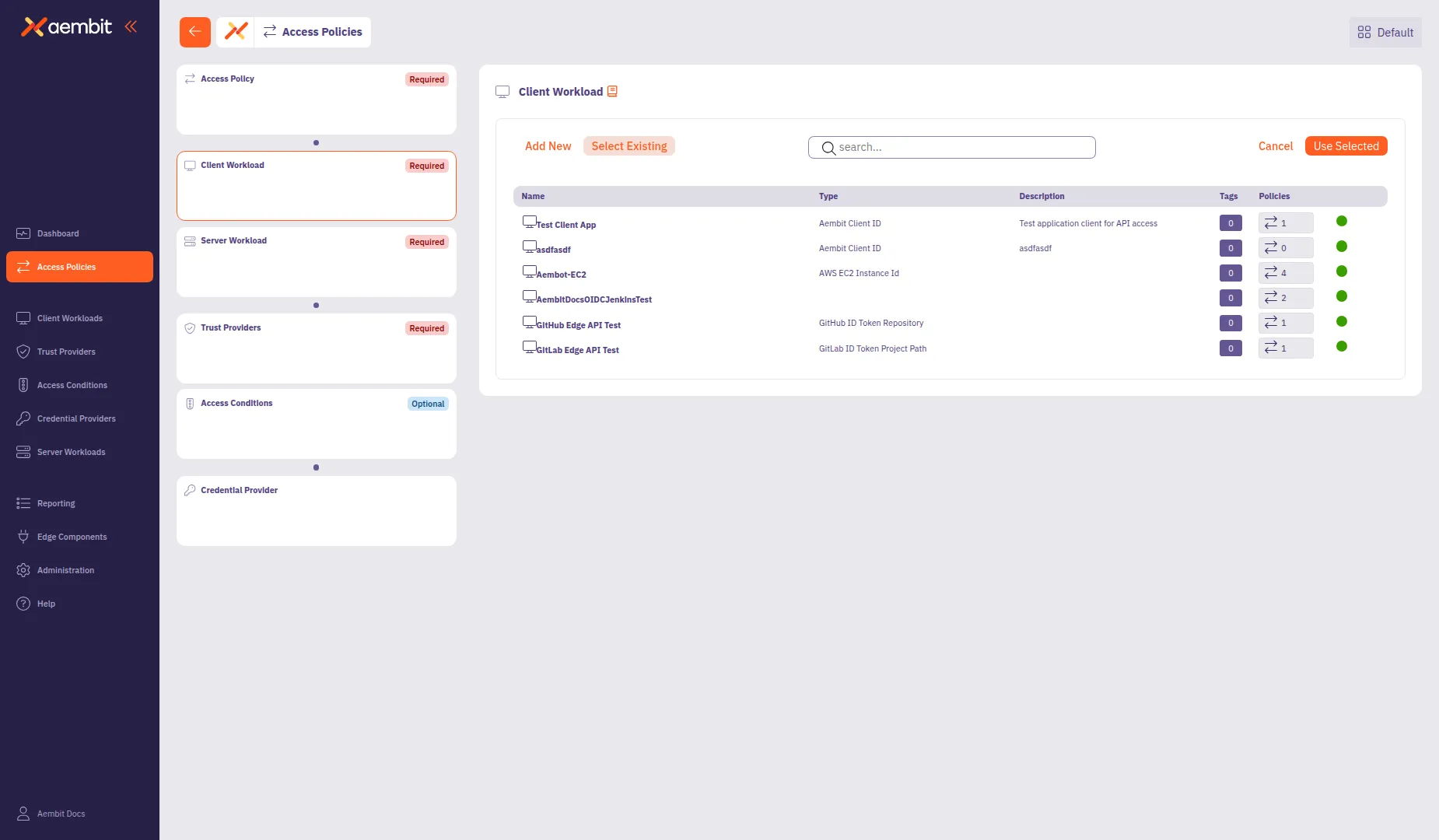
2. Use the search field to filter the list.
3. Click a row to select a Client Workload. The selected row highlights with an orange border.
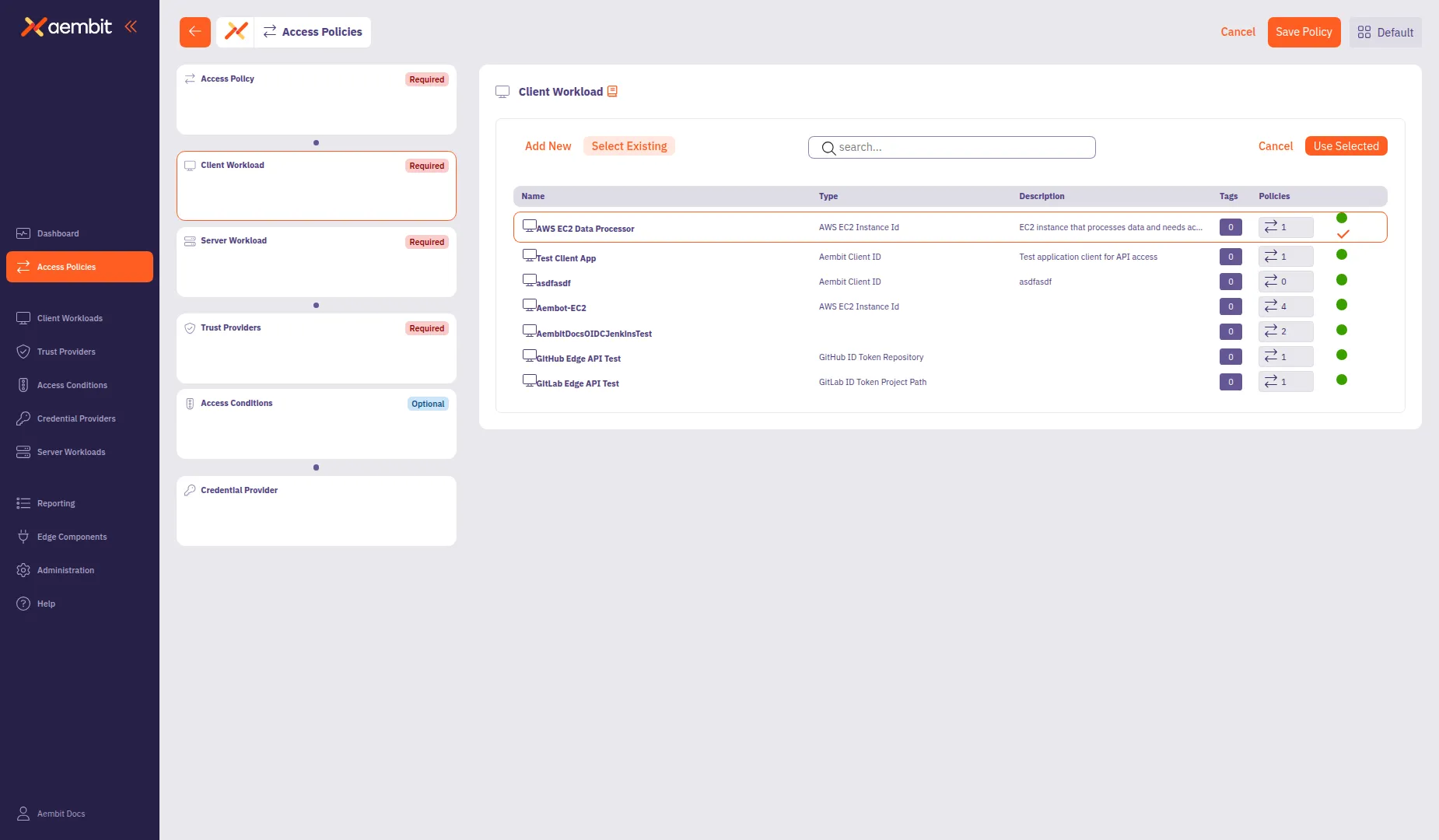
4. Click **Use Selected** to add it to the policy.
## Add a Server Workload
[Section titled “Add a Server Workload”](#add-a-server-workload)
Click the **Server Workload** card in the left panel to configure the target service.
For detailed information about Server Workload configuration options, protocols, and authentication methods, see [Server Workloads](/user-guide/access-policies/server-workloads/).
* Add New
To create a new Server Workload:
1. Select the **Add New** tab if not already selected.
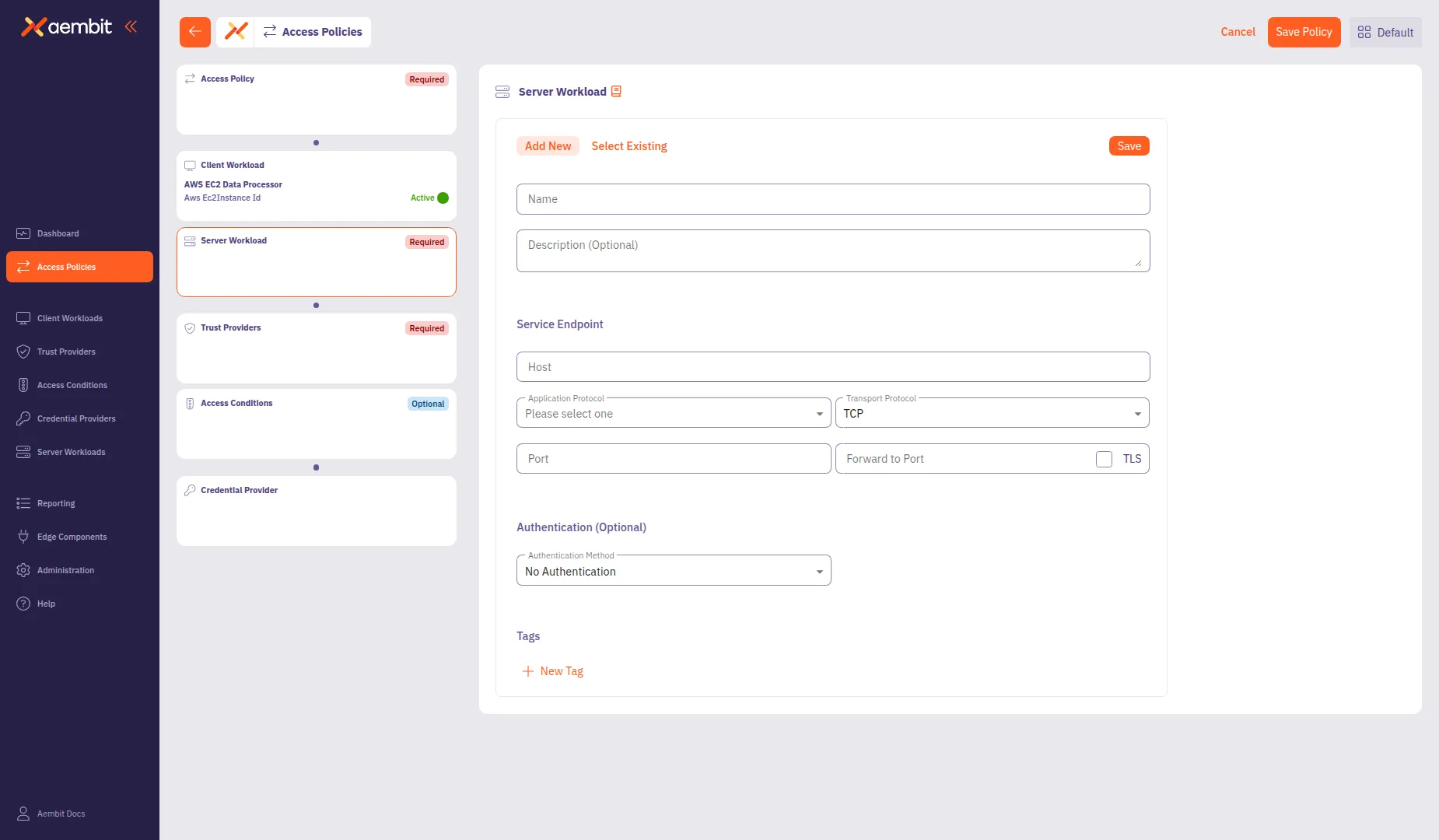
2. In the **Name** field, enter a name for the Server Workload (for example, `AWS S3 Storage Bucket`).
3. (Optional) In the **Description** field, add context about the workload.
4. In the **Service Endpoint** section, configure the connection details:
* **Host**: Enter the service hostname (for example, `s3.us-west-2.amazonaws.com`).
* **Application Protocol**: Select the protocol (for example, **HTTP**).
* **Transport Protocol**: Select **TCP** (default).
* **Port**: Enter the port number (for example, `443`). This field auto-populates based on the selected protocol.
* **TLS**: Select this checkbox for secure connections.
* **Forward to Port**: (Optional) Enter the destination port if different from the incoming port.
5. (Optional) From the **Authentication Method** dropdown, select an authentication method if the server requires it.
6. Click **Save** to add the Server Workload to the policy.
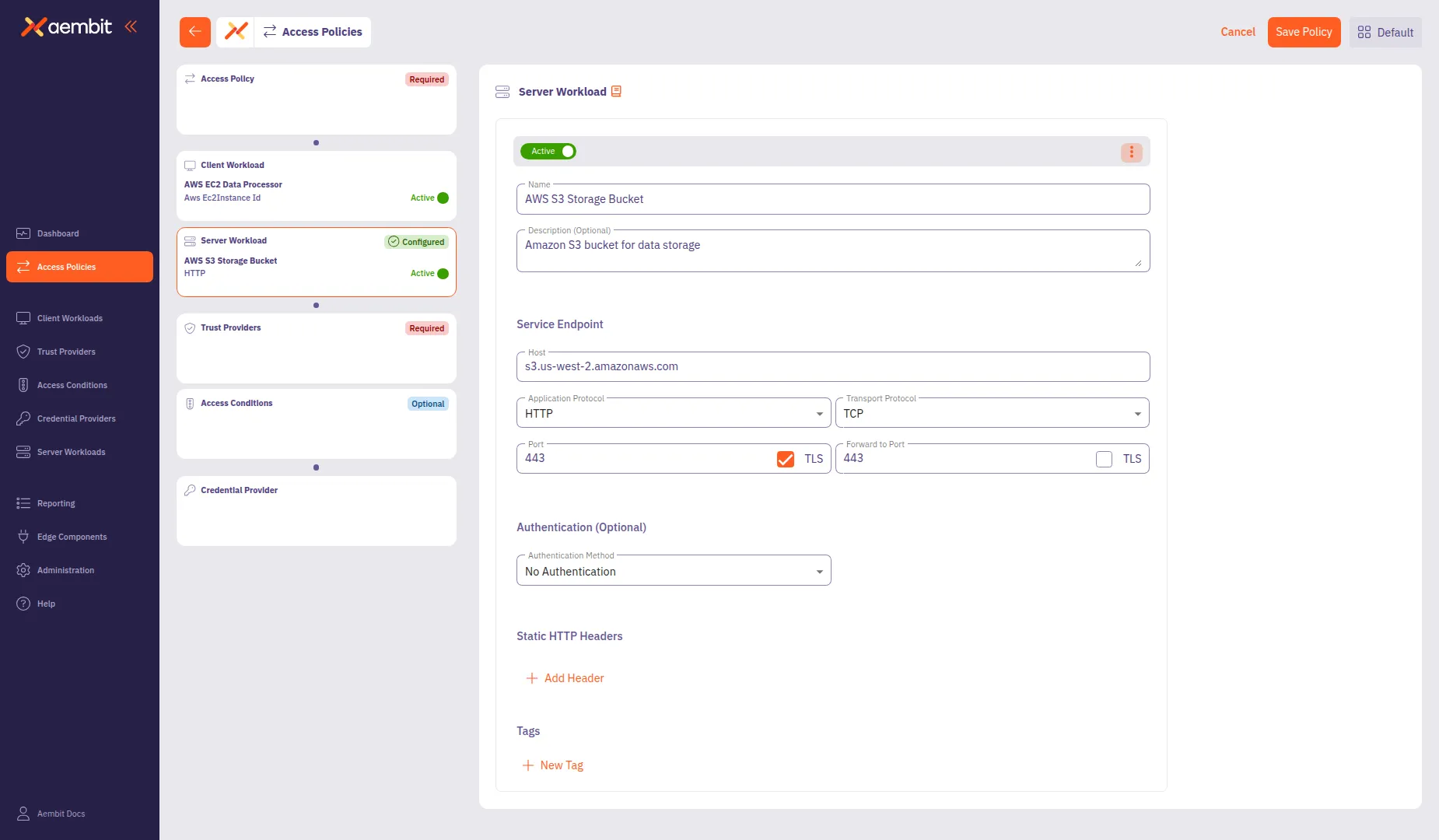
* Select Existing
To use an existing Server Workload:
1. Select the **Select Existing** tab.
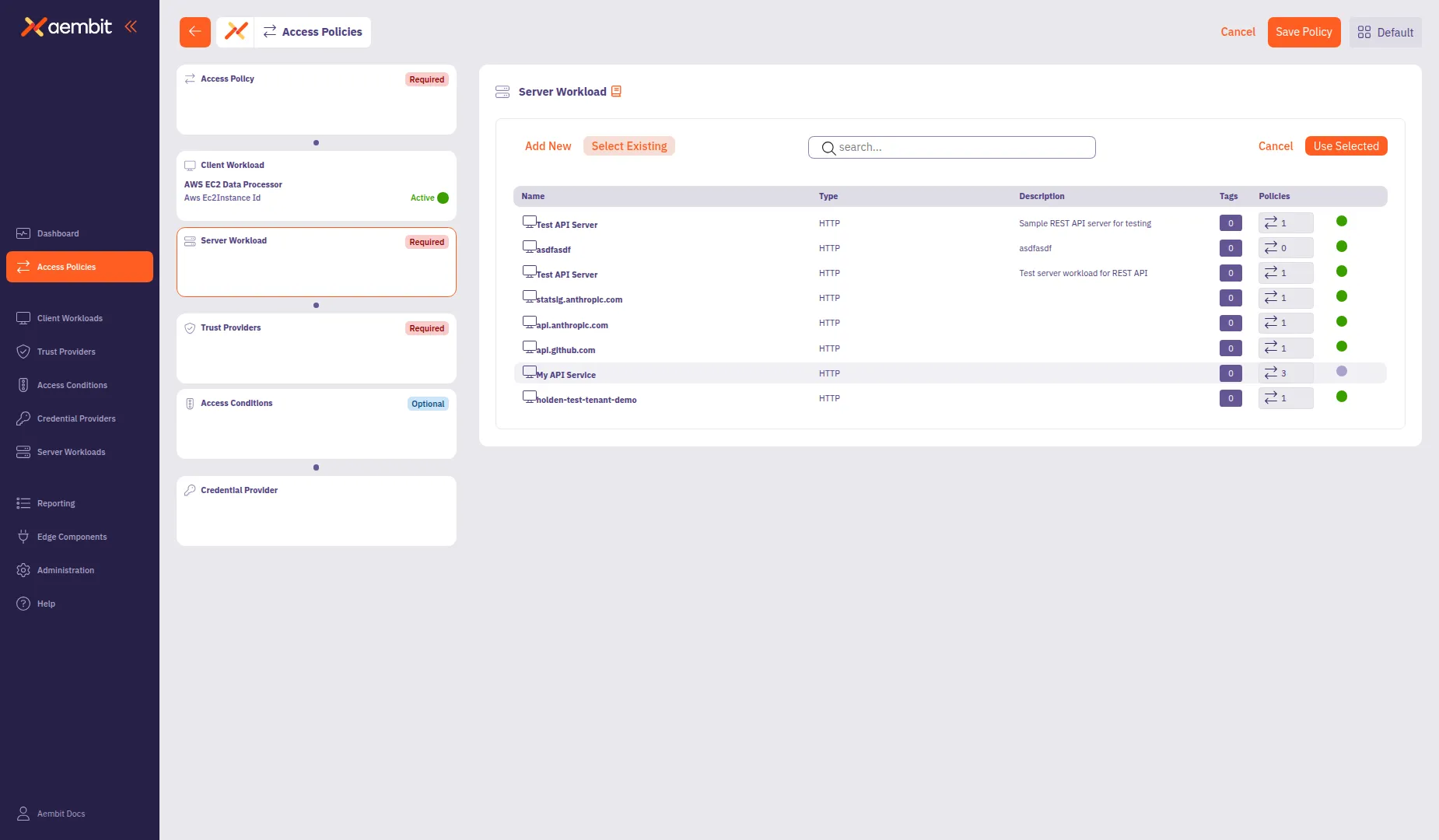
2. Use the search field to filter the list.
3. Click a row to select a Server Workload. The selected row highlights with an orange border.
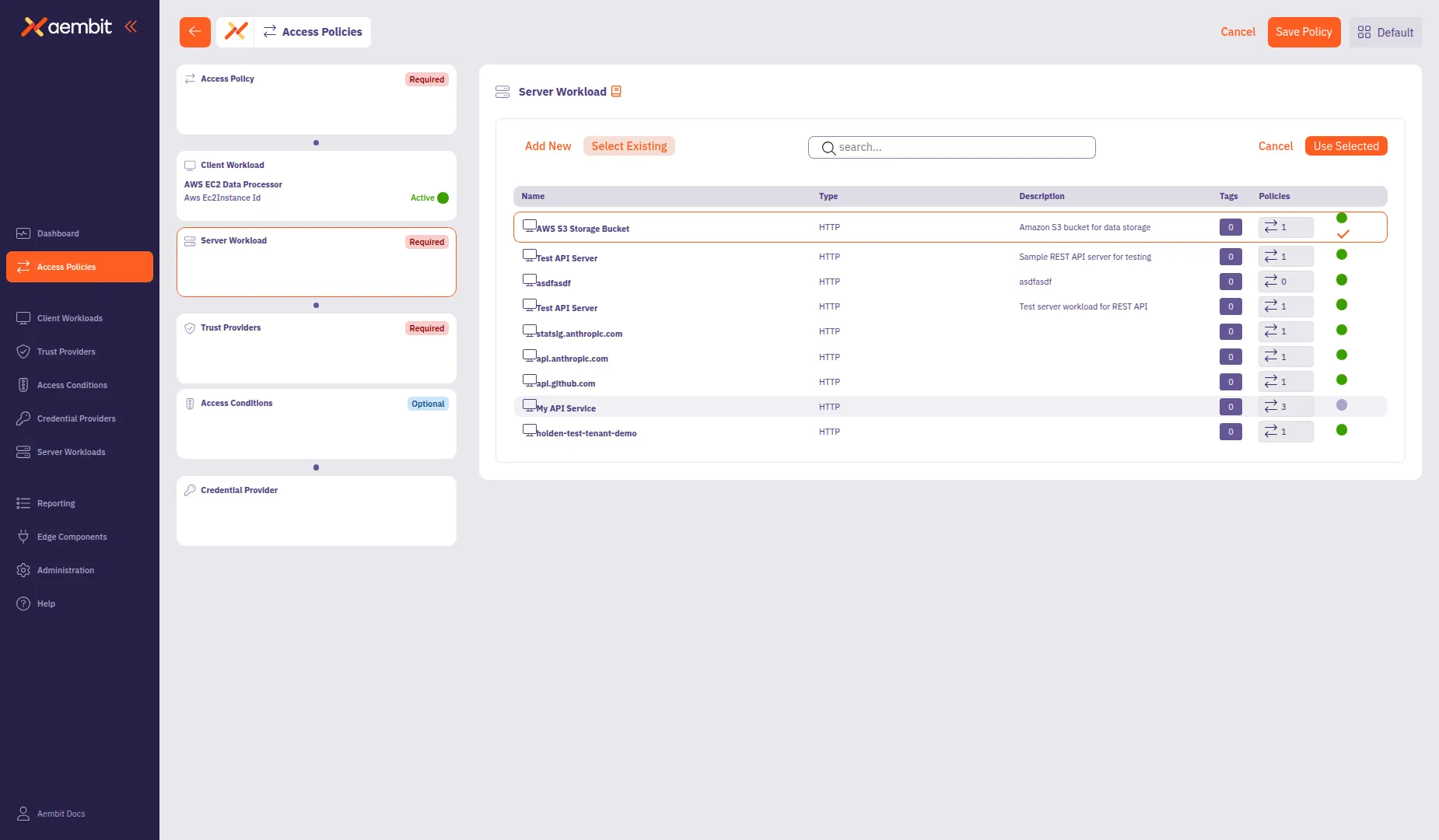
4. Click **Use Selected** to add it to the policy.
## Add a Trust Provider
[Section titled “Add a Trust Provider”](#add-a-trust-provider)
Click the **Trust Providers** card in the left panel to configure identity verification.
For detailed information about Trust Provider types and match rule configuration, see [Trust Providers](/user-guide/access-policies/trust-providers/).
* Add New
To create a new Trust Provider:
1. Select the **Add New** tab if not already selected.
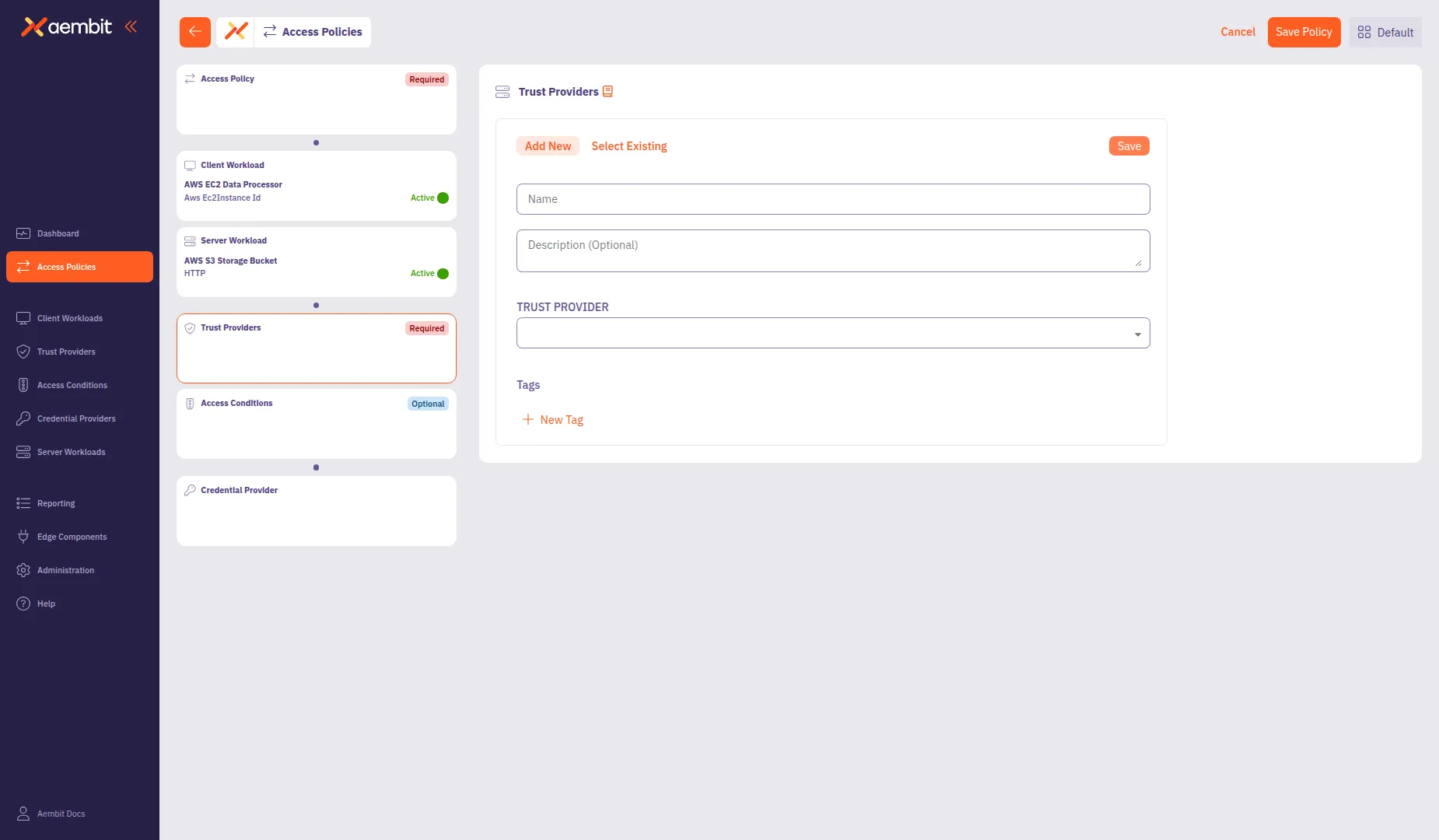
2. In the **Name** field, enter a name for the Trust Provider.
3. (Optional) In the **Description** field, add context about the provider.
4. From the **Trust Provider** dropdown, select a provider type:
* **AWS Metadata Service** - For AWS EC2 instance identity verification
* **AWS Role** - For AWS Identity and Access Management (IAM) role-based trust
* **Azure Metadata Service** - For Azure Virtual Machine (VM) identity
* **GCP Identity Token** - For Google Cloud Platform (GCP) identity
* **GitHub Action ID Token** - For GitHub Actions workflows
* **GitLab Job ID Token** - For GitLab CI/CD pipelines
* **Kubernetes Service Account** - For Kubernetes workload identity
* **OIDC ID Token** - For generic OpenID Connect (OIDC) providers
5. Configure the type-specific settings. For most provider types, configure **Match Rules** to specify which identity claims to verify.
6. Click **Save** to add the Trust Provider to the policy.
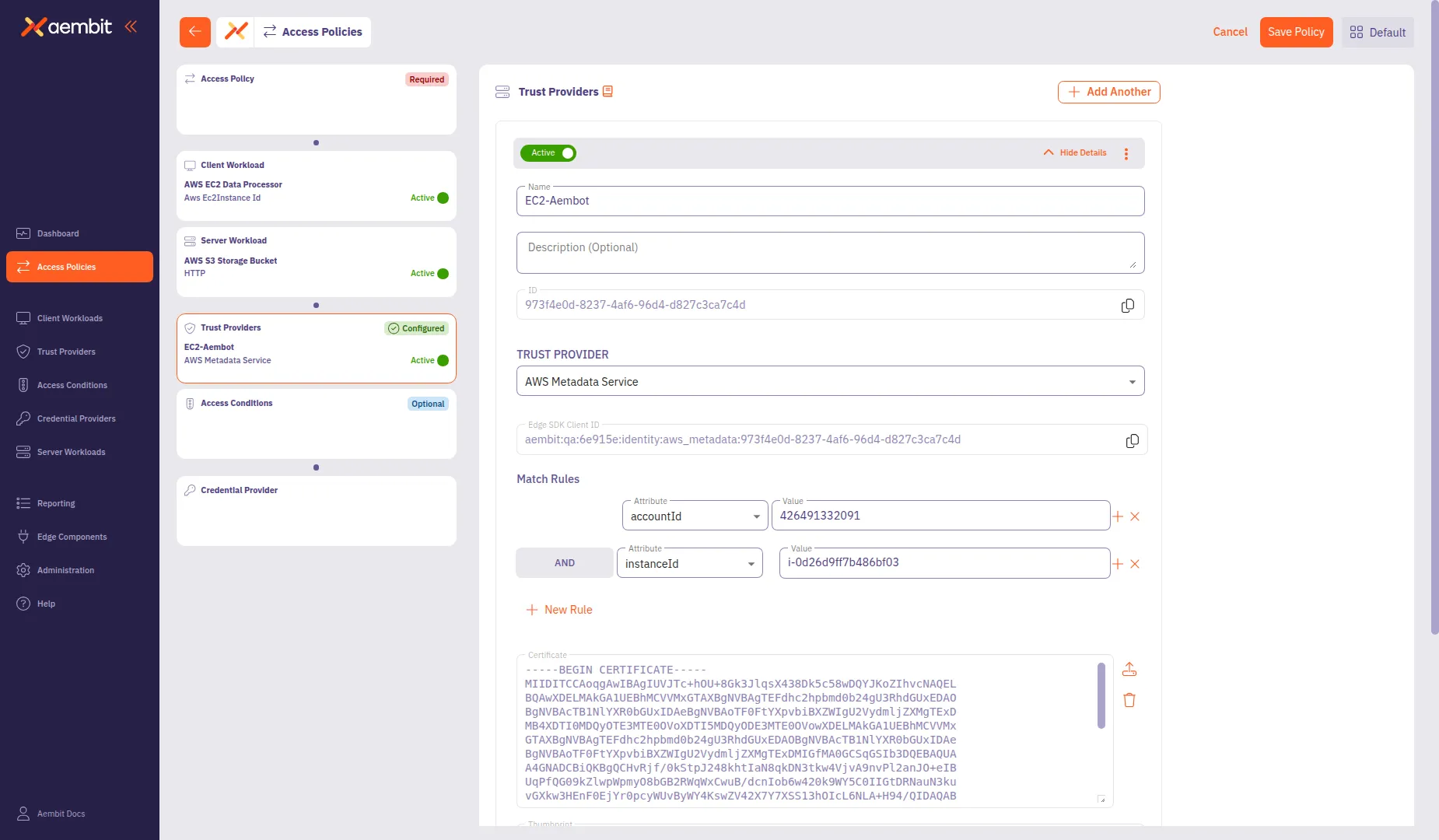
To add multiple Trust Providers, click **+ Add Another** after saving the first one. This opens a menu where you can select **Add New** to create another provider or **Select Existing** to choose from existing providers.
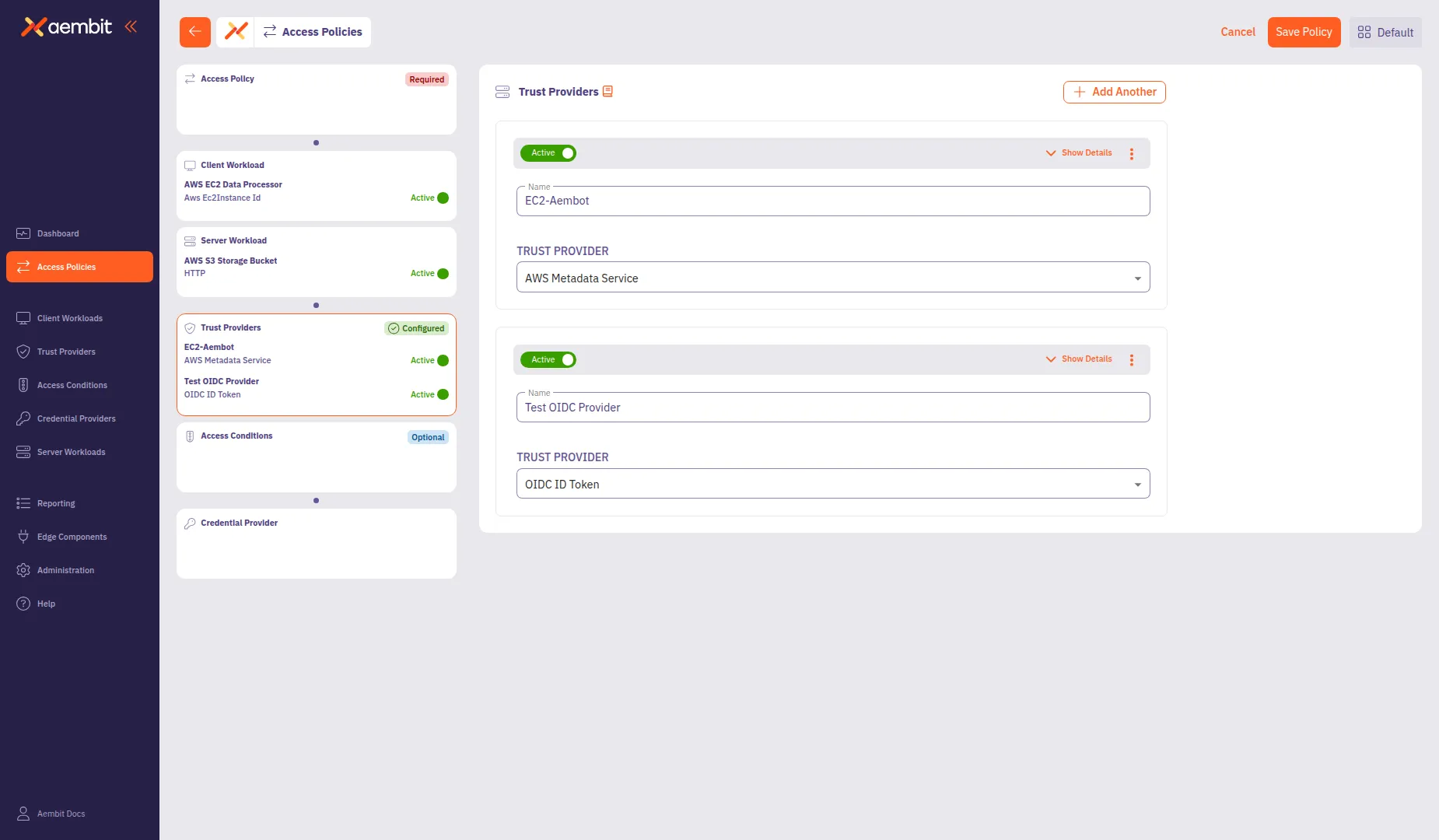
* Select Existing
To use an existing Trust Provider:
1. Select the **Select Existing** tab.
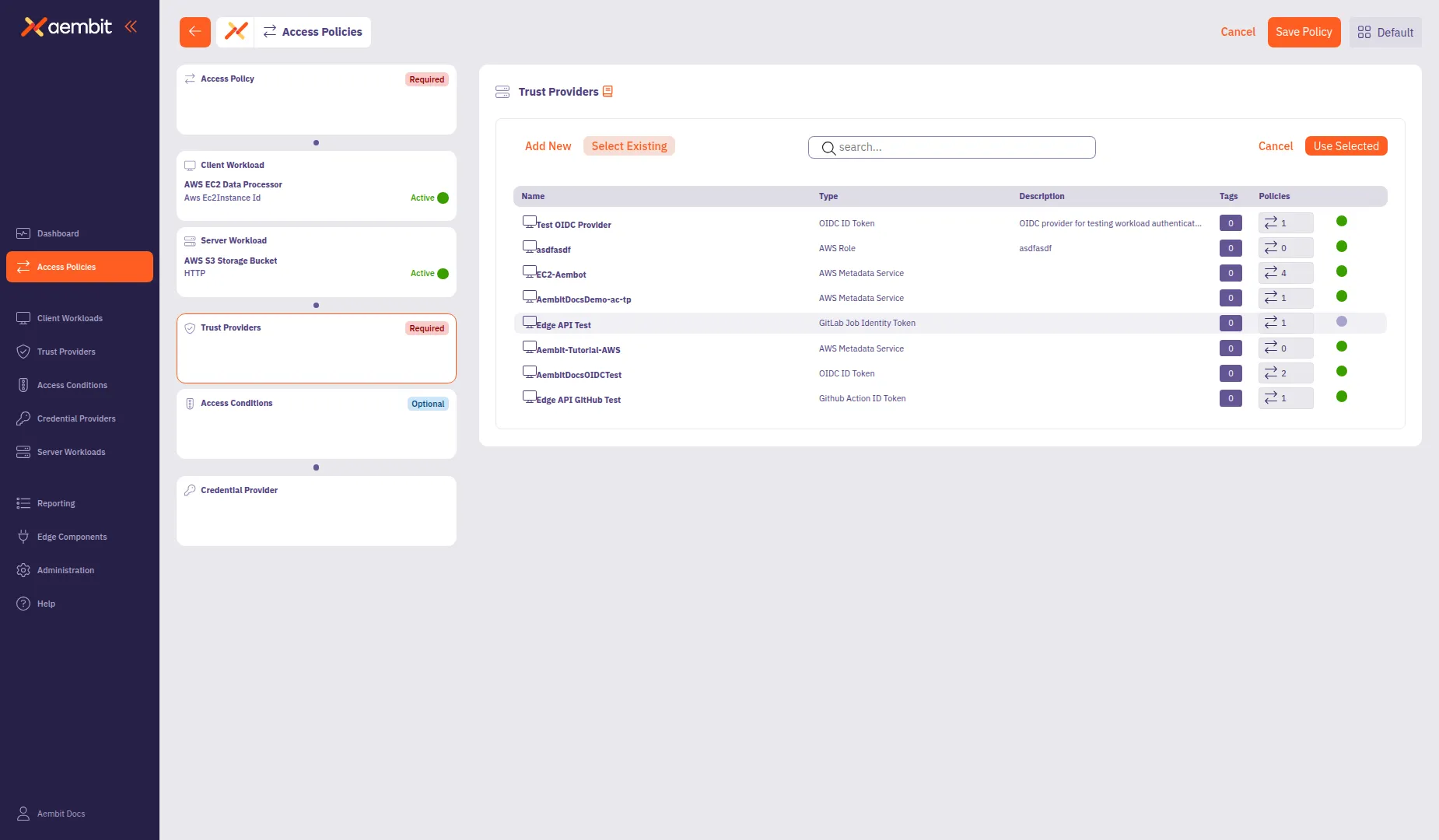
2. Use the search field to filter the list.
3. Click a row to select a Trust Provider. The selected row highlights with an orange border.
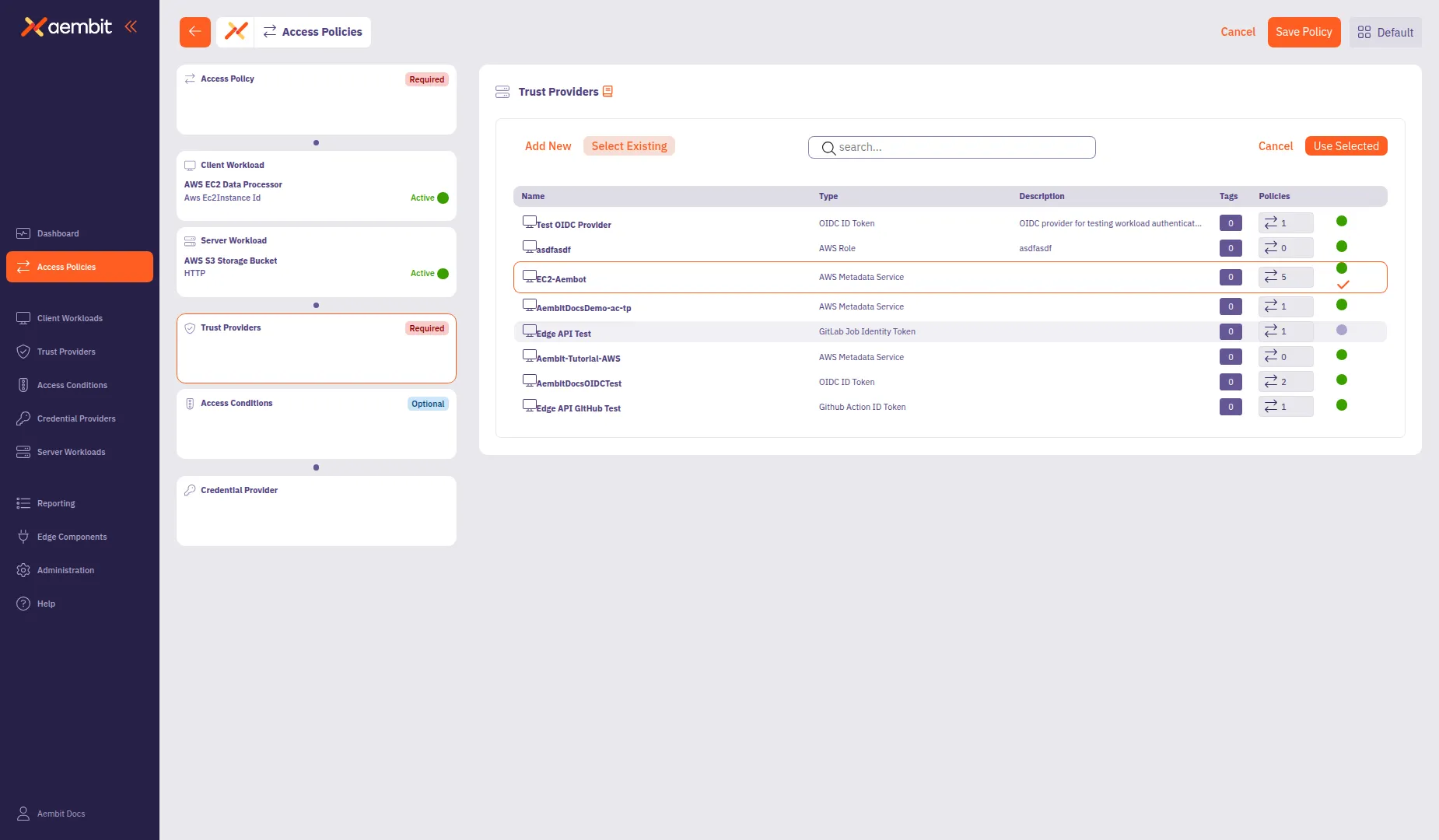
4. Click **Use Selected** to add it to the policy.
## Add Access Conditions (optional)
[Section titled “Add Access Conditions (optional)”](#add-access-conditions-optional)
Click the **Access Conditions** card in the left panel to add optional access constraints. Access Conditions provide additional security by restricting access based on factors like geographic location or time of day.
For detailed information about Access Condition types and integration options, see [Access Conditions](/user-guide/access-policies/access-conditions/).
* Add New
To create a new Access Condition:
1. Select the **Add New** tab if not already selected.
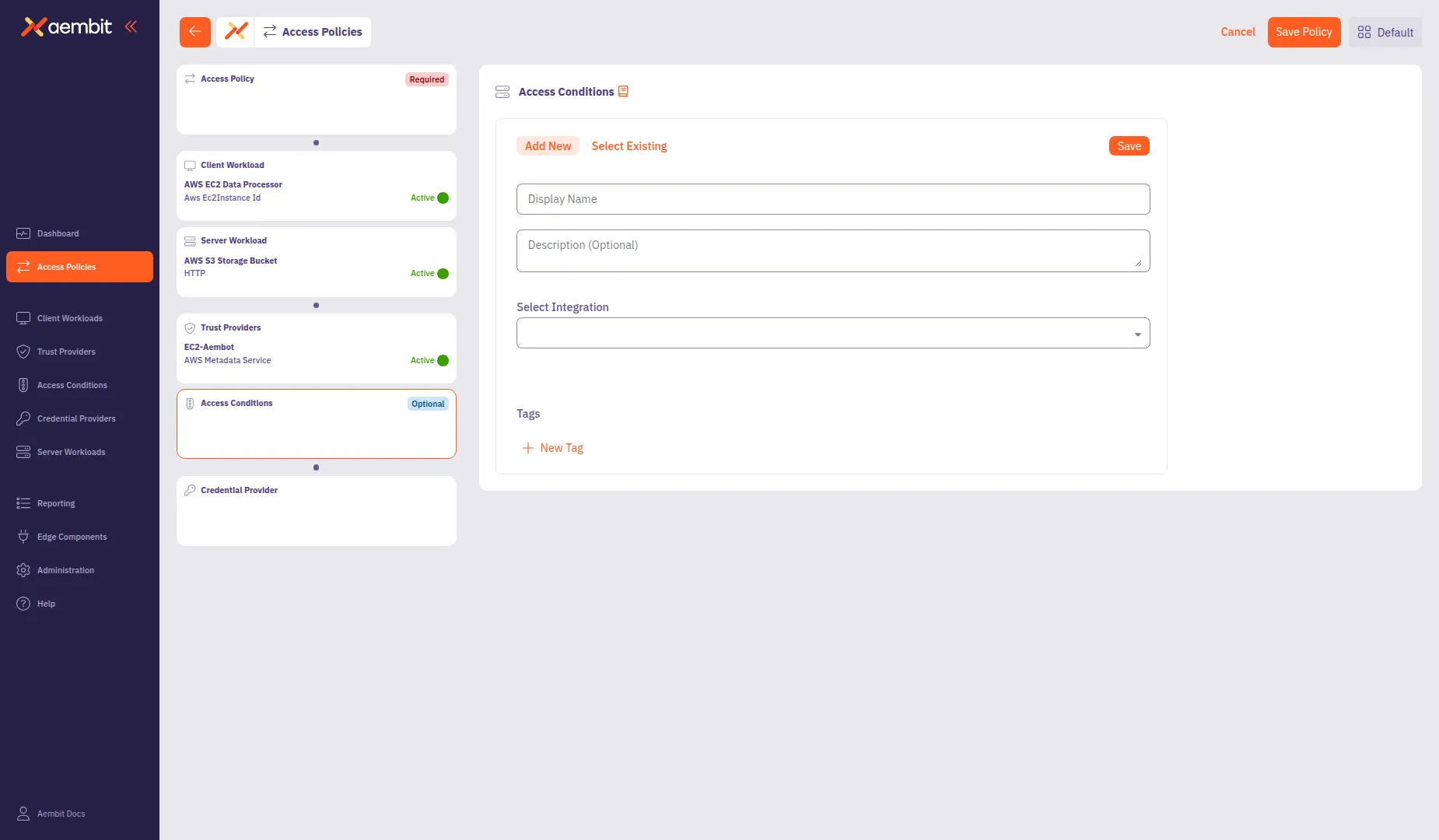
2. In the **Display Name** field, enter a name for the Access Condition (for example, `Washington State Location`).
3. (Optional) In the **Description** field, add context about the condition.
4. From the **Integration** dropdown, select a condition type:
* **Aembit GeoIP Condition** - Restrict access based on geographic location
* **Aembit Time Condition** - Restrict access based on time windows
* Other third-party integrations as configured in your tenant
5. Configure the integration-specific settings. For GeoIP conditions:
* Click **Add Country** to add a location rule.
* From the **Country** dropdown, select a country (for example, `United States of America`).
* (Optional) From the **Subdivision** dropdown, select a specific state or region (for example, `Washington`).
6. Click **Save** to add the Access Condition to the policy.
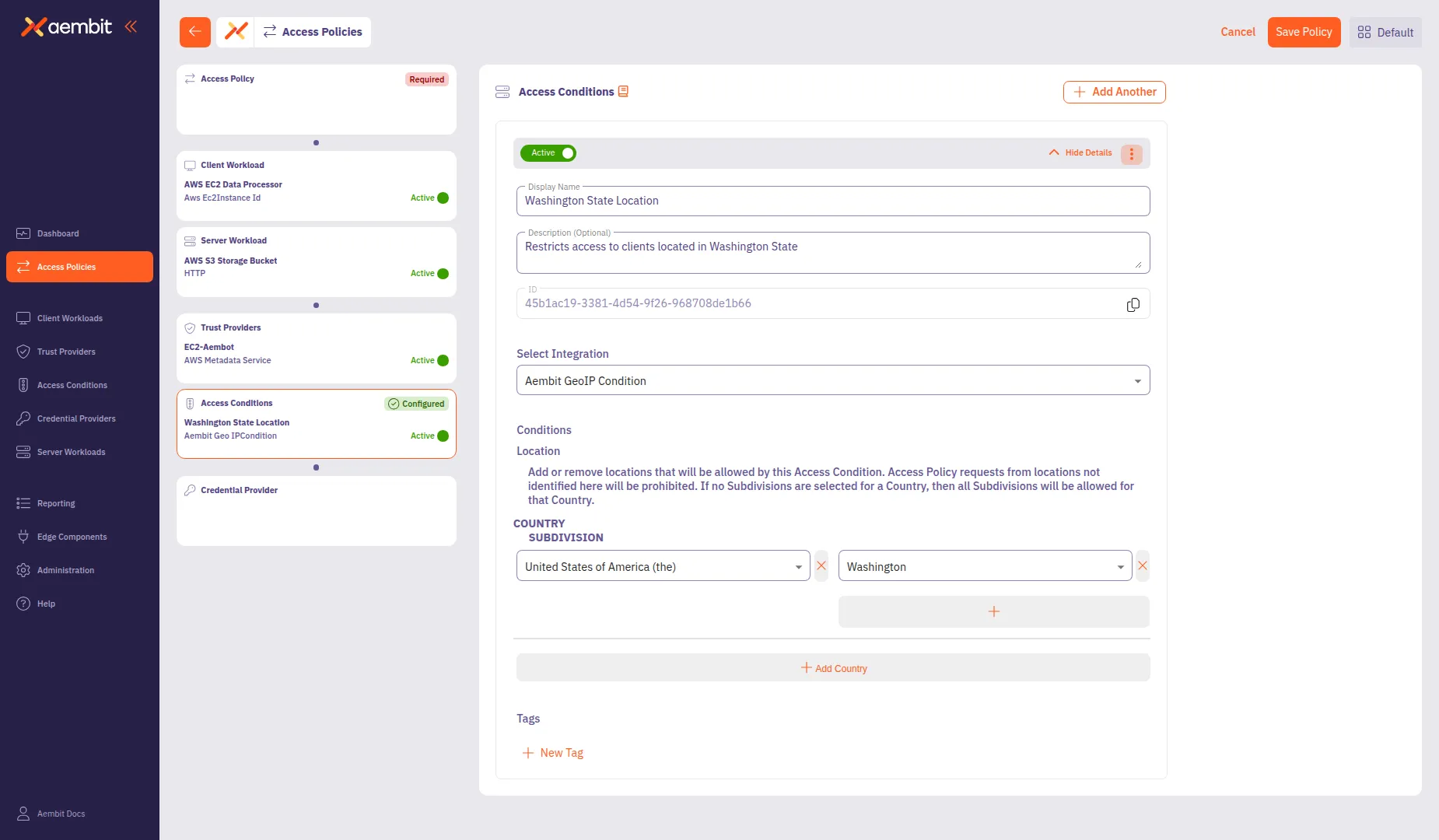
* Select Existing
To use an existing Access Condition:
1. Select the **Select Existing** tab.
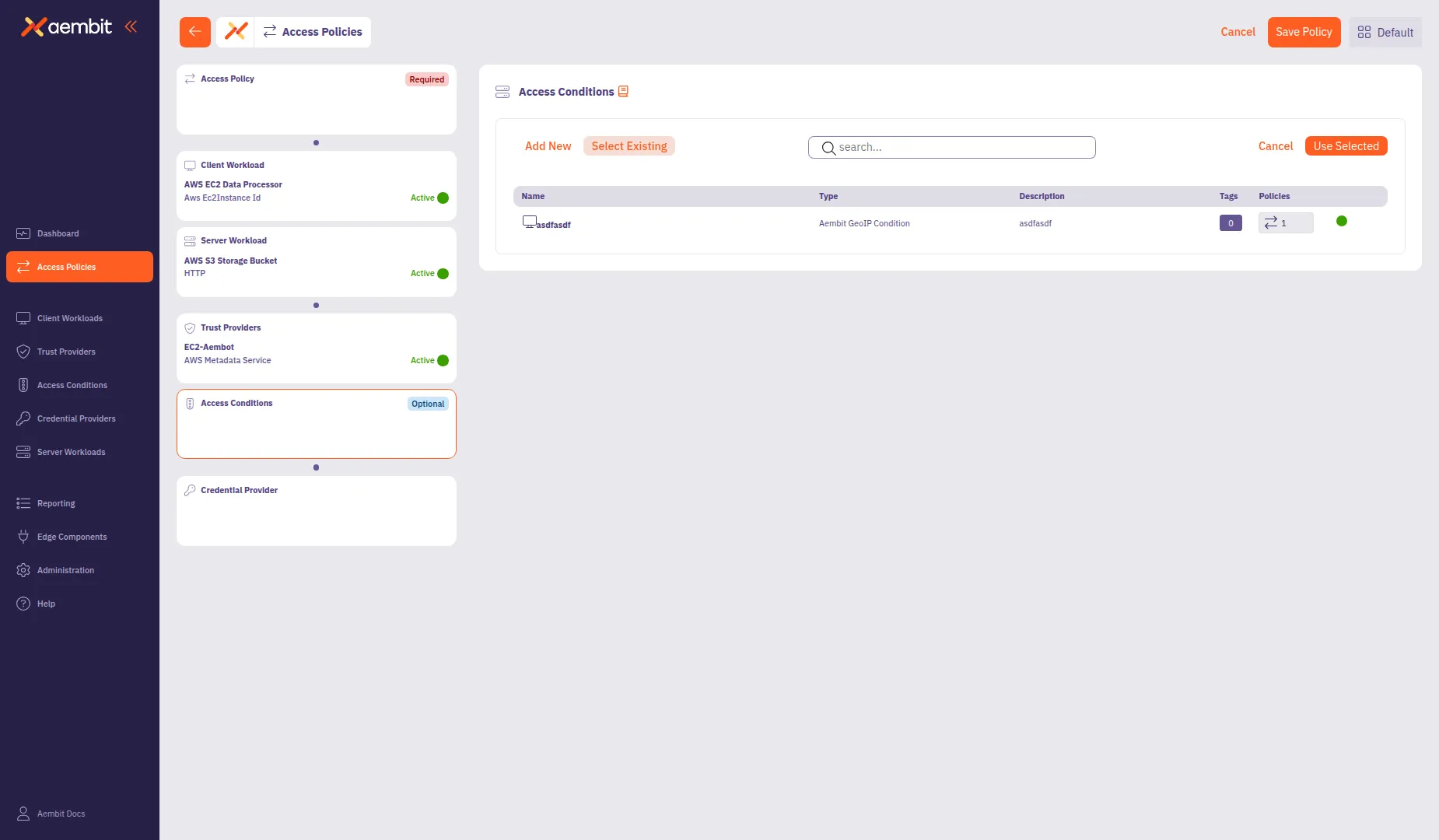
2. Use the search field to filter the list.
3. Click a row to select an Access Condition. The selected row highlights with an orange border.
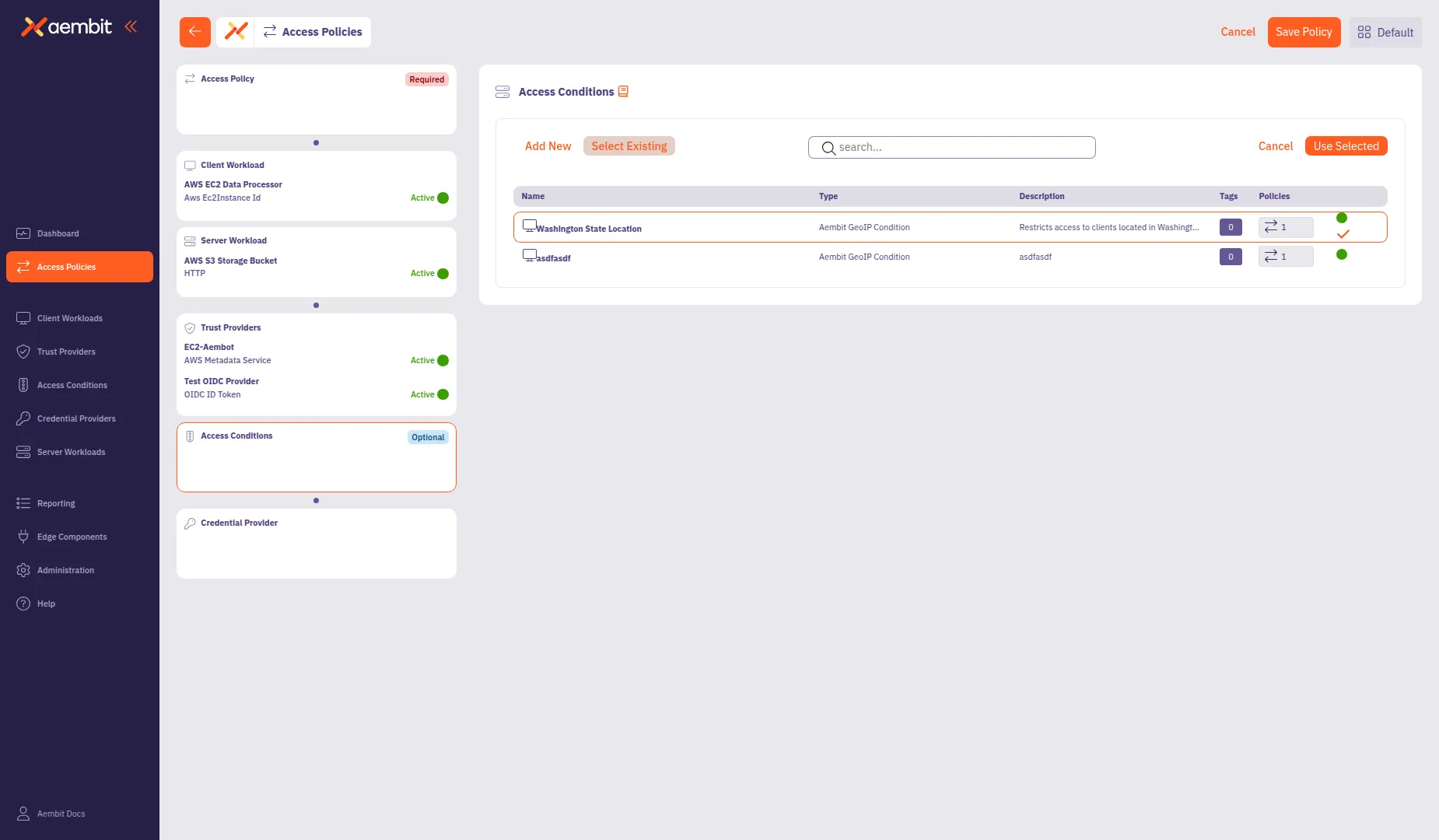
4. Click **Use Selected** to add it to the policy.
## Add a Credential Provider
[Section titled “Add a Credential Provider”](#add-a-credential-provider)
Click the **Credential Provider** card in the left panel to configure how the policy obtains credentials for accessing the Server Workload.
For detailed information about Credential Provider types and configuration options, see [Credential Providers](/user-guide/access-policies/credential-providers/).
* Add New
To create a new Credential Provider:
1. Select the **Add New** tab if not already selected.
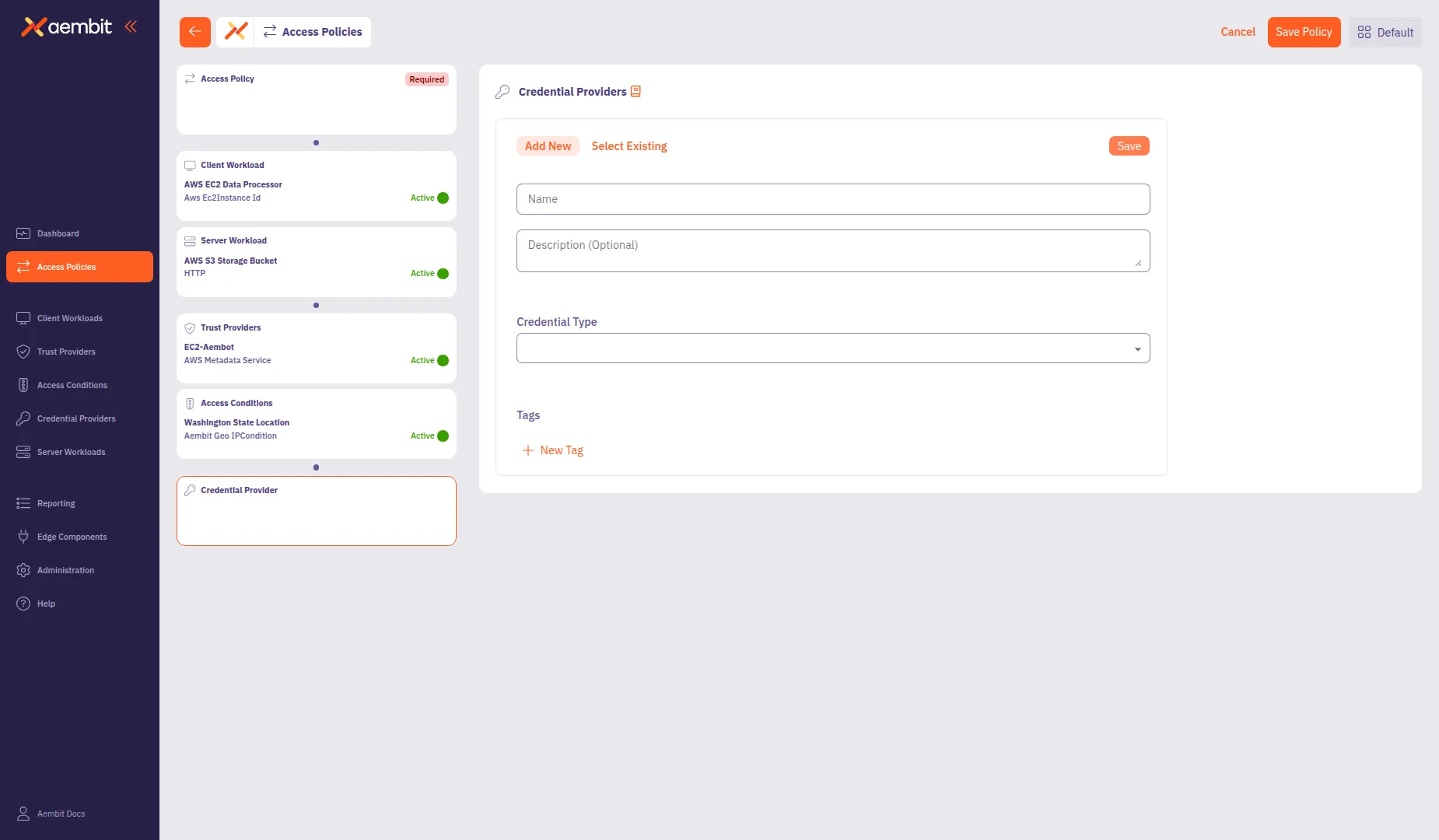
2. In the **Name** field, enter a name for the Credential Provider (for example, `AWS S3 Access Credential`).
3. (Optional) In the **Description** field, add context about the credential.
4. From the **Credential Type** dropdown, select a credential type:
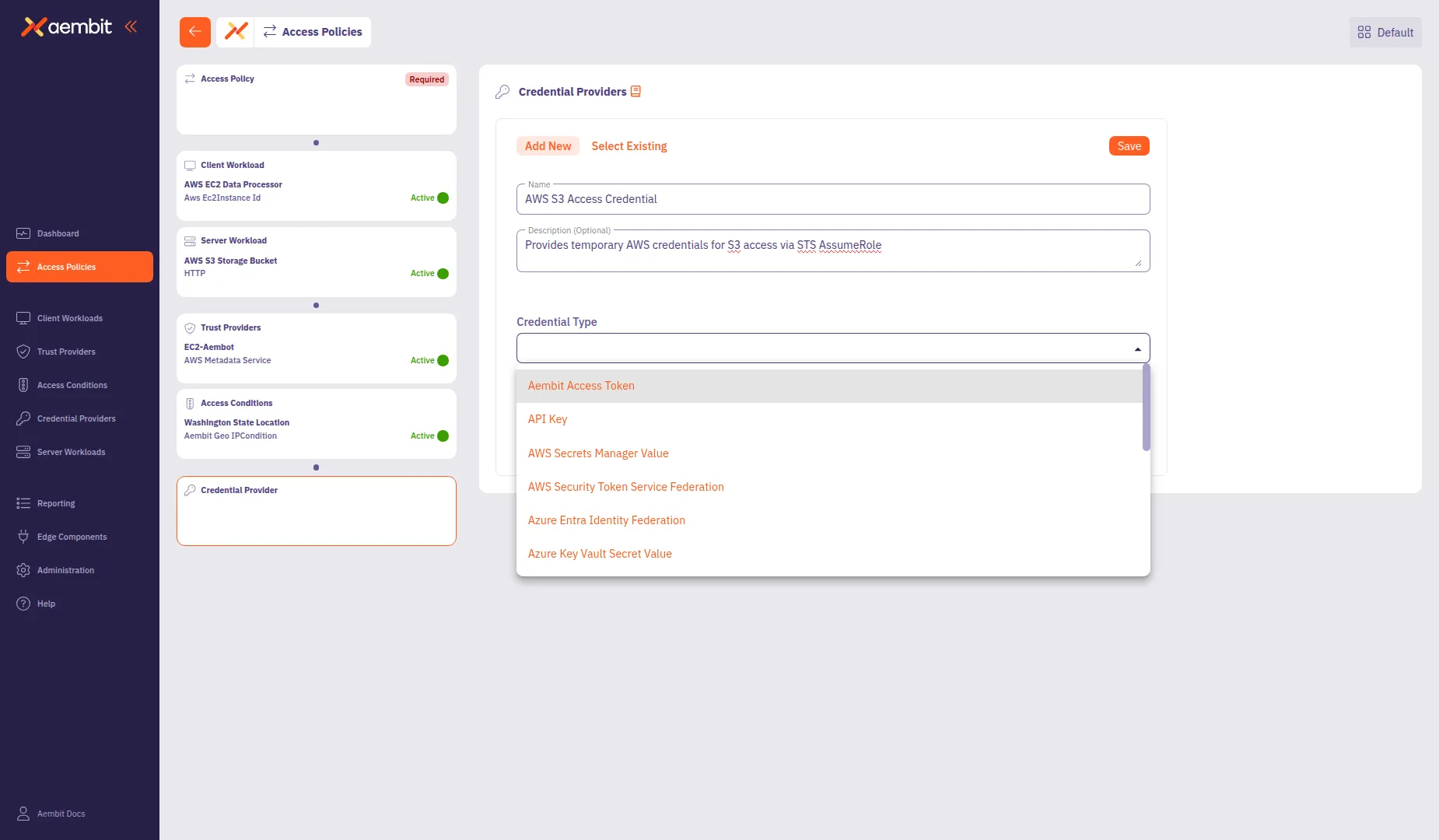
* **Aembit Access Token** - For Aembit-native authentication
* **API Key** - For static API key credentials
* **AWS Secrets Manager Value** - For credentials stored in AWS Secrets Manager
* **AWS Security Token Service Federation** - For AWS STS AssumeRole credentials
* **Azure Entra Identity Federation** - For Azure identity federation
* **Azure Key Vault Secret Value** - For credentials stored in Azure Key Vault
* **Google Workload Identity Federation** - For GCP identity federation
* **OAuth 2.0 Client Credentials** - For OAuth client credentials flow
5. Configure the type-specific settings. For AWS Security Token Service Federation:
* **OIDC Issuer URL**: Auto-populated with your tenant’s identity URL.
* **AWS IAM Role Arn**: Enter the Amazon Resource Name (ARN) of the IAM role to assume (for example, `arn:aws:iam::123456789012:role/AembitS3AccessRole`).
* **Aembit IdP Token Audience**: The Identity Provider (IdP) token audience, auto-populated with `sts.amazonaws.com`.
* **Lifetime**: Set the credential lifetime in seconds (default: `3600`).
6. Click **Save** to add the Credential Provider to the policy.
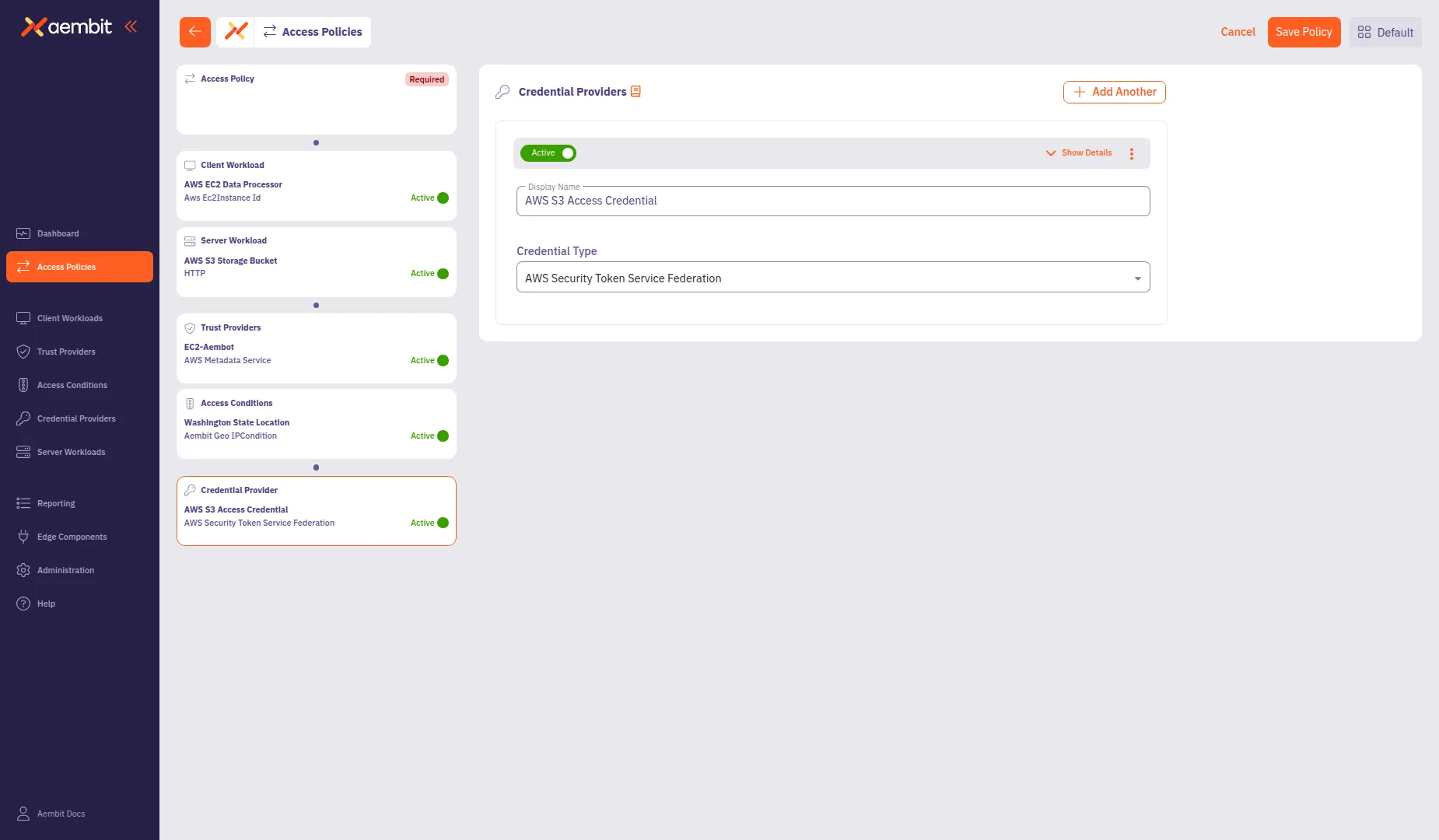
* Select Existing
To use an existing Credential Provider:
1. Select the **Select Existing** tab.
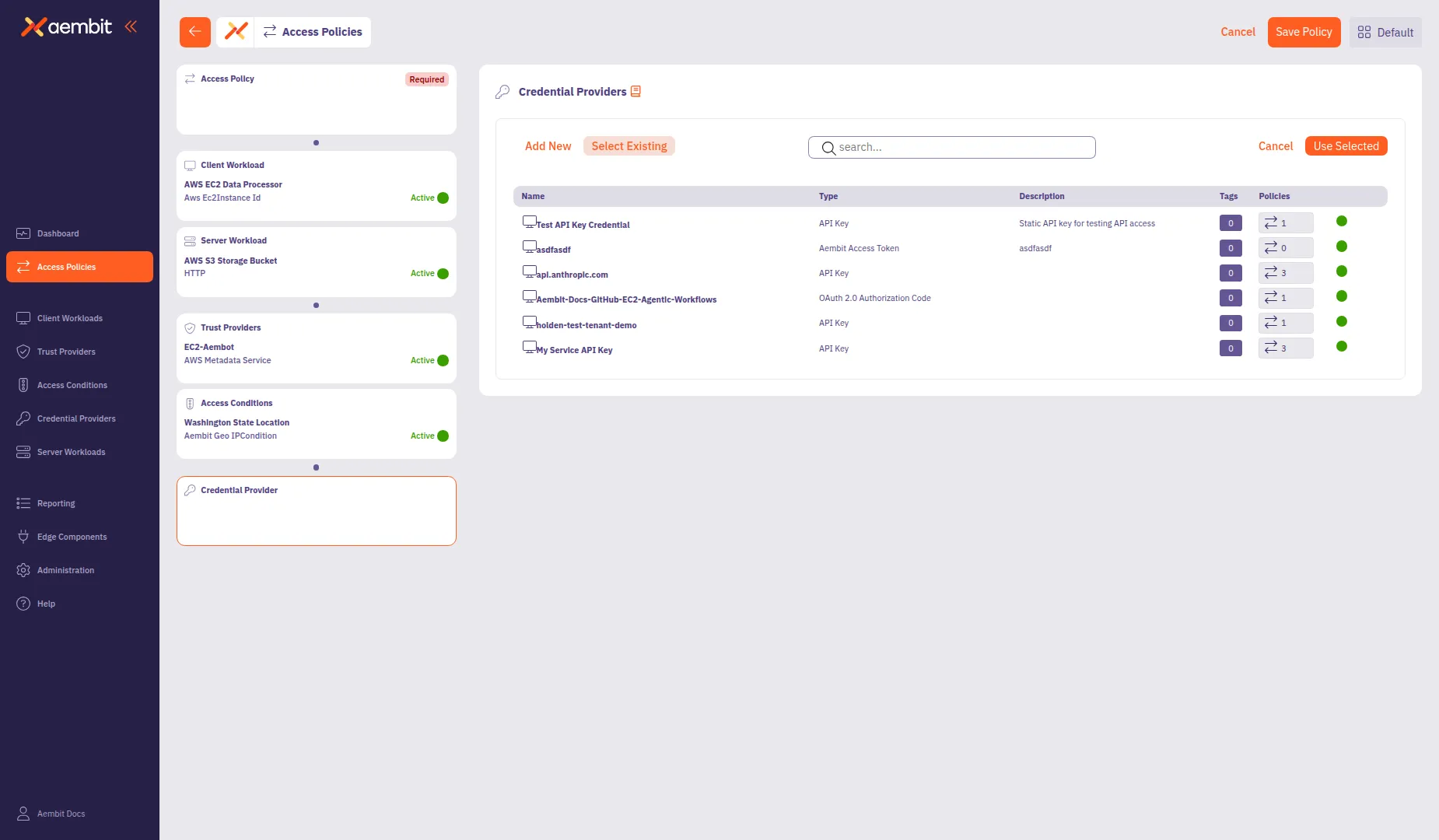
2. Use the search field to filter the list.
3. Click a row to select a Credential Provider. The selected row highlights with an orange border.
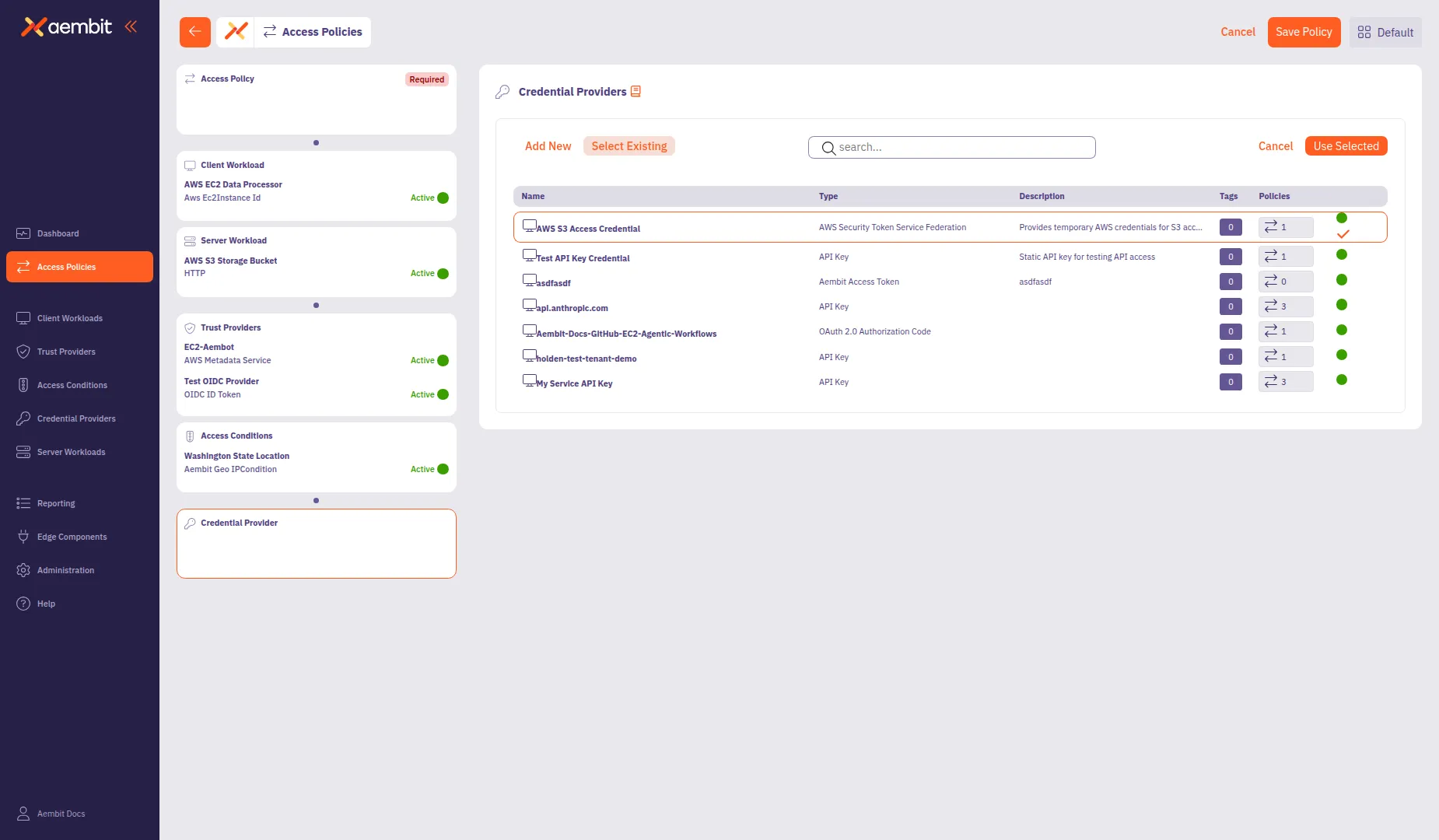
4. Click **Use Selected** to add it to the policy.
## Save the Access Policy
[Section titled “Save the Access Policy”](#save-the-access-policy)
After configuring all required components, you can save the Access Policy.
1. Review the left panel to verify all required components are configured. Hover over or select each compliance item card to see a green checkmark indicating the component is configured:
* Access Policy (name configured)
* Client Workload
* Server Workload
* Trust Providers
* Credential Provider

2. Click **Save Policy** in the header bar to create the Access Policy.

3. (Optional) To activate the policy immediately, enable the **Active** toggle.
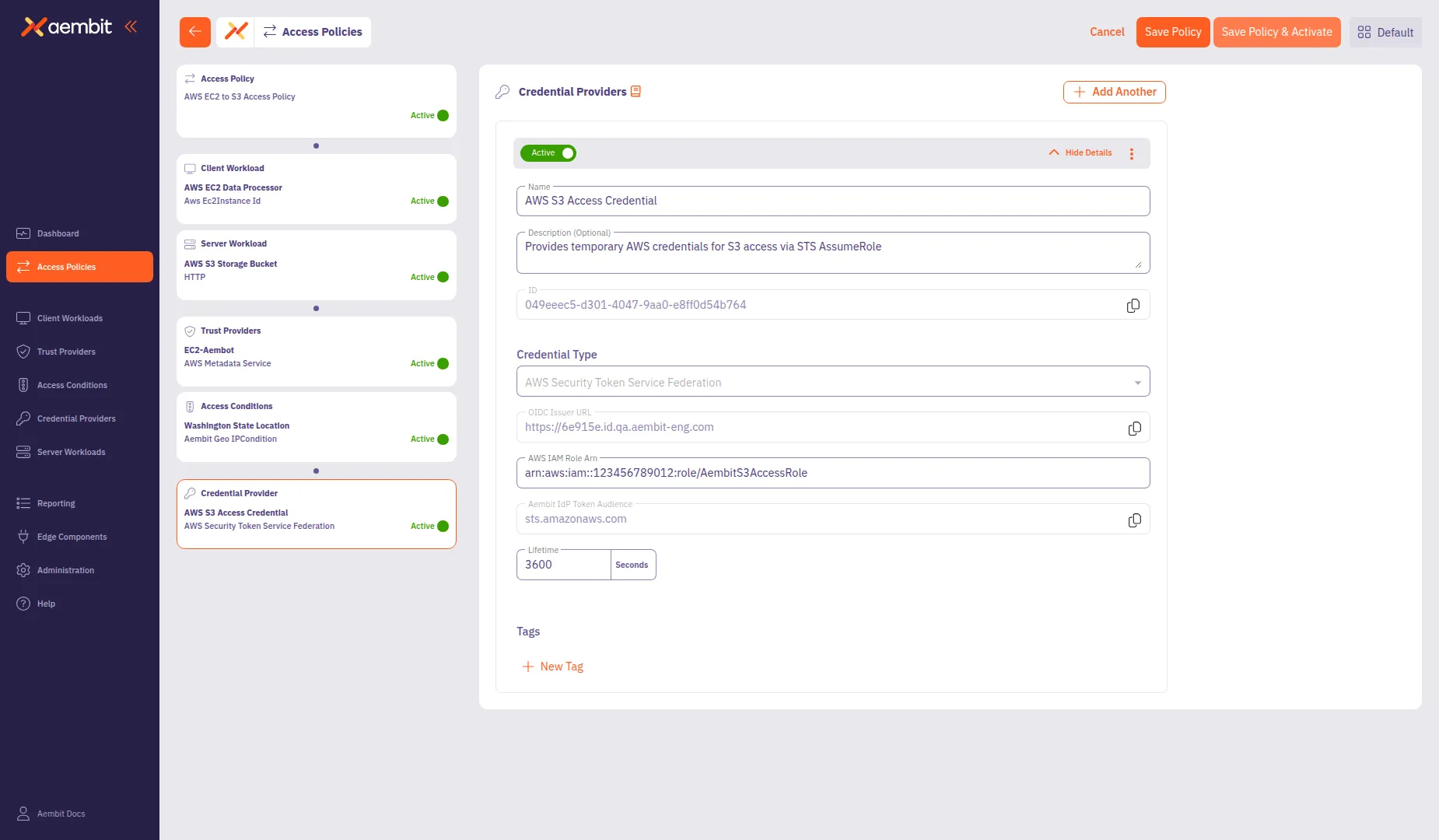
The Access Policy now governs access from the configured Client Workload to the Server Workload based on the Trust Provider verification, Access Conditions, and Credential Provider settings.
# Credential Providers
> This document provides a high-level description of Credential Providers
This section covers Credential Providers in Aembit, which you can use to provide access credentials to Client Workloads so they can access Server Workloads securely.
The following pages provide information about different Credential Provider types and how to configure them:
* [Aembit Access Token](/user-guide/access-policies/credential-providers/aembit-access-token)
* [API Key](/user-guide/access-policies/credential-providers/api-key)
* [AWS Secrets Manager](/user-guide/access-policies/credential-providers/aws-secrets-manager)
* [AWS Security Token Service Federation](/user-guide/access-policies/credential-providers/aws-security-token-service-federation)
* [AWS SigV4](/user-guide/access-policies/credential-providers/aws-sigv4)
* [Azure Entra Workload Identity Federation](/user-guide/access-policies/credential-providers/azure-entra-workload-identity-federation)
* [Azure Key Vault](/user-guide/access-policies/credential-providers/azure-key-vault)
* [Google GCP Workload Identity Federation](/user-guide/access-policies/credential-providers/google-workload-identity-federation)
* [JSON Web Token (JWT)](/user-guide/access-policies/credential-providers/json-web-token)
* [JWT-SVID Token](/user-guide/access-policies/credential-providers/spiffe-jwt-svid)
* [Managed GitLab Account](/user-guide/access-policies/credential-providers/managed-gitlab-account)
* [OAuth 2.0 Authorization Code](/user-guide/access-policies/credential-providers/oauth-authorization-code)
* [OAuth 2.0 Client Credentials](/user-guide/access-policies/credential-providers/oauth-client-credentials)
* [OIDC ID Token](/user-guide/access-policies/credential-providers/oidc-id-token)
* [Username Password](/user-guide/access-policies/credential-providers/username-password)
* [Vault Client Token](/user-guide/access-policies/credential-providers/vault-client-token)
### About Credential Providers
[Section titled “About Credential Providers”](#about-credential-providers)
* [About JWT-SVID Tokens](/user-guide/access-policies/credential-providers/about-spiffe-jwt-svid)
* [About OIDC ID Tokens](/user-guide/access-policies/credential-providers/about-oidc-id-token)
### Advanced options
[Section titled “Advanced options”](#advanced-options)
* [Private Network Access](/user-guide/access-policies/credential-providers/private-network-access)
* [Multiple Credential Providers](/user-guide/access-policies/credential-providers/multiple-credential-providers)
* [HashiCorp Vault Dynamic Claims](/user-guide/access-policies/credential-providers/advanced-options/dynamic-claims-vault)
* [OIDC ID Token Dynamic Claims](/user-guide/access-policies/credential-providers/advanced-options/dynamic-claims-oidc)
* [Multiple Credential Providers Terraform](/user-guide/access-policies/credential-providers/advanced-options/multiple-credential-providers-terraform)
### Integrations
[Section titled “Integrations”](#integrations)
* [About Credential Provider Integrations](/user-guide/access-policies/credential-providers/integrations)
* [AWS IAM Role](/user-guide/access-policies/credential-providers/integrations/aws-iam-role)
* [Azure Entra Federation](/user-guide/access-policies/credential-providers/integrations/azure-entra-federation)
* [GitLab Dedicated Self-Managed](/user-guide/access-policies/credential-providers/integrations/gitlab-dedicated-self)
* [GitLab Service Account](/user-guide/access-policies/credential-providers/integrations/gitlab)
# About the OIDC ID Token Credential Provider
> This page describes the OIDC ID Token Credential Provider and how it works
The OIDC ID Token Credential Provider enables secure identity token generation and exchange with third-party services.
By leveraging Aembit’s custom Identity Provider (IdP) capabilities, the OIDC ID Token Credential Provider generates JWT-formatted tokens that you can use with different Workload Identity Federation (WIF) solutions.
The Credential Provider supports:
* Custom claims configuration
* Flexible signing algorithms
* Integration with identity brokers (AWS STS, GCP WIF, Azure WIF, Vault, etc.)
See [Create an OIDC ID Token Credential Provider](/user-guide/access-policies/credential-providers/oidc-id-token) to create one.
## Common use cases
[Section titled “Common use cases”](#common-use-cases)
* **Cloud Provider Access** - Securely access to AWS, GCP, or Azure resources using their respective WIF solutions.
* **Vault Integration** - Authenticate with HashiCorp Vault using OIDC tokens.
* **Custom Service Authentication** - Integrate with any service that supports OIDC/JWT authentication.
## How the OIDC ID Token Credential Provider works
[Section titled “How the OIDC ID Token Credential Provider works”](#how-the-oidc-id-token-credential-provider-works)
1. **Token Generation** - Aembit’s custom IdP generates JWT-formatted OIDC tokens and signs them using your Aembit Tenant-specific keys.
2. **Client identification** - Aembit identifies each IdP client configuration using an Aembit-specific Uniform Resource Name (URN) notation as its `client_id` (for example: `aembit:useast2:1ed42e:identity:oidc-idtoken:2821c459-5541-4a59-9add-d69d5b3ae3db`).
Custom claims
If you’re creating custom claims when configuring an OIDC ID Token Credential Provider, don’t use `client_id` as Aembit reserves the value to identify Client Workloads.
3. **Token Exchange** - The Credential Provider requests tokens from Aembit’s IdP and then exchanges these tokens with external identity brokers to obtain service-specific credentials for the workload.
## Configuration options
[Section titled “Configuration options”](#configuration-options)
The following sections detail the configuration options you have for the OIDC ID Token Credential Provider:
### Claims configuration
[Section titled “Claims configuration”](#claims-configuration)
Aembit’s IdP supports dynamic token generation with the following capabilities:
* **Dynamic Claims** - You can specify Claims at token request time, eliminating the need for pre-configuration. Use the syntax `${expression}` to create dynamic values, such as `${oidc.identityToken.decode.payload.user_email}` to extract claims from incoming OIDC tokens.
* **Client Identification** - Aembit identifies each IdP client (such as Aembit Cloud user, Agent Proxy, or Credential Provider-Workload association) using a unique `client_id` value.
* **Token Customization** - Generated tokens follow configurations associated with the specified IdP client, including claims, scopes, and other parameters.
* **OIDC Token Extraction** - Extract claims from OIDC tokens in credential data using the `.decode.payload` command in templates, for example: `${oidc.identityToken.decode.payload.user_login}`.
See the list of [Common OIDC claims](#common-oidc-claims) for more info.
#### Subject configuration options
[Section titled “Subject configuration options”](#subject-configuration-options)
The OIDC ID Token Credential Provider offers two methods for configuring the subject claim in OIDC ID tokens:
* **Dynamic subject** - Aembit’s Credential Provider determines the subject value at runtime by evaluating runtime variables and the requesting workload’s identity. This allows Aembit to adapt to different callers, generating appropriate subject values for each.
Use dynamic subjects when you need the token’s subject to accurately reflect the identity of the calling entity, or when different workloads should have different subjects in their tokens.
* **Literal subject** - You provide a fixed, predefined string that Aembit uses as the subject claim in all tokens the OIDC ID Token Credential Provider issues.
Use literal subjects when you’re integrating with a system that expects a specific, unchanging subject value, or when you want to abstract the actual identity of the calling entity.
### Signing configuration
[Section titled “Signing configuration”](#signing-configuration)
Aembit manages signing keys on a per-tenant basis and has the following characteristics:
* uses the signature algorithm that you choose when setting up your IdP client; either **RS256** (default) or **ES256**.
* maintains different sets of keys for each associated signing algorithm.
* makes all keys available via the public JSON Web Key Set (JWKS) interface.
### Identity broker integration
[Section titled “Identity broker integration”](#identity-broker-integration)
The OIDC ID Token Credential Provider supports integration with different identity brokers through configurable options:
* **Endpoint Configuration** -
* You specify the HTTP/S endpoint URL
* You configure custom headers as needed
* **Request Formatting** -
* Aembit formats request bodies as JSON (with XML support planned for future releases)
* **Response Parsing** -
* The Credential Provider parses JSON responses (with XML support planned for future releases)
* You can configure cache lifetime management
## Implementation notes
[Section titled “Implementation notes”](#implementation-notes)
* You also have the option to [manage OIDC ID Token Credential Providers using Terraform](/user-guide/access-policies/credential-providers/oidc-id-token#terraform-configuration).
* The Credential Provider builds on existing WIF Credential Provider capabilities.
* Current JWKS endpoint implementation aligns with industry standards (AWS EKS, Google APIs, Okta, GitHub), which typically use RS256 algorithms.
* Aembit recommends testing when using with identity brokers that may have specific algorithm requirements.
## Common OIDC claims
[Section titled “Common OIDC claims”](#common-oidc-claims)
The following table describes some common OIDC claims and how to configure them:
| Claim | Description | Type | Configuration Examples |
| ------------ | --------------------------------------------------- | --------------- | ------------------------------------------------------------------------------------------------------------------------------------------------------------ |
| `iss` | **Issuer** - Identifies Aembit as the OIDC provider | Auto-generated | Aembit automatically generates this based on your Aembit Tenant, but you can customize it to match external system requirements. |
| `sub` | **Subject** - Unique identifier for the workload | Dynamic/Literal | **Dynamic**: `${oidc.identityToken.decode.payload.user_login}` **Literal**: `fixed-subject-value` |
| `aud` | **Audience** - Intended recipient of the token | Literal | Enter the URI or identifier of your target service (for example, `https://sts.amazonaws.com` for AWS, `https://www.googleapis.com/oauth2/v4/token` for GCP). |
| `exp` | **Expiration** - When the token becomes invalid | Auto-generated | Set the **Lifetime** in seconds (for example, `3600` for 1 hour). |
| `iat` | **Issued At** - Token creation time | Auto-generated | Automatically set by Aembit when the token upon issuance. |
| `nbf` | **Not Before** - Token validity start time | Auto-generated | Automatically set by Aembit when the token upon issuance. |
| `jti` | **JWT ID** - Unique token identifier | Auto-generated | Automatically generated by Aembit to prevent replay attacks. |
| `email` | **Email** - User’s email address | Dynamic/Literal | **Dynamic**: `${oidc.identityToken.decode.payload.user_email}` **Literal**: `user@company.com` |
| `groups` | **Groups** - User’s group memberships | Dynamic/Literal | **Dynamic**: `${oidc.identityToken.decode.payload.groups}` **Literal**: `developers,admins` |
| `role` | **Role** - User’s role or permission level | Dynamic/Literal | **Dynamic**: `${oidc.identityToken.decode.payload.role}` **Literal**: `admin` |
| `department` | **Department** - User’s organizational department | Dynamic/Literal | **Dynamic**: `${oidc.identityToken.decode.payload.department}` **Literal**: `engineering` |
Using custom claims
If you’re creating custom claims when configuring an OIDC ID Token Credential Provider, don’t use `client_id` as Aembit reserves the value to identify Client Workloads.
# About the JWT-SVID Token Credential Provider
> This page describes the JWT-SVID Token Credential Provider and how it works
The JSON Web Token-SPIFFE Verifiable Identity Document (JWT-SVID) Token Credential Provider enables secure identity token generation that complies with the [SPIFFE (Secure Production Identity Framework for Everyone)](https://spiffe.io) standard. This Credential Provider functions similarly to the [OIDC ID Token Credential Provider](/user-guide/access-policies/credential-providers/about-oidc-id-token), but enforces SPIFFE-specific requirements for the subject claim format.
By leveraging Aembit’s Trust Provider attestation and credential management capabilities, the JWT-SVID Token Credential Provider generates JWT-formatted tokens that follow the [SPIFFE JWT-SVID specification](https://spiffe.io/docs/latest/keyless/). This allows Client Workloads to authenticate with SPIFFE-aware systems without running separate SPIRE infrastructure.
The JWT-SVID Token Credential Provider supports:
* SPIFFE-compliant subject format (must start with `spiffe://`)
* Dynamic or literal SPIFFE ID configuration
* Standard signing algorithms (RS256 and ES256)
* Custom claims for enhanced identity context
* JWKS endpoint for token verification
* Automatic issuer URL generation based on tenant
See [Create a JWT-SVID Token Credential Provider](/user-guide/access-policies/credential-providers/spiffe-jwt-svid) to create one.
## Common use cases
[Section titled “Common use cases”](#common-use-cases)
* **Service Mesh Authentication** - Securely authenticate workloads in SPIFFE-compliant service meshes like Istio, Consul, or Kuma.
* **Zero Trust Architecture** - Implement Zero Trust identity standards for workload-to-workload communication.
* **SPIFFE-Aware Systems** - Integrate with any system that validates SPIFFE JWT-SVIDs using standard SPIFFE libraries.
* **Managed Identity** - Replace self-managed SPIRE deployments with Aembit’s managed identity issuance.
## How the JWT-SVID Token Credential Provider works
[Section titled “How the JWT-SVID Token Credential Provider works”](#how-the-jwt-svid-token-credential-provider-works)
1. **Token Generation** - Aembit generates SPIFFE-compliant JWT-SVID tokens and signs them using your Aembit Tenant-specific keys. The tokens follow the SPIFFE JWT-SVID specification and include standard claims (`exp`, `iat`, `jti`) along with any configured custom claims.
2. **SPIFFE ID Configuration** - Aembit sets the subject claim using your configured SPIFFE ID:
* **Literal** - Uses a fixed SPIFFE ID value that you provide (must start with `spiffe://`)
* **Dynamic** - Derives the SPIFFE ID from workload attributes using variables
The UI displays a warning if the subject doesn’t follow SPIFFE format requirements.
3. **Token Verification** - SPIFFE-aware downstream systems verify the JWT-SVID using Aembit’s JWKS endpoint, which publishes the public keys needed for signature validation.
## Configuration options
[Section titled “Configuration options”](#configuration-options)
The following sections detail the configuration options you have for the JWT-SVID Token Credential Provider:
### SPIFFE ID configuration
[Section titled “SPIFFE ID configuration”](#spiffe-id-configuration)
SPIFFE IDs uniquely identify workloads within a trust domain and follow this format:
```text
spiffe:///
```
Aembit supports multiple strategies for SPIFFE ID generation:
* **Dynamic Generation** - Automatically derives SPIFFE IDs from existing workload attributes:
* Kubernetes: `spiffe://your-domain/ns/${namespace}/sa/${serviceaccount}`
* AWS: `spiffe://your-domain/aws/account/${account}/role/${role}`
* Custom patterns using workload identity attributes
* **Literal Configuration** - Set a fixed SPIFFE ID for specific use cases where dynamic generation isn’t suitable
### Issuer configuration
[Section titled “Issuer configuration”](#issuer-configuration)
The issuer URL identifies the entity that created and signed the JWT-SVID:
* Automatically generated based on your Aembit tenant configuration
* Follows the format: `https://.aembit.com`
* Used by relying parties to verify the token’s origin
### Claims configuration
[Section titled “Claims configuration”](#claims-configuration)
Configure standard and custom claims in your JWT-SVIDs:
**Standard SPIFFE claims (automatically managed):**
* `sub` - SPIFFE ID of the workload
* `iss` - Issuer URL automatically generated based on your tenant
* `aud` - Audience claim (single string)
* `exp` - Token expiration time
* `iat` - Token issued at time
* `jti` - Unique token identifier
**Custom claims support:**
* Add workload-specific metadata
* Include environment context
* Pass authorization attributes
* Support for both literal and dynamic claim values
For detailed syntax and examples of dynamic claims, see [Dynamic Claims for OIDC and JWT-SVID Tokens](/user-guide/access-policies/credential-providers/advanced-options/dynamic-claims-oidc).
### Signing configuration
[Section titled “Signing configuration”](#signing-configuration)
Aembit manages signing keys and algorithms according to SPIFFE standards:
* **Algorithm support:**
* **RS256** (RSASSA-PKCS1-v1\_5 using SHA-256) - Default, widely compatible
* **ES256** (ECDSA using P-256 and SHA-256) - Recommended for SPIFFE-compliant systems
* **Key management:**
* Automatic key rotation
* Separate keys per algorithm type
* Published via standard JWKS endpoint
### JWKS endpoint
[Section titled “JWKS endpoint”](#jwks-endpoint)
Aembit exposes a public JWKS endpoint for JWT-SVID verification:
* Standards-compliant formatting compatible with SPIFFE libraries
* Includes all active public keys
* Supports key rotation without service disruption
* Available at: `https://.aembit.com/.well-known/jwks.json`
## Implementation notes
[Section titled “Implementation notes”](#implementation-notes)
* The Credential Provider generates SPIFFE-compliant JWT-SVID tokens without requiring separate SPIRE infrastructure.
* Current implementation supports ES256 and RS256 signing algorithms as specified by the SPIFFE standard.
* Aembit recommends testing JWT-SVID validation with SPIFFE SDK libraries before production deployment.
## Common SPIFFE JWT-SVID claims
[Section titled “Common SPIFFE JWT-SVID claims”](#common-spiffe-jwt-svid-claims)
The following table describes standard SPIFFE JWT-SVID claims and their configuration:
| Claim | Description | Type | Configuration Examples |
| ----------------- | ------------------------------------------------ | --------------- | --------------------------------------------------------------------------------------------------------------------------------- |
| `sub` | **Subject** - SPIFFE ID of the workload | Dynamic/Literal | **Dynamic**: `spiffe://example.com/ns/${namespace}/sa/${serviceaccount}` **Literal**: `spiffe://example.com/workload/api-service` |
| `iss` | **Issuer** - Trust domain-based issuer URL | Auto-generated | Automatically set based on trust domain configuration |
| `aud` | **Audience** - Target system expecting the token | Literal | Single: `my-service.example.com` |
| `exp` | **Expiration** - Token validity end time | Auto-generated | Set via **Lifetime** field in minutes (for example, `60` for `1` hour) |
| `iat` | **Issued At** - Token creation timestamp | Auto-generated | Automatically set by Aembit upon token issuance |
| `jti` | **JWT ID** - Unique token identifier | Auto-generated | Automatically generated to prevent replay attacks |
| `namespace` | **Namespace** - Kubernetes namespace | Dynamic | `${oidc.identityToken.decode.payload.namespace}` |
| `service_account` | **Service Account** - Kubernetes service account | Dynamic | `${oidc.identityToken.decode.payload.service_account}` |
| `aws_account` | **AWS Account** - AWS account ID | Dynamic | `${aws.account}` |
| `environment` | **Environment** - Deployment environment | Literal/Dynamic | **Literal**: `production` **Dynamic**: `${os.environment.ENV}` |
For more information on using dynamic expressions in these claims, see [Dynamic Claims for OIDC and JWT-SVID Tokens](/user-guide/access-policies/credential-providers/advanced-options/dynamic-claims-oidc).
## Additional resources
[Section titled “Additional resources”](#additional-resources)
* [SPIFFE JWT-SVID Specification](https://spiffe.io/docs/latest/keyless/)
* [How to Construct SPIFFE IDs](https://www.spirl.com/blog/how-to-construct-spiffe-ids)
* [SPIFFE Standards Documentation](https://spiffe.io/docs/latest/spiffe-about/spiffe-concepts/)
# Advanced Credential Provider Options
> Overview of advanced configuration options for Aembit Credential Providers
This section covers advanced configuration options and features for Aembit Credential Providers. These features provide additional flexibility and functionality for specific use cases and environments.
## Dynamic claims
[Section titled “Dynamic claims”](#dynamic-claims)
Dynamic claims allow you to create personalized and context-aware credentials by extracting values from tokens or environment variables at runtime.
### OIDC ID Token dynamic claims
[Section titled “OIDC ID Token dynamic claims”](#oidc-id-token-dynamic-claims)
Configure dynamic claims for [OIDC ID Token Credential Providers](/user-guide/access-policies/credential-providers/oidc-id-token) to extract and use values from incoming OIDC tokens.
* Extract claims from OIDC token payloads using `${oidc.identityToken.decode.payload.claim_name}` syntax
* Access environment variables with `${os.environment.VARIABLE_NAME}`
* Combine values to create custom claim formats
[Learn more about OIDC Dynamic Claims](/user-guide/access-policies/credential-providers/advanced-options/dynamic-claims-oidc)
### Vault dynamic claims
[Section titled “Vault dynamic claims”](#vault-dynamic-claims)
Configure dynamic claims for [Vault Client Token Credential Providers](/user-guide/access-policies/credential-providers/vault-client-token) to create workload-specific credentials.
* Collect information from Kubernetes ConfigMaps and environment variables
* Support for Agent Proxy version 1.9.142 and later
* Enable workloads to specify claim values outside the Aembit Tenant UI
[Learn more about Vault Dynamic Claims](/user-guide/access-policies/credential-providers/advanced-options/dynamic-claims-vault)
## Multiple Credential Providers
[Section titled “Multiple Credential Providers”](#multiple-credential-providers)
Learn how to configure and manage multiple Credential Providers in Access Policies using the Aembit Cloud UI.
[Configure Multiple Credential Providers](/user-guide/access-policies/credential-providers/multiple-credential-providers)
### Multiple Credential Providers with Terraform
[Section titled “Multiple Credential Providers with Terraform”](#multiple-credential-providers-with-terraform)
Automate the configuration of multiple Credential Providers using Terraform for infrastructure-as-code deployments.
[Configure with Terraform](/user-guide/access-policies/credential-providers/advanced-options/multiple-credential-providers-terraform)
## Related docs
[Section titled “Related docs”](#related-docs)
* [Credential Providers Overview](/user-guide/access-policies/credential-providers/)
* [OIDC ID Token Credential Provider](/user-guide/access-policies/credential-providers/oidc-id-token)
* [Vault Client Token Credential Provider](/user-guide/access-policies/credential-providers/vault-client-token)
# Dynamic Claims for OIDC ID Token and JWT-SVID Token Credential Providers
> Learn how to use dynamic claims in OIDC ID Token and JWT-SVID Token Credential Providers to extract and use values from tokens
Dynamic claims in the [OIDC ID Token Credential Provider](/user-guide/access-policies/credential-providers/oidc-id-token) and [JWT-SVID Token Credential Provider](/user-guide/access-policies/credential-providers/spiffe-jwt-svid) allow you to extract and use claims from an OIDC token in the credential data. This feature creates personalized and context-aware credentials that reflect the workload’s identity and attributes from their original OIDC token.
This functionality proves particularly useful in environments where OIDC tokens authenticate and authorize workloads, such as in cloud-native applications, CI/CD pipelines, or microservices architectures.
## How dynamic claims work
[Section titled “How dynamic claims work”](#how-dynamic-claims-work)
Dynamic claims operate with two main components:
1. **Template Definition** - Define dynamic values in Credential Provider configuration using expressions instead of static values
2. **Runtime Resolution** - Aembit collects the referenced information and replaces template variables with actual values
The process follows these steps:
1. You configure template expressions in your OIDC ID Token or JWT-SVID Token Credential Provider
2. When a workload makes a credential request, Aembit receives the incoming OIDC token
3. Aembit extracts the specified claims from the token using your template expressions
4. Aembit inserts the extracted values into the generated credential
## Dynamic claims syntax
[Section titled “Dynamic claims syntax”](#dynamic-claims-syntax)
Both the OIDC ID Token and JWT-SVID Token Credential Providers support dynamic claims using this syntax: `${expression}`
### Basic syntax patterns
[Section titled “Basic syntax patterns”](#basic-syntax-patterns)
* **OIDC Token Claims**: `${oidc.identityToken.decode.payload.claim_name}`
* **GitLab Token Claims**: `${gitlab.identityToken.decode.payload.claim_name}`
* **GitHub Token Claims**: `${github.identityToken.decode.payload.claim_name}`
* **Environment Variables**: `${os.environment.VARIABLE_NAME}`
* **Combined Values**: `${oidc.identityToken.decode.payload.user_login}_suffix`
### Common expression examples
[Section titled “Common expression examples”](#common-expression-examples)
| Expression | Description | Example Result |
| --------------------------------------------------------- | -------------------------------------- | ---------------------- |
| `${oidc.identityToken.decode.payload.user_email}` | Extract workload email from OIDC token | `workload@company.com` |
| `${oidc.identityToken.decode.payload.user_login}` | Extract workload login/username | `ci-workload` |
| `${oidc.identityToken.decode.payload.groups}` | Extract workload groups | `developers,admins` |
| `${gitlab.identityToken.decode.payload.project_path}` | Extract GitLab project path | `group/project` |
| `${gitlab.identityToken.decode.payload.ref}` | Extract GitLab branch/tag reference | `main` |
| `${gitlab.identityToken.decode.payload.job_id}` | Extract GitLab CI job ID | `123456789` |
| `${github.identityToken.decode.payload.actor}` | Extract GitHub workflow actor | `octocat` |
| `${github.identityToken.decode.payload.repository}` | Extract GitHub repository | `owner/repo` |
| `${github.identityToken.decode.payload.workflow}` | Extract GitHub workflow name | `ci.yml` |
| `${os.environment.K8S_POD_NAME}` | Environment variable | `my-app-pod-12345` |
| `${oidc.identityToken.decode.payload.user_login}_dynamic` | Combined value | `ci-workload_dynamic` |
## Configuration examples
[Section titled “Configuration examples”](#configuration-examples)
### OIDC ID Token Credential Provider
[Section titled “OIDC ID Token Credential Provider”](#oidc-id-token-credential-provider)
Configure dynamic claims in an [OIDC ID Token Credential Provider](/user-guide/access-policies/credential-providers/oidc-id-token) as follows:
### Subject field
[Section titled “Subject field”](#subject-field)
```plaintext
${oidc.identityToken.decode.payload.user_login}
```
### Custom claims
[Section titled “Custom claims”](#custom-claims)
* **Claim Name**: `workload_email`
* **Value**: `${oidc.identityToken.decode.payload.user_email}_verified`
* **Claim Name**: `dynamic_role`
* **Value**: `${oidc.identityToken.decode.payload.role}`
### JWT-SVID Token Credential Provider
[Section titled “JWT-SVID Token Credential Provider”](#jwt-svid-token-credential-provider)
Configure dynamic claims in a [JWT-SVID Token Credential Provider](/user-guide/access-policies/credential-providers/spiffe-jwt-svid) for SPIFFE-compliant tokens:
#### Subject field (SPIFFE ID)
[Section titled “Subject field (SPIFFE ID)”](#subject-field-spiffe-id)
```plaintext
spiffe://your-domain/ns/${oidc.identityToken.decode.payload.namespace}/sa/${oidc.identityToken.decode.payload.service_account}
```
#### Custom claims
[Section titled “Custom claims”](#custom-claims-1)
* **Claim Name**: `namespace`
* **Value**: `${oidc.identityToken.decode.payload.namespace}`
* **Claim Name**: `cluster`
* **Value**: `${os.environment.CLUSTER_NAME}`
## Step-by-step example
[Section titled “Step-by-step example”](#step-by-step-example)
This example demonstrates extracting GitLab workload information from an OIDC token and using it in generated credentials.
1. **Create an OIDC ID Token Credential Provider** with dynamic claims:
* **Subject**: `${oidc.identityToken.decode.payload.user_login}test_dynamic`
* **Custom Claim**: `dynamic_claim1` = `${oidc.identityToken.decode.payload.user_email}_email`
2. **Create supporting Aembit components**:
* Access Policy linking your workload to the credential provider
* Client Workload representing your OIDC token source (for example, GitLab CI job)
* Server Workload representing your target service
3. **Make a credential request** using your OIDC token
4. **Verify the result** - the generated credential contains:
* **Subject**: `ci-workload_test_dynamic` (if `user_login` was `ci-workload`)
* **dynamic\_claim1**: `ci.workload@company.com_email` (if `user_email` was `ci.workload@company.com`)
## Supported claim sources
[Section titled “Supported claim sources”](#supported-claim-sources)
The following sections describe the supported claim sources and how to use them in dynamic claims.
### OIDC token claims
[Section titled “OIDC token claims”](#oidc-token-claims)
Extract any claim from the incoming OIDC token’s payload:
```text
${oidc.identityToken.decode.payload.}
```
**Common GitLab CI OIDC claims**
* `user_login` - GitLab username
* `user_email` - Workload’s email address
* `project_path` - Full project path
* `ref` - Git branch or tag reference
* `job_id` - CI job identifier
**Common GitHub Actions OIDC claims**
* `actor` - GitHub username who triggered the workflow
* `repository` - Repository name in format `owner/repo`
* `ref` - Git reference (branch/tag)
* `workflow` - Workflow filename
**Common Jenkins OIDC claims**
* `sub` - Subject claim (by default, the URL of the Jenkins job)
* `iss` - Jenkins instance issuer URL
* `aud` - Audience claim (configurable)
* \`Build number (included by default)
* `Custom` claims - Jenkins allows administrators to configure additional claims through “Claim templates” using build variables such as:
* `${JOB_NAME}` - Name of the Jenkins job
* `${BUILD_NUMBER}` - Build number for the job run
* `${NODE_NAME}` - Jenkins node where the job ran
* `${BUILD_USER}` - Username that triggered the build (if available)
* `${BRANCH_NAME}` - Git branch name (if applicable)
* Any other Jenkins environment variables
Note
Unlike GitLab and GitHub which have standardized claim names, Jenkins OIDC claims are highly customizable and depend on your configuration.
### Environment variables
[Section titled “Environment variables”](#environment-variables)
Access environment variables from the execution context:
```shell
${os.environment.VARIABLE_NAME}
```
**Common examples:**
* `${os.environment.K8S_POD_NAME}` - Kubernetes pod name
* `${os.environment.CLIENT_WORKLOAD_ID}` - Aembit client workload identifier
## Best practices
[Section titled “Best practices”](#best-practices)
The following best practices help you use dynamic claims in both OIDC ID Token and JWT-SVID Token Credential Providers:
### Security considerations
[Section titled “Security considerations”](#security-considerations)
* **Validate input claims** - Ensure the OIDC token contains the expected claims before extraction
* **Limit scope** - Only extract necessary claims to minimize exposure
* **Review generated credentials** - Use tools like [jwt.io](https://jwt.io) to decode and verify generated tokens
* **SPIFFE compliance** - For JWT-SVID tokens, ensure dynamic SPIFFE IDs follow the `spiffe://` format
### Template design
[Section titled “Template design”](#template-design)
* **Use descriptive names** - Make custom claim names clear and meaningful
* **Combine thoughtfully** - When combining values, ensure the result remains valid for your target service
* **Test thoroughly** - Verify dynamic claims work correctly with your specific OIDC token structure
### Troubleshooting
[Section titled “Troubleshooting”](#troubleshooting)
* **Missing claims** - If a referenced claim doesn’t exist in the source OIDC token, the expression may result in an empty value
* **Token format** - Ensure your OIDC token follows proper formatting and contains the expected payload structure
* **Permissions** - Verify your OIDC provider includes the necessary claims in the token
## Related docs
[Section titled “Related docs”](#related-docs)
* [Create an OIDC ID Token Credential Provider](/user-guide/access-policies/credential-providers/oidc-id-token)
* [About the OIDC ID Token Credential Provider](/user-guide/access-policies/credential-providers/about-oidc-id-token)
* [Create a JWT-SVID Token Credential Provider](/user-guide/access-policies/credential-providers/spiffe-jwt-svid)
* [About the JWT-SVID Token Credential Provider](/user-guide/access-policies/credential-providers/about-spiffe-jwt-svid)
* [Vault Dynamic Claims](/user-guide/access-policies/credential-providers/advanced-options/dynamic-claims-vault) (for Vault-specific dynamic claims)
# Vault Dynamic Claims
> Configure dynamic claims for Vault Client Token Credential Providers
Note
This page describes dynamic claims for **Vault Client Token Credential Providers** only. For OIDC ID Token dynamic claims, see [OIDC Dynamic Claims](/user-guide/access-policies/credential-providers/advanced-options/dynamic-claims-oidc).
Dynamic claims allow you to make Vault credential configuration dynamic in nature, enabling workloads to specify workload-specific claim values outside of the Aembit Tenant UI.
When working with Vault Client Token Credential Providers for your Aembit Tenant, you have the option to enable the dynamic claims feature. With this feature, you can set either a subject claim, or a custom claim, with either literal strings or dynamic values.
## Minimum versions
[Section titled “Minimum versions”](#minimum-versions)
To use the dynamic claims feature, you must also update Agent Injector to the new minimum version/image so the `aembit.io/agent-configmap` annotation works as expected.
## Literal strings
[Section titled “Literal strings”](#literal-strings)
You can place literal strings verbatim into the target claim with no modification or adjustment necessary.
## Dynamic values
[Section titled “Dynamic values”](#dynamic-values)
Aembit Cloud communicates dynamic claim requests to Agent Proxy following these steps:
1. Aembit Cloud sends the template to Agent Proxy.
2. Agent Proxy collects all necessary information and then sends this information to Aembit Cloud.
3. Aembit Cloud replaces template variables with the values provided by Agent Proxy.
The following sections describe how you can support Vault with Aembit dynamic claims.
## Configuring HashiCorp Vault Cloud
[Section titled “Configuring HashiCorp Vault Cloud”](#configuring-hashicorp-vault-cloud)
To enable dynamic claims, you must first configure your HashiCorp Vault instance, since dynamic claims are only applicable to Vault Client Token Credential Providers. Aembit supports dynamic claims for the Vault Client Token Credential Provider, you must also configure Vault to support a matching set of values.
Vault OIDC roles, which Aembit uses to log into Vault as part of the Vault client token retrieval, support one or more of the following three bound types:
* `bound_subject`
* `bound_audiences`
* generically bound claims
For more detailed information on configuring Vault Cloud, see [Use JWT/OIDC authentication](https://developer.hashicorp.com/vault/docs/auth/jwt#configuration) HashiCorp Vault docs.
## Client Workload configuration
[Section titled “Client Workload configuration”](#client-workload-configuration)
If you need to use values from ConfigMap as dynamic claims, you need to configure the `aembit.io/agent-configmap` annotation for the Client Workload.
For the latest release, you can add this new annotation to a deployment similar to the following code snippet:
```yaml
rollingUpdate:
maxSurge: 25%
maxUnavailable: 25%
type: RollingUpdate
template:
metadata:
annotations:
aembit.io/agent-configmap: '["agent-controller-config:device_code"]'
aembit.io/agent-inject: enabled
creationTimestamp: null
labels:
name: globex-portal
spec:
containers:
- env:
- name: AEMBIT_API_BASE_ADDRESS
value: 'https://12ab3c.aembit.io/api/v1/'
- name: AEMBIT_ACCESS_TOKEN
```
The Agent Proxy supports Kubernetes ConfigMaps and specific environment variables in dynamic claims.
Aembit supports the following templates:
* `k8s.configmap.*.*".`\
Make sure to specify the `CONFIGMAP` and `VALUE` (represented by ”*.*”).
* `os.environment.*.*.`\
Make sure to specify `"K8S_POD_NAME"` (represented by *.*).
* `os.environment.*.*`\
Make sure to specify `CLIENT_WORKLOAD_ID` (represented by ”*.*”).
## Client Workload Kubernetes annotations
[Section titled “Client Workload Kubernetes annotations”](#client-workload-kubernetes-annotations)
For the Client Workload to retrieve and configure ConfigMap, you must correctly annotate the Client Workload. For the latest release, you can add this new annotation to a deployment similar to the following code snippet:
```yaml
rollingUpdate:
maxSurge: 25%
maxUnavailable: 25%
type: RollingUpdate
template:
metadata:
annotations:
aembit.io/agent-configmap: '["agent-controller-config:device_code"]'
aembit.io/agent-inject: enabled
creationTimestamp: null
labels:
name: globex-portal
spec:
containers:
- env:
- name: AEMBIT_API_BASE_ADDRESS
value: 'https://12ab3c.aembit.io/api/v1/'
- name: AEMBIT_ACCESS_TOKEN
```
## Confirm Aembit authentication to Vault
[Section titled “Confirm Aembit authentication to Vault”](#confirm-aembit-authentication-to-vault)
If the Client Workload is able to successfully connect to Vault, this confirms that Aembit authenticated to Vault with the configured and correctly injected dynamic claims.
# Configure multiple Credential Providers with Aembit's Terraform Provider
> How to configure multiple Credential Providers to map to an Aembit Terraform Provider
Aembit supports users who would like to use the Aembit Terraform Provider to manage their Aembit resources, while also supporting single and multiple Credential Providers per Access Policy. The Aembit Terraform Provider enables you to perform Create, Read, Update and Delete (CRUD) operations on these Aembit resources using Terraform directly, or via a CI/CD workflow.
Note
These instructions assume you already have configured the Aembit Terraform Provider. If you have not already performed this configuration, please refer to the [Configuration with Terraform](/user-guide/access-policies/advanced-options/terraform/terraform-configuration) page to configure the Aembit Terraform Provider before continuing on this page.
## Configure an Access Policy with multiple Credential providers
[Section titled “Configure an Access Policy with multiple Credential providers”](#configure-an-access-policy-with-multiple-credential-providers)
To configure your Aembit Access Policies with multiple Credential Providers with the `AccountName` mapping type:
1. Go to your Terraform configuration file(s).
2. In your configuration file, locate the `resource "aembit_access_policy"` section(s). They should look like the example shown below.
```hcl
resource "aembit_access_policy" "test_policy" {
name = "TF First Policy"
is_active = true
client_workload = aembit_client_workload.first_client.id
trust_providers = [
aembit_trust_provider.azure1.id,
aembit_trust_provider.azure2.id
]
access_conditions = [
aembit_access_condition.wiz.id
]
credential_provider = aembit_credential_provider.<*resource_name*>.id,
server_workload = aembit_server_workload.first_server.id
}
```
In the preceding example, notice in the highlighted line for `credential_provider`. Because there is only one Credential Provider configured, this signifies that only one Credential Provider is currently configured for the Access Policy.
3. To add additional Credential Providers to your configuration, go to the `aembit_access_policy` resource in your Terraform configuration file that you want to update and locate the `credential_provider` line.
4. Change the `credential_provider` property to `credential_providers` so you may add multiple Credential Providers.
5. Add your Credential Providers to this section using the following format:
```hcl
credential_providers = [{
credential_provider_id = aembit_credential_provider.<*resource1_name*>.id,
mapping_type = "AccountName",
account_name = "account_name_1"
}, {
credential_provider_id = aembit_credential_provider.<*resource2_name*>.id,
mapping_type = "AccountName",
account_name = "account_name_2"
}, {
credential_provider_id = aembit_credential_provider.<*resource3_name*>.id,
mapping_type = "AccountName",
account_name = "account_name_3"
}]
}
```
Where:
* `credential_provider_id` - The Credential Provider ID.
* `mapping_type` - The Credential Provider mapping type.
* `account_name` - The account name to trigger on for using this Credential Provider if the `mapping_type` value is `AccountName`.
6. When you have finished adding all of your Credential Providers to the Aembit Terraform Provider configuration file, your `aembit_access_policy` resource section should look similar to the example shown below.
```hcl
resource "aembit_access_policy" "multi_cp_second_policy" {
is_active = true
name = "TF Multi CP Second Policy"
client_workload = aembit_client_workload.second_client.id
credential_providers = [{
credential_provider_id = aembit_credential_provider.<*resource1_name*>.id,
mapping_type = "AccountName",
account_name = "account_name_1"
}, {
credential_provider_id = aembit_credential_provider..id,
mapping_type = "AccountName",
account_name = "account_name_2"
}, {
credential_provider_id = aembit_credential_provider..id,
mapping_type = "AccountName",
account_name = "account_name_3"
}]
server_workload = aembit_server_workload.first_server.id
}
```
### Multiple Credential Provider examples
[Section titled “Multiple Credential Provider examples”](#multiple-credential-provider-examples)
The following examples use `HttpHeader` and `HttpBody` Mapping Types to show multiple Credential Providers:
#### HttpHeader Example
[Section titled “HttpHeader Example”](#httpheader-example)
```hcl
resource "aembit_access_policy" "multi_cp_httpheader" {
is_active = true
name = "TF Multi CP HTTP Header"
client_workload = aembit_client_workload.first_client.id
credential_providers = [{
credential_provider_id = aembit_credential_provider.<*resource1_name*>.id,
mapping_type = "HttpHeader",
header_name = "X-Sample-Header-name-1",
header_value = "X-Sample-Header-value-1"
}, {
credential_provider_id = aembit_credential_provider.<*resource2_name*>.id,
mapping_type = "HttpHeader",
header_name = "X-Sample-Header-name-2",
header_value = "X-Sample-Header-value-2"
}]
server_workload = aembit_server_workload.first_server.id
}
```
Where:
* `credential_provider_id` - The Credential Provider ID.
* `mapping_type` - The Credential Provider mapping type.
* `header_name` - The HTTP Header name for which a matching value will trigger this Credential Provider to be used.
* `header_value` - The HTTP Header value for which a matching value will trigger this Credential Provider to be used.
#### HttpBody Example
[Section titled “HttpBody Example”](#httpbody-example)
```hcl
resource "aembit_access_policy" "multi_cp_httpbody" {
is_active = true
name = "TF Multi CP HTTP Body"
client_workload = aembit_client_workload.first_client.id
credential_providers = [{
credential_provider_id = aembit_credential_provider.<*resource1_name*>.id,
mapping_type = "HttpBody",
httpbody_field_path = "x_sample_httpbody_field_path_1",
httpbody_field_value = "x_sample_httpbody_field_value_1"
}, {
credential_provider_id = aembit_credential_provider.<*resource2_name*>.id,
mapping_type = "HttpBody",
httpbody_field_path = "x_sample_httpbody_field_path_2",
httpbody_field_value = "x_sample_httpbody_field_value_2"
}]
server_workload = aembit_server_workload.first_server.id
}
```
Where:
* `credential_provider_id` - The Credential Provider ID.
* `mapping_type` - The Credential Provider mapping type.
* `httpbody_field_path` - The JSON path to a value that triggers this Credential Provider to be used. Note that the `HttpBody` mapping type requires JSON HTTP body content, and this parameter must be specified in JSON path notation.
* `httpbody_field_value` - The JSON path to a value which triggers this Credential Provider to be used.
Note
In these two examples, you can see that different fields need to be configured, based on the `mapping_type` specified in the configuration file.
# Configure an Aembit Access Token Credential Provider
> How to create and use an Aembit Access Token Credential Provider
The Aembit Access Token Credential Provider generates access tokens for authenticating applications and services to the Aembit API.
## Create an Aembit Access Token Credential Provider
[Section titled “Create an Aembit Access Token Credential Provider”](#create-an-aembit-access-token-credential-provider)
To configure an Aembit Access Token Credential Provider, follow the steps described below.
1. Log into your Aembit Tenant. The main Dashboard page is displayed.
2. On the Dashboard page, select the **Credential Providers** tab in the left sidebar. You are directed to the Credential Providers page where you will see a list of existing Credential Providers.
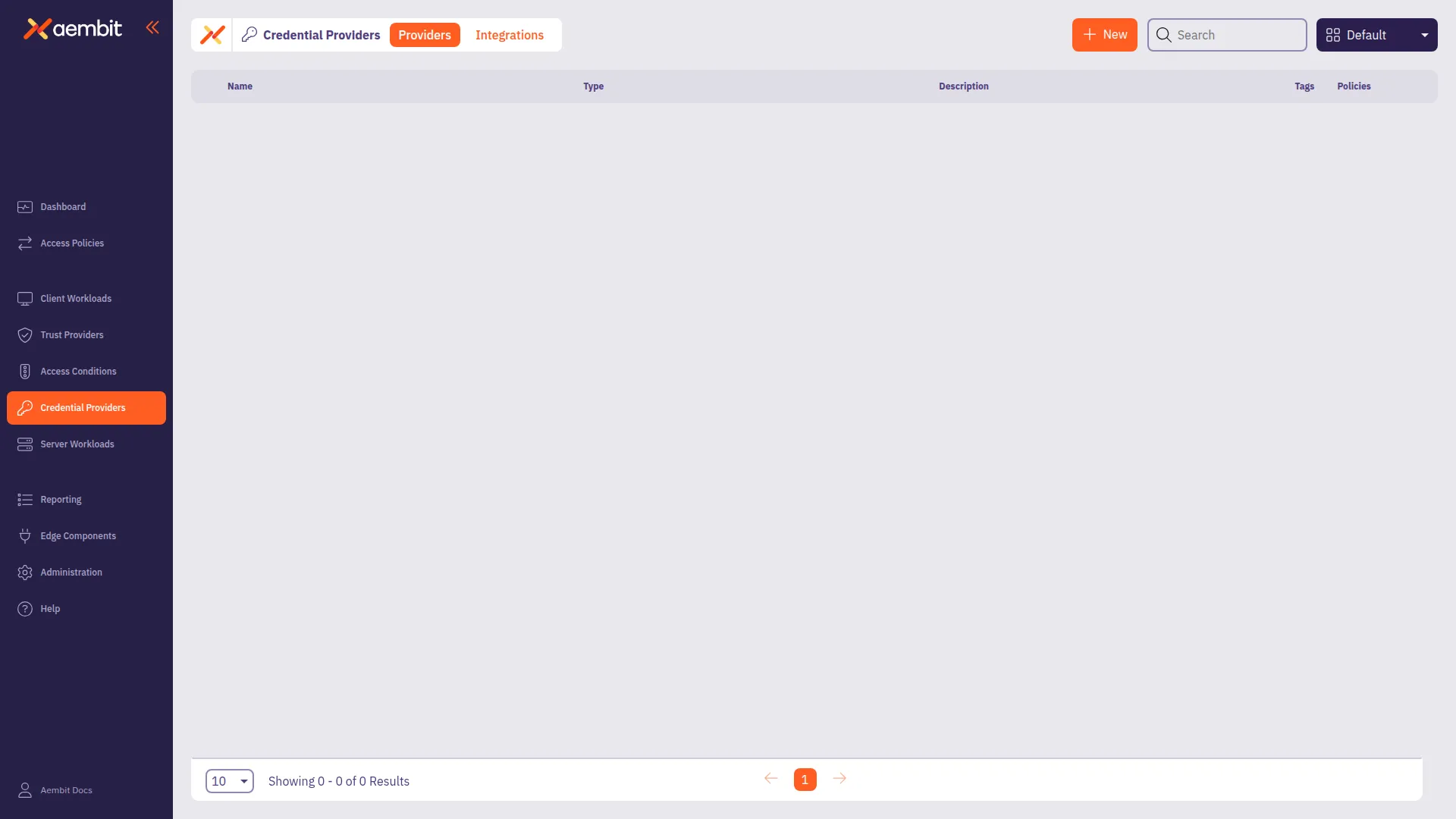
3. Click **+ New** to open the Credential Providers dialog window.
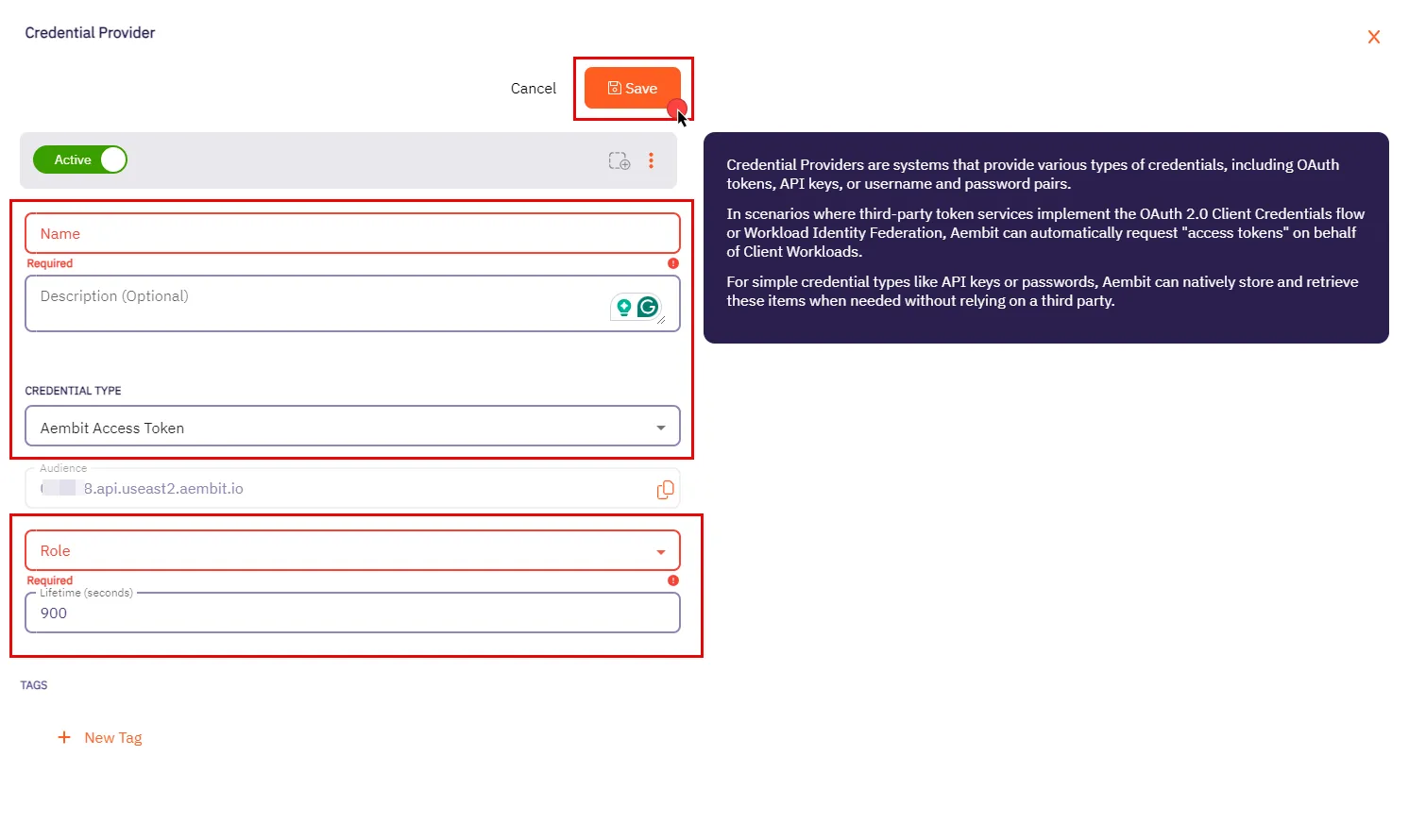
4. In the Credential Providers dialog window, enter the following information:
* **Name** - Name of the Credential Provider.
* **Description** - An optional text description of the Credential Provider.
* **Credential Type** - A dropdown menu that enables you to configure the Credential Provider type. Select **Aembit Access Token**.
* **Audience** - Auto-generated by Aembit, this is a specific endpoint used for authentication within the Aembit API.
* **Role** - A dropdown menu allowing you to select the appropriate user role for access, such as Super Admin, Auditor, or New Role. Be sure to choose a role with the appropriate permissions that align with your Client Workload’s needs. We recommend following the least privilege principle, assigning the role with the minimum permissions required to perform the task.
* **Lifetime** - The duration for which the generated access token remains valid.
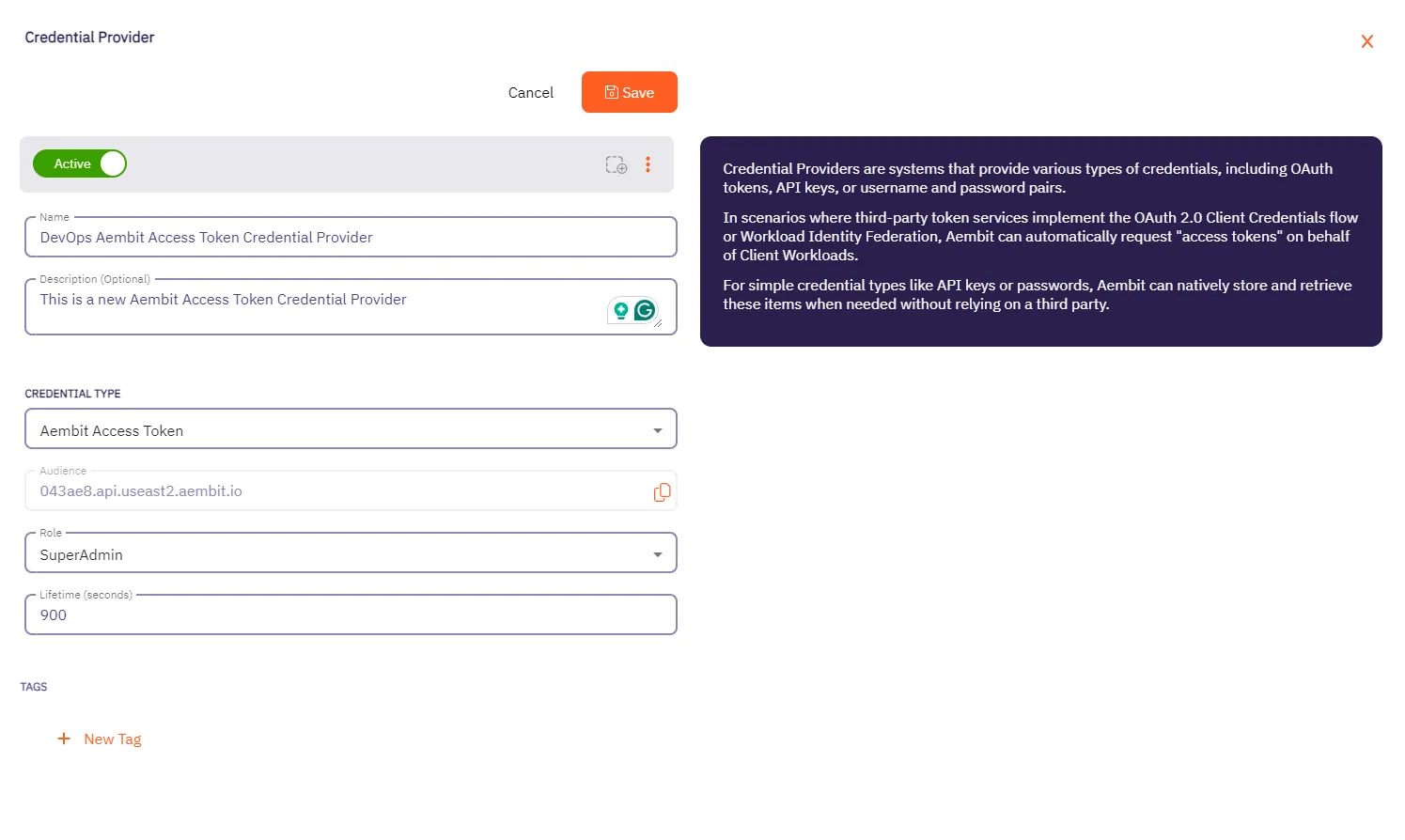
5. When you have finished entering information about your new Aembit Access Token Credential Provider, click **Save**.
6. You are directed back to the Credential Providers page where you will see your new Aembit Access Token Credential Provider.
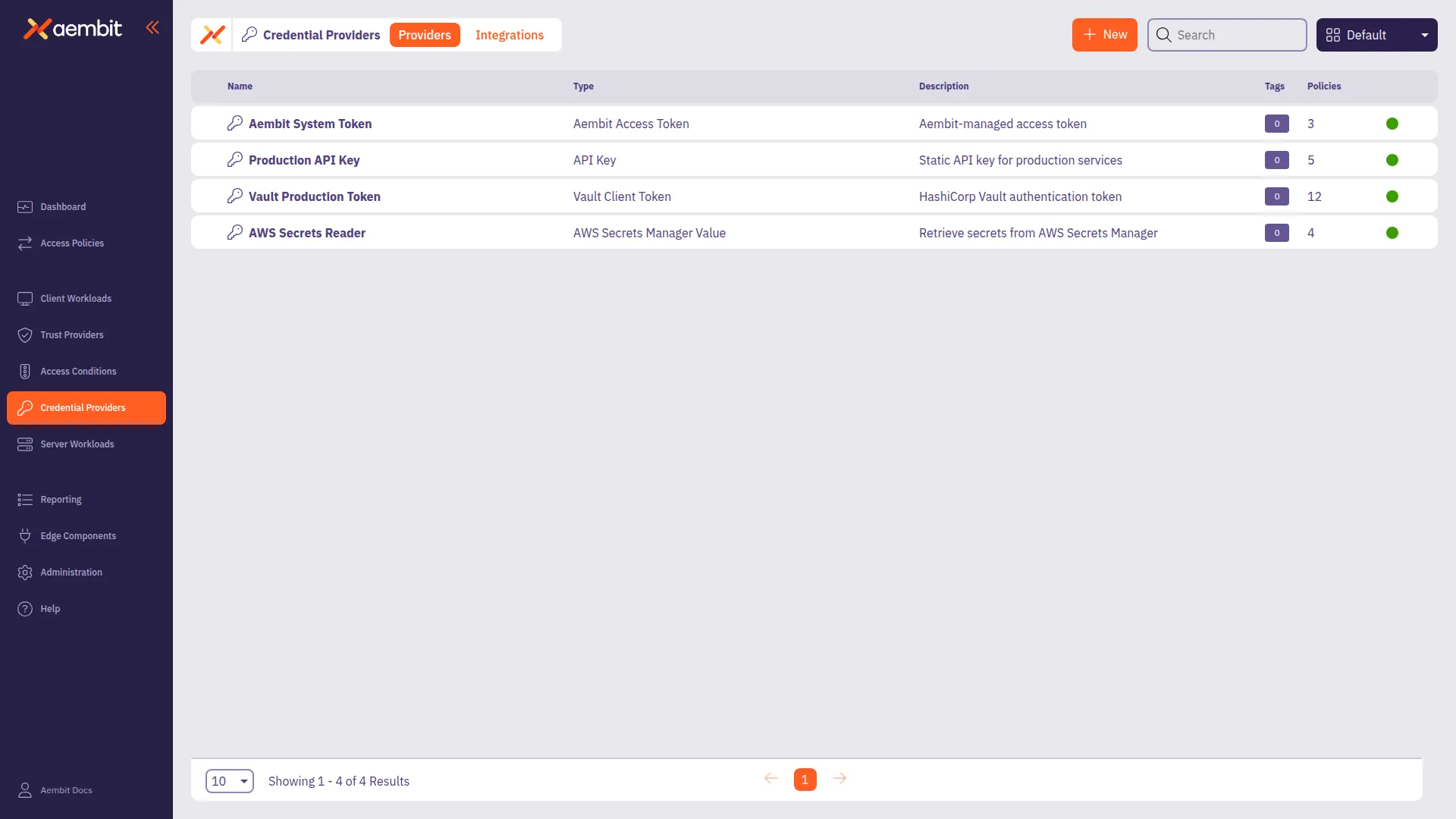
# Configure an API Key Credential Provider
> How to create and use an API Key Credential Provider
The Application Programming Interface (API) Key credential provider is designed for scenarios where authentication is accomplished using a static API Key.
An API Key is a secret used by workloads to identify themselves when making calls to an API. This API key acts as a security mechanism for controlling access to APIs.
## Credential Provider configuration
[Section titled “Credential Provider configuration”](#credential-provider-configuration)
To configure an API Key Credential Provider, follow the steps outlined below.
1. Log into your Aembit Tenant.
2. Once you are logged into your tenant, select the **Credential Providers** tab in the left sidebar. You are directed to the Credential Providers page displaying a list of existing Credential Providers. In this example, there are no existing Credential Providers.

3. Click **+ New** to open the Credential Providers dialog window.
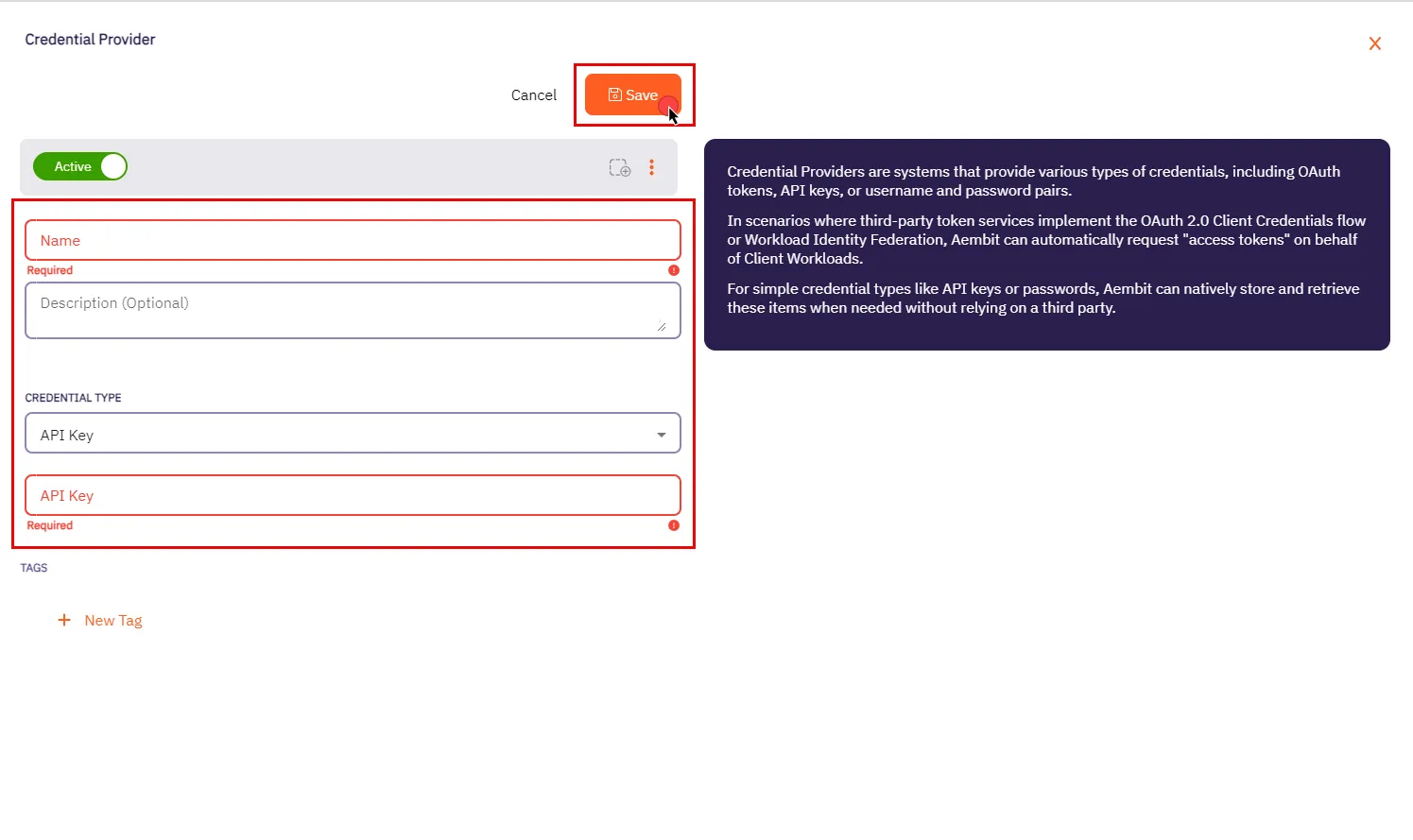
4. In the Credential Providers dialog window, enter the following information:
* **Name** - Name of the Credential Provider.
* **Description** - An optional text description of the Credential Provider.
* **Credential Type** - A dropdown menu that enables you to configure the Credential Provider type. Select **API Key**.
* **API Key** - The authentication key used to access the server workload. API keys are commonly generated by the system or service provider.
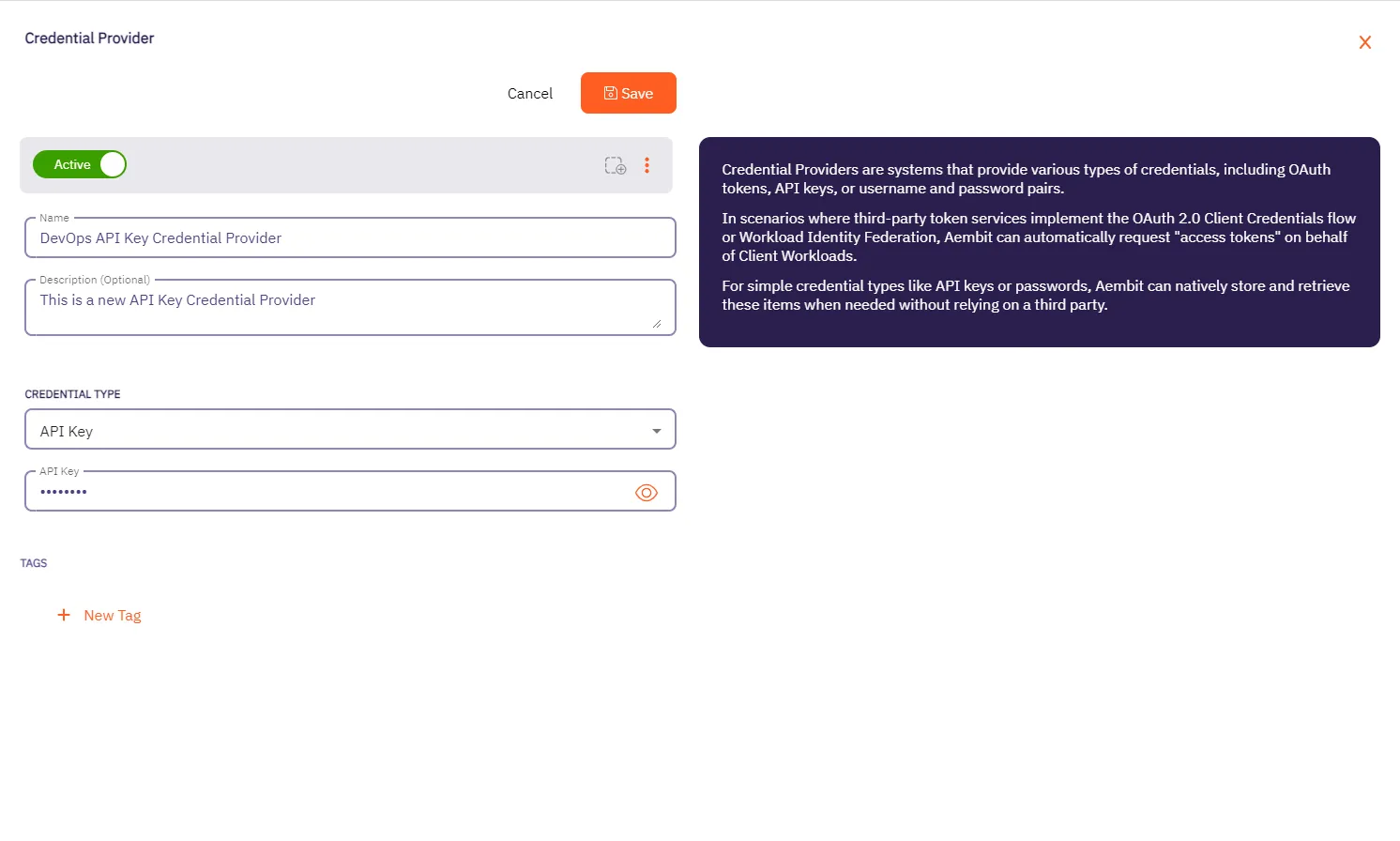
5. Click **Save** when finished. You will be directed back to the Credential Providers page, where you will see your newly created Credential Provider.
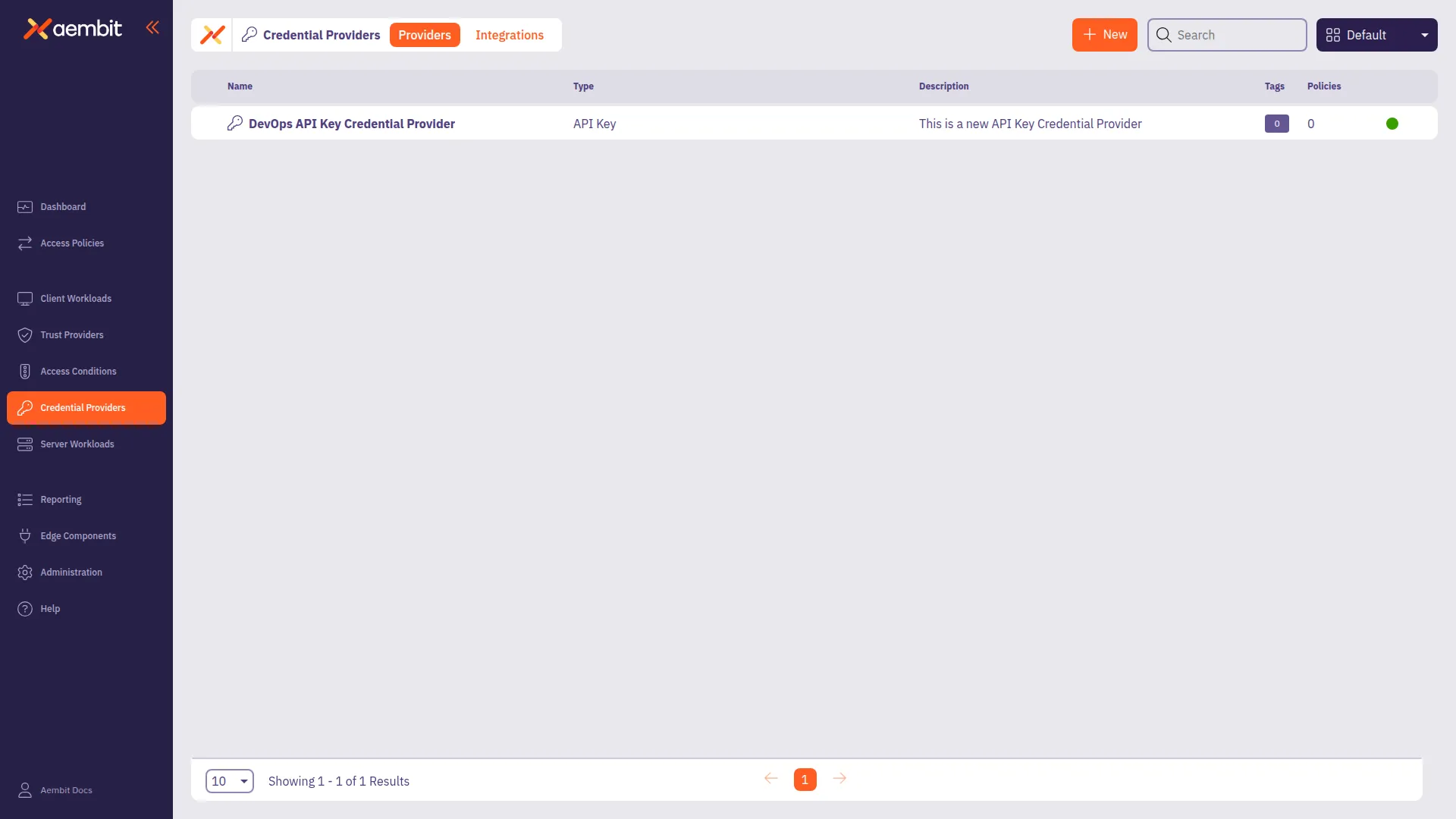
# Configure an AWS Secrets Manager Value Credential Provider
> How to add and use the AWS Secrets Manager Credential Provider with Server Workloads
The AWS Secrets Manager Credential Provider uses the [AWS Secrets Manager Credential Provider Integration](/user-guide/access-policies/credential-providers/integrations/aws-iam-role/) to retrieve secrets stored in AWS Secrets Manager.
## Prerequisites
[Section titled “Prerequisites”](#prerequisites)
You must have the following to create an AWS Secrets Manager Credential Provider:
* A completed [AWS Secrets Manager Credential Provider Integration](/user-guide/access-policies/credential-providers/integrations/aws-iam-role/)
* A [Compatible Server Workload](#compatible-server-workloads) that supports the AWS Secrets Manager Credential Provider
* An AWS Secrets Manager secret that you want to use with this Credential Provider
### Compatible Server Workloads
[Section titled “Compatible Server Workloads”](#compatible-server-workloads)
This credential provider supports secrets stored in either plain text or JSON formats.
**Plain Text Secrets:** Aembit retrieves the entire secret value and passes it as the credential.
**JSON Secrets:** When using the JSON format, the **Credential Value Type** dropdown determines how the credential provider extracts values:
* **Single:** Extracts one value from the JSON using a specified key
* **Username/Password:** Extracts two values from the JSON using separate keys for username and password
When you configure a Server Workload to use the AWS Secrets Manager Credential Provider, you must select the appropriate **Credential Type** based on the secret format.
Note
While Secrets Manager can store any type of data (text, JSON, XML, etc.), this Credential Provider retrieves and passes along whatever value Secrets Manager has stored in it. For **Single** and **Username/Password** types, the Credential Provider expects valid JSON format so it can parse and extract specific values using the configured keys.
### Accessing AWS Secrets Manager on private networks
[Section titled “Accessing AWS Secrets Manager on private networks”](#accessing-aws-secrets-manager-on-private-networks)
If your AWS Secrets Manager is only accessible from a private network (such as an AWS Virtual Private Cloud (VPC)), enable **Private Network Access** to retrieve secrets through your Aembit Edge component instead of Aembit Cloud.
For details on when to use Private Network Access, how it works, and troubleshooting, see [Private Network Access for Credential Providers](/user-guide/access-policies/credential-providers/private-network-access/).
Version requirement
Private Network Access for AWS Secrets Manager requires Agent Proxy 1.25 or later. Use Agent Proxy 1.28.4063+ for full support, where your Edge component handles all AWS access for this Credential Provider.
Username/Password limitation
When you enable Private Network Access, the **Username/Password** Credential Value Type isn’t supported for **HTTP Basic Auth** server workloads.
Database protocols (MySQL, PostgreSQL, Redis) work correctly with Private Network Access and Username/Password credentials.
## Credential Provider configuration
[Section titled “Credential Provider configuration”](#credential-provider-configuration)
To configure an AWS Secrets Manager Value Credential Provider, follow these steps:
1. Log into your Aembit Tenant.
2. Go to **Credential Providers** in the left sidebar.
Aembit directs you to the Credential Providers page displaying a list of existing Credential Providers.

3. Click **+ New**.
This opens the Credential Providers dialog window.
4. Enter a **Name** and optional **Description** for the Credential Provider.
5. For **Credential Type**, select **AWS Secrets Manager Value**.
6. For **Credential Provider Integration**, select the desired [AWS Secrets Manager Credential Provider Integration](/user-guide/access-policies/credential-providers/integrations/aws-iam-role/).
If you select an integration with **Populate Secrets ARNs** turned on, the next field changes to a dropdown menu.
7. In the **AWS Secrets Manager Secret ARN** field, you have two options depending on the Credential Provider Integration:
* Without **Populate Secrets ARNs** - Enter the Amazon Resource Name (ARN) of the AWS Secrets Manager secret that you want to use for this Credential Provider.
* With **Populate Secrets ARNs** - Select or search for an existing secret from the dropdown list. Aembit populates this list with the secrets available in your AWS account that match the integration you selected.
AWS Secrets Manager Secret ARN location
You can find the ARN of an AWS Secrets Manager secret in the AWS Management Console under **Secrets Manager -> Secrets**, then select the secret you want to use. AWS displays the secret ARN at the top of the secret’s **Details** page.
8. For **Credential Value Type**, select the type of credential you want to retrieve from AWS Secrets Manager.
The options are:
* **Plain Text** - Retrieve the entire secret value as a single credential.
* **Single Value** - Retrieve a single value from the JSON secret using a specified key.
* **Username/Password** - Retrieve two values from the JSON secret using separate keys for username and password.
See the [Compatible Server Workloads](#compatible-server-workloads) section for details on how each type interacts with Server Workloads.
9. Depending on the **Credential Value Type** you selected, additional fields may appear:
* **Secret Key** - If you selected **Single Value**, enter the secret key to extract the value from the JSON secret.
* **Username & Password Key** - If you selected **Username/Password**, enter the key for the username in the JSON secret.
10. Select **Private Network Access** if you have restricted your AWS Secrets Manager secret to only allow access from a private network (such as an AWS VPC) and you want to access it through Aembit Edge Components (Aembit CLI or Agent Proxy).
Once completed, the form should look similar to the following screenshot:
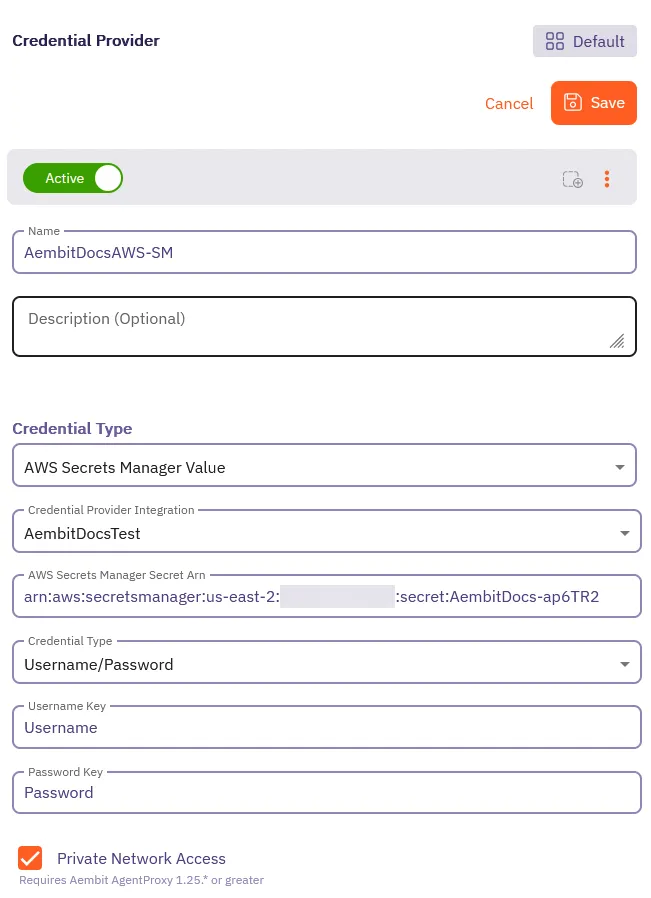
11. Click **Save**.
Aembit creates the new AWS Secrets Manager Credential Provider and displays it in the list of Credential Providers. You can now use this Credential Provider with your Server Workloads.
# Configure an AWS STS Federation Credential Provider
> How to add and use the AWS Security Token Service (STS) Federation Credential Provider with Server Workloads
AWS offers the AWS Security Token Service (STS), a web service designed to facilitate the request of temporary, restricted-privilege credentials for users.
Aembit’s Credential Provider**Credential Provider**: Credential Providers obtain the specific access credentials—such as API keys, OAuth tokens, or temporary cloud credentials—that Client Workloads need to authenticate to Server Workloads.[Learn more](/get-started/concepts/credential-providers) for AWS STS broadly supports AWS services that use the SigV4 and SigV4a authentication protocol depending if requests are for regional services or global/multi-region services respectively. See [How Aembit uses AWS SigV4 and SigV4a](/user-guide/access-policies/credential-providers/aws-sigv4) for information about SigV4/4a and how Aembit handles SigV4/4a requests.
Pre-signed URLs
Aembit doesn’t support AWS pre-signed URLs. For more information, see [Known limitations](/user-guide/access-policies/credential-providers/aws-sigv4#known-limitations).
Multiple providers
You can configure multiple AWS STS Credential Providers within a single Access Policy**Access Policy**: Access Policies define, enforce, and audit access between Client and Server Workloads by cryptographically verifying workload identity and contextual factors rather than relying on static secrets.[Learn more](/get-started/concepts/access-policies) to access different AWS resources with different IAM roles. See [Using multiple AWS STS Credential Providers](/user-guide/access-policies/credential-providers/aws-security-token-service-multiple) for details.
## Prerequisites
[Section titled “Prerequisites”](#prerequisites)
Before configuring an AWS Security Token Service Federation Credential Provider in Aembit, ensure you have the following:
* ([Multiple Credential Providers](/user-guide/access-policies/credential-providers/aws-security-token-service-multiple) only) Aembit Edge Component**Aembit Edge**: Aembit Edge represents components deployed within your operational environments that enforce Access Policies by intercepting traffic, verifying identities, and injecting credentials just-in-time.[Learn more](/get-started/concepts/aembit-edge) minimum versions:
* Agent Proxy 1.27.3865
* Agent Controller 1.27.2906
* An active Aembit Tenant**Aembit Tenant**: Aembit Tenants serve as isolated, dedicated environments within Aembit that provide complete separation of administrative domains and security configurations.[Learn more](/get-started/concepts/administration) with appropriate permissions to create and manage Credential Providers.
* An AWS account with permissions to create IAM roles and Identity Providers.
* A Server Workload configured with **HTTP** Application Protocol and **AWS Signature v4** authentication method. See [AWS Cloud Server Workload](/user-guide/access-policies/server-workloads/guides/aws-cloud) for configuration details.
## Credential Provider configuration
[Section titled “Credential Provider configuration”](#credential-provider-configuration)
To configure an AWS Security Token Service Federation Credential Provider, follow these steps:
1. Log into your Aembit Tenant, and go to **Credential Providers**.
Aembit directs you to the **Credential Providers** page displaying a list of existing Credential Providers. In this example, there are no existing Credential Providers.

2. Click **+ New**.
This opens the Credential Providers dialog window.
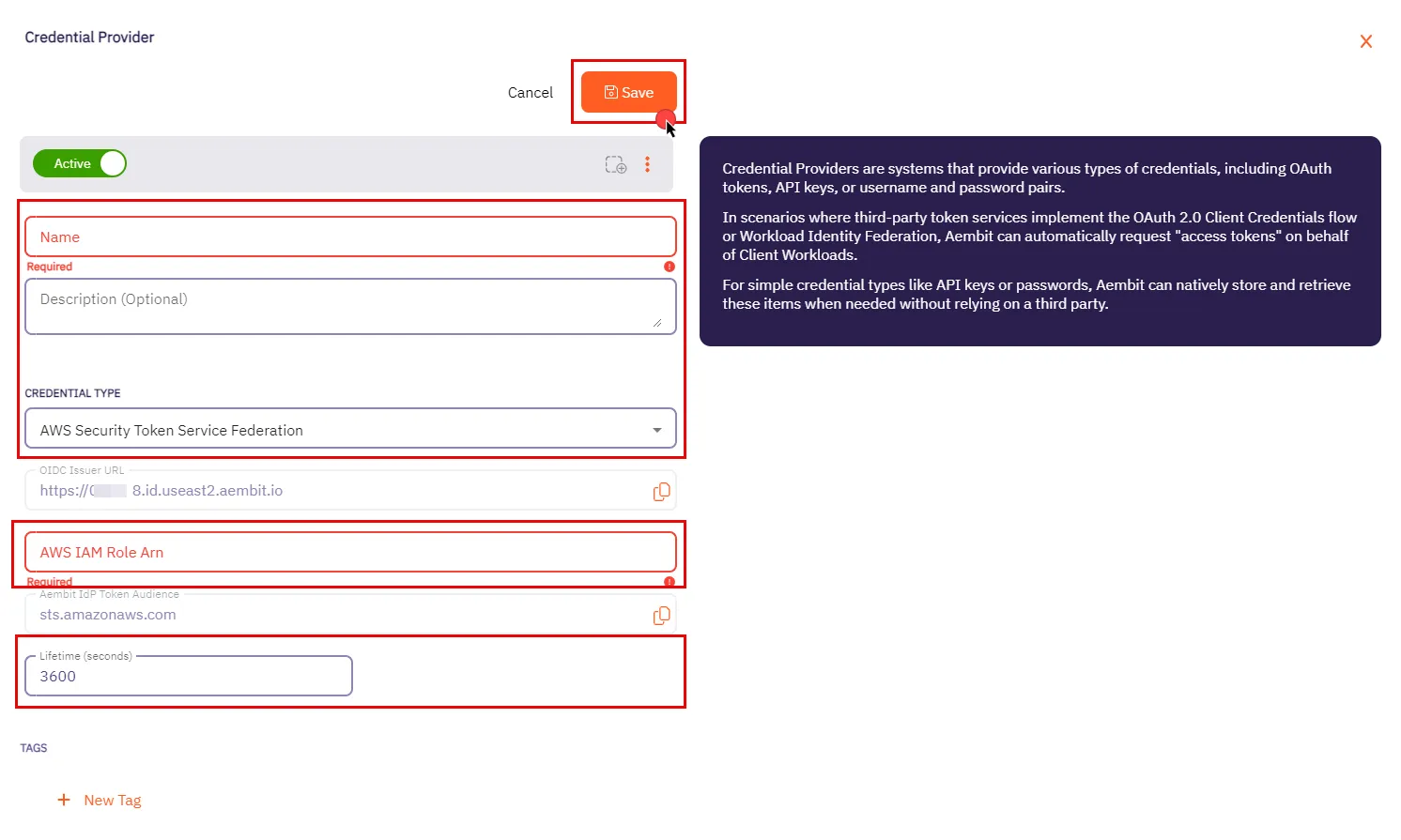
3. In the Credential Providers dialog window, enter the following information:
* **Name** - Name of the Credential Provider.
* **Description** - An optional text description of the Credential Provider.
* **Credential Type** - A dropdown menu that enables you to configure the Credential Provider type. Select **AWS Security Token Service Federation**.
* **OIDC Issuer URL** - OpenID Connect (OIDC) Issuer URL, auto-generated by Aembit, is a dedicated endpoint for OIDC authentication within AWS.
* **AWS IAM Role Arn** - Enter your AWS IAM Role in ARN format, Aembit associates this ARN with the AWS STS credentials request.
* **Aembit IdP Token Audience** - This read-only field specifies the `aud` (Audience) claim value which Aembit uses in the JWT Access Token when requesting credentials from AWS STS.
* **Lifetime (seconds)** - Specify the duration for which AWS STS credentials remain valid, ranging from 900 seconds (15 minutes) to a maximum of 129,600 seconds (36 hours).
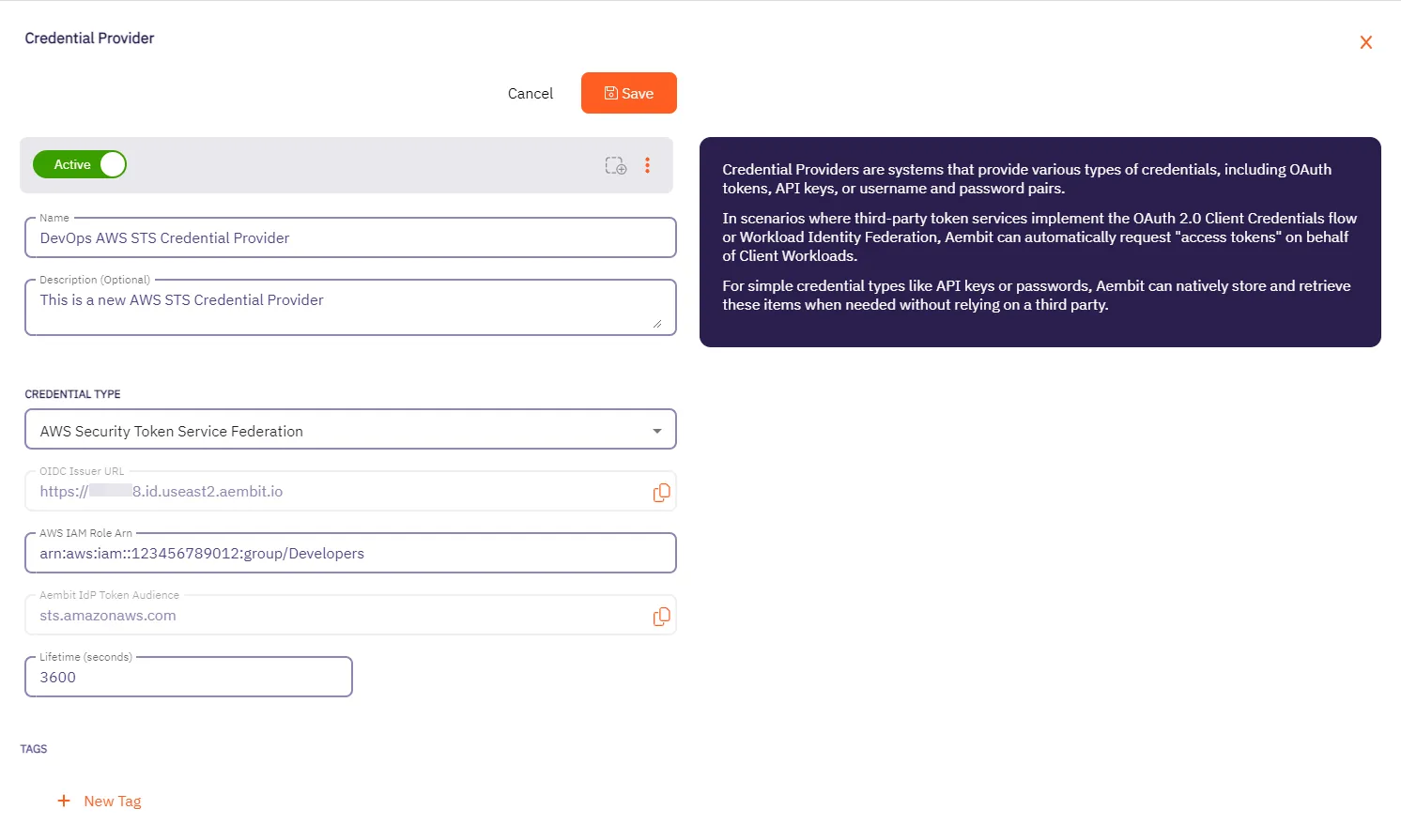
4. Click **Save** when finished. Aembit directs you back to the **Credential Providers** page, where you’ll see your newly created Credential Provider.
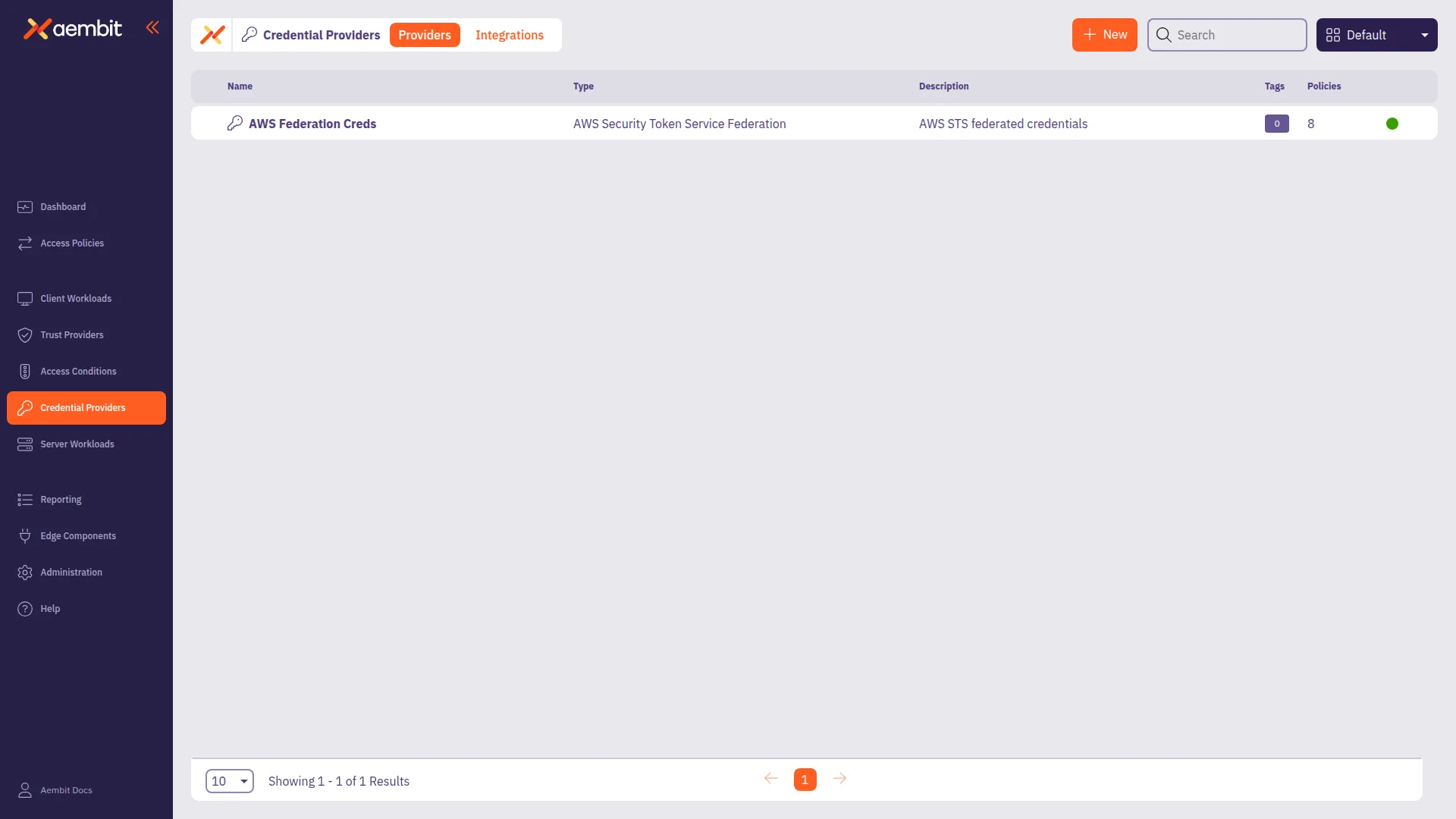
## AWS Identity Provider configuration
[Section titled “AWS Identity Provider configuration”](#aws-identity-provider-configuration)
To use the AWS STS Credential Provider, you must configure the AWS Identity Provider and assign it with an IAM role:
1. Within the AWS Console, go to **IAM** > **Identity providers** and select **Add provider**.
2. On the Configure provider screen, complete the steps and fill out the values specified:
* **Provider type** - Select **OpenID Connect**.
* **Provider URL** - Paste in the **OIDC Issuer URL** from the Credential Provider fields.
* Click **Get thumbprint** to configure the AWS Identity Provider trust relationship.
* **Audience** - Paste in the **Aembit IdP Token Audience** from the Credential Provider fields.
* Click **Add provider**.
3. Within the AWS Console, go to **IAM** > **Identity providers** and select the Identity Provider you just created.
4. Click **Assign role** and choose **Use an existing role**.
## Configure multiple AWS STS Credential Providers
[Section titled “Configure multiple AWS STS Credential Providers”](#configure-multiple-aws-sts-credential-providers)
To configure multiple AWS STS Credential Providers within a single Access Policy, follow these steps. Each Credential Provider must have a unique Access Key ID that your application uses as a selector.
Access Key ID format
Access Key ID selector values must use **uppercase characters only**. For example, use `AKIADUMMYFORROLEA` instead of `akiadummyforrolea`.
How it works
For conceptual information about how Aembit routes requests to the appropriate Credential Provider, see [Using multiple AWS STS Credential Providers](/user-guide/access-policies/credential-providers/aws-security-token-service-multiple).
1. Create your first AWS STS Credential Provider by following the [Credential Provider configuration](#credential-provider-configuration) procedure.
2. Note the **Access Key ID selector** value for this Credential Provider. Your application uses this placeholder in requests intended for this Credential Provider.
3. Repeat the Credential Provider configuration steps to create additional AWS STS Credential Providers, each with:
* A unique **Name** identifying its purpose (for example, `STS-S3-Access`, `STS-DynamoDB-Access`)
* A different **AWS IAM Role ARN** for each Credential Provider
* A unique **Access Key ID selector** for each Credential Provider
4. For each new AWS STS Credential Provider, configure the corresponding AWS Identity Provider by following the [AWS Identity Provider configuration](#aws-identity-provider-configuration) procedure.
5. Go to **Access Policies** and either create a new Access Policy or edit an existing one.
6. In the **Credential Providers** column, hover over the **+** icon and select **Existing**.
7. Add each AWS STS Credential Provider you created to the Access Policy.
8. Click **Save** or **Save & Activate** to save your Access Policy.
### Application configuration
[Section titled “Application configuration”](#application-configuration)
Configure your application to use the appropriate Access Key ID selector for each AWS service request. Agent Proxy extracts the Access Key ID from the AWS SigV4 Authorization header and routes the request to the matching Credential Provider.
#### AWS CLI example
[Section titled “AWS CLI example”](#aws-cli-example)
To use the AWS CLI with multiple Credential Providers, set these environment variables:
```shell
# Set to any non-empty value (required by AWS CLI, replaced by Aembit)
export AWS_SECRET_ACCESS_KEY=placeholder
# Set to the Access Key ID selector for the desired Credential Provider
export AWS_ACCESS_KEY_ID=AKIADUMMYFORROLEA
# Make AWS requests
aws s3 ls
```
Change `AWS_ACCESS_KEY_ID` to switch between Credential Providers. For example:
* `AKIADUMMYFORROLEA` → Uses Credential Provider configured for S3 access
* `AKIADUMMYFORROLEB` → Uses Credential Provider configured for DynamoDB access
### Verify your configuration
[Section titled “Verify your configuration”](#verify-your-configuration)
To confirm your multiple AWS STS Credential Provider configuration works correctly:
1. Set the environment variables for one of your Credential Providers.
2. Run an AWS CLI command (for example, `aws s3 ls`).
3. Check the [access authorization events](/user-guide/audit-report/access-authorization-events) in your Aembit Tenant to confirm:
* Aembit selected the correct Credential Provider
* The `credentialProvider.name` field matches your expected Credential Provider
4. Change `AWS_ACCESS_KEY_ID` to a different selector and repeat to verify the second Credential Provider.
## Related topics
[Section titled “Related topics”](#related-topics)
* [Using multiple AWS STS Credential Providers](/user-guide/access-policies/credential-providers/aws-security-token-service-multiple) - Learn how Aembit routes requests to multiple AWS STS Credential Providers
* [How Aembit uses AWS SigV4 and SigV4a](/user-guide/access-policies/credential-providers/aws-sigv4) - Learn about AWS request signing
* [Credential Providers overview](/user-guide/access-policies/credential-providers) - Overview of all available Credential Provider types
# Using Multiple AWS STS Credential Providers in a Single Access Policy
> How to add and use multiple AWS Security Token Service (STS) Credential Providers to an Access Policy
This page explains how Aembit enables the use of multiple [AWS Security Token Service (STS) Credential Providers](/user-guide/access-policies/credential-providers/aws-security-token-service-federation) within a single Access Policy**Access Policy**: Access Policies define, enforce, and audit access between Client and Server Workloads by cryptographically verifying workload identity and contextual factors rather than relying on static secrets.[Learn more](/get-started/concepts/access-policies), allowing flexible and scalable access to AWS resources.
Unlike when using [multiple JWT-based Credential Providers](/user-guide/access-policies/credential-providers/multiple-credential-providers) that use username or HTTP header mapping, AWS STS Credential Providers use **Access Key ID selectors** for Credential Provider matching. Each AWS STS Credential Provider that you configure in an Access Policy must have a unique **Access Key ID** that your application uses as a placeholder in requests.
Pre-signed URLs
Aembit doesn’t support AWS pre-signed URLs. For more information, see [Known limitations](/user-guide/access-policies/credential-providers/aws-sigv4#known-limitations).
In complex AWS environments, applications often need to assume different IAM roles to access AWS services securely. Traditionally, this required creating separate access policies for each role, increasing operational overhead.
Aembit supports configuring multiple AWS STS Credential Providers**Credential Provider**: Credential Providers obtain the specific access credentials—such as API keys, OAuth tokens, or temporary cloud credentials—that Client Workloads need to authenticate to Server Workloads.[Learn more](/get-started/concepts/credential-providers) within a single Access Policy. This enables a single Client Workload**Client Workload**: Client Workloads represent software applications, scripts, or automated processes that initiate access requests to Server Workloads, operating autonomously without direct user interaction.[Learn more](/get-started/concepts/client-workloads) identity to seamlessly access multiple AWS resources, each with its own IAM role, by selecting the appropriate Credential Provider based on the AWS Access Key ID.
Edge Component minimum versions
Using multiple AWS STS Credential Providers requires the following Aembit Edge Component minimum versions:
* Agent Proxy 1.27.3865
* Agent Controller 1.27.2906
## Benefits
[Section titled “Benefits”](#benefits)
* **Simplified Policy Management** - Manage multiple AWS roles within a single policy, reducing configuration complexity.
* **Scalability** - Efficiently supports multiple Credential Providers (for example, 10+) per Access Policy.
* **Seamless Application Experience** - Applications can access different AWS resources without code changes or multiple workload identities.
## How it works
[Section titled “How it works”](#how-it-works)
After you [configure multiple AWS STS Credential Providers](/user-guide/access-policies/credential-providers/aws-security-token-service-federation#configure-multiple-aws-sts-credential-providers) in an Access Policy (each with a unique Access Key ID selector), Aembit handles requests as follows:
1. **Request interception** - When an application makes an AWS request, the Agent Proxy intercepts it and extracts the Access Key ID from the [AWS SigV4 Authorization header](/user-guide/access-policies/credential-providers/aws-sigv4).
2. **Credential Provider matching** - The Agent Proxy sends the Access Key ID to Aembit Cloud, which matches it to the corresponding Credential Provider configured in the Access Policy.
3. **Credential issuance and injection** - Aembit Cloud assumes the IAM role via the selected Credential Provider and returns temporary AWS credentials. The Agent Proxy then injects or uses these credentials to fulfill the application’s request.
### Example scenario
[Section titled “Example scenario”](#example-scenario)
Suppose your application needs to:
* Write logs to an S3 bucket (using `STS-RoleA`)
* Read data from DynamoDB (using `STS-RoleB`)
You can configure:
* `STS-RoleA`: Assumes an IAM role for S3 access, mapped to selector `AKIADUMMYFORROLEA`
* `STS-RoleB`: Assumes an IAM role for DynamoDB access, mapped to selector `AKIADUMMYFORROLEB`
Your application uses the appropriate placeholder Access Key ID to select the desired Credential Provider for each request.
### High-level workflow
[Section titled “High-level workflow”](#high-level-workflow)
The following diagram shows how the Agent Proxy routes requests through Aembit Cloud to select the appropriate Credential Provider:

## Access authorization events
[Section titled “Access authorization events”](#access-authorization-events)
The following are example [access authorization events](/user-guide/audit-report/access-authorization-events) with the Event Type `access.credential` showing the use of different AWS STS Credential Providers within an Access Policy when handling requests:
Notice the differences between the two Credential Providers:
* The `serverWorkload` name reflects different AWS resources (`S3 SW` vs `DynamoDB SW`)
* The `accessPolicy` ID remains the same, indicating the same Access Policy governs both requests
* The `credentialProvider` section shows different `id` and `name` values (`STS-RoleA` vs `STS-RoleB`)
- S3 SW Credential Request
```json
{
"meta": {
"clientIP": "18.111.222.123",
"timestamp": "2025-11-25T11:58:58.989522Z",
"eventType": "access.credential",
"eventId": "521bf87e-91d8-4e9b-90c5-7a6d4d6118ce",
"resourceSetId": "ffffffff-ffff-ffff-ffff-ffffffffffff",
"contextId": "47fa4467-0712-4c1e-b44e-d4dbddc7844a",
"severity": "Info"
},
"outcome": {
"result": "Authorized"
},
"clientWorkload": {
"id": "973fb193-828b-406e-a6be-b64db2c94fd6",
"name": "Test Ubuntu STS CW",
"result": "Identified"
},
"serverWorkload": {
"id": "f1ebd1d-ebf4-462d-8e45-a4eeea68e480",
"name": "S3 SW",
"result": "Identified"
},
"accessPolicy": {
"id": "da30b2f9-999a-40d2-94fe-6a0c50b837cf",
"result": "Identified"
},
"trustProviders": [],
"accessConditions": [],
"credentialProvider": {
"type": "aws-sts-oidc",
"id": "b8804a83-ab97-4dc6-8bc6-2cec9f33c2b5",
"name": "STS-RoleA",
"result": "Retrieved"
}
}
```
- DynamoDB SW Credential Request
```json
{
"meta": {
"clientIP": "18.111.222.123",
"timestamp": "2025-11-25T12:05:42.123456Z",
"eventType": "access.credential",
"eventId": "a1b2c3d4-5678-90ab-cdef-1234567890ab",
"resourceSetId": "ffffffff-ffff-ffff-ffff-ffffffffffff",
"contextId": "b2c3d4e5-6789-4f1e-9abc-1234567890cd",
"severity": "Info"
},
"outcome": {
"result": "Authorized"
},
"clientWorkload": {
"id": "973fb193-828b-406e-a6be-b64db2c94fd6",
"name": "Test Ubuntu STS CW",
"result": "Identified"
},
"serverWorkload": {
"id": "f1ebd1d-ebf4-462d-8e45-a4eeea68e480",
"name": "DynamoDB SW",
"result": "Identified"
},
"accessPolicy": {
"id": "da30b2f9-999a-40d2-94fe-6a0c50b837cf",
"result": "Identified"
},
"trustProviders": [],
"accessConditions": [],
"credentialProvider": {
"type": "aws-sts-oidc",
"id": "c9905b21-1e2f-4b3c-9d7e-3f4e5a6b7c8d",
"name": "STS-RoleB",
"result": "Retrieved"
}
}
```
### Key fields explained
[Section titled “Key fields explained”](#key-fields-explained)
* `meta`: General metadata about the event, including client IP, timestamp, event type, and unique IDs.
* `outcome`: The result of the access attempt (for example, “Authorized”).
* `clientWorkload/serverWorkload`: Identifiers and names for the Client Workload and Server Workload**Server Workload**: Server Workloads represent target services, APIs, databases, or applications that receive and respond to access requests from Client Workloads.[Learn more](/get-started/concepts/server-workloads) involved.
* `accessPolicy`: The ID of the Access Policy that authorized the request.
* `trustProviders`: Trust Providers**Trust Provider**: Trust Providers validate Client Workload identities through workload attestation, verifying identity claims from the workload's runtime environment rather than relying on pre-shared secrets.[Learn more](/get-started/concepts/trust-providers) used to verify the Client Workload identity.
* `accessConditions`: Access Conditions**Access Condition**: Access Conditions add dynamic, context-aware constraints to authorization by evaluating circumstances like time, location, or security posture to determine whether to grant access.[Learn more](/get-started/concepts/access-conditions) evaluated for this request.
* `credentialProvider`: Details about the Credential Provider used, including its type, unique ID, and name.
## Error handling
[Section titled “Error handling”](#error-handling)
The following rules apply when handling requests with multiple AWS STS Credential Providers:
* If the Access Key ID in a request doesn’t match any configured Credential Provider, the request fails with a `403 Forbidden` error.
* If Aembit can’t extract the Access Key ID (for example, a malformed request), credentials aren’t injected and the request fails.
* Access Key ID selector values must use uppercase characters only. Lowercase selectors won’t match.
## Related topics
[Section titled “Related topics”](#related-topics)
* [Configure an AWS STS Federation Credential Provider](/user-guide/access-policies/credential-providers/aws-security-token-service-federation) - Set up a single AWS STS Credential Provider
* [Configure multiple Credential Providers](/user-guide/access-policies/credential-providers/multiple-credential-providers) - Overview of multiple Credential Provider support
* [How Aembit uses AWS SigV4 and SigV4a](/user-guide/access-policies/credential-providers/aws-sigv4) - Learn how Aembit’s AWS STS Credential Provider works with AWS request signing
* [Credential Providers overview](/user-guide/access-policies/credential-providers) - Overview of all available Credential Provider types
* [Access Policies](/user-guide/access-policies) - Learn about Aembit Access Policies and how they work
* [Access Authorization Events](/user-guide/audit-report/access-authorization-events) - Review access authorization event information in the Reporting Dashboard
* [AWS Cloud Server Workload](/user-guide/access-policies/server-workloads/guides/aws-cloud) - Configure Aembit to work with AWS Cloud as a Server Workload
# How Aembit uses AWS SigV4 and SigV4a
> How Aembit's Credential Provider for AWS STS works with the AWS SigV4 and Sigv4a request signing protocols
AWS Signature Version 4 (SigV4) and Signature Version 4a (SigV4a) are AWS request signing protocols. Aembit uses these protocols to sign HTTP requests from Client Workloads**Client Workload**: Client Workloads represent software applications, scripts, or automated processes that initiate access requests to Server Workloads, operating autonomously without direct user interaction.[Learn more](/get-started/concepts/client-workloads) to AWS services. Credentials come from Aembit’s [AWS STS Credential Provider](/user-guide/access-policies/credential-providers/aws-security-token-service-federation). During authentication, SigV4 ensures requests are authentic, unaltered in transit, and not replayed.
## SigV4 versions
[Section titled “SigV4 versions”](#sigv4-versions)
SigV4 has two versions:
* [SigV4](https://docs.aws.amazon.com/general/latest/gr/signature-version-4.html) is AWS’s standard signing process. It requires that you specify the exact AWS region where you’re sending a request (such as `us-east-1`, `us-east-2`). AWS scopes the signing key and signature to that specific region. AWS requires a new signature if you send the same request to a service in a different region. For most requests to [AWS regional endpoints](https://docs.aws.amazon.com/general/latest/gr/rande.html#regional-endpoints), AWS uses SigV4.
* [SigV4a](https://docs.aws.amazon.com/IAM/latest/UserGuide/reference_sigv.html#how-sigv4a-works) extends SigV4 to support multi-region AWS services. Use SigV4a when you route a request across multiple AWS regions. Instead of specifying a single region in the signature, SigV4a uses a region wildcard (\*), allowing the signature to be valid across all AWS regions. For requests to [AWS global service endpoints](https://docs.aws.amazon.com/general/latest/gr/rande.html#global-endpoints) or any service that supports cross-region requests, AWS requires SigV4a.
## SigV4 version selection
[Section titled “SigV4 version selection”](#sigv4-version-selection)
Aembit automatically determines whether to use SigV4 or SigV4a when a Client Workload uses an AWS STS Credential Provider to access AWS services. It works like this:
* Aembit uses **SigV4** when a Server Workload's**Server Workload**: Server Workloads represent target services, APIs, databases, or applications that receive and respond to access requests from Client Workloads.[Learn more](/get-started/concepts/server-workloads) hostname includes a region (such as `us-east-1` or `us-east-2`), scoping the signature to only that region.
* Aembit uses **SigV4a** when the Server Workload’s hostname doesn’t include a region (S3 Multi-Region Access Points or other global AWS services), which allows the signature to work across AWS regions.
Aembit performs this selection automatically based on the hostname structure, following AWS’s standard endpoint formats. You don’t need to make configuration changes to benefit from this. Your existing AWS STS Credential Providers automatically gain support for SigV4a where applicable.
## Workload identity and service access separation in AWS
[Section titled “Workload identity and service access separation in AWS”](#workload-identity-and-service-access-separation-in-aws)
When working with Aembit Trust Providers**Trust Provider**: Trust Providers validate Client Workload identities through workload attestation, verifying identity claims from the workload's runtime environment rather than relying on pre-shared secrets.[Learn more](/get-started/concepts/trust-providers) and Credential Providers**Credential Provider**: Credential Providers obtain the specific access credentials—such as API keys, OAuth tokens, or temporary cloud credentials—that Client Workloads need to authenticate to Server Workloads.[Learn more](/get-started/concepts/credential-providers) in AWS environments, it’s important to understand the roles each of these play. Aembit uses Trust Providers to verify who a workload is, and Credential Providers to control what AWS services that workload can access.
1. Trust Providers (like the [AWS Role Trust Provider](/user-guide/access-policies/trust-providers/aws-role-trust-provider)) verify who a workload is by confirming the AWS environment it’s running in and the IAM Role it’s using.
2. Once Aembit verifies the workload’s identity, the [AWS STS Credential Provider](/user-guide/access-policies/credential-providers/aws-security-token-service-federation) retrieves temporary AWS credentials for the workload, tied to the IAM Role verified by the Trust Provider.
3. When the workload makes API requests to AWS services like S3, Lambda, or SQS, Aembit’s Agent Proxy automatically signs those requests using AWS SigV4 for regional services, or SigV4a for global or multi-region services.
This clear separation makes sure that:
* Only attested workloads receive AWS credentials.
* Aembit secures all AWS service access using temporary credentials, eliminating the need for long-lived secrets.
* Aembit automatically applies the correct SigV4 or SigV4a signing process based on the destination service and hostname.
## Choosing the right Credential Provider for AWS environments
[Section titled “Choosing the right Credential Provider for AWS environments”](#choosing-the-right-credential-provider-for-aws-environments)
Aembit offers two Credential Providers commonly used in AWS environments, each serving different purposes:
* **[AWS STS Federation](/user-guide/access-policies/credential-providers/aws-security-token-service-federation/)** - Use this Credential Provider to access AWS services (S3, EC2, Lambda, DynamoDB, etc.). It generates temporary credentials and signs requests using SigV4/SigV4a, which the AWS API requires for secure authentication.
* **[AWS Secrets Manager](/user-guide/access-policies/credential-providers/aws-secrets-manager/)** - Use this Credential Provider to retrieve secrets stored in AWS Secrets Manager for accessing non-AWS services. This includes databases (RDS PostgreSQL/MySQL, Redshift, ElastiCache Redis) and third-party APIs that use Bearer tokens, API keys, or username/password authentication.
AWS Secrets Manager can store AWS access keys, but Aembit’s Credential Provider for Secrets Manager doesn’t support SigV4 signing. For AWS service access, always use AWS STS Federation.
## S3 upload support
[Section titled “S3 upload support”](#s3-upload-support)
Aembit’s Agent Proxy enables secure, transparent support for AWS S3 upload requests, addressing the unique signing and credential injection requirements of S3. S3 uploads are challenging because:
* **Complex signing:** S3 requires signing the HTTP message body, and for large files, AWS uses “rolling signatures” that sign each chunk individually.
* **Client-side signing:** Many AWS SDKs sign requests before they reach the proxy, so the proxy must detect and erase these signatures and re-sign the request with injected credentials.
* **Streaming support:** The Agent Proxy must stream and sign large payloads.
Aembit handles these challenges transparently:
* The Agent Proxy detects the client’s signing method (using the `x-amz-content-sha256` header).
* It erases any pre-existing client signatures and applies a valid SigV4 signature on the fly, including support for rolling signatures on chunked uploads.
* Most cases don’t require special client-side configuration.
Aembit supports all S3 signing methods, including unsigned payload modes, standard streaming signatures, rolling signatures with trailers, and ECDSA signatures.
Supported `x-amz-content-sha256` header values
| Signing Method | Supported |
| -------------------------------------------------- | --------- |
| Actual payload checksum value | ✅ |
| `UNSIGNED-PAYLOAD` | ✅ |
| `STREAMING-UNSIGNED-PAYLOAD-TRAILER` | ✅ |
| `STREAMING-AWS4-HMAC-SHA256-PAYLOAD` | ✅ |
| `STREAMING-AWS4-HMAC-SHA256-PAYLOAD-TRAILER` | ✅ |
| `STREAMING-AWS4-ECDSA-P256-SHA256-PAYLOAD` | ✅ |
| `STREAMING-AWS4-ECDSA-P256-SHA256-PAYLOAD-TRAILER` | ✅ |
## About request compression
[Section titled “About request compression”](#about-request-compression)
Agent Proxy doesn’t support streaming payload signing for S3 requests that use request compression. This limitation only affects deployments that have explicitly enabled request compression in their AWS SDK clients, which isn’t enabled by default.
Note
Agent Proxy does support the `aws-chunked` Content-Encoding, which is the standard encoding for S3 streaming uploads.
### Workaround: turn off request compression
[Section titled “Workaround: turn off request compression”](#workaround-turn-off-request-compression)
To avoid this limitation, turn off request compression in your AWS SDK client. You can set the `AWS_DISABLE_REQUEST_COMPRESSION` environment variable, or configure it in code:
* Environment variable
```shell
export AWS_DISABLE_REQUEST_COMPRESSION=true
```
* Python (boto3)
```python
from botocore.config import Config
config = Config(disable_request_compression=True)
client = boto3.client('s3', config=config)
```
* JavaScript
```javascript
const client = new S3Client({ disableRequestCompression: true });
```
* C# (.NET)
```csharp
var s3Config = new AmazonS3Config { DisableRequestCompression = true };
var s3Client = new AmazonS3Client(s3Config);
```
* Java
```java
S3ClientBuilder.standard().disableRequestCompression(true).build();
```
* Go
```go
cfg, _ := config.LoadDefaultConfig(context.TODO())
cfg.DisableRequestCompression = true
```
Alternatively, you can use `UNSIGNED-PAYLOAD` mode for single-chunk uploads or `STREAMING-UNSIGNED-PAYLOAD-TRAILER` for large uploads where payload integrity verification isn’t required.
## Known limitations
[Section titled “Known limitations”](#known-limitations)
Agent Proxy has the following limitations when processing S3 upload requests. Aembit is actively working to remove these limitations in upcoming releases.
### Pre-signed URLs
[Section titled “Pre-signed URLs”](#pre-signed-urls)
Aembit doesn’t support AWS pre-signed URLs. Pre-signed URLs include signing parameters in the URL query string rather than in HTTP headers, which is a different signing mechanism than the header-based SigV4/SigV4a signing that Aembit’s Agent Proxy handles.
If your application requires pre-signed URLs for use cases like generating shareable S3 download links, you must generate those URLs using AWS credentials obtained outside of Aembit’s credential injection flow.
### Streaming signature buffer limit
[Section titled “Streaming signature buffer limit”](#streaming-signature-buffer-limit)
Agent Proxy buffers streaming signature requests up to a configurable maximum size (50 MiB by default). If a request exceeds this size, Agent Proxy converts the signing method to `STREAMING-UNSIGNED-PAYLOAD-TRAILER`, allowing the upload to proceed without payload signing.
This behavior applies to requests using these `x-amz-content-sha256` header values:
* `STREAMING-AWS4-HMAC-SHA256-PAYLOAD`
* `STREAMING-AWS4-ECDSA-P256-SHA256-PAYLOAD`
* `STREAMING-AWS4-HMAC-SHA256-PAYLOAD-TRAILER`
* `STREAMING-AWS4-ECDSA-P256-SHA256-PAYLOAD-TRAILER`
Note
This doesn’t affect unsigned payload modes (`UNSIGNED-PAYLOAD`, `STREAMING-UNSIGNED-PAYLOAD-TRAILER`) or single-chunk uploads with an actual SHA-256 checksum value. These requests have no size restrictions.
#### Configuring the buffer size
[Section titled “Configuring the buffer size”](#configuring-the-buffer-size)
You can adjust the buffer limit using the `AEMBIT_AWS_MAX_BUFFERED_PAYLOAD_BYTES` Agent Proxy environment variable. The default value is `52428800` (50 MiB).
```shell
# Example: Increase limit to 100 MiB
export AEMBIT_AWS_MAX_BUFFERED_PAYLOAD_BYTES=104857600
```
Memory considerations
Increasing this value allows larger signed uploads but consumes more memory per concurrent upload. Consider your workload’s concurrency patterns and available memory before increasing this limit.
#### Preserving signed payloads for large uploads
[Section titled “Preserving signed payloads for large uploads”](#preserving-signed-payloads-for-large-uploads)
If your application requires signed payloads for uploads larger than the buffer limit, use multipart uploads. Agent Proxy signs each part individually, so multipart uploads have no size restrictions.
# Configure an Azure Entra WIF Credential Provider
> This page describes the Azure Entra Workload Identity Federation (WIF) Credential Provider and its usage with Server Workloads.
Aembit’s Credential Provider for Microsoft Azure Entra Workload Identity Federation (WIF) enables you to automatically obtain credentials through Aembit as a third-party federated Identity Provider (IdP). This allows you to securely authenticate with Azure Entra to access your Azure Entra registered applications and managed identities. For example, to assign API permissions or app roles to you registered applications or managed identities.
You can configure the Azure Entra Credential Provider using the [Aembit web UI](#configure-a-credential-provider-for-azure-entra) or through the [Aembit Terraform provider](#configure-azure-entra-using-the-aembit-terraform-provider).
## Prerequisites
[Section titled “Prerequisites”](#prerequisites)
To configure an Azure Entra Credential Provider, you must have and do the following:
* Ability to access and manage your Aembit Tenant.
* Ability to access and manage either of the following:
* [Microsoft Entra registered application](https://learn.microsoft.com/en-us/entra/identity-platform/quickstart-register-app)
* [Microsoft Managed Identity](https://learn.microsoft.com/en-us/entra/identity/managed-identities-azure-resources/overview)
* You request only one resource per Azure Entra Credential Provider
See detailed example
Azure’s architecture requires that you request only one resource per Azure Entra Credential Provider.
For example, when you need to access both [Microsoft Graph](http://graph.microsoft.com/) and [Azure Management](http://management.azure.com/), you must configure the following:
* **Two distinct Credential Providers** -
* One requesting the `https://graph.microsoft.com/.default` scope
* Another requesting the `https://management.azure.com/.default` scope
* **Two distinct Server Workloads** -
* One for `graph.microsoft.com`
* Another for `management.azure.com`
* **In your Access Policies, map each Credential Provider to its respective Server Workload**.
* Terraform only:
* You have Terraform installed.
* You have the [Aembit Terraform Provider](https://registry.terraform.io/providers/Aembit/aembit/latest) configured.
## Configure a Credential Provider for Azure Entra
[Section titled “Configure a Credential Provider for Azure Entra”](#configure-a-credential-provider-for-azure-entra)
This section explains how to configure an Azure Entra Credential Provider in the Aembit web UI that requests a single Azure Entra resource. These steps assume you already have a Microsoft Entra registered application (see [Prerequisites](#prerequisites)).
You must configure the Aembit Credential Provider at the same time as the Azure Entra registered application credential.
Tip
It’s best to have your Azure Entra registered application open in the Azure Entra Portal in a different browser window alongside the Aembit web UI while configuring the Credential Provider.
## Create a Credential Provider
[Section titled “Create a Credential Provider”](#create-a-credential-provider)
1. Log in to your Aembit Tenant, and in the left sidebar menu, go to **Credential Providers**.
2. Click **+ New**, which reveals the **Credential Provider** page.
3. Enter a **Name** and optional **Description**.
4. In the **Credential Type** dropdown, select **Azure Entra Identity Federation**, revealing new fields.
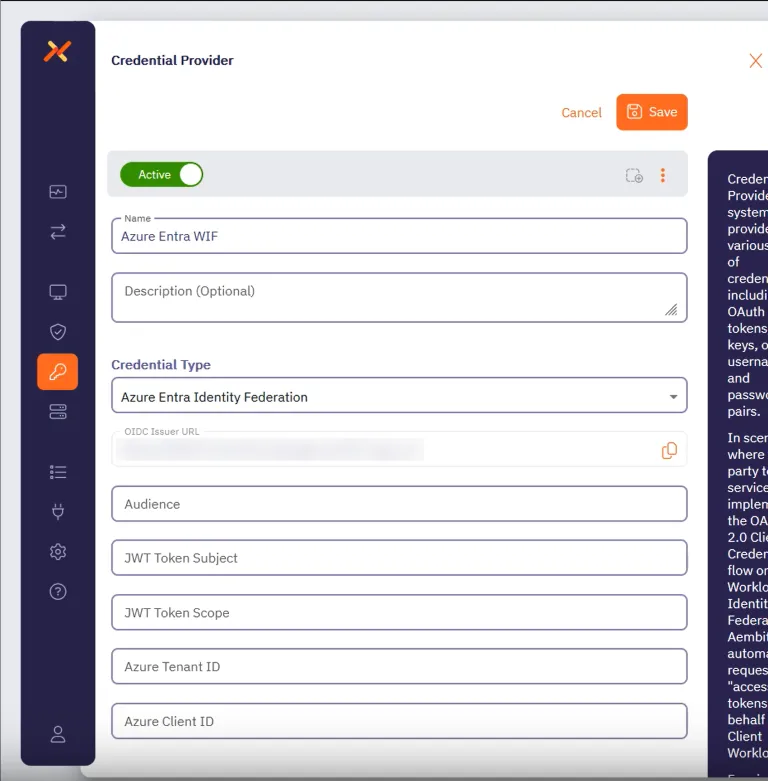
Before filling out these fields, you must add the credential for your Azure Entra registered application in the Azure Entra Portal first.
Keep the Aembit web UI open while you work on the next section.
## Add a credential for your Azure Entra registered app
[Section titled “Add a credential for your Azure Entra registered app”](#add-a-credential-for-your-azure-entra-registered-app)
In the Azure Entra Portal, create a new credential for your registered application:
1. In your Azure Entra Portal, go to **App registrations** and select your registered application from the list.
2. Go to **Manage —> Certificates & secrets** and select the **Federated Credentials** tab.
3. Click **Add credential**, to reveal the **Add a credential** page and fill out the following sections (for quick reference, see the [mappings](#azure-entra-and-credential-provider-ui-value-mappings) section):
4. For **Connect your account** -
* **Federated credential scenario** - Select **Other issuer**
* **Issuer** - From the Aembit Credential Provider page, copy and paste the **OIDC Issuer URL**
* **Type** - Select **Explicit subject identifier**
* **Value** - Enter the desired value (this must match the **JWT Token Subject** value on the Aembit Credential Provider page)
5. For **Credential details** -
* **Name** - Enter the desired name
* **Audience** - Use the default value or optionally change it to the desired value (this must match the **Audience** value on the Aembit Credential Provider page)
Your Aembit Credential Provider UI and Entra registered application credential should look similar to the following example:
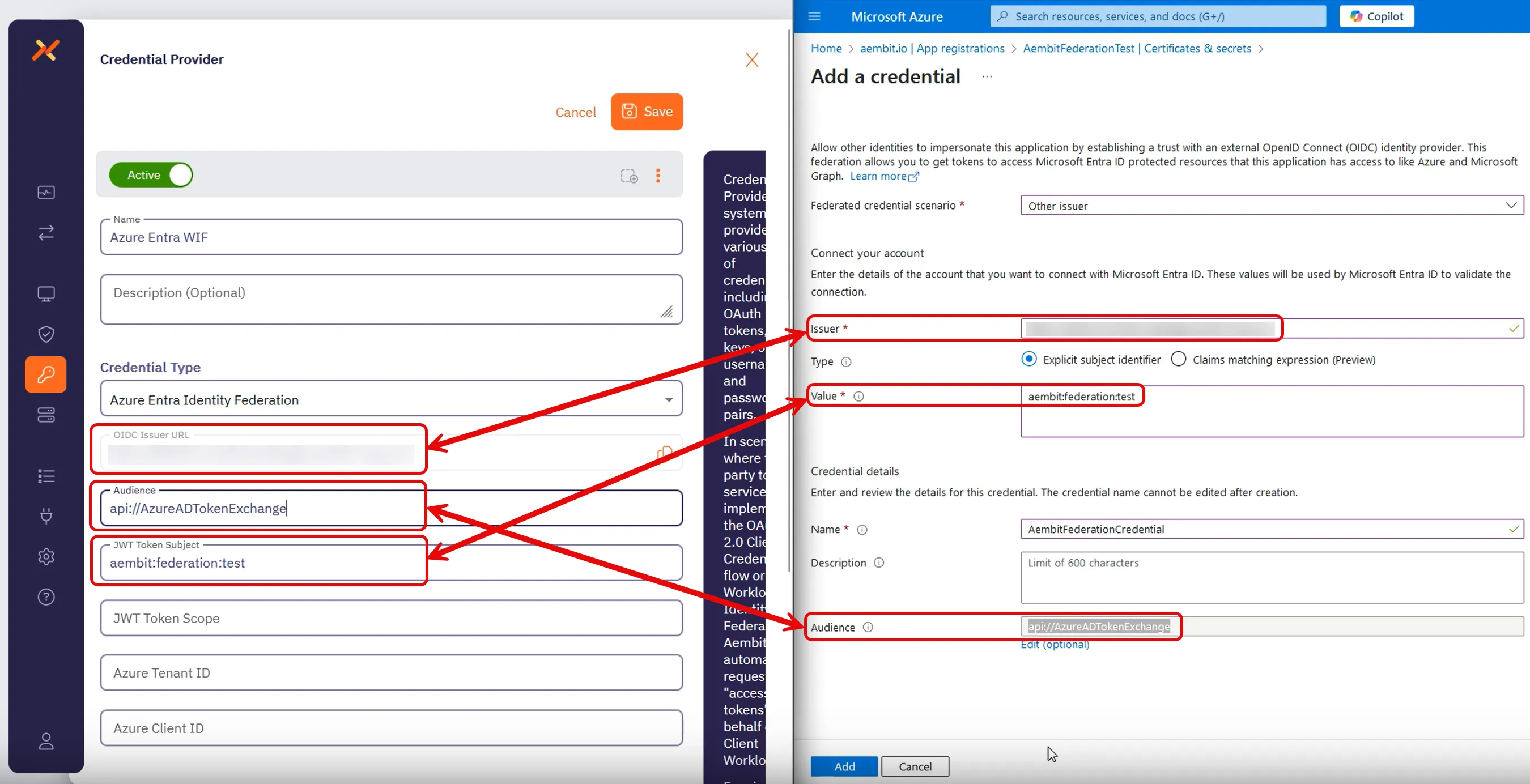
6. Click **Add** and your new credential shows up on the **Federated credentials** tab in Azure Entra.
7. While still on your registered application, go to the **Overview** section.
Keep the Azure Entra Portal open to use it in the next section.
## Complete the Credential Provider in the Aembit web UI
[Section titled “Complete the Credential Provider in the Aembit web UI”](#complete-the-credential-provider-in-the-aembit-web-ui)
Go back to the Aembit web UI, and complete the **Credential Provider** page:
1. For **JWT Token Scope**, enter the scope of the resource you want to request.
For example, for Microsoft Graph, use `https://graph.microsoft.com/.default`.
2. Use the info from your Azure Entra registered application’s **Overview** page to complete the remaining fields for the Aembit Credential Provider (for quick reference, see the [mappings](#azure-entra-and-credential-provider-ui-value-mappings) section):
1. **Azure Tenant ID** - copy and paste the **Directory (tenant) ID**.
2. **Azure Client ID** - copy and paste the **Application (client) ID**.
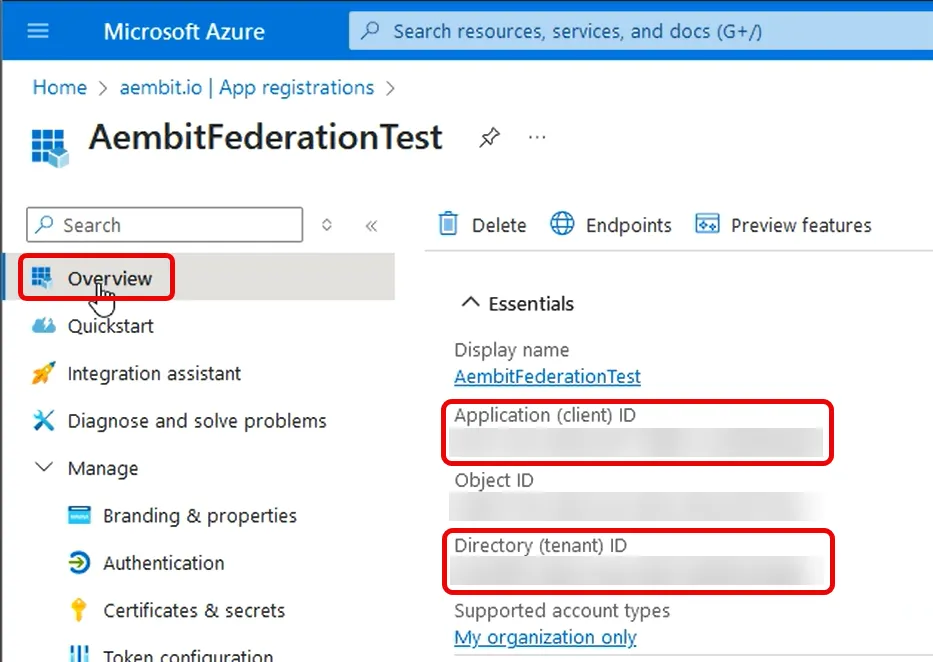
3. Click **Save**.
Your Azure Entra Credential Provider now displays in your list of Credential Providers in the Aembit web UI.
## Verify the connection
[Section titled “Verify the connection”](#verify-the-connection)
To verify the connection between your Aembit Credential Provider and your Azure Entra registered application:
1. On the **Credential Providers** page, select the Credential Provider you just created.
2. Click **Verify**.
After a few moments you should see a green banner display a “Verified Successfully” message.
If you don’t receive a “Verified Successfully” message, go back through the values in your Credential Provider in the Aembit UI and the credential in your Azure Entra registered application to make sure they’re correct.
You’re now ready to use your Credential Provider for Azure Entra Workload Identity Federation with your Server Workloads in an Aembit Access Policy!
## Configure Azure Entra using the Aembit Terraform provider
[Section titled “Configure Azure Entra using the Aembit Terraform provider”](#configure-azure-entra-using-the-aembit-terraform-provider)
To configure an Azure Entra Credential Provider using the [Aembit Terraform Provider](https://registry.terraform.io/providers/Aembit/aembit/latest), follow the steps in this section.
OIDC Issuer URL
When using the Aembit Terraform Provider, you won’t have the OIDC Issuer URL the Azure credential requires until *after* you apply the Terraform configuration successfully.
Make sure you leave the Azure Entra **Add a credential** page open until after you have successfully applied the Terraform configuration. Then copy the value for `oidc_issuer` from the applied Terraform configuration to the **Issuer** field in the **Add a credential** page.
1. Follow the steps to [Add a credential for your Azure Entra registered app](#add-a-credential-for-your-azure-entra-registered-app).
Leaving the **Issuer** blank and stopping before you add the new credential.
Keep this page open as you’ll need some values from it.
2. Create a new Terraform configuration file (such as `azure-wif.tf`) with the following structure:
```hcl
provider "aembit" {
}
resource "aembit_credential_provider" "azureEntra" {
name = ""
is_active = true
azure_entra_workload_identity = {
audience = ""
subject = ""
scope = ""
azure_tenant = ""
client_id = ""
}
}
```
Example Terraform resource file for Microsoft Graph
```hcl
provider "aembit" {
}
resource "aembit_credential_provider" "azureEntra" {
name = "Azure Entra WIF"
is_active = true
azure_entra_workload_identity = {
audience = "api://AzureADTokenExchange"
subject = "aembit:federation:test"
scope = "https://graph.microsoft.com/.default"
azure_tenant = "7f492ad1-25ec-4bfe-9c3a-84b517de8f2c"
client_id = "3d845691-7abc-4def-a123-456789abcdef"
}
}
```
3. Apply the Terraform configuration:
```shell
terraform apply
```
4. After the Terraform apply completes successfully, the Aembit Terraform provider generates an OIDC Issuer URL as the value for `oidc_issuer`.
Run the following command to obtain the value for `oidc_issuer`:
```shell
terraform state show aembit_credential_provider.azureEntra
```
5. Copy the URL from `oidc_issuer` and return to the Azure Portal’s **Add a credential** page.
6. Paste the URL from `oidc_issuer` into the **Issuer** field.
7. Click **Add** and your new credential shows up on the **Federated credentials** tab in Azure Entra.
You’re now ready to use your Credential Provider for Azure Entra Workload Identity Federation with your Server Workloads in an Aembit Access Policy!
## Azure Entra and Credential Provider UI value mappings
[Section titled “Azure Entra and Credential Provider UI value mappings”](#azure-entra-and-credential-provider-ui-value-mappings)
The following table shows how the different value in Azure Entra from your registered application map to the required values to the Aembit Credential Provider web UI and Terraform provider:
| Aembit Credential Provider value | Azure Entra credential value | Azure UI location | Terraform value |
| -------------------------------- | ---------------------------- | ------------------------- | --------------- |
| OIDC Issuer URL | Account Issuer | Registered app credential | Auto-populated |
| Audience | Credential Audience | Registered app credential | `audience` |
| JWT Token Subject | Account Value | Registered app credential | `subject` |
| Azure Tenant ID | Directory (tenant) ID | Your app’s Overview | `azure_tenant` |
| Azure Client ID | Application (client) ID | Your app’s Overview | `client_id` |
# Create an Azure Key Vault Credential Provider
> How to create and use the Azure Key Vault Credential Provider
The *Azure Key Vault Credential Provider* uses the [Azure Entra Federation Credential Provider Integration](/user-guide/access-policies/credential-providers/integrations/azure-entra-federation) to enable secure, policy-driven retrieval of static credentials stored in your Azure Key Vault. This includes API keys, usernames, and passwords. This integration allows you to leverage Aembit’s conditional access controls and centralized auditing for secrets managed in Azure, supporting both public and private network access scenarios.
## Supported credential types and workloads
[Section titled “Supported credential types and workloads”](#supported-credential-types-and-workloads)
| Credential Value Type | Supported Workloads & Protocols |
| --------------------- | ----------------------------------------------------- |
| Single Value | HTTP (Bearer, Header, Query Parameter) |
| Username/Password | HTTP (Basic Auth), Redshift, PostgreSQL, MySQL, Redis |
Caveats
* Azure Key Vault only allows one value per secret.\
For Username/Password credential types, you must create two separate secrets in Azure Key Vault (one for the username and one for the password).
* Aembit only supports string-based secrets (not certificates or arbitrary data).
* Doesn’t manage secret lifecycle (creation, rotation, deletion)—only retrieval.
* Aembit maps each Azure Entra Federation Credential Provider Integration to a single Key Vault instance.
## Prerequisites
[Section titled “Prerequisites”](#prerequisites)
You must have the following to create an Azure Key Vault Credential Provider:
* Access to an Azure subscription with permissions to create and manage an Azure Key Vault instance with secrets and appropriate access policies or Role-Based Access Control (RBAC) roles assigned
* A completed [Azure Entra Federation Credential Provider Integration](/user-guide/access-policies/credential-providers/integrations/azure-entra-federation)
* An Azure Key Vault with secrets you want to manage via Aembit
* Access to your Aembit Tenant with permissions to create Credential Providers and manage Access Policies
* For Private Network Access: Aembit Agent Proxy v1.26+ deployed in your environment
* Terraform only:
* You have Terraform installed.
* You have the [Aembit Terraform Provider](https://registry.terraform.io/providers/Aembit/aembit/latest) configured.
## Accessing Azure Key Vault on private networks
[Section titled “Accessing Azure Key Vault on private networks”](#accessing-azure-key-vault-on-private-networks)
For Key Vault instances on private networks (such as an Azure Virtual Network), enable **Private Network Access** during configuration to allow your colocated Agent Proxy to handle credential retrieval directly.
For details on when to use Private Network Access, how it works, and troubleshooting, see [Private Network Access for Credential Providers](/user-guide/access-policies/credential-providers/private-network-access/).
Version requirement
Private Network Access for Azure Key Vault requires Agent Proxy 1.26 or later.
## Configure Azure Key Vault for Aembit
[Section titled “Configure Azure Key Vault for Aembit”](#configure-azure-key-vault-for-aembit)
To configure Azure Key Vault for Aembit, follow these steps:
1. Go to **Create a resource → Key Vault → Create** in the Azure portal.
2. Select your **Subscription** and **Resource Group**.
3. Enter a **Key Vault name** and select your **Region**.
4. Choose the **Permission Model** (Azure RBAC or Vault access policy).
5. Grant access to the federated app using one of the following methods:
* Azure RBAC
1. Open the Key Vault and go to **Access control (IAM)**.
2. Click **Add role assignment**.
3. Select **Key Vault Secrets User**.
4. Click **Next**, then **Select members**.
5. Search for and select your federated app.
6. Click **Select**, then **Review + assign** twice.
* Vault Access Policy
1. Open the Key Vault and go to **Access policies**.
2. Click **+ Create**.
3. Under **Secret permissions**, check **Get** and **List**.
4. Click **Next**, search for your federated app, and select it.
5. Click **Next** twice, then **Create**.
6. Add secrets to the Key Vault:
1. Go to **Objects → Secrets**.
2. Click **+ Generate/Import**.
3. Enter a name and value for the secret.
4. Click **Create**.\
For username/password, **you must** create two separate secrets.
Security best practice
Restrict secret access to only the federated app and only for the required secrets. Use least-privilege principles.
## Create an Azure Key Vault Credential Provider
[Section titled “Create an Azure Key Vault Credential Provider”](#create-an-azure-key-vault-credential-provider)
To create an Azure Key Vault Credential Provider, follow these steps:
1. Log into your Aembit Tenant, and go to **Credential Providers** in the left sidebar.
2. (Optional) In the top right corner, select the [Resource Set](/user-guide/administration/resource-sets/) that you want this Credential Provider to reside.
3. Click **+ New**, which displays the Credential Provider pop out menu.
4. Enter a **Name** and optional **Description**.
5. Under **Credential Type**, select **Azure Key Vault Secret Value**, revealing more fields.
6. Fill out the remaining fields:
* **Select CP Integration** - Select the Azure Entra Federation integration you’ve already configured.
Note
If the **Select CP Integration** dropdown menu is empty, you either:
* May not have any Azure Entra Federation integrations configured yet. See [Azure Entra Federation](/user-guide/access-policies/credential-providers/integrations/azure-entra-federation) to create one.
* May need to change Resource Sets.
* **Credential Value Type** - Select the type of credential (Single Value or Username/Password).
* **Secret Name** - Select or enter the name of the secret in Azure Key Vault. If you enabled **Fetch Secret Names** in the Azure Entra Federation integration, the secret names automatically load in a dropdown for easier selection. If **Fetch Secret Names** wasn’t enabled, manually enter the secret name. For Username/Password, enter two separate secret names (one for username, one for password).
* **Private Network Access** - Enable this if your Key Vault exists in a private network or is only accessible from your Edge deployment. See [Accessing Azure Key Vault on private networks](#accessing-azure-key-vault-on-private-networks) for details.
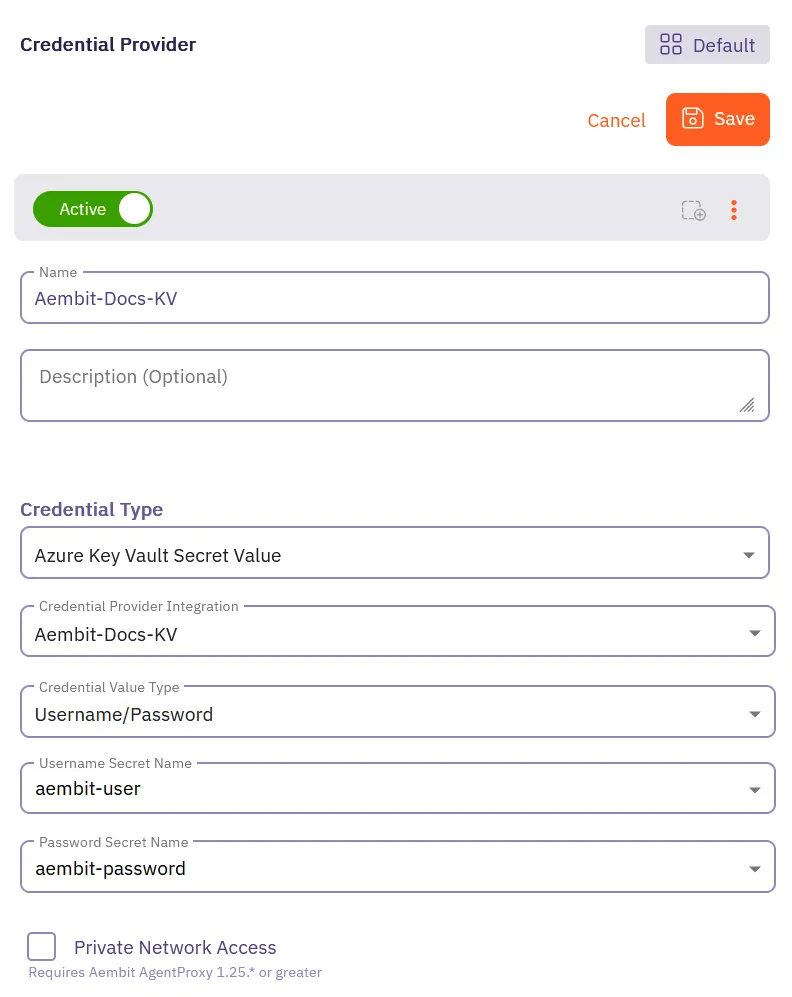
7. Click **Save**.
Aembit displays the new Credential Provider in the list of Credential Providers.
## Configure Azure Key Vault CP using the Aembit Terraform provider
[Section titled “Configure Azure Key Vault CP using the Aembit Terraform provider”](#configure-azure-key-vault-cp-using-the-aembit-terraform-provider)
To configure an Azure Key Vault Credential Provider using the [Aembit Terraform Provider](https://registry.terraform.io/providers/Aembit/aembit/latest), follow the steps in this section.
1. Ensure you have completed the [Configure Azure Key Vault for Aembit](#configure-azure-key-vault-for-aembit) steps.
2. Ensure you have created an [Azure Entra Federation integration](/user-guide/access-policies/credential-providers/integrations/azure-entra-federation) and have its integration ID.
You can obtain the integration ID by running:
```shell
terraform state show aembit_credential_provider_integration.azure_entra_federation
```
3. Create a new Terraform configuration file (such as `azure-kv-cp.tf`) based on your credential type:
* Single Value
```hcl
provider "aembit" {
}
resource "aembit_credential_provider" "azure_kv" {
name = ""
is_active = true
azure_key_vault_value = {
credential_provider_integration_id = ""
secret_name_1 = ""
private_network_access = false
}
}
```
Example Terraform resource file for API Key
```hcl
provider "aembit" {
}
resource "aembit_credential_provider" "azure_kv_api_key" {
name = "Azure KV API Key"
is_active = true
azure_key_vault_value = {
credential_provider_integration_id = "a1b2c3d4-e5f6-7890-abcd-ef1234567890"
secret_name_1 = "api-key-secret"
private_network_access = false
}
}
```
* Username/Password
```hcl
provider "aembit" {
}
resource "aembit_credential_provider" "azure_kv" {
name = ""
is_active = true
azure_key_vault_value = {
credential_provider_integration_id = ""
secret_name_1 = ""
secret_name_2 = ""
private_network_access = false
}
}
```
Example Terraform resource file for Database Credentials
```hcl
provider "aembit" {
}
resource "aembit_credential_provider" "azure_kv_db_creds" {
name = "Azure KV Database Credentials"
is_active = true
azure_key_vault_value = {
credential_provider_integration_id = "a1b2c3d4-e5f6-7890-abcd-ef1234567890"
secret_name_1 = "db-username"
secret_name_2 = "db-password"
private_network_access = false
}
}
```
4. Apply the Terraform configuration:
```shell
terraform apply
```
Your Azure Key Vault Credential Provider is now ready to use in your Access Policies!
## Troubleshooting
[Section titled “Troubleshooting”](#troubleshooting)
* **UI/Integration Errors:** If you encounter errors when creating the integration or credential provider (for example UI logout, 500 errors), verify Azure permissions and configuration details.
* **Secret Not Found:** Ensure the secret name matches exactly and that the federated app has the correct permissions.
* **Access Denied:** Double-check RBAC or access policy assignments in Azure Key Vault.
# Configure a Google GCP WIF Credential Provider
> How to create a Google GCP Workload Identity Federation (WIF) Credential Provider
Aembit offers the Google Workload Identity Federation (WIF) Credential Provider to integrate with Google GCP Services. This provider allows your Client Workloads to securely authenticate with GCP and obtain short-lived security tokens for accessing GCP services and resources.
## Credential Provider configuration
[Section titled “Credential Provider configuration”](#credential-provider-configuration)
To configure a Google Workload Identity Federation Credential Provider, follow the steps outlined below.
1. Log into your Aembit Tenant.
2. Once you are logged into your tenant, click on the **Credential Providers** tab in the left sidebar. You are directed to the Credential Providers page displaying a list of existing Credential Providers. In this example, there are no existing Credential Providers.

3. Click on the **New** button to open the Credential Providers dialog window.
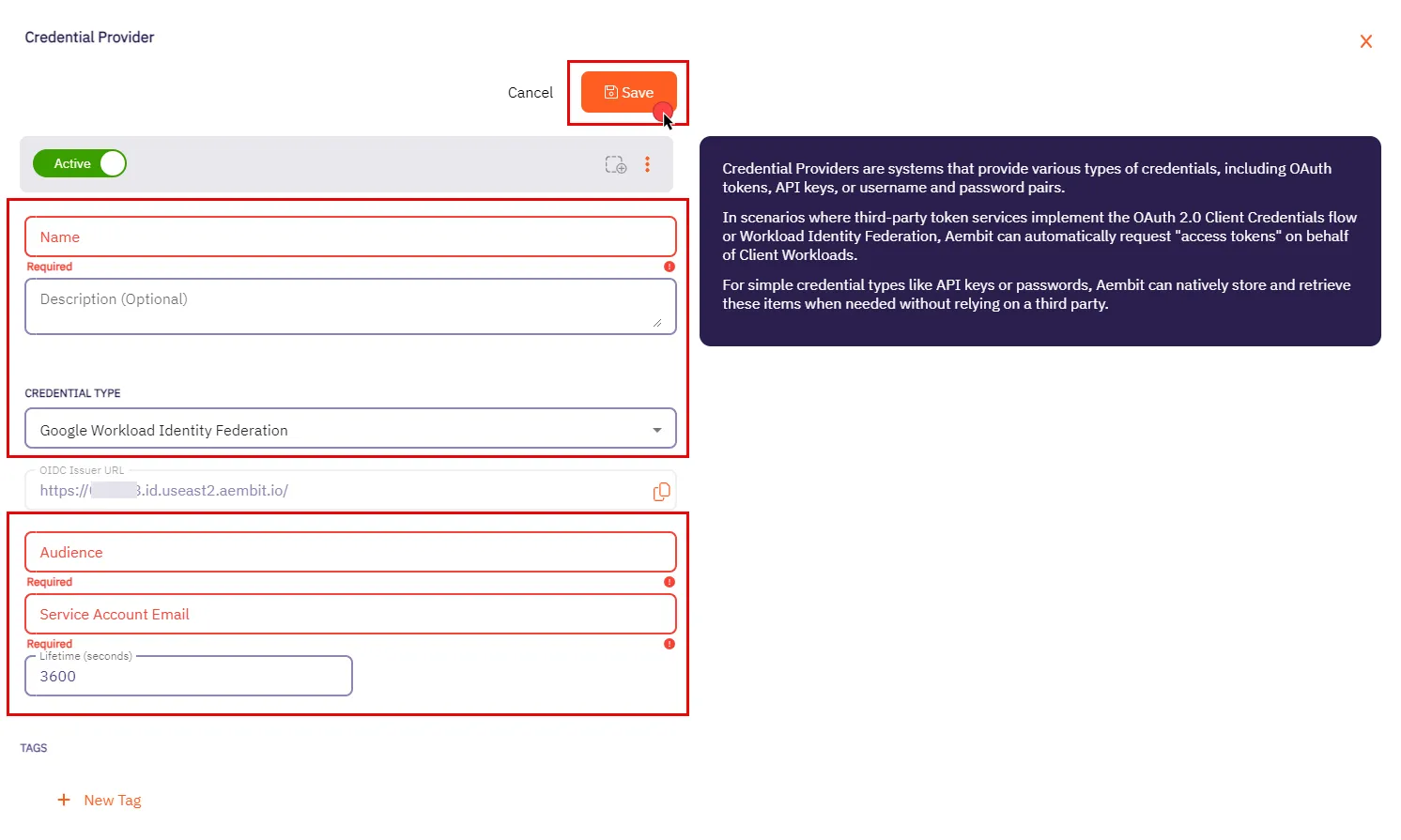
4. In the Credential Providers dialog window, enter the following information:
* **Name** - Name of the Credential Provider.
* **Description** - An optional text description of the Credential Provider.
* **Credential Type** - A dropdown menu that enables you to configure the Credential Provider type. Select **Google Workload Identity Federation**.
* **OIDC Issuer URL** - OpenID Connect (OIDC) Issuer URL, auto-generated by Aembit, is a dedicated endpoint for OIDC authentication with Google Cloud.
* **Audience** - This field specifies the `aud` (Audience) claim that must be present in the OIDC token when requesting credentials from Google Cloud. The value should match either:
* **Default** - Full canonical resource name of the Workload Identity Pool Provider (used if “Default audience” was chosen during setup).
* **Allowed Audiences** - A value included in the configured allowed audiences list, if defined.
Caution
If the default audience was chosen during provider creation, provide the value previously copied from Google Cloud Console, **excluding** the http prefix (e.g., //iam.googleapis…).
* **Service Account Email** - A Service Account represents a Google Cloud service identity, each service account has a unique email address (e.g., `service-account-name@project-id.iam.gserviceaccount.com`) that serves as its identifier. This email is used for granting permissions and enabling interactions with other services.
* **Lifetime (seconds)** - Specify the duration for which credentials remain valid, to a maximum of 1 hour (3,600 seconds).
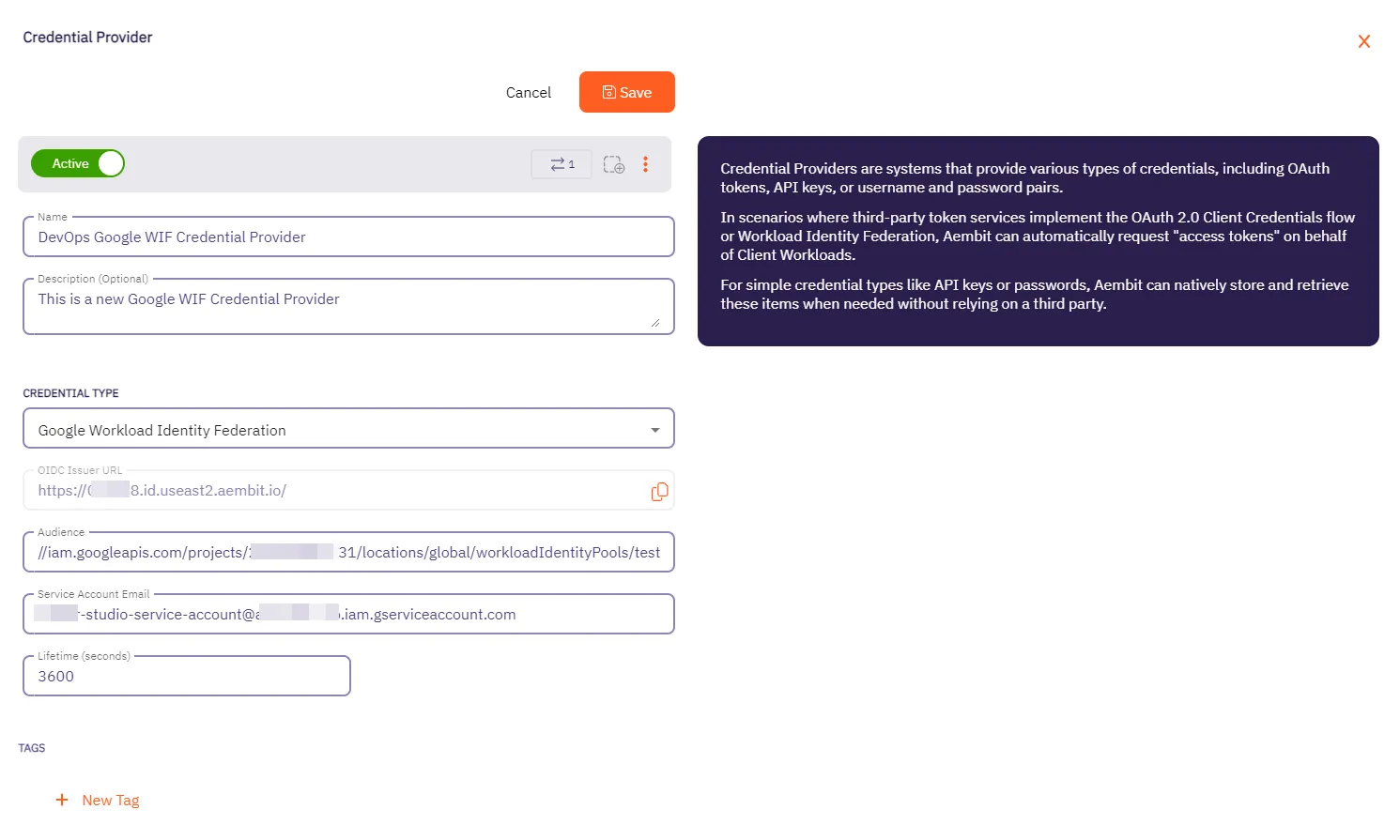
5. Click **Save** when finished. You will be directed back to the Credential Providers page, where you will see your newly created Credential Provider.
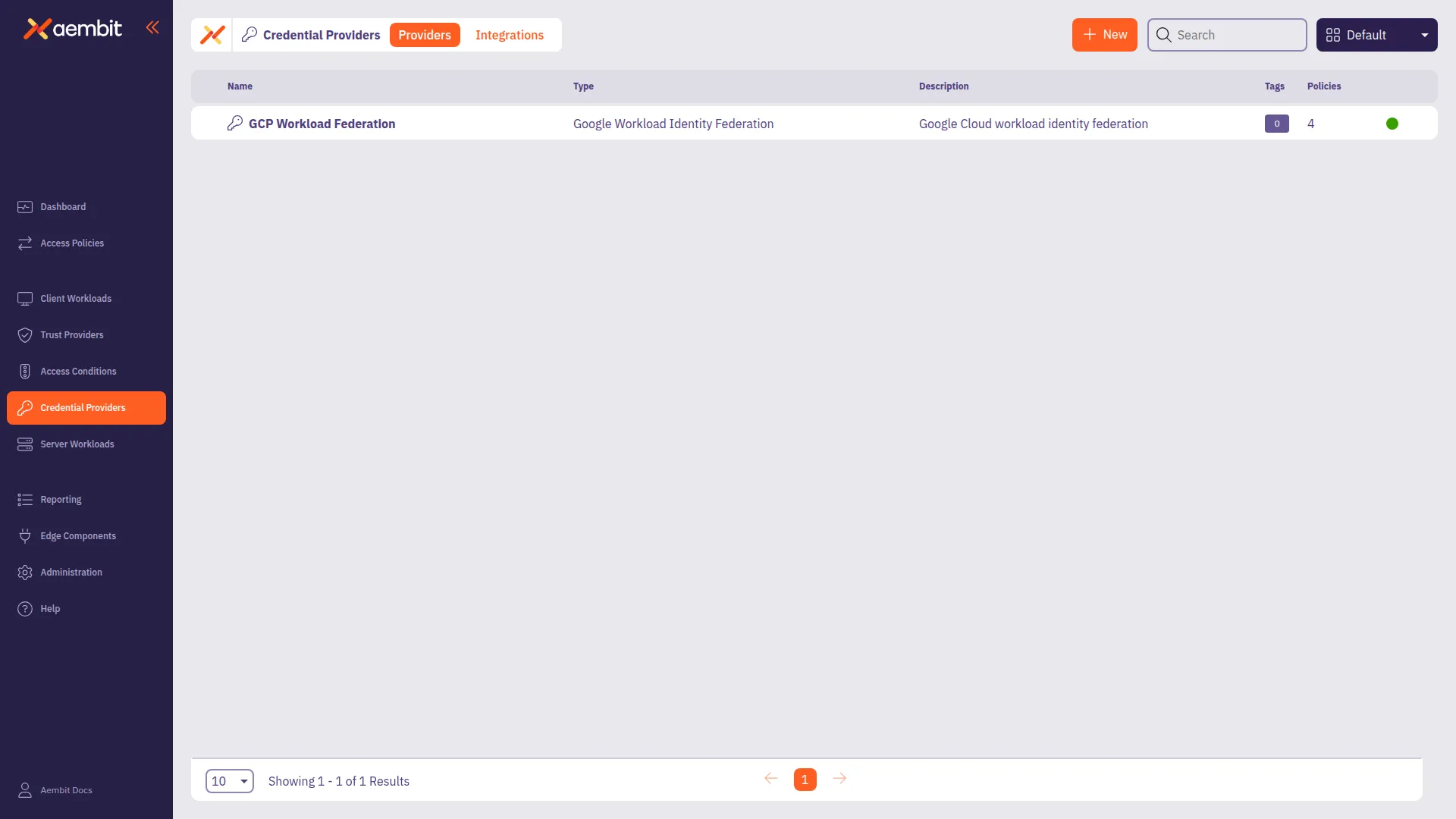
Note
For detailed examples on configuring the Workload Identity Federation, please refer to the respective Server Workloads’ credential provider configuration sections, such as the [GCP Bigquery](/user-guide/access-policies/server-workloads/guides/gcp-bigquery#credential-provider-configuration-1) example.
# Credential Provider integrations overview
> An overview of what Credential Provider integrations are and how they work
Aembit Credential Provider Integrations associate a third-party system (such as GitLab) with your Credential Providers to perform credential lifecycle management on your behalf. Credential Providers that use Credential Provider Integrations are responsible for maintaining an always-available credential value, which Aembit injects as part of an Access Policy.
Aembit’s credential lifecycle management capabilities include creating, rotating, and deleting tokens.
## Configure Credential Provider Integrations
[Section titled “Configure Credential Provider Integrations”](#configure-credential-provider-integrations)

[AWS IAM Role ](/user-guide/access-policies/credential-providers/integrations/aws-iam-role)Integrate with AWS IAM Roles Anywhere for credential management.
→

[Azure Entra Federation ](/user-guide/access-policies/credential-providers/integrations/azure-entra-federation)Integrate with Azure Key Vault using Workload Identity Federation.
→

[GitLab.com ](/user-guide/access-policies/credential-providers/integrations/gitlab)Integrate with GitLab.com for service account management.
→

[GitLab Dedicated/Self-Managed ](/user-guide/access-policies/credential-providers/integrations/gitlab-dedicated-self)Integrate with GitLab Dedicated or Self-Managed instances.
→
## How Credential Provider Integrations work
[Section titled “How Credential Provider Integrations work”](#how-credential-provider-integrations-work)
In general, Credential Provider Integrations use the following process:
1. When you initially create Credential Provider, Aembit creates the third-party account or credential or both and securely stores it in Aembit’s database.
2. Once 80% of the configured Credential Provider’s **Lifetime** expires, Aembit rotates the third-party credential and securely stores the updated credential in Aembit’s database.
3. When properly requested and authorized, Aembit provides the third-party credential from Aembit’s database to the associated Agent Proxy.
If the injected credential fails, Agent Proxy continues to log the existing Workload Events to indicate the failure but doesn’t generate a notification or take explicit action. For example, if you delete a credential on your third-party system, then the Workload fails until Aembit successfully rotates the credential.
4. When you delete a Credential Provider, Aembit deletes the third-party account and credential.
Deleting integrations
You can’t delete a Credential Provider Integration until you delete all its associated Credential Providers.
You can’t change the association between a Credential Provider Integration and a Credential Provider after you create it.
### Azure Entra Federation integration
[Section titled “Azure Entra Federation integration”](#azure-entra-federation-integration)
The [Azure Entra Federation](/user-guide/access-policies/credential-providers/integrations/azure-entra-federation) integration enables Aembit to securely access Microsoft Azure resources—such as Azure Key Vault—on behalf of your workloads, without requiring long-lived secrets or static credentials. It leverages Azure’s Workload Identity Federation, allowing Aembit to authenticate using short-lived, federated tokens based on OpenID Connect (OIDC) standards.
#### Process flow
[Section titled “Process flow”](#process-flow)
At a high level, the Azure Entra Federation Credential Provider Integration works like this:
1. You register an application in Azure Entra ID (formerly Azure Active Directory) and configure a federated credential that trusts tokens issued by Aembit.
2. In Aembit, you create an Azure Entra Federation integration, providing details from your Azure application and the OIDC issuer information from Aembit.
3. When a workload requests access to an Azure resource, Aembit generates an OIDC token and presents it to Azure.
4. Azure validates the token and issues a short-lived Azure access token scoped for the requested resource.
5. Aembit uses this token to access Azure resources (like Key Vault) and delivers the result securely to the requesting workload, governed by Aembit’s access policies.
### GitLab Service Account integration
[Section titled “GitLab Service Account integration”](#gitlab-service-account-integration)
This [GitLab Service Account](/user-guide/access-policies/credential-providers/integrations/gitlab) integration uses your GitLab administrator account to connect with your GitLab instance and control credential lifecycle management for each Managed GitLab Account Credential Provider.
When creating a [Managed GitLab Account Credential Provider](/user-guide/access-policies/credential-providers/managed-gitlab-account), you scope it to only access specific GitLab Projects or GitLab Groups. Each provider creates an additional, separate GitLab service account that manages credentials on your behalf. This approach gives you fine-grained control over your GitLab workloads’ credential lifecycle management.
#### GitLab subscriptions
[Section titled “GitLab subscriptions”](#gitlab-subscriptions)
Depending on the type of [GitLab plan](https://docs.gitlab.com/subscriptions/choosing_subscription/) you have, you have different choices of how to set up your GitLab Service Account integration.
* For [GitLab.com plans](/user-guide/access-policies/credential-providers/integrations/gitlab), you must use `https://gitlab.com` when creating the integration.
* For [GitLab Dedicated or Self-Managed plans](/user-guide/access-policies/credential-providers/integrations/gitlab-dedicated-self), you must use the URL of your GitLab dedicated or Self-Managed instance’s.
See [GitLab’s plans](https://docs.gitlab.com/subscriptions/choosing_subscription/) for details about GitLab subscription types.
GitLab plan differences
The distinction between the different GitLab plans requires you to use different API calls when creating the GitLab Service Account integration.
#### Process flow
[Section titled “Process flow”](#process-flow-1)
At a high level, the GitLab Service Account Credential Provider Integration works like this:
1. You initially connect Aembit to GitLab using your GitLab administrator account.
2. You create a Credential Provider with Managed GitLab Account integration.
3. Aembit creates a service account for each Credential Provider with your specified access scope.
4. Aembit securely stores credentials in its database.
5. Aembit automatically rotates credentials before expiration.
6. When requested and authorized, Aembit provides credentials to the Agent Proxy.
# Create a AWS IAM Role Integration for an AWS IAM Role
> How to create an AWS IAM Role Credential Provider Integration using an AWS IAM Role
Aembit uses the AWS IAM Role Credential Provider Integration to enable you to retrieve credentials using the AWS IAM Role you specify.
This page details everything you need to create an AWS IAM Role Credential Provider Integration. This integration requires the use of an AWS IAM Role that has the necessary permissions to access the resources you want to manage with Aembit.
## Configure a AWS IAM Role integration
[Section titled “Configure a AWS IAM Role integration”](#configure-a-aws-iam-role-integration)
To create a AWS IAM Role integration, follow these steps:
1. Log into your Aembit Tenant, and go to **Credential Providers -> Integrations** in the left sidebar.
2. (Optional) In the top right corner, select the [Resource Set](/user-guide/administration/resource-sets/) that you want this Credential Provider Integration to reside.
3. Click **+ New**, which displays the **Integration** pop out menu.
4. Select **AWS IAM Role**.
5. Fill out the following fields on the **AWS IAM Role** form:
* **Display Name** - Enter a unique name for this integration.
* **Description** - (Optional) Enter a description.
6. In the **Configuration** section, enter the following information:
* **AWS IAM Role ARN** - Enter the Amazon Resource Name (ARN) of the AWS IAM Role that you want to use for this integration. This role must have the necessary permissions to access the resources you want to manage with Aembit.
AWS IAM Role ARN location
You can find the ARN of an AWS IAM Role in the AWS Management Console under **IAM -> Roles**, then select the role you want to use. AWS displays the role ARN at the top of the role’s **Summary** page.
* **Lifetime** - Specify the duration of the temporary AWS credentials which Aembit uses to access AWS resources (default: 3600 seconds).
* **Populate Secret ARNs** - Enable this option to automatically populate the ARNs of the secrets accessible with the **AWS IAM Role ARN** you just entered in the **AWS Secrets Manager Secret Arn** field of Credential Providers that use this integration.
The form should look similar to the following screenshot:
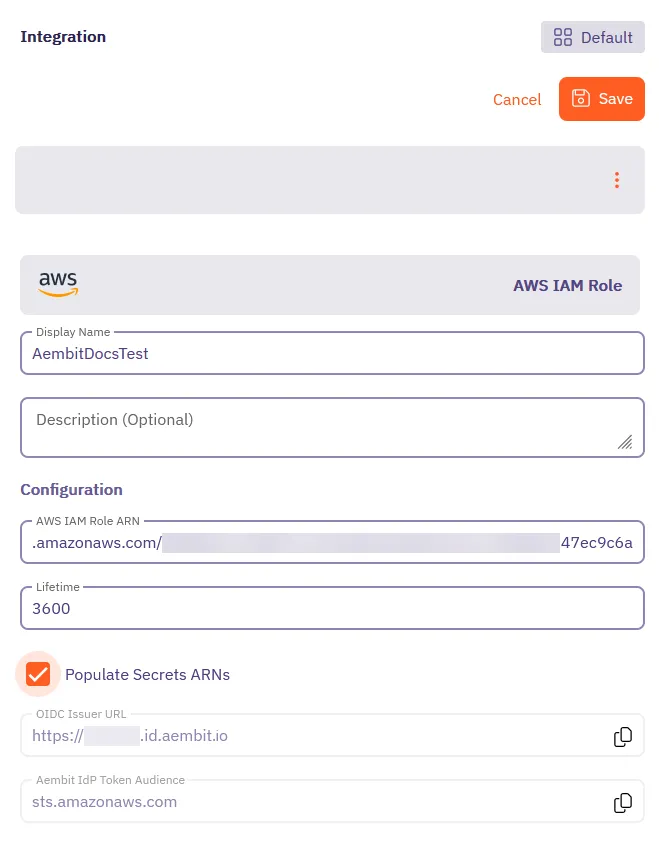
7. Click **Save**.
Aembit displays the new integration in the list of Credential Provider Integrations.
Once you’ve created the AWS IAM Role integration, Aembit displays it in the list of Credential Provider Integrations.
You can tell that you’ve configured the integration correctly if you see a green **Ready** badge in the **Status** column, like the following screenshot:
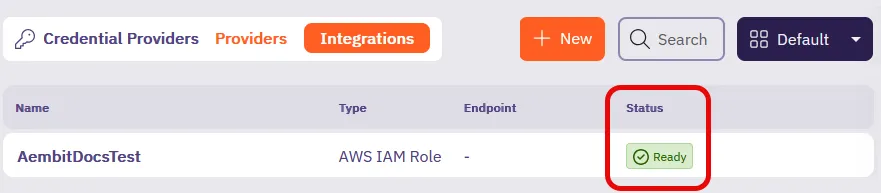
## Next steps
[Section titled “Next steps”](#next-steps)
Now that you’ve created a AWS Secrets Manager Credential Provider Integration, create a [AWS Secrets Manager Value Credential Provider](/user-guide/access-policies/credential-providers/aws-secrets-manager) to use with your Server Workloads.
# Create an Azure Entra Federation Credential Provider Integration
> How to create a Azure Entra Federation Credential Provider Integration using Azure Key Vault
The Azure Entra Federation Credential Provider Integration allows you to create an [Azure Key Vault Credential Provider](/user-guide/access-policies/credential-providers/azure-key-vault). This enables the credential provider to retrieve secret values from Azure Key Vault without requiring long-lived secrets or static credentials. It leverages Azure’s Workload Identity Federation, allowing Aembit to authenticate using short-lived, federated tokens based on OpenID Connect (OIDC) standards. This page details everything you need to create an Azure Entra Federation Credential Provider Integration.
See [How the Azure Entra Federation integration works](/user-guide/access-policies/credential-providers/integrations/#azure-entra-federation-integration) for more details.
Using multiple Azure Key Vaults
**For a single Key Vault instance**: Use one integration per Key Vault, regardless of the number of secrets you need to access in that Key Vault.
**For multiple Key Vault instances**: Create a separate Azure Entra Federation integration and Credential Provider for each Key Vault.
## Prerequisites
[Section titled “Prerequisites”](#prerequisites)
To configure an Azure Entra Federation integration, you must have and do the following:
* Ability to access and manage your Aembit Tenant.
* Ability to access and manage a [Microsoft Entra registered application](https://learn.microsoft.com/en-us/entra/identity-platform/quickstart-register-app)
* An Azure Key Vault with secrets you want to manage via Aembit.
* Terraform only:
* You have Terraform installed.
* You have the [Aembit Terraform Provider](https://registry.terraform.io/providers/Aembit/aembit/latest) configured.
## Create an integration
[Section titled “Create an integration”](#create-an-integration)
This section explains how to configure an Azure Entra Federation integration in the Aembit web UI. These steps assume you already have a Microsoft Entra registered application (see [Prerequisites](#prerequisites)).
You must configure the Aembit integration at the same time as the Azure Entra registered application credential.
Tip
It’s best to have your Azure Entra registered application open in the Azure Entra Portal in a different browser window alongside the Aembit web UI while configuring the integration.
1. Log into your Aembit Tenant, and in the left sidebar menu, go to **Credential Providers → Integrations**.

2. (Optional) In the top right corner, select the [Resource Set](/user-guide/administration/resource-sets/) that you want this Credential Provider Integration to reside.
3. Click **+ New**, which displays the **Integration** pop out menu.
4. Select **Azure Entra Federation**, and enter a **Display Name** and optional **Description**.
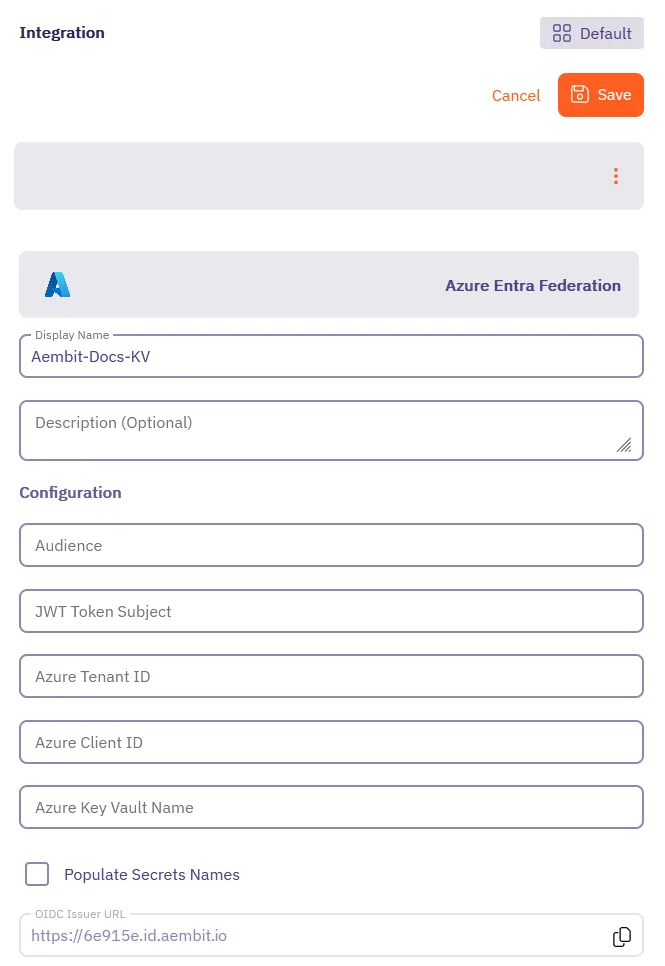
Before filling out these fields, you must add the credential for your Azure Entra registered application in the Azure Entra Portal first.
Keep the Aembit web UI open while you work on the next section.
## Add a credential for your Azure Entra registered app
[Section titled “Add a credential for your Azure Entra registered app”](#add-a-credential-for-your-azure-entra-registered-app)
In the Azure Entra Portal, create a new credential for your registered application:
1. In your Azure Entra Portal, go to **App registrations** and select your registered application from the list.
2. Go to **Manage → Certificates & secrets** and select the **Federated Credentials** tab.
3. Click **Add credential**, to reveal the **Add a credential** page and fill out the following sections (for quick reference, see the [mappings](#azure-entra-and-integration-value-mappings) section):
4. For **Connect your account** -
* **Federated credential scenario** - Select **Other issuer**
* **Issuer** - From the Aembit Integration form, copy and paste the **OIDC Issuer URL**
* **Type** - Select **Explicit subject identifier**
* **Value** - Enter the desired value (this must match the **JWT Token Subject** value you enter on the Aembit Integration form)
5. For **Credential details** -
* **Name** - Enter the desired name
* **Audience** - Use the default value or optionally change it to the desired value (this must match the **Audience** value on the Aembit Integration form)
Your Aembit Integration form and Entra registered application credential should look similar to the following example:
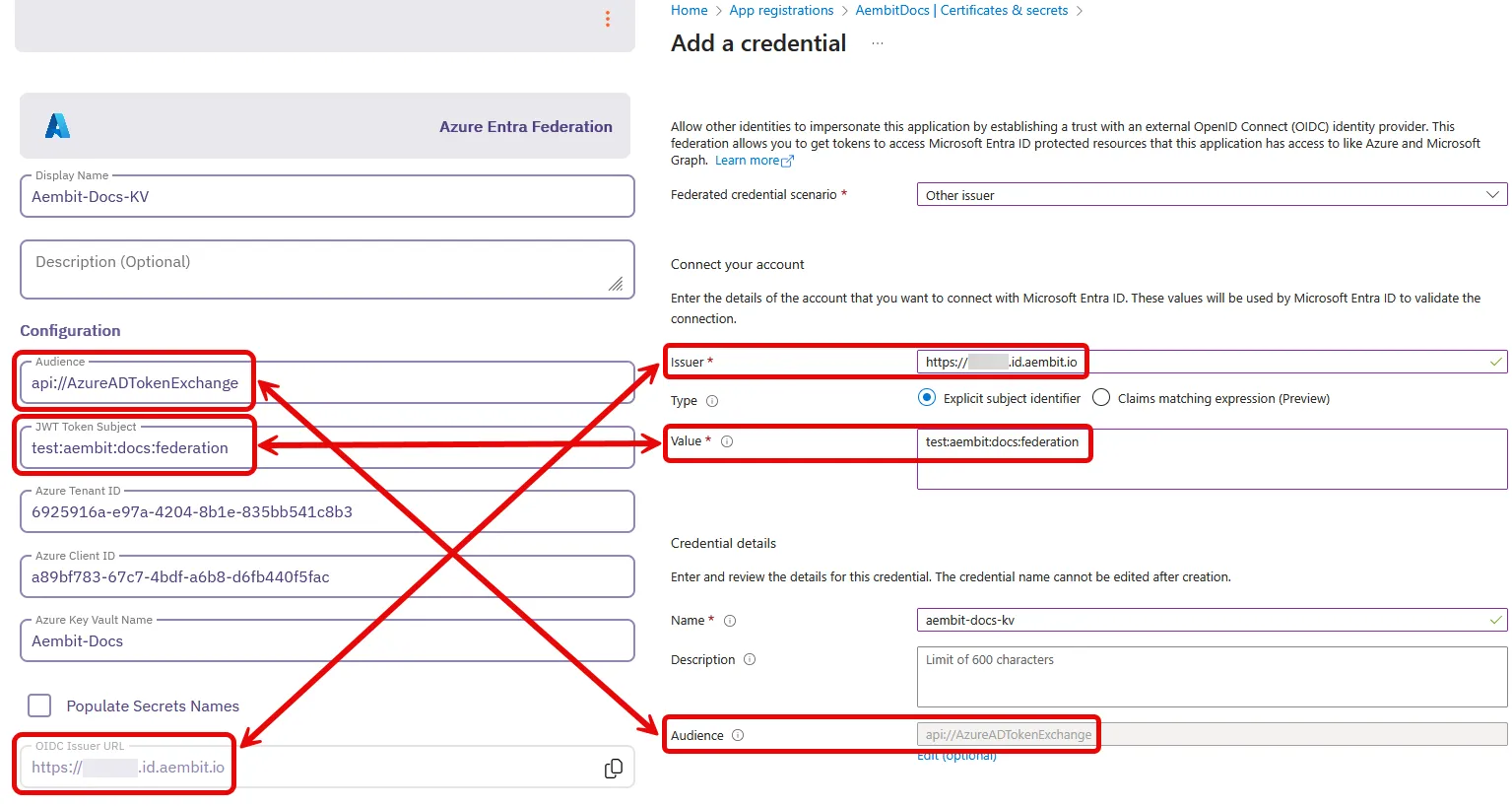
6. Click **Add** and your new credential shows up on the **Federated credentials** tab in Azure Entra.
7. While still on your registered application, go to the **Overview** section.
Keep the Azure Entra Portal open to use it in the next section.
## Complete the integration in the Aembit web UI
[Section titled “Complete the integration in the Aembit web UI”](#complete-the-integration-in-the-aembit-web-ui)
Go back to the Aembit web UI, and complete the **Integration** form:
1. Use the info from your Azure Entra registered application’s **Overview** page to complete the following fields for the Aembit Integration (for quick reference, see the [mappings](#azure-entra-and-integration-value-mappings) section):
1. **Azure Tenant ID** - copy and paste the **Directory (tenant) ID**.
2. **Azure Client ID** - copy and paste the **Application (client) ID**.

2. For **Azure Key Vault Name**, enter the name of your Azure Key Vault.
3. (Optional) Enable **Fetch Secret Names** to load the secret names from the Azure Key Vault. When enabled, secret names automatically populate in a dropdown when setting up the Azure Key Vault Credential Provider, making it easier to select secrets.
4. Click **Save**.
Your Azure Entra Federation integration now displays in your list of Credential Provider Integrations in the Aembit web UI.
You’re now ready to use your Azure Entra Federation integration to create an [Azure Key Vault Credential Provider](/user-guide/access-policies/credential-providers/azure-key-vault)!
## Configure Azure Entra Federation using the Aembit Terraform provider
[Section titled “Configure Azure Entra Federation using the Aembit Terraform provider”](#configure-azure-entra-federation-using-the-aembit-terraform-provider)
To configure an Azure Entra Federation integration using the [Aembit Terraform Provider](https://registry.terraform.io/providers/Aembit/aembit/latest), follow the steps in this section.
OIDC Issuer URL
When using the Aembit Terraform Provider, you won’t have the OIDC Issuer URL the Azure credential requires until *after* you apply the Terraform configuration successfully.
Make sure you leave the Azure Entra **Add a credential** page open until after you have successfully applied the Terraform configuration. Then copy the value for `oidc_issuer_url` from the applied Terraform configuration to the **Issuer** field in the **Add a credential** page.
1. Follow the steps to [Add a credential for your Azure Entra registered app](#add-a-credential-for-your-azure-entra-registered-app).
Leaving the **Issuer** blank and stopping before you add the new credential.
Keep this page open as you’ll need some values from it.
2. Create a new Terraform configuration file (such as `azure-entra-federation.tf`) with the following structure:
```hcl
provider "aembit" {
}
resource "aembit_credential_provider_integration" "azure_entra_federation" {
name = ""
description = ""
azure_entra_federation = {
audience = ""
subject = ""
azure_tenant = ""
client_id = ""
key_vault_name = ""
fetch_secret_names = true
}
}
```
Example Terraform resource file for Azure Key Vault
```hcl
provider "aembit" {
}
resource "aembit_credential_provider_integration" "azure_entra_federation" {
name = "Azure Key Vault Integration"
description = "Integration for accessing Azure Key Vault secrets"
azure_entra_federation = {
audience = "api://AzureADTokenExchange"
subject = "aembit:integration:keyvault"
azure_tenant = "7f492ad1-25ec-4bfe-9c3a-84b517de8f2c"
client_id = "3d845691-7abc-4def-a123-456789abcdef"
key_vault_name = "my-key-vault"
fetch_secret_names = true
}
}
```
3. Apply the Terraform configuration:
```shell
terraform apply
```
4. After the Terraform apply completes successfully, the Aembit Terraform provider generates an OIDC Issuer URL as the value for `oidc_issuer_url`.
Run the following command to obtain the value for `oidc_issuer_url`:
```shell
terraform state show aembit_credential_provider_integration.azure_entra_federation
```
5. Copy the URL from `oidc_issuer_url` and return to the Azure Portal’s **Add a credential** page.
6. Paste the URL from `oidc_issuer_url` into the **Issuer** field.
7. Click **Add** and your new credential shows up on the **Federated credentials** tab in Azure Entra.
You’re now ready to use your Azure Entra Federation integration to create an [Azure Key Vault Credential Provider](/user-guide/access-policies/credential-providers/azure-key-vault)!
## Azure Entra and Integration value mappings
[Section titled “Azure Entra and Integration value mappings”](#azure-entra-and-integration-value-mappings)
The following table shows how the different values in Azure Entra from your registered application map to the required values in the Aembit Integration and Terraform provider:
| Aembit Integration value | Azure Entra credential value | Azure UI location | Terraform value |
| ------------------------ | ---------------------------- | ------------------------- | -------------------- |
| OIDC Issuer URL | Account Issuer | Integration form | Auto-populated |
| Audience | Credential Audience | Registered app credential | `audience` |
| JWT Token Subject | Account Value | Registered app credential | `subject` |
| Azure Tenant ID | Directory (tenant) ID | Your app’s Overview | `azure_tenant` |
| Azure Client ID | Application (client) ID | Your app’s Overview | `client_id` |
| Azure Key Vault Name | Key Vault name | Azure Key Vault resource | `key_vault_name` |
| Fetch Secret Names | N/A | Integration form | `fetch_secret_names` |
## Additional resources
[Section titled “Additional resources”](#additional-resources)
* [Credential Provider Integrations overview](/user-guide/access-policies/credential-providers/integrations/)
# Create a GitLab Service Account Integration for a GitLab.com plan
> How to create a GitLab Service Account Credential Provider Integration using a GitLab.com plan
The GitLab Service Account Credential Provider Integration allows you to create a [Managed GitLab Account Credential Provider](/user-guide/access-policies/credential-providers/managed-gitlab-account), which provides credential lifecycle management and rotation capabilities for secure authentication between your GitLab instances and other Client Workloads. This page details everything you need to create a GitLab Service Account Credential Provider Integration.
GitLab Free tier limitation
Service accounts are only available for GitLab *Premium and Ultimate* subscription tiers. If you’re using a Free tier subscription, consider upgrading to a paid plan or using a [GitLab Dedicated or Self-Managed instance](/user-guide/access-policies/credential-providers/integrations/gitlab-dedicated-self) instead.
This integration requires the use of two types of GitLab accounts:
* **GitLab Administrator account** in a top-level-group with the `Owner` role. This administrator account performs the initial authorization for the Aembit Credential Provider Integration to start communicating with GitLab.
* **GitLab Service Account** that the preceding GitLab Administrator account eventually creates. This service account performs credential lifecycle management for the Managed GitLab Account Credential Provider.
See [How the GitLab Service Account integration works](/user-guide/access-policies/credential-providers/integrations/#gitlab-service-account-integration) for more details.
## Prerequisites
[Section titled “Prerequisites”](#prerequisites)
* `Owner` role access to [GitLab Admin area](https://docs.gitlab.com/administration/admin_area/) and [REST API](https://docs.gitlab.com/api/rest/)
* A [GitLab Personal Access Token (PAT)](https://docs.gitlab.com/user/profile/personal_access_tokens/) for your [GitLab service account](https://docs.gitlab.com/user/profile/service_accounts/) with the `Owner` role as well as `api` and `self_rotate` [scopes](https://docs.gitlab.com/user/profile/personal_access_tokens/#personal-access-token-scopes)
## Configure a GitLab service account integration
[Section titled “Configure a GitLab service account integration”](#configure-a-gitlab-service-account-integration)
To create a GitLab service account integration, follow these steps:
1. Log into your Aembit Tenant, and go to **Credential Providers -> Integrations** in the left sidebar.

2. (Optional) In the top right corner, select the [Resource Set](/user-guide/administration/resource-sets/) that you want this Credential Provider Integration to reside.
3. Click **+ New**, which displays the **Integration** pop out menu.
4. Select **GitLab Service Account**, and enter a **Display Name** and optional **Description**.
5. Fill out the remaining fields:
* **Token Endpoint URL** - Enter `https://gitlab.com`, indicating that you’re using a GitLab.com plan.
See [GitLab subscriptions](/user-guide/access-policies/credential-providers/integrations/#gitlab-subscriptions) for more details.
* **Top Level Group ID** - Enter the numeric ID of the top-level group that contains your GitLab service account.\
See GitLab’s [Find the Group ID](https://docs.gitlab.com/user/group/#find-the-group-id) for more details.
GitLab Free tier limitation
Service accounts are only available for GitLab *Premium and Ultimate* subscription tiers. If you’re using a Free tier subscription, consider upgrading to a paid plan or using a [GitLab Dedicated or Self-Managed instance](/user-guide/access-policies/credential-providers/integrations/gitlab-dedicated-self) instead.
* **Personal Access Token** - Enter the Personal Access Token that’s associated with your GitLab Service Account.
If you don’t already have a GitLab service account with a PAT, see [Create a GitLab service account and PAT](#create-a-gitlab-service-account-and-pat).
The form should look similar to the following screenshot:
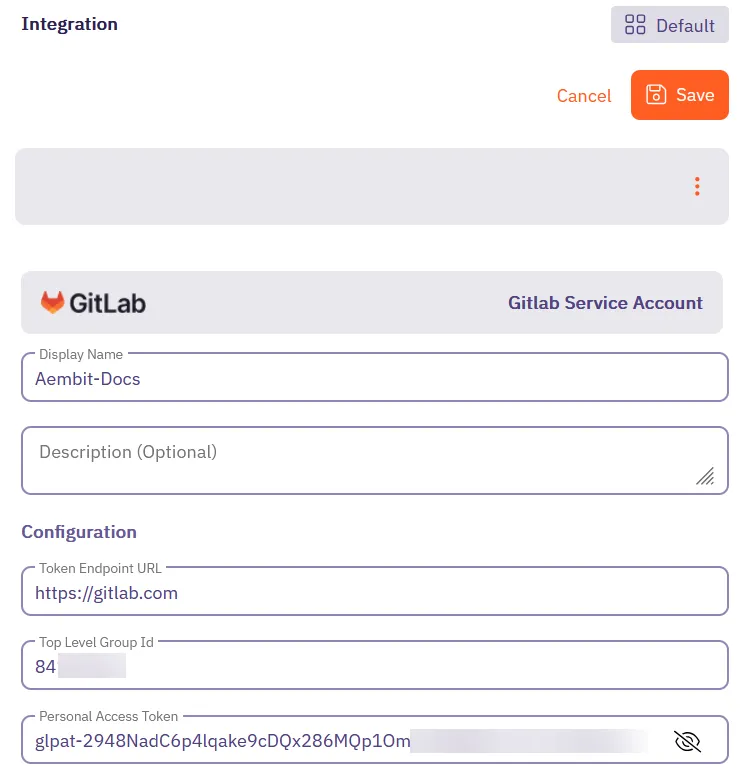
6. Click **Save**.
Aembit displays the new integration in the list of Credential Provider Integrations.
Security best practice
As soon as you successfully create the integration, Aembit rotates the token for the GitLab service account and continues to rotate it as long as the Credential Provider Integration exists.
## Create a GitLab service account and PAT
[Section titled “Create a GitLab service account and PAT”](#create-a-gitlab-service-account-and-pat)
The service account you use for the GitLab Service Account Credential Provider Integration must be in a top-level group with the `Owner` role to have access to GitLab APIs.
GitLab Free tier limitation
Service accounts are only available for GitLab *Premium and Ultimate* subscription tiers. If you’re using a Free tier subscription, consider upgrading to a paid plan or using a [GitLab Dedicated or Self-Managed instance](/user-guide/access-policies/credential-providers/integrations/gitlab-dedicated-self) instead.
To create a GitLab service account and PAT, use either the GitLab UI or GitLab API:
* GitLab UI
1. Follow GitLab’s documentation to [Create a Service Account using the GitLab UI](https://docs.gitlab.com/user/profile/service_accounts/?tab=Instance-wide+service+accounts#view-and-manage-service-accounts).
2. Follow GitLab’s documentation to [Create a Personal Access Token](https://docs.gitlab.com/user/profile/personal_access_tokens/#create-a-personal-access-token) for the service account you just created.\
**Ensure that you select the following scopes**:
* `api`
* `self_rotate`
3. **Copy the token value and store it** in a secure location as you won’t be able to view it again.
4. Use this token to [create the GitLab Service Account Credential Provider Integration](#configure-a-gitlab-service-account-integration) in your Aembit Tenant.
* GitLab API
You must perform the following steps using your GitLab Admin account that has `Owner` role access to a top-level group.
You’ll also need your numerical top-level group ID. Follow GitLab’s documentation to [Find the Group ID](https://docs.gitlab.com/user/group/#find-the-group-id).
1. *From your terminal*, enter the following command to create the GitLab service account you want to associate with the integration. Make sure to replace:
* `` with your GitLab Admin account’s Personal Access Token
* `` with your top-level group ID See [Find the Group ID](https://docs.gitlab.com/user/group/#find-the-group-id) for more details
* For `` and ``, enter values that follow your organization’s patterns
```shell
curl --header "PRIVATE-TOKEN: " \
-X POST "https://gitlab.com/api/v4/groups//service_accounts" \
--data "name=" \
--data "username="
```
If successful, the response should look similar to the following:
```shell
{"id":12345678,"username":"my-service-account","name":"my-service-account","email":"mysa@example.com"}
```
The `id` is the user ID of the Service Account. Record this `id`, as you’ll need it in the next step.
2. Create a PAT for the GitLab service account you just created.
Make sure to replace:
* `` with your GitLab Admin account’s Personal Access Token
* `` with your top-level group ID
* `` with the `id` you recorded from the previous step
* For ``, enter a value that follows your organization’s patterns
```shell
curl --header "PRIVATE-TOKEN: " \
-X POST "https://gitlab.com/api/v4/groups//service_accounts//personal_access_tokens" \
--data "name=" \
--data "scopes[]=api" \
--data "scopes[]=self_rotate"
```
If successful, the response should look similar to the following:
```shell
{"id":1234,"name":"","revoked":false,"created_at":"2025-03-21T20:18:23.333Z","description":null,"scopes":["api","self_rotate"],"user_id":,"last_used_at":null,"active":true,"expires_at":"2025-03-31","token":""}
```
Record the `token` value as you’ll need it in the final step.
3. Add the new service account you just created to your top-level group:
Make sure to replace:
* `` with your GitLab API access token
* `` with your top-level group ID
* `` with the `id` you recorded earlier
```shell
curl --header "PRIVATE-TOKEN: " \
-X POST "https://gitlab.com/api/v4/groups//members" \
--data "user_id=" \
--data "access_level=50"
```
## Additional resources
[Section titled “Additional resources”](#additional-resources)
* [Managed GitLab Account](/user-guide/access-policies/credential-providers/managed-gitlab-account)
* [Credential Provider Integrations overview](/user-guide/access-policies/credential-providers/integrations/)
* [GitLab Dedicated/Self-Managed integration](/user-guide/access-policies/credential-providers/integrations/gitlab-dedicated-self)
# Create a GitLab Service Account Integration for a Dedicated/Self-Managed instance
> How to create a GitLab Service Account Credential Provider Integration using a GitLab Dedicated or Self-Managed instance
The GitLab Service Account Credential Provider Integration allows you to create a [Managed GitLab Account Credential Provider](/user-guide/access-policies/credential-providers/managed-gitlab-account), which provides credential lifecycle management and rotation capabilities for secure authentication between your GitLab instances and other Client Workloads. This page details everything you need to create a GitLab Service Account Credential Provider Integration.
This integration requires the use of two types of GitLab accounts:
* **GitLab Administrator account**. This administrator account performs the initial authorization for the Aembit Credential Provider Integration to start communicating with GitLab.
* **GitLab Service Account** that the preceding GitLab Administrator account eventually creates. This service account performs credential lifecycle management for the Managed GitLab Account Credential Provider.
See [How the GitLab Service Account integration works](/user-guide/access-policies/credential-providers/integrations/#gitlab-service-account-integration) for more details.
## Prerequisites
[Section titled “Prerequisites”](#prerequisites)
* Administrator access to [GitLab Admin area](https://docs.gitlab.com/administration/admin_area/) and the GitLab [REST API](https://docs.gitlab.com/api/rest/)
* A [GitLab Personal Access Token (PAT)](https://docs.gitlab.com/user/profile/personal_access_tokens/) for your [GitLab service account](https://docs.gitlab.com/user/profile/service_accounts/) with `api` and `self_rotate` [scopes](https://docs.gitlab.com/user/profile/personal_access_tokens/#personal-access-token-scopes)
* The URL of your GitLab Dedicated or GitLab Self-Managed instance (see [GitLab’s plans](https://docs.gitlab.com/subscriptions/choosing_subscription/) for details)\
For example: `gitlab_tenant_name.gitlab-dedicated.com` or `https://gitlab.my-company.com`
## Configure a GitLab service account integration
[Section titled “Configure a GitLab service account integration”](#configure-a-gitlab-service-account-integration)
To create a GitLab service account integration, follow these steps:
1. Log into your Aembit Tenant, and go to **Credential Providers -> Integrations** in the left sidebar.

2. (Optional) In the top right corner, select the [Resource Set](/user-guide/administration/resource-sets/) that you want this Credential Provider Integration to reside.
3. Click **+ New**, which displays the **Integration** pop out menu.
4. Select **GitLab Service Account**, and enter a **Display Name** and optional **Description**.
5. Fill out the remaining fields:
* **Token Endpoint URL** - Enter the URL of your GitLab Dedicated or GitLab Self-Managed instance.
See [GitLab subscriptions](/user-guide/access-policies/credential-providers/integrations/#gitlab-subscriptions) for more details.
* **Top Level Group ID** - n/a\
Aembit disables this field when using GitLab Dedicated or Self-Managed instance URLs.
* **Personal Access Token** - Enter the GitLab Personal Access Token that’s associated with your instance-level Administrator service account that must have `api` and `self_rotate` scopes.
If you don’t already have a GitLab service account with a PAT, see [Create a GitLab service account and PAT](#create-a-gitlab-service-account-and-pat).
The form should look similar to the following screenshot:
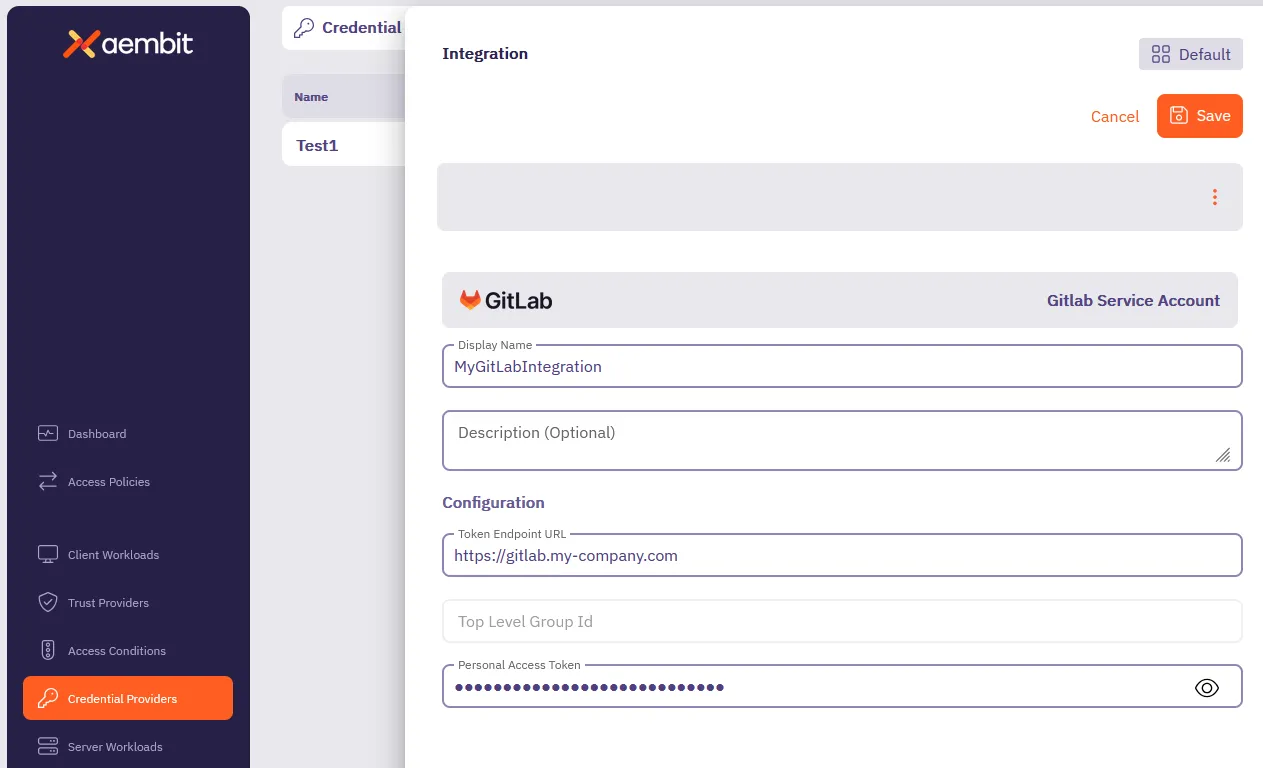
6. Click **Save**.
Aembit displays the new integration in the list of Credential Provider Integrations.
Security best practice
As soon as you successfully create the integration, Aembit rotates the token for the GitLab service account and continues to rotate it as long as the Credential Provider Integration exists.
## Create a GitLab service account PAT
[Section titled “Create a GitLab service account PAT”](#create-a-gitlab-service-account-pat)
To create a GitLab service account PAT, you must have *Administrator* access to your GitLab Admin area and GitLab APIs.
This process has two main parts:
1. [Create a PAT for your GitLab Administrator account](#create-a-gitlab-administrator-account-pat) using the *GitLab UI*.
2. [Create a GitLab service account and PAT](#create-a-gitlab-service-account-and-pat) using either the *GitLab UI* or *GitLab API*.
### Create a GitLab Administrator account PAT
[Section titled “Create a GitLab Administrator account PAT”](#create-a-gitlab-administrator-account-pat)
To create a PAT for your GitLab Administrator account, follow these steps:
1. Log into your GitLab Admin area with an Administrator user account.
2. See [Create a personal access token](https://docs.gitlab.com/user/profile/personal_access_tokens/#create-a-personal-access-token) in the GitLab docs to create a PAT for your *Administrator user account* (not the service account).
3. Keep the GitLab Admin area UI open, as you need it in the next step.
### Create a GitLab service account and PAT
[Section titled “Create a GitLab service account and PAT”](#create-a-gitlab-service-account-and-pat)
To create a GitLab service account and PAT, use either the GitLab UI or GitLab API:
* GitLab UI
1. Follow GitLab’s documentation to [Create a Service Account using the GitLab UI](https://docs.gitlab.com/user/profile/service_accounts/?tab=Instance-wide+service+accounts#create-a-service-account).
2. Follow GitLab’s documentation to [Create a Personal Access Token](https://docs.gitlab.com/user/profile/personal_access_tokens/#create-a-personal-access-token) for the service account you just created.\
**Ensure that you select the following scopes**:
* `api`
* `self_rotate`
3. **Copy the token value and store it** in a secure location as you won’t be able to view it again.
4. Use this token to [create the GitLab Service Account Credential Provider Integration](#configure-a-gitlab-service-account-integration) in your Aembit Tenant.
* GitLab API
You must perform the following steps using your GitLab Admin account that has Administrator access to your GitLab instance.
1. *From your terminal*, enter the following command to create the GitLab service account you want to associate with the integration. Make sure to replace `` with your GitLab Admin account’s Personal Access Token and `` with your GitLab instance URL. For `` and ``, enter values that follow your organization’s patterns.
```shell
curl --header "PRIVATE-TOKEN: " \
-X POST "/api/v4/service_accounts" \
--data "name=" \
--data "username="
```
If successful, the response should look similar to the following:
```shell
{"id":12345678,"username":"my-service-account","name":"my-service-account","email":"mysa@example.com"}
```
The `id` is the user ID of the Service Account. Record this `id`, as you’ll need it in the next step.
2. Create a PAT for the GitLab service account you just created.
Make sure to replace:
* `` with your GitLab Admin account’s Personal Access Token
* `` with your GitLab instance URL
* `` with the `id` you recorded from the previous step
* For ``, enter a value that follows your organization’s patterns
```shell
curl --header "PRIVATE-TOKEN: " \
-X POST "/api/v4/users//personal_access_tokens" \
--data "scopes[]=api" \
--data "scopes[]=self_rotate" \
--data "name="
```
If successful, the response should look similar to the following:
```shell
{"id":1234,"name":"","revoked":false,"created_at":"2025-03-21T20:18:23.333Z","description":null,"scopes":["api","self_rotate"],"user_id":,"last_used_at":null,"active":true,"expires_at":"2025-03-31","token":""}
```
Record the `token` value as you’ll need it in the final step.
3. Use the token to [create the GitLab Service Account Credential Provider Integration](#configure-a-gitlab-service-account-integration) in your Aembit Tenant.
## Additional resources
[Section titled “Additional resources”](#additional-resources)
* [Managed GitLab Account](/user-guide/access-policies/credential-providers/managed-gitlab-account)
* [Credential Provider Integrations overview](/user-guide/access-policies/credential-providers/integrations/)
* [GitLab.com integration](/user-guide/access-policies/credential-providers/integrations/gitlab)
# Configure a JSON Web Token (JWT) Credential Provider
> How to create and use a JSON Web Token (JWT) Credential Provider
A JSON Web Token (JWT), defined by the open standard [RFC 7519](https://datatracker.ietf.org/doc/html/rfc7519), is a compact and self-contained method for securely transmitting information as a JSON object between parties.
Aembit’s JWT Credential Provider**Credential Provider**: Credential Providers obtain the specific access credentials—such as API keys, OAuth tokens, or temporary cloud credentials—that Client Workloads need to authenticate to Server Workloads.[Learn more](/get-started/concepts/credential-providers) currently supports Snowflake Key Pair Authentication for connecting to Snowflake Server Workloads**Server Workload**: Server Workloads represent target services, APIs, databases, or applications that receive and respond to access requests from Client Workloads.[Learn more](/get-started/concepts/server-workloads).
Multiple providers
You can configure multiple JWT Credential Providers within a single Access Policy**Access Policy**: Access Policies define, enforce, and audit access between Client and Server Workloads by cryptographically verifying workload identity and contextual factors rather than relying on static secrets.[Learn more](/get-started/concepts/access-policies) to support different users or services accessing the same Server Workload. See [Configure multiple JWT Credential Providers](#configure-multiple-jwt-credential-providers) for the procedure, or [Using multiple JWT Credential Providers](/user-guide/access-policies/credential-providers/json-web-token-multiple) for conceptual details.
## Prerequisites
[Section titled “Prerequisites”](#prerequisites)
Before configuring a JWT Credential Provider in Aembit, ensure you have the following:
* An active Aembit Tenant**Aembit Tenant**: Aembit Tenants serve as isolated, dedicated environments within Aembit that provide complete separation of administrative domains and security configurations.[Learn more](/get-started/concepts/administration) with appropriate permissions to create and manage Credential Providers.
* A Snowflake account with permissions to configure key pair authentication.
## Credential Provider configuration
[Section titled “Credential Provider configuration”](#credential-provider-configuration)
To configure a JSON Web Token (JWT) Credential Provider, follow these steps:
1. Log into your Aembit Tenant and go to **Credential Providers**.
Aembit directs you to the **Credential Providers** page displaying a list of existing Credential Providers.

2. Click **+ New** to open the Credential Providers dialog window.
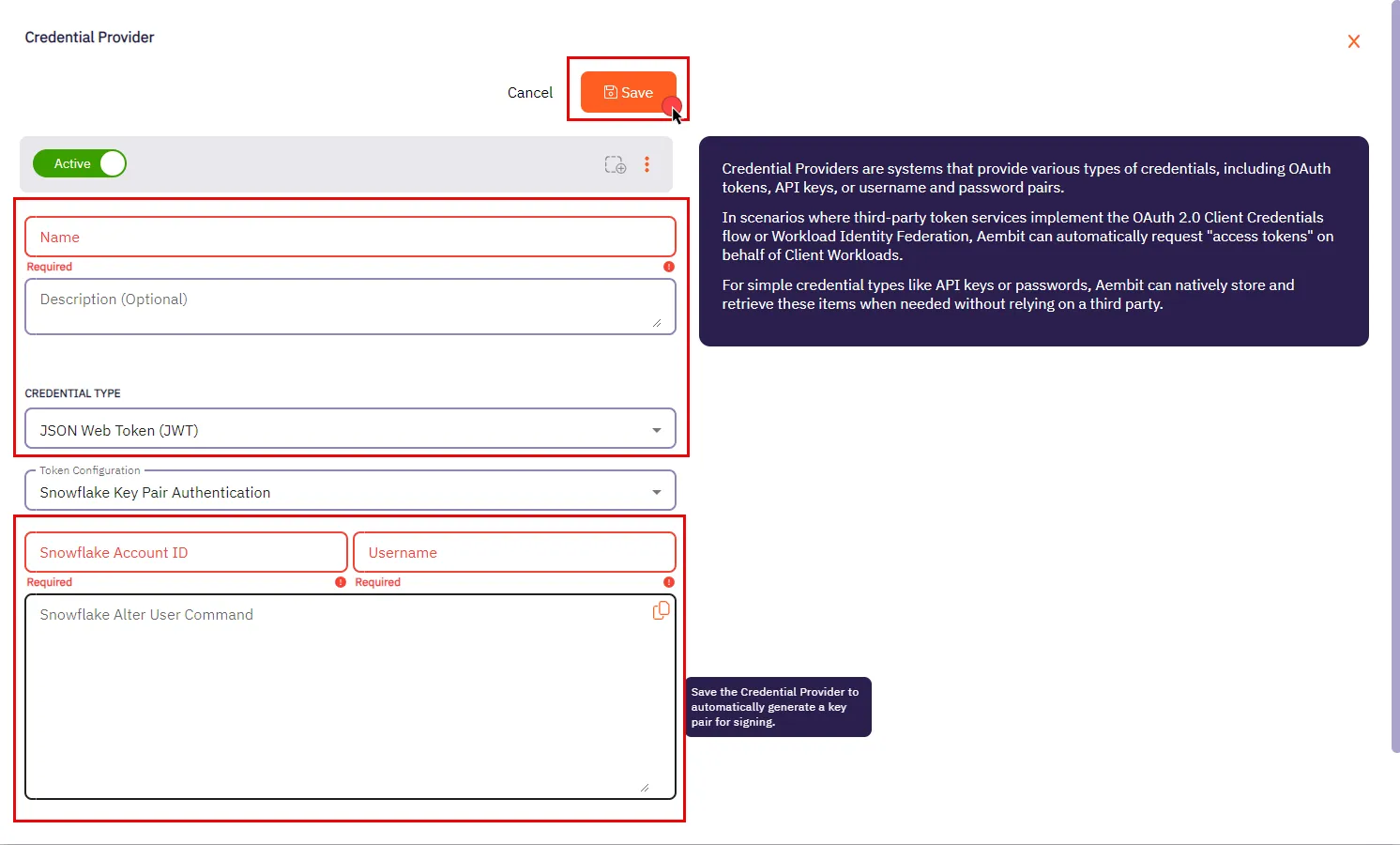
3. In the Credential Providers dialog window, enter the following information:
* **Name** - Name of the Credential Provider.
* **Description** - An optional text description of the Credential Provider.
* **Credential Type** - Select **JSON Web Token (JWT)** from the dropdown menu.
* **Token Configuration** - By default, this field is pre-selected as **Snowflake Key Pair Authentication** for connecting to Snowflake.
* **Snowflake Account ID** - The Snowflake Locator, a unique identifier that distinguishes a Snowflake account within the organization.
* **Username** - Your unique Snowflake username associated with the account.
* **Snowflake Alter User Command** - After saving the Credential Provider, Aembit generates a SQL command in this field. This command incorporates a public key essential for establishing trust between your Snowflake account and the JWT tokens issued by Aembit. Execute this command on your Snowflake account using a Snowflake-compatible tool.
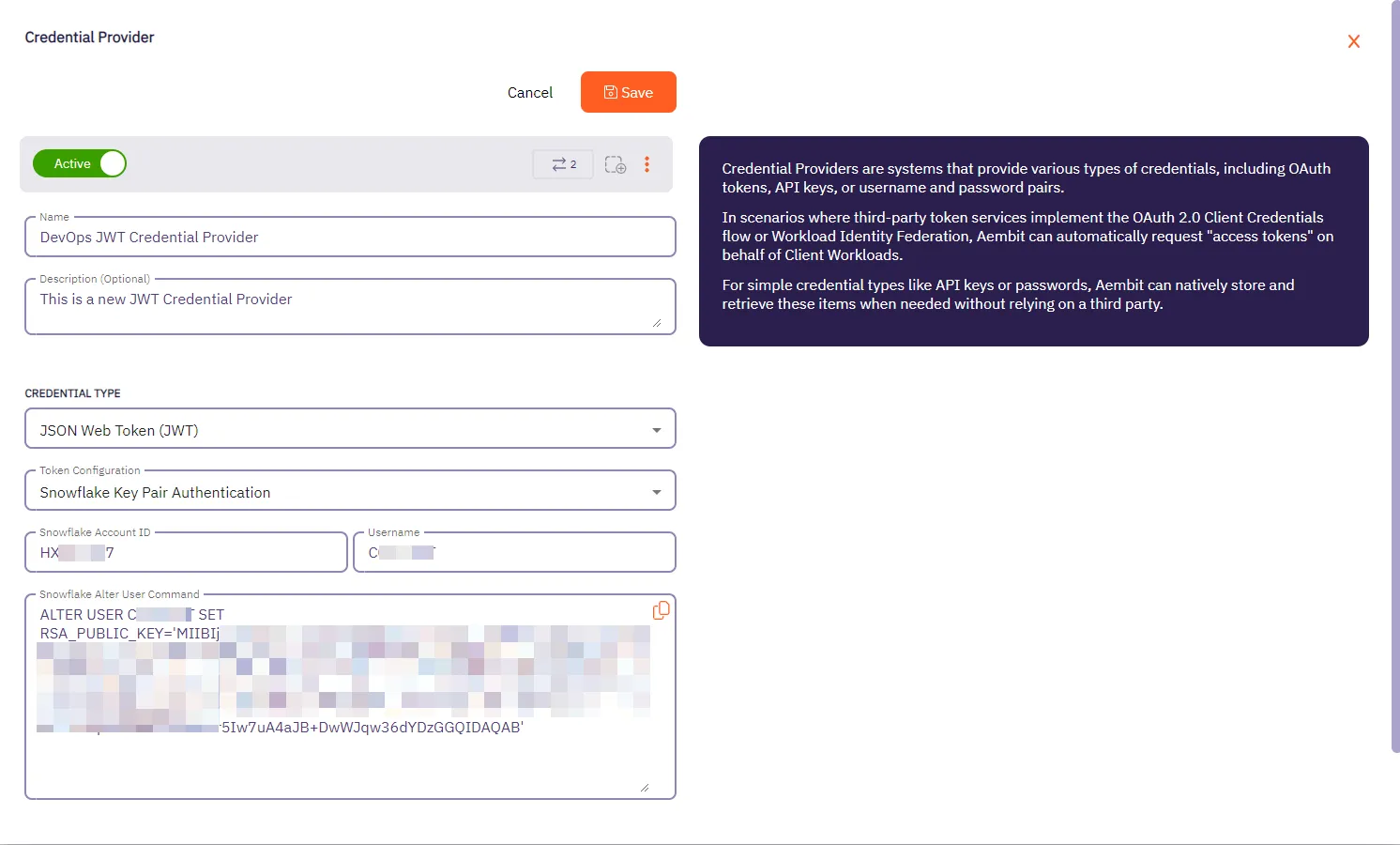
4. Click **Save** when finished. Aembit directs you back to the **Credential Providers** page, where you see your newly created Credential Provider.
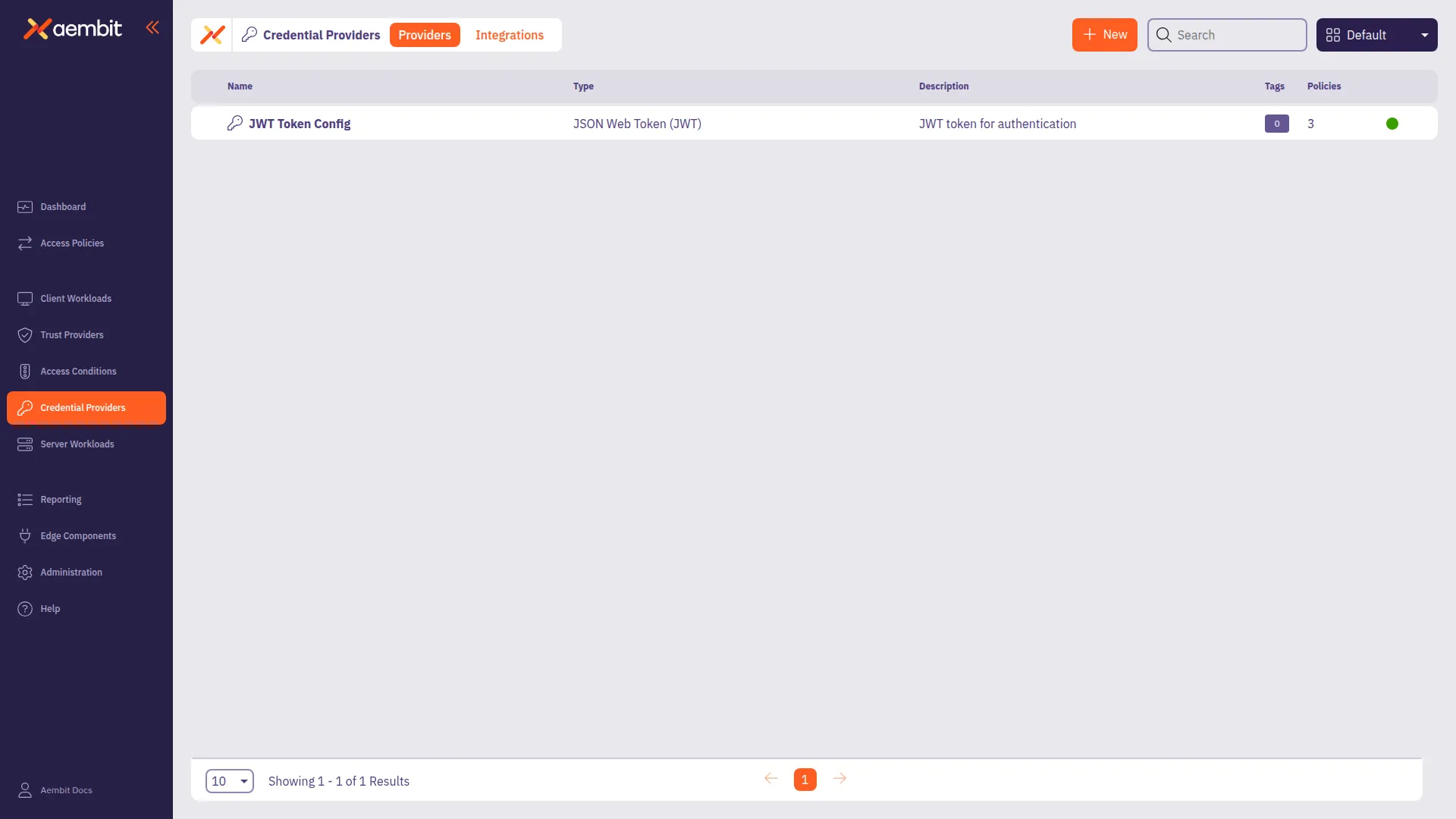
## Configure multiple JWT Credential Providers
[Section titled “Configure multiple JWT Credential Providers”](#configure-multiple-jwt-credential-providers)
To configure multiple JWT Credential Providers within a single Access Policy, follow these steps. Each Credential Provider must have a unique mapping value (username for Snowflake, or HTTP header/body value for HTTP workloads).
How it works
For conceptual information about how Aembit routes requests to the appropriate Credential Provider, see [Using multiple JWT Credential Providers](/user-guide/access-policies/credential-providers/json-web-token-multiple).
### Prerequisites
[Section titled “Prerequisites”](#prerequisites-1)
Before configuring multiple JWT Credential Providers, ensure you have:
* An existing Access Policy with a Client Workload**Client Workload**: Client Workloads represent software applications, scripts, or automated processes that initiate access requests to Server Workloads, operating autonomously without direct user interaction.[Learn more](/get-started/concepts/client-workloads) and Server Workload configured
* Server Workload Application Protocol set to **Snowflake** or **HTTP**
* At least two JWT Credential Providers created (or ready to create)
### Add multiple JWT Credential Providers to an Access Policy
[Section titled “Add multiple JWT Credential Providers to an Access Policy”](#add-multiple-jwt-credential-providers-to-an-access-policy)
1. Create your first JWT Credential Provider by following the [Credential Provider configuration](#credential-provider-configuration) procedure.
2. Note the mapping value for this Credential Provider (Snowflake username or the HTTP header/body value you plan to use).
3. Repeat the Credential Provider configuration steps to create additional JWT Credential Providers, each with a unique mapping value.
4. Go to **Access Policies** and either create a new Access Policy or edit an existing one.
5. In the **Credential Providers** column, hover over the **+** icon and select **Existing** to add your first JWT Credential Provider.
6. Repeat to add additional JWT Credential Providers to the Access Policy.
Caution
When you add additional Credential Providers to an Access Policy, you must also map each Credential Provider to ensure Aembit can route requests correctly.
7. After adding Credential Providers, you see a box in the Credential Providers column showing the total number of Credential Providers and an “unmapped” indicator.
### Map JWT Credential Providers
[Section titled “Map JWT Credential Providers”](#map-jwt-credential-providers)
After adding multiple JWT Credential Providers to an Access Policy, map each Credential Provider to its selector value.
* Snowflake
1. On the Access Policy page, in the **Credential Providers** column, click the arrow to open the Credential Provider Mappings dialog window.
2. For each Credential Provider with a red ”!” icon (indicating no mapping), hover over the Credential Provider and click the down arrow to open the mapping menu.
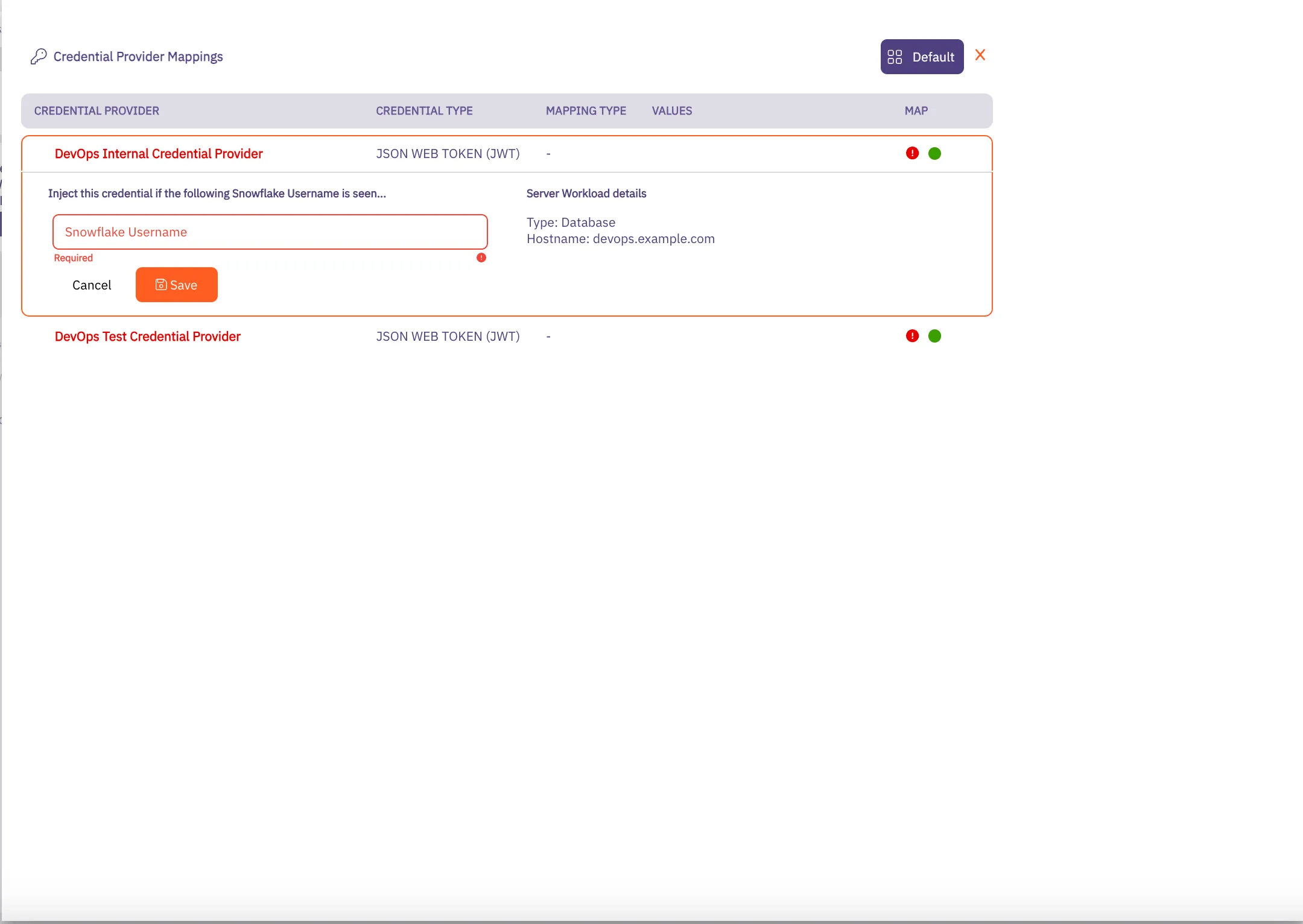
3. Add the Snowflake usernames that should use this Credential Provider. When a connection request arrives with this username, Aembit uses this Credential Provider for credential injection.
4. Click **Save** when you finish adding mapping values. The red ”!” icon changes to a green checkbox.
5. Repeat for each Credential Provider in the Access Policy.
6. When all Credential Providers show “All Mapped”, click **Save** or **Save & Activate** to save your Access Policy.
* HTTP
1. On the Access Policy page, in the **Credential Providers** column, click the arrow to open the Credential Provider Mappings dialog window.
2. For each Credential Provider with a red ”!” icon (indicating no mapping), hover over the Credential Provider and click the down arrow to open the mapping menu.
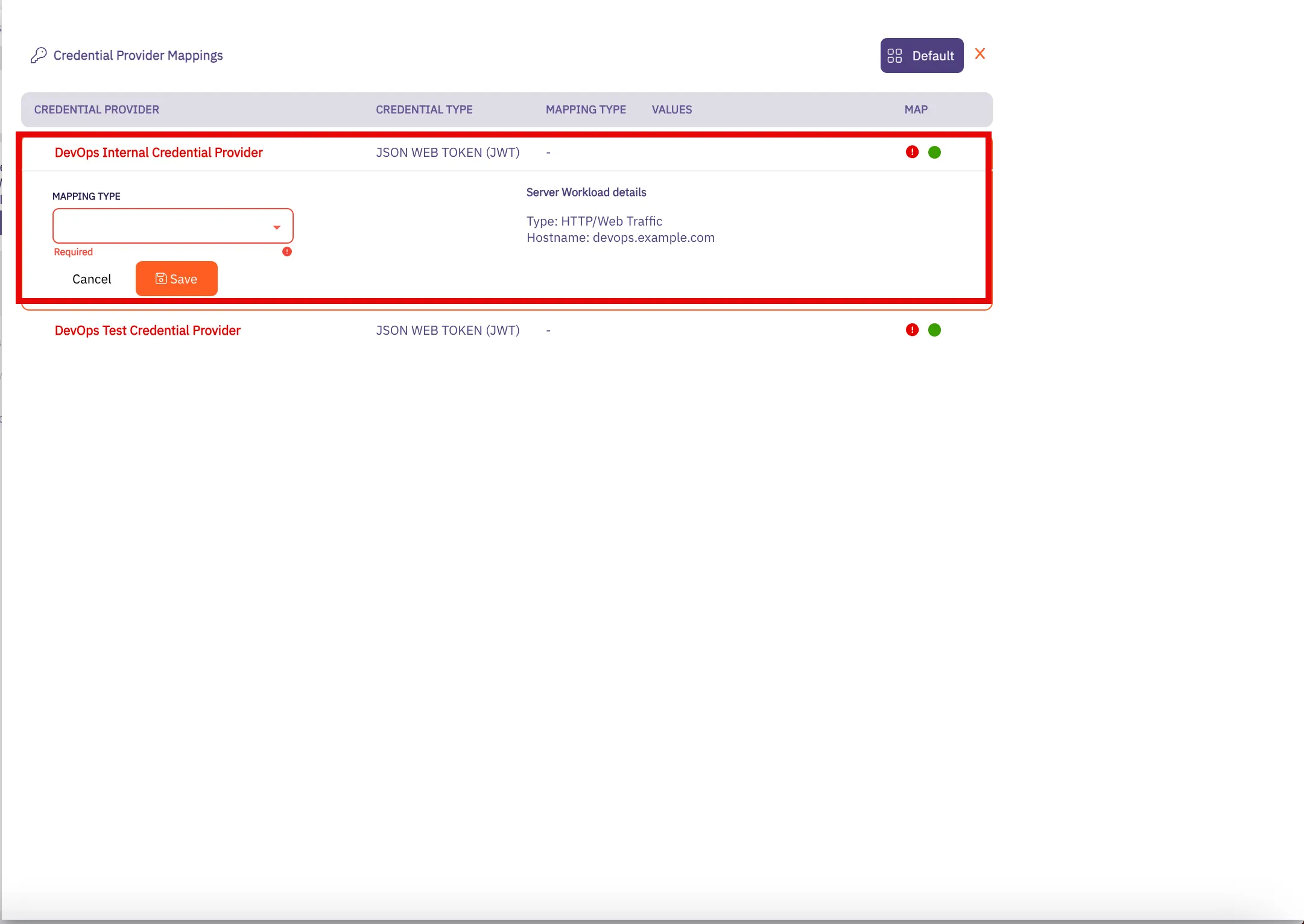
3. Select the mapping type (**HTTP Header** or **HTTP Body**) and add the values that should use this Credential Provider. When a request arrives with these values, Aembit uses this Credential Provider for credential injection.
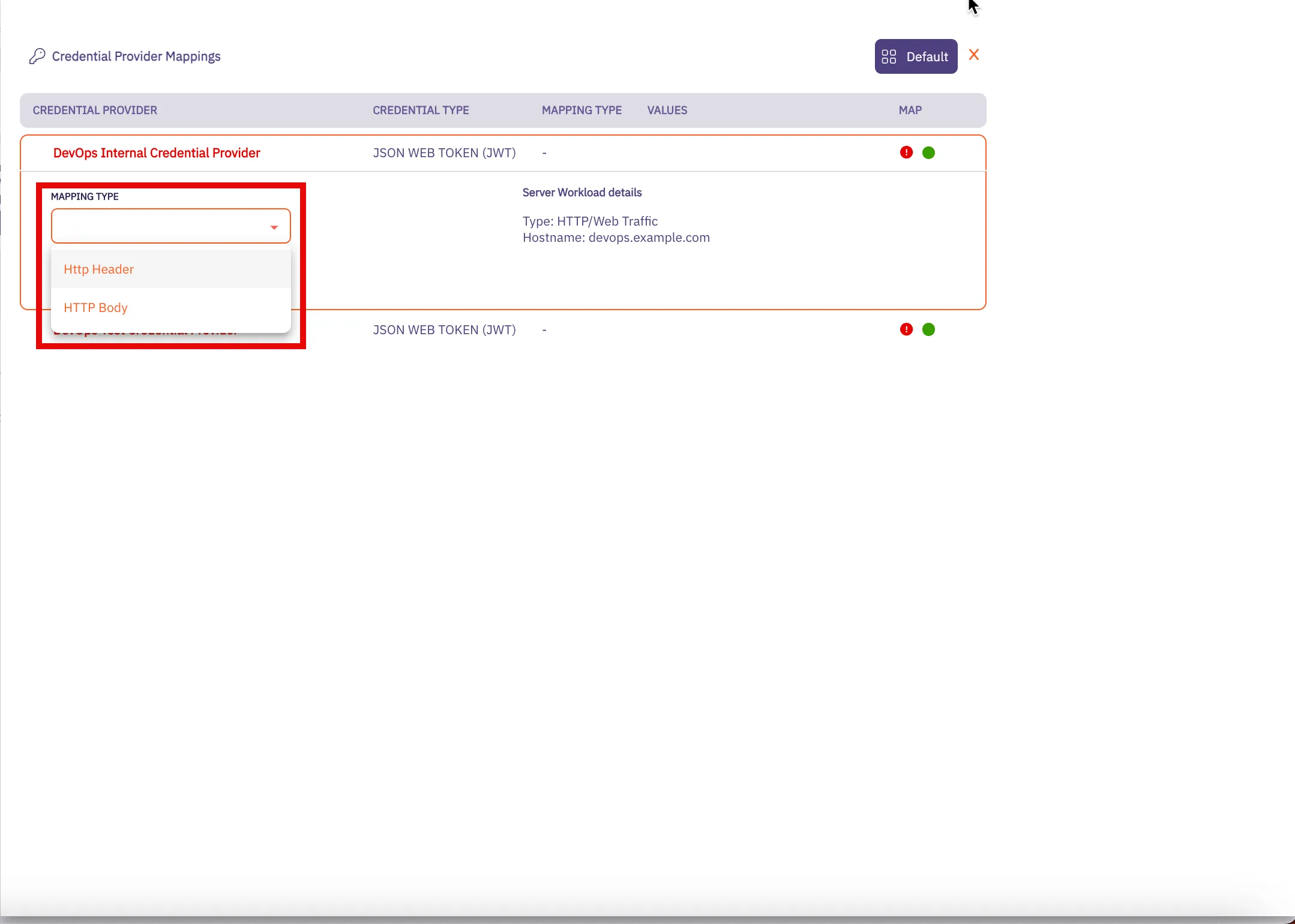
4. Click **Save** when you finish adding mapping values. The red ”!” icon changes to a green checkbox.
5. Repeat for each Credential Provider in the Access Policy.
6. When all Credential Providers show “All Mapped”, click **Save** or **Save & Activate** to save your Access Policy.
### Verify your configuration
[Section titled “Verify your configuration”](#verify-your-configuration)
To confirm your multiple JWT Credential Provider configuration works correctly:
1. Make a request using one of your mapped values (Snowflake username or HTTP header/body value).
2. Check the [access authorization events](/user-guide/audit-report/access-authorization-events) in your Aembit Tenant to confirm:
* Aembit selected the correct Credential Provider
* The `credentialProvider.name` field matches your expected Credential Provider
3. Make a request using a different mapped value and repeat to verify the second Credential Provider.
## Related topics
[Section titled “Related topics”](#related-topics)
* [Using multiple JWT Credential Providers](/user-guide/access-policies/credential-providers/json-web-token-multiple) - Learn how Aembit routes requests to multiple JWT Credential Providers
* [Configure multiple Credential Providers](/user-guide/access-policies/credential-providers/multiple-credential-providers) - Overview of multiple Credential Provider support
* [Snowflake Server Workload](/user-guide/access-policies/server-workloads/guides/snowflake) - Configure Aembit to work with Snowflake
* [Credential Providers overview](/user-guide/access-policies/credential-providers) - Overview of all available Credential Provider types
* [Access Policies](/user-guide/access-policies) - Learn about Aembit Access Policies and how they work
* [Access Authorization Events](/user-guide/audit-report/access-authorization-events) - Review access authorization event information in the Reporting Dashboard
# Using Multiple JWT Credential Providers in a Single Access Policy
> How Aembit routes requests to multiple JWT Credential Providers based on username or HTTP values
This page explains how Aembit enables the use of multiple JSON Web Token (JWT) Credential Providers**Credential Provider**: Credential Providers obtain the specific access credentials—such as API keys, OAuth tokens, or temporary cloud credentials—that Client Workloads need to authenticate to Server Workloads.[Learn more](/get-started/concepts/credential-providers) within a single Access Policy**Access Policy**: Access Policies define, enforce, and audit access between Client and Server Workloads by cryptographically verifying workload identity and contextual factors rather than relying on static secrets.[Learn more](/get-started/concepts/access-policies), allowing flexible credential management for Snowflake and HTTP Server Workloads**Server Workload**: Server Workloads represent target services, APIs, databases, or applications that receive and respond to access requests from Client Workloads.[Learn more](/get-started/concepts/server-workloads).
Supported Server Workload types
Aembit supports multiple JWT Credential Providers only for Server Workloads with **Snowflake** or **HTTP** Application Protocols.
In environments where multiple users or services need different credentials to access the same Server Workload, configuring separate Access Policies for each credential creates unnecessary complexity. Aembit supports configuring multiple JWT Credential Providers within a single Access Policy, with each Credential Provider mapped to specific selector values.
## Benefits
[Section titled “Benefits”](#benefits)
* **Simplified policy management** - Manage multiple JWT credentials within a single Access Policy instead of creating separate policies for each user or service.
* **Flexible mapping** - Map Credential Providers by Snowflake username or HTTP header/body values to match your application’s request patterns.
* **Seamless application experience** - Applications can access resources with different credentials without code changes or multiple Client Workload**Client Workload**: Client Workloads represent software applications, scripts, or automated processes that initiate access requests to Server Workloads, operating autonomously without direct user interaction.[Learn more](/get-started/concepts/client-workloads) identities.
## How it works
[Section titled “How it works”](#how-it-works)
After you [configure multiple JWT Credential Providers](/user-guide/access-policies/credential-providers/json-web-token#configure-multiple-jwt-credential-providers) in an Access Policy (each with a unique mapping value), Aembit handles requests as follows:
1. **Request interception** - When an application makes a request, Agent Proxy intercepts it and extracts the mapping value (username for Snowflake, or HTTP header/body value for HTTP workloads).
2. **Credential Provider matching** - Aembit matches the extracted value to the corresponding Credential Provider configured in the Access Policy.
3. **Credential injection** - Aembit retrieves the JWT from the matched Credential Provider and injects it into the request.
## Mapping mechanisms
[Section titled “Mapping mechanisms”](#mapping-mechanisms)
JWT Credential Providers use different mapping mechanisms depending on the Server Workload type.
### Snowflake username mapping
[Section titled “Snowflake username mapping”](#snowflake-username-mapping)
For Snowflake Server Workloads, Aembit maps Credential Providers based on the **username** in the connection request.
**Example scenario:**
* User `analyst_a` needs credentials from `JWT-Provider-A`
* User `analyst_b` needs credentials from `JWT-Provider-B`
Configure each Credential Provider with its corresponding username mapping. When a connection request arrives with a specific username, Aembit automatically selects the matching Credential Provider.
### HTTP header or body mapping
[Section titled “HTTP header or body mapping”](#http-header-or-body-mapping)
For HTTP Server Workloads, Aembit maps Credential Providers based on values in **HTTP headers** or the **HTTP body**.
**Example scenario:**
* Requests with header `X-Service-ID: service-a` use `JWT-Provider-A`
* Requests with header `X-Service-ID: service-b` use `JWT-Provider-B`
Configure each Credential Provider with its corresponding header or body value mapping. When a request arrives with the specified value, Aembit automatically selects the matching Credential Provider.
## Error handling
[Section titled “Error handling”](#error-handling)
The following rules apply when handling requests with multiple JWT Credential Providers:
* If the mapping value in a request doesn’t match any configured Credential Provider, Aembit denies the request.
* If Aembit can’t extract the mapping value (for example, missing header), credentials aren’t injected and the request fails.
* Each mapping value must be unique across all Credential Providers in the Access Policy.
## Related topics
[Section titled “Related topics”](#related-topics)
* [Configure a JWT Credential Provider](/user-guide/access-policies/credential-providers/json-web-token) - Set up JWT Credential Providers and configure multiple Credential Providers in an Access Policy
* [Configure multiple Credential Providers](/user-guide/access-policies/credential-providers/multiple-credential-providers) - Overview of multiple Credential Provider support
* [Credential Providers overview](/user-guide/access-policies/credential-providers) - Overview of all available Credential Provider types
* [Snowflake Server Workload](/user-guide/access-policies/server-workloads/guides/snowflake) - Configure Aembit to work with Snowflake
* [Access Policies](/user-guide/access-policies) - Learn about Aembit Access Policies and how they work
* [Access Authorization Events](/user-guide/audit-report/access-authorization-events) - Review access authorization event information in the Reporting Dashboard
# Configure a Managed GitLab Account Credential Provider
> How to create and use a Managed GitLab Account Credential Provider
The Manage GitLab Account Credential Provider uses the [GitLab Service Account Credential Provider Integration](/user-guide/access-policies/credential-providers/integrations/#gitlab-service-account-integration) to allow you to manage the credential lifecycle of your GitLab service accounts.
## Prerequisites
[Section titled “Prerequisites”](#prerequisites)
You must have the following to create a Managed GitLab Account Credential Provider:
* A completed [GitLab Service Account Credential Provider Integration](/user-guide/access-policies/credential-providers/integrations/gitlab)
## Create a Managed GitLab account Credential Provider
[Section titled “Create a Managed GitLab account Credential Provider”](#create-a-managed-gitlab-account-credential-provider)
To create a Managed GitLab Account Credential Provider, follow these steps:
1. Log into your Aembit Tenant, and go to **Credential Providers** in the left sidebar.
2. (Optional) In the top right corner, select the [Resource Set](/user-guide/administration/resource-sets/) that you want this Credential Provider to reside.
3. Click **+ New**, which displays the Credential Provider pop out menu.
4. Enter a **Name** and optional **Description**.
5. Under **Credential Type**, select **Managed GitLab Account**, revealing more fields.
6. Fill out the remaining fields:
1. **Select GitLab Integration** - Select a GitLab Service Account integration you’ve already configured.
Note
If the **Select GitLab Integration** dropdown menu is empty, you either:
* May not have any GitLab Service Account integrations configured yet. See [GitLab Service Account](/user-guide/access-policies/credential-providers/integrations/gitlab) to create one.
* May need to change Resource Sets.
2. **GitLab Group IDs or Paths** - Enter the [group ID](https://docs.gitlab.com/user/group/#access-a-group-by-using-the-group-id) or [group path](https://docs.gitlab.com/user/namespace/#determine-which-type-of-namespace-youre-in). If entering more than one, separate them with commas (for example: `parent-group/subgroup,34,56`).
3. **GitLab Project IDs or Paths** - Enter the [project ID](https://docs.gitlab.com/user/project/working_with_projects/#access-a-project-by-using-the-project-id) or project path. If entering more than one, separate them with commas (`my-project.345678,my-other-project`).
4. **Access Level** - Enter the [GitLab Access Level](https://docs.gitlab.com/api/access_requests/#valid-access-levels) you want your GitLab service account to have.
5. **Scope** - Enter the [GitLab Personal Access Token (PAT) Scopes](https://docs.gitlab.com/user/profile/personal_access_tokens/#personal-access-token-scopes) you want the GitLab service account to have. When entering more than one, separate them with spaces (for example: `api read_user k8s_proxy`).
6. **Lifetime** - Enter the number of days you want credentials to remain active.
The form should look similar to the following screenshot:
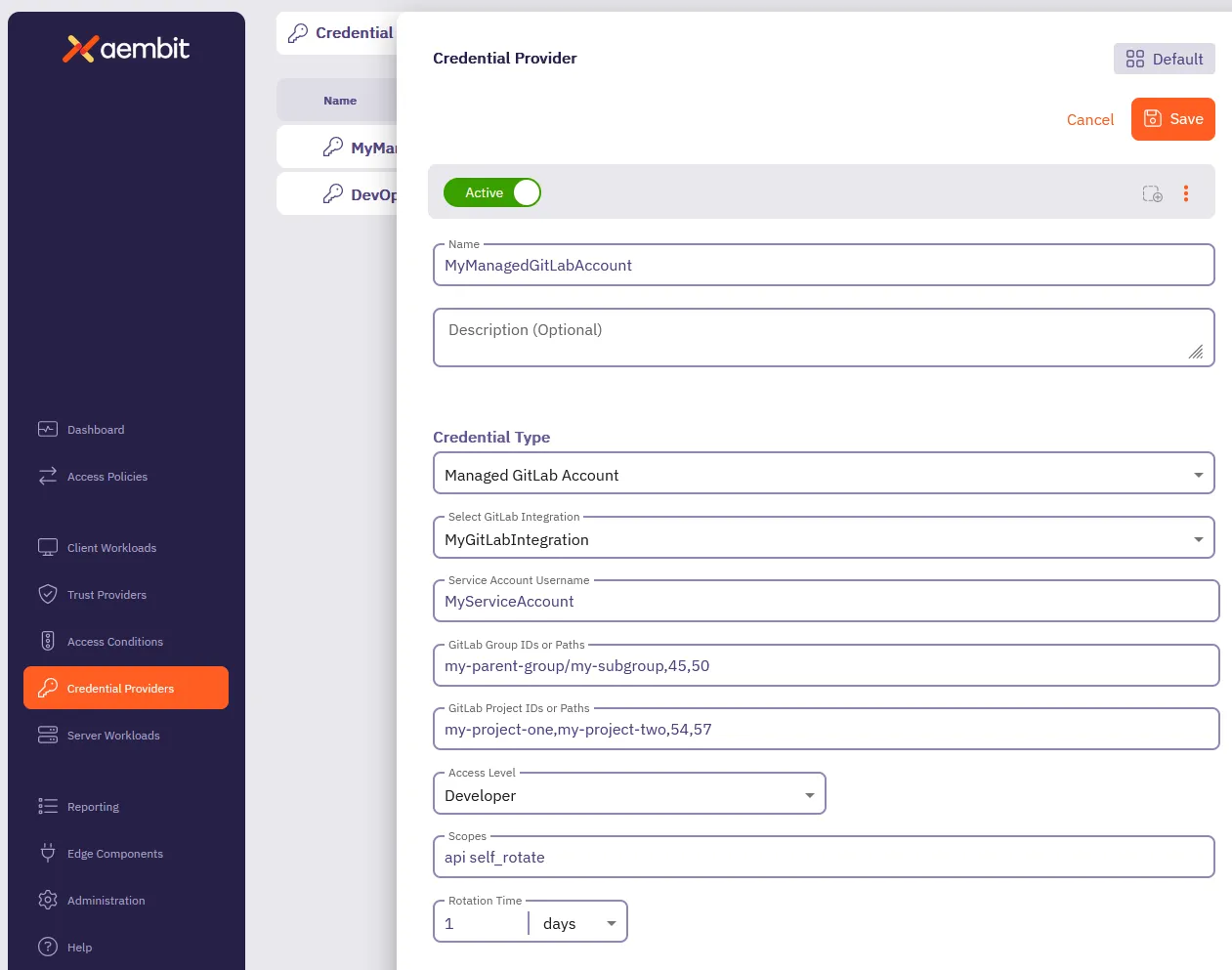
7. Click **Save**.
Aembit displays the new Credential Provider in the list of Credential Providers.
## Verify the Credential Provider
[Section titled “Verify the Credential Provider”](#verify-the-credential-provider)
To verify that you successfully created the Managed GitLab Account Credential Provider and it’s communicating with GitLab:
1. In your Aembit Tenant, go to **Credential Providers**.
2. (Optional) In the top right corner, select the [Resource Set](/user-guide/administration/resource-sets/) that your Credential Provider resides.
3. Select your newly created Credential Provider.
Scroll down to see all the details provided by GitLab for this Service Account.
You should see something similar to the following screenshot:
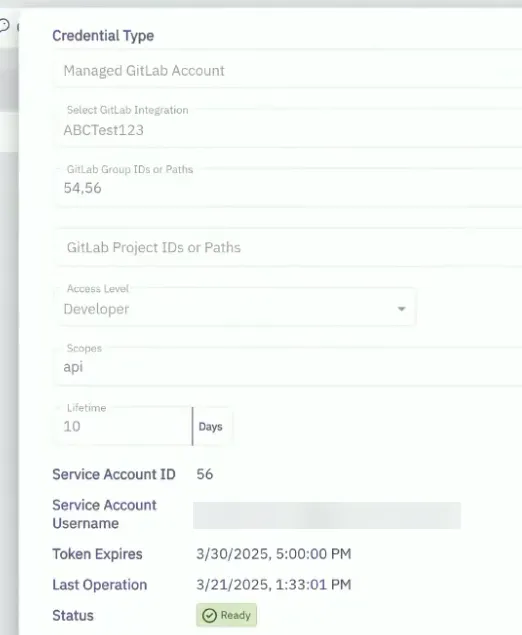
### (Optional) Verify in the GitLab Admin area
[Section titled “(Optional) Verify in the GitLab Admin area”](#optional-verify-in-the-gitlab-admin-area)
To verify that the Managed GitLab Account Credential Provider successfully creates service account in GitLab:
1. Log into your *administrator* GitLab account associated with your GitLab Service Account integration.
2. Go to **Admin area -> Overview -> Users**.
3. Select the service account formatted like this: `Aembit__managed_service_account`.
4. On the **Account** tab, verify that the **Username** and **ID** match the values shown in the Credential Provider in the Aembit UI.
Similar to the following screenshot:
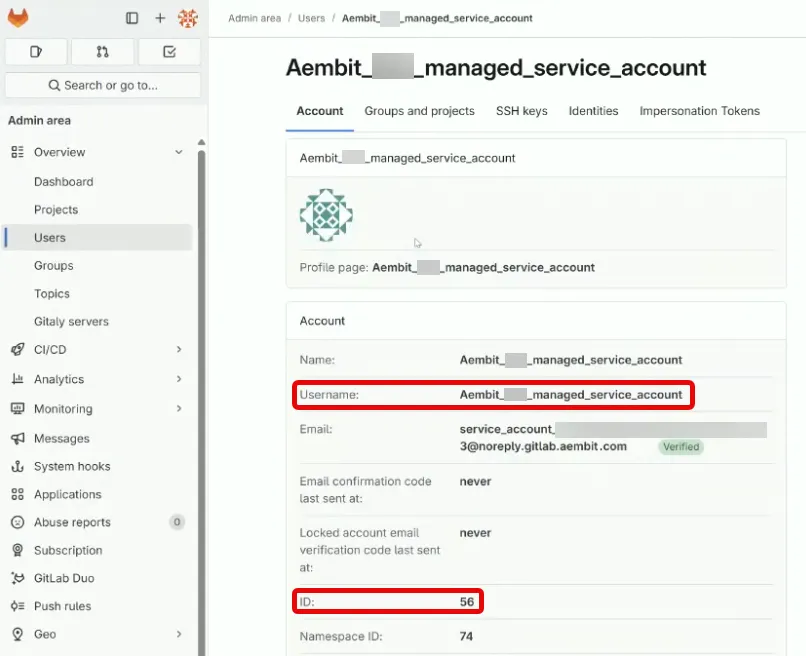
5. On the **Groups and projects** tab, verify that the groups, projects, and access levels match what you entered in the Managed GitLab Account form. GitLab displays these in a table showing Groups with their associated Projects and Access Levels.
Similar to the following screenshot:
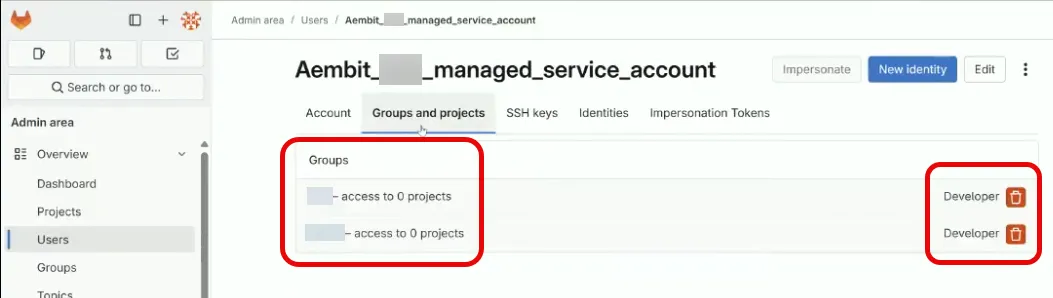
# Configure multiple Credential Providers
> Overview of configuring multiple Credential Providers in a single Access Policy
Some scenarios require multiple Credential Providers**Credential Provider**: Credential Providers obtain the specific access credentials—such as API keys, OAuth tokens, or temporary cloud credentials—that Client Workloads need to authenticate to Server Workloads.[Learn more](/get-started/concepts/credential-providers) in a single Access Policy**Access Policy**: Access Policies define, enforce, and audit access between Client and Server Workloads by cryptographically verifying workload identity and contextual factors rather than relying on static secrets.[Learn more](/get-started/concepts/access-policies). For example, you might need different credentials for different users accessing the same Server Workload**Server Workload**: Server Workloads represent target services, APIs, databases, or applications that receive and respond to access requests from Client Workloads.[Learn more](/get-started/concepts/server-workloads), or different IAM roles for accessing different AWS services.
This page provides an overview of multiple Credential Provider support. For configuration procedures, see the type-specific documentation in the following sections.
## Supported Credential Provider types
[Section titled “Supported Credential Provider types”](#supported-credential-provider-types)
You can add multiple Credential Providers of the following types to a single Access Policy:
| Type | Selector mechanism |
| ------------------------------------------------------------------------------------------------------------------------------ | --------------------------------------------------------------- |
| **[AWS STS Credential Providers (STS)](/user-guide/access-policies/credential-providers/aws-security-token-service-multiple)** | - Access Key ID |
| **[JSON Web Token (JWT) Credential Providers](/user-guide/access-policies/credential-providers/json-web-token-multiple)** | - Username (Snowflake Server Workloads only) - HTTP header/body |
## How Credential Provider selection works
[Section titled “How Credential Provider selection works”](#how-credential-provider-selection-works)
When you configure multiple Credential Providers in an Access Policy, Aembit uses selector values to determine which Credential Provider handles each request.
### AWS STS Credential Providers
[Section titled “AWS STS Credential Providers”](#aws-sts-credential-providers)
AWS STS Credential Providers use **Access Key ID selectors**. Each Credential Provider in the Access Policy must have a unique Access Key ID that your application uses as a placeholder in requests. Agent Proxy extracts the Access Key ID from the AWS SigV4 Authorization header and routes the request to the matching Credential Provider.
For configuration procedures, see [Configure an AWS STS Federation Credential Provider](/user-guide/access-policies/credential-providers/aws-security-token-service-federation#configure-multiple-aws-sts-credential-providers).
### JWT Credential Providers
[Section titled “JWT Credential Providers”](#jwt-credential-providers)
JWT Credential Providers use **username mapping** (for Snowflake) or **HTTP header/body mapping** (for HTTP workloads). Each Credential Provider must have a unique mapping value. When a request arrives, Aembit extracts the mapping value and routes the request to the matching Credential Provider.
For configuration procedures, see [Configure a JWT Credential Provider](/user-guide/access-policies/credential-providers/json-web-token#configure-multiple-jwt-credential-providers).
## Benefits
[Section titled “Benefits”](#benefits)
* **Simplified policy management** - Manage multiple credentials within a single Access Policy instead of creating separate policies for each credential scenario.
* **Scalability** - Efficiently supports multiple Credential Providers per Access Policy.
* **Seamless application experience** - Applications can access different resources with different credentials without code changes or multiple Client Workload**Client Workload**: Client Workloads represent software applications, scripts, or automated processes that initiate access requests to Server Workloads, operating autonomously without direct user interaction.[Learn more](/get-started/concepts/client-workloads) identities.
## Related topics
[Section titled “Related topics”](#related-topics)
* [Using multiple AWS STS Credential Providers](/user-guide/access-policies/credential-providers/aws-security-token-service-multiple) - Learn how Aembit routes requests to multiple AWS STS Credential Providers
* [Configure an AWS STS Federation Credential Provider](/user-guide/access-policies/credential-providers/aws-security-token-service-federation) - Configure single and multiple AWS STS Credential Providers
* [Using multiple JWT Credential Providers](/user-guide/access-policies/credential-providers/json-web-token-multiple) - Learn how Aembit routes requests to multiple JWT Credential Providers
* [Configure a JWT Credential Provider](/user-guide/access-policies/credential-providers/json-web-token) - Configure single and multiple JWT Credential Providers
* [Credential Providers overview](/user-guide/access-policies/credential-providers) - Overview of all available Credential Provider types
# Configure OAuth 2.0 Authorization Code Credential Provider
> How to create and use an OAuth 2.0 Authorization Code Credential Provider
Many organizations require access to 3rd party SaaS services that have short-lived access tokens generated on demand for authentication to APIs that these 3rd party services provide. Some critical SaaS services that organizations may use, and need Credential Provider support, include:
* Atlassian
* GitLab
* Slack
* Google Workspace
* PagerDuty
Configuring an OAuth 2.0 Authorization Code Credential Provider requires a few steps, including:
1. Create and configure the Credential Provider.
2. Create and configure the 3rd party Application (examples provided in the Server Workload pages).
3. Authorize the Credential Provider to complete the integration.
The sections below describe how you can configure an OAuth 2.0 Authorization Code Credential Provider. For detailed examples on configuring the 3rd party applications, please refer to the respective Server Workload pages, such as the [Atlassian](/user-guide/access-policies/server-workloads/guides/atlassian#oauth-20-authorization-code) example.
## Credential Provider configuration
[Section titled “Credential Provider configuration”](#credential-provider-configuration)
To configure an OAuth 2.0 Authorization Code Credential Provider, follow the steps outlined below.
1. Log into your Aembit Tenant.
2. Once you are logged into your tenant, click on the **Credential Providers** tab in the left sidebar. You are directed to the Credential Providers page displaying a list of existing Credential Providers. In this example, there are no existing Credential Providers.

3. Click on the **New** button to open the Credential Providers dialog window.
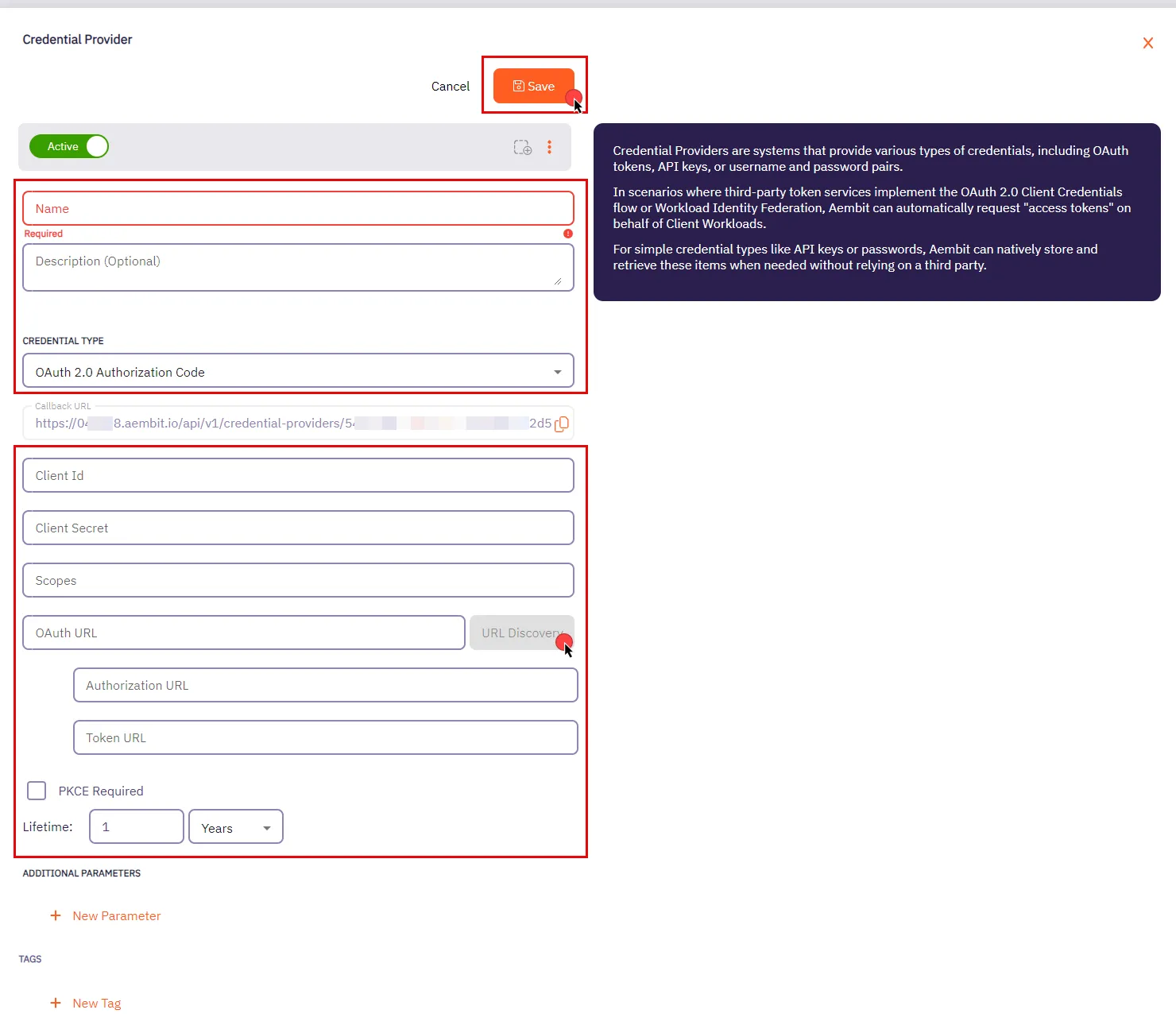
4. In the Credential Providers dialog window, enter the following information:
* **Name** - Name of the Credential Provider.
* **Description** - An optional text description of the Credential Provider.
* **Credential Type** - A dropdown menu that enables you to configure the Credential Provider type. Select **OAuth 2.0 Authorization Code**.
* **Callback URL** - An auto-generated Callback URL from Aembit Admin.
* **Client ID** - The Client ID associated with the Credential Provider.
* **Client Secret** - The Client Secret associated with the Credential Provider.
* **Scopes** - The list of scopes for the Credential Provider. This should be a list of individual scopes separated by spaces.
* **OAuth URL** - The base URL for all OAuth-related requests. Use the **URL Discovery** button next to this field to automatically populate the Authorization URL and Token URL if the correct OAuth URL is provided.
* **Authorization URL** - The endpoint where user is redirected to authenticate and authorize access to your application.
* **Token URL** - The URL where the authorization code is exchanged for an access token.
* **PKCE Required** - Configure Aembit to use PKCE for the 3rd party OAuth integration (recommended).
* **Lifetime** - The lifetime of the retrieved credential. Aembit uses this to send notification reminders to the user prior to the authorization expiring.
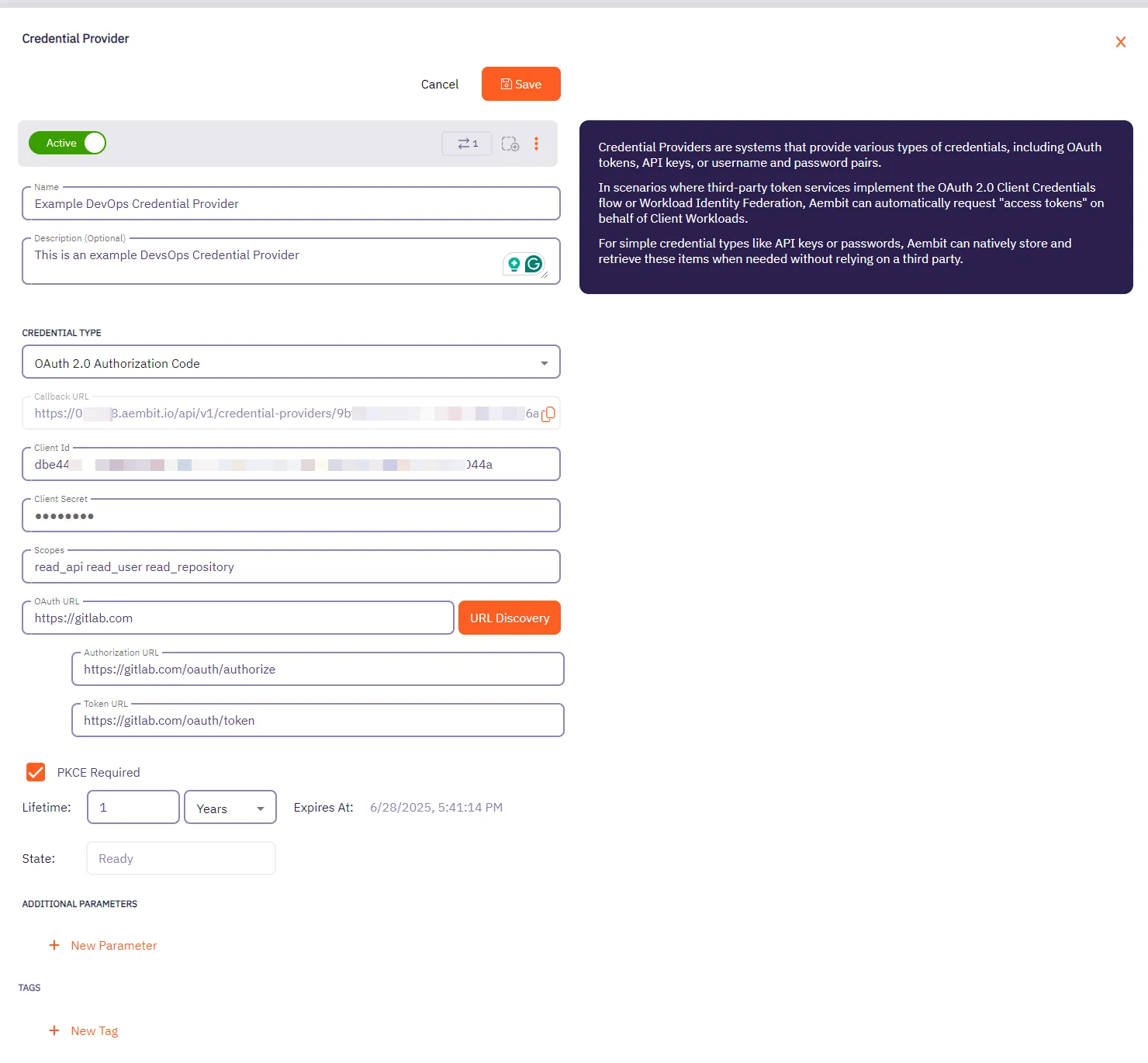
5. Click **Save** when finished. You will be directed back to the Credential Providers page, where you will see your newly created Credential Provider.
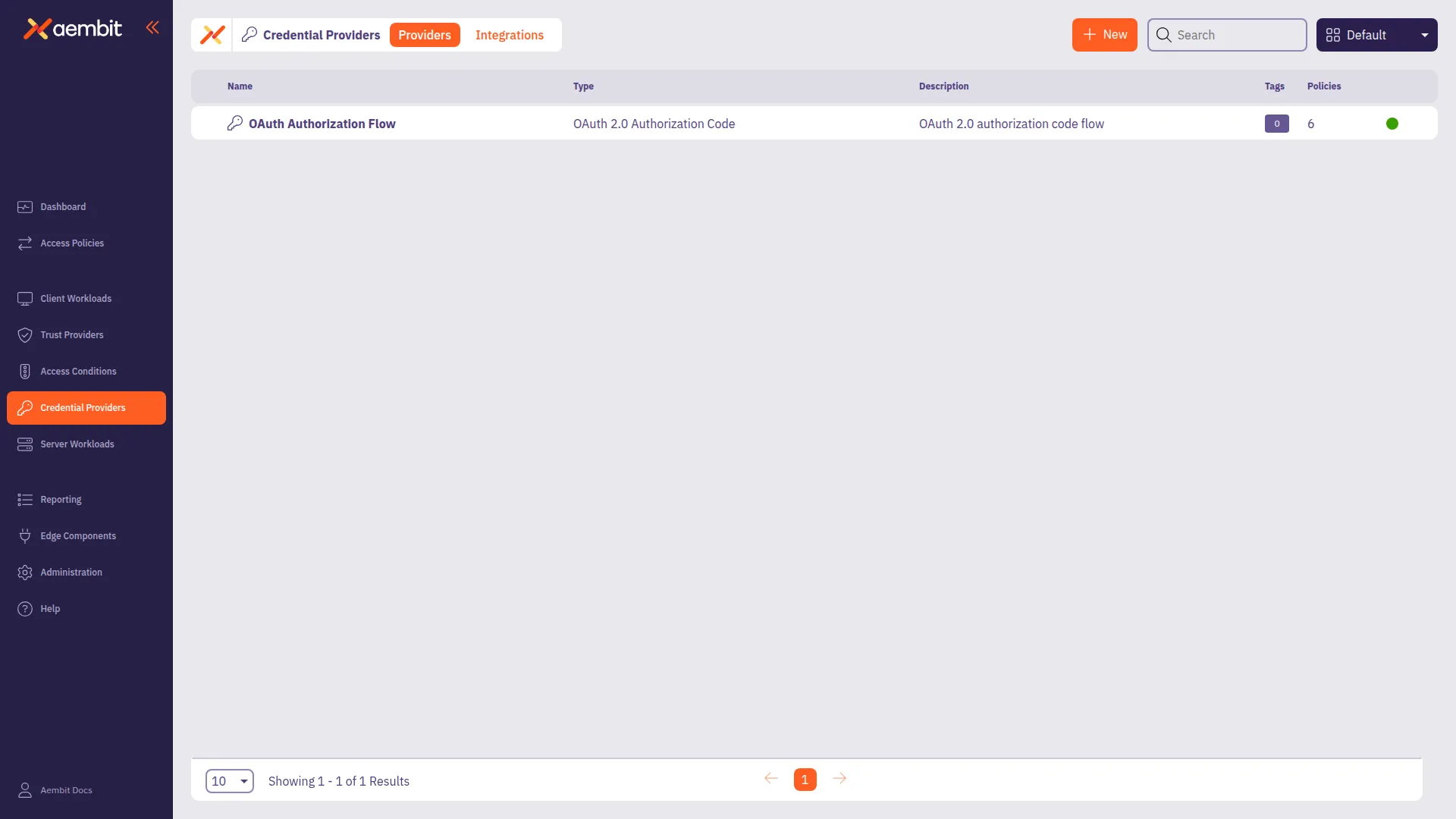
# Configure an OAuth 2.0 Client Credentials Credential Provider
> How to create and use an OAuth 2.0 Client Credentials Credential Provider
The OAuth 2.0 Client Credentials Flow, described in [OAuth 2.0 RFC 6749 (section 4.4)](https://datatracker.ietf.org/doc/html/rfc6749#section-4.4), is a method in which an application can obtain an access token by using its unique credentials such as client ID and client secret.
This process is typically used when an application needs to authenticate itself, without requiring user input, to access protected resources.
## Credential Provider configuration
[Section titled “Credential Provider configuration”](#credential-provider-configuration)
To configure an OAuth 2.0 Client Credentials Credential Provider, follow the steps outlined below.
1. Log into your Aembit Tenant.
2. Once you are logged into your tenant, click on the **Credential Providers** tab in the left sidebar. You are directed to the Credential Providers page displaying a list of existing Credential Providers. In this example, there are no existing Credential Providers.

3. Click on the **New** button to open the Credential Providers dialog window.
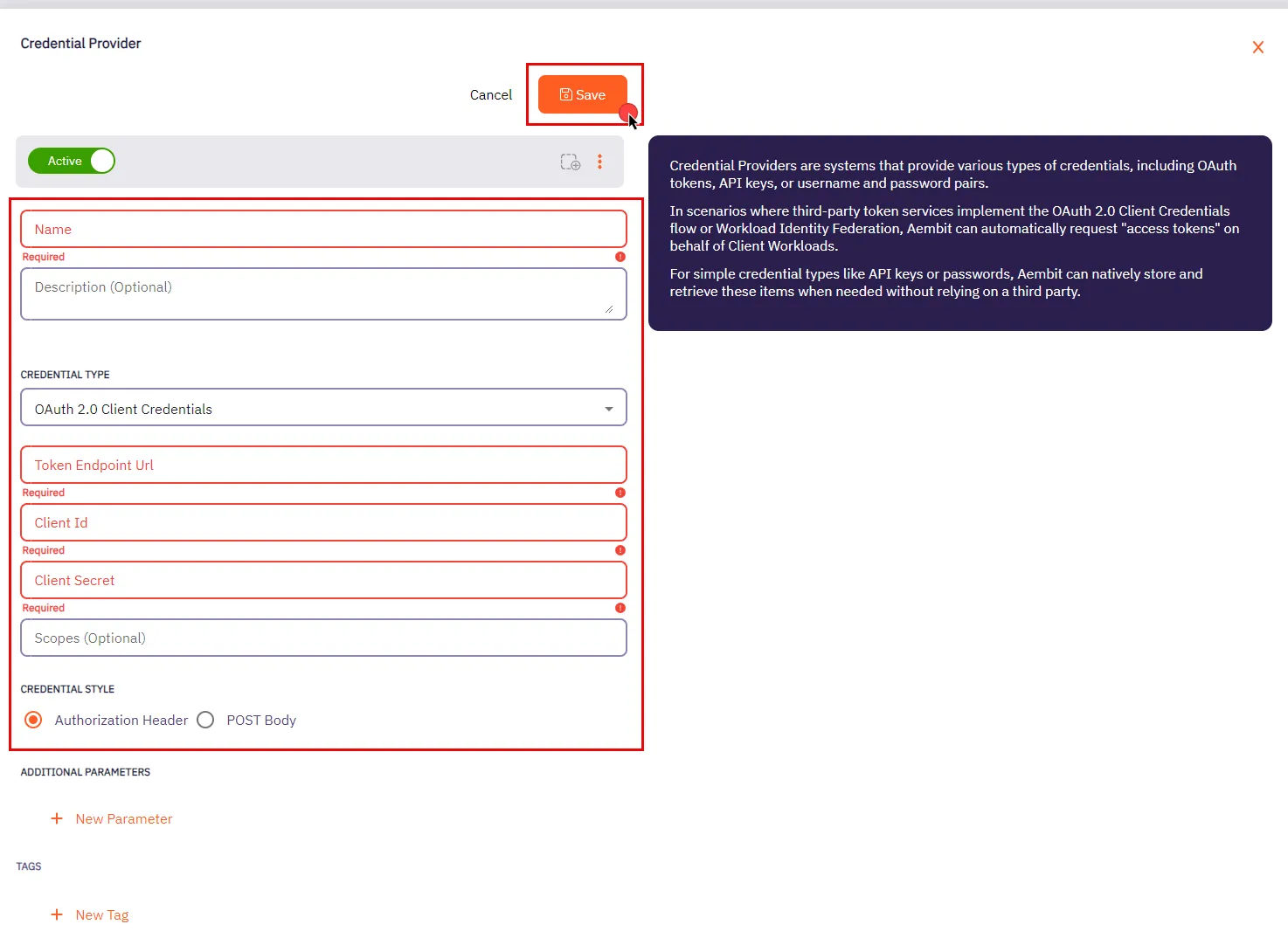
4. In the Credential Providers dialog window, enter the following information:
* **Name** - Name of the Credential Provider.
* **Description** - An optional text description of the Credential Provider.
* **Credential Type** - A dropdown menu that enables you to configure the Credential Provider type. Select **OAuth 2.0 Client Credentials**.
* **Token Endpoint Url** - The Token Endpoint URL is the designated location where an application can obtain an access token through the OAuth 2.0 Client Credentials Flow.
* **Client Id** - The Client ID is a unique identifier assigned to your application upon registration. You can find your application’s Client ID in the respective section provided by the OAuth Server.
* **Client Secret** - The Client Secret is a secret that is only known to the client (application) and the Authorization Server. It is used for secure authentication between the client and the Authorization Server.
* **Scopes (optional)** - OAuth 2.0 allows clients to specify the level of access they require while seeking authorization. Typically, scopes are documented by the server to inform clients about the access required for specific actions.
* **Credential Style** - A set of options that allows you to choose how the credentials are sent to the authorization server when requesting an access token. You can select one of the following options:
* **Authorization Header** - The credentials are included in the request’s Authorization header as a Base64-encoded string. This is the most common and secure method.
* **POST Body** - The credentials are sent in the body of the POST request as form parameters. This method is less common and may be required by certain servers that don’t support the Authorization header.
Make sure to review your Server Workload documentation to determine what is considered the credential style in that specific context.
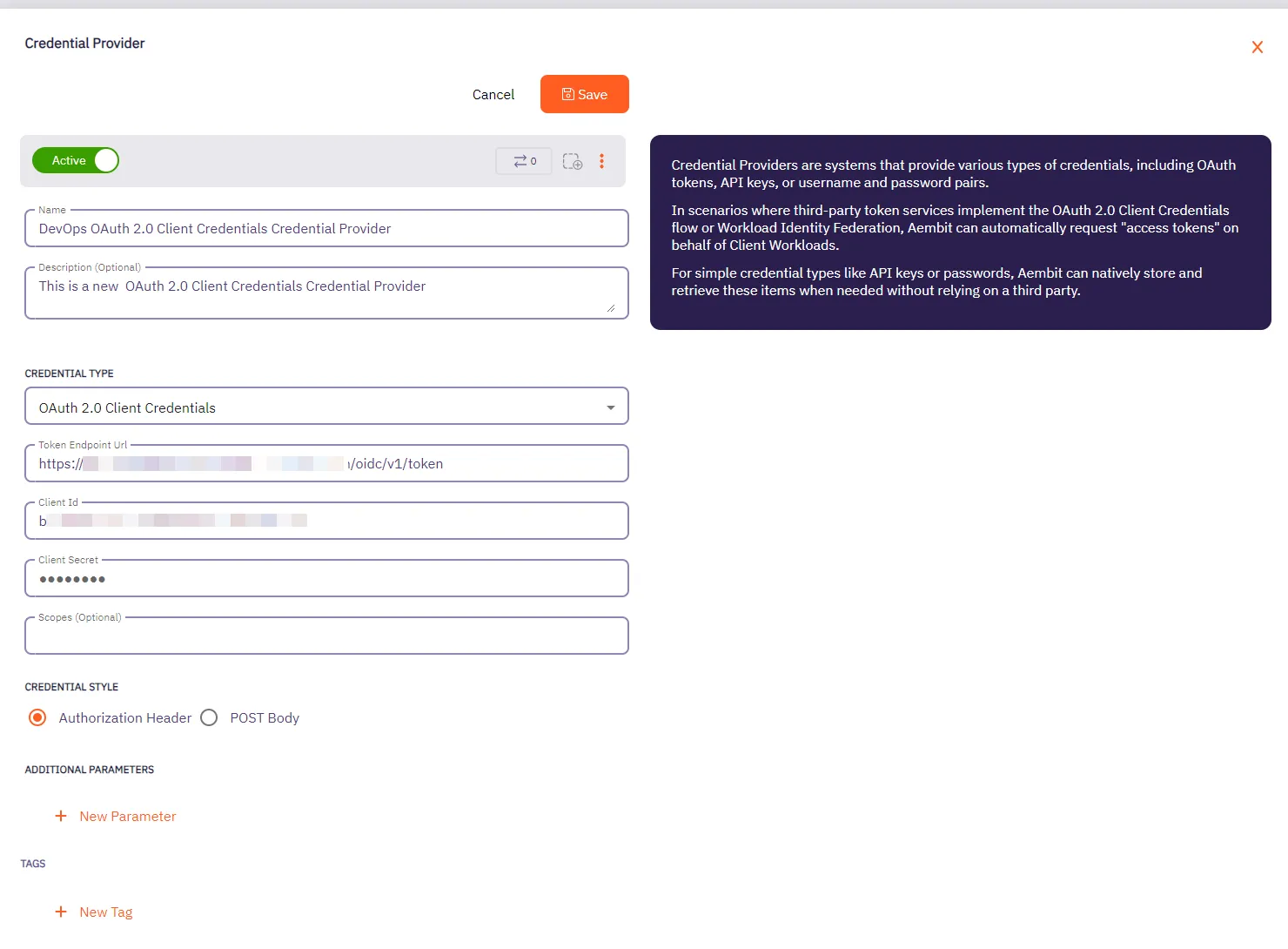
5. Click **Save** when finished. You will be directed back to the Credential Providers page, where you will see your newly created Credential Provider.
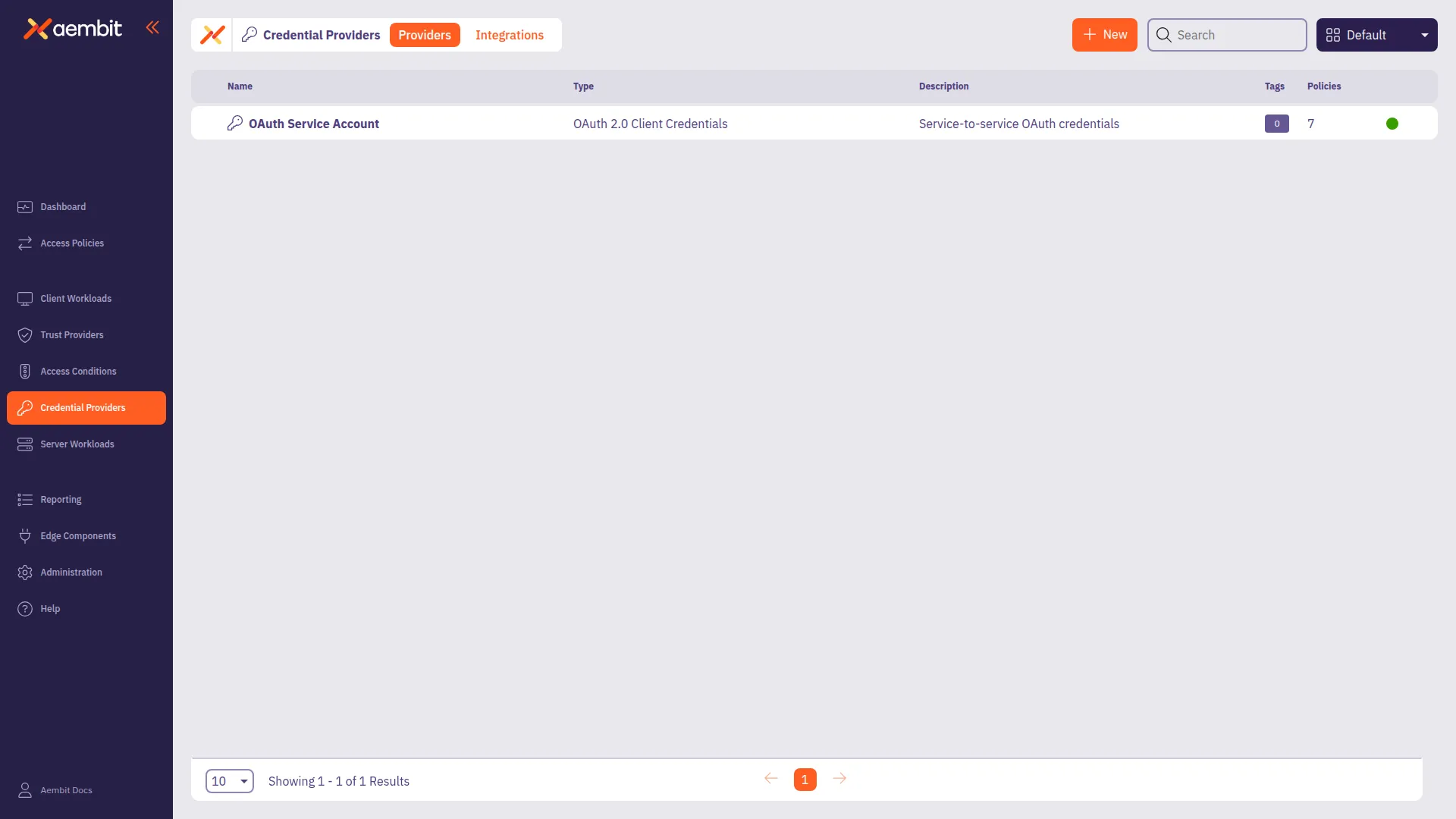
# Create an OIDC ID Token Credential Provider
> How to create an OIDC ID Token Credential Provider
The [OIDC ID Token Credential Provider](/user-guide/access-policies/credential-providers/about-oidc-id-token) enables secure identity token generation and exchange with third-party services.
You can configure the following options for your OIDC ID Token Credential Provider:
* custom claims configuration.
* flexible signing algorithms (ES256 and RS256).
* support for Workload Identity Federation (WIF) solutions such as AWS Security Token Service (STS), Google Cloud Platform (GCP) WIF, Azure WIF, Vault, and more.
## Create an OIDC ID Token Credential Provider
[Section titled “Create an OIDC ID Token Credential Provider”](#create-an-oidc-id-token-credential-provider)
To create an OIDC ID Token Credential Provider, follow these steps:
1. Log into your Aembit Tenant, and go to **Credential Providers** in the left sidebar.
2. (Optional) In the top right corner, select the [Resource Set](/user-guide/administration/resource-sets/) that you want this Credential Provider to reside.
3. Click **+ New**, which displays the Credential Provider pop out menu.
4. Enter a **Name** and optional **Description**.
5. Under **Credential Type**, select **OIDC ID Token**, revealing more fields.
6. Fill out the remaining fields:
* **Subject** - Enter the unique identifier for the workload receiving the token.
Choose how Aembit determines the subject claim in your OIDC tokens:
* **Dynamic** - Aembit determines the subject at runtime based on the calling workload’s identity. You can use expressions like `${oidc.identityToken.decode.payload.user_login}` to extract values from incoming OIDC tokens.
* **Literal** - Aembit uses a fixed value that as the subject for all tokens
* **Issuer** - The issuer URL identifies who created and signed the token.
This value should match what your relying party expects. Aembit automatically generates this value based on your tenant information.
* **Lifetime** - Specify how long (in seconds) your OIDC tokens remain valid after issuance. Match your security requirements and target system expectations:
* Shorter lifetimes (minutes to hours) increase security
* Longer lifetimes reduce token refresh frequency
* **Signing Algorithm Type** - Select the algorithm Aembit uses to sign your OIDC tokens:
* **RSASSA-PKCS1-v1\_5 using SHA-256** (default) - RS256 Signature with SHA-256 (widely supported)
* **ECDSA using P-256 and SHA-256** - ES256 signature with P-256 curve and SHA-256
* **Audience** - Enter the URI or identifier of the service or API that validates this token. This should match what your target identity broker or service expects.
7. (Optional) For **Custom Claims**, click **New Claim**.
For a list of common custom claims, see [Common OIDC claims](/user-guide/access-policies/credential-providers/about-oidc-id-token#common-oidc-claims).
Then fill out the following:
1. Enter **Claim Name** (for example: `groups`, `email`, `role`, `environment`).
2. For **Value** enter the value based on which type you choose:
* **Literal** - Enter the exact string value to include in the token
* **Dynamic** - Enter an expression using the syntax `${expression}` or extract claims from OIDC tokens
Dynamic claims examples
* Extract user email from OIDC token: `${oidc.identityToken.decode.payload.user_email}`
* Extract user login: `${oidc.identityToken.decode.payload.user_login}`
* Environment variable: `${os.environment.K8S_POD_NAME}`
* Combine values: `${oidc.identityToken.decode.payload.user_login}_custom_suffix`
For detailed information on dynamic claims syntax and examples, see [OIDC Dynamic Claims](/user-guide/access-policies/credential-providers/advanced-options/dynamic-claims-oidc).
8. (Optional) Repeat the preceding step for each additional Claim.
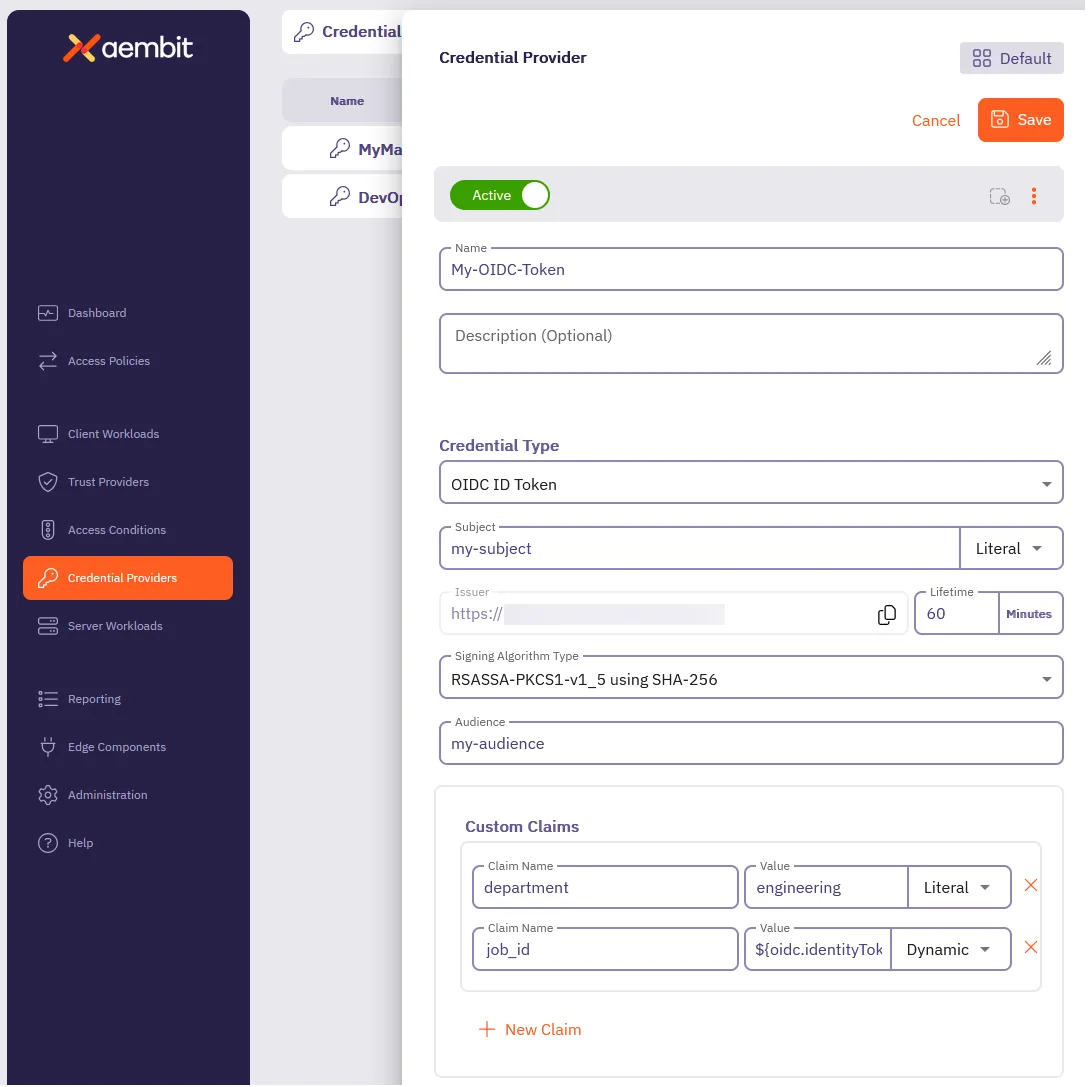
9. Click **Save**.
## Verify your OIDC ID Token Credential Provider
[Section titled “Verify your OIDC ID Token Credential Provider”](#verify-your-oidc-id-token-credential-provider)
To verify an OIDC ID Token is retrievable from the identity provider you configured, follow these steps:
1. In your Aembit Tenant, go to **Credential Providers** in the left sidebar menu.
2. Select the OIDC ID Token from the list of Credential Providers that you want to verify.
This reveals the Credential Provider pop out menu.
3. Click **Verify** at the top.
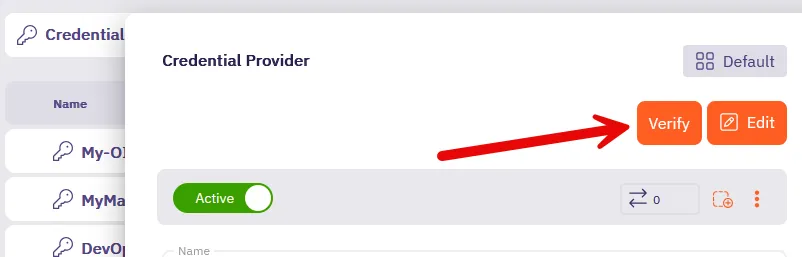
4. When successful, Aembit posts a green notification that says “**Verified successfully**.”
If the verification isn’t successful, double check your configuration to make sure all the values are correct, then try again.
## Terraform configuration
[Section titled “Terraform configuration”](#terraform-configuration)
You can automate the creation and management of your OIDC ID Token Credential Provider using Terraform.
The following is an example
```hcl
resource "aembit_credential_provider" "" {
name = "Example OIDC ID Token"
is_active = true
oidc_id_token = {
subject = "example-subject"
subject_type = "literal" # Options: "literal" or "dynamic"
lifetime_in_minutes = 60
audience = "api.example.com"
algorithm_type = "RS256" # Options: "RS256", "ES256"
custom_claims = [
{
key = "department"
value = "engineering"
value_type = "literal"
},
{
key = "role"
value = "developer"
value_type = "dynamic"
}
]
}
tags = {
environment = "production"
team = "platform"
}
}
```
To create an OIDC ID Token Credential Provider with Terraform, follow these steps:
1. Create a Terraform file (for example, `oidc_provider.tf`) with your configuration
2. Initialize the Terraform environment:
```shell
terraform init
```
3. Review the planned changes:
```shell
terraform plan
```
4. Apply the configuration:
```shell
terraform apply
```
5. [Verify](#verify-your-oidc-id-token-credential-provider) the newly created Credential Provider in the Aembit Tenant UI.
# Private Network Access for Credential Providers
> How to use Private Network Access to retrieve credentials from secrets managers in private networks
Private Network Access (PNA) allows Aembit to retrieve credentials from secrets managers in your private network. This includes secrets managers accessible only within an AWS Virtual Private Cloud (VPC) or Azure Virtual Network.
By default, Aembit Cloud connects directly to external secrets managers (like AWS Secrets Manager, Azure Key Vault, or HashiCorp Vault) to retrieve credentials on behalf of your workloads. However, if you restrict your secrets manager to a private network, Aembit Cloud can’t reach it.
With PNA, credential retrieval happens through your Aembit Edge component (Aembit CLI or Agent Proxy) instead of Aembit Cloud. This allows you to keep your secrets manager in a private network while still using Aembit for workload identity and access management.
## When to use Private Network Access
[Section titled “When to use Private Network Access”](#when-to-use-private-network-access)
Enable PNA when:
* Your secrets manager endpoint is only reachable from within a private network or VPC endpoint
* You don’t want to maintain IP allowlists for Aembit Cloud in your cloud environment
* You want all access to your secrets manager to originate from your own infrastructure
## How it works
[Section titled “How it works”](#how-it-works)
When you enable PNA for a Credential Provider:
1. **Aembit Cloud instructs your Edge component** to retrieve the credential using the integration you configured.
2. **The Edge component accesses the secrets manager** from your private network and reads the secret.
3. **Aembit receives the secret value** and injects it into your Server Workloads according to your Access Policies.
Enabling PNA only affects *where* Aembit retrieves credentials from (Aembit Cloud vs your Edge component). It doesn’t change *how* Aembit delivers credentials to your Server Workloads—your Access Policies and Server Workload configuration still control those behaviors.
## Requirements
[Section titled “Requirements”](#requirements)
PNA requires:
* An Aembit Edge component (Aembit CLI or Agent Proxy) running in your private network
* Network connectivity from the Edge component to your secrets manager
* The same integration and permissions you would use without PNA
### Agent Proxy version requirements
[Section titled “Agent Proxy version requirements”](#agent-proxy-version-requirements)
| Credential Provider | Minimum Version | Recommended Version | Notes |
| ---------------------------- | ---------------- | ---------------------- | -------------------------------------------------------------------------------------------------------------------------------------------------------------------------------------------------------------------- |
| HashiCorp Vault Client Token | Agent Proxy 1.20 | Agent Proxy 1.20+ | Initial and current PNA behavior are the same. When you enable PNA, all Vault access for this provider runs through your Edge component. |
| AWS Secrets Manager Value | Agent Proxy 1.25 | Agent Proxy 1.28.4063+ | Agent Proxy 1.25 adds basic PNA support so your Edge component can retrieve secrets. Use Agent Proxy 1.28.4063+ for full PNA support, where your Edge component handles all AWS access for this Credential Provider. |
| Azure Key Vault Value | Agent Proxy 1.26 | Agent Proxy 1.26+ | Private Network Access for Azure Key Vault requires Agent Proxy 1.26 or later. When you enable PNA, your Edge component handles all Key Vault access for this provider. |
## Supported Credential Providers
[Section titled “Supported Credential Providers”](#supported-credential-providers)
The following Credential Providers support PNA:
| Credential Provider | PNA Support | Limitations |
| ---------------------------------------------------------------------------------------------------- | ----------- | ---------------------------------------------------- |
| [HashiCorp Vault Client Token](/user-guide/access-policies/credential-providers/vault-client-token/) | Supported | None |
| [AWS Secrets Manager Value](/user-guide/access-policies/credential-providers/aws-secrets-manager/) | Supported | HTTP Basic Auth with Username/Password not supported |
| [Azure Key Vault Value](/user-guide/access-policies/credential-providers/azure-key-vault/) | Supported | None |
## Troubleshooting
[Section titled “Troubleshooting”](#troubleshooting)
If credential retrieval fails with PNA enabled:
* **Check network connectivity:** Confirm the host running the Aembit CLI or Agent Proxy can reach your secrets manager endpoint (check DNS resolution, firewall rules, and VPC peering/endpoints)
* **Verify permissions:** Confirm the integration’s identity (IAM role, service principal, or Vault token) has permission to read the specified secret
* **Check secret format:** Ensure the secret data format matches your selected Credential Value Type
For provider-specific troubleshooting, see the individual Credential Provider documentation in the preceding section.
## Related topics
[Section titled “Related topics”](#related-topics)
* [AWS Secrets Manager Credential Provider](/user-guide/access-policies/credential-providers/aws-secrets-manager/)
* [Azure Key Vault Credential Provider](/user-guide/access-policies/credential-providers/azure-key-vault/)
* [HashiCorp Vault Client Token Credential Provider](/user-guide/access-policies/credential-providers/vault-client-token/)
# Create a JWT-SVID Token Credential Provider
> How to create a JWT-SVID Token Credential Provider
The [JWT-SVID Token Credential Provider](/user-guide/access-policies/credential-providers/about-spiffe-jwt-svid) enables secure identity token generation that complies with SPIFFE (Secure Production Identity Framework for Everyone) standards.
This credential provider is similar to the [OIDC ID Token Credential Provider](/user-guide/access-policies/credential-providers/oidc-id-token), but enforces SPIFFE-specific formatting requirements for the subject claim.
You can configure the following options for your JWT-SVID Token Credential Provider:
* Subject (SPIFFE ID) configuration with literal or dynamic values.
* Automatic issuer URL generation based on your tenant.
* Audience configuration for target system validation.
* Token lifetime settings (default 1 hour).
* Signing algorithms (RS256 and ES256).
* Custom claims for enhanced workload context.
## Create a JWT-SVID Token Credential Provider
[Section titled “Create a JWT-SVID Token Credential Provider”](#create-a-jwt-svid-token-credential-provider)
To create a JWT-SVID Token Credential Provider, follow these steps:
1. Log into your Aembit Tenant, and go to **Credential Providers** in the left sidebar.
2. (Optional) In the top right corner, select the [Resource Set](/user-guide/administration/resource-sets/) that you want this Credential Provider to reside.
3. Click **+ New**, which displays the Credential Provider pop out menu.
4. Enter a **Name** and optional **Description**.
5. Under **Credential Type**, select **JWT-SVID Token**, revealing more fields.
6. Fill out the remaining fields:
* **Subject** - Enter the SPIFFE ID that you want as the subject claim in the JWT-SVID.
SPIFFE Format Required
The subject **must** use SPIFFE formatting:
```text
spiffe:///
```
The subject always starts with `spiffe://` followed by your `` and ``. For example: `spiffe://example.com/workload/api-service`
Choose how to specify the subject:
* **Literal** - Enter a fixed SPIFFE ID (for example, `spiffe://example.com/workload/api-service`)
* **Dynamic** - Use variables to generate SPIFFE IDs at runtime. Use the syntax `${expression}` to create dynamic values.
For example:
* `spiffe://your-domain/ns/${namespace}/sa/${serviceaccount}` for Kubernetes
* `spiffe://your-domain/aws/account/${account}/role/${role}` for AWS
* **Issuer** - Aembit automatically generates this value based on your tenant information. The issuer URL identifies who created and signed the token.
* **Audience** - Enter the identifiers that the receiving service expects in the `aud` claim. This can be a single string value (for example, `my-service.example.com`)
The audience must match what your SPIFFE-aware target system expects for validation.
* **Lifetime** - Specify how long (in minutes) your JWT-SVIDs remain valid after issuance.
* Default: 15 minutes
* Shorter lifetimes increase security
* SPIFFE recommends tokens expire within 1 hour
* **Algorithm Type** - Select the signing algorithm for your JWT-SVIDs:
* **RSASSA-PKCS1-v1\_5 using SHA-256** (RS256) - Default, widely compatible
* **ECDSA using P-256 and SHA-256** (ES256) - Recommended for SPIFFE-compliant systems
7. (Optional) For **Custom Claims**, click **+ New Claim**.
Custom claims provide additional context about the workload identity. Common SPIFFE JWT-SVID custom claims include:
* `namespace` - Kubernetes namespace
* `service_account` - Kubernetes service account name
* `aws_account` - AWS account ID
* `environment` - Deployment environment (production, staging, etc.)
* `region` - Geographic or cloud region
* `cluster` - Kubernetes cluster name
Then fill out the following:
1. Enter **Claim Name** (for example: `namespace`, `cluster`, `environment`).
2. For **Value** enter the value based on which type you choose:
* **Literal** - Enter the exact string value to include in the token
* **Dynamic** - Enter an expression using the syntax `${expression}` to extract values from workload identity
Dynamic claims examples for SPIFFE
* Extract Kubernetes namespace: `${oidc.identityToken.decode.payload.namespace}`
* Extract service account: `${oidc.identityToken.decode.payload.service_account}`
* Extract AWS account: `${aws.account}`
* Environment variable: `${os.environment.CLUSTER_NAME}`
* Combine values: `${namespace}_${environment}`
For detailed information on dynamic claims syntax and examples, see [Dynamic Claims for OIDC and JWT-SVID Tokens](/user-guide/access-policies/credential-providers/advanced-options/dynamic-claims-oidc).
8. (Optional) Repeat the preceding step for each additional Claim.
9. Click **Save**.
## Verify your JWT-SVID Token Credential Provider
[Section titled “Verify your JWT-SVID Token Credential Provider”](#verify-your-jwt-svid-token-credential-provider)
To verify a JWT-SVID token is retrievable and formatted correctly, follow these steps:
1. In your Aembit Tenant, go to **Credential Providers** in the left sidebar.
2. Select the JWT-SVID Token from the list of Credential Providers that you want to verify.
This reveals the Credential Provider pop out menu.
3. Click **Verify** at the top.

4. When successful, Aembit posts a green notification that says “**Verified successfully**”.
The verification confirms:
* Subject follows SPIFFE format (starts with `spiffe://`)
* JWT header type set to “JWT”
* Token includes the configured claims
* Correct scope set for the credential provider
* Token signing works with selected algorithm
If the verification isn’t successful, double check your configuration to make sure all the values are correct, then try again. Common issues include:
* Invalid SPIFFE ID format (must start with `spiffe://`)
* Missing or invalid trust domain
## JWKS endpoint for verification
[Section titled “JWKS endpoint for verification”](#jwks-endpoint-for-verification)
SPIFFE-aware systems can verify JWT-SVIDs issued by Aembit using the public JWKS endpoint:
```shell
https://.id.useast2.aembit.io/.well-known/openid-configuration/jwks
```
This endpoint provides:
* Public keys for signature verification
* Support for both ES256 and RS256 algorithms
* Automatic key rotation management
* Standards-compliant JWKS format
## Integration with SPIFFE-aware systems
[Section titled “Integration with SPIFFE-aware systems”](#integration-with-spiffe-aware-systems)
Once configured, your JWT-SVID Token Credential Provider can authenticate workloads to:
* **Service Meshes** - Istio, Consul, Linkerd, and other SPIFFE-compliant service meshes
* **SPIFFE Libraries** - Applications using SPIFFE SDK libraries for token validation
* **Zero Trust Platforms** - Security platforms that validate SPIFFE identities
* **Custom Services** - Any service configured to validate JWT-SVIDs against Aembit’s JWKS endpoint
For more information about SPIFFE standards and implementation, see:
* [SPIFFE JWT-SVID Specification](https://spiffe.io/docs/latest/keyless/)
* [How to Construct SPIFFE IDs](https://www.spirl.com/blog/how-to-construct-spiffe-ids/)
# Configure a Username & Password Credential Provider
> How to create and use a Username & Password Credential Provider
The Username & Password credential provider is tailored for Server Workloads requiring username and password authentication, such as databases and Server Workloads utilizing HTTP Basic authentication.
## Credential Provider configuration
[Section titled “Credential Provider configuration”](#credential-provider-configuration)
To configure a Username & Password Credential Provider, follow the steps outlined below.
1. Log into your Aembit Tenant.
2. Once you are logged into your tenant, click on the **Credential Providers** tab in the left sidebar. You are directed to the Credential Providers page displaying a list of existing Credential Providers. In this example, there are no existing Credential Providers.

3. Click on the **New** button to open the Credential Providers dialog window.
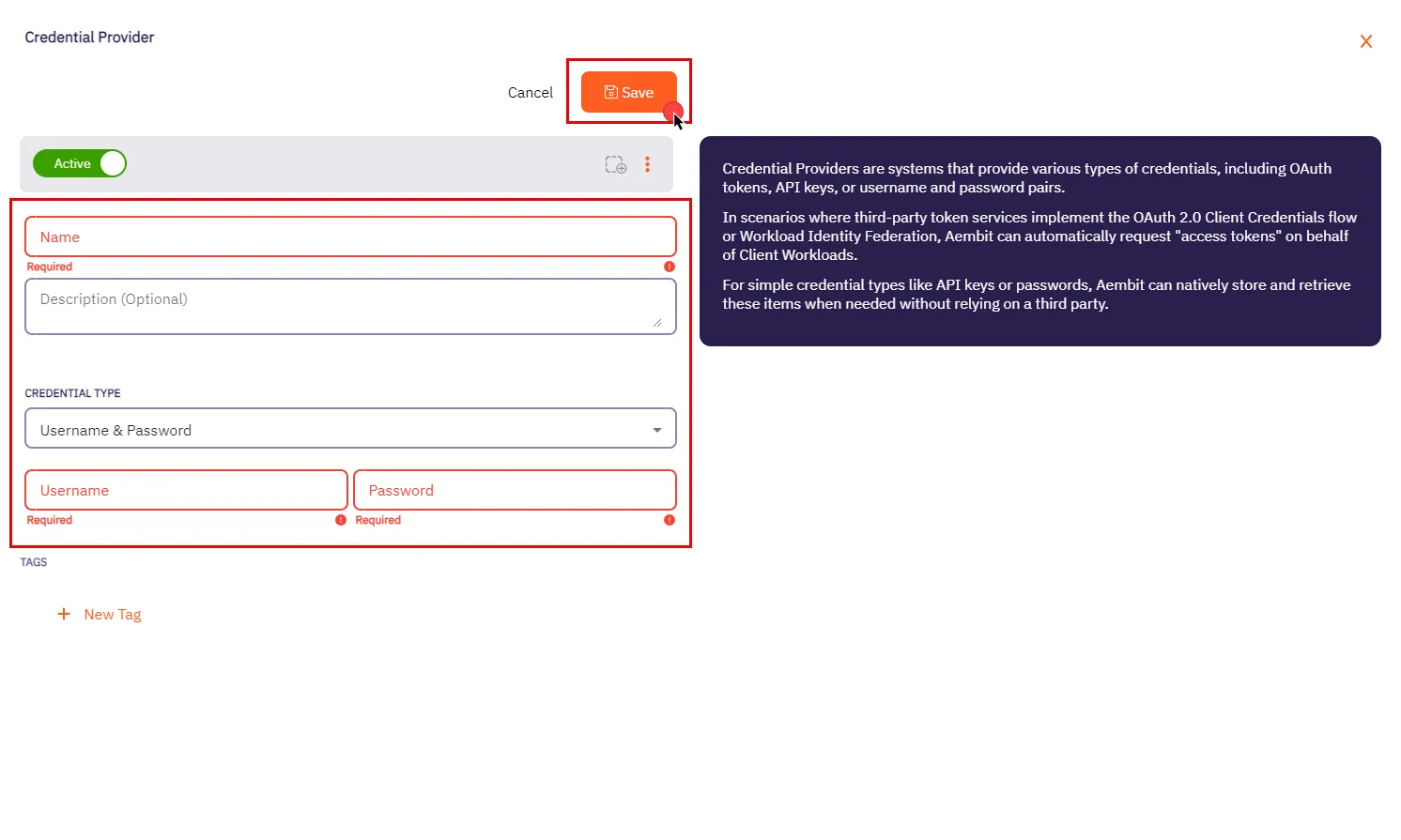
4. In the Credential Providers dialog window, enter the following information:
* **Name** - Name of the Credential Provider.
* **Description** - An optional text description of the Credential Provider.
* **Credential Type** - A dropdown menu that enables you to configure the Credential Provider type. Select **Username & Password**.
* **Username** - The username serves as the access credential associated with the account or system, allowing authentication for accessing the Server Workload.
Depending on the context, the **Username** could take various forms:
* **Email Address** - Use the full email address associated with the account.
* **Master User** - In certain systems, this might be a master user account that has privileged access.
* **Account Username** - This could be a specific username assigned to the account for authentication purposes.
Please make sure to review your Server Workload documentation to determine what is considered a username in that specific context.
* **Password** - The corresponding password for the provided username. Please refer to the specific Server Workload documentation for accurate configuration details.
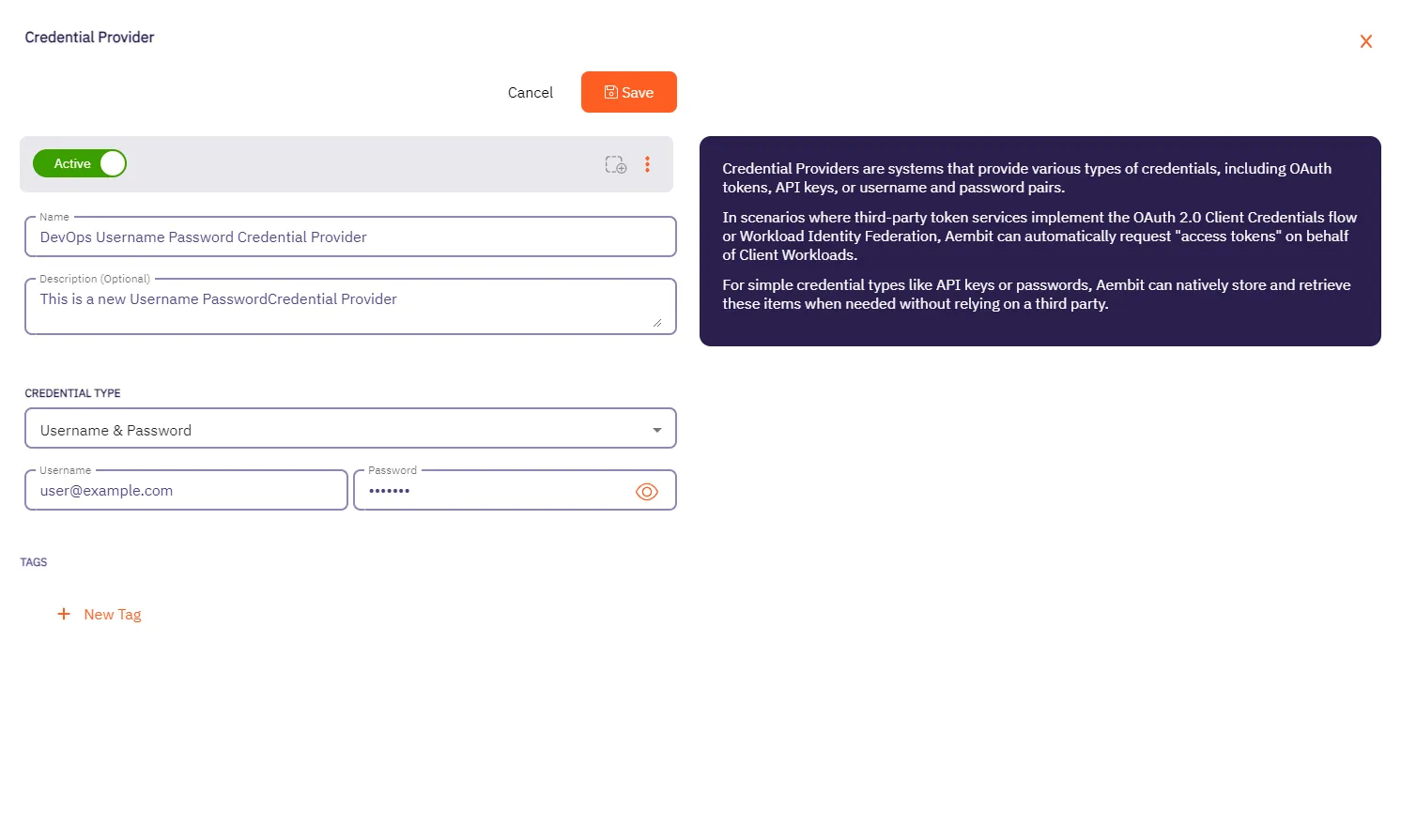
5. Click **Save** when finished. You will be directed back to the Credential Providers page, where you will see your newly created Credential Provider.
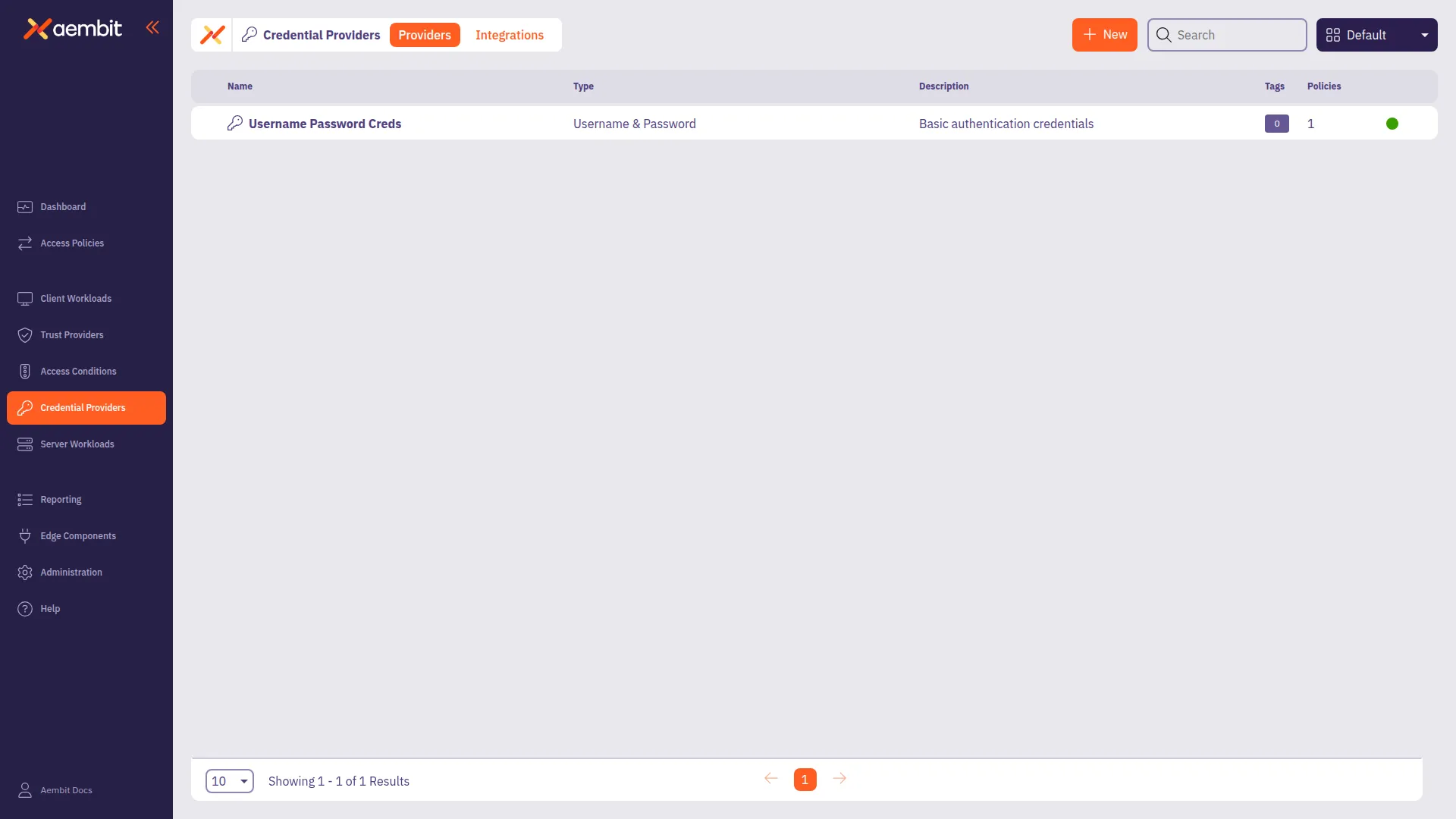
# Configure a HashiCorp Vault Client Token Credential Provider
> How to configure a Credential Provider for HashiCorp Vault Client Token
Aembit’s Credential Provider for HashiCorp Vault (or just Vault) enables you to integrate Aembit with your Vault services.
This Credential Provider allows your Client Workloads to securely authenticate with Vault using OpenID Connect (OIDC) and obtain short-lived JSON Web Tokens (JWTs) for accessing Vault resources.
* **OIDC Issuer URL** - OpenID Connect (OIDC) Issuer URL, auto-generated by Aembit, is a dedicated endpoint for OIDC authentication within HashiCorp Vault.
## Accessing Vault on private networks
[Section titled “Accessing Vault on private networks”](#accessing-vault-on-private-networks)
For Vault instances on private networks, enable **Private Network Access** during configuration to allow your colocated Agent Proxy to handle authentication directly.
For details on when to use Private Network Access, how it works, and troubleshooting, see [Private Network Access for Credential Providers](/user-guide/access-policies/credential-providers/private-network-access/).
Version requirement
Private Network Access for HashiCorp Vault requires Agent Proxy 1.20 or later.
## Configure a Vault Credential Provider
[Section titled “Configure a Vault Credential Provider”](#configure-a-vault-credential-provider)
To configure a Vault Credential Provider, follow these steps:
1. Log in to your Aembit Tenant, and in the left sidebar menu, go to **Credential Providers**.
2. Click **+ New**, which reveals the **Credential Provider** page.
3. In the Credential Providers dialog window, enter the following information:
4. Enter a **Name** and optional **Description**.
5. In the **Credential Type** dropdown, select **Vault Client Token**, revealing new fields.
6. In the **JSON Web Token (JWT)** section, enter a Vault-compatible **Subject** value.
If you [configured Vault Roles](/user-guide/access-policies/server-workloads/guides/hashicorp-vault#configure-vault-role) with `bound_subject`, the **Subject** value needs to match the `bound_subject` value exactly.
7. Define any **Custom Claims** you may have by clicking **+ New Claim**, and entering the **Claim Name** and **Value** for each custom claim you add.
8. Enter the remaining details in the **Vault Authentication** section:
* **Host** - Hostname of your Vault Server.
* **Port** - The port to access the Vault service. Optionally, you may check the **TLS** checkbox to require TLS connections to your Vault service.
* **Authentication Path** - The path to your OIDC authentication configuration in the Vault service.
* **Role** - The access credential associated with the Vault **Authentication Path**.
* **Namespace** - The environment namespace of the Vault service.
* **Forwarding Configuration** - Specify how Aembit should forward requests between Vault clusters or servers.
This setting ensures Aembit’s request handling aligns with your Vault cluster’s forwarding configuration. See Vault configuration parameters for more details about request forwarding in Vault.
For more info, see the [Vault configuration parameters](https://developer.hashicorp.com/vault/docs/configuration) in the official HashiCorp Vault docs.
* **Private Network Access** - Enable this if your Vault exists in a private network or is only accessible from your Edge deployment. See [Accessing Vault on private networks](#accessing-vault-on-private-networks) for details.
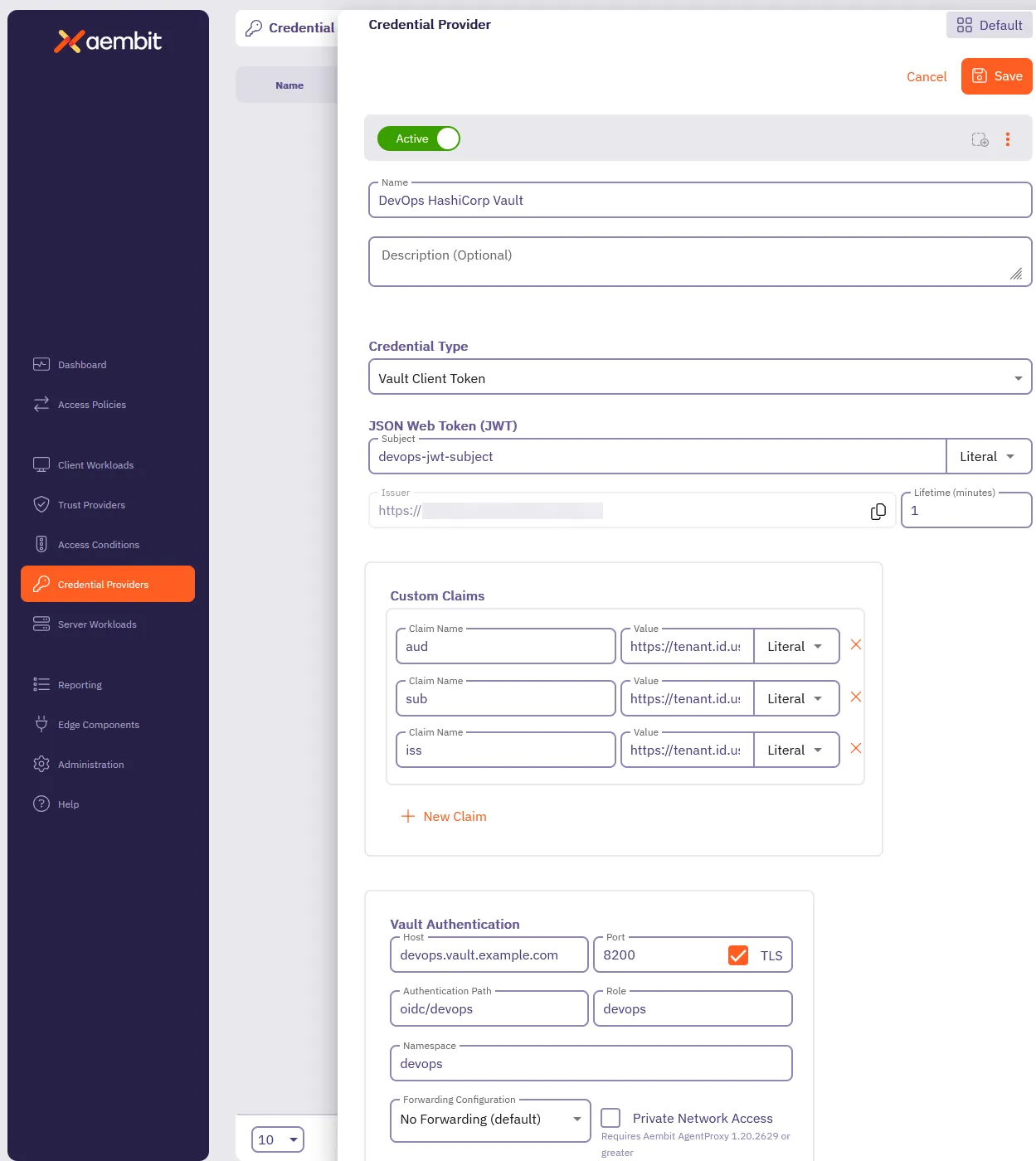
9. Click **Save**.
Aembit displays your new Vault Credential Provider on the **Credential Providers** page.
# Server Workloads
> This document provides a high-level description of Server Workloads
## Using wildcard domains
[Section titled “Using wildcard domains”](#using-wildcard-domains)
In Aembit, wildcard domains simplify Server Workload configuration by allowing a single workload to handle requests across multiple services or regions. This is particularly useful for services with consistent domain structures like AWS’s `amazonaws.com`.
For example, using the wildcard domain `*.amazonaws.com` for [AWS Cloud](/user-guide/access-policies/server-workloads/guides/aws-cloud) creates a reusable Server Workload that works across all AWS services and regions, eliminating the need to configure each one individually.
For more granular control, you can specify exact hostnames like `kms.us-east-1.amazonaws.com` to limit the Server Workload to a specific service and region.
## Server Workloads by category
[Section titled “Server Workloads by category”](#server-workloads-by-category)
The following sections break down the Server Workloads by category. Choose from the following pages to learn more about each category and its respective Server Workloads.
### AI and machine learning
[Section titled “AI and machine learning”](#ai-and-machine-learning)
* [Claude](/user-guide/access-policies/server-workloads/guides/claude)
* [Gemini](/user-guide/access-policies/server-workloads/guides/gemini)
* [OpenAI](/user-guide/access-policies/server-workloads/guides/openai)
### CI/CD
[Section titled “CI/CD”](#cicd)
* [GitHub REST](/user-guide/access-policies/server-workloads/guides/github-rest)
* [GitLab REST](/user-guide/access-policies/server-workloads/guides/gitlab-rest)
* [SauceLabs](/user-guide/access-policies/server-workloads/guides/saucelabs)
### Cloud platforms and services
[Section titled “Cloud platforms and services”](#cloud-platforms-and-services)
* [Apigee](/user-guide/access-policies/server-workloads/guides/apigee)
* [AWS Cloud](/user-guide/access-policies/server-workloads/guides/aws-cloud)
* [Microsoft Graph](/user-guide/access-policies/server-workloads/guides/microsoft-graph)
### CRM
[Section titled “CRM”](#crm)
* [Salesforce REST](/user-guide/access-policies/server-workloads/guides/salesforce-rest)
### Data analytics
[Section titled “Data analytics”](#data-analytics)
* [AWS Redshift](/user-guide/access-policies/server-workloads/guides/aws-redshift)
* [Databricks](/user-guide/access-policies/server-workloads/guides/databricks)
* [GCP BigQuery](/user-guide/access-policies/server-workloads/guides/gcp-bigquery)
* [Looker Studio](/user-guide/access-policies/server-workloads/guides/looker-studio)
* [Snowflake](/user-guide/access-policies/server-workloads/guides/snowflake)
### Databases
[Section titled “Databases”](#databases)
* [AWS MySQL](/user-guide/access-policies/server-workloads/guides/aws-mysql)
* [AWS PostgreSQL](/user-guide/access-policies/server-workloads/guides/aws-postgres)
* [Local MySQL](/user-guide/access-policies/server-workloads/guides/local-mysql)
* [Local PostgreSQL](/user-guide/access-policies/server-workloads/guides/local-postgres)
* [Local Redis](/user-guide/access-policies/server-workloads/guides/local-redis)
### Financial services
[Section titled “Financial services”](#financial-services)
* [PayPal](/user-guide/access-policies/server-workloads/guides/paypal)
* [Stripe](/user-guide/access-policies/server-workloads/guides/stripe)
### IT tooling
[Section titled “IT tooling”](#it-tooling)
* [PagerDuty](/user-guide/access-policies/server-workloads/guides/pagerduty)
### Productivity
[Section titled “Productivity”](#productivity)
* [Atlassian](/user-guide/access-policies/server-workloads/guides/atlassian)
* [Box](/user-guide/access-policies/server-workloads/guides/box)
* [Freshsales](/user-guide/access-policies/server-workloads/guides/freshsales)
* [Google Drive](/user-guide/access-policies/server-workloads/guides/google-drive)
* [Slack](/user-guide/access-policies/server-workloads/guides/slack)
### Security
[Section titled “Security”](#security)
* [Aembit](/user-guide/access-policies/server-workloads/guides/aembit)
* [Beyond Identity](/user-guide/access-policies/server-workloads/guides/beyond-identity)
* [GitGuardian](/user-guide/access-policies/server-workloads/guides/gitguardian)
* [HashiCorp Vault](/user-guide/access-policies/server-workloads/guides/hashicorp-vault)
* [KMS](/user-guide/access-policies/server-workloads/guides/kms)
* [Okta](/user-guide/access-policies/server-workloads/guides/okta)
* [Snyk](/user-guide/access-policies/server-workloads/guides/snyk)
# Server Workload architecture patterns
> Understanding how different authentication methods work with Aembit Server Workloads
This page explains how Aembit handles different authentication methods when connecting Client Workloads**Client Workload**: Client Workloads represent software applications, scripts, or automated processes that initiate access requests to Server Workloads, operating autonomously without direct user interaction.[Learn more](/get-started/concepts/client-workloads) to Server Workloads**Server Workload**: Server Workloads represent target services, APIs, databases, or applications that receive and respond to access requests from Client Workloads.[Learn more](/get-started/concepts/server-workloads).
Understanding these patterns helps you choose the right configuration for your integration and troubleshoot issues.
## How server workloads work
[Section titled “How server workloads work”](#how-server-workloads-work)
All Server Workload integrations follow the same basic flow, regardless of authentication method:

**Data flow**
1. **Access Request** - Client Workload initiates a request to access the target service (Server Workload)
2. **Policy Lookup** - Aembit Edge**Aembit Edge**: Aembit Edge represents components deployed within your operational environments that enforce Access Policies by intercepting traffic, verifying identities, and injecting credentials just-in-time.[Learn more](/get-started/concepts/aembit-edge) intercepts the request and queries Aembit Cloud**Aembit Cloud**: Aembit Cloud serves as both the central control plane and management plane, making authorization decisions, evaluating policies, coordinating credential issuance, and providing administrative interfaces for configuration.[Learn more](/get-started/concepts/aembit-cloud) for the Access Policy**Access Policy**: Access Policies define, enforce, and audit access between Client and Server Workloads by cryptographically verifying workload identity and contextual factors rather than relying on static secrets.[Learn more](/get-started/concepts/access-policies) and Credential Provider**Credential Provider**: Credential Providers obtain the specific access credentials—such as API keys, OAuth tokens, or temporary cloud credentials—that Client Workloads need to authenticate to Server Workloads.[Learn more](/get-started/concepts/credential-providers) configuration
3. **Credentials** - Aembit Cloud returns the appropriate credentials based on the Credential Provider configuration
4. **Authenticated Request** - Aembit Edge injects credentials into the request and forwards it to the Server Workload
5. **Response** - The Server Workload processes the authenticated request and returns a response
6. **Response Passthrough** - Aembit Edge forwards the response back to the Client Workload transparently
**Network requirements**
* **Outbound HTTPS (port 443)** from your environment to:
* Target Server Workload (varies by service)
* **No inbound ports** required for Aembit integration
* **DNS resolution** must work for target service domains
**Component placement**
* **Aembit Edge (Agent Proxy)**: Runs on the same server as your Client Workload, or as a sidecar container in Kubernetes
* **Client Workload**: Runs in your environment (on-premises, cloud VM, container, serverless function)
* **Aembit Cloud**: Hosted service, no infrastructure required
* **Server Workload**: Target service (cloud, on-premises, or third-party SaaS)
## Authentication method variations
[Section titled “Authentication method variations”](#authentication-method-variations)
While the basic flow remains the same, different authentication methods inject credentials into requests differently.
### OAuth flow
[Section titled “OAuth flow”](#oauth-flow)
**Applies to** - [Entra ID](/user-guide/access-policies/server-workloads/guides/entra-id), Salesforce, GitHub (OAuth mode), Okta (OAuth mode)
OAuth-based Server Workloads use the OAuth 2.0 protocol to obtain access tokens. Aembit intercepts OAuth token requests and replaces static client secrets with dynamically generated JWT-SVID**JWT-SVID**: A SPIFFE Verifiable Identity Document in JWT format. JWT-SVIDs are cryptographically signed, short-lived tokens that prove workload identity and enable secure authentication without static credentials.[Learn more](/user-guide/access-policies/credential-providers/about-spiffe-jwt-svid) credentials.

**Flow details** -
* **Credential type**: JWT-SVID (JSON Web Token - Secure Verifiable Identity Document) or `client_assertion`
* **Injection point**: OAuth token request body - replaces `client_secret` parameter with dynamic JWT-SVID
* **Data flow**:
1. Client requests OAuth access token using placeholder credential (for example, `'placeholder-client-secret'`)
2. Aembit intercepts the token request and removes the placeholder
3. Aembit generates a short-lived JWT-SVID signed with cryptographic material
4. Agent Proxy injects the JWT-SVID as `client_assertion` in the token request
5. OAuth provider validates the JWT-SVID signature
6. OAuth provider returns access token to the client
7. Client uses the access token to authenticate API calls to protected resources
**Special considerations** -
* **PKCE support**: Some OAuth providers require Proof Key for Code Exchange (PKCE). Aembit supports PKCE when configured in the Credential Provider.
* **Token refresh**: OAuth SDKs automatically handle token refresh when access tokens expire. Aembit generates a new JWT-SVID for each token refresh request.
* **Scope selection**: The scopes configured in the Server Workload determine which API permissions the access token grants. See individual guide for scope selection guidance.
* **Token lifetime**: JWT-SVIDs are valid for 5 minutes by default. Access tokens from OAuth providers typically last 1 hour but vary by provider.
**Credential lifecycle** -
OAuth credentials have two lifetimes to consider:
* **JWT-SVID lifetime**: 5 minutes (Aembit-generated, used only for token requests)
* **Access token lifetime**: 1 hour typical (provider-issued, used for API calls)
When an access token expires, the OAuth SDK automatically requests a new token, triggering Aembit to generate a fresh JWT-SVID.
### API key flow
[Section titled “API key flow”](#api-key-flow)
**Applies to** - Okta, Claude, OpenAI, GitHub (API Key mode), Stripe, Box
API Key-based Server Workloads inject a static API key into HTTP headers. Aembit retrieves the key from a Credential Provider and injects it transparently.

**Flow details** -
* **Credential type**: API key string
* **Injection point**: HTTP `Authorization` header or custom header (for example, `X-API-Key`)
* **Data flow**:
1. Client makes an API request (no API key in code)
2. Aembit intercepts the request
3. Credential Provider retrieves the API key (from secure storage or vault)
4. Agent Proxy injects the key into the appropriate HTTP header
5. API service validates the key and processes the request
6. API service returns response to the client
**Special considerations** -
* **Header format variations**: Different services use different header formats:
* **Bearer token**: `Authorization: Bearer sk-abc123` (OpenAI, Anthropic)
* **Single Sign-On Web Services (SSWS) format**: `Authorization: SSWS 00abc123` (Okta)
* **Custom header**: `X-API-Key: abc123` (some APIs)
* **API key rotation**: When rotating API keys in the service, update the Credential Provider in Aembit. No application code changes required.
* **Rate limiting**: Some services rate-limit by API key. Monitor usage to avoid hitting limits.
* **Key lifetime**: API keys are typically long-lived (months to years). Rotate per security best practices.
**Credential lifecycle** -
Unlike OAuth, API keys are static and long-lived:
* **Storage**: Stored securely in Aembit Credential Provider
* **Rotation**: Manual - update the key in both the service and Aembit Credential Provider
* **Expiration**: Varies by service (some never expire, others expire after 1-2 years)
### Database credential injection
[Section titled “Database credential injection”](#database-credential-injection)
**Applies to** - MySQL, PostgreSQL, Redis, Snowflake, Google BigQuery
Database workloads inject dynamic credentials into database connection strings or authentication commands.

**Flow details** -
* **Credential type**: Username/password pair or connection string
* **Injection point**: Database connection parameters (replaces username and password fields)
* **Data flow**:
1. Client opens database connection using placeholder credentials
2. Aembit intercepts the connection request
3. Credential Provider generates or retrieves dynamic database credentials
4. Agent Proxy modifies connection parameters with real credentials
5. Database validates credentials and establishes connection
6. Connection is ready for queries
**Special considerations** -
* **Connection pooling**: Aembit works with connection pooling. When the pool creates new connections, Aembit injects credentials.
* **TLS/SSL requirements**: Many databases require TLS encryption. Configure TLS Decrypt in Aembit to intercept encrypted database connections.
* **Credential lifetime vs. connection lifetime**: Database credentials may outlive individual connections. Aembit handles credential rotation without disrupting active connections.
* **Protocol-specific handling**: Different database protocols require different credential injection methods:
* **MySQL/Postgres**: Username/password in connection parameters
* **Redis**: Authentication (AUTH) command interception
**Credential lifecycle** -
Database credentials can be static or dynamic:
* **Static credentials**: Stored in Credential Provider, manually rotated
* **Dynamic credentials** (for example, AWS RDS IAM auth): Generated per connection, expire after 15 minutes (typical)
### Cloud provider signatures
[Section titled “Cloud provider signatures”](#cloud-provider-signatures)
**Applies to** - AWS (SigV4), Google Cloud Platform, Azure
Cloud provider workloads use cryptographic request signatures instead of traditional credentials.
**Flow details** -
* **Credential type**: Temporary credentials (access key, secret key, session token)
* **Injection point**: Request signature calculation (replaces AWS Access Key ID and Secret Access Key)
* **Data flow**:
1. Client makes cloud API request
2. Aembit intercepts the request
3. Credential Provider assumes an IAM role or generates temporary credentials
4. Agent Proxy signs the request using temporary credentials (SigV4 signature)
5. Cloud provider validates the signature
6. Cloud provider returns API response
**Special considerations** -
* **IAM role trust relationships**: The IAM role must trust Aembit’s identity provider
* **Session duration limits**: AWS temporary credentials expire after 15 minutes to 12 hours (configurable)
* **Multi-region considerations**: Signatures are region-specific. Configure Credential Provider for the correct region.
* **Service-specific signing**: Different AWS services may require different signing algorithms
**Credential lifecycle** -
* **Temporary credential lifetime**: 15 minutes to 12 hours (AWS default: 1 hour)
* **Automatic refresh**: Aembit automatically obtains fresh credentials before expiration
* **No manual rotation**: Credentials are ephemeral and rotated automatically
### Token-based authentication
[Section titled “Token-based authentication”](#token-based-authentication)
**Applies to** - HashiCorp Vault, Kubernetes Service Accounts
Token-based workloads use bearer tokens for authentication.
**Flow details** -
* **Credential type**: Bearer token (for example, Vault token, Kubernetes service account token)
* **Injection point**: HTTP `Authorization: Bearer ` header or X-Vault-Token header
* **Data flow**:
1. Client makes API request
2. Aembit intercepts the request
3. Credential Provider retrieves or generates a token
4. Agent Proxy injects the token into the request header
5. Service validates the token and processes the request
**Special considerations** -
* **Token TTL management**: Tokens have time-to-live (TTL) limits. Aembit handles token renewal automatically.
* **Policy-based access control**: Policies in the target service define token permissions (for example, Vault policies)
* **Token renewal**: Some services (like Vault) support token renewal. Aembit can renew tokens before expiration.
* **Bidirectional dependencies**: Services like Vault may require OIDC configuration in both Vault and Aembit. See service-specific guides for setup order.
**Credential lifecycle** -
* **Token lifetime**: Varies by service (Vault default: 32 days, configurable)
* **Renewal**: Automatic before expiration (when supported)
* **Revocation**: You can revoke tokens centrally in the target service
## Choosing the right pattern
[Section titled “Choosing the right pattern”](#choosing-the-right-pattern)
When configuring a new Server Workload, identify which authentication method the target service uses:
| If the service uses… | Use this pattern | Example services |
| ------------------------------------------------------ | --------------------------------------------------------------- | ------------------------------------------ |
| **OAuth 2.0** (client credentials, authorization code) | [OAuth Flow](#oauth-flow) | Entra ID, Salesforce, GitHub (OAuth Apps) |
| **API Keys** in headers | [API Key Flow](#api-key-flow) | Okta, Claude, OpenAI, Stripe |
| **Database credentials** (username/password) | [Database Credential Injection](#database-credential-injection) | MySQL, Postgres, Redis, Snowflake |
| **AWS signatures** (SigV4) or GCP/Azure equivalents | [Cloud Provider Signatures](#cloud-provider-signatures) | AWS services, GCP services, Azure services |
| **Bearer tokens** or service-specific tokens | [Token-Based Authentication](#token-based-authentication) | HashiCorp Vault, Kubernetes |
See individual [Server Workload guides](/user-guide/access-policies/server-workloads/guides/) for detailed configuration steps for each service.
## Related resources
[Section titled “Related resources”](#related-resources)
* **[Developer Integration Guide](/user-guide/access-policies/server-workloads/developer-integration)** - SDK code examples and testing patterns
* **[Troubleshooting Guide](/user-guide/access-policies/server-workloads/troubleshooting)** - Common issues and solutions
* **[Server Workload Guides](/user-guide/access-policies/server-workloads/guides/)** - Service-specific configuration guides
* **[Understanding Server Workloads](/get-started/concepts/server-workloads)** - Conceptual overview
# Authentication methods and schemes
> This document describes the configuration of Authentication Methods and Schemes for Server workloads.
Aembit offers a variety of authentication methods and schemes to secure access to Server Workloads. These configurations define how Credential Providers inject credentials into application protocols. This page details the supported authentication methods and helps you choose the right one for your needs.
## Authentication methods and schemes
[Section titled “Authentication methods and schemes”](#authentication-methods-and-schemes)
When you configure access between Client Workloads and Server Workloads, two key elements dictate how Aembit injects credentials into a request:
* **Authentication Method** - Specifies the general type of authentication in use—for example, HTTP authentication or a database-specific protocol.
* **Authentication Scheme** - Defines the specific implementation of the method. For example, the `Bearer` scheme for HTTP authentication specifies how the credential appears in the HTTP headers.
These elements work together to determine how the Client Workload authenticates to the Server Workload. Additionally, some combinations of authentication methods and schemes may require extra configuration, such as specifying the name of the HTTP header that carries the credential.
Aembit supports combinations of methods and schemes to meet diverse protocol and workload requirements.
## Credential requirements
[Section titled “Credential requirements”](#credential-requirements)
Most authentication methods rely on a single credential that a Credential Provider generates, ensuring broad compatibility. However, some methods use two-part credentials (for example: a username and password), which restricts them to Credential Providers that supply such data.
Additionally, some authentication schemes depend on specific Credential Providers. While you may use them with others, they typically target a particular provider.
## Choosing the right method and scheme
[Section titled “Choosing the right method and scheme”](#choosing-the-right-method-and-scheme)
Selecting the appropriate method and scheme is essential to ensure the Client Workload can successfully authenticate to the Server Workload. Consider the following:
* **Server Workload Requirements** - What methods does the Server Workload support?
* **Security Considerations** - What level of security do you need?
* **Credential Provider Capabilities** - Which providers can generate the required credentials?
Aembit includes method/scheme recommendations for common Server Workloads in Server Workload guides. If your Server Workload doesn’t appear in those guides, use the following guidance to choose and configure an appropriate method and scheme.
## Supported authentication methods and schemes
[Section titled “Supported authentication methods and schemes”](#supported-authentication-methods-and-schemes)
The following table lists all supported combinations of authentication methods and schemes, along with their compatible application protocols and credential providers:
| Auth Method | Auth Scheme | Application Protocols | Credential Provider | Description | Specification |
| ------------------------ | ---------------- | --------------------------------------- | ------------------- | --------------------------------------------------------------------------------------------------------------------- | ----------------------------------------------------------------------------------------------------------------------------- |
| HTTP Authentication | Basic | HTTP | Username & Password | Encodes `username:password` in Base64 and sends it in the HTTP `Authorization` header. | [The ‘Basic’ HTTP Authentication Scheme](https://datatracker.ietf.org/doc/html/rfc7617) |
| HTTP Authentication | Bearer | HTTP | Any single-value | Sends a `Bearer` token in the HTTP `Authorization` header. | [Bearer Token Usage](https://datatracker.ietf.org/doc/html/rfc9700) |
| HTTP Authentication | Header | HTTP | Any single-value | Injects credentials into a user-defined HTTP header as part of HTTP authentication flow. | n/a |
| HTTP Authentication | AWS Signature v4 | HTTP | AWS STS Federation | Signs the HTTP request using AWS Signature v4. | [Create a signed AWS API request](https://docs.aws.amazon.com/IAM/latest/UserGuide/reference_sigv-create-signed-request.html) |
| API Key | Header | HTTP | Any single-value | Injects API key credentials into a user-defined HTTP header for API-based authentication. | n/a |
| API Key | Query parameter | HTTP | Any single-value | Injects credentials into a user-defined HTTP query parameter. | n/a |
| Password Authentication | Password | MySQL, Postgres, Amazon Redshift, Redis | Username & Password | Injects credentials according to protocol-specific requirements. Applies only to protocols with a single auth method. | n/a |
| JWT Token Authentication | Snowflake JWT | Snowflake | JWT | Modifies the body of an HTTP request to `/session/v1/login-request`, injecting `USERNAME` and `TOKEN`. | n/a |
# Credential lifecycle management
> How Aembit manages credential generation, rotation, and security for Server Workloads
Aembit dynamically generates short-lived credentials for each request to a Server Workload, eliminating manual credential rotation and reducing the risk window if an attacker compromises credentials. This page explains how credential lifecycle management works across all Server Workload types.
## How credential rotation works
[Section titled “How credential rotation works”](#how-credential-rotation-works)
Aembit generates credentials on-demand rather than storing long-lived secrets:
* **Credential lifespan**: JWT-SVIDs are valid for 5 minutes by default
* **Automatic rotation**: New credentials generated for each token request (typically every 1 hour when access tokens expire)
* **No manual intervention**: Applications continue running without code changes or restarts
* **Zero downtime rotation**: Transition from old to new credentials is seamless
### Credential generation flow
[Section titled “Credential generation flow”](#credential-generation-flow)
1. Your application requests access to a protected resource (for example, an OAuth token or API call)
2. Aembit generates a new credential (JWT-SVID or other type) signed with current cryptographic material
3. The target service validates the credential and issues an access token or grants access
4. Your application receives the response and continues operating
5. Process repeats when the access token expires or the application makes a new request

## Token expiration comparison
[Section titled “Token expiration comparison”](#token-expiration-comparison)
The following table compares credential lifetimes and rotation methods:
| Credential Type | Typical Lifetime | Rotation Method | Downtime During Rotation |
| -------------------------------------- | ---------------- | ------------------------------------------- | ------------------------ |
| **Static client secret** (traditional) | 1-2 years | Manual (update code/config and restart app) | Yes (during restart) |
| **Aembit JWT-SVID** | 5 minutes | Automatic (generated per request) | No (seamless transition) |
| **OAuth access token** | 1 hour | Automatic (app requests new token) | No (handled by SDK) |
The 5-minute JWT-SVID lifespan limits the window of compromise. Even if an attacker intercepts a JWT-SVID, it expires before the attacker can reuse it for future requests.
## Credential compromise response
[Section titled “Credential compromise response”](#credential-compromise-response)
If you suspect a credential compromise (for example, unauthorized API access detected), follow these steps:
### 1. Immediate action: Disable the Server Workload
[Section titled “1. Immediate action: Disable the Server Workload”](#1-immediate-action-disable-the-server-workload)
Revoke the Server Workload in the Aembit console to stop credential generation immediately:
1. Navigate to **Workloads** > **Server Workloads**
2. Select the affected workload
3. Click **Disable**
Disabling the Server Workload stops all new credential generation immediately. Existing tokens remain valid until they expire (typically within 5 minutes for JWT-SVIDs, 1 hour for OAuth access tokens).
### 2. Investigate: Review audit logs
[Section titled “2. Investigate: Review audit logs”](#2-investigate-review-audit-logs)
Identify the scope of the compromise by reviewing logs in both Aembit and the target service:
**Aembit logs** -
* Navigate to **Activity** > **Audit Logs**
* Filter by Server Workload name
* Look for: Unusual access patterns, unexpected IP addresses, off-hours activity
**Target service logs (example: Entra ID)** -
* Navigate to **Azure Active Directory** > **Sign-in logs**
* Filter by Application (client) ID
* Look for: Failed authentications, unusual locations, unexpected user agents
### 3. Remediate: Address the root cause
[Section titled “3. Remediate: Address the root cause”](#3-remediate-address-the-root-cause)
Based on your investigation findings:
* **If isolated to Aembit**: Re-enable the Server Workload after confirming you eliminated the threat
* **If target service credentials compromised**: Rotate or regenerate credentials in the target service (for example, delete and recreate an Entra ID application registration)
* **If broader compromise**: Follow your organization’s incident response procedures
### 4. Prevent recurrence: Review security posture
[Section titled “4. Prevent recurrence: Review security posture”](#4-prevent-recurrence-review-security-posture)
After remediation, strengthen your security configuration:
* Verify least-privilege permissions on the Server Workload
* Enable conditional access policies in the target service (if supported)
* Configure IP address restrictions where applicable
* Review [Access Conditions](/user-guide/access-policies/access-conditions/) in Aembit to add time-based or location-based restrictions
## Audit logging
[Section titled “Audit logging”](#audit-logging)
Aembit logs all credential generation events for compliance and security monitoring.
**What Aembit logs** -
* Timestamp of credential generation
* Server Workload name
* Client Workload identity
* Credential type issued
* Success or failure status
**Where to view logs** -
* Aembit Tenant: **Reporting** > **Audit Logs**
* For detailed event information, see [Audit Logs](/user-guide/audit-report/audit-logs/)
**Log retention** -
* Default: 90 days
* Configurable up to 1 year for compliance requirements
**SIEM integration** - Export logs to your Security Information and Event Management (SIEM) system using Aembit’s log stream integration. See [Log Streams](/user-guide/administration/log-streams/) for configuration details.
## Monitoring recommendations
[Section titled “Monitoring recommendations”](#monitoring-recommendations)
Configure alerts in your monitoring system for the following conditions:
| Alert Condition | Recommended Threshold | Indicates |
| ------------------------------------- | ------------------------------------ | ----------------------------------------- |
| Failed credential requests | >5 failures in 10 minutes | Authentication misconfiguration or attack |
| Access from unexpected locations | Any non-allowlisted region | Potential credential theft |
| Access outside business hours | Any off-hours access (if applicable) | Unauthorized access attempt |
| Server Workload configuration changes | Any change | Potential privilege escalation |
| Credential generation rate spike | >200% of baseline | Credential stuffing attack |
For access authorization event details, see [Access Authorization Events](/user-guide/audit-report/access-authorization-events/).
## Related resources
[Section titled “Related resources”](#related-resources)
* [Server Workloads overview](/user-guide/access-policies/server-workloads/)
* [Access Conditions](/user-guide/access-policies/access-conditions/)
* [Audit Logs](/user-guide/audit-report/audit-logs/)
* [Log Streams](/user-guide/administration/log-streams/)
# Developer Integration with Server Workloads
> SDK integration patterns, placeholder credentials, and testing procedures for Server Workload integrations
This guide shows developers how to integrate their application code with Aembit Server Workloads**Server Workload**: Server Workloads represent target services, APIs, databases, or applications that receive and respond to access requests from Client Workloads.[Learn more](/get-started/concepts/server-workloads).
**No application code changes required** - Aembit intercepts authentication requests transparently. However, you need to understand how to initialize SDKs and test your integration.
## Understanding placeholder credentials
[Section titled “Understanding placeholder credentials”](#understanding-placeholder-credentials)
When using SDKs or libraries to connect to services, many require credentials during initialization even though Aembit provides the actual credentials at runtime.
### What are placeholder credentials?
[Section titled “What are placeholder credentials?”](#what-are-placeholder-credentials)
A **placeholder credential** is a placeholder value used only for SDK initialization. The Aembit Agent Proxy intercepts authentication requests and replaces placeholder values with real, dynamically generated credentials before they reach the target service.
**The placeholder value never leaves your environment.**
**Examples of valid placeholders** -
* `'placeholder-client-secret'`
* `'aembit-managed'`
* `'dummy-value-12345'`
* Any non-empty string that satisfies SDK validation
### Why use placeholders?
[Section titled “Why use placeholders?”](#why-use-placeholders)
SDKs validate that required credential fields are present during initialization. Without placeholders, SDKs throw errors like:
```plaintext
ValueError: client_secret is required
```
Placeholders satisfy SDK validation while allowing Aembit to manage the actual credentials securely.
## Integration pattern
[Section titled “Integration pattern”](#integration-pattern)
Most authentication libraries follow this pattern. Here’s a generic example showing before and after Aembit:
### Before Aembit (managing secrets manually)
[Section titled “Before Aembit (managing secrets manually)”](#before-aembit-managing-secrets-manually)
```python
import os
import requests
# Secret loaded from environment variable or secret manager
client_secret = os.environ.get('CLIENT_SECRET') # ← Security risk: secret in env
# Make OAuth token request
token_response = requests.post(
'https://oauth-provider.com/token',
data={
'grant_type': 'client_credentials',
'client_id': 'your-app-id',
'client_secret': client_secret, # ← Real secret sent
'scope': 'api.read api.write'
}
)
access_token = token_response.json()['access_token']
# Use access token for API calls
api_response = requests.get(
'https://api.example.com/resource',
headers={'Authorization': f'Bearer {access_token}'}
)
```
**Problems with this approach** -
* Secret stored in environment variable (risk of leakage)
* Manual rotation required (downtime, code changes)
* Secret visible in logs if request fails
* No centralized credential management
### With Aembit (no secret management required)
[Section titled “With Aembit (no secret management required)”](#with-aembit-no-secret-management-required)
```python
import requests
# Use placeholder credential - Aembit replaces this at runtime
client_secret = 'placeholder-client-secret' # ← Aembit intercepts and replaces
# Same OAuth token request - Aembit handles credentials
token_response = requests.post(
'https://oauth-provider.com/token',
data={
'grant_type': 'client_credentials',
'client_id': 'your-app-id',
'client_secret': client_secret, # ← Placeholder never reaches OAuth provider
'scope': 'api.read api.write'
}
)
access_token = token_response.json()['access_token'] # ← You get a valid token
# Use access token for API calls (unchanged)
api_response = requests.get(
'https://api.example.com/resource',
headers={'Authorization': f'Bearer {access_token}'}
)
```
**Key changes** -
* ✅ No environment variables or secret managers needed
* ✅ No secret rotation logic in application code
* ✅ Placeholder credential never reaches the target service (Aembit intercepts)
* ✅ Centralized credential management in Aembit
## Service-specific SDK resources
[Section titled “Service-specific SDK resources”](#service-specific-sdk-resources)
When integrating with your specific service, use these resources for SDK-specific guidance:
### OAuth-based services
[Section titled “OAuth-based services”](#oauth-based-services)
**Entra ID (Microsoft Identity Platform)**
* [Entra ID Server Workload guide](/user-guide/access-policies/server-workloads/guides/entra-id) - Aembit configuration
* [Microsoft Authentication Library (MSAL) Python documentation](https://learn.microsoft.com/en-us/entra/msal/python/) - Official Python SDK
* [Microsoft Authentication Library (MSAL) Node.js documentation](https://learn.microsoft.com/en-us/entra/msal/node/) - Official Node.js SDK
**Salesforce**
* [Salesforce Server Workload guide](/user-guide/access-policies/server-workloads/guides/salesforce-rest) - Aembit configuration
* [simple-salesforce library](https://github.com/simple-salesforce/simple-salesforce) - Python SDK
* [JSforce documentation](https://jsforce.github.io/) - Node.js SDK
**GitHub**
* [GitHub Server Workload guide](/user-guide/access-policies/server-workloads/guides/github-rest) - Aembit configuration (OAuth mode)
* [Octokit documentation](https://github.com/octokit) - Official SDK (multiple languages)
### API key services
[Section titled “API key services”](#api-key-services)
**Okta**
* [Okta Server Workload guide](/user-guide/access-policies/server-workloads/guides/okta) - Aembit configuration
* [Okta Python SDK](https://github.com/okta/okta-sdk-python) - Official Python SDK
* [Okta Node.js SDK](https://github.com/okta/okta-sdk-nodejs) - Official Node.js SDK
**Claude (Anthropic)**
* [Claude Server Workload guide](/user-guide/access-policies/server-workloads/guides/claude) - Aembit configuration
* [Anthropic Python SDK](https://github.com/anthropics/anthropic-sdk-python) - Official Python SDK
* [Anthropic TypeScript SDK](https://github.com/anthropics/anthropic-sdk-typescript) - Official TypeScript SDK
**OpenAI**
* [OpenAI Server Workload guide](/user-guide/access-policies/server-workloads/guides/openai) - Aembit configuration
* [OpenAI Python library](https://github.com/openai/openai-python) - Official Python SDK
* [OpenAI Node.js library](https://github.com/openai/openai-node) - Official Node.js SDK
### Database services
[Section titled “Database services”](#database-services)
**MySQL**
* [AWS MySQL guide](/user-guide/access-policies/server-workloads/guides/aws-mysql) - Aembit configuration for RDS
* [Local MySQL guide](/user-guide/access-policies/server-workloads/guides/local-mysql) - Aembit configuration for local/on-prem
* [mysql-connector-python](https://dev.mysql.com/doc/connector-python/en/) - Official Python driver
* [mysql2](https://github.com/sidorares/node-mysql2) - Node.js driver
**PostgreSQL**
* [AWS Postgres guide](/user-guide/access-policies/server-workloads/guides/aws-postgres) - Aembit configuration for RDS
* [Local Postgres guide](/user-guide/access-policies/server-workloads/guides/local-postgres) - Aembit configuration for local/on-prem
* [psycopg3](https://www.psycopg.org/psycopg3/) - Official Python driver
* [node-postgres (pg)](https://node-postgres.com/) - Node.js driver
### Cloud provider services
[Section titled “Cloud provider services”](#cloud-provider-services)
**AWS**
* [AWS Cloud guide](/user-guide/access-policies/server-workloads/guides/aws-cloud) - Aembit configuration for AWS APIs
* [Boto3](https://boto3.amazonaws.com/v1/documentation/api/latest/index.html) - Official Python SDK for AWS
* [AWS SDK for JavaScript](https://docs.aws.amazon.com/AWSJavaScriptSDK/v3/latest/) - Official Node.js SDK
**Important** For S3 uploads, Aembit Agent Proxy doesn’t support all AWS signing methods out of the box. -
Configure your SDK to use “Unsigned Payload” mode or similar options as documented in the [Support Matrix](/reference/support-matrix).
## Testing your integration
[Section titled “Testing your integration”](#testing-your-integration)
After deploying your application with Aembit integration, follow these steps to verify everything works correctly.
### Step 1: Verify Aembit intercepts requests
[Section titled “Step 1: Verify Aembit intercepts requests”](#step-1-verify-aembit-intercepts-requests)
When debugging runtime credential flow (what developers care about during integration testing), you must check the Agent Proxy logs. The Agent Controller logs don’t show the actual credential interception events that verify your application integration is working.
Check Aembit Agent Proxy logs for successful credential injection:
**Linux (systemd)** -
```shell
# Monitor logs for credential-related events
sudo journalctl --namespace aembit_agent_proxy | grep -i "credential"
# For time-bounded logs:
sudo journalctl --namespace aembit_agent_proxy --since "YYYY-MM-DD HH:MM:SS" --until "YYYY-MM-DD HH:MM:SS"
```
**Docker/Kubernetes** -
```shell
# Find the Agent Proxy pod name
kubectl get pods -n | grep agent-proxy
# View Agent Proxy logs (standalone deployment)
kubectl logs -n -f
# Example (standalone):
kubectl logs aembit-agent-proxy-5d8f7b9c4-xk8mh -n aembit -f
# If using sidecar injection (Agent Proxy runs as container in application pod):
kubectl logs -n -c aembit-agent-proxy -f
```
**Expected output** - Look for log entries referencing credential requests, credential injection, or authentication events. Log lines may reference GetCredentials, credential injection, or authentication.
### Step 2: Verify application receives valid credentials
[Section titled “Step 2: Verify application receives valid credentials”](#step-2-verify-application-receives-valid-credentials)
Add debug logging to your application to confirm credential flow:
**Python example** -
```python
import logging
logging.basicConfig(level=logging.INFO)
logger = logging.getLogger(__name__)
# Attempt authentication
result = client.authenticate()
# Verify response contains access token or credentials
if 'access_token' in result:
logger.info("✓ Successfully received access token from service")
logger.info(f"Token expires in {result.get('expires_in')} seconds")
else:
logger.error("✗ Token acquisition failed")
logger.error(f"Error: {result.get('error')}")
logger.error(f"Description: {result.get('error_description')}")
```
**Expected output** -
* ✅ “Successfully received access token” (OAuth services)
* ✅ API response with status code 200-299 (API key services)
* ✅ Database connection established (database services)
### Step 3: Verify application can access protected resources
[Section titled “Step 3: Verify application can access protected resources”](#step-3-verify-application-can-access-protected-resources)
Test authentication to your target API or service:
**OAuth services** -
```python
import requests
# Use the acquired token to call protected API
headers = {'Authorization': f'Bearer {access_token}'}
response = requests.get('https://api.example.com/resource', headers=headers)
if response.status_code == 200:
print("✓ Successfully authenticated to protected resource")
print(f"Response: {response.json()}")
else:
print(f"✗ Authentication failed: HTTP {response.status_code}")
print(f"Error: {response.text}")
```
**Database services** -
```python
import mysql.connector
# Test database query
try:
connection = mysql.connector.connect(
host='database.example.com',
user='placeholder-username', # Aembit replaces
password='placeholder-password', # Aembit replaces
database='mydb'
)
cursor = connection.cursor()
cursor.execute("SELECT 1")
result = cursor.fetchone()
print("✓ Database query successful")
cursor.close()
connection.close()
except Exception as e:
print(f"✗ Database connection failed: {e}")
```
**Expected results** -
* ✅ Aembit logs show request interception
* ✅ Application receives valid credentials (access token, API response, database connection)
* ✅ API calls with credentials succeed (HTTP 200-299)
* ✅ No 401 Unauthorized or 403 Forbidden errors
## Local development
[Section titled “Local development”](#local-development)
For local development, you have two options to get credentials from Aembit:
### Option 1: Aembit CLI credential injection
[Section titled “Option 1: Aembit CLI credential injection”](#option-1-aembit-cli-credential-injection)
Use the Aembit CLI to retrieve credentials and inject them into environment variables. This is useful for local development without running the full Agent infrastructure.
```shell
# Get credentials and export to environment variable
export MY_API_KEY=$(aembit credentials get \
--server-workload-host api.example.com \
--server-workload-port 443 \
--edge-sdk-client-id YOUR_CLIENT_ID)
# Run your application with the credential
python my_app.py
```
See [Getting credentials with Aembit CLI](/cli-guide/usage/get-credentials/) for detailed setup instructions.
### Option 2: Run Aembit Agent Proxy locally
[Section titled “Option 2: Run Aembit Agent Proxy locally”](#option-2-run-aembit-agent-proxy-locally)
Install and run both Aembit Agent Controller and Agent Proxy on your development machine for end-to-end credential injection that matches production behavior.
**Setup** -
1. Install Agent Controller and Agent Proxy: See [Agent Controller installation guide](/user-guide/deploy-install/about-agent-controller/)
2. Configure Agent Proxy to point to the correct environment
3. Configure local Server Workload in Aembit Tenant
4. Run application locally - Agent Proxy intercepts traffic just like production
See [About Agent Controller](/user-guide/deploy-install/about-agent-controller/) for installation details
## Common integration patterns
[Section titled “Common integration patterns”](#common-integration-patterns)
The following sections show common integration patterns for different authentication methods.
### Pattern 1: OAuth SDK initialization
[Section titled “Pattern 1: OAuth SDK initialization”](#pattern-1-oauth-sdk-initialization)
Most OAuth SDKs follow this initialization pattern:
```python
from some_oauth_library import OAuthClient
# Initialize with placeholder
client = OAuthClient(
client_id='your-client-id',
client_secret='placeholder-client-secret', # ← Aembit replaces
token_url='https://oauth-provider.com/token'
)
# Acquire token - Aembit intercepts this request
token = client.get_access_token(scopes=['api.read'])
# Use token for API calls
api_client.call_api(access_token=token)
```
**Key points** -
* Placeholder in `client_secret` parameter
* SDK handles token request automatically
* Aembit intercepts `POST /token` request
* SDK receives valid access token
### Pattern 2: API key in headers
[Section titled “Pattern 2: API key in headers”](#pattern-2-api-key-in-headers)
API key libraries typically set headers:
```python
import requests
# Aembit injects API key into Authorization header automatically
# Application code doesn't include the key at all
response = requests.get(
'https://api.example.com/resource',
# No Authorization header needed - Aembit adds it
)
```
**Key points** -
* No API key in application code
* Aembit injects header transparently
* Application sees normal API responses
### Pattern 3: Database connection
[Section titled “Pattern 3: Database connection”](#pattern-3-database-connection)
Database drivers use connection parameters:
```python
import psycopg
# Placeholders in connection string
connection = psycopg.connect(
"host=database.example.com "
"port=5432 "
"dbname=mydb "
"user=placeholder-username " # ← Aembit replaces
"password=placeholder-password" # ← Aembit replaces
)
# Use connection normally
cursor = connection.cursor()
cursor.execute("SELECT * FROM users")
```
**Key points** -
* Placeholders in `user` and `password` parameters
* Aembit intercepts connection request
* Driver receives valid connection
## Troubleshooting integration issues
[Section titled “Troubleshooting integration issues”](#troubleshooting-integration-issues)
**Understanding component roles** -
* **Agent Proxy**: Handles runtime traffic interception and credential injection. Check Agent Proxy logs for credential-related issues.
* **Agent Controller**: Handles registration, policy sync, and orchestration. Check Agent Controller logs for registration or policy sync issues.
**Problem: SDK throws “invalid credentials” error**
**Solution** -
* Verify Agent Proxy is running: `systemctl status aembit_agent_proxy` (Linux)
* Check Agent Proxy logs for interception activity
* Check the associated Access Policy is active and that you have configured it correctly
* Ensure placeholder credential matches expected format
* See [Troubleshooting Guide](/user-guide/access-policies/server-workloads/troubleshooting) for common issues
**Problem: Placeholder credential appears in service logs**
**Solution** -
* Verify you set `HTTP_PROXY` environment variables (for proxy-based interception)
* Check [TLS Decrypt](/user-guide/deploy-install/advanced-options/tls-decrypt/) configuration (required for HTTPS services)
* Verify Agent Proxy is intercepting traffic (check logs)
**Problem: Application works locally but fails in deployed environment**
**Solution** -
* Ensure `CLIENT_SECRET` environment variable isn’t set in deployed environment (should use placeholder)
* Check network connectivity from deployed environment to Aembit Cloud
* Verify Agent Proxy and Agent Controller are running in your deployed environment
## Related resources
[Section titled “Related resources”](#related-resources)
* **[Architecture Patterns](/user-guide/access-policies/server-workloads/architecture-patterns)** - How different authentication methods work
* **[Troubleshooting Guide](/user-guide/access-policies/server-workloads/troubleshooting)** - Common issues and solutions
* **[Server Workload Guides](/user-guide/access-policies/server-workloads/guides/)** - Service-specific configuration
* **[Agent Controller](/user-guide/deploy-install/about-agent-controller/)** - Understanding the Agent Controller
# Server Workloads
> This document provides a high-level description of Server Workloads
## Server Workloads by category
[Section titled “Server Workloads by category”](#server-workloads-by-category)
The following sections break down the Server Workloads by category. Click on the links below to learn more about each category and its respective Server Workloads.
### AI and machine learning
[Section titled “AI and machine learning”](#ai-and-machine-learning)
* [Claude](/user-guide/access-policies/server-workloads/guides/claude)
* [Gemini](/user-guide/access-policies/server-workloads/guides/gemini)
* [OpenAI](/user-guide/access-policies/server-workloads/guides/openai)
### CI/CD
[Section titled “CI/CD”](#cicd)
* [GitHub REST](/user-guide/access-policies/server-workloads/guides/github-rest)
* [GitLab REST](/user-guide/access-policies/server-workloads/guides/gitlab-rest)
* [SauceLabs](/user-guide/access-policies/server-workloads/guides/saucelabs)
### Cloud platforms and services
[Section titled “Cloud platforms and services”](#cloud-platforms-and-services)
* [Apigee](/user-guide/access-policies/server-workloads/guides/apigee)
* [Microsoft Graph](/user-guide/access-policies/server-workloads/guides/microsoft-graph)
### CRM
[Section titled “CRM”](#crm)
* [Salesforce REST](/user-guide/access-policies/server-workloads/guides/salesforce-rest)
### Data analytics
[Section titled “Data analytics”](#data-analytics)
* [AWS Redshift](/user-guide/access-policies/server-workloads/guides/aws-redshift)
* [Databricks](/user-guide/access-policies/server-workloads/guides/databricks)
* [GCP BigQuery](/user-guide/access-policies/server-workloads/guides/gcp-bigquery)
* [Looker Studio](/user-guide/access-policies/server-workloads/guides/looker-studio)
* [Snowflake](/user-guide/access-policies/server-workloads/guides/snowflake)
### Databases
[Section titled “Databases”](#databases)
* [AWS MySQL](/user-guide/access-policies/server-workloads/guides/aws-mysql)
* [AWS PostgreSQL](/user-guide/access-policies/server-workloads/guides/aws-postgres)
* [Local MySQL](/user-guide/access-policies/server-workloads/guides/local-mysql)
* [Local PostgreSQL](/user-guide/access-policies/server-workloads/guides/local-postgres)
* [Local Redis](/user-guide/access-policies/server-workloads/guides/local-redis)
### Financial services
[Section titled “Financial services”](#financial-services)
* [PayPal](/user-guide/access-policies/server-workloads/guides/paypal)
* [Stripe](/user-guide/access-policies/server-workloads/guides/stripe)
### IT tooling
[Section titled “IT tooling”](#it-tooling)
* [PagerDuty](/user-guide/access-policies/server-workloads/guides/pagerduty)
### Productivity
[Section titled “Productivity”](#productivity)
* [Atlassian](/user-guide/access-policies/server-workloads/guides/atlassian)
* [Box](/user-guide/access-policies/server-workloads/guides/box)
* [Freshsales](/user-guide/access-policies/server-workloads/guides/freshsales)
* [Google Drive](/user-guide/access-policies/server-workloads/guides/google-drive)
* [Slack](/user-guide/access-policies/server-workloads/guides/slack)
### Security
[Section titled “Security”](#security)
* [Aembit](/user-guide/access-policies/server-workloads/guides/aembit)
* [Beyond Identity](/user-guide/access-policies/server-workloads/guides/beyond-identity)
* [GitGuardian](/user-guide/access-policies/server-workloads/guides/gitguardian)
* [HashiCorp Vault](/user-guide/access-policies/server-workloads/guides/hashicorp-vault)
* [KMS](/user-guide/access-policies/server-workloads/guides/kms)
* [Okta](/user-guide/access-policies/server-workloads/guides/okta)
* [Snyk](/user-guide/access-policies/server-workloads/guides/snyk)
# Aembit API
> This page describes how to configure Aembit to enable a Client Workload to authenticate and interact with the Aembit API.
[Aembit](https://aembit.io/) is a Workload Identity and Access Management (IAM) Platform for managing access between workloads—Workload IAM. The Aembit API enables Client Workloads, such as CI/CD tools, to authenticate and interact with Aembit without relying on long-lived secrets. This secret-less authentication is achieved through workload attestation via a Trust Provider. By configuring Client Workloads with the appropriate trust and credential components, Aembit ensures secure, role-based access to your tenant’s API resources.
On this page you can find the Aembit configuration required to work with the Aembit service as a Server Workload using the REST API.
Prerequisites
Before proceeding with the configuration, make sure you have configured your Aembit Tenant.
For more detailed information on how to use the Aembit API, please refer to the [official Aembit documentation](/api-guide/).
## Credential Provider configuration
[Section titled “Credential Provider configuration”](#credential-provider-configuration)
1. Create a new Credential Provider.
* **Name** - Choose a user-friendly name.
* **Credential Type** - [Aembit Access Token](/user-guide/access-policies/credential-providers/aembit-access-token)
* **Audience** - Auto-generated by Aembit, this is a tenant specific server hostname used for authentication and connectivity with the Aembit API. Copy this value for use in the configuration that follows.
* **Role** - Choose a role with the appropriate permissions that align with your Client Workload’s needs. We recommend following the principle of least privilege, assigning the minimum necessary permissions for the task. If needed, you can [create new customer roles](/user-guide/administration/roles/add-roles).
* **Lifetime** - Specify the duration for which the generated access token remains valid.
## Server Workload configuration
[Section titled “Server Workload configuration”](#server-workload-configuration)
1. Create a new Server Workload.
* **Name** - Choose a user-friendly name.
2. Configure the service endpoint:
* **Host** - Enter the previously copied audience value.
* **Application Protocol** - HTTP
* **Port** - 443 with TLS
* **Forward to Port** - 443 with TLS
* **Authentication method** - HTTP Authentication
* **Authentication scheme** - Bearer
## Access Policy
[Section titled “Access Policy”](#access-policy)
This page covers the configuration of the Server Workload and Credential Provider, which are tailored to different types of Server Workloads. To complete the setup, you will need to create an access policy for a Client Workload to access the Aembit Server Workload and associate it with the Credential Provider, Trust Provider, and any optional Access Conditions.
## Client Workload configuration
[Section titled “Client Workload configuration”](#client-workload-configuration)
Aembit now handles the credentials required to access the Aembit API as a Server Workload, eliminating the need for you to manage them directly. You can safely remove any previously used credentials from the Client Workload.
## Required features
[Section titled “Required features”](#required-features)
* The [TLS Decrypt](/user-guide/deploy-install/advanced-options/tls-decrypt/configure-tls-decrypt) feature is required if the Client Workload uses the Agent Proxy to access the Aembit API.
# Apigee
> This page describes how to configure Aembit to work with the Apigee Server Workload.
#
[Google Apigee](https://cloud.google.com/apigee?hl=en) is a full lifecycle API management platform that enables organizations to design, secure, deploy, monitor, and scale APIs. With its comprehensive set of features and scalable architecture, Google Apigee empowers developers to build efficient, reliable, and secure APIs that drive business growth.
Below you can find the Aembit configuration required to work with the Google Apigee service as a Server Workload using the REST APIs.
Aembit supports multiple authentication/authorization methods for Apigee. This page describes scenarios where the Credential Provider is configured for Apigee via:
* [OAuth 2.0 Authorization Code (3LO)](/user-guide/access-policies/server-workloads/guides/apigee#oauth-20-authorization-code)
* [API Key](/user-guide/access-policies/server-workloads/guides/apigee#api-key)
Prerequisites
Before proceeding with the configuration, ensure you have the following:
* An active Google Cloud account
* An existing API Proxy (API Key Method)
* App set up in the Google Apigee platform
If you have not created a proxy before, you can follow the steps in the next section. For more information on creating an API Proxy, please refer to the [official Google documentation](https://cloud.google.com/apigee/docs/api-platform/get-started/get-started).
## OAuth 2.0 Authorization Code
[Section titled “OAuth 2.0 Authorization Code”](#oauth-20-authorization-code)
### Server Workload Configuration
[Section titled “Server Workload Configuration”](#server-workload-configuration)
1. Create a new Server Workload.
* **Name** - Choose a user-friendly name.
2. Configure the Service endpoint:
* **Host** - `apigee.googleapis.com`
* **Application Protocol** - HTTP
* **Port** - 443 with TLS
* **Forward to Port** - 443 with TLS
* **Authentication method** - HTTP Authentication
* **Authentication scheme** - Bearer
### Credential Provider Configuration
[Section titled “Credential Provider Configuration”](#credential-provider-configuration)
1. Sign in to the Google Cloud Console and navigate to the [Credentials](https://console.cloud.google.com/apis/credentials) page. Ensure you are working within a GCP project for which you have authorization.
2. On the **Credentials** dashboard, click **Create Credentials** located in the top left corner and select the **OAuth client ID** option.
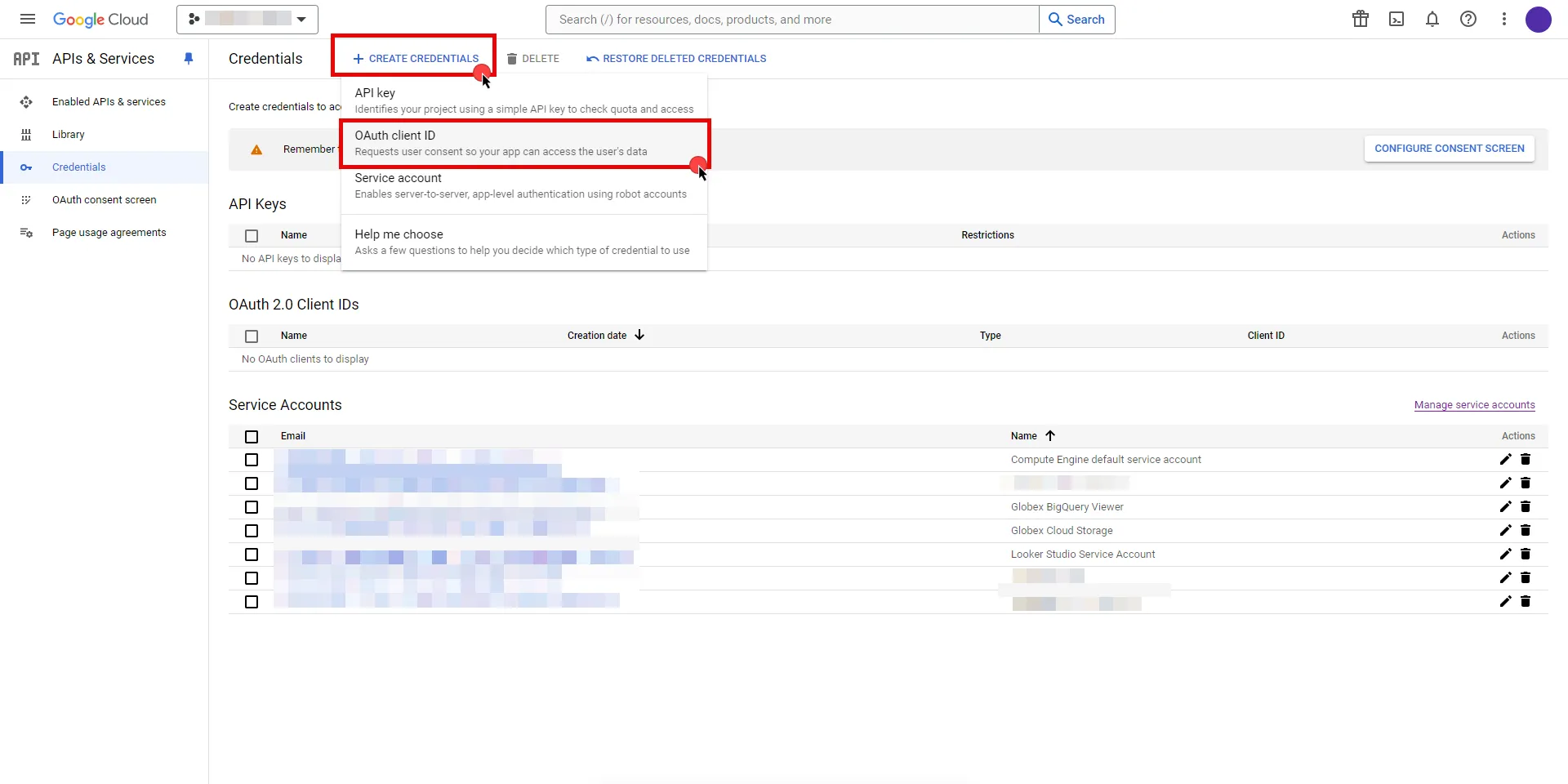
3. If there is no configured Consent Screen for your project, you will see a **Configure Consent Screen** button on the directed page. Click the button to continue.
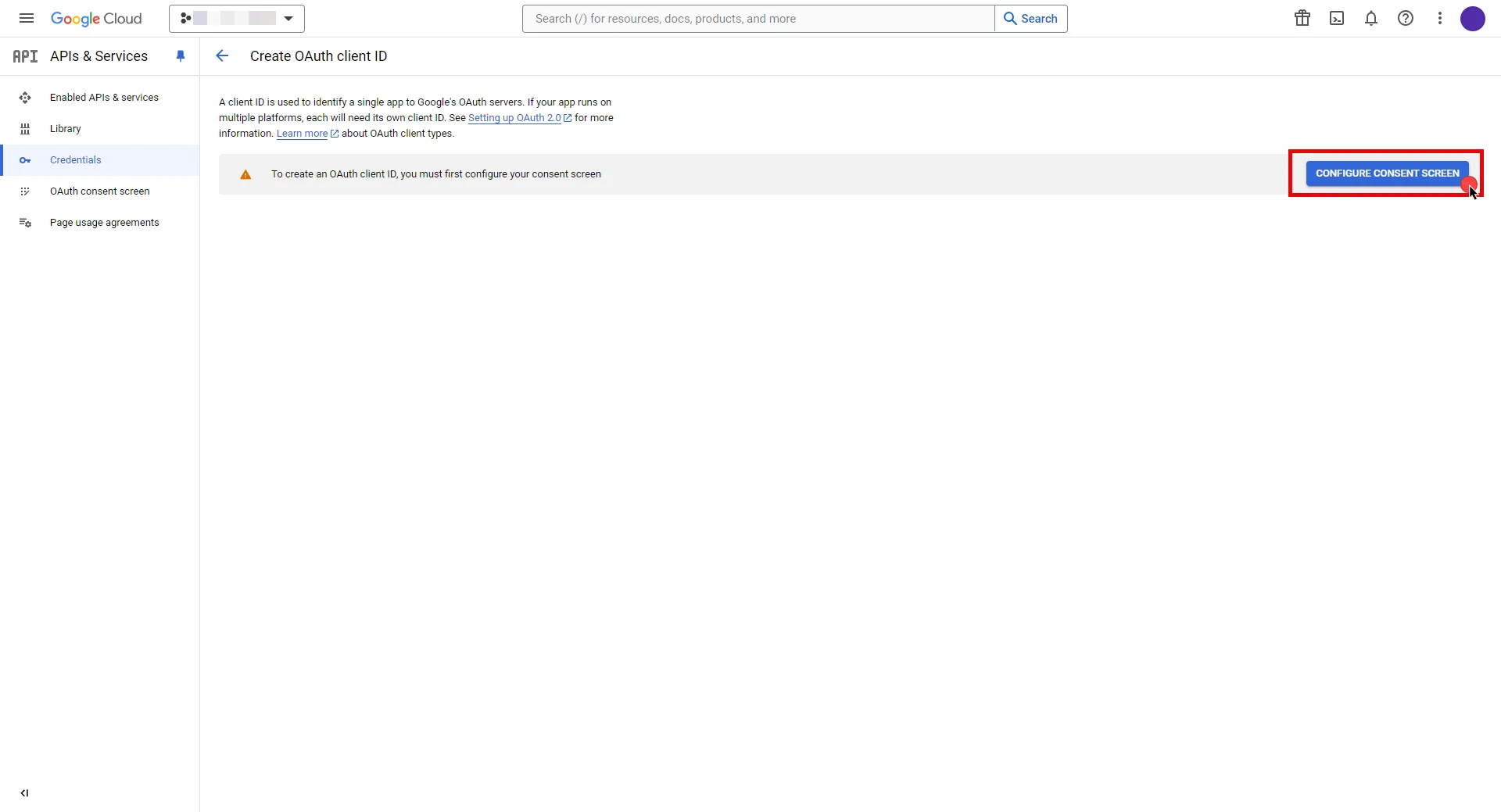
4. Choose **User Type** and click **Create**.
* Provide a name for your app.
* Choose a user support email from the dropdown menu.
* App logo and app domain fields are optional.
* Enter at least one email for the Developer contact information field.
* Click **Save and Continue**.
* You may skip the Scopes step by clicking **Save and Continue** once again.
* In the **Summary** step, review the details of your app and click **Back to Dashboard**.
5. Navigate back to [Credentials](hhttps://console.cloud.google.com/apis/credentials) page, click **Create Credentials**, and select the **OAuth client ID** option again.
* Choose **Web Application** for Application Type.
* Provide a name for your web client.
* Switch to the Aembit UI to create a new Credential Provider, selecting the OAuth 2.0 Authorization Code credential type. After setting up the Credential Provider, copy the auto-generated **Callback URL**.
* Return to Google Cloud Console and paste the copied URL into the **Authorized redirect URIs** field.
* Click **Create**.
6. A pop-up window will appear. Copy both the **Client ID** and the **Client Secret**. Store them for later use in the tenant configuration.
7. Edit the existing Credential Provider created in the previous steps.
* **Name** - Choose a user-friendly name.
* **Credential Type** - [OAuth 2.0 Authorization Code](/user-guide/access-policies/credential-providers/oauth-authorization-code)
* **Callback URL (Read-Only)** - An auto-generated Callback URL from Aembit Admin.
* **Client Id** - Provide the Client ID copied from Google.
* **Client Secret** - Provide the Secret copied from Google.
* **Scopes** - Enter the scopes you will use for Apigee (e.g. `https://www.googleapis.com/auth/cloud-platform`) A full list of GCP Scopes can be found at [OAuth 2.0 Scopes for Google APIs](https://developers.google.com/identity/protocols/oauth2/scopes).
* **OAuth URL** - `https://accounts.google.com`
Click on **URL Discovery** to populate the Authorization and Token URL fields, which can be left as populated.
* **PKCE Required** - Off
* **Lifetime** - 1 year (A Google Cloud Platform project with an OAuth consent screen configured for an external user type and a publishing status of Testing is issued a refresh token expiring in 7 days).\
Google does not specify a refresh token lifetime for the internal user type selected version; this value is recommended by Aembit. For more information, refer to the [official Google documentation](https://developers.google.com/identity/protocols/oauth2#expiration).
8. Click **Save** to save your changes on the Credential Provider.
9. In Aembit UI, click the **Authorize** button. You will be directed to a page where you can choose your Google account first. Then click **Allow** to complete the OAuth 2.0 Authorization Code flow. You will see a success page and will be redirected to Aembit automatically. You can also verify your flow is complete by checking the **State** value in the Credential Provider. After completion, it should be in a **Ready** state.
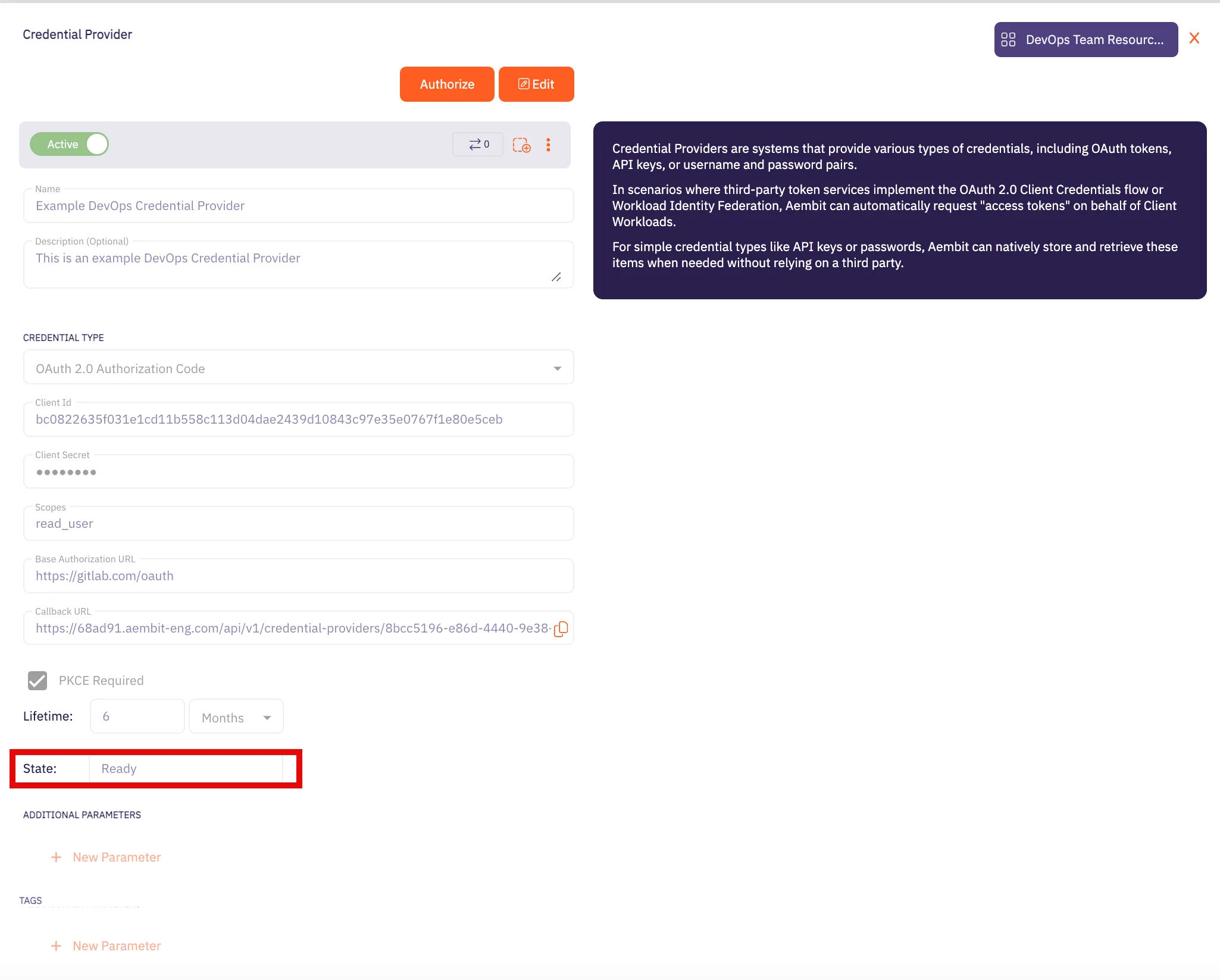
Caution
Once the set lifetime ends, the retrieved credential will expire and no longer be active. Aembit will notify you before this happens. Please ensure you reauthorize your credential before it expires.
## API Key
[Section titled “API Key”](#api-key)
### Create Apigee API Proxy
[Section titled “Create Apigee API Proxy”](#create-apigee-api-proxy)
Note
The provided steps below outline a basic configuration for creating an Apigee API proxy. Keep in mind that Apigee supports various customizations not detailed in these instructions.
1. Navigate to the [Apigee UI in Cloud console](https://console.cloud.google.com/apigee) and sign in with your Google Cloud account.
2. In the left sidebar, select **API Proxies** under the Proxy development section.
3. On the **API Proxies** dashboard, click **Create** in the top left corner.
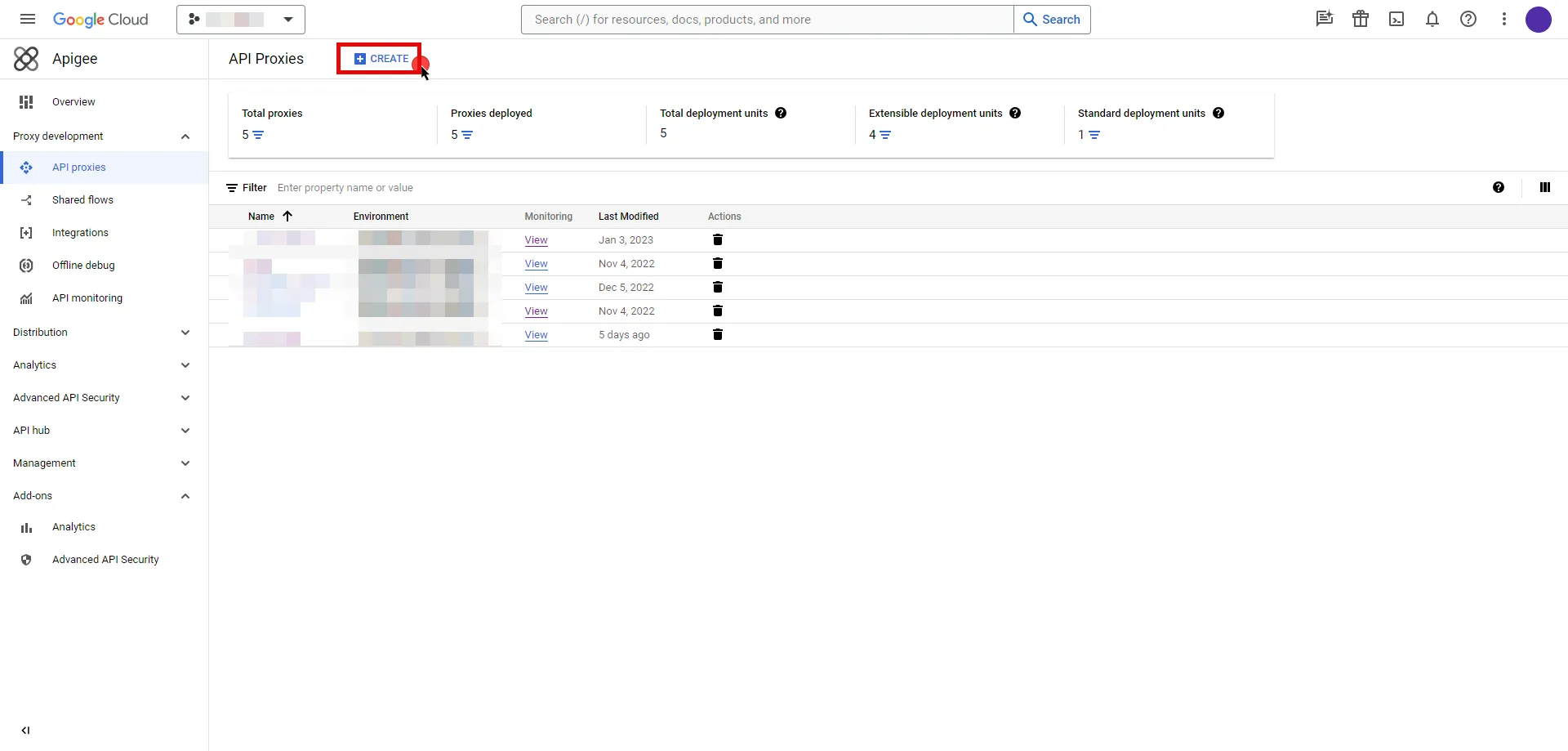
4. You will be prompted to choose a proxy type; keep the default **Reverse proxy** option and provide the any other required information.
5. Once you have configured your proxy, deploy it to make the API proxy active.
### Server Workload Configuration
[Section titled “Server Workload Configuration”](#server-workload-configuration-1)
To locate the environment group hostname for your proxy in the Apigee UI, follow these steps:
* Navigate to the [Apigee UI](https://apigee.google.com/) and sign in with your Google Cloud account.
* In the Apigee UI, go to **Management > Environments > Groups**.
* Identify the row displaying the environment where your proxy is deployed.
* Copy the endpoint for later use in the tenant configuration.
1. Create a new Server Workload.
* **Name** - Choose a user-friendly name.
2. Configure the service endpoint:
* **Host** - `.com` (Provide the endpoint copied from Apigee UI)
* **Application Protocol** - HTTP
* **Port** - 443 with TLS
* **Forward to Port** - 443 with TLS
* **Authentication method** - API Key
* **Authentication scheme** - Query Parameter
* **Query Parameter** - apikey
### Credential Provider Configuration
[Section titled “Credential Provider Configuration”](#credential-provider-configuration-1)
1. Navigate to the [Apigee UI in Cloud console](https://console.cloud.google.com/apigee) and sign in with your Google Cloud account.
2. In the left sidebar, select **Apps** to access a list of your applications.
3. Click on the name of the app to view its details.
4. Within the **Credentials** section, click the icon to **Copy to clipboard** next to **Key** and securely store the key for later use in the tenant configuration.
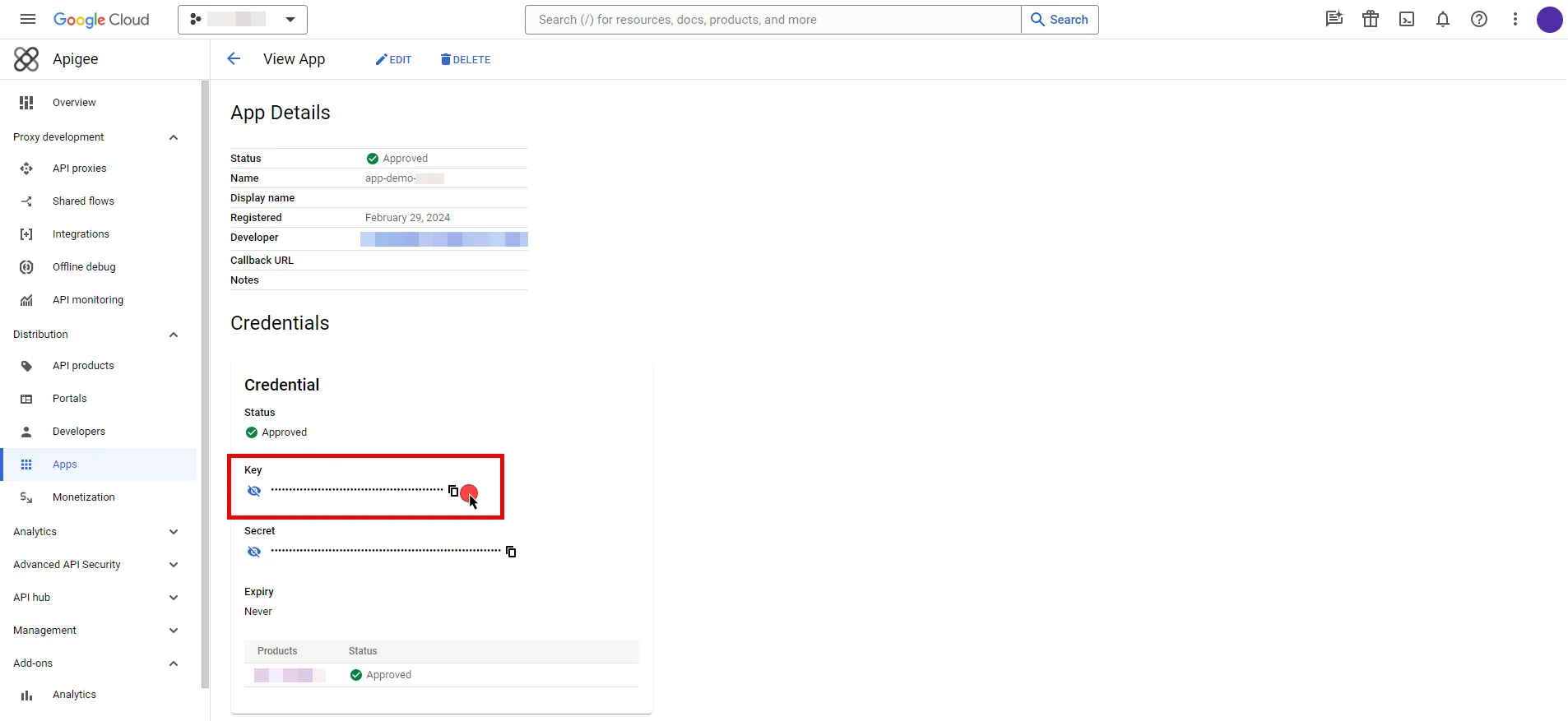
5. Create a new Credential Provider.
* **Name** - Choose a user-friendly name.
* **Credential Type** - [API Key](/user-guide/access-policies/credential-providers/api-key)
* **API Key** - Provide the key copied from Google Cloud Apigee console.
## Client Workload Configuration
[Section titled “Client Workload Configuration”](#client-workload-configuration)
Aembit now handles the credentials required to access the Server Workload, eliminating the need for you to manage them directly. You can safely remove any previously used credentials from the Client Workload.
If you access the Server Workload through an SDK or library, it is possible that the SDK/library may still require credentials to be present for initialization purposes. In this scenario, you can provide placeholder credentials. Aembit will overwrite these placeholder credentials with the appropriate ones during the access process.
## Access Policy
[Section titled “Access Policy”](#access-policy)
* Create an Access Policy for a Client Workload to access the Apigee Server Workload. Assign the newly created Credential Provider to this Access Policy.
## Required Features
[Section titled “Required Features”](#required-features)
* You will need to configure the [TLS Decrypt](/user-guide/deploy-install/advanced-options/tls-decrypt/configure-tls-decrypt) feature to work with the Apigee Server Workload.
# Atlassian
> This page describes how to configure Aembit to work with the Atlassian Server Workload.
#
[Atlassian](https://www.atlassian.com/) is a cloud-based service offering that facilitates collaborative work and project management for teams by providing a suite of tools, which include:
* Jira for project tracking
* Confluence for document collaboration
* Bitbucket for version control; and
* other integrated applications
Below you can find the Aembit configuration required to work with the Atlassian Cloud service as a Server Workload using the Atlassian REST APIs. Aembit supports multiple authentication/authorization methods for Atlassian. This page describes scenarios where the Credential Provider is configured for Atlassian via:
* [OAuth 2.0 Authorization Code (3LO)](/user-guide/access-policies/server-workloads/guides/atlassian#oauth-20-authorization-code)
* [API Key](/user-guide/access-policies/server-workloads/guides/atlassian#api-key)
Prerequisites
Before proceeding with the configuration, you will need to have an Atlassian tenant and related Atlassian Developer account.
## OAuth 2.0 Authorization Code
[Section titled “OAuth 2.0 Authorization Code”](#oauth-20-authorization-code)
### Server Workload Configuration
[Section titled “Server Workload Configuration”](#server-workload-configuration)
1. Create a new Server Workload.
* **Name** - Choose a user-friendly name.
2. Configure the service endpoint:
* **Host** - `.atlassian.net`
* **Application Protocol** - HTTP
* **Port** - 443 with TLS
* **Forward to Port** - 443 with TLS
* **Authentication method** - HTTP Authentication
* **Authentication scheme** - Bearer
### Credential Provider Configuration
[Section titled “Credential Provider Configuration”](#credential-provider-configuration)
1. Log into to the [Atlassian Developer Console](https://developer.atlassian.com/console/myapps/).
2. Click on **Create** and select the **OAuth 2.0 integration** option.
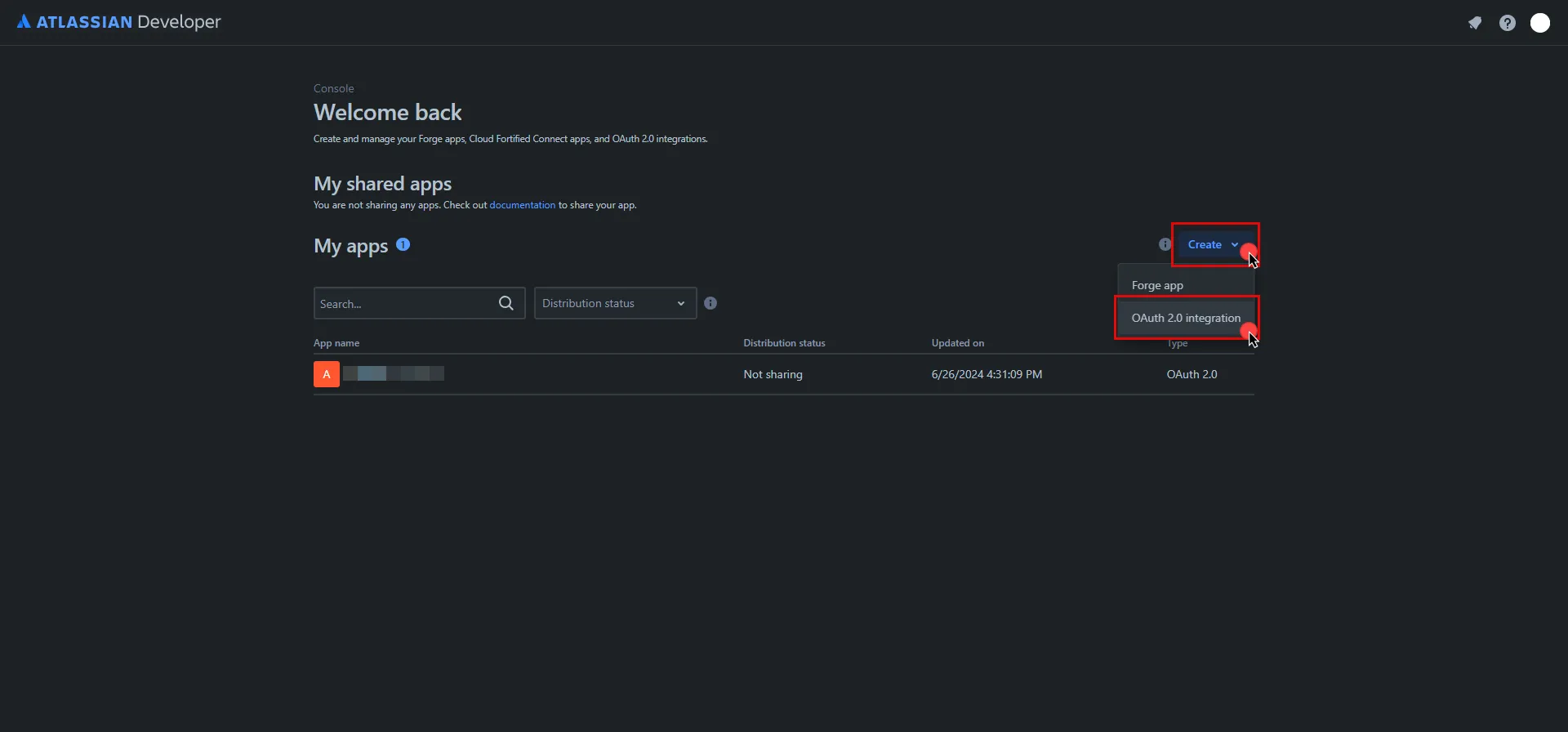
3. Provide a name for your app, check the agreement box, and click **Create** .
4. In the left pane, select **Authorization**, and then click **Add** under the Action column.
5. Switch to the Aembit UI to create a new Credential Provider, selecting the OAuth 2.0 Authorization Code credential type. After setting up the Credential Provider, copy the auto-generated **Callback URL**.
6. Return to Atlassian and paste the copied URL into the **Callback URL** field.
7. In the left pane, select **Permissions**, and then click **Add** under the Action column of the API that best suits your project needs. After clicking **Add**, it will change to **Configure**; click **Configure** to edit.
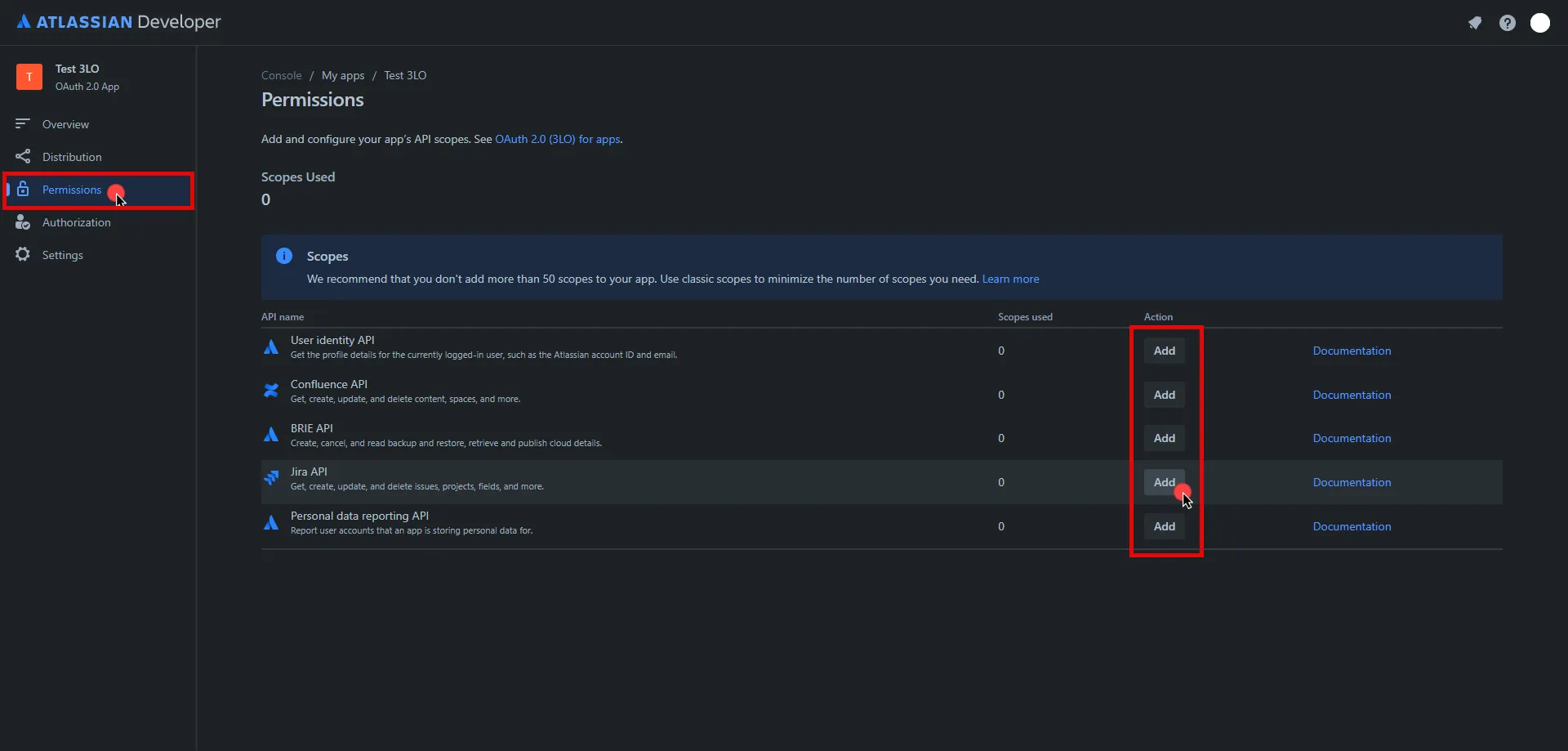
8. On the redirected page, click **Edit Scopes**, add the necessary scopes for your application, and then click **Save** Copy the **Code** version of all selected scopes and save this information for future use.
9. In the left pane, select **Settings**, scroll down to the **Authentication details**, and copy both the **Client ID** and the **Secret**. Store them for later use in the tenant configuration.
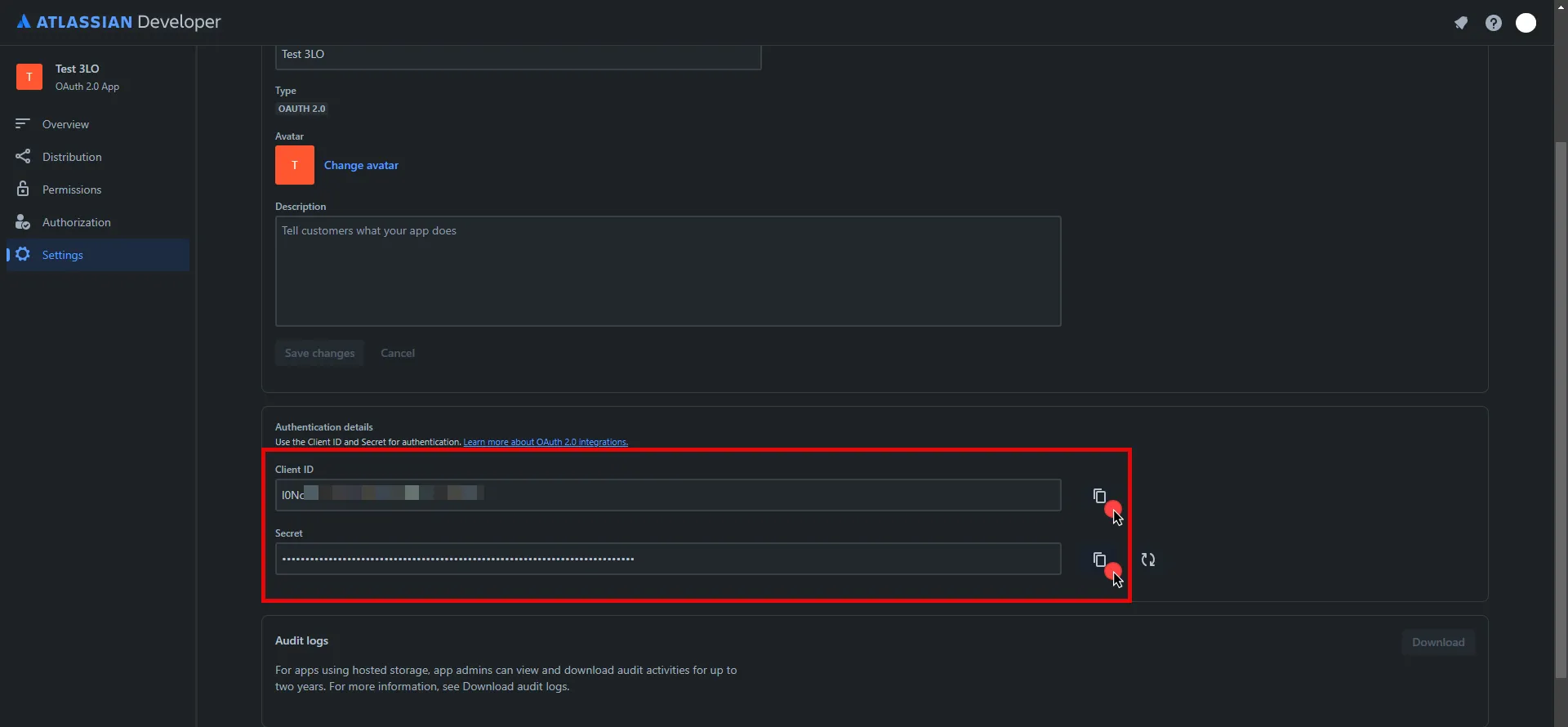
10. Edit the existing Credential Provider created in the previous steps.
* **Name** - Choose a user-friendly name.
* **Credential Type** - [OAuth 2.0 Authorization Code](/user-guide/access-policies/credential-providers/oauth-authorization-code)
* **Callback URL (Read-Only)** - An auto-generated Callback URL from Aembit Admin.
* **Client Id** - Provide the Client ID copied from Atlassian.
* **Client Secret** - Provide the Secret copied from Atlassian.
* **Scopes** - Enter the scopes you use, space delimited. Must include the `offline_access` scope required for the refresh token (e.g. `offline_access read:jira-work read:servicedesk-request`)
* **OAuth URL** - `https://auth.atlassian.com`
Click on **URL Discovery** to populate the Authorization and Token URL fields, which can be left as populated.
* **PKCE Required** - Off (PKCE is not supported by Atlassian, so leave this field unchecked).
* **Lifetime** - 1 year (Absolute expiry time according to Atlassian)\
For more information on rotating the refresh token, please refer to the [official Atlassian documentation](https://developer.atlassian.com/cloud/jira/platform/oauth-2-3lo-apps/#use-a-refresh-token-to-get-another-access-token-and-refresh-token-pair).
11. Click **Save** to save your changes on the Credential Provider.
12. In Aembit UI, click the **Authorize** button. You are be directed to a page where you can review the access request. Click **Accept** to complete the OAuth 2.0 Authorization Code flow. You should see a success page and be redirected to Aembit automatically. You can also verify that your flow is complete by checking the **State** value in the Credential Provider. After completion, it should be in a **Ready** state.

Caution
Once the set lifetime ends, the retrieved credential will expire and no longer be active. Aembit will notify you before this happens. Please ensure you reauthorize your credential before it expires.
## API Key
[Section titled “API Key”](#api-key)
Note
This section is labeled as API Key because, while it requires a username (your Atlassian email) and password, the password is actually an API key. Atlassian uses HTTP Basic Authentication, and we use the Username & Password Credential Provider in Aembit UI to implement this method.
### Server Workload Configuration
[Section titled “Server Workload Configuration”](#server-workload-configuration-1)
1. Create a new Server Workload.
* **Name** - Choose a user-friendly name.
2. Configure the service endpoint:
* **Host** - `.atlassian.net`
* **Application Protocol** - HTTP
* **Port** - 443 with TLS
* **Forward to Port** - 443 with TLS
* **Authentication method** - HTTP Authentication
* **Authentication scheme** - Basic
### Credential Provider Configuration
[Section titled “Credential Provider Configuration”](#credential-provider-configuration-1)
1. Sign into your Atlassian account.
2. Navigate to the [Atlassian account - API Tokens](https://id.atlassian.com/manage-profile/security/api-tokens) page.
3. Click on **Create API token**.
4. In the dialog that appears, enter a memorable and concise label for your token, and then click **Create**.
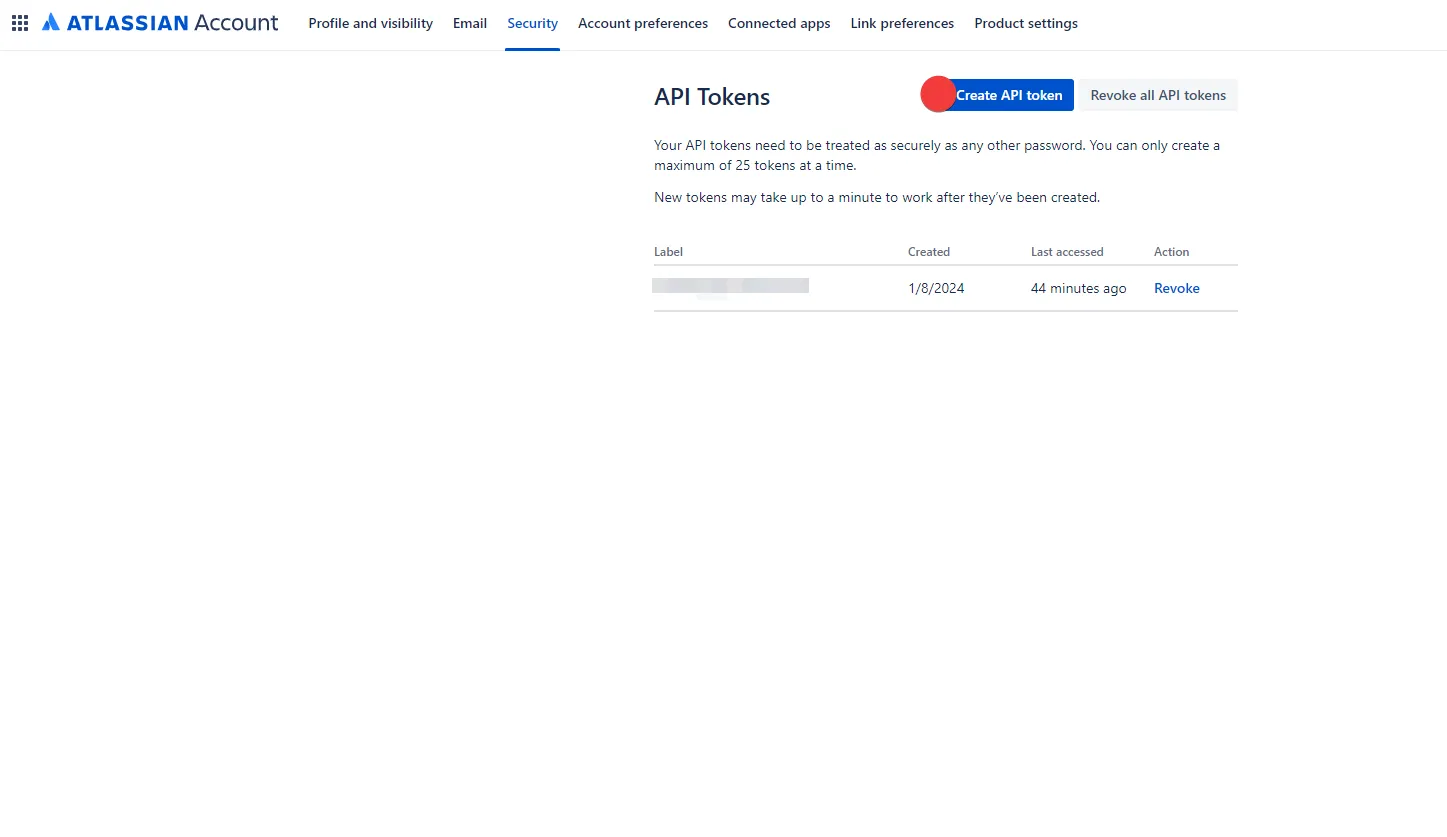
5. Click **Copy to clipboard** and securely store the token for later use in the configuration on the tenant. For more information on how to store your API token, please refer to the [official Atlassian documentation](https://support.atlassian.com/atlassian-account/docs/manage-api-tokens-for-your-atlassian-account/).
6. Create a new Credential Provider.
* **Name** - Choose a user-friendly name.
* **Credential Type** - [Username & Password](/user-guide/access-policies/credential-providers/username-password)
* **Username** - Your email address for the Atlassian account used to create the token.
* **Password** - Provide the token copied from Atlassian.
## Client Workload Configuration
[Section titled “Client Workload Configuration”](#client-workload-configuration)
Aembit now handles the credentials required to access the Server Workload, eliminating the need for you to manage them directly. You can safely remove any previously used credentials from the Client Workload.
If you access the Server Workload through an SDK or library, it is possible that the SDK/library may still require credentials to be present for initialization purposes. In this scenario, you can provide placeholder credentials. Aembit will overwrite these placeholder credentials with the appropriate ones during the access process.
## Access Policy
[Section titled “Access Policy”](#access-policy)
* Create an Access Policy for a Client Workload to access the Atlassian Server Workload. Assign the newly created Credential Provider to this Access Policy.
## Required Features
[Section titled “Required Features”](#required-features)
* You will need to configure the [TLS Decrypt](/user-guide/deploy-install/advanced-options/tls-decrypt/configure-tls-decrypt) feature to work with the Atlassian Server Workload.
# Create an AWS Server Workload
> How to configure Aembit to work with AWS Cloud services using STS federation and SigV4 authentication
This guide walks you through creating a Server Workload**Server Workload**: Server Workloads represent target services, APIs, databases, or applications that receive and respond to access requests from Client Workloads.[Learn more](/get-started/concepts/server-workloads) in Aembit to securely access AWS services without storing static AWS credentials.
**Use this Server Workload** to enable your applications to authenticate to AWS services such as S3, Lambda, EC2, DynamoDB, SQS, and other AWS API endpoints.
Aembit authenticates to AWS using the [AWS Security Token Service (STS)](/user-guide/access-policies/credential-providers/aws-security-token-service-federation/) Credential Provider**Credential Provider**: Credential Providers obtain the specific access credentials—such as API keys, OAuth tokens, or temporary cloud credentials—that Client Workloads need to authenticate to Server Workloads.[Learn more](/get-started/concepts/credential-providers) with [SigV4 and SigV4a](/user-guide/access-policies/credential-providers/aws-sigv4) request signing.
## Prerequisites
[Section titled “Prerequisites”](#prerequisites)
Before you begin, ensure you have the following:
**Account access**
* Access to your Aembit Tenant**Aembit Tenant**: Aembit Tenants serve as isolated, dedicated environments within Aembit that provide complete separation of administrative domains and security configurations.[Learn more](/get-started/concepts/administration) (role: Workload Administrator or higher)
* Access to AWS Console with permissions to create IAM Roles and Identity Providers
**Infrastructure**
* Aembit Edge**Aembit Edge**: Aembit Edge represents components deployed within your operational environments that enforce Access Policies by intercepting traffic, verifying identities, and injecting credentials just-in-time.[Learn more](/get-started/concepts/aembit-edge) Components deployed in your environment:
* Agent Proxy installed
* For VMs: [Linux](/user-guide/deploy-install/virtual-machine/linux/agent-proxy-install-linux/) or [Windows](/user-guide/deploy-install/virtual-machine/windows/agent-proxy-install-windows/) installation
* For Kubernetes: [Kubernetes deployment](/user-guide/deploy-install/kubernetes/)
* [TLS Decrypt](/user-guide/deploy-install/advanced-options/tls-decrypt/configure-tls-decrypt/) configured on your Agent Proxy. AWS API requests require TLS Decrypt because Agent Proxy must inspect HTTPS traffic to inject SigV4 signatures. TLS decryption occurs only on the Agent Proxy running alongside your workload.
* Network connectivity from your workload to AWS service endpoints (outbound HTTPS to `*.amazonaws.com`)
**AWS configuration**
* An IAM Role configured in AWS with the necessary permissions to access the desired AWS services
## How Aembit authenticates to AWS
[Section titled “How Aembit authenticates to AWS”](#how-aembit-authenticates-to-aws)
Aembit uses AWS STS federation to obtain temporary credentials, then signs requests using AWS SigV4 or SigV4a.

Aembit automatically selects the appropriate signing protocol:
* **SigV4** for regional AWS services (when the hostname includes a region like `us-east-1`)
* **SigV4a** for global or multi-region services (when the hostname doesn’t include a region)
For details on how Aembit handles AWS request signing, see [How Aembit uses AWS SigV4 and SigV4a](/user-guide/access-policies/credential-providers/aws-sigv4).
## Server Workload configuration
[Section titled “Server Workload configuration”](#server-workload-configuration)
Select the tab for the AWS service you want to configure:
* Generic
Use this configuration for most AWS services that follow the standard regional endpoint pattern, such as Lambda, SQS, DynamoDB, and Key Management Service (KMS).
Note
This generic pattern isn’t directly applicable to Amazon S3, which uses a different endpoint structure with bucket names as subdomains. For S3, use the **S3** tab instead. For more information about AWS service endpoint patterns, see [AWS service endpoints](https://docs.aws.amazon.com/general/latest/gr/rande.html).
1. Log in to your Aembit Tenant.
2. Go to **Server Workloads**, and click **+ New**.
3. Configure the following fields:
* **Name**: Enter a descriptive name (for example, `aws-generic`)
* **Host**: `*.amazonaws.com`
* **Application Protocol**: HTTP
* **Port**: `443`
* **Forward to Port**: `443` with TLS enabled
* **Authentication method**: HTTP Authentication
* **Authentication scheme**: AWS Signature v4
Scope
Using `*.amazonaws.com` enables you to reuse this Server Workload across multiple AWS services without having to determine the service or region-specific hostname. If you prefer a granularly scoped Server Workload, specify a specific hostname, for example `kms.us-east-1.amazonaws.com` or `lambda.us-west-2.amazonaws.com`.
4. Click **Save**.
* S3
Use this configuration for Amazon S3.
Known limitations
**File upload size:** For S3 requests with streaming signed payloads, the Agent Proxy limits uploads to 50 MiB by default. You can adjust this limit using the [`AEMBIT_AWS_MAX_BUFFERED_PAYLOAD_BYTES`](/reference/edge-components/edge-component-env-vars/#aembit_aws_max_buffered_payload_bytes) environment variable.
**Request compression:** The Agent Proxy doesn’t support streaming payload signing when the HTTP request body uses content encodings. If you have request compression enabled, turn it off by setting `AWS_DISABLE_REQUEST_COMPRESSION=true`.
For all limitations and workarounds, see [Known limitations](/user-guide/access-policies/credential-providers/aws-sigv4#known-limitations).
Amazon S3 uses a unique endpoint pattern where bucket names appear as subdomains.
1. Log in to your Aembit Tenant.
2. Go to **Server Workloads**, and click **+ New**.
3. Configure the following fields:
* **Name**: Enter a descriptive name (for example, `aws-s3`)
* **Host**: Choose one of the following options:
| Host Value | Scope |
| ----------------------------------------- | -------------------------------------------------------------------------------------------- |
| `*.s3..amazonaws.com` | All S3 buckets in a specific region (for example, `*.s3.us-east-1.amazonaws.com`) |
| `.s3..amazonaws.com` | A specific bucket in a specific region (for example, `my-bucket.s3.us-east-1.amazonaws.com`) |
* **Application Protocol**: HTTP
* **Port**: `443`
* **Forward to Port**: `443` with TLS enabled
* **Authentication method**: HTTP Authentication
* **Authentication scheme**: AWS Signature v4
When to use SigV4a
Aembit automatically selects between AWS Signature v4 (SigV4) and Signature v4a (SigV4a) based on the hostname. Use SigV4a for S3 Multi-Region Access Points or other global S3 services that span multiple regions. For more information, see [How Aembit uses AWS SigV4 and SigV4a](/user-guide/access-policies/credential-providers/aws-sigv4).
4. Click **Save**.
* EC2
Use this configuration for Amazon EC2 (Elastic Compute Cloud).
1. Log in to your Aembit Tenant.
2. Go to **Server Workloads**, and click **+ New**.
3. Configure the following fields:
* **Name**: Enter a descriptive name (for example, `aws-ec2`)
* **Host**: Choose one of the following options:
| Host Value | Scope |
| ---------------------------- | --------------------------------------------------------------------- |
| `ec2..amazonaws.com` | EC2 in a specific region (for example, `ec2.us-west-2.amazonaws.com`) |
| `ec2.*.amazonaws.com` | EC2 in any region (wildcard) |
* **Application Protocol**: HTTP
* **Port**: `443`
* **Forward to Port**: `443` with TLS enabled
* **Authentication method**: HTTP Authentication
* **Authentication scheme**: AWS Signature v4
Regional endpoints
AWS EC2 is a regional service. If you specify the global endpoint (`ec2.amazonaws.com`), AWS routes requests to `us-east-1` by default. For other regions, use the regional endpoint format `ec2..amazonaws.com`.
4. Click **Save**.
## Credential Provider configuration
[Section titled “Credential Provider configuration”](#credential-provider-configuration)
1. Create an AWS IAM Role in AWS with the necessary permissions to access the desired AWS services. Then, create an AWS IAM Role Integration in your Aembit Tenant. See [Create an AWS IAM Role Integration](/user-guide/access-policies/credential-providers/integrations/aws-iam-role).
2. Create an AWS Security Token Service (STS) Credential Provider. See [Configure an AWS STS Federation Credential Provider](/user-guide/access-policies/credential-providers/aws-security-token-service-federation).
## Access Policy configuration
[Section titled “Access Policy configuration”](#access-policy-configuration)
Create an Access Policy**Access Policy**: Access Policies define, enforce, and audit access between Client and Server Workloads by cryptographically verifying workload identity and contextual factors rather than relying on static secrets.[Learn more](/get-started/concepts/access-policies) linking your Client Workload**Client Workload**: Client Workloads represent software applications, scripts, or automated processes that initiate access requests to Server Workloads, operating autonomously without direct user interaction.[Learn more](/get-started/concepts/client-workloads), the AWS STS Credential Provider, and the Server Workload. See [Access Policies](/user-guide/access-policies/) for details.
## Client Workload configuration
[Section titled “Client Workload configuration”](#client-workload-configuration)
Aembit handles the credentials required to access AWS services, eliminating the need for you to manage them directly. Remove any previously used AWS credentials (access keys, secret keys) from your Client Workload.
If you access AWS through an SDK or library, the SDK may still require credentials to be present for initialization purposes. In this scenario, provide placeholder credentials. Aembit replaces these placeholder credentials with real temporary credentials during the access request. For more information, see [Understanding placeholder credentials](/user-guide/access-policies/server-workloads/developer-integration/#understanding-placeholder-credentials).
```shell
# Placeholder credentials for SDK initialization
export AWS_ACCESS_KEY_ID=placeholder
export AWS_SECRET_ACCESS_KEY=placeholder
```
If you’re using the [AWS CLI](https://aws.amazon.com/cli/), set the `AWS_CA_BUNDLE` environment variable to point to your Aembit Tenant Root CA certificate:
```shell
export AWS_CA_BUNDLE=/path/to/aembit-root-ca.pem
```
## Test the integration
[Section titled “Test the integration”](#test-the-integration)
After completing the full configuration (Server Workload, Credential Provider, Client Workload, and Access Policy), verify access using the AWS CLI.
* Generic (KMS example)
```shell
# Verify credentials are working
aws sts get-caller-identity
# List KMS keys
aws kms list-keys
# Describe a specific key
aws kms describe-key --key-id
```
* S3
```shell
# Verify credentials are working
aws sts get-caller-identity
# List all S3 buckets
aws s3 ls
# List contents of a specific bucket
aws s3 ls s3://
# Download a file from S3
aws s3 cp s3:/// ./
# Upload a file to S3
aws s3 cp ./local-file.txt s3:///
```
* EC2
```shell
# Verify credentials are working
aws sts get-caller-identity
# List all EC2 instances
aws ec2 describe-instances
# List instances with specific filters
aws ec2 describe-instances --filters "Name=instance-state-name,Values=running"
# Describe available regions
aws ec2 describe-regions
```
## Common configuration
[Section titled “Common configuration”](#common-configuration)
### IAM permissions
[Section titled “IAM permissions”](#iam-permissions)
AWS IAM policies require different Resource ARN formats depending on the operation:
| Operation Type | Resource ARN Format | Example |
| ----------------------------------- | ---------------------------- | -------------------------- |
| Bucket-level (ListBucket) | `arn:aws:s3:::bucket-name` | `arn:aws:s3:::my-bucket` |
| Object-level (GetObject, PutObject) | `arn:aws:s3:::bucket-name/*` | `arn:aws:s3:::my-bucket/*` |
Example IAM policy for S3 access
```json
{
"Version": "2012-10-17",
"Statement": [
{
"Effect": "Allow",
"Action": ["s3:ListBucket"],
"Resource": "arn:aws:s3:::my-bucket"
},
{
"Effect": "Allow",
"Action": ["s3:GetObject", "s3:PutObject"],
"Resource": "arn:aws:s3:::my-bucket/*"
}
]
}
```
For more on AWS IAM policies, see [Policies and permissions in Amazon S3](https://docs.aws.amazon.com/AmazonS3/latest/userguide/access-policy-language-overview.html).
### Regional endpoints
[Section titled “Regional endpoints”](#regional-endpoints)
AWS services use different endpoint patterns:
| Service Type | Endpoint Pattern | Example |
| ------------------- | -------------------------------- | -------------------------------------- |
| Regional services | `service.region.amazonaws.com` | `kms.us-east-1.amazonaws.com` |
| Global services | `service.amazonaws.com` | `iam.amazonaws.com` |
| S3 (virtual-hosted) | `bucket.s3.region.amazonaws.com` | `my-bucket.s3.us-east-1.amazonaws.com` |
For the complete list of AWS service endpoints, see [AWS service endpoints](https://docs.aws.amazon.com/general/latest/gr/rande.html).
### Credential lifecycle
[Section titled “Credential lifecycle”](#credential-lifecycle)
Aembit dynamically generates short-lived AWS STS credentials, eliminating manual credential rotation. For details on credential rotation, compromise response, and audit logging, see [Credential Lifecycle Management](/user-guide/access-policies/server-workloads/credential-lifecycle/).
## Troubleshooting
[Section titled “Troubleshooting”](#troubleshooting)
For common issues like Agent Proxy connectivity, network problems, or TLS configuration, see the [Troubleshooting Guide](/user-guide/access-policies/server-workloads/troubleshooting/).
### AWS-specific issues
[Section titled “AWS-specific issues”](#aws-specific-issues)
**AccessDenied errors** -
If you receive `AccessDenied` errors when accessing AWS services:
1. Verify your IAM Role has the correct permissions for the operation
2. Check that bucket-level and object-level permissions use the correct ARN format
3. Confirm the IAM Role trust policy allows the Aembit OIDC provider
**Signature mismatch errors** -
If you receive signature mismatch errors:
1. Verify you configured [TLS Decrypt](/user-guide/deploy-install/advanced-options/tls-decrypt/configure-tls-decrypt/)
2. Check the `AWS_CA_BUNDLE` environment variable points to the Aembit Root CA certificate
3. If using request compression, turn it off with `AWS_DISABLE_REQUEST_COMPRESSION=true`
## Cleanup
[Section titled “Cleanup”](#cleanup)
Remove the AWS Server Workload
If you no longer need this integration, remove components in this order:
Deactivate Access Policies first
You must deactivate any Access Policies that reference the Server Workload or Credential Provider before you can delete those components. Attempting to delete a Server Workload or Credential Provider that’s in use by an Access Policy results in an error.
1. **Deactivate associated Access Policies** -
* Go to **Access Policies**
* Find policies that use this Server Workload or Credential Provider
* Deactivate the policy (toggle off)
2. **Delete the Server Workload in Aembit** -
* Go to **Server Workloads**
* Select your AWS workload and click **Delete**
3. **Delete the Credential Provider in Aembit** -
* Go to **Credential Providers**
* Select the associated AWS STS Credential Provider and click **Delete**
4. **Delete the AWS IAM Role Integration in Aembit** -
* Go to **Integrations**
* Select the AWS IAM Role Integration and click **Delete**
5. **Delete AWS resources (optional)** -
* AWS Console: **IAM** -> **Identity providers** -> Select the Aembit OIDC provider -> **Delete**
* AWS Console: **IAM** -> **Roles** -> Select the IAM Role -> **Delete**
Deleting the Server Workload immediately stops credential provisioning. Ensure no applications are actively using this workload before deletion.
## Related resources
[Section titled “Related resources”](#related-resources)
* [How Aembit uses AWS SigV4 and SigV4a](/user-guide/access-policies/credential-providers/aws-sigv4) - Understanding AWS request signing
* [AWS STS Credential Provider](/user-guide/access-policies/credential-providers/aws-security-token-service-federation/) - Detailed Credential Provider setup
* [AWS IAM Role Integration](/user-guide/access-policies/credential-providers/integrations/aws-iam-role) - IAM Role configuration
* [Credential Lifecycle Management](/user-guide/access-policies/server-workloads/credential-lifecycle/) - How Aembit manages credential rotation and security
* [Developer Integration](/user-guide/access-policies/server-workloads/developer-integration/) - SDK integration and placeholder credentials
* [TLS Decrypt Configuration](/user-guide/deploy-install/advanced-options/tls-decrypt/configure-tls-decrypt/) - HTTPS interception setup
# Amazon RDS for MySQL
> This page describes how to configure Aembit to work with the Amazon RDS for MySQL Server Workload.
#
[Amazon RDS for MySQL](https://aws.amazon.com/rds/mysql/) is a robust and fully managed relational database service provided by Amazon Web Services, specifically tailored to streamline the deployment, administration, and scalability of MySQL databases in the cloud.
Below you can find the Aembit configuration required to work with AWS RDS for MySQL as a Server Workload using MySQL-compatible CLI, application, or a library.
## Prerequisites
[Section titled “Prerequisites”](#prerequisites)
Before proceeding with the configuration, ensure you have an AWS tenant (or [sign up](https://portal.aws.amazon.com/billing/signup#/start/email) for one) and an Amazon RDS for MySQL database. If you have not created a database before, you can follow the steps in the next section. For more information on creating an Amazon RDS DB instance, please refer to the [official Amazon documentation](https://docs.aws.amazon.com/AmazonRDS/latest/UserGuide/CHAP_Tutorials.WebServerDB.CreateDBInstance.html).
### Create Amazon RDS MySQL Database
[Section titled “Create Amazon RDS MySQL Database”](#create-amazon-rds-mysql-database)
1. Sign in to the AWS Management Console and navigate to the [Amazon RDS console](https://console.aws.amazon.com/rds/).
2. In the left sidebar, select **Databases**, and then click **Create Database** in the top right corner.

3. Configure the database according to your preferences. Below are key choices:
* Under **Engine options**, choose **MySQL** for the engine type.
* Under **Engine options**, select a version from the **8.0.x** series.
* Under **Settings**, enter a name for the **DB cluster identifier**; this will be used in the endpoint.
* In **Settings**, expand the **Credentials Settings** section. Use the **Master username** and **master password** as Credential Provider details. You can either auto-generate a password or type your own. Save this information for future use.
Note
In this example, we are using the master username and password for demonstration purposes; however, it is advisable to create a dedicated user with appropriate privileges for enhanced security.
* In **Connectivity**, find the **Publicly Accessible** option and set it to **Yes**.
:warning: Setting the **Publicly Accessible** option to **Yes** is done here purely for demonstration purposes. In normal circumstances, it is recommended to keep the RDS instance not publicly accessible for enhanced security.
* In **Connectivity**, ensure the **VPC security group (firewall)** configuration is in place to allow client workload/agent proxy communication.
* In **Connectivity**, expand the **Additional Configuration** section and verify the **Database Port** is set to 3306.
* In **Database authentication**, select **Password authentication**.
* In **Additional configuration**, specify an **Initial database name**.
4. After making all of your selections, click **Create Database**.
## Server Workload Configuration
[Section titled “Server Workload Configuration”](#server-workload-configuration)
To retrieve the connection information for a DB instance in the AWS Management Console:
1. Sign in to the AWS Management Console and navigate to the [Amazon RDS console](https://console.aws.amazon.com/rds/).
2. In the left sidebar, select **Databases** to view a list of your DB instances.
3. Click on the name of the DB instance to view its details.
4. Navigate to the **Connectivity & security** tab and copy the endpoint.
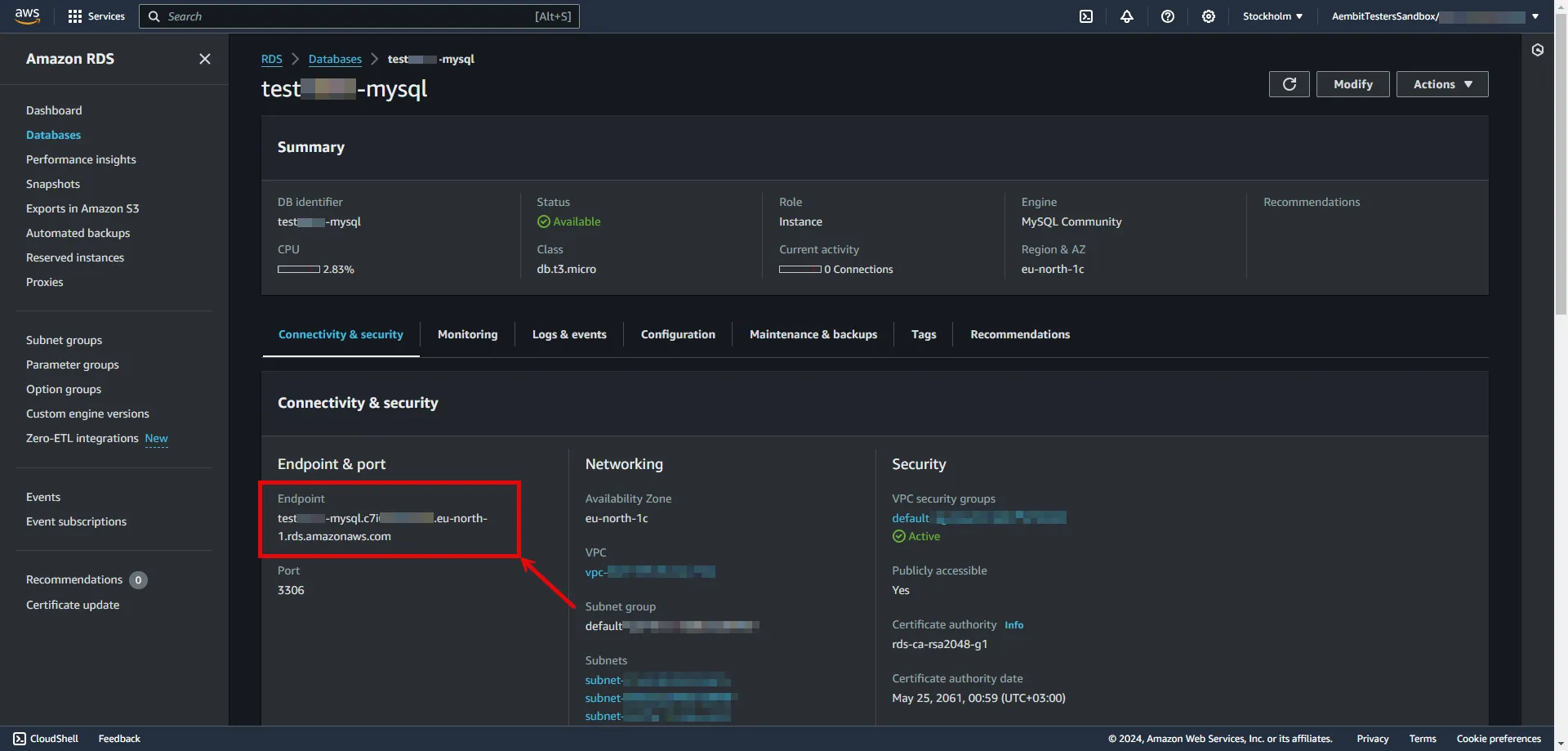
5. Create a new Server Workload.
* **Name** - Choose a user-friendly name.
6. Configure the service endpoint:
* **Host** - `...rds.amazonaws.com` (Provide the endpoint copied from AWS)
* **Application Protocol** - MySQL
* **Port** - 3306
* **Forward to Port** - 3306 with TLS
* **Forward TLS Verification** - Full
* **Authentication method** - Password Authentication
* **Authentication scheme** - Password
## Credential Provider Configuration
[Section titled “Credential Provider Configuration”](#credential-provider-configuration)
1. Create a new Credential Provider.
* **Name** - Choose a user-friendly name.
* **Credential Type** - [Username & Password](/user-guide/access-policies/credential-providers/username-password)
* **Username** - Provide login ID for the master user of your DB cluster.
* **Password** - Provide the Master password of your DB cluster.
## Client Workload Configuration
[Section titled “Client Workload Configuration”](#client-workload-configuration)
Aembit now handles the credentials required to access the Server Workload, eliminating the need for you to manage them directly. You can safely remove any previously used credentials from the Client Workload.
If you access the Server Workload through an SDK or library, it is possible that the SDK/library may still require credentials to be present for initialization purposes. In this scenario, you can provide placeholder credentials. Aembit will overwrite these placeholder credentials with the appropriate ones during the access process.
## Access Policy
[Section titled “Access Policy”](#access-policy)
* Create an access policy for a Client Workload to access the Amazon RDS for MySQL Server Workload and assign the newly created Credential Provider to it.
# Amazon RDS for PostgreSQL
> This page describes how to configure Aembit to work with the Amazon RDS for PostgreSQL Server Workload.
#
[Amazon RDS for PostgreSQL](https://aws.amazon.com/rds/postgresql) is a fully managed relational database service provided by Amazon Web Services, offering a scalable and efficient solution for deploying, managing, and scaling PostgreSQL databases in the cloud.
Below you can find the Aembit configuration required to work with AWS RDS for PostgreSQL as a Server Workload using PostgreSQL-compatible CLI, application, or a library.
## Prerequisites
[Section titled “Prerequisites”](#prerequisites)
Before proceeding with the configuration, ensure you have an AWS tenant (or [sign up](https://portal.aws.amazon.com/billing/signup#/start/email) for one) and an Amazon RDS for PostgreSQL database. If you have not created a database before, you can follow the steps in the next section. For more information on creating an Amazon RDS DB instance, please refer to the [official Amazon documentation](https://docs.aws.amazon.com/AmazonRDS/latest/UserGuide/CHAP_Tutorials.WebServerDB.CreateDBInstance.html).
### Create Amazon RDS PostgreSQL Database
[Section titled “Create Amazon RDS PostgreSQL Database”](#create-amazon-rds-postgresql-database)
1. Sign in to the AWS Management Console and navigate to the [Amazon RDS console](https://console.aws.amazon.com/rds/).
2. In the left sidebar, select **Databases**, and then click **Create Database** in the top right corner.

3. Configure the database according to your preferences. Below are key choices:
* Under **Engine options**, choose **PostgreSQL** for the engine type.
* Under **Engine options**, select a version **16** or from the **15** series.
* Under **Settings**, enter a name for the **DB cluster identifier**; this will be used in the endpoint.
* In **Settings**, expand the **Credentials Settings** section. Use the **Master username** and **master password** as Credential Provider details. You can either auto-generate a password or type your own. Save this information for future use.
Note
In this example, we are using the master username and password for demonstration purposes; however, it is advisable to create a dedicated user with appropriate privileges for enhanced security.
* In **Connectivity**, find the **Publicly Accessible** option and set it to **Yes**.
:warning: Setting the **Publicly Accessible** option to **Yes** is done here purely for demonstration purposes. In normal circumstances, it is recommended to keep the RDS instance not publicly accessible for enhanced security.
* In **Connectivity**, ensure the **VPC security group (firewall)** configuration is in place to allow client workload/agent proxy communication.
* In **Connectivity**, expand the **Additional Configuration** section and verify the **Database Port** is set to 5432.
* In **Database authentication**, select **Password authentication**.
* In **Additional configuration**, specify an **Initial database name**.
4. After making all of your selections, click **Create Database**.
## Server Workload Configuration
[Section titled “Server Workload Configuration”](#server-workload-configuration)
To retrieve the connection information for a DB instance in the AWS Management Console:
1. Sign in to the AWS Management Console and navigate to the [Amazon RDS console](https://console.aws.amazon.com/rds/).
2. In the left sidebar, select **Databases** to view a list of your DB instances.
3. Click on the name of the DB instance to view its details.
4. Navigate to the **Connectivity & security** tab and copy the endpoint.
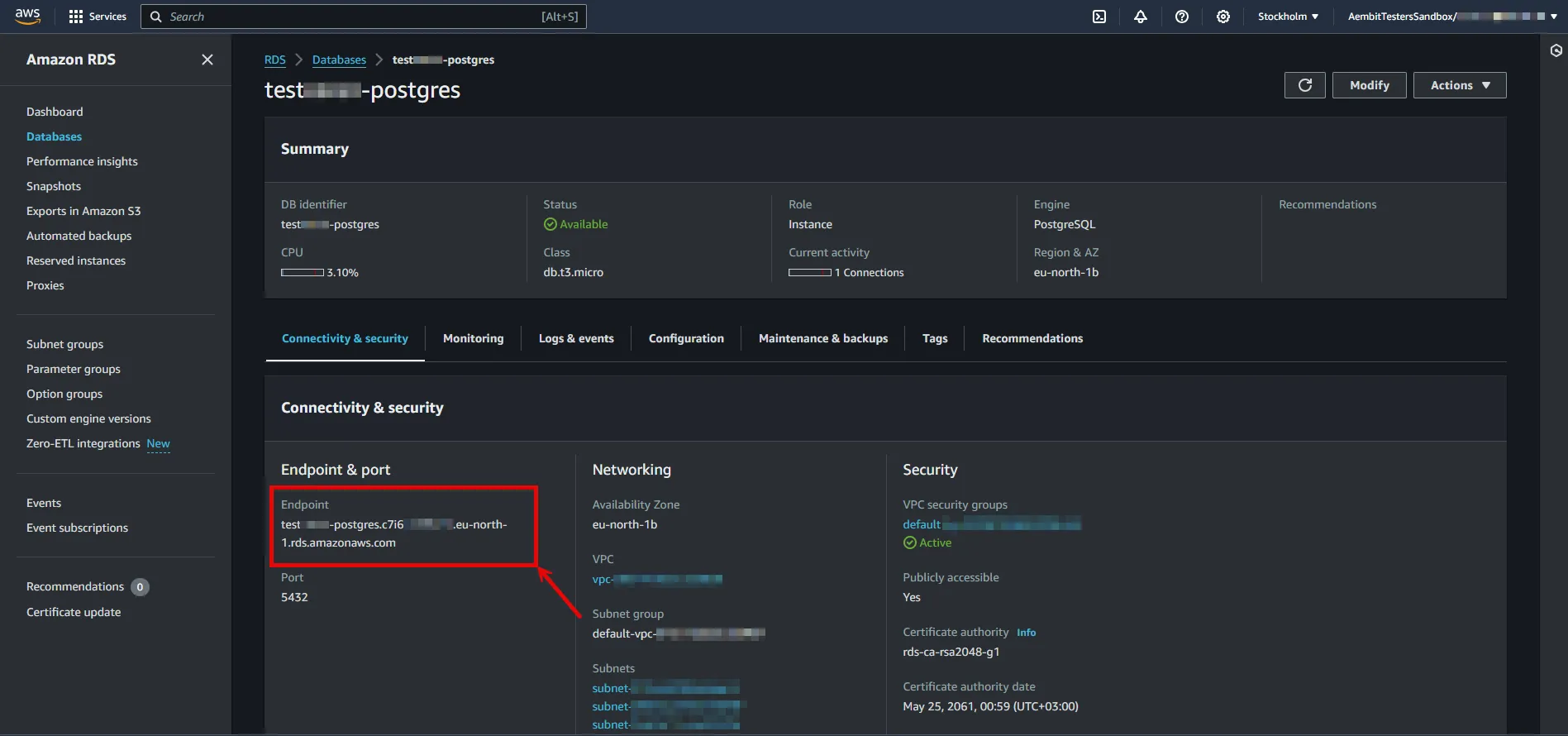
5. Create a new Server Workload.
* **Name** - Choose a user-friendly name.
6. Configure the service endpoint:
* **Host** - `...rds.amazonaws.com` (Provide the endpoint copied from AWS)
* **Application Protocol** - Postgres
* **Port** - 5432
* **Forward to Port** - 5432 with TLS
* **Forward TLS Verification** - Full
* **Authentication method** - Password Authentication
* **Authentication scheme** - Password
## Credential Provider Configuration
[Section titled “Credential Provider Configuration”](#credential-provider-configuration)
1. Create a new Credential Provider.
* **Name** - Choose a user-friendly name.
* **Credential Type** - [Username & Password](/user-guide/access-policies/credential-providers/username-password)
* **Username** - Provide login ID for the master user of your DB cluster.
* **Password** - Provide the Master password of your DB cluster.
## Client Workload Configuration
[Section titled “Client Workload Configuration”](#client-workload-configuration)
Aembit now handles the credentials required to access the Server Workload, eliminating the need for you to manage them directly. You can safely remove any previously used credentials from the Client Workload.
If you access the Server Workload through an SDK or library, it is possible that the SDK/library may still require credentials to be present for initialization purposes. In this scenario, you can provide placeholder credentials. Aembit will overwrite these placeholder credentials with the appropriate ones during the access process.
## Access Policy
[Section titled “Access Policy”](#access-policy)
* Create an access policy for a Client Workload to access the Amazon RDS for PostgreSQL Server Workload and assign the newly created Credential Provider to it.
# Amazon Redshift
> This page describes how to configure Aembit to work with the Amazon Redshift Server Workload.
#
[Amazon Redshift](https://aws.amazon.com/redshift/) is a high-performance, fully managed cloud data warehouse designed for rapid query execution and storage of petabyte-scale datasets. This high-performance solution combines speed and scalability, making it ideal for businesses seeking efficient and flexible analytics capabilities in the cloud.
Below you can find the Aembit configuration required to work with Amazon Redshift as a Server Workload using the AWS or SQL-compatible CLI, application, or a library.
## Prerequisites
[Section titled “Prerequisites”](#prerequisites)
Before proceeding with the configuration, ensure you have an AWS tenant (or [sign up](https://portal.aws.amazon.com/billing/signup#/start/email) for one) and an Amazon Redshift managed cluster. If you have not created a cluster before, you can follow the steps in the next section. For more information on creating Amazon Redshift resources, please refer to the [official Amazon documentation](https://docs.aws.amazon.com/redshift/latest/mgmt/overview.html).
### Create a cluster with Amazon Redshift
[Section titled “Create a cluster with Amazon Redshift”](#create-a-cluster-with-amazon-redshift)
1. Sign in to the AWS Management Console and navigate to the [Amazon Redshift console](https://console.aws.amazon.com/redshiftv2) and choose **Clusters** in the navigation pane.
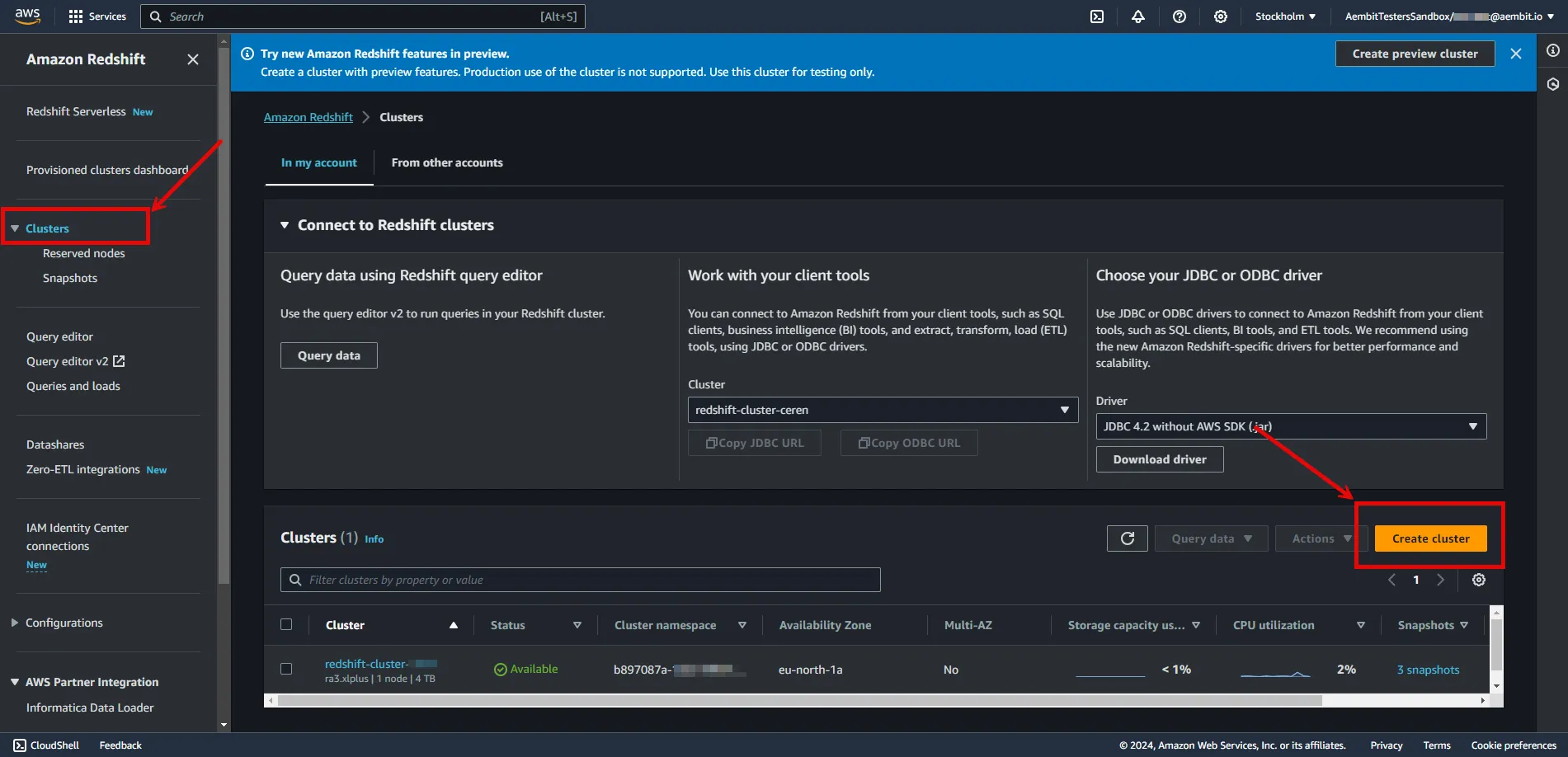
2. Click on **Create Cluster** and configure the cluster according to your preferences. Below are key choices:
* Under **Cluster configuration**, enter a name for the **cluster identifier**; this will be used in the endpoint.
* In **Database configurations**, set an **Admin user name**, and either auto-generate or provide an **Admin password**. Save this information for future use.
Note
In this example, we are using the `admin` username and password for demonstration purposes; however, it is advisable to create a dedicated user with appropriate privileges for enhanced security.
* In **Additional configuration**, you may turn off **Use defaults** and customize settings further.
* In **Network and security**, find the **Publicly Accessible** option and check the box for **Turn on Publicly accessible**.
:warning: Setting the **Publicly Accessible** option to **Yes** is done here purely for demonstration purposes. In normal circumstances, it is recommended to keep the instances not publicly accessible for enhanced security.
* In **Network and security**, ensure the **VPC security group (firewall)** configuration is in place to allow Client Workload/Agent Proxy communication.
* In **Database configurations**, specify a **Database name** and verify the **Database Port** is set to 5439.
3. After making all of your selections, click **Create cluster**.
## Server Workload Configuration
[Section titled “Server Workload Configuration”](#server-workload-configuration)
To retrieve the connection information for a cluster in the Amazon Redshift Console:
1. Sign in to the AWS Management Console and navigate to the [Amazon Redshift console](https://console.aws.amazon.com/redshiftv2).
2. In the left sidebar, select **Clusters** to view your clusters.
3. Click on the name of the cluster to view details.
4. In **General Information** copy the endpoint (excluding port and database name).
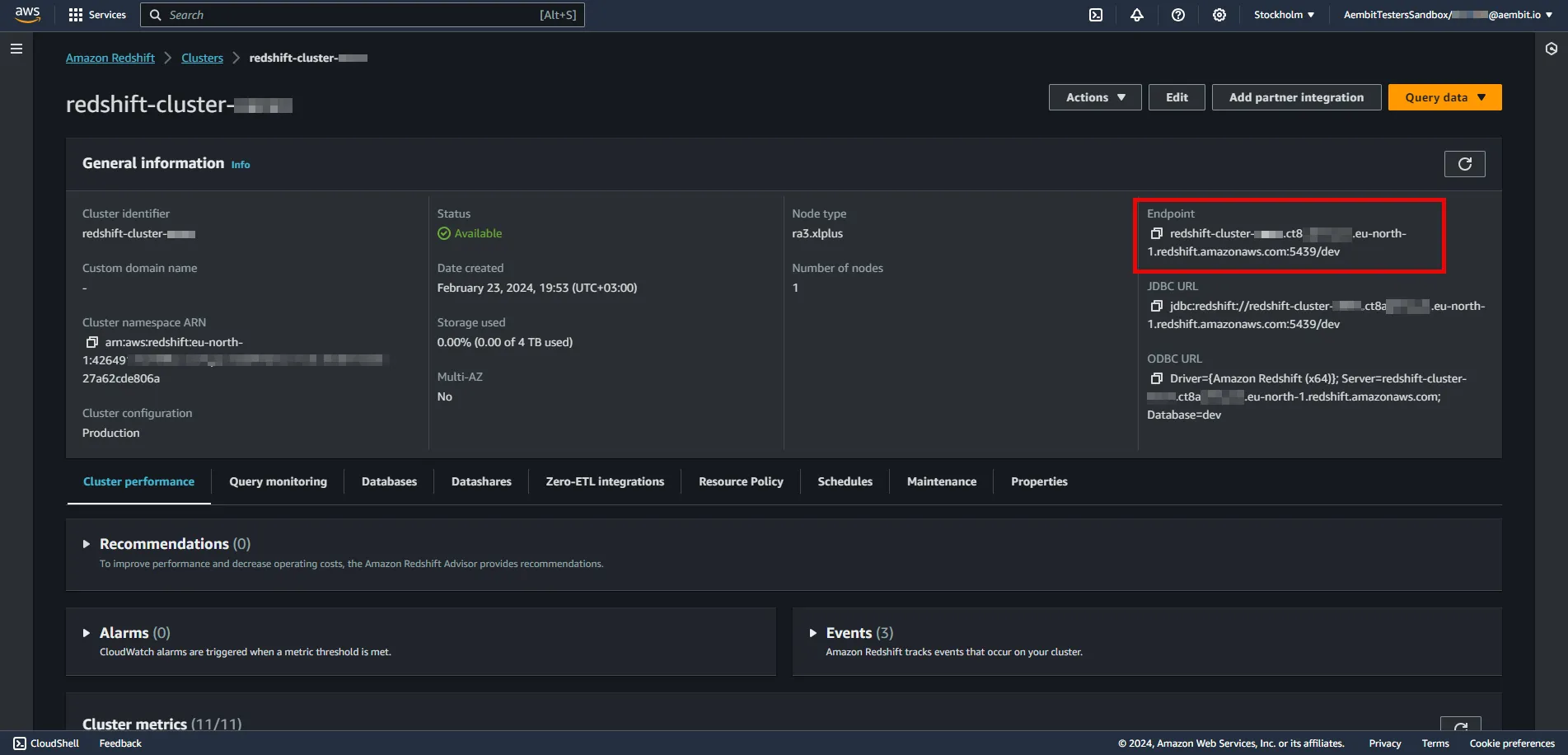
5. Create a new Server Workload.
* **Name** - Choose a user-friendly name.
6. Configure the service endpoint:
* **Host** - `...redshift.amazonaws.com` (Provide the endpoint copied from AWS)
* **Application Protocol** - Redshift
* **Port** - 5439
* **Forward to Port** - 5439
* **Authentication method** - Password Authentication
* **Authentication scheme** - Password
## Credential Provider Configuration
[Section titled “Credential Provider Configuration”](#credential-provider-configuration)
1. Create a new Credential Provider.
* **Name** - Choose a user-friendly name.
* **Credential Type** - [Username & Password](/user-guide/access-policies/credential-providers/username-password)
* **Username** - Provide login ID for the admin user of your cluster.
* **Password** - Provide the admin password of your cluster.
## Client Workload Configuration
[Section titled “Client Workload Configuration”](#client-workload-configuration)
Aembit now handles the credentials required to access the Server Workload, eliminating the need for you to manage them directly. You can safely remove any previously used credentials from the Client Workload.
If you access the Server Workload through an SDK or library, it is possible that the SDK/library may still require credentials to be present for initialization purposes. In this scenario, you can provide placeholder credentials. Aembit will overwrite these placeholder credentials with the appropriate ones during the access process.
## Access Policy
[Section titled “Access Policy”](#access-policy)
* Create an access policy for a Client Workload to access the Amazon RDS for MySQL Server Workload and assign the newly created Credential Provider to it.
# Beyond Identity
> This page describes how to configure Aembit to work with the Beyond Identity Server Workload.
#
[Beyond Identity](https://www.beyondidentity.com/) is a passwordless authentication service designed to bolster security measures for various applications and platforms. The Beyond Identity API serves as a developer-friendly interface, enabling seamless integration of advanced cryptographic techniques to eliminate reliance on traditional passwords.
Below you can find the Aembit configuration required to work with the Beyond Identity service as a Server Workload using the Beyond Identity API.
## Prerequisites
[Section titled “Prerequisites”](#prerequisites)
Before proceeding with the configuration, ensure you have the following:
* Beyond Identity tenant.
* An app configured in your Beyond Identity tenant. This can either be a custom application you set up or the built-in **Beyond Identity Management API app**. If you have not configured an app yet, follow the steps outlined in the next section or refer to the [official Beyond Identity documentation](https://developer.beyondidentity.com/docs/add-an-application) for more detailed instructions.
### Add new app in Beyond Identity
[Section titled “Add new app in Beyond Identity”](#add-new-app-in-beyond-identity)
1. Log in to the [Beyond Identity Admin Console](https://console-us.beyondidentity.com/login).
2. Navigate to the left pane, select **Apps**, and then click on **Add an application** from the top-right corner.
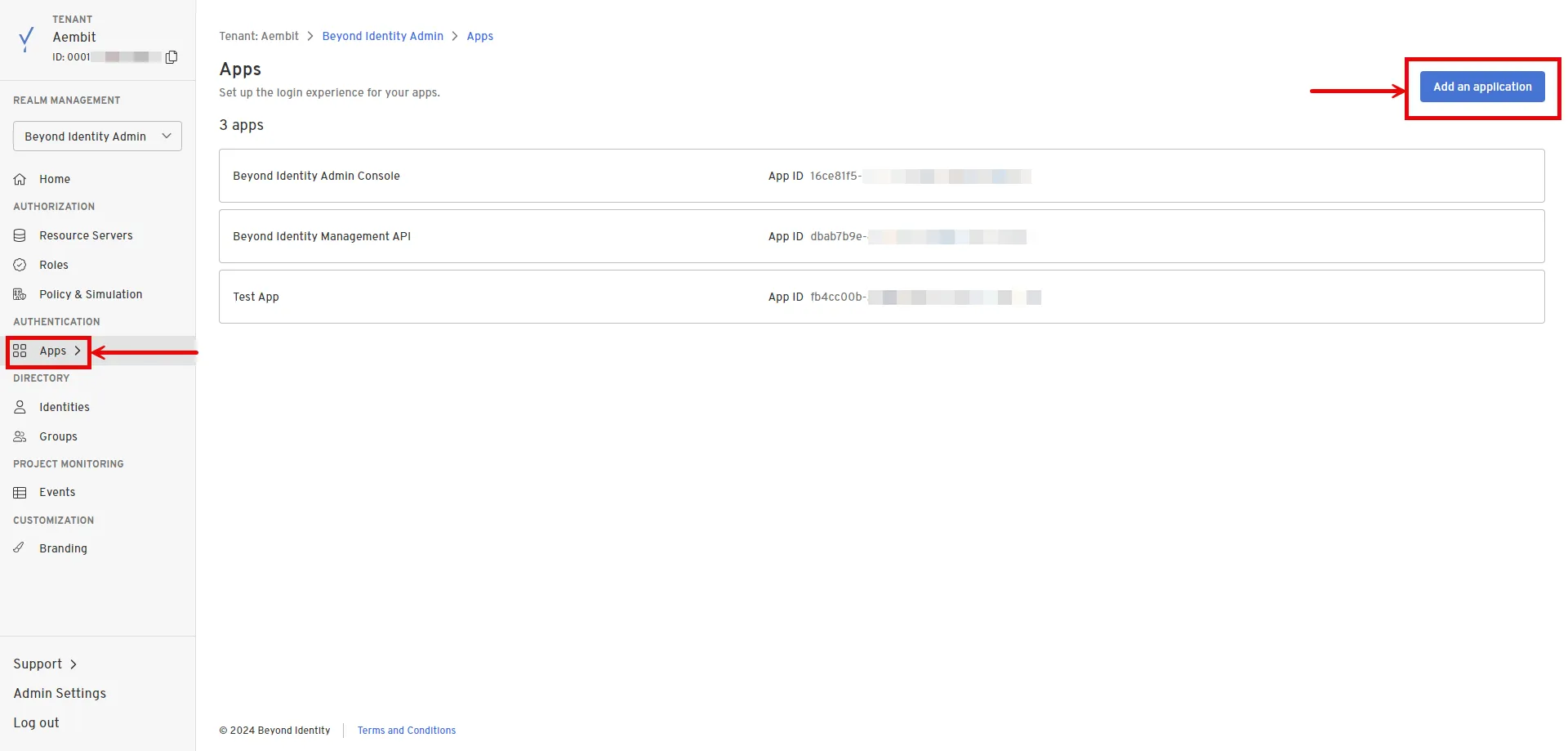
3. Configure the app based on your preferences. Below are key choices:
* Enter a name for the **Display Name**.
* Choose **OAuth2** for the Protocol under **Client Configuration**.
* Choose **Confidential** for the Client Type.
* Choose **Disabled** for the PKCE.
* Choose **Client Secret Basic** for the Token Endpoint Auth Method.
* Select **Client Credentials** for the Grant Type.
* Optionally, choose the scopes you intend to use in the **Token Configuration** section under **Allowed Scopes**.
4. After making your selections, click **Submit** to save the new app.
## Server Workload Configuration
[Section titled “Server Workload Configuration”](#server-workload-configuration)
1. Create a new Server Workload.
* **Name** - Choose a user-friendly name.
2. Configure the service endpoint:
* **Host** - `api-us.beyondidentity.com`
* **Application Protocol** - HTTP
* **Port** - 443 with TLS
* **Forward to Port** - 443 with TLS
* **Authentication method** - HTTP Authentication
* **Authentication scheme** - Bearer
## Credential Provider Configuration
[Section titled “Credential Provider Configuration”](#credential-provider-configuration)
1. Log in to the [Beyond Identity Admin Console](https://console-us.beyondidentity.com/login).
2. Navigate to the left pane and select **Apps** to access a list of your applications within your realm.
3. Choose your pre-configured application or use the default **Beyond Identity Management API** app.
4. In the External Protocol tab, copy the **Token Endpoint**. From the Client Configuration section, also copy both the **Client ID** and **Client Secret**. Keep these details stored for later use in the tenant configuration.
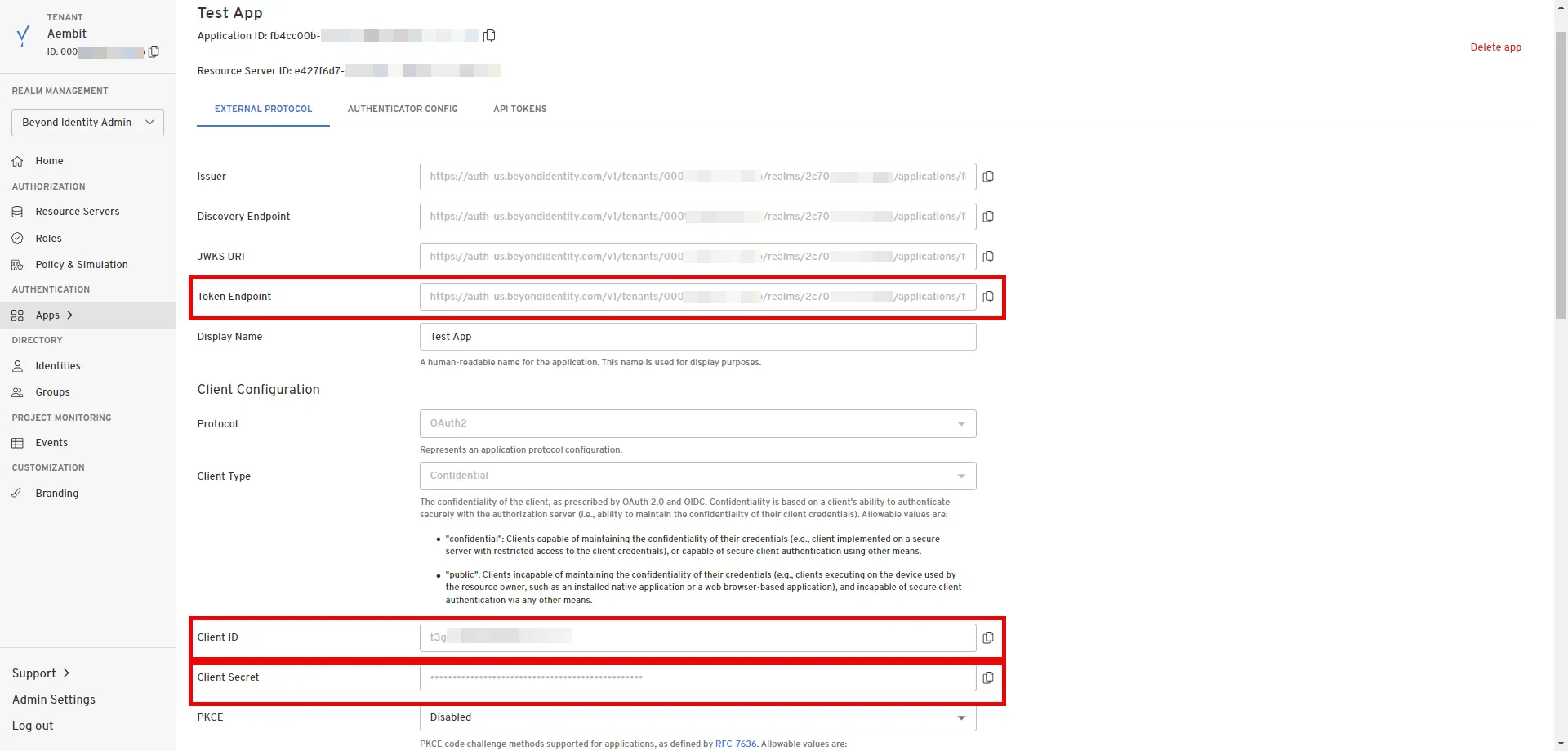
5. Create a new Credential Provider.
* **Name** - Choose a user-friendly name.
* **Credential Type** - [OAuth 2.0 Client Credentials](/user-guide/access-policies/credential-providers/oauth-client-credentials)
* **Token endpoint** - Provide the token endpoint copied from Beyond Identity.
* **Client ID** - Provide the client ID copied from Beyond Identity.
* **Client Secret** - Provide the client secret copied from Beyond Identity.
* **Scopes** - Enter the scopes you use, space delimited. (You can find scopes in the App details, Token Configuration section under **Allowed Scopes**)
## Client Workload Configuration
[Section titled “Client Workload Configuration”](#client-workload-configuration)
Aembit now handles the credentials required to access the Server Workload, eliminating the need for you to manage them directly. You can safely remove any previously used credentials from the Client Workload.
If you access the Server Workload through an SDK or library, it is possible that the SDK/library may still require credentials to be present for initialization purposes. In this scenario, you can provide placeholder credentials. Aembit will overwrite these placeholder credentials with the appropriate ones during the access process.
## Access Policy
[Section titled “Access Policy”](#access-policy)
* Create an Access Policy for a Client Workload to access the Beyond Identity Server Workload. Assign the newly created Credential Provider to this Access Policy.
## Required Features
[Section titled “Required Features”](#required-features)
* You will need to configure the [TLS Decrypt](/user-guide/deploy-install/advanced-options/tls-decrypt/configure-tls-decrypt) feature to work with the Beyond Identity Server Workload.
# Box
> This page describes how to configure Aembit to work with the Box Server Workload.
#
[Box](https://www.box.com/en-gb/home) is a cloud content management and file sharing service designed to help businesses securely store, manage, and share files online. The Box API provides developers with tools to integrate Box’s content management features into their own applications, enabling efficient collaboration and secure file handling.
Below you can find the Aembit configuration required to work with the Box service as a Server Workload using the Box API.
## Prerequisites
[Section titled “Prerequisites”](#prerequisites)
Before proceeding with the configuration, ensure you have the following:
* Box tenant.
* A custom authorized application using Server Authentication in the Box tenant. If you have not created an app yet, follow the steps outlined in the next section or refer to the [official Box Developer documentation](https://developer.box.com/guides/authentication/client-credentials/) for more detailed instructions.
* 2FA enabled on your Box tenant to view and copy the application’s client secret.
### Create New App In Box
[Section titled “Create New App In Box”](#create-new-app-in-box)
1. Log in to the [Box Developer Console](https://app.box.com/developers/console).
2. Navigate to the left pane, select **My Apps**, and then click on **Create New App** in the top-right corner.

3. Choose **Custom App**. A pop-up window will appear. Fill in the name and optional description field, choose the purpose, and then click **Next** to proceed.
4. Select **Server Authentication (Client Credentials Grant)** as the authentication method and click **Create App**.
5. Before the application can be used, a Box Admin must authorize it within the Box Admin Console. Navigate to the **Authorization** tab and click **Review and Submit** to send the request. A pop-up window will appear. Fill in the description field and click **Submit** to send. After your admin [authorizes the app](/user-guide/access-policies/server-workloads/guides/box#authorize-app-as-an-admin), the Authorization Status and Enablement Status should both be green.
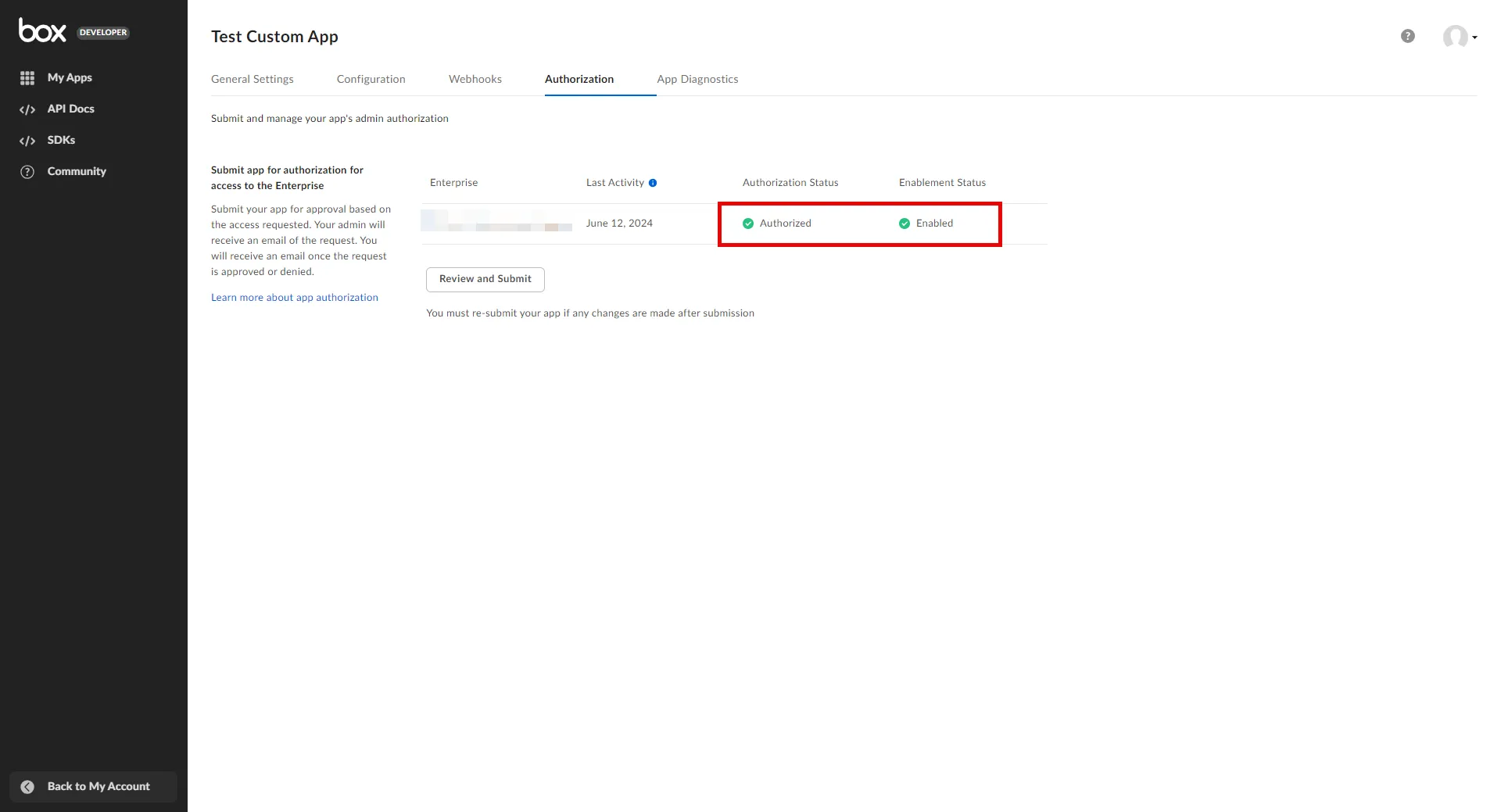
6. Go back to the **Configuration** tab and scroll down to the **Application Scopes** section. Choose the scopes that best suit your project needs and click **Save Changes** in the top-right corner.
### Authorize App As an Admin
[Section titled “Authorize App As an Admin”](#authorize-app-as-an-admin)
1. Navigate to the [Admin Console](https://app.box.com/master).
2. In the left panel, click on **Apps**, and then in the right panel, click on **Custom Apps Manager** in the ribbon list to view a list of your Server Authentication Apps.
3. Click the 3-dot-icon of the app that requires authorization.
4. Choose **Authorize App** from the drop-down menu.
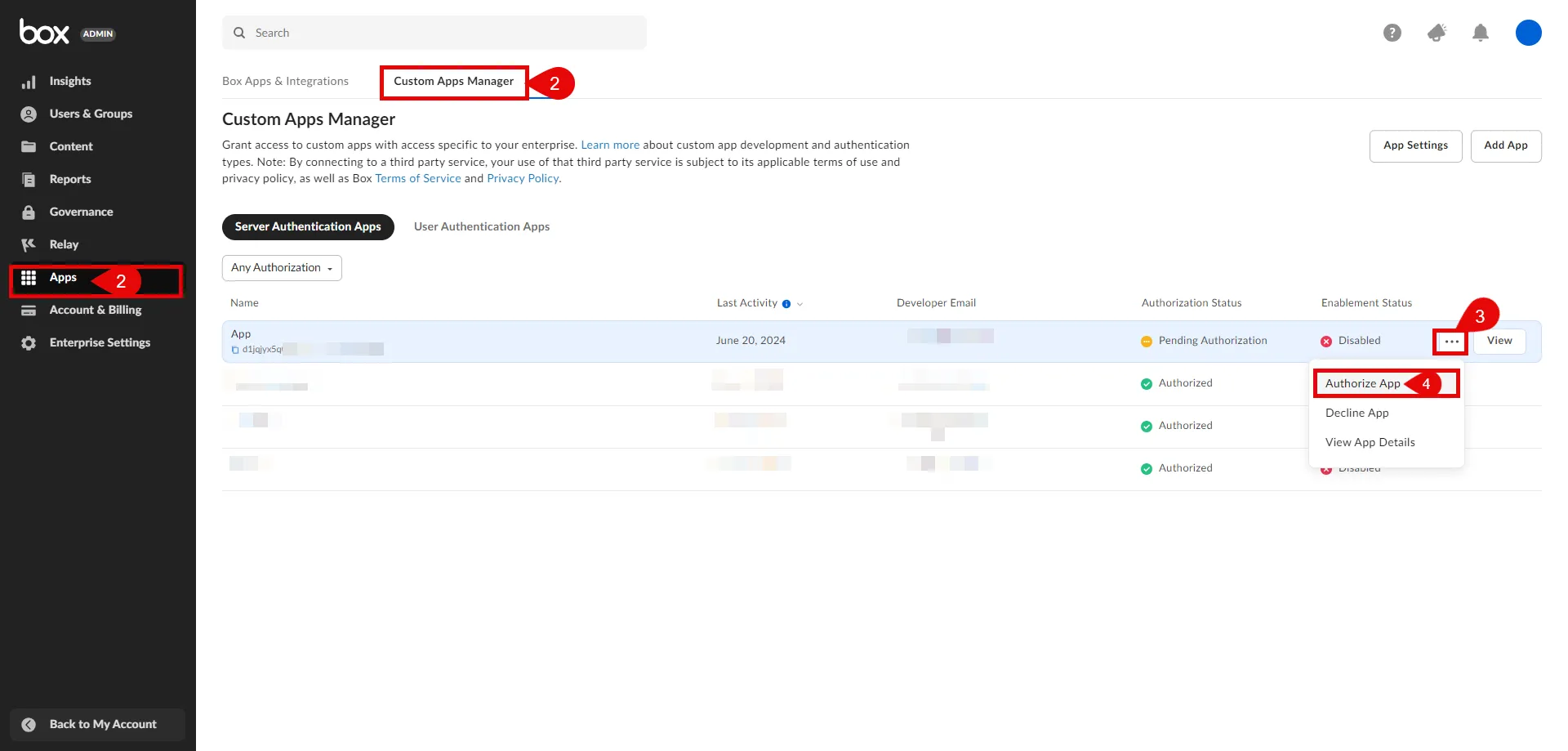
5. A pop-up window will appear. Click **Authorize** to proceed.
## Server Workload Configuration
[Section titled “Server Workload Configuration”](#server-workload-configuration)
1. Create a new Server Workload.
* **Name** - Choose a user-friendly name.
2. Configure the service endpoint:
* **Host** - `api.box.com`
* **Application Protocol** - HTTP
* **Port** - 443 with TLS
* **Forward to Port** - 443 with TLS
* **Authentication method** - HTTP Authentication
* **Authentication scheme** - Bearer
## Credential Provider Configuration
[Section titled “Credential Provider Configuration”](#credential-provider-configuration)
1. Log in to the [Box Developer Console](https://app.box.com/developers/console).
2. Navigate to the left pane, select **My Apps**, and then click on the name of the app to view details.
3. In the General Settings tab, copy the **Enterprise ID**.
4. In the Configuration tab, scroll down to the **OAuth 2.0 Credentials** section. Click **Fetch Client Secret** and then copy both the **Client ID** and **Client Secret**. Keep these details stored for later use in the tenant configuration.
5. Create a new Credential Provider.
* **Name** - Choose a user-friendly name.
* **Credential Type** - [OAuth 2.0 Client Credentials](/user-guide/access-policies/credential-providers/oauth-client-credentials)
* **Token endpoint** - `https://api.box.com/oauth2/token`
* **Client ID** - Provide the client ID copied from Box.
* **Client Secret** - Provide the client secret copied from Box.
* **Scopes** - You can leave this field **empty**, as Box will default to your selected scopes on the Developer Console, or specify the scopes, such as `root_readonly`. For more detailed information for scopes, you can refer to the [official Box Developer documentation](https://developer.box.com/guides/api-calls/permissions-and-errors/scopes/#scopes-oauth-2-authorization).
* **Credential Style** - POST Body
**Additional Parameters**
Note
The following parameters are used to authenticate as the application’s **Service Account**. To authenticate as a **Managed User**, refer to the [official Box Developer documentation](https://developer.box.com/guides/authentication/client-credentials/) for additional configuration steps. For security purposes, we recommend using the service account option and collaborating your service account on just the content it needs to access.
* **Name** - box\_subject\_type
* **Value** - enterprise
* **Name** - box\_subject\_id
* **Value** - Provide the enterprise ID copied from Box.
## Client Workload Configuration
[Section titled “Client Workload Configuration”](#client-workload-configuration)
Aembit now handles the credentials required to access the Server Workload, eliminating the need for you to manage them directly. You can safely remove any previously used credentials from the Client Workload.
If you access the Server Workload through an SDK or library, it is possible that the SDK/library may still require credentials to be present for initialization purposes. In this scenario, you can provide placeholder credentials. Aembit will overwrite these placeholder credentials with the appropriate ones during the access process.
## Access Policy
[Section titled “Access Policy”](#access-policy)
* Create an Access Policy for a Client Workload to access the Box Server Workload. Assign the newly created Credential Provider to this Access Policy.
## Required Features
[Section titled “Required Features”](#required-features)
* You will need to configure the [TLS Decrypt](/user-guide/deploy-install/advanced-options/tls-decrypt/configure-tls-decrypt) feature to work with the Box Server Workload.
# Claude
> This page describes how to configure Aembit to work with the Claude Server Workload.
#
[Claude](https://www.anthropic.com/api) is an artificial intelligence platform from Anthropic that allows developers to embed advanced language models into their applications. It supports tasks like natural language understanding and conversation generation, enhancing software functionality and user experience.
Below you can find the Aembit configuration required to work with the Claude service as a Server Workload using the Claude API and Anthropic’s Client SDKs.
## Prerequisites
[Section titled “Prerequisites”](#prerequisites)
Before proceeding with the configuration, ensure you have an Anthropic account and API key. If you have not already generated a key, follow the instructions below. For more details about Claude API, refer to the [official Claude API documentation](https://docs.anthropic.com/en/api/getting-started).
### Create API Key
[Section titled “Create API Key”](#create-api-key)
1. Sign in to your Anthropic account.
2. Navigate to the [API Keys](https://console.anthropic.com/settings/keys) page by clicking the **Get API Keys** button from the dashboard menu.
3. Click the **Create key** button in the top right corner of the page.
4. A pop-up window will appear. Fill in the name field, then click **Create Key** to proceed.
5. Click **Copy** and securely store the key for later use in the configuration on the tenant.
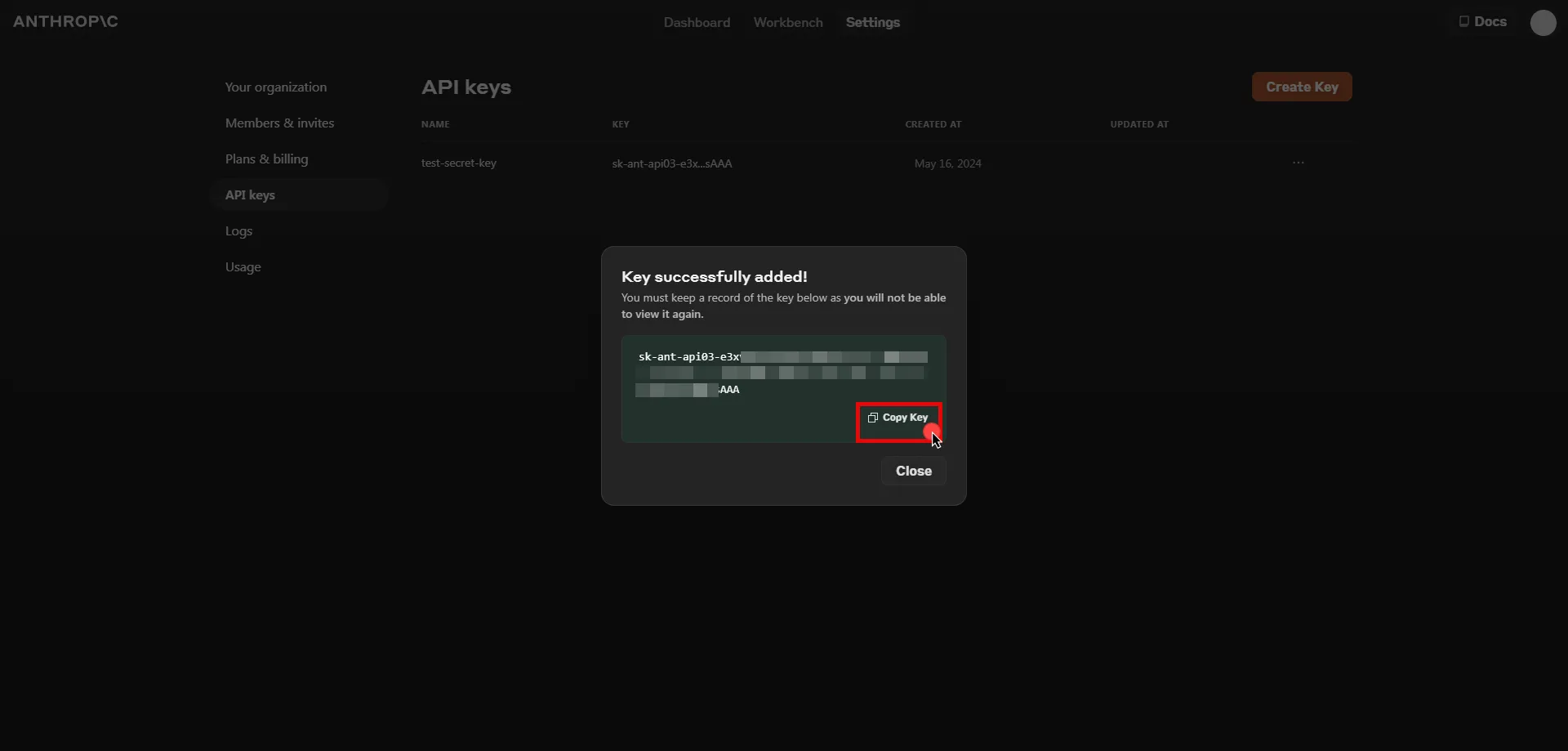
## Server Workload Configuration
[Section titled “Server Workload Configuration”](#server-workload-configuration)
1. Create a new Server Workload.
* **Name** - Choose a user-friendly name.
2. Configure the service endpoint:
* **Host** - `api.anthropic.com`
* **Application Protocol** - HTTP
* **Port** - 443 with TLS
* **Forward to Port** - 443 with TLS
* **Authentication method** - HTTP Authentication
* **Authentication scheme** - Header
* **Header** - x-api-key
## Credential Provider Configuration
[Section titled “Credential Provider Configuration”](#credential-provider-configuration)
1. Create a new Credential Provider.
* **Name** - Choose a user-friendly name.
* **Credential Type** - [API Key](/user-guide/access-policies/credential-providers/api-key)
* **API Key** - Paste the key copied from Anthropic Console.
## Client Workload Configuration
[Section titled “Client Workload Configuration”](#client-workload-configuration)
Aembit now handles the credentials required to access the Server Workload, eliminating the need for you to manage them directly. You can safely remove any previously used credentials from the Client Workload.
If you access the Server Workload through an SDK or library, it is possible that the SDK/library may still require credentials to be present for initialization purposes. In this scenario, you can provide placeholder credentials. Aembit will overwrite these placeholder credentials with the appropriate ones during the access process.
## Access Policy
[Section titled “Access Policy”](#access-policy)
* Create an Access Policy for a Client Workload to access the Claude API Server Workload. Assign the newly created Credential Provider to this Access Policy.
## Required Features
[Section titled “Required Features”](#required-features)
* You will need to configure the [TLS Decrypt](/user-guide/deploy-install/advanced-options/tls-decrypt/configure-tls-decrypt) feature to work with the Claude API Server Workload.
Note
If you are using the SDK, you will need to configure the `SSL_CERT_FILE` environment variable and point it to a file containing the tenant root CA. The specific commands may vary depending on how your application is launched. Below command lines are examples for the Python SDK:
```shell
wget https://.aembit.io/api/v1/root-ca -O tenant.crt
SSL_CERT_FILE=./tenant.crt python3 ./your_app.py
```
# Databricks
> This page describes how to configure Aembit to work with the Databricks Server Workload.
#
[Databricks](https://www.databricks.com/) is a unified data analytics platform built on Apache Spark, designed for scalable big data processing and machine learning. It provides tools for data engineering, data science, and analytics, enabling efficient handling of complex data workloads.
Below you can find the Aembit configuration required to work with the Databricks service as a Server Workload using the Databricks REST API. Aembit supports multiple authentication/authorization methods for Databricks. This page describes scenarios where the Credential Provider is configured for Databricks via:
* [OAuth 2.0 Authorization Code (3LO)](/user-guide/access-policies/server-workloads/guides/databricks#oauth-20-authorization-code)
* [OAuth 2.0 Client Credentials](/user-guide/access-policies/server-workloads/guides/databricks#oauth-20-client-credentials)
* [API Key](/user-guide/access-policies/server-workloads/guides/databricks#api-key)
Prerequisites
Before proceeding with the configuration, ensure you have the following:
* Databricks tenant.
* Workspace in the Databricks tenant. If you have not created a workspace before, you can follow the steps outlined in the subsequent sections or refer to the [official Databricks documentation](https://docs.databricks.com/en/getting-started/onboarding-account.html) for more detailed instructions.
## Create a Workspace in Databricks
[Section titled “Create a Workspace in Databricks”](#create-a-workspace-in-databricks)
Note
The following steps outline the process for creating a workspace in Databricks on AWS. If you are using Google Cloud Platform (GCP) or Microsoft Azure, you can find the corresponding steps by changing the platform option in the top right corner of the Databricks documentation.
1. Sign in to the [Databricks Console](https://accounts.cloud.databricks.com/) and navigate to the **Workspaces** page.
2. Click **Create workspace** located in the top right corner, select the **Quickstart** option, and then click **Next**.
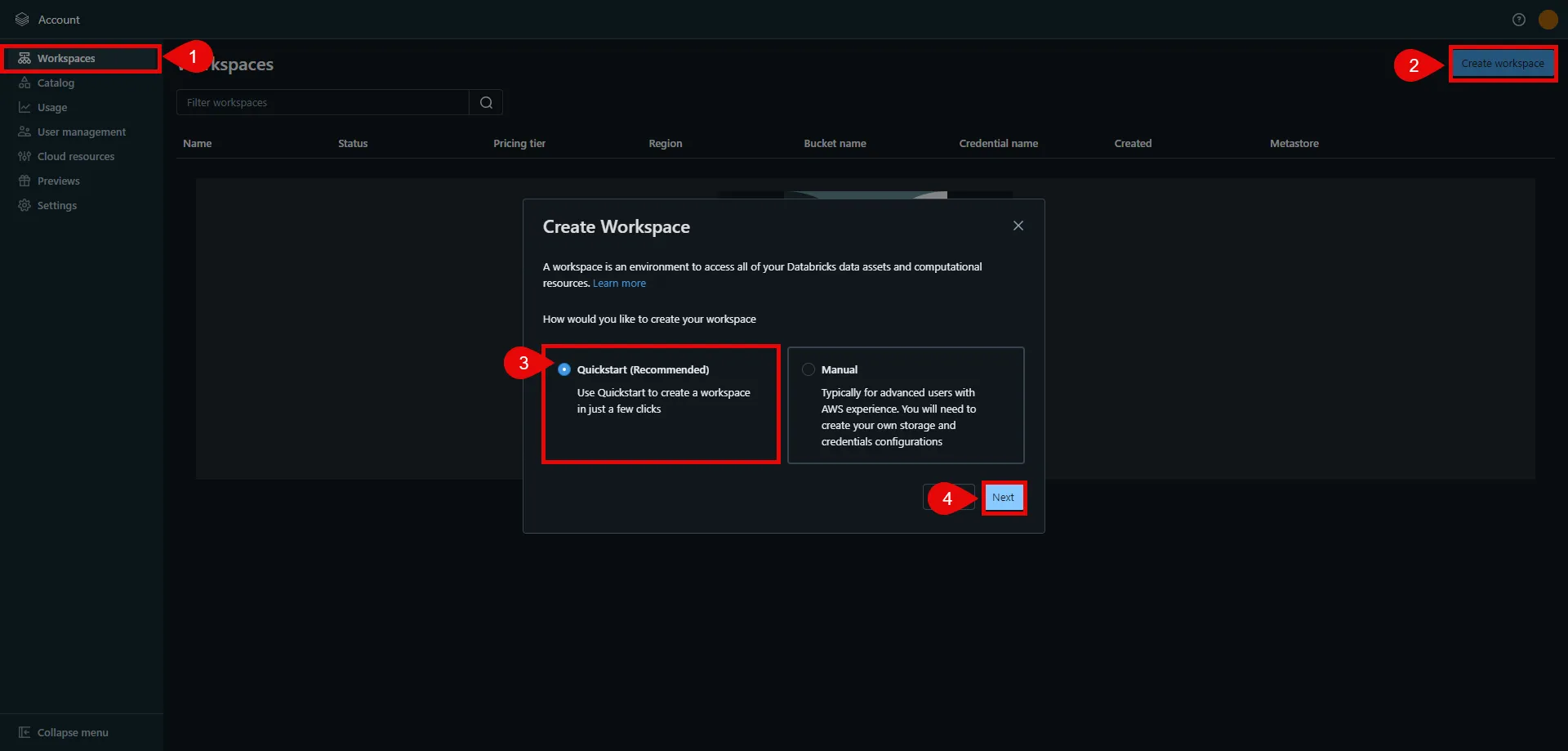
3. In the next step, provide a name for your workspace, choose the AWS region, and then click **Start Quickstart**. This redirects you to the AWS Console.
4. In the AWS Console, you may change the pre-generated stack name if desired. Scroll down, check the acknowledgment box, and then click **Create stack**. The stack creation process may take some time. Once the creation is successfully completed, you receive a confirmation email from Databricks. You can then switch back to the Databricks console. If you do not see your workspace in the list, please refresh the page.
5. Click on the name of the workspace to view details. In the URL field, copy the part after the prefix (e.g., `abc12345` in `https://abc12345.cloud.databricks.com`). This is your Databricks instance name, and is used in future steps.
6. Click **Open Workspace** located in the top right corner to proceed with the next steps in the workspace setup.
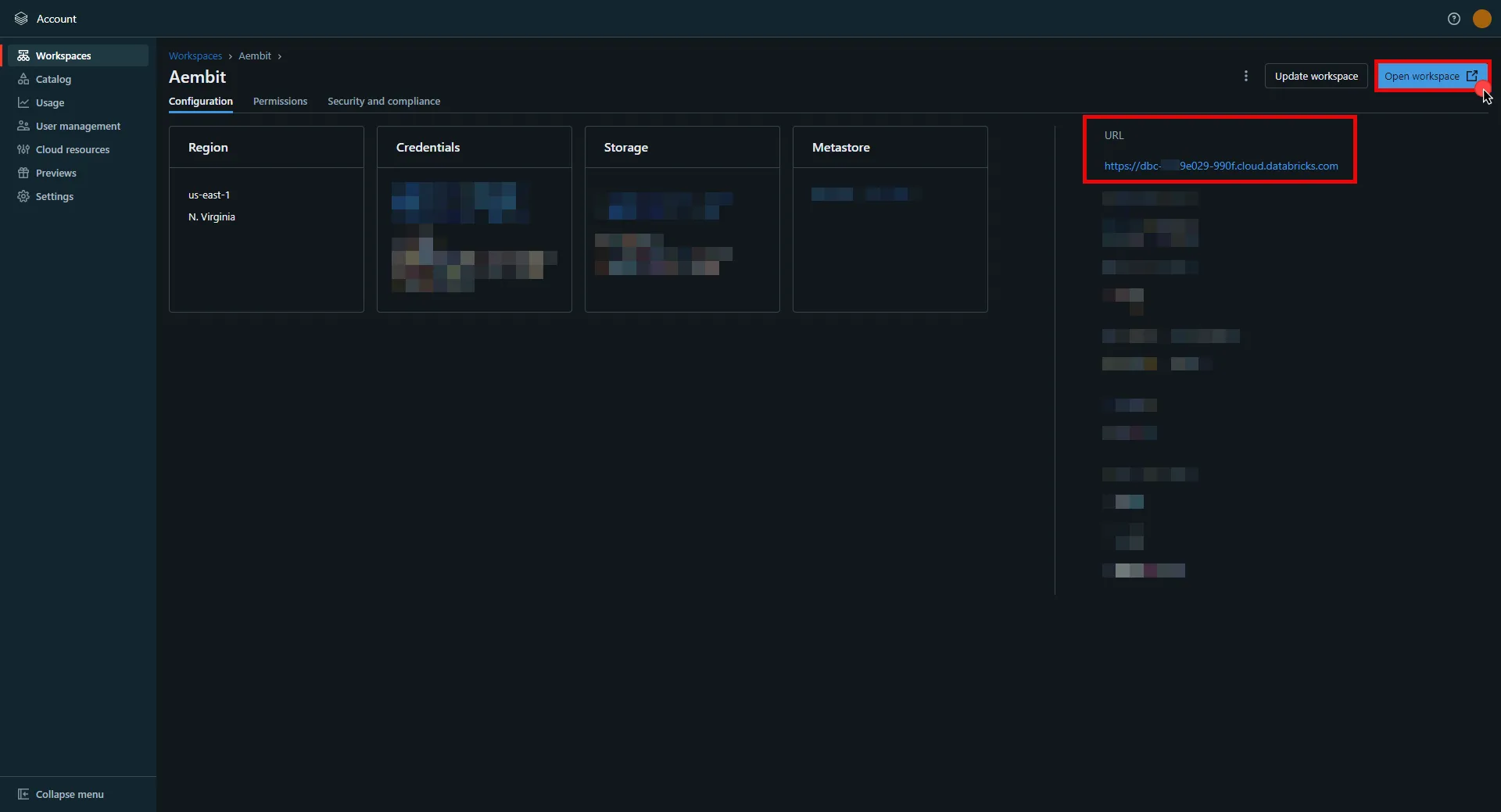
## OAuth 2.0 Authorization Code
[Section titled “OAuth 2.0 Authorization Code”](#oauth-20-authorization-code)
### Server Workload Configuration
[Section titled “Server Workload Configuration”](#server-workload-configuration)
1. Create a new Server Workload.
* **Name** - Choose a user-friendly name.
2. Configure the service endpoint:
* **Host** - `.cloud.databricks.com` (Use the Databricks instance name copied in step 5 of the workspace creation process)
* **Application Protocol** - HTTP
* **Port** - 443 with TLS
* **Forward to Port** - 443 with TLS
* **Authentication method** - HTTP Authentication
* **Authentication scheme** - Bearer
### Credential Provider Configuration
[Section titled “Credential Provider Configuration”](#credential-provider-configuration)
1. In your Databricks account console, select **Settings** from the left-hand menu.
2. Navigate to the **App Connections** section in the top menu.
3. Click the **Add Connection** button in the top right corner.
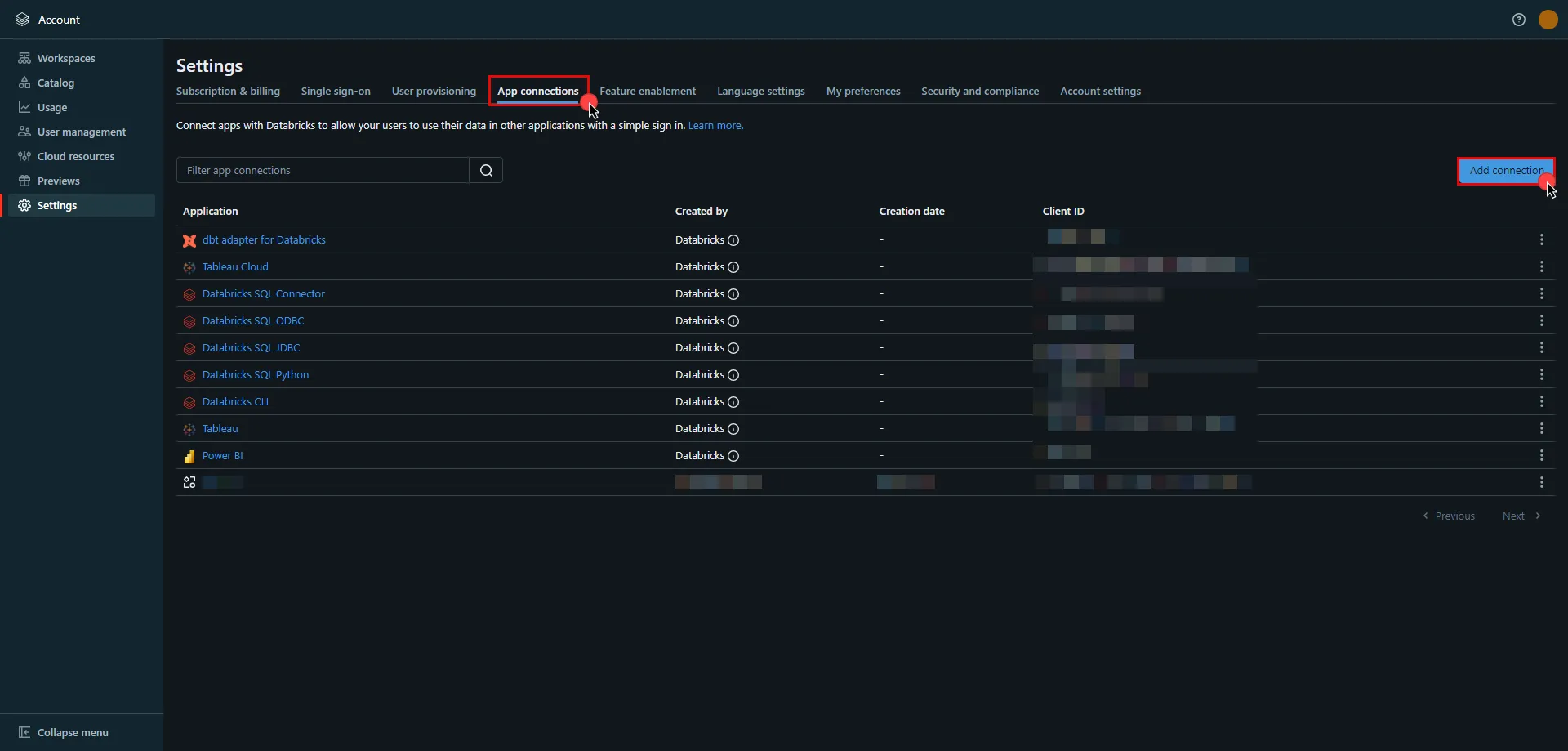
4. Enter the **name** of your app.
5. Switch to the Aembit UI to create a new Credential Provider, selecting the OAuth 2.0 Authorization Code credential type. After setting up the Credential Provider, copy the auto-generated **Callback URL**.
6. Return to Databricks and paste the copied **Callback URL** into the **Redirect URLs** field.
7. Select the scopes for your application based on your specific needs.
Note
To avoid potential issues, do **not** to set the **Access Token TTL** to less than 10 minutes.
8. Once all selections are made, click **Add**.
9. A pop-up window appears. Copy both the **Client ID** and **Client Secret**, and securely store these details for later use in your tenant configuration.
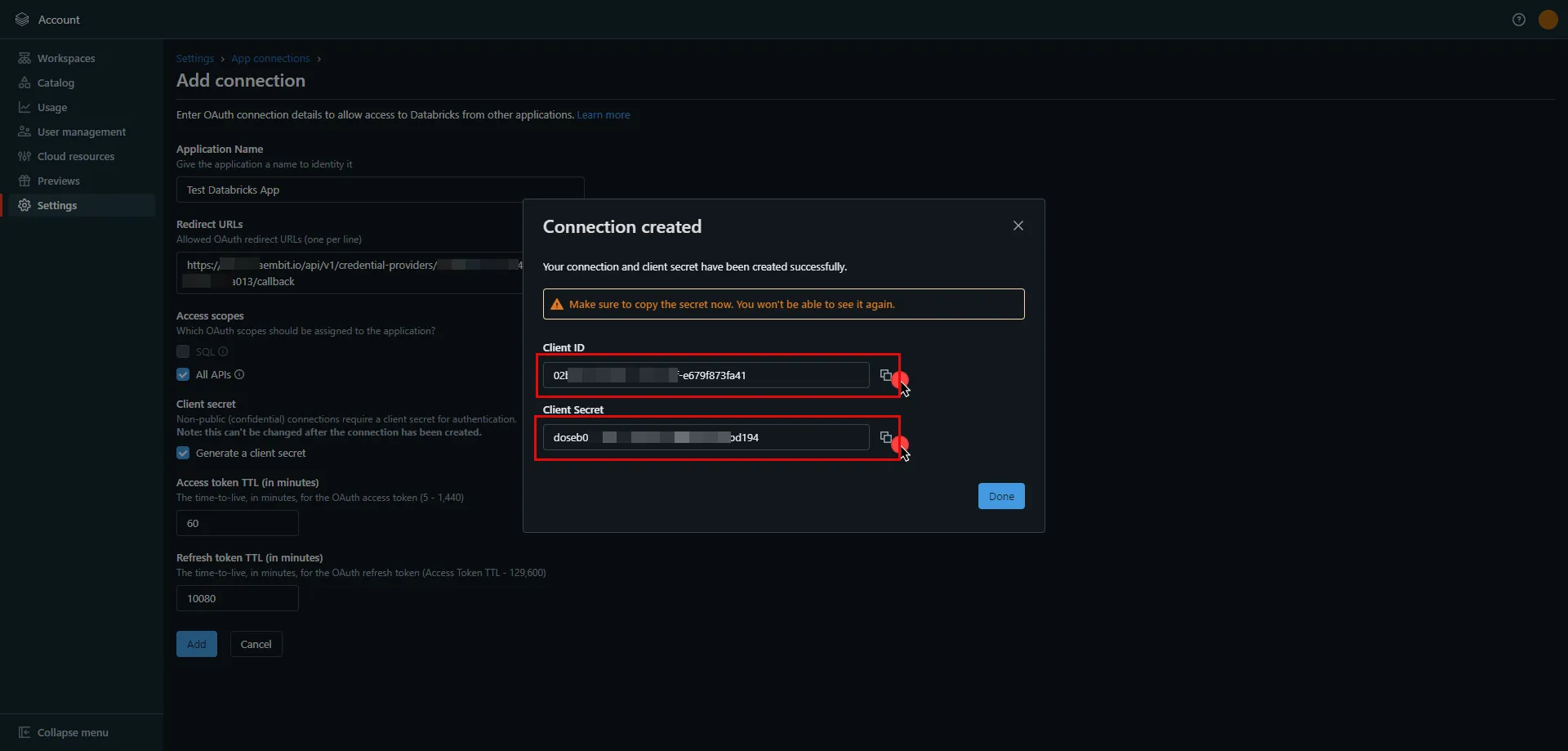
10. Edit the existing Credential Provider created in the previous steps.
* **Name** - Choose a user-friendly name.
* **Credential Type** - [OAuth 2.0 Authorization Code](/user-guide/access-policies/credential-providers/oauth-authorization-code)
* **Callback URL (Read-Only)** - An auto-generated Callback URL from Aembit Admin.
* **Client Id** - Provide the client ID copied from Databricks.
* **Client Secret** - Provide the client secret copied from Databricks.
* **Scopes** - `all-apis offline_access` or `sql offline_access`, depending on your scope selection in the Databricks UI. For more details on scopes and custom OAuth applications, please refer to the [official Databricks documentation](https://docs.databricks.com/en/integrations/enable-disable-oauth.html#enable-custom-app-ui).
* **OAuth URL** -
* For a **workspace-level** OAuth URL, use: `https:///oidc` (Use the Databricks instance name copied in step 5 of the workspace creation process)
* For an **account-level** OAuth URL, use: `https://accounts.cloud.databricks.com/oidc/accounts/`
* In your Databricks account, click on your username in the upper right corner, and in the dropdown menu,copy the part next to Account ID and use it in the previous link. 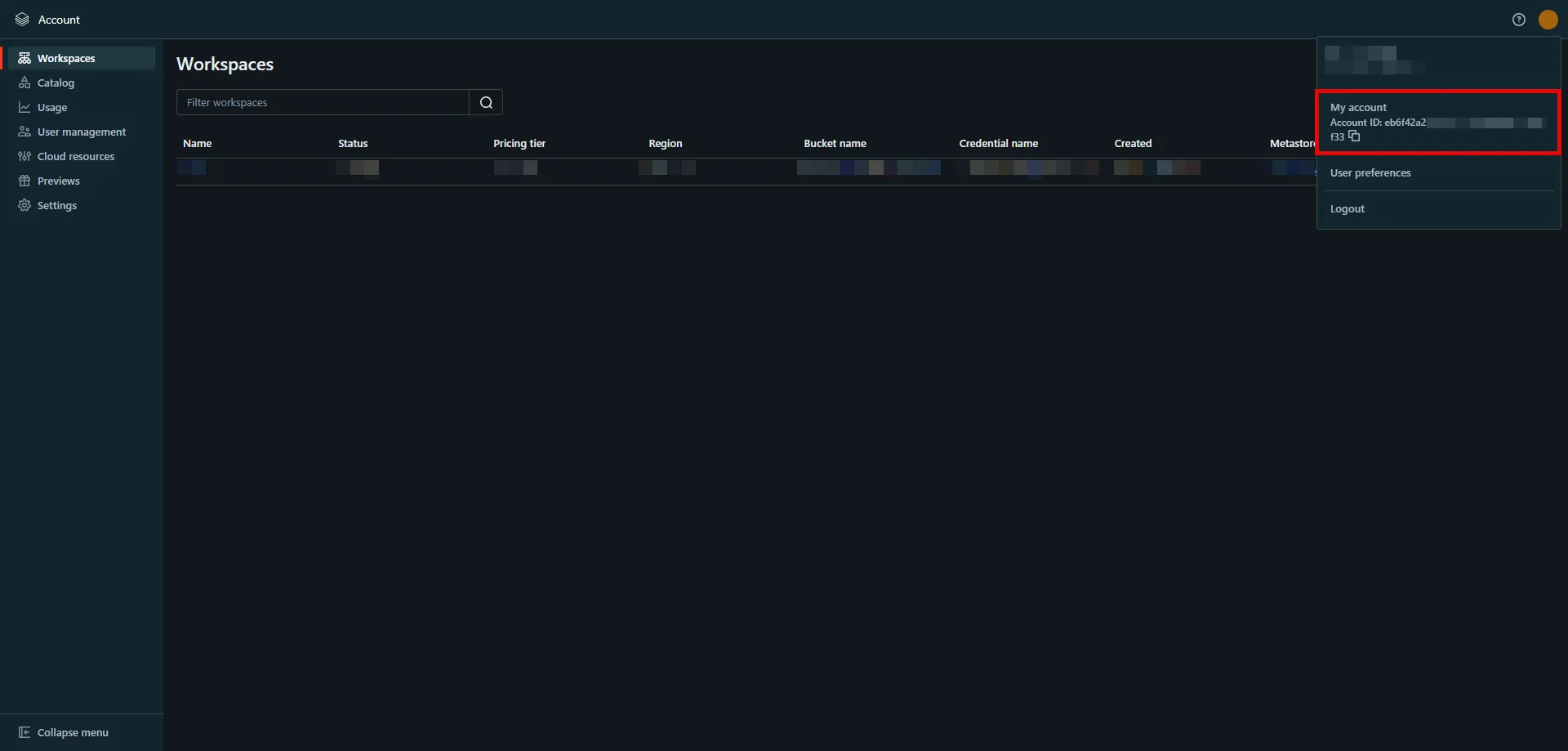
Tip
These two URLs correspond to different levels of OAuth authorization. The level determines the scope of the authorization code:
* **Account-Level** - Use this URL if you need to call both account-level and workspace-level REST APIs across all accounts and workspaces that your Databricks user account has access to.
* **Workspace-Level** - Use this URL if you only need to call REST APIs within a single workspace that your user account has access to.
For more detailed information about these two different levels, please refer to the [official Databricks documentation](https://docs.databricks.com/en/dev-tools/auth/oauth-u2m.html#step-2-generate-an-authorization-code).
Click on **URL Discovery** to populate the Authorization and Token URL fields, which can be left as populated.
* **PKCE Required** - On
* **Lifetime** - 1 year (Databricks does not specify a refresh token lifetime; this value is recommended by Aembit.)
11. Click **Save** to save your changes on the Credential Provider.
12. In the Aembit UI, click the **Authorize** button. You are directed to a page where you can review the access request. Click **Authorize** to complete the OAuth 2.0 Authorization Code flow. You should see a success page and then be redirected to Aembit automatically. You can also verify your flow is complete by checking the **State** value in the Credential Provider. After completion, it should be **Ready**.

Caution
Once the set lifetime ends, the retrieved credential expires and will not work anymore. Aembit will notify you before this happens. Please ensure you reauthorize the credential before it expires.
## OAuth 2.0 Client Credentials
[Section titled “OAuth 2.0 Client Credentials”](#oauth-20-client-credentials)
### Server Workload Configuration
[Section titled “Server Workload Configuration”](#server-workload-configuration-1)
1. Create a new Server Workload.
* **Name** - Choose a user-friendly name.
2. Configure the service endpoint:
* **Host** - `.cloud.databricks.com` (Use the Databricks instance name copied in step 5 of the workspace creation process)
* **Application Protocol** - HTTP
* **Port** - 443 with TLS
* **Forward to Port** - 443 with TLS
* **Authentication method** - HTTP Authentication
* **Authentication scheme** - Bearer
### Credential Provider Configuration
[Section titled “Credential Provider Configuration”](#credential-provider-configuration-1)
1. In your Databricks workspace, click your username in the top right corner, and select **Settings** from the dropdown menu.
2. In the left-hand menu, navigate to **Identity and access**.
3. Next to **Service principals**, click **Manage**.
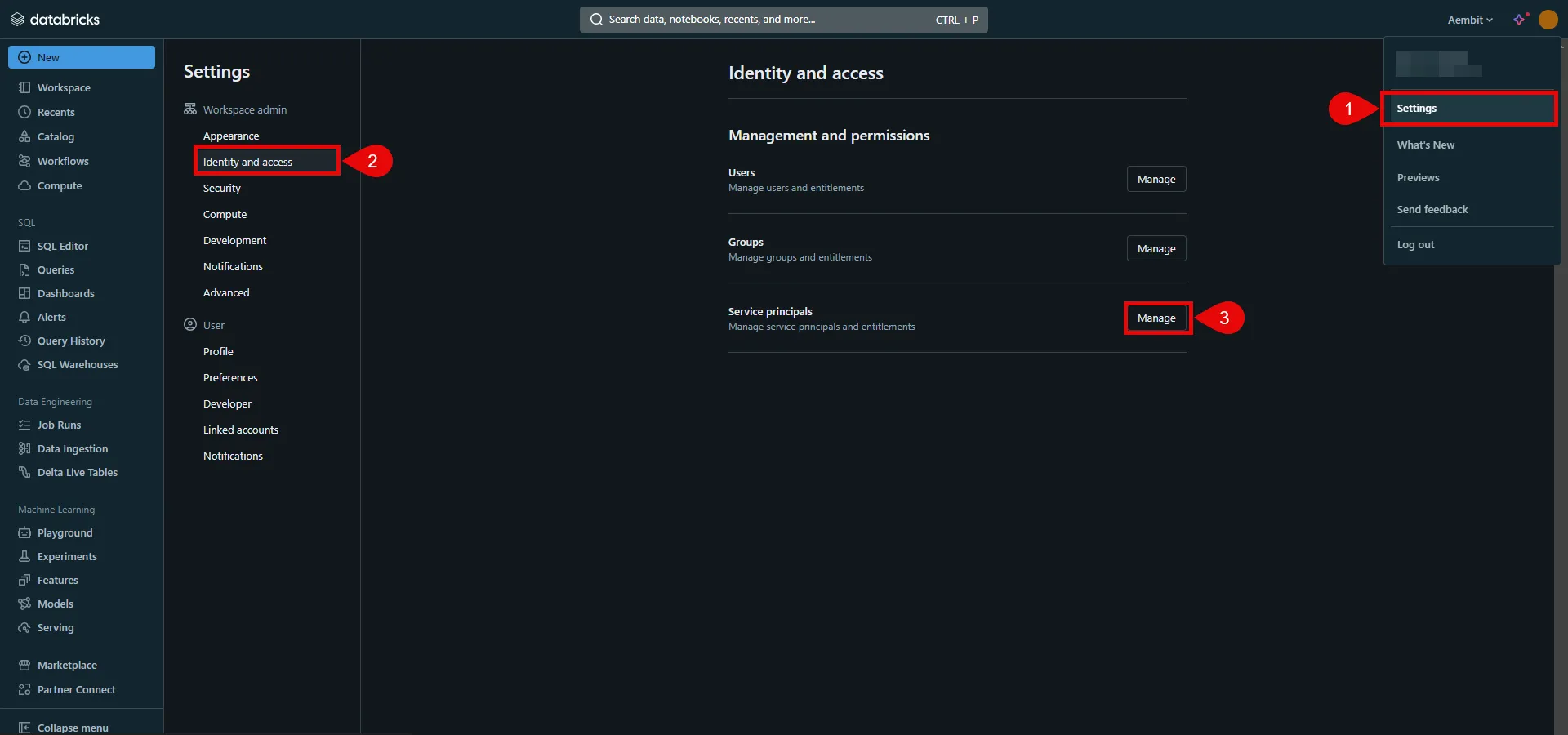
4. Click the **Add service principal** button.
5. If you do not already have a service principal, click **Add New**; otherwise, select the desired service principal from the list and click **Add**.
6. Click on the name of the service principal to view its details.
7. Navigate to the **Permissions** tab and click the **Grant access** button.
8. In the pop-up window, select the User, Group, or Service Principal and assign their role, then click **Save**.
9. Navigate to the **Secrets** tab and click the **Generate secret** button.
10. A pop-up window appears. Copy both the **Client ID** and **Client Secret**, and store these details securely for later use in the tenant configuration.
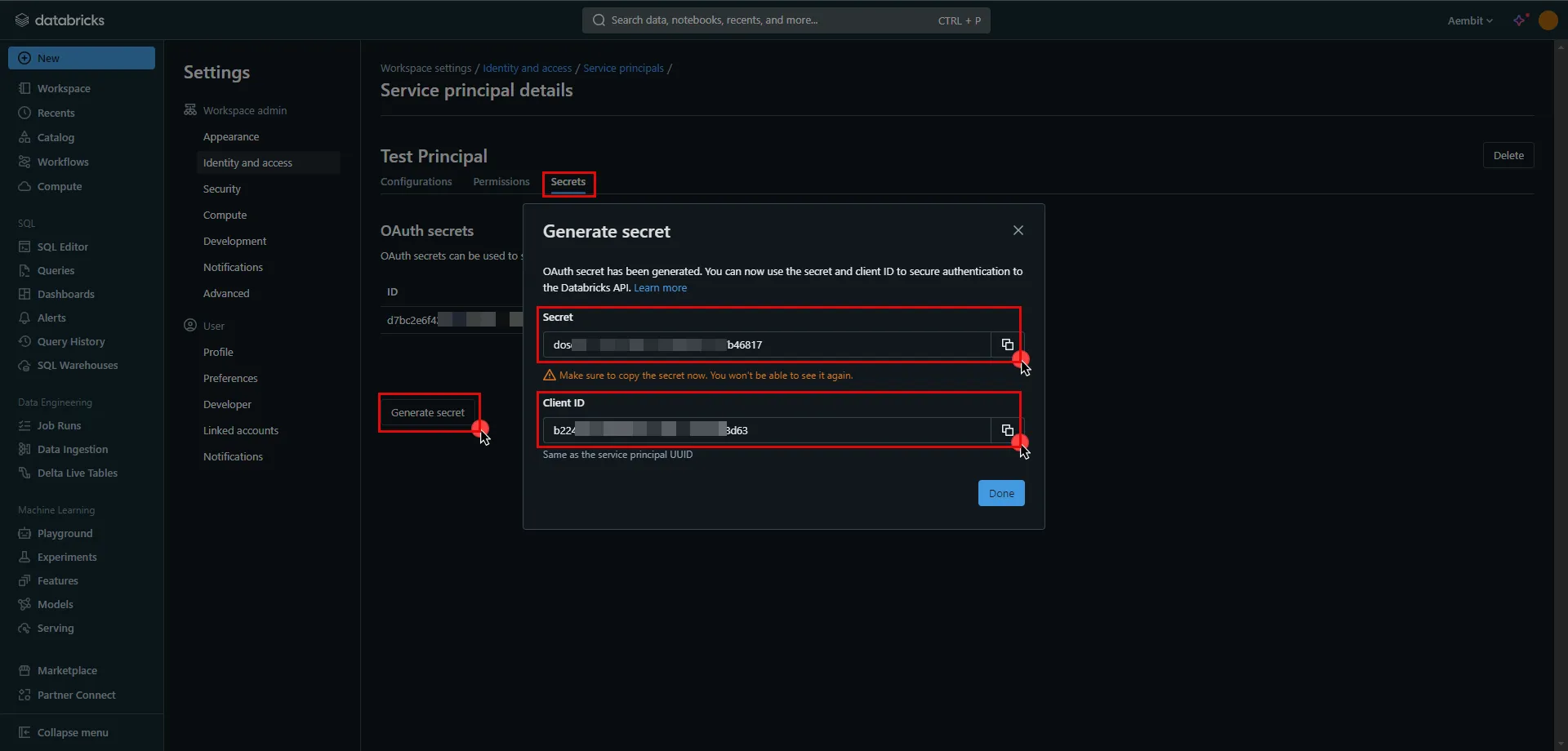
11. Create a new Credential Provider.
* **Name** - Choose a user-friendly name.
* **Credential Type** - [OAuth 2.0 Client Credentials](/user-guide/access-policies/credential-providers/oauth-client-credentials)
* **Token endpoint** -
* For a **workspace-level** endpoint URL, use: `https:///oidc/v1/token` (Use the Databricks instance name copied in step 5 of the workspace creation process)
* For an **account-level** endpoint URL, use: `https://accounts.cloud.databricks.com/oidc/accounts//v1/token`
* In your Databricks account, click on your username in the upper right corner, and in the dropdown menu,copy the part next to Account ID and use it in the previous link. 
Tip
These two URLs correspond to different levels of OAuth authorization. The level determines the scope of the authorization code:
* **Account-Level** - Use this URL if you need to call both account-level and workspace-level REST APIs across all accounts and workspaces that your Databricks user account has access to.
* **Workspace-Level** - Use this URL if you only need to call REST APIs within a single workspace that your user account has access to.
For more detailed information about these two different levels, please refer to the [official Databricks documentation](https://docs.databricks.com/en/dev-tools/auth/oauth-m2m.html#manually-generate-and-use-access-tokens-for-oauth-m2m-authentication).
* **Client ID** - Provide the client ID copied from Databricks.
* **Client Secret** - Provide the client secret copied from Databricks.
* **Scopes** - `all-apis`
* **Credential Style** - Authorization Header
## API Key
[Section titled “API Key”](#api-key)
### Server Workload Configuration
[Section titled “Server Workload Configuration”](#server-workload-configuration-2)
1. Create a new Server Workload.
* **Name** - Choose a user-friendly name.
2. Configure the service endpoint:
* **Host** - `.cloud.databricks.com` (Use the Databricks instance name copied in step 5 of the workspace creation process)
* **Application Protocol** - HTTP
* **Port** - 443 with TLS
* **Forward to Port** - 443 with TLS
* **Authentication method** - HTTP Authentication
* **Authentication scheme** - Bearer
### Credential Provider Configuration
[Section titled “Credential Provider Configuration”](#credential-provider-configuration-2)
1. In your Databricks workspace, click on your username in the top right corner, and select **Settings** from the dropdown menu.
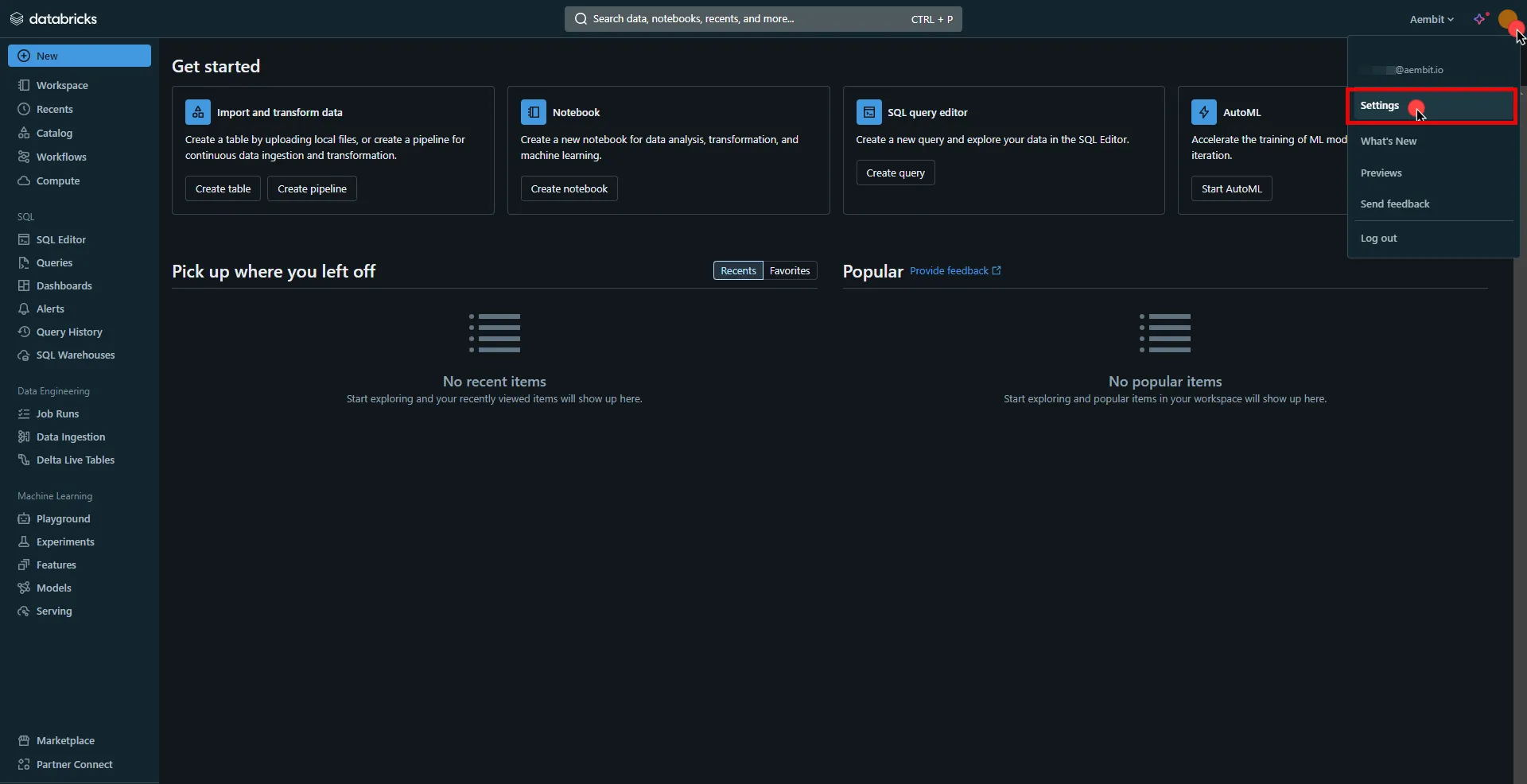
2. In the left-hand menu, navigate to the **Developer** section.
3. Next to **Access tokens**, click **Manage**.
4. Click the **Generate new token** button.
5. Optionally, provide a comment and set a lifetime for your token, then click **Generate**.
6. Click **Copy to clipboard** and securely store the token for later use in the configuration on the tenant.
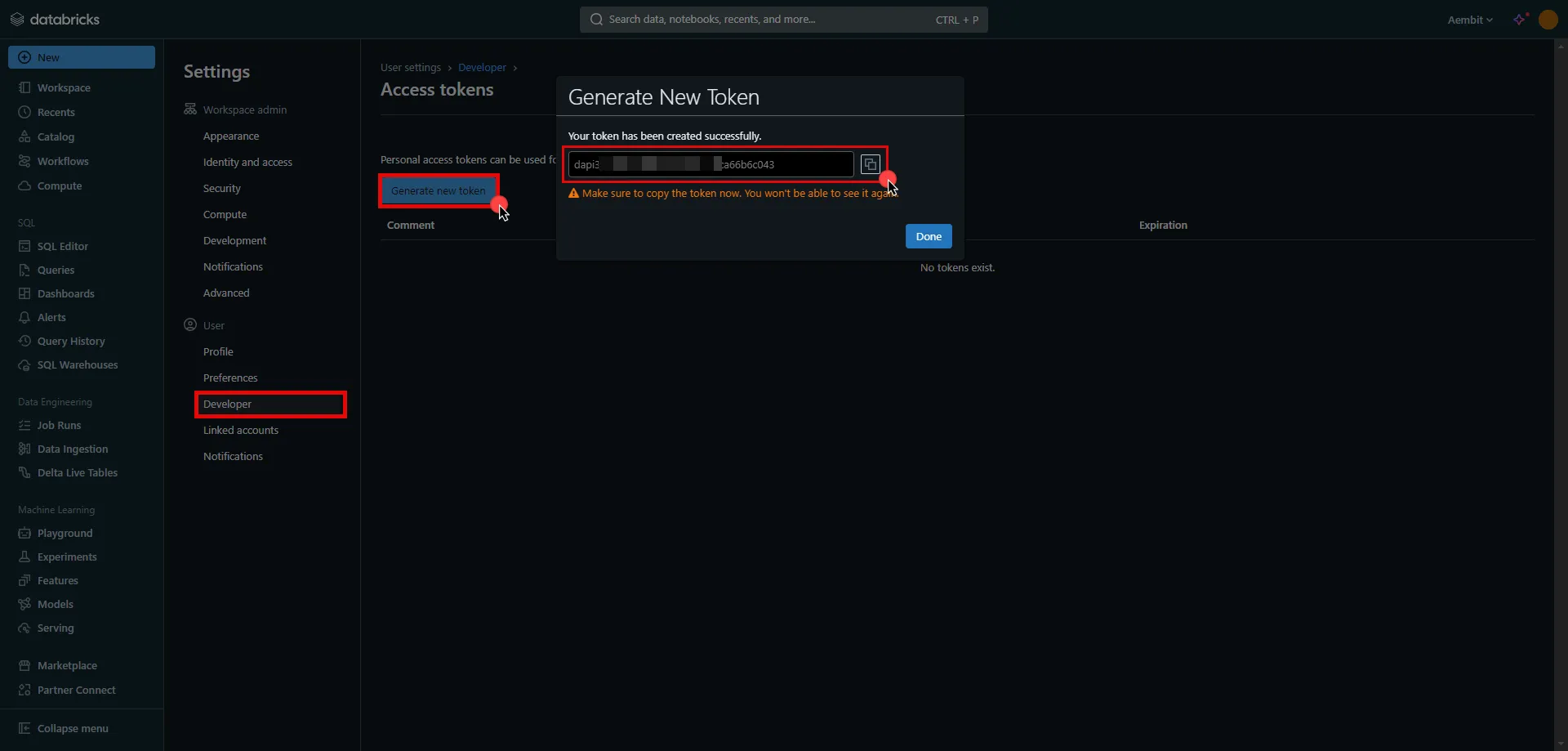
7. Create a new Credential Provider.
* **Name** - Choose a user-friendly name.
* **Credential Type** - [API Key](/user-guide/access-policies/credential-providers/api-key)
* **API Key** - Paste the token copied from Databricks.
## Client Workload Configuration
[Section titled “Client Workload Configuration”](#client-workload-configuration)
Aembit now handles the credentials required to access the Server Workload, eliminating the need for you to manage them directly. You can safely remove any previously used credentials from the Client Workload.
If you access the Server Workload through an SDK or library, it is possible that the SDK/library may still require credentials to be present for initialization purposes. In this scenario, you can provide placeholder credentials. Aembit will overwrite these placeholder credentials with the appropriate ones during the access process.
## Access Policy
[Section titled “Access Policy”](#access-policy)
* Create an Access Policy for a Client Workload to access the Databricks Server Workload. Assign the newly created Credential Provider to this Access Policy.
## Required Features
[Section titled “Required Features”](#required-features)
* You will need to configure the [TLS Decrypt](/user-guide/deploy-install/advanced-options/tls-decrypt/configure-tls-decrypt) feature to work with the Databricks Server Workload.
# Create an Entra ID Server Workload
> How to configure an Entra ID Server Workload in Aembit using Azure Entra Workload Identity Federation or JWT-SVID Token authentication
This guide walks you through creating a Server Workload**Server Workload**: Server Workloads represent target services, APIs, databases, or applications that receive and respond to access requests from Client Workloads.[Learn more](/get-started/concepts/server-workloads) in Aembit to securely obtain OAuth tokens from Microsoft Entra ID (formerly Azure Active Directory) without storing static client secrets.
**Use this Server Workload** to enable your applications to authenticate to Entra ID-protected resources such as Microsoft Graph API, Azure services, or custom APIs secured by Entra ID.
Aembit supports two authentication approaches for Entra ID:
* **[Azure Entra Workload Identity Federation (WIF)](#azure-entra-workload-identity-federation)** - Aembit directly handles the token exchange with Entra ID
* **[OAuth interception](#oauth-interception)** - For existing applications that already make OAuth requests (zero code changes required). Choose between JWT-SVID Token or OIDC ID Token credential providers.
## Prerequisites
[Section titled “Prerequisites”](#prerequisites)
Before you begin, ensure you have the following:
**Account access** -
* Access to your Aembit Tenant**Aembit Tenant**: Aembit Tenants serve as isolated, dedicated environments within Aembit that provide complete separation of administrative domains and security configurations.[Learn more](/get-started/concepts/administration) (role: Workload Administrator or higher)
* Access to Azure Portal with permissions to create Entra ID app registrations and federated credentials
**Infrastructure** -
* Aembit Edge**Aembit Edge**: Aembit Edge represents components deployed within your operational environments that enforce Access Policies by intercepting traffic, verifying identities, and injecting credentials just-in-time.[Learn more](/get-started/concepts/aembit-edge) Components deployed in your environment:
* Agent Proxy installed
* For VMs: [Linux](/user-guide/deploy-install/virtual-machine/linux/agent-proxy-install-linux/) or [Windows](/user-guide/deploy-install/virtual-machine/windows/agent-proxy-install-windows/) installation
* For Kubernetes: [Kubernetes deployment](/user-guide/deploy-install/kubernetes/)
* [TLS Decrypt](/user-guide/deploy-install/advanced-options/tls-decrypt/configure-tls-decrypt/) configured on your Agent Proxy. Both authentication approaches require TLS Decrypt because the Agent Proxy must inspect HTTPS traffic to inject credentials. TLS decryption occurs only on the Agent Proxy running alongside your workload.
* Network connectivity from your server to Entra ID endpoints (outbound HTTPS to `login.microsoftonline.com`)
## Choose your authentication approach
[Section titled “Choose your authentication approach”](#choose-your-authentication-approach)
Aembit provides two approaches for authenticating to Entra ID. The OAuth interception approach supports two credential provider types (JWT-SVID Token and OIDC ID Token).
| Aspect | Azure Entra WIF CP | JWT-SVID Token | OIDC ID Token |
| ---------------------------- | ------------------------------------------------------------------------------------------------------------- | ----------------------------------------------------------------------------------- | -------------------------------------------------------------------------------- |
| **Best for** | New integrations, direct Aembit management | Existing OAuth flows, zero code changes | OIDC-based authentication |
| **Complexity** | Higher-level abstraction | Lower-level, more flexible | Lower-level, OIDC standard |
| **Scope configuration** | In Credential Provider | In application request | In application request |
| **Code changes required** | May require SDK/config changes | None (intercepts existing requests) | None (intercepts existing requests) |
| **Credential Provider type** | [Azure Entra WIF](/user-guide/access-policies/credential-providers/azure-entra-workload-identity-federation/) | [JWT-SVID Token](/user-guide/access-policies/credential-providers/spiffe-jwt-svid/) | [OIDC ID Token](/user-guide/access-policies/credential-providers/oidc-id-token/) |
**Choose Azure Entra WIF** when:
* You’re building a new integration from scratch
* You want Aembit to manage the complete token exchange
* You can configure your application to use Aembit’s credential flow
**Choose OAuth interception** (JWT-SVID Token or OIDC ID Token) when:
* Your application already makes OAuth token requests to Entra ID
* You need zero-code-change deployment
* You want Aembit to intercept and secure existing OAuth flows
Use **JWT-SVID Token** if you want SPIFFE-compliant tokens, or **OIDC ID Token** if you prefer standard OpenID Connect tokens or want consistency across multiple cloud providers.
## Azure Entra workload identity federation
[Section titled “Azure Entra workload identity federation”](#azure-entra-workload-identity-federation)
This approach uses the Azure Entra Workload Identity Federation (WIF) Credential Provider**Credential Provider**: Credential Providers obtain the specific access credentials—such as API keys, OAuth tokens, or temporary cloud credentials—that Client Workloads need to authenticate to Server Workloads.[Learn more](/get-started/concepts/credential-providers) to directly obtain tokens from Entra ID. Aembit handles the complete token exchange, including federated credential validation.

### Step 1: Configure the Credential Provider
[Section titled “Step 1: Configure the Credential Provider”](#step-1-configure-the-credential-provider)
Follow the complete setup guide for the Azure Entra WIF Credential Provider:
**[Configure an Azure Entra WIF Credential Provider](/user-guide/access-policies/credential-providers/azure-entra-workload-identity-federation/)**
This guide covers:
* Creating the Credential Provider in Aembit
* Adding a federated credential in your Entra ID app registration
* Configuring the OIDC issuer, audience, and subject mapping
* Verifying the connection
### Step 2: Create the Server Workload
[Section titled “Step 2: Create the Server Workload”](#step-2-create-the-server-workload)
1. Log in to your Aembit Tenant.
2. Go to **Server Workloads**, and click **+ New**.
3. Configure the following fields:
* **Name**: Enter a descriptive name (for example, `entra-id-graph-api`)
* **Host**: Enter the target API hostname (for example, `graph.microsoft.com` for Microsoft Graph)
* **Application Protocol**: Select **HTTP**
* **Port**: `443`
* **Forward to Port**: `443` with TLS enabled
* **Authentication method**: Select **HTTP Authentication**
* **Authentication scheme**: Select **Bearer**
4. Click **Save**.
### Step 3: Create an Access Policy
[Section titled “Step 3: Create an Access Policy”](#step-3-create-an-access-policy)
Create an Access Policy**Access Policy**: Access Policies define, enforce, and audit access between Client and Server Workloads by cryptographically verifying workload identity and contextual factors rather than relying on static secrets.[Learn more](/get-started/concepts/access-policies) linking your Client Workload**Client Workload**: Client Workloads represent software applications, scripts, or automated processes that initiate access requests to Server Workloads, operating autonomously without direct user interaction.[Learn more](/get-started/concepts/client-workloads), the Azure Entra WIF Credential Provider, and the Server Workload. See [Access Policies](/user-guide/access-policies/) for details.
## OAuth interception
[Section titled “OAuth interception”](#oauth-interception)
This approach intercepts existing OAuth token requests from your application and replaces static credentials with dynamically generated tokens. Your application continues making standard OAuth requests without code changes.
Choose your credential provider type in Step 2:
* **JWT-SVID Token** - Uses JWT-SVID**JWT-SVID**: A SPIFFE Verifiable Identity Document in JWT format. JWT-SVIDs are cryptographically signed, short-lived tokens that prove workload identity and enable secure authentication without static credentials.[Learn more](/user-guide/access-policies/credential-providers/about-spiffe-jwt-svid) tokens based on the SPIFFE**SPIFFE**: Secure Production Identity Framework For Everyone (SPIFFE) is an open standard for workload identity that provides cryptographically verifiable identities to services without relying on shared secrets.[Learn more(opens in new tab)](https://spiffe.io/docs/latest/spiffe-about/overview/) standard
* **OIDC ID Token** - Uses standard OpenID Connect tokens

Before you begin: Plan your Subject value
The **Subject** value must match exactly between Aembit and Azure. Decide on your Subject format before starting (for example, `spiffe://your-domain/workload/entra-client`). You’ll use this same value in both Step 1 (Azure) and Step 2 (Aembit).
### Step 1: Register your application in Entra ID
[Section titled “Step 1: Register your application in Entra ID”](#step-1-register-your-application-in-entra-id)
1. Log in to the Azure Portal and go to **Microsoft Entra ID** -> **App registrations**.
2. Click **New registration** or select an existing application.
3. Note the following values from the **Overview** tab (you’ll need these for Step 3):
* **Application (client) ID**
* **Directory (tenant) ID**
4. Assign API permissions required by your workload in **API permissions**.
5. Go to **Certificates & secrets** -> **Federated credentials** tab.
6. Click **Add credential** and configure the federated identity credential:
| Field | Value |
| --------------------------------- | ----------------------------------------------------------------------------------------------- |
| **Federated credential scenario** | Other issuer |
| **Issuer** | Leave this tab open - you’ll get this from Aembit in Step 2 |
| **Subject identifier type** | Explicit subject identifier |
| **Subject** | Enter the Subject value you planned (for example, `spiffe://your-domain/workload/entra-client`) |
| **Audience** | `api://AzureADTokenExchange` |
Keep Azure Portal open
Don’t click **Add** yet. You need the **OIDC Issuer URL** from Aembit (Step 2) to complete the **Issuer** field. Keep this browser tab open and proceed to Step 2.
### Step 2: Create the Credential Provider
[Section titled “Step 2: Create the Credential Provider”](#step-2-create-the-credential-provider)
* JWT-SVID Token
1. Open a new browser tab and log in to your Aembit Tenant.
2. Go to **Credential Providers** and click **+ New**.
3. Configure the following fields:
| Field | Value |
| ------------------- | ------------------------------------------------------------------------------------------------------- |
| **Name** | Descriptive name (for example, `entra-id-jwt-svid`) |
| **Credential Type** | JWT-SVID Token |
| **Subject** | The same Subject value you entered in Azure (for example, `spiffe://your-domain/workload/entra-client`) |
| **Audience** | `api://AzureADTokenExchange` |
| **Lifetime** | 15 minutes (recommended) |
Shorter token lifetimes reduce the window for credential theft if an attacker steals a token. However, shorter lifetimes increase token refresh frequency, adding minor operational overhead. See [Credential Lifecycle](/user-guide/access-policies/server-workloads/credential-lifecycle/) for guidance on choosing lifetimes based on your security requirements.
4. Click **Save**. After saving, copy the **OIDC Issuer URL** displayed on the Credential Provider details page.
5. Return to the Azure Portal tab you left open in Step 1.
6. Paste the OIDC Issuer URL into the **Issuer** field of your federated credential.
7. Click **Add** to complete the federated credential setup in Azure Portal.
For detailed configuration options, see [Create a JWT-SVID Token Credential Provider](/user-guide/access-policies/credential-providers/spiffe-jwt-svid/).
* OIDC ID Token
1. Open a new browser tab and log in to your Aembit Tenant.
2. Go to **Credential Providers** and click **+ New**.
3. Configure the following fields:
| Field | Value |
| ------------------- | ------------------------------------------------------------------------------------------------------- |
| **Name** | Descriptive name (for example, `entra-id-oidc`) |
| **Credential Type** | OIDC ID Token |
| **Subject** | The same Subject value you entered in Azure (for example, `spiffe://your-domain/workload/entra-client`) |
| **Audience** | `api://AzureADTokenExchange` |
| **Lifetime** | 15 minutes (recommended) |
Shorter token lifetimes reduce the window for credential theft if an attacker steals a token. However, shorter lifetimes increase token refresh frequency, adding minor operational overhead. See [Credential Lifecycle](/user-guide/access-policies/server-workloads/credential-lifecycle/) for guidance on choosing lifetimes based on your security requirements.
4. Click **Save**. After saving, copy the **OIDC Issuer URL** displayed on the Credential Provider details page.
5. Return to the Azure Portal tab you left open in Step 1.
6. Paste the OIDC Issuer URL into the **Issuer** field of your federated credential.
7. Click **Add** to complete the federated credential setup in Azure Portal.
For detailed configuration options, see [Create an OIDC ID Token Credential Provider](/user-guide/access-policies/credential-providers/oidc-id-token/).
### Step 3: Create the Server Workload
[Section titled “Step 3: Create the Server Workload”](#step-3-create-the-server-workload)
Use the **Directory (tenant) ID** you noted from Azure in Step 1.
1. Go to **Server Workloads**, and click **+ New**.
2. Configure the following fields:
| Field | Value |
| ------------------------ | --------------------------------------------------------------------------------------------------------------------------------------------------------------- |
| **Name** | Descriptive name (for example, `entra-id-token-endpoint`) |
| **Host** | `login.microsoftonline.com` |
| **Application Protocol** | OAuth |
| **Port** | `443` |
| **Forward to Port** | `443` with TLS enabled |
| **URL Path** | `/{tenant-id}/oauth2/v2.0/token` - Replace `{tenant-id}` with your actual Directory ID (for example, `/12345678-abcd-1234-efgh-123456789abc/oauth2/v2.0/token`) |
| **Authentication** | OAuth Client Authentication (POST Body Form URL Encoded) |
3. Click **Save**.
### Step 4: Create an Access Policy
[Section titled “Step 4: Create an Access Policy”](#step-4-create-an-access-policy)
Create an Access Policy linking your Client Workload, the JWT-SVID Token Credential Provider, and the Server Workload. See [Access Policies](/user-guide/access-policies/) for details.
### Step 5: Test the integration
[Section titled “Step 5: Test the integration”](#step-5-test-the-integration)
Your application continues making standard OAuth requests. Aembit intercepts the request and replaces the `client_secret` with a `client_assertion` JWT-SVID.
**Test with curl** -
/user-guide/deploy-install/advanced-options/agent-proxy/explicit-steering
```shell
# Set proxy environment variables
export HTTP_PROXY=http://localhost:8080
export HTTPS_PROXY=http://localhost:8080
# Request OAuth token (replace placeholders with your values)
curl -X POST "https://login.microsoftonline.com/{tenant-id}/oauth2/v2.0/token" \
-H "Content-Type: application/x-www-form-urlencoded" \
-d "grant_type=client_credentials" \
-d "client_id={client-id}" \
-d "client_secret=placeholder-value" \
-d "scope=https://graph.microsoft.com/.default"
```
**Expected response** -
```json
{
"token_type": "Bearer",
"expires_in": 3599,
"access_token": "eyJ0eXAiOiJKV1QiLCJhbGciOiJS..."
}
```
About placeholder credentials
The `client_secret=placeholder-value` is a placeholder that Aembit intercepts and replaces. Use any non-sensitive string. The placeholder never reaches Entra ID. For more patterns, see [Developer Integration](/user-guide/access-policies/server-workloads/developer-integration/).
### Using Microsoft authentication libraries
[Section titled “Using Microsoft authentication libraries”](#using-microsoft-authentication-libraries)
If your application uses Azure.Identity or Microsoft Authentication Library (MSAL) SDK, configure it to use client credentials with a placeholder secret. The Agent Proxy intercepts token requests from these SDKs and injects real credentials.
For SDK-specific code examples and official documentation links, see [Service-specific SDK resources](/user-guide/access-policies/server-workloads/developer-integration/#service-specific-sdk-resources).
## Common configuration
[Section titled “Common configuration”](#common-configuration)
### Azure API scopes
[Section titled “Azure API scopes”](#azure-api-scopes)
The scope determines which API permissions your application can access:
| Azure API | Scope |
| ---------------------- | --------------------------------------- |
| Microsoft Graph | `https://graph.microsoft.com/.default` |
| Azure Resource Manager | `https://management.azure.com/.default` |
| Azure Key Vault | `https://vault.azure.net/.default` |
| Azure Storage | `https://storage.azure.com/.default` |
| Custom API | `api://{Application-ID}/.default` |
Choosing the right scope
The scope you configure determines which API permissions your application can access. Choose based on your security posture and operational requirements:
| Scope Pattern | Security Level | Use When |
| --------------------------------- | ----------------------------------------- | ------------------------------------ |
| **`.default`** | Lower (grants all defined permissions) | Testing, rapid development |
| **Specific permission** | Higher (grants only requested permission) | Production with defined requirements |
| **Multiple specific permissions** | Highest (explicit, granular control) | High-security environments |
**Environment-based scope strategy** -
* **Development/Test** Use `.default` for faster iteration -
* **Production** Use specific permission scopes following least-privilege principle -
**Real-world examples** -
| Scenario | Recommended Scope |
| --------------------------- | -------------------------------------------------- |
| Local development | `.default` |
| Production API (read-only) | `api://{AppID}/Data.Read` |
| Production API (read/write) | `api://{AppID}/Data.Read api://{AppID}/Data.Write` |
| Financial services | Separate Server Workloads per permission |
For more on Entra ID permission scopes, see [Microsoft Entra ID permissions and consent](https://learn.microsoft.com/en-us/entra/identity-platform/permissions-consent-overview).
### Credential lifecycle
[Section titled “Credential lifecycle”](#credential-lifecycle)
Aembit dynamically generates short-lived credentials, eliminating manual rotation. For details on credential rotation, compromise response, and audit logging, see [Credential Lifecycle Management](/user-guide/access-policies/server-workloads/credential-lifecycle/).
## Troubleshooting
[Section titled “Troubleshooting”](#troubleshooting)
For common issues like Agent Proxy connectivity, network problems, or TLS configuration, see the [Troubleshooting Guide](/user-guide/access-policies/server-workloads/troubleshooting/).
### Debugging token exchange issues
[Section titled “Debugging token exchange issues”](#debugging-token-exchange-issues)
When token exchange fails, check the Agent Proxy logs to see what credentials Aembit is injecting.
**Linux (systemd):**
```shell
# Monitor Agent Proxy logs for credential events
sudo journalctl --namespace aembit_agent_proxy | grep -i "credential"
# View recent logs with timestamps
sudo journalctl --namespace aembit_agent_proxy --since "5 minutes ago"
```
**Docker/Kubernetes:**
```shell
# Find the Agent Proxy pod
kubectl get pods -n | grep agent-proxy
# View Agent Proxy logs (standalone deployment)
kubectl logs -n -f
# If using sidecar injection
kubectl logs -n